


MailBuddy Overview
MailBuddy is an intelligent AI email assistant designed to revolutionize your email management process. Powered by the advanced GPT-4 model, the same technology behind ChatGPT, MailBuddy integrates seamlessly into your Gmail interface, acting as your personal writing partner. It helps you conquer your inbox by drafting context-aware, professional, and high-quality email replies in just a few seconds. Whether you're dealing with client inquiries, internal corporate communications, or routine follow-ups, MailBuddy understands the nuances of the conversation and generates appropriate responses, significantly reducing the time and mental energy spent on email.
The tool is designed for maximum efficiency and ease of use. It eliminates the need to switch between different applications or tabs. Once installed, MailBuddy lives directly within your Gmail reply window, ready to assist whenever you need it. This streamlined workflow allows you to maintain focus and process your emails at an unprecedented speed.
How to use MailBuddy
Using MailBuddy is an intuitive and straightforward process designed to fit naturally into your existing workflow:
- Installation: First, install the MailBuddy browser extension from the official web store for your browser (e.g., Chrome Web Store).
- Grant Permissions: Once installed, open Gmail and grant MailBuddy the necessary permissions to access and operate within your mailbox. This is a one-time setup step.
- Open an Email: Navigate to any email you wish to reply to and click the standard 'Reply' button.
- Activate MailBuddy: You will see the MailBuddy icon or interface appear within the composition window. It will automatically analyze the previous message's context.
- Generate a Draft: MailBuddy will suggest a complete reply. You can also give it specific commands to tailor the response. For example, you can type a short instruction like, "Politely decline this meeting and suggest next Tuesday" or "Write a formal thank you note."
- Review and Edit: The AI-generated text will appear in your reply box. You can review, edit, or make any final adjustments to ensure it perfectly matches your voice and intent.
- Send: Once you are satisfied with the draft, simply click 'Send' as you normally would.
Core Features of MailBuddy
- GPT-4 Powered Intelligence: Leverages the state-of-the-art GPT-4 language model to generate human-like, coherent, and contextually relevant email drafts.
- Seamless Gmail Integration: Works as a browser extension directly inside the Gmail interface, providing a frictionless user experience without ever needing to leave your inbox.
- Customizable Tone and Style: Easily direct the AI to adopt a specific tone—be it formal, casual, friendly, assertive, or even funny—to match the context of the conversation.
- Instruction-Based Control: Go beyond tone and give specific commands to shape the content, such as "add three bullet points summarizing our offer," "ask for clarification on their budget," or "make this more concise."
- Contextual Awareness: Analyzes the entire email thread to understand the history and nuances of the conversation, ensuring replies are relevant and comprehensive.
- Multi-language Support: Capable of understanding and generating emails in various languages, making it a valuable tool for international communication.
Use Cases for MailBuddy
MailBuddy is a versatile tool suitable for a wide range of professionals and use cases:
- Sales and Business Development: Quickly respond to leads, craft persuasive follow-up sequences, and schedule meetings with prospects, accelerating the sales cycle.
- Customer Support: Draft empathetic and clear responses to customer inquiries and support tickets, improving response times and customer satisfaction.
- Human Resources & Recruiting: Efficiently communicate with job candidates, schedule interviews, and manage internal company-wide email announcements.
- Entrepreneurs and Freelancers: Manage client communications, send project updates, and handle administrative correspondence, freeing up time to focus on core business activities.
- Non-Native Speakers: Helps users compose grammatically correct, fluent, and professional-sounding emails in languages they are less familiar with.
Advantages of MailBuddy
By integrating MailBuddy into your daily routine, you gain several key advantages:
- Massive Time Savings: Automates the most time-consuming part of email management—writing. What used to take minutes now takes seconds.
- Enhanced Communication Quality: Eliminates typos and grammatical errors, ensuring all your communications are polished and professional.
- Reduced Cognitive Load: Overcomes writer's block and the mental fatigue associated with responding to a high volume of emails.
- Increased Productivity: Allows you to clear your inbox faster, enabling you to focus on strategic tasks that drive growth.
- Effortless Workflow: The native integration means no context switching, keeping you focused and in the flow of your work.
Pricing and Plans
MailBuddy offers a freemium model to suit different levels of usage:
- Free Plan: Ideal for casual users, offering a limited number of AI-generated emails per month (e.g., 10 replies/month) to experience the core features.
- Pro Plan: Designed for professionals and power users, this plan typically offers unlimited email generations, priority support, and access to advanced tone and style controls for a monthly subscription fee.
- Business Plan: Tailored for teams and organizations, this plan includes all Pro features plus team management, centralized billing, and potentially custom integrations or API access. Pricing is usually on a per-user basis.
(Note: Specific pricing details should be checked on the official MailBuddy website.)
Traffic
Latest traffic
Status
Monthly traffic trend
- 2025-7: 590
- 2025-8: 1.8K
- 2025-9: 630
- 2026-3: 0
- 2026-4: 0
- 2026-5: 1.2K
Geography
Top 5 countries / regions
- 🇮🇳India55.8%
- 🇹🇷Türkiye44.2%
Top keywords
| Keyword | Cost per click |
|---|---|
| chatgpt for gmail — ai email assistant | $0.00 |
| mailbuddy | $0.00 |
MailBuddy Alternatives
ReplyAI
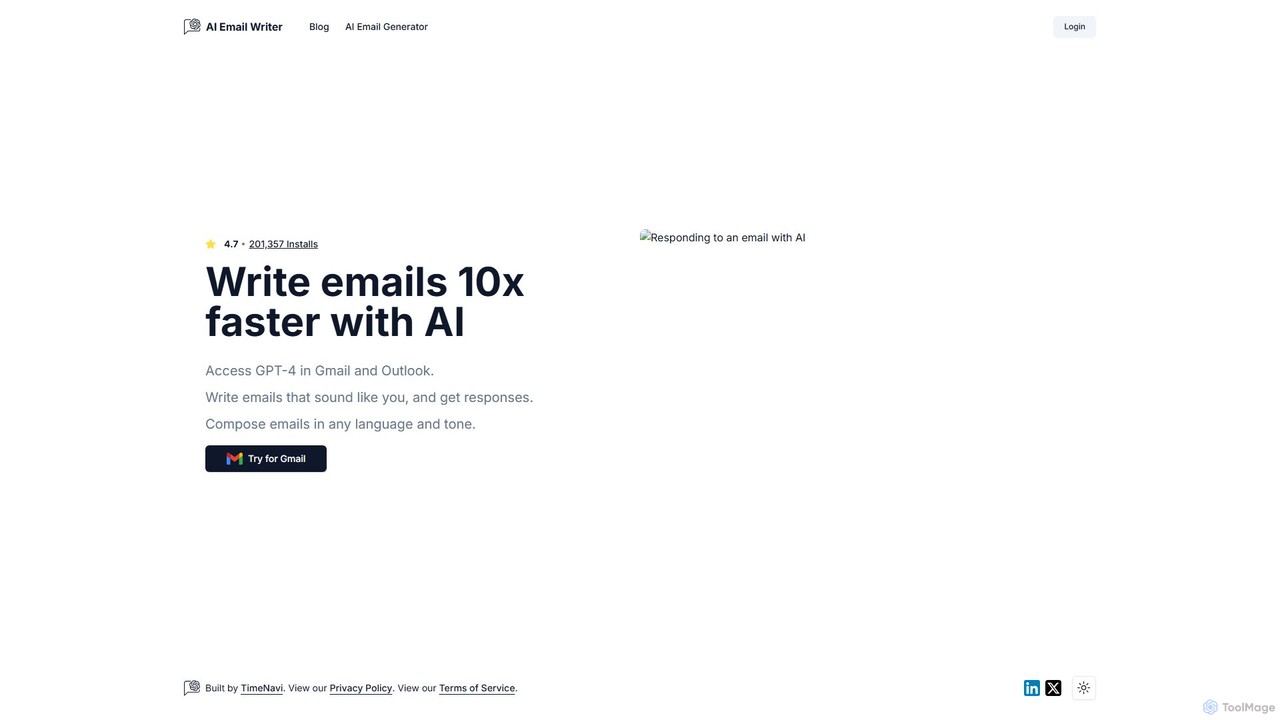
ReplyAI is an AI-powered email writer that integrates with Gmail and Outlook to help you write emails 10x faster. Powered by GPT-4, it generates high-quality drafts, suggests contextual replies, and adapts to your personal writing style. Compose professional emails in multiple languages and tones, saving time and improving communication efficiency for sales, customer support, and daily correspondence.
Email Marketing
EmailGPT
EmailGPT is an AI-powered email assistant designed to streamline your communication. It helps you draft professional emails, generate intelligent replies, summarize long threads, and adjust the tone of your messages instantly. Boost your productivity and write better emails faster with EmailGPT.
Email Marketing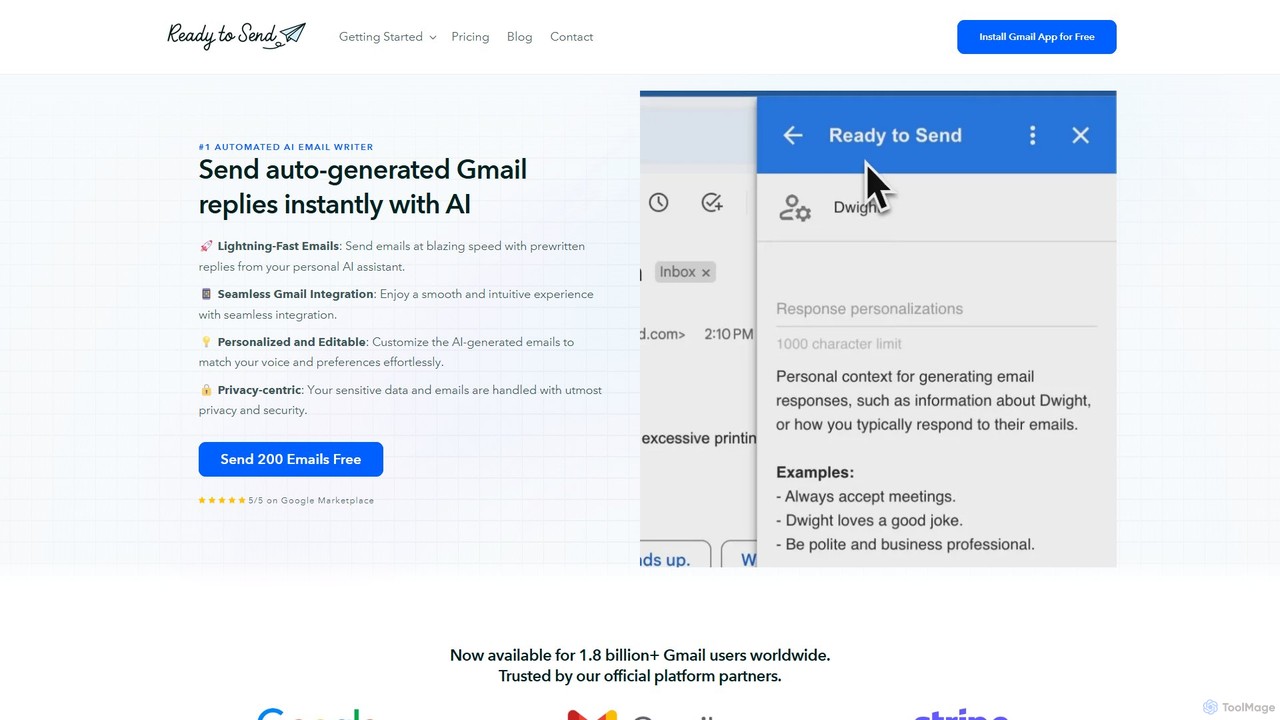
getreadytosend
getreadytosend is an AI-powered Gmail assistant that automatically generates personalized, context-aware email replies in your writing style. It helps you manage your inbox efficiently, save hours of time, and achieve Inbox Zero with ease by providing ready-to-send drafts for your review.
Response Automation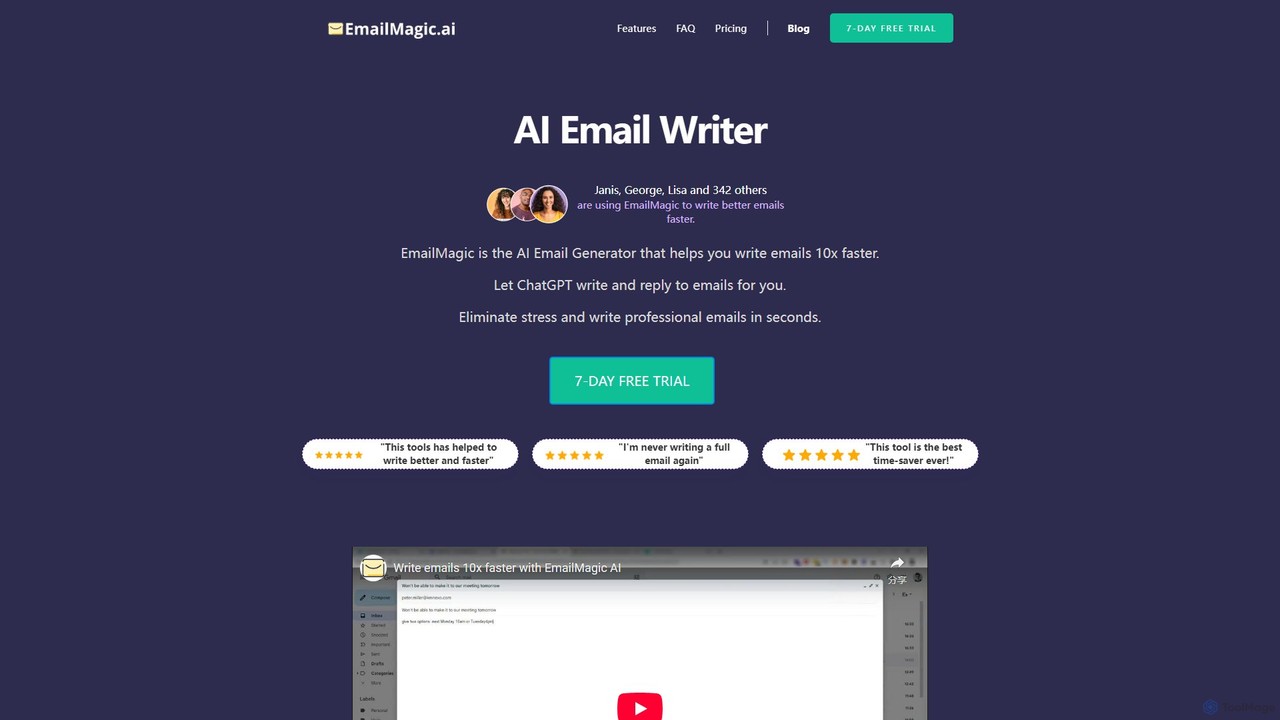
EmailMagic AI
EmailMagic AI is an intelligent email assistant for Gmail that uses AI to help you write emails faster, generate context-aware replies, and communicate in any language. It learns your writing style to create personalized, authentic emails, significantly boosting your productivity.
Email Marketing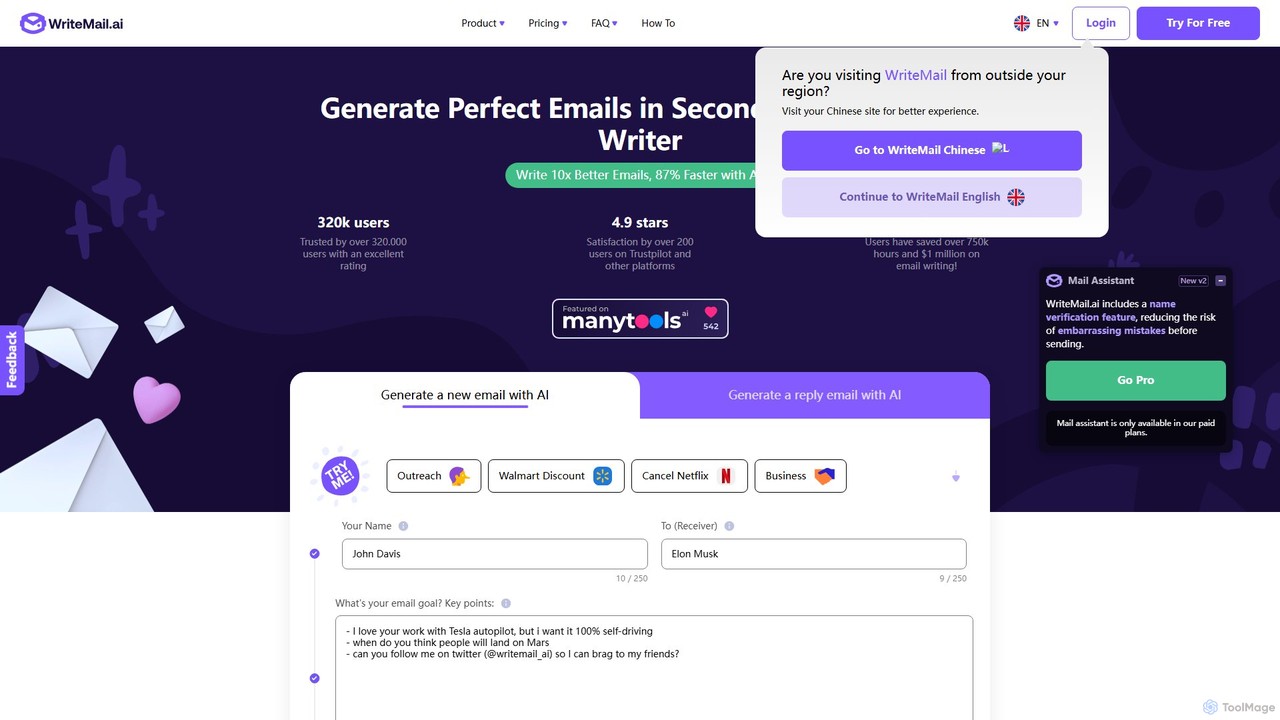
WriteMail.ai
WriteMail.ai is an AI-powered email assistant designed to help you write better emails 10x faster. It generates new emails and replies, refines tone and style, and offers real-time suggestions to improve clarity. With multilingual support and upcoming Gmail integration, it's the perfect tool for both business and personal communication, saving you time and boosting productivity.
Email MarketingMailBuddy Categories
MailBuddy Embed Widget
Copy this embed code to place the badge on your blog, article, or product site and send readers directly to this ToolMage detail page.

Related AI tools
ReplyAI
ReplyAI is an AI-powered email writer that integrates with Gmail and Outlook to help you write emails 10x faster. Powered by GPT-4, it generates high-quality drafts, suggests contextual replies, and adapts to your personal writing style. Compose professional emails in multiple languages and tones, saving time and improving communication efficiency for sales, customer support, and daily correspondence.
Email MarketingEmailGPT
EmailGPT is an AI-powered email assistant designed to streamline your communication. It helps you draft professional emails, generate intelligent replies, summarize long threads, and adjust the tone of your messages instantly. Boost your productivity and write better emails faster with EmailGPT.
Email Marketing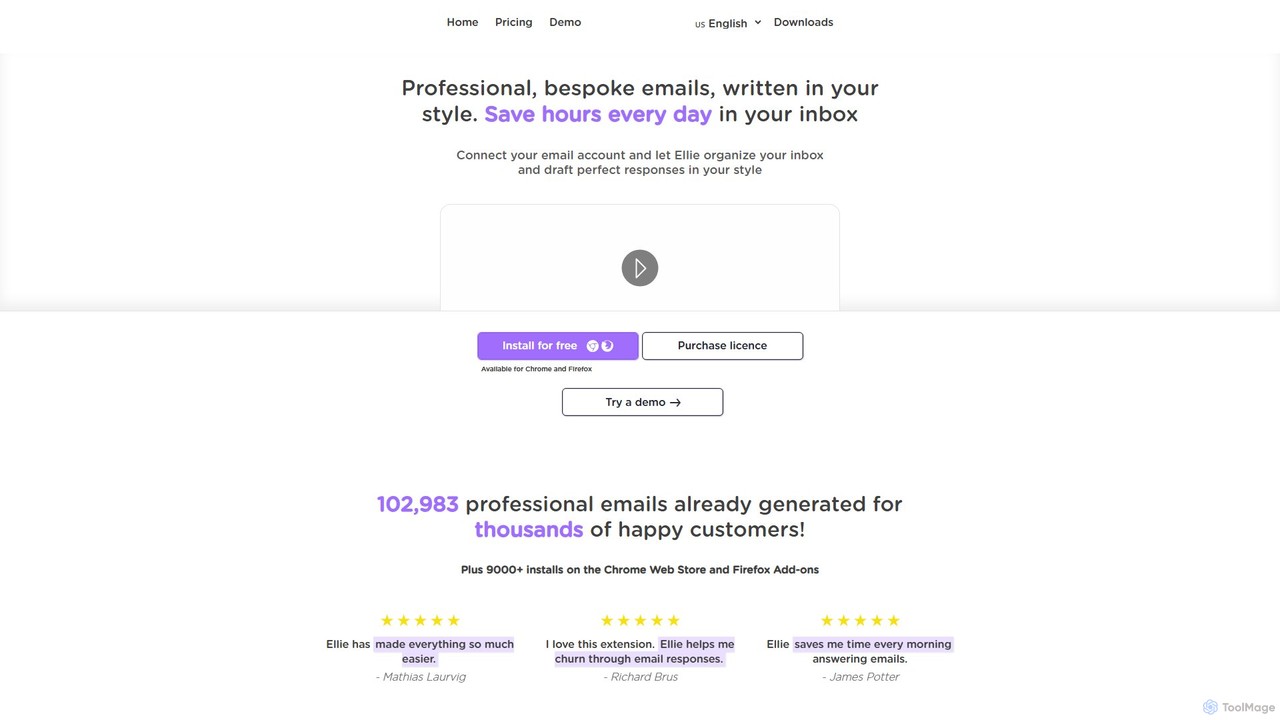
Ellie
Ellie is an AI-powered email assistant that saves you hours every day. It learns from your writing style to draft intelligent, personalized, and context-aware replies directly in your inbox. Supporting multiple languages and integrating with Gmail and Outlook, Ellie helps you manage email overload, overcome reply anxiety, and boost your productivity.
Emailgetreadytosend
getreadytosend is an AI-powered Gmail assistant that automatically generates personalized, context-aware email replies in your writing style. It helps you manage your inbox efficiently, save hours of time, and achieve Inbox Zero with ease by providing ready-to-send drafts for your review.
Response AutomationEmailMagic AI
EmailMagic AI is an intelligent email assistant for Gmail that uses AI to help you write emails faster, generate context-aware replies, and communicate in any language. It learns your writing style to create personalized, authentic emails, significantly boosting your productivity.
Email Marketing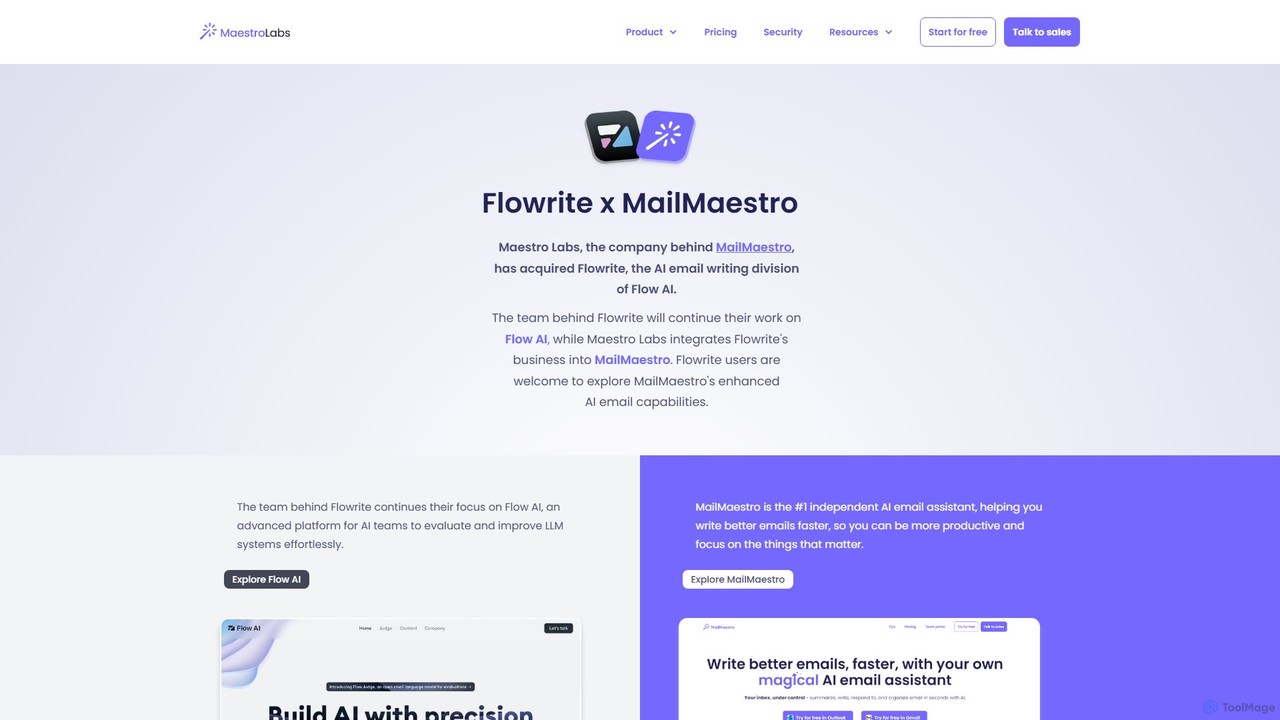
Flowrite
Flowrite is a powerful AI email writing assistant, now integrated into MailMaestro. It helps users write, reply to, summarize, and manage emails significantly faster. By generating high-quality, context-aware text, Flowrite boosts productivity, improves communication quality, and helps you achieve inbox zero with ease. It supports multiple languages and integrates directly into your existing email workflow.
Email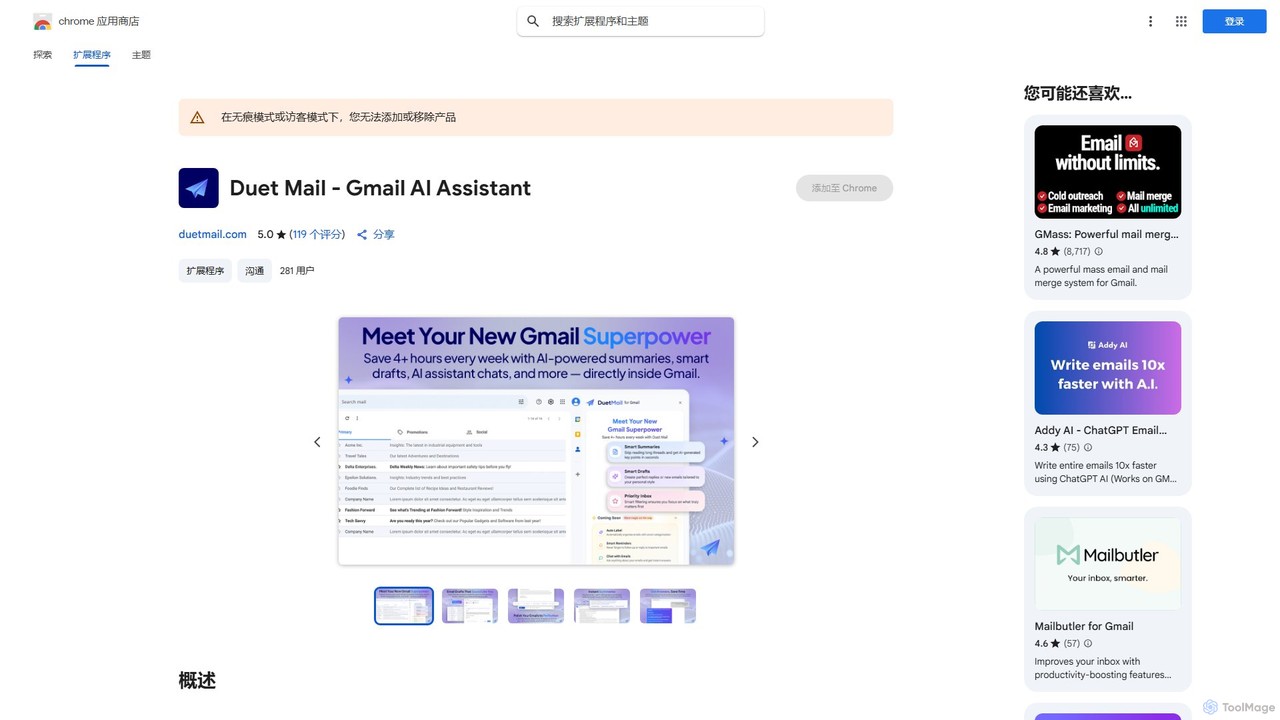
Duet Mail
Duet Mail is an AI-powered Gmail assistant that supercharges your inbox. It helps you draft emails in your personal style, provides instant summaries of long threads, sets smart follow-up reminders, and categorizes important messages. Save hours each week and reclaim control over your email.
Chrome Extensions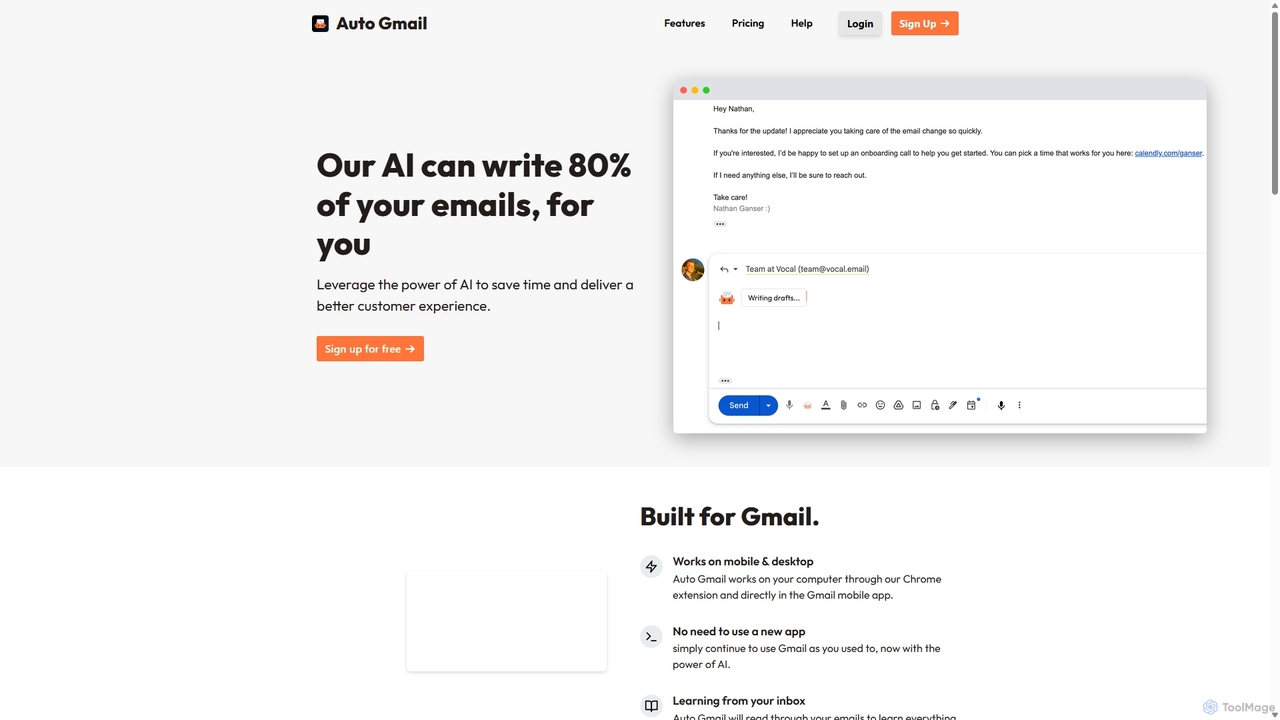
Auto Gmail
Auto Gmail is an AI-powered assistant for Gmail that learns your writing style to automatically draft email replies. It integrates seamlessly into your inbox via a Chrome extension, aiming to write 80% of your emails, saving you time and enhancing customer communication.
Email Management
Letty
Letty is an AI-powered Chrome extension for Gmail that helps you write professional emails and replies in seconds. It learns your writing style and can be trained on your own data (documents, websites) to provide highly personalized, context-aware suggestions, saving you hours in your inbox.
Email Assistant
Chatgpt Services
Chatgpt Services offers a suite of AI-powered Gmail add-ons, including AI Mail Assistant and AI Label Assistant. Powered by GPT-4o, it boosts your email productivity by generating smart responses, summarizing threads, translating messages in 13 languages, improving grammar, and automating email labeling and organization. Streamline your workflow and enhance communication directly within Gmail.
Translation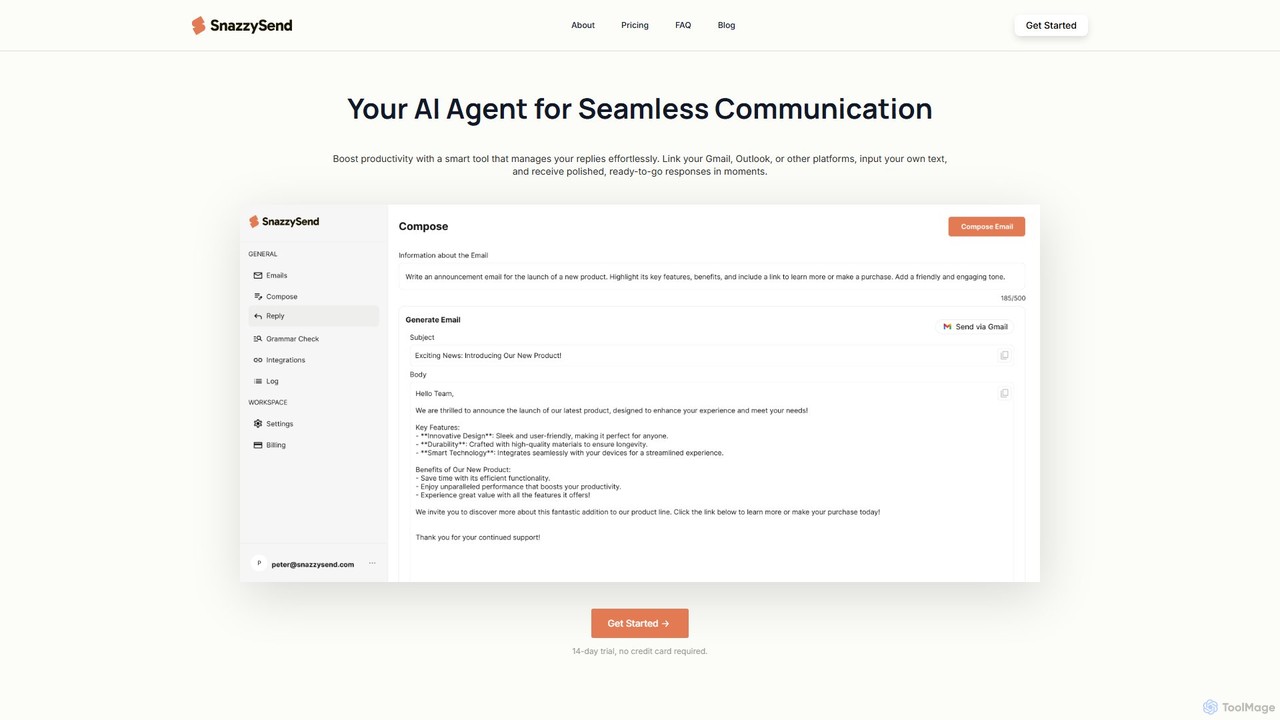
snazzysend
snazzysend is an AI-powered communication assistant designed to streamline your email workflow. It connects with Gmail and Outlook to help you craft polished, human-like replies instantly. By providing simple prompts, you can generate tailored responses, manage communications from a single app, and significantly boost your productivity.
Automation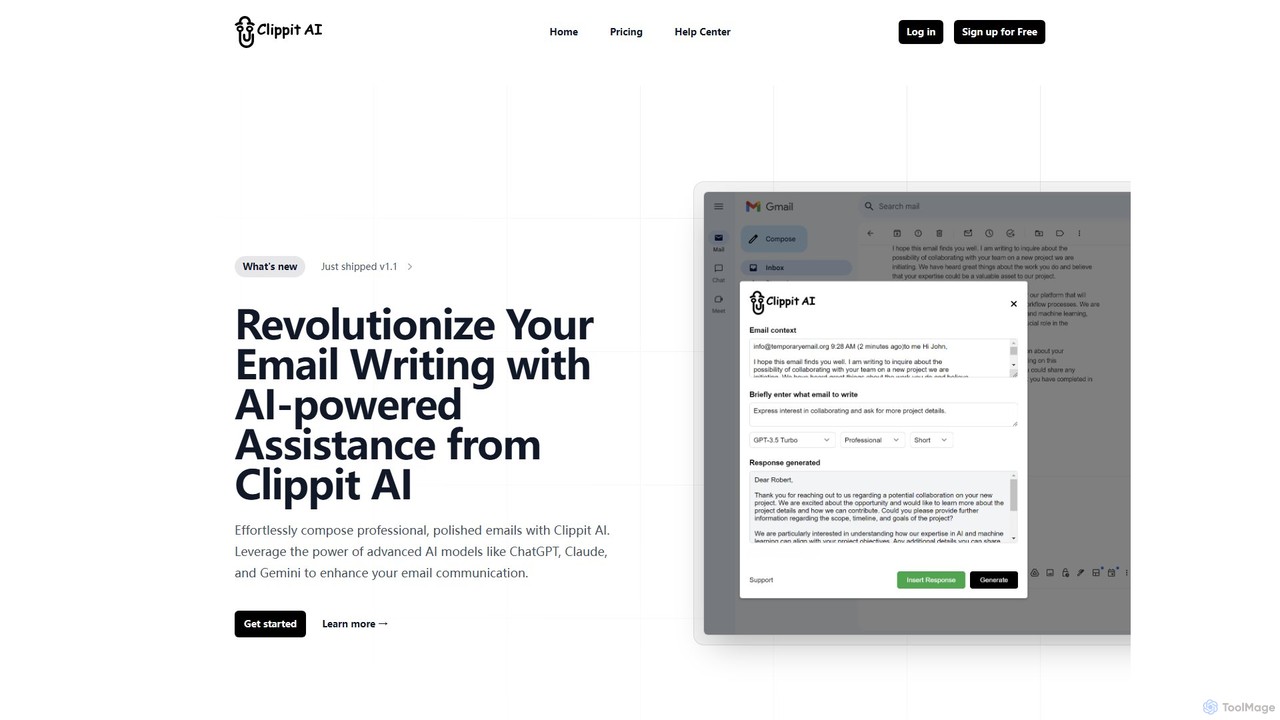
Clippit AI
Clippit AI is a powerful browser extension that revolutionizes your email writing. By leveraging advanced AI models like ChatGPT, Claude, and Gemini, it helps you effortlessly compose professional, polished, and context-aware emails directly within your workflow. From drafting replies to refining your tone, Clippit AI enhances your productivity and communication quality, saving you valuable time.
Sales
Replix
Replix is an AI-powered browser extension that generates content directly within text boxes on your favorite websites. It streamlines your workflow by creating context-aware replies for emails and social media, customizing tone, and integrating seamlessly with platforms like Gmail, LinkedIn, and Twitter. Eliminate copy-pasting and boost your productivity.
Assistants
ChatGPT Email
ChatGPT Email is an AI-powered browser extension for Chrome that integrates with Gmail and WhatsApp. It leverages models like GPT-4, Claude, and Gemini to help you instantly write, refine, translate, and improve your emails and messages. Adjust the tone, overcome language barriers, and save significant time on daily communications, all without leaving your current tab.
ChromeWriteMail.ai
WriteMail.ai is an AI-powered email assistant designed to help you write better emails 10x faster. It generates new emails and replies, refines tone and style, and offers real-time suggestions to improve clarity. With multilingual support and upcoming Gmail integration, it's the perfect tool for both business and personal communication, saving you time and boosting productivity.
Email Marketing
MailBuddy Comments (0)
Sign in to comment.
Sign inNo comments yet.