

Hiwriter Overview
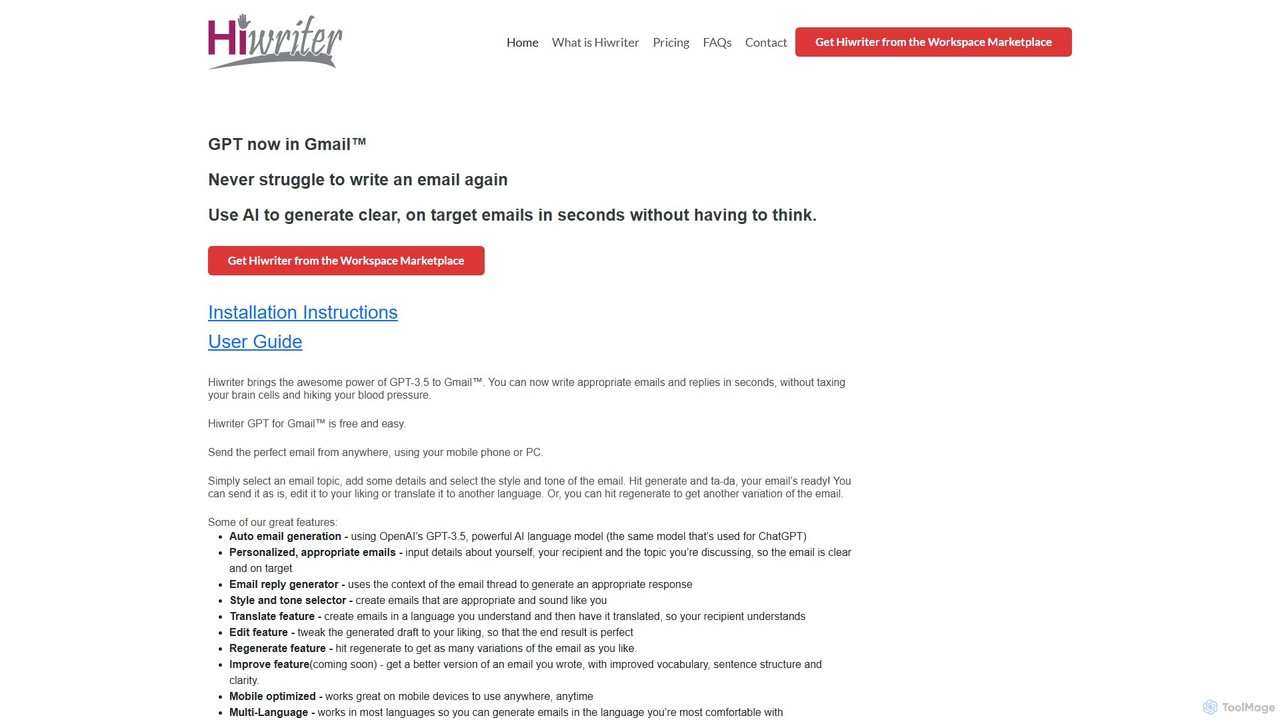
Hiwriter is an innovative AI assistant designed to revolutionize your email communication directly within Gmail. Powered by OpenAI's advanced GPT-3.5 model, the same technology behind ChatGPT, Hiwriter eliminates the stress and time consumption associated with writing emails. Whether you're composing a new message from scratch or replying to a complex thread, this tool allows you to generate well-crafted, on-target emails in just a few clicks. It's built for both professional and personal use, ensuring your communication is always clear, appropriate, and effective, regardless of the context or language.
How to use Hiwriter
Hiwriter is designed for intuitive use across platforms. Here’s how to get started:
On Desktop:
- Composing a New Email: In the Gmail compose window, simply click the [Hi] logo in the toolbar to open the Hiwriter interface. If you don't see the logo, try expanding the compose window.
- Replying to an Email: With the message you want to reply to open, click the [Hi] logo in the right-hand sidebar. Important: Do this *before* clicking Gmail's native 'Reply' button. Hiwriter will automatically create the reply draft for you.
- Generating and Using the Draft: Once the Hiwriter window is open, select your desired topic, add key details, and choose a style and tone. Click “Generate Draft”. You can edit the text, regenerate for a new version, or click “Use Draft” to insert it directly into your email.
On Mobile:
- Composing a New Email: From the compose screen in the Gmail mobile app, tap the three-dot menu in the upper right corner to find and open the Hiwriter window.
- Replying to an Email: Scroll to the bottom of the message thread where you will find the [Hi] logo. Tapping it will open the Hiwriter interface to generate a reply.
Core Features of Hiwriter
- AI Email Generation: Automatically creates complete emails based on a few prompts, using the power of GPT-3.5.
- Contextual Reply Generator: Analyzes the context of an email thread to generate relevant and appropriate responses.
- Style and Tone Selector: Customize the email's tone to be formal, casual, friendly, assertive, or anything in between, ensuring it sounds like you.
- Multi-Language Translation: Write an email in your native language and have Hiwriter translate it, breaking down language barriers with recipients.
- Editing & Regeneration: Easily tweak the AI-generated draft for perfection or hit 'Regenerate' to get a completely new variation of the email.
- Mobile Optimization: A fully functional experience within the Gmail mobile app, allowing you to write great emails on the go.
- Improve Feature (Coming Soon): An upcoming feature to enhance your own drafts by improving vocabulary, sentence structure, and overall clarity.
Use Cases for Hiwriter
Hiwriter is a versatile tool suitable for a wide range of scenarios:
- Business Professionals: Quickly draft formal proposals, follow-up emails, and client communications with a professional tone.
- Customer Support: Generate empathetic and clear responses to customer inquiries, improving response time and satisfaction.
- Job Seekers: Craft compelling cover letters, application follow-ups, and networking emails.
- Non-Native English Speakers: Write grammatically correct and natural-sounding emails in English or other languages with confidence.
- Personal Communication: Effortlessly write everything from event invitations to formal complaints or thank-you notes.
Advantages of Hiwriter
Using Hiwriter provides several key benefits:
- Massive Time Savings: Drastically reduces the time spent staring at a blank page, allowing you to focus on more important tasks.
- Improved Communication Quality: Ensures your emails are clear, concise, and free of errors, enhancing your professional image.
- Reduced Stress: Takes the mental load off of crafting the 'perfect' email, especially for difficult or sensitive topics.
- Consistency: Helps maintain a consistent tone and style across all your communications.
- Accessibility: Free to use and available wherever you access Gmail, on both desktop and mobile.
Pricing and Plans
Hiwriter is currently available for free. As stated on their website, "Hiwriter GPT for Gmail™ is free and easy." This makes it an accessible tool for all users looking to enhance their email productivity without any initial investment. Future updates may introduce premium features or different pricing tiers, but the core functionality is offered at no cost.
Hiwriter Alternatives
Duet Mail
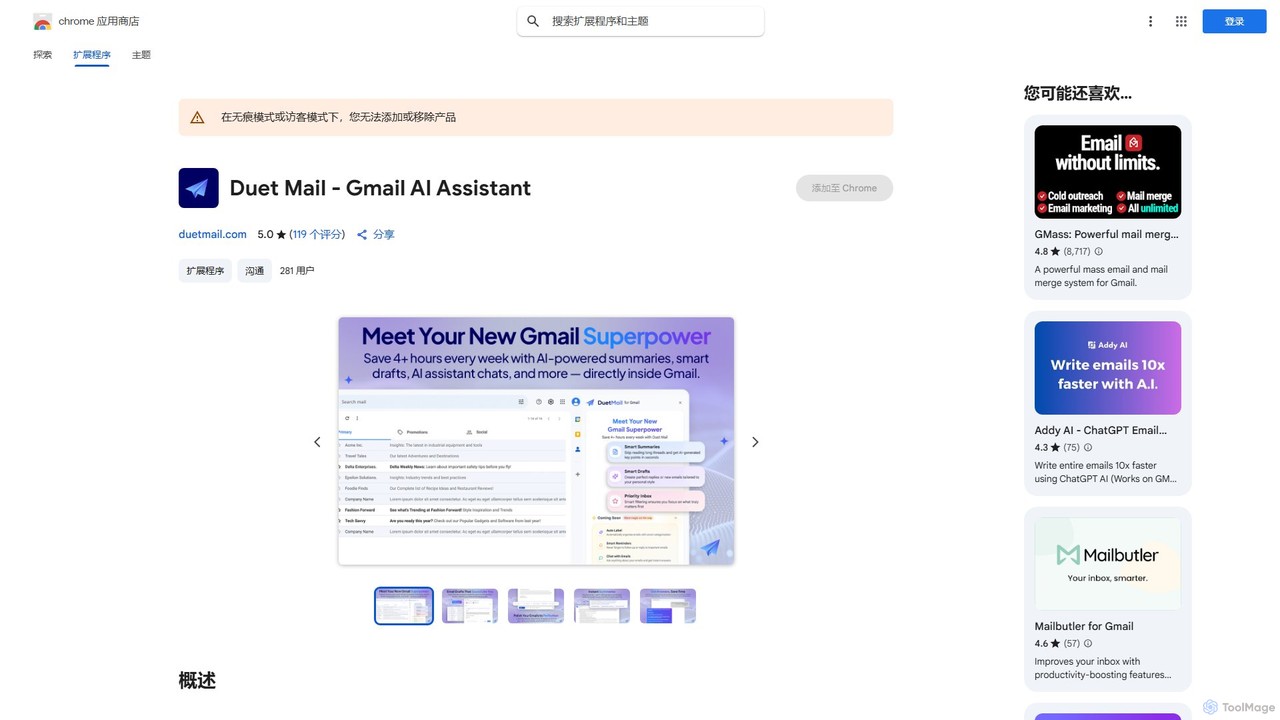
Duet Mail is an AI-powered Gmail assistant that supercharges your inbox. It helps you draft emails in your personal style, provides instant summaries of long threads, sets smart follow-up reminders, and categorizes important messages. Save hours each week and reclaim control over your email.
Chrome Extensions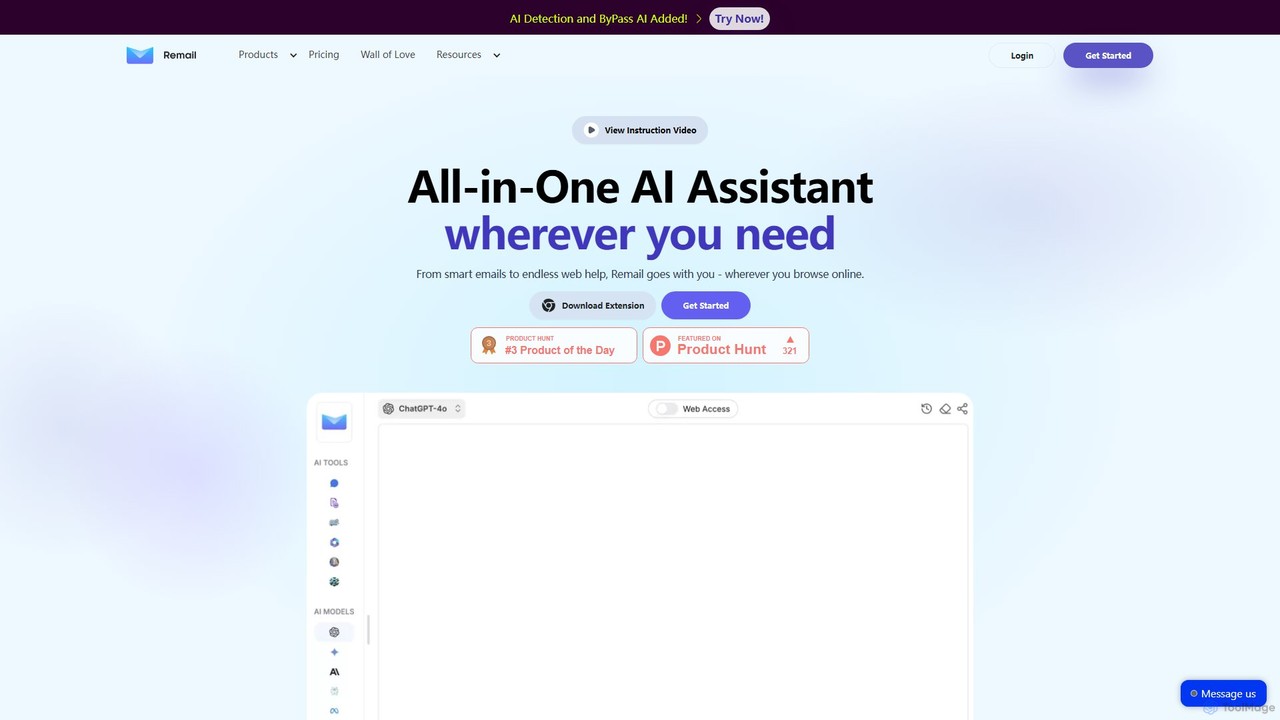
Remail
Remail is an all-in-one AI assistant and Chrome extension designed to boost productivity. It helps you write and reply to emails 10x faster, summarize web pages, chat with documents and YouTube videos, generate content, and much more, directly within your browser.
Chrome Extensions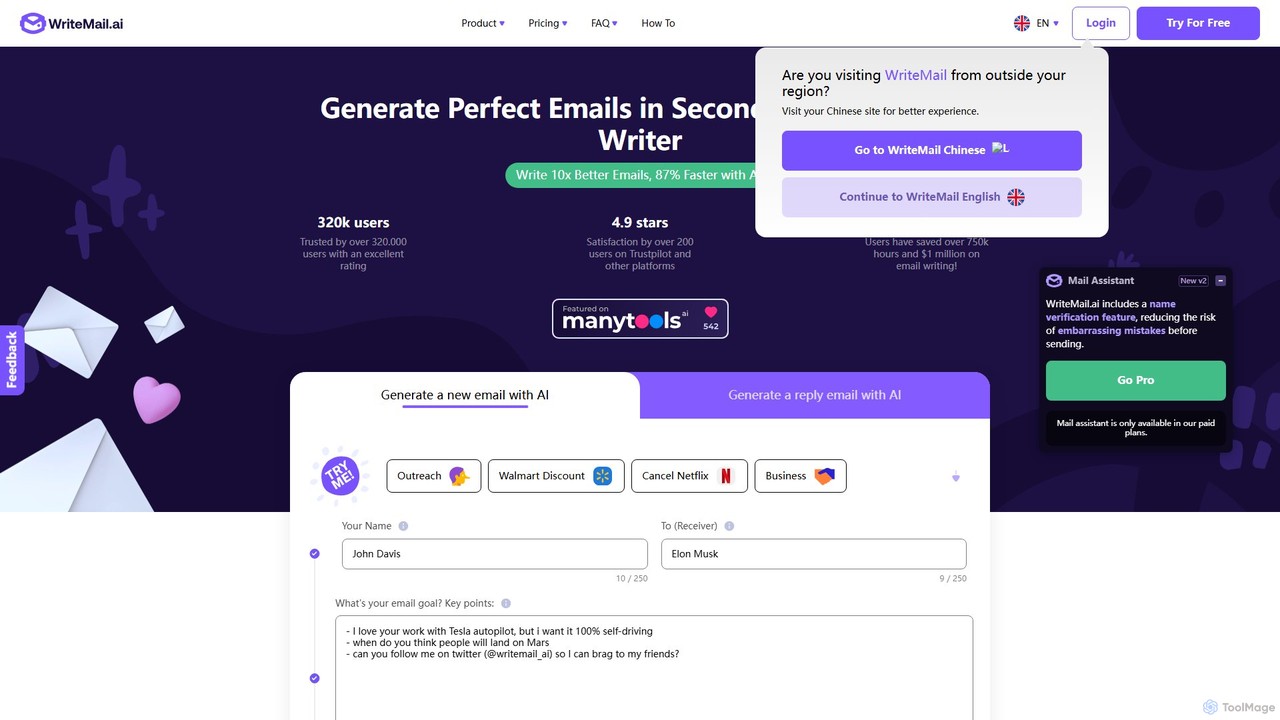
WriteMail.ai
WriteMail.ai is an AI-powered email assistant designed to help you write better emails 10x faster. It generates new emails and replies, refines tone and style, and offers real-time suggestions to improve clarity. With multilingual support and upcoming Gmail integration, it's the perfect tool for both business and personal communication, saving you time and boosting productivity.
Email Marketing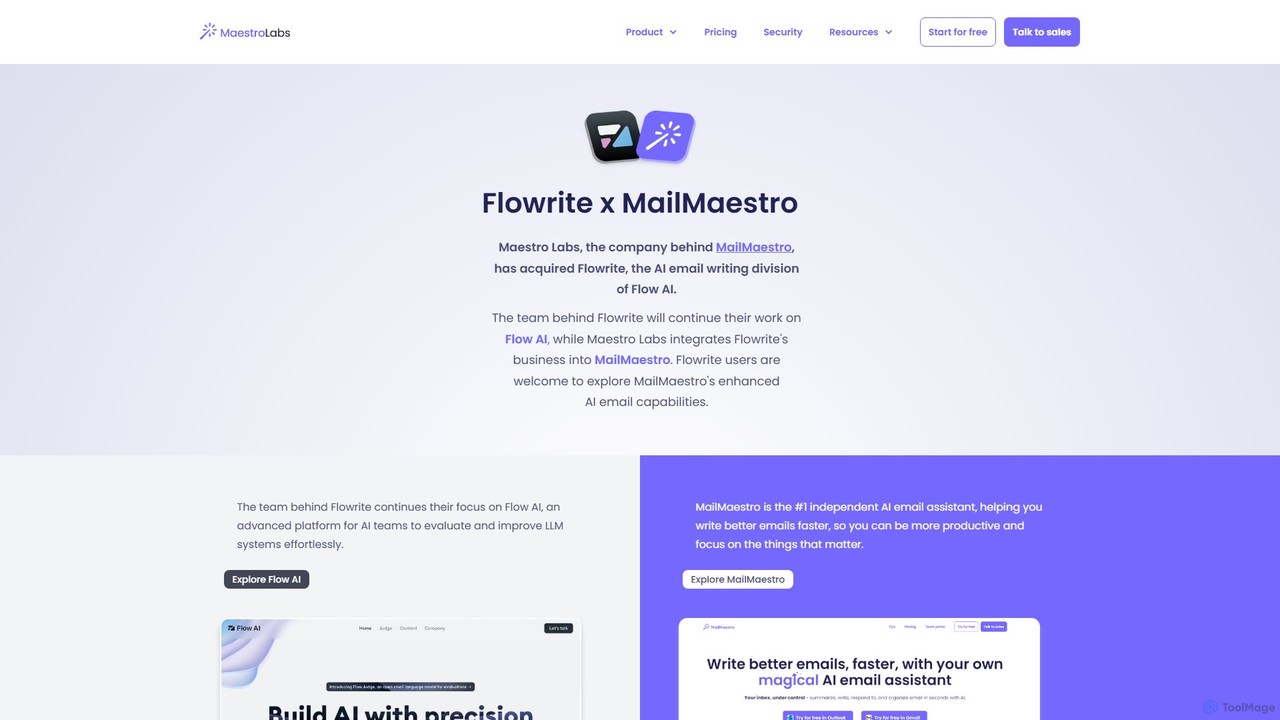
Flowrite
Flowrite is a powerful AI email writing assistant, now integrated into MailMaestro. It helps users write, reply to, summarize, and manage emails significantly faster. By generating high-quality, context-aware text, Flowrite boosts productivity, improves communication quality, and helps you achieve inbox zero with ease. It supports multiple languages and integrates directly into your existing email workflow.
Email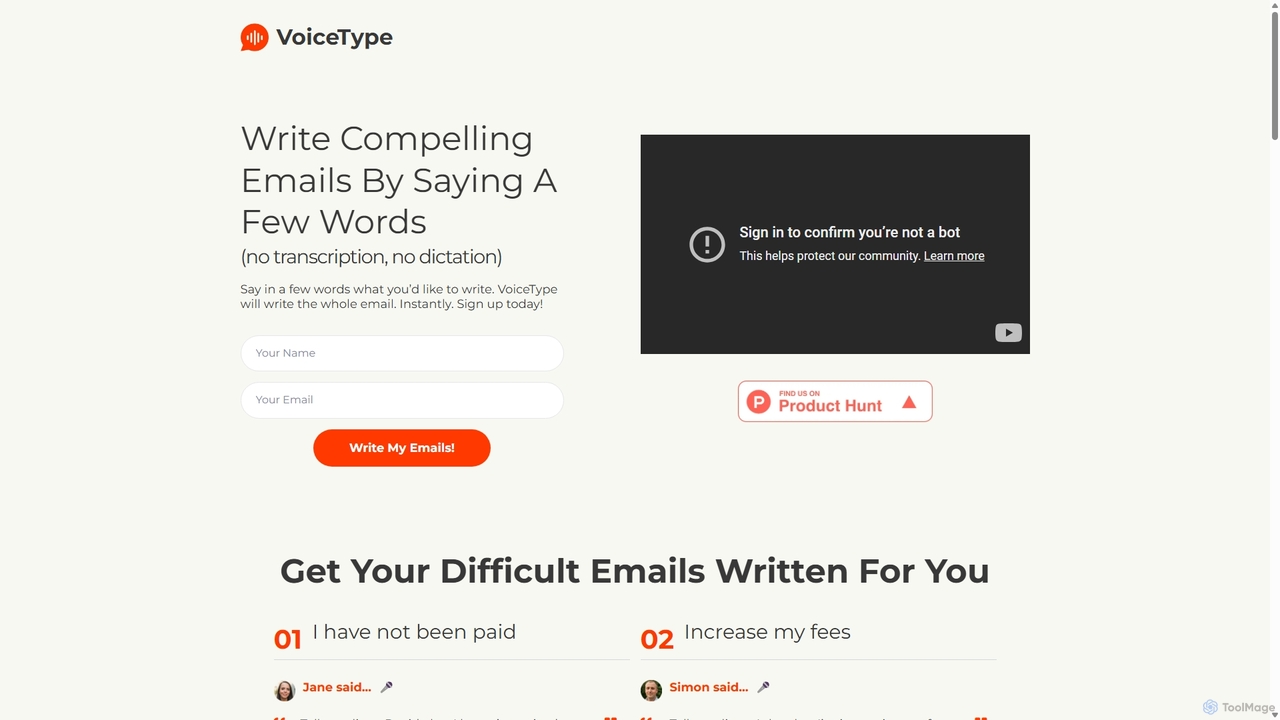
VoiceType
VoiceType is an AI-powered Chrome extension for Gmail that transforms short voice prompts into fully composed, professional emails. Instead of dictation, you simply explain the intent of your message, and VoiceType drafts a polished, grammatically correct email instantly. It's designed to save time, improve communication quality, and assist users with writing difficulties like dyslexia.
Assistive TechnologyHiwriter Categories
Hiwriter Embed Widget
Copy this embed code to place the badge on your blog, article, or product site and send readers directly to this ToolMage detail page.

Related AI tools
WriteMail.ai
WriteMail.ai is an AI-powered email assistant designed to help you write better emails 10x faster. It generates new emails and replies, refines tone and style, and offers real-time suggestions to improve clarity. With multilingual support and upcoming Gmail integration, it's the perfect tool for both business and personal communication, saving you time and boosting productivity.
Email MarketingFlowrite
Flowrite is a powerful AI email writing assistant, now integrated into MailMaestro. It helps users write, reply to, summarize, and manage emails significantly faster. By generating high-quality, context-aware text, Flowrite boosts productivity, improves communication quality, and helps you achieve inbox zero with ease. It supports multiple languages and integrates directly into your existing email workflow.
Email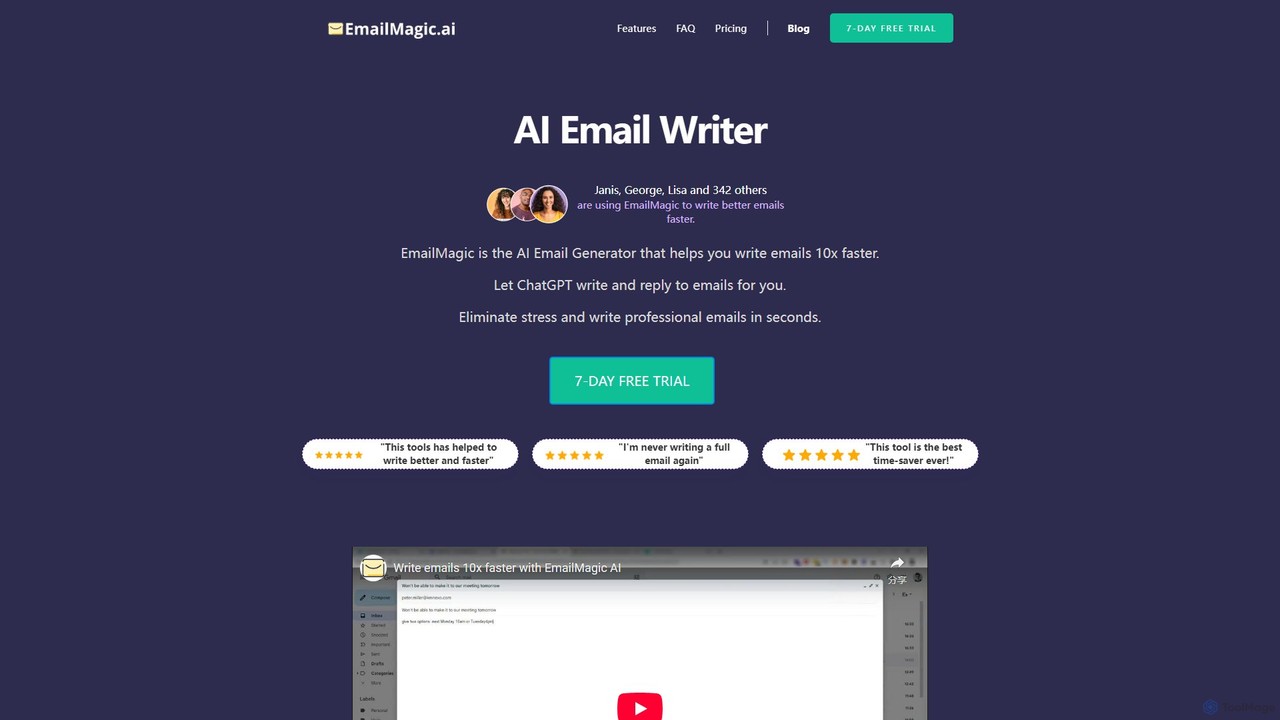
EmailMagic AI
EmailMagic AI is an intelligent email assistant for Gmail that uses AI to help you write emails faster, generate context-aware replies, and communicate in any language. It learns your writing style to create personalized, authentic emails, significantly boosting your productivity.
Email Marketing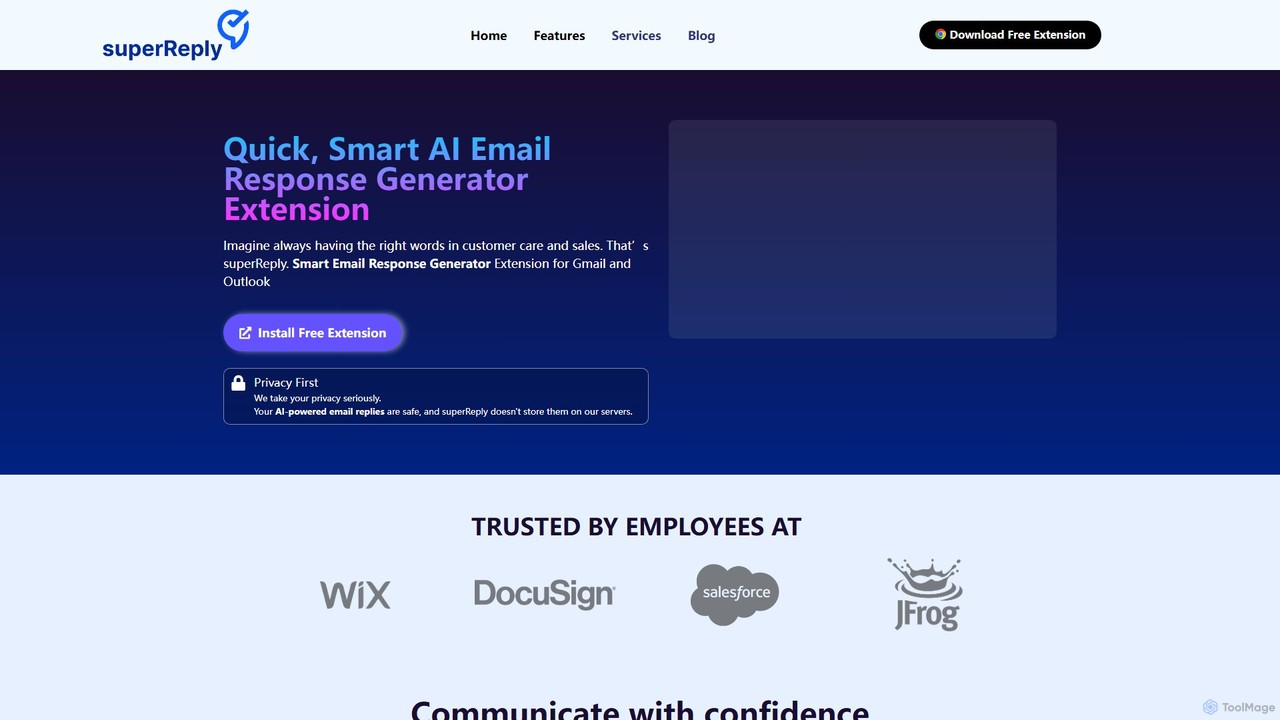
superReply
superReply is an AI-powered Chrome extension for Gmail and Outlook that instantly generates professional, context-aware email responses. It helps users in sales, customer support, and business communication save time, improve productivity, and always find the right words with adjustable tones.
Email Marketing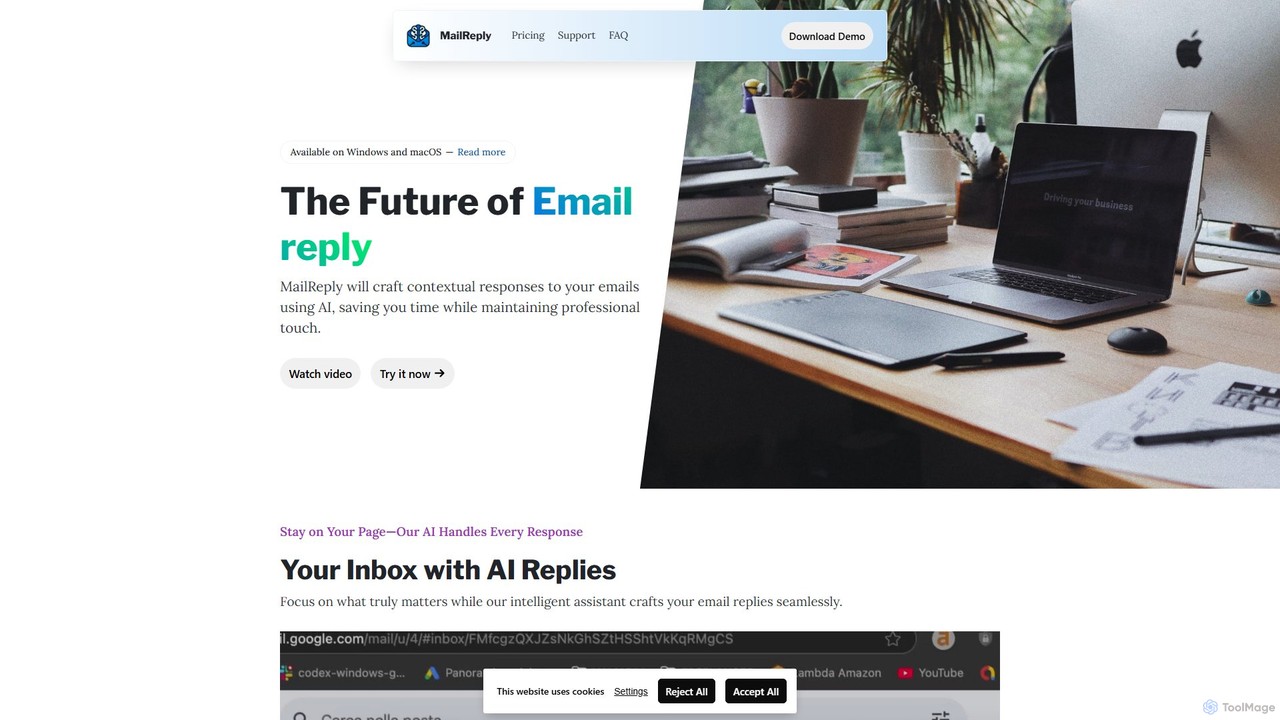
mailreply
mailreply is an independent AI email assistant designed for professionals. It helps you draft high-quality, context-aware email replies in seconds, maintaining a professional tone. It works with any email client, including Outlook and Gmail, while prioritizing user control and data privacy.
Writing AssistantDuet Mail
Duet Mail is an AI-powered Gmail assistant that supercharges your inbox. It helps you draft emails in your personal style, provides instant summaries of long threads, sets smart follow-up reminders, and categorizes important messages. Save hours each week and reclaim control over your email.
Chrome Extensions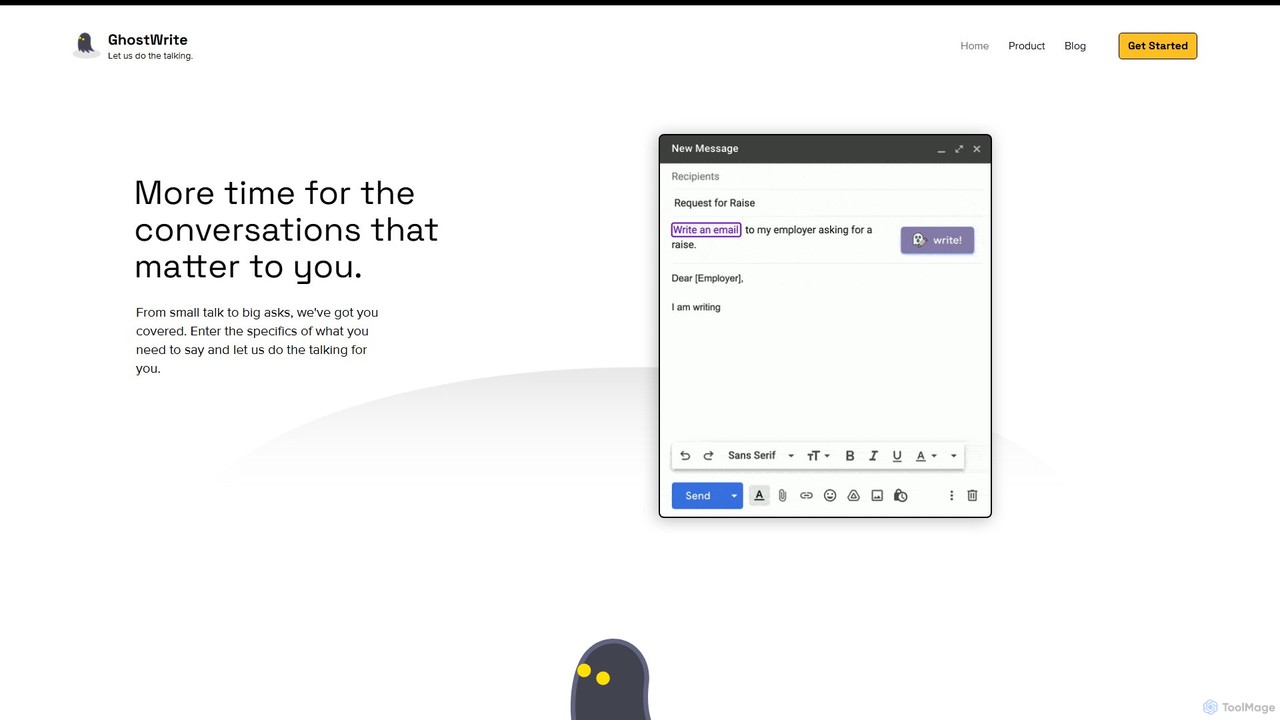
Ghostwrite
Ghostwrite is an AI-powered email writing assistant designed to save you time and enhance your communication. Simply provide a brief prompt, and its AI, "Inky," will draft professional, clear, and context-aware emails for you. It learns your writing style over time, helping you overcome writer's block, manage networking, and communicate with confidence. Ideal for professionals, students, and anyone tired of writing emails.
Sales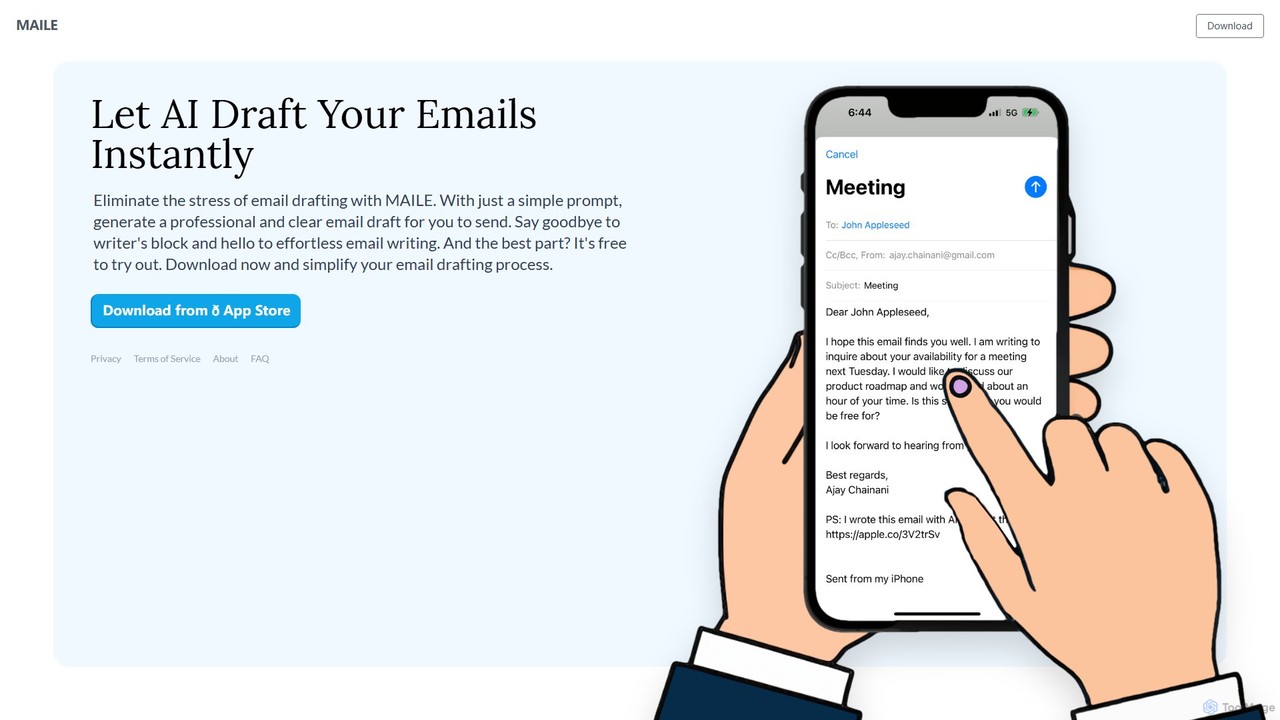
MAILE
MAILE is an AI-powered email writing assistant for iPhone that instantly drafts professional emails from simple prompts. It allows tone customization, integrates with Gmail and Apple Mail, and supports multiple languages. Ideal for professionals, busy individuals, and non-native English speakers to save time and enhance communication. Free to try.
Email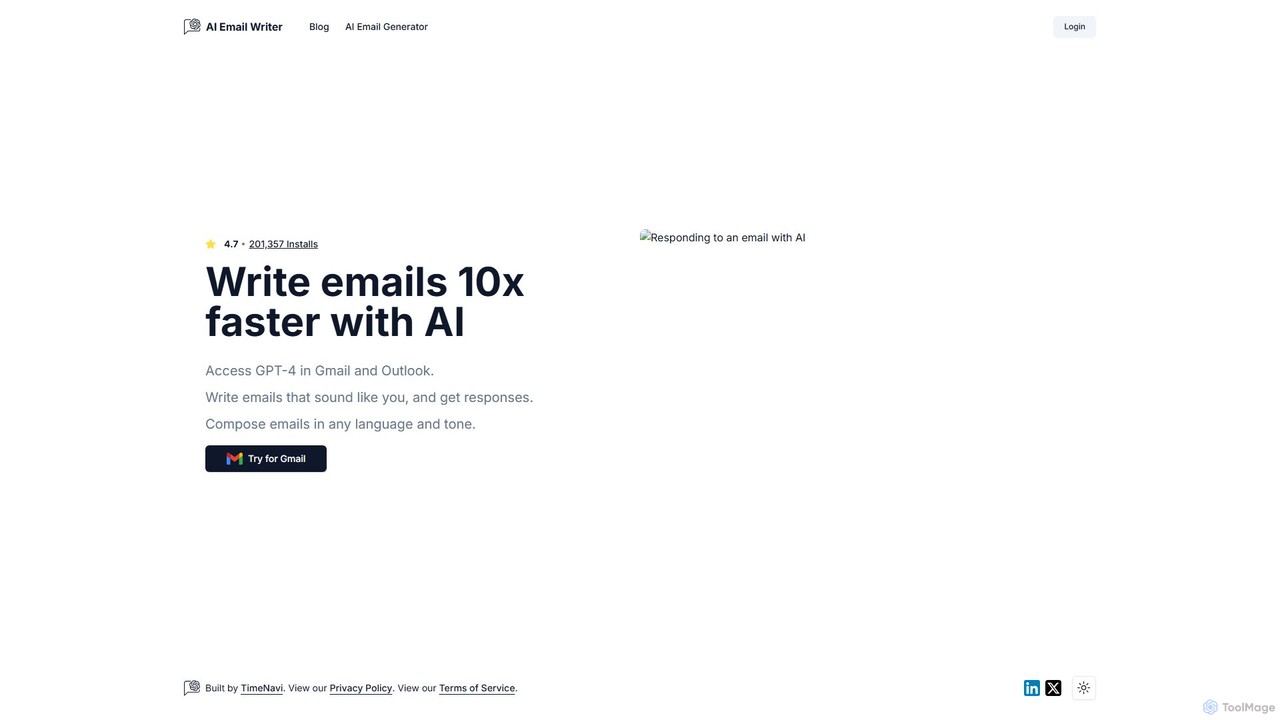
ReplyAI
ReplyAI is an AI-powered email writer that integrates with Gmail and Outlook to help you write emails 10x faster. Powered by GPT-4, it generates high-quality drafts, suggests contextual replies, and adapts to your personal writing style. Compose professional emails in multiple languages and tones, saving time and improving communication efficiency for sales, customer support, and daily correspondence.
Email Marketing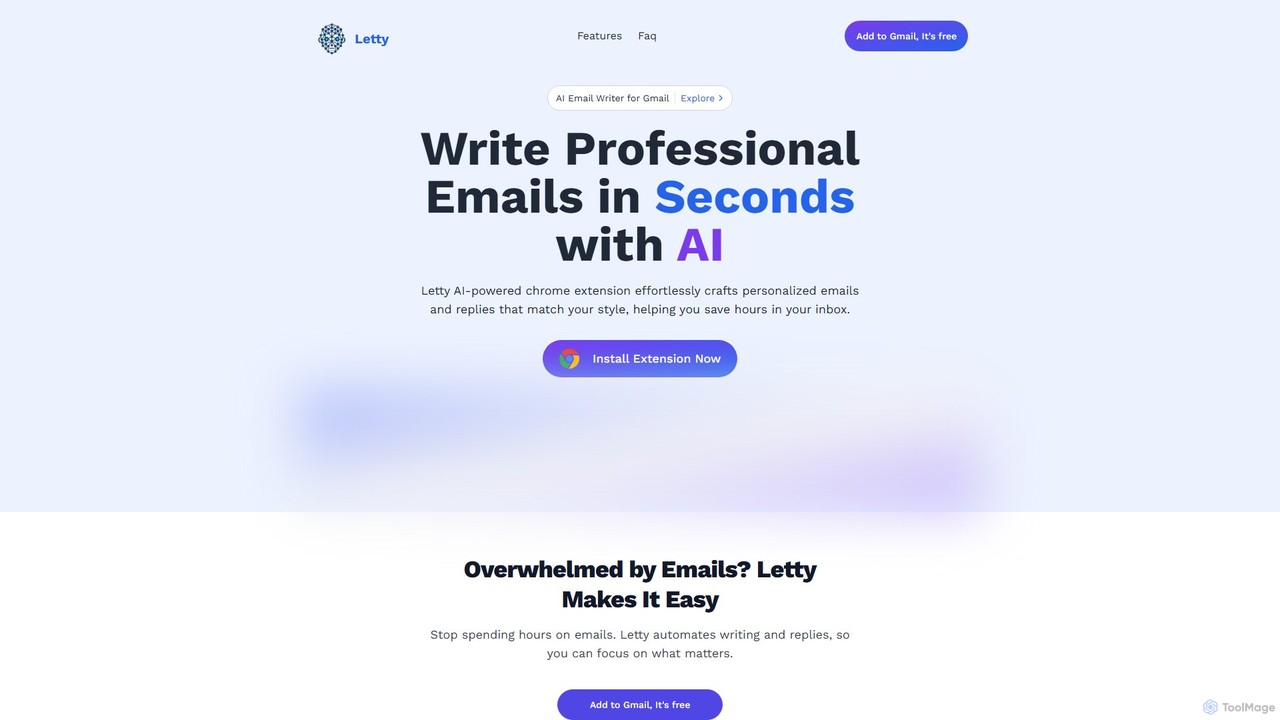
Letty
Letty is an AI-powered Chrome extension for Gmail that helps you write professional emails and replies in seconds. It learns your writing style and can be trained on your own data (documents, websites) to provide highly personalized, context-aware suggestions, saving you hours in your inbox.
Email Assistant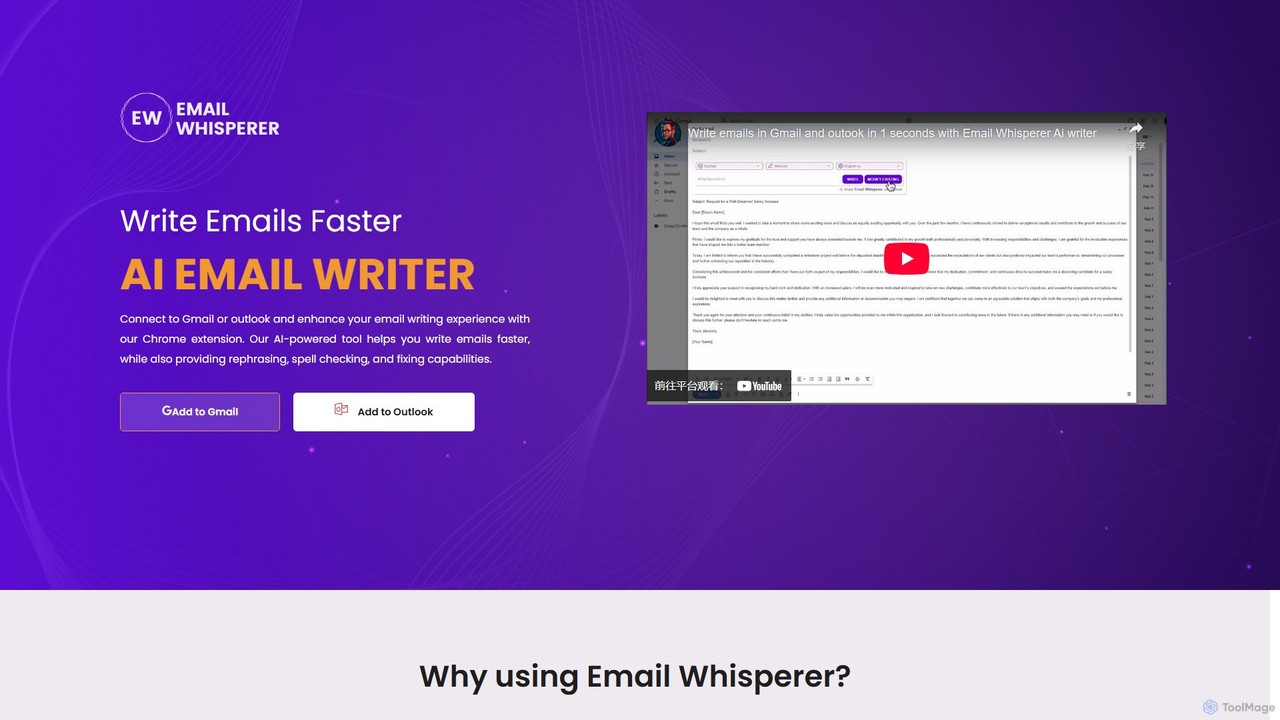
EmailWhisperer
EmailWhisperer is an AI-powered Chrome extension for Gmail and Outlook that helps you write emails faster. It offers features like rephrasing, spell-checking, tone adjustment, and AI training to personalize your communication and improve productivity.
Email Marketing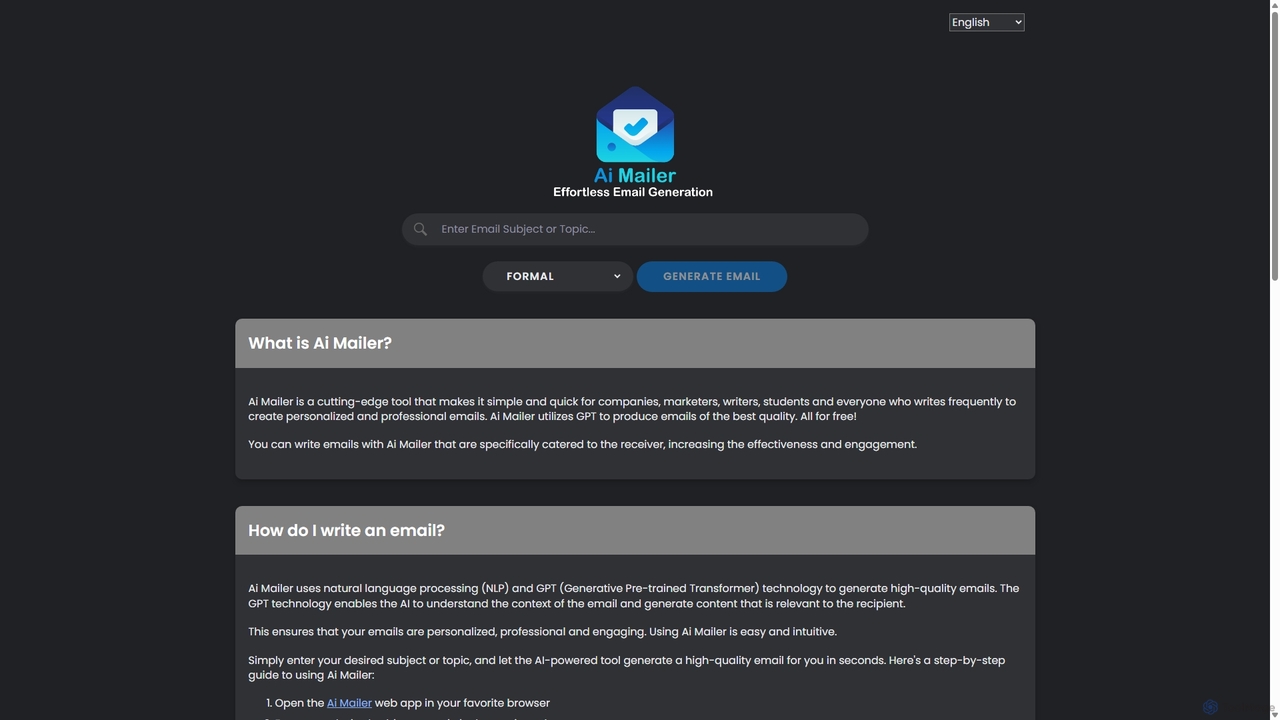
Ai Mailer
Ai Mailer is a free, AI-powered tool that leverages ChatGPT to effortlessly generate high-quality, professional emails. Simply provide a topic and select from various tones to create personalized, engaging content in seconds. Ideal for businesses, students, and anyone looking to save time and enhance their email communication.
Email Marketing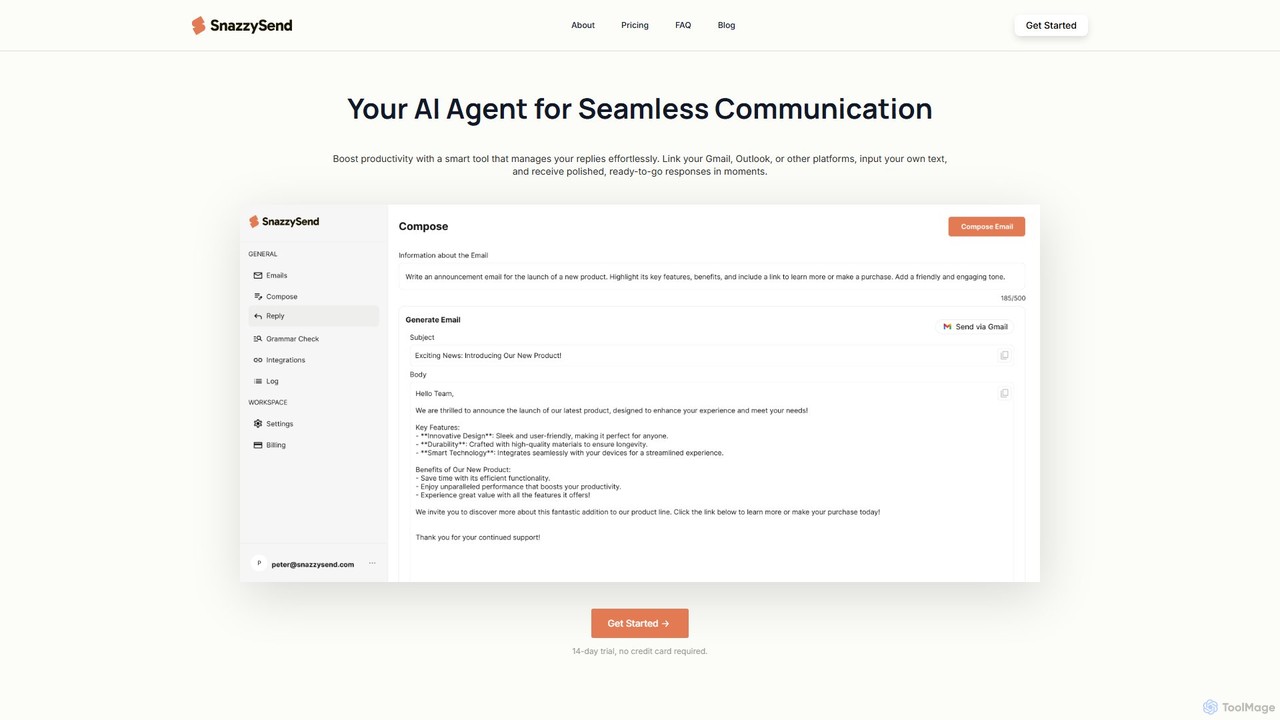
snazzysend
snazzysend is an AI-powered communication assistant designed to streamline your email workflow. It connects with Gmail and Outlook to help you craft polished, human-like replies instantly. By providing simple prompts, you can generate tailored responses, manage communications from a single app, and significantly boost your productivity.
Automation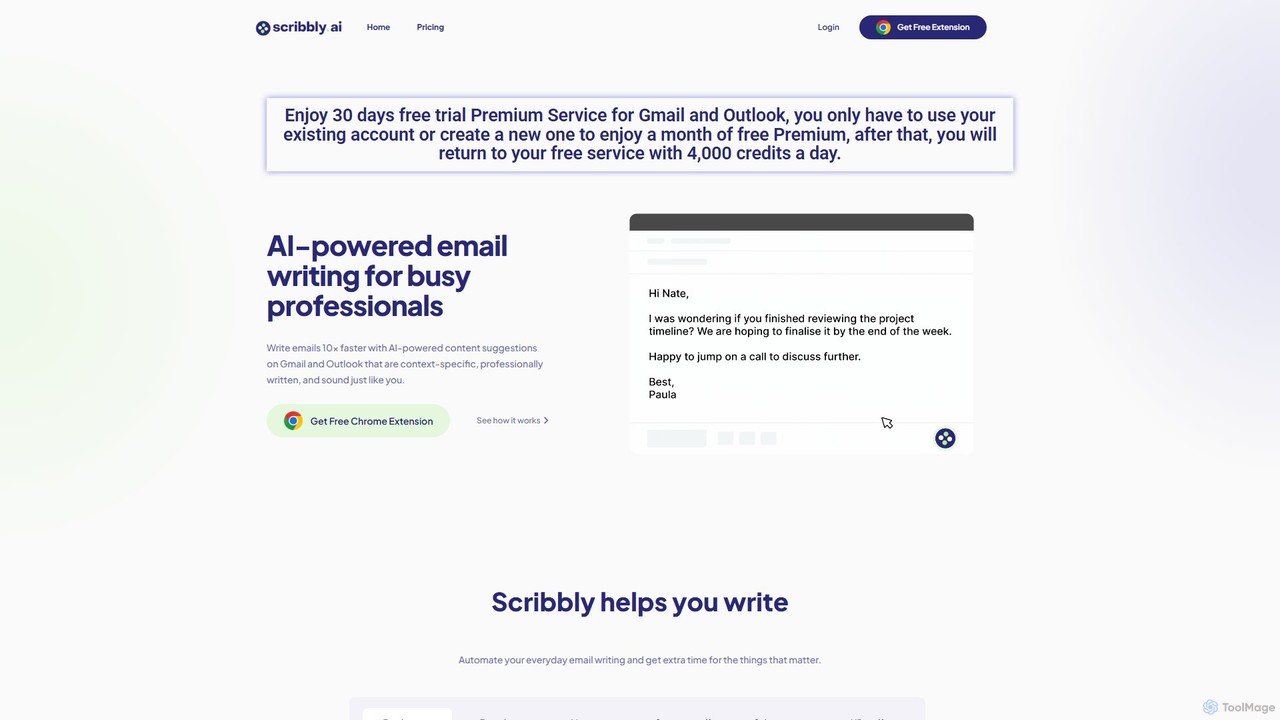
Scribbly
Scribbly is an AI-powered email writing assistant designed for busy professionals. It integrates with Gmail and Outlook via a Chrome extension, helping you write emails 10x faster. Get context-specific content suggestions, maintain a professional tone, and even mimic your personal writing style to streamline your communication and boost productivity.
Sales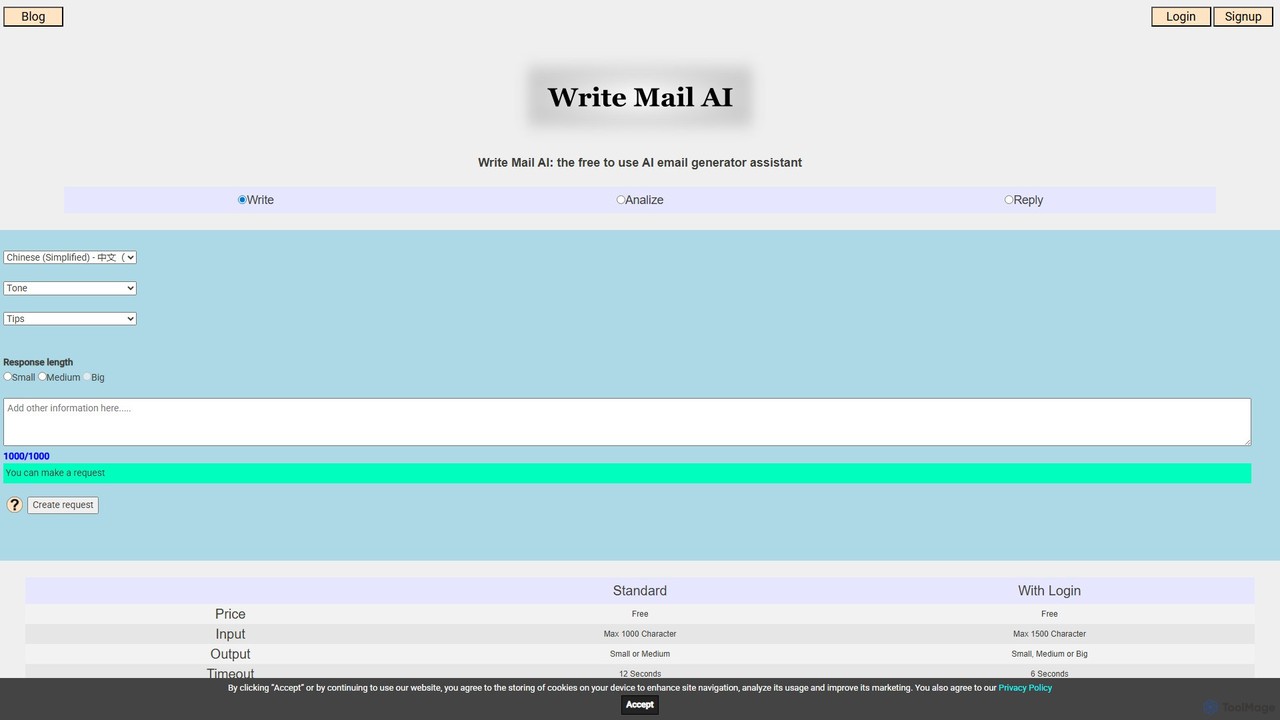
writemailai
writemailai is a free, comprehensive AI email assistant designed to boost your productivity. It helps you write, reply to, and analyze emails instantly. With features like tone adjustment, sentiment analysis, text summarization, and grammar correction, it streamlines your email workflow. Supporting a vast number of languages, it's the perfect tool for professionals, students, and anyone looking to improve their email communication.
Email
Hiwriter Comments (0)
Sign in to comment.
Sign inNo comments yet.