


MAILE Overview
MAILE is a revolutionary AI-powered email writing assistant designed specifically for iPhone users to eliminate the stress and time consumption of drafting professional emails. It serves as a personal assistant that transforms a few simple words or a brief prompt into a well-structured, clear, and professional email in seconds. Whether you're facing writer's block, struggling to find the right tone, or simply want to enhance your productivity, MAILE is the ultimate solution. The application is built to cater to a diverse audience, including busy professionals aiming to streamline their communication, individuals with packed schedules, and non-native English speakers seeking to express themselves flawlessly and confidently.
Powered by the advanced capabilities of OpenAI's ChatGPT 3.5, MAILE understands the nuances of language, context, and tone. This allows it to generate highly accurate and contextually appropriate email content. The app seamlessly integrates with popular email clients like Gmail and Apple Mail, but its versatility allows you to draft an email and simply copy-paste it into any other email client of your choice. MAILE is committed to making advanced technology accessible, offering a powerful tool without the hefty price tag often associated with similar applications.
How to use MAILE
Using MAILE is an incredibly straightforward and intuitive process designed for maximum efficiency. Here’s how you can generate a professional email in just a few steps:
- Provide a Prompt: Start by inputting a few key words or short phrases that describe the purpose and content of your email. For example, "email to client about project delay" or "follow up on job application".
- Set the Tone: Choose the desired formality and tone for your message. MAILE allows you to select from a range of options, from highly formal to casual, ensuring the email aligns perfectly with your communication style and the recipient.
- Generate the Draft: With your prompt and tone set, simply click the submit button. MAILE's AI engine will process your request and generate a complete, professional email draft within seconds.
- Review and Edit: While MAILE boasts exceptional accuracy, you always have full control. You can review the generated draft and make any necessary edits or fine-tune the wording to perfectly match your preferences before sending.
Core Features of MAILE
- Instant AI-Powered Drafting: Generates complete email drafts from simple prompts, instantly overcoming writer's block and saving significant time.
- Tone Customization: Empowers users to select the appropriate tone for any situation, whether it's formal, casual, persuasive, or apologetic, ensuring the message is conveyed effectively.
- Seamless Integration: Directly connects with Gmail and Apple Mail for a streamlined workflow. Users can also easily copy and paste drafts into any other email client.
- Advanced AI Engine: Leverages the power of ChatGPT 3.5 to understand language nuances, context, and cultural differences, resulting in high-quality, accurate email content.
- Multilingual Support: Breaks down language barriers by supporting all languages covered by ChatGPT 3.5, making it a global tool for effective communication.
- Grammar and Wording Assistance: Acts as an excellent resource for non-native English speakers by not only assisting with grammar but also correcting tone and wording for flawless communication.
Use Cases for MAILE
MAILE is a versatile tool that benefits a wide range of users:
- Professionals: Salespeople, managers, and executives can use MAILE to quickly draft impactful introduction emails, follow-ups, client communications, and internal memos, ensuring every message is professional and on-point.
- Busy Individuals: For anyone juggling a packed schedule, MAILE streamlines the daily task of managing emails, freeing up valuable time to focus on more critical tasks.
- Non-Native English Speakers: MAILE is an invaluable aid for those looking to communicate effectively in English. It helps craft grammatically correct and tonally appropriate emails, boosting confidence and clarity.
- Job Seekers: Craft compelling cover letters, follow-up emails, and networking messages that leave a lasting positive impression on potential employers.
Advantages of MAILE
MAILE offers a distinct set of advantages that revolutionize the email writing process:
- Enhanced Productivity: Drastically reduces the time and effort spent on writing emails, allowing users to be more efficient and productive.
- Improved Communication Quality: Ensures all emails are professional, clear, and tonally appropriate, which helps build better relationships and achieve communication goals.
- Accessibility and Affordability: Provides access to top-tier AI technology at an affordable price point, making it a cost-effective solution for individuals and professionals.
- Effortless User Experience: With its simple interface and intuitive workflow, anyone can start generating high-quality emails immediately without a learning curve.
- Confidence in Communication: Particularly for non-native speakers, MAILE provides the confidence to write and send emails without worrying about grammatical errors or awkward phrasing.
Pricing and Plans
MAILE is designed to be accessible to everyone. You can get started and experience its core features with a free trial. For users who require more extensive use, MAILE offers flexible and affordable subscription options. These include a monthly plan and a discounted yearly plan, both of which are conveniently managed and purchased through the Apple App Store. This model allows you to choose the plan that best suits your needs and budget, ensuring you only pay for what you need.
Traffic
Latest traffic
Status
Monthly traffic trend
- 2025-9: 2.8K
- 2026-1: 0
- 2026-2: 2.1K
- 2026-3: 3.3K
- 2026-4: 3.1K
- 2026-5: 3.0K
Geography
Top 5 countries / regions
- 🇷🇺Russia68.4%
- 🇰🇪Kenya23.6%
- 🇸🇦Saudi Arabia8.0%
MAILE Alternatives
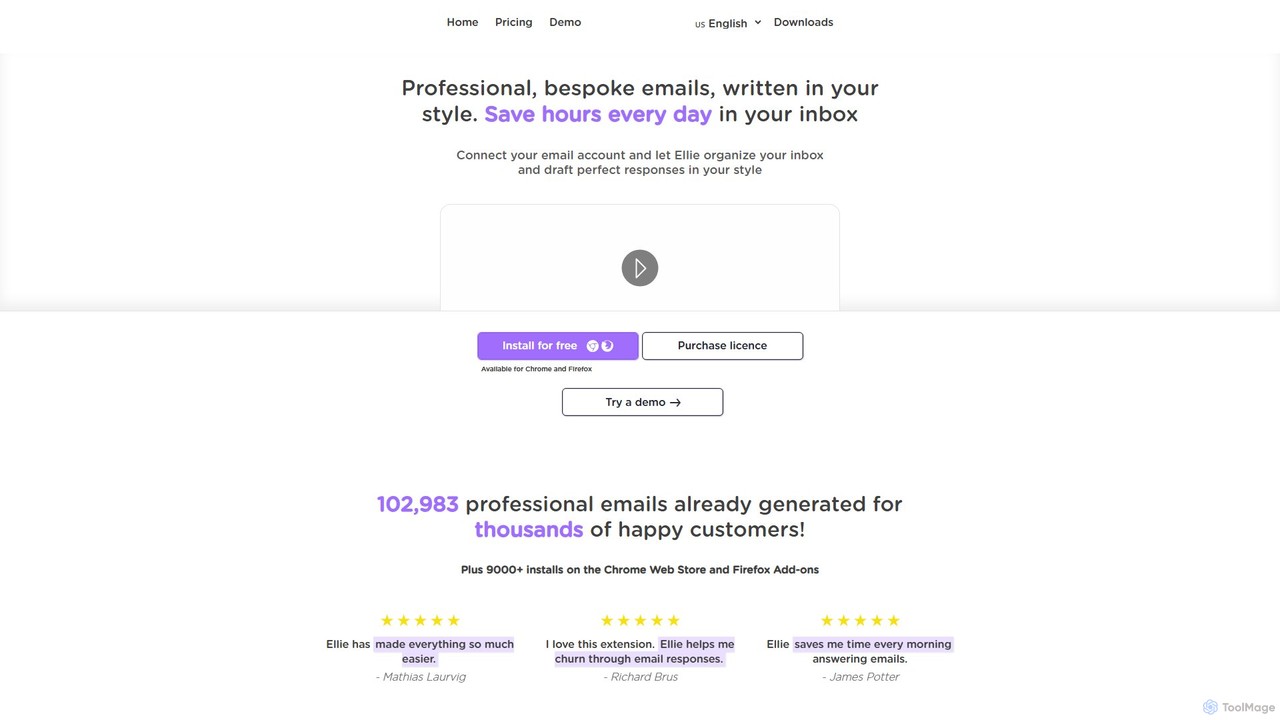
Ellie
Ellie is an AI-powered email assistant that saves you hours every day. It learns from your writing style to draft intelligent, personalized, and context-aware replies directly in your inbox. Supporting multiple languages and integrating with Gmail and Outlook, Ellie helps you manage email overload, overcome reply anxiety, and boost your productivity.
Email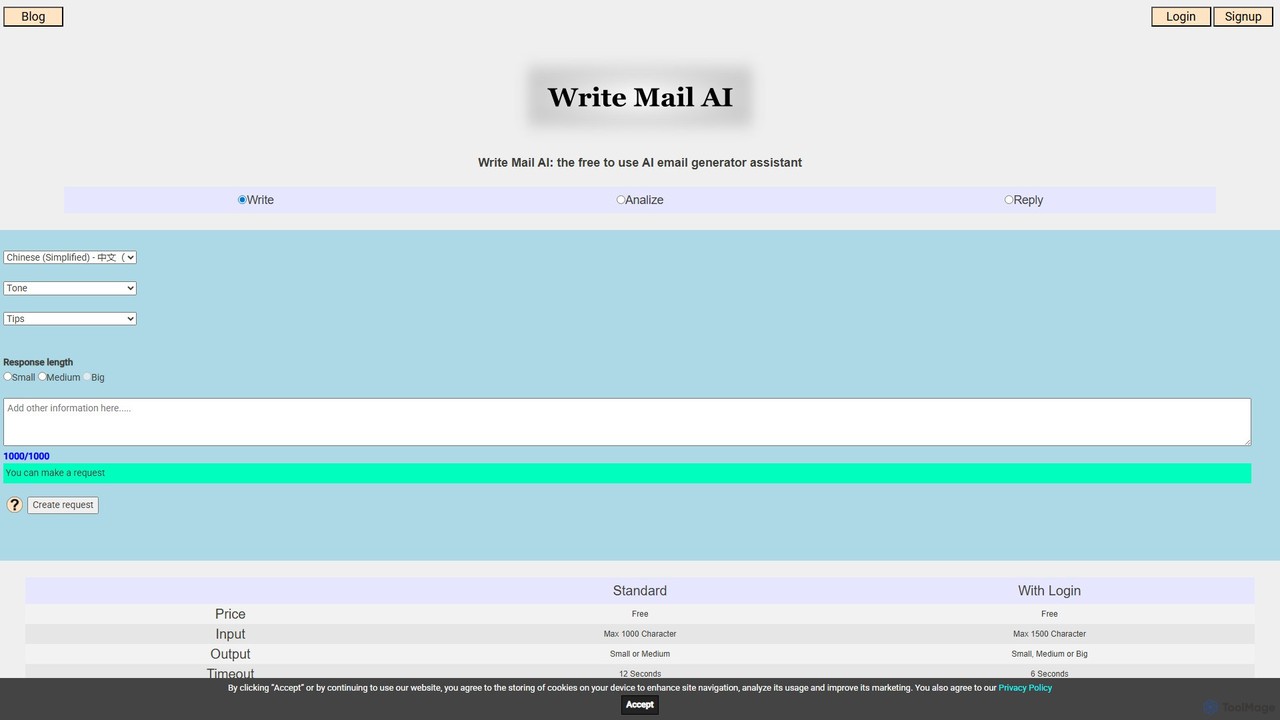
writemailai
writemailai is a free, comprehensive AI email assistant designed to boost your productivity. It helps you write, reply to, and analyze emails instantly. With features like tone adjustment, sentiment analysis, text summarization, and grammar correction, it streamlines your email workflow. Supporting a vast number of languages, it's the perfect tool for professionals, students, and anyone looking to improve their email communication.
Email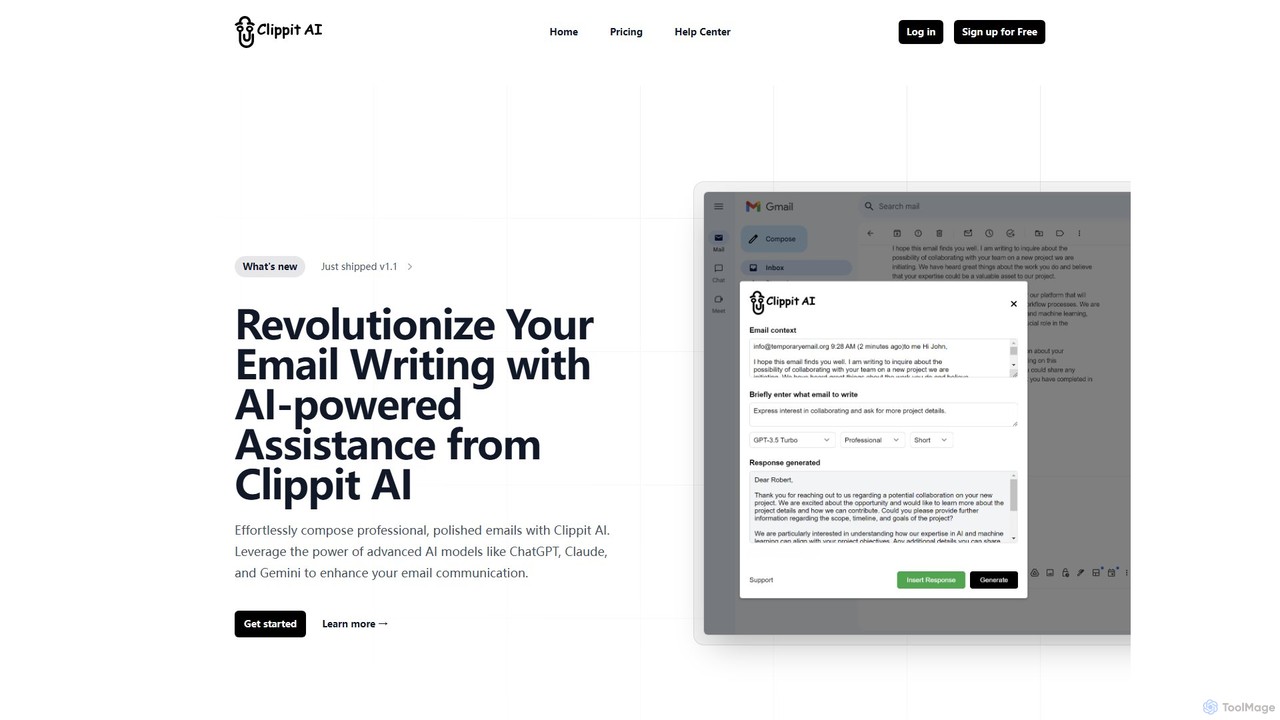
Clippit AI
Clippit AI is a powerful browser extension that revolutionizes your email writing. By leveraging advanced AI models like ChatGPT, Claude, and Gemini, it helps you effortlessly compose professional, polished, and context-aware emails directly within your workflow. From drafting replies to refining your tone, Clippit AI enhances your productivity and communication quality, saving you valuable time.
Sales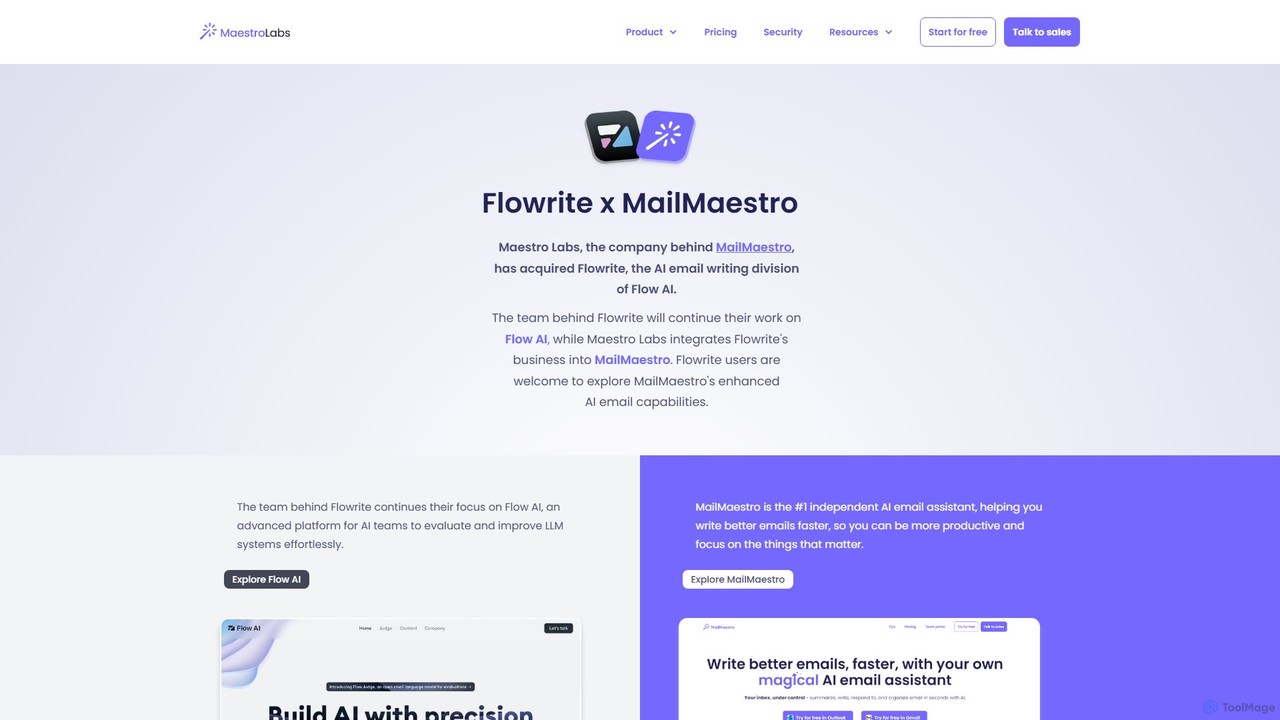
Flowrite
Flowrite is a powerful AI email writing assistant, now integrated into MailMaestro. It helps users write, reply to, summarize, and manage emails significantly faster. By generating high-quality, context-aware text, Flowrite boosts productivity, improves communication quality, and helps you achieve inbox zero with ease. It supports multiple languages and integrates directly into your existing email workflow.
Email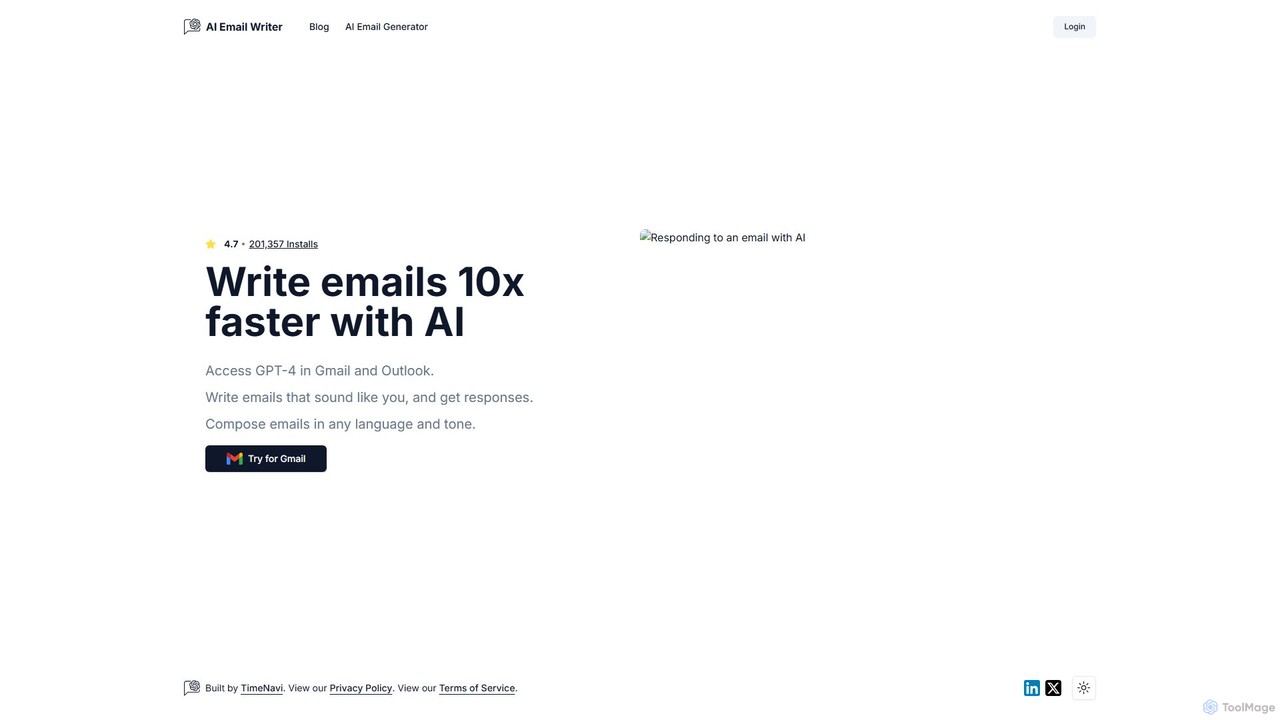
ReplyAI
ReplyAI is an AI-powered email writer that integrates with Gmail and Outlook to help you write emails 10x faster. Powered by GPT-4, it generates high-quality drafts, suggests contextual replies, and adapts to your personal writing style. Compose professional emails in multiple languages and tones, saving time and improving communication efficiency for sales, customer support, and daily correspondence.
Email MarketingMAILE Categories
MAILE Embed Widget
Copy this embed code to place the badge on your blog, article, or product site and send readers directly to this ToolMage detail page.

Related AI tools
Clippit AI
Clippit AI is a powerful browser extension that revolutionizes your email writing. By leveraging advanced AI models like ChatGPT, Claude, and Gemini, it helps you effortlessly compose professional, polished, and context-aware emails directly within your workflow. From drafting replies to refining your tone, Clippit AI enhances your productivity and communication quality, saving you valuable time.
SalesFlowrite
Flowrite is a powerful AI email writing assistant, now integrated into MailMaestro. It helps users write, reply to, summarize, and manage emails significantly faster. By generating high-quality, context-aware text, Flowrite boosts productivity, improves communication quality, and helps you achieve inbox zero with ease. It supports multiple languages and integrates directly into your existing email workflow.
EmailReplyAI
ReplyAI is an AI-powered email writer that integrates with Gmail and Outlook to help you write emails 10x faster. Powered by GPT-4, it generates high-quality drafts, suggests contextual replies, and adapts to your personal writing style. Compose professional emails in multiple languages and tones, saving time and improving communication efficiency for sales, customer support, and daily correspondence.
Email Marketing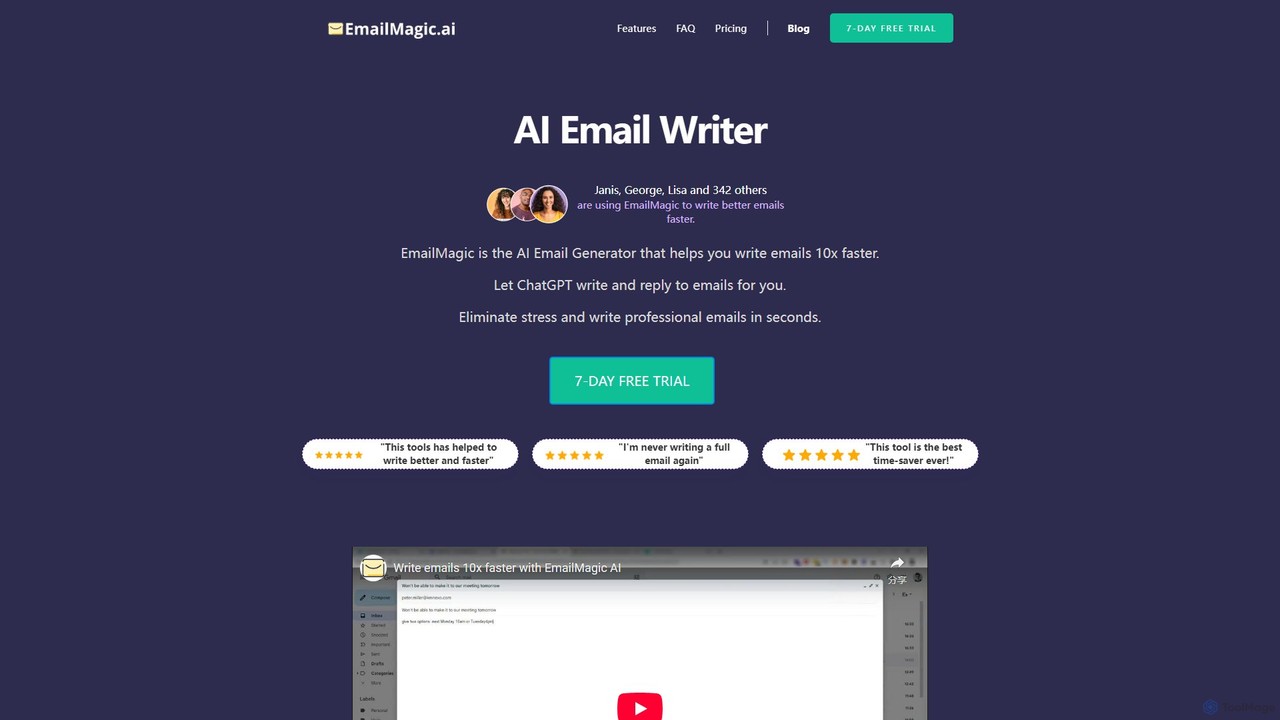
EmailMagic AI
EmailMagic AI is an intelligent email assistant for Gmail that uses AI to help you write emails faster, generate context-aware replies, and communicate in any language. It learns your writing style to create personalized, authentic emails, significantly boosting your productivity.
Email Marketing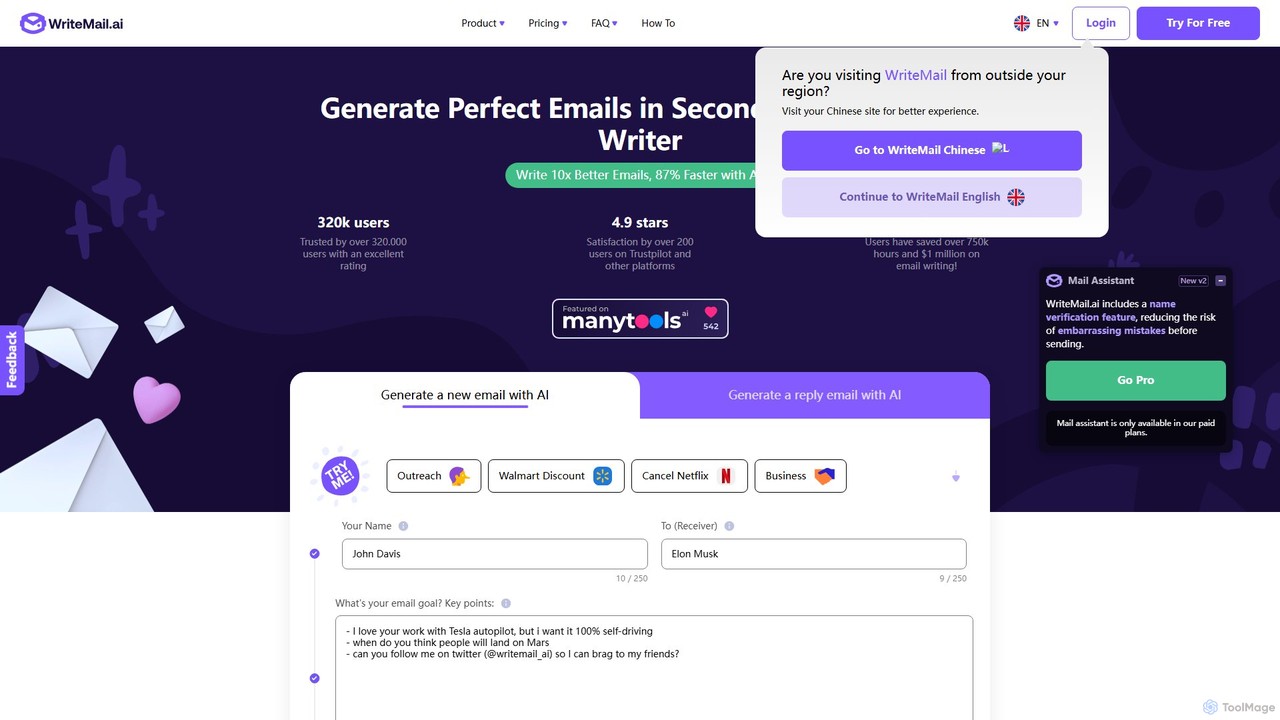
WriteMail.ai
WriteMail.ai is an AI-powered email assistant designed to help you write better emails 10x faster. It generates new emails and replies, refines tone and style, and offers real-time suggestions to improve clarity. With multilingual support and upcoming Gmail integration, it's the perfect tool for both business and personal communication, saving you time and boosting productivity.
Email Marketing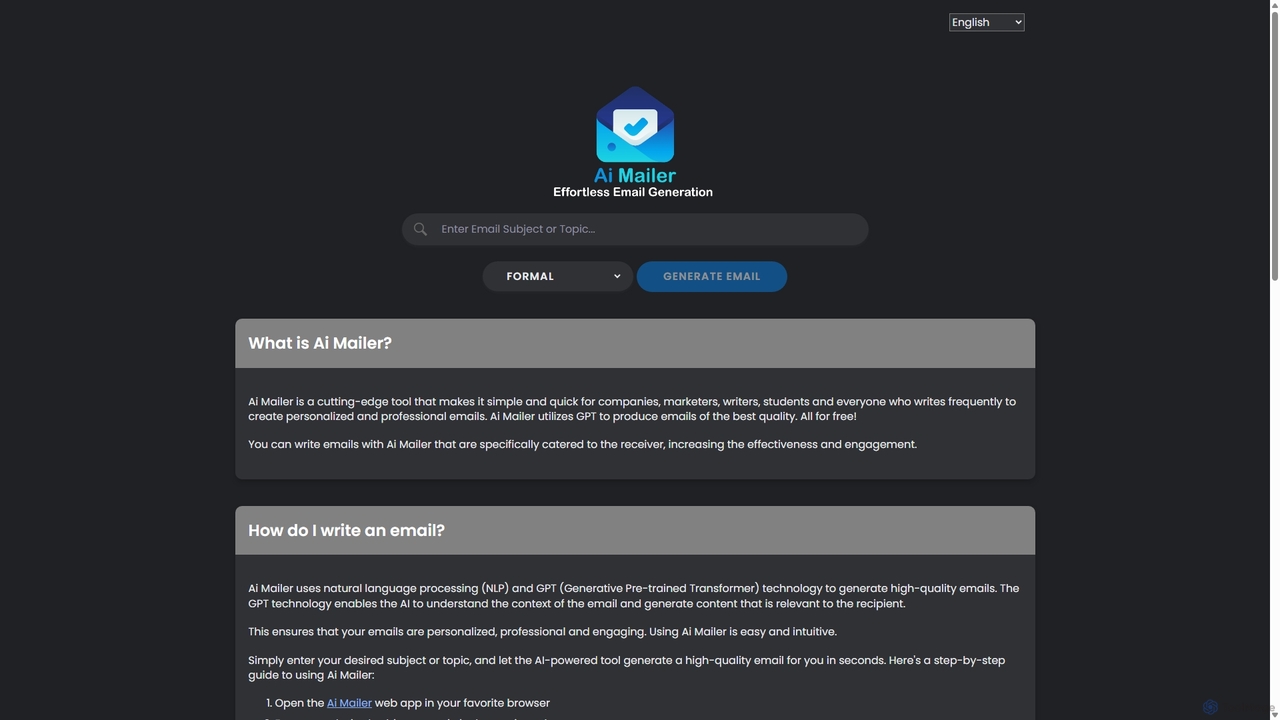
Ai Mailer
Ai Mailer is a free, AI-powered tool that leverages ChatGPT to effortlessly generate high-quality, professional emails. Simply provide a topic and select from various tones to create personalized, engaging content in seconds. Ideal for businesses, students, and anyone looking to save time and enhance their email communication.
Email Marketing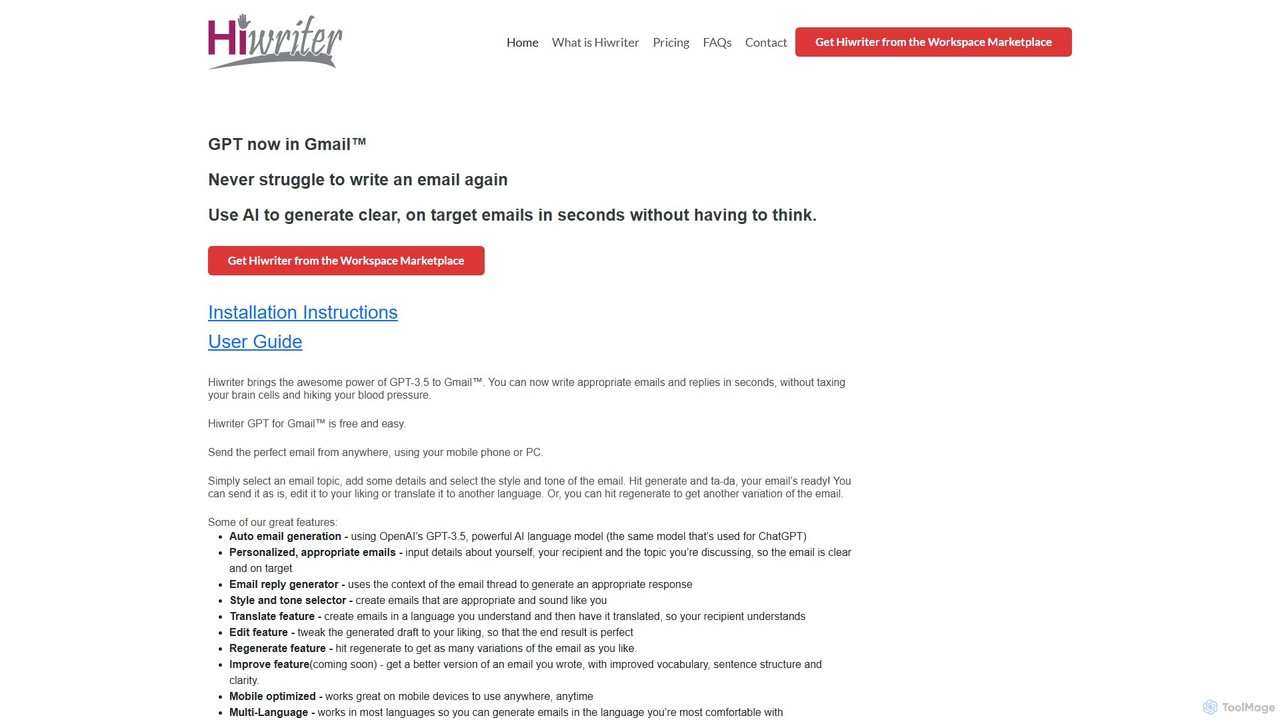
Hiwriter
Hiwriter is a free AI-powered extension for Gmail that uses GPT-3.5 to help you write clear, effective, and perfectly toned emails in seconds. It generates new emails, creates contextual replies, and works seamlessly on both desktop and mobile devices.
Chrome Extensions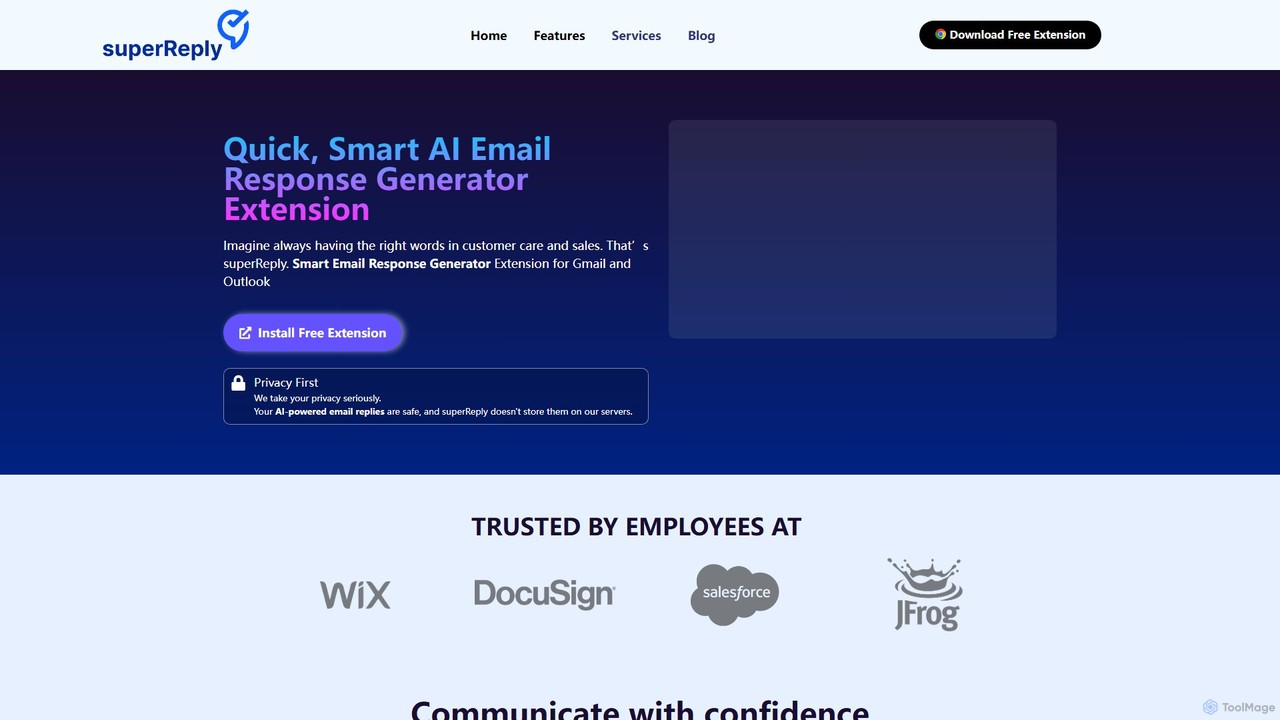
superReply
superReply is an AI-powered Chrome extension for Gmail and Outlook that instantly generates professional, context-aware email responses. It helps users in sales, customer support, and business communication save time, improve productivity, and always find the right words with adjustable tones.
Email MarketingEllie
Ellie is an AI-powered email assistant that saves you hours every day. It learns from your writing style to draft intelligent, personalized, and context-aware replies directly in your inbox. Supporting multiple languages and integrating with Gmail and Outlook, Ellie helps you manage email overload, overcome reply anxiety, and boost your productivity.
Emailwritemailai
writemailai is a free, comprehensive AI email assistant designed to boost your productivity. It helps you write, reply to, and analyze emails instantly. With features like tone adjustment, sentiment analysis, text summarization, and grammar correction, it streamlines your email workflow. Supporting a vast number of languages, it's the perfect tool for professionals, students, and anyone looking to improve their email communication.
Email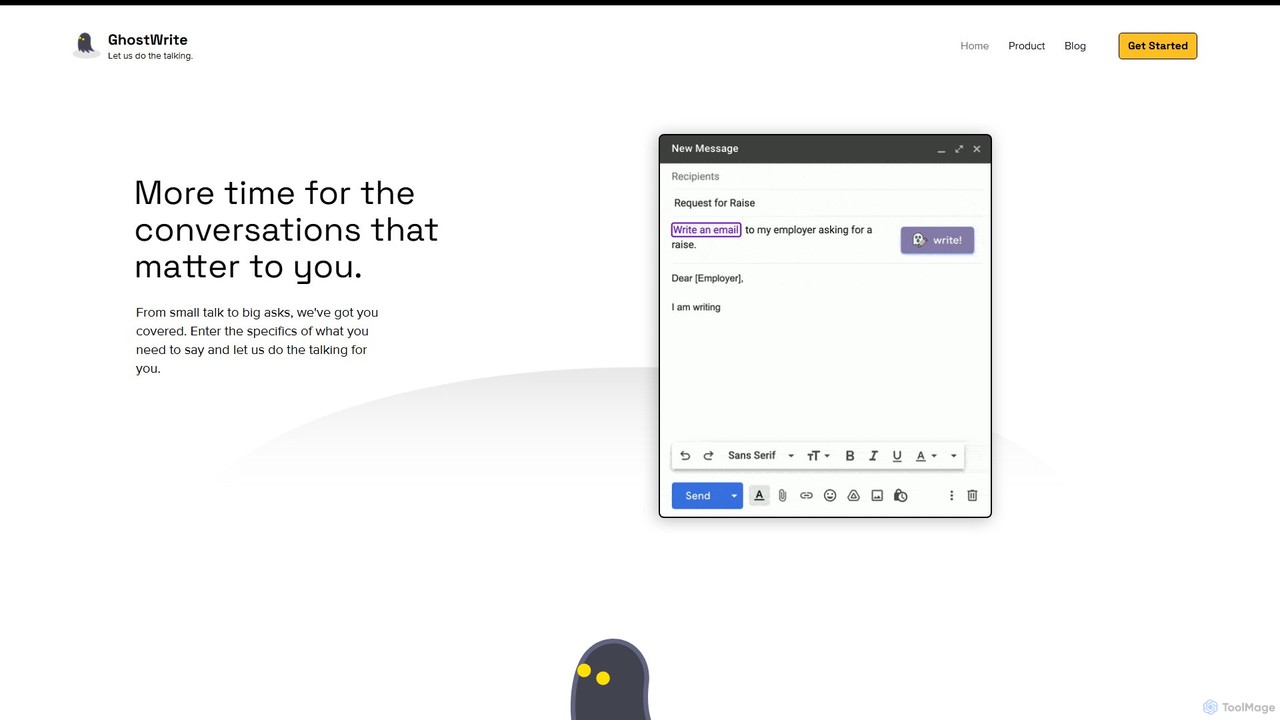
Ghostwrite
Ghostwrite is an AI-powered email writing assistant designed to save you time and enhance your communication. Simply provide a brief prompt, and its AI, "Inky," will draft professional, clear, and context-aware emails for you. It learns your writing style over time, helping you overcome writer's block, manage networking, and communicate with confidence. Ideal for professionals, students, and anyone tired of writing emails.
Sales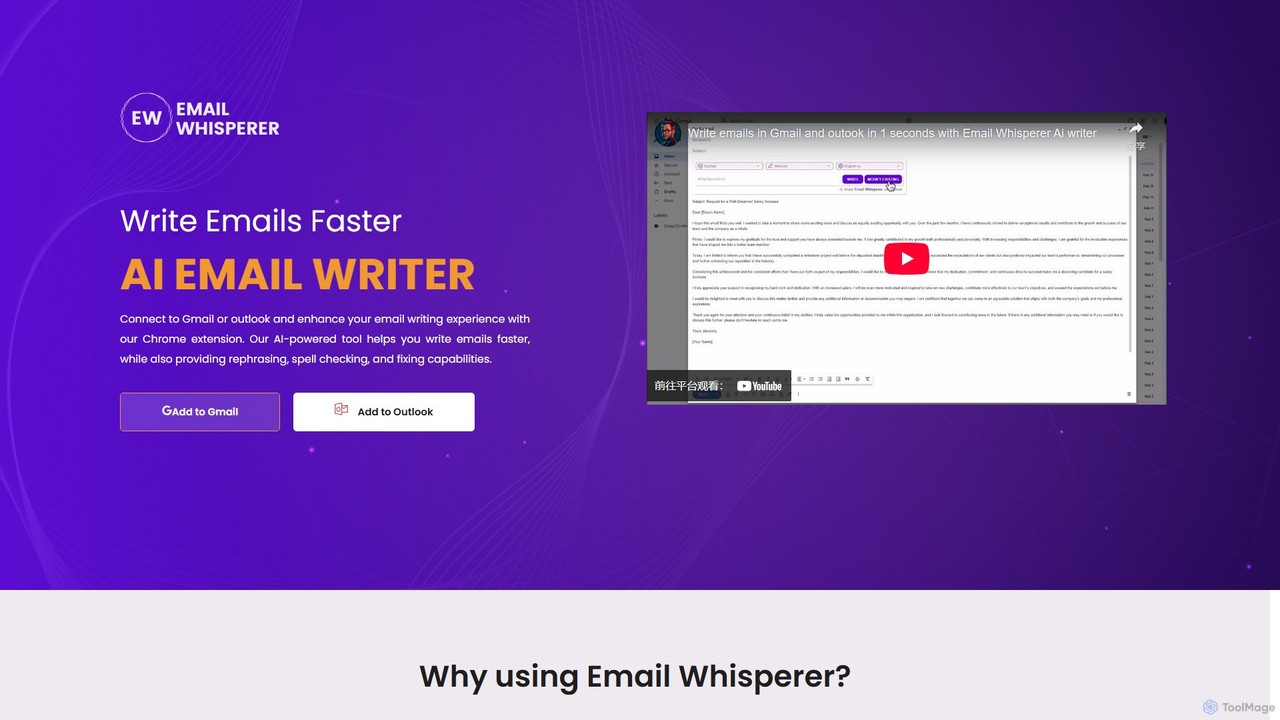
EmailWhisperer
EmailWhisperer is an AI-powered Chrome extension for Gmail and Outlook that helps you write emails faster. It offers features like rephrasing, spell-checking, tone adjustment, and AI training to personalize your communication and improve productivity.
Email Marketing
quickmailai
quickmailai is an AI-powered email assistant designed to streamline your communication. It helps users craft professional, effective emails in seconds, from cold outreach to follow-ups. Features include AI-driven content generation, tone adjustment, and multilingual support, making it ideal for sales teams, marketers, and busy professionals.
Email Marketing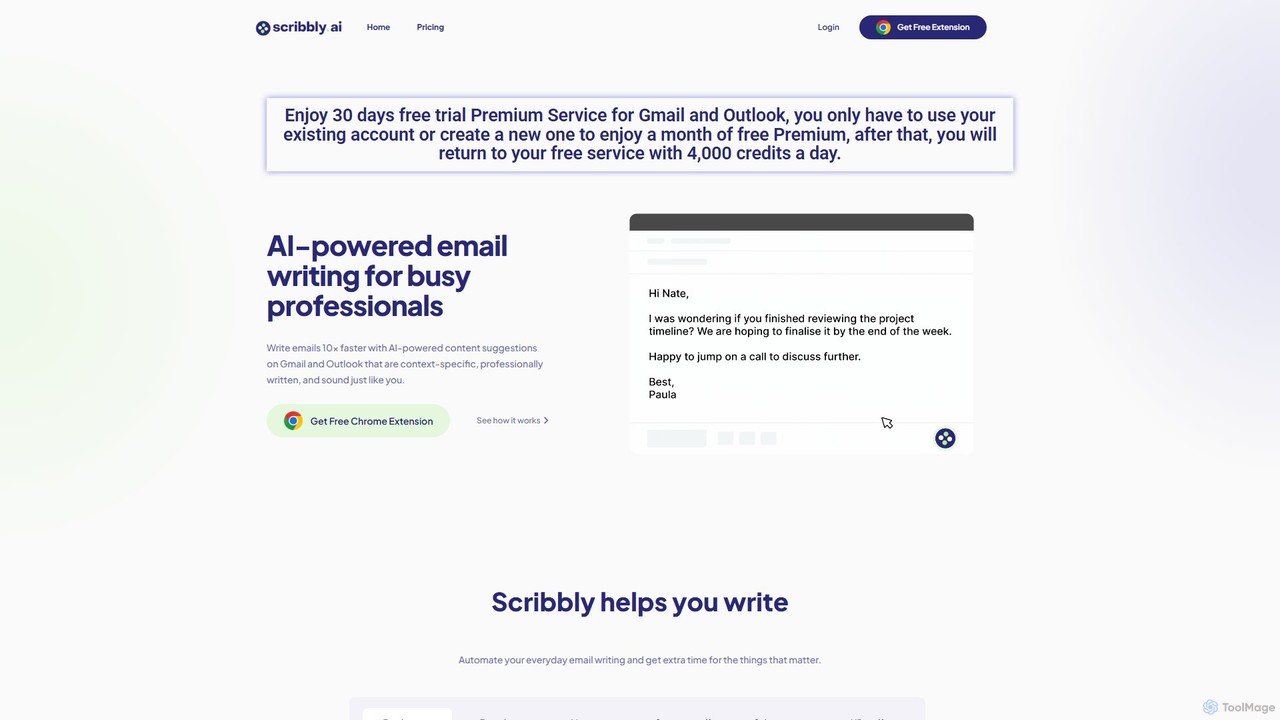
Scribbly
Scribbly is an AI-powered email writing assistant designed for busy professionals. It integrates with Gmail and Outlook via a Chrome extension, helping you write emails 10x faster. Get context-specific content suggestions, maintain a professional tone, and even mimic your personal writing style to streamline your communication and boost productivity.
Sales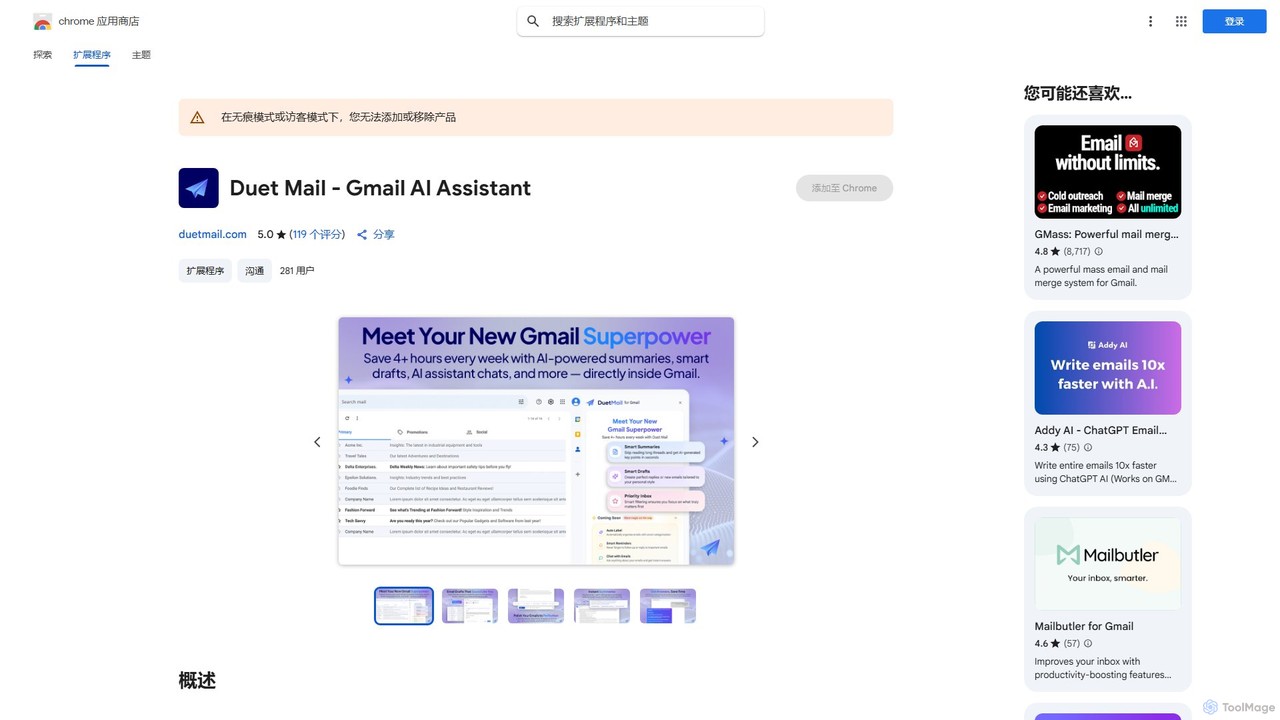
Duet Mail
Duet Mail is an AI-powered Gmail assistant that supercharges your inbox. It helps you draft emails in your personal style, provides instant summaries of long threads, sets smart follow-up reminders, and categorizes important messages. Save hours each week and reclaim control over your email.
Chrome Extensions
MAILE Comments (0)
Sign in to comment.
Sign inNo comments yet.