


quickmailai Overview
quickmailai is an advanced AI-powered email writing assistant designed to revolutionize how professionals, marketers, and sales teams handle their email communications. In a world where email is a primary channel for business, the quality and efficiency of your messages can make or break a deal. quickmailai addresses common challenges like writer's block, low response rates, and the time-consuming nature of crafting personalized emails. By leveraging sophisticated language models, the tool allows users to generate high-quality, context-aware, and persuasive emails almost instantly.
Whether you're reaching out to a new lead, following up with a potential client, or managing customer support inquiries, quickmailai provides the right words for every situation. It acts as your personal writing partner, ensuring your communication is always clear, professional, and tailored to your audience, ultimately boosting productivity and improving engagement rates.
How to use quickmailai
Using quickmailai is a simple and intuitive process designed for maximum efficiency:
- Define Your Goal: Start by selecting the type of email you want to write. This could be a cold outreach email, a follow-up message, a reply to a specific query, a marketing announcement, or a networking request.
- Provide Key Information: Input a few key prompts or bullet points. This includes information about the recipient (e.g., their job title or company), your objective (e.g., to schedule a demo, to get feedback), and any specific points you want to include in the message.
- Generate with AI: With a single click, quickmailai's AI engine will generate a complete, well-structured email draft based on your inputs.
- Refine and Customize: Review the generated draft. You can easily adjust the tone (e.g., from formal to friendly), change the length, or ask the AI to rephrase certain sections until the email is perfect.
- Copy and Send: Once you are satisfied with the email, simply copy the text and paste it into your preferred email client like Gmail or Outlook to send.
Core Features of quickmailai
- AI-Powered Email Generation: Instantly create complete emails for various purposes, including sales, marketing, and customer support, from just a few keywords.
- Smart Reply Assistant: Generates context-aware and intelligent replies to incoming emails, helping you manage your inbox faster.
- Tone and Style Adjustment: Effortlessly switch the tone of your email between professional, casual, persuasive, friendly, or empathetic to match the context and audience.
- Subject Line Optimization: Creates compelling and catchy subject lines designed to increase open rates and grab the recipient's attention.
- Personalization at Scale: Easily insert placeholders and custom variables to craft personalized emails for large outreach campaigns, enhancing recipient engagement.
- Multilingual Capabilities: Compose and translate emails into multiple languages, breaking down communication barriers with international clients and partners.
- Grammar and Spelling Correction: Ensures all your emails are error-free and polished, maintaining a professional image.
Use Cases for quickmailai
quickmailai is a versatile tool suitable for a wide range of professionals:
- Sales Teams: Crafting personalized cold outreach emails, sending timely follow-ups, and responding to lead inquiries to accelerate the sales cycle.
- Marketers: Writing engaging newsletters, promotional campaigns, and product announcements that resonate with their audience.
- Entrepreneurs and Founders: Communicating with investors, partners, and early customers with professional and persuasive messages.
- Job Seekers: Composing compelling cover letters, networking emails, and interview follow-ups that stand out to recruiters.
- Customer Support Agents: Drafting quick, clear, and empathetic responses to customer issues, improving satisfaction and resolution times.
Advantages of quickmailai
quickmailai offers significant benefits to its users:
- Boosted Productivity: Drastically reduces the time spent on writing and responding to emails, freeing you up to focus on more strategic tasks.
- Improved Communication Quality: Enhances the clarity, professionalism, and persuasiveness of your emails, leading to better outcomes.
- Higher Engagement Rates: With optimized subject lines and personalized content, your emails are more likely to be opened and replied to.
- Overcome Writer's Block: Provides instant inspiration and complete drafts, eliminating the frustration of staring at a blank page.
- Consistent Brand Voice: Helps maintain a consistent tone and style across all team communications, strengthening your brand identity.
Pricing and Plans
quickmailai offers a flexible pricing structure to suit different needs, typically following a freemium model:
- Free Plan: Ideal for individuals and casual users. It includes a limited number of AI-generated emails per month, access to basic features, and standard support.
- Pro Plan: Designed for professionals and small teams who require more power. This plan offers a higher volume of email generations, access to advanced features like tone adjustment and multilingual support, and priority customer service.
- Business Plan: The perfect solution for larger teams and companies. It provides unlimited or very high-volume email generation, team collaboration features, advanced analytics, and dedicated support.
- Enterprise Plan: A custom-built plan for large organizations with specific requirements, including API access, custom integrations, and enhanced security.
(Note: This is a representative pricing structure. Please visit the official quickmailai website for the most current and detailed information.)
quickmailai Alternatives
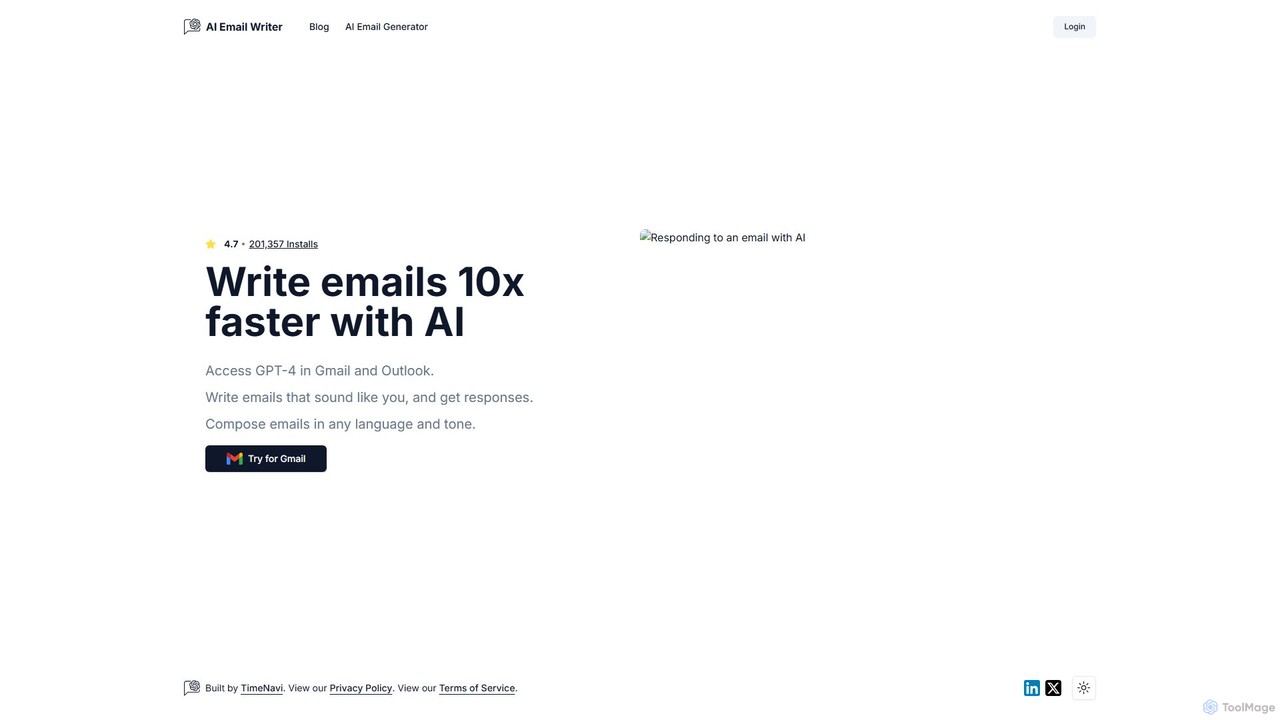
ReplyAI
ReplyAI is an AI-powered email writer that integrates with Gmail and Outlook to help you write emails 10x faster. Powered by GPT-4, it generates high-quality drafts, suggests contextual replies, and adapts to your personal writing style. Compose professional emails in multiple languages and tones, saving time and improving communication efficiency for sales, customer support, and daily correspondence.
Email Marketing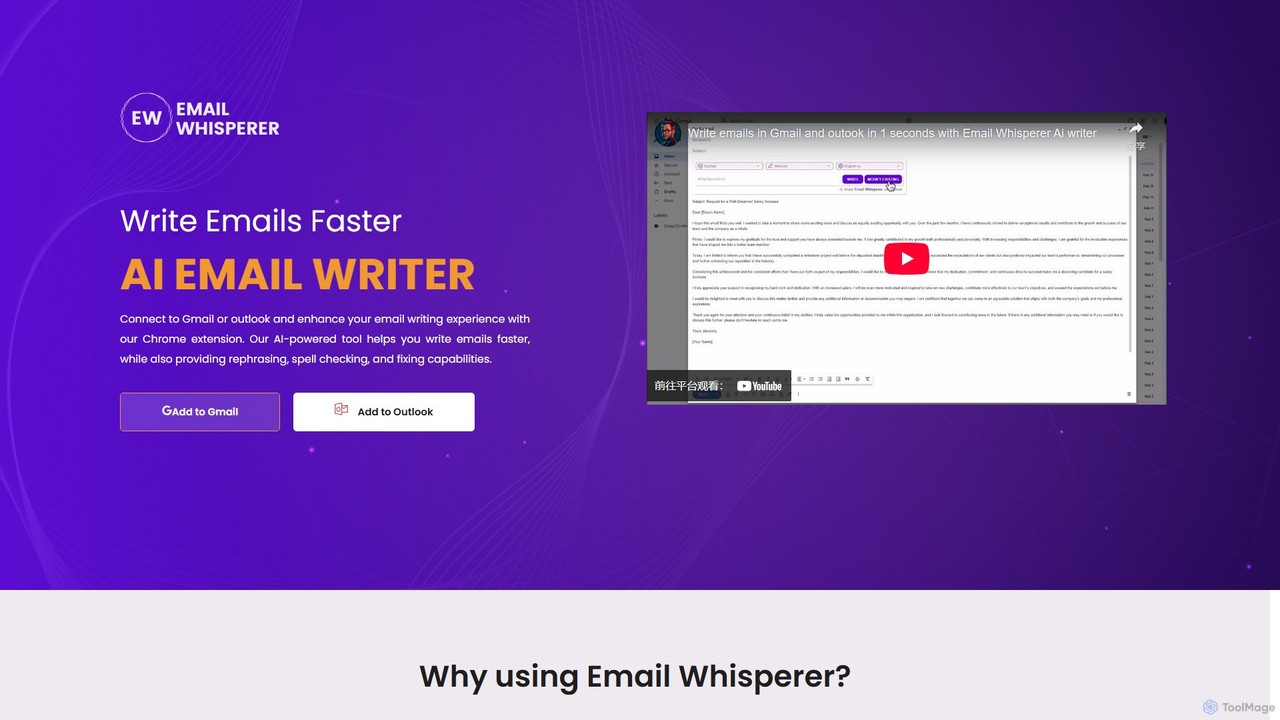
EmailWhisperer
EmailWhisperer is an AI-powered Chrome extension for Gmail and Outlook that helps you write emails faster. It offers features like rephrasing, spell-checking, tone adjustment, and AI training to personalize your communication and improve productivity.
Email Marketing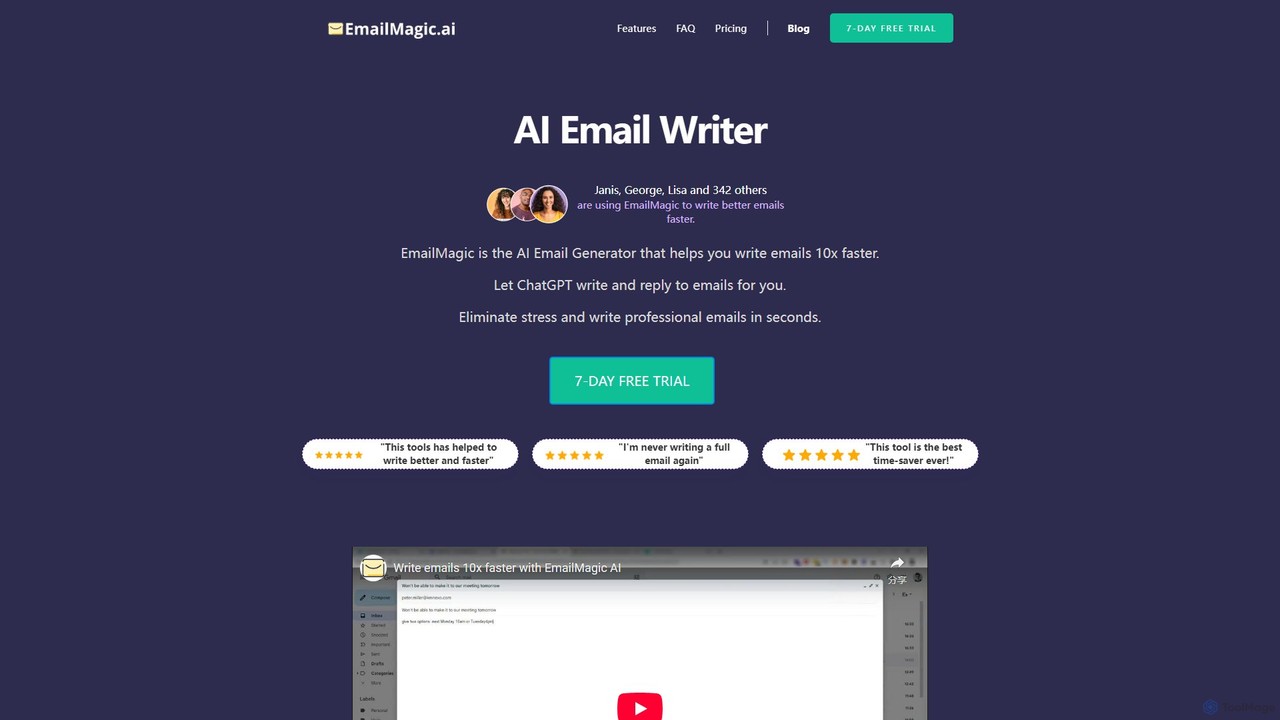
EmailMagic AI
EmailMagic AI is an intelligent email assistant for Gmail that uses AI to help you write emails faster, generate context-aware replies, and communicate in any language. It learns your writing style to create personalized, authentic emails, significantly boosting your productivity.
Email Marketing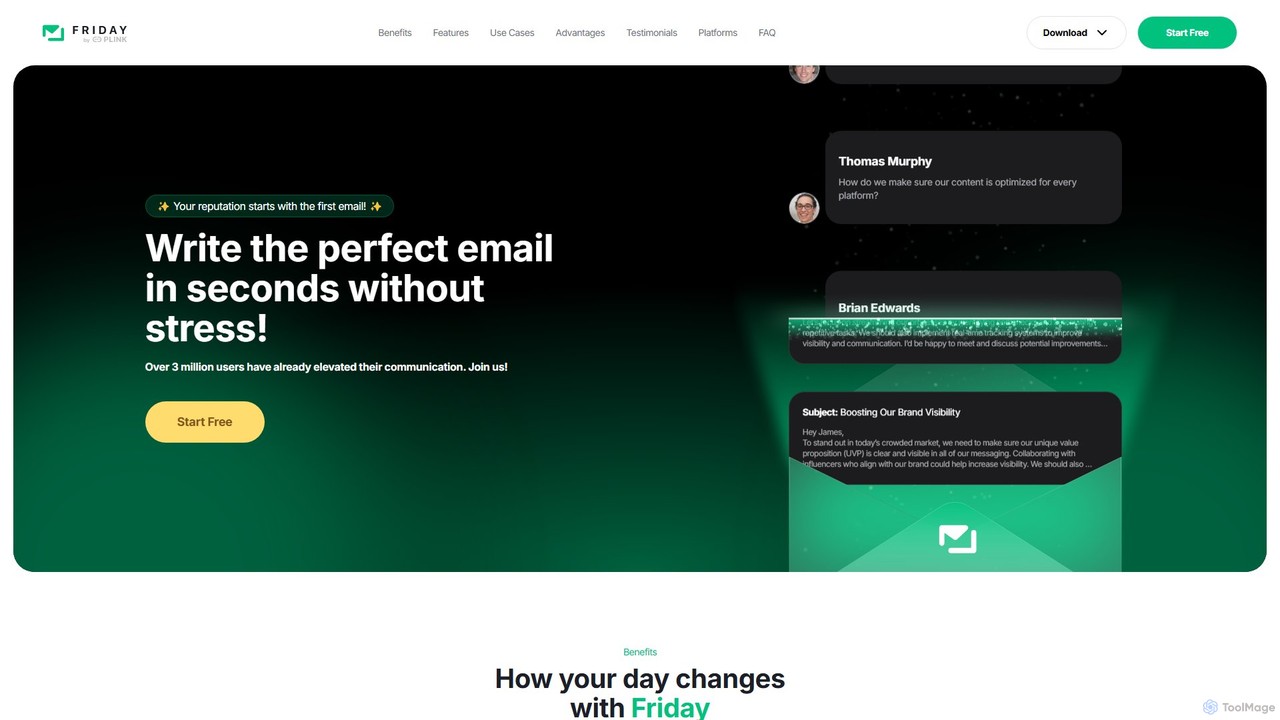
friday_email
Friday is an AI-powered email writer designed to help users craft professional, stress-free emails in seconds. With over 3 million users, it offers features like instant email generation from keywords, real-time grammar checks, tone adjustment, and personalized style learning. Available on web, mobile, and as a browser extension, Friday streamlines communication for various professionals, saving time, boosting productivity, and ensuring every email is polished and effective.
Email Marketing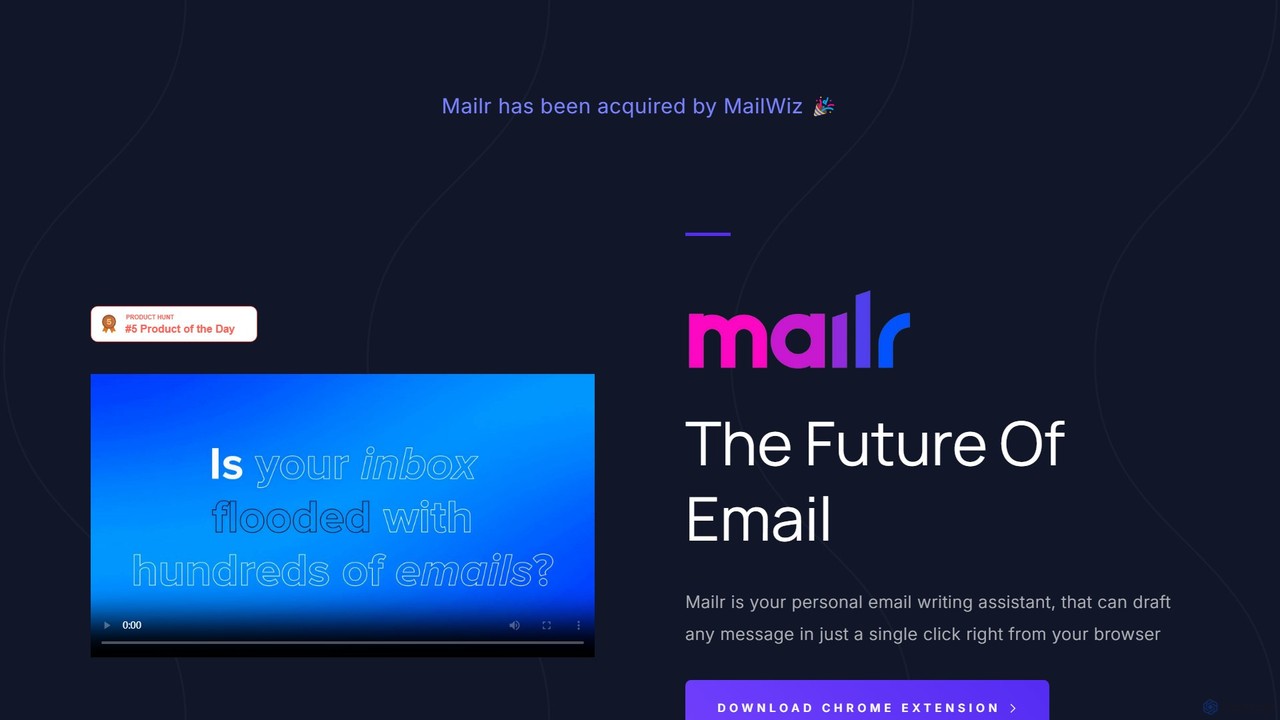
mailr_ai
mailr_ai is an AI-powered email assistant designed to boost your productivity. As a Chrome extension, it integrates directly into your browser, allowing you to draft high-quality emails and replies 10x faster. Simply provide a brief instruction, select from over 10 professional tones, and let the AI generate the perfect message in a single click, saving you hours every day.
Email Marketingquickmailai Categories
quickmailai Embed Widget
Copy this embed code to place the badge on your blog, article, or product site and send readers directly to this ToolMage detail page.

Related AI tools
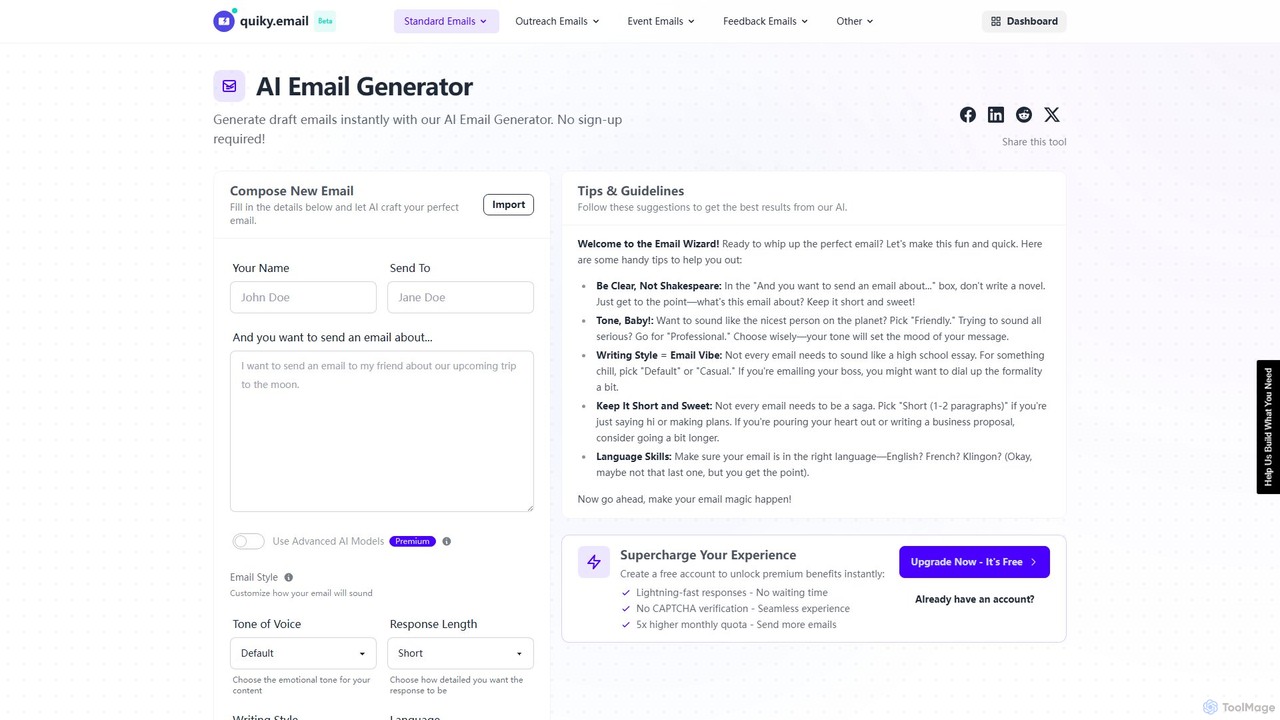
quiky
quiky is a free AI-powered suite of email writing tools designed to help you craft better emails faster. It offers specialized generators for general emails, cold outreach, replies, follow-ups, apologies, and thank-you notes. With extensive customization for tone, style, and language, quiky streamlines your communication without requiring a sign-up.
Communication
mailyze
Mailyze is an AI-powered email intelligence platform designed to optimize your email marketing campaigns and boost productivity. It analyzes, generates, and personalizes email content to increase open rates, click-through rates, and conversions, serving as an essential tool for marketers and sales teams.
Email Marketing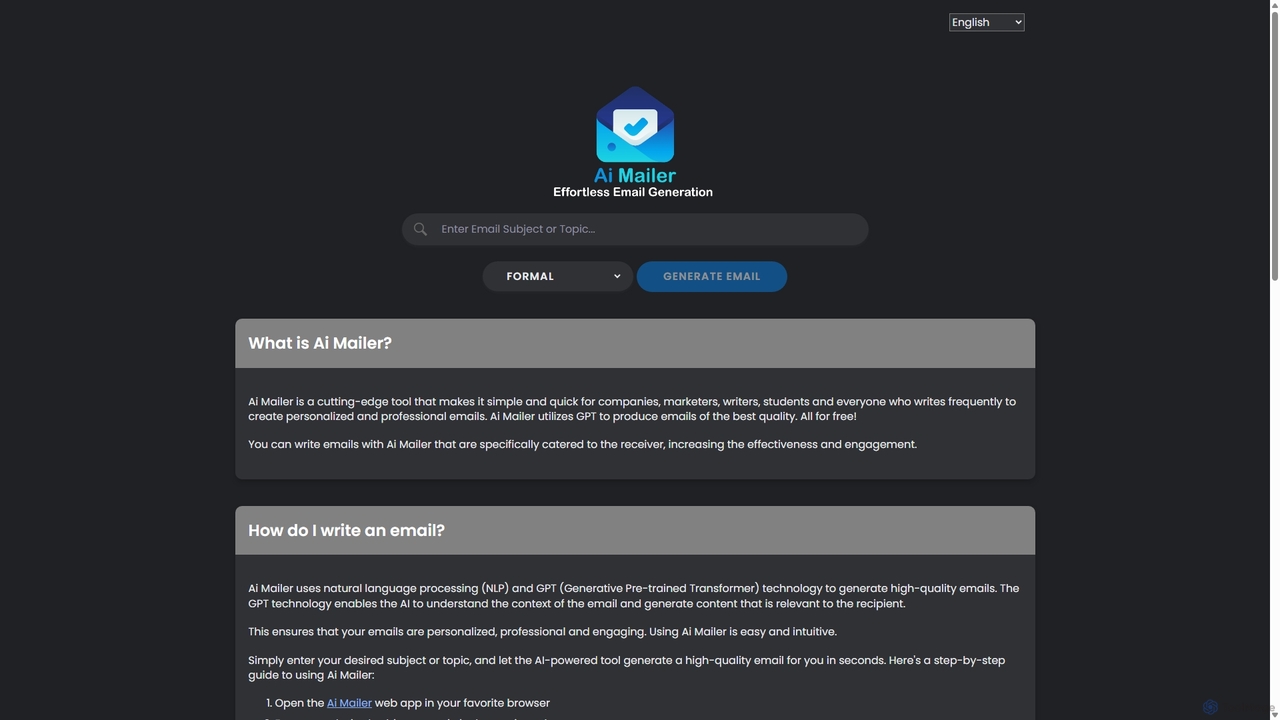
Ai Mailer
Ai Mailer is a free, AI-powered tool that leverages ChatGPT to effortlessly generate high-quality, professional emails. Simply provide a topic and select from various tones to create personalized, engaging content in seconds. Ideal for businesses, students, and anyone looking to save time and enhance their email communication.
Email MarketingReplyAI
ReplyAI is an AI-powered email writer that integrates with Gmail and Outlook to help you write emails 10x faster. Powered by GPT-4, it generates high-quality drafts, suggests contextual replies, and adapts to your personal writing style. Compose professional emails in multiple languages and tones, saving time and improving communication efficiency for sales, customer support, and daily correspondence.
Email MarketingEmailWhisperer
EmailWhisperer is an AI-powered Chrome extension for Gmail and Outlook that helps you write emails faster. It offers features like rephrasing, spell-checking, tone adjustment, and AI training to personalize your communication and improve productivity.
Email MarketingEmailMagic AI
EmailMagic AI is an intelligent email assistant for Gmail that uses AI to help you write emails faster, generate context-aware replies, and communicate in any language. It learns your writing style to create personalized, authentic emails, significantly boosting your productivity.
Email Marketing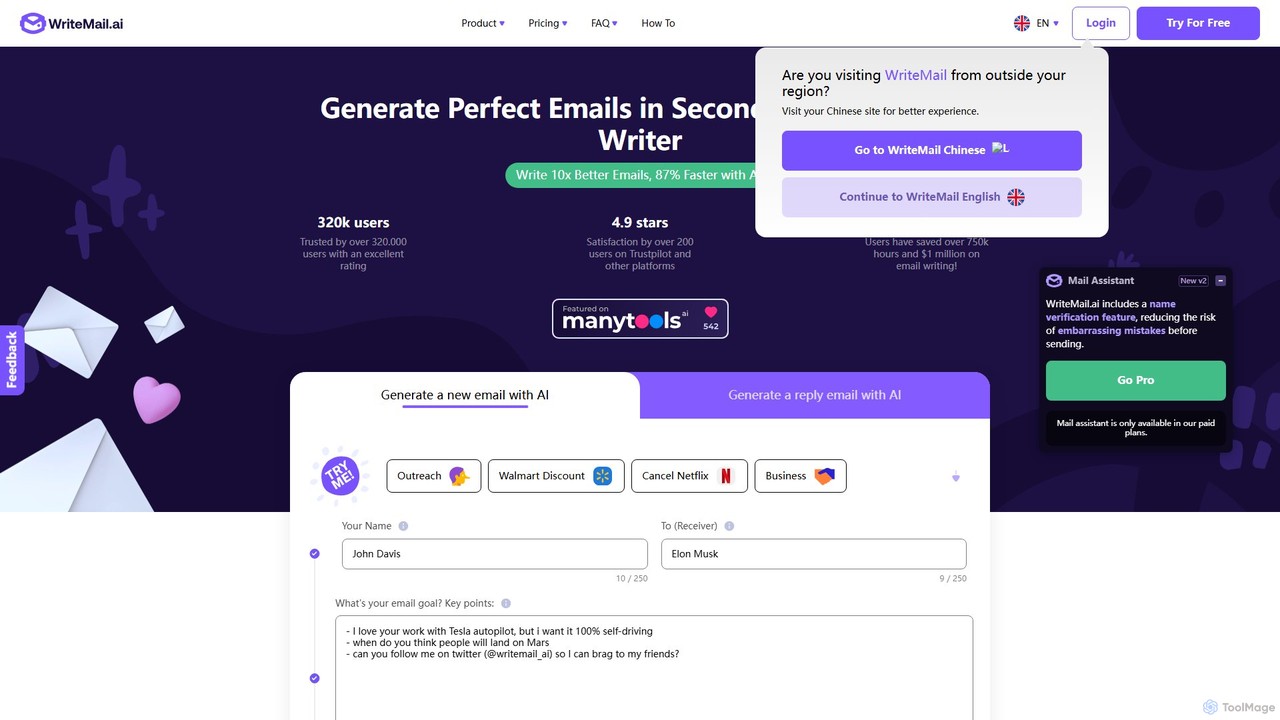
WriteMail.ai
WriteMail.ai is an AI-powered email assistant designed to help you write better emails 10x faster. It generates new emails and replies, refines tone and style, and offers real-time suggestions to improve clarity. With multilingual support and upcoming Gmail integration, it's the perfect tool for both business and personal communication, saving you time and boosting productivity.
Email Marketing
Jyek
Jyek is an AI agent platform that understands objectives, creates execution plans, uses tools, and delivers verifiable results for complex, multi-step tasks.
Automation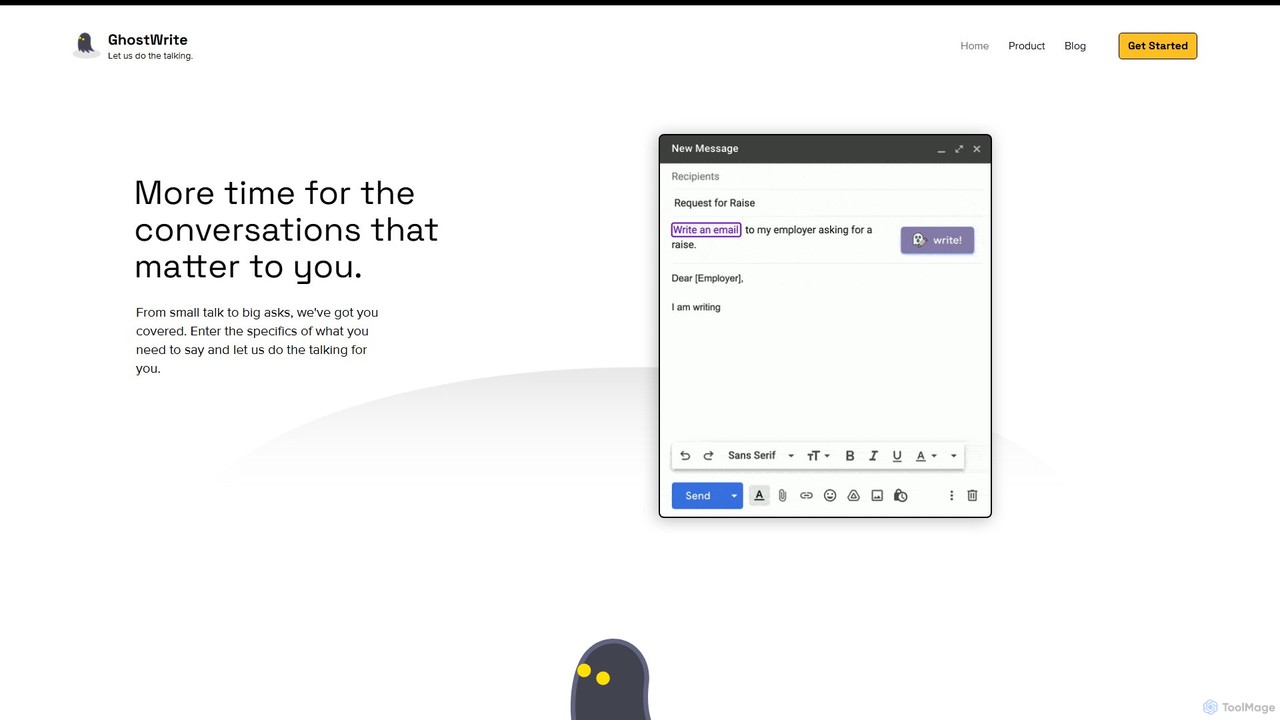
Ghostwrite
Ghostwrite is an AI-powered email writing assistant designed to save you time and enhance your communication. Simply provide a brief prompt, and its AI, "Inky," will draft professional, clear, and context-aware emails for you. It learns your writing style over time, helping you overcome writer's block, manage networking, and communicate with confidence. Ideal for professionals, students, and anyone tired of writing emails.
Sales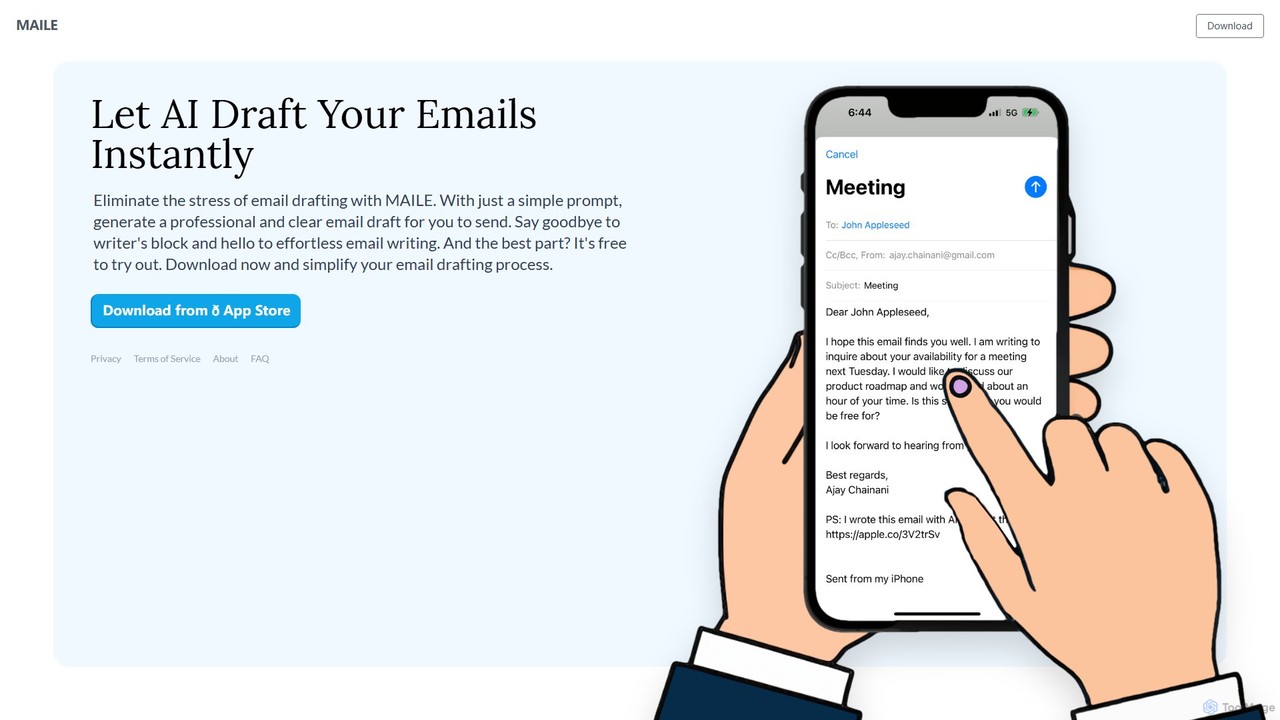
MAILE
MAILE is an AI-powered email writing assistant for iPhone that instantly drafts professional emails from simple prompts. It allows tone customization, integrates with Gmail and Apple Mail, and supports multiple languages. Ideal for professionals, busy individuals, and non-native English speakers to save time and enhance communication. Free to try.
Email
Heyy
Heyy is an AI-powered email assistant and outreach platform designed to streamline your communication. It helps you write personalized emails, automate follow-ups, and analyze campaign performance to boost engagement and save time.
Email Marketing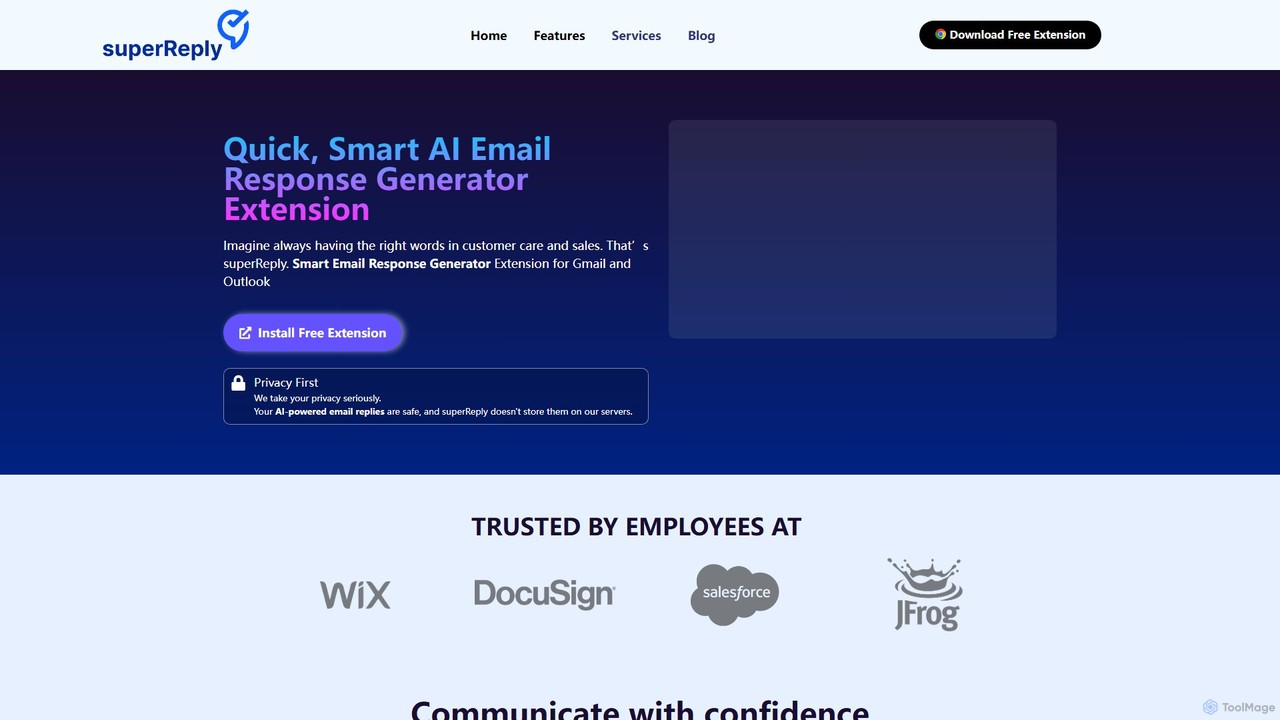
superReply
superReply is an AI-powered Chrome extension for Gmail and Outlook that instantly generates professional, context-aware email responses. It helps users in sales, customer support, and business communication save time, improve productivity, and always find the right words with adjustable tones.
Email Marketing
Knowmail
Knowmail is an AI-powered platform for email marketing and productivity. It helps users craft high-converting email copy, optimize campaign performance with data-driven insights, improve deliverability, and manage inboxes intelligently. It's designed for marketers and professionals seeking to maximize their email efficiency and ROI.
Email Marketing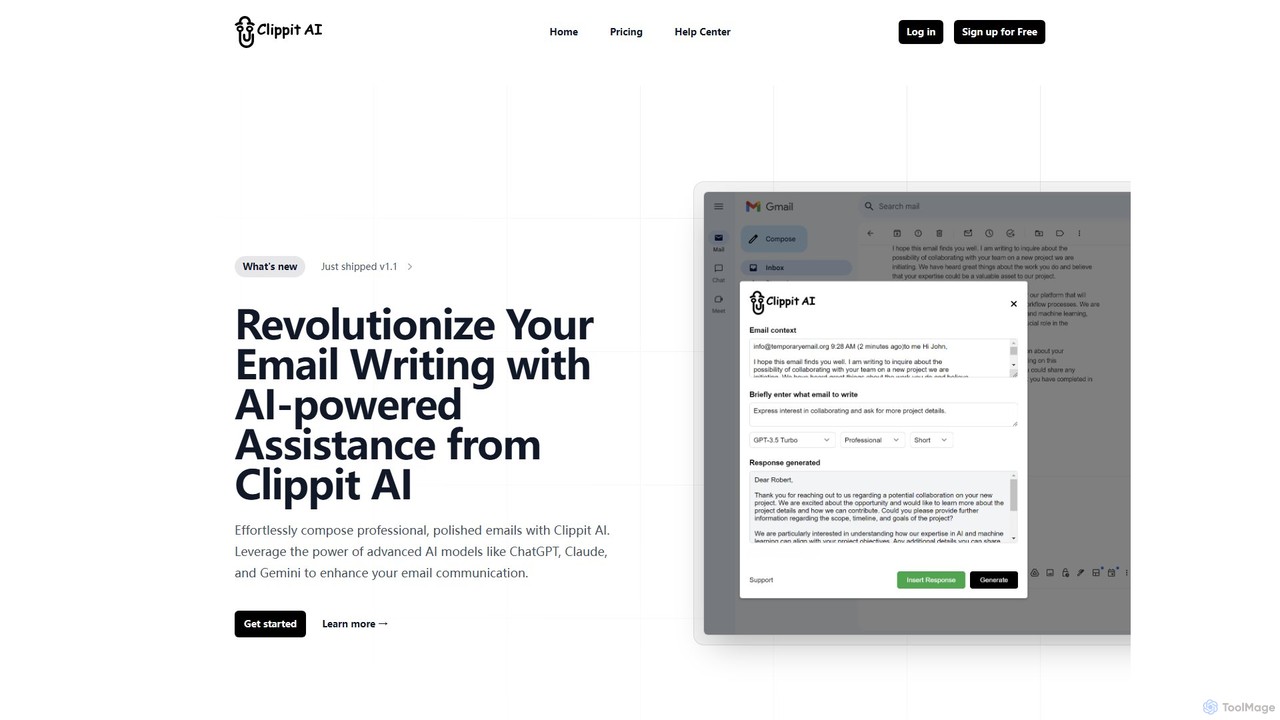
Clippit AI
Clippit AI is a powerful browser extension that revolutionizes your email writing. By leveraging advanced AI models like ChatGPT, Claude, and Gemini, it helps you effortlessly compose professional, polished, and context-aware emails directly within your workflow. From drafting replies to refining your tone, Clippit AI enhances your productivity and communication quality, saving you valuable time.
Sales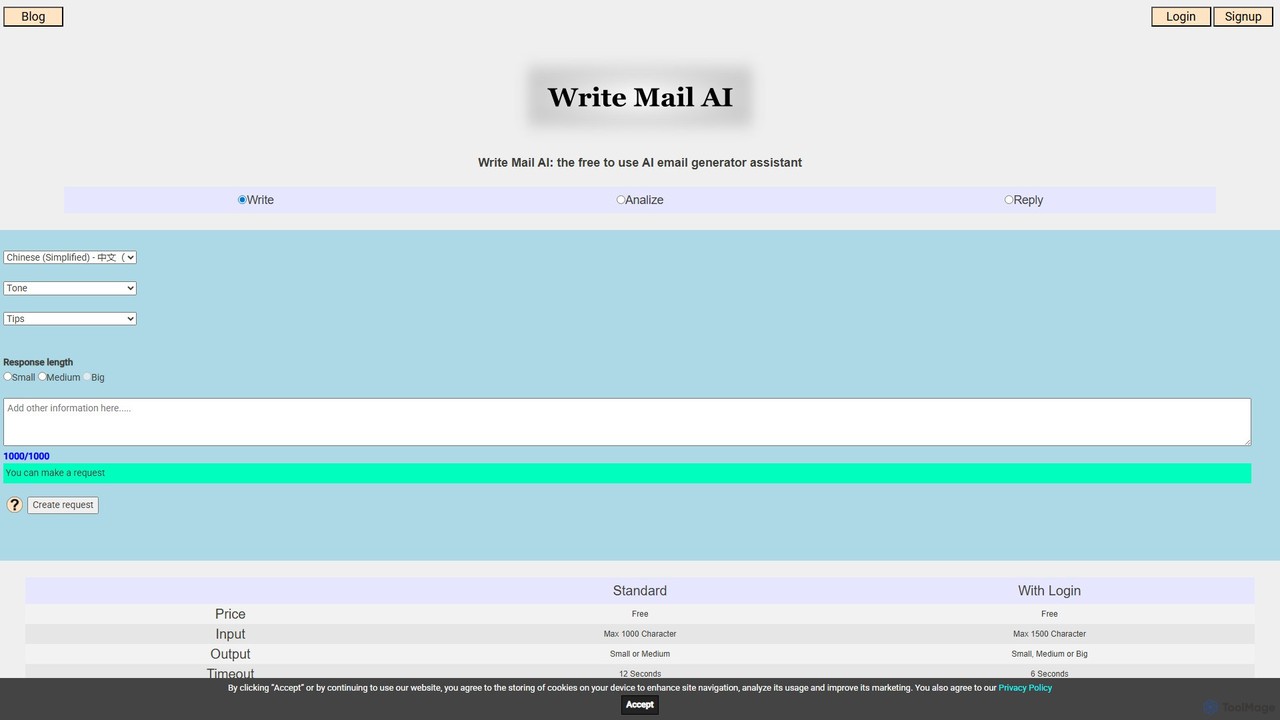
writemailai
writemailai is a free, comprehensive AI email assistant designed to boost your productivity. It helps you write, reply to, and analyze emails instantly. With features like tone adjustment, sentiment analysis, text summarization, and grammar correction, it streamlines your email workflow. Supporting a vast number of languages, it's the perfect tool for professionals, students, and anyone looking to improve their email communication.
Email
quickmailai Comments (0)
Sign in to comment.
Sign inNo comments yet.