ToolMage
Sign in

Best 2 Writing Assistant for Communication

Popular Writing Assistant in Communication include thankyounote.app and mailreply, helping you work more efficiently.

thankyounote.app
Free

thankyounote.app

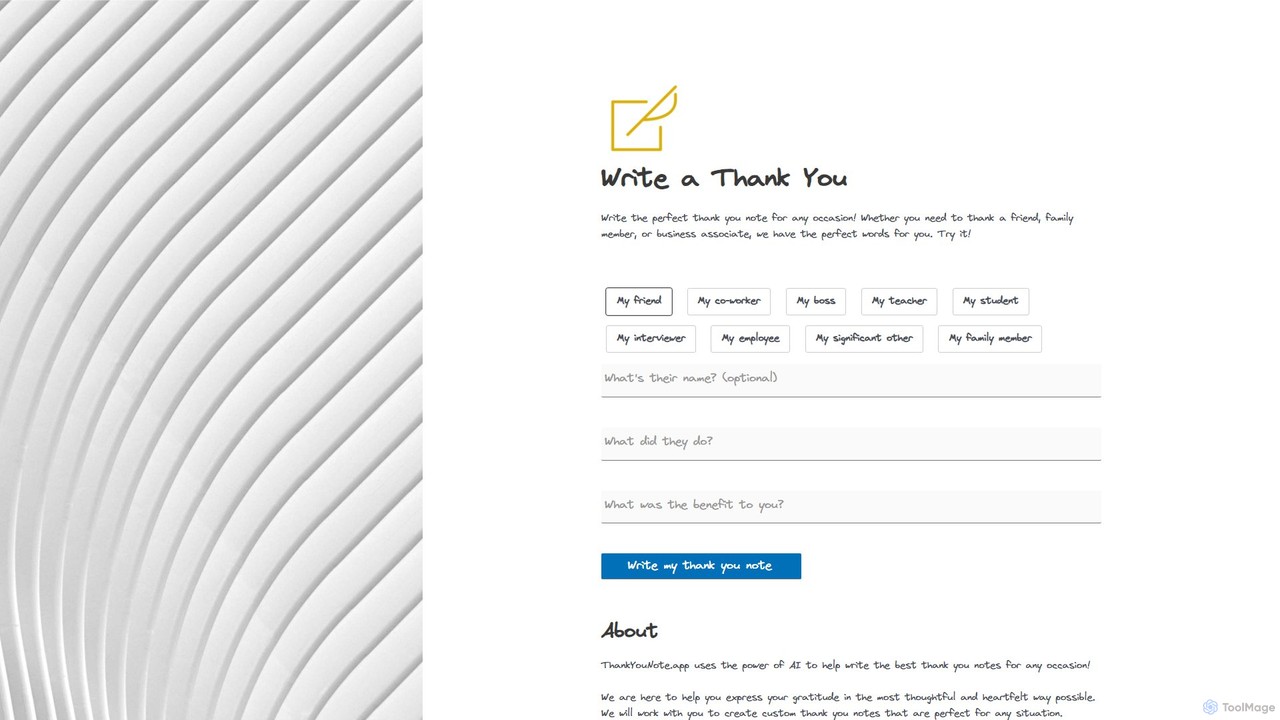
An AI-powered tool that helps you write the perfect, heartfelt thank you note for any occasion. Simply select the recipient, describe the situation, and let the AI generate a thoughtful message to express your gratitude for gifts, favors, or professional support.

Writing Assistant
Visits 6.9KFavorites 126Likes 113
mailreply
Freemium

mailreply

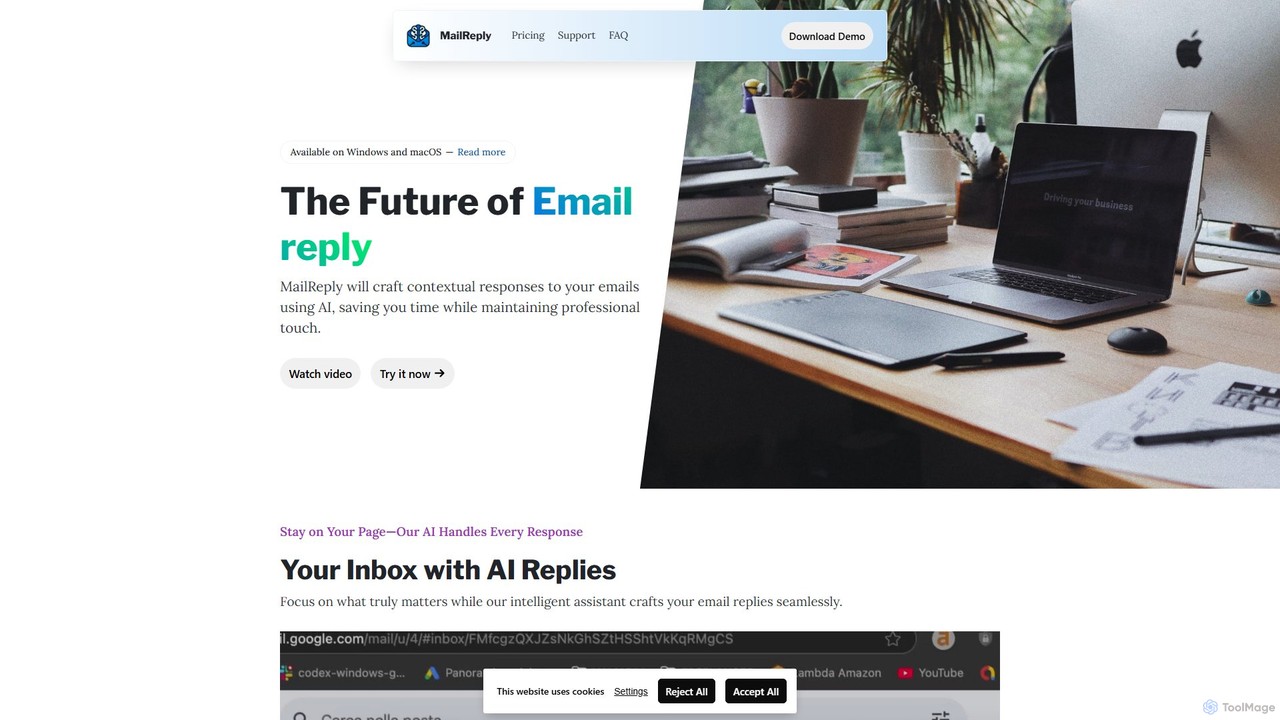
mailreply is an independent AI email assistant designed for professionals. It helps you draft high-quality, context-aware email replies in seconds, maintaining a professional tone. It works with any email client, including Outlook and Gmail, while prioritizing user control and data privacy.

Writing Assistant
Visits 4.7KFavorites 137Likes 127

About Writing Assistant

Writing Assistant tools are AI-powered applications designed to improve and accelerate the entire writing process. Leveraging natural language processing (NLP), these assistants go beyond basic spell checking to offer advanced grammar correction, style suggestions, tone adjustment, and even content generation. They function as intelligent partners, helping users craft clearer, more effective, and error-free written communication. This makes them a vital component within the broader category of AI Communication tools.

Core Features

  • Grammar & Fluency: Corrects complex grammatical errors and improves sentence flow for enhanced readability.
  • Style & Tone Adjustment: Adapts text to specific tones like formal, casual, or persuasive to match the intended audience.
  • Content Generation & Expansion: Helps overcome writer's block by suggesting sentences, expanding on ideas, or drafting entire sections.
  • Rephrasing & Summarization: Offers alternative phrasing to improve clarity and condenses long documents into key points.

Use Cases

These tools are widely used by content creators for drafting blog posts, marketers for crafting compelling ad copy, students for structuring academic papers, and business professionals for composing clear emails and reports. They are valuable in any role that involves significant written communication.

How to Choose

When selecting a Writing Assistant, consider its integration with your existing software (e.g., browsers, word processors), the specific features you need (basic proofreading vs. advanced generation), supported languages, and the pricing model. Also, evaluate its specialization, as some tools are better for creative writing while others excel in technical or academic contexts.

Writing Assistant use cases

1

Drafting and Optimizing Blog Posts

For content marketers and bloggers, an AI Writing Assistant is a powerful ally. It helps brainstorm topics, generate outlines, and draft initial versions of articles. During the writing process, it can expand on bullet points, suggest better vocabulary, and ensure the tone is engaging. Before publishing, it performs a final check for grammar, spelling, and style consistency, and can even help optimize content for SEO by suggesting relevant keywords and improving readability scores, significantly reducing the time from idea to publication.

2

Crafting Professional Business Emails

Business professionals often need to write clear, concise, and appropriately toned emails. An AI Writing Assistant helps draft messages from scratch or refine existing ones. It can adjust the tone from assertive to diplomatic, shorten lengthy sentences for clarity, and check for any grammatical mistakes that could undermine professionalism. This ensures that every communication, from a client proposal to an internal memo, is polished and effective, strengthening business relationships.

3

Enhancing Academic Papers and Reports

Students and researchers use AI Writing Assistants to improve the quality of their academic work. The tool helps structure complex arguments, paraphrase sources to avoid plagiarism, and ensure consistent citation styles. It identifies awkward phrasing and suggests more formal, academic language. By handling the mechanical aspects of writing, it allows the writer to focus on the core research and ideas, leading to a more coherent and well-argued paper.

4

Generating Engaging Social Media Content

Social media managers can use AI Writing Assistants to quickly generate a variety of content for platforms like Twitter, LinkedIn, and Instagram. By providing a simple prompt or topic, the tool can create multiple caption options with different tones and lengths. It can also help rephrase existing content for different channels, ensuring the message is tailored to each audience. This automates a significant part of the content creation workflow, allowing managers to post more consistently.

5

Overcoming Writer's Block in Creative Projects

For novelists, screenwriters, and creative writers, an AI Writing Assistant can be a valuable tool for breaking through creative hurdles. When stuck, a writer can input a scene's context and ask the AI to generate potential continuations, dialogue, or descriptive passages. While not a replacement for creativity, it serves as an interactive brainstorming partner, offering fresh perspectives and ideas to keep the narrative moving forward.

6

Standardizing Technical Documentation

Technical writers responsible for creating user manuals, API documentation, or support articles can leverage AI Writing Assistants to maintain consistency and clarity. The tool can enforce a specific style guide, check for consistent terminology across multiple documents, and simplify complex technical explanations for a broader audience. This ensures that the documentation is easy to understand, accurate, and professional, reducing user confusion and support requests.

Writing Assistant FAQ

What is an AI Writing Assistant?

An AI Writing Assistant is a software tool that uses artificial intelligence, particularly natural language processing (NLP), to help users improve their writing. Unlike basic spell checkers, it provides comprehensive support, including advanced grammar correction, style suggestions, tone analysis, content generation, and text summarization. It acts as a co-pilot to make writing faster, clearer, and more effective.

How do I choose the right AI Writing Assistant?

To choose the right tool, consider these factors:

  • Your Primary Use Case: Are you writing emails, blog posts, or academic papers? Some tools specialize in certain content types.
  • Integrations: Ensure it works with your preferred applications, like Google Docs, Microsoft Word, or your web browser.
  • Feature Set: Decide if you need basic proofreading or more advanced features like content generation and plagiarism detection.
  • Budget: Compare free plans and paid subscriptions to find one that fits your needs and budget.
What is the difference between an AI Writing Assistant and a standard grammar checker?

A standard grammar checker primarily identifies basic spelling and grammatical errors. An AI Writing Assistant offers a much broader range of features. It understands context to provide suggestions on style, tone, clarity, and fluency. Many can also rephrase sentences, summarize text, and even generate new content, making them a comprehensive tool for the entire writing lifecycle, not just proofreading.

Can an AI Writing Assistant replace a human writer?

No, an AI Writing Assistant is a tool designed to augment, not replace, human writers. It excels at handling repetitive tasks, correcting errors, and providing suggestions. However, it lacks genuine creativity, critical thinking, and the deep subject matter expertise that a human writer brings. The best results come from a collaboration where the human provides the core ideas and direction, and the AI assists with execution and refinement.

Who can benefit from using an AI Writing Assistant?

A wide range of individuals and professionals can benefit. This includes:

  • Content Creators & Marketers: To produce high-quality content faster.
  • Students & Academics: To improve the clarity and structure of their papers.
  • Business Professionals: To write clear and professional emails, reports, and presentations.
  • Non-native Speakers: To improve their fluency and confidence in written communication.
  • Developers: To write clear and consistent technical documentation.