


pdftopdf.ai Overview
pdftopdf.ai is a sophisticated, AI-driven web platform dedicated to revolutionizing how users interact with PDF documents. Unlike traditional converters, this tool focuses on transforming a PDF into a better, more functional version of itself. By leveraging advanced artificial intelligence and machine learning algorithms, pdftopdf.ai provides a suite of powerful features for optimizing, repairing, and enhancing PDF files, making it an indispensable tool for students, professionals, and businesses alike.
The platform's core strength lies in its ability to understand the structure and content of a PDF. This allows it to perform complex operations with remarkable precision. Whether you need to make a scanned, image-based document fully searchable, or drastically reduce the size of a large report for email, pdftopdf.ai handles the task with efficiency and high-quality output. The user interface is designed for simplicity, ensuring that even complex tasks can be performed in just a few clicks.
How to use pdftopdf.ai
The workflow is streamlined for maximum user convenience:
- Upload Your PDF: Simply drag and drop your PDF file onto the website's interface or use the file selector to upload a document from your computer.
- Select an AI Function: Choose the desired operation from the available options, such as 'AI OCR', 'Intelligent Compression', 'PDF Repair', or other enhancement features.
- Process and Download: The AI engine will process your file. Once complete, you can preview the changes and download the newly optimized PDF file to your device. The entire process is fast and secure.
Core Features of pdftopdf.ai
- AI-Powered OCR (Optical Character Recognition): Accurately converts scanned PDFs and images into fully searchable and selectable text documents. It recognizes various fonts and maintains the original layout.
- Intelligent Compression: Utilizes advanced algorithms to significantly reduce PDF file sizes while preserving the visual quality of text and images, perfect for sharing and storage.
- PDF Repair: Automatically detects and fixes common issues in corrupted or damaged PDF files, recovering as much data as possible.
- Content Restructuring: AI-driven features to automatically deskew pages, remove digital noise or artifacts, and improve the overall readability of the document.
- Secure Processing: All uploaded files are processed with a strong emphasis on privacy and security, with files being automatically deleted from servers after a short period.
Use Cases for pdftopdf.ai
pdftopdf.ai is versatile and serves a wide range of users:
- Students and Researchers: Convert scanned textbooks, academic papers, and archival materials into searchable PDFs to easily find information for their studies.
- Business Professionals: Compress large presentations, reports, and proposals to meet email attachment size limits. Use OCR to digitize paper contracts and invoices.
- Legal and Finance Sectors: Make scanned legal documents, case files, and financial statements text-searchable for quick review and e-discovery.
- Archivists and Librarians: Digitize and preserve historical documents, making them accessible and searchable for future generations while saving physical and digital storage space.
Advantages of pdftopdf.ai
The tool offers several key advantages:
- Superior Accuracy: The AI engine provides higher accuracy in OCR and more effective compression compared to standard, non-AI tools.
- Ease of Use: A clean, intuitive, and user-friendly interface requires no technical expertise.
- Speed and Efficiency: Powerful cloud-based processing ensures that even large files are handled quickly.
- Data Privacy: A strong commitment to user data protection and secure file handling.
- All-in-One Solution: Combines multiple advanced PDF functionalities into a single, convenient web platform.
Pricing and Plans
pdftopdf.ai operates on a freemium model to cater to different user needs:
- Free Plan: Ideal for casual users, this plan offers access to basic features with certain limitations, such as a cap on the number of files processed per day and a maximum file size.
- Pro Plan (Paid): Designed for professionals and businesses, this subscription-based plan provides unlimited file processing, support for larger file sizes, batch processing capabilities, access to all advanced AI features, and priority customer support.
pdftopdf.ai Alternatives
PDF Candy
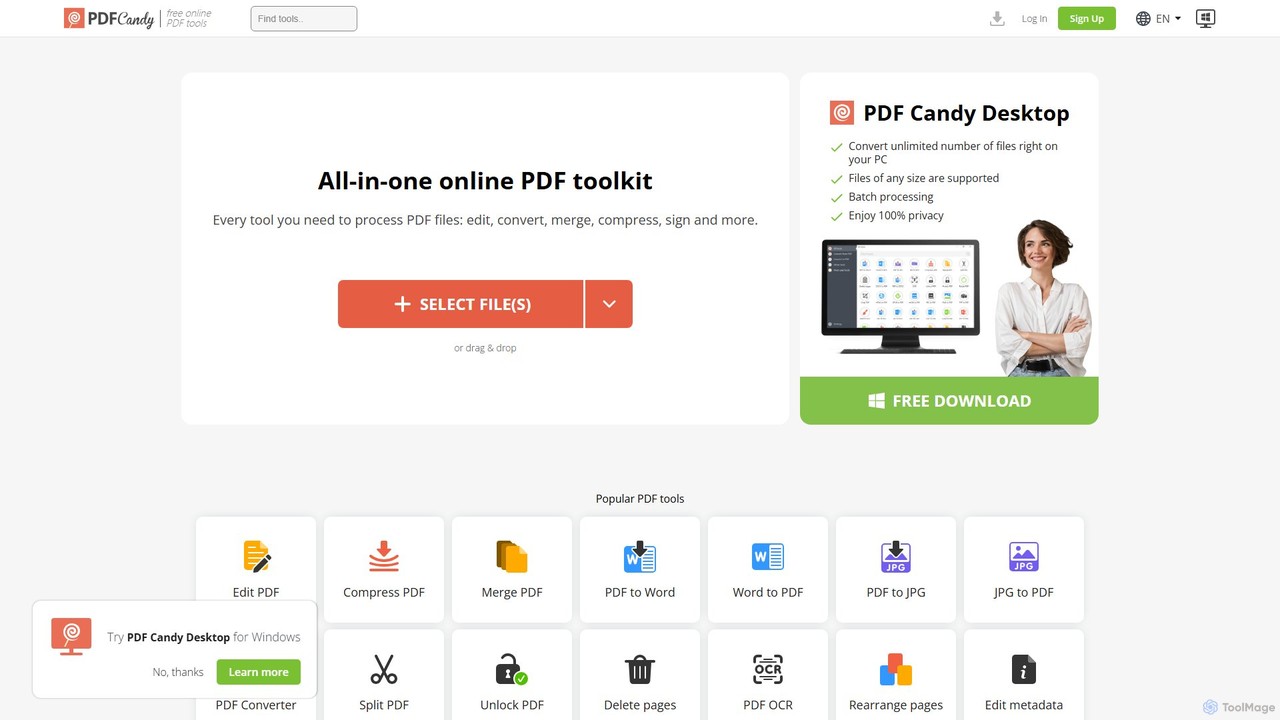
PDF Candy is a comprehensive all-in-one online and desktop toolkit offering over 90 free tools to manage PDF files. Users can easily edit, convert from and to various formats, merge, compress, sign, unlock, and perform OCR on documents. It provides a user-friendly interface for both casual and professional use, ensuring high-quality results for all your PDF needs.
File Conversion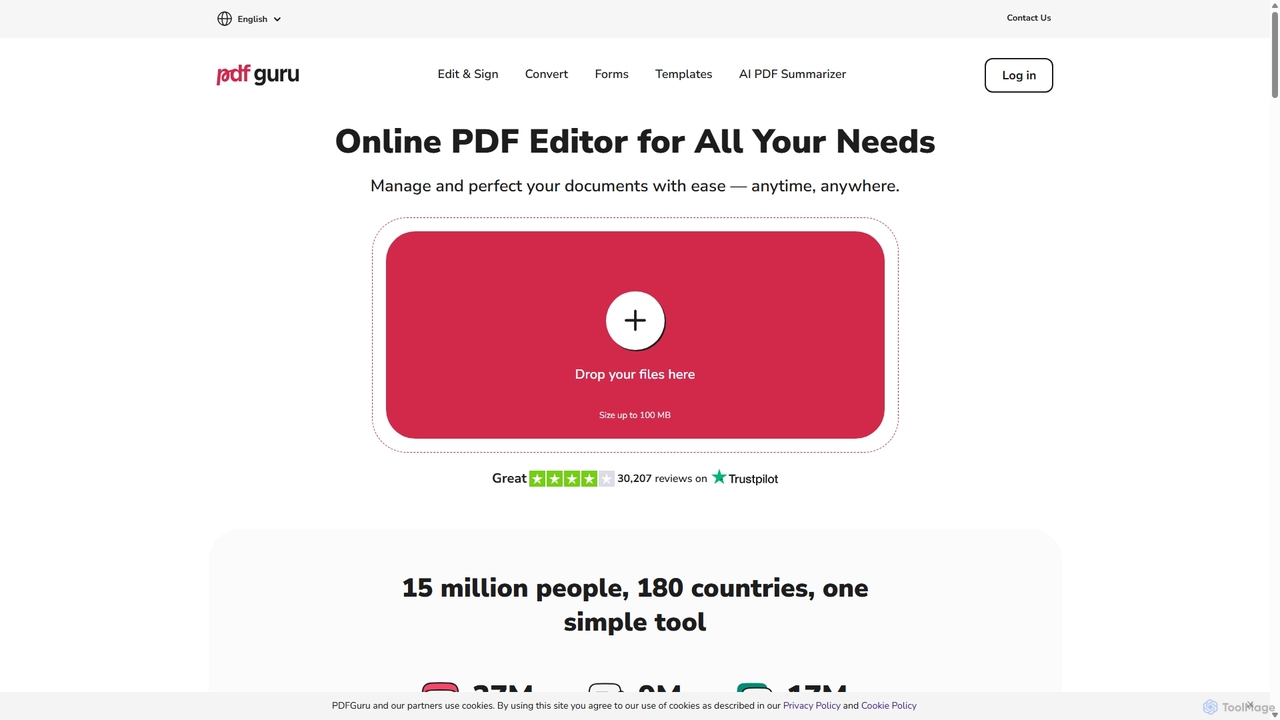
PDFflex
PDFflex is a comprehensive, all-in-one online platform for managing PDF documents. It allows users to edit, convert, merge, split, and sign PDFs with ease. Featuring an intuitive interface and robust security, PDFflex also incorporates AI-powered tools like OCR for scanned documents and summarizers for long texts. It supports a vast range of file formats, making it a versatile solution for both personal and professional use, accessible from any browser without installation.
Summarizer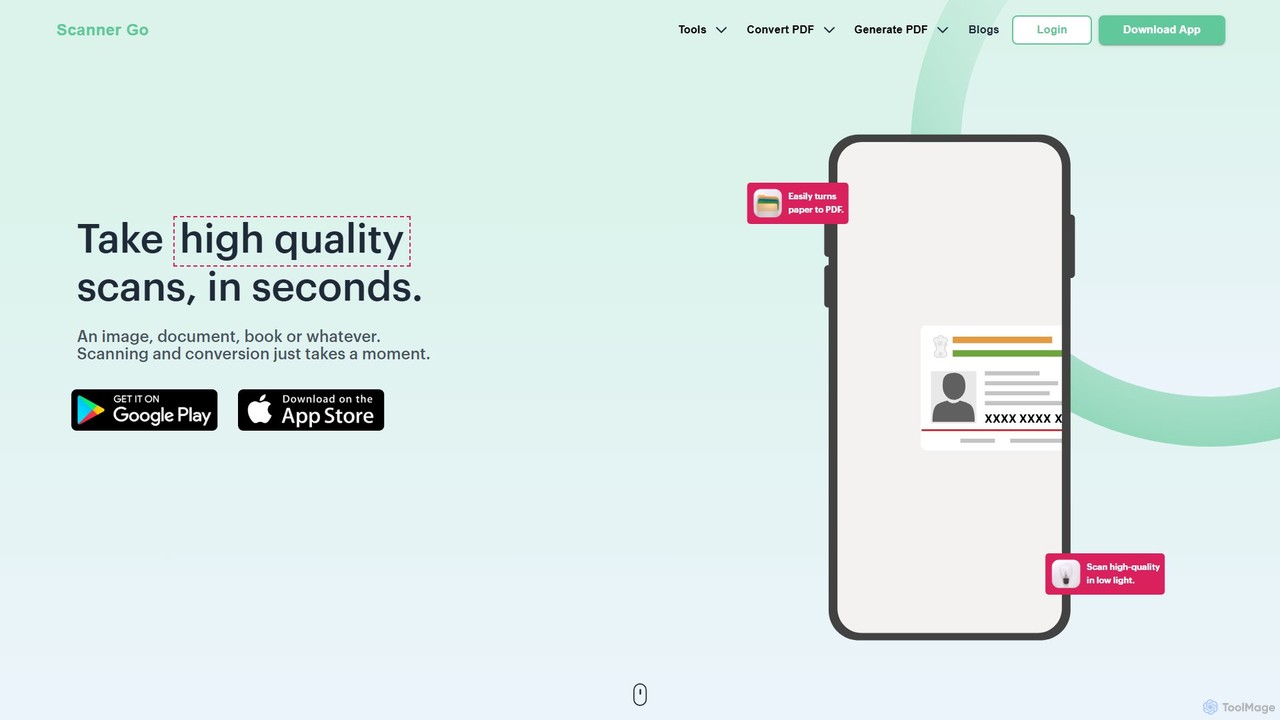
ScannerGo
ScannerGo is an all-in-one productivity tool that combines a powerful mobile document scanner with a comprehensive suite of online PDF utilities. Easily scan, convert, edit, merge, split, and secure your documents on any device, enhanced with OCR technology to extract text from images and PDFs.
File Conversion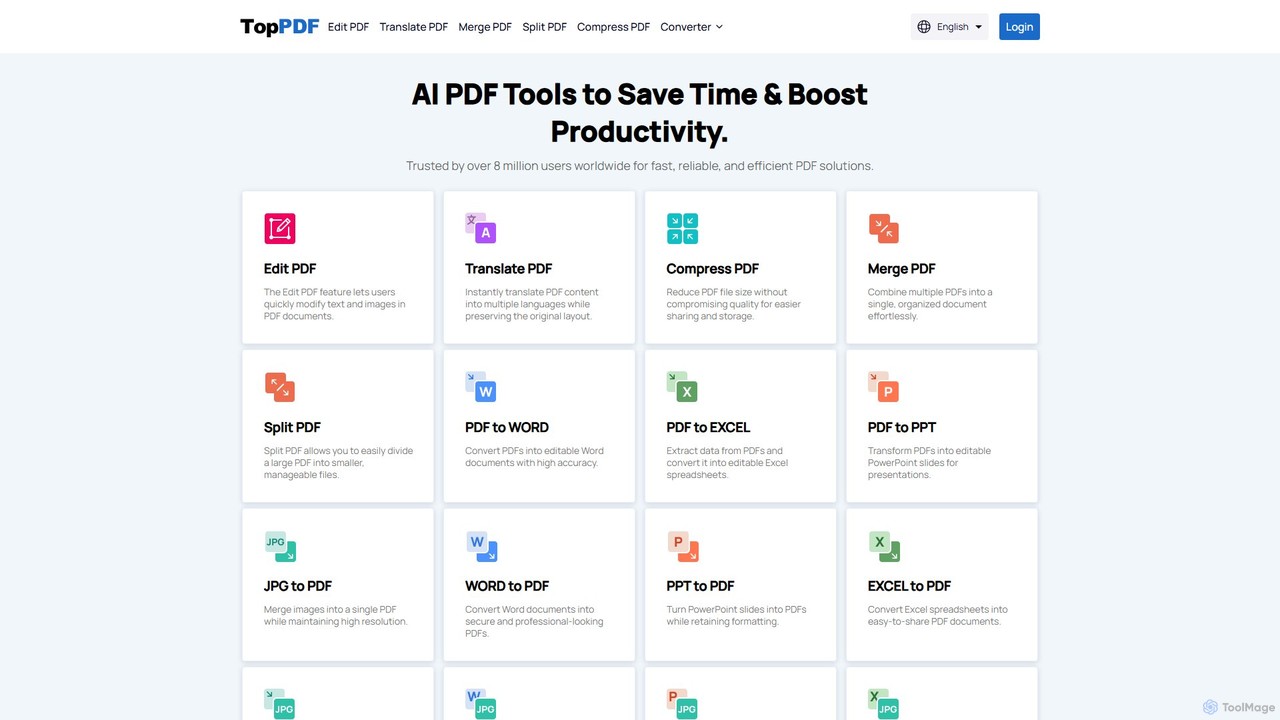
TopPDF
TopPDF is an all-in-one, AI-powered online platform offering a comprehensive suite of tools to edit, convert, translate, merge, split, and compress PDF files. It's designed to enhance productivity by simplifying document workflows for users worldwide.
File Conversion
AskYourPDF
AskYourPDF is an AI-powered document assistant that allows you to chat with your PDFs and other documents. Instantly get summaries, ask questions, and extract key information to save time and boost productivity. It supports multiple platforms and includes a suite of over 40 free AI writing and content creation tools.
Researchpdftopdf.ai Categories
pdftopdf.ai Embed Widget
Copy this embed code to place the badge on your blog, article, or product site and send readers directly to this ToolMage detail page.

Related AI tools
PDF Candy
PDF Candy is a comprehensive all-in-one online and desktop toolkit offering over 90 free tools to manage PDF files. Users can easily edit, convert from and to various formats, merge, compress, sign, unlock, and perform OCR on documents. It provides a user-friendly interface for both casual and professional use, ensuring high-quality results for all your PDF needs.
File ConversionPDFflex
PDFflex is a comprehensive, all-in-one online platform for managing PDF documents. It allows users to edit, convert, merge, split, and sign PDFs with ease. Featuring an intuitive interface and robust security, PDFflex also incorporates AI-powered tools like OCR for scanned documents and summarizers for long texts. It supports a vast range of file formats, making it a versatile solution for both personal and professional use, accessible from any browser without installation.
SummarizerScannerGo
ScannerGo is an all-in-one productivity tool that combines a powerful mobile document scanner with a comprehensive suite of online PDF utilities. Easily scan, convert, edit, merge, split, and secure your documents on any device, enhanced with OCR technology to extract text from images and PDFs.
File ConversionTopPDF
TopPDF is an all-in-one, AI-powered online platform offering a comprehensive suite of tools to edit, convert, translate, merge, split, and compress PDF files. It's designed to enhance productivity by simplifying document workflows for users worldwide.
File Conversion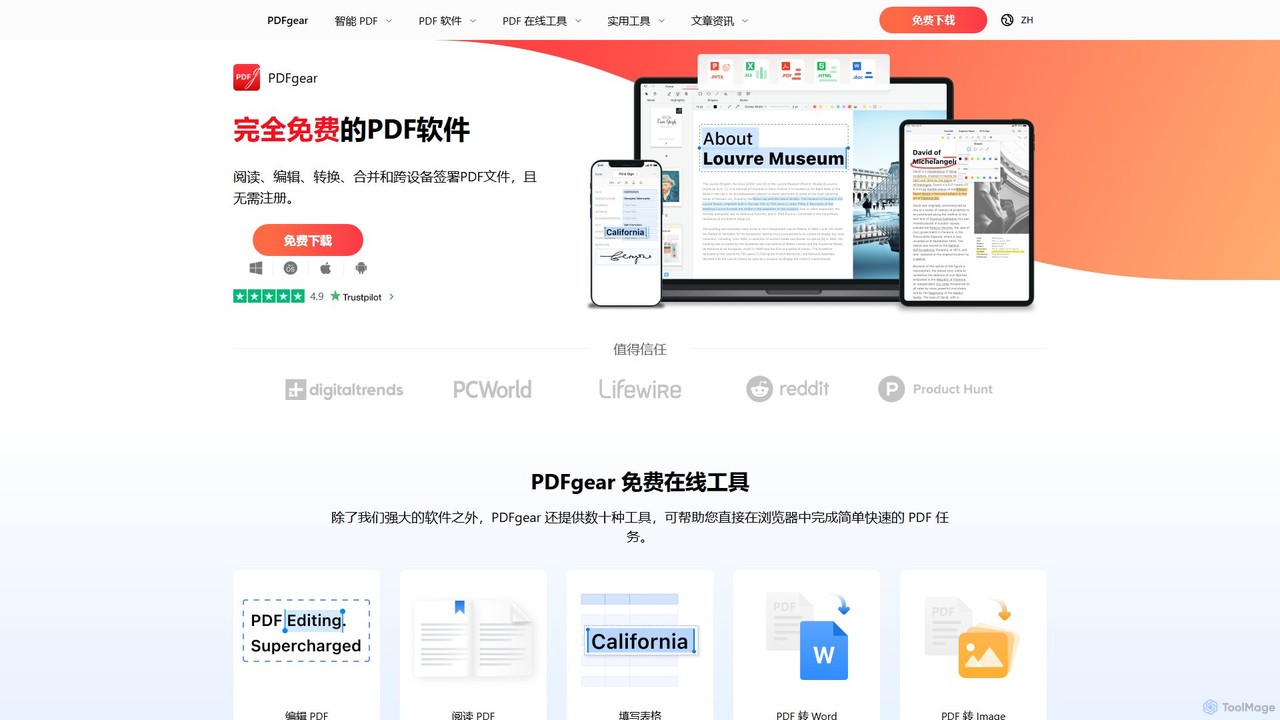
PDFgear
PDFgear is a completely free, AI-powered PDF editor and management suite. It integrates a ChatGPT-based Copilot to chat with, summarize, and analyze your documents. It offers comprehensive features like editing, converting, OCR, and signing across all platforms (Windows, macOS, iOS, Android) and online.
Document Analysis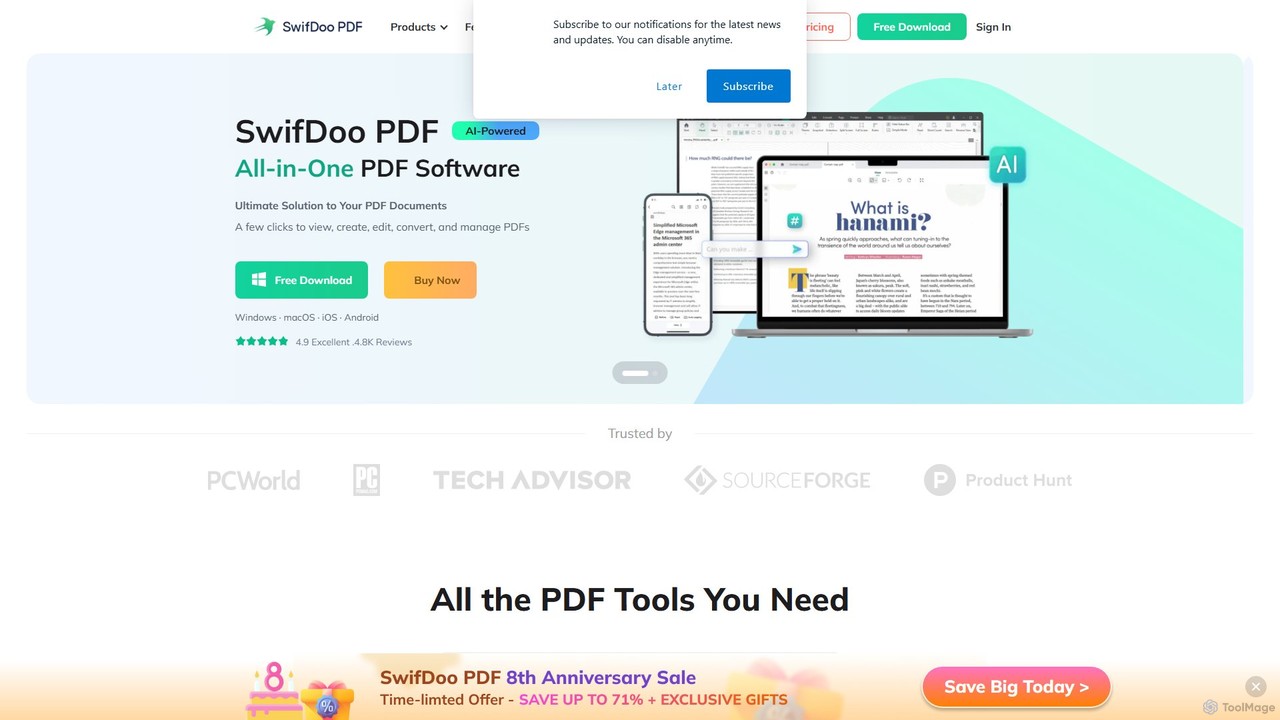
SwifDoo PDF
SwifDoo PDF is an all-in-one, AI-powered PDF software for effortless document management. It allows users to create, edit, convert, merge, compress, and sign PDF files. With integrated AI features, you can summarize, translate, proofread, and chat with your documents. Available on Windows, macOS, iOS, and Android, it offers a lightweight yet powerful solution for both individual and business users.
Document Signing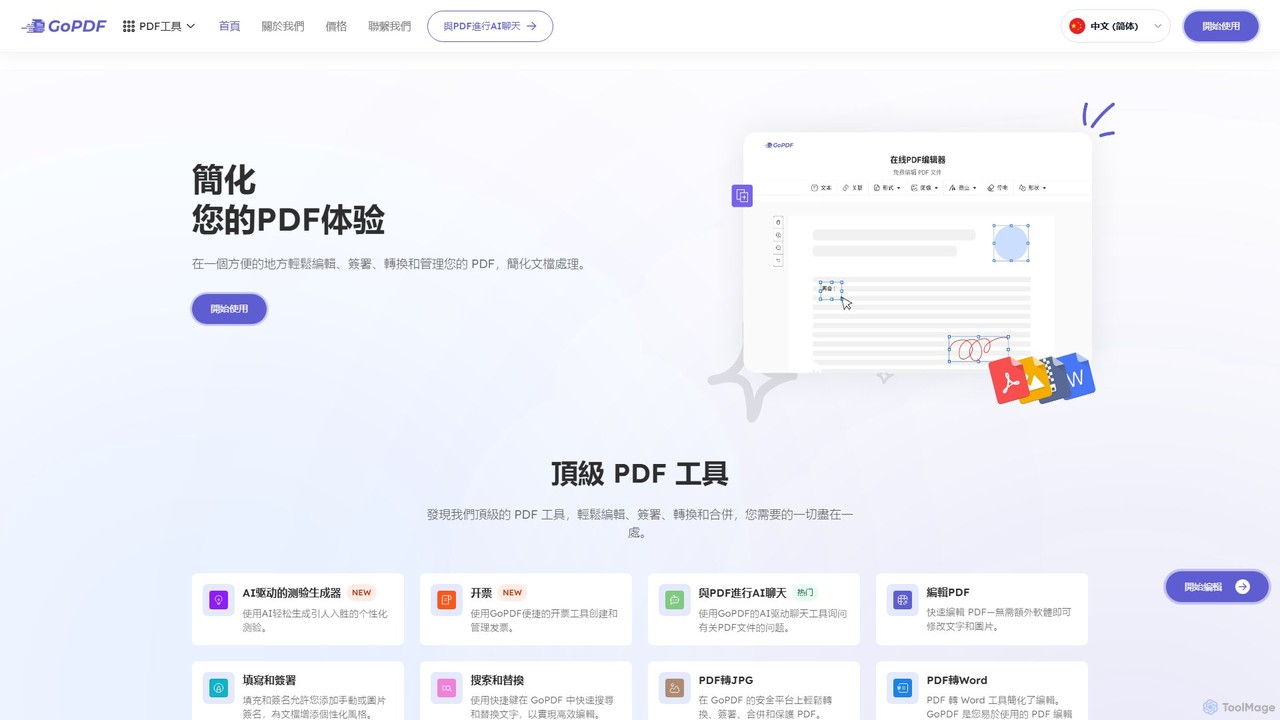
GoPDF
GoPDF is an AI-powered, all-in-one online PDF solution. It allows users to easily edit, convert, sign, merge, compress, and interact with PDF documents through an intuitive web interface and mobile app. AI features enable users to chat with their documents for quick summaries and answers.
Chat With Document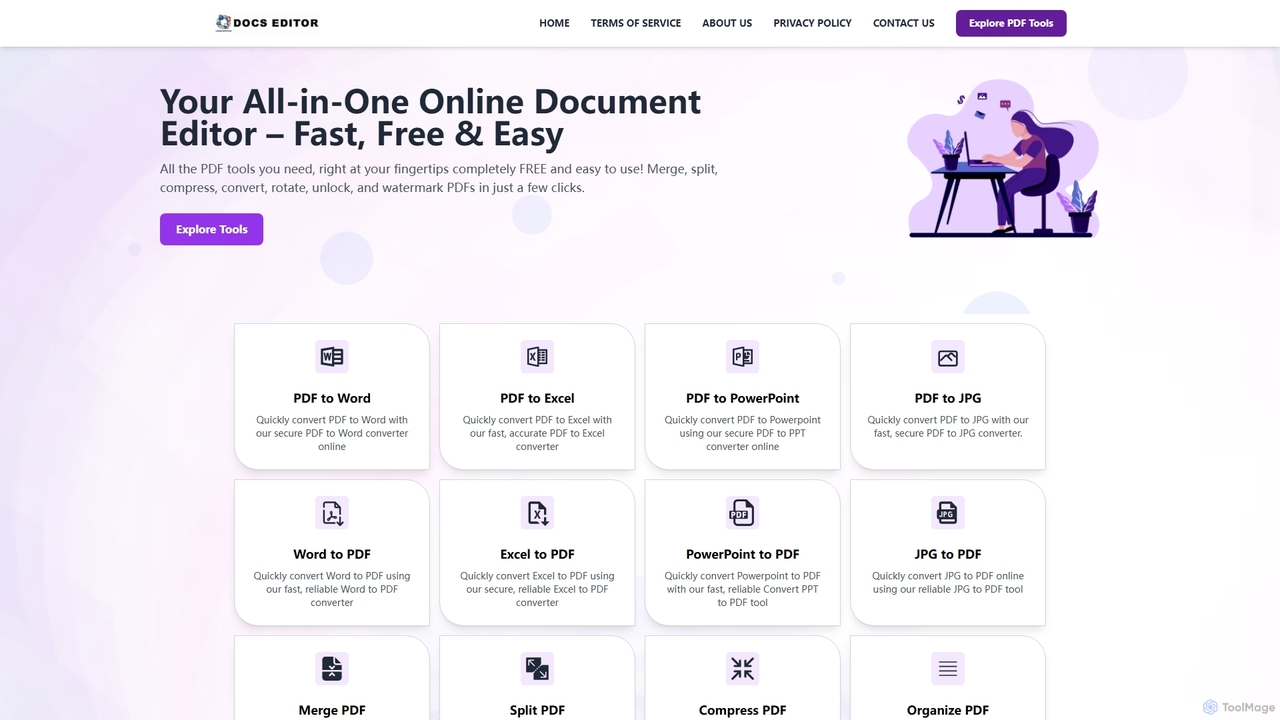
Docseditor
Docseditor is a comprehensive, free online document toolkit for all your PDF needs. It allows users to effortlessly edit, convert, merge, split, compress, sign, and manage PDF files directly in their browser without any installation.
Document Management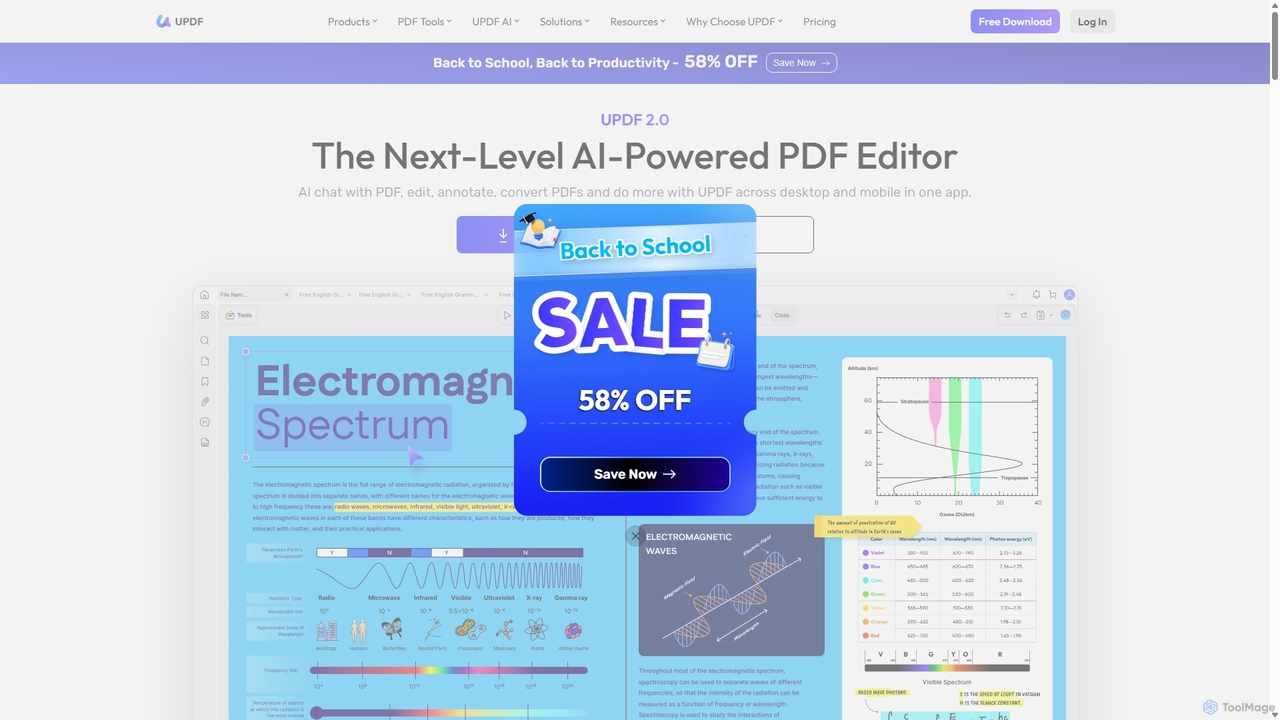
UPDF
UPDF is an AI-integrated, all-in-one PDF editor that allows users to edit, annotate, convert, summarize, translate, and chat with PDF documents. It offers a seamless experience across Windows, macOS, iOS, and Android, boosting productivity for individuals, students, and businesses.
Document Analysis
UPDF AI
UPDF AI is a powerful AI assistant integrated into the UPDF editor, designed to revolutionize how you interact with PDF documents. It allows you to chat with your PDFs, get instant summaries, translate entire documents or selected text, explain complex data, and even convert dense content into visual mind maps. Available on Windows, macOS, iOS, Android, and the web, it streamlines workflows for students, researchers, and professionals by making document comprehension and analysis faster and more efficient.
Research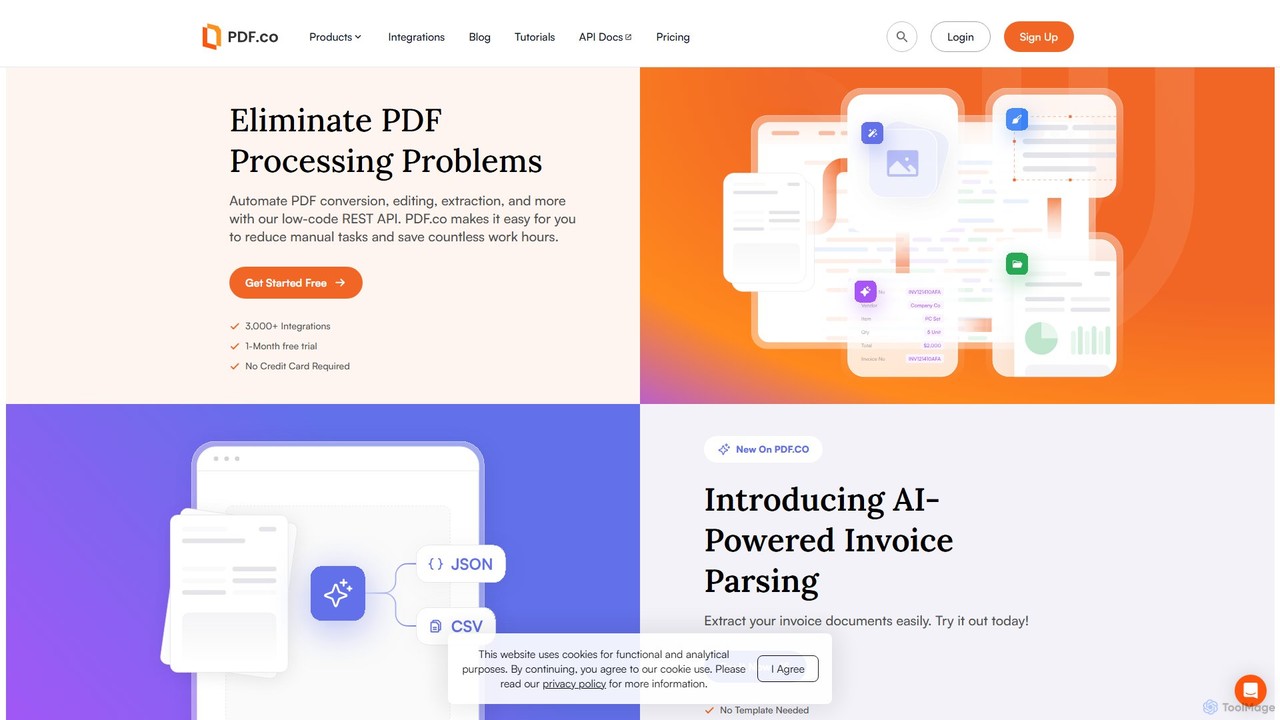
PDF.co
PDF.co is a powerful REST API platform for developers and businesses to automate all PDF-related tasks. It enables PDF data extraction, editing, conversion, creation, and form filling. Featuring AI-powered invoice parsing and seamless integration with over 3,000 platforms like Zapier and Make, it helps eliminate manual work and streamline document workflows.
Automation
Jyek
Jyek is an AI agent platform that understands objectives, creates execution plans, uses tools, and delivers verifiable results for complex, multi-step tasks.
Automation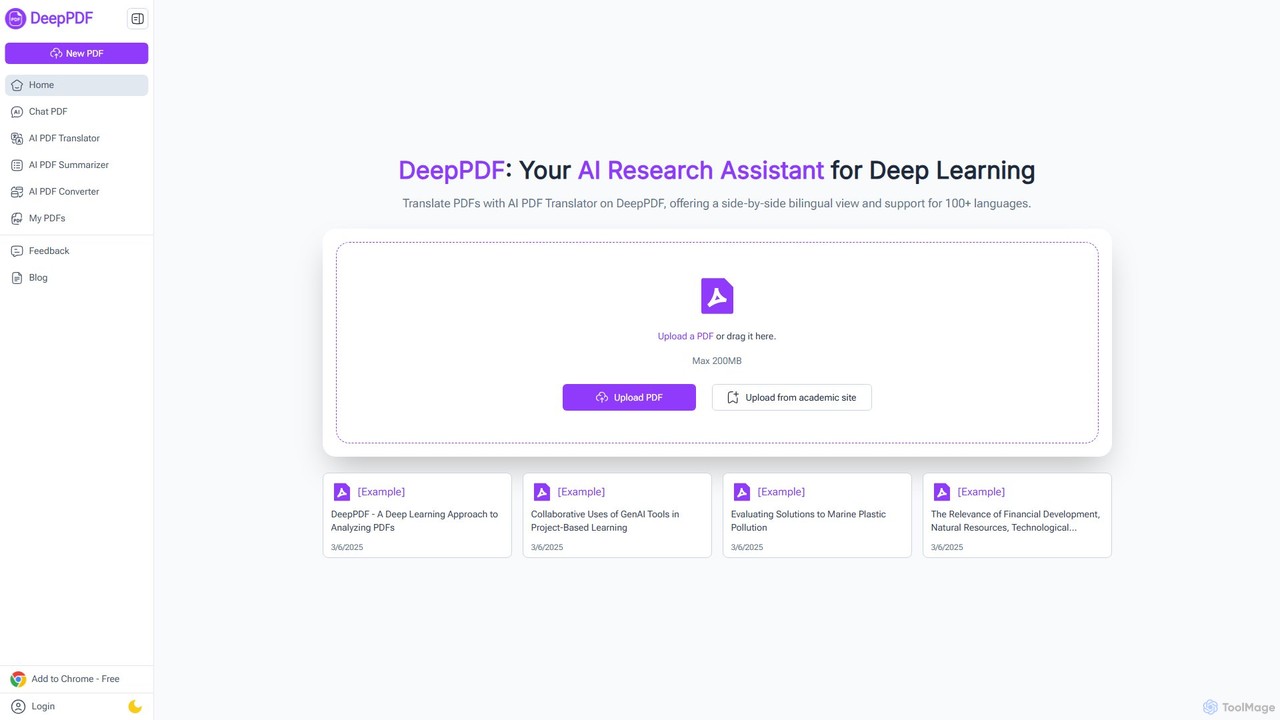
DeepPDF
DeepPDF is an AI-powered research assistant for deep interaction with PDF documents. It allows users to chat with their PDFs, get instant summaries, translate content into over 100 languages with a side-by-side view, and convert files. Featuring OCR, image analysis, and academic search integration, it's designed to enhance productivity for students, researchers, and professionals by making complex documents easy to understand and manage.
Document Management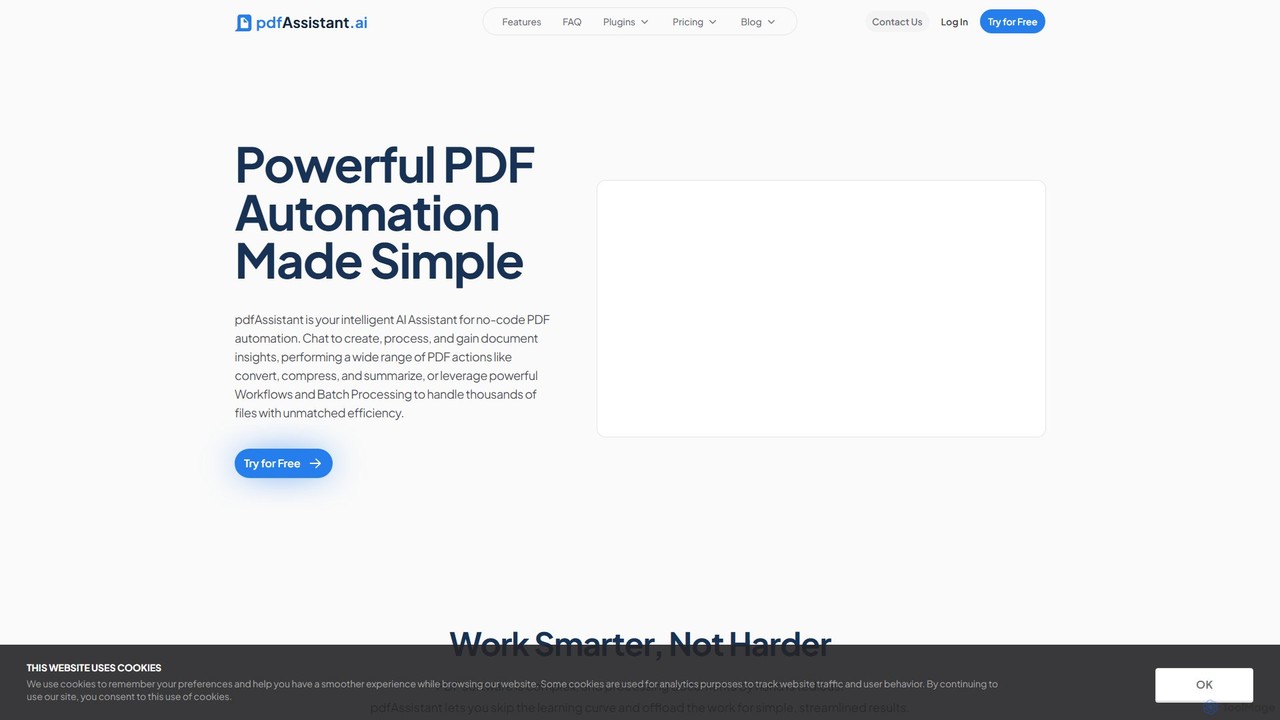
pdfAssistant.ai
pdfAssistant.ai is an intelligent, no-code platform for PDF automation. Use its intuitive chat interface to create, convert, compress, summarize, and manage PDFs with simple natural language commands. Automate complex, multi-step tasks with Workflows and process thousands of files efficiently using Batch Processing.
Automation
PDFGPT.IO
PDFGPT.IO is an advanced AI platform that allows you to chat with your PDF documents. Instantly get summaries, ask complex questions, and extract key information from research papers, textbooks, and reports. It supports multiple documents, image and table interpretation, and offers a full suite of PDF management tools, powered by models like GPT-4o and Claude, to revolutionize your document workflow.
Document Management
pdftopdf.ai Comments (0)
Sign in to comment.
Sign inNo comments yet.