ToolMage
Sign in

Best 5 File Management AI tools for Utilities

Popular File Management AI tools in Utilities include AirDroid, AutoCropper, DynamicLake, pdftopdf.ai, and SkyConvert, helping you work more efficiently.

DynamicLake

DynamicLake

DynamicLake is a powerful Mac application that brings the iPhone's iconic Dynamic Island experience to macOS, complete with Liquid Glass aesthetics. It transforms the menu bar into an interactive hub for notifications, media control, file management, system utilities, and live activities, enhancing productivity and workflow with a visually stunning and intuitive interface.

Notifications
Visits 27.5KFavorites 22Likes 13
pdftopdf.ai
Freemium

pdftopdf.ai

pdftopdf.ai is an AI-powered online tool designed to optimize, enhance, and transform PDF files. It uses artificial intelligence for advanced functions like high-fidelity OCR to make scanned documents searchable, intelligent compression to reduce file size without quality loss, and PDF repair. It's a comprehensive solution for managing and improving your PDF documents efficiently.

File Conversion
Visits 4.9KFavorites 139Likes 146
AutoCropper
Freemium

AutoCropper

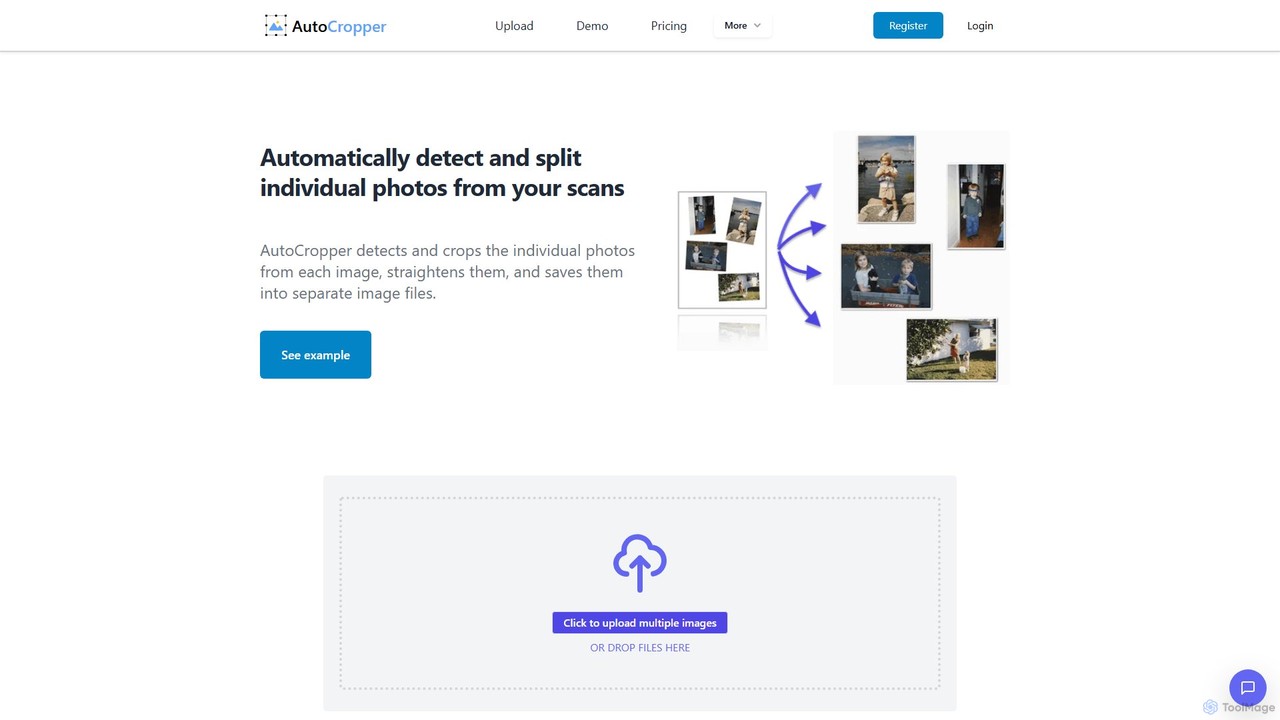
AutoCropper is an intelligent online tool designed to automatically detect, crop, and split multiple photos from a single scanned image. It streamlines the process of digitizing photo collections by eliminating manual cropping, correcting rotation, and saving each photo as a separate, full-quality file. Ideal for digital archivists, card sellers, and anyone looking to preserve old photographs efficiently.

3D
Visits 32.2KFavorites 126Likes 120
SkyConvert
Free

SkyConvert

A versatile and free online file converter that supports over 500 formats. Easily convert, edit, and compress documents, images, videos, and audio files directly in your browser. Secure and accessible on any device, with no software installation required.

Image Editing
Visits 4.8KFavorites 149Likes 162
AirDroid
Freemium

AirDroid

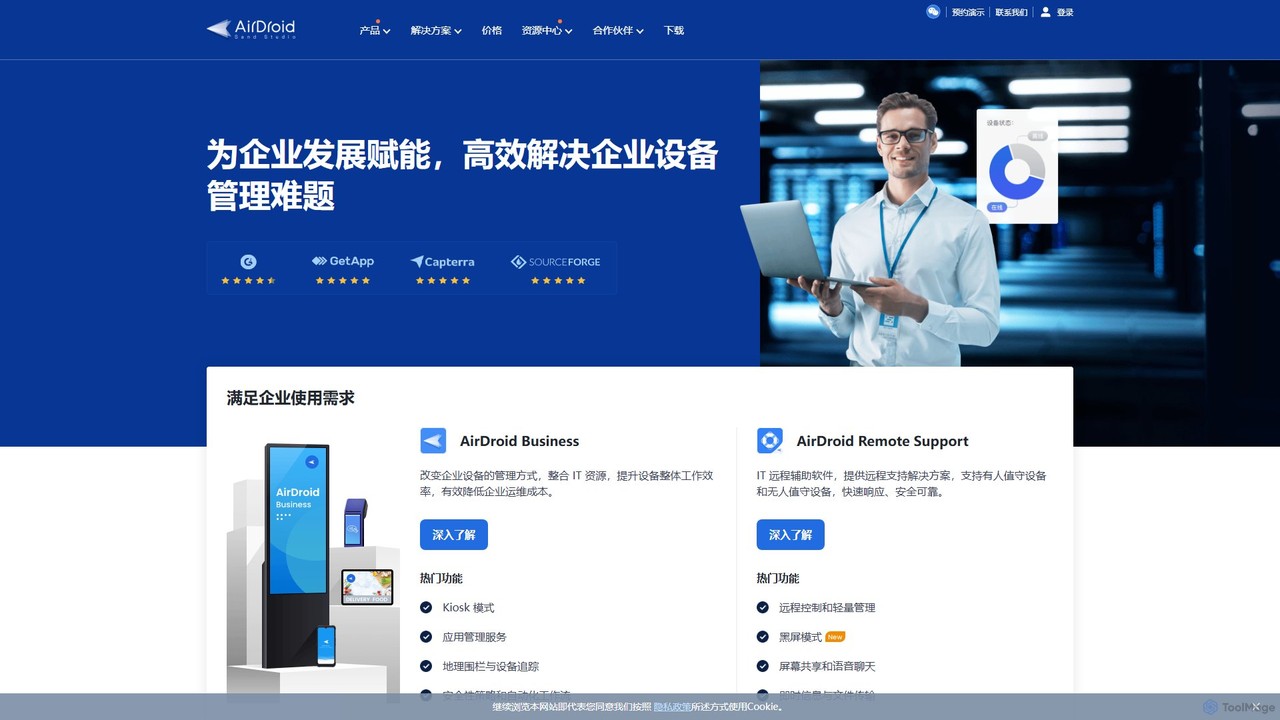
AirDroid is a comprehensive suite of tools for remote control, mobile device management (MDM), and remote support. It caters to both personal and enterprise users, enabling seamless file transfer, screen mirroring, notification management, and robust control over fleets of Android devices.

Device Management
Visits 185.1KFavorites 129Likes 119

About File Management

AI-powered File Management tools are designed to automate and optimize the organization, processing, and retrieval of digital files. Leveraging machine learning and natural language processing, these tools can intelligently classify, tag, and manage vast amounts of data. They significantly enhance productivity by reducing manual effort in document handling, ensuring data integrity, and streamlining access to critical information within the broader scope of utility applications.

Core Features

  • Automated Classification: Automatically categorize files based on content, metadata, or custom rules for efficient organization.
  • Intelligent Tagging: Apply relevant tags and keywords to files for enhanced searchability and contextual understanding.
  • Duplicate Detection & Merging: Identify and manage redundant files to optimize storage space and prevent clutter.
  • Version Control: Track changes and maintain historical versions of documents, crucial for collaborative environments.
  • Secure Access & Permissions: Manage user access rights and ensure data security across different file types and platforms.

Use Cases

These tools are invaluable for businesses handling large volumes of digital documents, such as legal firms, healthcare providers, and financial institutions, enabling efficient processing of client records or financial statements. For individual professionals, they simplify personal document archives and project files, making information instantly accessible and reducing administrative burden.

How to Choose

When selecting an AI file management tool, consider its integration capabilities with existing systems like cloud storage or CRM platforms. Evaluate the accuracy of its AI classification and tagging features, the level of automation it offers, and its security protocols for sensitive data. Scalability, user-friendliness, and compliance with industry standards are also crucial for long-term adoption and efficiency.

File Management use cases

1

Automating Document Classification for Legal Firms

Legal professionals often deal with thousands of case files, contracts, and research documents. AI file management tools can automatically classify these documents by case type, client, or legal domain, and extract key entities like dates and parties. This drastically reduces the time spent on manual sorting and ensures that relevant documents are instantly accessible during litigation or research, improving compliance and operational efficiency.

2

Intelligent Organization of Research Papers for Academics

Researchers and academics accumulate vast libraries of papers, articles, and data sets. AI file management helps by intelligently tagging these resources with keywords, authors, topics, and publication dates. It can also identify duplicate papers or suggest related readings, allowing academics to quickly find specific information, manage their bibliography, and streamline their literature review process for new projects.

3

Streamlining Invoice and Receipt Processing for Small Businesses

Small business owners and accountants spend considerable time manually organizing invoices, receipts, and expense reports. AI file management tools can automatically extract data from these documents, categorize them by vendor or expense type, and integrate with accounting software. This automation simplifies bookkeeping, reduces errors, and ensures that financial records are always audit-ready, freeing up valuable time.

4

Managing Digital Assets for Marketing Teams

Marketing departments handle a high volume of digital assets, including images, videos, and campaign documents. AI file management solutions can automatically tag these assets with descriptive keywords, brand guidelines, and usage rights. This allows marketing teams to quickly locate specific assets for campaigns, maintain brand consistency, and ensure proper licensing, accelerating content creation and distribution workflows.

5

Enhancing Personal Document Archiving and Retrieval

Individuals often struggle with organizing personal documents like bills, warranties, photos, and tax records. AI file management tools can scan and classify these documents, creating a searchable digital archive. Users can quickly retrieve specific documents using natural language queries, ensuring important information is never lost and reducing clutter, making personal administration much more efficient.

6

Optimizing Cloud Storage with Duplicate File Detection

Many organizations and individuals use cloud storage services, which can quickly become cluttered with duplicate or redundant files. AI file management tools can scan cloud drives to identify and suggest merging or deleting duplicate files, optimizing storage space and reducing costs. This ensures a cleaner, more efficient digital workspace, making it easier to find the correct version of a document.

File Management FAQ

What are AI File Management tools?

AI File Management tools are software solutions that use artificial intelligence, primarily machine learning and natural language processing, to automate and enhance the organization, processing, and retrieval of digital files. Unlike traditional file systems, they can intelligently understand file content, classify documents, extract key information, and suggest optimal storage or access methods, significantly reducing manual effort and improving data accessibility.

How do AI File Management tools differ from traditional document management systems (DMS)?

While both manage documents, AI File Management tools go beyond the structured storage and version control of traditional DMS. AI tools leverage intelligence to understand file content, enabling automated classification, intelligent tagging, and content-based search. A DMS typically relies on manual input for metadata and predefined folder structures, whereas AI tools can dynamically adapt and learn from data patterns, offering more proactive and less labor-intensive organization.

What are the key benefits of using AI for file management?

The primary benefits include significant time savings through automation of tasks like classification and tagging, improved accuracy in data organization, and enhanced searchability, allowing users to quickly find specific information. AI also helps in optimizing storage by identifying duplicates, ensures better compliance through consistent data handling, and provides deeper insights into document content, leading to more informed decision-making.

Can AI File Management tools integrate with existing cloud storage platforms?

Yes, most modern AI File Management tools are designed with robust integration capabilities. They can seamlessly connect with popular cloud storage services like Google Drive, Dropbox, OneDrive, and SharePoint, as well as on-premise servers. This allows organizations to leverage AI's intelligence on their existing file infrastructure without migrating all data, ensuring a smooth transition and enhanced functionality across their current storage solutions.

What security considerations should I have when using AI File Management?

When implementing AI File Management, prioritize tools with strong data encryption (at rest and in transit), robust access controls, and compliance certifications (e.g., GDPR, HIPAA). Ensure the vendor has clear data privacy policies and that the AI models are trained securely without compromising sensitive information. Regular security audits and user permission management are also crucial to protect your digital assets from unauthorized access or breaches.