
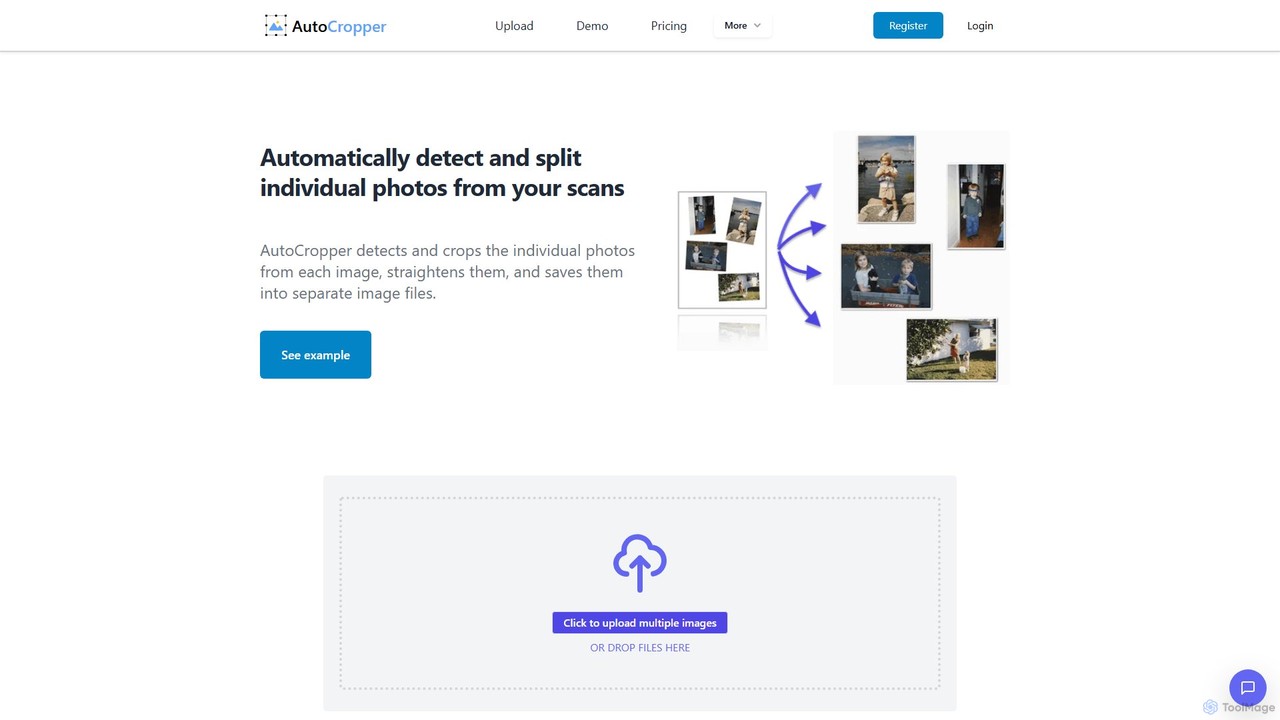
AutoCropper Overview
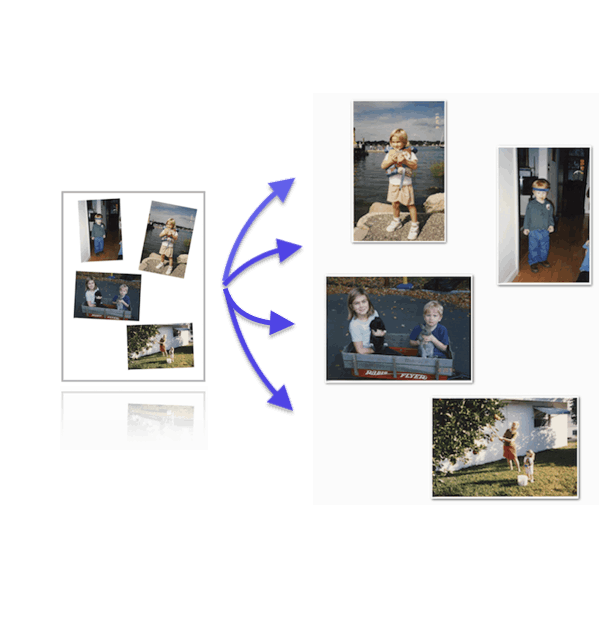
AutoCropper is a specialized web-based tool designed to solve a common and tedious problem: digitizing large collections of physical photos. Born from the creator's personal project to digitize thousands of family photos, this tool was built to be a faster, more accurate alternative to slow, built-in scanner software. It allows users to place multiple photos on a flatbed scanner, create a single scan, and then use AutoCropper to automatically detect, crop, straighten, and save each individual photo into separate files without any quality loss.
The tool leverages a custom computer vision algorithm (based on OpenCV) that intelligently identifies distinct rectangular shapes against a uniform background, such as a white scanner lid. This process is incredibly efficient, turning what could be hours of manual work in Photoshop or other editors into a task that takes just a few minutes. It's praised by users for its simplicity, speed, and flawless execution, making large-scale scanning projects feel manageable and even enjoyable.
How to use AutoCropper
Using AutoCropper is designed to be a simple, three-step process to maximize efficiency:
- Scan Multiple Photos: Arrange several photos on your flatbed scanner, leaving a small amount of space between them. Perform a single scan of the entire scanner bed and save it as one image file (e.g., JPG, PNG, TIFF). For best results, scan at a high resolution.
- Upload to AutoCropper: Visit the AutoCropper website and simply drag and drop your scanned image file(s) into the upload area. The Pro version allows you to upload and process dozens of scans in a single batch.
- Automatic Cropping and Download: The tool instantly processes the image, detecting and drawing crop boxes around each individual photo. It also automatically corrects for any slight rotation. You can then review the suggested crops, make fine-tuned adjustments using the advanced editor if needed, and download all the separated photos as individual, full-quality files with a single click.
Core Features of AutoCropper
- Batch Processing: Upload and process multiple scanned images at once, dramatically speeding up the workflow for large collections.
- Automatic Detection and Cropping: A sophisticated algorithm accurately identifies individual photos on a scan and crops them out.
- Automatic Rotation Correction: Detects and straightens photos that were scanned at a slight angle.
- Full Quality, No Compression: Upload high-resolution scans and download the cropped photos at their original quality and resolution, with no compression applied.
- Advanced Editor: Provides tools for precise manual adjustments, allowing you to resize, move, and even rotate crop boxes for perfect results.
- Privacy-Focused: The tool processes images client-side. Only a small, compressed, metadata-stripped copy is sent to the server for detection, and your original photos are never stored or saved.
- Custom File Naming: Define a naming structure for your exported files, helping to keep your digital archive organized.
- EXIF Data Encoding: Add metadata such as titles, descriptions, tags, and dates directly to your image files.
Use Cases for AutoCropper
AutoCropper is invaluable for a variety of users and scenarios:
- Personal Photo Archiving: Anyone looking to digitize family albums and shoeboxes full of old photos can save countless hours.
- Digital Archivists and Historians: Professionals who need to process large volumes of scanned documents, photos, or ephemera with speed and accuracy.
- E-commerce Sellers: Sellers of trading cards, postcards, stamps, and other collectibles can quickly scan multiple items and get individual, ready-to-upload product images.
- Graphic Designers and Photographers: Professionals who need to extract multiple elements from a single image or scan can use it as a rapid productivity tool.
Advantages of AutoCropper
The primary advantage of AutoCropper is its immense time-saving capability. It is significantly faster (over 10x, according to the developer) than using the default software bundled with most scanners or manually cropping photos in an image editor. Its user interface is clean, intuitive, and focused on doing one thing exceptionally well. The commitment to maintaining original image quality and ensuring user privacy makes it a trustworthy and reliable solution for handling precious memories and professional assets.
Pricing and Plans
AutoCropper offers a freemium model with clear and simple pricing:
- Trial Plan: Free. Allows for up to 10 uploads per day, perfect for trying out the service or for small, occasional projects.
- Pro Plan: $12 per month. Offers unlimited uploads per day and is intended for personal use. This plan includes batch uploading and all advanced features.
- Pro (Commercial) Plan: $16 per month. Includes all the features of the Pro plan but is licensed for commercial use, making it ideal for businesses and professionals.
Traffic
Latest traffic
Status
Monthly traffic trend
- 2025-9: 26.1K
- 2026-1: 36.2K
- 2026-2: 25.2K
- 2026-3: 23.3K
- 2026-4: 26.3K
- 2026-5: 27.3K
Geography
Top 5 countries / regions
- 🇺🇸United States48.8%
- 🇮🇳India29.4%
- 🇮🇩Indonesia9.2%
- 🇬🇧United Kingdom7.0%
- 🇵🇭Philippines5.7%
Traffic sources
| Source type | Percentage |
|---|---|
Direct | 82.7% |
Referral | 8.9% |
Email | 8.4% |
Top keywords
| Keyword | Cost per click |
|---|---|
| auto crop | $1.46 |
| autocrop | $0.00 |
| autocropper | $2.43 |
| document crop ai | $0.00 |
| ritz cookies png | $0.00 |
AutoCropper Alternatives

FaceCropJet
FaceCropJet is an AI-powered desktop software that automatically detects and crops faces from photos, creating perfectly formatted images for ID cards, passports, and profiles. It supports batch processing and folder monitoring for complete automation.
3D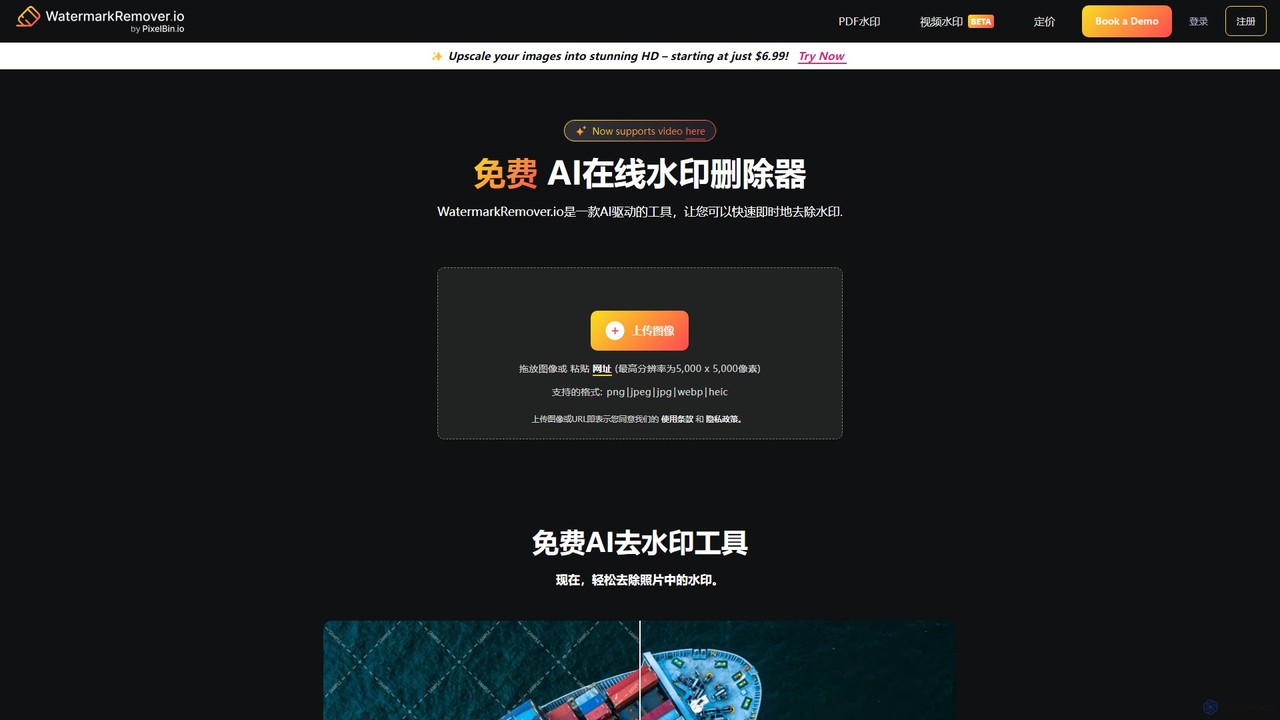
WatermarkRemover.io
WatermarkRemover.io is an AI-powered tool designed to quickly and automatically remove watermarks, logos, and text from images and videos. It requires no manual editing or technical skills. Simply upload your file, and the AI will detect and erase the watermark in seconds, preserving the original quality. It supports various formats and offers batch processing for professional users.
3D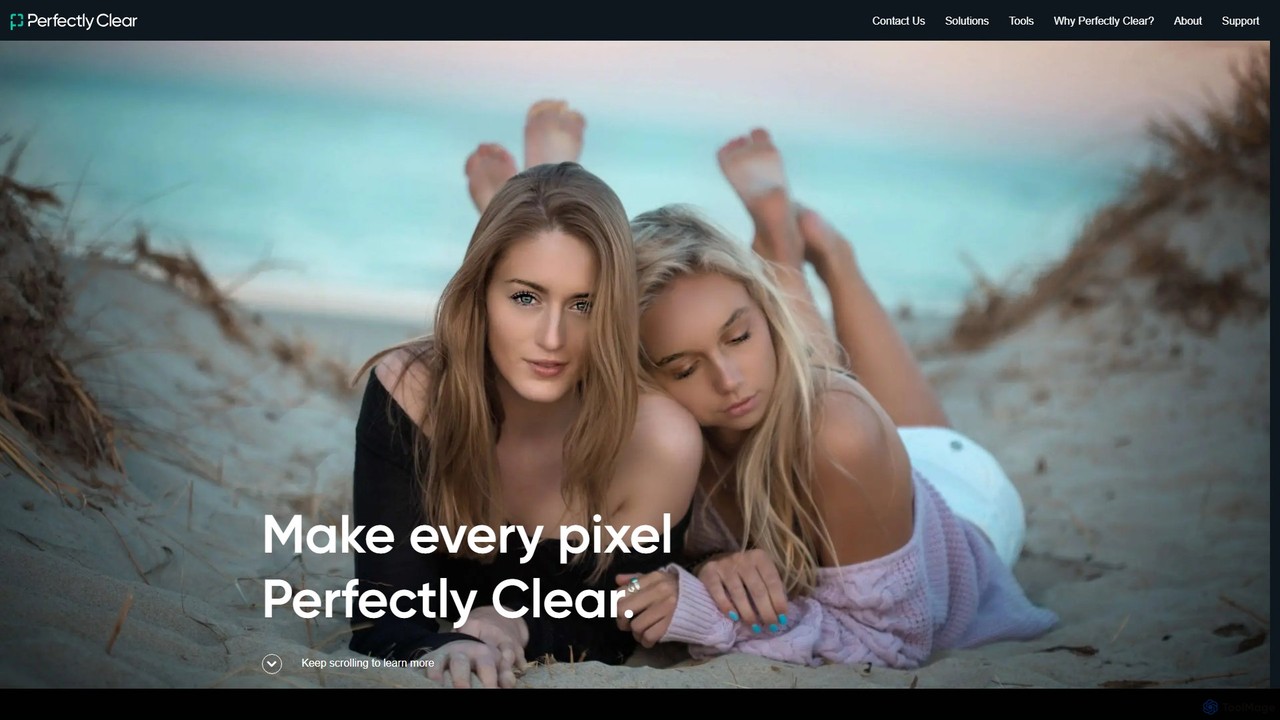
eyeq
eyeq provides world-leading AI-powered automatic photo correction and video enhancement solutions for businesses. Its core technology, Perfectly Clear, uses 20+ years of scientific research and AI to deliver vibrant, accurate colors, intelligent retouching, and automated workflows, helping companies improve quality, reduce costs, and increase revenue.
3D
Yunxiu
Yunxiu is a professional-grade AI portrait retouching software by Meitu, designed for commercial photographers. It leverages advanced AI to automate and accelerate post-production, enabling batch processing of up to 1000 photos per hour with high-quality, natural-looking results.
3D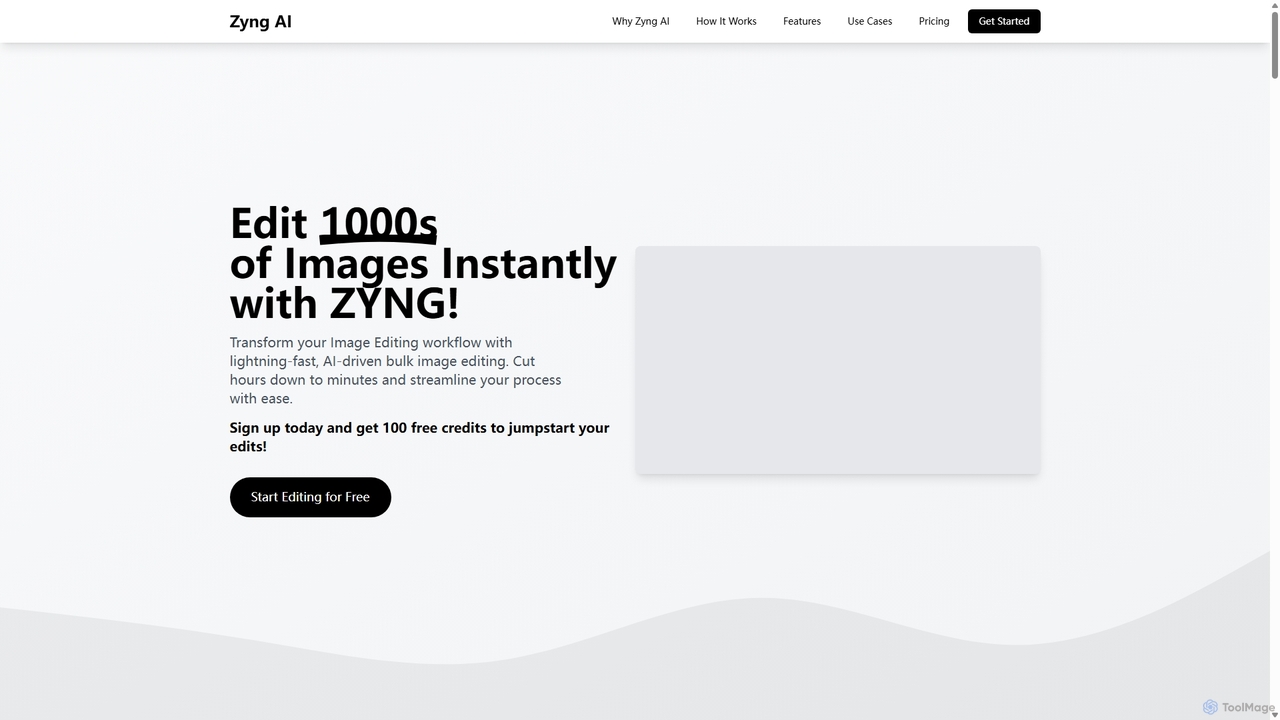
Zyng AI
Zyng AI is a powerful, AI-driven platform for bulk image editing, specifically catering to e-commerce businesses, photographers, and marketing teams. It automates tedious editing tasks, allowing users to process thousands of images in minutes. Key features include background removal, model swapping, smart cropping, face retouching, and AI-generated backgrounds. Zyng AI streamlines workflows, reduces costs, and helps create high-quality, consistent visuals for online stores and marketing campaigns, supporting resolutions up to 8K.
3DAutoCropper Categories
AutoCropper Embed Widget
Copy this embed code to place the badge on your blog, article, or product site and send readers directly to this ToolMage detail page.

Related AI tools
FaceCropJet
FaceCropJet is an AI-powered desktop software that automatically detects and crops faces from photos, creating perfectly formatted images for ID cards, passports, and profiles. It supports batch processing and folder monitoring for complete automation.
3DWatermarkRemover.io
WatermarkRemover.io is an AI-powered tool designed to quickly and automatically remove watermarks, logos, and text from images and videos. It requires no manual editing or technical skills. Simply upload your file, and the AI will detect and erase the watermark in seconds, preserving the original quality. It supports various formats and offers batch processing for professional users.
3Deyeq
eyeq provides world-leading AI-powered automatic photo correction and video enhancement solutions for businesses. Its core technology, Perfectly Clear, uses 20+ years of scientific research and AI to deliver vibrant, accurate colors, intelligent retouching, and automated workflows, helping companies improve quality, reduce costs, and increase revenue.
3DYunxiu
Yunxiu is a professional-grade AI portrait retouching software by Meitu, designed for commercial photographers. It leverages advanced AI to automate and accelerate post-production, enabling batch processing of up to 1000 photos per hour with high-quality, natural-looking results.
3DZyng AI
Zyng AI is a powerful, AI-driven platform for bulk image editing, specifically catering to e-commerce businesses, photographers, and marketing teams. It automates tedious editing tasks, allowing users to process thousands of images in minutes. Key features include background removal, model swapping, smart cropping, face retouching, and AI-generated backgrounds. Zyng AI streamlines workflows, reduces costs, and helps create high-quality, consistent visuals for online stores and marketing campaigns, supporting resolutions up to 8K.
3D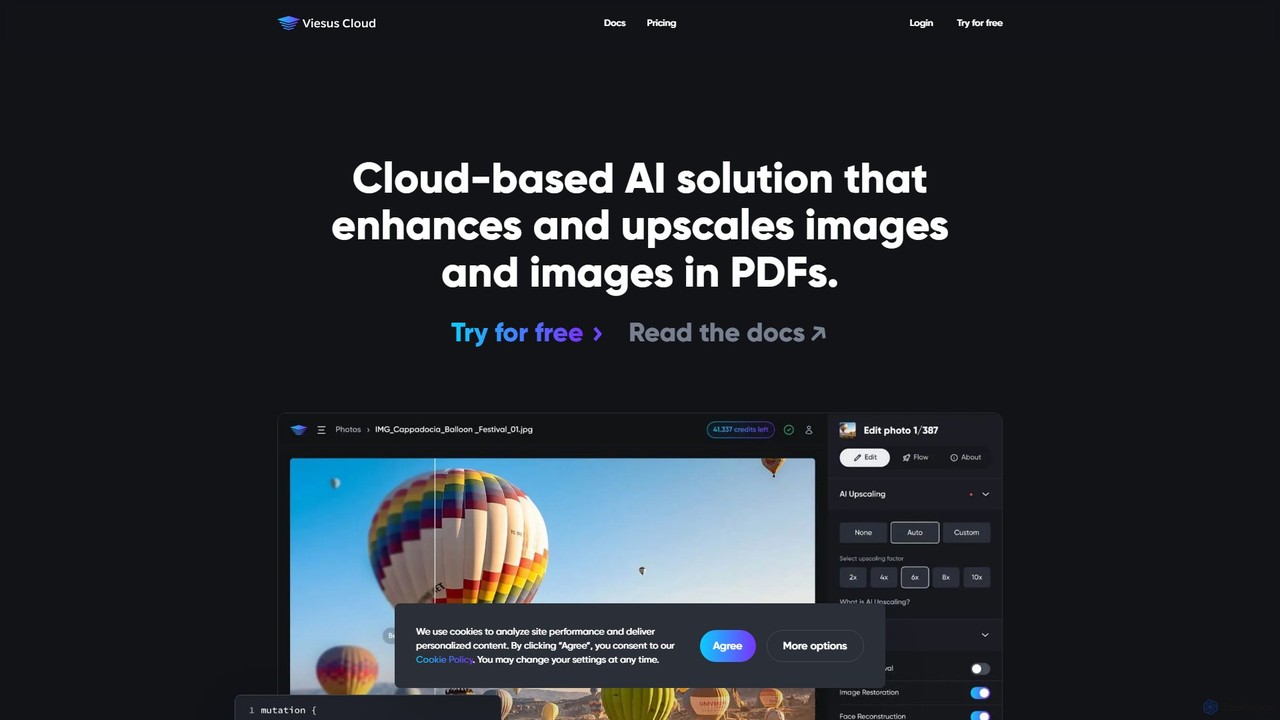
viesus
viesus is a cloud-based AI solution designed to automatically enhance and upscale images and PDFs. It uses advanced algorithms for face reconstruction, artifact removal, and intelligent color/contrast correction, making it ideal for print services, e-commerce, and developers via a powerful API.
3D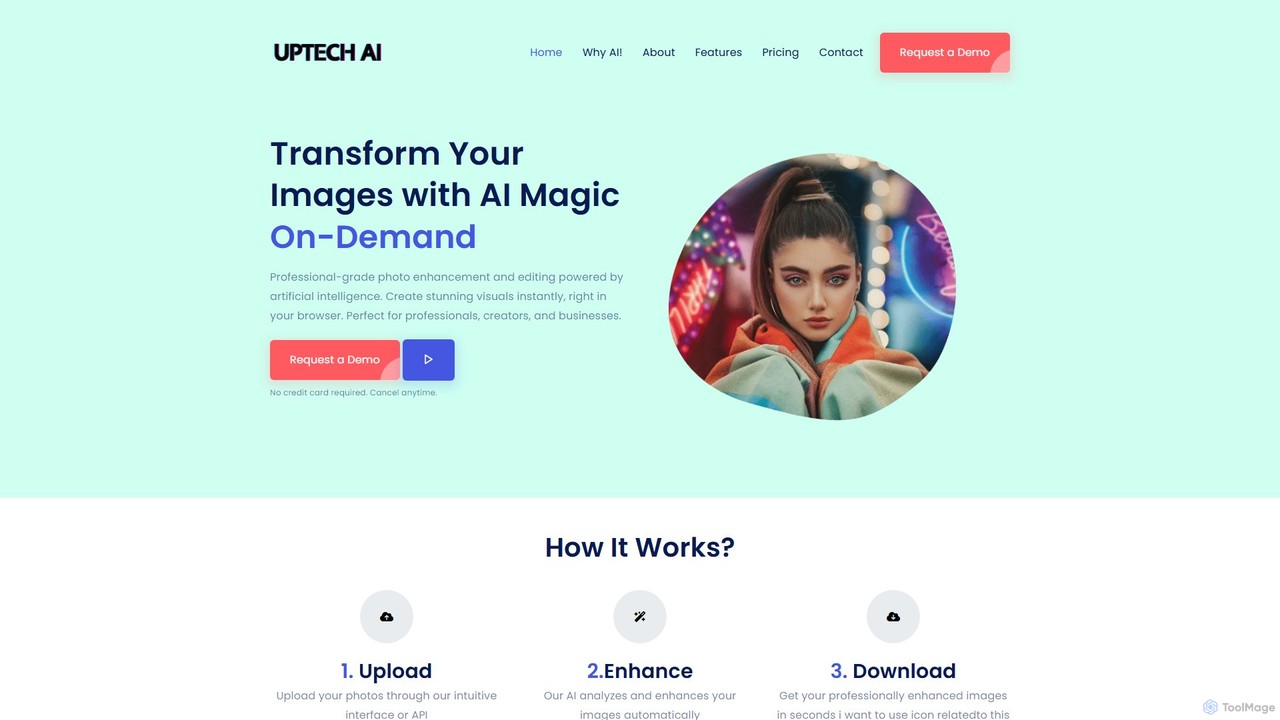
Uptechai
Uptechai is an AI-powered photo enhancement and editing platform designed for professionals, creators, and businesses. It transforms images instantly in your browser, providing professional-grade results with features like automated enhancement, API integration, and customizable editing tools to streamline workflows and improve visual quality.
3D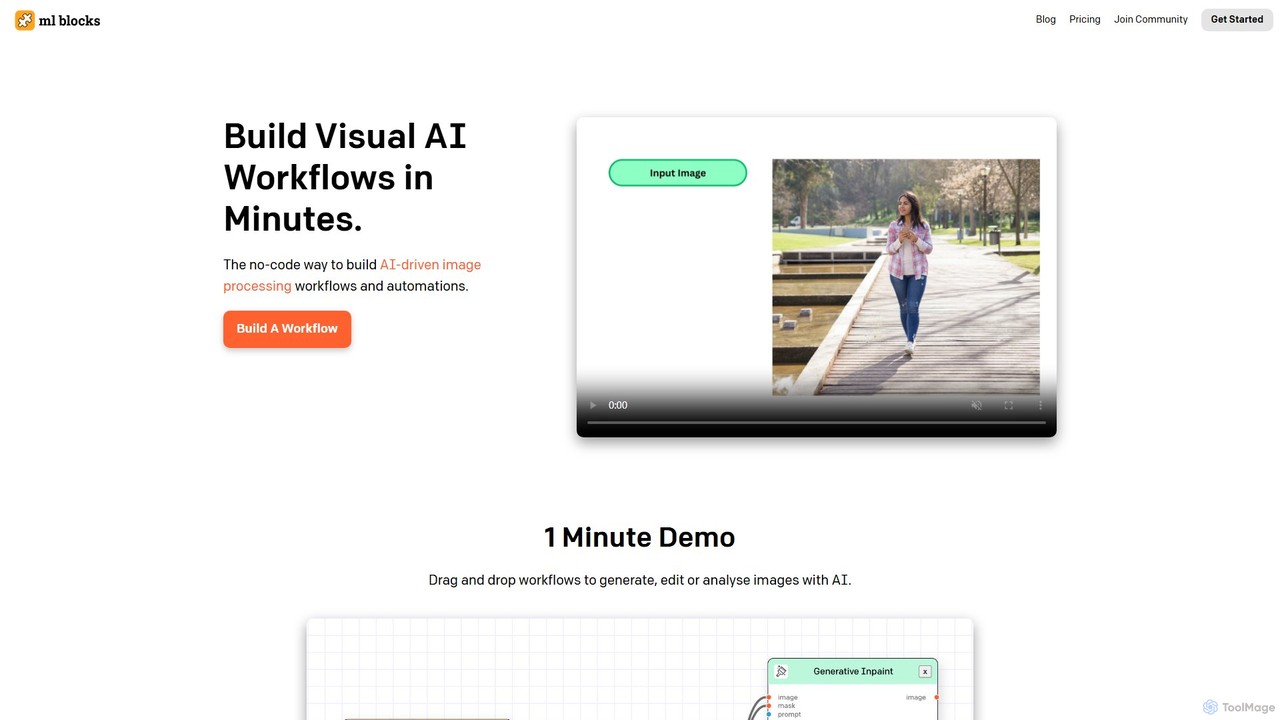
PicWish
PicWish is an all-in-one AI-powered photo editing suite designed to simplify complex image processing. It offers a wide range of free and pro tools, including background removal, photo enhancement, object removal, and AI background generation. Available online and as a dedicated app, PicWish empowers e-commerce sellers, designers, and content creators to produce professional-quality visuals effortlessly, without needing advanced technical skills.
Image Generation
Evoto
An AI-powered photo editing application designed for professional photographers. Evoto streamlines workflows with powerful tools for portrait retouching, color grading, background removal, and batch processing. It delivers natural, high-quality results in a fraction of the time, boosting productivity for wedding, portrait, and studio photography.
3D
Watermarkly
Watermarkly is a comprehensive tool for protecting and branding your digital content. It allows you to easily add custom watermarks to thousands of photos, videos, and PDFs in batches. Available as a web, desktop, and mobile app, it also includes a suite of editing tools like resizing, cropping, and compressing images.
3D
Anakin.ai
Anakin.ai is an all-in-one, no-code AI platform designed to boost productivity. It allows users to build custom AI applications, automate workflows, and perform tasks like content creation, image generation, and data analysis. By integrating major AI models like GPT-4, Claude 3, and Stable Diffusion, Anakin.ai provides a vast library of pre-built apps and a powerful visual editor, making advanced AI accessible to everyone, from individuals to teams, without needing to code.
No Code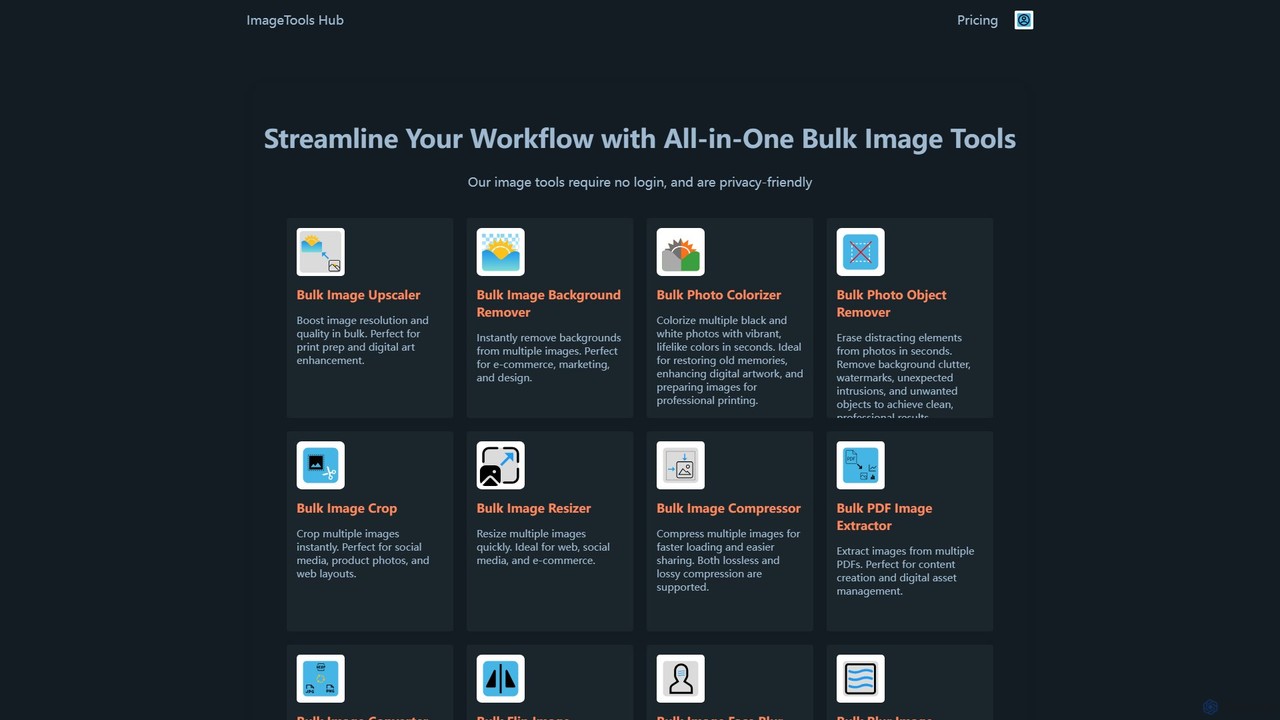
ImageToolsHub
ImageToolsHub is an all-in-one, privacy-focused suite of online image editing tools designed for efficiency. It offers powerful bulk processing capabilities, including AI-powered background removal, image upscaling, photo colorization, and object removal. With no login required for many tools and a strong emphasis on browser-based processing, it provides a fast, secure, and convenient solution for professionals in e-commerce, marketing, and web development to streamline their image workflows.
Graphics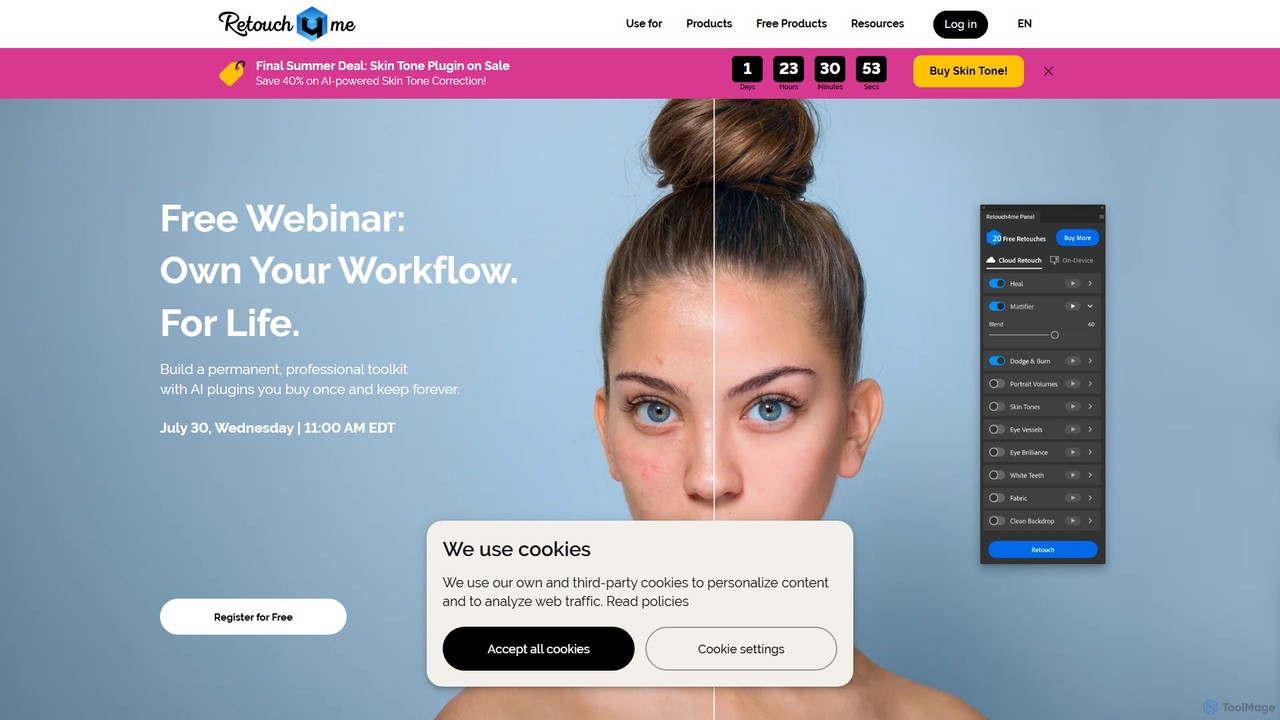
Retouch4me
Retouch4me is a suite of AI-powered plugins and standalone apps designed for professional photographers and videographers. It automates complex retouching tasks like skin smoothing, background cleaning, and color correction, integrating seamlessly with Photoshop, Lightroom, and other editors to dramatically speed up workflows while maintaining natural-looking results.
3D
Jyek
Jyek is an AI agent platform that understands objectives, creates execution plans, uses tools, and delivers verifiable results for complex, multi-step tasks.
Automation
AutoCropper Comments (0)
Sign in to comment.
Sign inNo comments yet.