

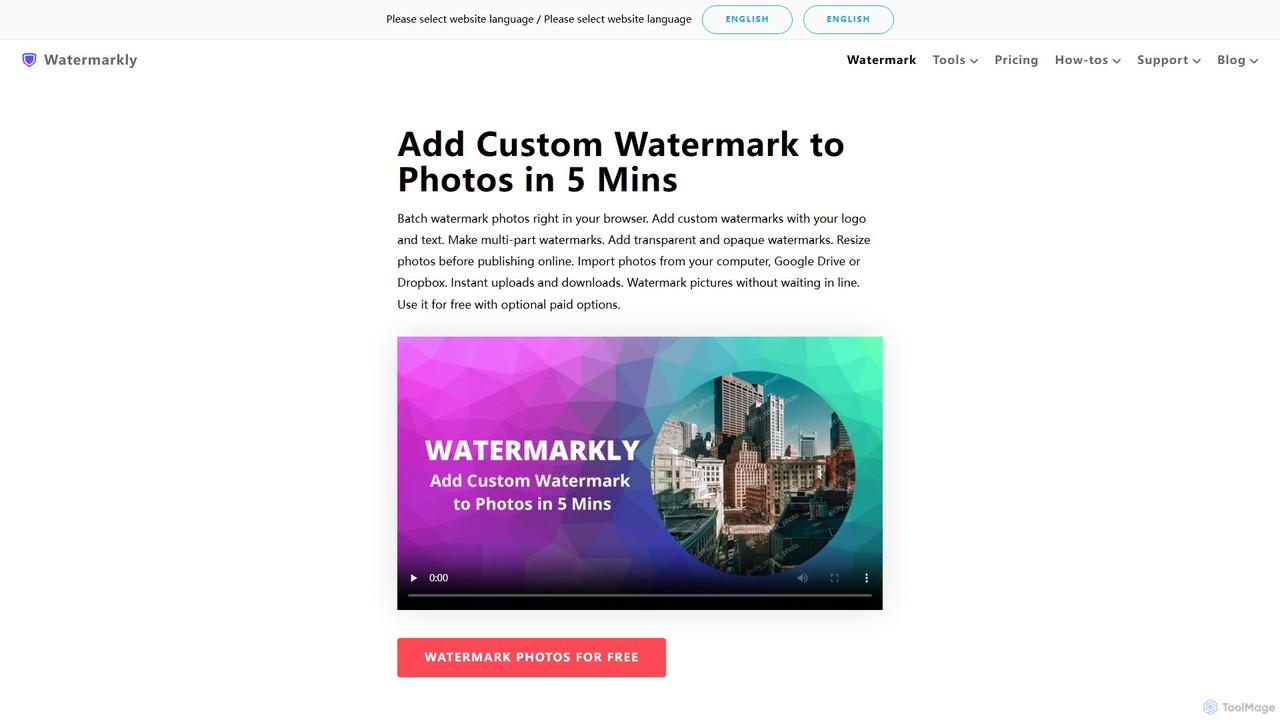
Watermarkly Overview
Watermarkly is a powerful and versatile application designed for photographers, content creators, businesses, and anyone looking to protect their digital images and documents. It provides a seamless experience for adding custom watermarks to large batches of photos, PDFs, and videos, ensuring your work is properly credited and protected from unauthorized use. Available as an online web tool, a desktop application for Windows and Mac, and mobile apps for iOS and Android, Watermarkly offers flexibility and convenience across all your devices.
The platform is more than just a watermarking tool; it's a suite of essential image editing utilities. Beyond protecting your content, you can crop, resize, compress, and convert images, making it a one-stop-shop for preparing your visuals for the web or print. Watermarkly prioritizes user privacy and security by processing all files directly on your computer, meaning your images are never uploaded to or stored on their servers.
How to use Watermarkly
Watermarkly features a straightforward, step-by-step process that makes adding watermarks quick and easy, even for beginners.
- Select Images: Click the "Select Images" button to upload photos from your computer, Google Drive, Google Photos, or Dropbox. You can also drag and drop files directly into the editor.
- Add More Images (Optional): If you need to add more photos to the batch, click "Add images". Use the "Clear" button to remove all uploaded photos.
- Proceed to Editor: Once all your files are uploaded, click "Next step" to move to the watermarking editor.
- Choose Watermark Type: Select whether you want to add a Text or a Logo watermark. If you've used Watermarkly before, you can choose from your saved templates.
- Create & Customize Your Watermark:
For Text: Type your text, add a copyright symbol ©, choose from over 962 fonts, select a color, adjust the size, position, transparency, and rotation. You can also apply various effects.
For Logo: Upload your logo file or choose an icon from Watermarkly's gallery. You can remove the logo's background, adjust its size, position, transparency, and apply effects. - Export Settings: Click "Next step" to configure the output settings.
- Preview Watermark: Use the "Preview watermark" feature to check how the watermark appears on each image in the batch. You can make manual adjustments to the watermark's position for individual photos here.
- Save Your Images: Choose the output file format (Original, JPEG, PNG, WEBP), resize the images if needed, and download your watermarked files. The free version will include a "Protected with Watermarkly" notice.
Core Features of Watermarkly
- Batch Processing: Watermark thousands of photos, videos, or PDFs at once. The desktop app can handle up to 50,000 images efficiently.
- Customizable Watermarks: Create unique watermarks with your own text or logo. Extensive customization options include a library of 962 fonts, unlimited colors, size adjustment, transparency control, and special effects.
- Automatic & Manual Scaling: Watermarks are automatically resized to fit photos of different sizes and orientations. This can be disabled for a uniform pixel size across all images.
- Template Synchronization: Create a watermark once and save it as a template. Your templates are synced to the cloud and accessible on any computer or device you use.
- Multi-Platform Support: Use Watermarkly as a web app in your browser, or download the dedicated desktop apps for Windows and Mac, or mobile apps for iOS and Android.
- Additional Editing Tools: The suite includes a photo resizer, image compressor (JPEG, PNG, GIF), photo cropper (with various aspect ratios), image converter to JPG, and a tool to add text to a single photo.
- Privacy-Focused: Your images are processed locally on your device and are never uploaded to Watermarkly's servers, ensuring your files remain private and secure.
- PDF and Video Watermarking: Extend protection beyond photos to your PDF documents and video files (available on specific platforms).
Use Cases for Watermarkly
For Photographers: Protect professional portfolios from theft, send watermarked previews to clients before final payment, and brand images for social media sharing.
For Businesses & Brands: Increase brand awareness by consistently applying a logo to all marketing materials, product photos, and online content.
For Content Creators: Ensure proper credit when your images are shared across platforms like Instagram, Facebook, and Pinterest. Add your website or social media handle to drive traffic back to your profiles.
For Office & Personal Use: Mark documents with statuses like "Copy," "Draft," or "Confidential." Protect personal photos from being misused online.
Advantages of Watermarkly
Performance and Speed: The tool is optimized for fast uploads and processing, even with large batches of high-resolution images and on slow internet connections.
Versatility: It's not just a watermarker. The included suite of editing tools adds significant value, eliminating the need for multiple separate applications.
User-Friendly Interface: The intuitive, step-by-step process makes it accessible to everyone, regardless of technical skill.
Cross-Platform Consistency: With web, desktop, and mobile apps, plus template synchronization, you can maintain a consistent brand identity no matter where you work.
Affordable and Transparent Pricing: Offers a functional free version and reasonably priced one-time or annual plans for full access without subscriptions.
Pricing and Plans
Watermarkly operates on a freemium model. The free version allows you to process images but adds a "Protected with Watermarkly" logo at the bottom.
- 1-Year Access: A single payment of $19.95 for one year of access. It does not renew automatically.
- Permanent Access: A one-time fee of $39.95 for lifetime access.
Both paid plans include:
- Full access to all tools (Watermark Photos, PDFs, Videos, Resize, Crop, Compress, etc.).
- Use on up to 10 devices (computers and mobile).
- Removal of the "Watermarkly" logo.
- A 30-day money-back guarantee.
Traffic
Latest traffic
Status
Monthly traffic trend
- 2025-9: 936.5K
- 2026-1: 1.5M
- 2026-2: 1.0M
- 2026-3: 1.0M
- 2026-4: 1.0M
- 2026-5: 1.0M
Geography
Top 5 countries / regions
- 🇷🇺Russia72.0%
- 🇺🇸United States11.2%
- 🇧🇷Brazil6.2%
- 🇮🇳India6.1%
- 🇺🇦Ukraine4.5%
Traffic sources
| Source type | Percentage |
|---|---|
Direct | 82.0% |
Referral | 16.2% |
Email | 1.8% |
Top keywords
| Keyword | Cost per click |
|---|---|
| watermarkly | $0.55 |
| обрезать фото | $0.17 |
| обрезать фото онлайн | $0.16 |
| перевести в джипег | $0.00 |
| увеличить размер фото | $0.20 |
Watermarkly Alternatives
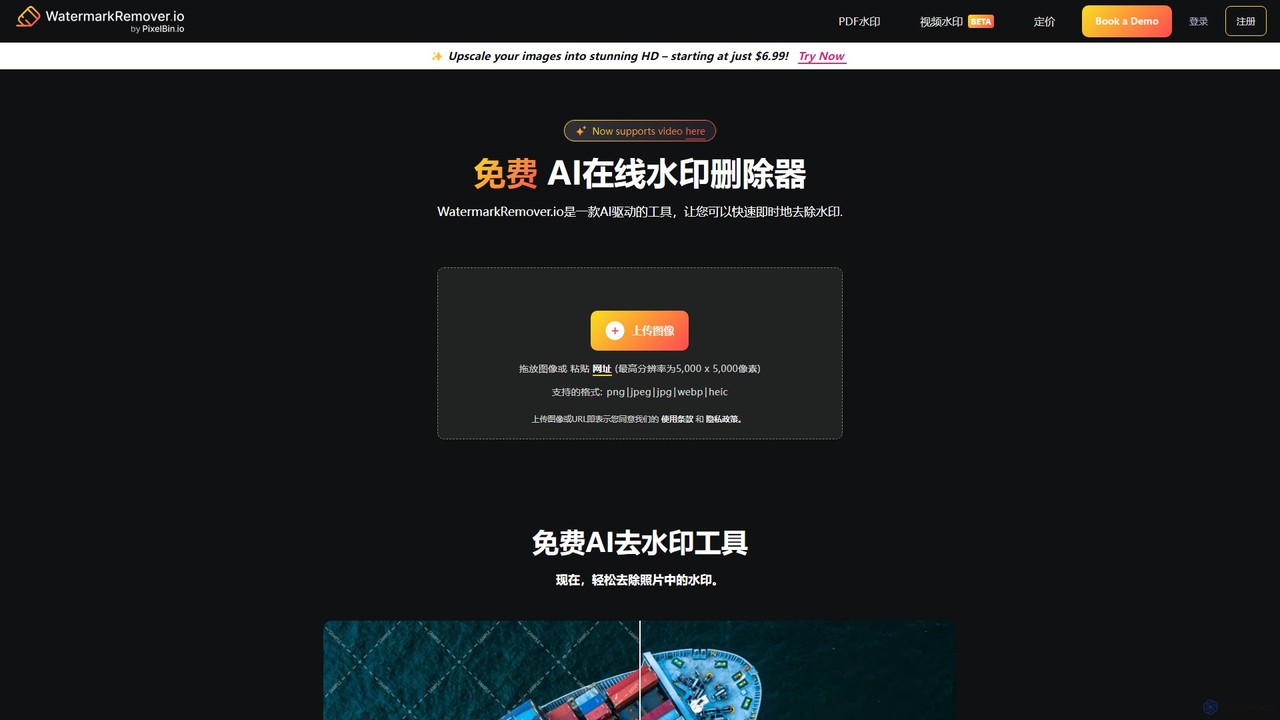
WatermarkRemover.io
WatermarkRemover.io is an AI-powered tool designed to quickly and automatically remove watermarks, logos, and text from images and videos. It requires no manual editing or technical skills. Simply upload your file, and the AI will detect and erase the watermark in seconds, preserving the original quality. It supports various formats and offers batch processing for professional users.
3D
Dewatermark.ai
Dewatermark.ai is an AI-powered online tool designed to effortlessly remove watermarks from images, videos, and PDFs. It offers a fast, simple, and high-quality solution for content creators, marketers, and individuals, preserving original file quality without requiring complex editing skills.
3D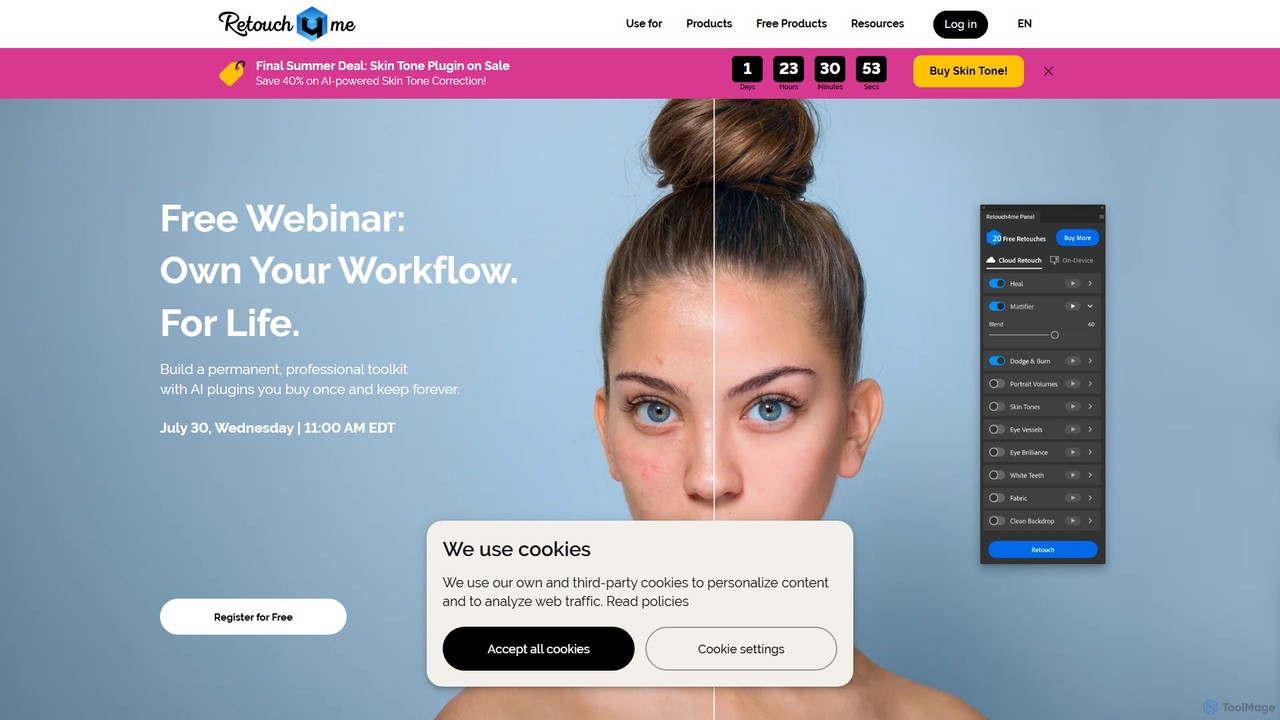
Retouch4me
Retouch4me is a suite of AI-powered plugins and standalone apps designed for professional photographers and videographers. It automates complex retouching tasks like skin smoothing, background cleaning, and color correction, integrating seamlessly with Photoshop, Lightroom, and other editors to dramatically speed up workflows while maintaining natural-looking results.
3D
eyeq
eyeq provides world-leading AI-powered automatic photo correction and video enhancement solutions for businesses. Its core technology, Perfectly Clear, uses 20+ years of scientific research and AI to deliver vibrant, accurate colors, intelligent retouching, and automated workflows, helping companies improve quality, reduce costs, and increase revenue.
3D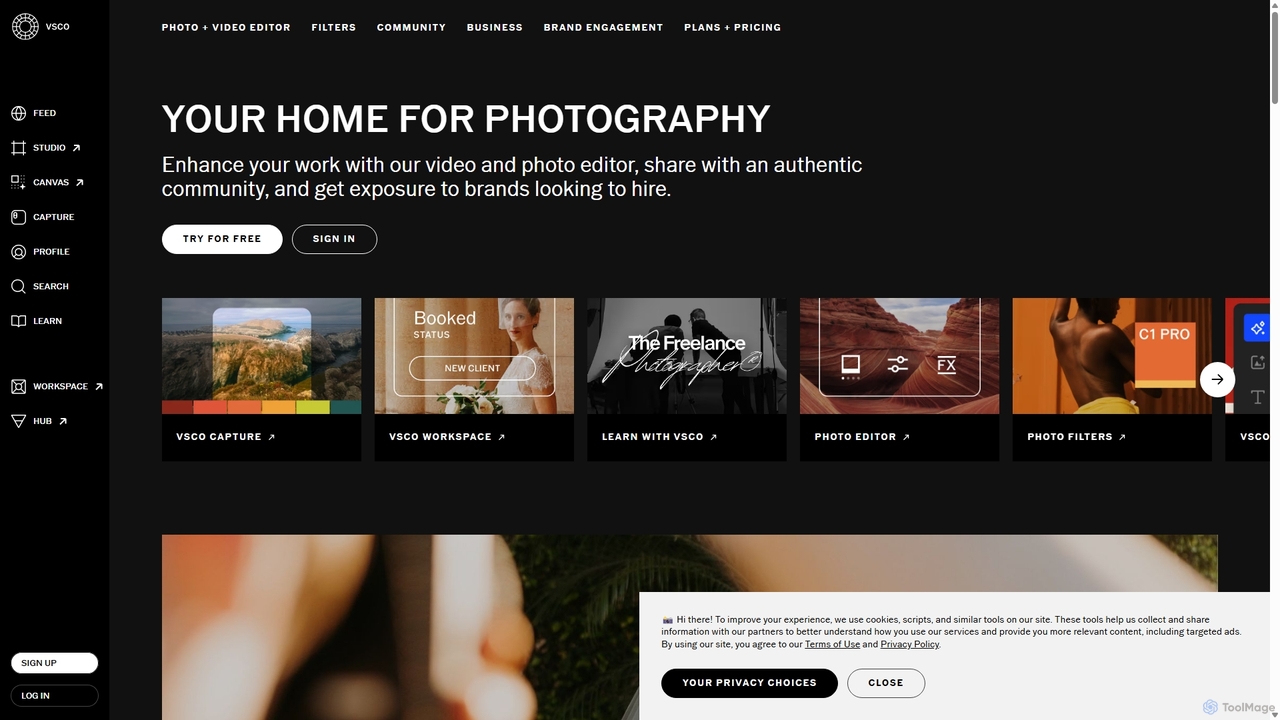
VSCO
VSCO is an all-in-one platform for photographers, offering a powerful photo and video editor with over 200 presets, AI-powered tools, and a vibrant creative community. It also provides professional tools like portfolio websites, studio management software, and opportunities to get hired, supporting creators at every stage of their journey.
3DWatermarkly Categories
Watermarkly Embed Widget
Copy this embed code to place the badge on your blog, article, or product site and send readers directly to this ToolMage detail page.

Related AI tools

Upscalepics
Upscalepics is an AI-powered image toolkit that enhances, upscales, and edits photos with remarkable precision. It can increase image resolution up to 8x, remove backgrounds, compress files, and prepare images for high-quality printing at 300 DPI. With features like batch processing, a browser extension, and API access, it serves photographers, designers, and e-commerce businesses.
Image Editing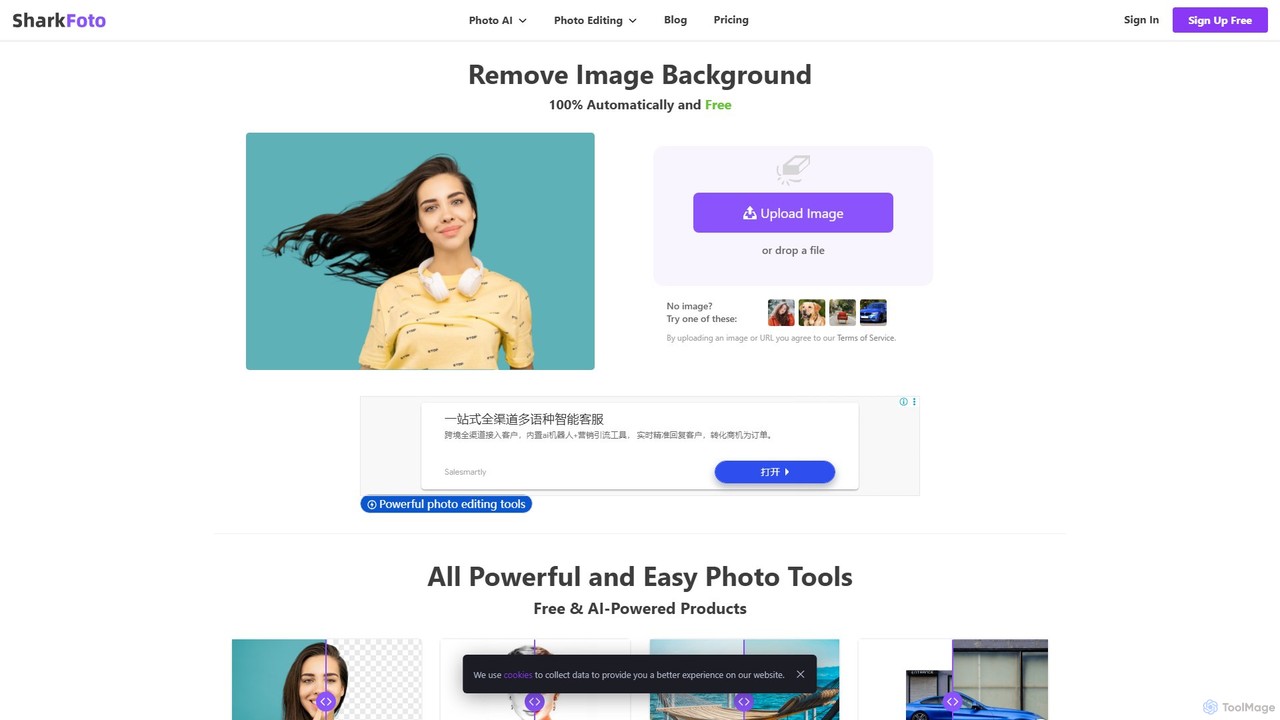
sharkfoto
sharkfoto is an all-in-one online photo editing suite powered by AI. It offers a range of tools including automatic background removal, image colorization, photo enhancement, and resolution enlargement. Additionally, it provides over 10 free standard editing tools like image conversion, compression, resizing, and a full-featured photo editor, catering to both professionals and casual users.
Background Removal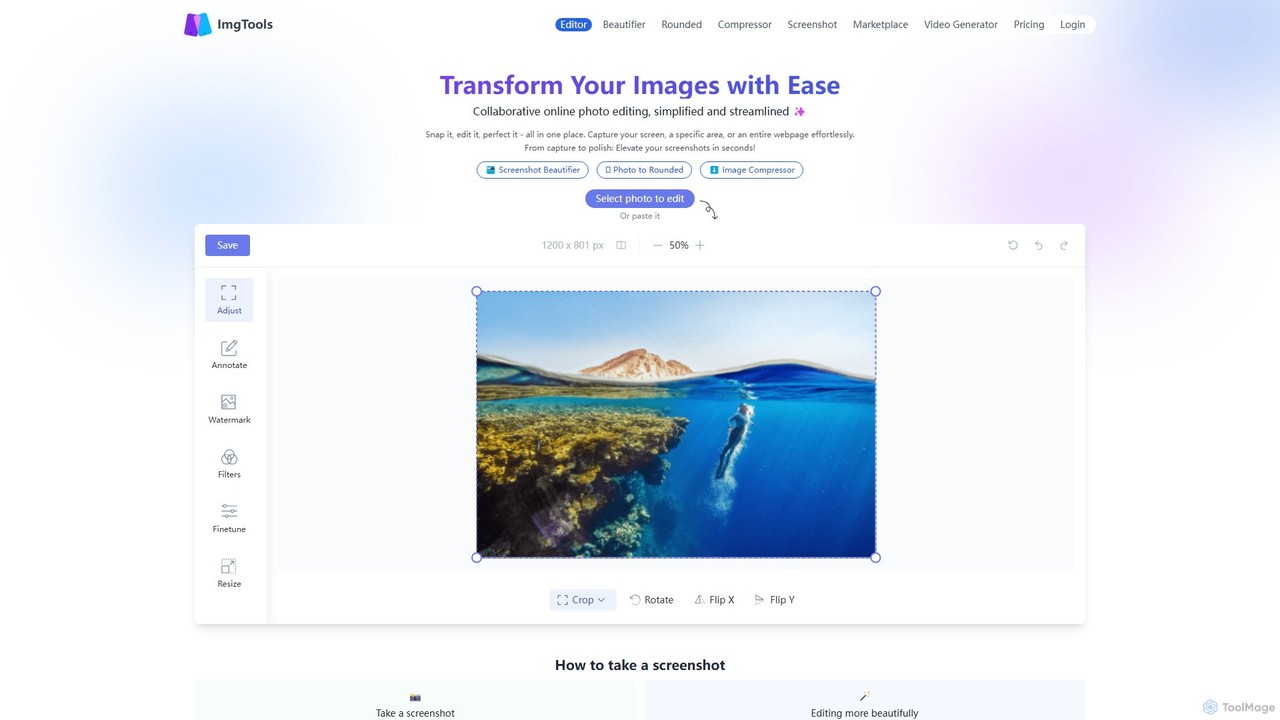
ImgTools
ImgTools is a versatile, browser-based image editing suite designed to effortlessly transform your screenshots and photos. It combines a powerful screenshot utility with an intuitive editor, allowing you to beautify, annotate, compress, and watermark images directly in your browser, with a strong focus on user privacy.
Image EditingWatermarkRemover.io
WatermarkRemover.io is an AI-powered tool designed to quickly and automatically remove watermarks, logos, and text from images and videos. It requires no manual editing or technical skills. Simply upload your file, and the AI will detect and erase the watermark in seconds, preserving the original quality. It supports various formats and offers batch processing for professional users.
3D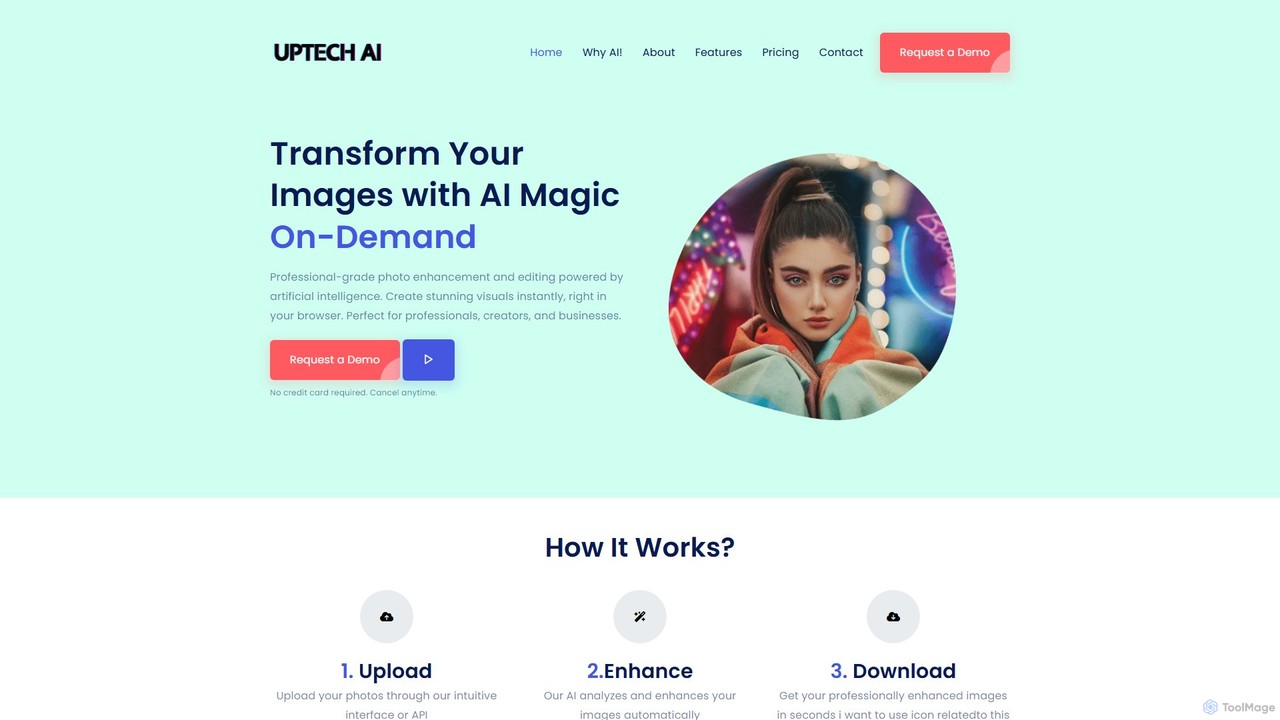
Uptechai
Uptechai is an AI-powered photo enhancement and editing platform designed for professionals, creators, and businesses. It transforms images instantly in your browser, providing professional-grade results with features like automated enhancement, API integration, and customizable editing tools to streamline workflows and improve visual quality.
3D
Canva
Canva is an all-in-one visual communication platform that empowers users to design anything, from social media graphics to presentations and videos. It integrates a powerful suite of AI tools, a vast library of templates and assets, and seamless collaborative features, making professional design accessible to everyone, regardless of skill level.
Image Generation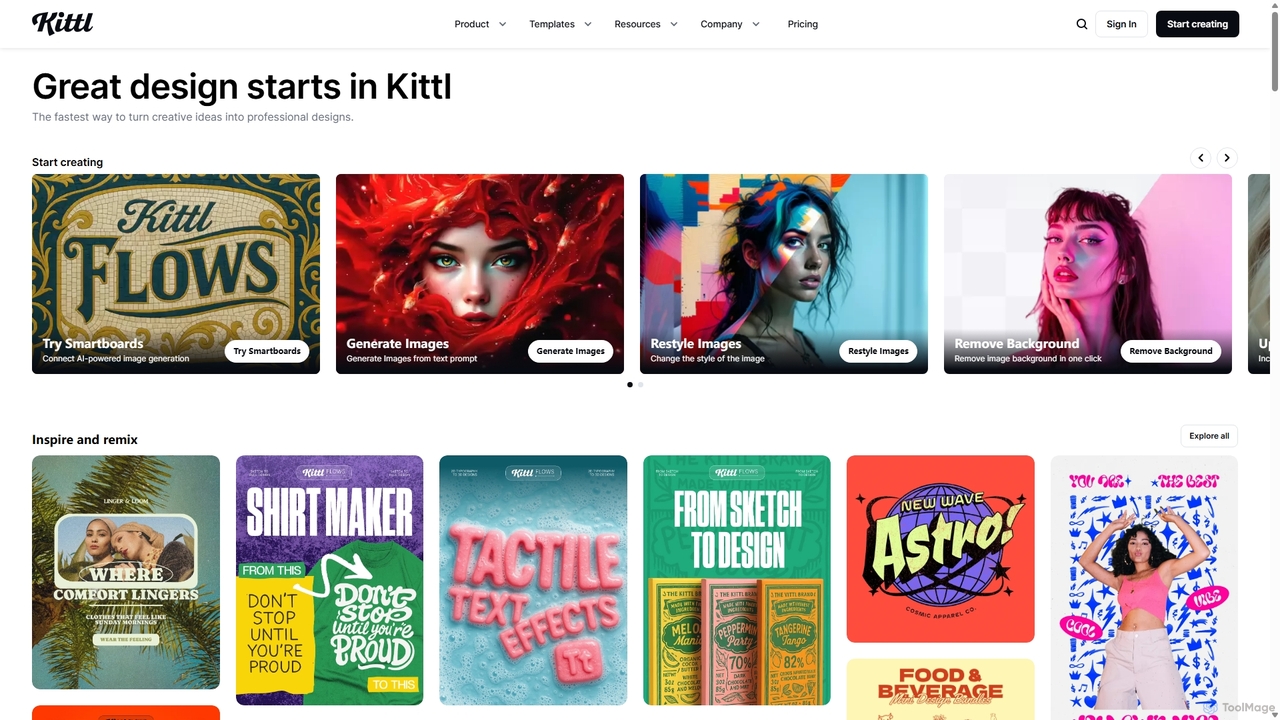
Kittl
Kittl is an intuitive, AI-powered collaborative design platform that simplifies the creation of professional graphics. It combines an advanced editor, powerful AI tools, a vast asset library, and unique text effects, making it ideal for everything from logos and t-shirts to social media posts and marketing materials.
Graphic Design
dzine
dzine is an all-in-one, controllable AI design platform for generating and editing images, videos, and 3D models. It excels at creating consistent characters and offers a comprehensive suite of tools, including text-to-video, generative fill, and face swapping, streamlining the creative workflow for designers, developers, and marketers.
Graphic Design
LOGO.com
LOGO.com is an AI-powered platform that enables users to create a professional logo for free in minutes. Beyond just logo generation, it offers a comprehensive suite of tools to build a complete brand identity, including a website builder, custom domains, business email, social media assets, and branded merchandise. It's designed for entrepreneurs and small businesses to launch their brand quickly and affordably, with no design skills required.
Startup Tools
Tailor Brands
Tailor Brands is an all-in-one business building platform that simplifies the entrepreneurial journey. It uses AI to help you create a unique logo and brand identity, while also providing essential services like LLC formation, website building, domain registration, and business compliance tools. It's designed for entrepreneurs who need a single, guided solution to launch, manage, and grow their business from the ground up.
Startup Tools
Jyek
Jyek is an AI agent platform that understands objectives, creates execution plans, uses tools, and delivers verifiable results for complex, multi-step tasks.
Automation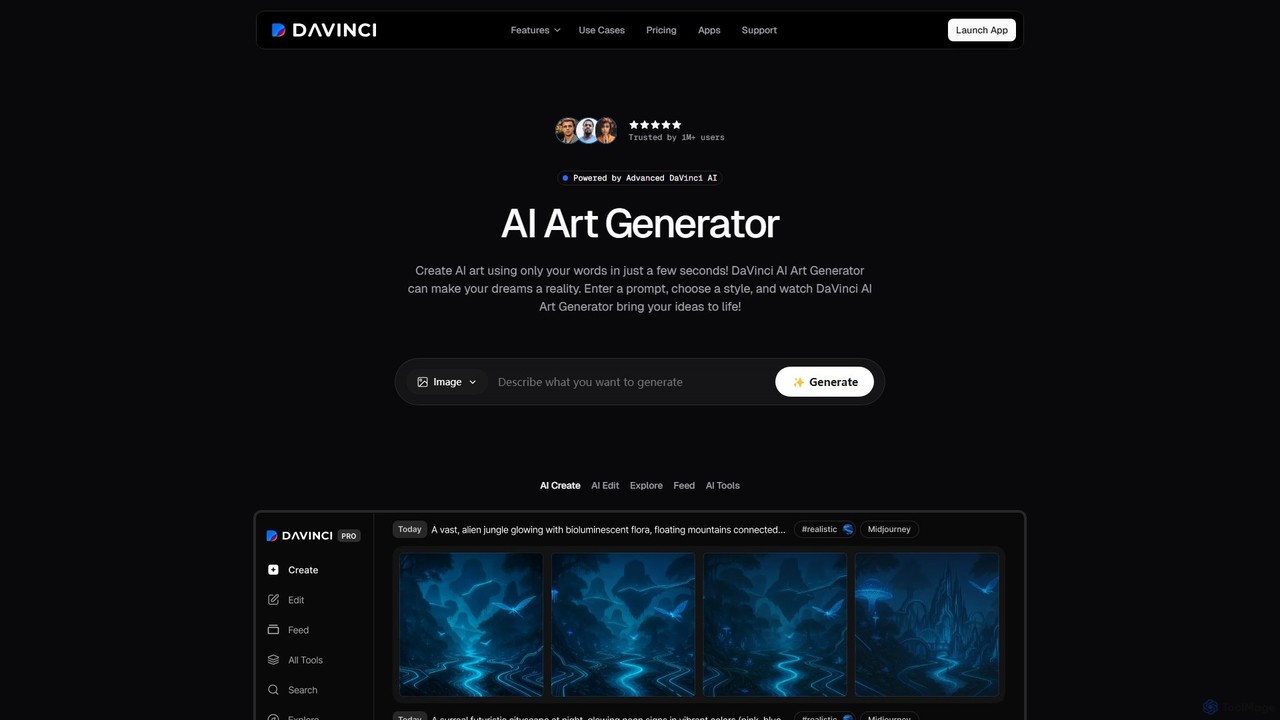
DaVinci
DaVinci is an all-in-one AI creative platform that transforms text and images into stunning art, tattoos, avatars, and logos. Powered by advanced models like DALL-E 3 and Stable Diffusion, it allows users to generate unique visuals instantly. With a user-friendly interface, a wide array of styles, and powerful editing tools, DaVinci is perfect for artists, marketers, and anyone looking to bring their creative ideas to life on both web and mobile.
Tattoo Design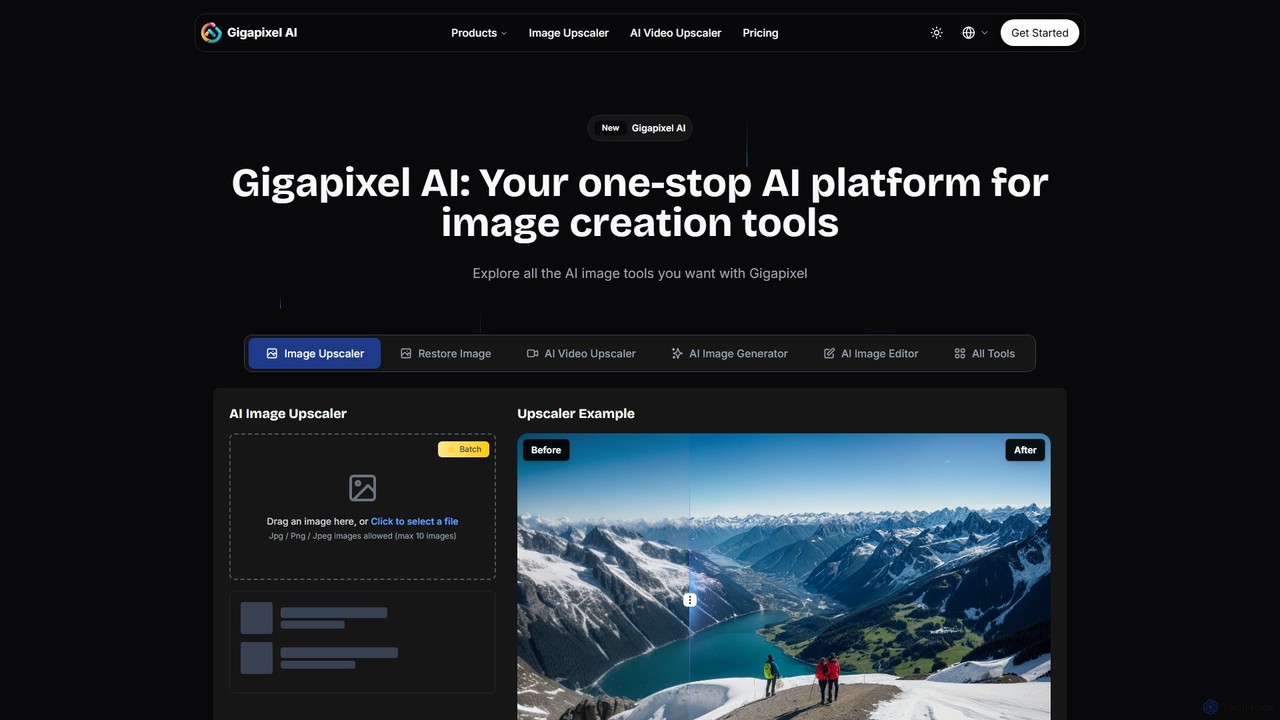
Gigapixel AI
Gigapixel AI is a comprehensive, all-in-one AI platform for image and video creation. It offers a suite of powerful tools, including an advanced image and video upscaler, a versatile image generator, a precise image editor, and a background remover. It's designed for creators, marketers, and developers to enhance, generate, and edit visual content with professional-grade quality and efficiency.
Image Editing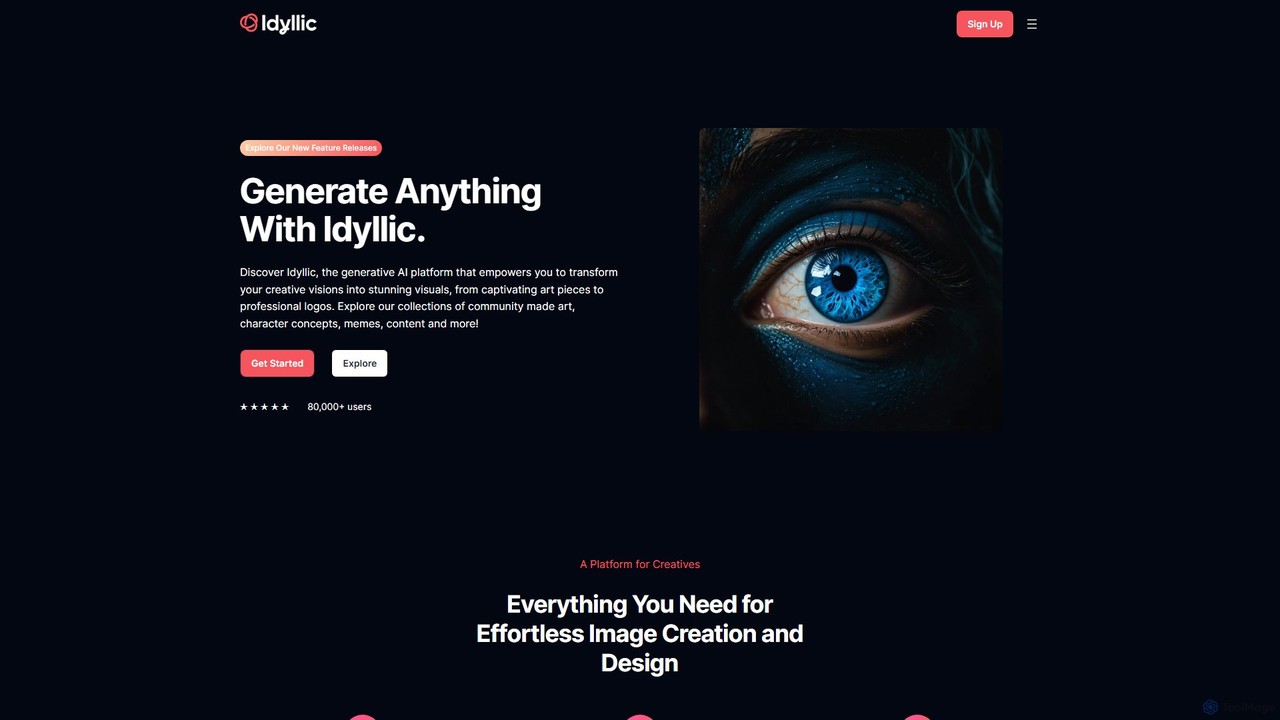
idyllic
Idyllic is a generative AI platform that transforms text descriptions into stunning visuals. It empowers users to create, edit, and remix images, from art and logos to marketing materials, using intuitive conversational commands and powerful blending features. It's designed for both creatives and professionals, requiring no prior design skills.
Ai Art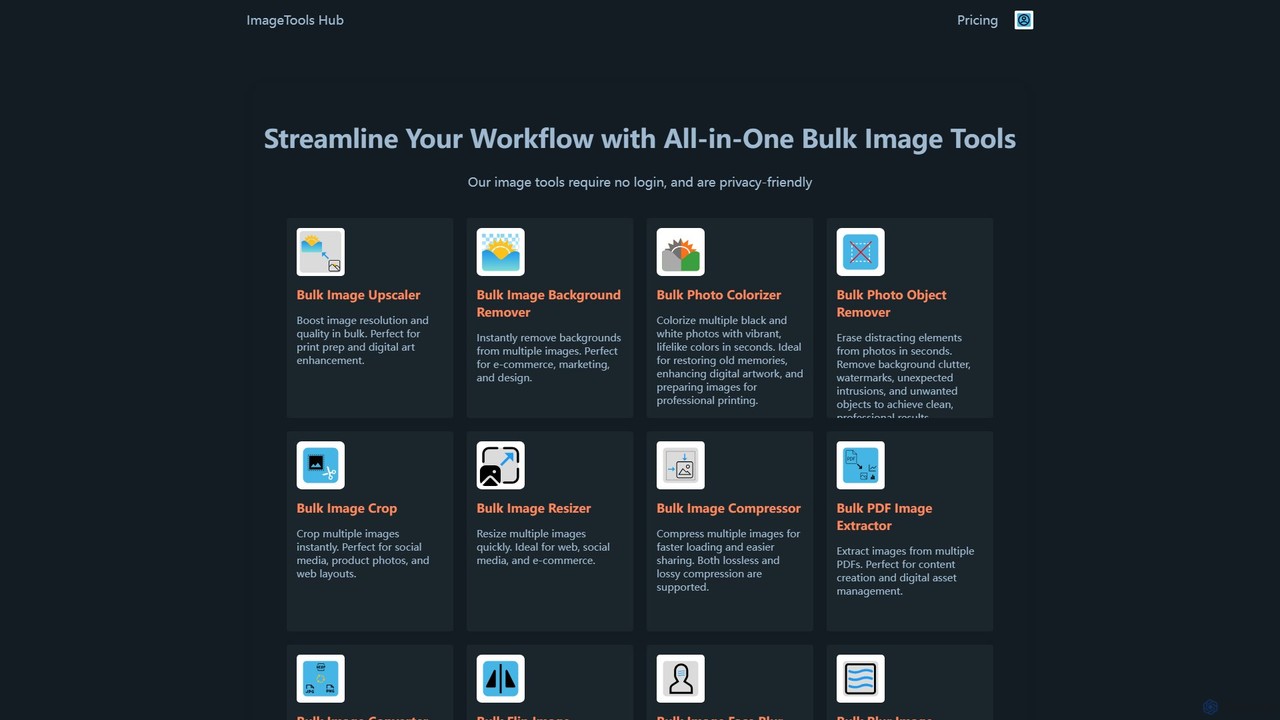
ImageToolsHub
ImageToolsHub is an all-in-one, privacy-focused suite of online image editing tools designed for efficiency. It offers powerful bulk processing capabilities, including AI-powered background removal, image upscaling, photo colorization, and object removal. With no login required for many tools and a strong emphasis on browser-based processing, it provides a fast, secure, and convenient solution for professionals in e-commerce, marketing, and web development to streamline their image workflows.
Graphics
Watermarkly Comments (0)
Sign in to comment.
Sign inNo comments yet.