ToolMage
Sign in

Best 2 Tattoo Design AI tools for Design

Popular Tattoo Design AI tools in Design include DaVinci and Tat Ink, helping you work more efficiently.

Tat Ink
Freemium

Tat Ink

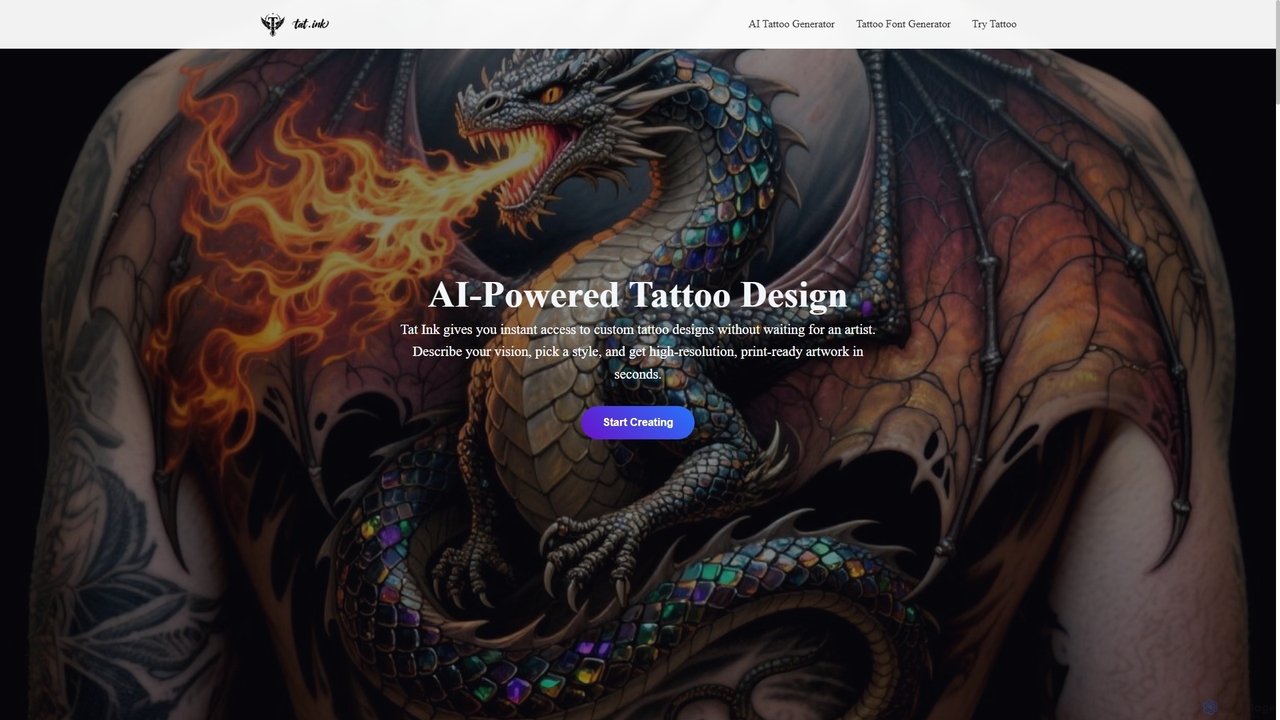
Tat Ink is an innovative AI-powered platform that transforms your tattoo ideas into unique, high-resolution designs in seconds. It offers an AI tattoo generator, a vast idea explorer, a versatile font generator, and a realistic virtual try-on feature, allowing users to visualize custom ink on their skin before commitment. Perfect for enthusiasts, artists, and designers seeking creative inspiration and personalized body art.

Idea Generation
Visits 85.3KFavorites 127Likes 159
DaVinci
Freemium

DaVinci

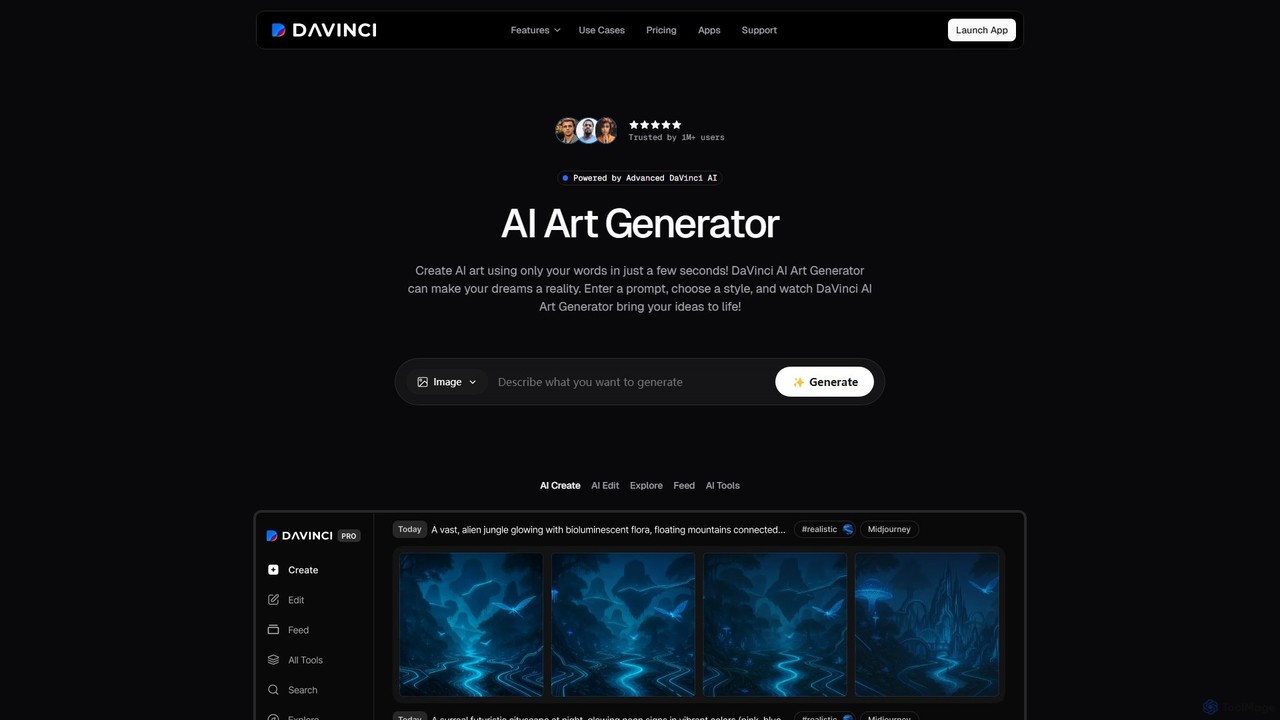
DaVinci is an all-in-one AI creative platform that transforms text and images into stunning art, tattoos, avatars, and logos. Powered by advanced models like DALL-E 3 and Stable Diffusion, it allows users to generate unique visuals instantly. With a user-friendly interface, a wide array of styles, and powerful editing tools, DaVinci is perfect for artists, marketers, and anyone looking to bring their creative ideas to life on both web and mobile.

Tattoo Design
Visits 603.7KFavorites 122Likes 146

About Tattoo Design

AI Tattoo Design tools are specialized applications that use generative AI to create unique and personalized tattoo concepts. These tools leverage models trained on vast datasets of tattoo art, enabling them to translate text descriptions or simple sketches into detailed, tattoo-ready visuals. They serve as a powerful brainstorming partner, allowing both artists and clients to rapidly explore styles, themes, and compositions. This technology streamlines the initial creative process, making tattoo design more accessible and collaborative.

Core Features

  • Text-to-Tattoo Generation: Creates intricate tattoo designs from simple text prompts, specifying subjects, styles, and elements.
  • Style Fusion: Blends different artistic styles, such as Japanese Irezumi with watercolor or realism with geometric patterns.
  • Sketch Refinement: Transforms a rough user-submitted drawing into a polished and professional tattoo stencil.
  • Virtual Try-On: Uses augmented reality (AR) or photo uploads to project a generated design onto a user's body for placement visualization.
  • Design Variation: Generates multiple unique variations from a single idea, offering a range of creative options.

Use Cases

These tools are primarily used by individuals seeking inspiration for a new tattoo, allowing them to visualize ideas before consulting an artist. Professional tattoo artists also use them to quickly generate concepts during client consultations, accelerating the design phase. Additionally, they are valuable for creating custom temporary tattoos for events or personal use, and for concept artists designing characters in gaming or film.

How to Choose

When selecting an AI Tattoo Design tool, consider the diversity of styles the AI can generate and the quality of the output images. Evaluate the user interface for ease of use, especially the prompt and editing capabilities. Check for advanced features like virtual try-on or the ability to upload reference images. Finally, review the pricing model and any limitations on the usage rights of the generated designs.

Tattoo Design use cases

1

Brainstorming Concepts for a First Tattoo

An individual planning their first tattoo uses an AI design tool to explore ideas without pressure. They can input prompts like 'minimalist geometric wolf on forearm' or 'watercolor style cherry blossom on shoulder'. The tool generates dozens of visual interpretations, helping them discover styles they like and refine their concept. This process empowers them to approach a tattoo artist with a clear, well-defined vision, making the consultation more productive and ensuring the final design truly reflects their personal taste.

2

Accelerating Client Consultations for Tattoo Artists

A tattoo artist uses an AI generator during a live consultation. When a client describes a complex idea, like a 'biomechanical octopus integrated with a compass', the artist inputs the prompt. Within seconds, the tool provides several visual starting points. This allows for immediate feedback and iteration, transforming a lengthy sketching process into a dynamic, collaborative session. It helps align the artist's and client's vision quickly, saving hours of design time and leading to higher client satisfaction.

3

Visualizing a Cover-Up Tattoo Design

A user wants to cover an old, faded tattoo. They upload a photo of their existing tattoo to an AI tool with cover-up capabilities. They then enter a prompt for the new design, such as 'a vibrant phoenix in neo-traditional style'. The AI generates options that strategically use the darker areas of the old tattoo as shading or foundational elements for the new design. This helps them and their artist visualize viable cover-up strategies before committing to the ink, increasing the chances of a successful outcome.

4

Creating Custom Temporary Tattoos for Events

An event planner for a music festival wants to offer unique temporary tattoos matching the festival's 'cosmic jungle' theme. Instead of using generic stock designs, they use an AI tool to generate a series of exclusive images, such as 'glowing psychedelic mushrooms' and 'astronaut monkeys'. They can quickly produce dozens of on-theme, high-quality designs, print them on temporary tattoo paper, and provide a memorable, interactive experience for attendees that enhances the event's branding.

5

Generating Flash Sheets for Tattoo Studios

A tattoo artist wants to create a new flash sheet in a consistent style, for example, 'American traditional with a dark fantasy twist'. They use an AI tool to generate a variety of classic motifs like skulls, daggers, and roses, all rendered in the specified style. This allows them to quickly populate a full sheet with dozens of original, cohesive designs. It saves significant time compared to drawing each piece from scratch, enabling them to offer fresh, unique flash to their clients more frequently.

6

Designing Tattoos for Fictional Characters

A concept artist or game developer needs to design tattoos for a character to build their backstory and personality. Using an AI tool, they can generate tattoos that fit a specific cultural or stylistic theme, such as 'Norse runic tattoos for a warrior' or 'cyberpunk circuit board tattoos'. The tool provides numerous high-quality options quickly, which can be applied to character models or used as a reference for detailed 3D texturing. This speeds up the character design workflow and adds a layer of authenticity and visual storytelling.

Tattoo Design FAQ

What are AI Tattoo Design tools?

AI Tattoo Design tools are specialized software that use artificial intelligence to generate original tattoo concepts from user prompts. Unlike general image generators, they are trained specifically on tattoo art, styles, and line work, enabling them to create designs that are more suitable for application on skin. They function as a creative aid for brainstorming ideas, exploring styles, and visualizing potential tattoos before consulting a professional artist.

How do AI Tattoo Design tools differ from general AI Image Generators?

The key difference lies in their training data and specialization. General AI image generators are trained on a broad spectrum of images, while AI tattoo designers are fine-tuned on datasets consisting exclusively of tattoo art. This specialization results in several advantages for tattoo design:

  • Style Accuracy: They better understand and replicate specific tattoo styles like American Traditional, Japanese Irezumi, or Fineline.
  • Composition for Body Flow: The AI often generates designs with compositions that are more suitable for placement on body parts.
  • Line Work Quality: They tend to produce clearer, more defined lines suitable for stencils, unlike the often 'painterly' output of general models.
Can I take an AI-generated design directly to a tattoo artist?

Yes, but it's best to treat the AI-generated image as a strong concept or reference, not a final stencil. A professional tattoo artist will need to adapt the design to fit the unique contours of your body, ensure the line work is technically sound for tattooing, and may add their own artistic flair. Using an AI design is an excellent way to communicate your vision clearly, but always allow for collaboration with your chosen artist to achieve the best possible result.

How to choose the right AI Tattoo Design tool?

When selecting an AI Tattoo Design tool, consider these factors:

  • Style Variety: Look for a tool that offers a wide range of tattoo styles, from realism and watercolor to geometric and traditional.
  • Output Quality: Assess the resolution and clarity of the generated images. High-quality output is crucial for use as a proper reference.
  • Ease of Use: The interface should be intuitive, allowing you to easily write prompts, adjust parameters, and generate variations.
  • Special Features: Check for valuable extras like a virtual try-on feature, sketch-to-image conversion, or tools for creating cover-up designs.
  • Pricing and Usage Rights: Understand the subscription model and be clear on whether you have commercial rights to use the designs you create.
Are the designs created by AI Tattoo tools truly unique?

Yes, the designs are statistically unique. Generative AI models create new combinations of pixels based on the patterns they've learned from their training data and your specific prompt. While a design might share stylistic elements with existing art (as any human artist's work would), the exact final image is a new creation. It is highly improbable that the AI would generate the exact same intricate design twice, especially with detailed prompts. However, the concept of 'originality' can be complex, and usage rights may vary by tool.