
Retouch4me Overview
Retouch4me is a comprehensive suite of AI-powered retouching tools designed to streamline and enhance the workflow of professional photographers, retouchers, and videographers. By leveraging advanced neural networks, Retouch4me automates tedious and time-consuming editing tasks, allowing creators to achieve high-quality, natural-looking results with just a few clicks. The product line includes a variety of specialized plugins that can be used within popular editing software like Adobe Photoshop, Lightroom, and Capture One, as well as standalone applications for batch processing and video editing.
The core philosophy of Retouch4me is to preserve the original texture and character of the subject, avoiding the artificial, 'plastic' look often associated with automated retouching. Whether it's for portrait, wedding, fashion, or e-commerce photography, the tools intelligently identify and correct imperfections while keeping the essential details intact. This allows professionals to focus on the creative aspects of their work, significantly reducing manual editing time.
How to use Retouch4me
The workflow for using Retouch4me is designed for simplicity and efficiency. Here’s a general guide:
- Installation: First, download and install the desired plugins or standalone applications from the Retouch4me website. The tools will automatically integrate with compatible host software like Photoshop.
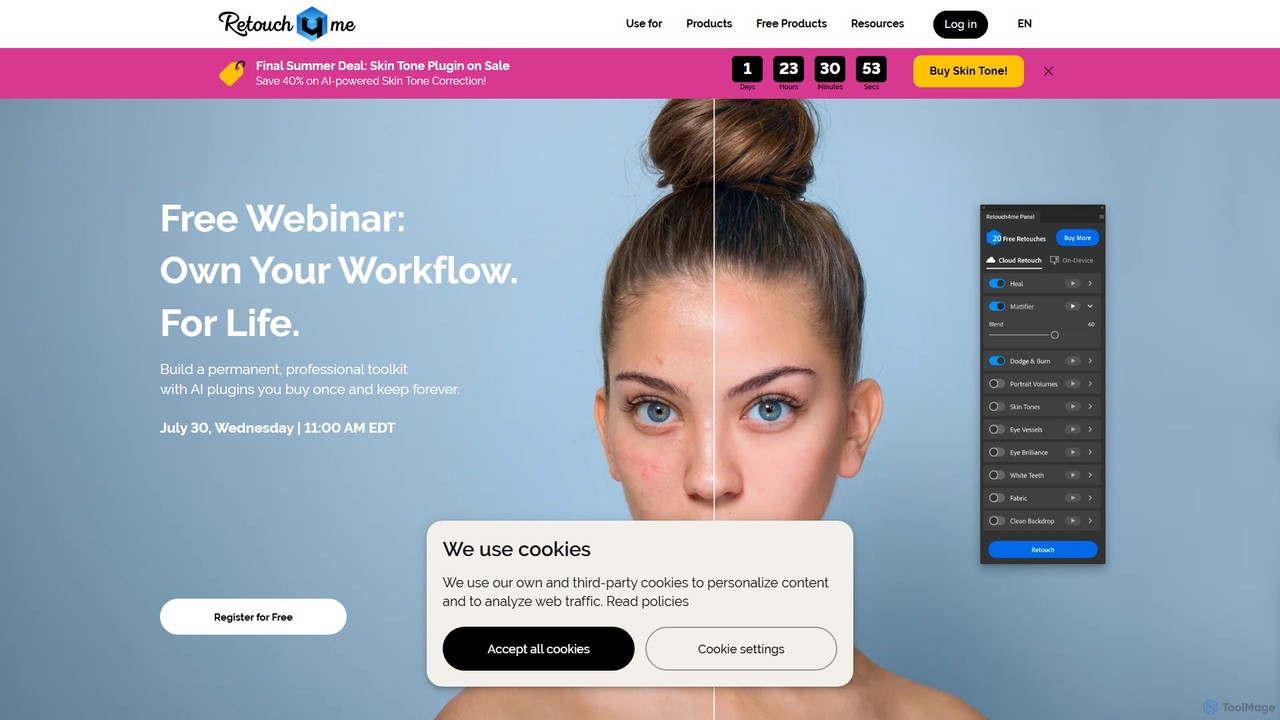
- Integration with Editing Software: In Photoshop, the plugins appear in their own panel. Simply open an image, create a new layer, and click the button for the desired plugin (e.g., Heal, Dodge & Burn). The AI will analyze the image and apply the corrections on the new layer, allowing for non-destructive editing.
- Standalone Apps: For batch processing, you can use standalone apps like Arams. Drag and drop an entire folder of photos, select the plugins you want to apply, and the software will process all images automatically.
- One-Click Operation: The primary interaction is a single click. For example, the 'Clean Backdrop' plugin will automatically detect and remove dirt, small folds, and sensor dust from a studio background. 'Skin Tone' will analyze and even out skin tones across the image.
- Customization: While the process is largely automated, users can adjust the intensity of the effect using layer opacity in Photoshop to achieve the perfect balance for their image.
Core Features of Retouch4me
- AI Skin Retouching: Includes plugins like 'Heal' to remove blemishes, 'Mattifier' to fix shiny skin areas, and 'Dodge & Burn' to smooth skin while preserving natural texture.
- Portrait Enhancement: 'Portrait Volumes' adds depth and dimension, 'Eye Vessels' and 'Eye Brilliance' enhance eyes, and 'White Teeth' provides a natural-looking white smile.
- Fabric and Background Editing: 'Fabric' plugin smooths out creases on clothing, while 'Clean Backdrop' removes imperfections from studio backgrounds.
- AI Color Correction: The 'Skin Tone' plugin automatically evens out skin tones for a smooth, natural look. The free 'Color Match' plugin allows you to apply color grades using LUTs.
- Batch Processing: The Arams AI Photo Editor and standalone versions of the plugins allow for processing entire photoshoots at once, saving hours of work.
- Multi-Platform Compatibility: Works as plugins for Adobe Photoshop, Lightroom, Capture One, and as standalone apps for Windows and macOS. Video plugins are available for DaVinci Resolve, Adobe Premiere, and Final Cut Pro.
- Offline Functionality: The purchased plugins can work entirely offline on a local computer, ensuring privacy and accessibility without an internet connection.
Use Cases for Retouch4me
Retouch4me is versatile and benefits various professionals:
- Portrait & Headshot Photographers: Quickly retouch skin, enhance features, and deliver polished portraits in a fraction of the time.
- Wedding & Event Photographers: Batch process hundreds of photos from an event, ensuring consistent quality in skin tones, blemish removal, and overall appearance.
- Fashion & Beauty Photographers: Achieve flawless but natural-looking skin, smooth fabrics, and clean backgrounds, which are essential for high-end commercial work.
- E-commerce Studios: Prepare product and model photos efficiently by cleaning backgrounds and smoothing clothing creases for a professional online catalog.
- Videographers: Use the video plugins to perform skin retouching and color matching on video footage, saving immense time in post-production.
Advantages of Retouch4me
The main advantage of Retouch4me is the massive time savings it offers without sacrificing quality. It automates the most repetitive parts of retouching, allowing photographers to retouch up to 3 times faster. The AI is trained to produce subtle, realistic results that respect the original image's integrity. The 'buy once, use forever' licensing model for plugins is a cost-effective alternative to subscriptions, and the ability to work offline provides flexibility and security.
Pricing and Plans
Retouch4me offers a flexible pricing structure to suit different needs:
- Free Trial & Free Plugins: Users can get started with 20 free retouches and access to free plugins like 'Frequency Separation' and 'Color Match'.
- Perpetual License (Pay for Plugins): Purchase individual plugins or bundles with a one-time payment. This gives you a lifetime license to use the software indefinitely, including future updates. Photo and video plugins start from $124.
- Subscription & Packs (Pay by Retouch): For cloud-based retouching, users can choose a subscription plan. This is ideal for continuous access with predictable billing.
- Start Plan: $20/month for 200 retouches.
- Basic Plan: $35/month for 500 retouches.
- Business Plan: $90/month for 1500 retouches.
This dual approach allows users to choose between owning the software outright for offline use or leveraging a cloud-based subscription for flexibility.
Traffic
Latest traffic
Status
Monthly traffic trend
- 2025-9: 313.5K
- 2026-1: 303.1K
- 2026-2: 265.1K
- 2026-3: 307.6K
- 2026-4: 302.4K
- 2026-5: 279.4K
Geography
Top 5 countries / regions
- 🇷🇺Russia58.0%
- 🇺🇸United States24.8%
- 🇵🇱Poland7.5%
- 🇩🇪Germany4.9%
- 🇧🇷Brazil4.8%
Traffic sources
| Source type | Percentage |
|---|---|
Direct | 80.6% |
Email | 12.3% |
Referral | 7.0% |
Top keywords
| Keyword | Cost per click |
|---|---|
| retouch 4 me | $2.49 |
| retouch4me | $2.10 |
| retouch4me clean backdrop | $0.00 |
| retouch4me color match | $0.00 |
| ретач фо ми | $0.00 |
Retouch4me Videos on YouTube

Retouch4me: AI Retouching for Photo & Video

Retouch4me: AI Retouching for Photo & Video

Retouch4me: AI Retouching for Photo & Video
Retouch4me: AI Retouching for Photo & Video
Retouch4me: AI Retouching for Photo & Video

Retouch4me: AI Retouching for Photo & Video

Retouch4me: AI Retouching for Photo & Video

Mehran Hadad
Retouch4me Alternatives
eyeq
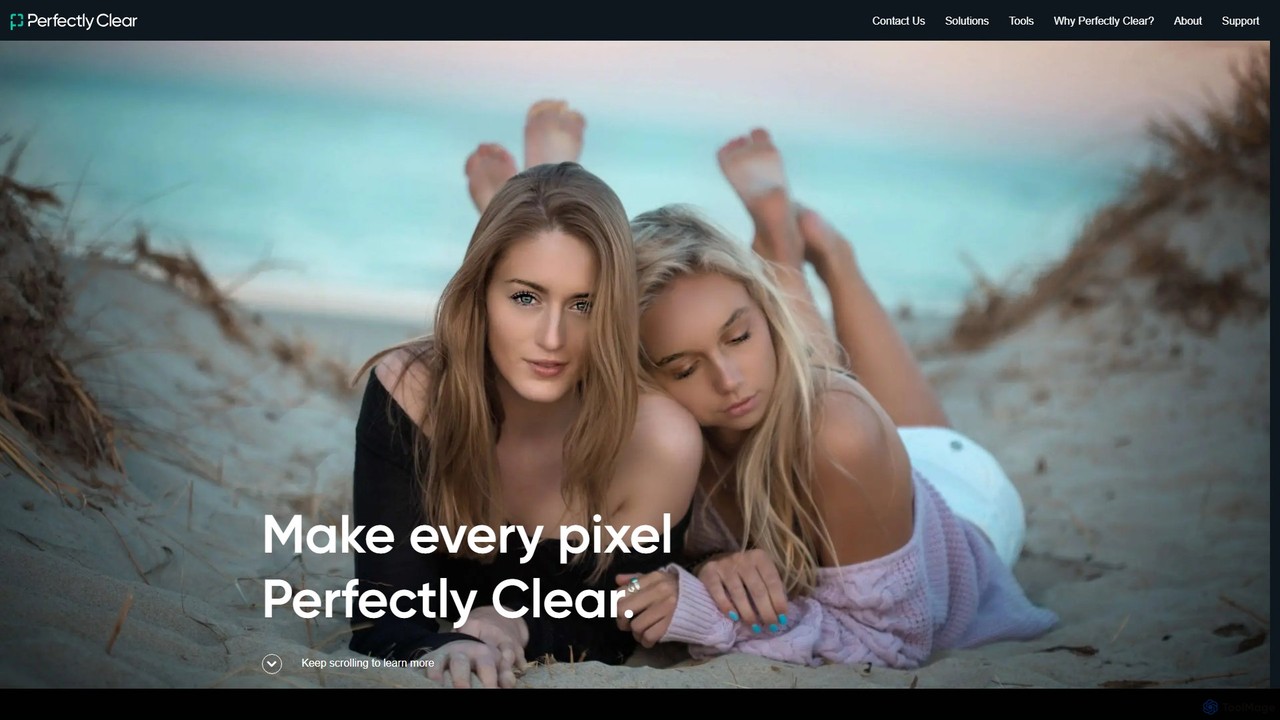
eyeq provides world-leading AI-powered automatic photo correction and video enhancement solutions for businesses. Its core technology, Perfectly Clear, uses 20+ years of scientific research and AI to deliver vibrant, accurate colors, intelligent retouching, and automated workflows, helping companies improve quality, reduce costs, and increase revenue.
3D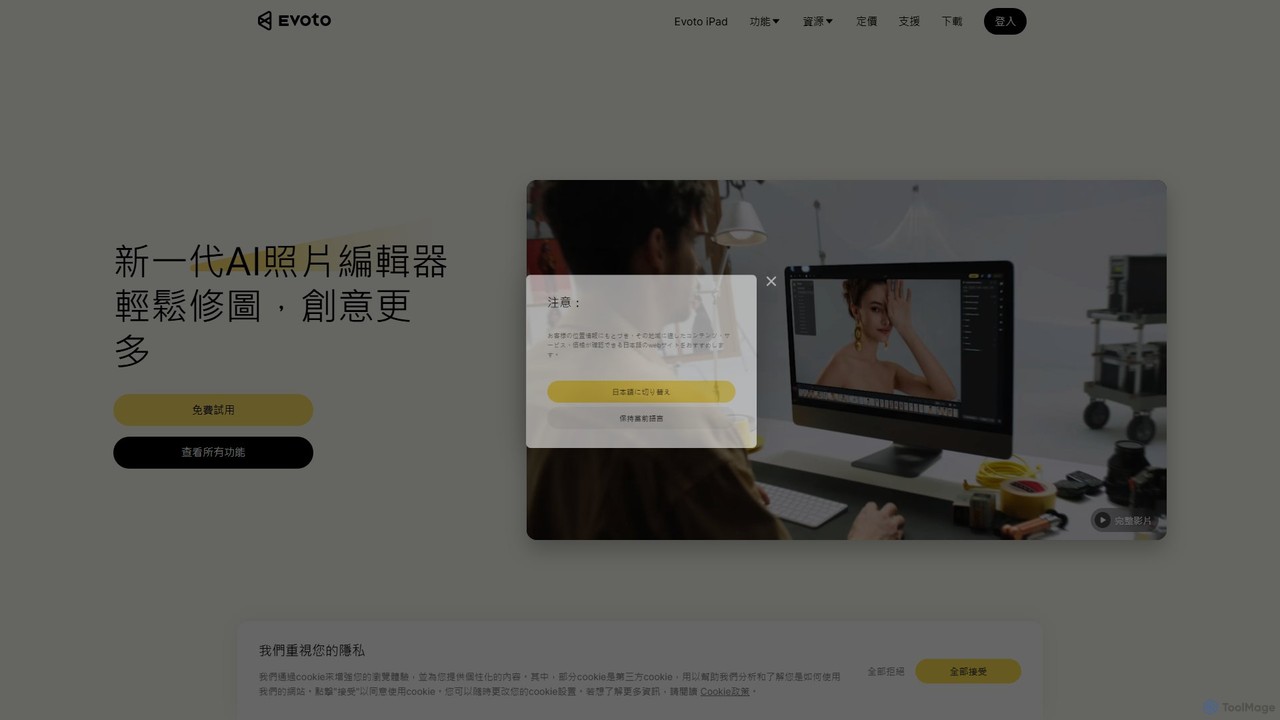
Evoto
An AI-powered photo editing application designed for professional photographers. Evoto streamlines workflows with powerful tools for portrait retouching, color grading, background removal, and batch processing. It delivers natural, high-quality results in a fraction of the time, boosting productivity for wedding, portrait, and studio photography.
3D
ImageColorizer
ImageColorizer is a comprehensive AI-powered toolkit designed to breathe new life into old photographs. It automatically colorizes black and white images, restores damaged photos by removing scratches and tears, enhances quality by fixing pixelation and blur, and upscales images without losing detail. It's a user-friendly online tool for preserving cherished memories with professional-grade results, no editing skills required.
3D
Cutout.Pro
Cutout.Pro is an AI-powered visual design platform offering a comprehensive suite of tools for image and video editing. It specializes in automated background removal, photo enhancement, object removal, and AI content generation, catering to designers, e-commerce businesses, developers, and individual users.
3D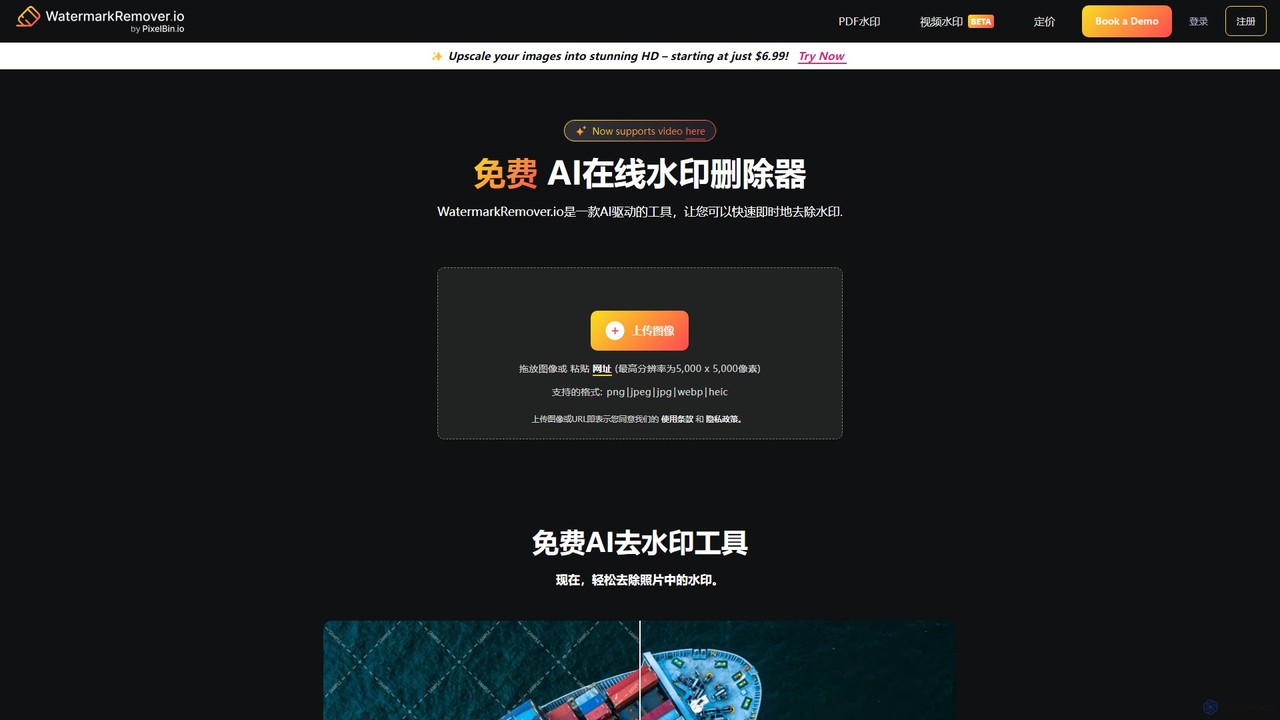
WatermarkRemover.io
WatermarkRemover.io is an AI-powered tool designed to quickly and automatically remove watermarks, logos, and text from images and videos. It requires no manual editing or technical skills. Simply upload your file, and the AI will detect and erase the watermark in seconds, preserving the original quality. It supports various formats and offers batch processing for professional users.
3DRetouch4me Categories
Retouch4me Embed Widget
Copy this embed code to place the badge on your blog, article, or product site and send readers directly to this ToolMage detail page.

Related AI tools
Aperty
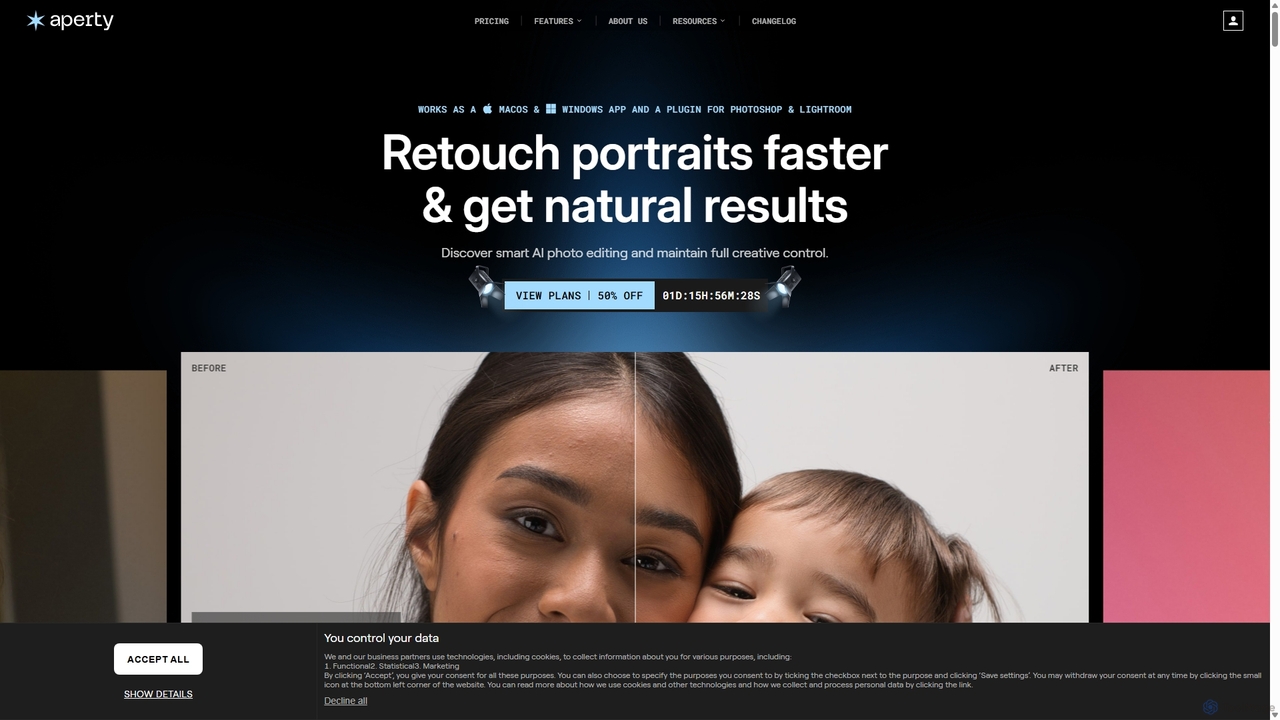
Aperty is an AI-powered portrait photo editor designed for photographers to accelerate their retouching workflow. It offers smart, natural-looking enhancements for skin, eyes, and makeup, and functions as a standalone app for macOS/Windows or as a plugin for Photoshop and Lightroom, ensuring full creative control and efficiency.
Graphicseyeq
eyeq provides world-leading AI-powered automatic photo correction and video enhancement solutions for businesses. Its core technology, Perfectly Clear, uses 20+ years of scientific research and AI to deliver vibrant, accurate colors, intelligent retouching, and automated workflows, helping companies improve quality, reduce costs, and increase revenue.
3D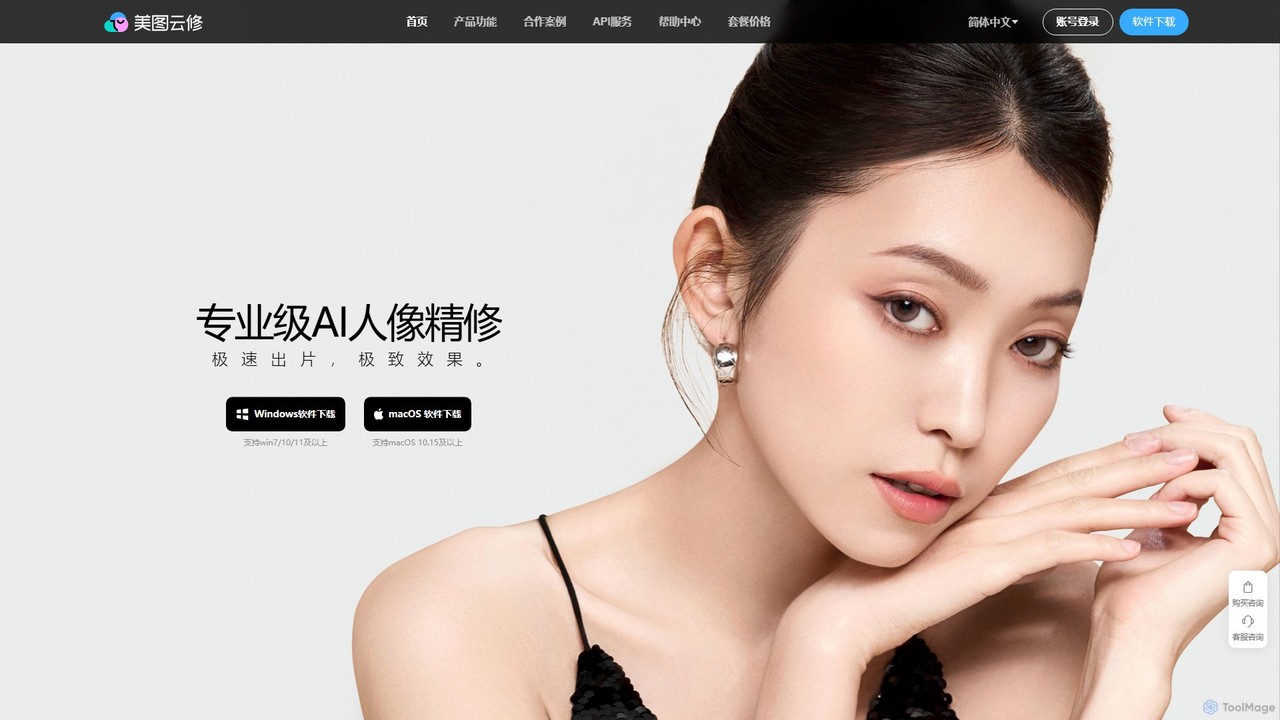
Yunxiu
Yunxiu is a professional-grade AI portrait retouching software by Meitu, designed for commercial photographers. It leverages advanced AI to automate and accelerate post-production, enabling batch processing of up to 1000 photos per hour with high-quality, natural-looking results.
3D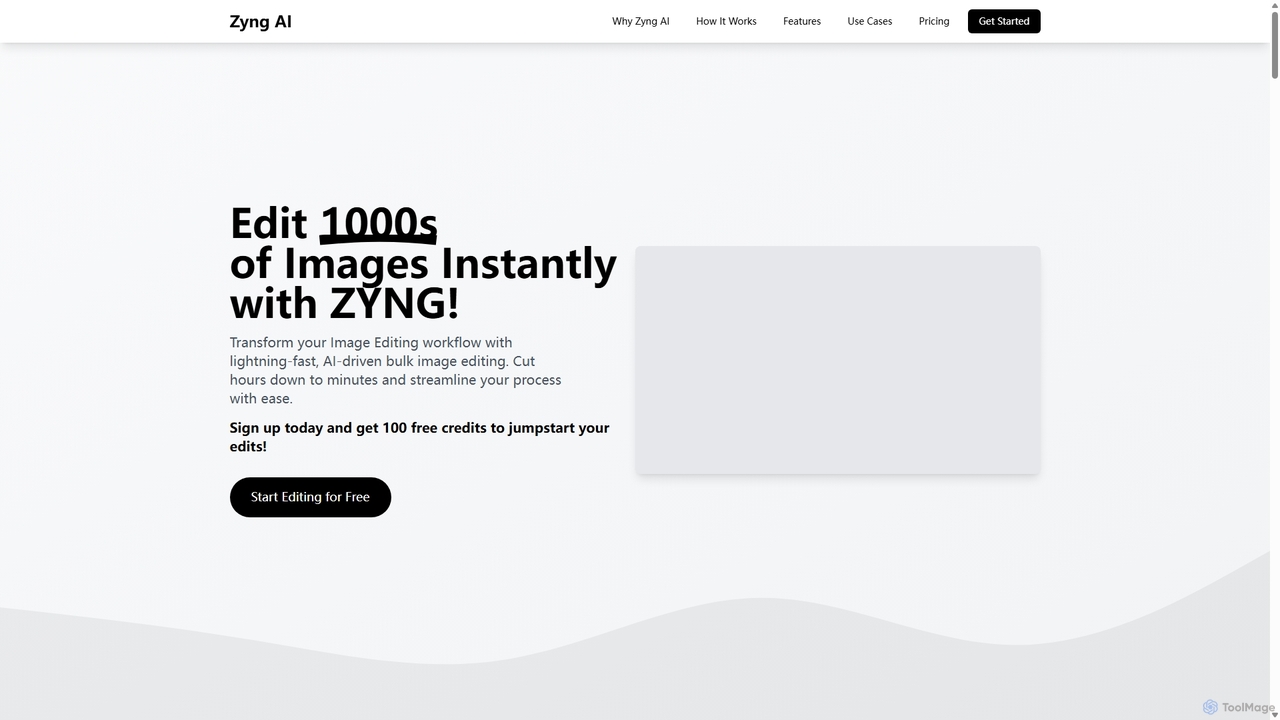
Zyng AI
Zyng AI is a powerful, AI-driven platform for bulk image editing, specifically catering to e-commerce businesses, photographers, and marketing teams. It automates tedious editing tasks, allowing users to process thousands of images in minutes. Key features include background removal, model swapping, smart cropping, face retouching, and AI-generated backgrounds. Zyng AI streamlines workflows, reduces costs, and helps create high-quality, consistent visuals for online stores and marketing campaigns, supporting resolutions up to 8K.
3D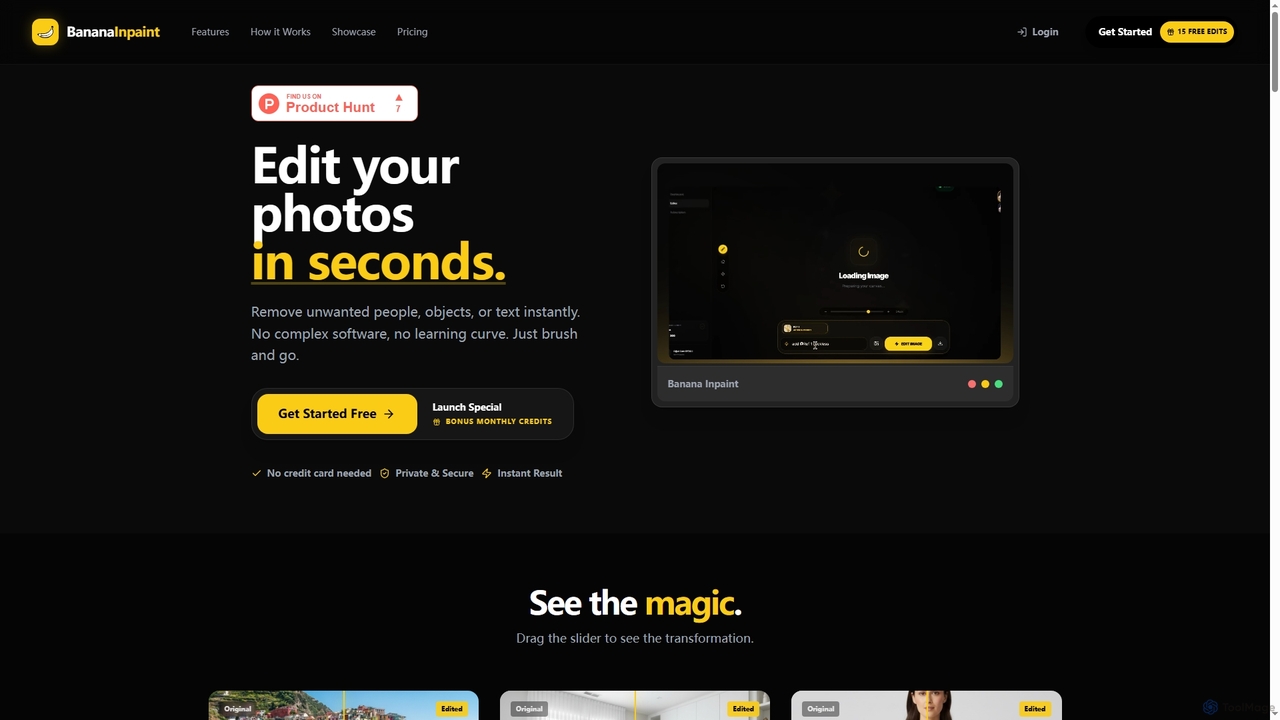
Nanobananainpaint
Nanobananainpaint is an AI-powered online photo editor that allows users to effortlessly remove unwanted objects, people, or text from images in seconds. With its intuitive brush-and-go interface, it simplifies complex photo editing tasks, making professional-quality image cleanups accessible to everyone without requiring any software installation or learning curve.
Image Generation
pixelz.ai
Pixelz.ai is an AI-powered image editing platform specializing in product photography for e-commerce. It automates tedious editing tasks like background removal, retouching, and color correction, enabling brands and photographers to scale their image production efficiently and affordably.
Product Image OptimizationEvoto
An AI-powered photo editing application designed for professional photographers. Evoto streamlines workflows with powerful tools for portrait retouching, color grading, background removal, and batch processing. It delivers natural, high-quality results in a fraction of the time, boosting productivity for wedding, portrait, and studio photography.
3DImageColorizer
ImageColorizer is a comprehensive AI-powered toolkit designed to breathe new life into old photographs. It automatically colorizes black and white images, restores damaged photos by removing scratches and tears, enhances quality by fixing pixelation and blur, and upscales images without losing detail. It's a user-friendly online tool for preserving cherished memories with professional-grade results, no editing skills required.
3D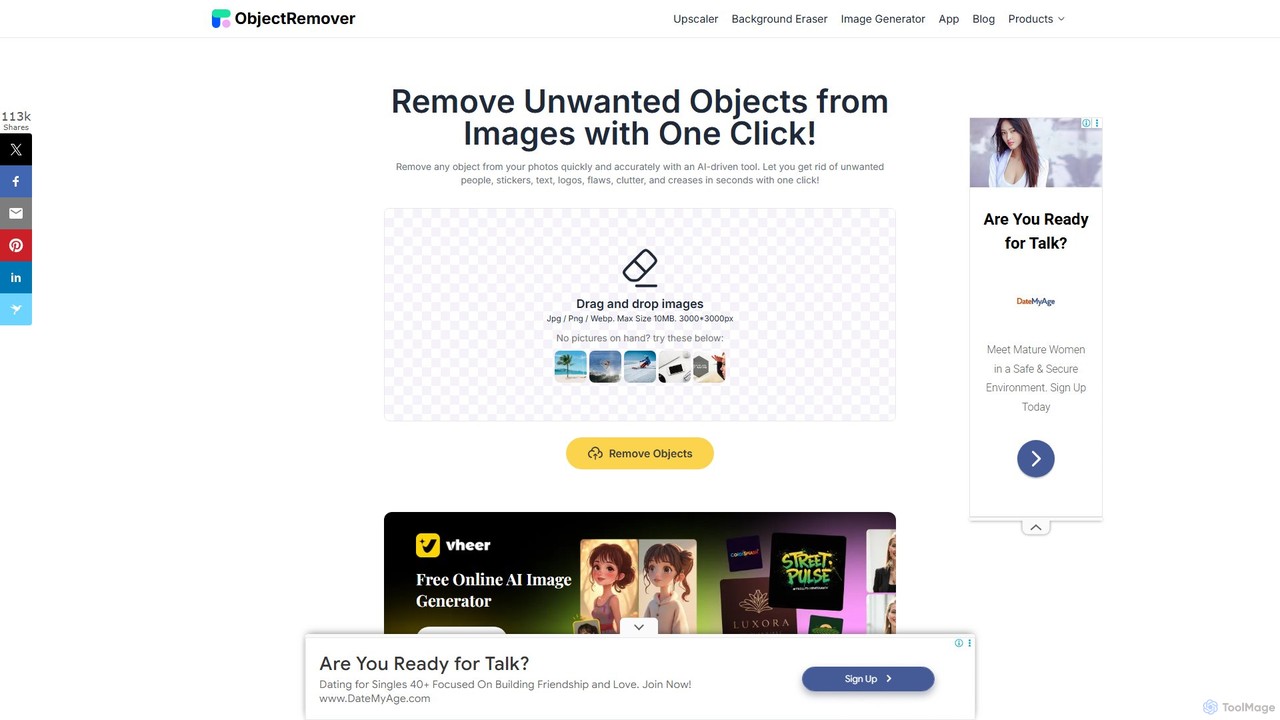
ObjectRemover
ObjectRemover is an AI-powered online tool that allows you to remove unwanted objects, people, text, and blemishes from your photos with a single click. It offers fast, high-quality, and natural-looking results without needing any technical skills. Simply upload your image, mark the object, and let the AI clean it up in seconds.
3D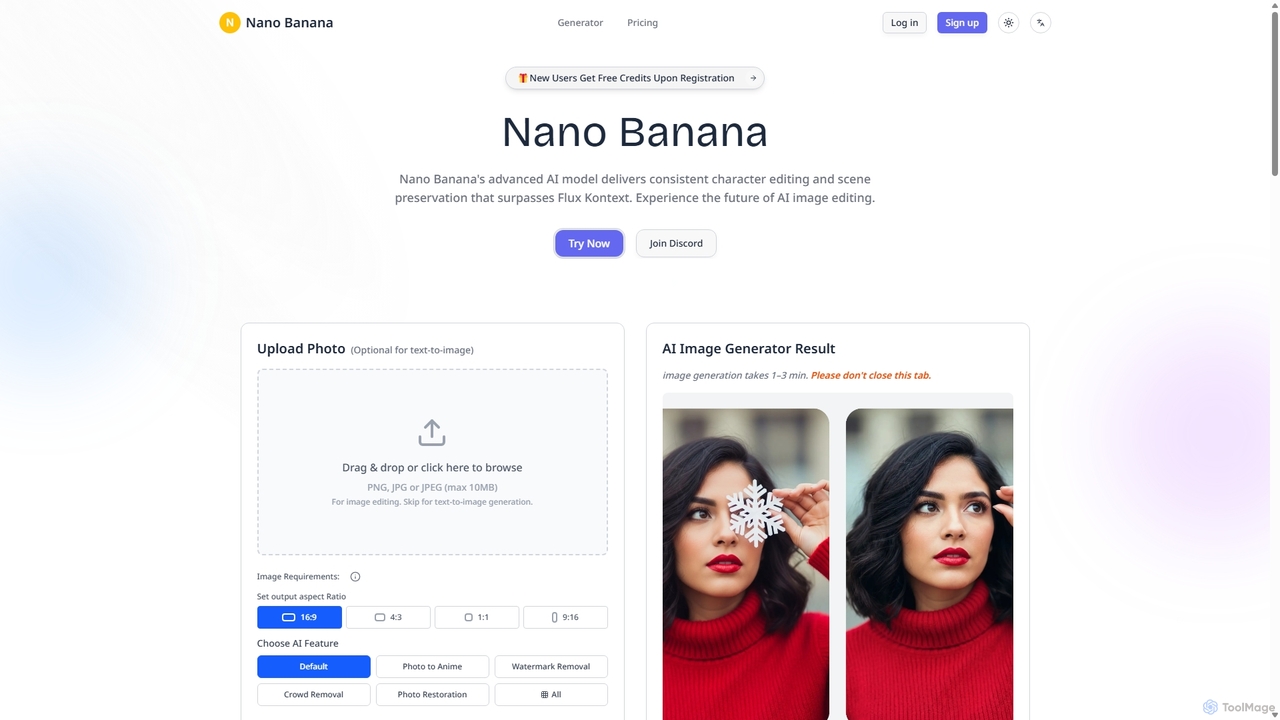
Nanobanana
Nanobanana is an advanced AI image editing and generation platform that transforms images using natural language prompts. It specializes in maintaining character consistency and scene integrity while offering powerful features like watermark removal, photo restoration, and batch processing. Ideal for creators, marketers, and photographers seeking efficient, high-quality visual content creation.
3D
Remover
Remover is a free AI-powered tool by ZMO.AI that effortlessly removes unwanted objects, people, text, and backgrounds from photos. Ideal for e-commerce, real estate, and general photo cleanup, it provides unlimited edits and professional results in seconds without needing complex software like Photoshop.
3D
Jyek
Jyek is an AI agent platform that understands objectives, creates execution plans, uses tools, and delivers verifiable results for complex, multi-step tasks.
Automation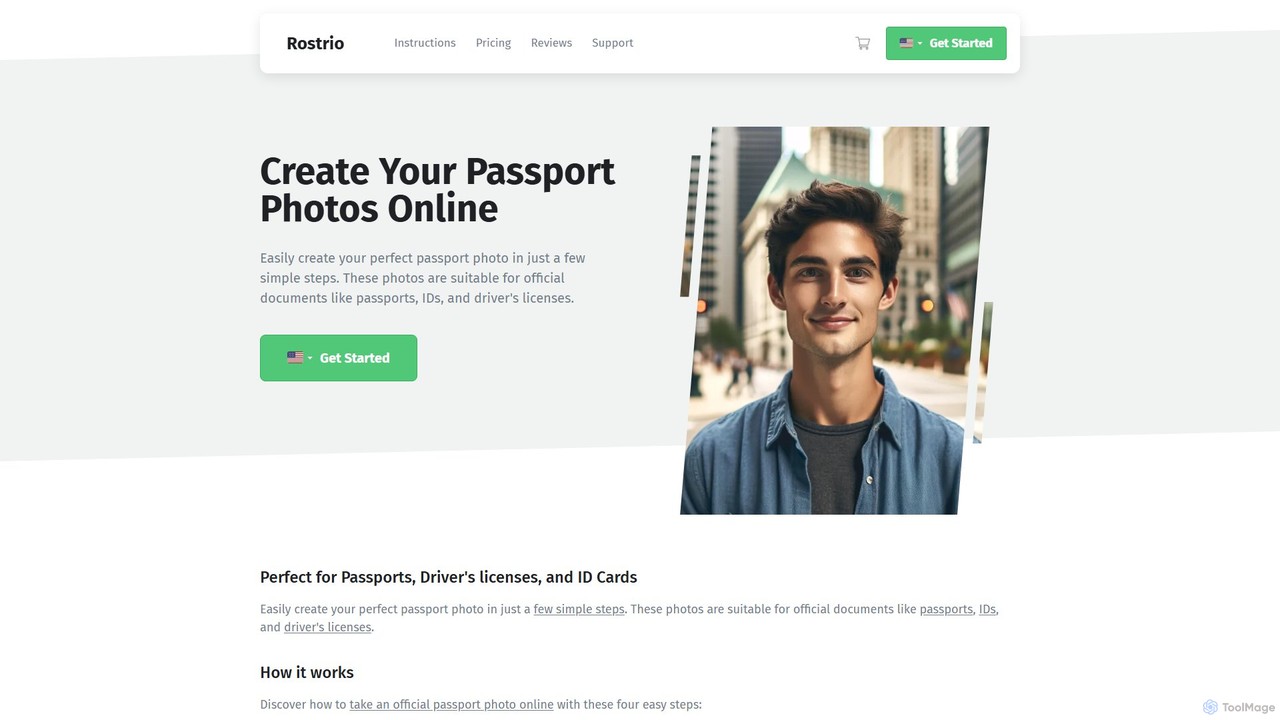
passphoto
passphoto is an AI-powered online service that helps you create official, compliant passport, ID, and visa photos from home. Simply upload your photo, and the AI will automatically verify it against the specific requirements of your chosen country, ensuring it meets standards for size, background, and lighting. Get your perfect photos delivered digitally or by mail.
3D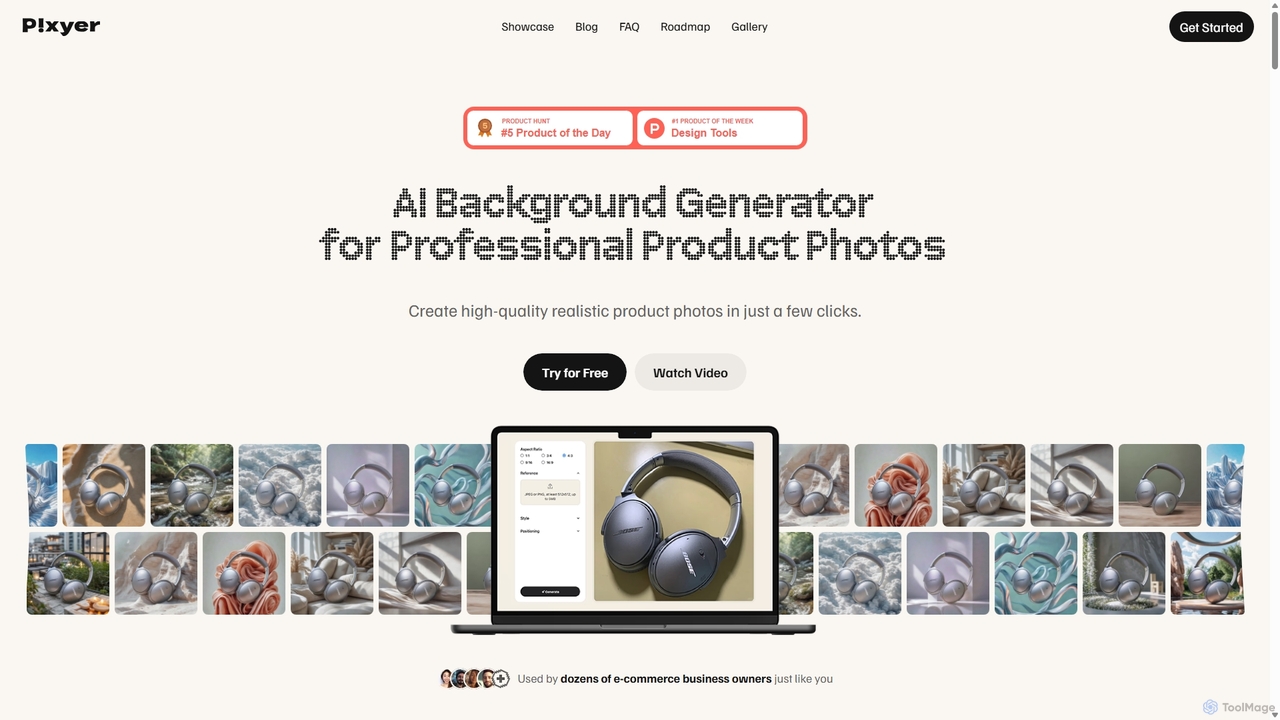
Pixyer
Pixyer is an AI-powered background generator designed for e-commerce, enabling users to create professional, studio-quality product photos in seconds. Simply upload an image, and the tool automatically removes the background and generates realistic, context-aware scenes with perfect lighting. It eliminates the need for expensive photoshoots, offering a fast, simple, and cost-effective solution for creating high-converting visuals for any platform.
3D
InstantEditAI
InstantEditAI is an AI-powered photo editing tool that delivers professional-grade results in minutes. Specializing in one-click color correction, skin smoothing, and cropping, it's perfect for wedding, event, and family photos. Choose from over 30 styles created by top photographers to transform your images without needing complex software.
Image Editing
Retouch4me Comments (0)
Sign in to comment.
Sign inNo comments yet.