Productivity Best in category 13 results Photography AI Tool

Popular AI tools in the Photography field of Productivity include Evoto、Skylum、cleanup.pictures、Retouch4me、ImageColorizer、pixcakeai、FilterPixel、IC Light AI、REOK、Mems, etc., helping you quickly improve efficiency.

InstantEditAI

InstantEditAI

InstantEditAI is an AI-powered photo editing tool that delivers professional-grade results in minutes. Specializing in one-click color correction, …

3.0K
FilterPixel

FilterPixel

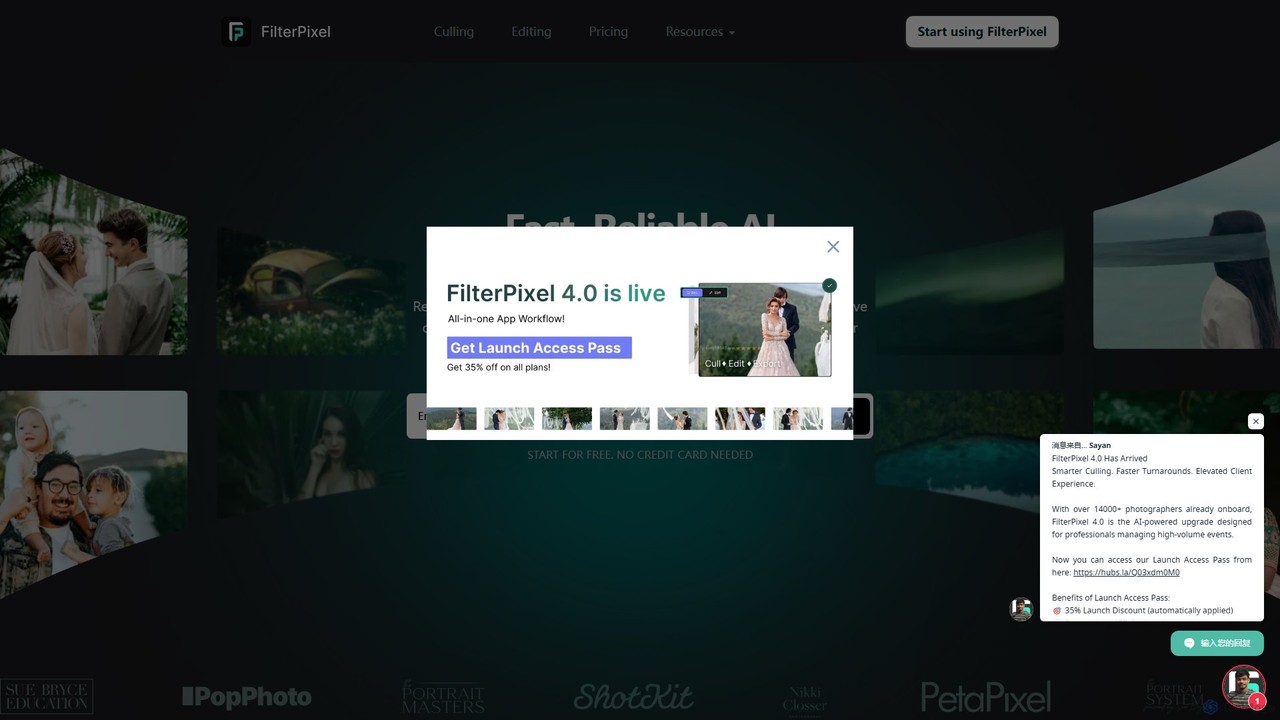
FilterPixel is an AI-powered software designed for photographers to automate and accelerate photo culling and editing. It intelligently …

31.0K
Evoto

Evoto

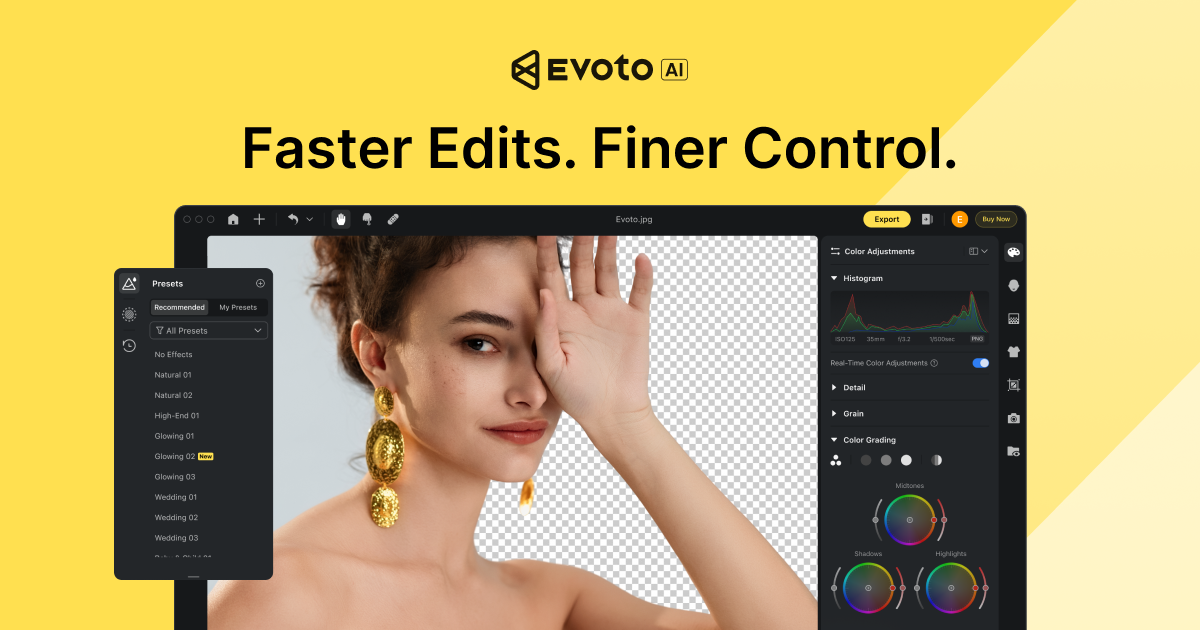
An AI-powered photo editing application designed for professional photographers. Evoto streamlines workflows with powerful tools for portrait retouching, …

1.3M
REOK

REOK

REOK is an AI-powered photo studio that enables users to generate high-quality, realistic professional headshots and creative images …

5.0K
pixcakeai

pixcakeai

pixcakeai is a commercial-grade AI photo editing software for professional photographers. It offers pixel-level retouching with a powerful …

149.3K
IC Light AI

IC Light AI

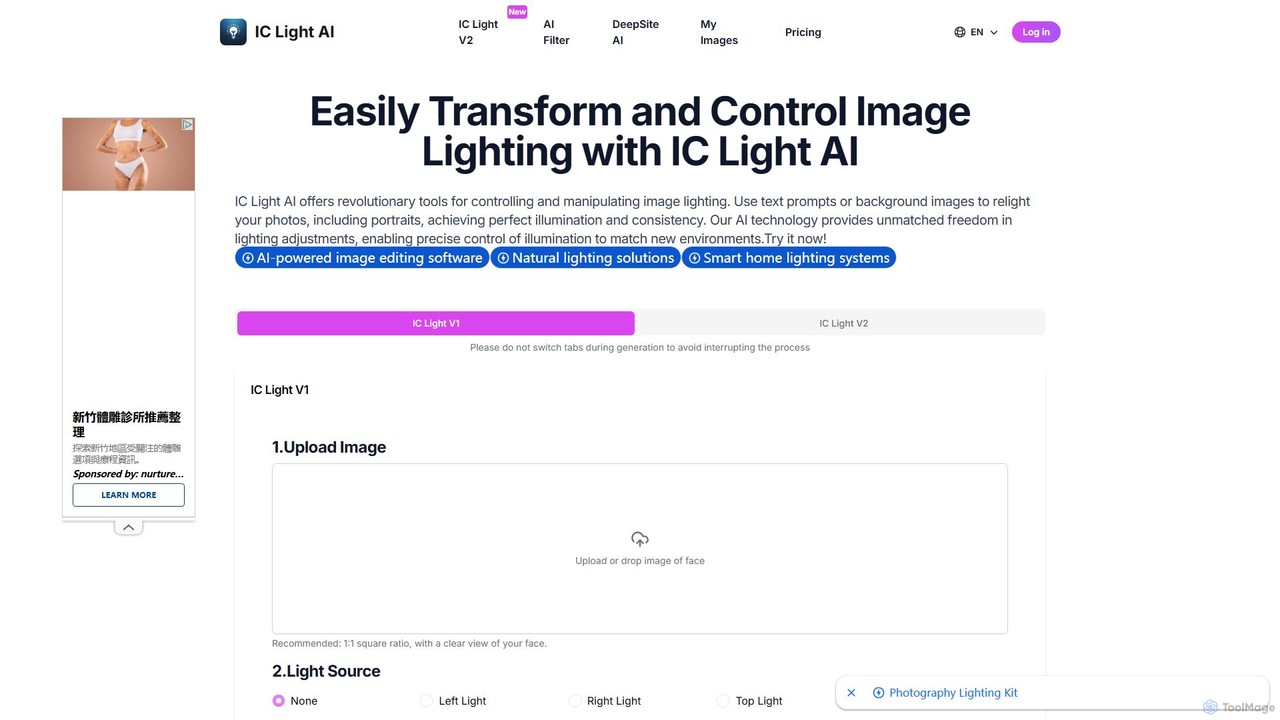
IC Light AI is a revolutionary AI-powered tool for transforming image lighting. Using text prompts or reference images, …

12.4K
Mems

Mems

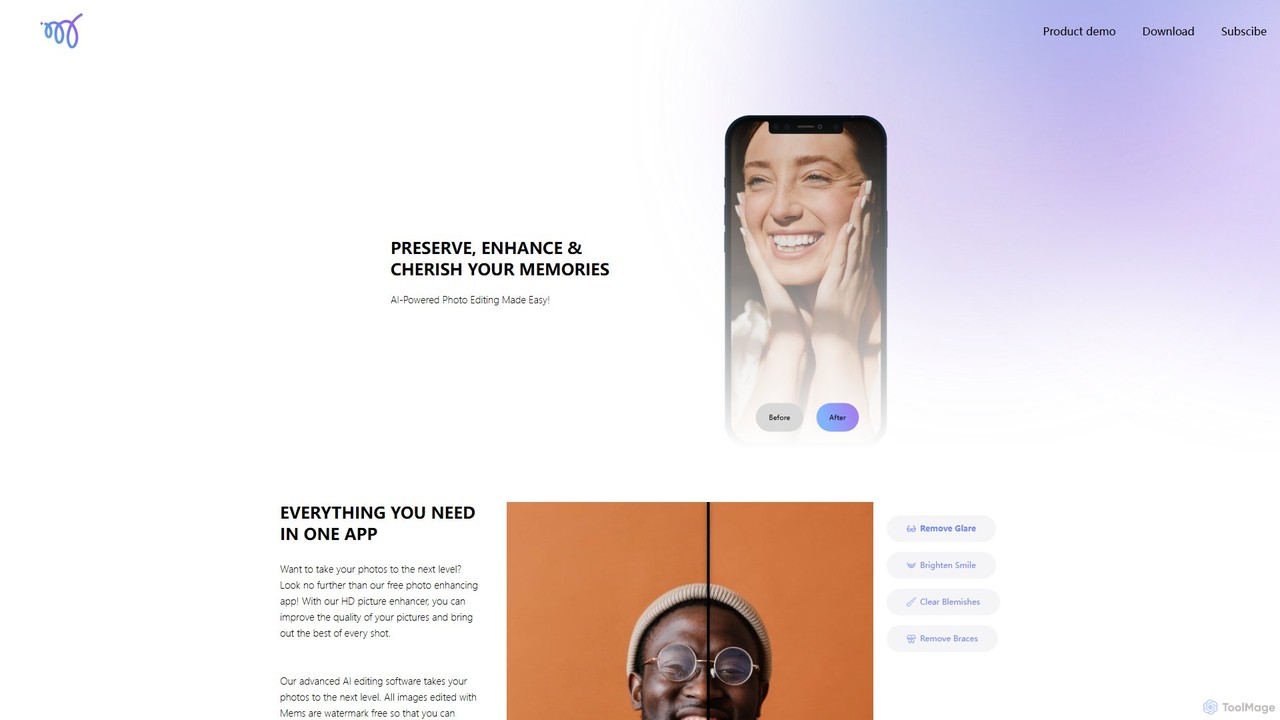
Mems is an AI-powered mobile photo enhancer that makes professional-grade editing easy. With one-tap tools, you can improve …

3.8K
AI Keywording

AI Keywording

AI Keywording is an AI-powered tool designed for photographers and content creators. It automates the tedious process of …

3.0K
Skylum

Skylum

Skylum develops AI-powered photo editing software, including the flagship Luminar Neo. Designed for photographers of all skill levels, …

1.3M
ImageColorizer

ImageColorizer

ImageColorizer is a comprehensive AI-powered toolkit designed to breathe new life into old photographs. It automatically colorizes black …

193.5K
cleanup.pictures

cleanup.pictures

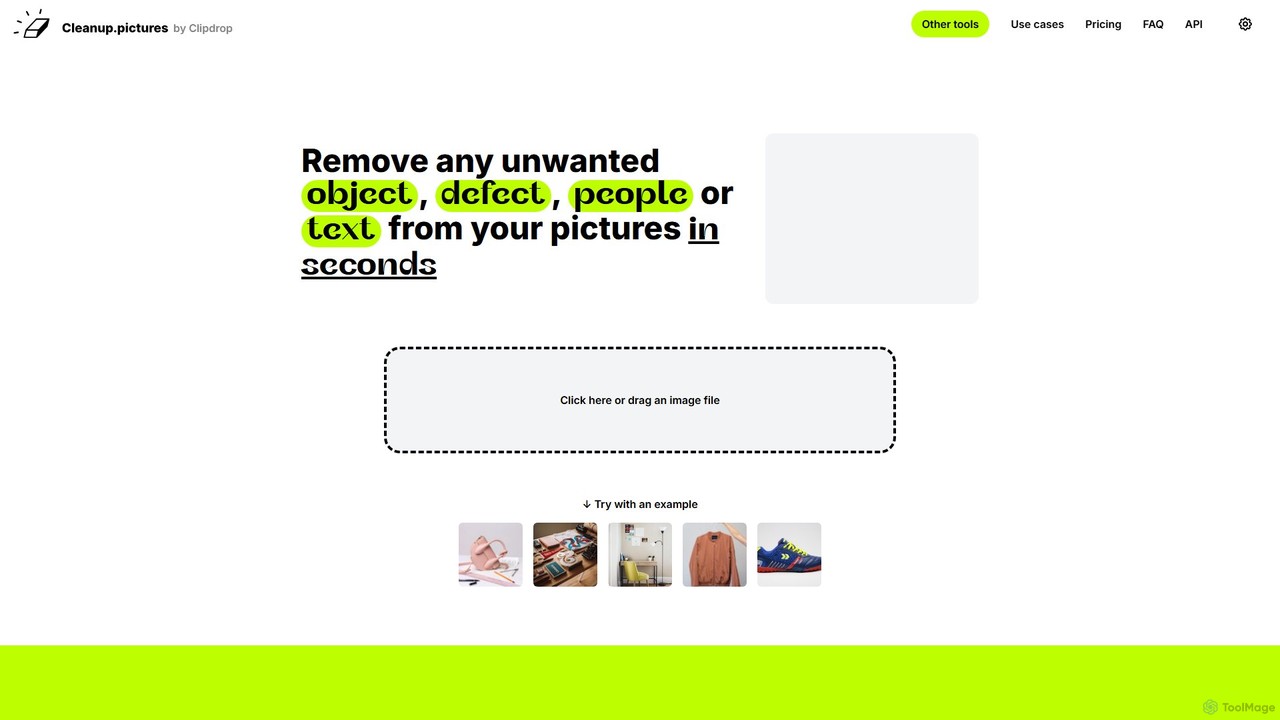
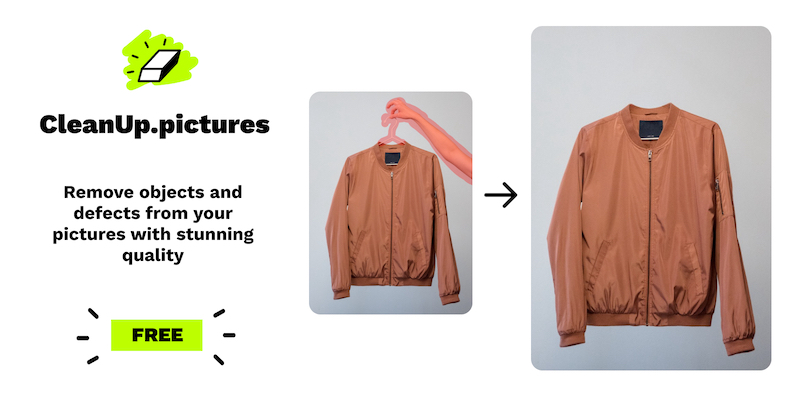
An AI-powered photo editing tool that allows users to effortlessly remove unwanted objects, people, text, and defects from …

1.1M
Photo Journey Ai

Photo Journey Ai

Photo Journey Ai is an all-in-one AI-powered platform for fine art photographers. It streamlines the entire workflow, from …

3.0K
Retouch4me

Retouch4me

Retouch4me is a suite of AI-powered plugins and standalone apps designed for professional photographers and videographers. It automates …

305.5K

About Photography

AI Photography tools are a specialized category of software that leverage artificial intelligence to automate and enhance the entire photographic workflow. These tools utilize deep learning models to analyze image content, enabling them to perform complex tasks like intelligent culling, automated retouching, and precise object selection with minimal user input. Their primary value lies in drastically reducing time spent on repetitive editing, allowing photographers to focus more on creative decision-making. As a key component of the Productivity suite for visual creators, they transform tedious post-production processes into efficient, streamlined operations.

Core Features

  • AI-Powered Culling: Automatically groups similar photos and suggests the best images based on focus, composition, and subject expression.
  • Intelligent Enhancement: Provides one-click adjustments for tasks like sky replacement, portrait retouching, and subject relighting.
  • Advanced Noise Reduction & Sharpening: Uses machine learning to remove digital noise and sharpen details without creating artifacts.
  • Smart Masking & Selections: Instantly and accurately selects subjects, backgrounds, or specific elements within a photo for targeted edits.
  • Adaptive Presets: Applies editing styles that intelligently adjust parameters based on the unique content of each individual photo.

Use Cases

These tools are widely used by professionals who handle large volumes of images, such as wedding, event, and sports photographers for rapid culling and editing. Portrait and fashion photographers use them for efficient, high-quality retouching. Real estate and architectural photographers rely on them for quick enhancements like sky replacement and perspective correction.

How to Choose

When selecting an AI Photography tool, consider its integration with your existing software like Adobe Lightroom or Photoshop. Evaluate whether you need an all-in-one solution or a specialized tool for a specific task like noise reduction. Also, consider the processing model—local processing requires a powerful computer, while cloud-based options depend on an internet connection and subscription.

PhotographyUse Cases

1

Automated Culling for Event Photographers

An event photographer shoots over 2,000 photos at a wedding. Instead of manually reviewing each image, they use an AI culling tool. The software automatically groups similar shots, identifies and flags images with closed eyes or poor focus, and highlights the sharpest photos with the best expressions. This process reduces the initial selection time from over four hours to under 30 minutes, allowing the photographer to move to the editing phase faster and deliver the final gallery to the client days earlier.

2

Effortless Portrait Retouching

A portrait photographer needs to retouch a batch of 50 corporate headshots. Using an AI-powered portrait tool, they can apply consistent, natural-looking enhancements across all photos simultaneously. The AI automatically detects faces, smoothes skin while preserving texture, whitens teeth, and enhances eyes. This automated process avoids hours of manual brushing and masking in Photoshop, ensuring a uniform, professional look for the entire set and significantly speeding up the post-production workflow.

3

Advanced Noise Reduction for Low-Light Shots

A wildlife photographer captures a rare bird at dusk, resulting in a high-ISO image with significant digital noise. Traditional noise reduction methods would soften the image, losing critical feather detail. By using an AI noise reduction tool, the photographer can remove the noise while simultaneously sharpening the details. The AI model, trained on millions of images, understands the difference between noise and fine detail, preserving the texture of the feathers and the sharpness of the eye, salvaging a shot that would otherwise be unusable.

4

One-Click Sky Replacement for Real Estate

A real estate photographer has a portfolio of property exteriors shot on an overcast day. To make the listings more appealing, they use an AI tool for sky replacement. With a single click, the software automatically masks the dull sky and replaces it with a vibrant, blue sky from its library, even handling complex areas like tree branches. The tool also intelligently relights the foreground to match the new sky's lighting, creating a realistic and attractive image in seconds, a task that would require complex manual masking in traditional software.

5

Intelligent Masking for Landscape Photography

A landscape photographer wants to selectively edit different parts of an image—brightening the foreground, adding contrast to the mountains, and darkening the sky. Instead of spending time manually creating complex masks with a brush tool, they use an AI masking feature. The tool automatically identifies and creates precise masks for the sky, water, mountains, and foliage. This allows the photographer to apply targeted adjustments to each element independently, achieving a polished, professional result with greater speed and accuracy.

6

Batch Processing for E-commerce Product Photos

An e-commerce store manager needs to process 500 new product photos for their website, ensuring a consistent look. They use an AI editing tool with adaptive presets. After defining a target style (e.g., bright, clean background, vibrant colors), the AI applies it to the entire batch. It intelligently adjusts exposure, white balance, and color for each individual photo to achieve the desired look, compensating for minor variations in lighting during the photoshoot. This ensures brand consistency and saves a full day of manual editing work.

PhotographyFrequently Asked Questions