ToolMage
Sign in

Best 2 Asset Management AI tools for Content Creation

Popular Asset Management AI tools in Content Creation include Crimson and AI Keywording, helping you work more efficiently.

Crimson
Freemium

Crimson

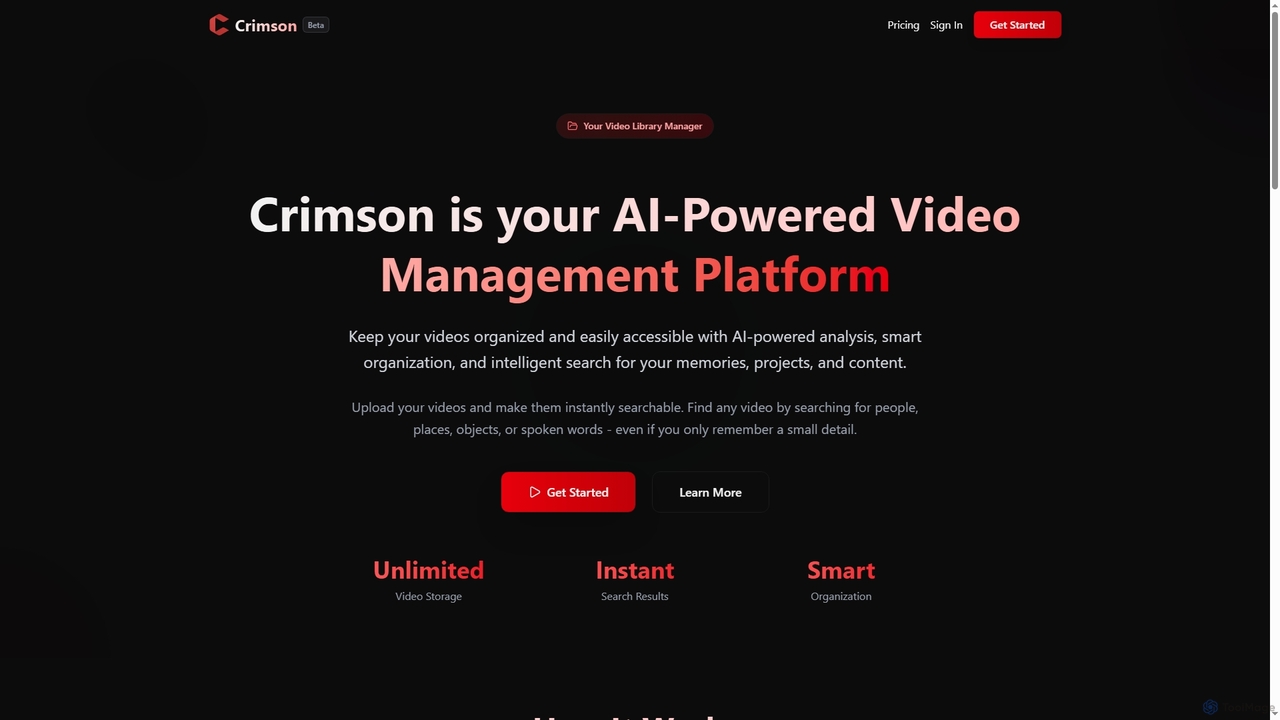
Crimson is an AI-powered video management platform designed to help users organize, search, and access their video libraries effortlessly. It leverages advanced AI for analysis, smart organization, and intelligent content discovery, making memories, projects, and content instantly searchable and securely stored.

Asset Management
Visits 5.5KFavorites 116Likes 130
AI Keywording
Freemium

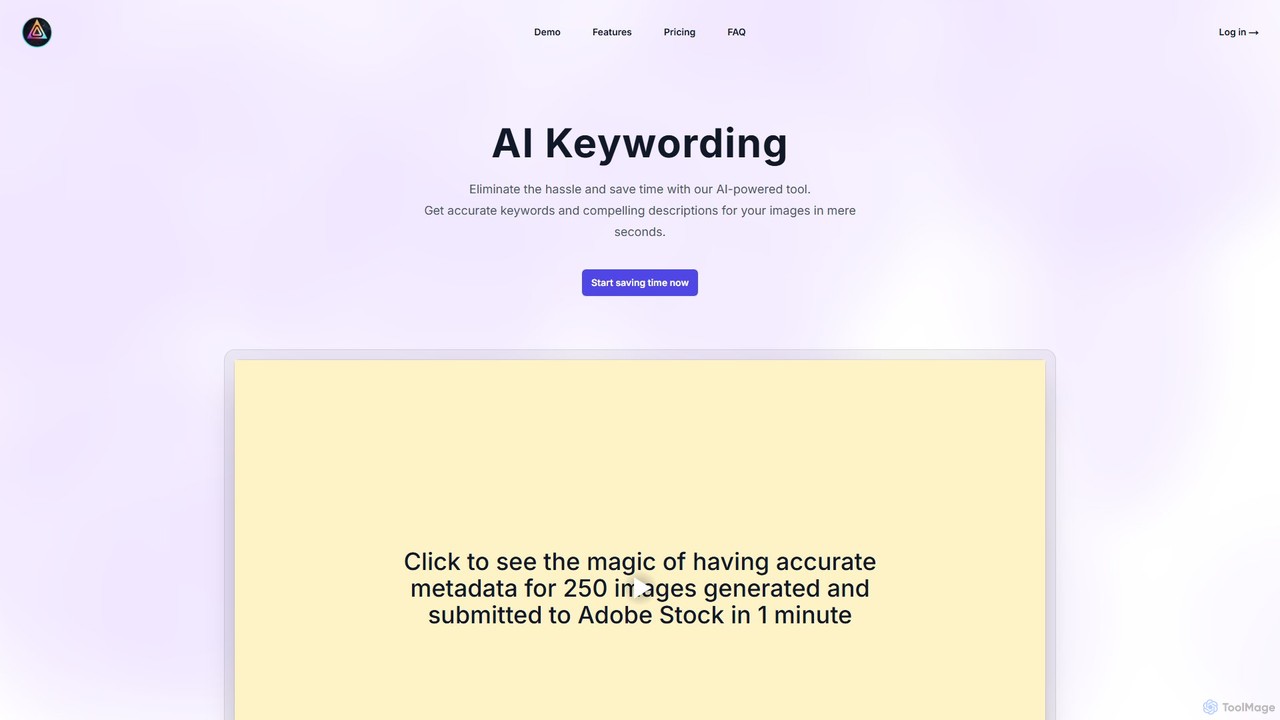
AI Keywording

AI Keywording is an AI-powered tool designed for photographers and content creators. It automates the tedious process of generating accurate, relevant keywords, compelling titles, and detailed descriptions for images in seconds. By streamlining metadata creation and offering one-click CSV export for stock photo websites like Adobe Stock, it significantly boosts productivity, improves image SEO, and saves countless hours of manual work.

Asset Management
Visits 5.4KFavorites 130Likes 138

About Asset Management

AI Asset Management tools are specialized platforms for organizing, tagging, and retrieving digital creative assets using artificial intelligence. They leverage technologies like computer vision and natural language processing to automatically analyze content, making vast libraries of images, videos, and documents easily searchable. This streamlines content creation workflows by ensuring teams can quickly find and reuse approved brand materials. These systems go beyond simple storage by adding a layer of intelligence for efficient content operations.

Core Features

  • AI Auto-Tagging: Automatically generates descriptive keywords, tags, and metadata for images and videos based on their content.
  • Semantic Search: Enables searching for assets using natural language queries about objects, concepts, or colors, not just filenames.
  • Duplicate Detection: Intelligently identifies and flags visually similar or identical assets to maintain a clean and organized library.
  • Smart Curation: Recommends relevant assets for new projects based on context, brand guidelines, or past usage patterns.
  • Performance Analytics: Tracks how and where assets are used, providing insights into which visuals drive the most engagement.

Use Cases

Primarily used by marketing departments, creative agencies, and large enterprises to manage brand assets. For example, a global marketing team can ensure all regional offices use the latest logos and campaign visuals. Video production houses use it to quickly locate specific B-roll clips from terabytes of footage, while e-commerce businesses manage thousands of product images efficiently.

How to Choose

When selecting an AI Asset Management tool, evaluate the accuracy of its AI tagging and search capabilities. Consider its integration options with your existing creative software (e.g., Adobe Creative Cloud, Figma) and content management systems. Assess its scalability, storage capacity, and the granularity of user permissions and access controls. Finally, check its support for various file formats, especially large video and raw image files.

Asset Management use cases

1

Centralizing Brand Assets for Marketing Teams

A global marketing team manages thousands of assets like logos, campaign images, and video ads. Using an AI Asset Management tool, all assets are uploaded to a central repository. The AI automatically tags each file with relevant keywords (e.g., 'Q4 campaign', 'logo', 'blue background'). When a social media manager needs an image, they can search 'summer promotion product shot' and instantly find all approved, relevant visuals, ensuring brand consistency and saving hours of manual searching through folders.

2

Streamlining Video Production Workflows

A video production agency stores terabytes of B-roll footage. Finding a specific clip, like 'a drone shot of a city at sunrise', could take hours. With an AI asset manager, the entire video library is indexed. The AI analyzes each frame, identifying objects, scenes, and actions. An editor can simply type the description into the search bar, and the system will return a list of relevant clips, complete with timestamps, reducing search time by over 90% and accelerating the post-production process.

3

Managing E-commerce Product Imagery

An e-commerce company with thousands of products needs to manage multiple images for each item (front view, side view, lifestyle shot). An AI Asset Management system can automatically link images to product SKUs. It uses AI to detect duplicates and identify visually similar photos for A/B testing ad creatives. When a product line is updated, the system can help find all related imagery across the platform, ensuring outdated photos are replaced quickly and consistently.

4

Archiving and Retrieving Creative Projects

A design agency completes hundreds of projects a year, creating a massive archive. Finding assets from a project completed three years ago can be a challenge. By using an AI asset manager, all final project files and their components are archived and automatically tagged with client name, project year, and content-based keywords. When a client requests a revision or a similar new project is started, designers can instantly retrieve all relevant past work by searching 'logo designs for ClientX 2021', improving efficiency and leveraging previous creative efforts.

5

Automating Content Curation for Social Media

A content creator needs to post daily across multiple platforms but struggles to find fresh, relevant visuals from their large library of photos and videos. An AI asset management tool can analyze their upcoming content calendar (e.g., 'post about productivity tips'). Based on this context, the AI curates a collection of suggested assets from their library that visually match the theme. This automates the discovery process, helping the creator maintain a consistent posting schedule with high-quality, relevant content.

6

Ensuring Legal Compliance for Asset Usage

A large corporation uses stock photography and licensed music in its marketing materials. Tracking licensing agreements and usage rights for each asset is complex and critical to avoid legal issues. An AI Asset Management platform can store licensing information alongside each asset. The AI can automatically flag assets with expiring licenses or alert a manager if an asset is being used in a context not covered by its license (e.g., a web-only image used in a print ad). This provides an automated layer of compliance and risk management.

Asset Management FAQ

What is AI Asset Management for content creation?

AI Asset Management in the context of content creation refers to systems that use artificial intelligence to organize, search, and manage a library of digital creative files like images, videos, and documents. Unlike simple storage, these tools actively analyze content to automatically add tags, enable searching by concepts (e.g., 'happy people'), and streamline creative workflows by making assets easily discoverable and reusable.

How is AI Asset Management different from cloud storage like Google Drive or Dropbox?

The key difference is intelligence and workflow integration. Cloud storage services are primarily for storing and sharing files based on folder structures and filenames. AI Asset Management platforms are built for creative operations. They use AI to understand the content *within* the files, enabling features like:

  • Semantic Search: Searching for 'beach sunset' instead of 'IMG_8765.jpg'.
  • Auto-Tagging: Automatically adding metadata, saving hours of manual work.
  • Version Control: Managing different revisions of a creative asset.
  • Integrations: Connecting directly with tools like Adobe Photoshop or Figma.
Who should use an AI Asset Management tool?

These tools are most beneficial for teams and individuals who manage a large volume of creative assets. Key users include:

  • Marketing Teams: To maintain brand consistency and quickly access campaign materials.
  • Creative Agencies: To manage projects and assets for multiple clients efficiently.
  • Large Enterprises: To control brand assets across different departments and regions.
  • Content Creators & Publishers: To organize and repurpose a large backlog of photos, videos, and graphics.

Essentially, if finding the right creative file has become a time-consuming problem, an AI Asset Management tool is a valuable solution.

What key features should I look for in an AI Asset Management tool?

When choosing a tool, focus on features that solve your specific problems. Key features to consider include:

  • Search Accuracy: How well does the AI understand your search queries? Test it with specific, nuanced searches relevant to your content.
  • Integration Capabilities: Does it connect seamlessly with your daily tools like Adobe Creative Cloud, Figma, Slack, or your CMS?
  • Scalability and Performance: Can the system handle your current library size and grow with you? How fast is it when searching through thousands of large files?
  • User Permissions: Can you set granular access controls for different team members (e.g., view, download, edit, admin)?
  • File Format Support: Ensure it supports all the file types you work with, including raw photos, vector graphics, and various video codecs.
Can AI help manage asset licensing and rights?

Yes, many advanced AI Asset Management platforms include features for rights management. You can attach licensing information, usage restrictions, and expiration dates directly to assets. The system can then use AI to monitor usage and prevent compliance issues. For example, it can automatically alert users when a license is about to expire or block the download of an asset for a use case that is not permitted by its license, reducing legal risk for the organization.