

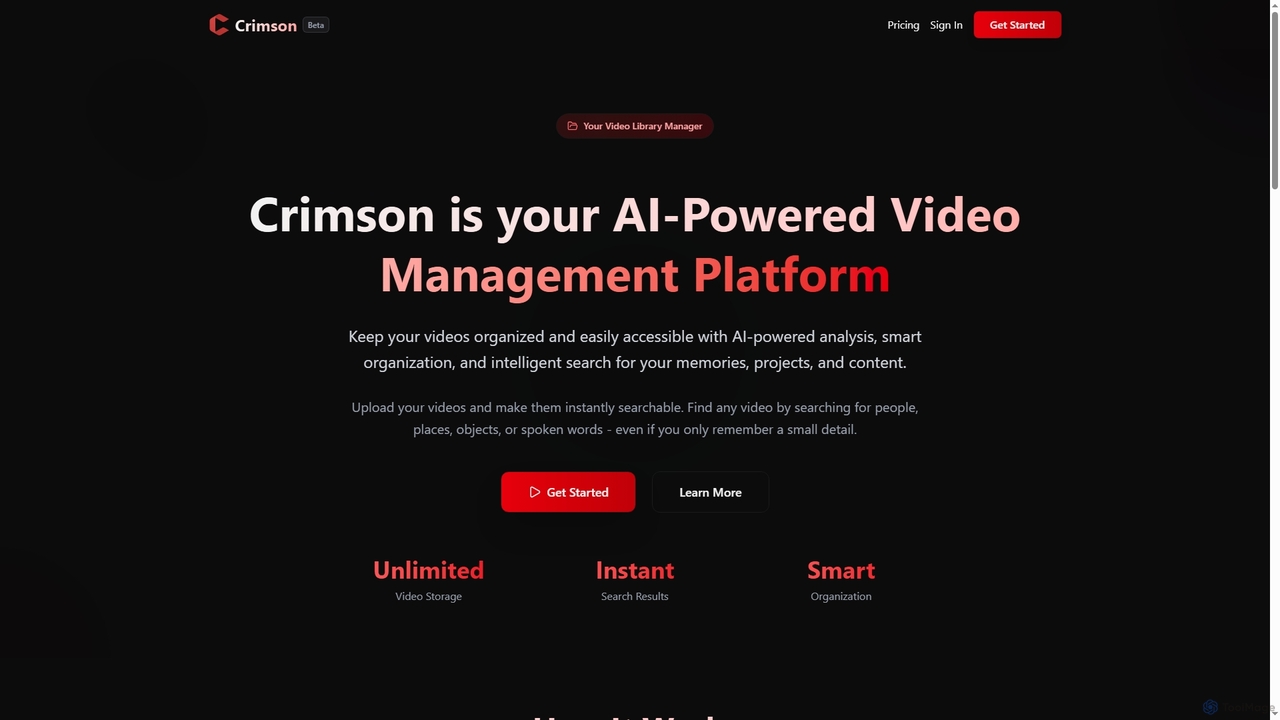
Crimson Overview
Crimson revolutionizes how you manage your video collection by transforming it into an easily searchable and perfectly organized database. This AI-powered platform automatically analyzes your videos, identifying people, places, objects, and spoken words, eliminating the need for manual tagging and sorting. Whether you're a family organizer, a content creator, or a professional, Crimson provides the tools to keep your digital memories and projects accessible and secure.
How to use Crimson
Using Crimson is a straightforward three-step process. First, you add your videos by uploading them from any device or importing content via URLs, supporting major formats like MP4, MOV, and AVI. Once uploaded, Crimson's AI automatically begins smart indexing, identifying and extracting metadata such as facial recognition, object detection, location identification, and speech-to-text transcription. Finally, you can easily find and enjoy your videos by creating custom folders and using intelligent search capabilities to locate specific moments, people, or topics within your private collection, even with abstract queries like "birthday party with grandma."
Core Features of Crimson
- AI-Powered Video Analysis: Automatic extraction of metadata including facial recognition, object detection, location identification, and speech-to-text transcription.
- Seamless Content Import: Upload videos from any device or import via URLs, with support for major video formats and automatic metadata extraction.
- Smart Folder Management: Dynamic folder structures, intelligent categorization suggestions, drag-and-drop functionality, bulk operations, and automated tagging.
- Intelligent Content Discovery: Revolutionary search capabilities powered by natural language processing and computer vision, allowing searches by names, dialogue, objects, locations, or concepts.
- Real-Time Processing Engine: Lightning-fast video analysis, indexing, and searchability within minutes of upload, with background processing and instant thumbnail generation.
- Enterprise-Grade Security: Bank-level security, end-to-end encryption, secure cloud storage, GDPR compliance, and zero data sharing policies for complete data protection.
Use Cases for Crimson
Crimson is ideal for a wide range of users. Family organizers can effortlessly organize years of scattered family videos and quickly find precious moments like a child's first steps. Hobbyists can manage extensive personal video collections, easily locating specific travel footage by searching for locations or events. Students can streamline their study workflow by organizing lecture recordings and educational videos, searching by topic to find exact information for exams. Content creators and professionals can manage large video projects, ensuring all assets are perfectly organized, searchable, and secure for efficient content workflow.
Advantages of Crimson
The primary advantages of Crimson include its unparalleled AI-powered search capabilities, which allow users to find any video detail with remarkable precision. The platform offers unlimited video storage (on paid plans) and real-time processing, ensuring videos are instantly searchable. Its smart organization features eliminate manual effort, saving significant time. Furthermore, Crimson provides enterprise-grade security with end-to-end encryption and GDPR compliance, ensuring your valuable content and memories are protected. The user-friendly interface and support for various import methods make it accessible for everyone.
Pricing and Plans
Crimson offers a flexible pricing structure to suit different needs, with a 30-day money-back guarantee on all paid plans:
- Free: $0/forever. Includes 10 combined paste link + file uploads, AI-powered video analysis, advanced search & filters, video organization (create folders), and secure cloud storage.
- Pro: $9.99/month. Offers unlimited paste link uploads, 50 file uploads per month, unlimited folder creation, advanced search & filters, and secure cloud storage.
- Premium: $19.99/month. Provides unlimited paste link uploads, 100 file uploads per month, unlimited folder creation, advanced search & filters, and priority customer support.
Crimson FAQ
Crimson Alternatives
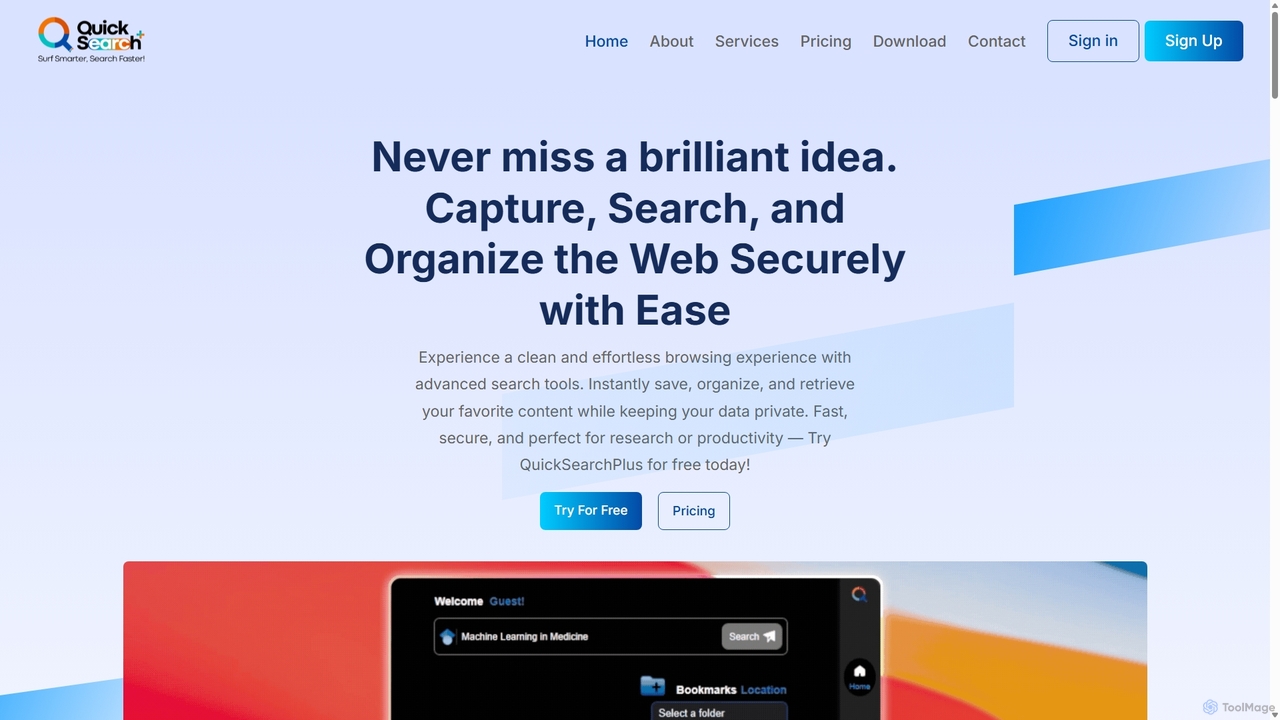
QuickSearchPlus
QuickSearchPlus is an AI-powered productivity suite designed to revolutionize your browsing experience. It functions as a browser extension and web platform, offering intelligent search, advanced bookmark management, web page summarization, secure file storage with CloudDrive, and built-in privacy features like a VPN and incognito mode. Ideal for researchers, students, and professionals, it streamlines workflows, saves time, and keeps your digital life organized and secure across all devices.
Bookmark Manager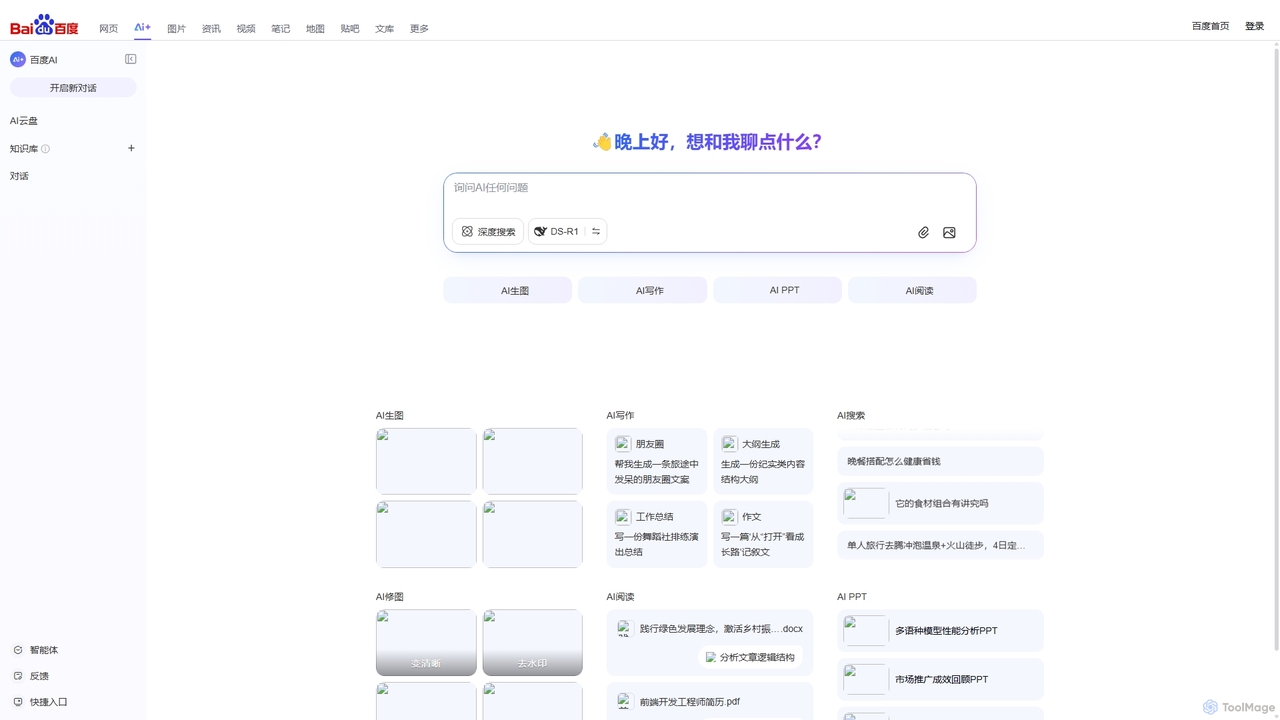
Baidu AI Search
Baidu AI Search is an all-in-one AI-powered platform that integrates conversational search, content creation, document analysis, and image editing. It provides a one-stop solution for work, study, and creative tasks, leveraging Baidu's powerful ERNIE model to deliver comprehensive answers and generate high-quality content.
Writing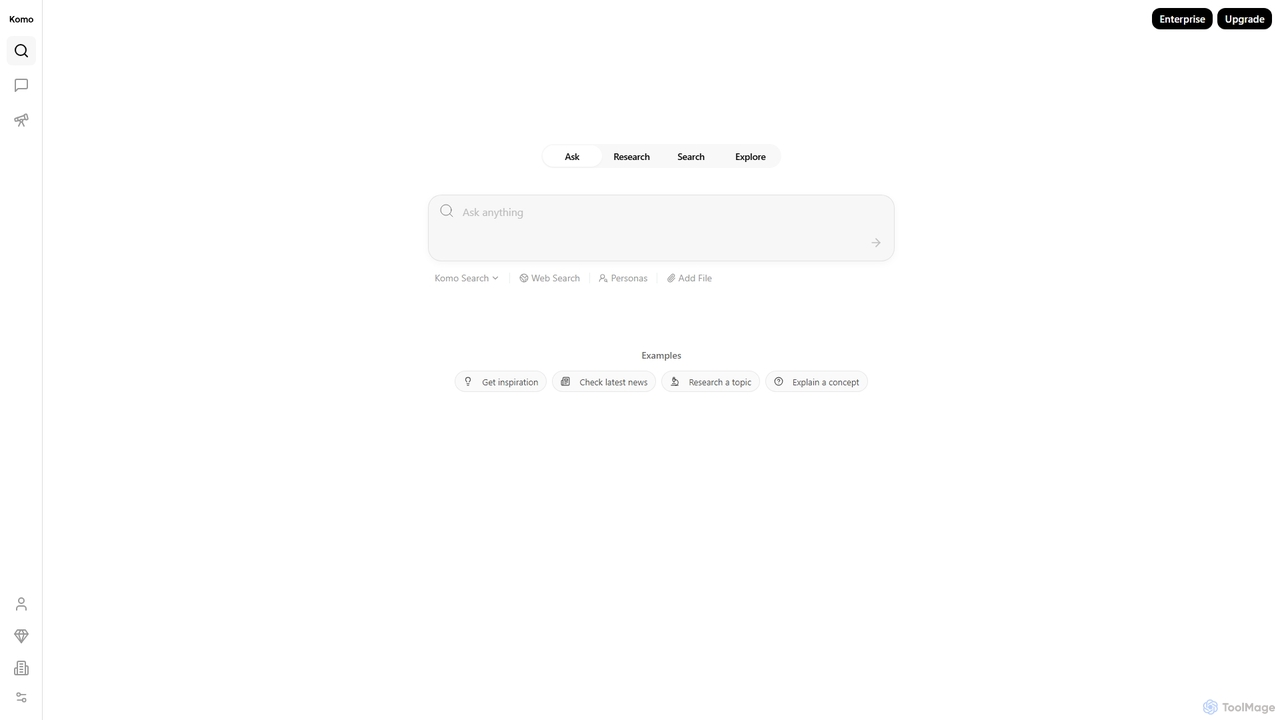
Komo
Komo is an AI-powered research companion that revolutionizes information discovery. It integrates advanced web search, knowledge browsing, and AI assistance, providing access to top models like DeepSeek, GPT, Claude, and Gemini. Features include AI-driven search, chat, mind mapping, and fact-checking to help users efficiently research topics, explain concepts, and gain deeper insights.
Search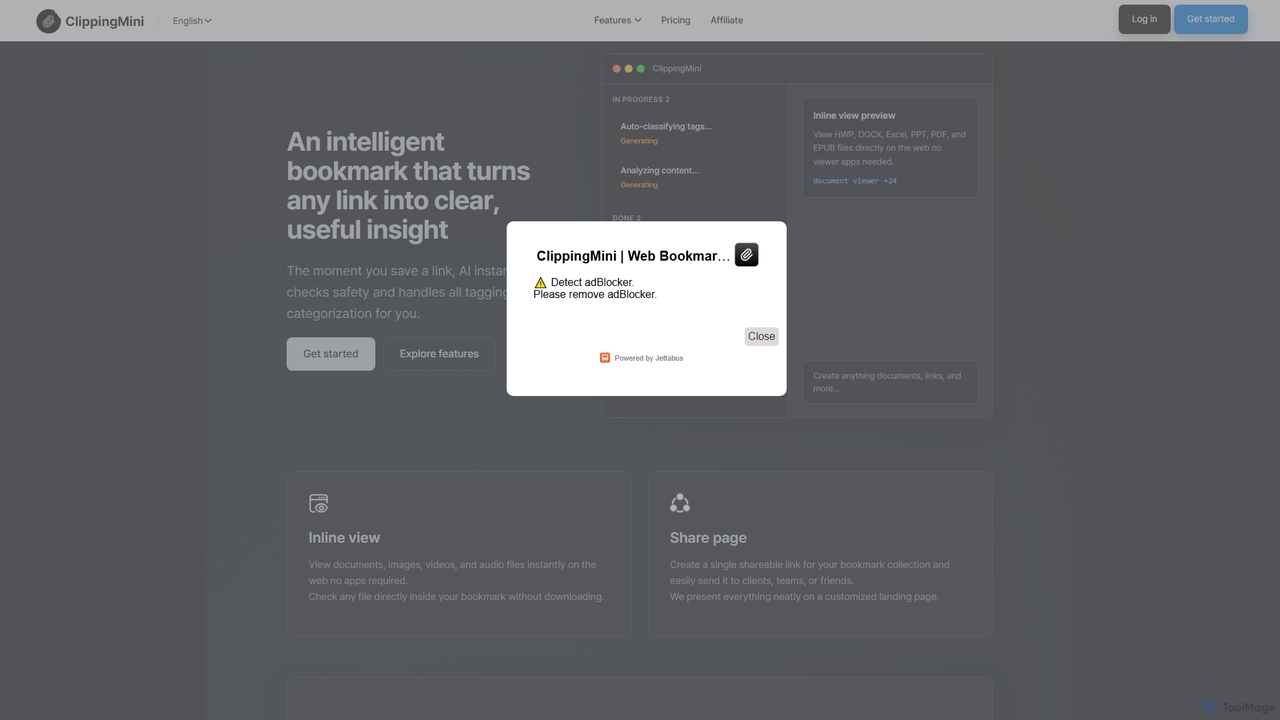
ClippingMini
ClippingMini is an intelligent bookmark manager that uses AI to automatically organize links into a searchable knowledge base. It instantly checks safety, adds tags, categorizes content, and allows inline previews of various file types without downloads.
Information Curation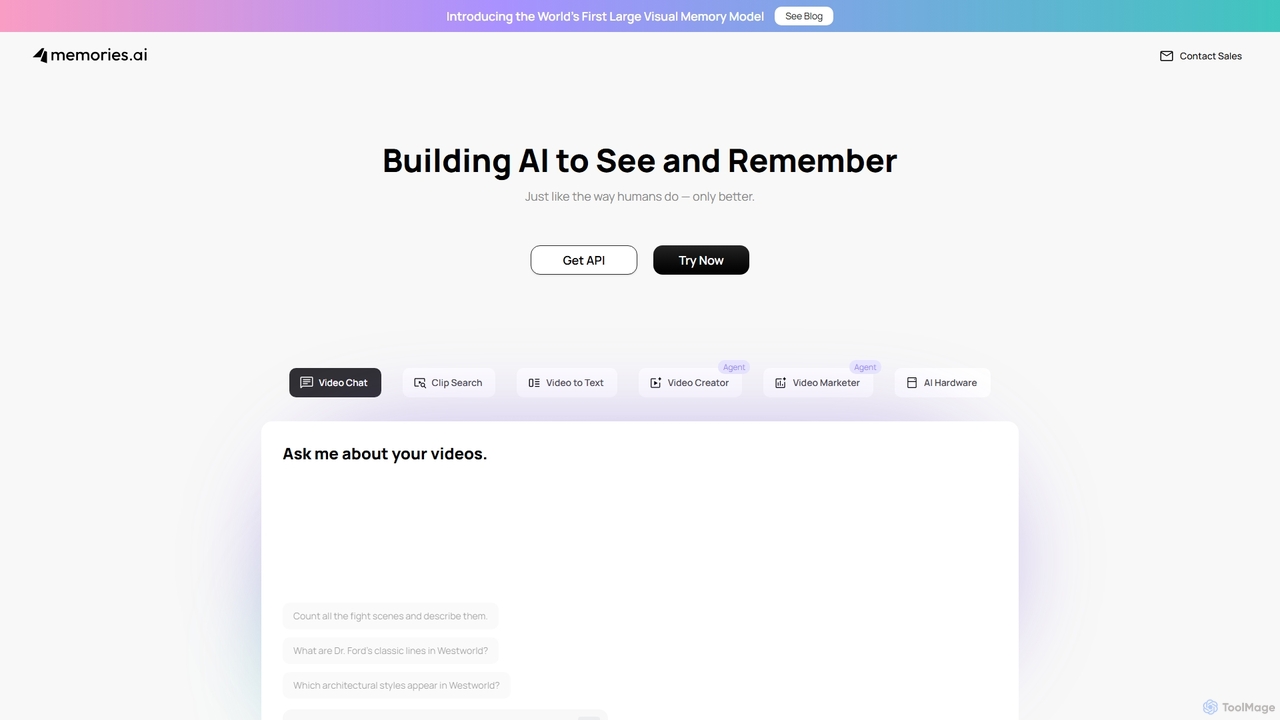
Memories.ai
Memories.ai is an advanced AI video analysis platform that transforms raw video footage into searchable, actionable insights. It leverages computer vision and machine learning to automate tasks like object detection, transcription, and content tagging. Ideal for businesses, marketers, and content creators, it provides tools for security monitoring, campaign analysis, and efficient video data management, effectively creating a "human-like visual memory" for your content archives.
ApiCrimson Categories
Crimson Jobs
Crimson Embed Widget
Copy this embed code to place the badge on your blog, article, or product site and send readers directly to this ToolMage detail page.

Related AI tools
Memories.ai
Memories.ai is an advanced AI video analysis platform that transforms raw video footage into searchable, actionable insights. It leverages computer vision and machine learning to automate tasks like object detection, transcription, and content tagging. Ideal for businesses, marketers, and content creators, it provides tools for security monitoring, campaign analysis, and efficient video data management, effectively creating a "human-like visual memory" for your content archives.
Api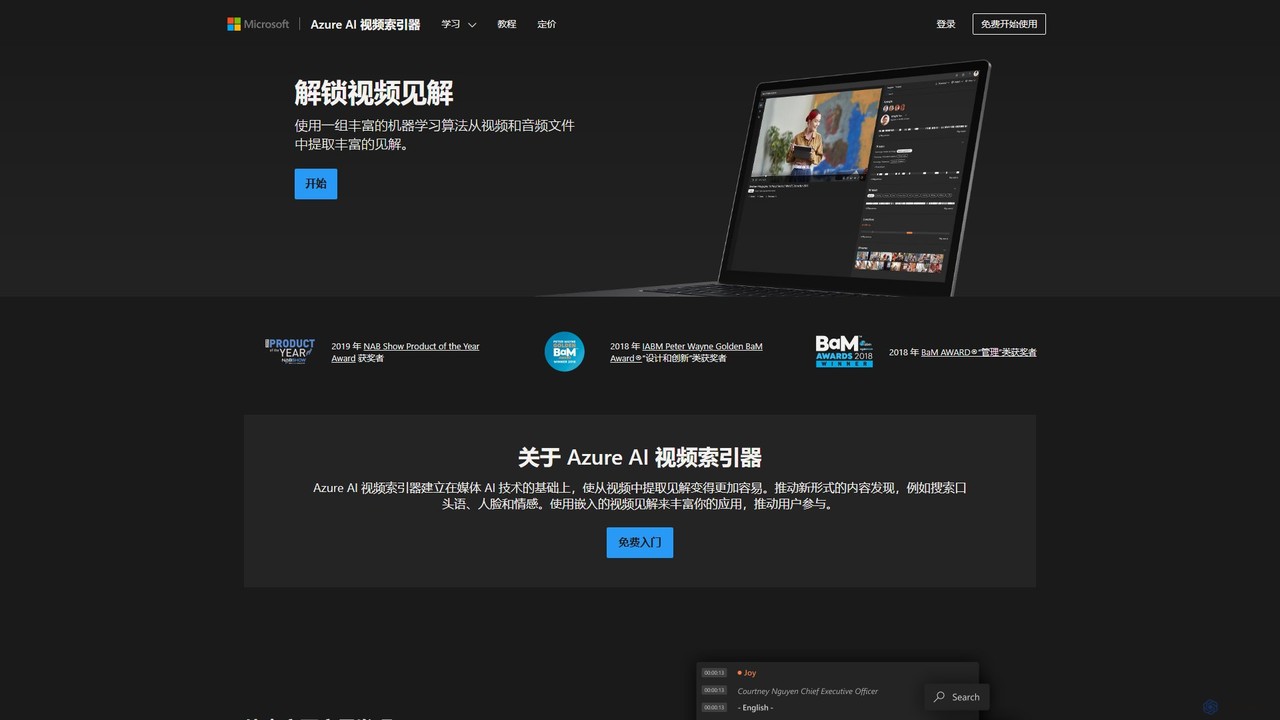
Microsoft Azure AI Video Indexer
An AI-powered cloud service that extracts deep insights from video and audio files. It uses a rich set of machine learning algorithms to analyze content, enabling enhanced search, content discovery, and user engagement by automatically generating metadata like spoken words, faces, objects, and sentiments.
Transcription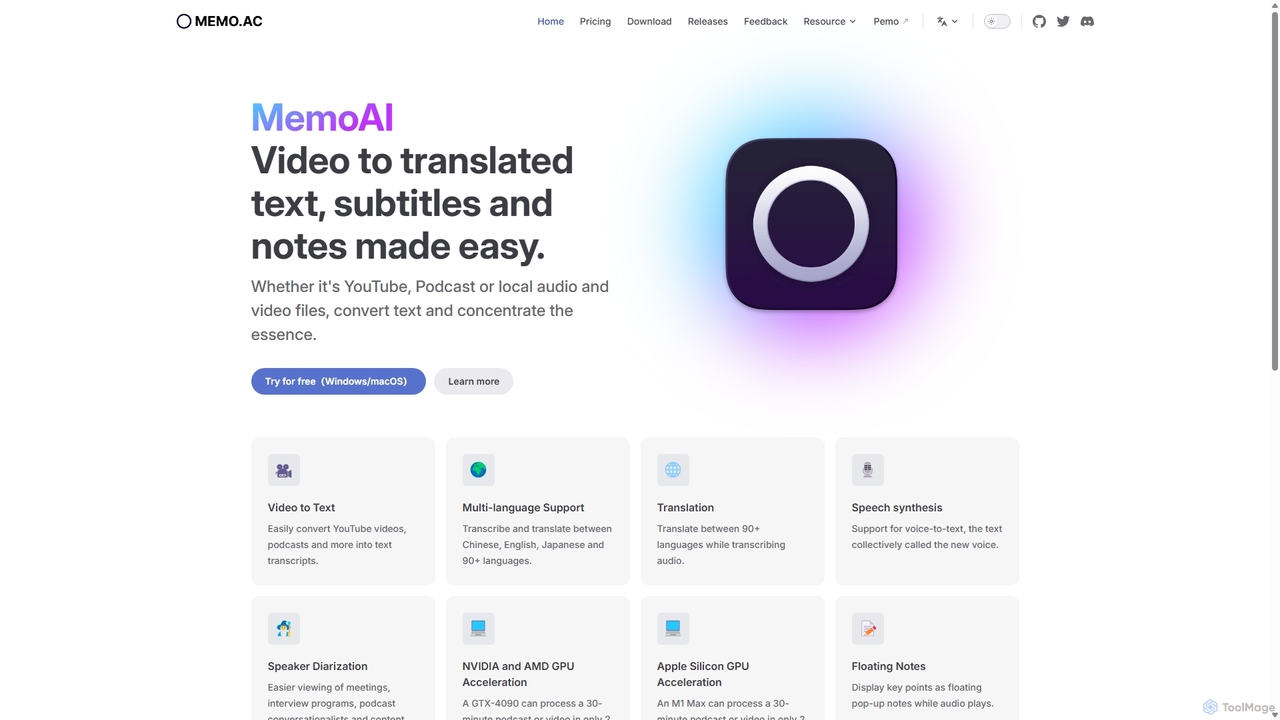
Memo AI
Memo AI is a privacy-focused desktop application for Windows and macOS that provides AI-powered transcription, translation, and summarization for audio and video files. It operates completely offline, leveraging GPU acceleration for fast processing of local files and online content from platforms like YouTube. It supports over 90 languages, speaker diarization, and various export formats.
Speech To Text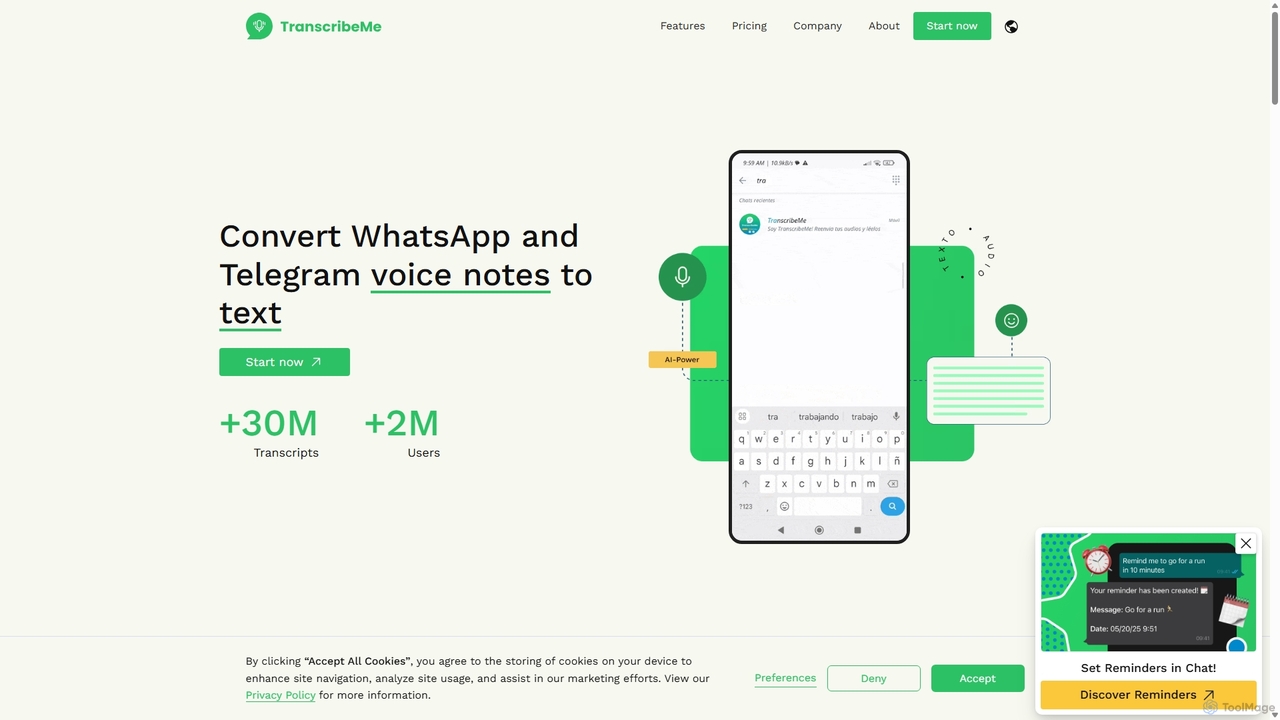
TranscribeMe
TranscribeMe is an advanced AI-powered transcription service that quickly and accurately converts audio and video files into text. It supports multiple languages, identifies different speakers, and provides an intuitive editor for easy review and correction. Ideal for podcasters, journalists, researchers, and students, TranscribeMe streamlines the process of creating searchable, editable transcripts.
Speech To Text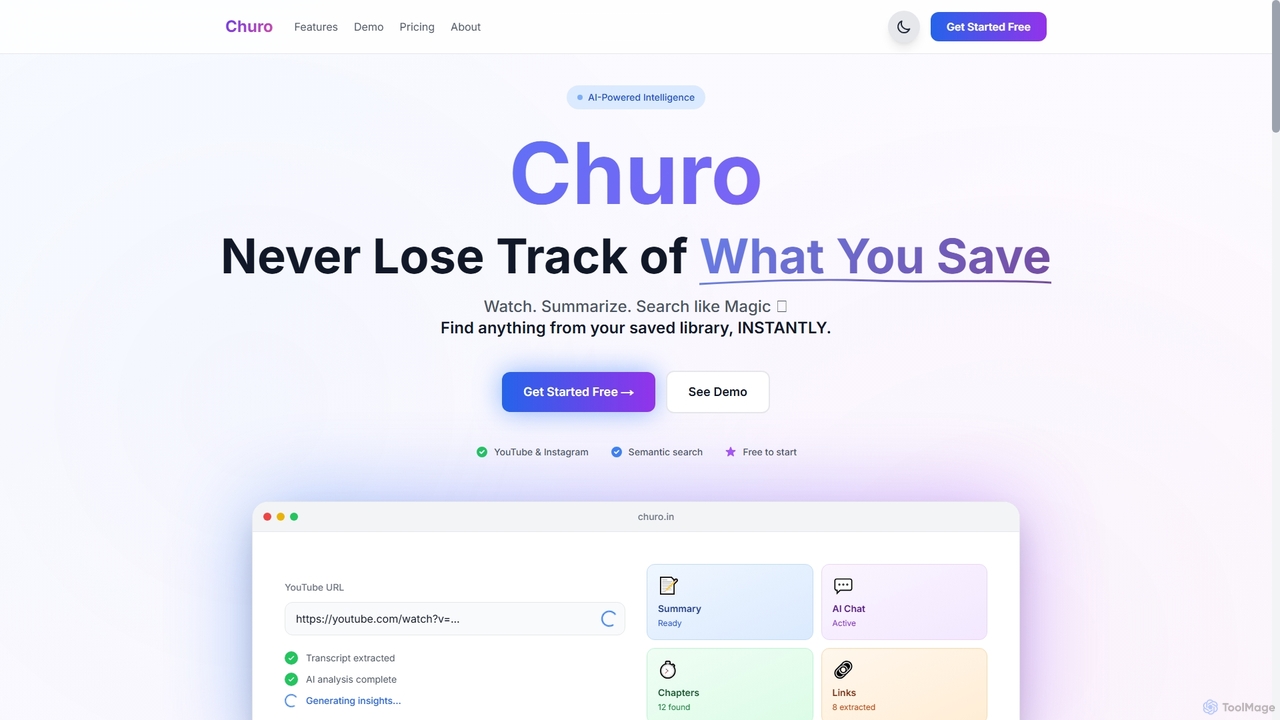
Churo
Churo is an AI-powered video summarizer and knowledge management tool that helps users save, search, and recall information from YouTube videos and Instagram reels. It provides instant AI summaries, semantic search capabilities, and a unified library to transform saved content into an organized, searchable knowledge base.
Learning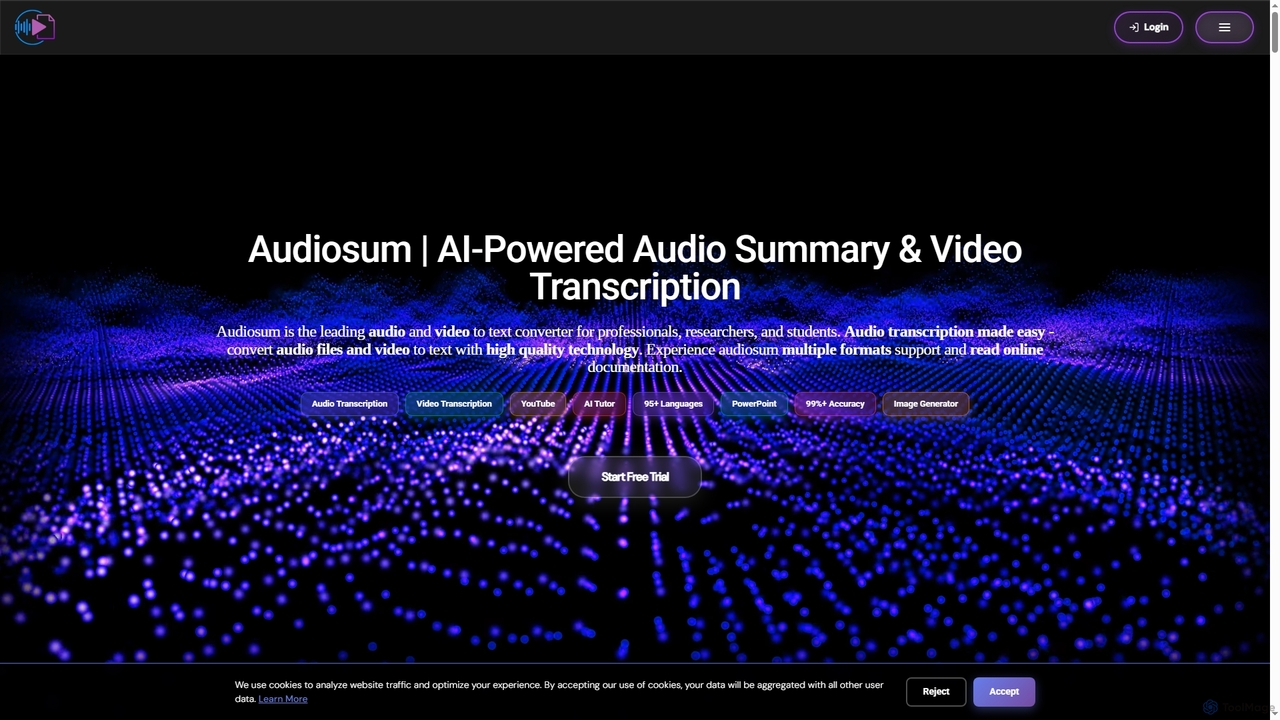
Audiosum
Audiosum is an advanced AI-powered platform designed for professionals, students, and researchers to efficiently process audio, video, and document content. It offers highly accurate transcription, intelligent summarization, and various content generation tools, saving users significant time by transforming lengthy media into concise, actionable insights across over 95 languages.
Meeting Management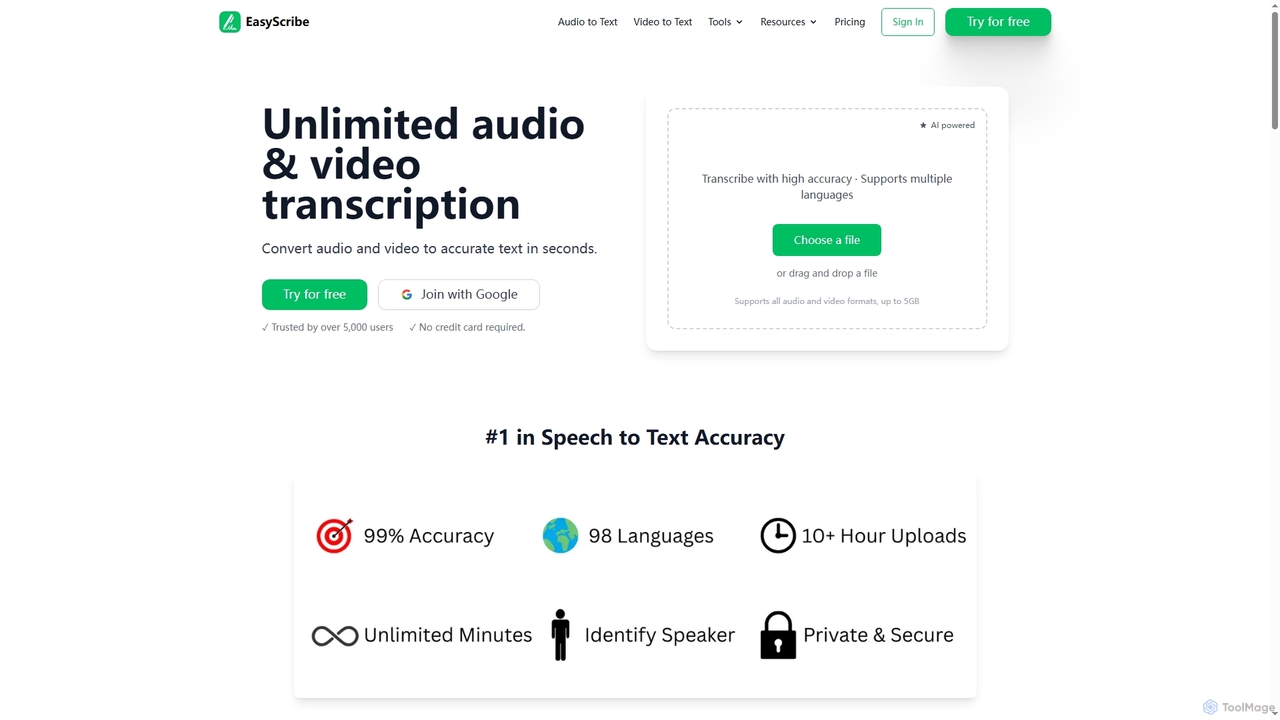
EasyScribe
EasyScribe is an AI-powered transcription tool that converts audio and video files into accurate text in seconds. It supports 98+ languages, offers speaker identification, and allows translation to 134+ languages, making it ideal for global communication and content creation.
Meeting Management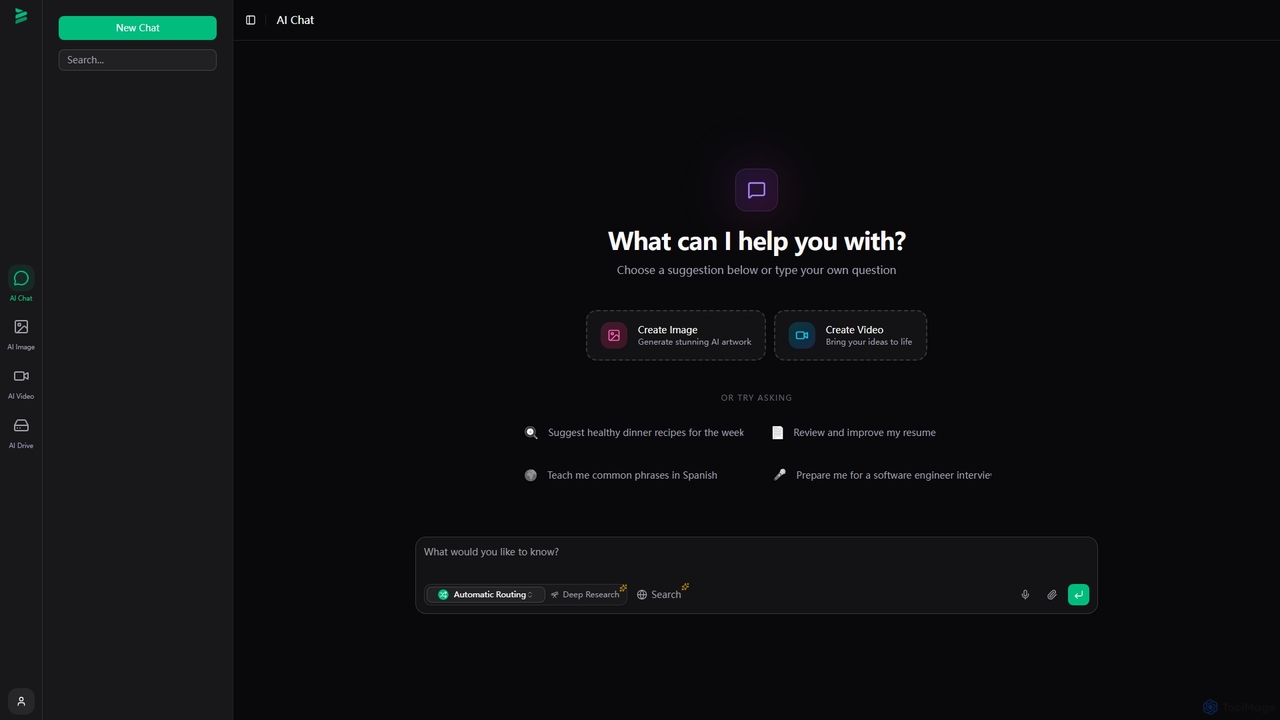
Brome AI
Brome AI is a comprehensive platform offering advanced AI tools for chat, image generation, and video creation. It integrates an intelligent conversational AI, a powerful image generator for stunning visuals, and a dynamic video creator to bring ideas to life. With a dedicated AI Drive for content management, Brome AI streamlines creative workflows and enhances productivity for various tasks.
Image Generation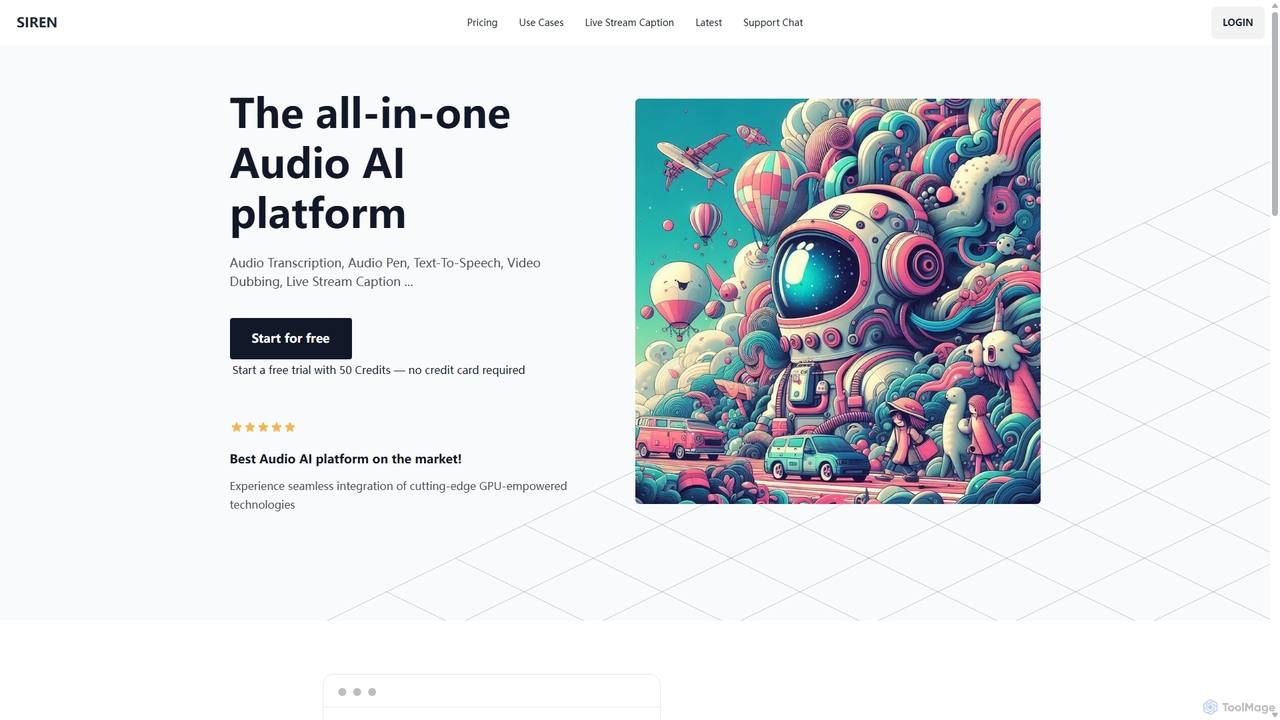
SIREN
SIREN is an all-in-one, GPU-accelerated AI audio platform. It offers high-accuracy audio transcription, natural text-to-speech with 420+ voices, seamless video dubbing in over 100 languages, and real-time live stream captioning. Designed for creators, marketers, and businesses, SIREN simplifies complex audio tasks into a single, efficient workflow.
Text To Speech
Jyek
Jyek is an AI agent platform that understands objectives, creates execution plans, uses tools, and delivers verifiable results for complex, multi-step tasks.
AutomationQuickSearchPlus
QuickSearchPlus is an AI-powered productivity suite designed to revolutionize your browsing experience. It functions as a browser extension and web platform, offering intelligent search, advanced bookmark management, web page summarization, secure file storage with CloudDrive, and built-in privacy features like a VPN and incognito mode. Ideal for researchers, students, and professionals, it streamlines workflows, saves time, and keeps your digital life organized and secure across all devices.
Bookmark Manager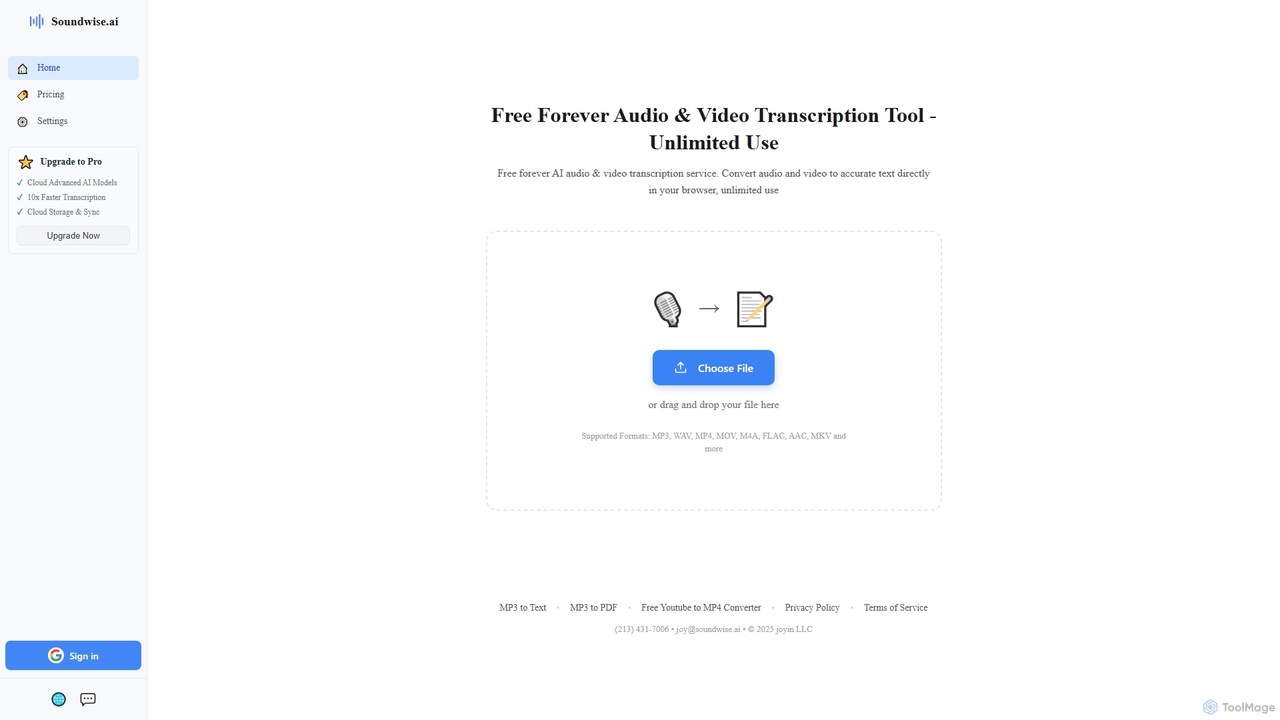
Soundwise
Soundwise is a free-forever AI-powered online tool designed for unlimited audio and video transcription. It accurately converts various media files into text directly within your web browser, offering a convenient solution for anyone needing quick and reliable transcriptions.
Transcription
Visionati
Visionati is a comprehensive AI-powered visual analysis platform that transforms images and videos into actionable insights. It offers a complete toolkit including image captioning, intelligent tagging, content filtering, and advanced analysis like facial and brand recognition. By integrating top AI models like OpenAI, Gemini, and Claude through a single API, Visionati provides highly accurate and in-depth visual understanding for developers, marketers, and content creators.
Api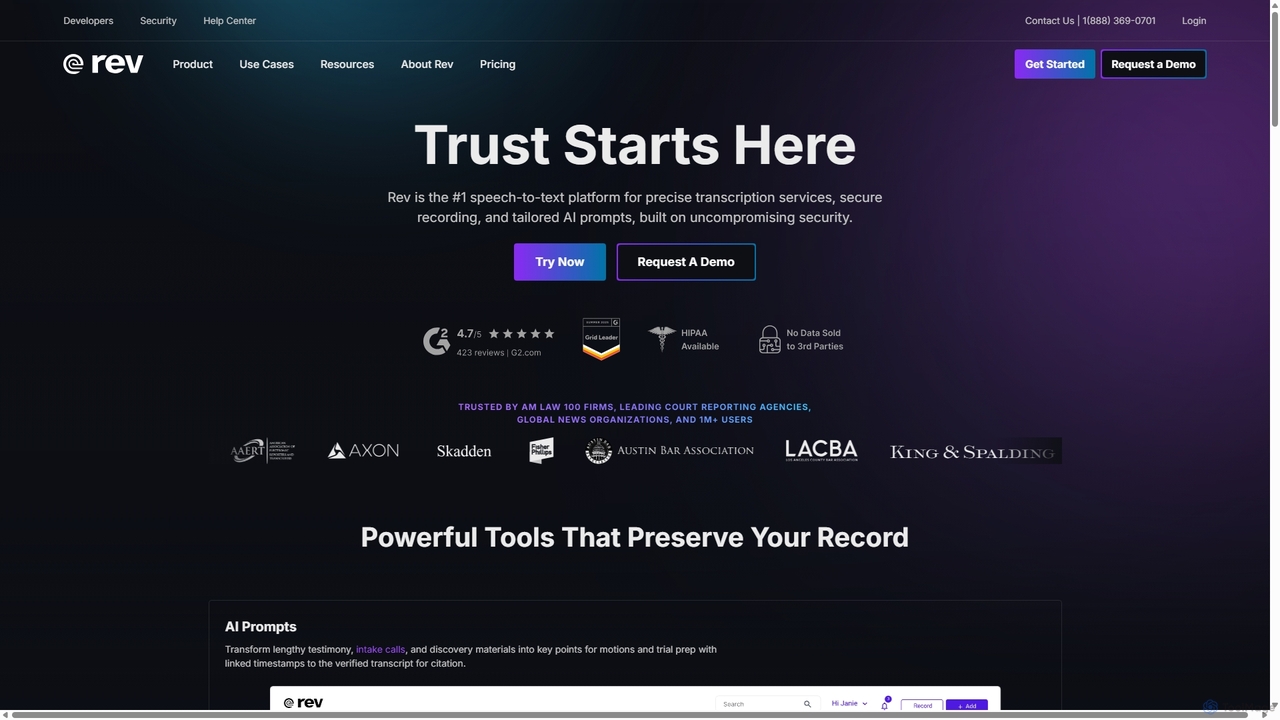
Rev
Rev is a leading speech-to-text platform offering both AI-powered and human-based transcription, captioning, and subtitling services. It's designed for professionals in legal, media, and research, providing industry-leading accuracy (up to 99%+). Rev's suite of AI tools helps users analyze audio/video content to uncover key insights, generate summaries, and streamline workflows, all within a secure and compliant environment.
Speech To Text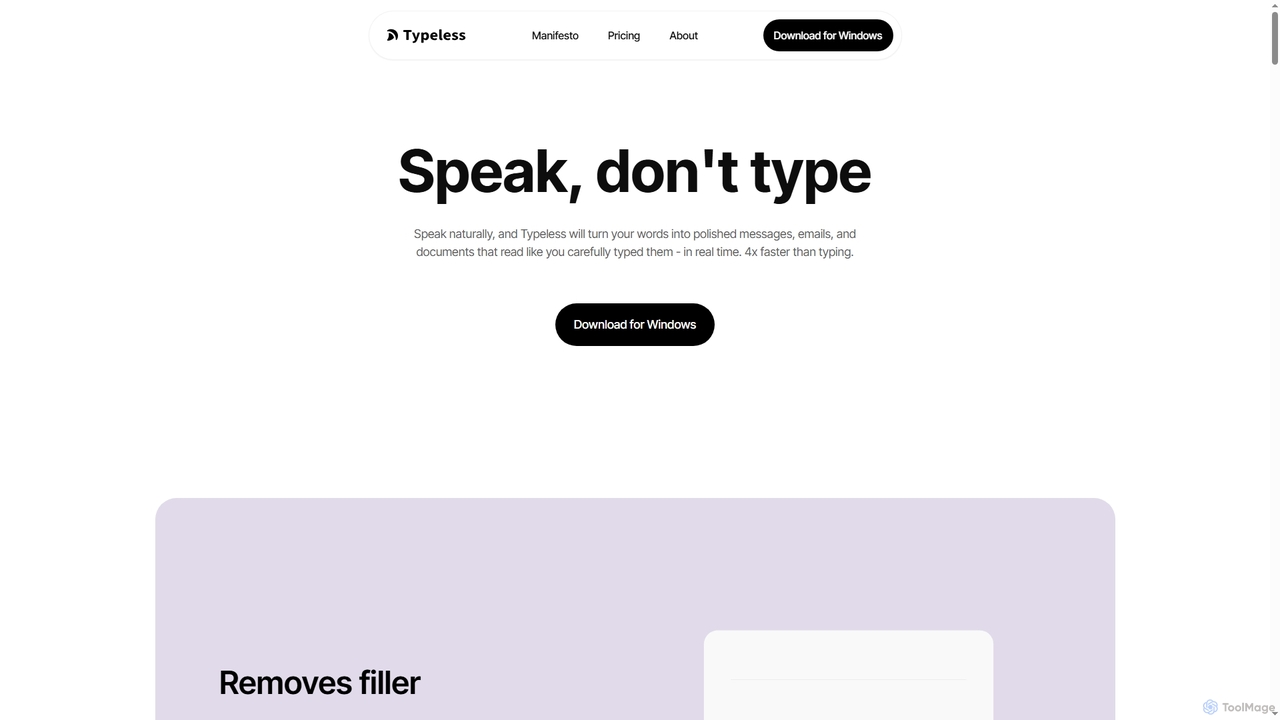
Typeless
Typeless is an intelligent AI voice dictation tool that transforms natural speech into polished, formatted text in real-time. It enhances productivity by automatically removing filler words, repetitions, and auto-correcting mid-sentence changes, making communication up to 4x faster than traditional typing.
Automation
Crimson Comments (0)
Sign in to comment.
Sign inNo comments yet.