
cleanup.pictures Overview
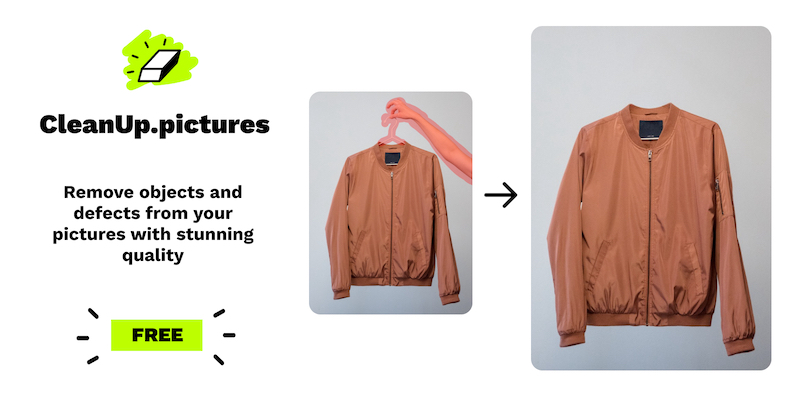
cleanup.pictures is an advanced online photo editing tool that leverages the power of artificial intelligence to provide high-quality image retouching. It specializes in 'inpainting,' a technology that intelligently reconstructs the area behind an unwanted element, making it seem as if it was never there. Unlike traditional clone stamp tools found in software like Adobe Photoshop, which require manual selection of a source area, cleanup.pictures' AI automatically and seamlessly fills in the background. This makes it an incredibly fast and efficient solution for photographers, creative agencies, real estate agents, e-commerce businesses, and anyone looking to perfect their images.
The platform is designed for simplicity and speed. Users can achieve professional results in just a few clicks without needing any technical expertise. The tool is capable of handling a wide variety of retouching tasks, from removing small blemishes and wrinkles in portraits to erasing large objects, photobombers, or distracting text and watermarks from complex scenes.
How to use cleanup.pictures
Using cleanup.pictures is a straightforward, three-step process designed for maximum efficiency:
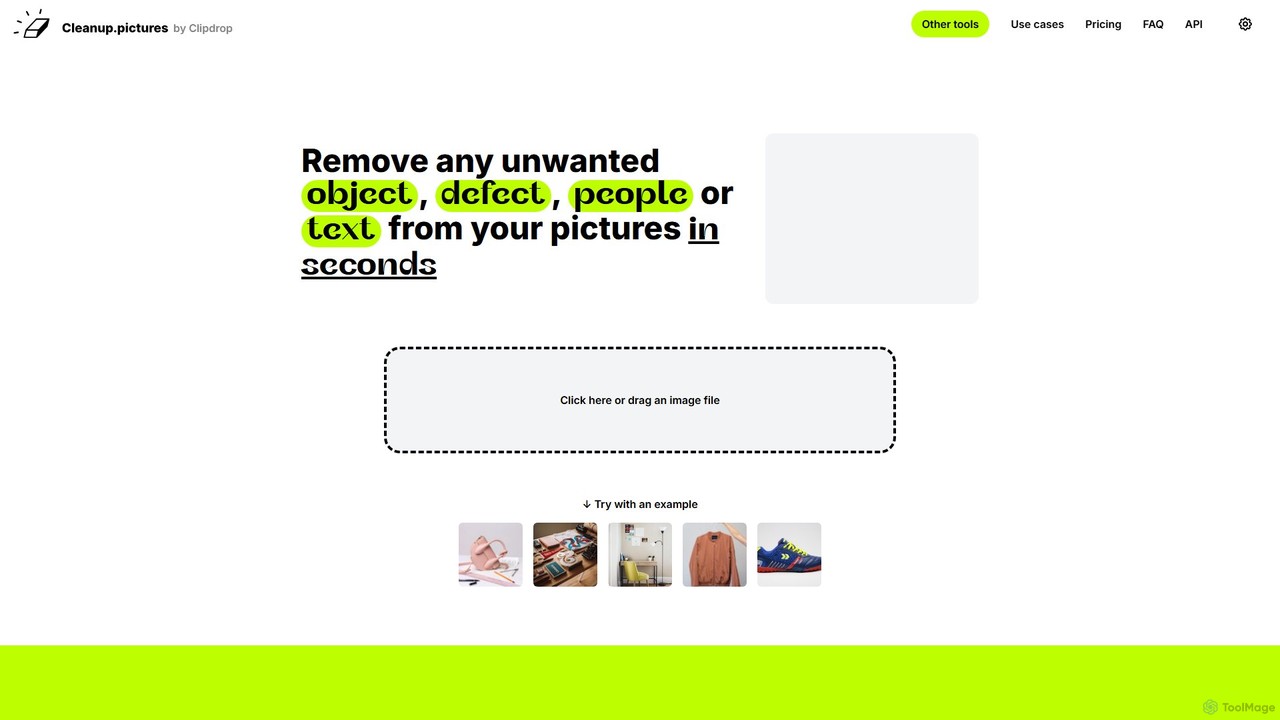
- Upload Your Image: Simply drag and drop your image file onto the website, or click to select a file from your computer. The tool supports images of any size for import.
- Select and Erase: Once the image is loaded, your cursor becomes a brush. Adjust the brush size as needed and paint over the unwanted object, person, text, or defect you wish to remove. For best results, it's recommended to use a slightly larger brush and cover the entire element, including its shadow.
- Download the Result: The AI will process the image in seconds, removing the selected element and reconstructing the background. You can then download the cleaned-up picture. Free users can export images up to 720p resolution, while Pro users have access to unlimited resolution exports.
Core Features of cleanup.pictures
- AI-Powered Inpainting: Utilizes a sophisticated AI algorithm to intelligently remove elements and reconstruct the background with remarkable accuracy, avoiding smears or artifacts.
- Object & People Removal: Effortlessly erase any unwanted objects or people from your photos to create a cleaner composition or remove distractions.
- Text & Watermark Removal: Clean up images by removing text overlays, logos, or watermarks. (Note: Only use this on images for which you have the appropriate rights).
- Blemish & Defect Retouching: Perfect portraits and product shots by removing skin blemishes, wrinkles, dust spots, or other imperfections.
- High-Resolution Processing: The Pro version supports importing and exporting images at their original, full resolution, which is essential for professional work.
- Developer API: Offers a powerful and well-documented API for businesses to integrate cleanup.pictures' inpainting technology directly into their own applications and workflows.
Use Cases for cleanup.pictures
cleanup.pictures is a versatile tool with applications across many fields:
- Photography: Photographers can save significant time in post-production by quickly cleaning up portraits, landscapes, and event photos.
- Real Estate: Agents can depersonalize property photos by removing personal items, furniture, or even people from shots, making listings more appealing to a wider audience.
- E-commerce: Online store owners can create clean, professional product images by removing props, reflections, or imperfections from their products.
- Marketing & Creative Agencies: Marketing teams can quickly adapt stock photos or user-generated content for campaigns by removing logos or other unwanted elements.
- Personal Use: Individuals can easily fix their personal photos, such as removing a photobomber from a travel picture, restoring an old scanned photo with scratches, or perfecting a profile picture.
Advantages of cleanup.pictures
The primary advantages of using cleanup.pictures include:
- Superior Quality: The AI-driven results are often superior to traditional methods, providing a clean and natural-looking finish.
- Incredible Speed: What used to take minutes or even hours in complex software can now be done in a matter of seconds.
- Ease of Use: No learning curve is required. The interface is intuitive and accessible to users of all skill levels.
- Accessibility: As a web-based tool, it works on any desktop or mobile browser, eliminating the need to install heavy software.
- Cost-Effective: Offers a generous free plan and an affordable Pro subscription for high-resolution needs, making it a much cheaper alternative to professional software licenses or hiring a retoucher.
Pricing and Plans
cleanup.pictures operates on a freemium model:
- Free Plan: $0/month. This plan allows for unlimited image processing but limits the export resolution to 720p. It's perfect for casual use and trying out the tool.
- Pro Plan: Starts at $3/month (billed annually at $36) or $5/month (billed monthly). This plan offers unlimited image processing, unlimited export resolution, and access to a high-quality refiner for even better results. A free trial is available to test the HD quality.
- API Plan: This plan is based on usage (pay-as-you-go) and is designed for developers and businesses. Detailed pricing and documentation are available on the website.
Traffic
Latest traffic
Status
Monthly traffic trend
- 2025-9: 1.2M
- 2026-1: 1.2M
- 2026-2: 1.1M
- 2026-3: 1.1M
- 2026-4: 1.1M
- 2026-5: 962.8K
Geography
Top 5 countries / regions
- 🇮🇳India36.2%
- 🇺🇸United States34.4%
- 🇵🇭Philippines9.9%
- 🇫🇷France9.8%
- 🇬🇧United Kingdom9.7%
Traffic sources
| Source type | Percentage |
|---|---|
Direct | 95.5% |
Referral | 3.8% |
Email | 0.6% |
Top keywords
| Keyword | Cost per click |
|---|---|
| cleanup.picture | $0.12 |
| cleanup pictures | $0.25 |
| object remover | $0.24 |
| remove object | $0.24 |
| remove object from photo | $0.35 |
cleanup.pictures Videos on YouTube

Beaker of tech
Constance JONES Collier
cleanup.pictures Alternatives
Kaze
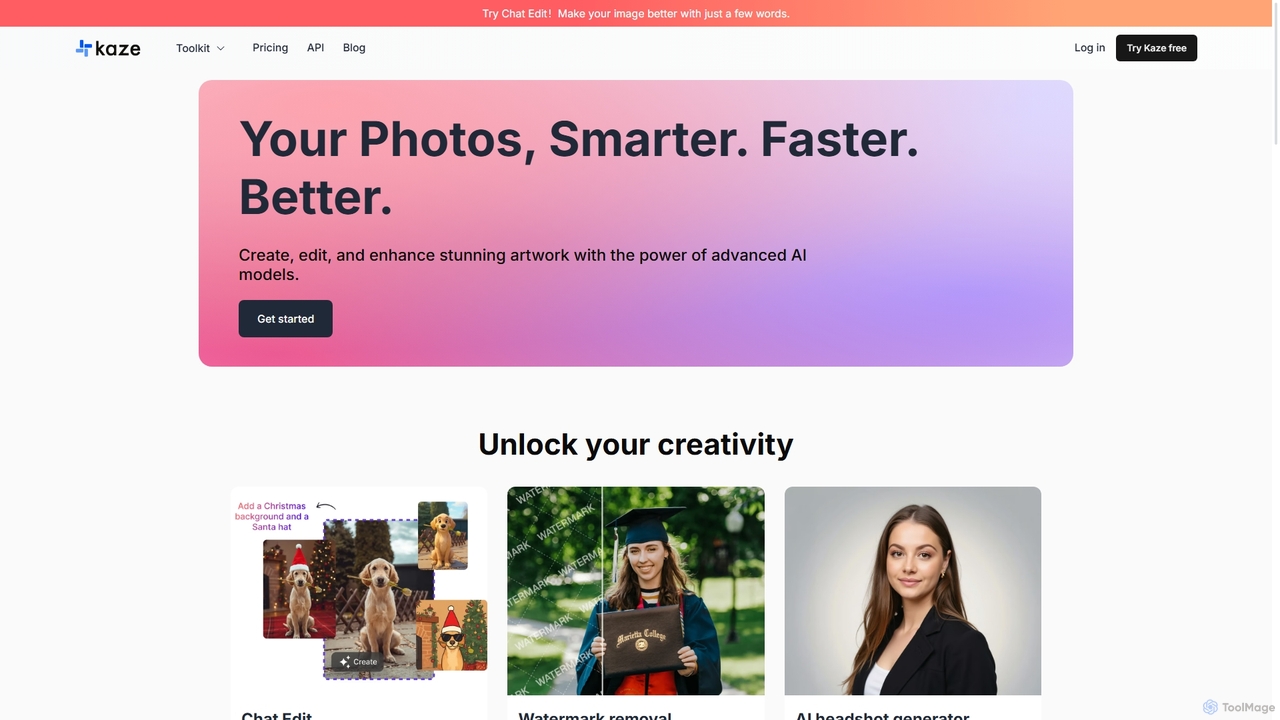
Kaze is a comprehensive AI-powered image editing suite designed to create, edit, and enhance photos effortlessly. It offers a wide range of tools including one-click watermark and object removal, photo restoration, image upscaling, background removal, and an AI headshot generator. With its user-friendly interface and advanced AI models, Kaze delivers professional, studio-quality results in seconds, catering to creators, marketers, and photographers.
3D
Photiu.ai
Photiu.ai is an AI-powered online image editing suite designed to simplify complex photo manipulation tasks. It offers a set of powerful tools, including a precise background remover, an intelligent object eraser for cleaning up images, and a high-quality image upscaler. This platform is perfect for e-commerce store owners, marketers, photographers, and social media creators who need professional-looking images quickly and without the need for advanced software skills.
3D
Pixelfox
Pixelfox is a comprehensive, free-to-use AI suite for creators and businesses. It combines a powerful online photo and video editor with over 300 AI writing tools. Effortlessly retouch photos, remove backgrounds, generate images from text, swap faces, and enhance quality. Simultaneously, create SEO-optimized articles, social media content, product descriptions, and much more, all within a single, no-download platform.
3D
Remover
Remover is a free AI-powered tool by ZMO.AI that effortlessly removes unwanted objects, people, text, and backgrounds from photos. Ideal for e-commerce, real estate, and general photo cleanup, it provides unlimited edits and professional results in seconds without needing complex software like Photoshop.
3D
aifillimage.com
A powerful AI image editing tool for generative fill, inpainting, and outpainting. Effortlessly remove unwanted objects, extend image canvases, or add new elements with simple text prompts. Perfect for photographers, designers, and marketers to enhance visuals quickly.
3Dcleanup.pictures Categories
cleanup.pictures Embed Widget
Copy this embed code to place the badge on your blog, article, or product site and send readers directly to this ToolMage detail page.

Related AI tools

SnapEdit
SnapEdit is an AI-powered online photo editor designed to simplify complex editing tasks. With one-click tools, it allows users to effortlessly remove unwanted objects, people, text, and backgrounds from images, enhance photo quality, and retouch portraits without needing professional skills.
3D
ObjectRemover
ObjectRemover is an AI-powered online tool that allows you to remove unwanted objects, people, text, and blemishes from your photos with a single click. It offers fast, high-quality, and natural-looking results without needing any technical skills. Simply upload your image, mark the object, and let the AI clean it up in seconds.
3D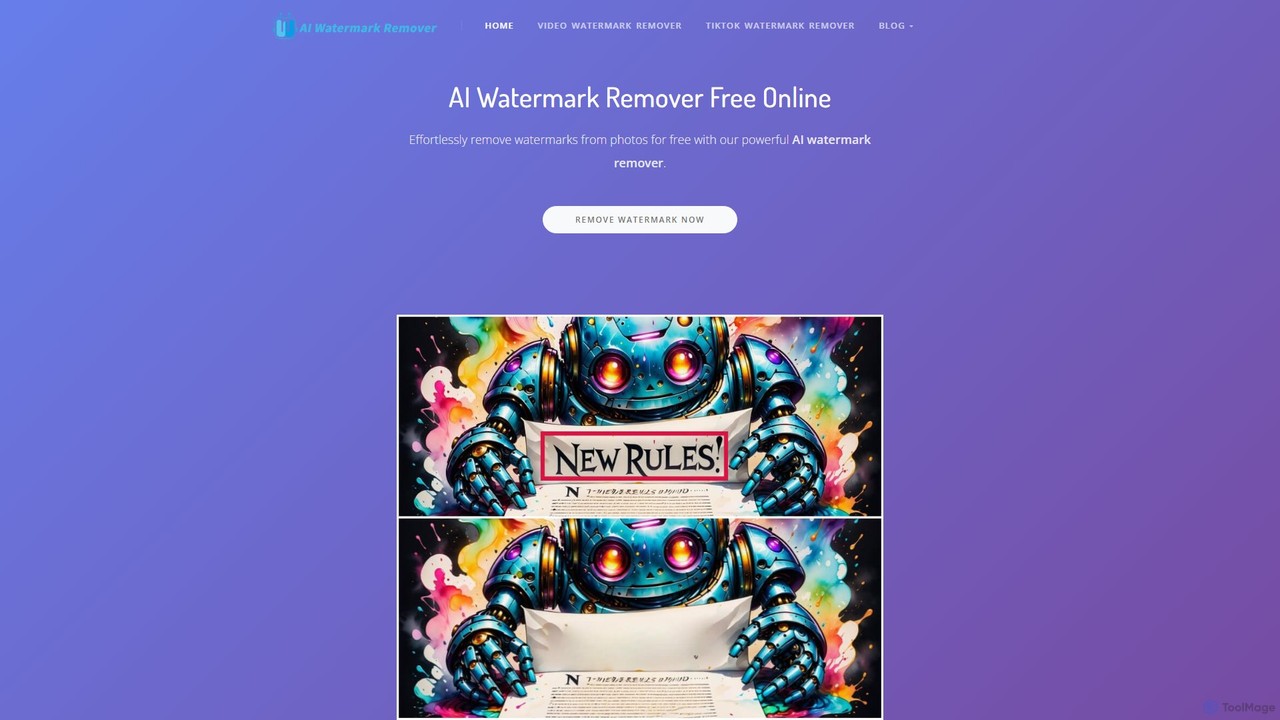
aiwatermarkremover
A free, AI-powered online tool for removing watermarks, text, and unwanted objects from photos and videos. No sign-up required, it delivers clean, high-quality results in seconds without adding new watermarks. Ideal for content creators and social media users.
3D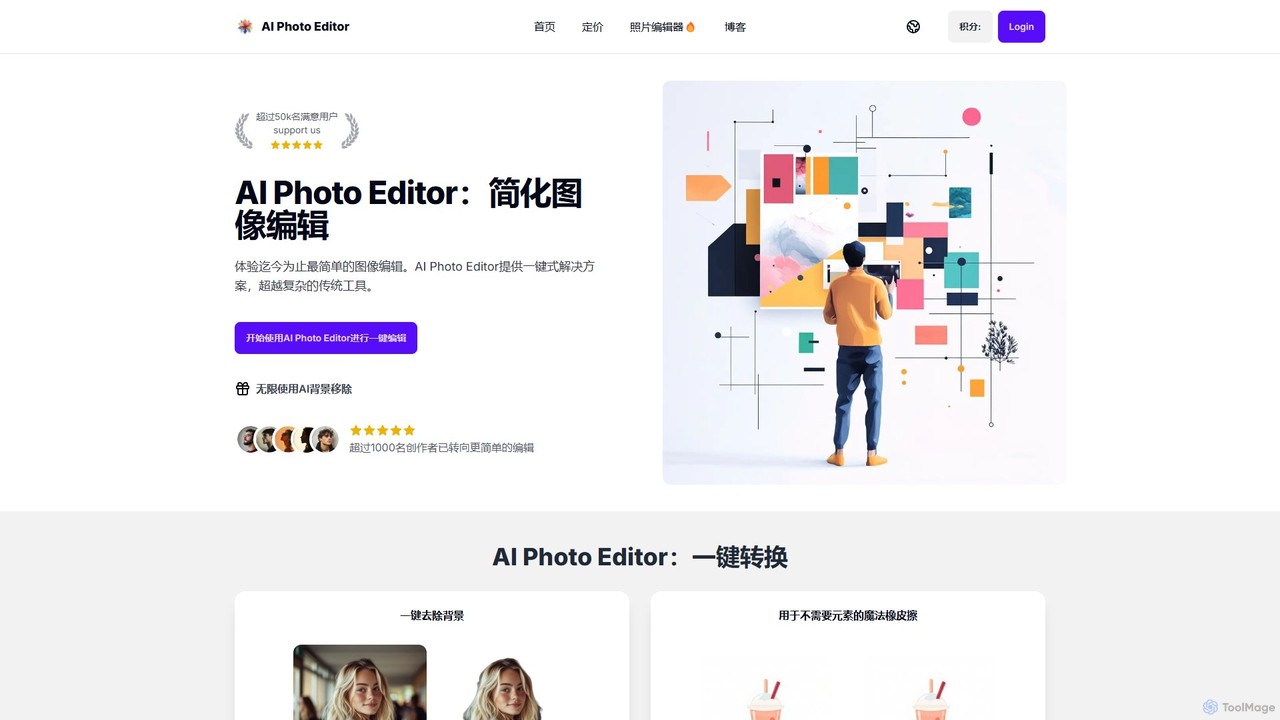
AI Photo Editor
AI Photo Editor is an online tool that simplifies image editing with powerful one-click AI solutions. It offers features like background removal, magic eraser for unwanted objects, photo enhancement, and image upscaling, designed for both beginners and professionals seeking efficiency. Get professional-quality results in seconds without complex software.
Graphics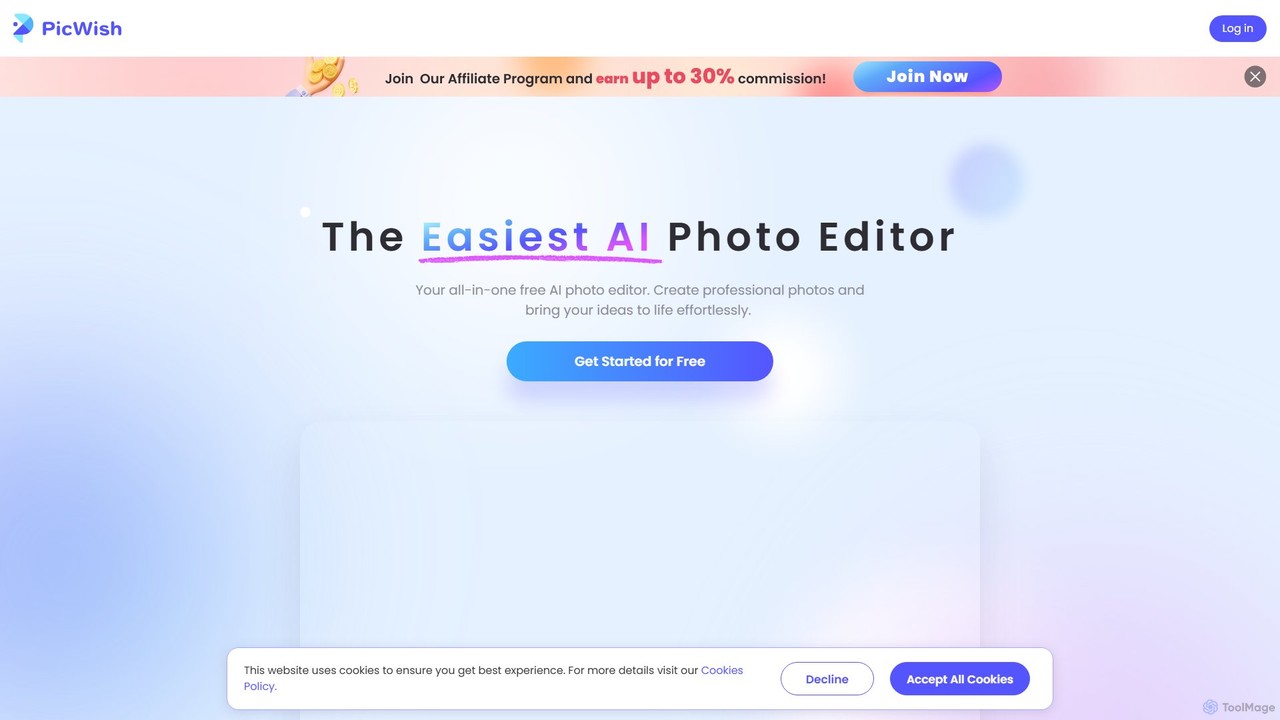
PicWish
PicWish is an all-in-one AI-powered photo editing suite designed to simplify complex image processing. It offers a wide range of free and pro tools, including background removal, photo enhancement, object removal, and AI background generation. Available online and as a dedicated app, PicWish empowers e-commerce sellers, designers, and content creators to produce professional-quality visuals effortlessly, without needing advanced technical skills.
Image Generation
Jyek
Jyek is an AI agent platform that understands objectives, creates execution plans, uses tools, and delivers verifiable results for complex, multi-step tasks.
Automation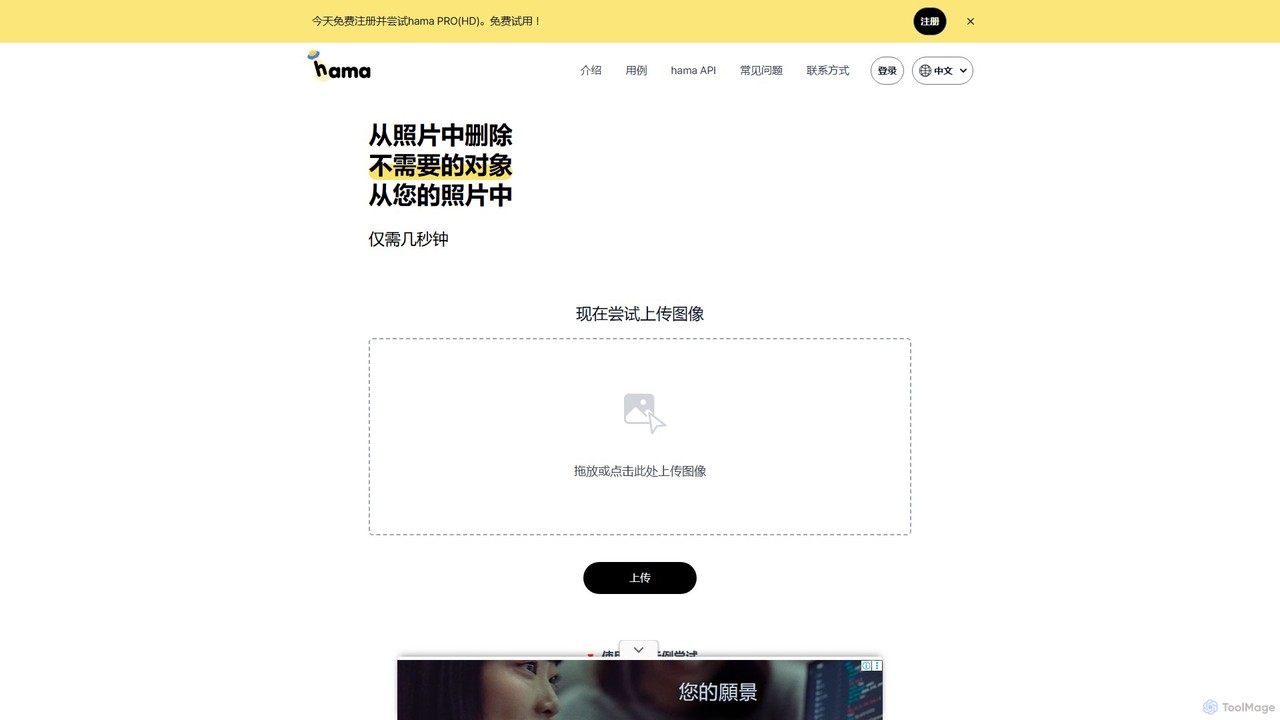
hama
hama is an AI-powered image editing tool designed for effortlessly removing unwanted objects, people, text, and watermarks from photos. With a simple brush-over interface, users can clean up images in seconds without needing professional skills. It's ideal for photographers, marketers, and anyone looking to perfect their pictures.
Object Removal
jpgrm
jpgrm is an AI-powered magic eraser that effortlessly removes unwanted objects, people, text, and watermarks from your images. Simply upload your photo, brush over the area you want to clean up, and let the advanced AI intelligently erase the selection and reconstruct the background. It's the perfect tool for photographers, marketers, and anyone needing to create flawless images quickly and easily, without complex software.
Object Removal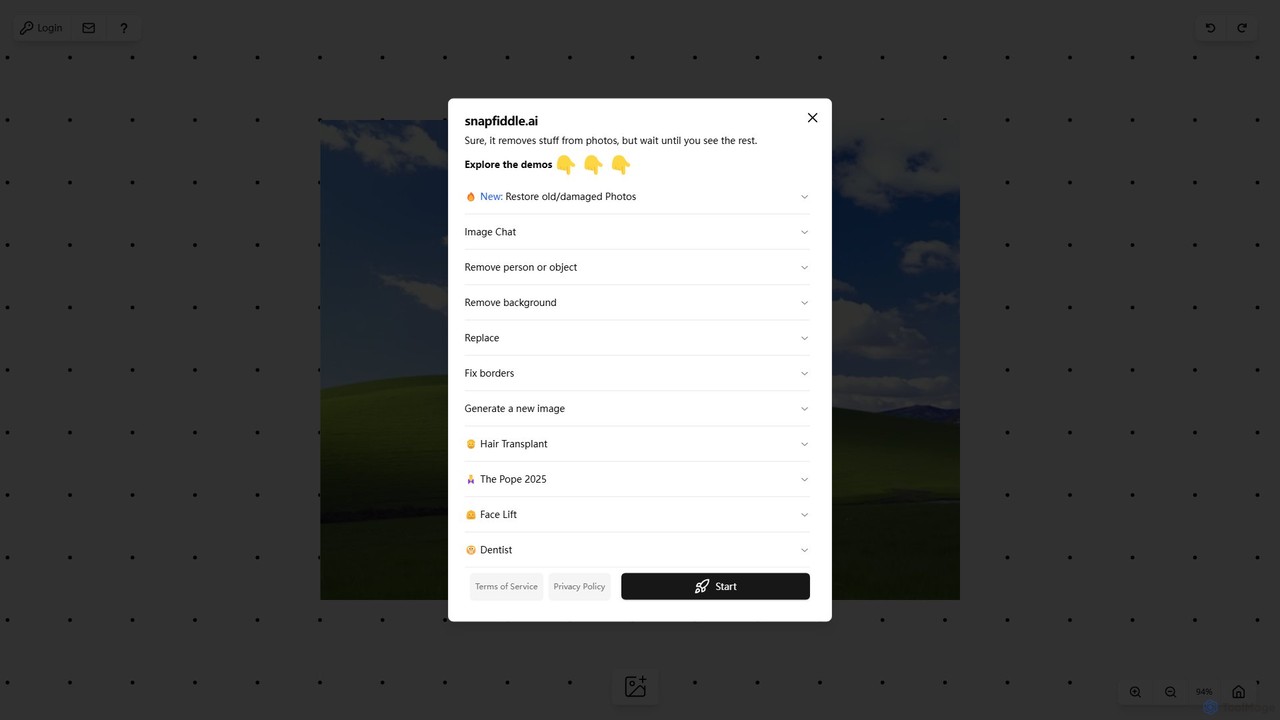
snapfiddle.ai
snapfiddle.ai is a comprehensive AI-powered image editing suite. It allows users to effortlessly remove objects, restore old photos, remove backgrounds, generate new images, and perform advanced edits like face lifts or hair transplants through an intuitive web interface.
Image GenerationKaze
Kaze is a comprehensive AI-powered image editing suite designed to create, edit, and enhance photos effortlessly. It offers a wide range of tools including one-click watermark and object removal, photo restoration, image upscaling, background removal, and an AI headshot generator. With its user-friendly interface and advanced AI models, Kaze delivers professional, studio-quality results in seconds, catering to creators, marketers, and photographers.
3DPhotiu.ai
Photiu.ai is an AI-powered online image editing suite designed to simplify complex photo manipulation tasks. It offers a set of powerful tools, including a precise background remover, an intelligent object eraser for cleaning up images, and a high-quality image upscaler. This platform is perfect for e-commerce store owners, marketers, photographers, and social media creators who need professional-looking images quickly and without the need for advanced software skills.
3DPixelfox
Pixelfox is a comprehensive, free-to-use AI suite for creators and businesses. It combines a powerful online photo and video editor with over 300 AI writing tools. Effortlessly retouch photos, remove backgrounds, generate images from text, swap faces, and enhance quality. Simultaneously, create SEO-optimized articles, social media content, product descriptions, and much more, all within a single, no-download platform.
3DRemover
Remover is a free AI-powered tool by ZMO.AI that effortlessly removes unwanted objects, people, text, and backgrounds from photos. Ideal for e-commerce, real estate, and general photo cleanup, it provides unlimited edits and professional results in seconds without needing complex software like Photoshop.
3Daifillimage.com
A powerful AI image editing tool for generative fill, inpainting, and outpainting. Effortlessly remove unwanted objects, extend image canvases, or add new elements with simple text prompts. Perfect for photographers, designers, and marketers to enhance visuals quickly.
3D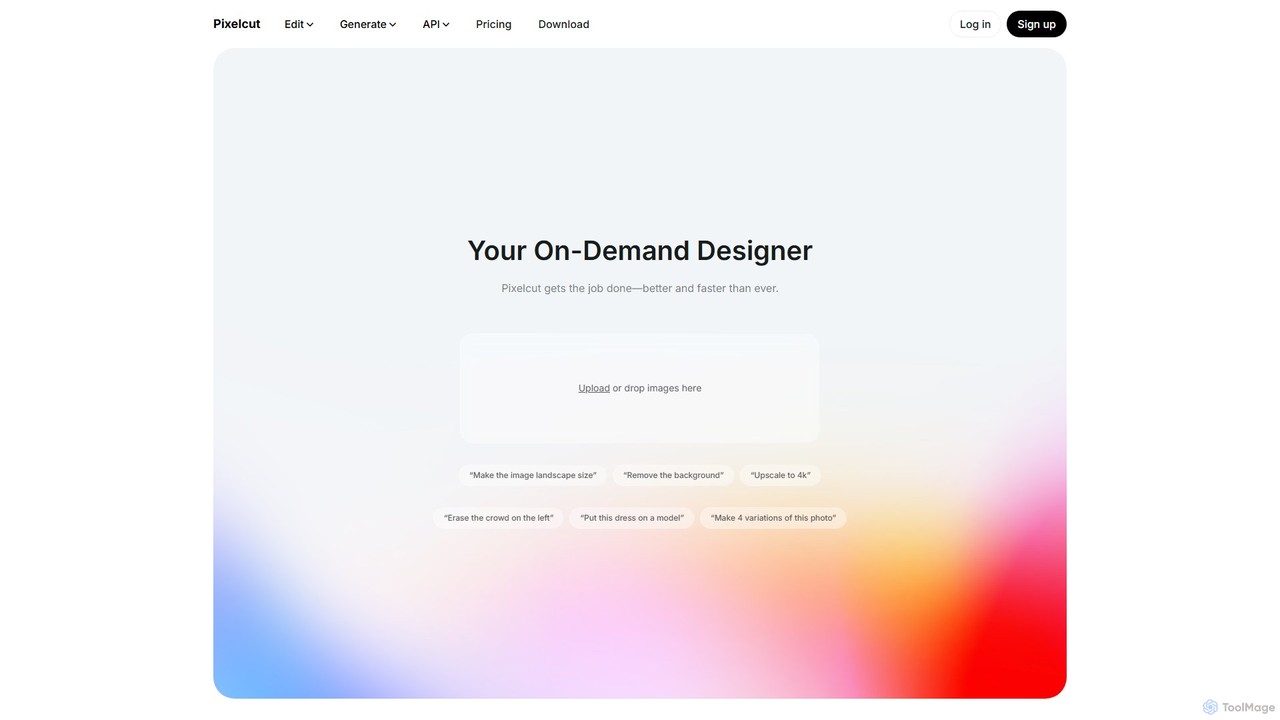
Pixelcut
Pixelcut is an all-in-one AI-powered creative suite for photo and video editing. It enables users to instantly remove backgrounds, upscale images to 4K, erase objects, generate images and videos from text prompts, and collaborate with teams. It's designed for creators, brands, and businesses to produce professional-quality content quickly and easily.
Image Editing
cleanup.pictures Comments (0)
Sign in to comment.
Sign inNo comments yet.