


jpgrm Overview
jpgrm is a cutting-edge AI-powered image editing tool designed to simplify the process of photo cleanup. It functions as an intelligent 'Magic Eraser', allowing users to remove any unwanted elements from their pictures with remarkable ease and precision. By leveraging a state-of-the-art AI inpainting model, jpgrm can intelligently identify and erase objects, people, text, logos, and watermarks. More importantly, it excels at reconstructing the background behind the removed element, ensuring a seamless and natural-looking result that is free of artifacts or distortions. This makes it an invaluable asset for anyone looking to perfect their photos without the steep learning curve and time investment required by professional software like Adobe Photoshop.
How to use jpgrm
Using jpgrm is a straightforward, three-step process designed for maximum efficiency and simplicity:
- Select Image: Begin by dragging and dropping your image file onto the website or clicking the 'Select Images' button to upload a photo from your device. The tool supports common image formats like JPG, PNG, etc.
- Mark Unwanted Area: Once your image is loaded, use the adjustable brush tool to paint over the object, person, or blemish you wish to remove. You can zoom in for greater precision and adjust the brush size to cover both large and small areas effectively.
- Process and Download: After marking the area, the AI will automatically process the image. Within seconds, it will present the cleaned-up version. You can compare the result with the original image and, once satisfied, download the final picture to your device. VIP users have the option to download in high definition.
Core Features of jpgrm
- AI-Powered Object Removal: The core of jpgrm is its advanced AI algorithm that precisely removes any designated object from a photo.
- Intelligent Background Filling (Inpainting): After removing an object, the tool automatically analyzes the surrounding pixels to realistically fill in the empty space, creating a seamless and believable background.
- Watermark and Text Removal: Effortlessly clean up images by erasing distracting watermarks, logos, and text overlays without leaving a trace.
- People and Blemish Removal: Perfect your portraits and group photos by removing unwanted people from the background or minor skin blemishes.
- User-Friendly Interface: A simple and intuitive web-based interface that requires no technical skills or software installation.
- High-Resolution Output: Paid plans offer the ability to download the edited images in high definition, preserving the original quality for professional use.
Use Cases for jpgrm
jpgrm is versatile and serves a wide range of users:
- Photography: Travel photographers can easily remove tourists from scenic shots, while portrait photographers can clean up backgrounds and minor imperfections.
- E-commerce: Online sellers can remove props, logos, or distracting backgrounds from product photos to create a clean, uniform look for their store.
- Real Estate: Agents can remove clutter, vehicles, or other unsightly objects from property photos to make listings more appealing.
- Social Media: Content creators can quickly perfect their images for Instagram, Facebook, and other platforms, ensuring a polished and professional feed.
- Graphic Design: Designers can rapidly clean up stock photos or user-generated content for use in their projects, saving significant time and effort.
Advantages of jpgrm
The primary advantage of jpgrm is its combination of power and simplicity. It democratizes photo retouching, making a once-complex task accessible to everyone. Key benefits include its incredible speed, high-quality and natural-looking results, and accessibility across all devices via a web browser. The freemium model allows users to test the functionality before committing, making it a risk-free and cost-effective solution compared to expensive software subscriptions.
Pricing and Plans
jpgrm operates on a freemium model. Users can process a certain number of images for free, with downloads available in standard resolution. For users who require higher quality or have a larger volume of images, jpgrm offers a VIP subscription plan. The VIP plan typically includes benefits such as unlimited processing, high-definition (HD) downloads, faster processing speeds, and priority customer support. This flexible pricing structure makes it suitable for both casual users and professionals.
Traffic
Latest traffic
Status
Monthly traffic trend
- 2025-9: 40.0K
- 2026-1: 50.2K
- 2026-2: 41.2K
- 2026-3: 40.5K
- 2026-4: 36.9K
- 2026-5: 66.8K
Geography
Top 5 countries / regions
- 🇨🇳China28.8%
- 🇰🇷South Korea25.4%
- 🇲🇾Malaysia18.0%
- 🇷🇺Russia14.9%
- 🇺🇸United States12.9%
Traffic sources
| Source type | Percentage |
|---|---|
Direct | 93.9% |
Referral | 6.1% |
Top keywords
| Keyword | Cost per click |
|---|---|
| ai clean up 1800 photos | $0.00 |
| ai image cleanup | $1.70 |
| hapus objek | $0.08 |
| hapus objek foto | $0.07 |
| jpgrm | $0.00 |
jpgrm Alternatives
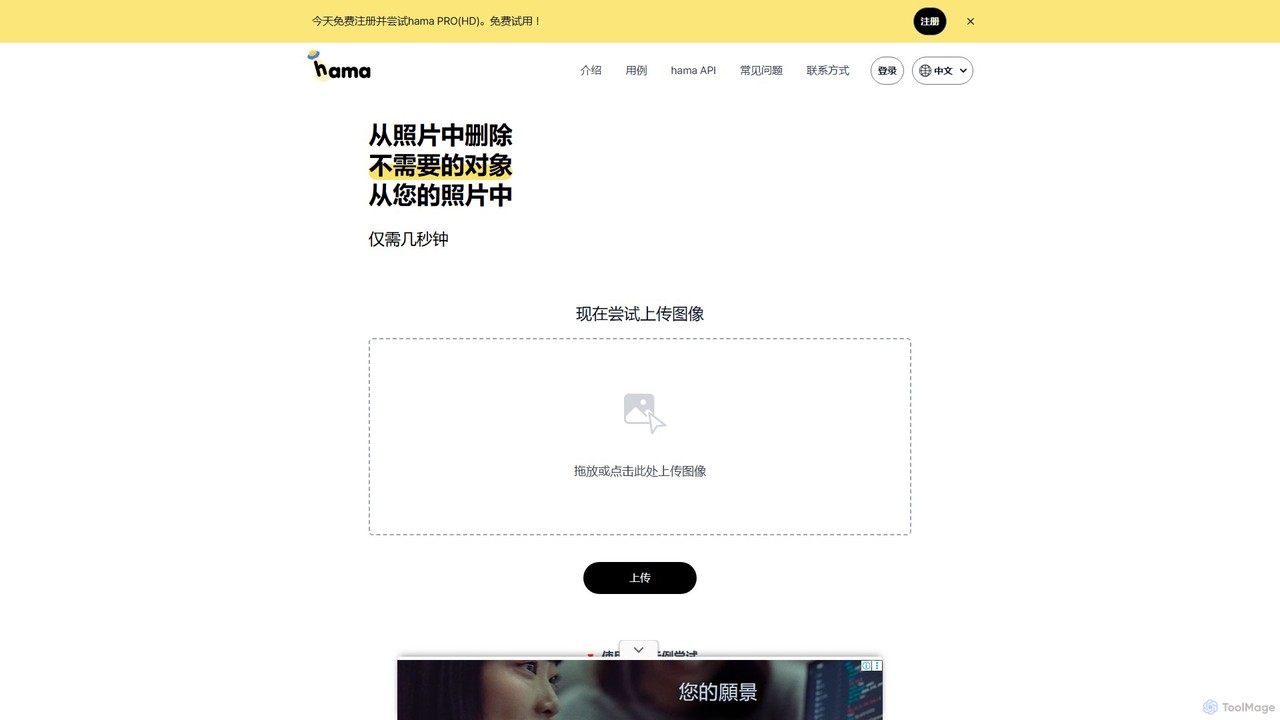
hama
hama is an AI-powered image editing tool designed for effortlessly removing unwanted objects, people, text, and watermarks from photos. With a simple brush-over interface, users can clean up images in seconds without needing professional skills. It's ideal for photographers, marketers, and anyone looking to perfect their pictures.
Object Removal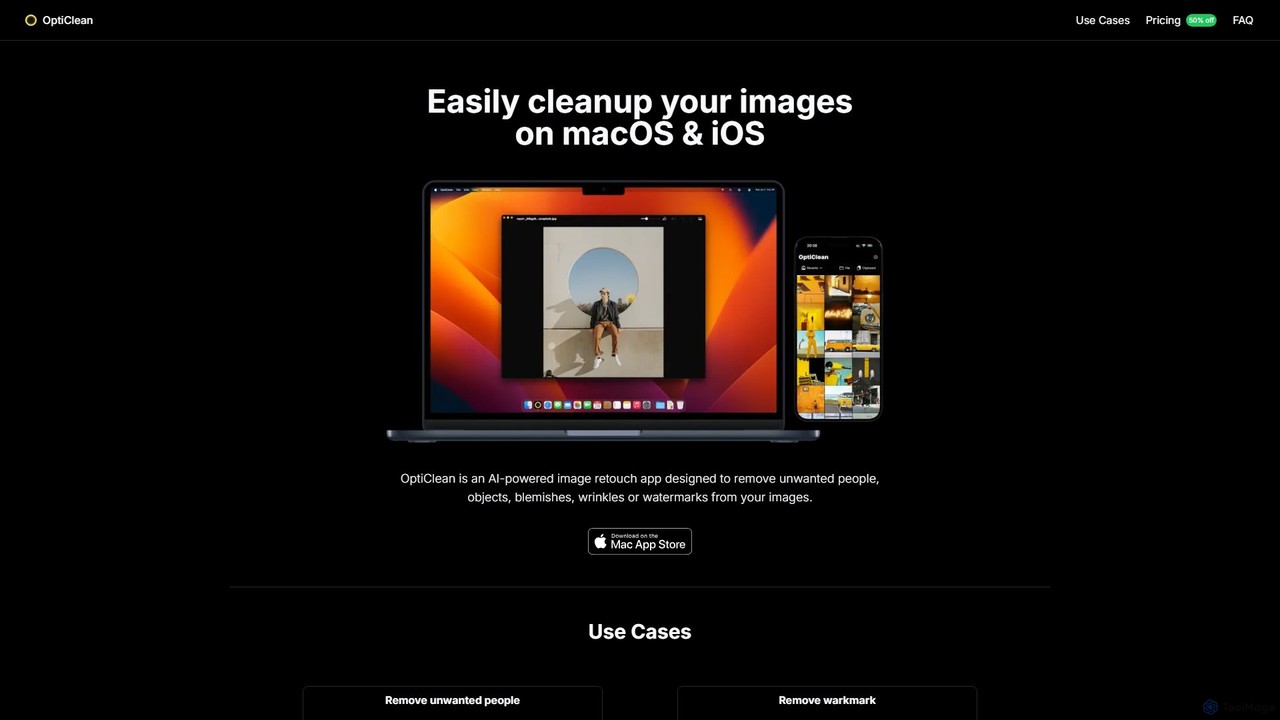
OptiClean
OptiClean is an AI-powered image retouching app for macOS and iOS, designed to effortlessly remove unwanted objects, people, watermarks, and blemishes. It offers a simple, one-click solution for professional-quality photo cleanup with a focus on user privacy through on-device processing.
Object Removal
Remover
Remover is a free AI-powered tool by ZMO.AI that effortlessly removes unwanted objects, people, text, and backgrounds from photos. Ideal for e-commerce, real estate, and general photo cleanup, it provides unlimited edits and professional results in seconds without needing complex software like Photoshop.
3D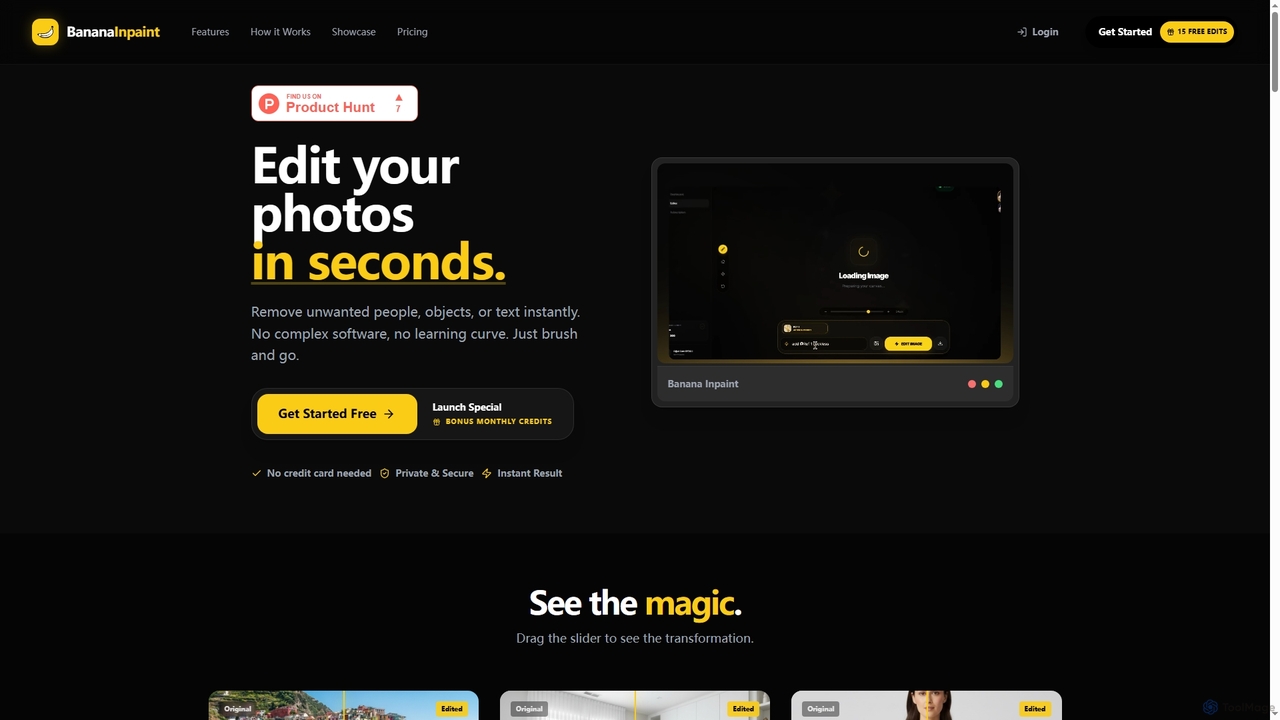
Nanobananainpaint
Nanobananainpaint is an AI-powered online photo editor that allows users to effortlessly remove unwanted objects, people, or text from images in seconds. With its intuitive brush-and-go interface, it simplifies complex photo editing tasks, making professional-quality image cleanups accessible to everyone without requiring any software installation or learning curve.
Image Generation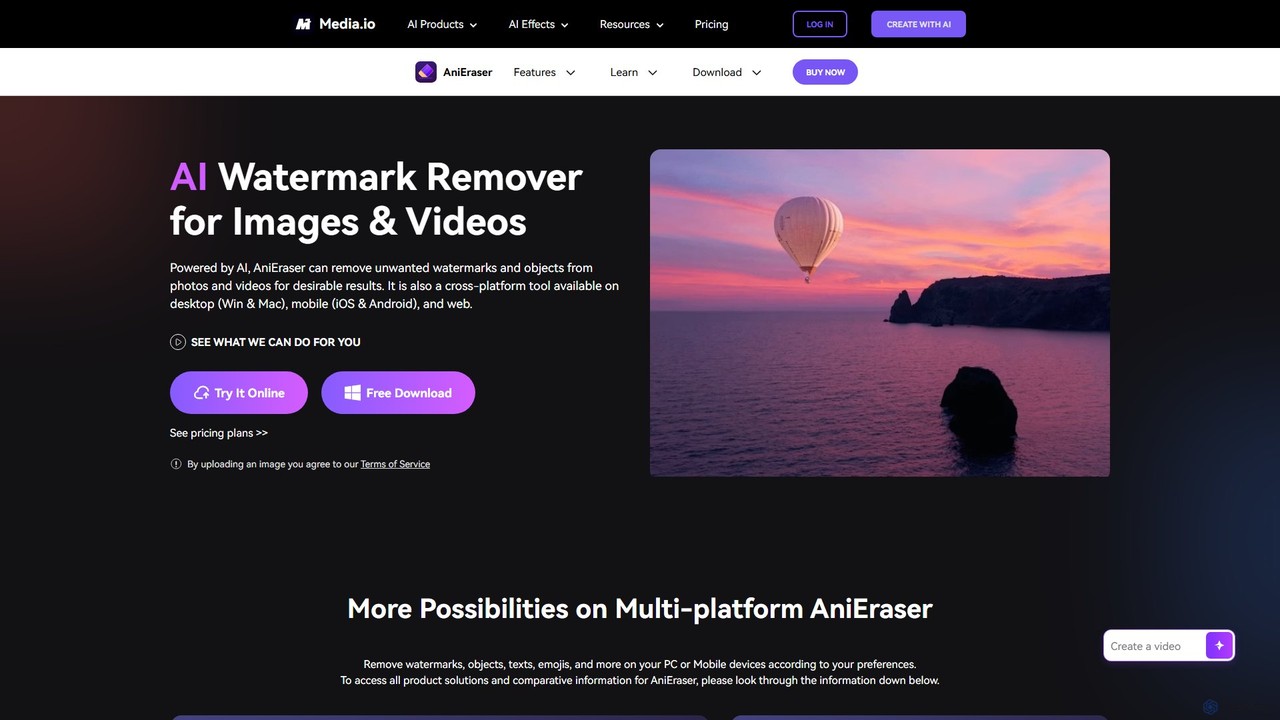
AniEraser
AniEraser is a powerful AI-driven tool for removing unwanted objects from photos and videos. Effortlessly erase watermarks, people, text, emojis, and blemishes with a simple brush stroke. It's a cross-platform solution, available on desktop (Windows/Mac), mobile (iOS/Android), and online, allowing you to edit your media anywhere with a single account.
3Djpgrm Categories
jpgrm Embed Widget
Copy this embed code to place the badge on your blog, article, or product site and send readers directly to this ToolMage detail page.

Related AI tools
Remover
Remover is a free AI-powered tool by ZMO.AI that effortlessly removes unwanted objects, people, text, and backgrounds from photos. Ideal for e-commerce, real estate, and general photo cleanup, it provides unlimited edits and professional results in seconds without needing complex software like Photoshop.
3Dhama
hama is an AI-powered image editing tool designed for effortlessly removing unwanted objects, people, text, and watermarks from photos. With a simple brush-over interface, users can clean up images in seconds without needing professional skills. It's ideal for photographers, marketers, and anyone looking to perfect their pictures.
Object RemovalOptiClean
OptiClean is an AI-powered image retouching app for macOS and iOS, designed to effortlessly remove unwanted objects, people, watermarks, and blemishes. It offers a simple, one-click solution for professional-quality photo cleanup with a focus on user privacy through on-device processing.
Object RemovalAniEraser
AniEraser is a powerful AI-driven tool for removing unwanted objects from photos and videos. Effortlessly erase watermarks, people, text, emojis, and blemishes with a simple brush stroke. It's a cross-platform solution, available on desktop (Windows/Mac), mobile (iOS/Android), and online, allowing you to edit your media anywhere with a single account.
3D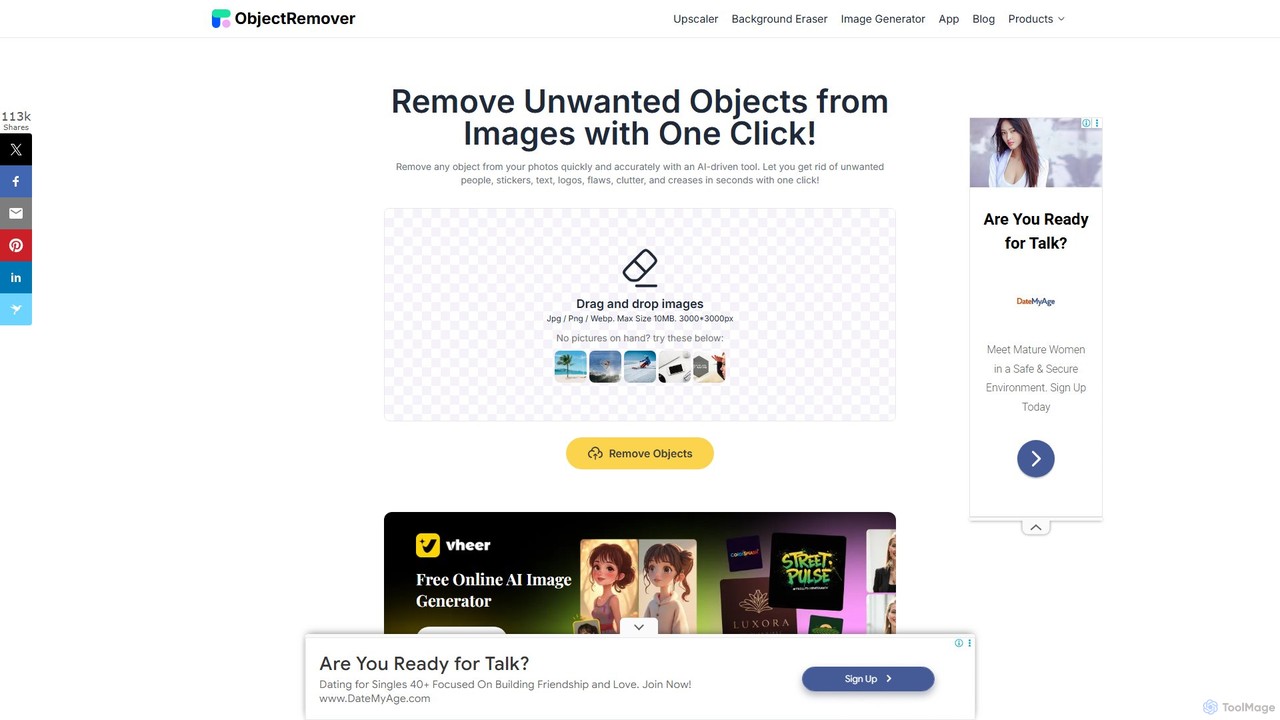
ObjectRemover
ObjectRemover is an AI-powered online tool that allows you to remove unwanted objects, people, text, and blemishes from your photos with a single click. It offers fast, high-quality, and natural-looking results without needing any technical skills. Simply upload your image, mark the object, and let the AI clean it up in seconds.
3D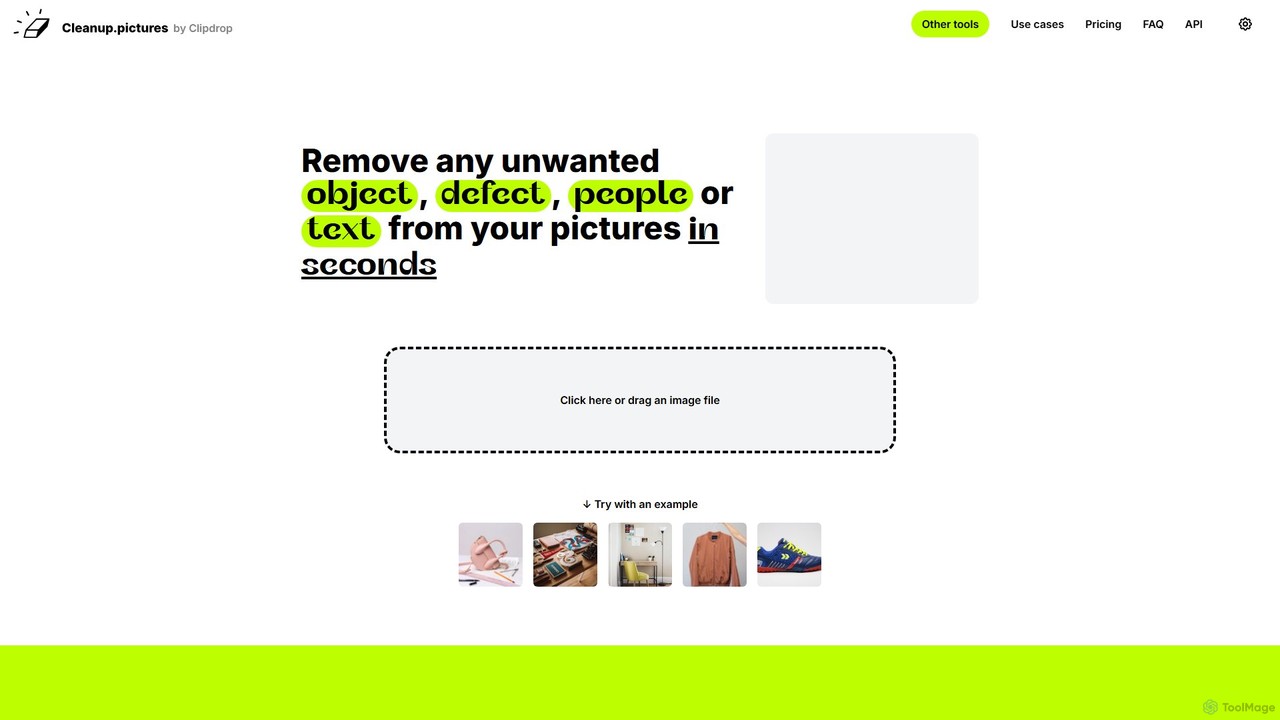
cleanup.pictures
An AI-powered photo editing tool that allows users to effortlessly remove unwanted objects, people, text, and defects from any picture in seconds. It offers incredible quality and a simple drag-and-drop interface, making professional-level retouching accessible to everyone.
3D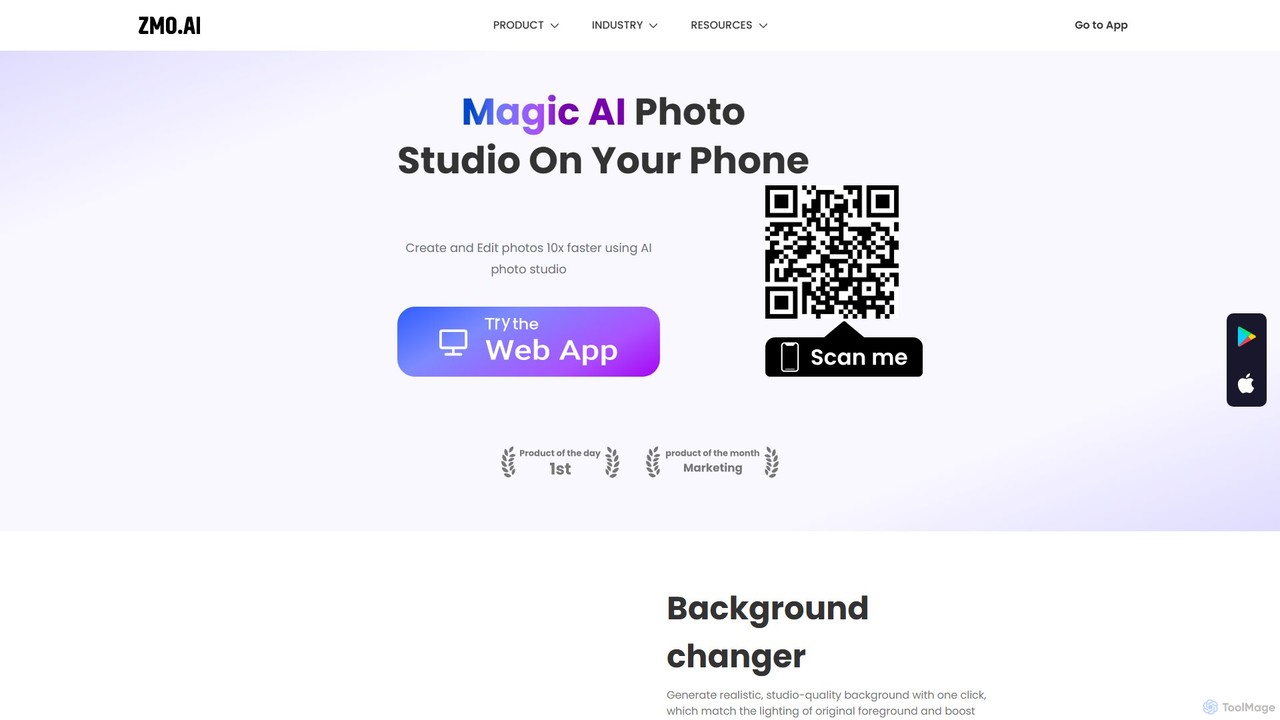
ZMO.AI Photo Studio
An AI-powered suite for creating and editing professional images. Instantly generate studio-quality backgrounds, remove unwanted objects, and showcase products on AI-generated models. Ideal for e-commerce, marketing, and social media, it streamlines photo production, saving time and reducing costs significantly.
3D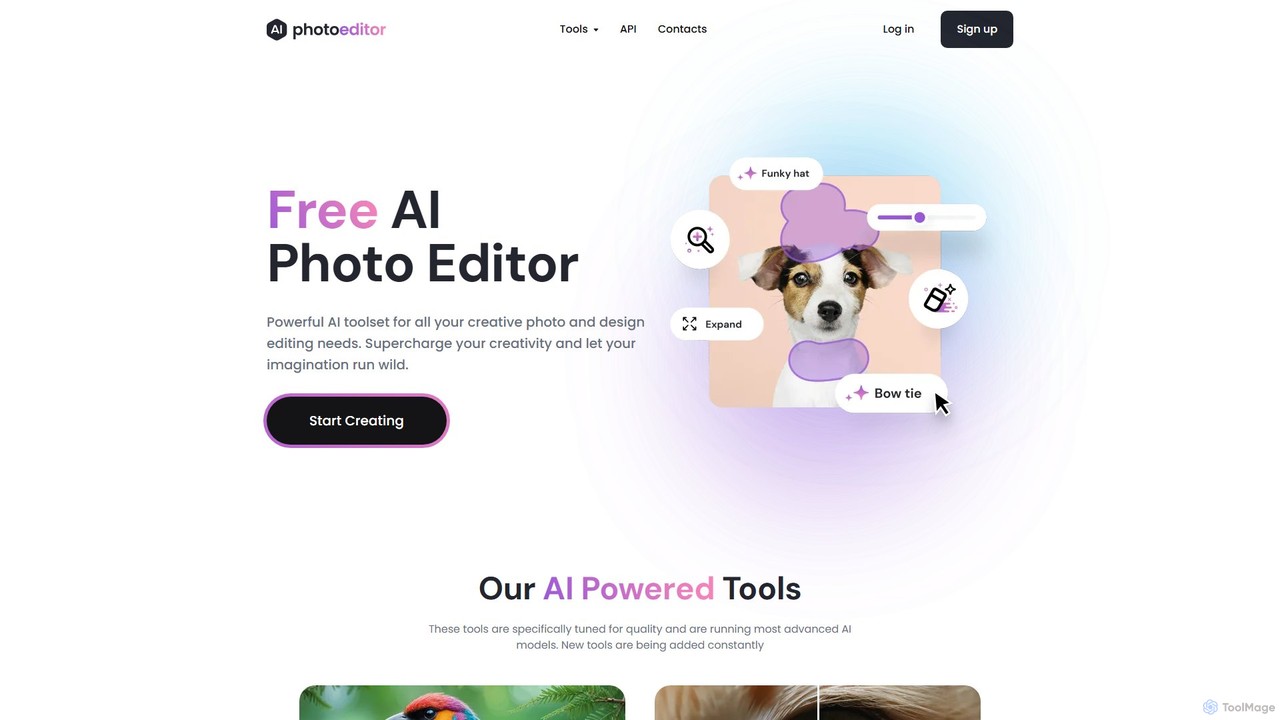
photoeditor.ai
An all-in-one AI-powered photo editing suite. Effortlessly generate images from text, remove backgrounds and objects, enhance, upscale, and expand photos with generative fill. No design skills needed, accessible directly from your web browser.
Image Editing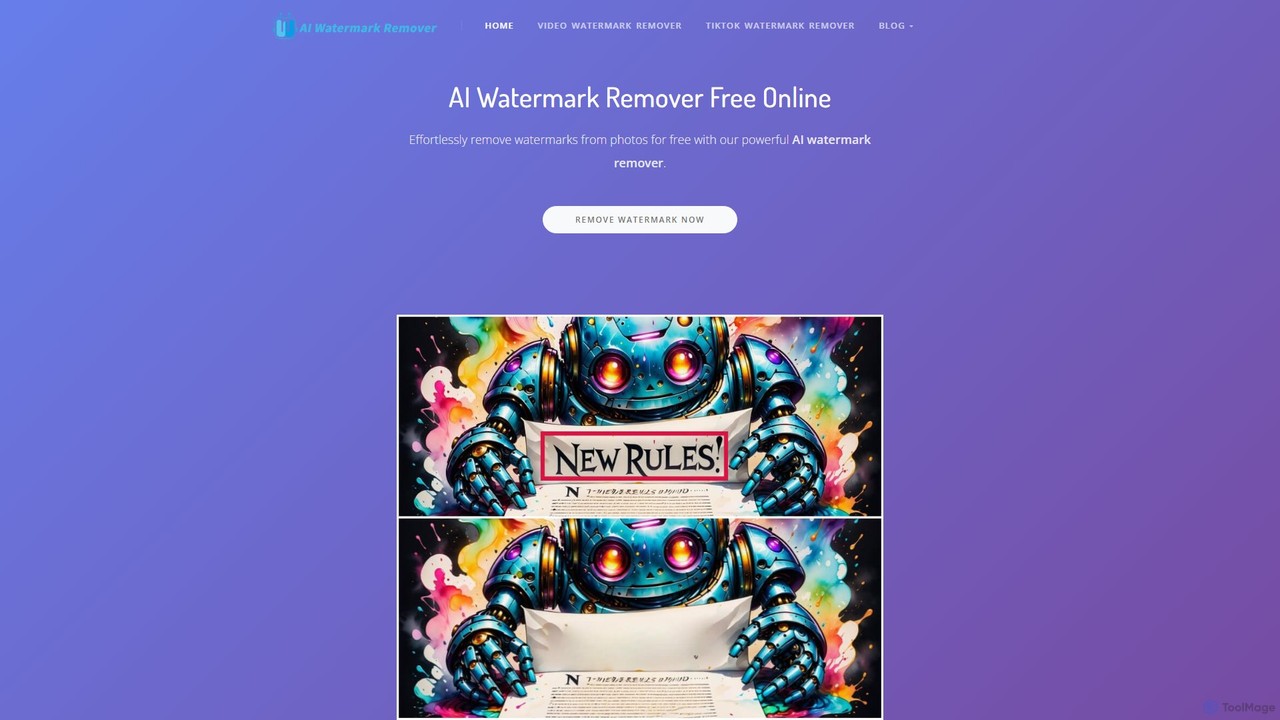
aiwatermarkremover
A free, AI-powered online tool for removing watermarks, text, and unwanted objects from photos and videos. No sign-up required, it delivers clean, high-quality results in seconds without adding new watermarks. Ideal for content creators and social media users.
3D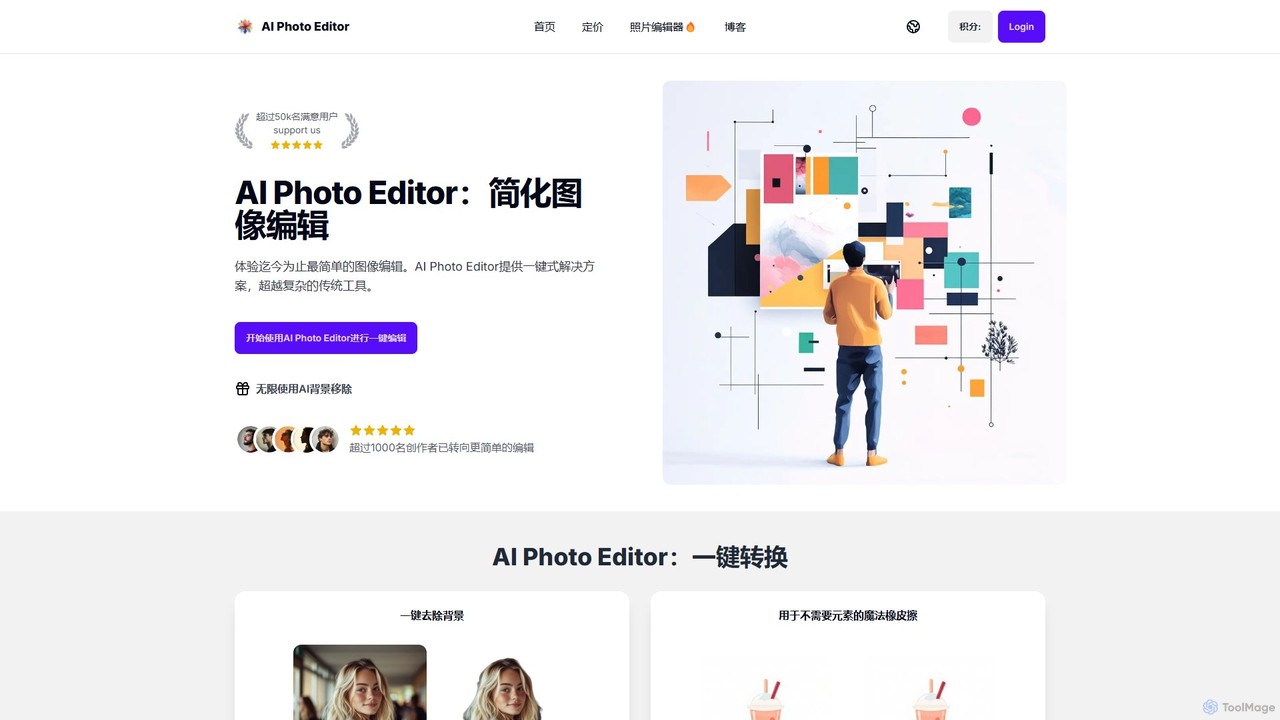
AI Photo Editor
AI Photo Editor is an online tool that simplifies image editing with powerful one-click AI solutions. It offers features like background removal, magic eraser for unwanted objects, photo enhancement, and image upscaling, designed for both beginners and professionals seeking efficiency. Get professional-quality results in seconds without complex software.
Graphics
aifillimage.com
A powerful AI image editing tool for generative fill, inpainting, and outpainting. Effortlessly remove unwanted objects, extend image canvases, or add new elements with simple text prompts. Perfect for photographers, designers, and marketers to enhance visuals quickly.
3D
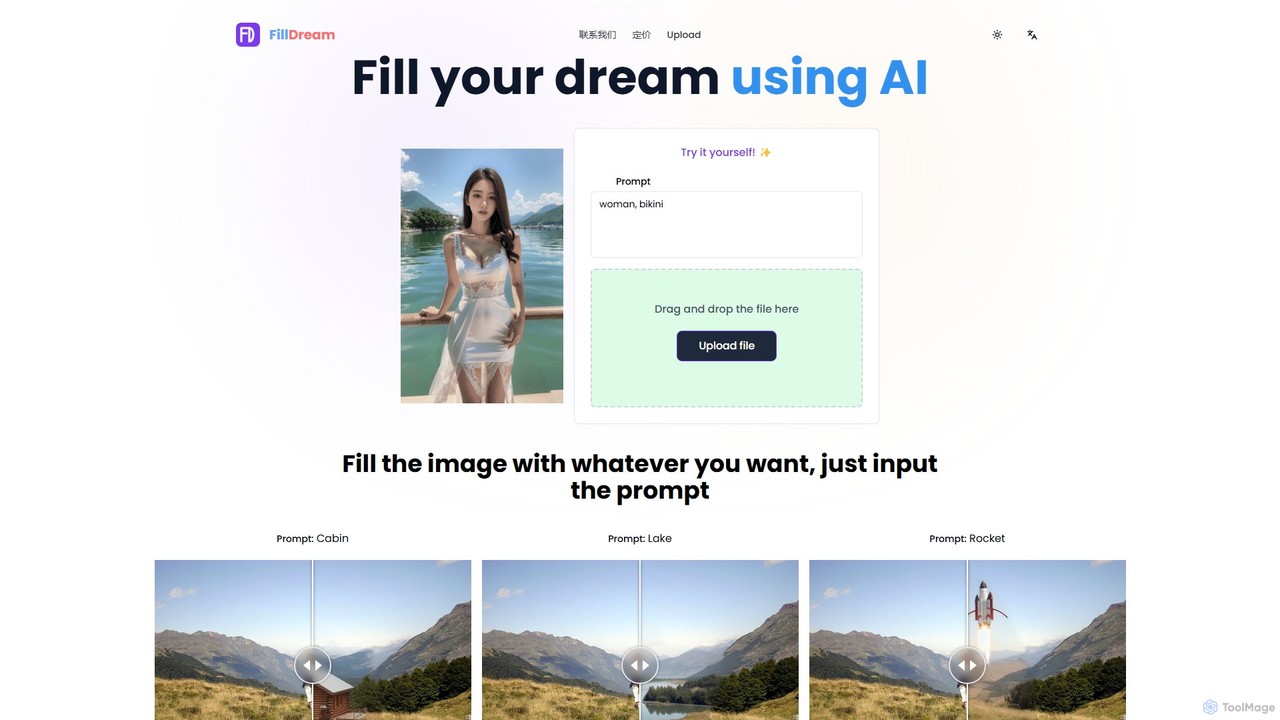
FillDream
FillDream is an advanced AI-powered image editing tool specializing in outfit modification, inpainting, and generative fill. Effortlessly remove unwanted objects, add new elements with simple text prompts, or virtually change clothing in your photos. Ideal for e-commerce, photographers, and marketers seeking to create stunning, professional-quality visuals with ease.
3DNanobananainpaint
Nanobananainpaint is an AI-powered online photo editor that allows users to effortlessly remove unwanted objects, people, or text from images in seconds. With its intuitive brush-and-go interface, it simplifies complex photo editing tasks, making professional-quality image cleanups accessible to everyone without requiring any software installation or learning curve.
Image Generation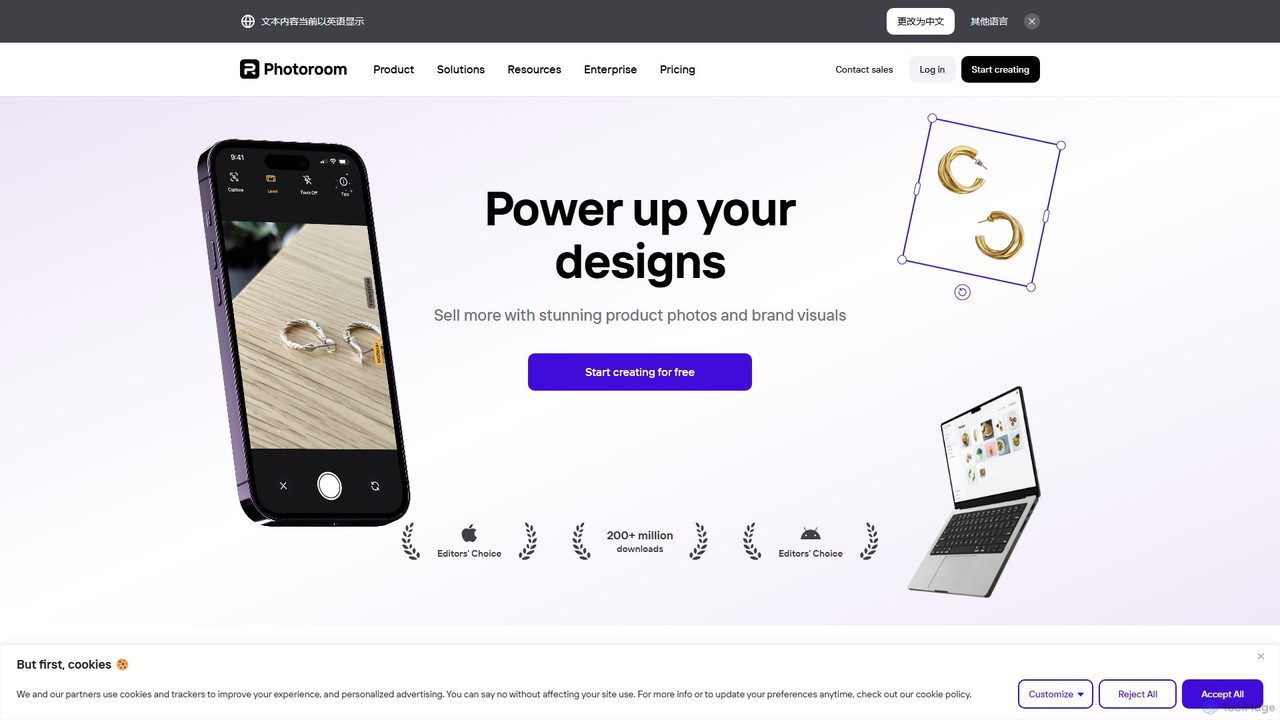
Photoroom
Photoroom is an AI-powered photo editor that automatically removes backgrounds to create professional product photos, profile pictures, and marketing images in seconds. Featuring AI-generated backgrounds, magic eraser, and batch editing, it simplifies complex editing tasks for e-commerce sellers, marketers, and creators. Available on web and mobile, it offers a fast, easy way to produce studio-quality visuals without any design skills.
Graphic Design
jpgrm Comments (0)
Sign in to comment.
Sign inNo comments yet.