

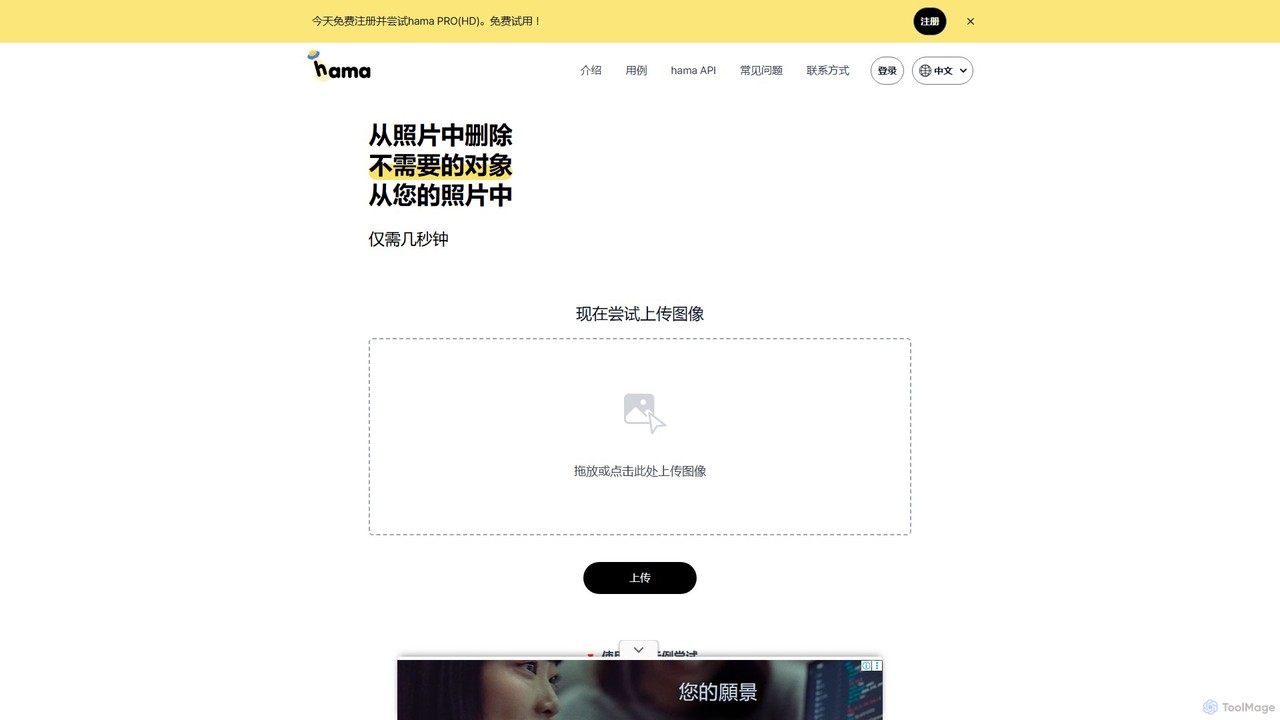
hama Overview
hama is an advanced, AI-driven image editing service that specializes in seamlessly removing unwanted elements from photographs. Utilizing sophisticated inpainting technology, the tool allows anyone to achieve professional-level results without complex software or technical expertise. By simply highlighting an object, person, text, or blemish, hama's AI intelligently analyzes the surrounding pixels and reconstructs the area, leaving a clean, natural-looking background. This makes it an indispensable tool for photographers, e-commerce businesses, social media managers, and casual users who want to perfect their images quickly and efficiently.
How to use hama
Using hama is designed to be an intuitive and straightforward process, requiring just a few simple steps:
- Upload Image: Start by dragging and dropping your image file onto the website, or click to browse and select a file from your computer.
- Mask Unwanted Area: Use the provided brush tool to paint over the object, person, text, or any other element you wish to remove. You can adjust the brush size for precision.
- Process with AI: Once you've masked the area, the AI will automatically process the image. In just a few seconds, it will remove the selected element and intelligently fill in the space.
- Refine if Necessary: For more complex images or for achieving the perfect result, you can repeat the erasing process on the same area or other parts of the image.
- Download: Once you are satisfied with the result, you can download the edited, clean image to your device.
Core Features of hama
- AI Object Removal: Intelligently erases people, objects, text, logos, watermarks, stickers, and other distracting elements from any photo.
- Photo Retouching: Effortlessly removes skin imperfections such as acne, freckles, wrinkles, and blemishes for flawless portraits.
- Simple Brush Interface: No need for complex tools like clone stamps or selection tools. Just paint over the area to be removed.
- High-Definition Processing (PRO): The PRO version supports editing and exporting images in high definition (HD), preserving the quality for professional use.
- API Access: Offers a developer API to integrate hama's powerful object removal technology directly into other applications, websites, or automated workflows.
- Fast and Efficient: The AI-powered process delivers results in seconds, drastically reducing the time spent on manual editing.
Use Cases for hama
hama is a versatile tool applicable across various fields:
- Photography: Photographers can easily remove tourists from travel photos, erase distracting power lines from landscapes, or clean up backgrounds in portrait shots.
- E-commerce: Online store owners can remove logos and trademarks from product images, create clean and consistent product showcases, or erase unwanted props from photos.
- Marketing and Social Media: Marketers can remove watermarks or text from stock images, create clean visuals for campaigns, and perfect images for social media posts.
- Real Estate: Agents can remove clutter, furniture, or distracting objects from property photos to present a cleaner, more appealing space.
- Personal Use: Individuals can retouch personal photos, remove photobombers, or restore old scanned photographs by erasing scratches and blemishes.
Advantages of hama
hama stands out with several key benefits:
- Simplicity: Its user-friendly interface makes advanced photo editing accessible to everyone, regardless of skill level.
- Speed: It provides near-instant results, saving significant time compared to traditional editing software like Photoshop.
- Accessibility: As a web-based tool, it can be accessed from any device with an internet browser, with no software installation required.
- Cost-Effective: With a free-to-use option, it provides powerful capabilities without the cost of expensive software licenses. The PRO plan is an affordable upgrade for higher quality and more features.
- High-Quality Output: The AI generates seamless, natural-looking results that blend perfectly with the rest of the image.
Pricing and Plans
hama operates on a freemium model, offering different tiers to suit various user needs:
- Free Plan: This plan allows users to test the core functionality of the tool. It is ideal for casual use but may have limitations on image resolution, the number of edits, or may include watermarks on the final output.
- hama PRO: Aimed at professionals and frequent users, the PRO plan unlocks the full potential of the tool. Benefits typically include High-Definition (HD) image processing and exporting, unlimited edits, faster processing, and an ad-free experience.
- API Plan: For businesses and developers, hama offers custom API plans. This allows for the integration of its object removal technology into third-party applications, with pricing based on usage volume.
Traffic
Latest traffic
Status
Monthly traffic trend
- 2025-9: 81.9K
- 2026-1: 103.6K
- 2026-2: 95.8K
- 2026-3: 82.2K
- 2026-4: 77.6K
- 2026-5: 83.2K
Geography
Top 5 countries / regions
- 🇨🇳China34.1%
- 🇰🇷South Korea28.8%
- 🇷🇺Russia17.6%
- 🇺🇸United States12.4%
- 🇯🇵Japan7.1%
Traffic sources
| Source type | Percentage |
|---|---|
Direct | 92.7% |
Referral | 7.3% |
Top keywords
| Keyword | Cost per click |
|---|---|
| 하마ai | $0.00 |
| ai eraser | $0.32 |
| ai object remover | $0.47 |
| hama | $0.37 |
| object remover | $0.24 |
hama Alternatives
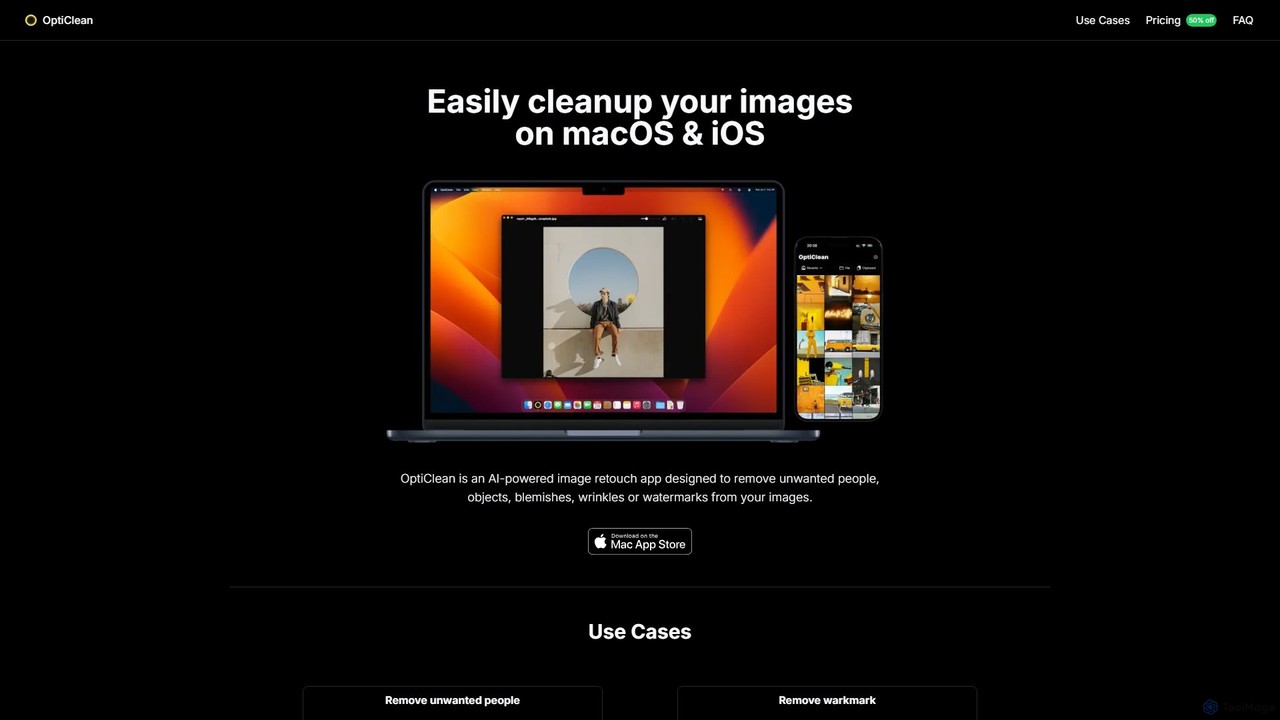
OptiClean
OptiClean is an AI-powered image retouching app for macOS and iOS, designed to effortlessly remove unwanted objects, people, watermarks, and blemishes. It offers a simple, one-click solution for professional-quality photo cleanup with a focus on user privacy through on-device processing.
Object Removal
jpgrm
jpgrm is an AI-powered magic eraser that effortlessly removes unwanted objects, people, text, and watermarks from your images. Simply upload your photo, brush over the area you want to clean up, and let the advanced AI intelligently erase the selection and reconstruct the background. It's the perfect tool for photographers, marketers, and anyone needing to create flawless images quickly and easily, without complex software.
Object Removal
istockphoto
iStockphoto is a leading royalty-free stock media platform, offering millions of human-created photos, videos, and illustrations. It now integrates a powerful suite of AI tools, allowing users to generate unique, commercially safe images and perform advanced edits like background replacement, object removal, and image extension directly on the platform. This hybrid approach combines high-quality, legally-protected assets with the speed and flexibility of AI.
Image Generation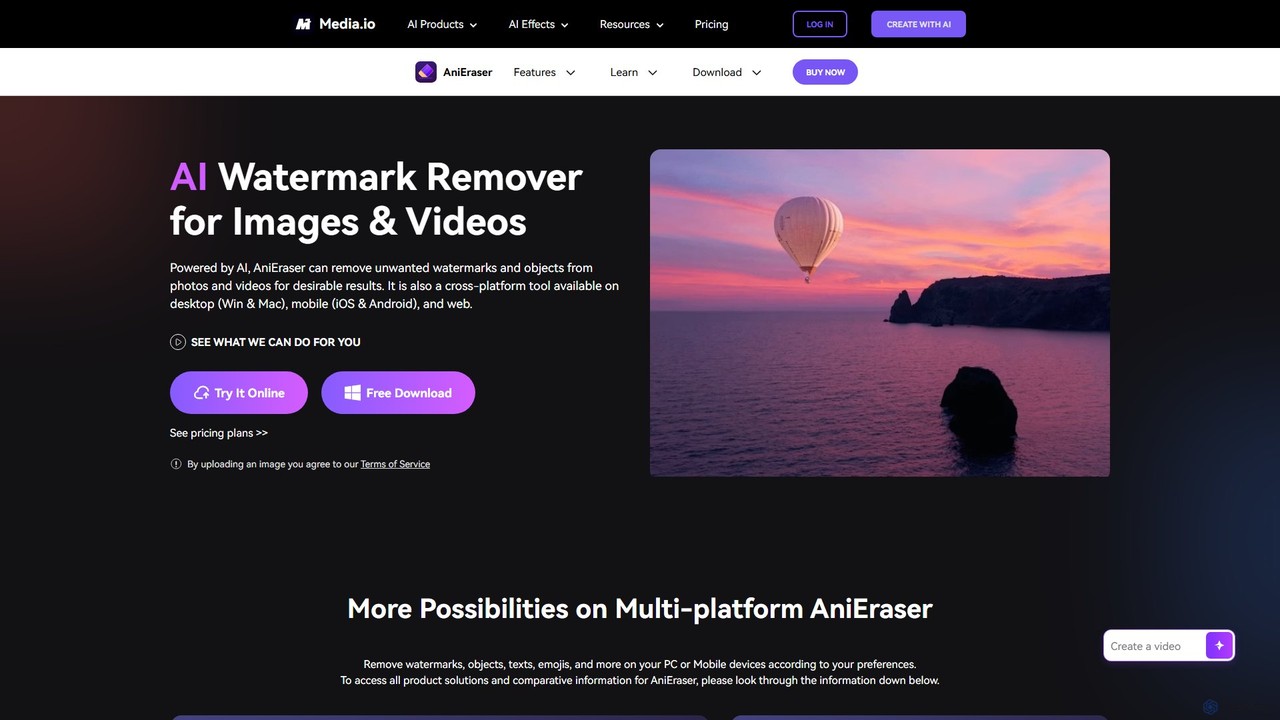
AniEraser
AniEraser is a powerful AI-driven tool for removing unwanted objects from photos and videos. Effortlessly erase watermarks, people, text, emojis, and blemishes with a simple brush stroke. It's a cross-platform solution, available on desktop (Windows/Mac), mobile (iOS/Android), and online, allowing you to edit your media anywhere with a single account.
3D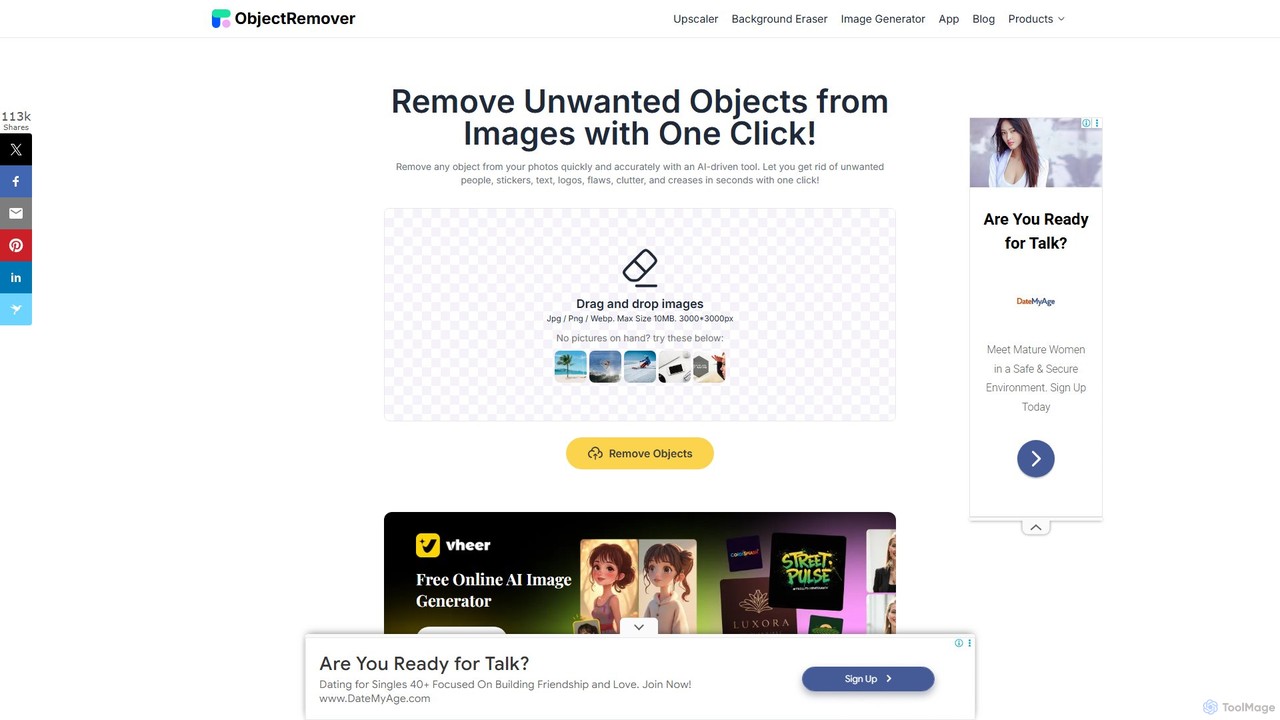
ObjectRemover
ObjectRemover is an AI-powered online tool that allows you to remove unwanted objects, people, text, and blemishes from your photos with a single click. It offers fast, high-quality, and natural-looking results without needing any technical skills. Simply upload your image, mark the object, and let the AI clean it up in seconds.
3Dhama Categories
hama Embed Widget
Copy this embed code to place the badge on your blog, article, or product site and send readers directly to this ToolMage detail page.

Related AI tools
OptiClean
OptiClean is an AI-powered image retouching app for macOS and iOS, designed to effortlessly remove unwanted objects, people, watermarks, and blemishes. It offers a simple, one-click solution for professional-quality photo cleanup with a focus on user privacy through on-device processing.
Object Removaljpgrm
jpgrm is an AI-powered magic eraser that effortlessly removes unwanted objects, people, text, and watermarks from your images. Simply upload your photo, brush over the area you want to clean up, and let the advanced AI intelligently erase the selection and reconstruct the background. It's the perfect tool for photographers, marketers, and anyone needing to create flawless images quickly and easily, without complex software.
Object RemovalAniEraser
AniEraser is a powerful AI-driven tool for removing unwanted objects from photos and videos. Effortlessly erase watermarks, people, text, emojis, and blemishes with a simple brush stroke. It's a cross-platform solution, available on desktop (Windows/Mac), mobile (iOS/Android), and online, allowing you to edit your media anywhere with a single account.
3DObjectRemover
ObjectRemover is an AI-powered online tool that allows you to remove unwanted objects, people, text, and blemishes from your photos with a single click. It offers fast, high-quality, and natural-looking results without needing any technical skills. Simply upload your image, mark the object, and let the AI clean it up in seconds.
3D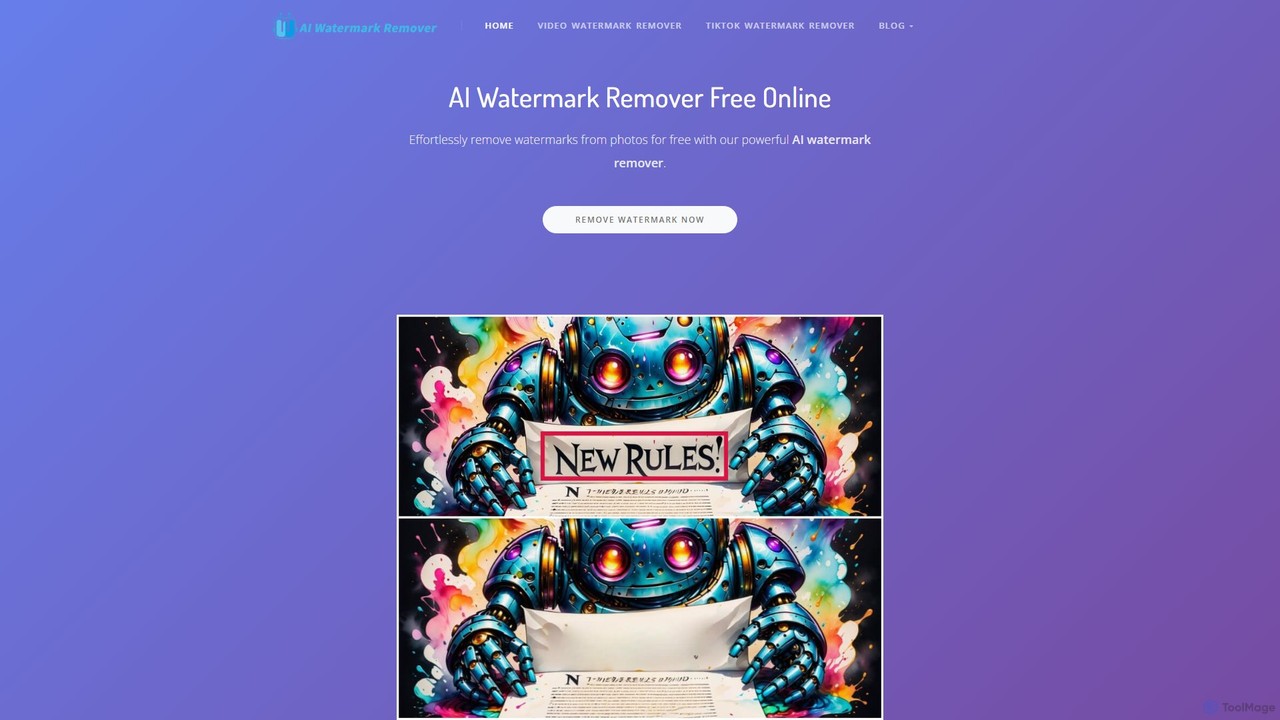
aiwatermarkremover
A free, AI-powered online tool for removing watermarks, text, and unwanted objects from photos and videos. No sign-up required, it delivers clean, high-quality results in seconds without adding new watermarks. Ideal for content creators and social media users.
3D
Remover
Remover is a free AI-powered tool by ZMO.AI that effortlessly removes unwanted objects, people, text, and backgrounds from photos. Ideal for e-commerce, real estate, and general photo cleanup, it provides unlimited edits and professional results in seconds without needing complex software like Photoshop.
3D
PicWish
PicWish is an all-in-one AI-powered photo editing suite designed to simplify complex image processing. It offers a wide range of free and pro tools, including background removal, photo enhancement, object removal, and AI background generation. Available online and as a dedicated app, PicWish empowers e-commerce sellers, designers, and content creators to produce professional-quality visuals effortlessly, without needing advanced technical skills.
Image Generation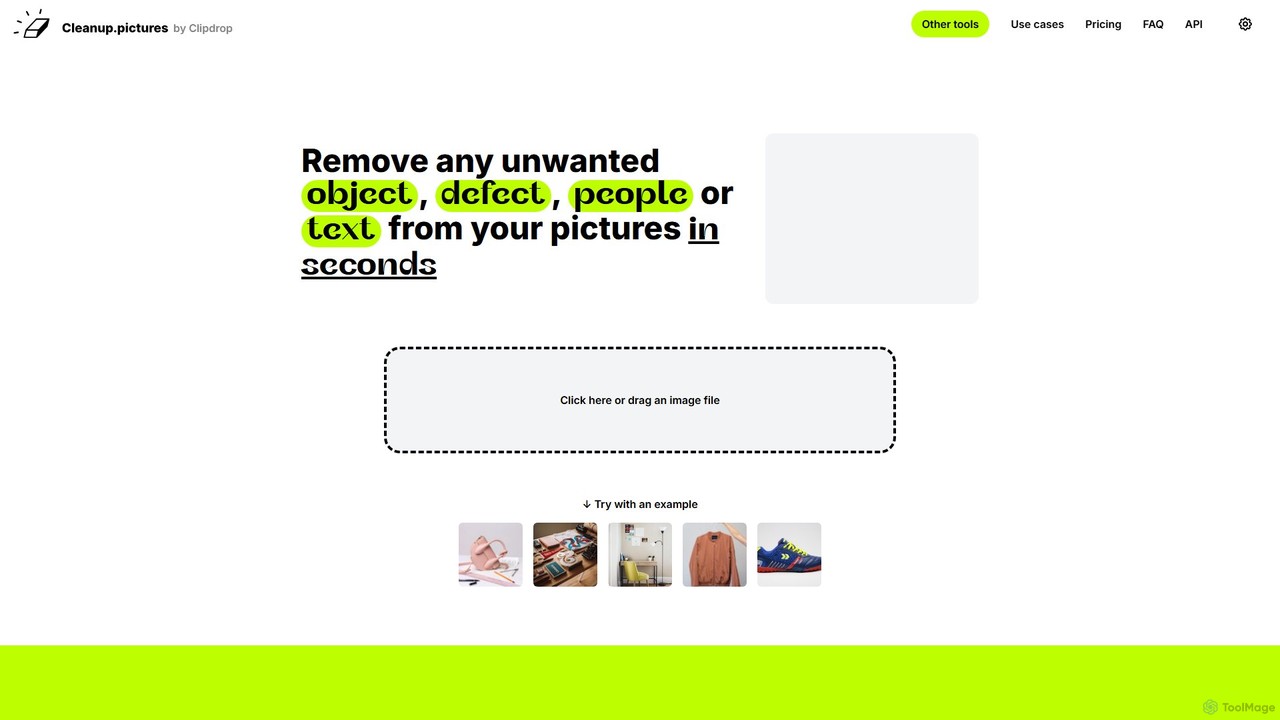
cleanup.pictures
An AI-powered photo editing tool that allows users to effortlessly remove unwanted objects, people, text, and defects from any picture in seconds. It offers incredible quality and a simple drag-and-drop interface, making professional-level retouching accessible to everyone.
3D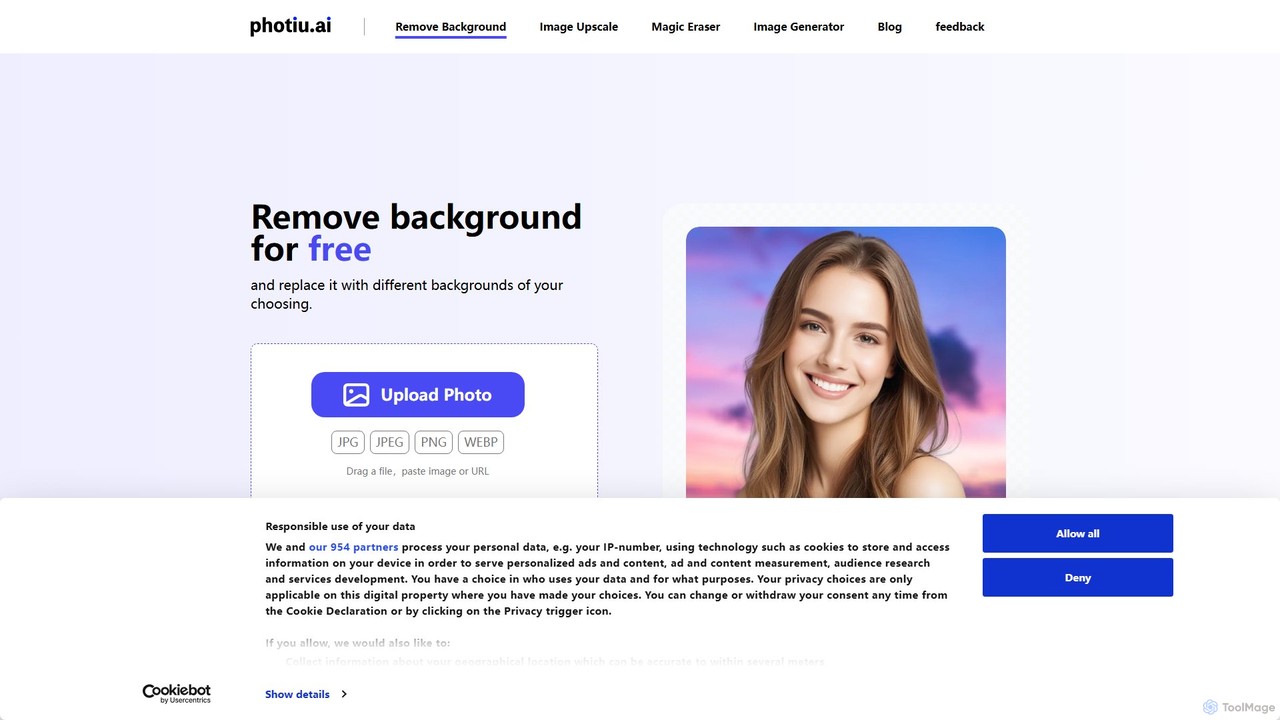
Photiu.ai
Photiu.ai is an AI-powered online image editing suite designed to simplify complex photo manipulation tasks. It offers a set of powerful tools, including a precise background remover, an intelligent object eraser for cleaning up images, and a high-quality image upscaler. This platform is perfect for e-commerce store owners, marketers, photographers, and social media creators who need professional-looking images quickly and without the need for advanced software skills.
3D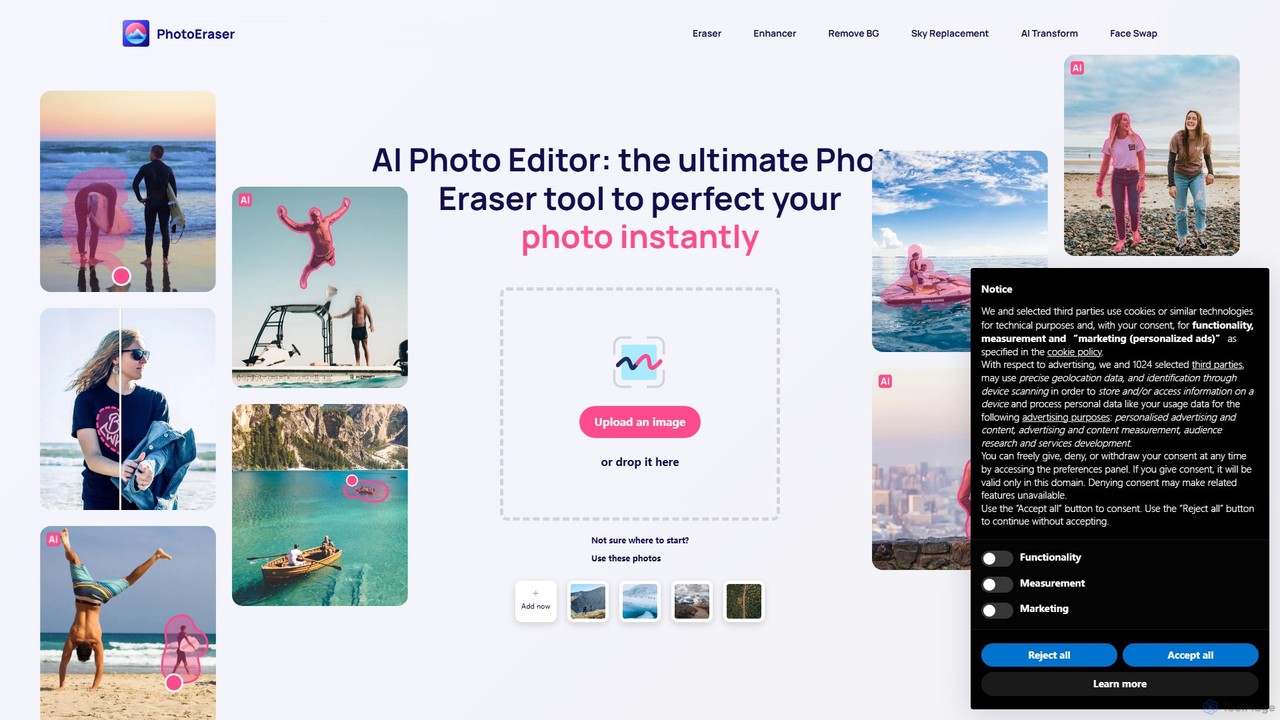
Photoeraser
Photoeraser is an all-in-one AI-powered photo editing suite. It allows users to effortlessly remove unwanted objects, people, or text from images, enhance photo quality, swap faces, and restore old photos. Its intuitive interface makes professional-grade editing accessible to everyone, from social media users to real estate professionals.
Face Swap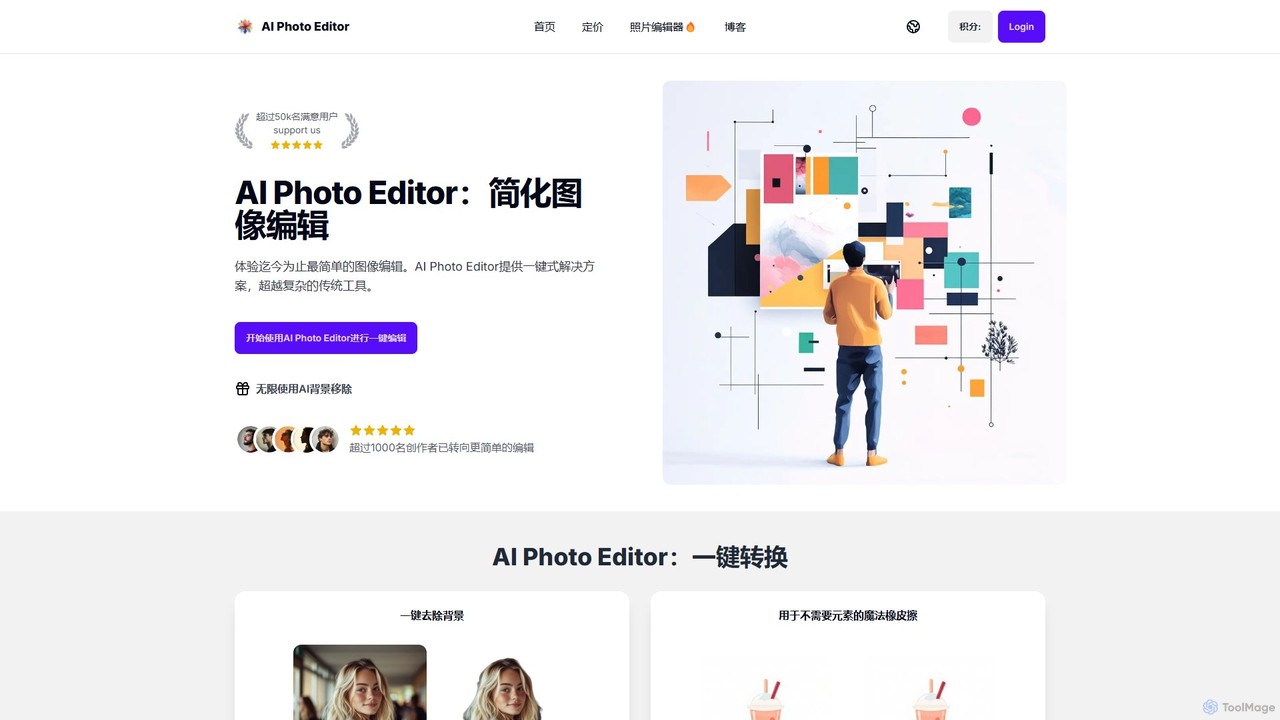
AI Photo Editor
AI Photo Editor is an online tool that simplifies image editing with powerful one-click AI solutions. It offers features like background removal, magic eraser for unwanted objects, photo enhancement, and image upscaling, designed for both beginners and professionals seeking efficiency. Get professional-quality results in seconds without complex software.
Graphics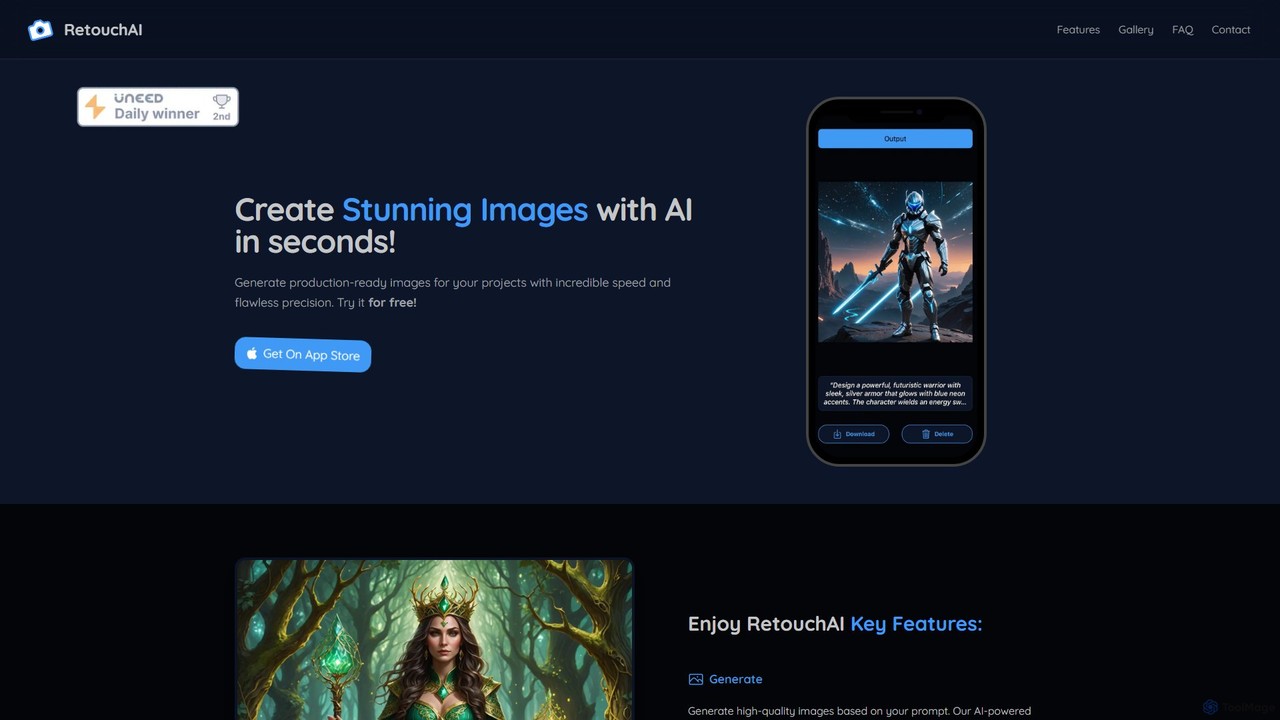
RetouchAI
RetouchAI is a powerful iOS app that leverages AI to generate and edit images in seconds. It offers a suite of tools including text-to-image generation, outpainting to expand images, inpainting to modify specific areas, and an erase tool to remove unwanted objects, all within a user-friendly mobile interface.
Image Editing
aifillimage.com
A powerful AI image editing tool for generative fill, inpainting, and outpainting. Effortlessly remove unwanted objects, extend image canvases, or add new elements with simple text prompts. Perfect for photographers, designers, and marketers to enhance visuals quickly.
3D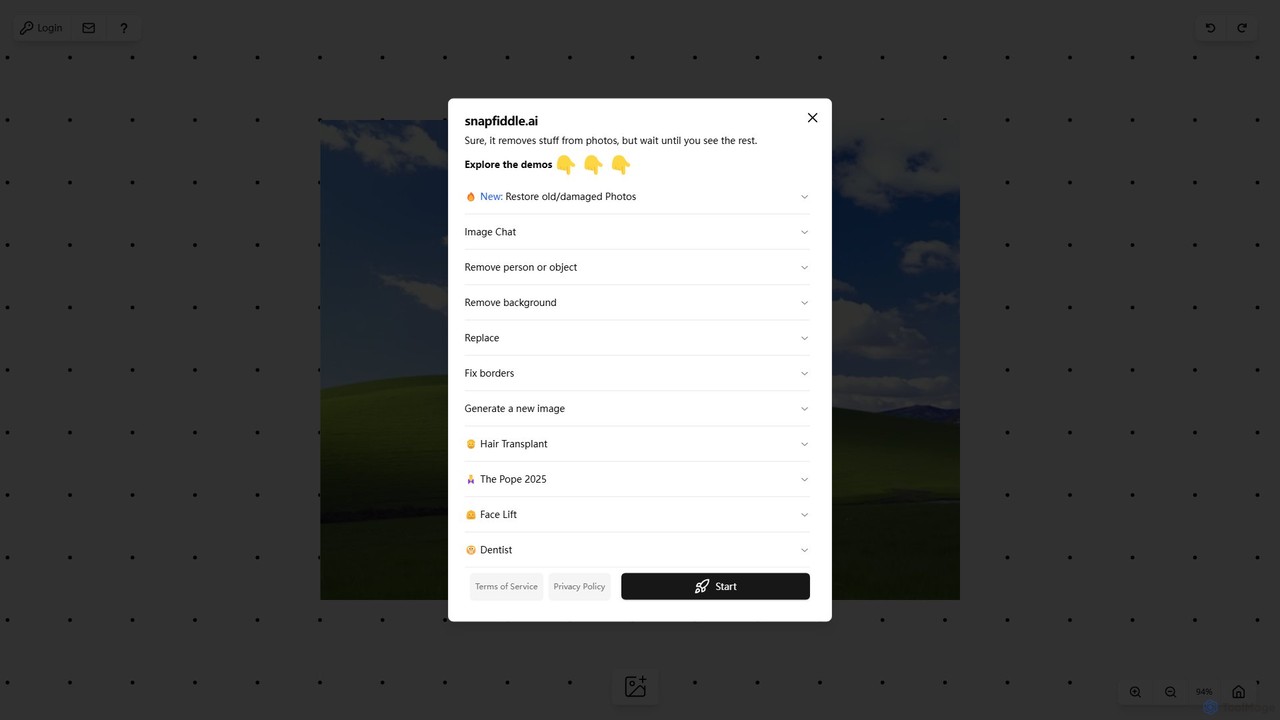
snapfiddle.ai
snapfiddle.ai is a comprehensive AI-powered image editing suite. It allows users to effortlessly remove objects, restore old photos, remove backgrounds, generate new images, and perform advanced edits like face lifts or hair transplants through an intuitive web interface.
Image Generation
hama Comments (0)
Sign in to comment.
Sign inNo comments yet.