

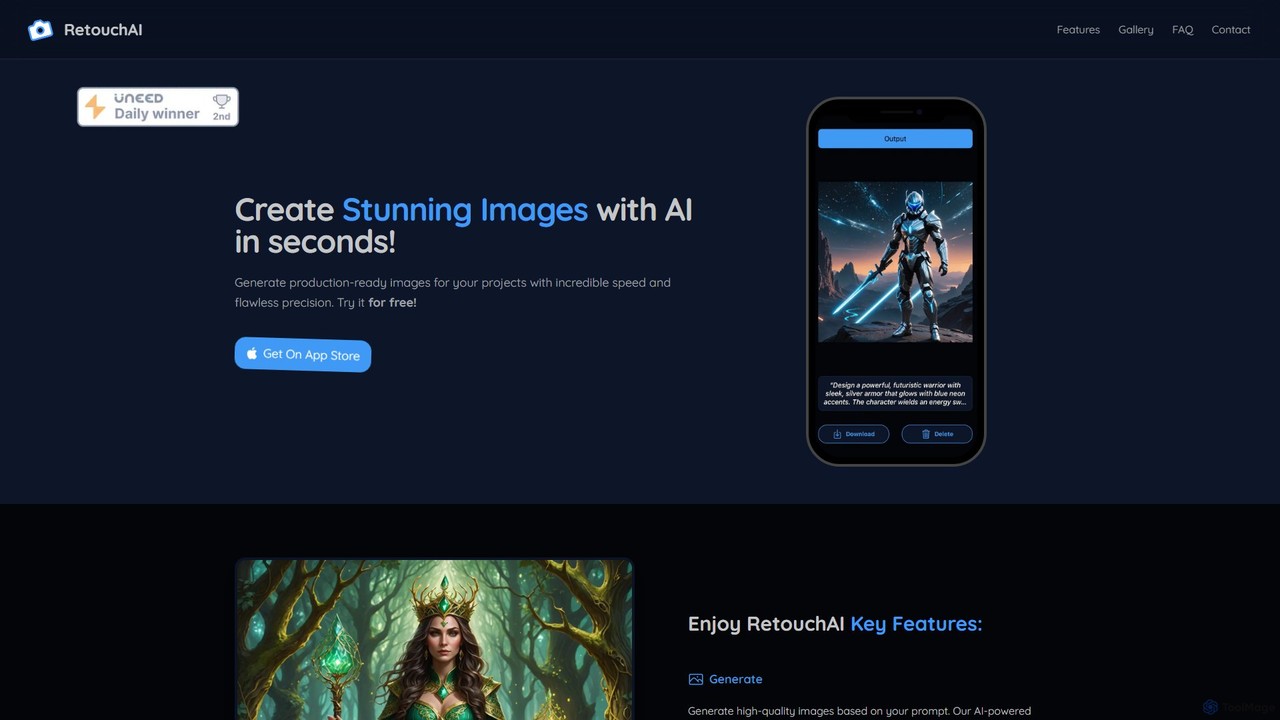
RetouchAI Overview
RetouchAI is an innovative and intuitive iOS application designed to put the power of professional-grade AI image creation and editing into the hands of every user. Whether you are a content creator, social media manager, designer, or simply someone looking to enhance your photos, RetouchAI provides a comprehensive suite of tools to bring your visual ideas to life with incredible speed and precision. The app transforms your iPhone into a creative studio, allowing you to generate stunning, production-ready images from simple text prompts or meticulously edit existing photos in just a few taps.
The core philosophy of RetouchAI is to make advanced AI technology accessible and easy to use. It eliminates the need for complex desktop software and steep learning curves, offering a streamlined workflow that produces high-quality results in seconds, not hours. From creating entirely new visuals to perfecting the finest details of a photograph, RetouchAI is your all-in-one solution for mobile image editing.
How to use RetouchAI
Getting started with RetouchAI is a straightforward process designed for immediate creativity. First, download the application from the Apple App Store. Upon launching the app for the first time, new users are welcomed with 5 free credits to explore all the features without any initial commitment. To begin, simply choose one of the four main tools from the main interface: Generate, Outpaint, Inpaint, or Erase. For image generation, type a descriptive text prompt of the image you envision. For editing functions, upload an image from your gallery. The app's intuitive controls will then guide you through masking areas, expanding borders, or selecting objects for removal. Once you've set your parameters, the AI processes your request, typically delivering the final image within 10 to 30 seconds.
Core Features of RetouchAI
- AI Image Generation: Instantly create high-quality, unique images from text descriptions. Describe anything you can imagine, from a 'photorealistic portrait of an astronaut riding a horse on Mars' to 'a minimalist logo for a coffee shop,' and the AI will generate it for you.
- AI Outpainting (Magic Expand): Seamlessly extend your images beyond their original boundaries. This feature, often called 'magic expand,' allows you to un-crop photos, create vast panoramic scenes, or adjust an image's aspect ratio by intelligently generating new content that perfectly matches the existing style and context.
- AI Inpainting (Magic Edit): Transform specific details within your image without altering the rest. Simply mask the area you want to change (e.g., a person's shirt, a car's color) and provide a text prompt describing the desired modification. It's perfect for subtle enhancements or creative replacements.
- AI Erase (Object Removal): Effortlessly remove unwanted elements from your photos. Whether it's a photobomber in the background, a distracting power line, or a blemish on a product shot, the erase tool intelligently fills in the space for a clean, natural-looking result.
Use Cases for RetouchAI
RetouchAI is a versatile tool for a wide range of applications. Social media managers can generate eye-catching visuals for posts and stories. Marketers can create unique ad creatives and product mockups without expensive photoshoots. Bloggers and writers can produce custom illustrations for their articles. Artists and designers can use it for brainstorming, concept art, and rapid prototyping. For personal use, it's perfect for fixing flawed photos, removing distractions from travel pictures, or creating fun, imaginative images to share with friends and family.
Advantages of RetouchAI
The primary advantage of RetouchAI is its combination of power and accessibility. It consolidates four powerful AI editing tools into a single, user-friendly mobile app. The processing speed is a major benefit, delivering results in under 30 seconds. The quality of the output is consistently high, producing visuals suitable for professional use. Furthermore, the freemium model, with 5 free starting credits, allows everyone to experience the app's full capabilities before making any purchase, making it a risk-free choice for exploring AI-powered creativity.
Pricing and Plans
RetouchAI operates on a freemium, credit-based system. All new users automatically receive 5 free credits to test the application's features. Each action, such as generating or editing an image, consumes credits. Once the initial free credits are used, users can purchase additional credit packs directly within the app through in-app purchases. This pay-as-you-go model offers flexibility, allowing users to buy credits as needed without being tied to a monthly subscription. For detailed pricing on credit packs, please refer to the App Store page or the in-app store.
RetouchAI Alternatives

Kira
Kira is a powerful AI-powered platform for professional-grade image generation and editing. It combines a versatile text-to-image generator with a comprehensive suite of editing tools, including background removal, inpainting, upscaling, and stylization. Its key feature is the ability to maintain consistent styles and characters across multiple edits and generations, making it ideal for branding, marketing, and creative projects that require a cohesive visual identity.
Graphic Design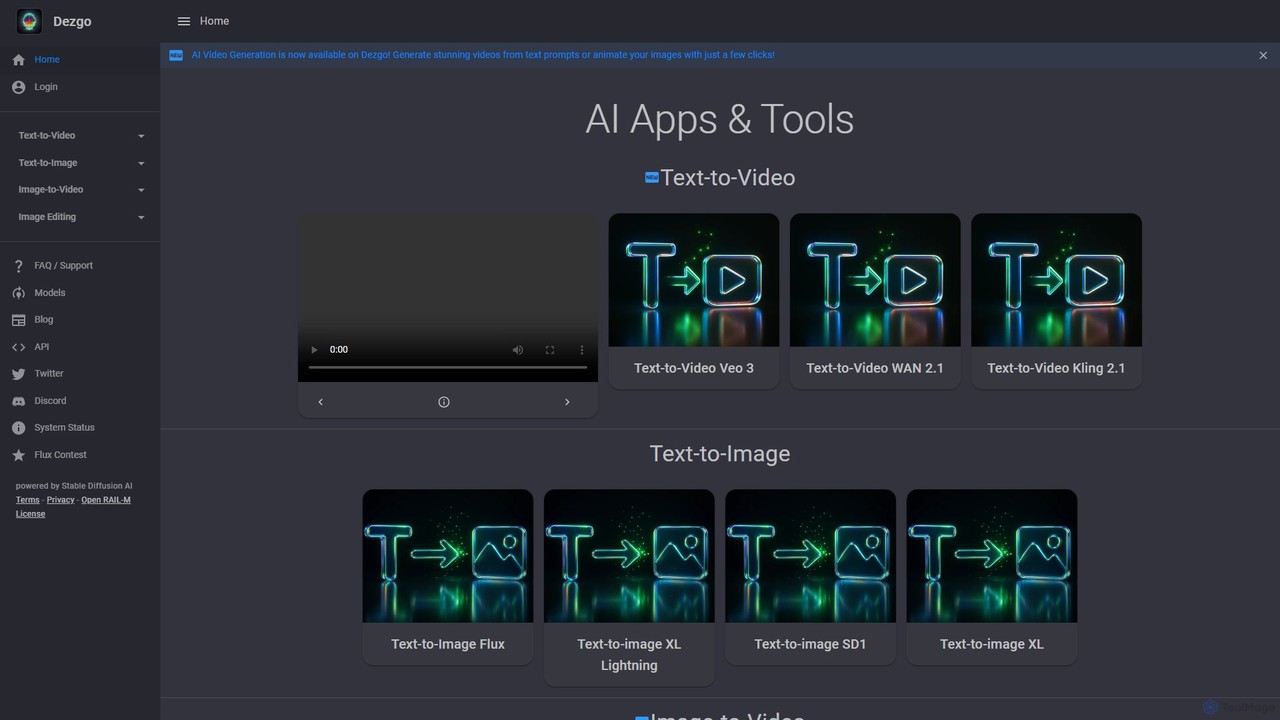
Dezgo
Dezgo is a versatile AI-powered platform for generating high-quality images and videos from text descriptions. It offers a suite of tools including text-to-image, text-to-video, image editing, upscaling, and inpainting, utilizing various advanced models like Stable Diffusion. It operates on a freemium model, providing both a free-to-use version and a pay-as-you-go 'Power Mode' for unrestricted access.
Image Editing
OmniGen AI
OmniGen AI is a powerful, open-source AI image generation platform that unifies text-to-image, image editing, and controlled generation into a single framework. Leveraging advanced Diffusion Transformer models and OminiControl technology, it allows users to create stunning, high-quality visuals from text prompts, edit existing images with precision, and utilize features like virtual try-on, background removal, and subject-driven generation with unprecedented ease and control.
Virtual Try On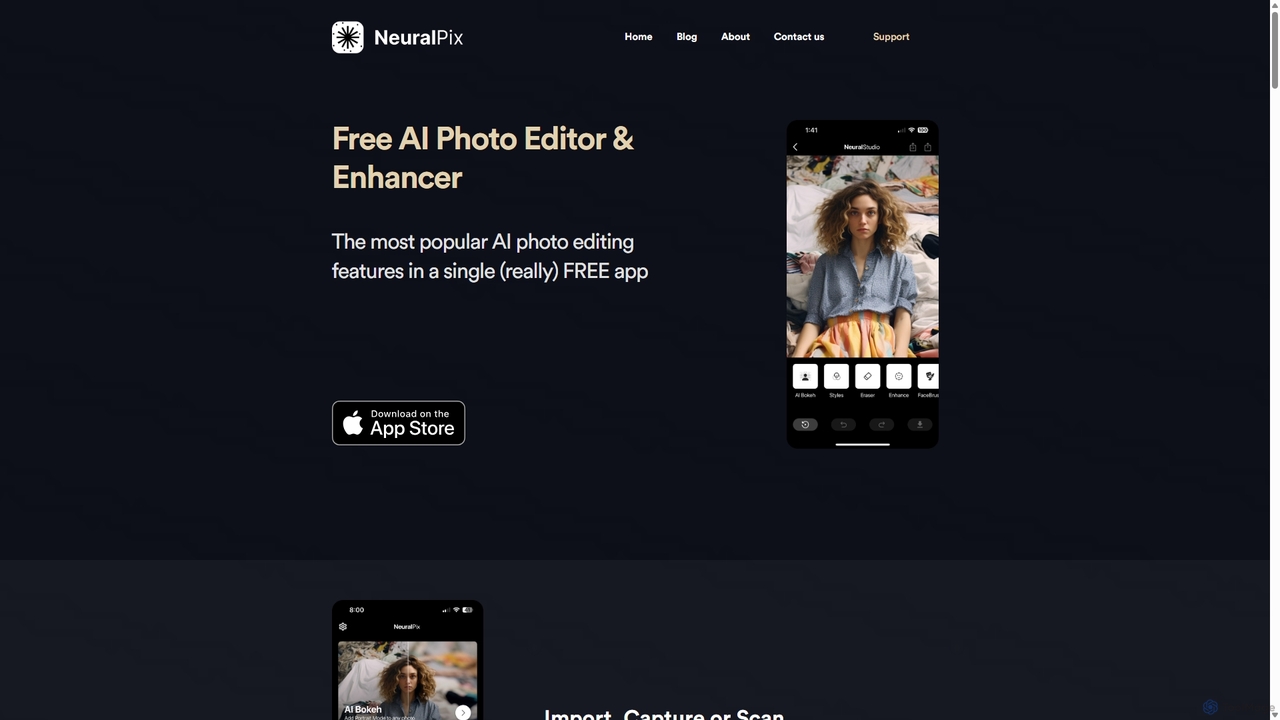
NeuralPix
NeuralPix is a completely free, all-in-one AI photo editor and enhancer app. It packs powerful features like Magic Eraser, AI Bokeh, Photo Enhancer, Unblur, Colorization, and Upscaling into a single, user-friendly interface. Perfect for both casual users and professionals to effortlessly improve photos, restore old memories, and create stunning images without subscriptions or ads.
Image Editing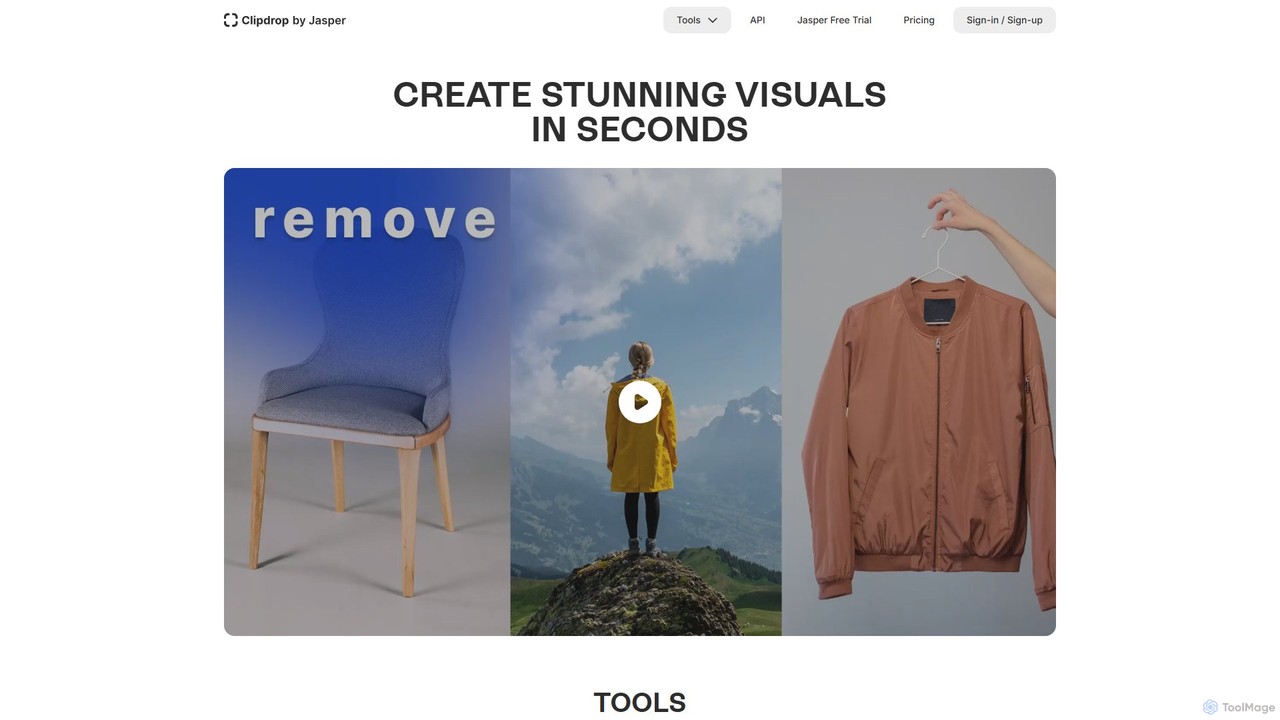
Clipdrop
Clipdrop is an all-in-one suite of AI-powered tools for image creation, editing, and enhancement. Developed by Stability AI, it allows users to effortlessly remove backgrounds, clean up images, upscale resolution, generate visuals from text, and much more, all within a simple web interface.
GraphicsRetouchAI Categories
RetouchAI Embed Widget
Copy this embed code to place the badge on your blog, article, or product site and send readers directly to this ToolMage detail page.

Related AI tools
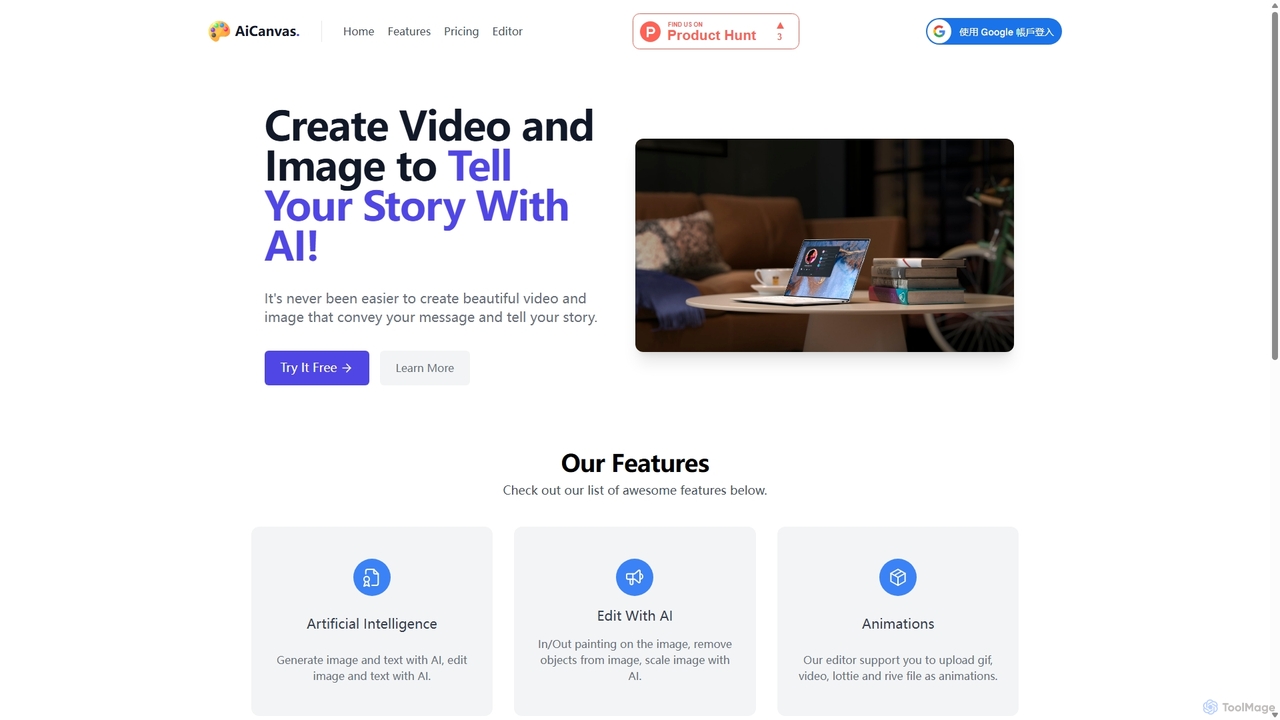
AiCanvas
AiCanvas is a free, web-based creative suite that combines a versatile canvas editor with powerful AI capabilities. Generate images from text, perform advanced AI edits like inpainting and object removal, and create dynamic videos and animations. It supports various media formats, making it an all-in-one solution for creating stunning visual content for social media, marketing, and personal projects without any cost.
Image GenerationKira
Kira is a powerful AI-powered platform for professional-grade image generation and editing. It combines a versatile text-to-image generator with a comprehensive suite of editing tools, including background removal, inpainting, upscaling, and stylization. Its key feature is the ability to maintain consistent styles and characters across multiple edits and generations, making it ideal for branding, marketing, and creative projects that require a cohesive visual identity.
Graphic Design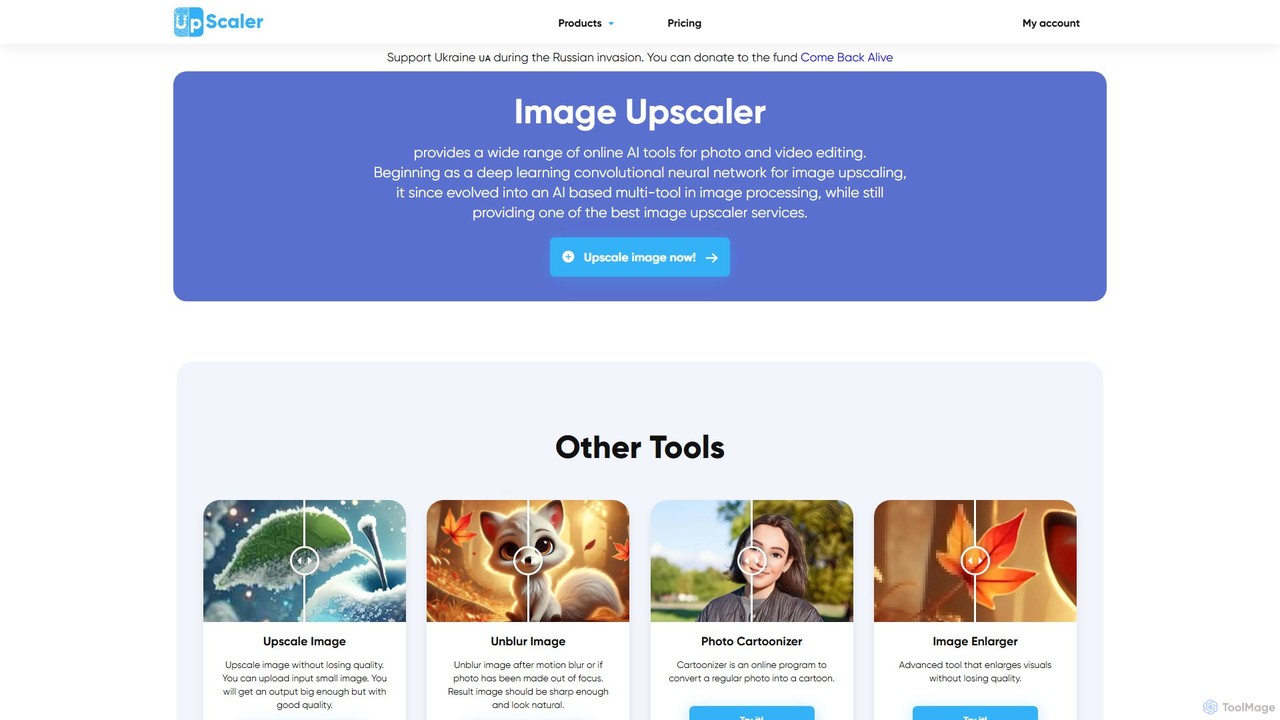
ImageUpscaler
An all-in-one AI-powered platform for image enhancement. Upscale photos up to 4x without quality loss, remove backgrounds, deblur images, generate art from text, and utilize a wide range of creative tools like cartoonizers, colorizers, and object removers. Ideal for professionals and hobbyists.
Graphics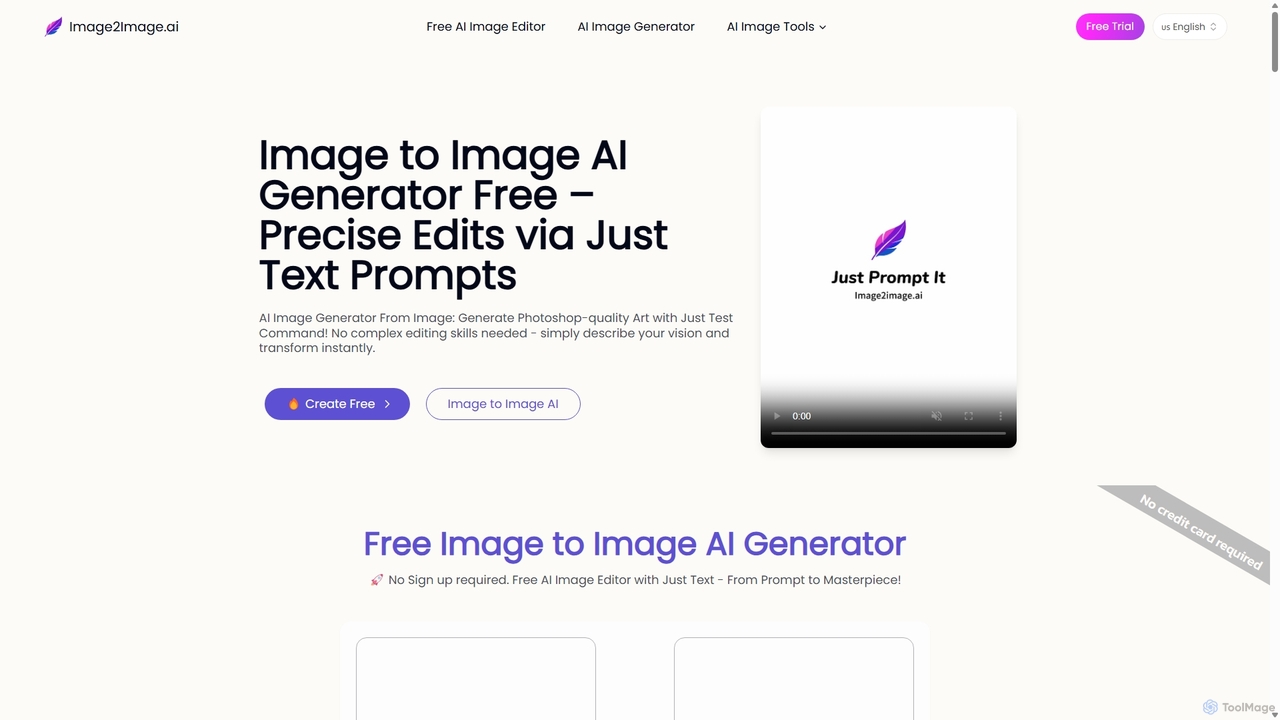
Image to Image AI
Image to Image AI is a powerful free tool that transforms your existing photos into stunning new creations using simple text prompts. It allows for precise edits, style transfers, object removal, and photo restoration while maintaining the consistency and composition of the original image, no professional skills required.
Ai Art Generator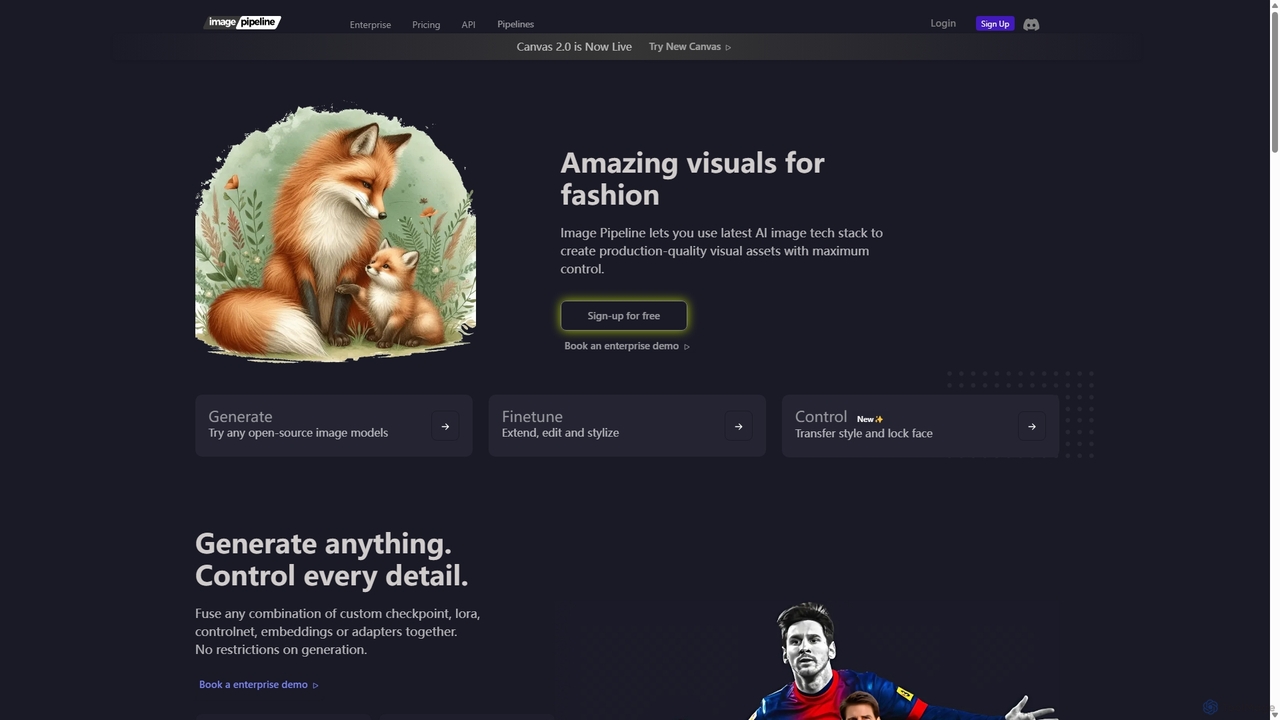
Imagepipeline
An advanced AI image generation platform for developers and creators, offering maximum control over visual asset creation. It provides a comprehensive suite of tools including Stable Diffusion, ControlNets, LoRA, and custom models via a simple REST API, designed for production-quality outputs and seamless integration into applications.
Design Assistant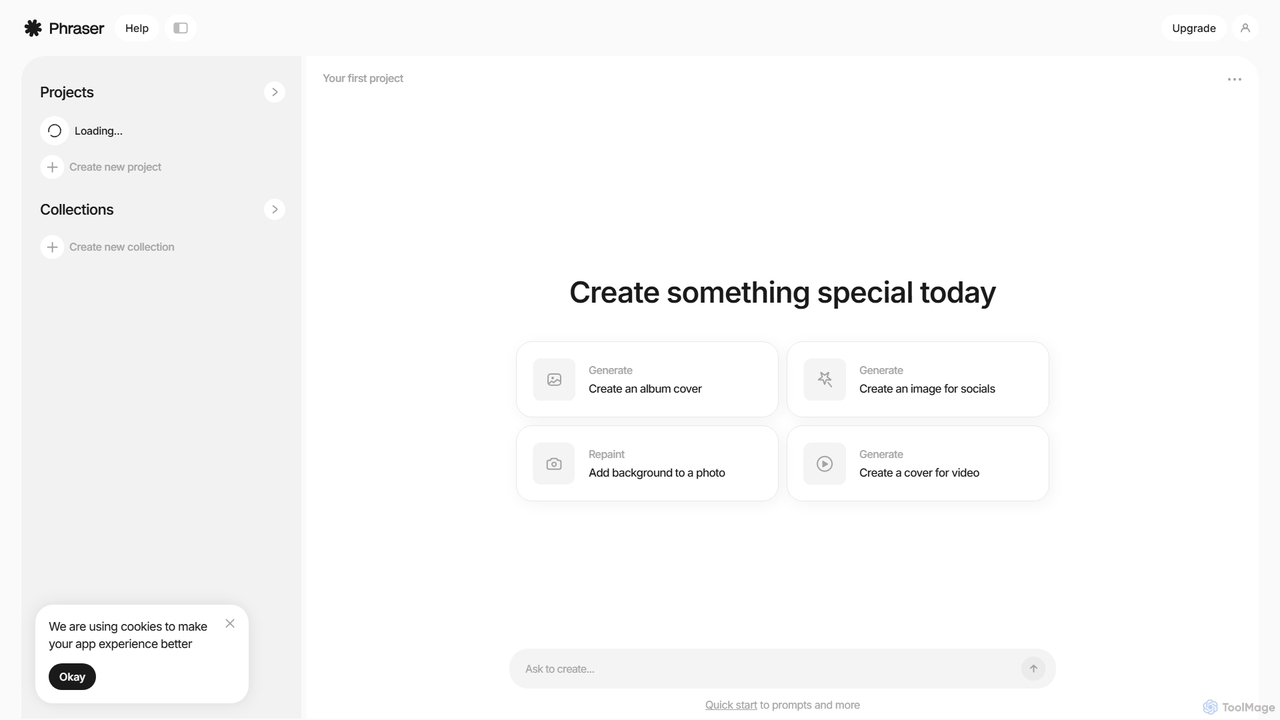
Phraser
Phraser is an AI-powered creative suite for generating and editing stunning visuals. It combines text-to-image generation with advanced editing tools like repainting and background manipulation. Ideal for creating album covers, social media graphics, and video thumbnails, Phraser streamlines the creative workflow for artists, marketers, and content creators with its intuitive, project-based interface.
Creative Tools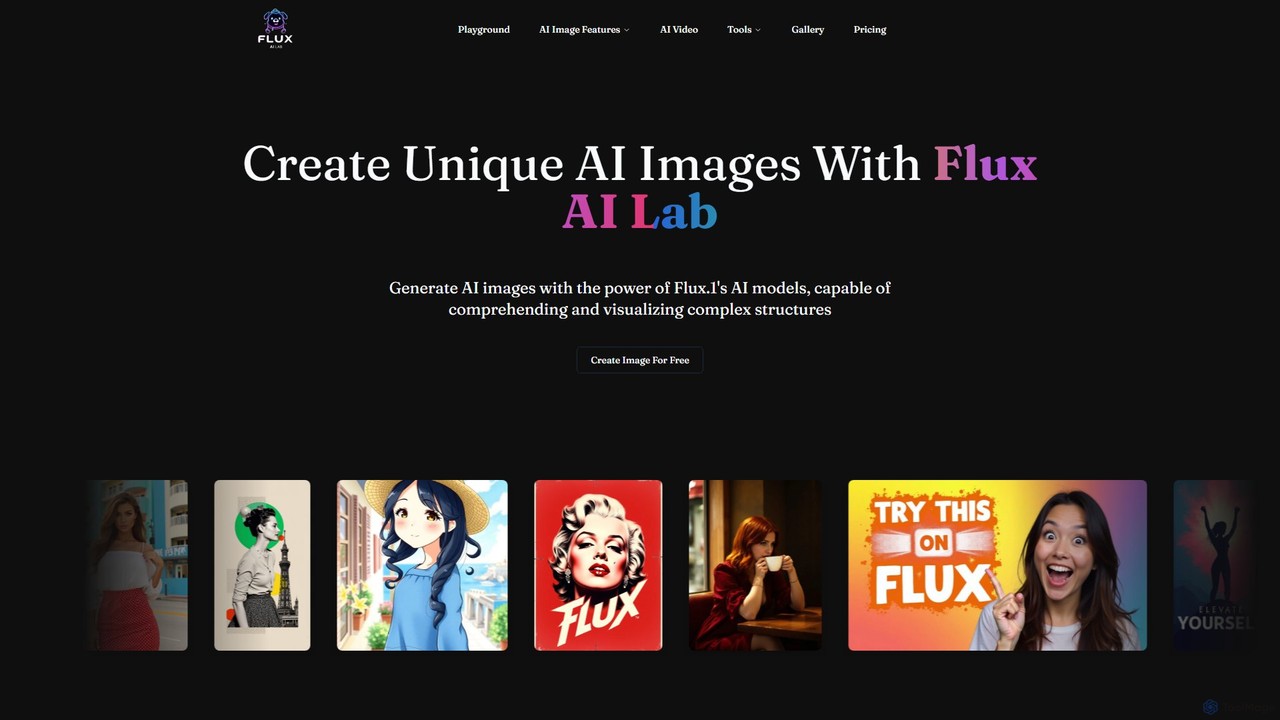
fluxailab
fluxailab is an advanced AI image generation platform powered by the proprietary FLUX.1 model. It excels at creating high-resolution, photorealistic images from text prompts and offers a suite of powerful tools for fine-grained control, including consistent character generation from a single photo, image relighting, style transfer, inpainting, and outpainting.
Generative Art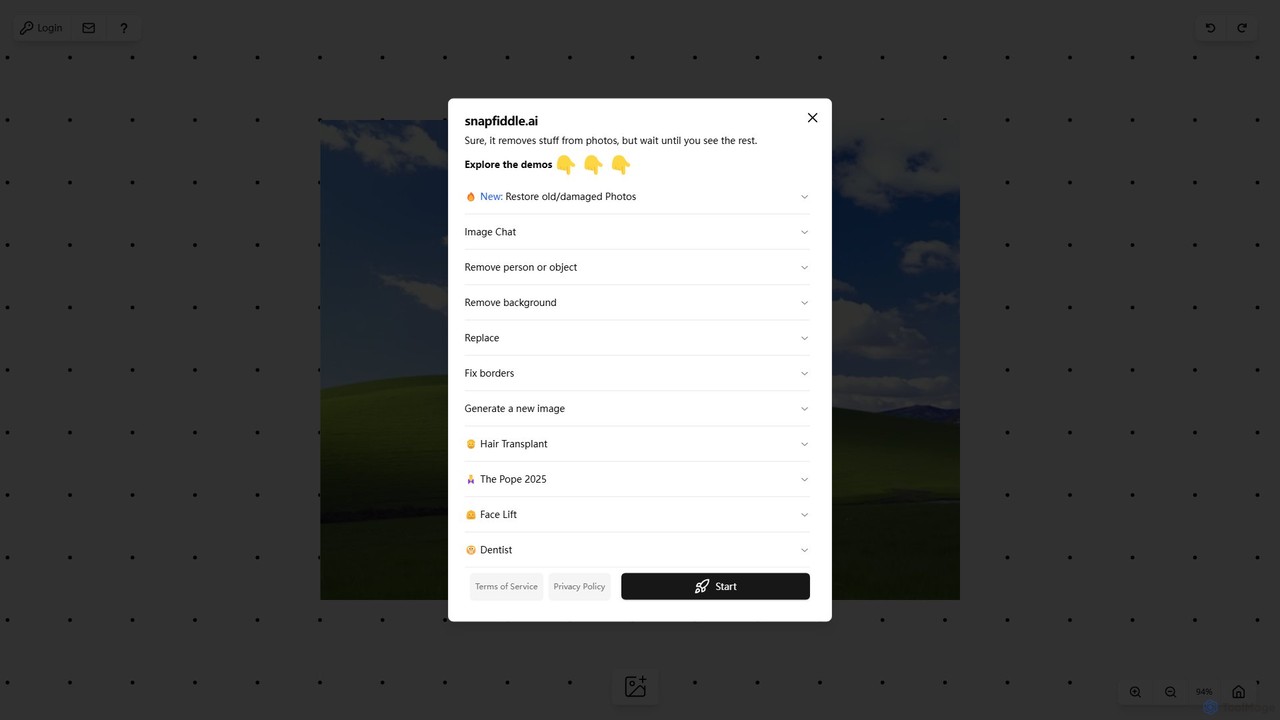
snapfiddle.ai
snapfiddle.ai is a comprehensive AI-powered image editing suite. It allows users to effortlessly remove objects, restore old photos, remove backgrounds, generate new images, and perform advanced edits like face lifts or hair transplants through an intuitive web interface.
Image Generation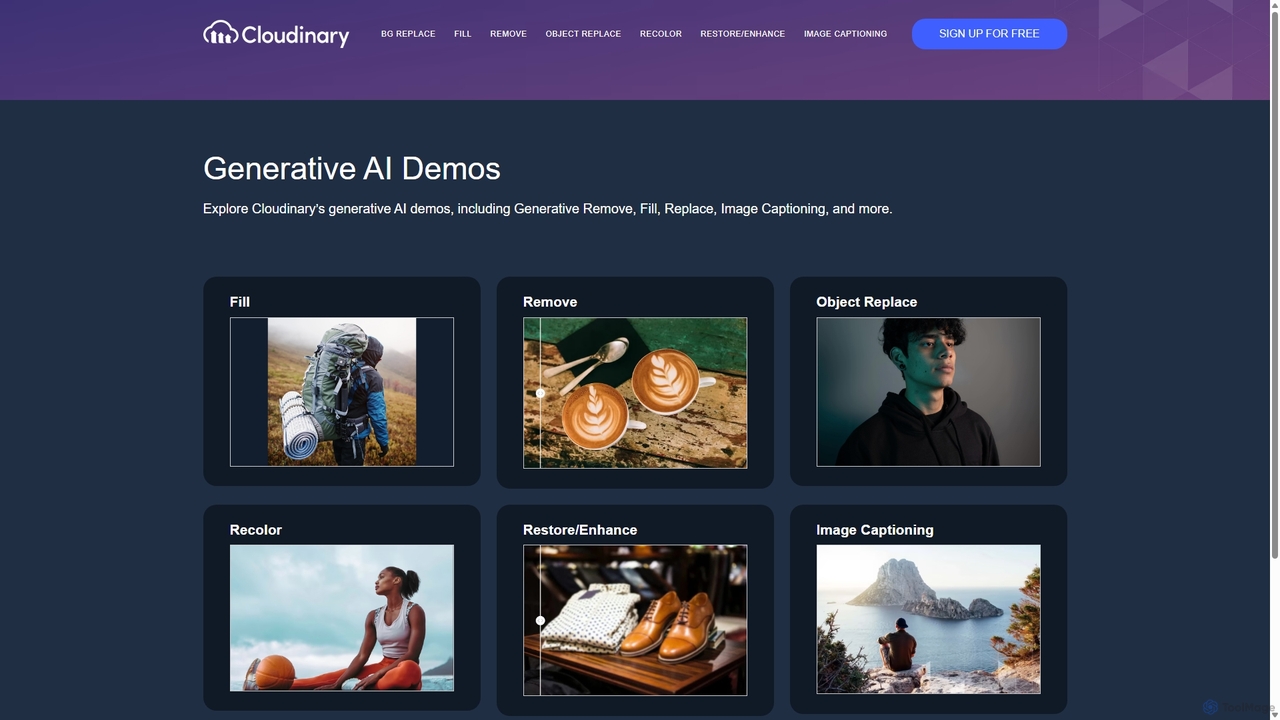
Cloudinary Generative AI Playground
An advanced suite of AI-powered tools from Cloudinary for developers, marketers, and creators. Effortlessly perform complex image manipulations like background removal, generative fill, object replacement, and image generation through an intuitive interface and powerful APIs.
Api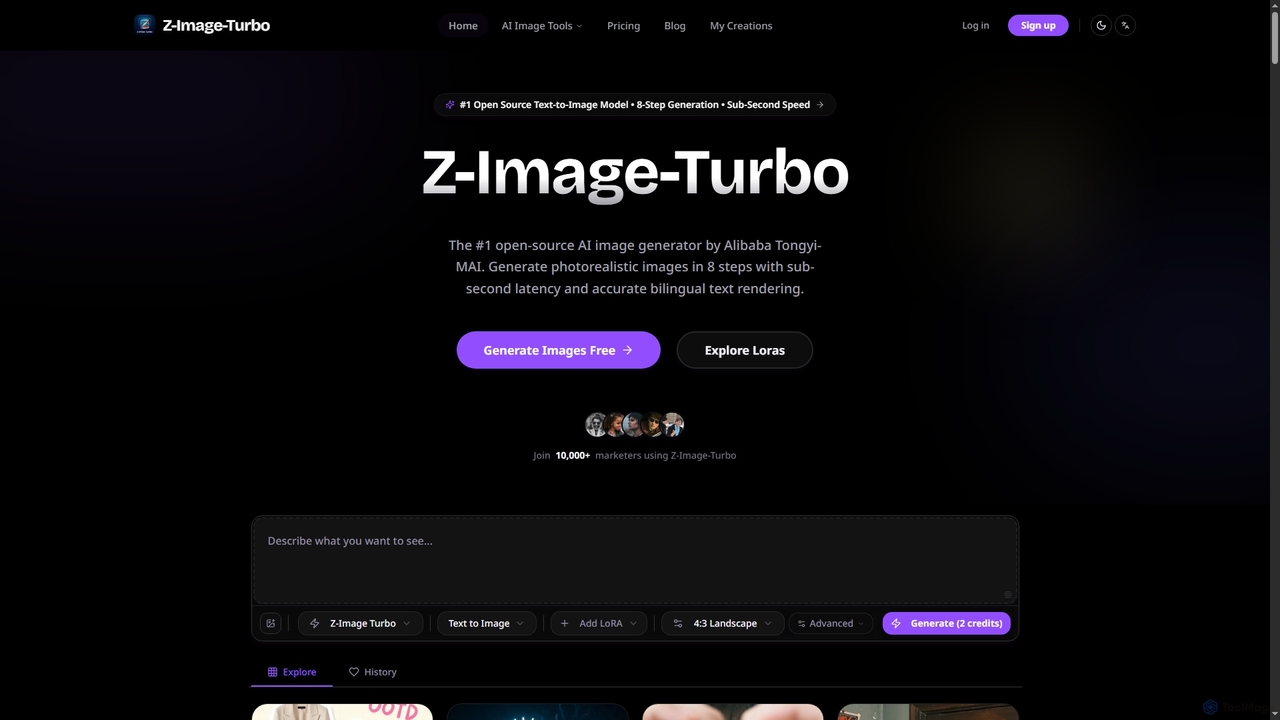
ZImageTurbo
ZImageTurbo is the #1 open-source AI image generator by Alibaba Tongyi-MAI, offering sub-second photorealistic image creation in just 8 steps. It excels in accurate bilingual text rendering (English and Chinese), runs efficiently on consumer GPUs, and provides advanced features for content creators, marketers, and designers.
Visuals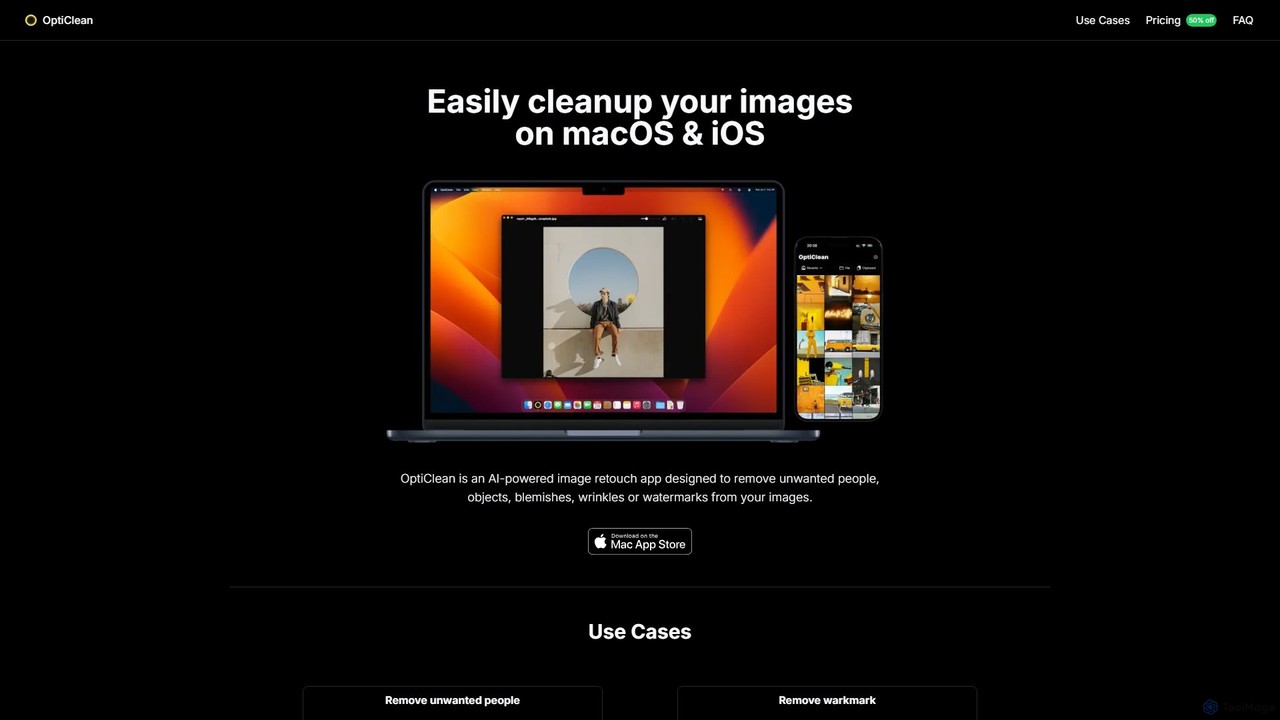
OptiClean
OptiClean is an AI-powered image retouching app for macOS and iOS, designed to effortlessly remove unwanted objects, people, watermarks, and blemishes. It offers a simple, one-click solution for professional-quality photo cleanup with a focus on user privacy through on-device processing.
Object Removal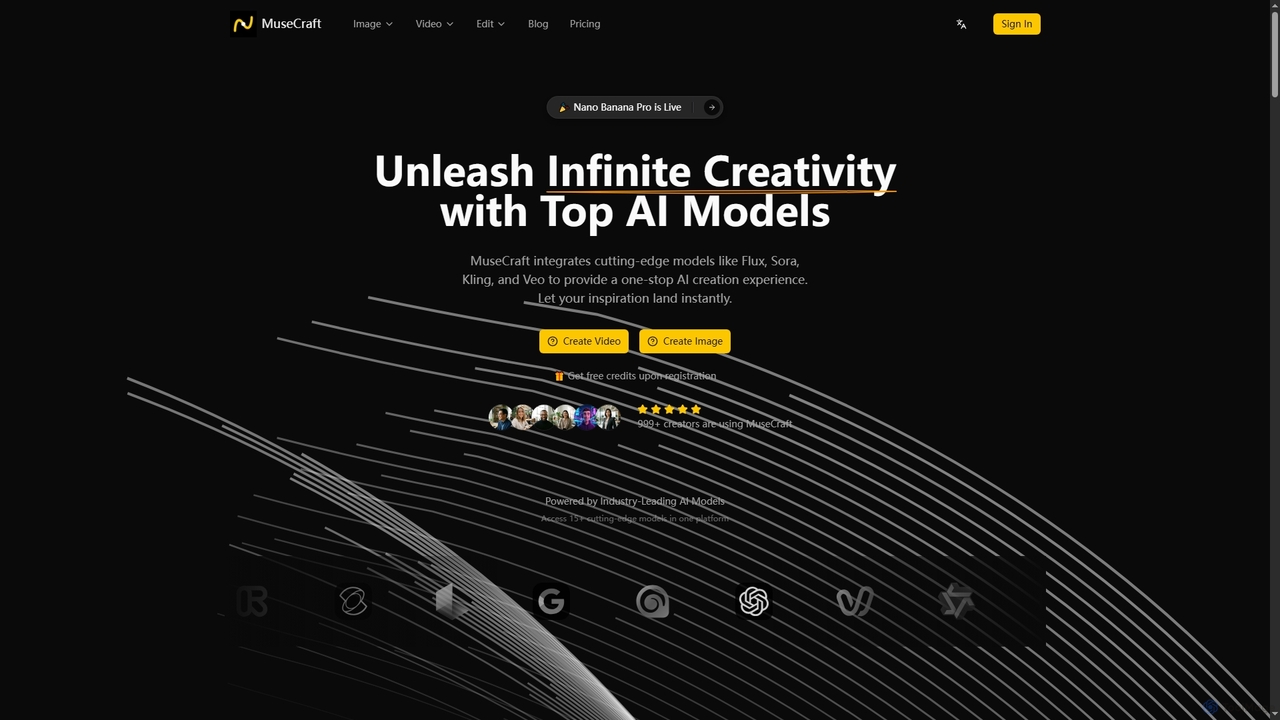
MuseCraft
MuseCraft is an all-in-one AI creative platform integrating over 15 cutting-edge AI models for text-to-image, text-to-video, and image-to-video generation. It also offers powerful AI editing tools like background removal and skin enhancement, streamlining creative workflows and eliminating the need for multiple subscriptions.
Generative ArtDezgo
Dezgo is a versatile AI-powered platform for generating high-quality images and videos from text descriptions. It offers a suite of tools including text-to-image, text-to-video, image editing, upscaling, and inpainting, utilizing various advanced models like Stable Diffusion. It operates on a freemium model, providing both a free-to-use version and a pay-as-you-go 'Power Mode' for unrestricted access.
Image EditingOmniGen AI
OmniGen AI is a powerful, open-source AI image generation platform that unifies text-to-image, image editing, and controlled generation into a single framework. Leveraging advanced Diffusion Transformer models and OminiControl technology, it allows users to create stunning, high-quality visuals from text prompts, edit existing images with precision, and utilize features like virtual try-on, background removal, and subject-driven generation with unprecedented ease and control.
Virtual Try OnNeuralPix
NeuralPix is a completely free, all-in-one AI photo editor and enhancer app. It packs powerful features like Magic Eraser, AI Bokeh, Photo Enhancer, Unblur, Colorization, and Upscaling into a single, user-friendly interface. Perfect for both casual users and professionals to effortlessly improve photos, restore old memories, and create stunning images without subscriptions or ads.
Image Editing
RetouchAI Comments (0)
Sign in to comment.
Sign inNo comments yet.