
Dezgo Overview
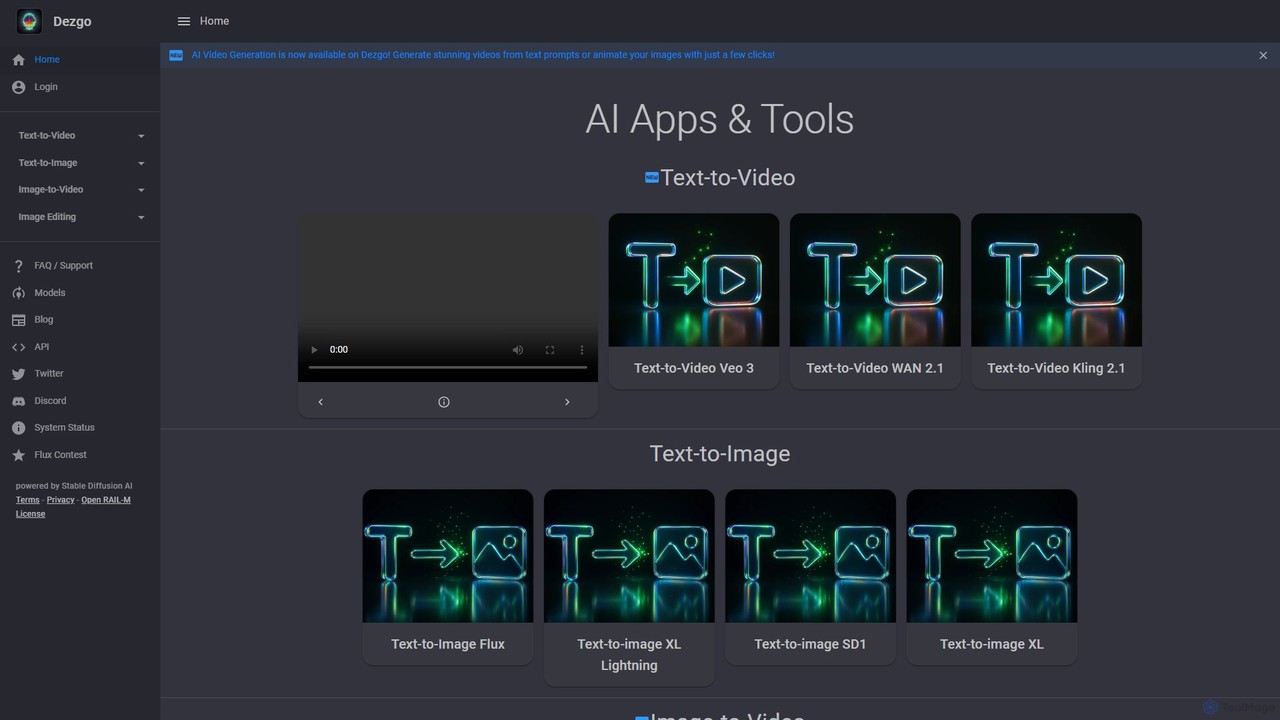
Dezgo is a comprehensive and accessible online AI toolkit designed for creating and editing visual media. At its core, Dezgo leverages powerful generative AI models, most notably Stable Diffusion and its advanced variants (like XL, Lightning, and Flux), to transform simple text prompts into stunningly detailed images. Recently, it has expanded its capabilities to include video generation, incorporating cutting-edge models such as Veo 3, WAN 2.1, and Kling 2.1, allowing users to create videos from text or animate existing images.
The platform is more than just a generator; it's a complete creative suite. Users can perform a wide range of editing tasks, from basic background removal and image upscaling to more complex operations like inpainting (filling or replacing parts of an image using text prompts) and controlled image generation. This makes it an invaluable tool for artists, marketers, content creators, and developers alike.
How to use Dezgo
Using Dezgo is designed to be straightforward and intuitive, catering to both beginners and advanced users.
- Choose a Mode: Start by selecting the desired function from the main menu, such as 'Text-to-Image', 'Text-to-Video', or one of the 'Image Editing' tools.
- Enter a Prompt: In the prompt box, describe the image or video you want to create. Be as specific as possible for better results. For example, instead of "a car," try "a red vintage sports car driving on a coastal road at sunset, photorealistic."
- Refine with Negative Prompts: Use the 'Negative prompt' field to specify what you don't want to see in the output (e.g., 'blurry, cartoon, text, watermark').
- Adjust Advanced Options: Click 'More Options' to access fine-tuning controls. You can select a specific AI model, adjust the guidance scale (how strictly the AI follows the prompt), set a specific seed for reproducible results, and change the image resolution or sampling steps.
- Use Prompt Weighting: To emphasize or de-emphasize certain words, use syntax like
word+to increase importance or(multiple words)-to decrease it. You can also use numerical weights like(a phrase)1.3. - Generate: Click the 'Run' button to start the generation process. Your result will appear shortly.
- Power Mode: For unlimited access, create an account, add funds (pay-as-you-go), and toggle on 'Power Mode'. This removes all restrictions, disables ads, and provides access to your generation history.
Core Features of Dezgo
- Multi-Model Text-to-Image: Generate images using a variety of models including Stable Diffusion 1.5, SDXL, SDXL Lightning, and Flux, each offering unique styles.
- AI Video Generation: Create videos from text prompts or animate static images using models like Veo 3, Kling 2.1, and WAN 2.1.
- Advanced Image Editing Suite: A comprehensive set of tools including Image-to-Image, Controlled Text-to-Image, one-click background removal, AI-powered upscaling, and text-based inpainting/outpainting.
- Fine-Grained Control: Extensive options to control the output, including negative prompts, prompt weighting, seed numbers, sampling steps, and guidance scale.
- Freemium Access: A robust free version is available without registration, alongside a flexible pay-as-you-go 'Power Mode' for heavy users.
- Commercial Use License: Generated images can be used for commercial purposes, subject to the terms of the underlying AI model's license (e.g., CreativeML Open RAIL-M).
- Developer API: A well-documented API allows developers to integrate Dezgo's powerful generation and editing capabilities into their own applications.
Use Cases for Dezgo
Dezgo's versatility makes it suitable for a wide array of applications:
- Marketing & Social Media: Create unique visuals for ad campaigns, social media posts, and promotional materials without needing stock photos.
- Content Creation: Generate illustrations for blog posts, book covers, presentations, and website banners.
- Art & Design: Artists and designers can rapidly prototype concepts, create digital art, and explore new creative styles.
- E-commerce: Generate professional product photos, remove backgrounds for clean listings, and create lifestyle shots.
- Game & App Development: Create game assets, character concepts, and UI elements quickly.
- Personal Use: Design custom wallpapers, avatars, or simply have fun bringing imaginative ideas to life.
Advantages of Dezgo
Dezgo stands out for several key reasons:
- All-in-One Platform: It combines generation and editing tools, eliminating the need to switch between multiple services.
- Accessibility: The free tier is generous and requires no sign-up, lowering the barrier to entry for AI creation.
- Transparent & Flexible Pricing: The pay-as-you-go model is cost-effective and straightforward, with no recurring subscription fees. Your balance never expires.
- User Control: It offers a high degree of control over the generation process, empowering users to achieve their precise vision.
- Constant Innovation: The platform is regularly updated with the latest and most powerful AI models for both image and video.
Pricing and Plans
Dezgo operates on a freemium model with two main tiers:
- Free Version: Accessible to everyone without an account. This version is ad-supported and has certain limitations, such as rate limits, lower maximum resolution, and capped quality settings (sampling steps).
- Power Mode (Pay-as-you-go): This is a prepaid service for users who need more power and flexibility. To access it, you create an account and deposit funds (minimum $10 USD). Power Mode offers:
- No ads and no restrictions on generation parameters.
- Higher priority processing.
- Access to generation history for up to 30 days.
- Pricing is per-request and varies based on the model and settings. For example, a standard Text-to-Image generation costs approximately $0.0019, while an SDXL image is about $0.0075.
- The balance is non-refundable but never expires. Payments are securely processed by Stripe.
Traffic
Latest traffic
Status
Monthly traffic trend
- 2025-9: 487.1K
- 2026-1: 572.1K
- 2026-2: 391.6K
- 2026-3: 335.2K
- 2026-4: 291.5K
- 2026-5: 289.1K
Geography
Top 5 countries / regions
- 🇺🇸United States39.3%
- 🇷🇺Russia26.1%
- 🇳🇬Nigeria18.5%
- 🇬🇧United Kingdom9.9%
- 🇿🇦South Africa6.3%
Traffic sources
| Source type | Percentage |
|---|---|
Direct | 86.1% |
Referral | 13.1% |
Email | 0.9% |
Top keywords
| Keyword | Cost per click |
|---|---|
| ai image generator free | $0.62 |
| ai image generator no login dezgo | $0.00 |
| dezgo | $1.05 |
| dezgo ai | $1.37 |
| dezgo text to image | $0.00 |
Dezgo Videos on YouTube

Dom the AI Tutor | Tech Tutor Zones

What's Good at TJ's?
Dezgo Alternatives
Aitubo
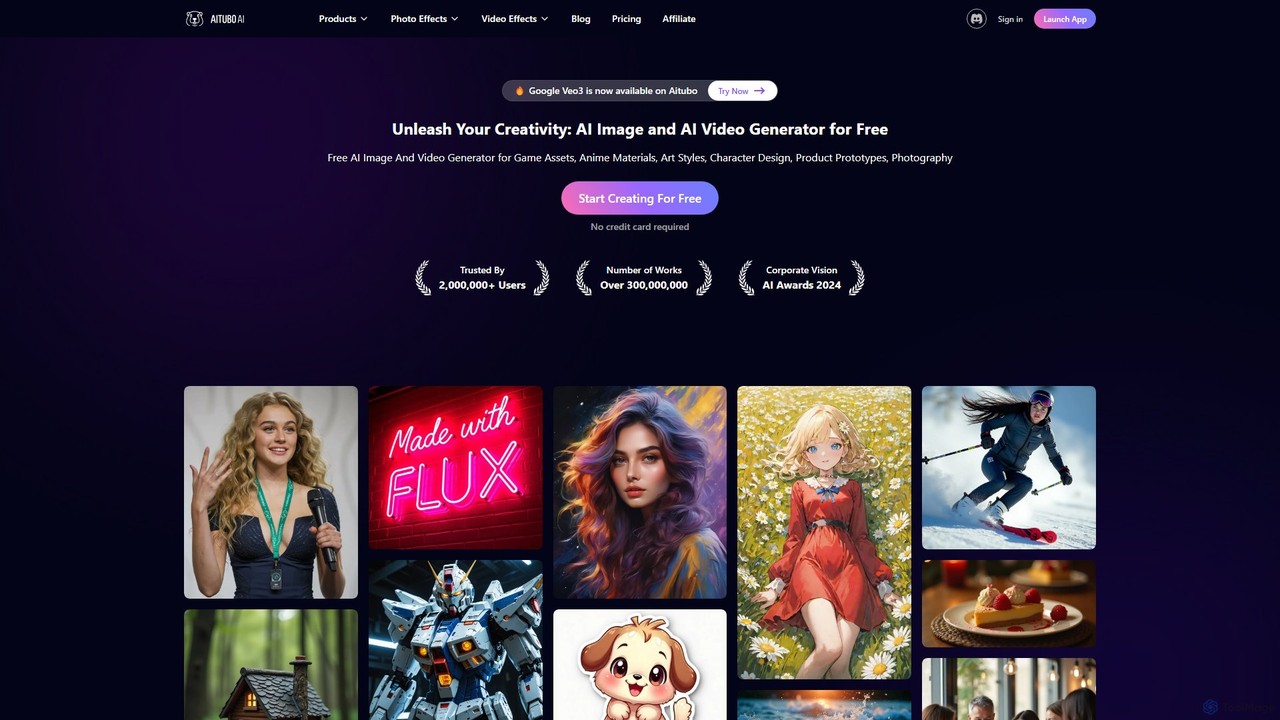
Aitubo is a comprehensive AI creative suite for generating and editing images and videos. It features advanced models like Flux and SD3, offering tools for text-to-image, text-to-video, background removal, image enhancement, face swapping, and AI character chat. Ideal for artists, designers, and content creators.
Chatbots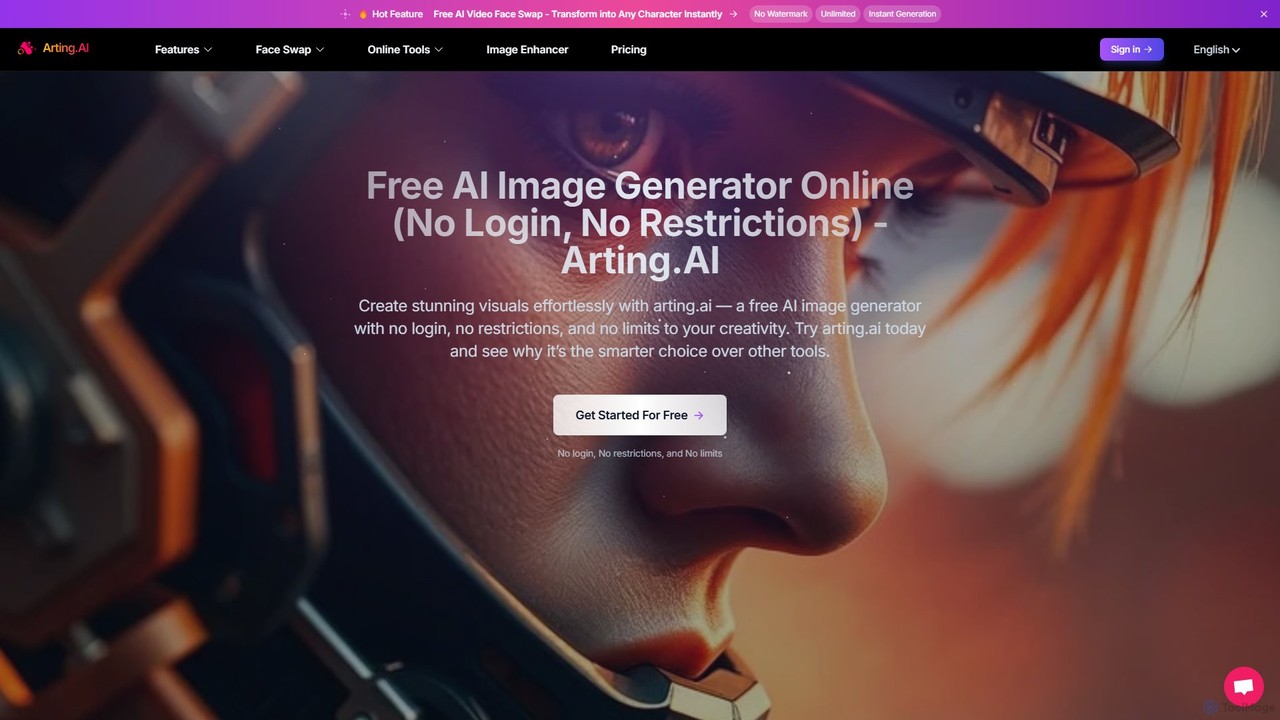
arting.ai
arting.ai is a comprehensive, free-to-use AI creative suite that requires no login. It offers a wide range of tools, including an AI image and video generator, a highly realistic face swap for photos, videos, and GIFs, and a powerful photo enhancer. It's designed for creators of all levels to produce high-quality visuals effortlessly and without restrictions.
Face Swap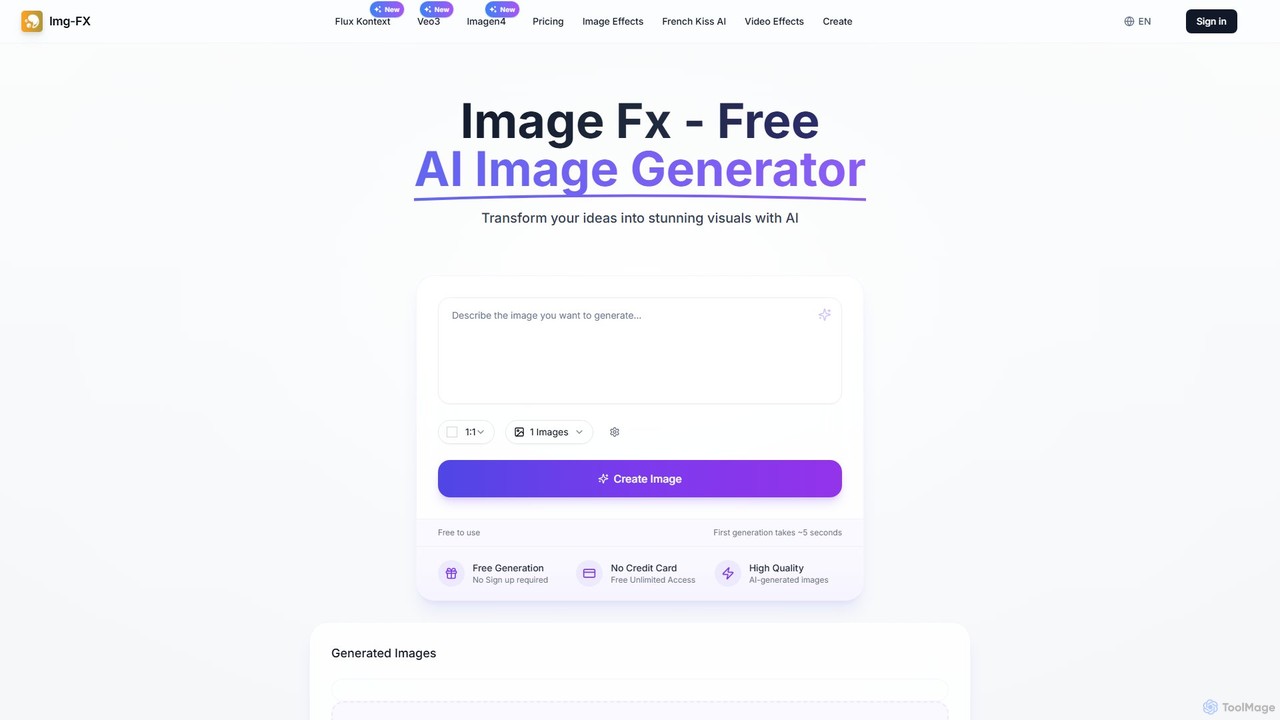
img_fx
A versatile AI creative suite for generating stunning images and videos. It offers free, no-signup text-to-image creation powered by Google's Imagen, advanced context-aware image editing with Flux Kontext, and high-quality text-to-video generation with Veo 3. Ideal for artists, marketers, and creators of all skill levels.
Image Editing
Frosting.ai
Frosting.ai is a versatile AI creation suite that combines advanced text-to-image and text-to-video generation with private AI chatbot capabilities. It offers a user-friendly interface for beginners and powerful, detailed controls like ControlNet and LoRAs for professionals, all within a freemium model.
Chatbots
Soulgen
Soulgen is a powerful AI creative suite for generating unique images and videos from text or reference photos. It specializes in creating realistic and anime-style characters, offering advanced features like high-consistency video generation, inpainting, outpainting, and face swapping. It's designed for artists, creators, and enthusiasts to bring their dream characters to life with ease.
Character CreatorDezgo Categories
Dezgo Embed Widget
Copy this embed code to place the badge on your blog, article, or product site and send readers directly to this ToolMage detail page.

Related AI tools
Frosting.ai
Frosting.ai is a versatile AI creation suite that combines advanced text-to-image and text-to-video generation with private AI chatbot capabilities. It offers a user-friendly interface for beginners and powerful, detailed controls like ControlNet and LoRAs for professionals, all within a freemium model.
Chatbots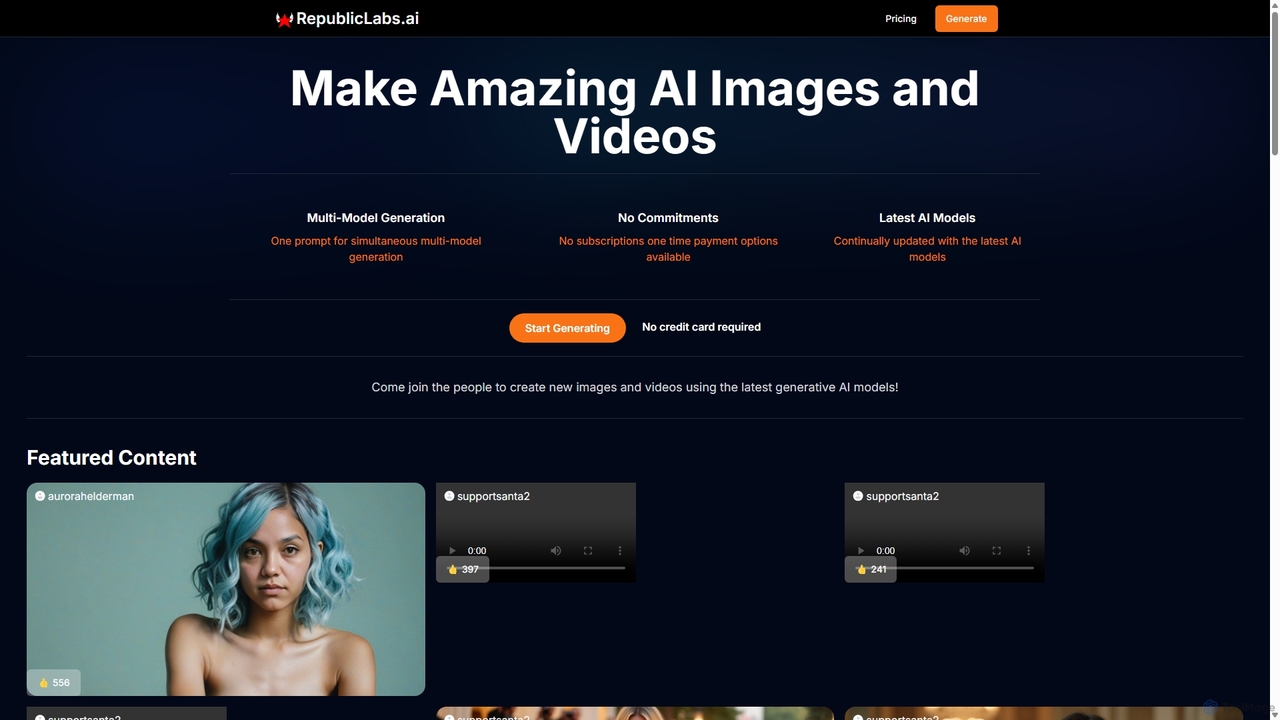
RepublicLabs.ai
A powerful generative AI platform for creating stunning images and videos. It features a unique multi-model generation system, allowing users to get diverse results from the latest AI models like Luma Dream Machine and Flux with a single prompt. Offers flexible pay-as-you-go pricing with no commitments.
Art Generation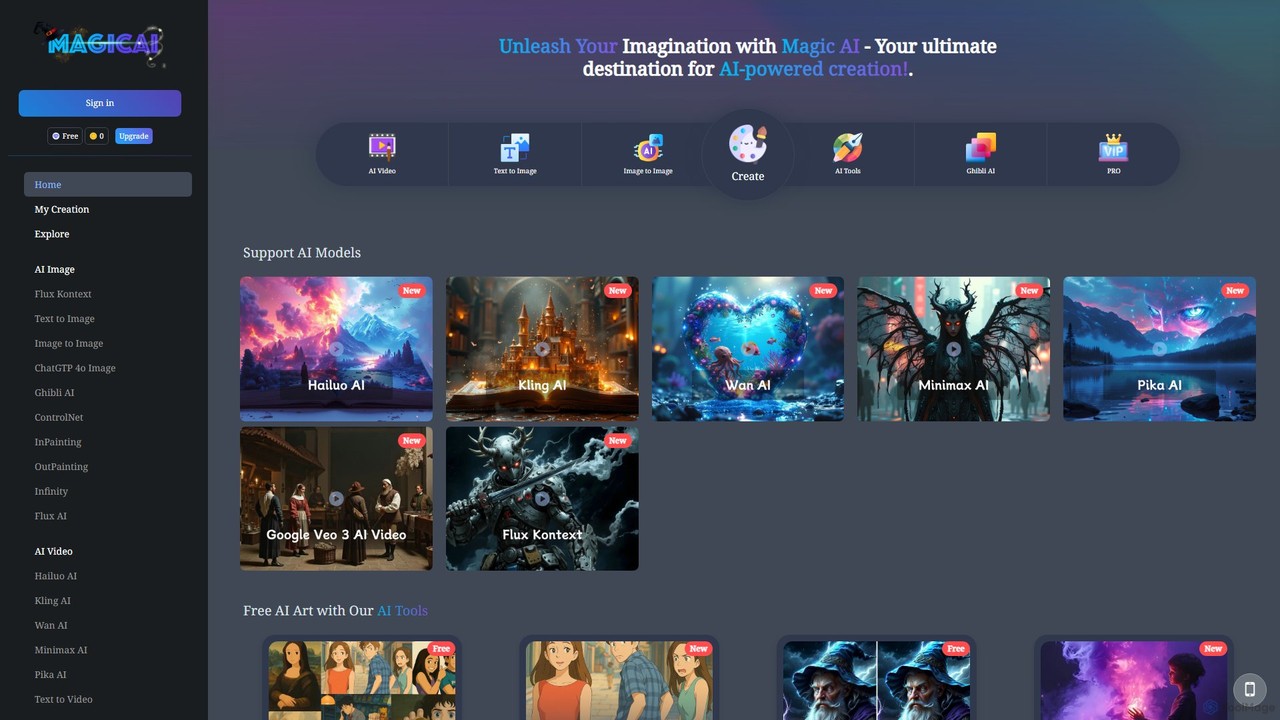
immagic
An all-in-one AI creative suite for generating stunning images and videos. It integrates multiple advanced AI models like Kling, Pika, and GPT-4o, offering tools for text-to-image, text-to-video, image editing, and more, making it accessible for both beginners and professionals.
Ai Art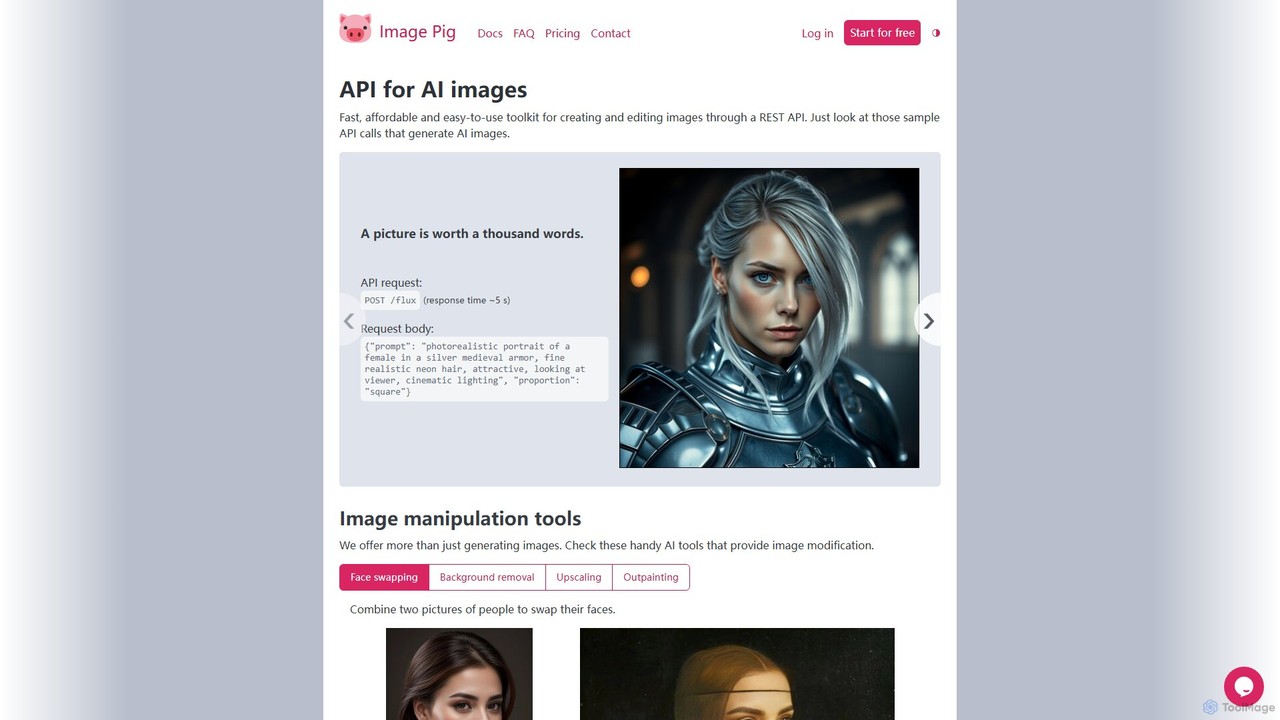
Image Pig
Image Pig is a developer-focused REST API for AI image generation and manipulation. It offers a fast, affordable, and easy-to-use toolkit for creating images from text, swapping faces, removing backgrounds, upscaling, and outpainting. With curated models like Stable Diffusion and FLUX, it allows developers to integrate powerful visual AI into their projects without managing complex hardware.
Api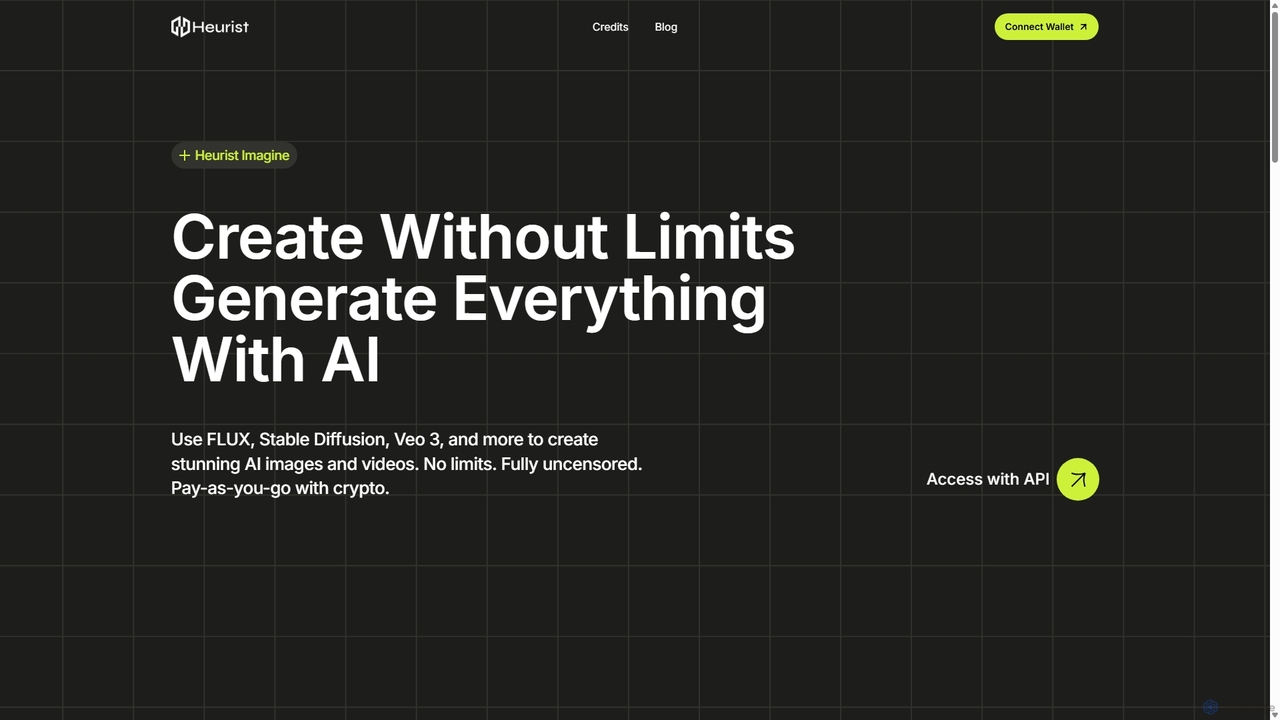
Heurist Imagine
A powerful, uncensored generative AI platform for creating stunning images and videos. It offers access to a wide range of advanced models like FLUX, Stable Diffusion, and Veo 3, with a flexible pay-as-you-go crypto payment system and API access for developers.
Generative ArtAitubo
Aitubo is a comprehensive AI creative suite for generating and editing images and videos. It features advanced models like Flux and SD3, offering tools for text-to-image, text-to-video, background removal, image enhancement, face swapping, and AI character chat. Ideal for artists, designers, and content creators.
Chatbots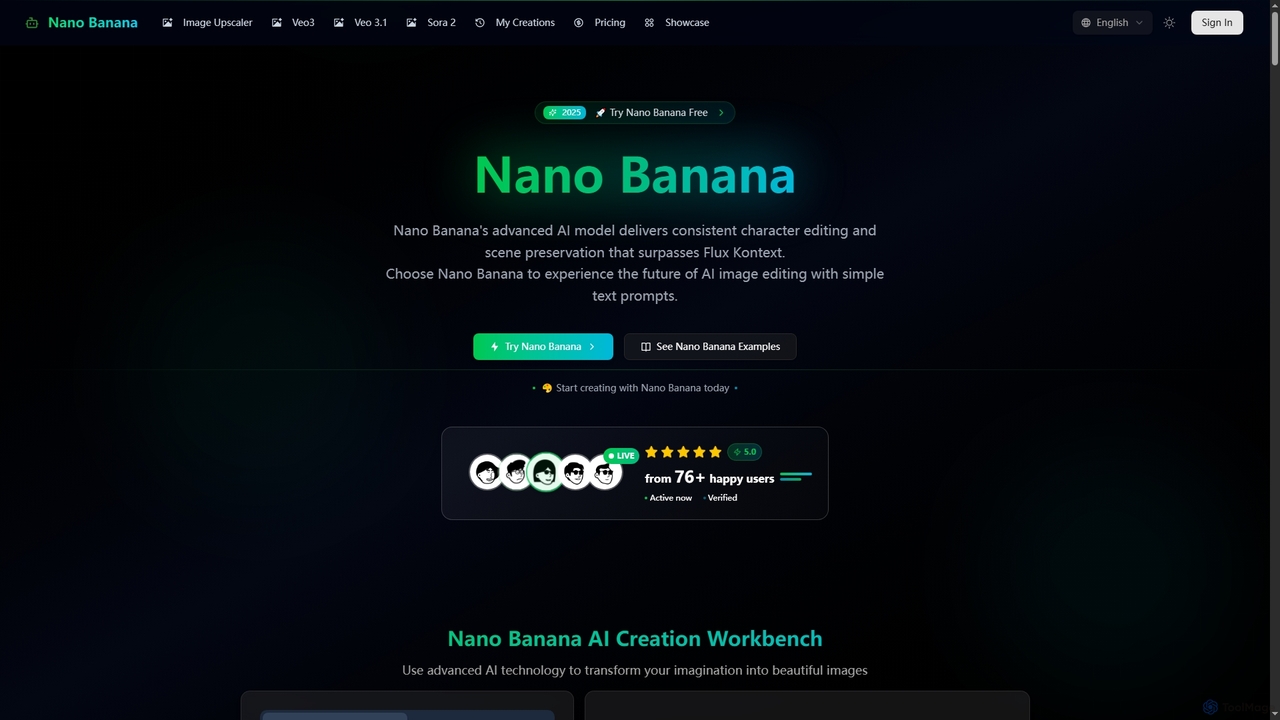
Nano Banana
Nano Banana is an advanced AI-powered platform for image generation and editing, offering consistent character editing, scene preservation, and in-context visual modifications. It also features a professional AI image upscaler and two cutting-edge AI video generators, Veo 3.1 and Sora 2, enabling users to create stunning visuals and cinematic videos from text or images with unparalleled speed and quality.
Digital Art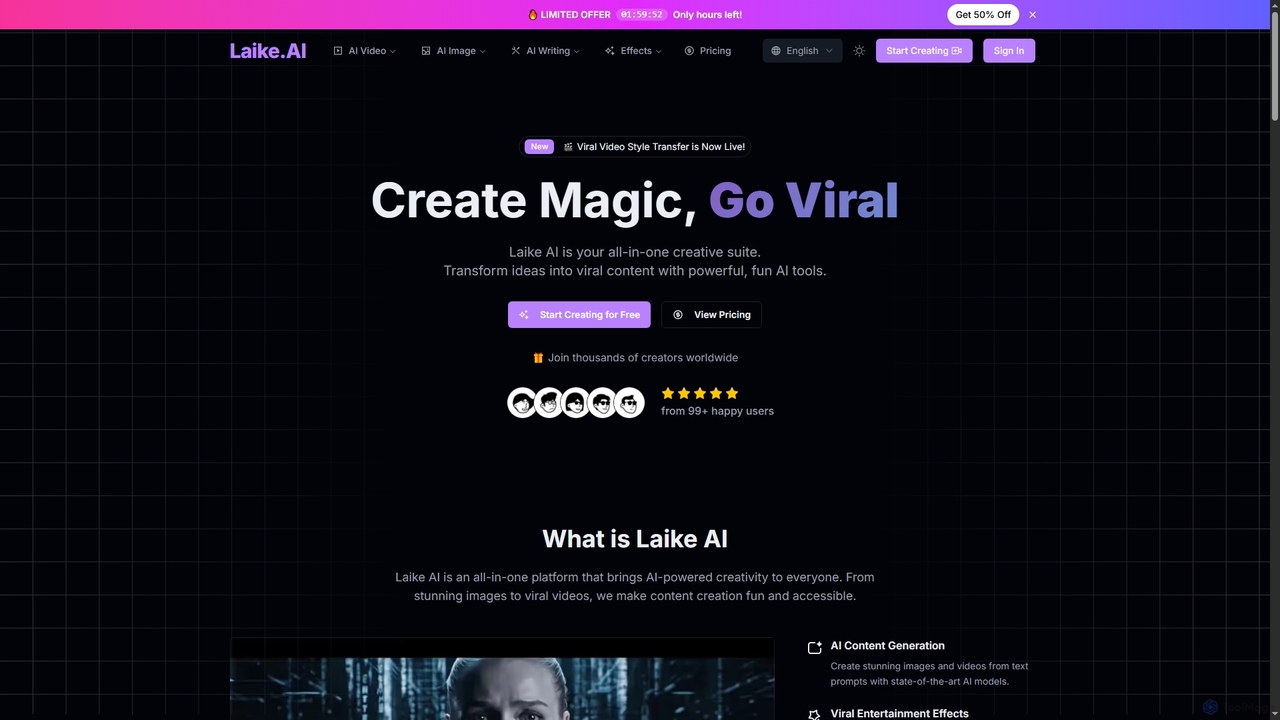
Laike
Laike is an all-in-one AI-powered creative suite designed to transform ideas into viral content. It offers powerful tools for generating stunning images and videos, applying trending entertainment effects, and sharing creations effortlessly across social platforms.
Image Generation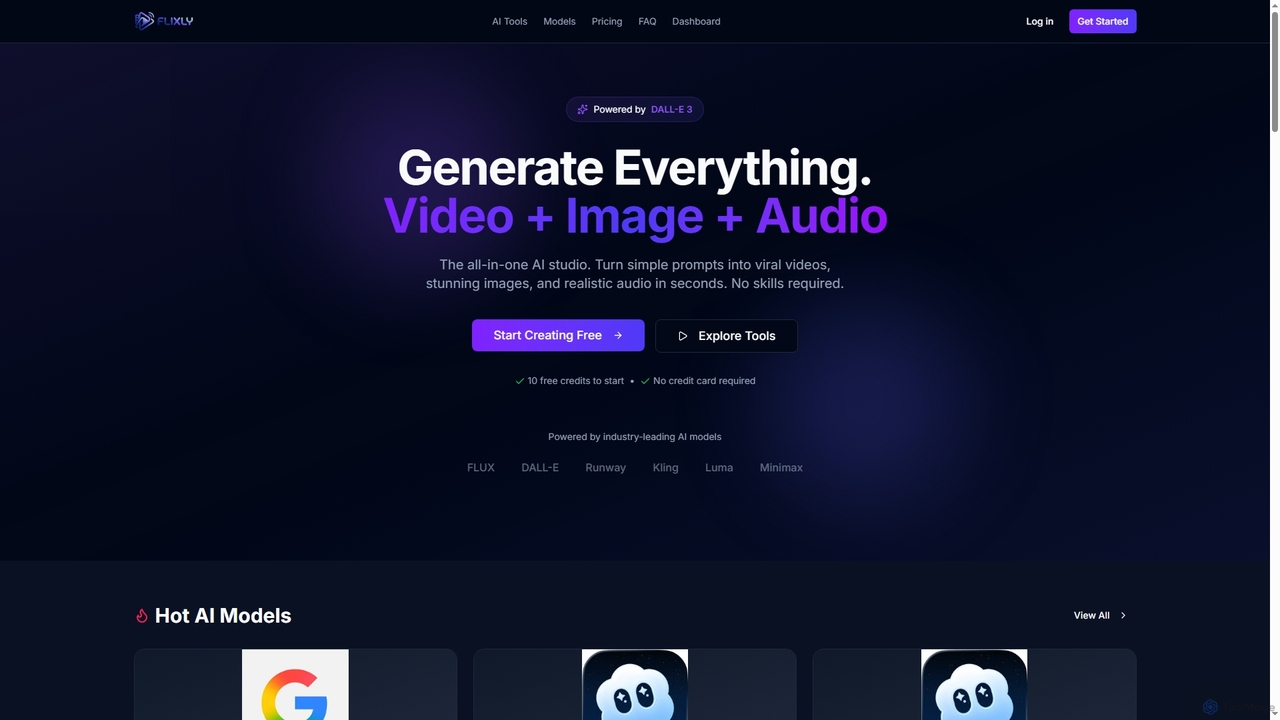
Flixly
Flixly is an all-in-one AI studio that transforms simple text prompts into stunning videos, images, and realistic audio in seconds. Leveraging industry-leading AI models like DALL-E 3 and Sora 2, it offers a comprehensive suite of creative tools for everyone, no technical skills required. Start creating with 10 free credits today.
Ai Art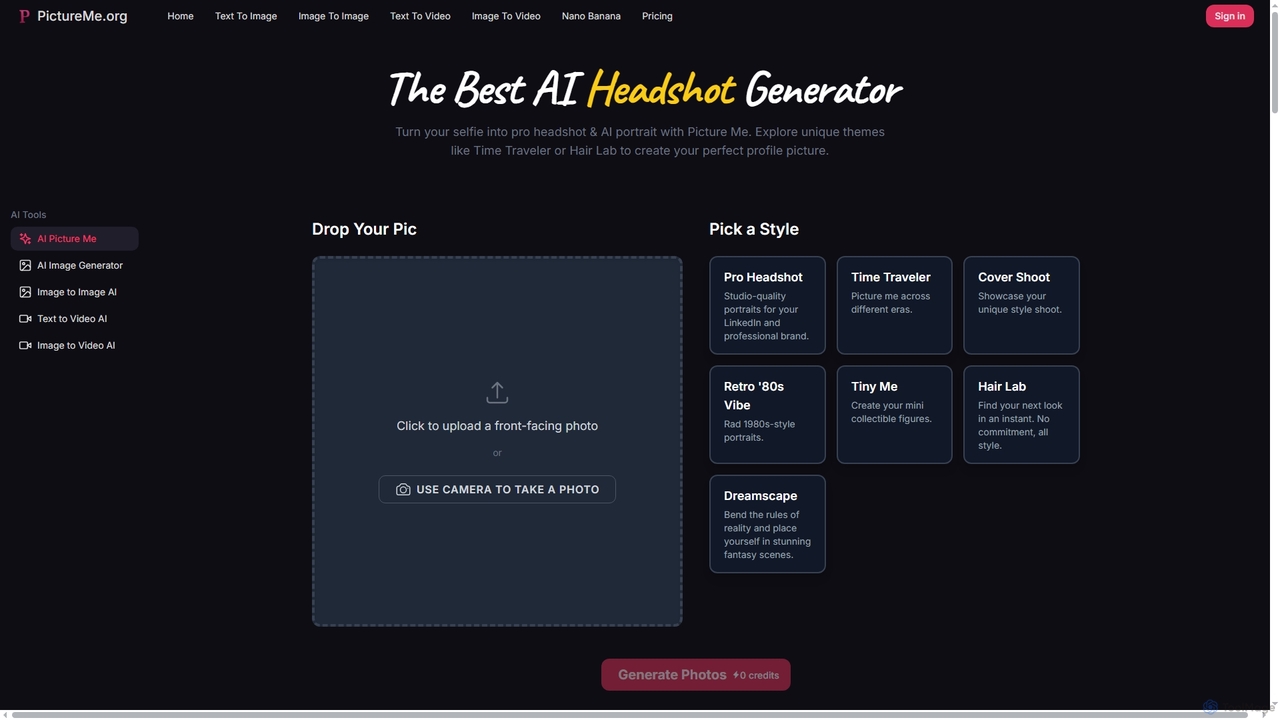
Picture Me
Picture Me is an innovative AI platform that transforms your photos into professional headshots and creative portraits, and generates images and videos from text or existing images. It offers a seamless user experience with diverse styles and advanced AI models.
Photo Editing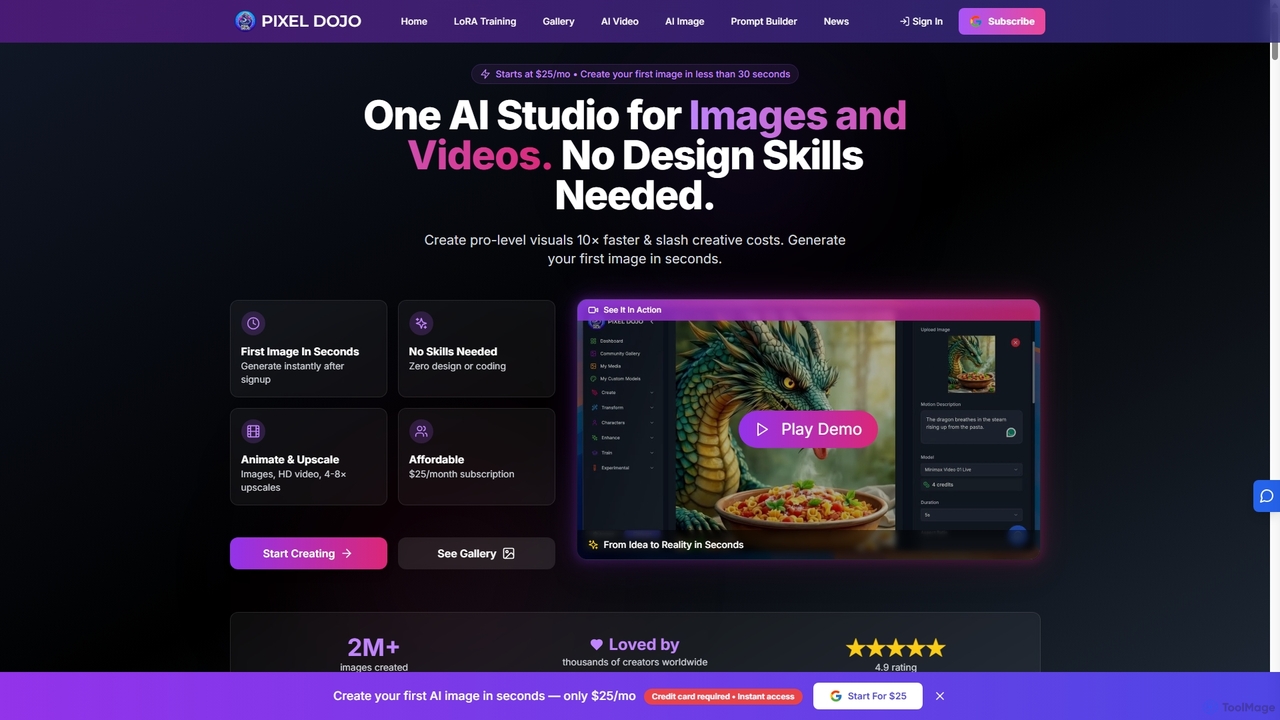
Pixeldojo
Pixel Dojo is an all-in-one AI creative studio for generating professional-quality images and videos. It offers over 67 tools, including text-to-image, text-to-video, image upscaling, and custom LoRA model training. Designed for creators and businesses of all skill levels, it streamlines content creation, reduces costs, and accelerates visual production tenfold without requiring any design skills.
Art Generation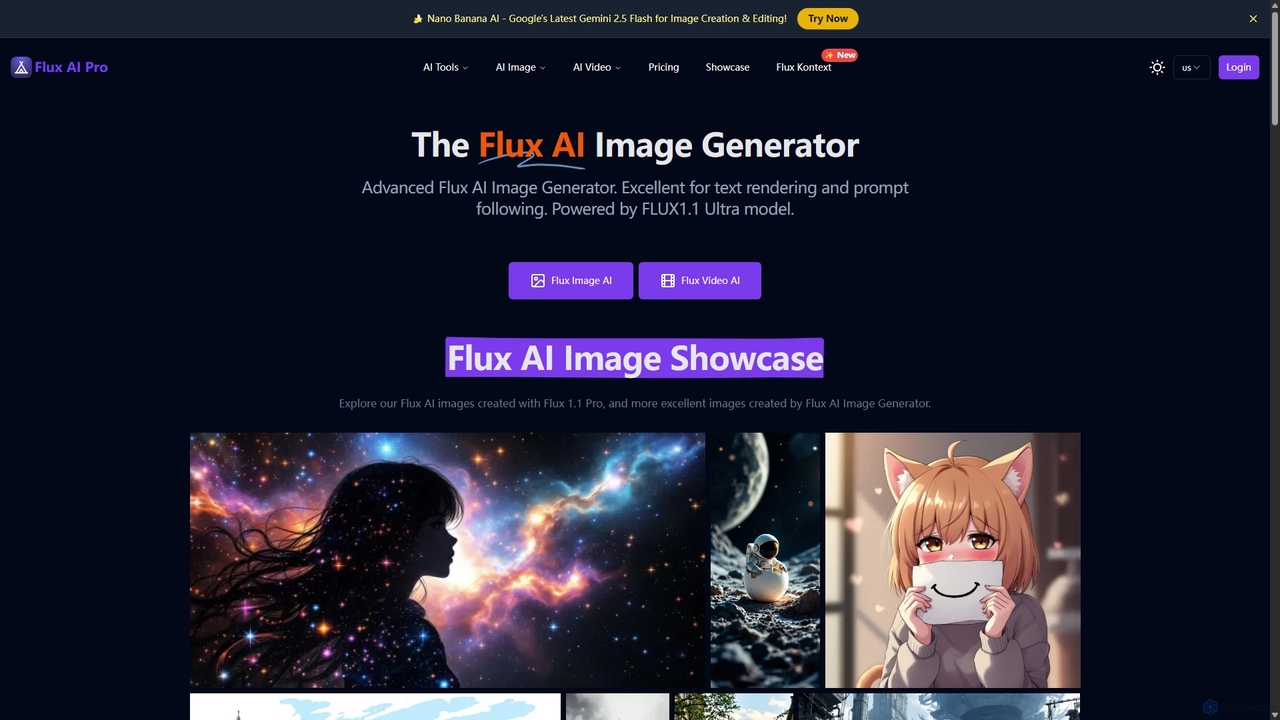
Flux AI Pro
A powerful AI content creation suite featuring advanced image and video generators. Powered by proprietary FLUX.1 models, it excels in photorealism, prompt adherence, and in-image text rendering. Offers a comprehensive toolkit including image editing, upscaling, and character consistency, catering to both creative professionals and enthusiasts with flexible pricing plans.
Art Generation
Grok Imagine
Grok Imagine is a powerful AI image and video generation suite powered by Aurora Engine Technology. It transforms text, images, and other videos into stunning, high-quality visual content. Featuring multiple generation modes, resolution options, and a user-friendly interface, it's designed for creators, marketers, and artists to bring their ideas to life effortlessly.
Generative Art
OmniGen AI
OmniGen AI is a powerful, open-source AI image generation platform that unifies text-to-image, image editing, and controlled generation into a single framework. Leveraging advanced Diffusion Transformer models and OminiControl technology, it allows users to create stunning, high-quality visuals from text prompts, edit existing images with precision, and utilize features like virtual try-on, background removal, and subject-driven generation with unprecedented ease and control.
Virtual Try On
Graydient AI
Graydient AI is an all-in-one creative platform offering unlimited generation of AI images, videos, music, and chatbots. It provides access to a vast library of open models, a professional-grade editor, custom model training, and a developer API, all under a simple, no-token subscription model.
Music Generation
Dezgo Comments (0)
Sign in to comment.
Sign inNo comments yet.