

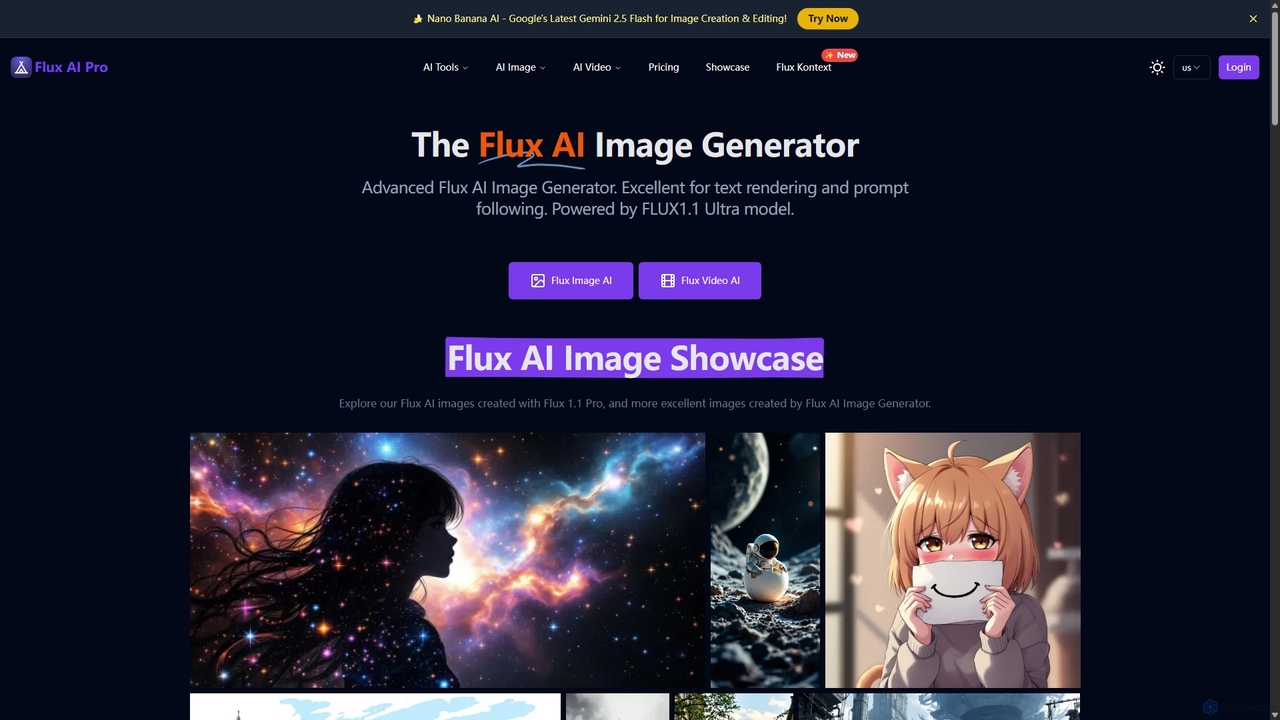
Flux AI Pro Overview
Flux AI Pro is a comprehensive, professional-grade AI platform designed for cutting-edge content creation. It serves as an all-in-one suite for generating stunning visuals, from high-fidelity images to cinematic videos. At its core, Flux AI Pro is powered by the advanced FLUX.1 series of models, which are built on a cutting-edge transformer-based flow technology. This architecture allows for unparalleled performance in visual quality, intricate detail, and faithful interpretation of user prompts.
The platform is not just a single tool but a collection of specialized AI generators and editors. This includes models optimized for different needs, such as speed (FLUX.1 Schnell), balanced performance (FLUX.1 Dev), and the highest quality (FLUX.1 Ultra & Pro). Beyond standard image generation, Flux AI Pro offers specialized tools like Flux Kontext for advanced editing and maintaining character consistency across multiple images, Flux Krea for generating hyper-realistic photos, and Wan 2.2 for creating high-quality AI videos. This versatility makes it an indispensable tool for artists, designers, marketers, and content creators.
How to use Flux AI Pro
Getting started with Flux AI Pro is designed to be intuitive and straightforward, allowing users to bring their ideas to life in just a few steps:
- Choose Your Plan: Start by selecting a plan that fits your needs. Flux AI Pro offers a free trial with complimentary credits for new users, as well as flexible subscription plans and one-time credit packs for heavier usage.
- Describe Your Vision: Navigate to the generation interface and enter a descriptive text prompt. The more detailed and specific your prompt, the more accurately the AI can render your vision. The platform's blog offers comprehensive prompt guides to help users master advanced techniques for perfect results.
- Select a Model and Configure Settings: Choose the AI model that best suits your project's requirements (e.g., FLUX.1 Pro for quality, FLUX.1 Schnell for quick iterations). You can also adjust parameters like aspect ratio (Square, Portrait, Landscape) and other advanced settings to fine-tune the output.
- Generate & Refine: Click the generate button and let the AI work its magic. Once the image or video is created, you can use the integrated editing tools to refine it further, upscale the resolution, or use features like inpainting to modify specific areas.
- Share Your Creation: Download your final masterpiece and share it with the world. All paid plans include a commercial license, allowing you to use your creations for professional projects.
Core Features of Flux AI Pro
- Advanced FLUX.1 AI Models: Utilizes a suite of powerful models (Ultra, Pro, Dev, Schnell) built on a 12 billion parameter transformer architecture for top-tier performance.
- Exceptional Image Quality: Generates high-resolution images (up to 2.0 megapixels) with rich detail, vibrant colors, and a wide range of artistic styles.
- Precise Prompt Adherence: Superior ability to understand and accurately interpret complex and nuanced text prompts, ensuring the output closely matches the user's intent.
- Innovative Text Rendering: A standout feature that allows the AI to render clear, readable, and contextually appropriate text within generated images—a common challenge for other models.
- Comprehensive Content Suite: Includes specialized tools like Flux Kontext for character consistency and local editing, Flux Krea for photorealism, and Wan 2.2 for cinematic AI video generation.
- Integrated Editing Toolkit: Offers a range of post-generation tools, including an image upscaler, inpainting for object removal or modification, and an image-to-prompt feature to deconstruct existing images.
- Community Showcase & Inspiration: Features a public gallery where users can explore creations from the community, discover new styles, and get inspiration for their own prompts.
Use Cases for Flux AI Pro
Flux AI Pro's versatility makes it suitable for a wide array of professional and personal applications:
- Marketing and Advertising: Create unique visuals for social media campaigns, ad banners, product mockups, and promotional materials.
- Art and Design: Generate concept art, character designs, illustrations, and digital paintings in various styles, from anime and fantasy to photorealistic portraits.
- Content Creation: Produce eye-catching thumbnails for YouTube, featured images for blog posts, and engaging visual content for websites.
- Product Prototyping: Quickly visualize product ideas, logos, and UI/UX designs without needing manual illustration.
- Entertainment and Media: Create storyboards, cinematic shots, and character concepts for films, games, and animation.
Advantages of Flux AI Pro
Flux AI Pro distinguishes itself from other AI generators with several key advantages:
- Professional-Grade Output: The quality and detail of the generated content are suitable for commercial use.
- All-in-One Platform: Combines image generation, video creation, and advanced editing capabilities, eliminating the need for multiple separate tools.
- Superior Control: The diverse selection of models and advanced settings provides users with fine-grained control over the creative process.
- Unique Features: Its industry-leading text rendering and robust character consistency tools solve common pain points for creators.
- Flexible and Accessible Pricing: With a free trial, subscriptions, and one-time purchase options, the platform is accessible to users with different budgets and needs.
Pricing and Plans
Flux AI Pro uses a credit-based system with several flexible options:
- Free Plan: New users receive 100 free credits upon signing up to explore the platform's features. A basic free plan offers 50 credits per month.
- Subscription Plans (Billed Monthly or Yearly):
- Basic: Starting at $6.99/month (billed yearly) for 1200 credits/month.
- Pro: Starting at $17.49/month (billed yearly) for 4000 credits/month.
- Premium: Starting at $34.99/month (billed yearly) for 10000 credits/month.
- One-Time Purchase Options:
- Hobby Plan: $6.9 for 500 credits.
- Starter Plan: $12.9 for 1200 credits.
- Pro Plan: $29.9 for 3600 credits.
- Mega Plan: $69.90 for 10000 credits.
Credit costs vary by model, with faster models like FLUX.1 Schnell costing fewer credits than advanced models like FLUX.1 Pro. All paid plans include a commercial license and priority support.
Traffic
Latest traffic
Status
Monthly traffic trend
- 2025-9: 172.0K
- 2026-1: 299.1K
- 2026-2: 286.2K
- 2026-3: 276.6K
- 2026-4: 195.6K
- 2026-5: 176.4K
Geography
Top 5 countries / regions
- 🇺🇸United States23.7%
- 🇧🇷Brazil22.9%
- 🇩🇪Germany19.7%
- 🇳🇬Nigeria18.0%
- 🇷🇺Russia15.8%
Traffic sources
| Source type | Percentage |
|---|---|
Direct | 82.9% |
Referral | 16.2% |
Email | 0.9% |
Top keywords
| Keyword | Cost per click |
|---|---|
| fal ai | $1.59 |
| flux ai | $0.81 |
| fluxai | $0.88 |
| recraft | $0.42 |
| recraft ai | $0.43 |
Flux AI Pro Alternatives
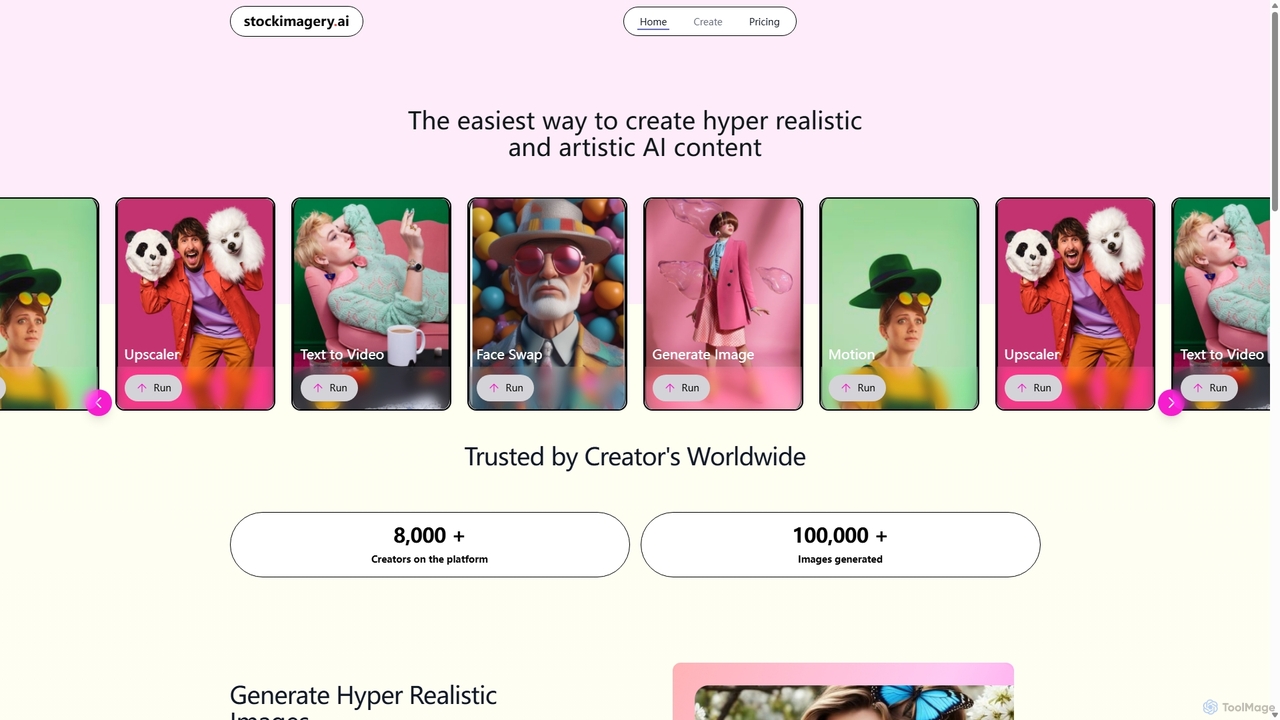
Stock Imagery AI
Stock Imagery AI is a versatile AI-powered platform for creating hyper-realistic images, motion videos, and text-to-video content. It offers tools like an image upscaler and face swap, designed for creators, marketers, and designers to generate unique, high-quality visual assets effortlessly.
Graphics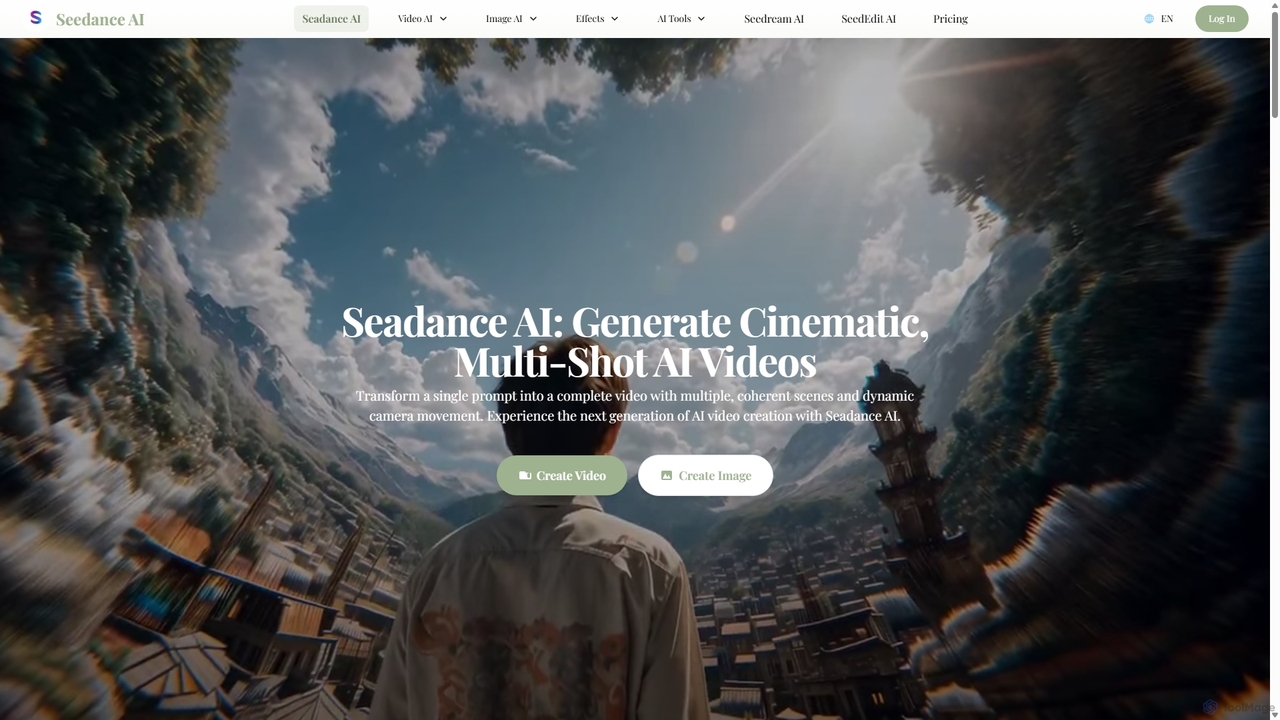
Seedance AI
Seedance AI is a powerful text-to-video generator that creates cinematic, multi-shot videos from a single prompt. It excels at maintaining character and style consistency across scenes, automatically adding dynamic camera movements like pans and zooms. It also includes an AI image generator, Seedream, for creating high-quality visuals from text.
Image Generation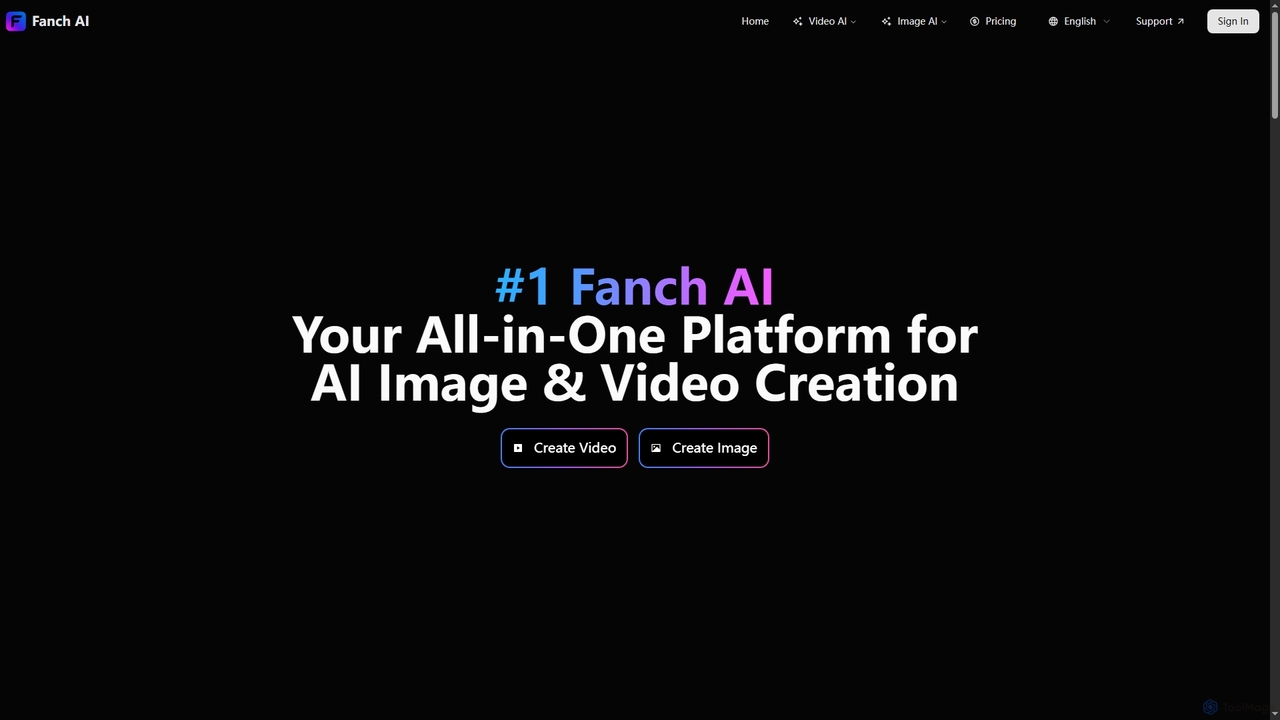
Fanchai
Fanchai is an all-in-one AI creative platform for generating high-quality videos and images from text, photos, or video inputs. It leverages advanced models like Sora 2, Midjourney, and GPT-4o to turn ideas into visuals in seconds. Ideal for creators, marketers, and developers, it offers text-to-video, image-to-image, AI editing tools, and talking avatars with a user-friendly interface.
Ai Art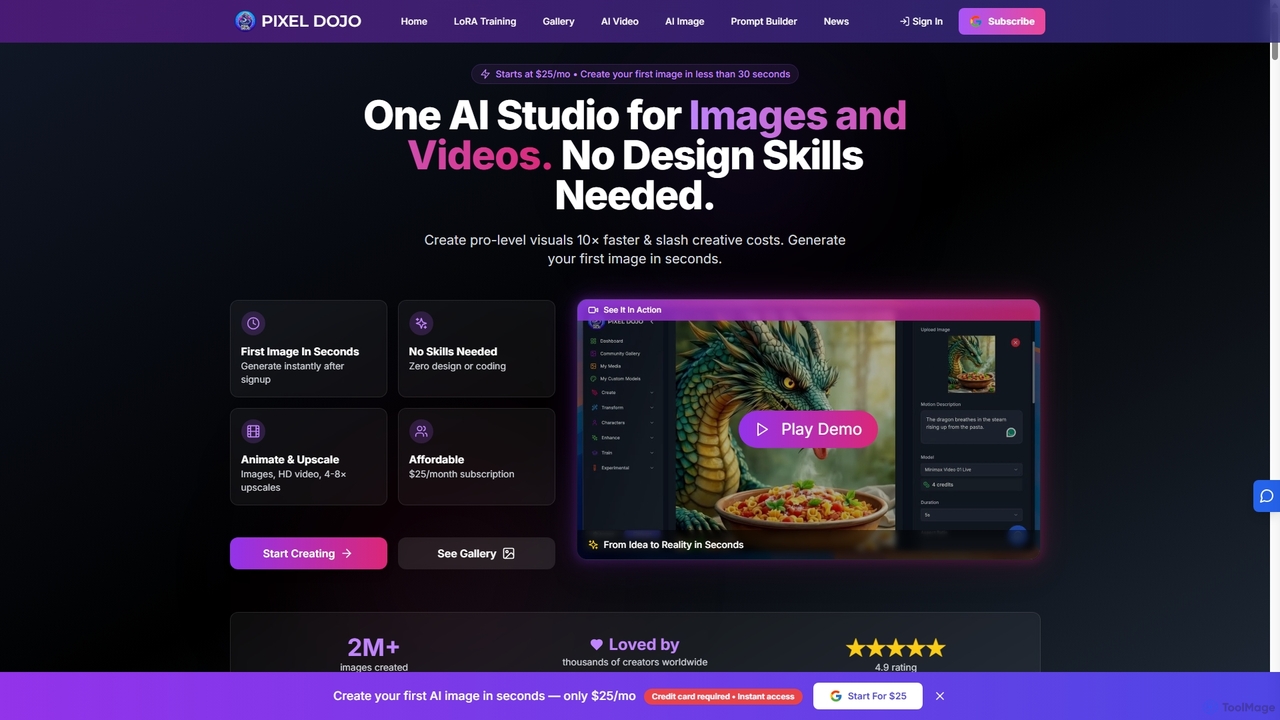
Pixeldojo
Pixel Dojo is an all-in-one AI creative studio for generating professional-quality images and videos. It offers over 67 tools, including text-to-image, text-to-video, image upscaling, and custom LoRA model training. Designed for creators and businesses of all skill levels, it streamlines content creation, reduces costs, and accelerates visual production tenfold without requiring any design skills.
Art Generation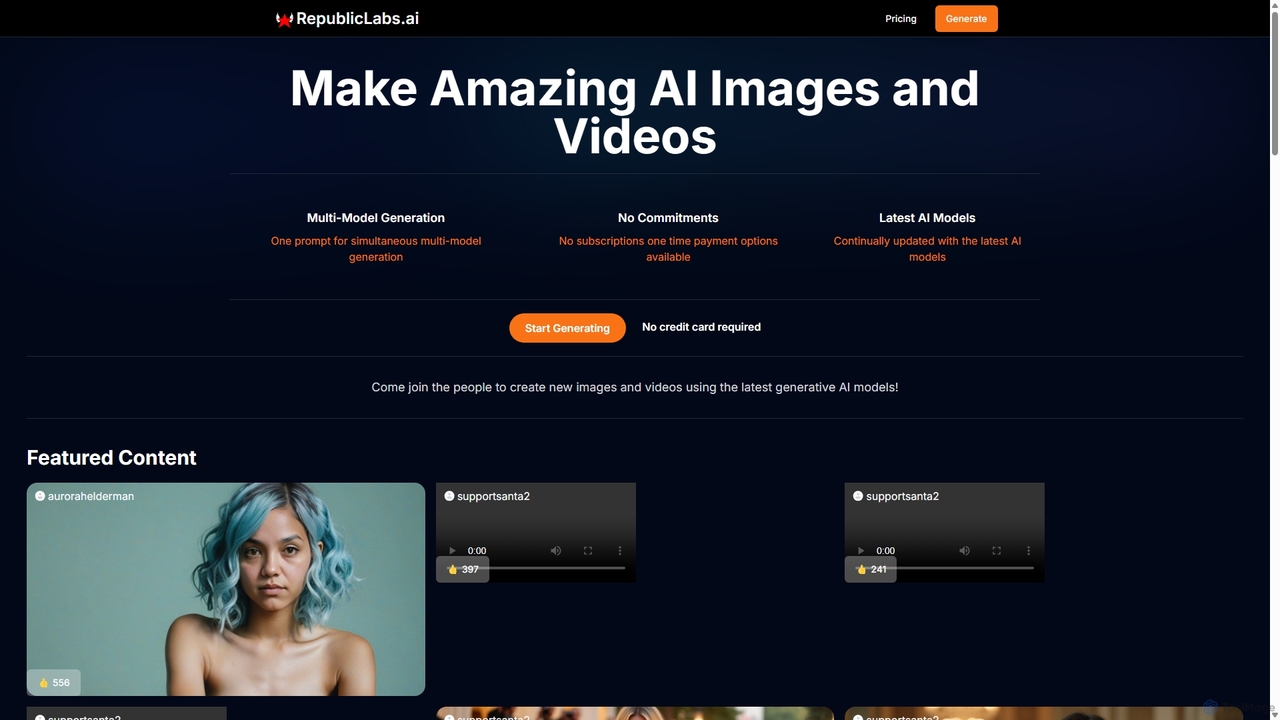
RepublicLabs.ai
A powerful generative AI platform for creating stunning images and videos. It features a unique multi-model generation system, allowing users to get diverse results from the latest AI models like Luma Dream Machine and Flux with a single prompt. Offers flexible pay-as-you-go pricing with no commitments.
Art GenerationFlux AI Pro Categories
Flux AI Pro Jobs
Flux AI Pro Embed Widget
Copy this embed code to place the badge on your blog, article, or product site and send readers directly to this ToolMage detail page.

Related AI tools
Stock Imagery AI
Stock Imagery AI is a versatile AI-powered platform for creating hyper-realistic images, motion videos, and text-to-video content. It offers tools like an image upscaler and face swap, designed for creators, marketers, and designers to generate unique, high-quality visual assets effortlessly.
Graphics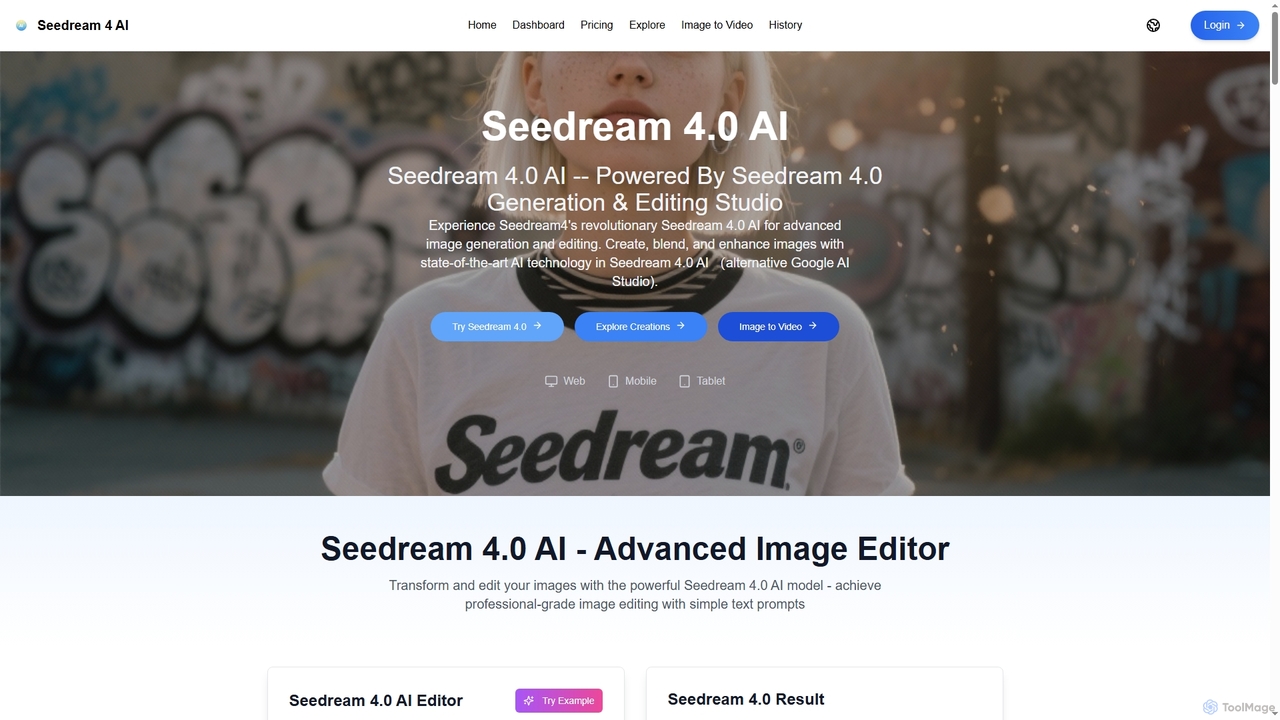
Seedream 4.0 AI
Seedream 4.0 AI is an advanced image generation and editing studio powered by state-of-the-art AI. It allows users to create, blend, enhance, and transform images from text prompts or existing uploads with exceptional clarity, perfect ID preservation, and rapid generation speeds, ideal for both hobbyists and professionals.
Graphic DesignPixeldojo
Pixel Dojo is an all-in-one AI creative studio for generating professional-quality images and videos. It offers over 67 tools, including text-to-image, text-to-video, image upscaling, and custom LoRA model training. Designed for creators and businesses of all skill levels, it streamlines content creation, reduces costs, and accelerates visual production tenfold without requiring any design skills.
Art GenerationRepublicLabs.ai
A powerful generative AI platform for creating stunning images and videos. It features a unique multi-model generation system, allowing users to get diverse results from the latest AI models like Luma Dream Machine and Flux with a single prompt. Offers flexible pay-as-you-go pricing with no commitments.
Art Generation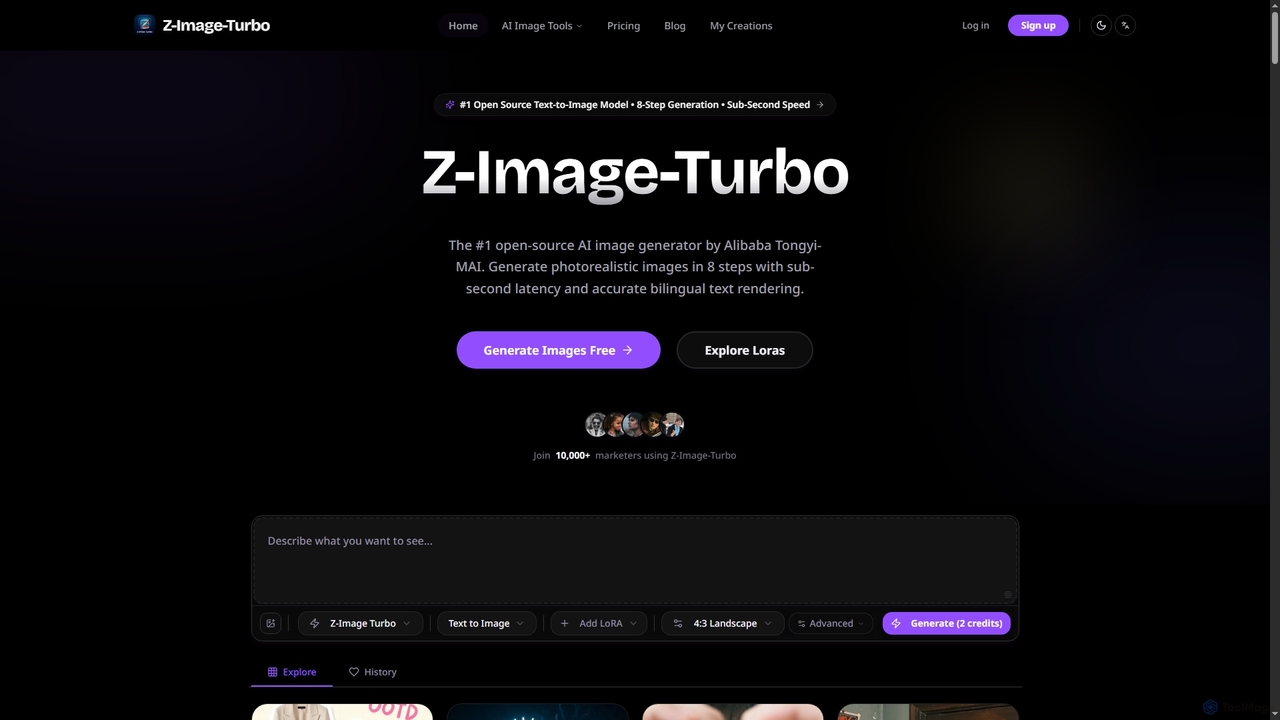
ZImageTurbo
ZImageTurbo is the #1 open-source AI image generator by Alibaba Tongyi-MAI, offering sub-second photorealistic image creation in just 8 steps. It excels in accurate bilingual text rendering (English and Chinese), runs efficiently on consumer GPUs, and provides advanced features for content creators, marketers, and designers.
VisualsSeedance AI
Seedance AI is a powerful text-to-video generator that creates cinematic, multi-shot videos from a single prompt. It excels at maintaining character and style consistency across scenes, automatically adding dynamic camera movements like pans and zooms. It also includes an AI image generator, Seedream, for creating high-quality visuals from text.
Image Generation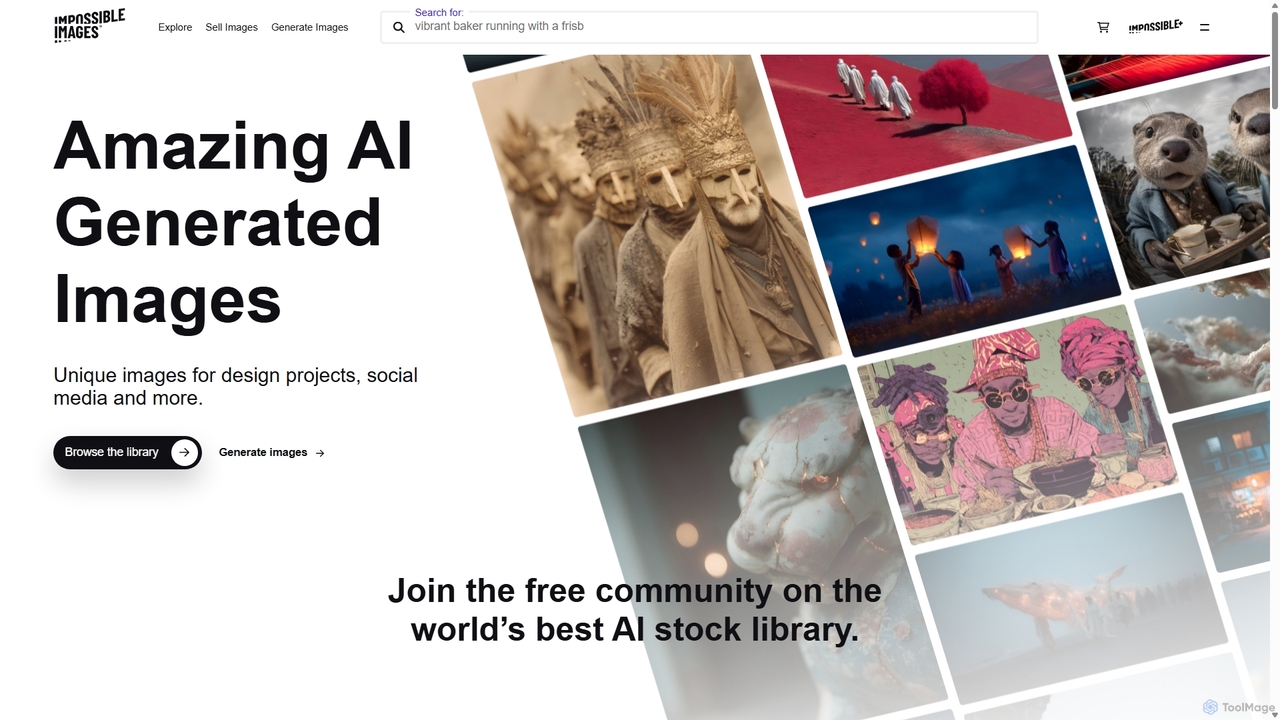
Impossibleimages
Impossibleimages is a dual-purpose AI platform featuring a vast library of unique, AI-generated stock images and a free, user-friendly text-to-image generator. Users can browse and purchase affordable, surreal visuals for any project, or create their own custom images from text prompts. It also fosters a community where creators can sell their AI art and earn commissions, making it a comprehensive hub for designers, marketers, and AI artists.
Art Generation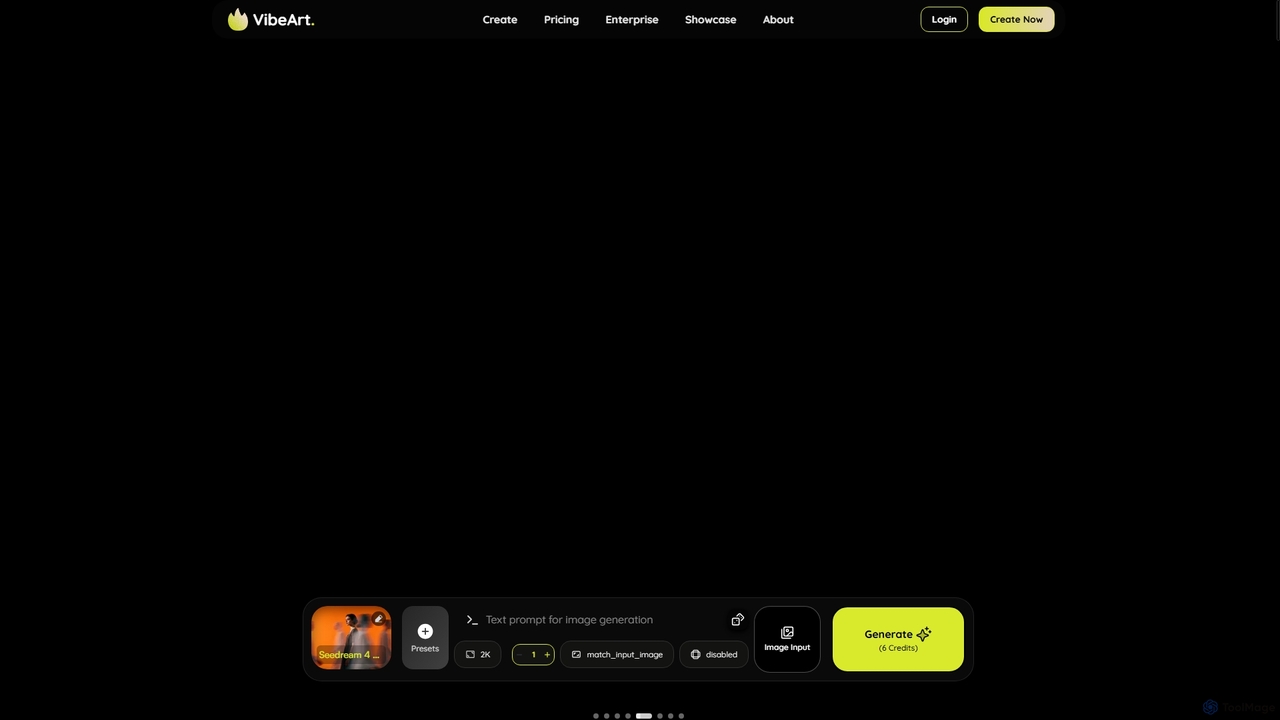
Vibeart
Vibeart is a multi-model AI image and video agent that transforms ideas into high-quality visuals. It features automatic model selection from a suite including Flux, Midjourney, and Sora 2, intelligent prompt enhancement, and one-click upscaling to 8K, all within a privacy-focused, encrypted environment.
Ai Art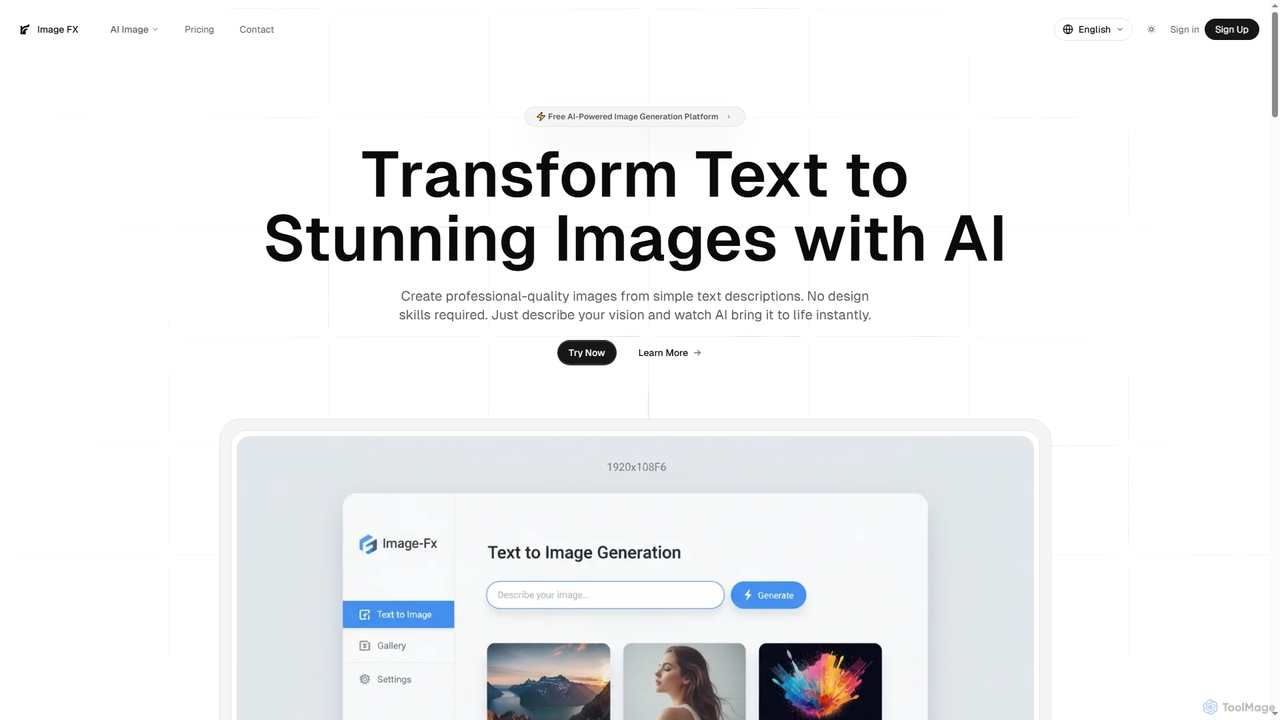
Image FX
Image FX is a free, AI-powered platform that transforms text descriptions into stunning, professional-quality images with a single click. It also features an intelligent AI chat assistant for creative brainstorming and support, making advanced image generation accessible to everyone without requiring design skills.
Text To Image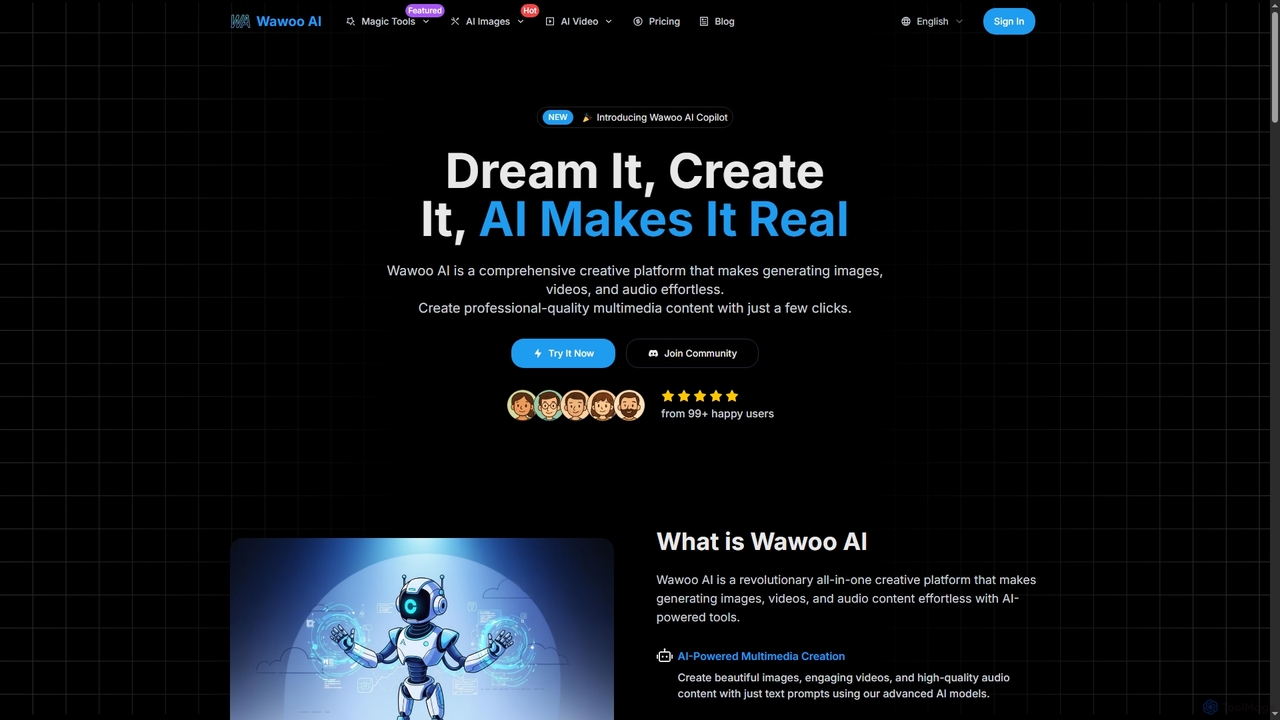
Wawoo AI
Wawoo AI is an all-in-one creative platform leveraging advanced AI to effortlessly generate professional-quality images, videos, and audio from simple text prompts. It empowers creators of all skill levels to produce stunning multimedia content rapidly, offering features like AI Copilot, multiple AI models, and commercial usage rights.
Digital Art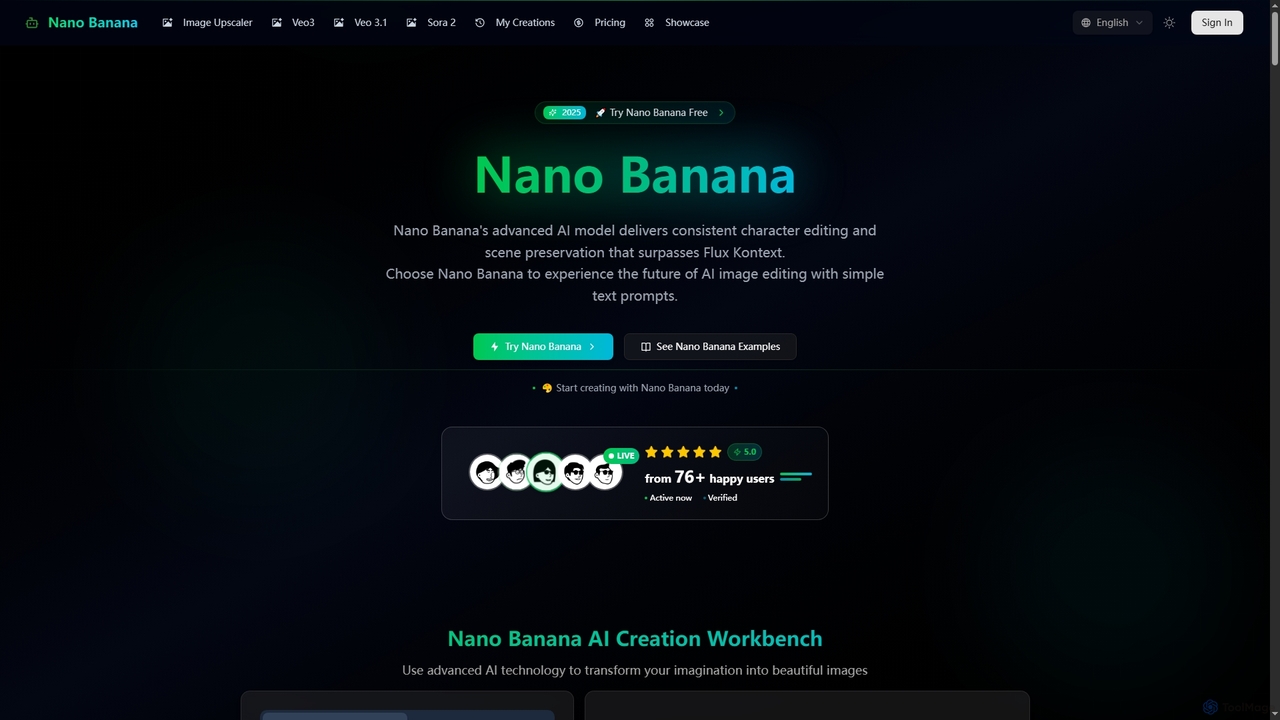
Nano Banana
Nano Banana is an advanced AI-powered platform for image generation and editing, offering consistent character editing, scene preservation, and in-context visual modifications. It also features a professional AI image upscaler and two cutting-edge AI video generators, Veo 3.1 and Sora 2, enabling users to create stunning visuals and cinematic videos from text or images with unparalleled speed and quality.
Digital Art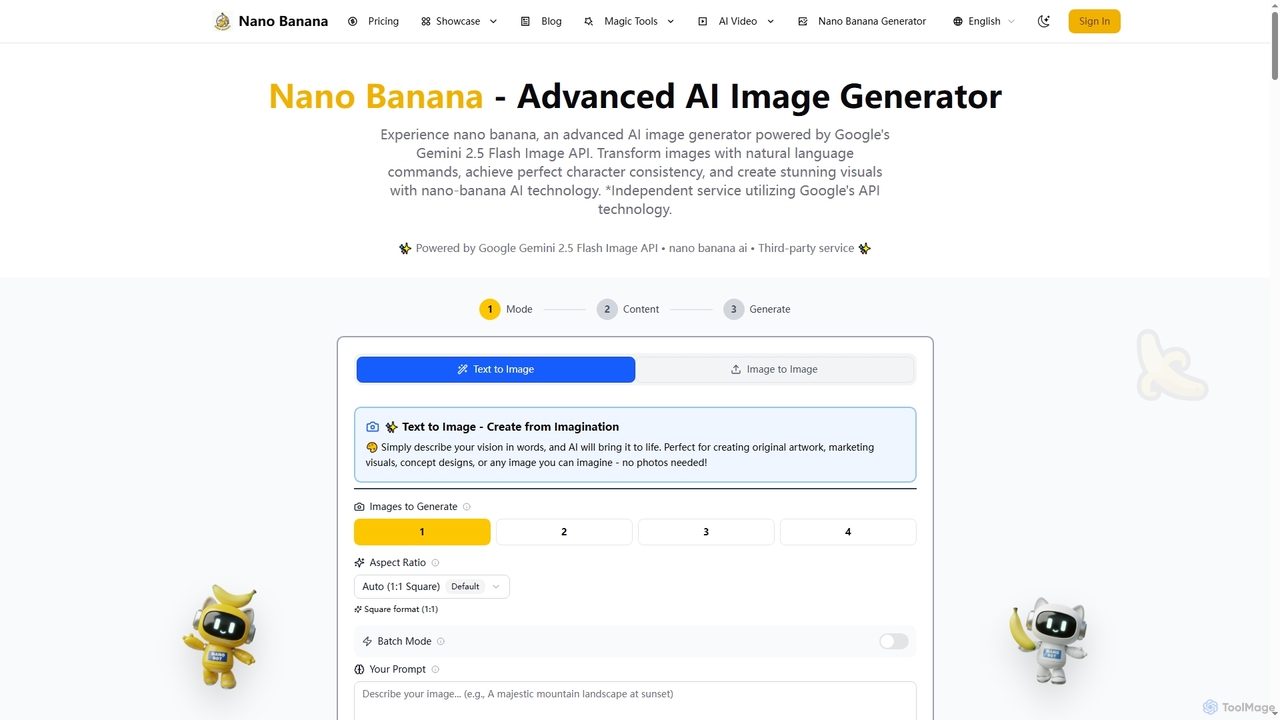
Nano Banana
Nano Banana is an advanced AI image generator powered by Google's Gemini 2.5 Flash Image API. It enables users to create and transform stunning visuals with natural language commands, ensuring perfect character consistency and scene preservation for professional-grade content.
Creative Asset Generation
Kira
Kira is a powerful AI-powered platform for professional-grade image generation and editing. It combines a versatile text-to-image generator with a comprehensive suite of editing tools, including background removal, inpainting, upscaling, and stylization. Its key feature is the ability to maintain consistent styles and characters across multiple edits and generations, making it ideal for branding, marketing, and creative projects that require a cohesive visual identity.
Graphic DesignFanchai
Fanchai is an all-in-one AI creative platform for generating high-quality videos and images from text, photos, or video inputs. It leverages advanced models like Sora 2, Midjourney, and GPT-4o to turn ideas into visuals in seconds. Ideal for creators, marketers, and developers, it offers text-to-video, image-to-image, AI editing tools, and talking avatars with a user-friendly interface.
Ai Art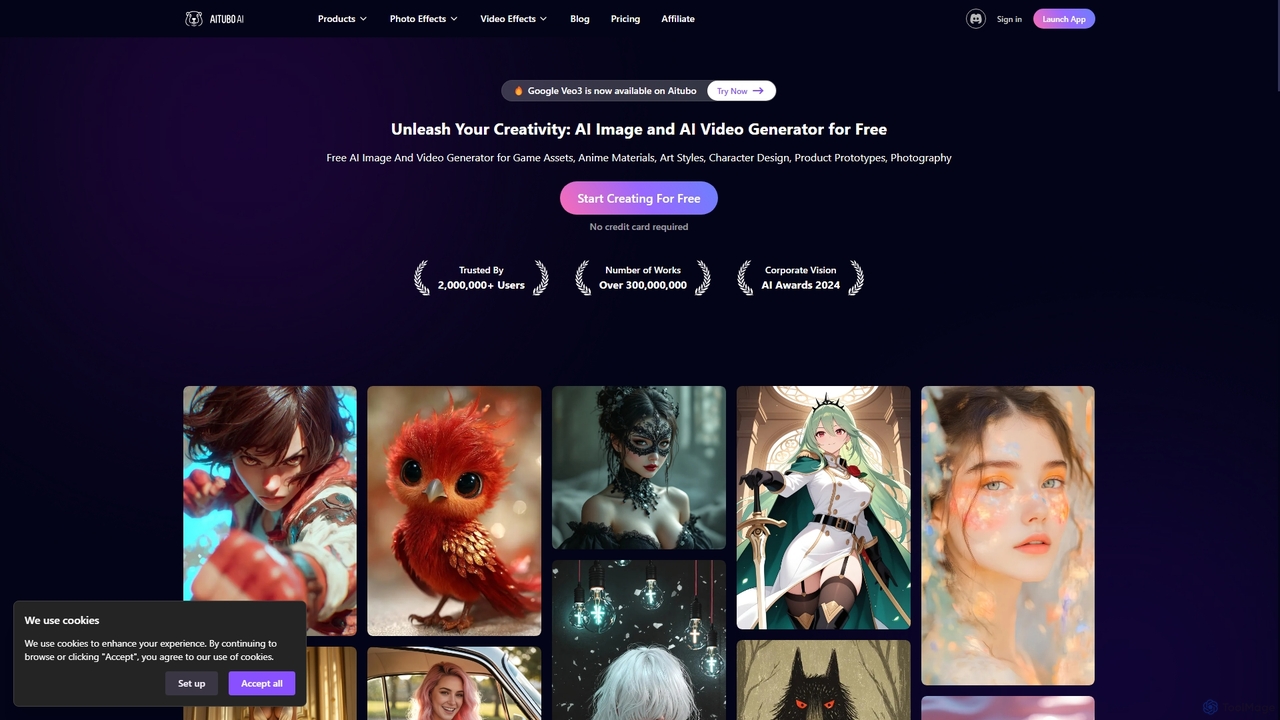
Aitubo
Aitubo is a comprehensive AI-powered creative suite for generating and editing images and videos. It offers a wide range of tools, including text-to-image with advanced models like Flux and SD3, text-to-video, an AI image editor, background remover, face swap, and an AI chat feature. Designed for creators, artists, and marketers, Aitubo provides both free and premium plans to unleash creativity for various projects, from game assets and anime art to product prototypes and marketing content.
Generative Art
Flux AI Pro Comments (0)
Sign in to comment.
Sign inNo comments yet.