ToolMage
Sign in

Best 5 Art Generation AI tools for Design

Popular Art Generation AI tools in Design include Flux AI Pro, Blunge, Impossibleimages, FastFLUX, and SAKURA189, helping you work more efficiently.

Flux AI Pro
Freemium

Flux AI Pro

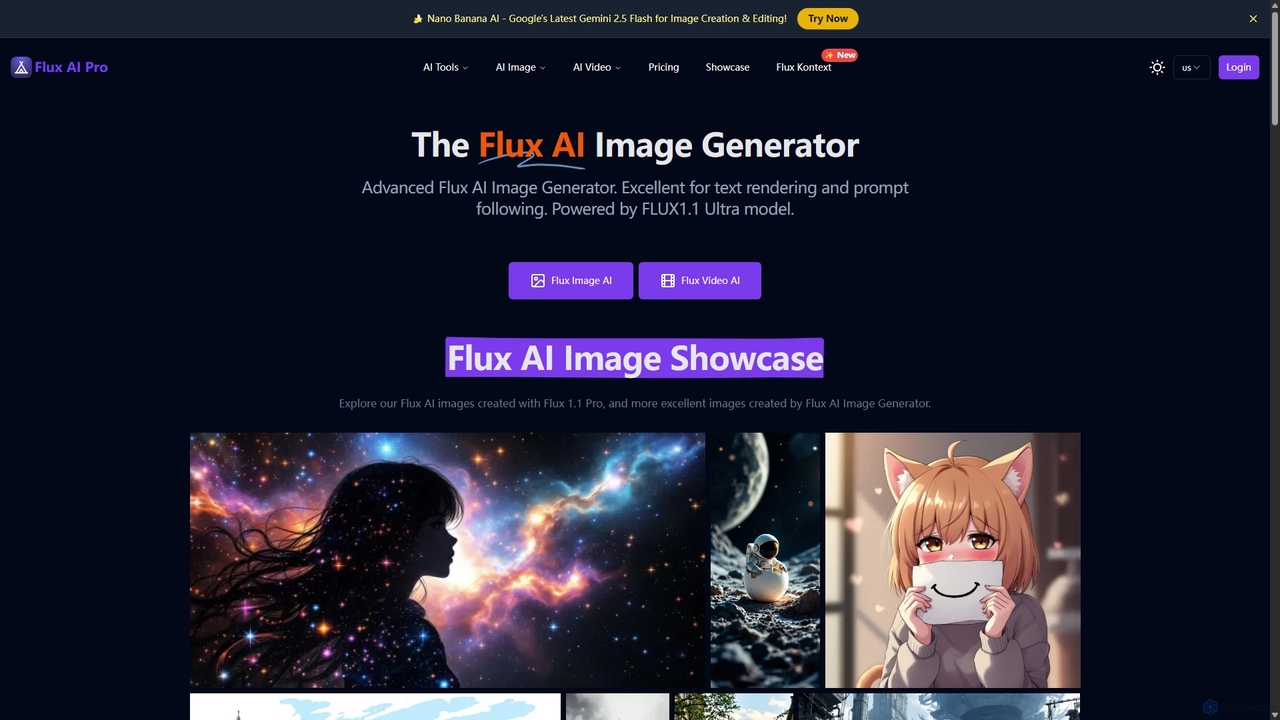
A powerful AI content creation suite featuring advanced image and video generators. Powered by proprietary FLUX.1 models, it excels in photorealism, prompt adherence, and in-image text rendering. Offers a comprehensive toolkit including image editing, upscaling, and character consistency, catering to both creative professionals and enthusiasts with flexible pricing plans.

Art Generation
Visits 181.8KFavorites 111Likes 112
FastFLUX
Freemium

FastFLUX

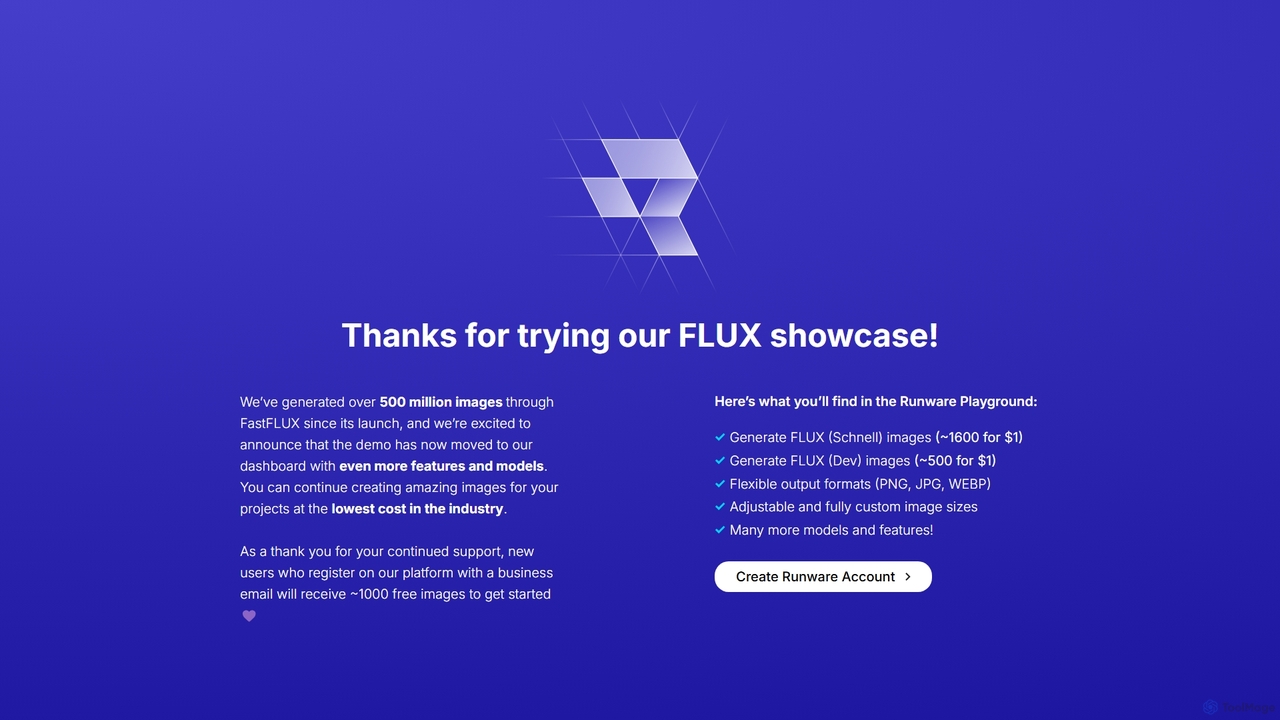
FastFLUX is a high-speed AI image generation platform powered by the cutting-edge FLUX models. It offers incredibly fast and cost-effective text-to-image creation, making it ideal for developers, marketers, and creators. Users can generate thousands of images for just a few dollars, with flexible customization options and API access for seamless integration.

Art Generation
Visits 8.5KFavorites 176Likes 157
Impossibleimages
Freemium

Impossibleimages

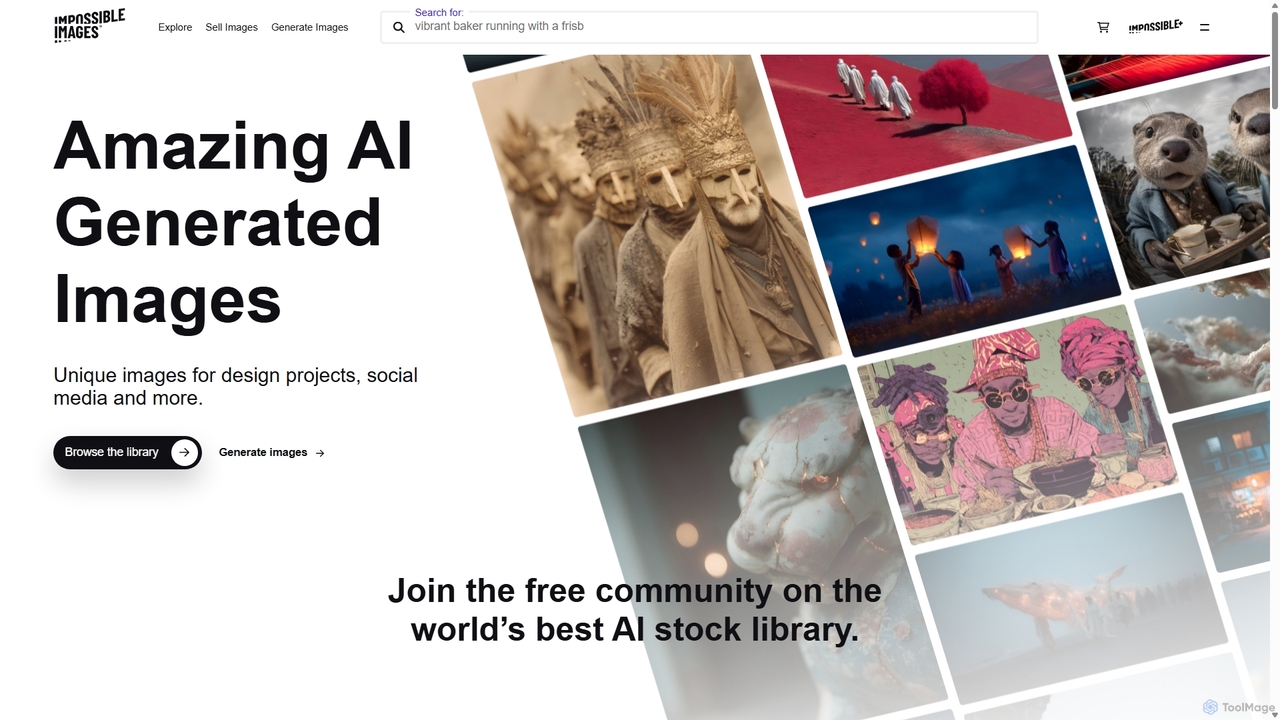
Impossibleimages is a dual-purpose AI platform featuring a vast library of unique, AI-generated stock images and a free, user-friendly text-to-image generator. Users can browse and purchase affordable, surreal visuals for any project, or create their own custom images from text prompts. It also fosters a community where creators can sell their AI art and earn commissions, making it a comprehensive hub for designers, marketers, and AI artists.

Art Generation
Visits 14.2KFavorites 160Likes 169
SAKURA189
Freemium

SAKURA189

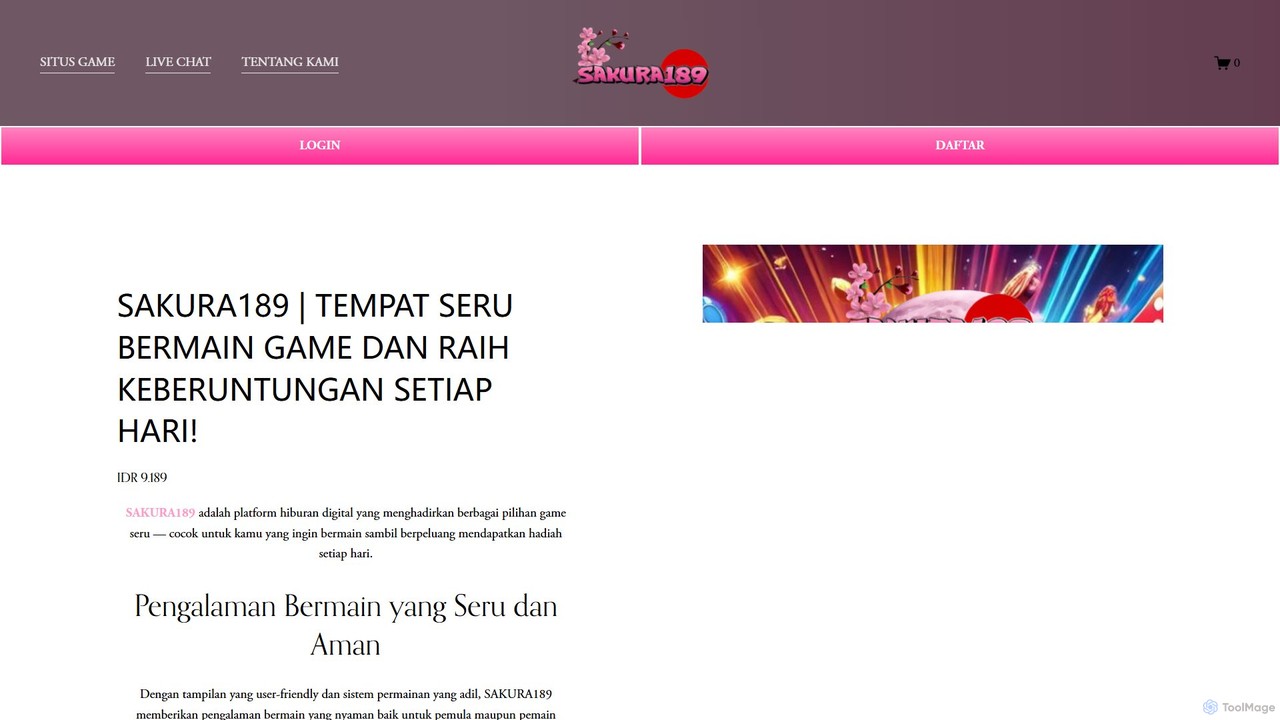
SAKURA189 is an AI-powered game development suite designed to accelerate the creative process for indie developers and studios. It offers tools for generating game assets, creating dynamic NPC behaviors, procedural world-building, and composing adaptive soundtracks, all through an intuitive, AI-driven platform.

Music Generation
Visits 5.3KFavorites 116Likes 137
Blunge
Freemium

Blunge

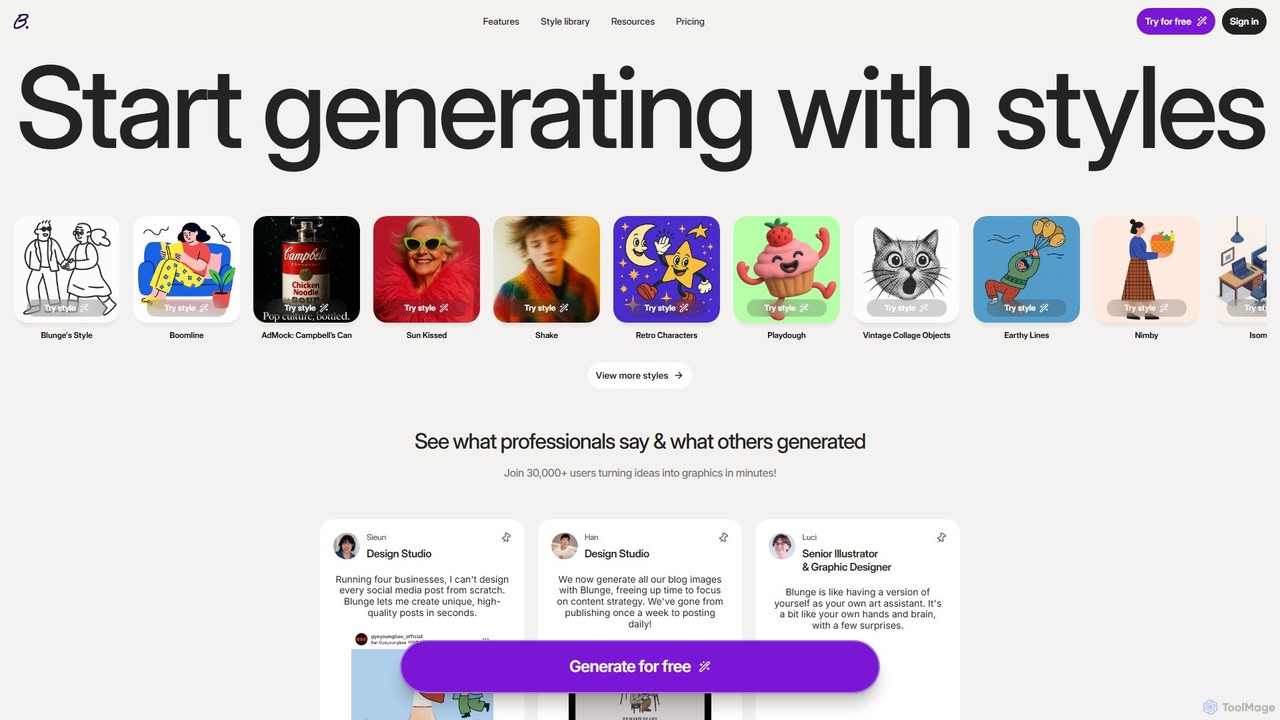
Blunge is a style-focused AI image generator for professionals. It enables marketers, designers, and content creators to produce unique, high-quality graphics in minutes. By selecting from a vast library of curated styles, users can instantly generate on-brand visuals for social media, blogs, and marketing campaigns, streamlining their creative workflow and enhancing brand storytelling.

Art Generation
Visits 16.1KFavorites 134Likes 132

About Art Generation

Art Generation tools are a class of AI applications that create original visual artworks from textual descriptions, sketches, or other inputs. They leverage advanced generative models, such as diffusion models, to interpret prompts and synthesize entirely new and unique images. This technology enables creators, designers, and marketers to rapidly visualize concepts, generate unique assets, and explore creative styles without manual illustration. Unlike traditional design software that manipulates existing elements, these tools generate visuals from scratch, offering vast creative possibilities.

Core Features

  • Text-to-Image Generation: Converts natural language descriptions (prompts) into detailed and complex images.
  • Image-to-Image Transformation: Modifies or reimagines an existing image based on a text prompt, such as turning a sketch into a photorealistic render.
  • Style Transfer: Applies the artistic style of one image (e.g., a famous painting) to the content of another.
  • Parameter Control: Allows users to fine-tune outputs by adjusting variables like art style, color palette, aspect ratio, and negative prompts.
  • Inpainting & Outpainting: Fills in missing parts of an image or extends it beyond its original borders with contextually appropriate, AI-generated content.

Use Cases

These tools are widely used by concept artists for character and environment design, marketing teams for creating unique ad creatives and social media content, and authors or musicians for generating book and album covers. They serve as powerful aids for brainstorming and rapid prototyping in creative workflows.

How to Choose

When selecting an Art Generation tool, consider the quality and coherence of its image output, the diversity of artistic styles it can produce, and the level of control it offers through advanced settings. Also, evaluate the pricing model (e.g., subscription vs. credits) and carefully review the licensing terms for commercial use of the generated images.

Art Generation use cases

1

Creating Concept Art for Games and Films

A concept artist working on a new sci-fi video game needs to visualize various character designs quickly. Instead of spending days sketching manually, they use an Art Generation tool. They input detailed prompts like 'cyberpunk android, intricate glowing circuits, trench coat, neon-lit rainy city background, cinematic lighting.' The AI generates dozens of high-quality visual variations in minutes. This allows the art director and team to review multiple directions, iterate on feedback instantly by tweaking prompts, and finalize a character's look, saving significant time in the pre-production phase.

2

Generating Unique Marketing and Social Media Visuals

A digital marketer for a sustainable fashion brand needs a constant stream of original images for Instagram posts and ad campaigns. Stock photos feel generic and don't match the brand's unique aesthetic. Using an Art Generation tool, the marketer inputs prompts like 'minimalist flat lay of organic cotton t-shirt, soft natural lighting, with dried flowers, pastel color palette.' The tool produces a variety of on-brand images that can be used immediately. This avoids stock photo costs and licensing issues, while ensuring the brand's visual identity remains distinctive and engaging, leading to higher click-through rates on ads.

3

Designing Album Covers and Book Illustrations

An independent musician wants a surreal and evocative cover for their new electronic album. Hiring an illustrator is beyond their budget. They turn to an AI Art Generator and use prompts inspired by their lyrics, such as 'ethereal landscape of floating crystalline structures, cosmic nebula background, vibrant magenta and cyan colors, dreamlike'. After a few iterations, they generate a high-resolution image that perfectly captures the album's mood. This empowers them to create professional-quality, unique artwork that connects with their audience, without the significant financial investment typically required for custom illustrations.

4

Prototyping Product and Fashion Designs

A fashion designer is exploring ideas for a new line of sneakers. To quickly visualize different concepts, they use an image-to-image generation tool. They start with a basic hand-drawn sketch of a sneaker silhouette and input it into the AI. Then, they use text prompts to apply different materials and styles, such as 'transform into a high-top sneaker made of recycled ocean plastic, futuristic sole, teal and white colorway.' The AI generates photorealistic mockups, allowing the designer to evaluate dozens of aesthetic variations in a single afternoon, dramatically accelerating the ideation phase before any physical samples are made.

5

Creating Custom Textures for 3D Models and Games

A 3D artist building a fantasy game environment needs a unique, seamless texture for a stone castle wall. Searching for or creating a high-resolution, tileable texture manually can be time-consuming. Using an Art Generation tool, they input the prompt 'seamless medieval cobblestone wall texture, 4K, photorealistic, mossy, detailed grout lines.' The AI generates several tileable image options. The artist can then select the best one and apply it directly to their 3D model, creating a rich, non-repetitive surface that enhances the game's visual fidelity and saves hours of manual texture painting or searching.

6

Personalizing Art for Interior Design

An interior designer is furnishing a client's modern living room and needs a large abstract painting that matches the specific color scheme (e.g., navy blue, mustard yellow, and grey). Finding a piece with the exact colors and style in a gallery can be difficult and expensive. The designer uses an AI Art Generator with the prompt 'large abstract oil painting, minimalist style, bold brush strokes, color palette 001f3f, ffdb58, 808080'. The tool generates multiple unique artworks. The designer can then have the chosen digital file printed on a high-quality canvas, resulting in a perfectly customized, one-of-a-kind art piece that completes the room's design at a fraction of the cost of a commissioned painting.

Art Generation FAQ

What is AI Art Generation?

AI Art Generation is the process of using artificial intelligence models to create original visual art from user inputs, most commonly text descriptions known as 'prompts'. These tools utilize complex neural networks, like diffusion models or GANs, to interpret the meaning and context of the input and synthesize a new image that matches the description. Unlike traditional digital art which involves direct manual creation by an artist, AI art generators automate the image creation process, enabling rapid exploration of ideas and styles. Key capabilities include text-to-image, image-to-image transformation, and style transfer.

How to choose the best AI Art Generator?

Choosing the right AI Art Generator depends on your specific needs. Consider these key factors:

  • Image Quality & Coherence: Evaluate how well the tool generates realistic, detailed, and logically consistent images. Some models excel at photorealism, while others are better for artistic styles.
  • Style Versatility: Check if the generator supports a wide range of styles you need, such as anime, fantasy, abstract, or architectural rendering.
  • Control and Customization: Look for advanced features like negative prompts (to exclude elements), seed numbers (for reproducibility), aspect ratio control, and image-to-image functions.
  • Ease of Use: A user-friendly interface is crucial, especially for beginners. Some tools are simpler, while others offer more complex controls for professionals.
  • Pricing and Licensing: Compare models (free, subscription, pay-per-image) and carefully read the terms regarding commercial use of the generated images.
What's the difference between AI Art Generators and AI Image Editors?

The primary difference lies in their core function: creation versus manipulation. AI Art Generators create entirely new images from scratch based on text or image prompts. They are designed for ideation and generating original content. AI Image Editors, on the other hand, use AI to modify or enhance existing images. Their features include tasks like object removal, background replacement, color correction, and upscaling. In short, you use a generator to bring a new idea to life, and an editor to refine or alter a picture you already have.

What kind of art can I create with AI Art Generation tools?

The possibilities are vast and continually expanding. You can create a wide range of visual content, including:

  • Photorealistic Images: Lifelike portraits, landscapes, and product mockups that are often indistinguishable from real photographs.
  • Fantasy and Sci-Fi Art: Detailed illustrations of mythical creatures, futuristic cities, and otherworldly environments.
  • Abstract Art: Unique compositions of color, shape, and texture based on conceptual prompts.
  • Illustrations and Cartoons: Characters and scenes in various styles, from anime and manga to classic cartoons and comic book art.
  • Architectural and Interior Design: Visualizations of building exteriors and interior spaces with specific styles and furnishings.

Essentially, if you can describe it in words, an AI art generator can attempt to create a visual representation of it.

Who can benefit from using AI Art Generation tools?

A diverse range of professionals and hobbyists can benefit from AI Art Generation tools. Key user groups include:

  • Graphic Designers & Artists: For brainstorming, creating initial concepts, exploring new styles, and generating unique assets or textures.
  • Marketers & Content Creators: To produce original, eye-catching visuals for social media, ad campaigns, and blog posts without relying on stock photography.
  • Game Developers: For rapidly prototyping character designs, environments, and in-game assets like icons and textures.
  • Authors & Musicians: To create affordable, custom book covers and album art that reflects the theme of their work.
  • Architects & Interior Designers: For visualizing design concepts and creating mood boards with specific aesthetic elements.