
OptiClean Overview
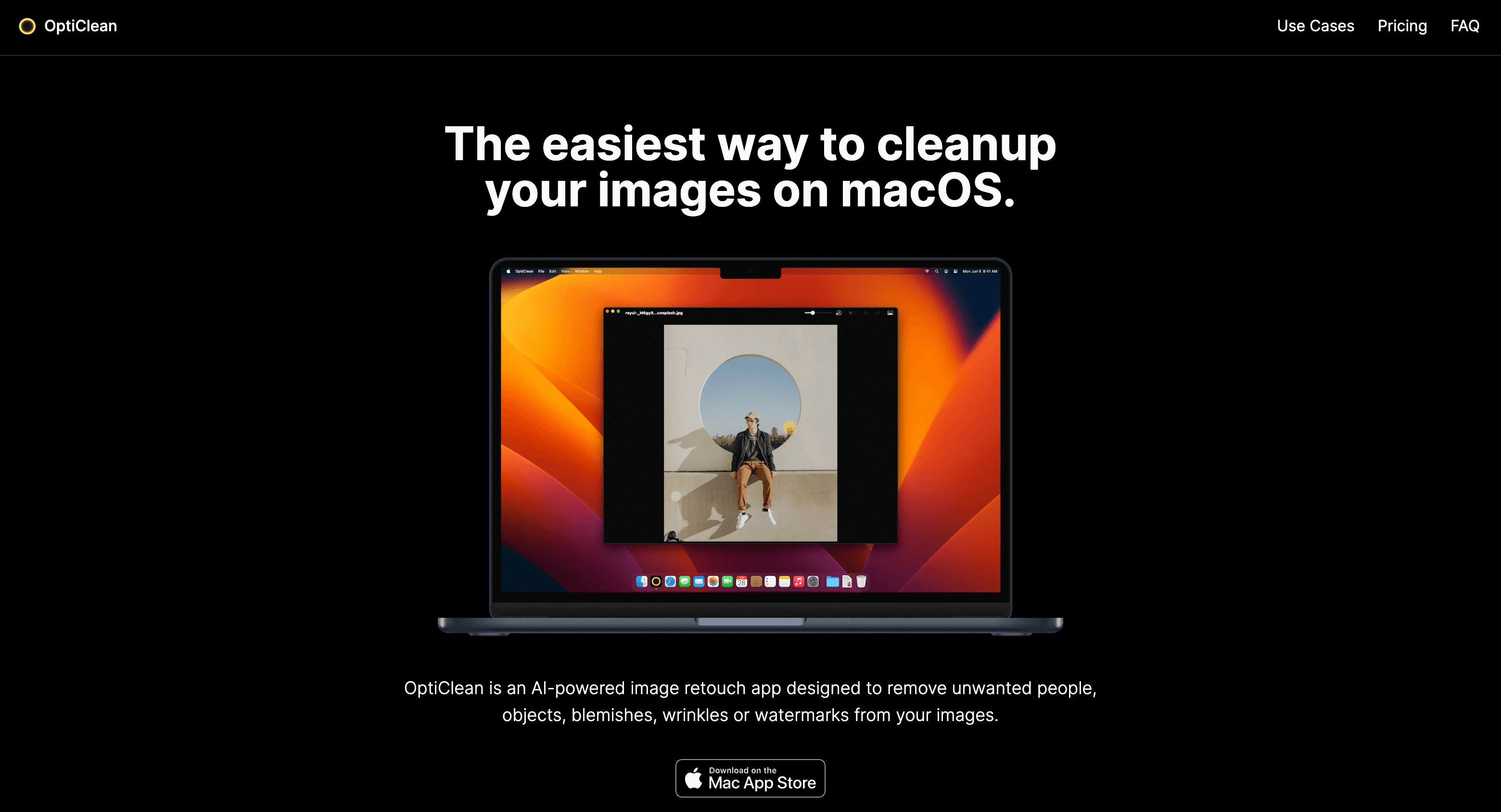
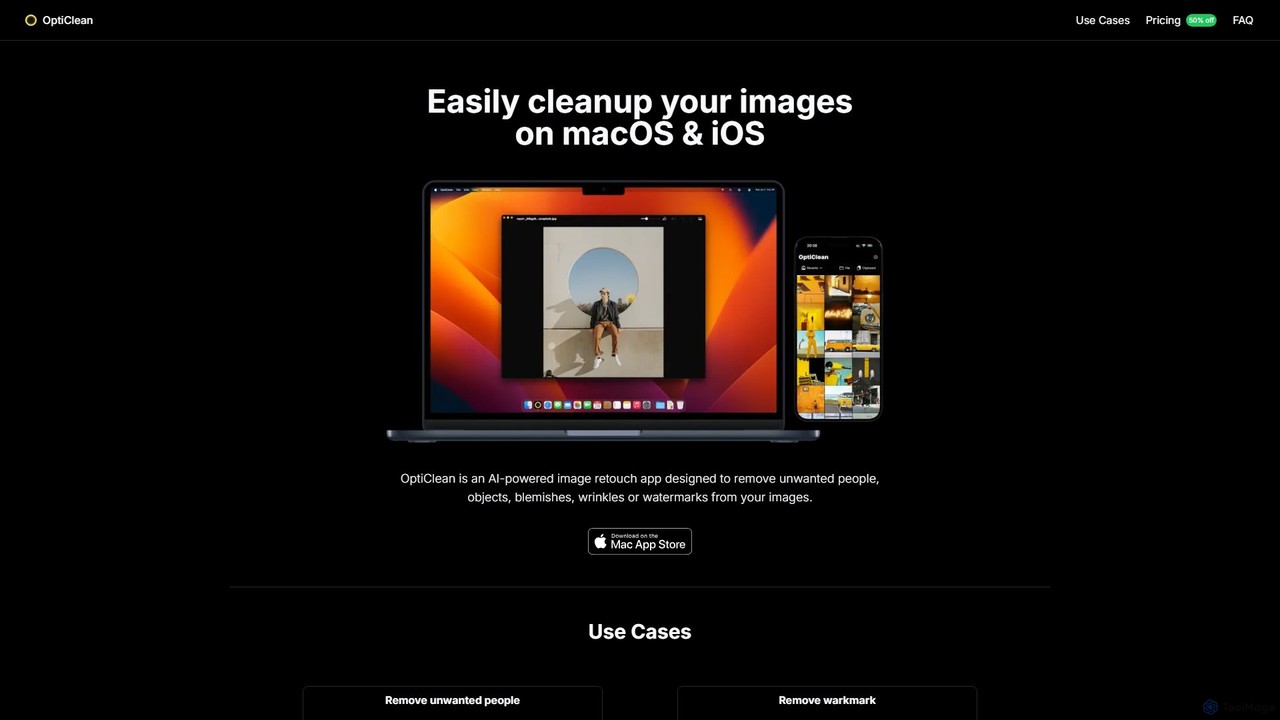
OptiClean is a sophisticated yet user-friendly AI-powered image retouching application specifically designed for the Apple ecosystem, available on both macOS and iOS. It empowers users to achieve flawless images by seamlessly removing any unwanted elements. Whether it's a distracting person in the background of a travel photo, a conspicuous object ruining a perfect shot, an unsightly blemish on a portrait, or a persistent watermark, OptiClean handles it with precision and ease. The app leverages advanced AI inpainting algorithms to intelligently reconstruct the area behind the removed object, ensuring a natural and seamless result without leaving any trace of editing.
Unlike complex professional software or privacy-invasive online services, OptiClean offers a streamlined experience focused on a single, powerful function. Its core philosophy is to make high-end photo retouching accessible to everyone, from professional photographers to casual social media users. All processing is done locally on your device, guaranteeing that your personal photos remain completely private and secure. This offline-first approach also means you can edit your images anytime, anywhere, without needing an internet connection.
How to use OptiClean
Using OptiClean is designed to be an intuitive and straightforward process, requiring no prior editing experience:
- Import Your Image: Open the OptiClean app and either drag-and-drop an image into the window (on macOS) or select one from your photo library (on iOS). The app supports various standard formats like JPEG, PNG, and HEIC, including high-resolution images.
- Select the Brush Tool: Choose the brush tool from the interface. You can adjust the brush size for greater precision, using a smaller brush for fine details and a larger one for bigger objects.
- Paint Over Unwanted Elements: Carefully paint over the object, person, text, or blemish you wish to remove. The selected area will be highlighted. For best results on complex backgrounds, ensure you cover the entire object, including its shadow.
- Click to Clean: Once you've made your selection, simply click the 'Clean' or 'Remove' button. The AI will instantly process the image, remove the highlighted element, and fill in the background.
- Save and Export: If you are satisfied with the result, you can save the cleaned image back to your device in high resolution. For complex scenes, you can repeat the process in multiple small steps to achieve a perfect finish.
Core Features of OptiClean
- AI-Powered Inpainting: Utilizes state-of-the-art AI to intelligently remove objects and realistically reconstruct the background.
- One-Click Removal: A simple brush-and-click interface makes removing people, objects, text, and watermarks incredibly fast and easy.
- Blemish and Wrinkle Remover: Perfect for portrait retouching, effortlessly smoothing skin and removing imperfections for a professional look. Also ideal for cleaning up artifacts in AI-generated images.
- Privacy First: All image processing is performed 100% on-device. Your photos are never uploaded to any server, ensuring complete privacy and security.
- Native Performance: Built specifically for macOS and iOS, the app is highly optimized for Apple hardware, including M-series chips and the Neural Engine, delivering exceptional speed and performance.
- High-Resolution Support: Edit and save images in their original high resolution without compromising on quality.
- Offline Functionality: Works perfectly without an internet connection, making it a reliable tool for on-the-go editing.
Use Cases for OptiClean
OptiClean is a versatile tool suitable for a wide range of users and scenarios:
- Photographers: Quickly clean up landscape or street photos by removing distracting elements like trash cans, power lines, or photobombers.
- Social Media Users: Perfect your posts by removing unwanted people from group shots or cleaning up backgrounds in selfies and lifestyle photos.
- Real Estate Professionals: Enhance property photos by removing clutter, vehicles, or other distracting items to present a cleaner, more appealing image.
- AI Artists & Designers: Refine AI-generated artwork by easily removing common artifacts, glitches, or unwanted elements.
- Personal Use: Restore old photos, remove ex-partners from memories, or simply create perfect family pictures without any distractions.
Advantages of OptiClean
OptiClean stands out from other solutions due to several key advantages:
- Simplicity: It offers a focused, single-purpose tool that is far easier to use than comprehensive but complex software like Adobe Photoshop.
- Privacy & Security: Its on-device processing model is a significant advantage over online services that require you to upload your personal images.
- Cost-Effectiveness: A single, affordable one-time payment provides lifetime access, making it a more economical choice than subscription-based services.
- Speed and Efficiency: As a native app, it is faster and more responsive than web-based tools or non-optimized software.
Pricing and Plans
OptiClean is available as a one-time purchase, offering excellent value with no recurring fees. The pricing is as follows:
- Standard Price: $9.99 for a lifetime license on the purchased platform (macOS or iOS).
- iOS Launch Special: A limited-time 50% discount is available for the iOS version, priced at just $5.99.
This one-time payment grants you full access to all current and future features of the app on your chosen platform.
Traffic
Latest traffic
Status
Monthly traffic trend
- 2025-8: 390
- 2025-9: 646
- 2026-2: 0
- 2026-3: 0
- 2026-4: 383
- 2026-5: 264
Top keywords
| Keyword | Cost per click |
|---|---|
| macos remove watermark opensource | $0.00 |
| opticlean | $0.00 |
OptiClean Alternatives
hama
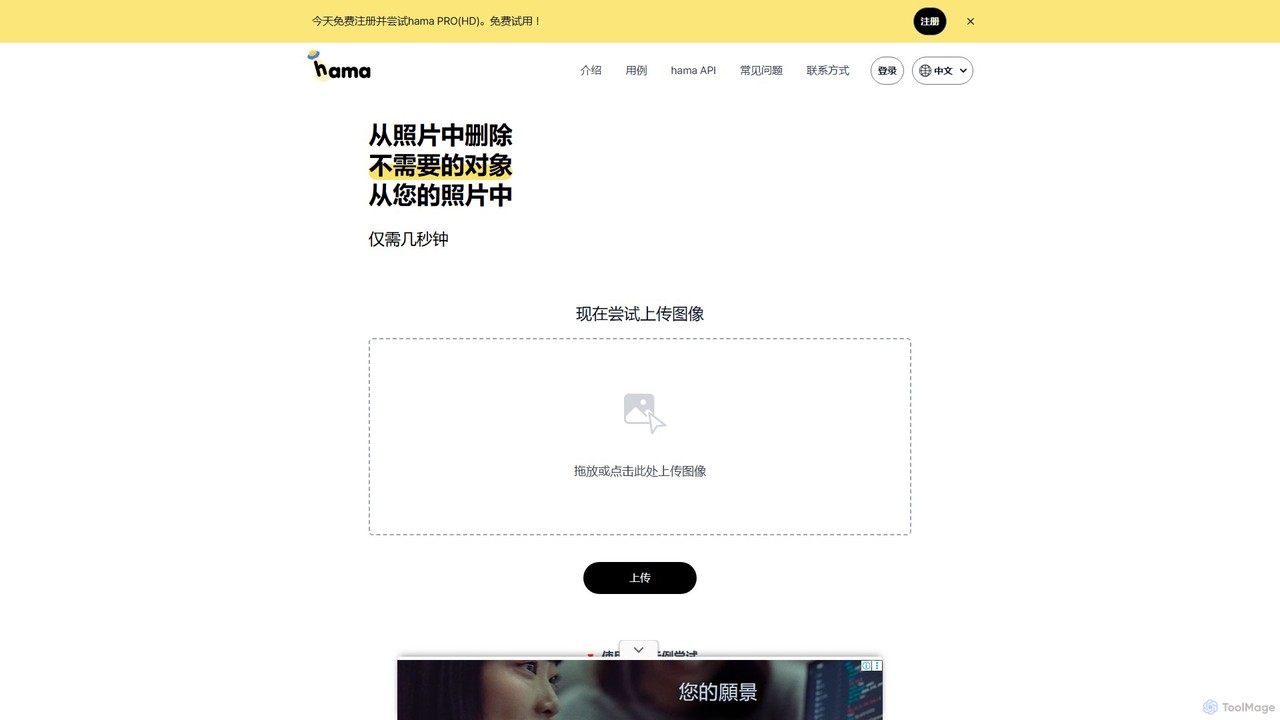
hama is an AI-powered image editing tool designed for effortlessly removing unwanted objects, people, text, and watermarks from photos. With a simple brush-over interface, users can clean up images in seconds without needing professional skills. It's ideal for photographers, marketers, and anyone looking to perfect their pictures.
Object Removal
jpgrm
jpgrm is an AI-powered magic eraser that effortlessly removes unwanted objects, people, text, and watermarks from your images. Simply upload your photo, brush over the area you want to clean up, and let the advanced AI intelligently erase the selection and reconstruct the background. It's the perfect tool for photographers, marketers, and anyone needing to create flawless images quickly and easily, without complex software.
Object Removal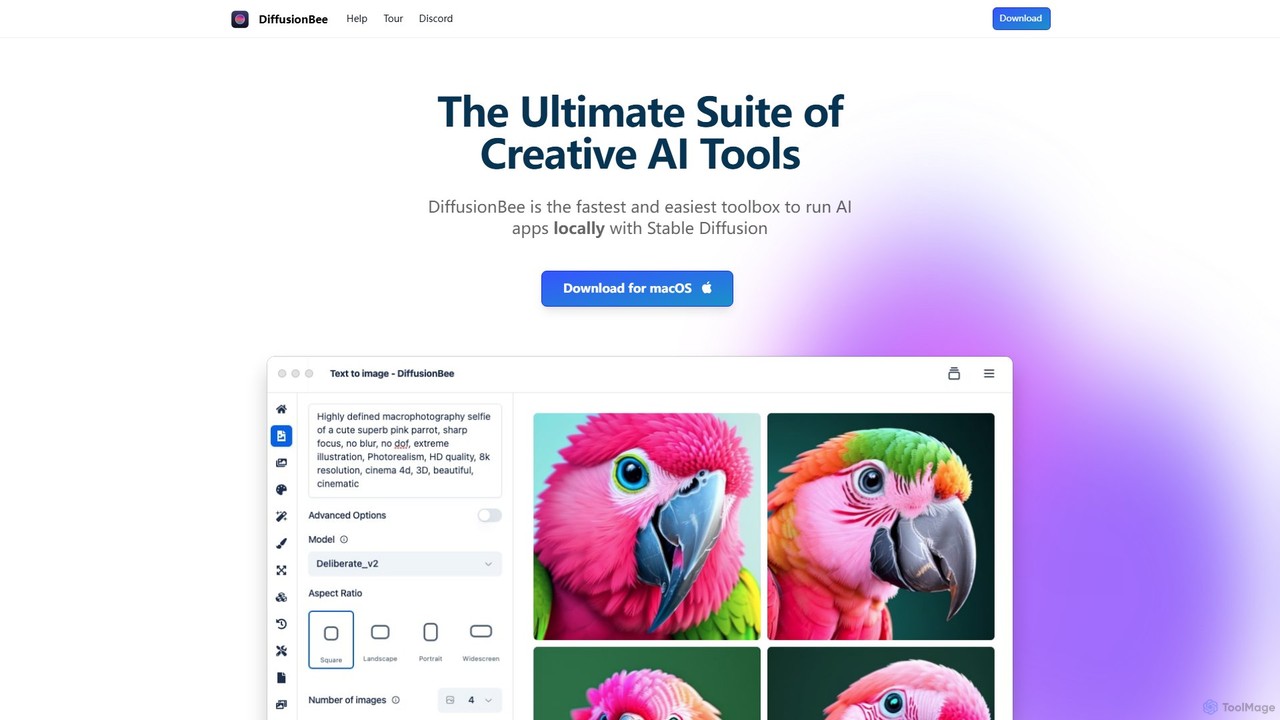
DiffusionBee
DiffusionBee is a free, easy-to-use macOS application that allows you to run Stable Diffusion locally on your computer. Generate stunning AI art from text, edit images with an AI canvas, train custom models, and more, all 100% offline, ensuring complete privacy and data ownership.
Creative Tools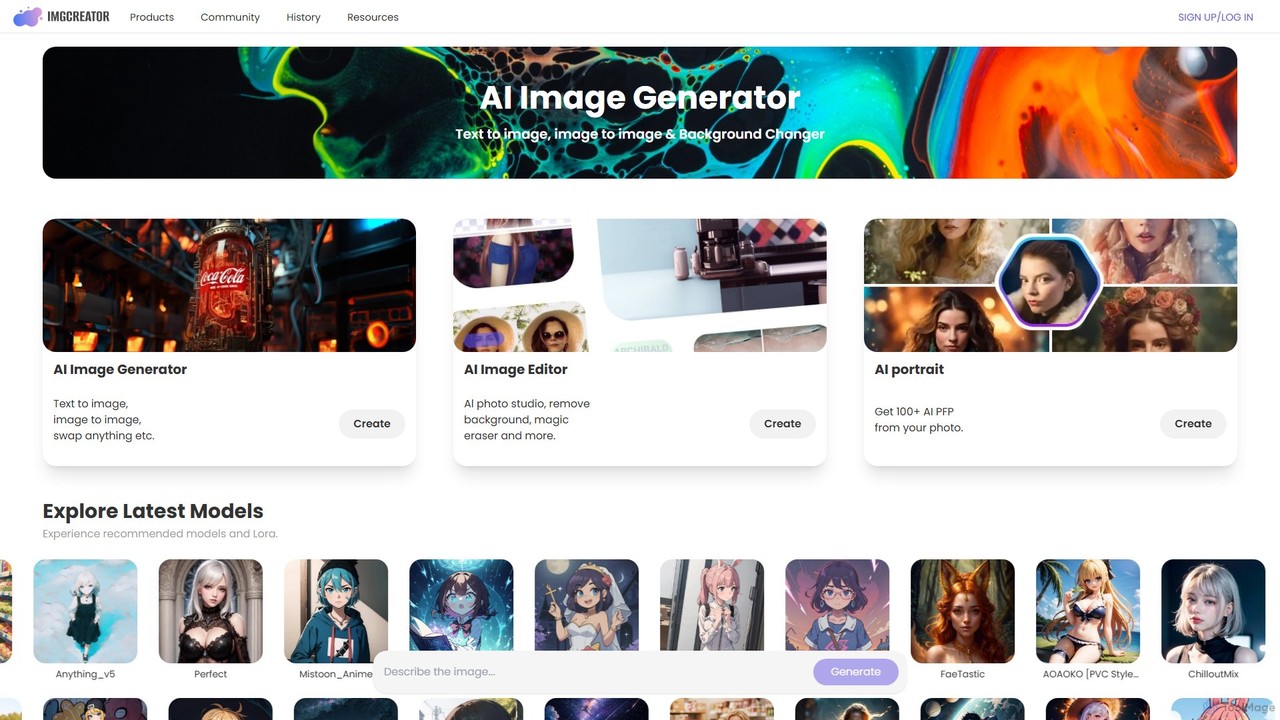
imgcreator
imgcreator is a powerful AI creative suite for generating and editing images. It offers text-to-image, image-to-image, an extensive library of art models (Lora), an AI photo studio with background removal, magic eraser, and an AI portrait generator for creating unique PFPs.
Generative Art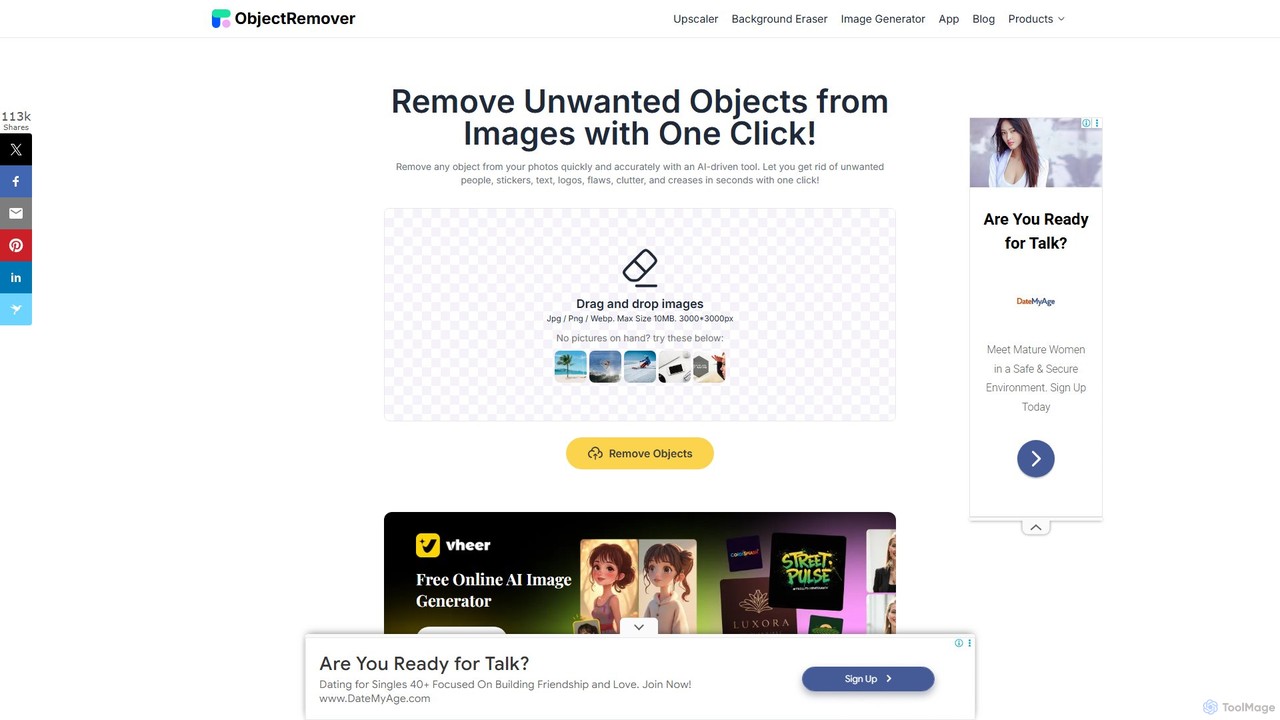
ObjectRemover
ObjectRemover is an AI-powered online tool that allows you to remove unwanted objects, people, text, and blemishes from your photos with a single click. It offers fast, high-quality, and natural-looking results without needing any technical skills. Simply upload your image, mark the object, and let the AI clean it up in seconds.
3DOptiClean Categories
OptiClean Embed Widget
Copy this embed code to place the badge on your blog, article, or product site and send readers directly to this ToolMage detail page.

Related AI tools
hama
hama is an AI-powered image editing tool designed for effortlessly removing unwanted objects, people, text, and watermarks from photos. With a simple brush-over interface, users can clean up images in seconds without needing professional skills. It's ideal for photographers, marketers, and anyone looking to perfect their pictures.
Object Removaljpgrm
jpgrm is an AI-powered magic eraser that effortlessly removes unwanted objects, people, text, and watermarks from your images. Simply upload your photo, brush over the area you want to clean up, and let the advanced AI intelligently erase the selection and reconstruct the background. It's the perfect tool for photographers, marketers, and anyone needing to create flawless images quickly and easily, without complex software.
Object RemovalObjectRemover
ObjectRemover is an AI-powered online tool that allows you to remove unwanted objects, people, text, and blemishes from your photos with a single click. It offers fast, high-quality, and natural-looking results without needing any technical skills. Simply upload your image, mark the object, and let the AI clean it up in seconds.
3D
Remover
Remover is a free AI-powered tool by ZMO.AI that effortlessly removes unwanted objects, people, text, and backgrounds from photos. Ideal for e-commerce, real estate, and general photo cleanup, it provides unlimited edits and professional results in seconds without needing complex software like Photoshop.
3D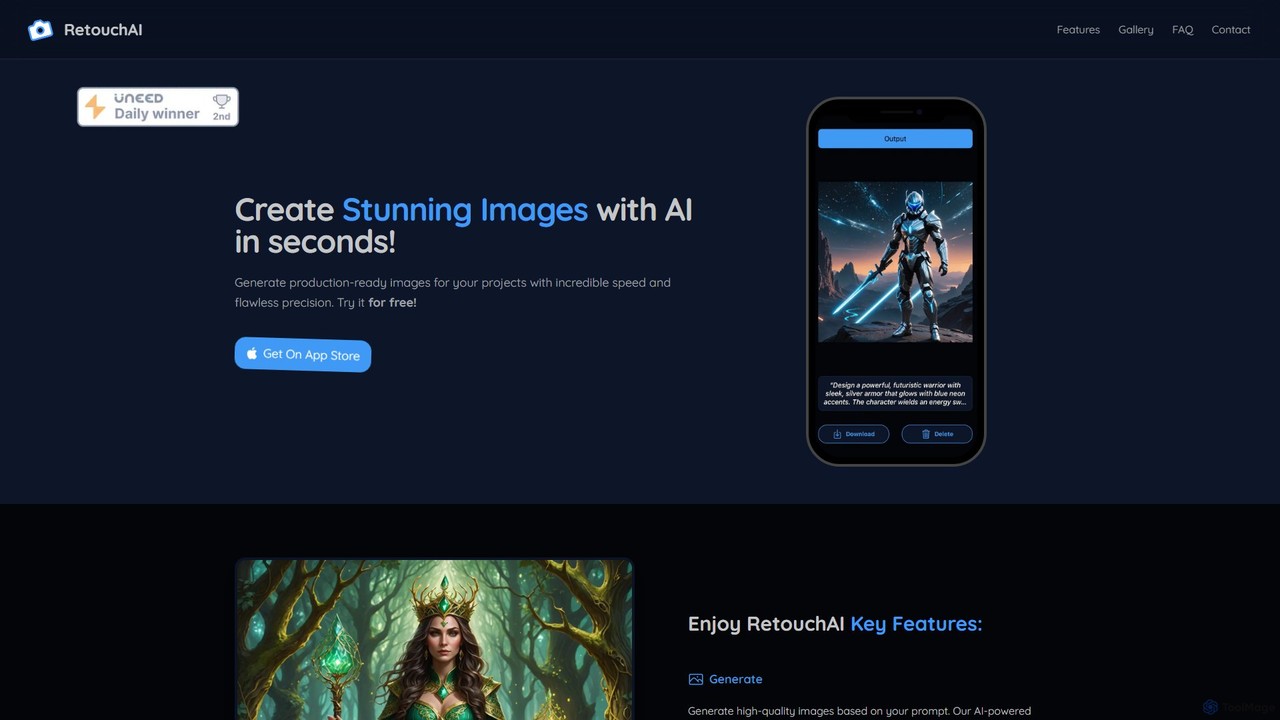
RetouchAI
RetouchAI is a powerful iOS app that leverages AI to generate and edit images in seconds. It offers a suite of tools including text-to-image generation, outpainting to expand images, inpainting to modify specific areas, and an erase tool to remove unwanted objects, all within a user-friendly mobile interface.
Image Editing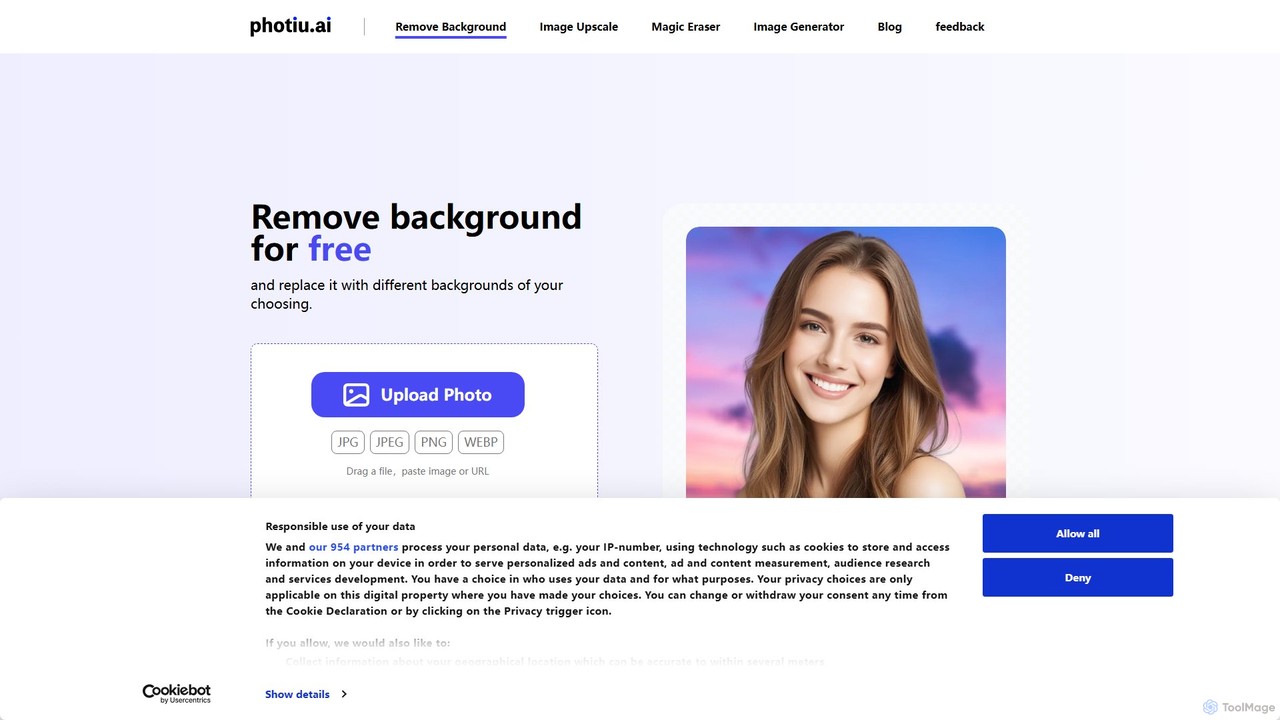
Photiu.ai
Photiu.ai is an AI-powered online image editing suite designed to simplify complex photo manipulation tasks. It offers a set of powerful tools, including a precise background remover, an intelligent object eraser for cleaning up images, and a high-quality image upscaler. This platform is perfect for e-commerce store owners, marketers, photographers, and social media creators who need professional-looking images quickly and without the need for advanced software skills.
3D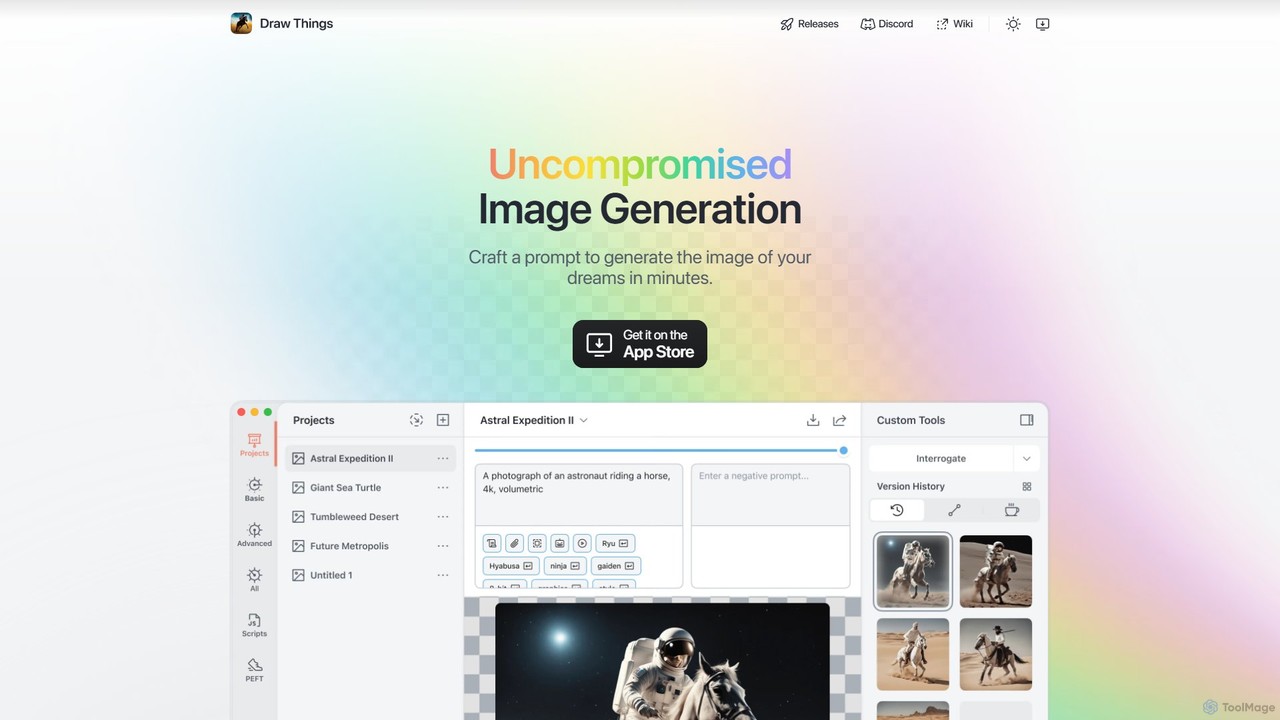
Draw Things
Draw Things is a powerful, free AI image generation app for iPhone, iPad, and Mac. It runs entirely offline on your device, ensuring 100% privacy. Create stunning art from text prompts, edit with advanced tools like in-painting, out-painting, and pose control, and manage your creative process with a non-destructive workflow. It's a full-featured art studio in your pocket, with no subscriptions or server costs.
Digital Art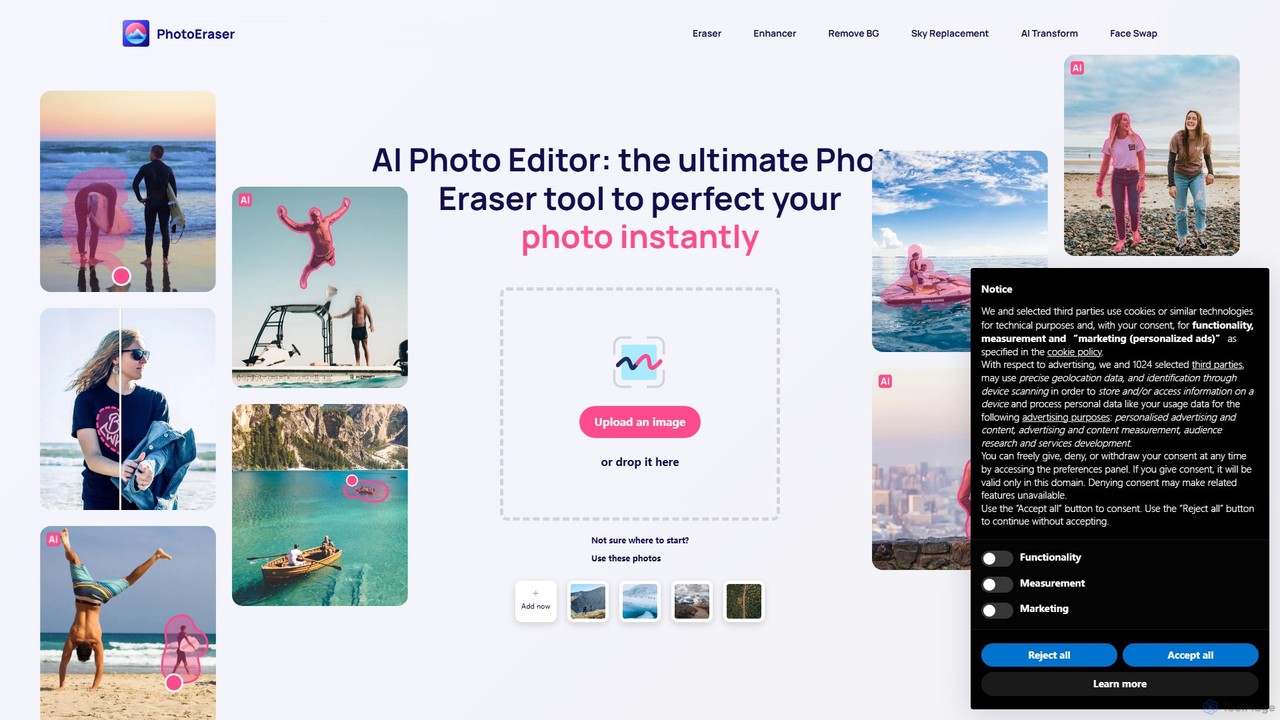
Photoeraser
Photoeraser is an all-in-one AI-powered photo editing suite. It allows users to effortlessly remove unwanted objects, people, or text from images, enhance photo quality, swap faces, and restore old photos. Its intuitive interface makes professional-grade editing accessible to everyone, from social media users to real estate professionals.
Face Swap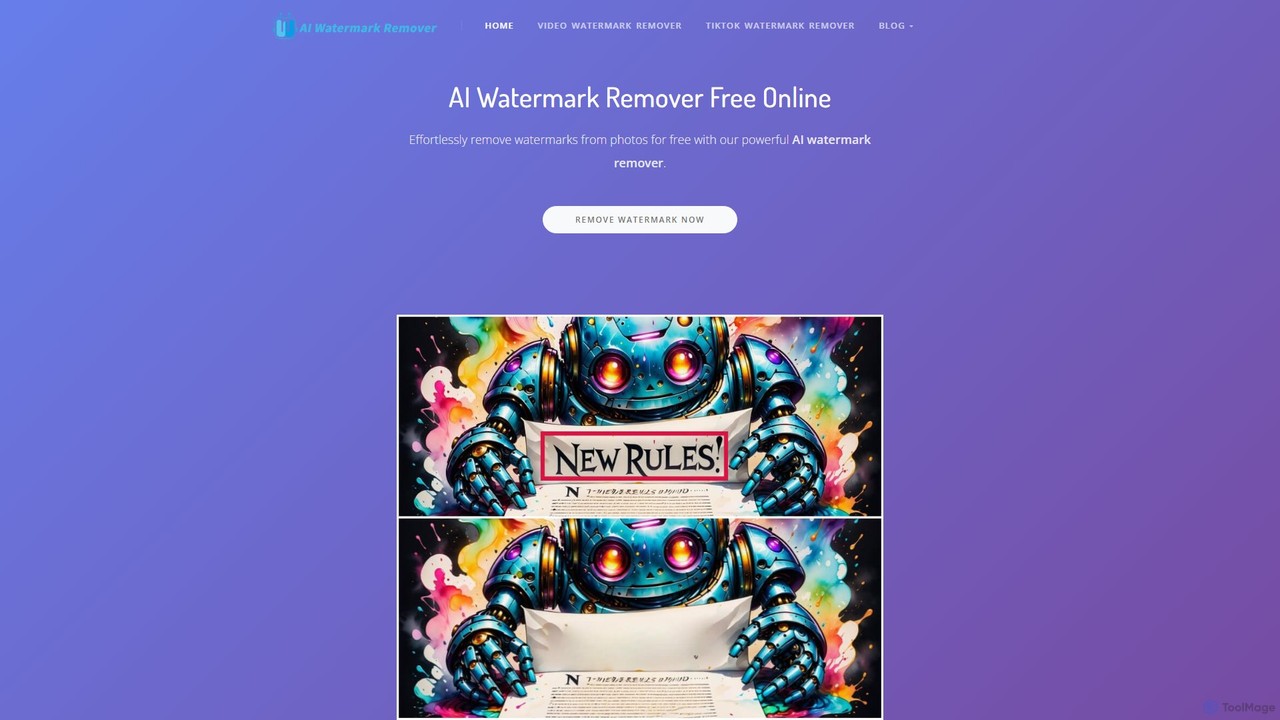
aiwatermarkremover
A free, AI-powered online tool for removing watermarks, text, and unwanted objects from photos and videos. No sign-up required, it delivers clean, high-quality results in seconds without adding new watermarks. Ideal for content creators and social media users.
3D
aifillimage.com
A powerful AI image editing tool for generative fill, inpainting, and outpainting. Effortlessly remove unwanted objects, extend image canvases, or add new elements with simple text prompts. Perfect for photographers, designers, and marketers to enhance visuals quickly.
3D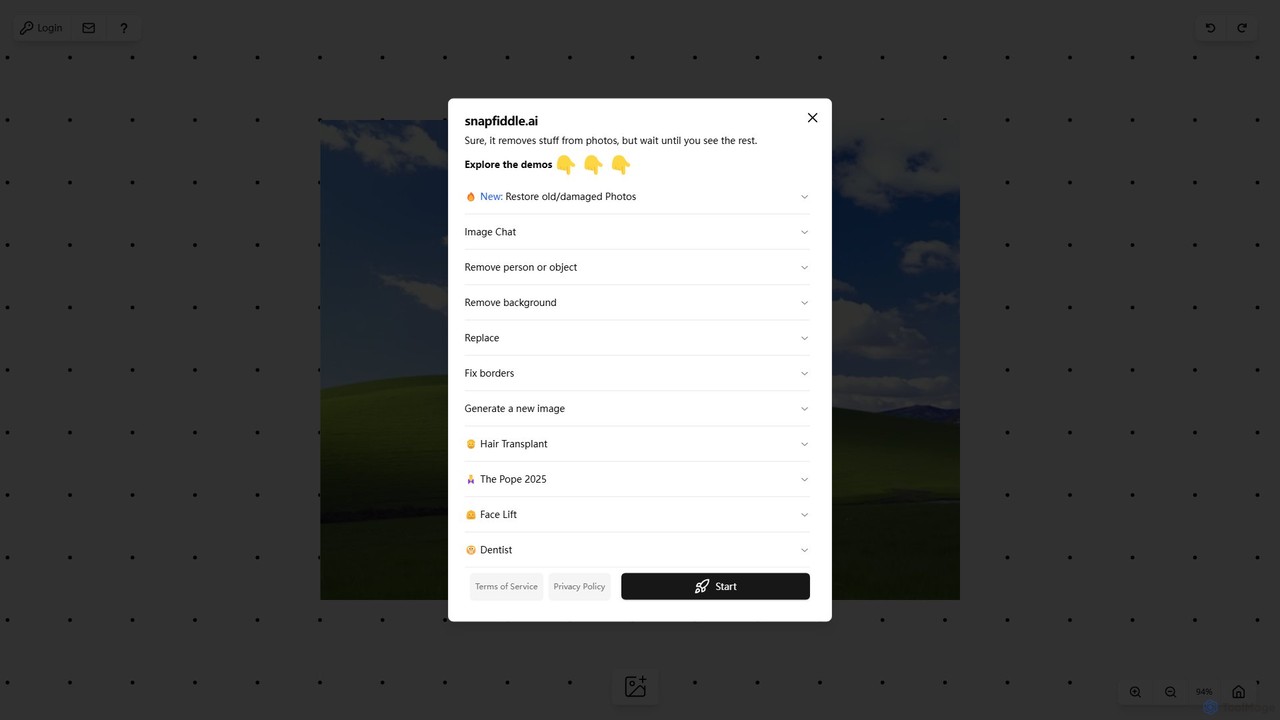
snapfiddle.ai
snapfiddle.ai is a comprehensive AI-powered image editing suite. It allows users to effortlessly remove objects, restore old photos, remove backgrounds, generate new images, and perform advanced edits like face lifts or hair transplants through an intuitive web interface.
Image Generation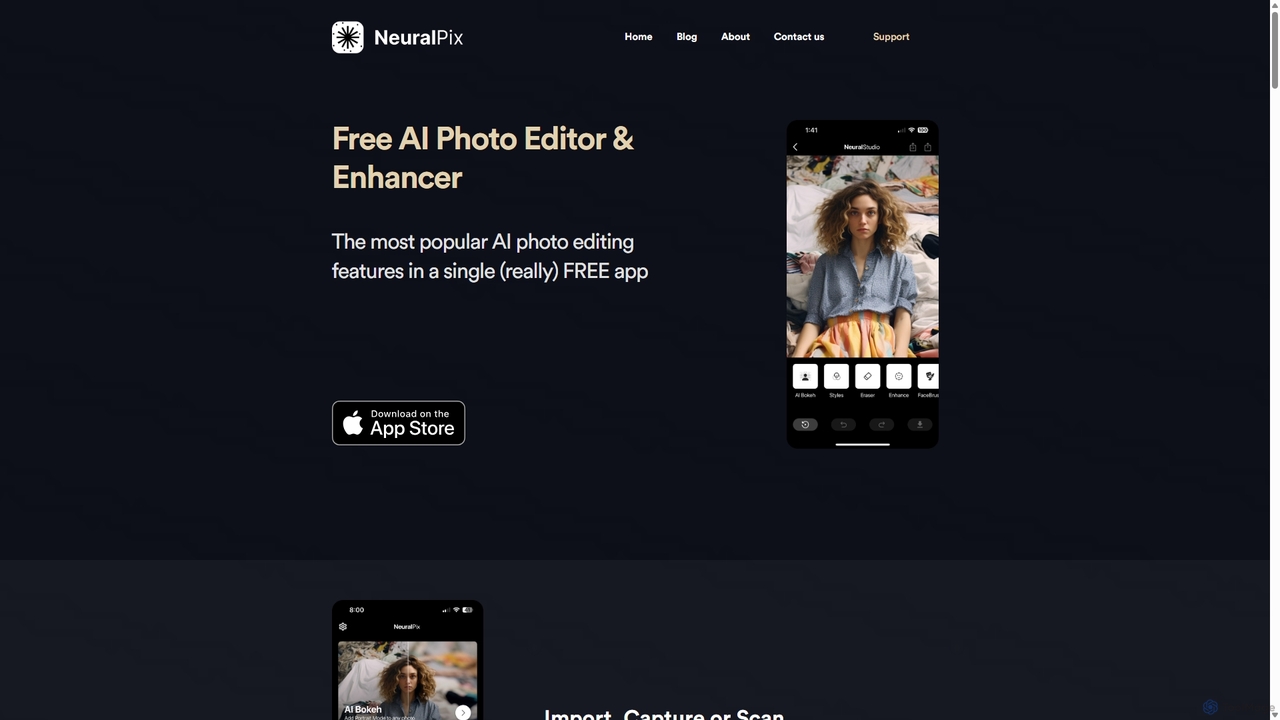
NeuralPix
NeuralPix is a completely free, all-in-one AI photo editor and enhancer app. It packs powerful features like Magic Eraser, AI Bokeh, Photo Enhancer, Unblur, Colorization, and Upscaling into a single, user-friendly interface. Perfect for both casual users and professionals to effortlessly improve photos, restore old memories, and create stunning images without subscriptions or ads.
Image Editing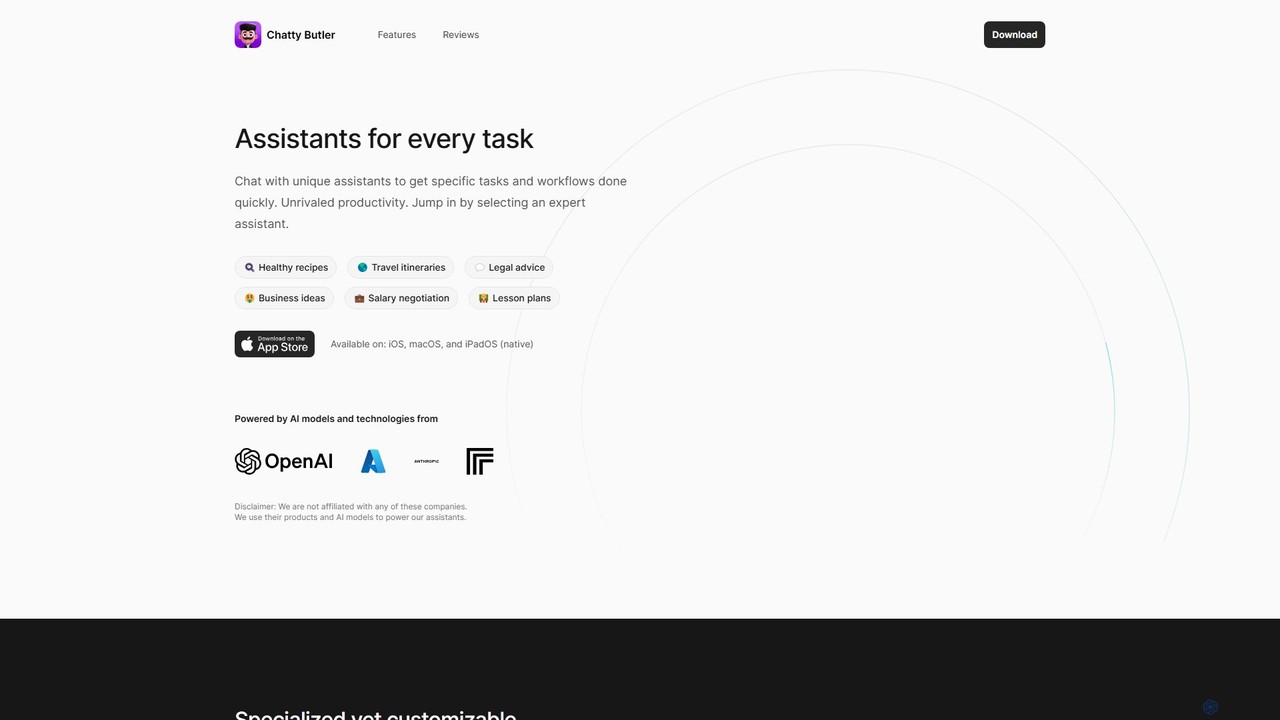
Chatty Butler
Chatty Butler is an AI-powered application for iOS, macOS, and iPadOS, offering a suite of specialized AI assistants. Each assistant is pre-configured for specific tasks like creating travel itineraries, getting legal advice, or drafting lesson plans. It simplifies complex AI interactions, providing a user-friendly 'easy mode' for ChatGPT-like capabilities. With a strong focus on privacy, voice commands, and multi-language support, Chatty Butler boosts productivity by delivering expert-level answers and creative solutions quickly and securely.
Learning
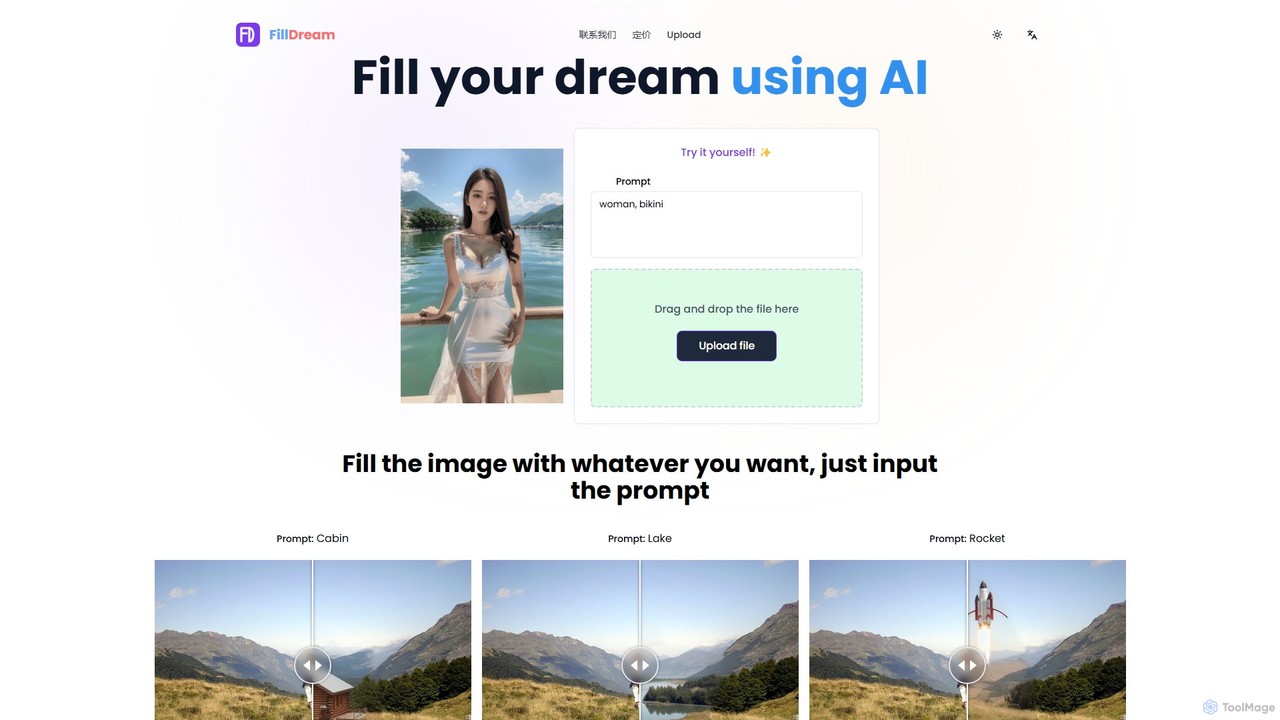
FillDream
FillDream is an advanced AI-powered image editing tool specializing in outfit modification, inpainting, and generative fill. Effortlessly remove unwanted objects, add new elements with simple text prompts, or virtually change clothing in your photos. Ideal for e-commerce, photographers, and marketers seeking to create stunning, professional-quality visuals with ease.
3D
OptiClean Comments (0)
Sign in to comment.
Sign inNo comments yet.