OptiClean
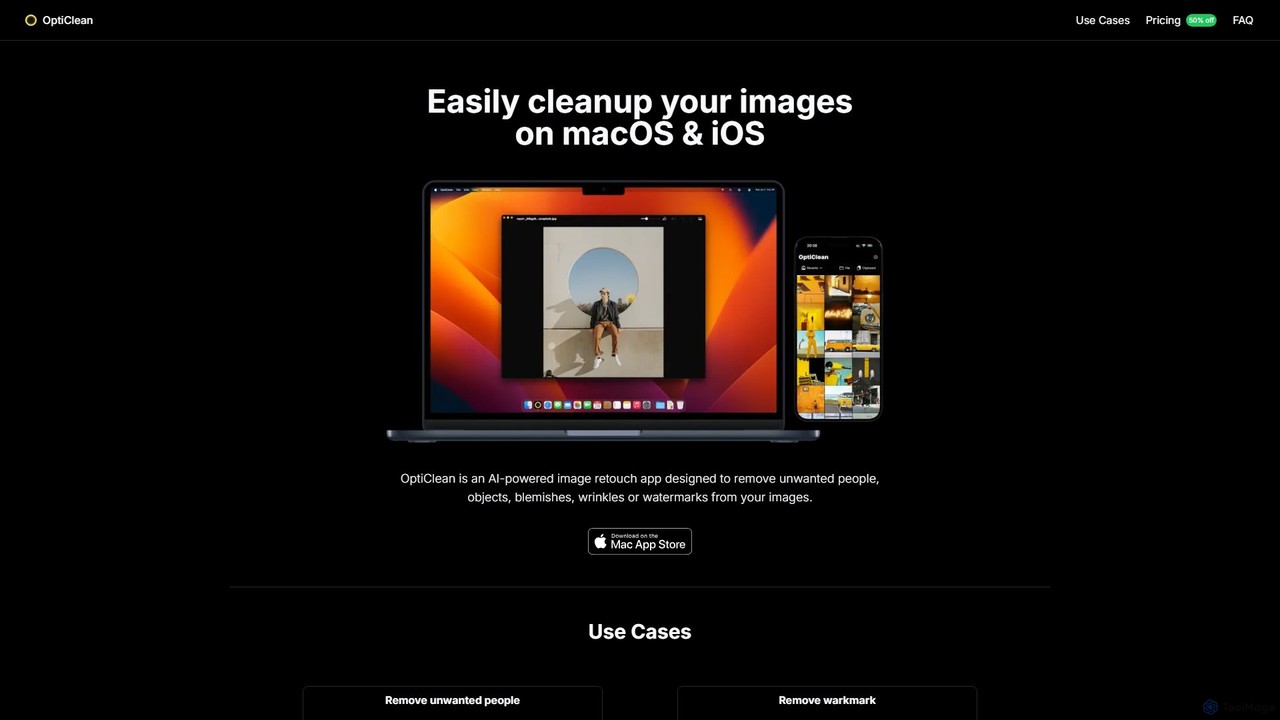
OptiClean is an AI-powered image retouching app for macOS and iOS, designed to effortlessly remove unwanted objects, people, …
OptiClean is an AI-powered image retouching app for macOS and iOS, designed to effortlessly remove unwanted objects, people, watermarks, and blemishes. It offers a simple, one-click solution for professional-quality photo cleanup with a focus on user privacy through on-device processing.
About Retouching
AI Retouching tools are a category of AI-powered software designed to enhance, correct, and refine images with automated precision. These tools leverage advanced machine learning algorithms to perform complex editing tasks such as skin smoothing, blemish removal, color correction, and background optimization. They aim to elevate image quality to professional standards, significantly streamlining the traditional manual retouching process for photographers, e-commerce businesses, and content creators, boosting both efficiency and aesthetic appeal.
Core Features
- Intelligent Skin Enhancement: Automatically smooths skin, removes blemishes and wrinkles while preserving natural textures and details.
- Object and Flaw Removal: Precisely identifies and eliminates unwanted objects, watermarks, or facial imperfections from images.
- Color and Light Correction: Smartly adjusts image color balance, exposure, and contrast to optimize the overall visual impact.
- Background Optimization and Replacement: Automatically isolates subjects, blurs backgrounds, or replaces them with new scenes to highlight the main focus.
- Facial Feature Enhancement: Subtly refines facial proportions, eye sparkle, and makeup for a naturally enhanced look.
Applicable Scenarios
AI retouching tools are indispensable for professionals and individuals who require high-quality image refinement at scale. They are widely adopted by portrait photographers for post-processing, e-commerce vendors for optimizing product visuals, and social media influencers for rapidly enhancing personal photos and content.
How to Choose
When selecting an AI retouching tool, consider its feature comprehensiveness (does it cover skin, object, color, and background needs?), AI algorithm accuracy (how natural are the results and how well are details preserved?), ease of use (is the interface intuitive, and does it support batch processing?), and integration capabilities (can it seamlessly connect with your existing workflow or design software?).

RetouchingUse Cases
Professional Portrait Photo Retouching
Portrait photographers utilize AI retouching tools to quickly refine model's skin, remove blemishes, and smooth skin tone while preserving intricate pore details. This significantly enhances the professional quality and aesthetic appeal of portrait photographs, reducing manual editing time and ensuring consistent, high-quality output for client deliverables.
Batch Optimization of E-commerce Product Images
E-commerce operators leverage AI retouching tools to process hundreds of product photos, performing tasks like background removal, lighting adjustments, and color correction. This ensures product images are consistent, appealing, and meet platform standards, ultimately boosting conversion rates by presenting products in their best light without extensive manual effort.
Rapid Beautification for Social Media Content
Social media creators and individual users employ AI retouching tools for one-click beautification of selfies or lifestyle photos. This includes removing distracting background elements, adjusting facial details, and enhancing overall aesthetics, enabling quick publication of high-quality, engaging content across various platforms without requiring advanced editing skills.
Correction of Architectural and Interior Design Photos
Real estate agents and designers utilize AI retouching tools to correct distortions in architectural photos, adjust lighting, and remove unwanted passersby or clutter. This makes property listings and design portfolios more appealing and professional, ensuring that visual presentations accurately reflect the quality and potential of the spaces.
Restoration and Enhancement of Old Photos
Enthusiasts of historical photos or professional restorers leverage AI retouching tools to intelligently remove scratches, stains, and noise from old photographs. They also perform color restoration and clarity enhancement, bringing faded memories back to life with improved detail and vibrancy, preserving historical value with modern technology.
Assistance for Art Creation and Digital Painting
Digital artists use AI retouching tools to refine specific details in their digital artworks, such as adjusting lighting, enhancing textures, or correcting brushstrokes. This helps elevate the overall finish and visual impact of their creations, allowing for more precise control over the final aesthetic without extensive manual rework, thus accelerating the artistic workflow.