

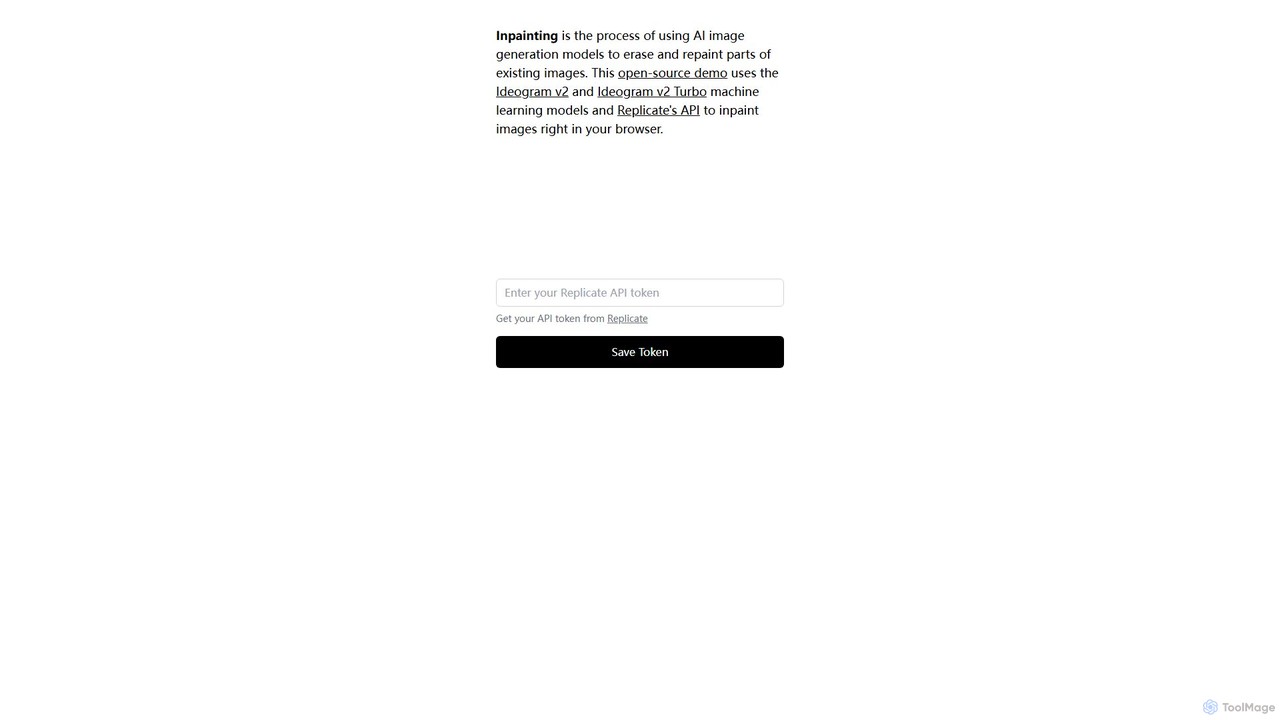
Inpainter Overview
Inpainter is a powerful, open-source web application designed for AI-powered image inpainting. It allows users to seamlessly erase, modify, or completely repaint selected areas of an image with remarkable precision and contextual awareness. The tool is built upon the advanced capabilities of the Ideogram v2 and Ideogram v2 Turbo machine learning models, accessed through Replicate's robust API. This combination enables users to perform complex photo editing tasks, such as object removal and generative fill, directly within their web browser without needing any specialized software or high-end hardware.
As an open-source demonstration, Inpainter not only serves as a functional tool but also as a practical example for developers interested in integrating powerful AI image models into their own applications. Its core philosophy is to make state-of-the-art image manipulation accessible to a broader audience, from professional photographers and designers to casual users looking to perfect their photos.
How to use Inpainter
Using Inpainter is a straightforward process, although it requires a one-time setup to connect to the Replicate API:
- Get a Replicate API Token: First, you need to visit the Replicate website, sign up for an account, and obtain your personal API token from your account dashboard. Replicate offers a pay-as-you-go model, so you only pay for the processing time you use.
- Configure Inpainter: Navigate to the Inpainter web application. You will find a field to enter your Replicate API token. Paste your token there and save it. The browser will remember it for future sessions.
- Upload Your Image: Click the upload button to select an image from your computer that you wish to edit.
- Mask the Area: Once the image is loaded, use the provided brush tool to paint over the object, person, text, or blemish you want to remove or change. You can adjust the brush size for better precision.
- Write a Prompt (Optional): In the text field, describe what you want to generate in the masked area. For simple object removal, you can leave this blank or write a generic prompt like 'a clean wall' or 'blue sky'. For creative edits, be descriptive (e.g., 'a small, red flower').
- Generate the Result: Click the 'Inpaint' button to process the image. The tool sends the image, mask, and prompt to the Replicate API, which uses the Ideogram model to generate the new content.
- Download: After a few moments, the edited image will appear. If you are satisfied with the result, you can download it to your device.
Core Features of Inpainter
- Advanced AI Inpainting: Utilizes Ideogram v2 and v2 Turbo models to intelligently fill masked areas, ensuring the generated content blends seamlessly with the surrounding pixels in terms of texture, lighting, and perspective.
- Object and Blemish Removal: Effortlessly erase unwanted elements from your photos, such as photobombers, distracting objects, watermarks, text overlays, or skin imperfections.
- Generative Fill and Replacement: Go beyond removal by replacing parts of an image with entirely new content based on a text prompt. Change a person's clothing, add objects to a scene, or alter backgrounds creatively.
- Browser-Based and Accessible: The entire process happens in your web browser, eliminating the need for software downloads or installations. It's accessible from any modern computer with an internet connection.
- Open-Source Platform: As an open-source project, its code is publicly available. This offers transparency and allows developers to learn from it, customize it, or even self-host their own version.
- Pay-As-You-Go Pricing Model: By using Replicate's API, users avoid fixed monthly subscriptions. This makes it a cost-effective solution for both infrequent and heavy users, who only pay for the computation they use.
Use Cases for Inpainter
Inpainter is a versatile tool suitable for a wide range of applications:
- Professional Photography: Retouch portraits by removing skin blemishes, stray hairs, or reflections. Clean up product photos by erasing dust, scratches, or unwanted props.
- Real Estate Marketing: Enhance property photos by decluttering rooms, removing vehicles from driveways, or repairing cracks on walls to present a cleaner, more appealing image.
- E-commerce: Create clean, uniform product images by removing backgrounds or any distracting elements, ensuring the focus remains on the product.
- Social Media Content Creation: Perfect your posts by removing unwanted people from travel photos, erasing text from memes to create new versions, or tidying up backgrounds in selfies.
- Graphic Design and Art: Use it as a creative tool to seamlessly blend elements, create surreal compositions, or modify existing artwork in novel ways.
- Photo Restoration: Repair old or damaged photographs by painting over scratches, tears, and stains, letting the AI reconstruct the missing parts.
Advantages of Inpainter
The primary advantage of Inpainter is its combination of power and accessibility. It democratizes access to high-end AI image editing models that were previously only available through expensive software or complex programming. The open-source nature fosters trust and community-driven improvement. Furthermore, the pay-per-use model via Replicate is highly flexible and often more economical than subscription-based alternatives, especially for users who don't need the tool daily.
Pricing and Plans
The Inpainter web application itself is completely free to use as it is an open-source project. However, its functionality is powered by the Replicate API, which is a paid service. The pricing is based on a Bring-Your-Own-Key (BYOK) model:
- Tool Cost: Free
- API Cost: Users must have a Replicate account. Replicate charges on a pay-as-you-go basis for the computational resources used. The cost per inpainting task depends on the processing time of the Ideogram v2 or v2 Turbo model. For detailed and up-to-date pricing, users should consult the official Replicate website.
This model is ideal for users who want access to powerful AI tools without committing to a monthly fee, paying only for what they actually use.
Inpainter Alternatives
aifillimage.com
A powerful AI image editing tool for generative fill, inpainting, and outpainting. Effortlessly remove unwanted objects, extend image canvases, or add new elements with simple text prompts. Perfect for photographers, designers, and marketers to enhance visuals quickly.
3D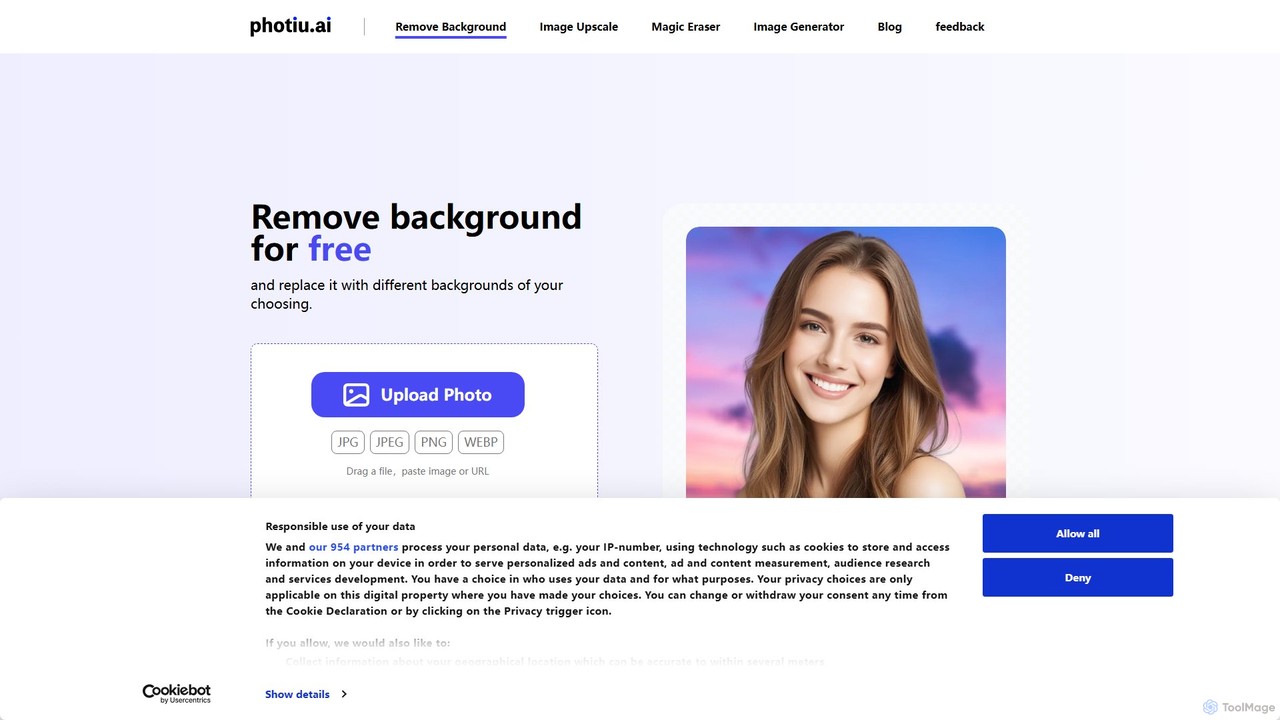
Photiu.ai
Photiu.ai is an AI-powered online image editing suite designed to simplify complex photo manipulation tasks. It offers a set of powerful tools, including a precise background remover, an intelligent object eraser for cleaning up images, and a high-quality image upscaler. This platform is perfect for e-commerce store owners, marketers, photographers, and social media creators who need professional-looking images quickly and without the need for advanced software skills.
3D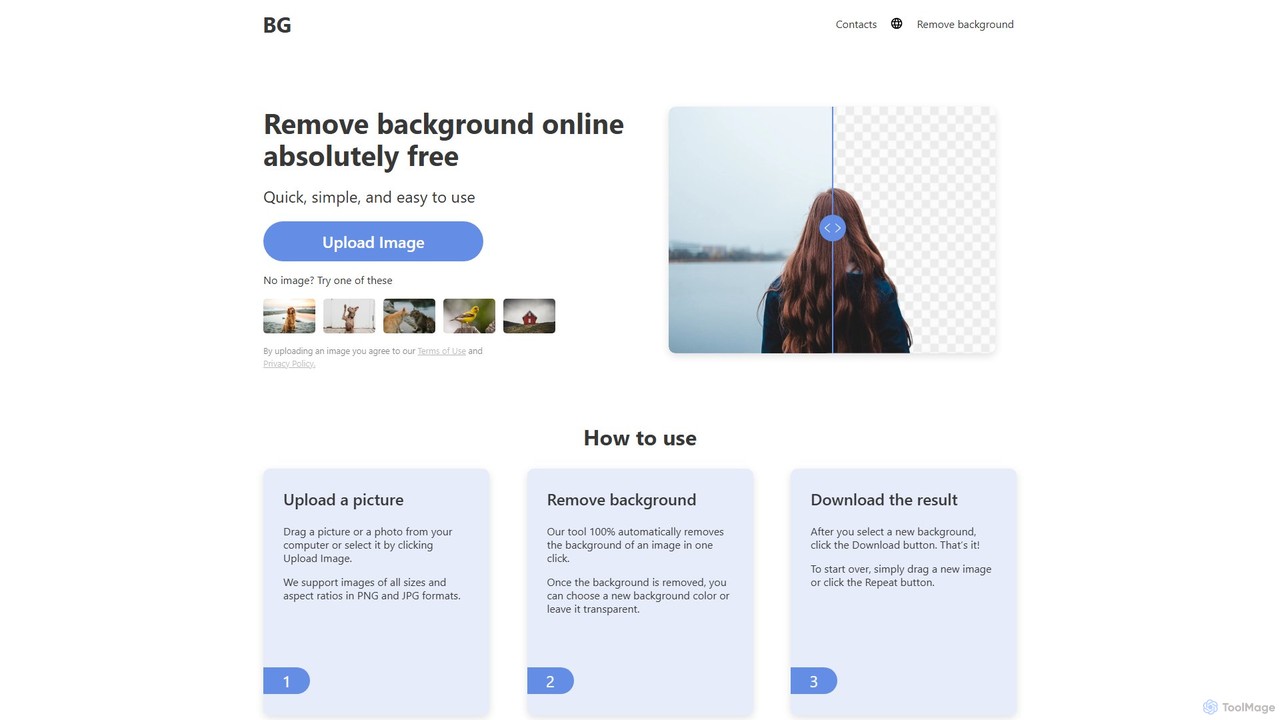
background_remover
background_remover is a free, AI-powered online tool that automatically removes the background from any image in a single click. It requires no registration or software installation. Simply upload your JPG or PNG image to get a high-quality, transparent background instantly. Ideal for e-commerce, graphic design, and personal projects, it supports high-resolution images and works on any device.
3D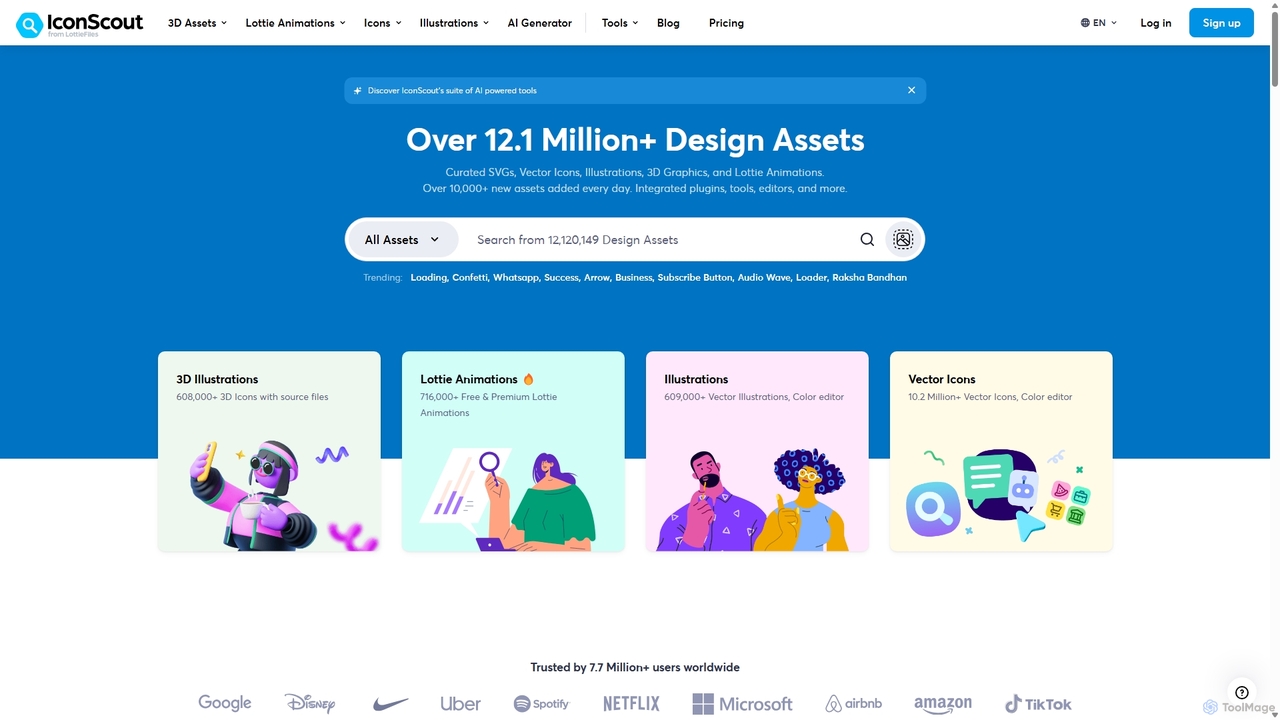
IconScout
IconScout is a massive design ecosystem with over 12.1 million assets, including icons, illustrations, 3D graphics, and Lottie animations. It features a suite of AI-powered tools to generate 3D illustrations and vector art from text, convert images to vectors, and remove backgrounds, streamlining the creative workflow for designers, developers, and marketers.
Graphics
Evoto
An AI-powered photo editing application designed for professional photographers. Evoto streamlines workflows with powerful tools for portrait retouching, color grading, background removal, and batch processing. It delivers natural, high-quality results in a fraction of the time, boosting productivity for wedding, portrait, and studio photography.
3DInpainter Categories
Inpainter Embed Widget
Copy this embed code to place the badge on your blog, article, or product site and send readers directly to this ToolMage detail page.

Related AI tools
VisionMorpher
VisionMorpher is an AI-powered generative image filler that allows users to transform photos by adding, removing, or replacing elements using simple text prompts. It offers an intuitive platform for quick, creative image editing without complex software, making professional-level results accessible to everyone.
Generative Artaifillimage.com
A powerful AI image editing tool for generative fill, inpainting, and outpainting. Effortlessly remove unwanted objects, extend image canvases, or add new elements with simple text prompts. Perfect for photographers, designers, and marketers to enhance visuals quickly.
3D
Jyek
Jyek is an AI agent platform that understands objectives, creates execution plans, uses tools, and delivers verifiable results for complex, multi-step tasks.
Automation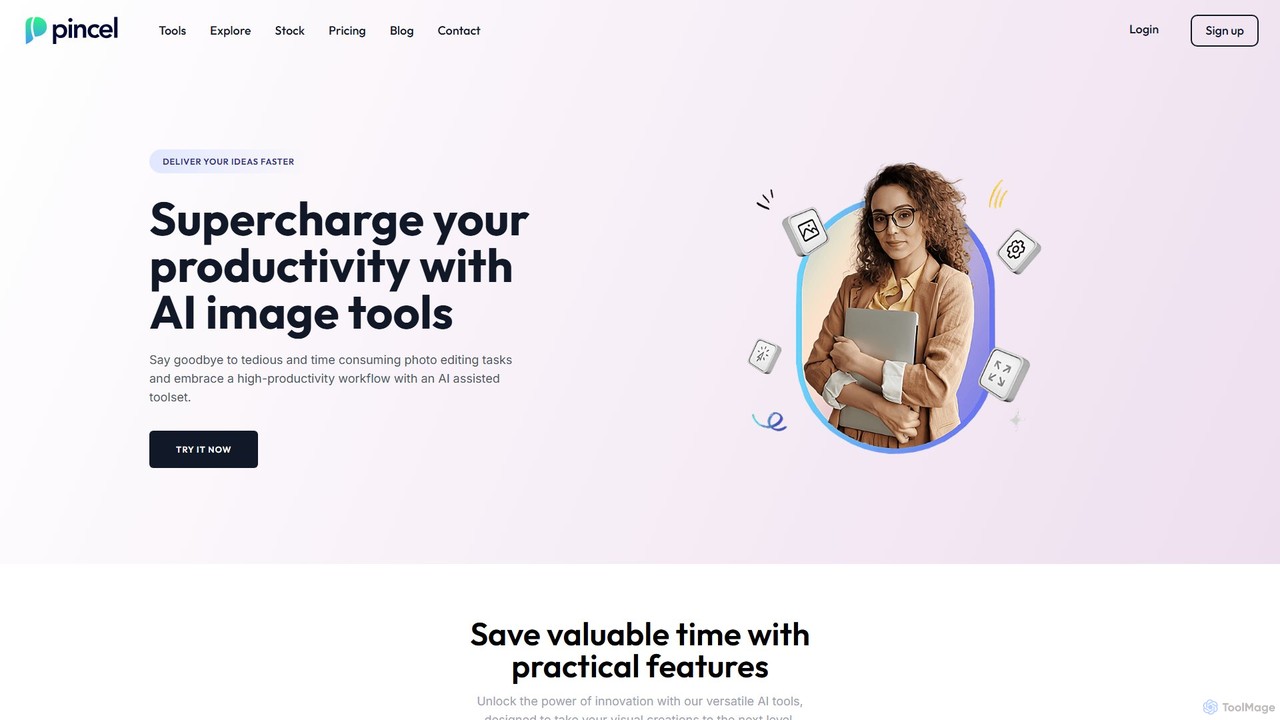
Pincel
Pincel is a comprehensive, web-based AI image editing suite designed for speed and simplicity. It offers a vast collection of tools, from one-click object removal and generative fill to AI portrait creation, face swapping, and artistic QR codes. Ideal for marketers, designers, and content creators, Pincel streamlines complex photo editing tasks into an intuitive workflow, accessible on any device without needing specialized skills or expensive software.
Image GeneratorPhotiu.ai
Photiu.ai is an AI-powered online image editing suite designed to simplify complex photo manipulation tasks. It offers a set of powerful tools, including a precise background remover, an intelligent object eraser for cleaning up images, and a high-quality image upscaler. This platform is perfect for e-commerce store owners, marketers, photographers, and social media creators who need professional-looking images quickly and without the need for advanced software skills.
3D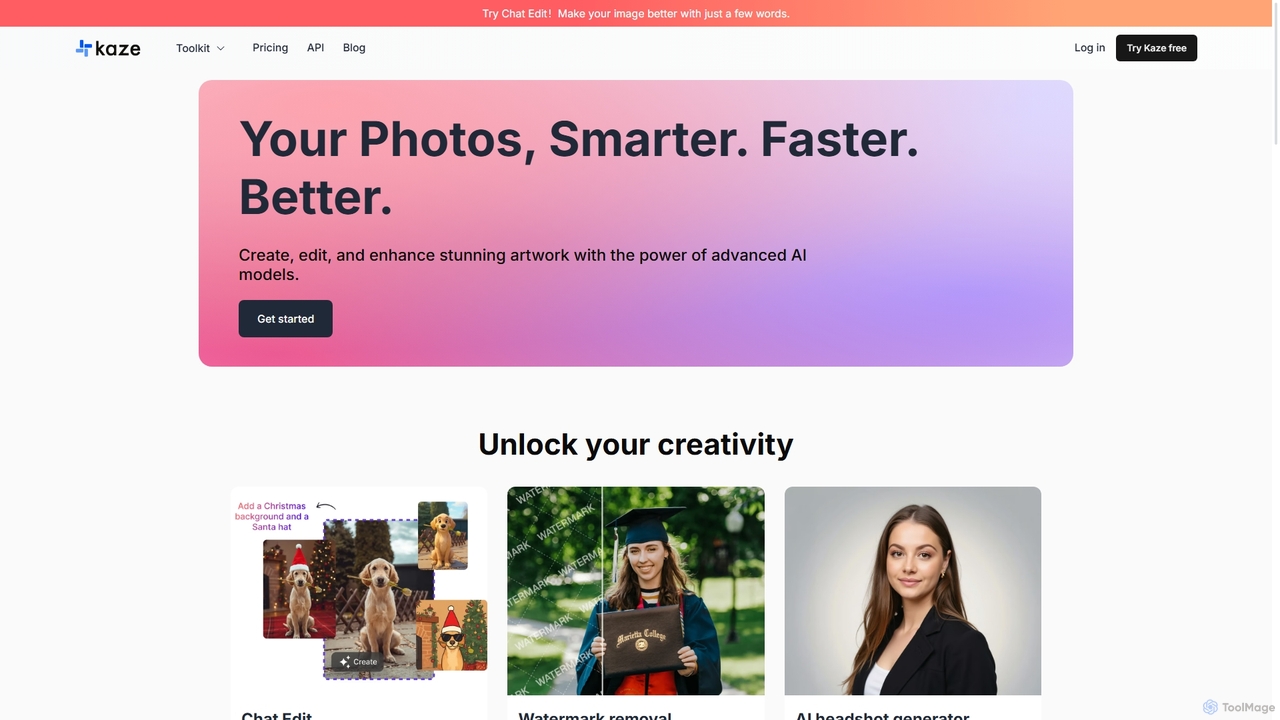
Kaze
Kaze is a comprehensive AI-powered image editing suite designed to create, edit, and enhance photos effortlessly. It offers a wide range of tools including one-click watermark and object removal, photo restoration, image upscaling, background removal, and an AI headshot generator. With its user-friendly interface and advanced AI models, Kaze delivers professional, studio-quality results in seconds, catering to creators, marketers, and photographers.
3D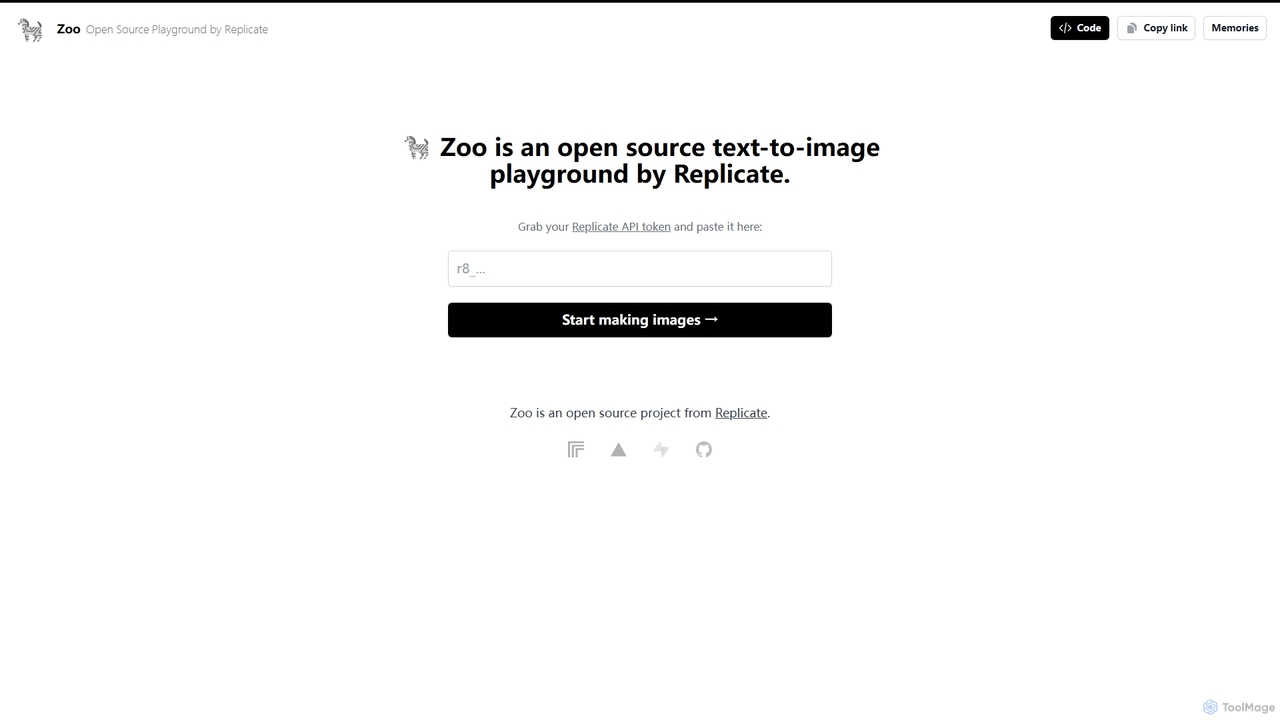
Zoo
Zoo is an open-source text-to-image playground developed by Replicate. It provides a simple, web-based interface for users to experiment with various AI image generation models available on the Replicate platform. By using their Replicate API token, developers, artists, and enthusiasts can generate high-quality images from text prompts without writing any code, making it an ideal tool for rapid prototyping and creative exploration.
Creative Tools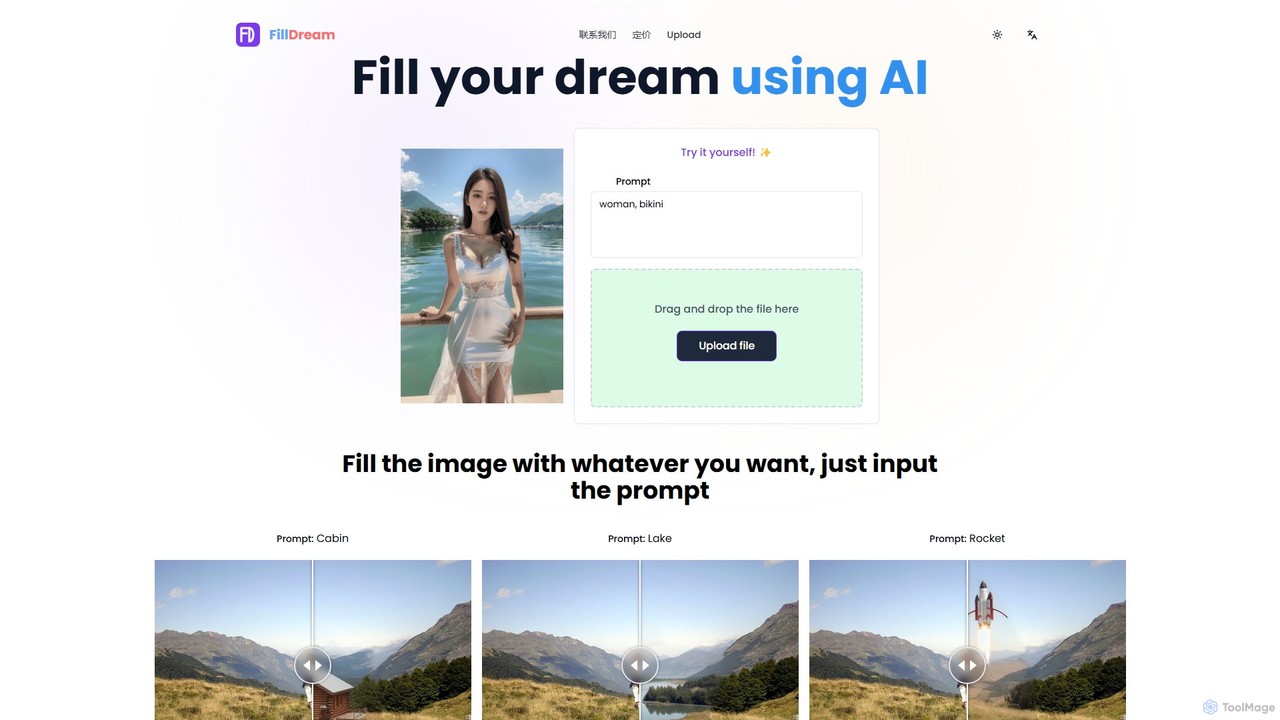
FillDream
FillDream is an advanced AI-powered image editing tool specializing in outfit modification, inpainting, and generative fill. Effortlessly remove unwanted objects, add new elements with simple text prompts, or virtually change clothing in your photos. Ideal for e-commerce, photographers, and marketers seeking to create stunning, professional-quality visuals with ease.
3D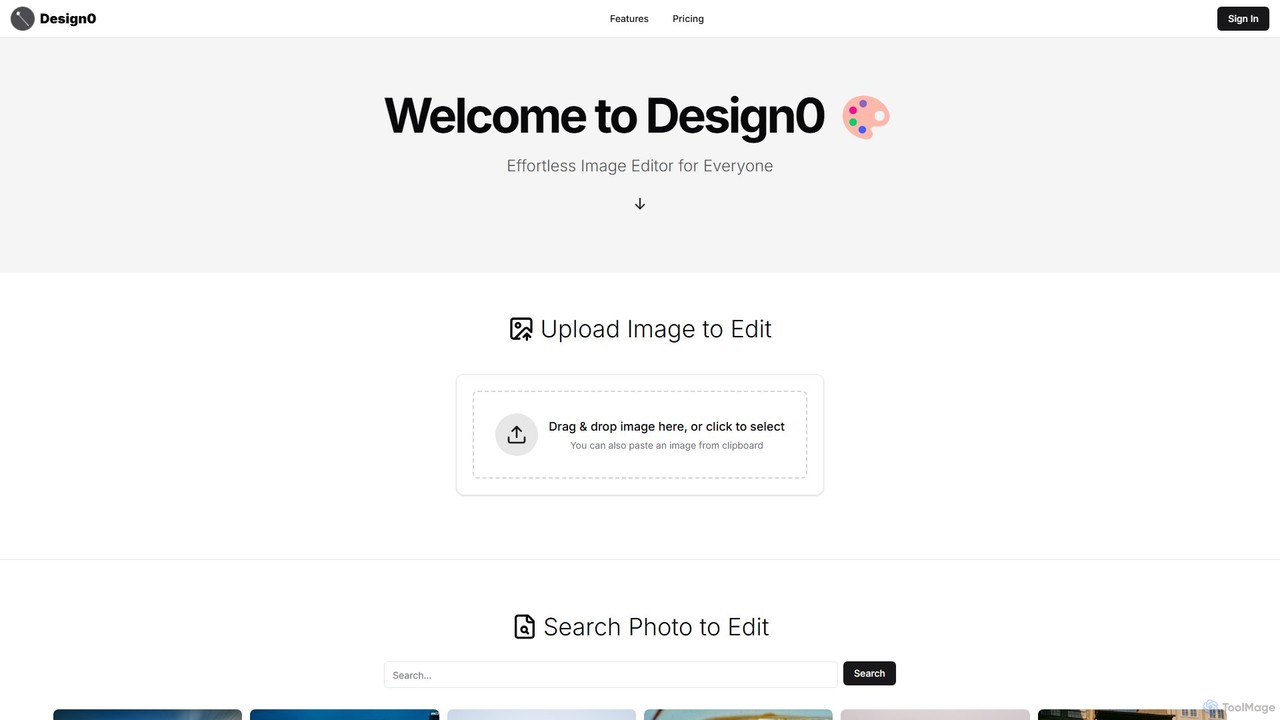
Design0
Design0 is an AI-powered image editor designed for everyone, especially non-designers. It simplifies creating professional-looking visuals for social media, marketing, and personal projects. Users can search for images, mask specific areas, and use text prompts to add, modify, or transform elements, including generating highly stylized text. Its pay-as-you-go model makes advanced editing accessible and affordable.
3D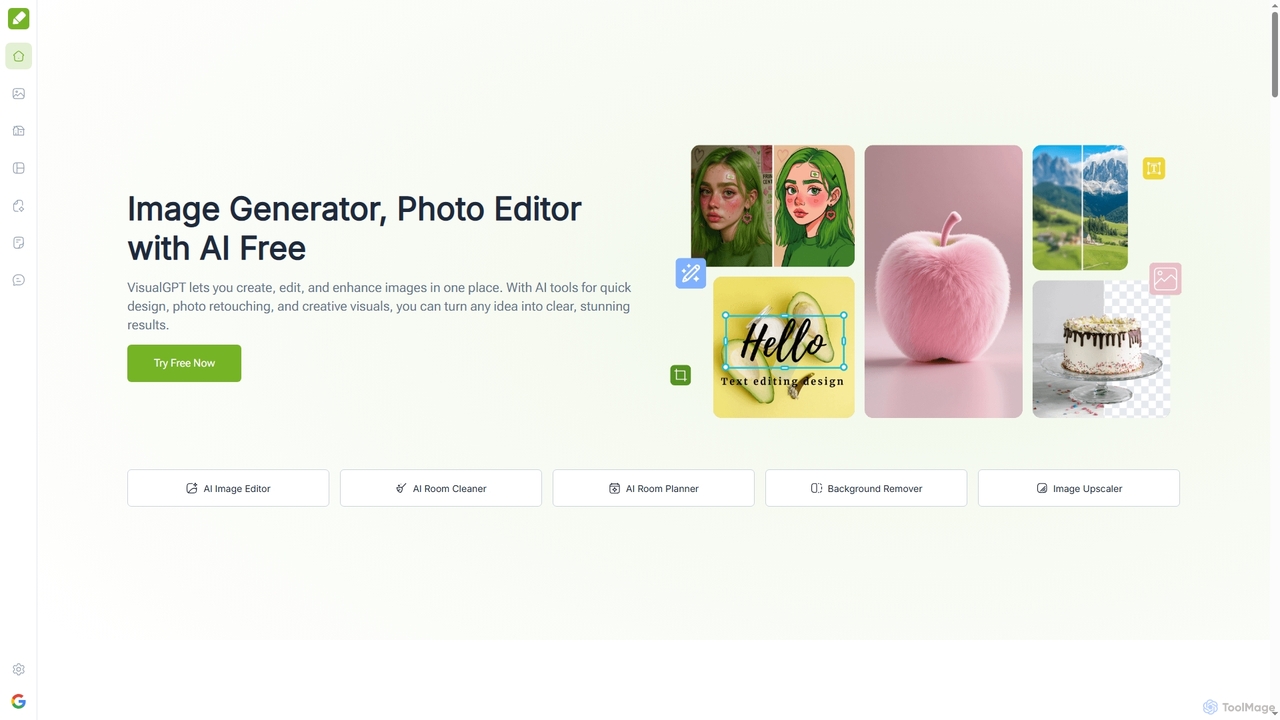
VisualGPT
VisualGPT is an all-in-one online AI platform for generating, editing, and enhancing images. It offers tools like AI image editing, background removal, room planning, and visualization, powered by advanced models like Nano Banana and Stable Diffusion. Designed for ease of use, it helps users create stunning visuals quickly without complex software or design skills.
Graphic Design
dzine
dzine is an all-in-one, controllable AI design platform for generating and editing images, videos, and 3D models. It excels at creating consistent characters and offers a comprehensive suite of tools, including text-to-video, generative fill, and face swapping, streamlining the creative workflow for designers, developers, and marketers.
Graphic Design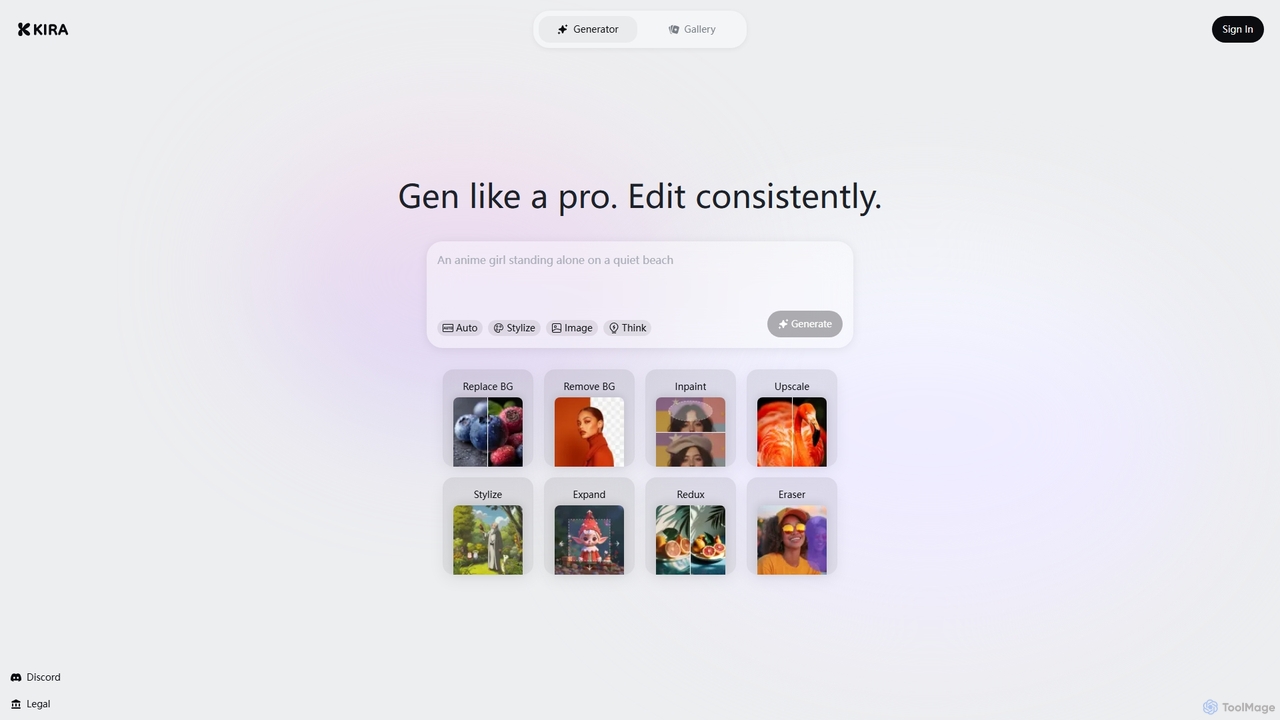
Kira
Kira is a powerful AI-powered platform for professional-grade image generation and editing. It combines a versatile text-to-image generator with a comprehensive suite of editing tools, including background removal, inpainting, upscaling, and stylization. Its key feature is the ability to maintain consistent styles and characters across multiple edits and generations, making it ideal for branding, marketing, and creative projects that require a cohesive visual identity.
Graphic Design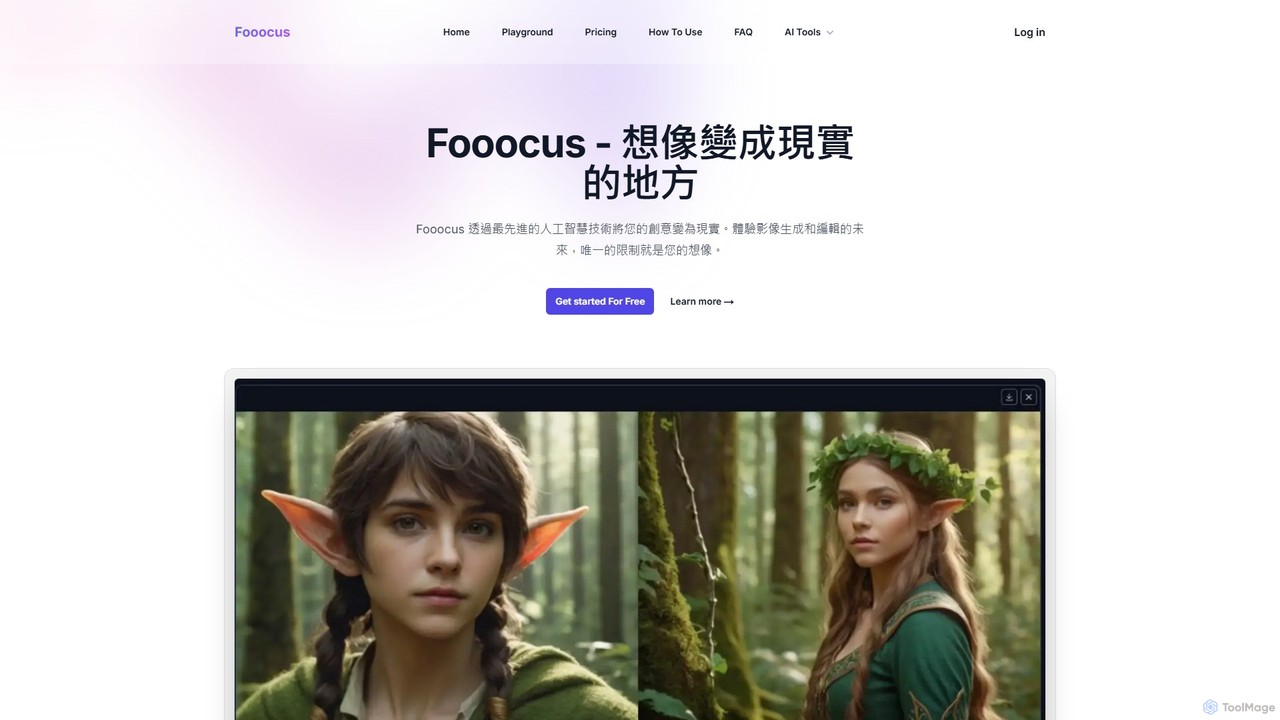
Fooocus
Fooocus is a free, open-source AI image generation tool that simplifies the process of creating high-quality images with Stable Diffusion. It combines ease of use with powerful features like inpainting, style control, and face swapping, making it accessible for both beginners and advanced users.
Digital Art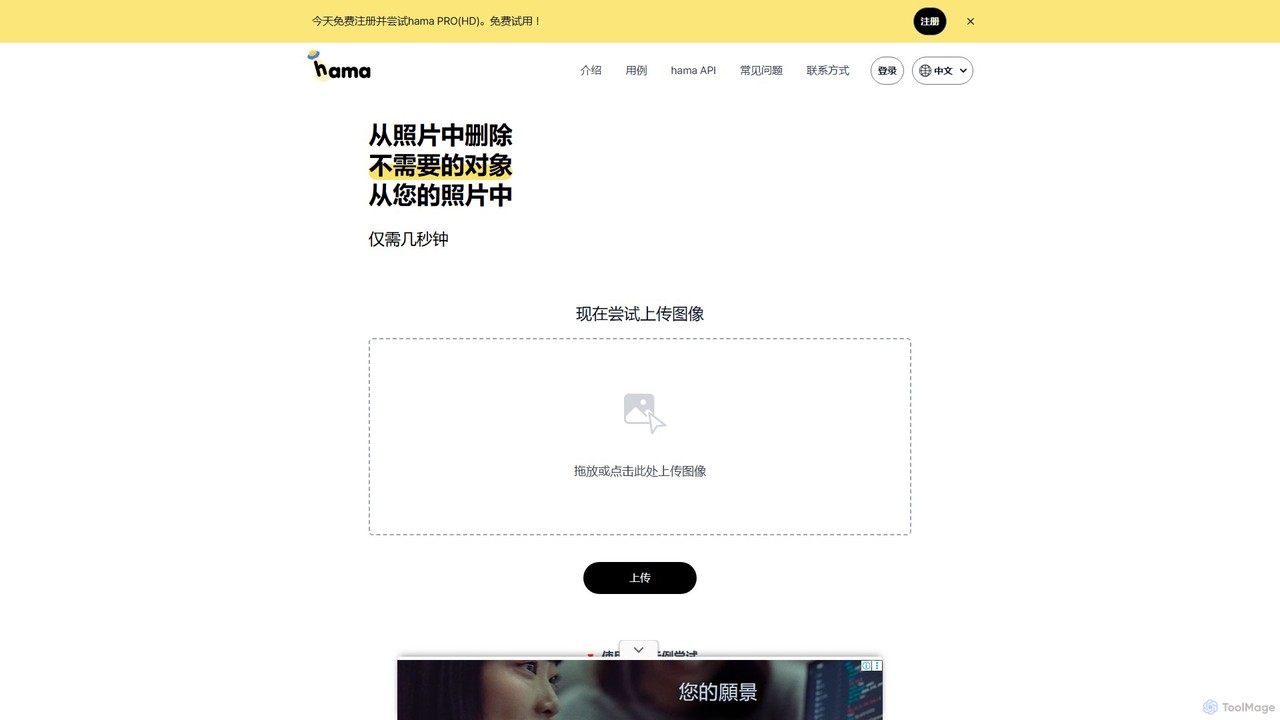
hama
hama is an AI-powered image editing tool designed for effortlessly removing unwanted objects, people, text, and watermarks from photos. With a simple brush-over interface, users can clean up images in seconds without needing professional skills. It's ideal for photographers, marketers, and anyone looking to perfect their pictures.
Object Removal
jpgrm
jpgrm is an AI-powered magic eraser that effortlessly removes unwanted objects, people, text, and watermarks from your images. Simply upload your photo, brush over the area you want to clean up, and let the advanced AI intelligently erase the selection and reconstruct the background. It's the perfect tool for photographers, marketers, and anyone needing to create flawless images quickly and easily, without complex software.
Object Removal
Inpainter Comments (0)
Sign in to comment.
Sign inNo comments yet.