
Pincel Overview
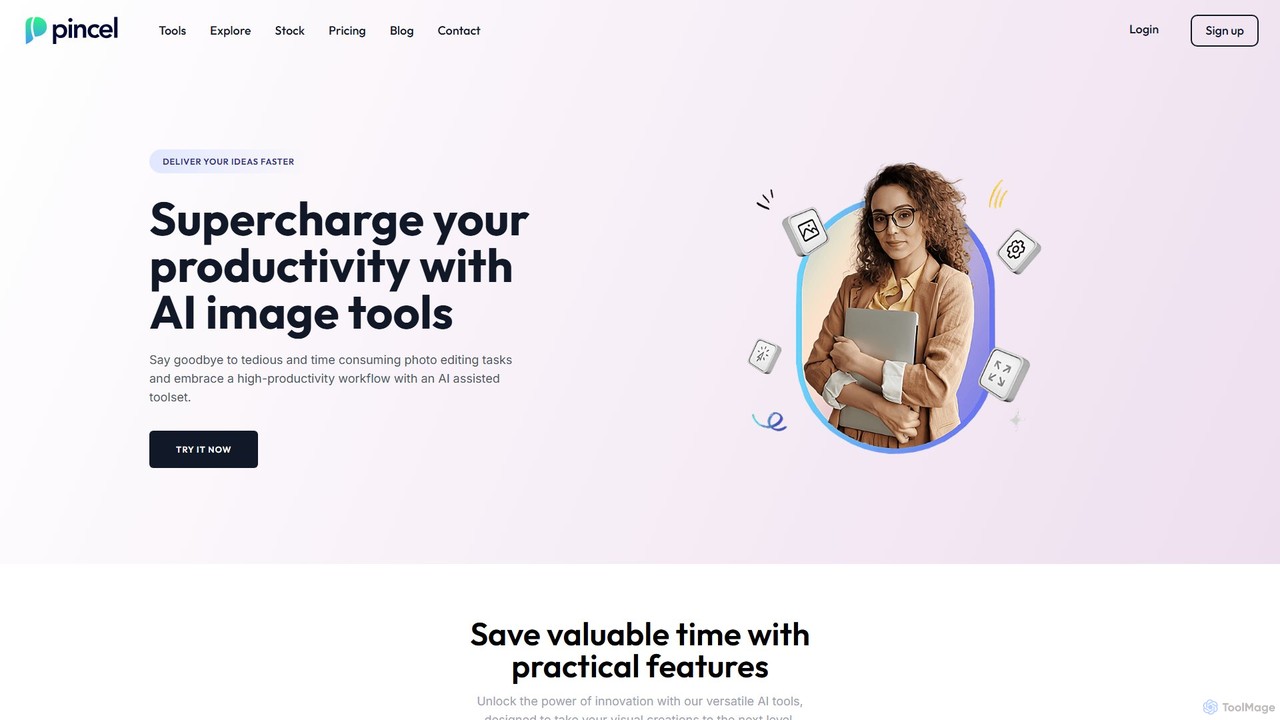
Pincel is an all-in-one, AI-powered image editing platform designed to supercharge productivity and make professional-quality photo manipulation accessible to everyone. Born from the frustration with overly complex software like Photoshop, Pincel offers an intuitive, web-based toolset that delivers powerful results with simple inputs. It's a growing collection of specialized AI applications that cater to a wide range of creative and professional needs, from quick retouches to elaborate artistic creations. The platform is built for speed and efficiency, allowing users to bring their visual ideas to life faster than ever before.
How to use Pincel
Pincel is designed for an effortless user experience. As a web application, it requires no installation and works on any modern device with an internet browser, including desktops, tablets, and smartphones. The workflow is straightforward:
- Navigate to the Pincel website and choose from the extensive list of AI tools.
- Upload your image or, for generative tools, start with a text prompt.
- Follow the simple on-screen instructions. This might involve brushing over an object to remove it, typing a text description to add or change something, or selecting from predefined styles.
- The AI processes your request in seconds, delivering the edited image for you to download. The entire interface is based on intuitive actions like clicking, dragging, and toggling, eliminating steep learning curves.
Core Features of Pincel
- AI Photo Editor & Generative Fill: Make magical edits, add, remove, or change objects in photos using simple text prompts. Seamlessly expand images with the Photo Extender.
- Object & Background Remover: Effortlessly clean up photos by removing unwanted objects, text, or people. Instantly remove the background from any image with a single click.
- AI Portrait & Face Tools: Create stunning AI portraits from your photos, swap faces, try on virtual makeup, change hairstyles, and even modify body appearance.
- Creative Art Generators: Turn logos and QR codes into visually stunning artwork. Create optical illusions, spiral art, and replicate the style, color, or pose of any image.
- AI Architect: Visualize interior and exterior design ideas by transforming sketches or photos into realistic architectural renderings.
- Image Enhancement: Automatically add stunning detail and upscale images to 2x or 4x their original resolution without losing quality.
- Multimedia AI Chat: An intelligent assistant that can see and understand images, providing a conversational way to edit and create.
- Specialized Tools: Includes a Virtual Dressing Room to try on outfits, a Pet Art Maker, a Cartoon Effect generator, and an SVG to PNG converter.
Use Cases for Pincel
Pincel is a versatile toolset for various users and industries:
- Marketers & Business Owners: Quickly create compelling marketing visuals, product photos, and social media content. Generate unique branded QR codes and AI stock photos.
- Designers & Creatives: Accelerate the creative process with rapid prototyping, generative fill, and style replication. Turn simple sketches into detailed photos or vectors into photorealistic images.
- Real Estate & Interior Design: Remodel houses virtually, generate interior design concepts, and create architectural visualizations for clients.
- Personal Use: Retouch personal photos, create fun face swaps, design unique AI portraits, and experiment with virtual makeovers and outfits.
Advantages of Pincel
Pincel stands out by focusing on user experience and practical results. Its key advantages include its incredible ease of use, eliminating the need for technical skills. Being a web app, it's accessible anywhere, on any device. It offers a massive suite of specialized tools in one affordable subscription, providing pro-level quality without the pro-level price tag. The development is transparent with a public roadmap, and users get excellent support directly from the founder. All creations can be used commercially, giving users full ownership of their images.
Pricing and Plans
Pincel operates on a freemium model with credit-based plans:
- Starter (Free): Get 20 free credits to test the platform, no credit card required. Includes unlimited access to the Object Remover.
- Creator: $19/month for 1,000 credits per month.
- Premium: $79/month for 5,000 credits per month (20% discount per credit).
- Restless: $199/month for 15,000 credits per month (30% discount per credit).
All paid plans include access to the full suite of tools. Unused credits carry over to the next month as long as the subscription is active. Pincel offers a money-back guarantee for a risk-free experience.
Traffic
Latest traffic
Status
Monthly traffic trend
- 2025-9: 563.1K
- 2026-1: 303.2K
- 2026-2: 266.9K
- 2026-3: 293.1K
- 2026-4: 283.2K
- 2026-5: 253.4K
Geography
Top 5 countries / regions
- 🇺🇸United States40.9%
- 🇬🇧United Kingdom21.6%
- 🇷🇸Serbia15.1%
- 🇮🇳India14.2%
- 🇮🇩Indonesia8.3%
Traffic sources
| Source type | Percentage |
|---|---|
Direct | 90.6% |
Referral | 5.7% |
Email | 3.6% |
Top keywords
| Keyword | Cost per click |
|---|---|
| background remover | $0.35 |
| pincel | $0.27 |
| pincel ai | $0.20 |
| pope ai | $0.00 |
| text behind image | $0.53 |
Pincel Videos on YouTube

Review N Discount
Pincel Alternatives
MagicEdit
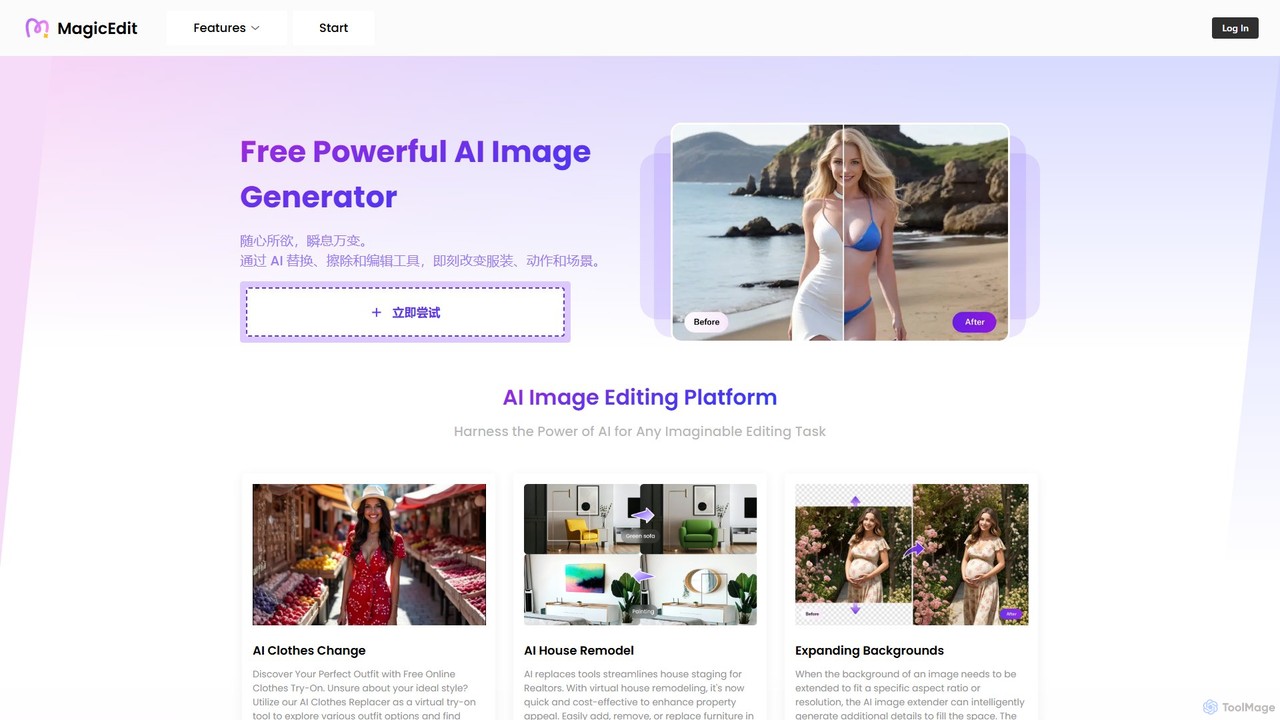
MagicEdit is a powerful AI-driven image editing suite that allows users to effortlessly modify photos. Its key features include object and person removal, AI-powered clothing and background replacement, image expansion (outpainting), virtual hairstyle try-ons, and AI image generation from text prompts. It's designed for both casual users and professionals in marketing, real estate, and e-commerce, making complex photo editing simple and fast.
Image Generator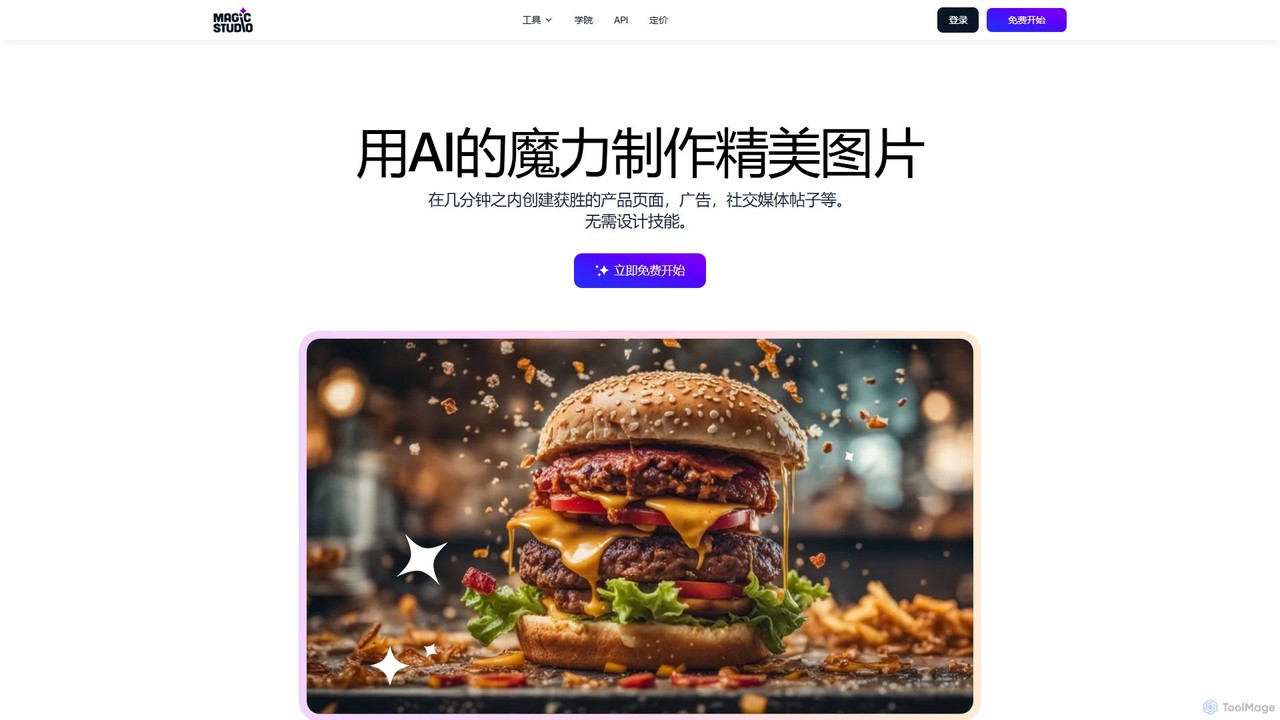
Magic Studio
Magic Studio is an all-in-one AI-powered image editing suite designed for everyone. It allows users to effortlessly create stunning visuals, remove unwanted objects, change backgrounds, generate images from text, and enhance photo quality in seconds, no design skills required.
Product Photos
xiu.ai
xiu.ai is an all-in-one AI-powered image editing and creation suite. It offers tools for one-click photo enhancement, background removal, object erasing, image upscaling, and text-to-image generation, designed for creators and marketers.
Image Generation
Upscalepics
Upscalepics is an AI-powered image toolkit that enhances, upscales, and edits photos with remarkable precision. It can increase image resolution up to 8x, remove backgrounds, compress files, and prepare images for high-quality printing at 300 DPI. With features like batch processing, a browser extension, and API access, it serves photographers, designers, and e-commerce businesses.
Image Editing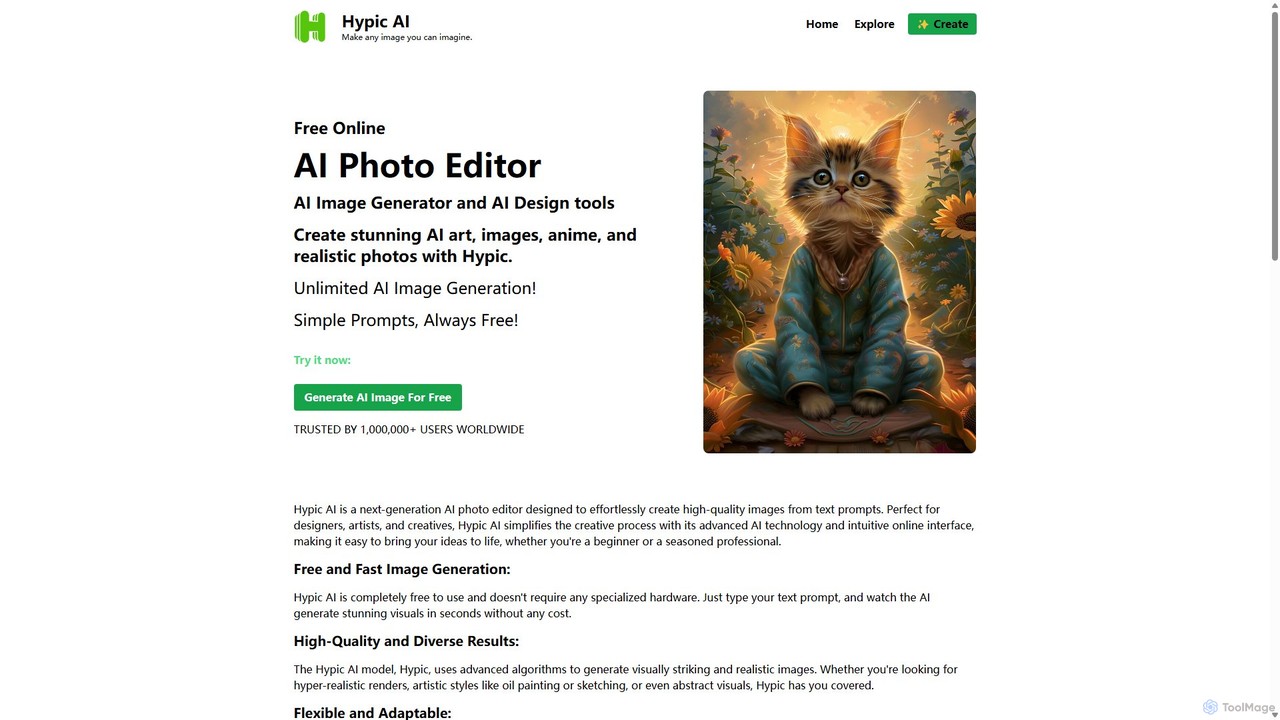
Hypic
Hypic is a powerful, all-in-one AI photo editing app for both beginners and professionals. It offers a wide range of AI-powered features, including one-tap portrait retouching, object removal, background replacement, and creative filters. Elevate your photos for social media, personal use, or e-commerce with professional-grade tools made simple and accessible on your mobile device.
Image GenerationPincel Categories
Pincel Embed Widget
Copy this embed code to place the badge on your blog, article, or product site and send readers directly to this ToolMage detail page.

Related AI tools
Pixlr
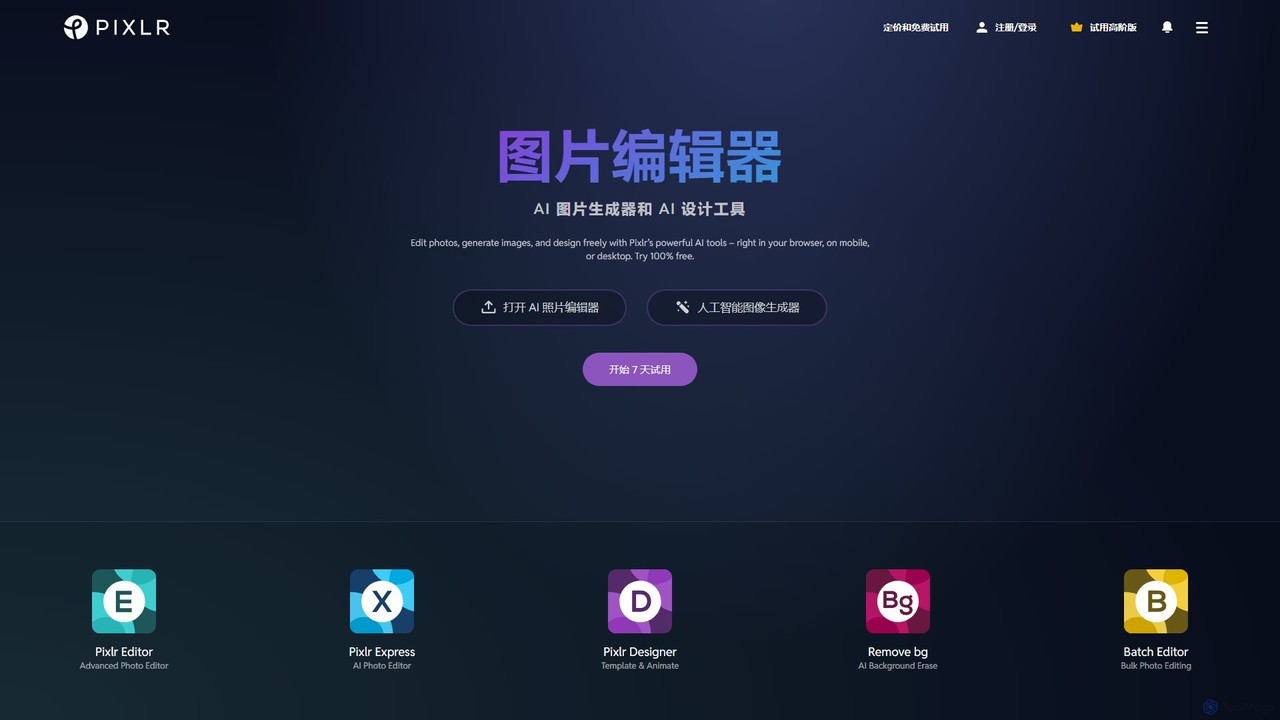
Pixlr is a comprehensive suite of online AI-powered tools for photo editing, image generation, and graphic design. Accessible on web, mobile, and desktop, it caters to both beginners and professionals with its intuitive interface, offering everything from quick edits and AI enhancements to advanced layer-based editing and text-to-image creation.
Graphic Design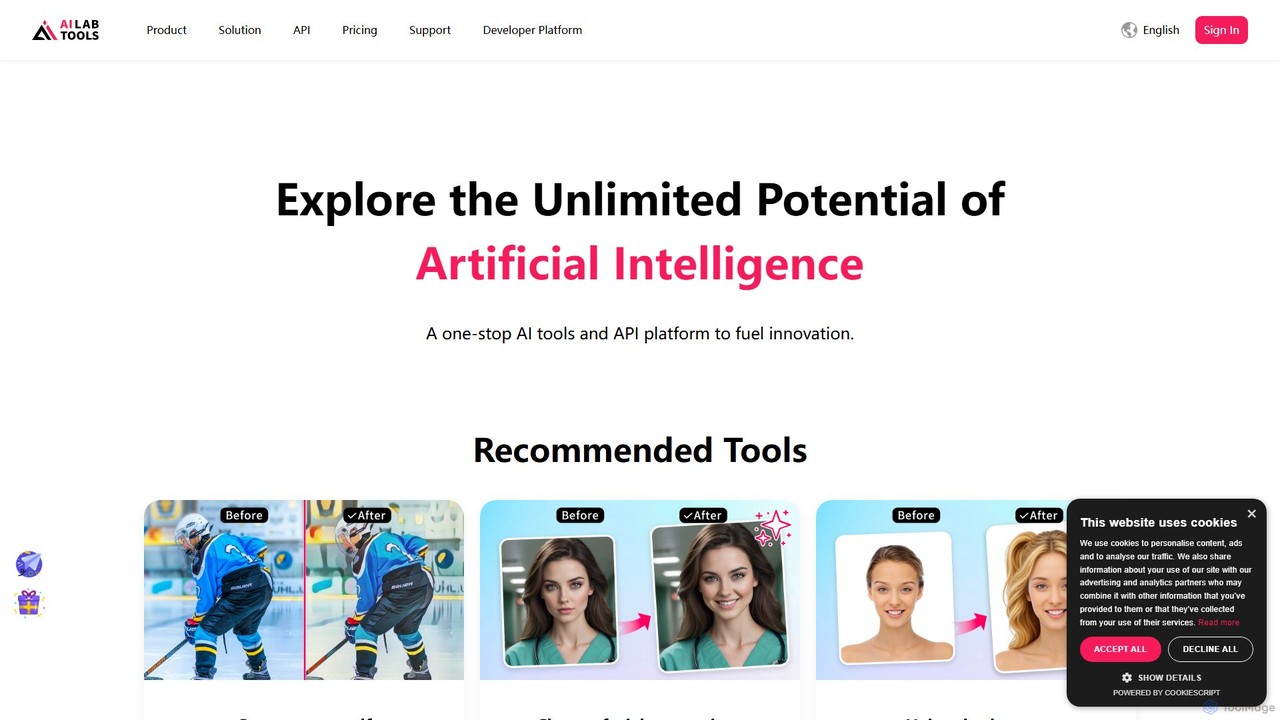
AILab Tools
AILab Tools is a comprehensive, all-in-one AI platform offering a wide array of image editing tools and a powerful API for developers. It enables users to effortlessly cartoonize photos, retouch portraits, change hairstyles, remove objects, and much more, catering to individuals, businesses, and developers.
Ai Art Generator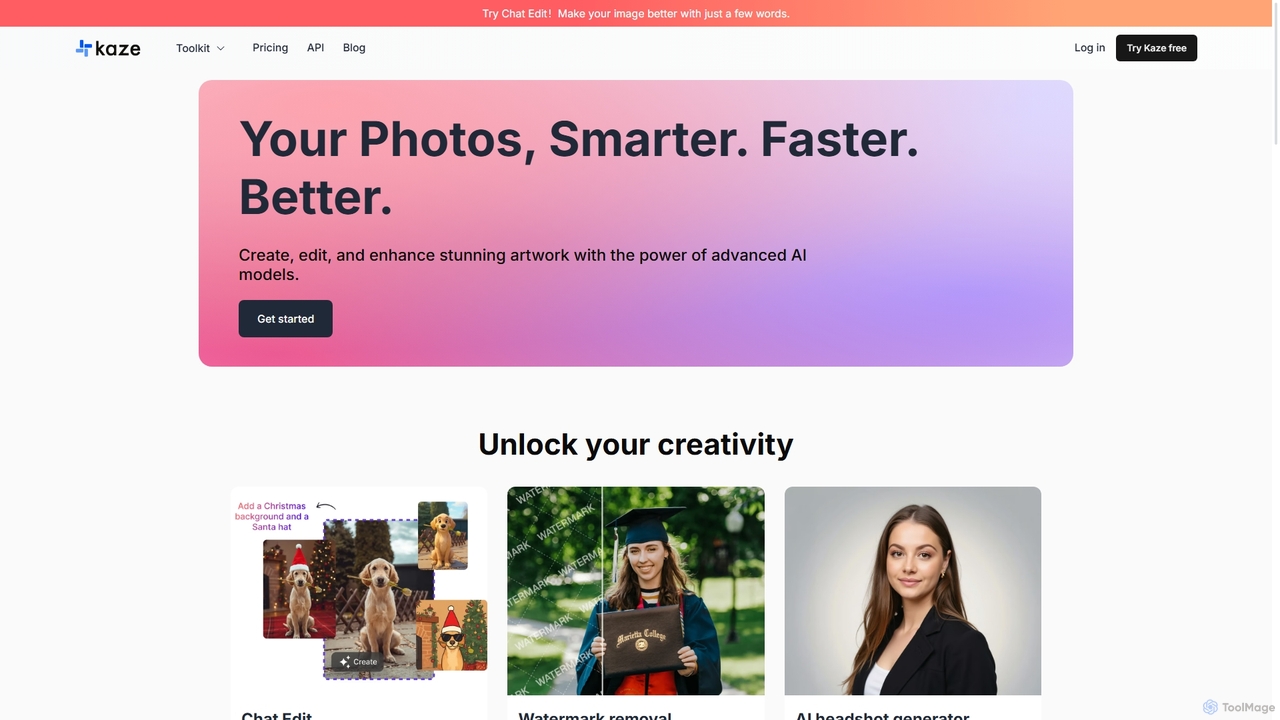
Kaze
Kaze is a comprehensive AI-powered image editing suite designed to create, edit, and enhance photos effortlessly. It offers a wide range of tools including one-click watermark and object removal, photo restoration, image upscaling, background removal, and an AI headshot generator. With its user-friendly interface and advanced AI models, Kaze delivers professional, studio-quality results in seconds, catering to creators, marketers, and photographers.
3DMagicEdit
MagicEdit is a powerful AI-driven image editing suite that allows users to effortlessly modify photos. Its key features include object and person removal, AI-powered clothing and background replacement, image expansion (outpainting), virtual hairstyle try-ons, and AI image generation from text prompts. It's designed for both casual users and professionals in marketing, real estate, and e-commerce, making complex photo editing simple and fast.
Image Generator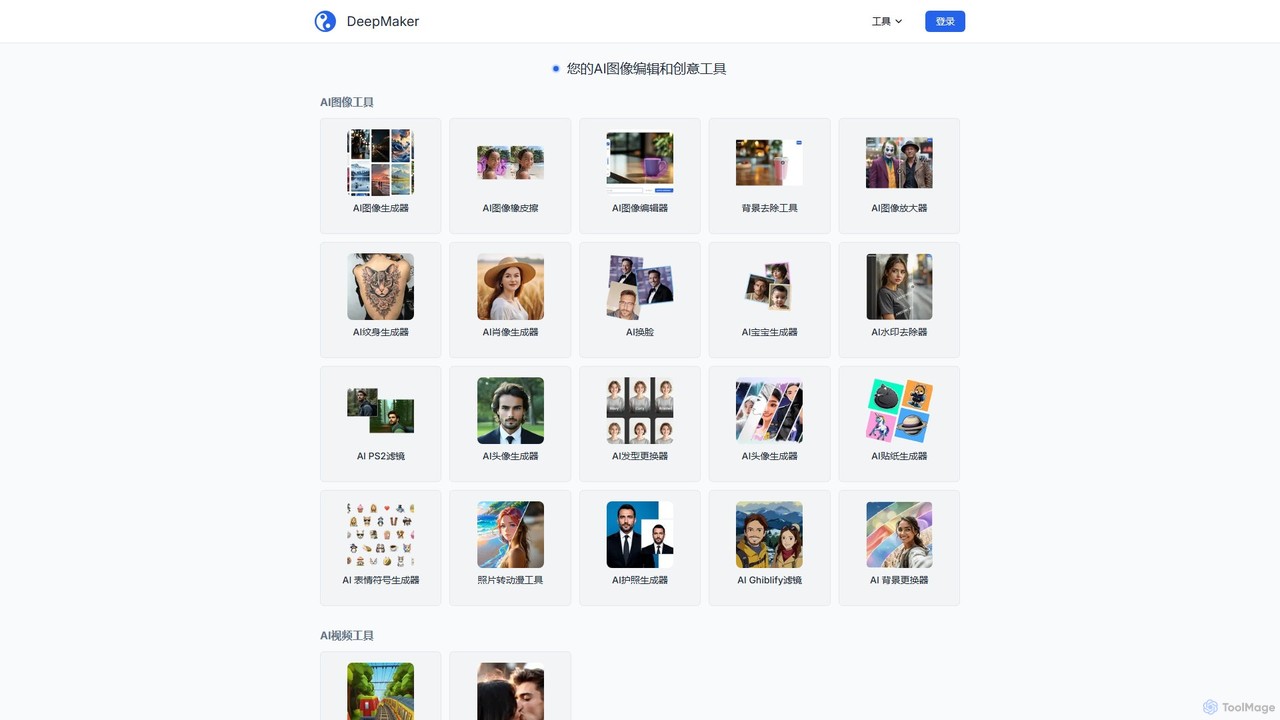
DeepMaker
DeepMaker is a comprehensive AI-powered creative suite offering a wide range of tools for image generation, editing, and enhancement. From professional background removal and photo upscaling to creative text-to-image generation, face swapping, and avatar creation, DeepMaker provides an all-in-one solution for creators, marketers, and individuals. It features a flexible pay-as-you-go pricing model with non-expiring credits, making advanced AI tools accessible without a monthly subscription.
Avatars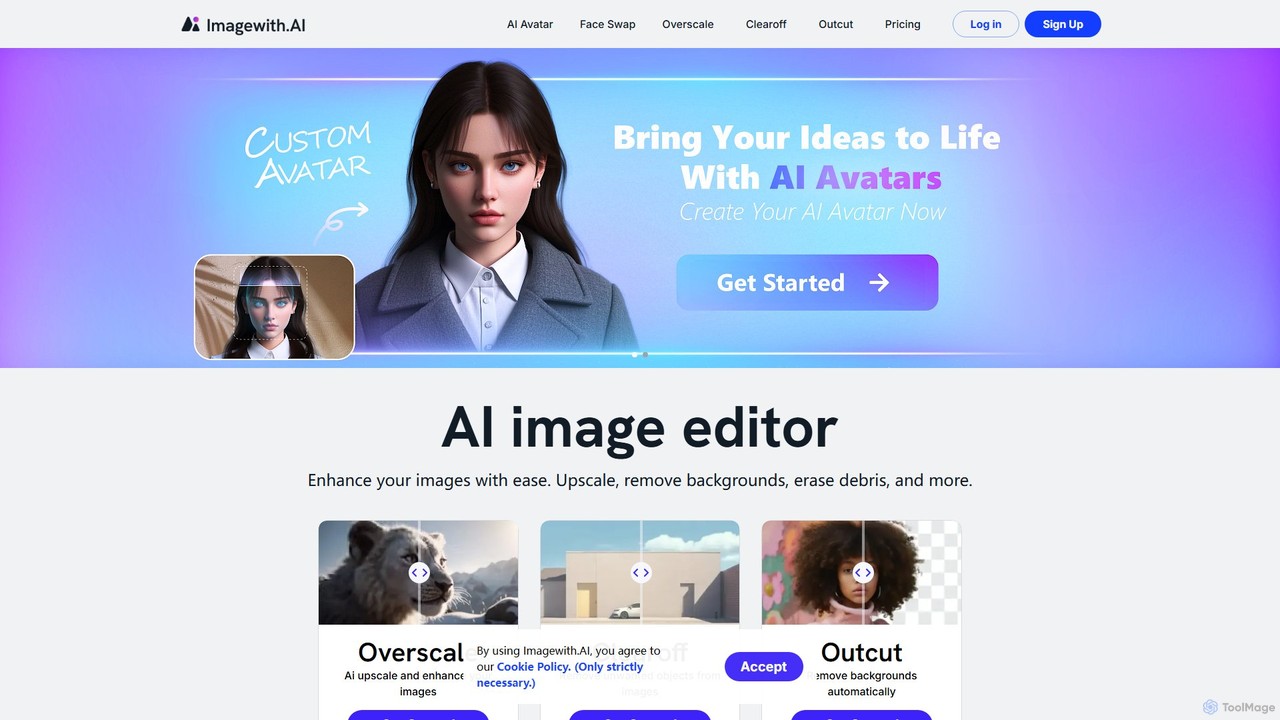
imagewith.ai
imagewith.ai is an AI-powered online image editing suite designed to simplify complex photo editing tasks. It offers a set of powerful tools including an image upscaler (Overscale), a background remover (Outcut), and an object remover (Clearoff). This platform enables users of all skill levels, from amateur photographers to e-commerce professionals, to enhance, clean, and perfect their images with just a few clicks, boosting efficiency and creativity without the need for complex software.
Product Photos
Picit
Picit is a comprehensive, free online AI image suite. It offers a wide range of tools, including text-to-image generation, background removal, image upscaling, AI filters, avatar creation, and watermark removal. Designed for ease of use, it empowers users to create and edit high-quality visuals in seconds without any cost or technical expertise, making it ideal for designers, marketers, and content creators.
Image Editing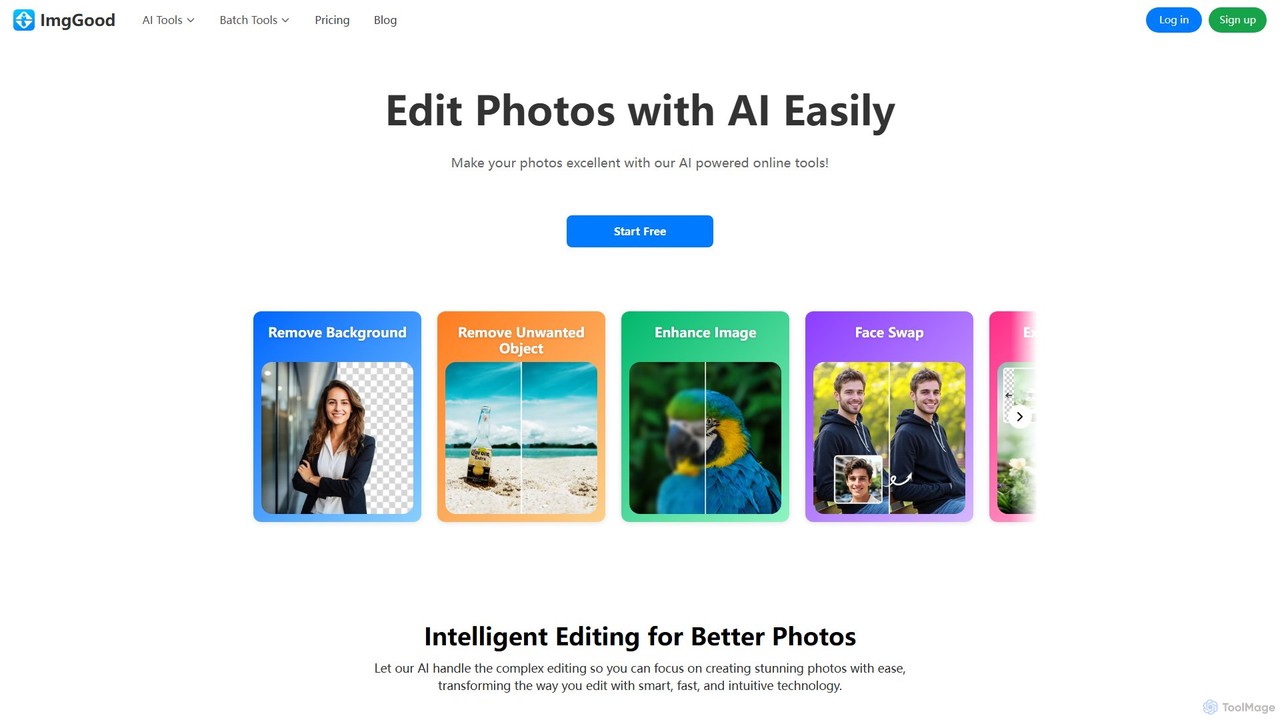
imggood
imggood is a comprehensive AI-powered online photo editor that simplifies complex editing tasks. It offers a suite of tools including a one-click background remover, object remover, image enhancer, photo colorizer, and AI image generator. Designed for both professionals and casual users, it makes creating high-quality, stunning photos fast and effortless, directly from your browser.
Image Generation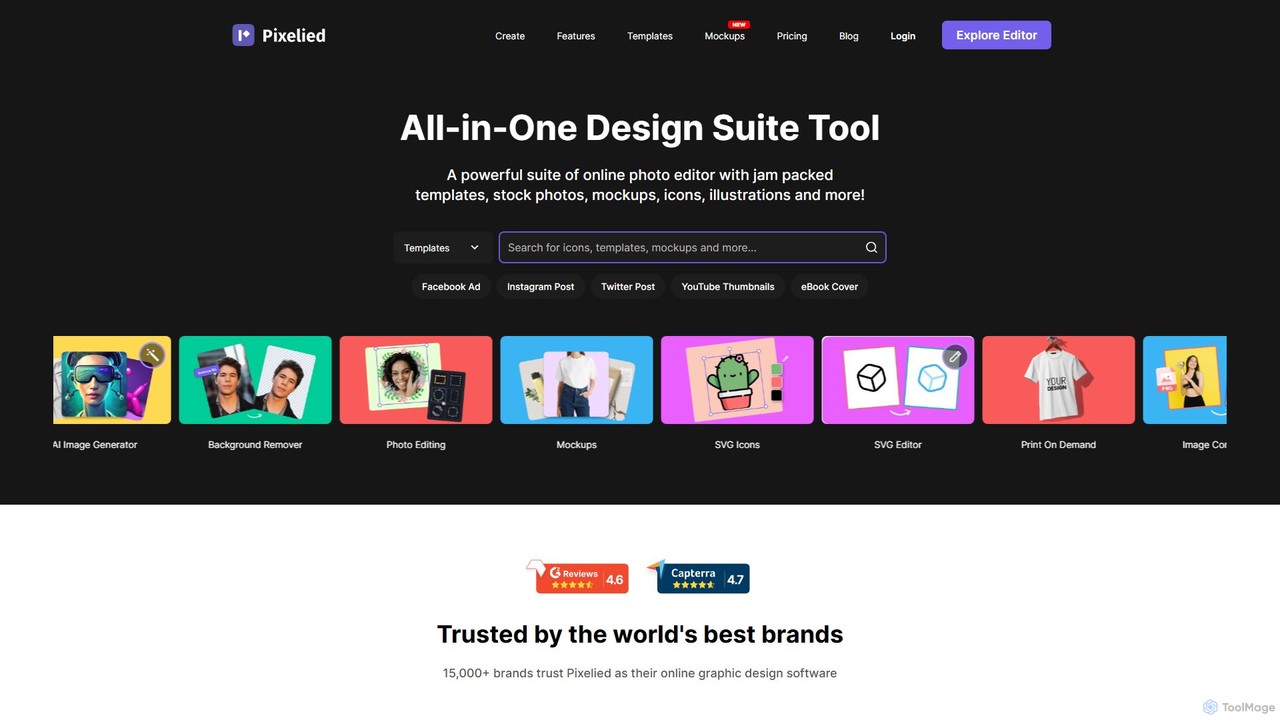
Pixelied
Pixelied is an all-in-one online graphic design suite and photo editor designed for non-designers. It empowers users to create stunning visuals in minutes with a vast library of templates, millions of stock photos, advanced editing tools, and an AI-powered background remover. Ideal for social media graphics, marketing materials, and blog visuals.
3D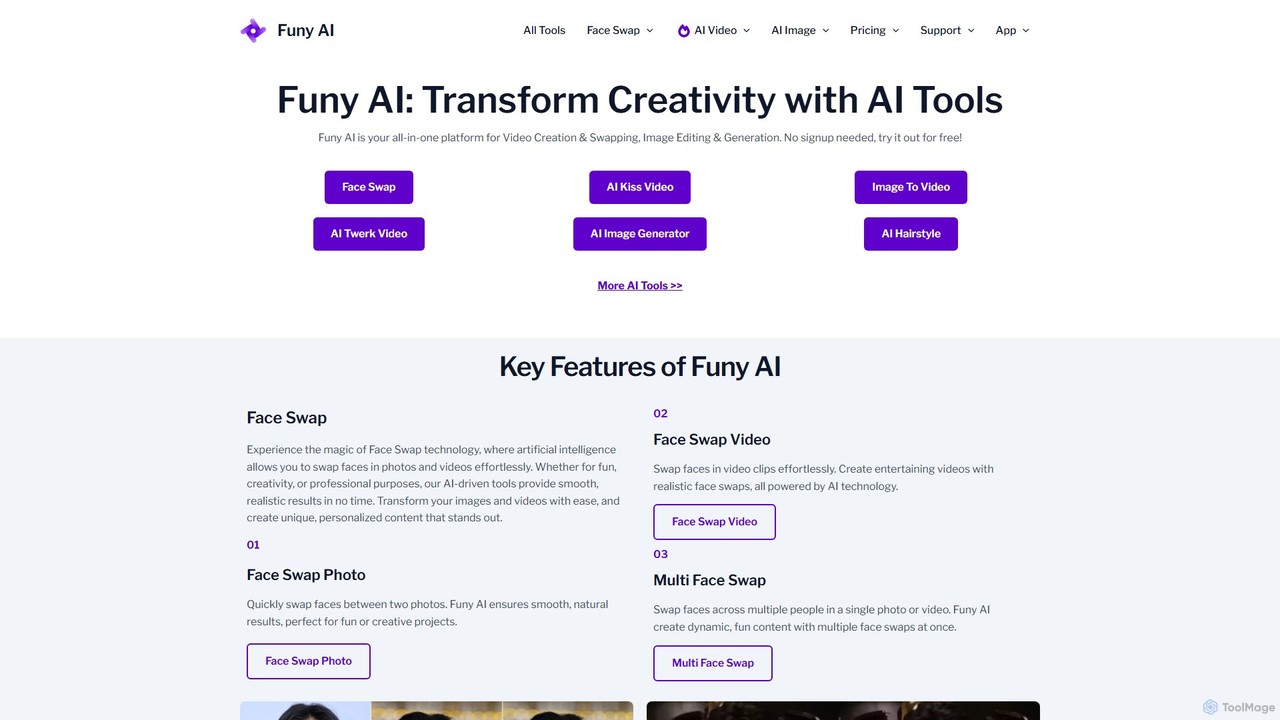
Funy AI
Funy AI is a versatile, all-in-one AI platform for creative content. It specializes in high-quality face swapping for photos and videos, AI video generation from text or images, and a suite of powerful image editing tools. With features like AI art generation, photo enhancement, and background removal, Funy AI makes professional-level content creation accessible to everyone. It's free to try and requires no user signup, offering a seamless and fun creative experience.
Face Swap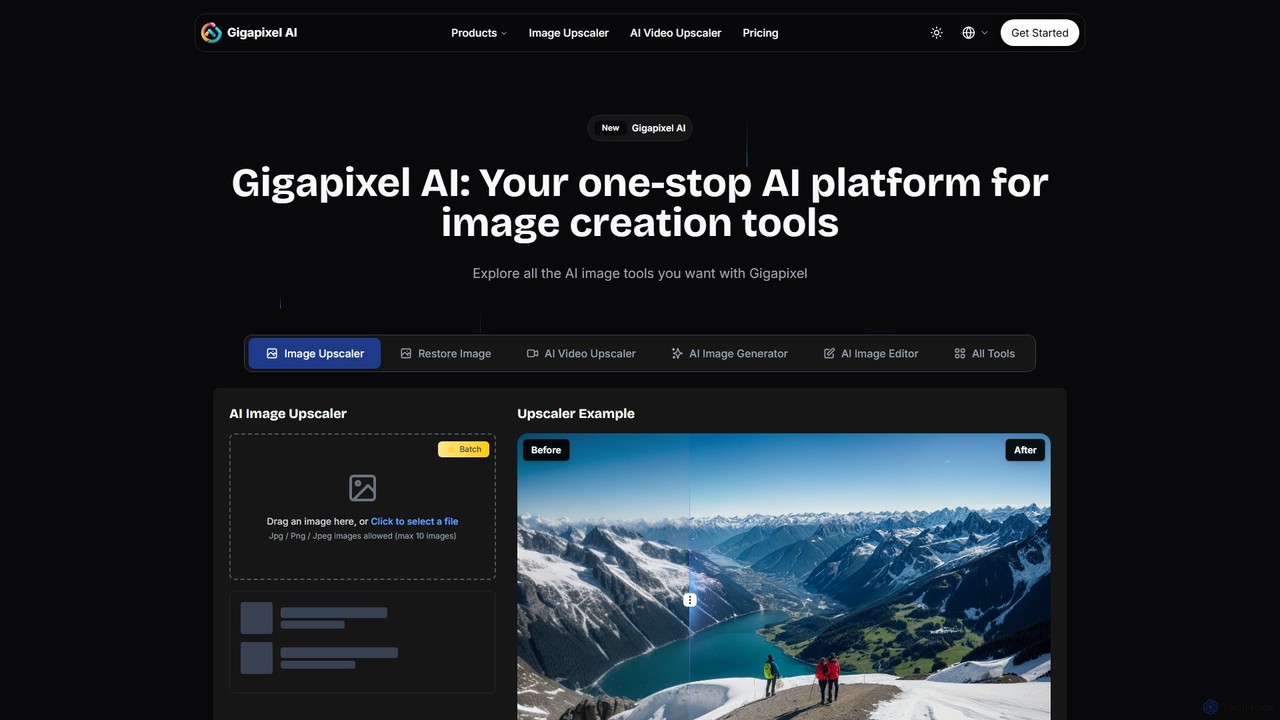
Gigapixel AI
Gigapixel AI is a comprehensive, all-in-one AI platform for image and video creation. It offers a suite of powerful tools, including an advanced image and video upscaler, a versatile image generator, a precise image editor, and a background remover. It's designed for creators, marketers, and developers to enhance, generate, and edit visual content with professional-grade quality and efficiency.
Image Editing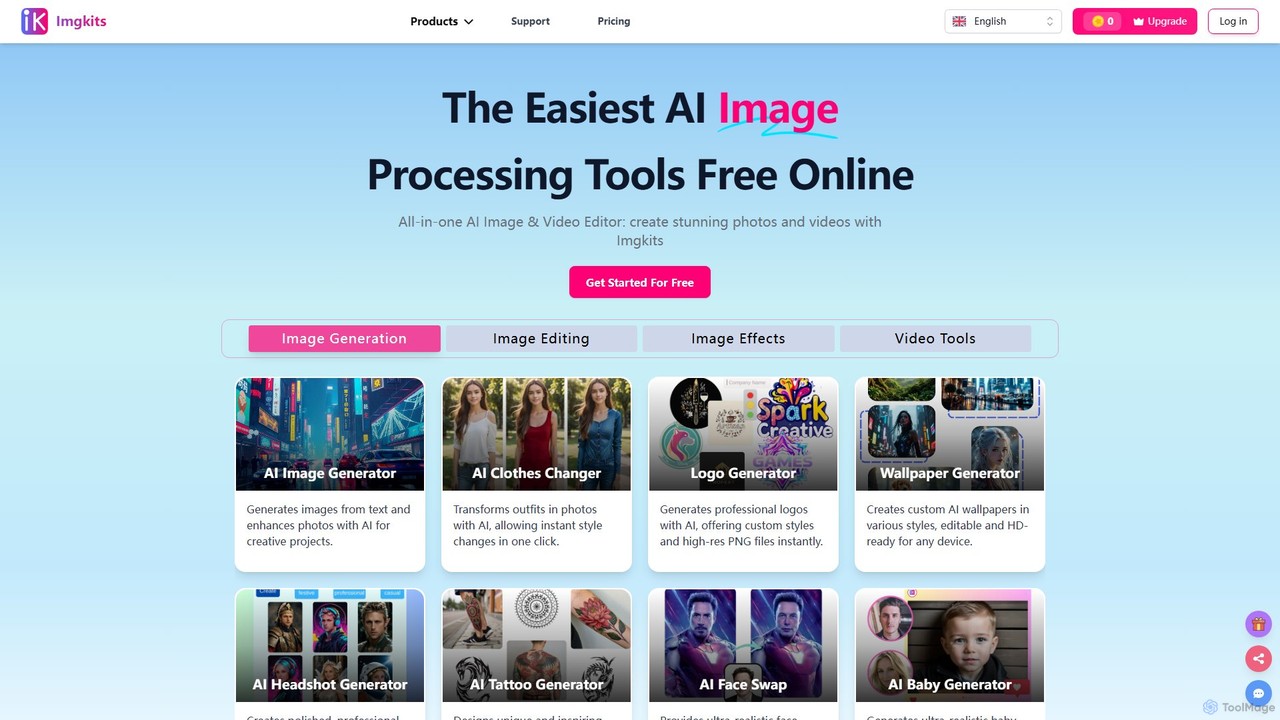
Imgkits
Imgkits is a comprehensive, AI-powered online platform for image and video editing. It offers a wide array of tools, including AI image generation, background removal, photo restoration, object removal, and video creation from text or images. Designed for ease of use, it allows users to create stunning visuals for professional or personal projects without requiring any technical expertise.
Generative Art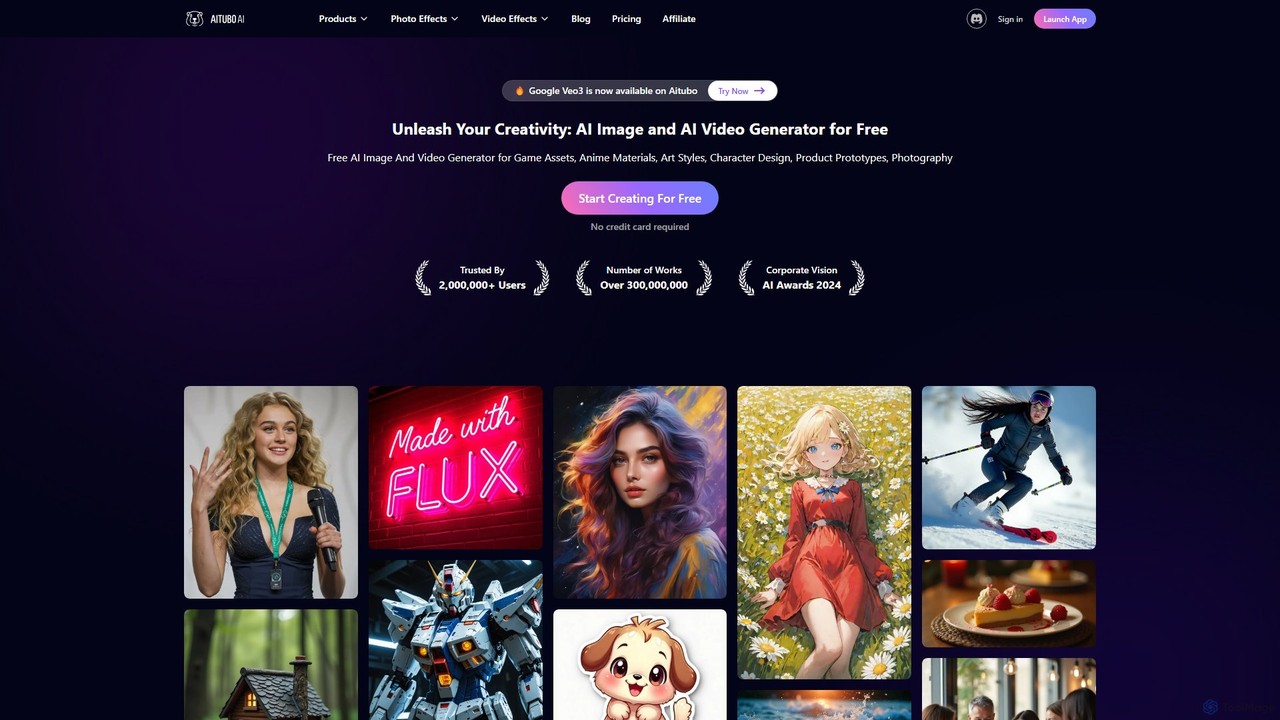
Aitubo
Aitubo is a comprehensive AI creative suite for generating and editing images and videos. It features advanced models like Flux and SD3, offering tools for text-to-image, text-to-video, background removal, image enhancement, face swapping, and AI character chat. Ideal for artists, designers, and content creators.
Chatbots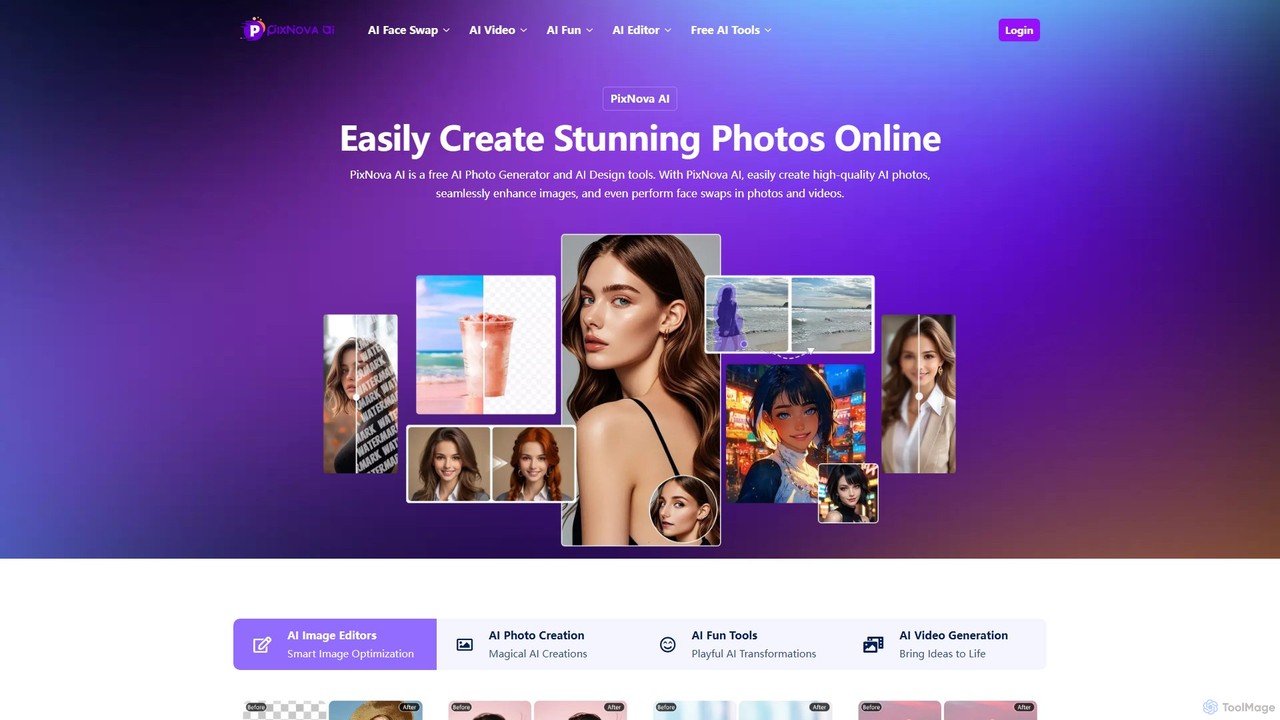
PixNova AI
PixNova AI is a free, all-in-one online platform for AI-powered image and video creation. It offers a comprehensive suite of tools, including a photo generator, advanced image editor, seamless face swap for photos and videos, and various creative transformation tools.
Face Swap
Jyek
Jyek is an AI agent platform that understands objectives, creates execution plans, uses tools, and delivers verifiable results for complex, multi-step tasks.
Automation
Pincel Comments (0)
Sign in to comment.
Sign inNo comments yet.