
Pixlr Overview
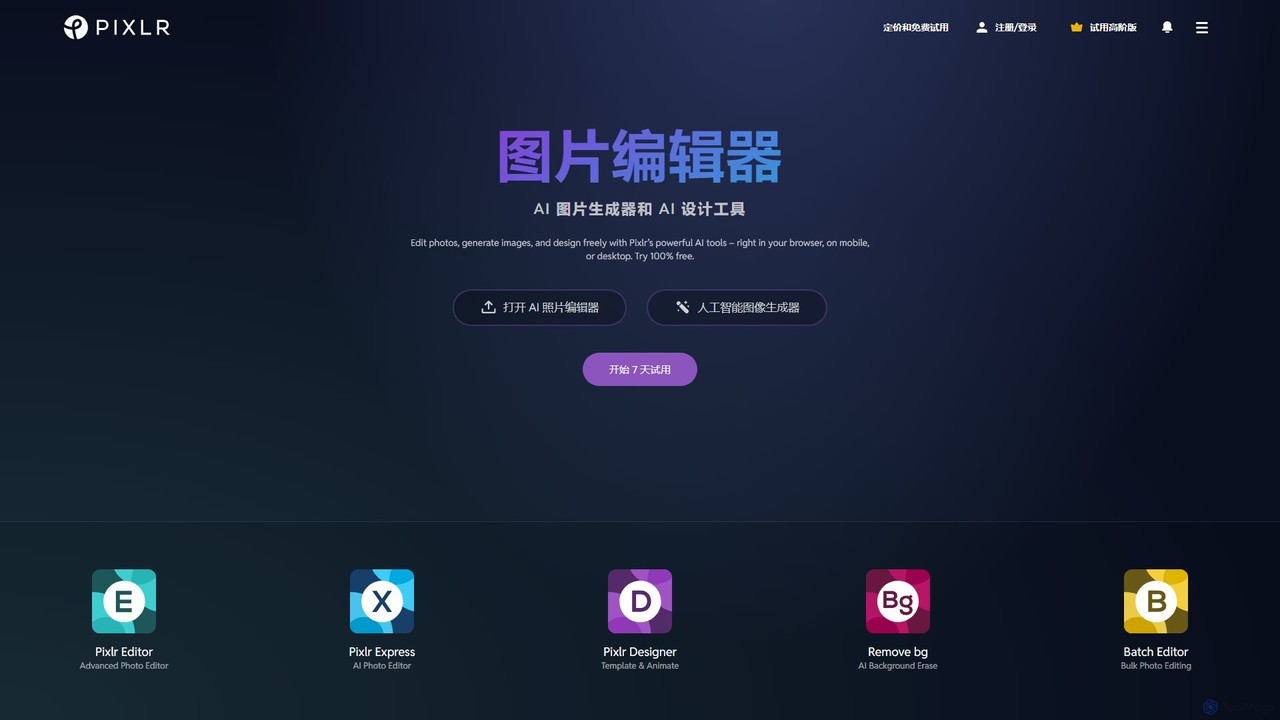
Pixlr is a versatile and powerful cloud-based suite of image editing and design tools, established in 2008 and continuously evolving to integrate cutting-edge AI technology. It has positioned itself as a leading online platform, empowering millions of users globally to create, edit, and design stunning visuals directly in their browser, on mobile devices, or via desktop applications. Pixlr is designed to be accessible for everyone, from novices making quick adjustments to seasoned professionals requiring sophisticated editing capabilities, making it a strong alternative to more complex software like Adobe Photoshop.
The platform is divided into several applications to cater to different needs, including the advanced Pixlr Editor (E) for detailed, layer-based work and Pixlr X (Express) for quick, intuitive edits. The core of its modern functionality lies in a powerful set of AI-driven tools that automate and simplify complex tasks, accelerating the creative workflow significantly.
How to use Pixlr
Getting started with Pixlr is straightforward. Users can begin their creative process in several ways:
- Upload an Image: Simply open the Pixlr web editor and upload a photo from your computer to start editing.
- Use the AI Image Generator: Enter a descriptive text prompt to generate unique, high-quality images from scratch using AI.
- Start with a Template: Browse a vast library of professionally designed templates for social media posts, presentations, posters, and more. Select a template and customize it to fit your needs.
- Direct Access Tools: For specific tasks, users can jump directly into tools like the AI Background Remover, Object Remover, or Collage Maker without needing to navigate through the full editor.
Once inside the editor, the interface is intuitive. The left-hand toolbar contains all the essential tools for selection, cropping, retouching, and drawing. The right-hand panels manage layers, history, and tool-specific options. AI features are clearly marked and can often be applied with a single click or a simple brush stroke.
Core Features of Pixlr
- AI Generative Tools:
- Text-to-Image Generator: Create original artwork and images by simply typing a text description.
- Generative Fill: Add, remove, or replace parts of an image with AI-generated content that seamlessly blends with the original.
- Generative Expand: Extend the borders of your image in any direction, with AI filling in the new space to match the existing scene.
- AI Face Swap: Realistically swap faces in photos for creative or fun effects.
- AI Object/Background Removal: Instantly and precisely remove unwanted objects or entire backgrounds with one click.
- AI Super Scale & Super Sharpen: Enlarge images without losing quality and enhance details for crystal-clear results.
- AI Denoise: Effectively reduce noise and grain from photos, especially those taken in low light.
- Advanced Photo Editing:
- Pixlr Editor (E): A powerful editor with support for layers, masks, advanced color correction, blend modes, and a wide range of adjustment tools.
- Filters and Effects: A massive library of creative filters and effects, including Dispersion, Bokeh, Glitch, HDR, and more to transform the mood of your images.
- Retouching Tools: Heal, clone, and patch tools to remove blemishes and imperfections.
- Design and Template Tools: Create stunning designs using a vast collection of templates, fonts, stickers, and elements.
- Photo Collage Maker: Easily create photo grids and collages with automated layout suggestions.
- Batch Editor: Edit multiple images at once, applying the same settings, resizing, or watermarking to save time.
Use Cases for Pixlr
Pixlr is used by a diverse range of individuals and businesses:
- Social Media Managers: Creating eye-catching posts, stories, and banners for platforms like Instagram, Facebook, and Twitter using templates and quick AI tools.
- E-commerce Store Owners: Producing professional product photos by removing backgrounds, creating clean mockups with the Product Photo Maker, and batch editing images.
- Small Business Owners: Designing marketing materials such as flyers, posters, business cards, and report covers without the need for a dedicated designer.
- Photographers and Hobbyists: Performing detailed photo retouching, color grading, and applying creative effects to enhance their pictures.
- Students and Educators: Utilizing the free Pixlr for Education program for creative projects, presentations, and learning design skills.
- Content Creators: Generating unique AI art for blogs, videos, or other digital content.
Advantages of Pixlr
Pixlr stands out for several reasons:
- Accessibility: Being web-based, it's accessible from any device with an internet connection, with no installation required for the main editor. Mobile and desktop apps provide further flexibility.
- User-Friendly: Its interface is clean and intuitive, making it easy for beginners to pick up, while still offering the depth required by professionals.
- Powerful AI Suite: The integration of generative AI tools dramatically speeds up workflows and unlocks new creative possibilities that were previously time-consuming.
- Cost-Effective: Pixlr offers a robust free version and its premium plans are significantly more affordable than traditional desktop software, making it an excellent Photoshop alternative.
- Comprehensive Toolset: It combines photo editing, graphic design, and AI generation into a single, cohesive platform, eliminating the need for multiple separate tools.
Pricing and Plans
Pixlr operates on a freemium model, providing a plan for every type of user:
- Free Plan: Access to basic editing tools, a limited number of AI credits, and ads. Unlimited saves are included.
- Plus Plan: For $2.49/month (billed annually), users get an ad-free experience, unlimited saves, and 80 AI credits per month.
- Premium Plan: The most popular option at $9.99/month (billed annually). It includes everything in Plus, along with 1000 AI credits per month, access to the full library of templates, elements, and fonts, AI Generative private mode, and access across all platforms. A 7-day free trial is available.
- Team Plan: Priced at $16.99/month (billed annually), this plan includes 5 Premium seats, with each seat receiving 1000 AI credits per month, ideal for collaborative teams.
- Pixlr for Education: A free program offering premium features to students and educators worldwide.
Users can also purchase additional AI credit packs if needed.
Traffic
Latest traffic
Status
Monthly traffic trend
- 2026-1: 11.2M
- 2026-2: 10.1M
- 2026-3: 10.4M
- 2026-4: 9.9M
- 2026-5: 10.2M
Geography
Top 5 countries / regions
- 🇺🇸United States58.0%
- 🇮🇳India11.7%
- 🇷🇺Russia11.7%
- 🇬🇧United Kingdom10.9%
- 🇨🇦Canada7.7%
Traffic sources
| Source type | Percentage |
|---|---|
Direct | 91.6% |
Referral | 7.0% |
Email | 1.5% |
Top keywords
| Keyword | Cost per click |
|---|---|
| face swap | $0.43 |
| pixlr | $0.64 |
| pixlr e | $1.65 |
| pixlr editor | $0.70 |
| remove bg | $0.28 |
Pixlr Videos on YouTube


Digital Made Simple with Pramod Maloo
![Instantly Removes Backgrounds With This Free AI [PERFECT EDGES]](https://i.ytimg.com/vi/NI9fc0Jn7Ng/maxresdefault.jpg)

Dom the AI Tutor | Tech Tutor Zones
Pixlr Alternatives
Hotpot.ai
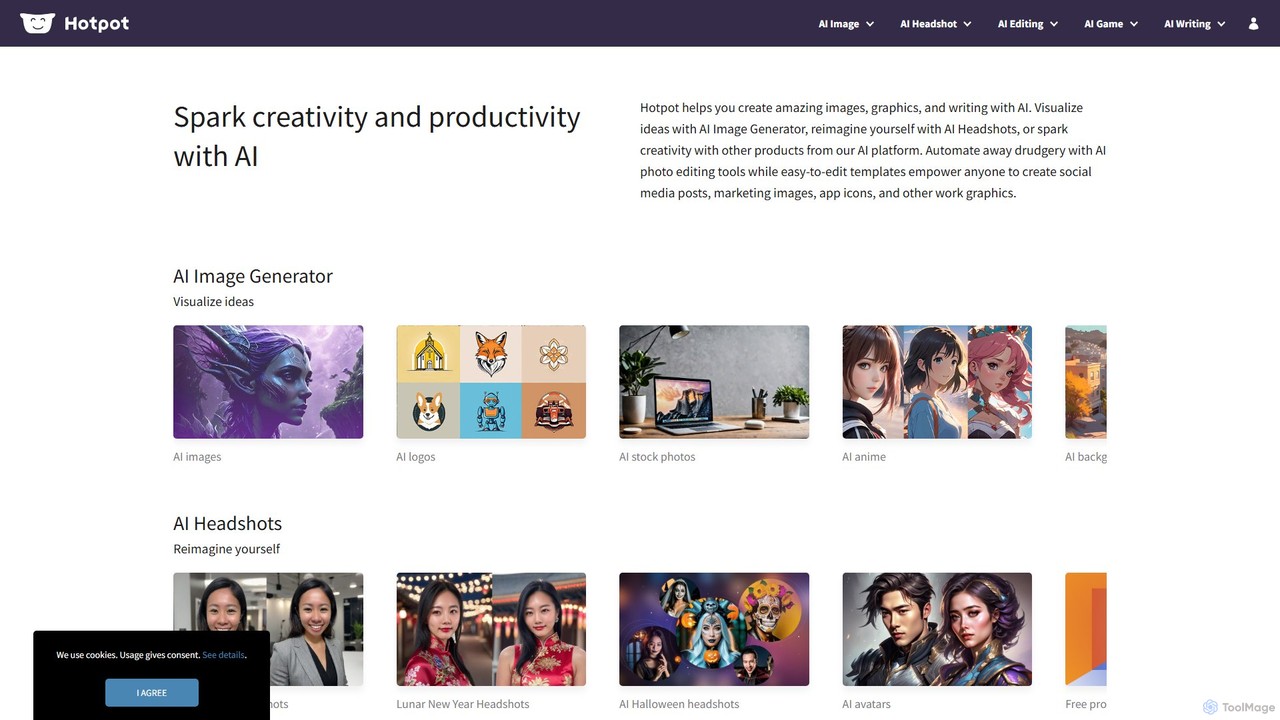
Hotpot.ai is a versatile AI platform designed to enhance creativity and productivity. It offers a suite of tools for generating images, professional headshots, and various graphics. With features like AI photo editing, background removal, and content creation for social media and apps, Hotpot.ai aims to make design and media creation faster, easier, and more accessible for everyone.
Graphic Design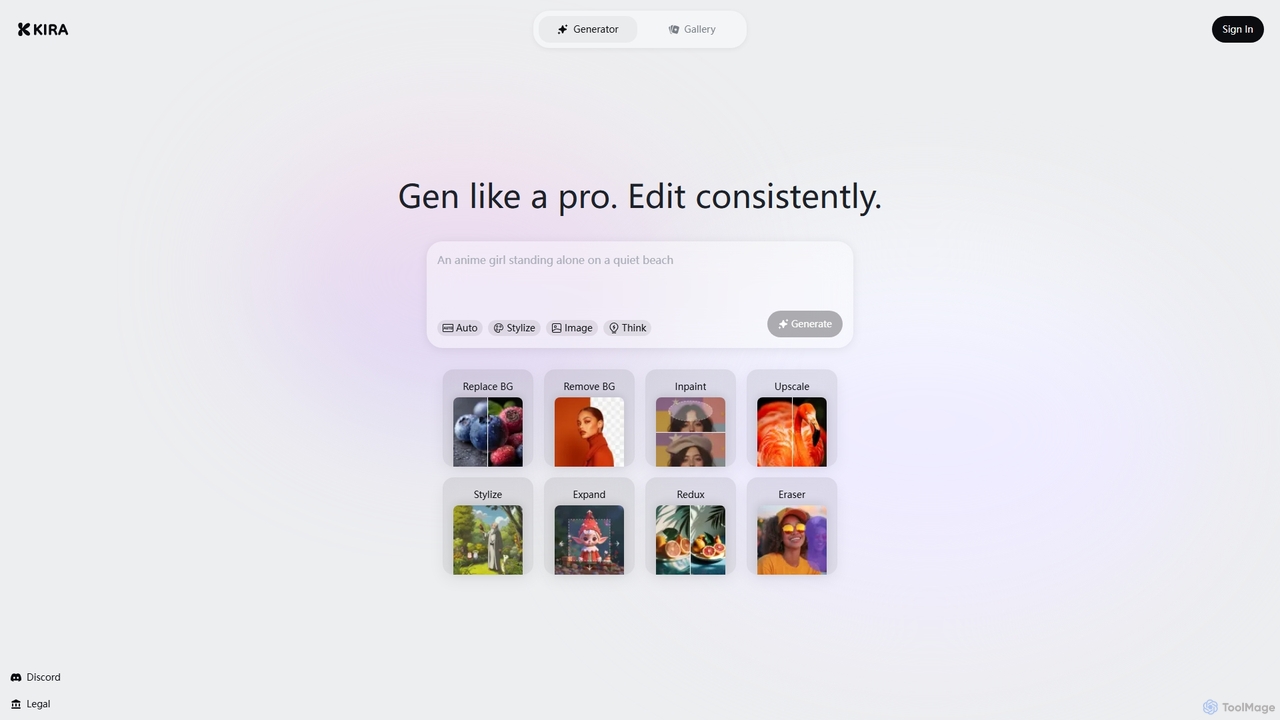
Kira
Kira is a powerful AI-powered platform for professional-grade image generation and editing. It combines a versatile text-to-image generator with a comprehensive suite of editing tools, including background removal, inpainting, upscaling, and stylization. Its key feature is the ability to maintain consistent styles and characters across multiple edits and generations, making it ideal for branding, marketing, and creative projects that require a cohesive visual identity.
Graphic Design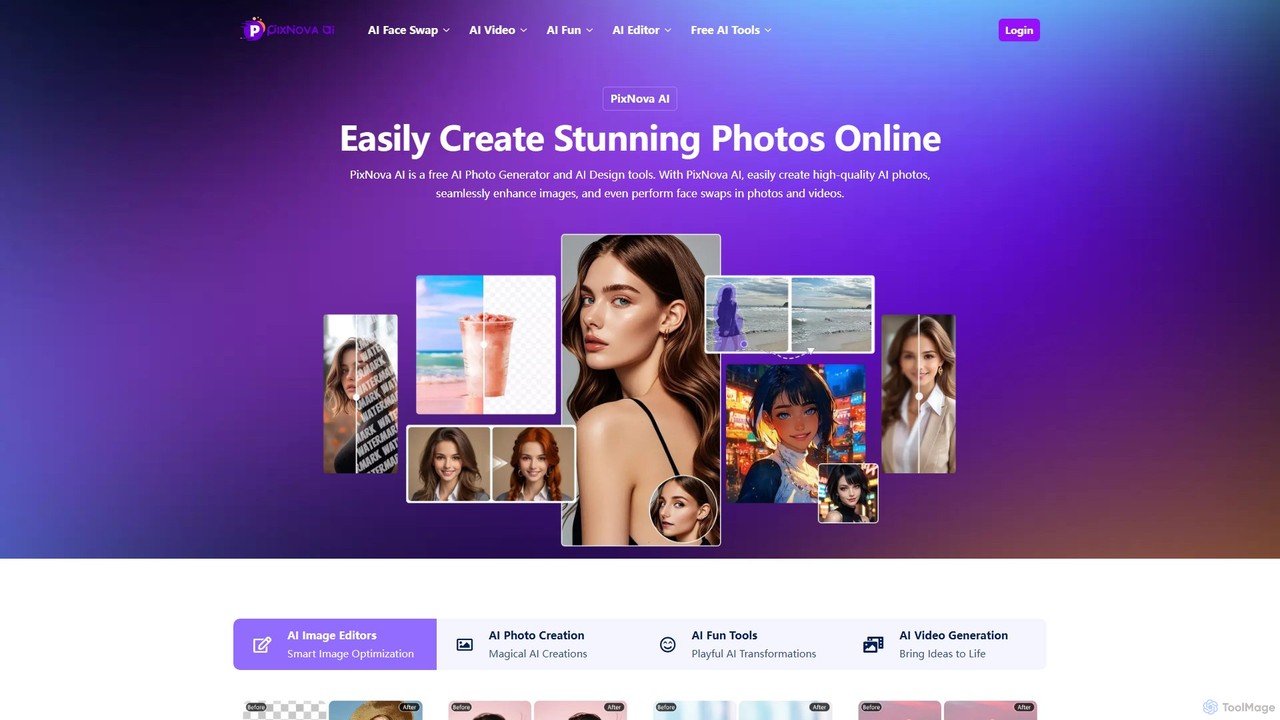
PixNova AI
PixNova AI is a free, all-in-one online platform for AI-powered image and video creation. It offers a comprehensive suite of tools, including a photo generator, advanced image editor, seamless face swap for photos and videos, and various creative transformation tools.
Face Swap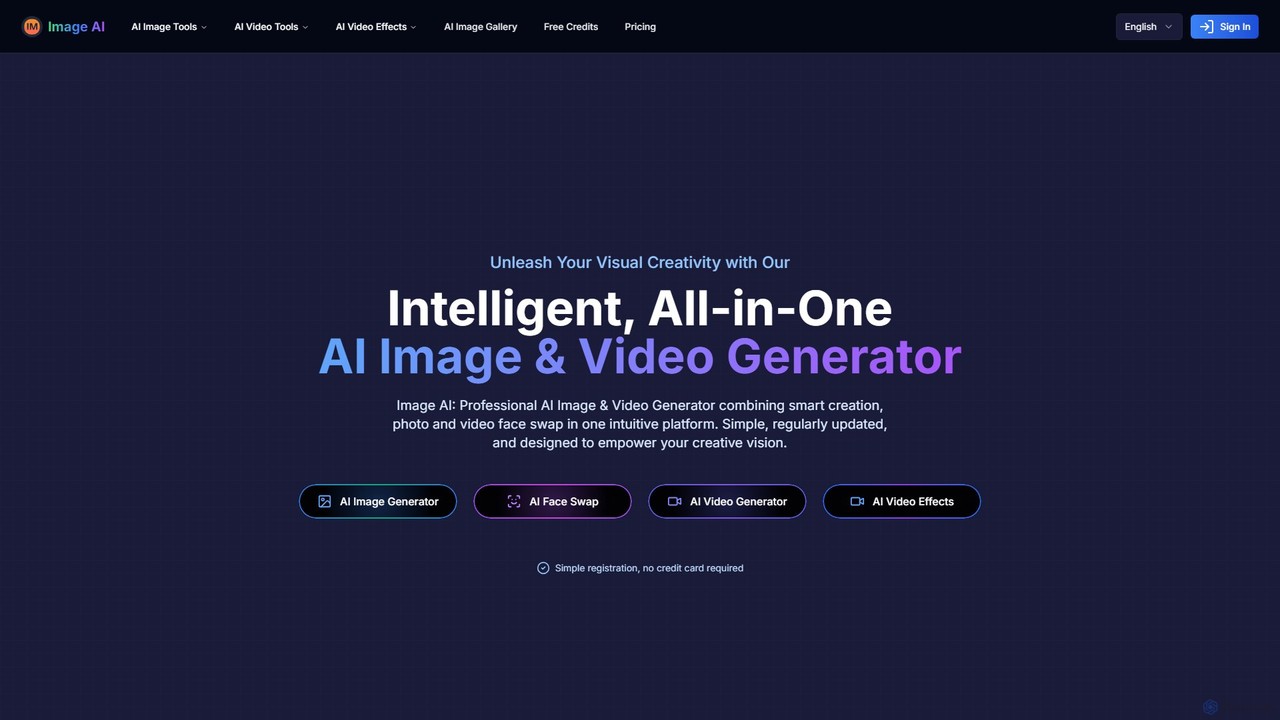
imgai
imgai is a comprehensive, all-in-one AI platform for image and video creation and editing. It offers a vast suite of tools, including text-to-image generation, face swapping for photos and videos, image upscaling, background removal, photo restoration, and unique artistic effects. Designed for both professionals and casual users, it provides a user-friendly experience with a generous free plan and flexible credit-based pricing.
Face Swap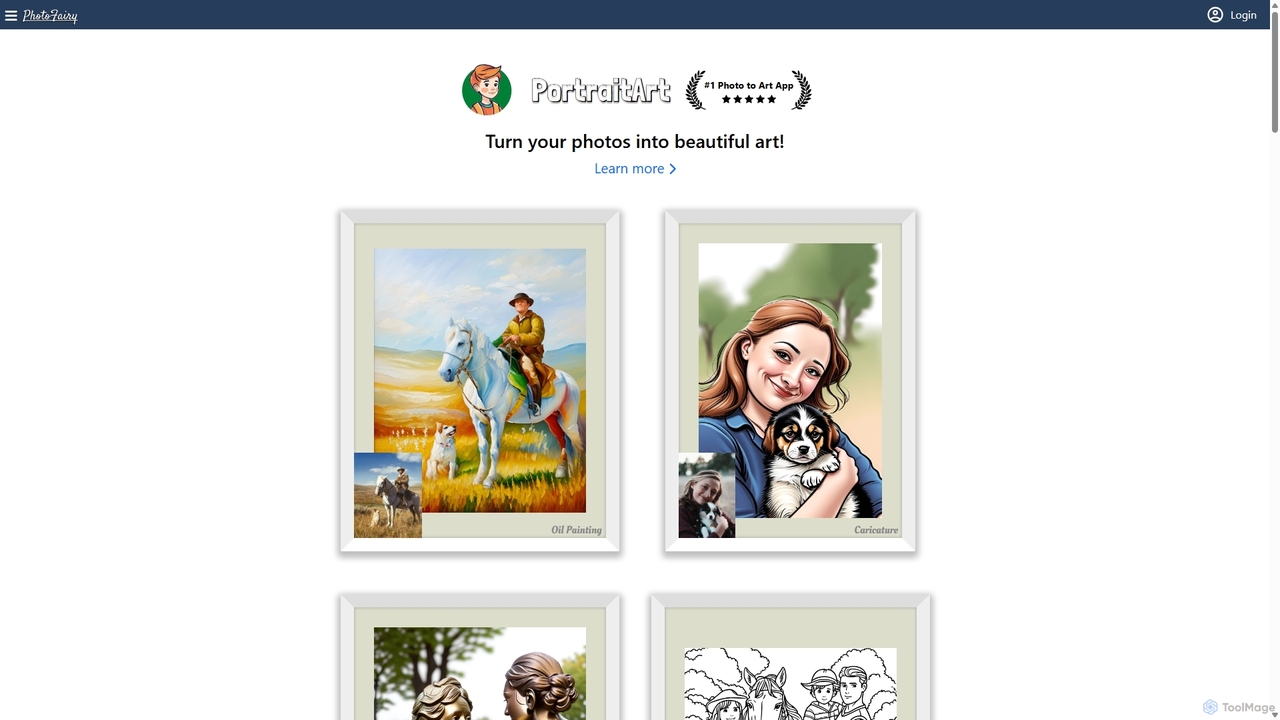
PhotoFairy
PhotoFairy is a powerful AI-driven photo editor and graphic design tool. It effortlessly transforms photos into various art styles, removes backgrounds and objects, generates images from text, and provides an infinite canvas for creative projects. Ideal for designers, marketers, and content creators seeking an all-in-one visual creation platform.
Art GenerationPixlr Categories
Pixlr Embed Widget
Copy this embed code to place the badge on your blog, article, or product site and send readers directly to this ToolMage detail page.

Related AI tools
PixNova AI
PixNova AI is a free, all-in-one online platform for AI-powered image and video creation. It offers a comprehensive suite of tools, including a photo generator, advanced image editor, seamless face swap for photos and videos, and various creative transformation tools.
Face Swapimgai
imgai is a comprehensive, all-in-one AI platform for image and video creation and editing. It offers a vast suite of tools, including text-to-image generation, face swapping for photos and videos, image upscaling, background removal, photo restoration, and unique artistic effects. Designed for both professionals and casual users, it provides a user-friendly experience with a generous free plan and flexible credit-based pricing.
Face SwapPhotoFairy
PhotoFairy is a powerful AI-driven photo editor and graphic design tool. It effortlessly transforms photos into various art styles, removes backgrounds and objects, generates images from text, and provides an infinite canvas for creative projects. Ideal for designers, marketers, and content creators seeking an all-in-one visual creation platform.
Art Generation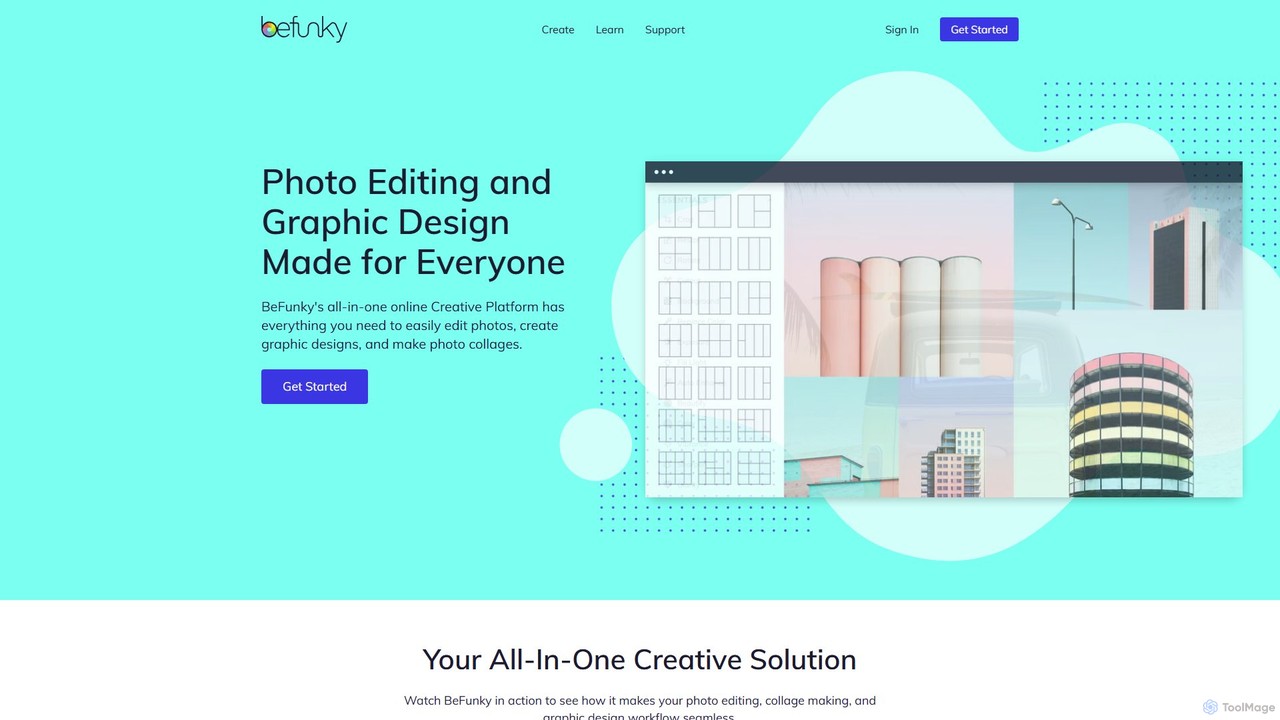
BeFunky
BeFunky is an all-in-one online creative platform designed for easy photo editing, collage making, and graphic design. It offers a powerful suite of tools, including an AI-powered background remover, one-click collage creation, and extensive design templates. With access to millions of stock photos and vector graphics, BeFunky simplifies the creative process for everyone, from beginners to professionals, making it a versatile alternative to complex software.
3D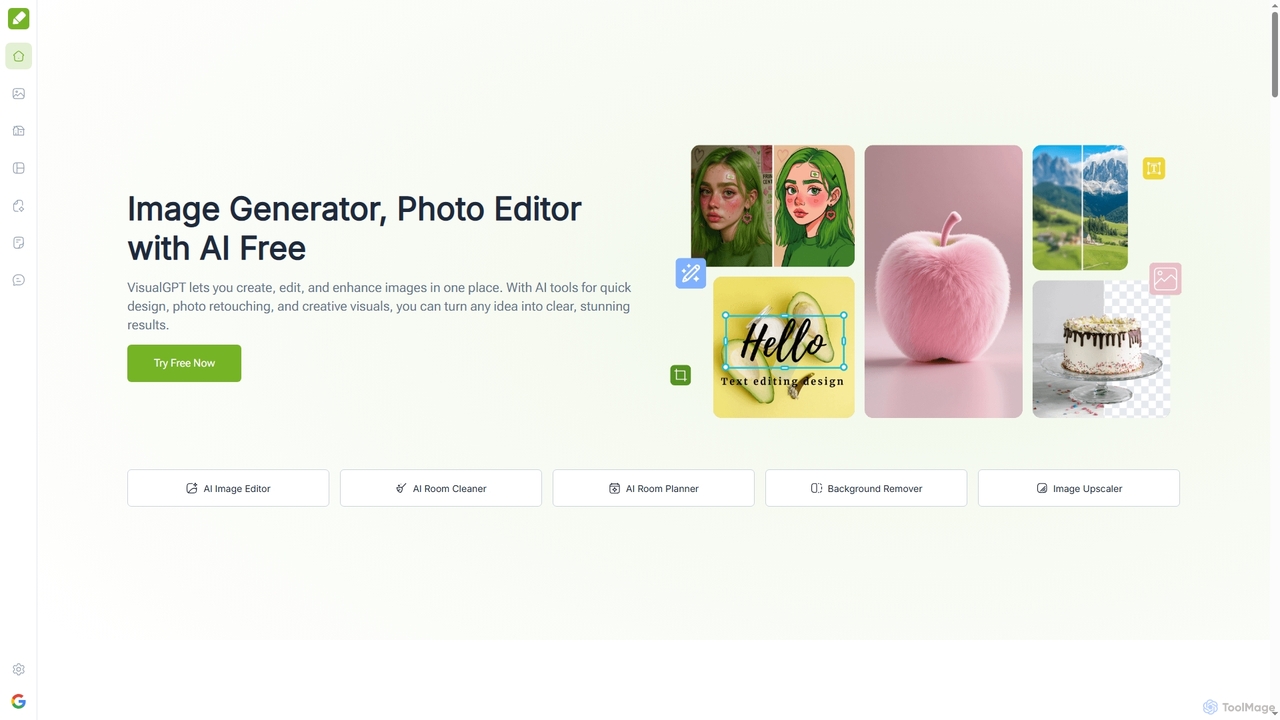
VisualGPT
VisualGPT is an all-in-one online AI platform for generating, editing, and enhancing images. It offers tools like AI image editing, background removal, room planning, and visualization, powered by advanced models like Nano Banana and Stable Diffusion. Designed for ease of use, it helps users create stunning visuals quickly without complex software or design skills.
Graphic Design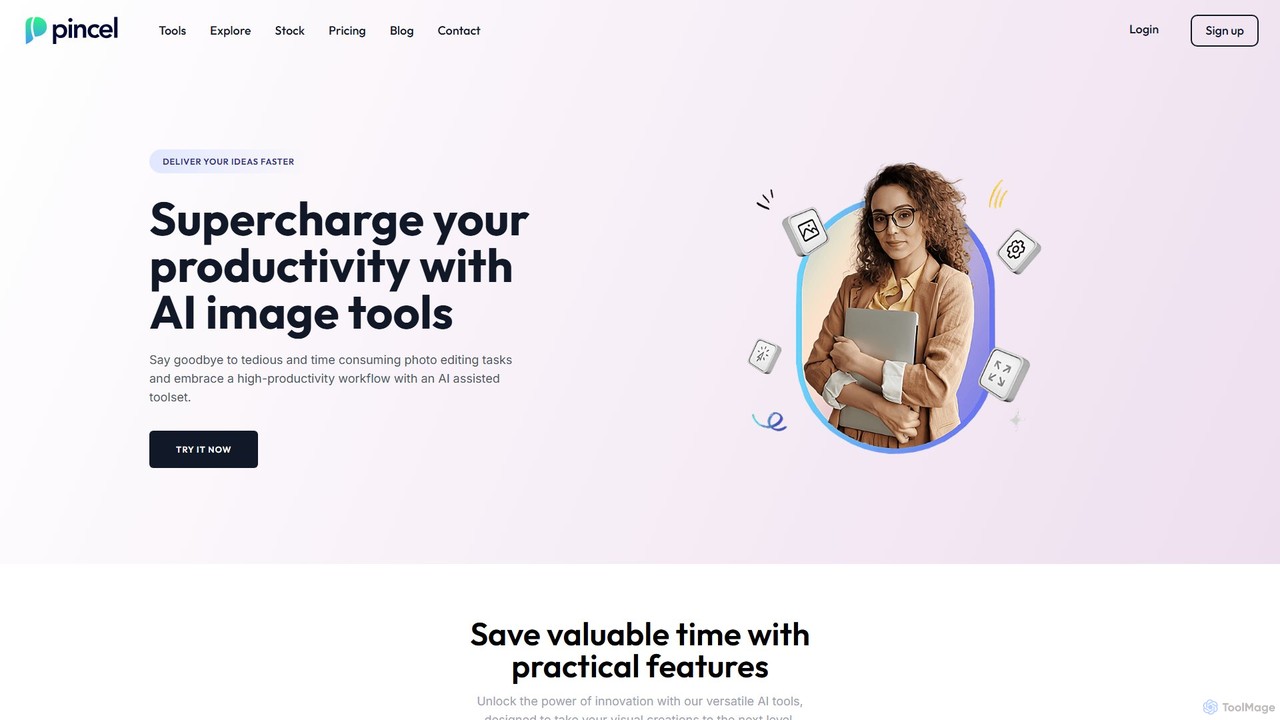
Pincel
Pincel is a comprehensive, web-based AI image editing suite designed for speed and simplicity. It offers a vast collection of tools, from one-click object removal and generative fill to AI portrait creation, face swapping, and artistic QR codes. Ideal for marketers, designers, and content creators, Pincel streamlines complex photo editing tasks into an intuitive workflow, accessible on any device without needing specialized skills or expensive software.
Image Generator
aieasyphoto
aieasyphoto is a comprehensive AI-powered photo and video studio offering over 50 tools. Create professional headshots, creative portraits, and dynamic videos by training a custom AI model or using instant editing tools. Features include text-to-image generation, face swap, background removal, and various style transformers. With a vast library of free-to-try tools and flexible pricing plans, it's perfect for professionals, social media users, and creatives looking to enhance their visual content effortlessly.
Avatars
Jyek
Jyek is an AI agent platform that understands objectives, creates execution plans, uses tools, and delivers verifiable results for complex, multi-step tasks.
AutomationHotpot.ai
Hotpot.ai is a versatile AI platform designed to enhance creativity and productivity. It offers a suite of tools for generating images, professional headshots, and various graphics. With features like AI photo editing, background removal, and content creation for social media and apps, Hotpot.ai aims to make design and media creation faster, easier, and more accessible for everyone.
Graphic Design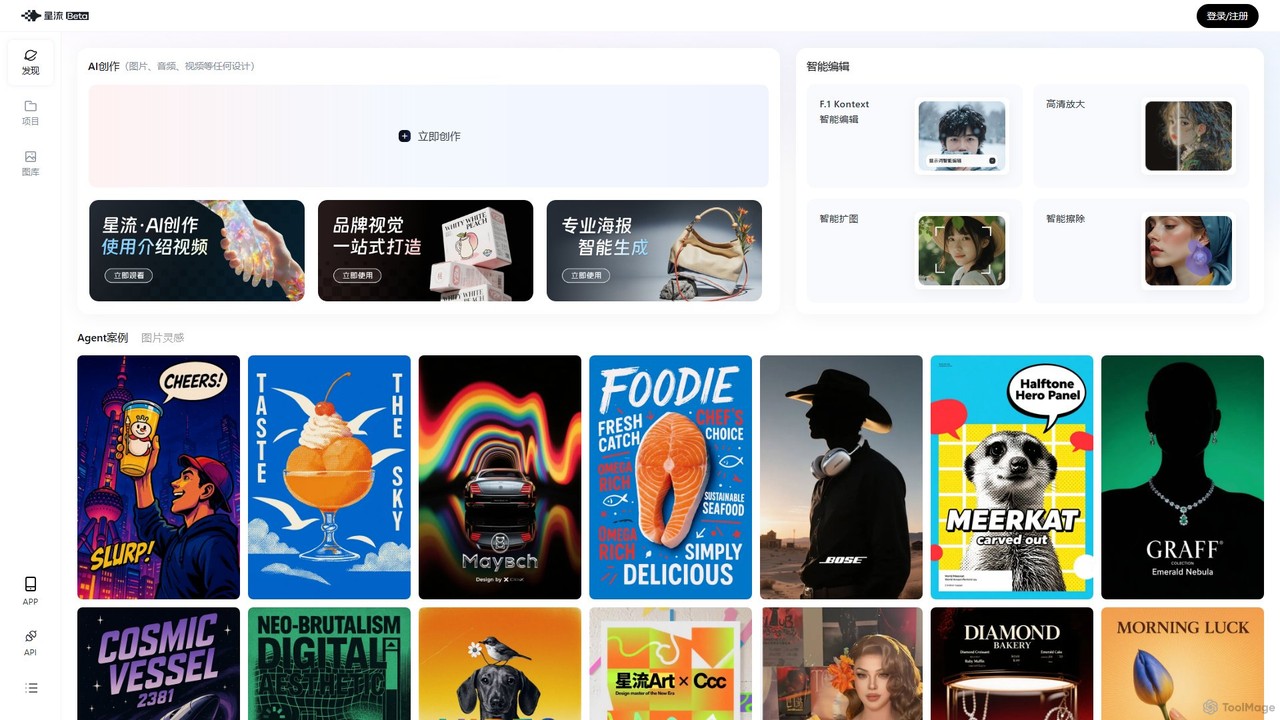
Xingliu
Xingliu is a next-generation AI creation suite that seamlessly integrates content generation and smart editing. Create stunning images, posters, and designs from text prompts, and refine them with powerful tools like HD upscaling, smart outpainting, object removal, and background cutout. It's an all-in-one platform for designers, marketers, and creators to bring their ideas to life effortlessly.
Image Generation
Adobe Firefly
Adobe Firefly is a family of creative generative AI models from Adobe. It enables users to generate high-quality images, text effects, and color palettes from simple text prompts. Designed to be commercially safe, it's integrated into Adobe's Creative Cloud apps like Photoshop and Illustrator, and also available as a standalone web application, empowering creators with new ways to ideate, create, and communicate.
Generative Art
dzine
dzine is an all-in-one, controllable AI design platform for generating and editing images, videos, and 3D models. It excels at creating consistent characters and offers a comprehensive suite of tools, including text-to-video, generative fill, and face swapping, streamlining the creative workflow for designers, developers, and marketers.
Graphic Design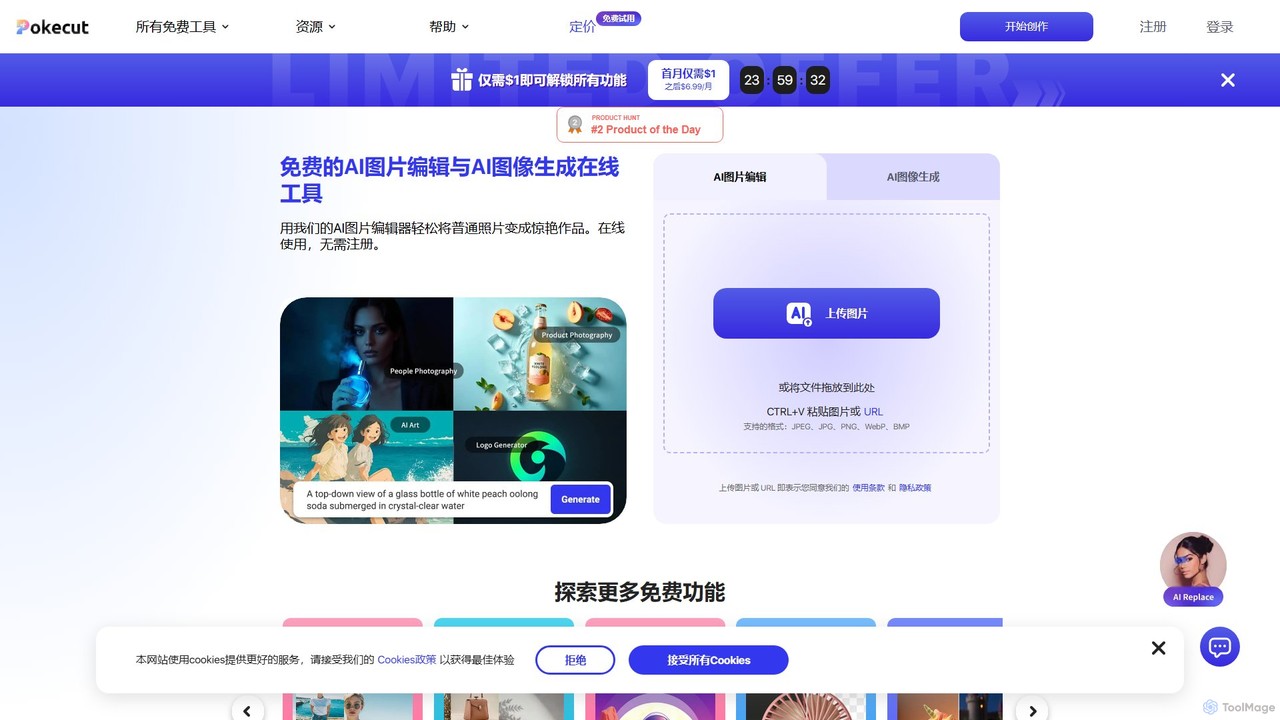
Pokecut
A powerful, free AI photo editor and image generator. Pokecut offers a suite of tools including background removal, photo enhancement, magic eraser, and AI image generation powered by advanced models like Stable Diffusion. It's designed for everyone from casual users to e-commerce sellers and professional designers, available on web, iOS, and Android.
Image Editing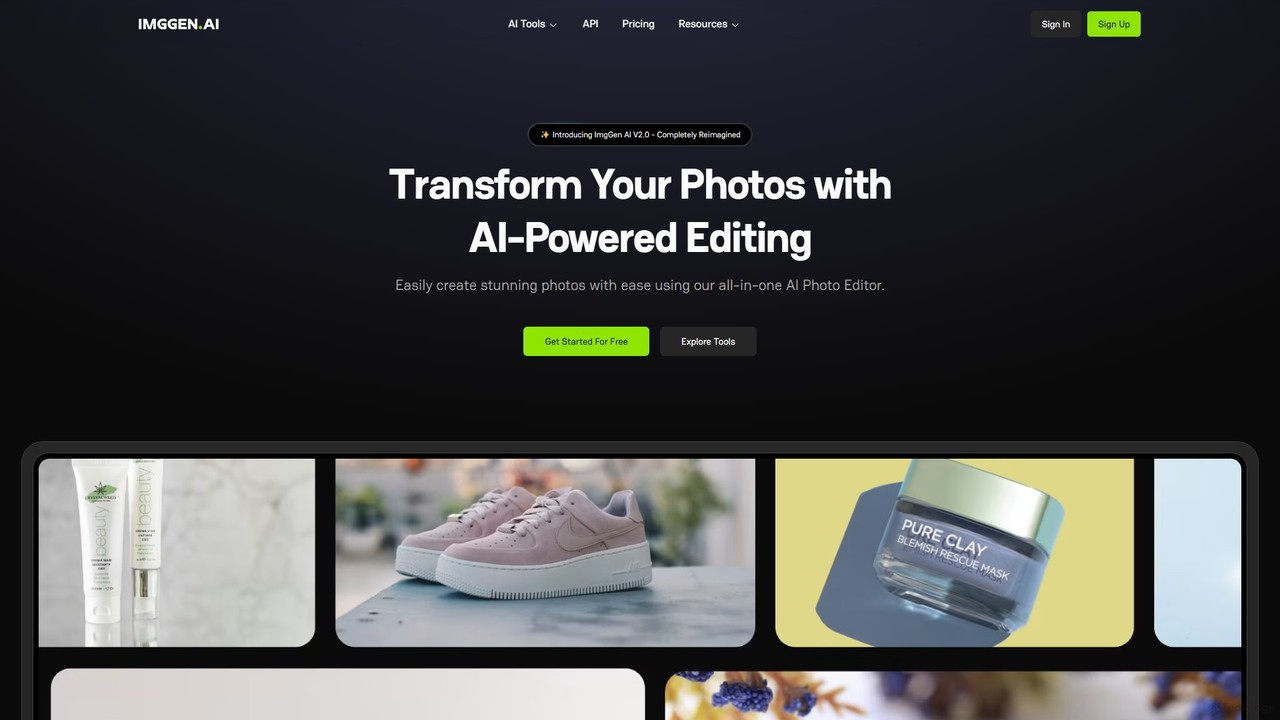
ImgGen AI
ImgGen AI is an all-in-one AI-powered photo editing platform. It offers a comprehensive suite of tools for image generation, enhancement, background removal, and restoration. Designed for creators, businesses, and individuals, it simplifies complex editing tasks, allowing users to create stunning visuals from text prompts, restore old photos, upscale images, and much more, with no prior experience needed.
Image Editing
Cloudbooklet AI
Cloudbooklet AI is a versatile suite of free online AI tools, featuring an unlimited AI image generator, a powerful face swap for photos and videos, an AI chatbot, and more. Create, edit, and transform digital content effortlessly without any sign-up required.
Face Swap
Pixlr Comments (0)
Sign in to comment.
Sign inNo comments yet.