

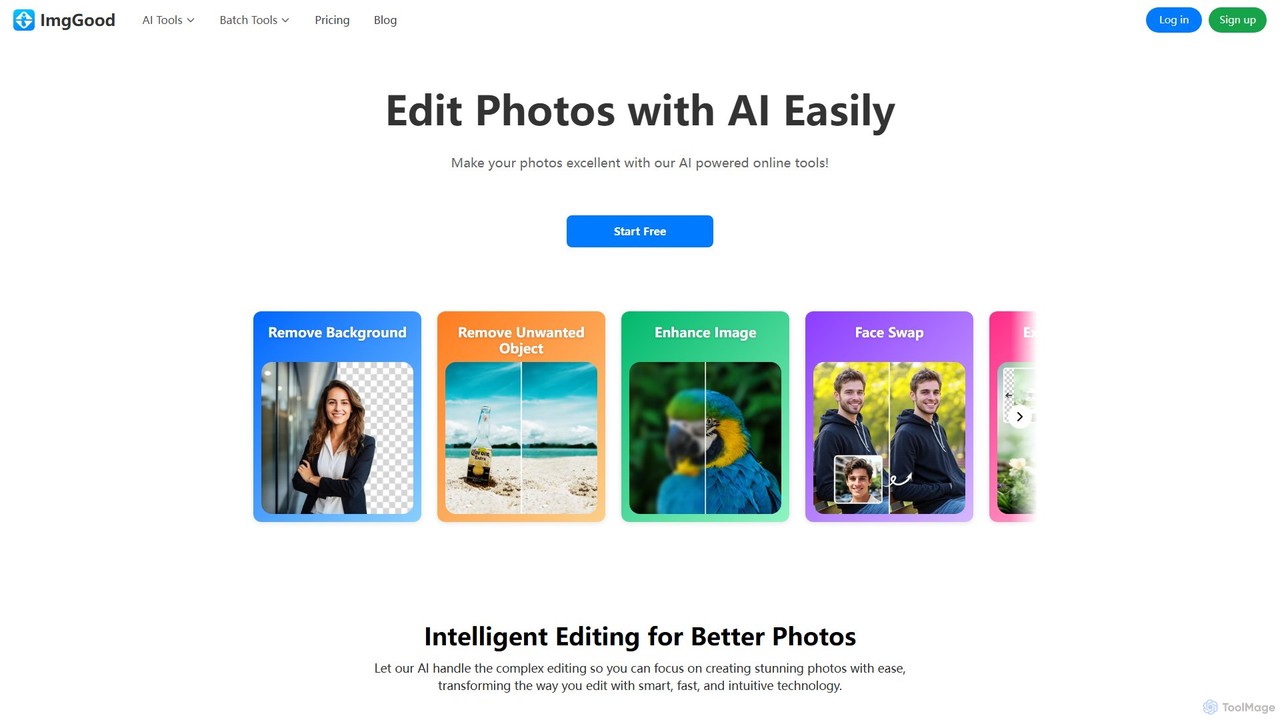
imggood Overview
imggood is a versatile and powerful online photo editing suite that harnesses the power of artificial intelligence to transform the way you edit images. It provides a comprehensive set of tools designed to handle complex editing tasks with incredible ease and speed. Whether you're a professional photographer, an e-commerce store owner, a graphic designer, or simply someone looking to enhance their personal photos, imggood offers an intuitive, web-based solution that requires no software installation. The platform's core philosophy is to let AI manage the technicalities, allowing you to focus on your creative vision and produce stunning, professional-grade photos in just a few clicks.
How to use imggood
Using imggood is designed to be a straightforward and user-friendly experience.
1. Select Your Tool: Navigate to the imggood website and choose the specific editing tool you need from the main menu, such as Background Remover, Object Remover, or Image Enhancer.
2. Upload Your Image: You can either click the 'Upload Image' button to select a file from your device or simply drag and drop your photo directly onto the designated area on the webpage.
3. AI-Powered Processing: Once your image is uploaded, imggood's AI gets to work instantly. For tasks like background removal, the process is fully automatic. For others, like object removal, you may need to perform a simple action, such as brushing over the unwanted element.
4. Review and Refine: The tool will present the edited image within seconds. You can then make further adjustments, like changing the background to a solid color or transparent PNG.
5. Download Your Creation: Once you are satisfied with the result, simply click the download button to save the high-quality edited image to your computer. The entire process is fast, efficient, and accessible to users of all skill levels.
Core Features of imggood
- AI Background Remover: Instantly and accurately remove the background from any image with a single click. It excels at handling complex edges like hair and fur, providing a clean, transparent PNG cutout. It also supports batch processing for editing multiple images at once.
- AI Object Remover: Effortlessly erase unwanted objects, people, text, or blemishes from your photos. Simply brush over the area you want to remove, and the AI will intelligently fill in the background as if the object was never there.
- AI Image Extender (Outpainting): Expand the canvas of your images in any direction. The AI intelligently generates new content that seamlessly blends with the original photo, perfect for adjusting aspect ratios or improving composition.
- AI Image Enhancer & Upscaler: Improve the quality and resolution of your photos. The enhancer sharpens blurry images and restores lost details, while the upscaler increases the pixel count without sacrificing clarity, making low-res images crisp and sharp.
- AI Photo Colorizer: Breathe new life into old black-and-white photos. The AI analyzes the image and applies realistic, natural-looking colors, bringing historical moments and family memories to life.
- AI Face Swap: Have fun or create professional composites by swapping faces in photos with remarkable realism.
- AI Hairstyle Changer: Virtually try on a variety of trending hairstyles to see what suits you best before making a change.
- AI Image Generator: Create unique images from scratch using text prompts, turning your ideas into visual art.
- Batch Editing Tools: Save significant time by processing multiple images simultaneously. This includes bulk background removal, bulk resizing, bulk cropping, and batch image format conversion.
Use Cases for imggood
For E-commerce: Shop owners can create professional product listings by batch-removing backgrounds to achieve a consistent, clean look across their online store.
For Photographers: Quickly clean up portraits by removing blemishes or distractions, restore old client photos with the colorizer and enhancer, or remove photobombers from event pictures.
For Marketers and Content Creators: Use the Image Extender to adapt a single image for various social media formats (e.g., Instagram posts, stories, and banners). Generate unique visuals for campaigns with the AI Image Generator.
For Personal Projects: Colorize old family albums, create fun profile pictures with the Face Swap and Hairstyle Changer, or simply improve the quality of everyday snapshots.
For Graphic Designers: Speed up your workflow by quickly creating transparent assets and cutouts for use in larger design projects, eliminating tedious manual selection.
Advantages of imggood
Efficiency and Speed: AI automation drastically reduces the time spent on manual editing tasks.
High Precision: Advanced algorithms ensure clean cutouts, seamless object removal, and natural-looking enhancements.
All-in-One Solution: A wide range of tools are available in one place, eliminating the need to switch between different applications.
Accessibility: As a web-based tool, it's accessible from any device with a browser, with no downloads required.
User-Friendly Interface: The intuitive design makes powerful editing features available to everyone, regardless of technical skill.
Pricing and Plans
imggood operates on a freemium model, offering plans for different levels of usage.
Free Plan: Perfect for casual users, this plan costs $0/month and includes limited free credits, access to basic features, non-HD exports, and limited bulk editing capabilities (e.g., 2 images at once for background removal). Some advanced features have limited daily usage.
Pro-Monthly Plan: For $9.99/month, users get 300 credits per month, access to all features, HD quality exports, and the ability to bulk edit up to 30 images at once.
Pro-Yearly Plan: Offering the best value at $4.99/month (billed annually at $59.88), this plan includes all the benefits of the Pro-Monthly plan, providing 300 credits each month at a discounted rate.
Credit System: Credits are used for premium features. For example, Face Swap, Image Enhancer, Hairstyle Changer, Image Extender, and AI Image Generator cost 2 credits per image, while Bulk Background Removal costs 1 credit per image. Unused credits for subscribers do not roll over to the next month.
Traffic
Latest traffic
Status
Monthly traffic trend
- 2025-9: 2.4K
- 2026-1: 410
- 2026-2: 278
- 2026-3: 3.5K
- 2026-4: 56
- 2026-5: 149
Top keywords
| Keyword | Cost per click |
|---|---|
| bildqualität verbessern online kostenlos | $0.79 |
| convert b/w color photo | $0.00 |
| foto da bianco e nero a colori | $0.00 |
| imggood bulk cropper | $0.00 |
| trasforma magini in bianco enero | $0.00 |
imggood Alternatives
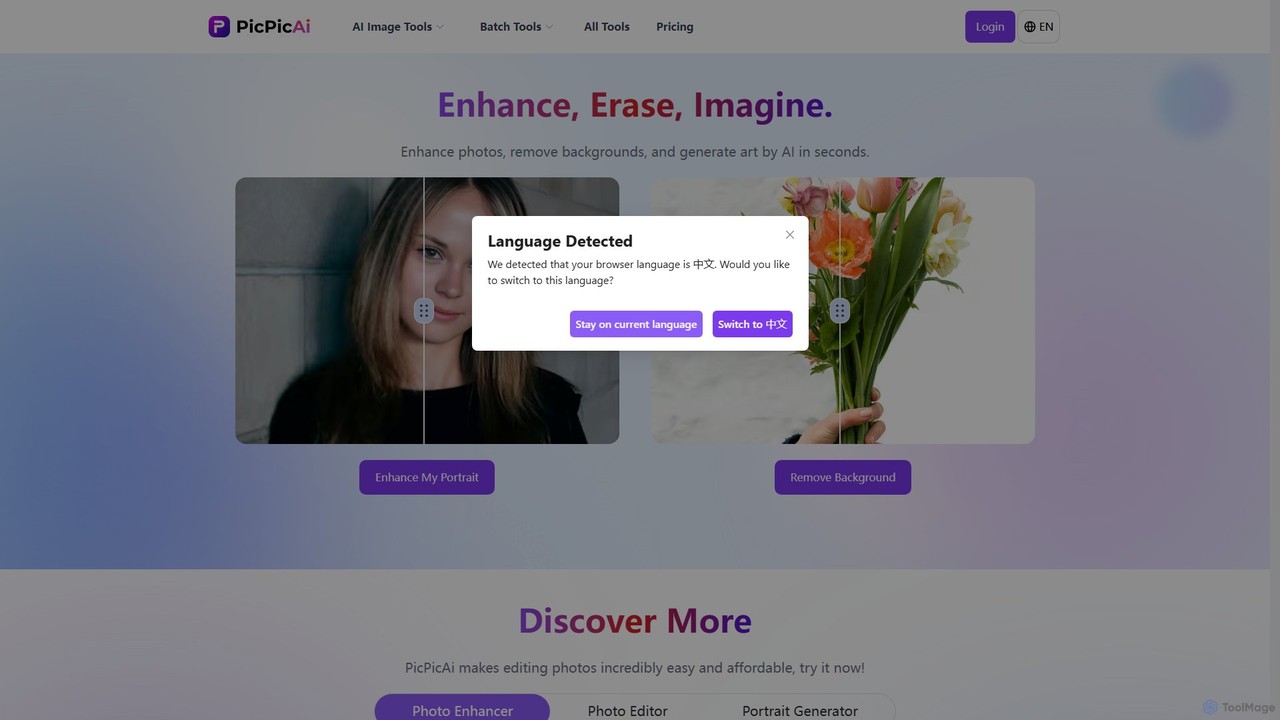
PicPicAI
PicPicAI is an all-in-one AI-powered photo editing suite designed for ease of use and professional results. It offers a wide range of tools, including photo enhancement, background and object removal, AI art generation, portrait retouching, and old photo restoration. Ideal for marketers, e-commerce sellers, and content creators.
Image Generation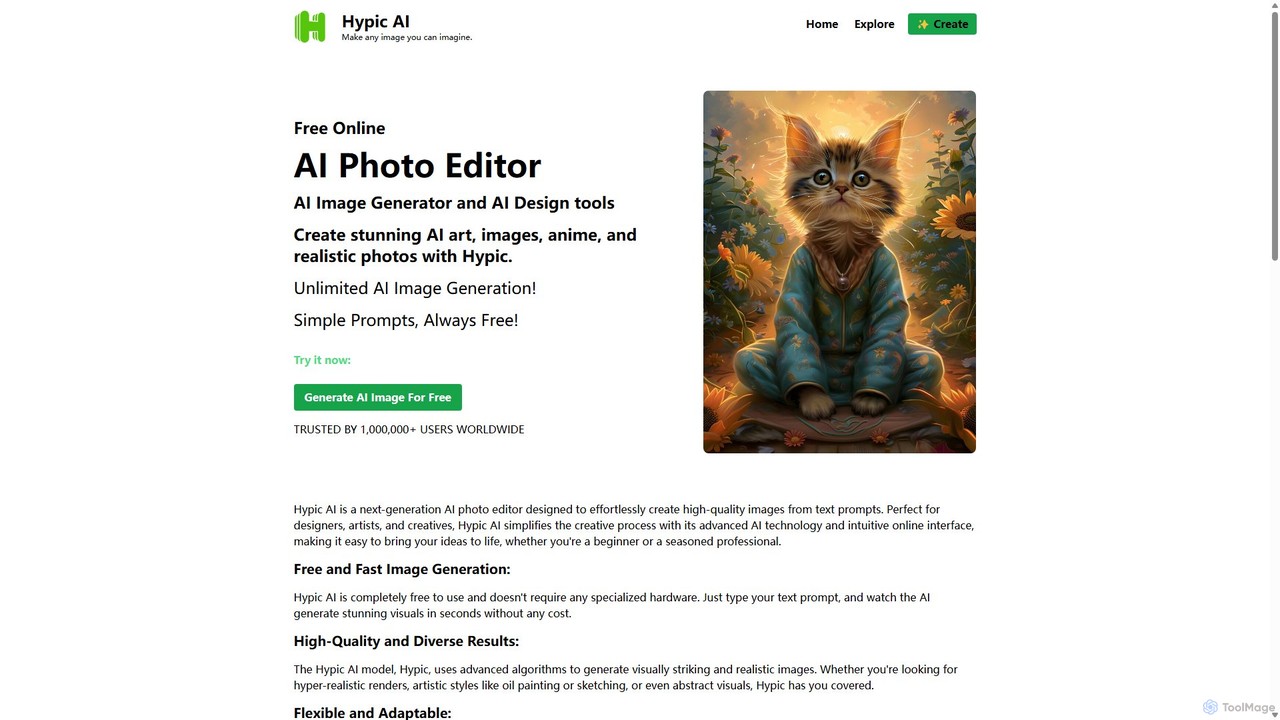
Hypic
Hypic is a powerful, all-in-one AI photo editing app for both beginners and professionals. It offers a wide range of AI-powered features, including one-tap portrait retouching, object removal, background replacement, and creative filters. Elevate your photos for social media, personal use, or e-commerce with professional-grade tools made simple and accessible on your mobile device.
Image Generation
Fotoai.ai
Fotoai.ai is a powerful AI-powered tool for instant, automatic background removal. It allows users to create transparent backgrounds (PNGs), add new backgrounds, and remove unwanted objects with text prompts or a magic eraser. Designed for e-commerce, marketing, and design, it supports batch processing to streamline workflows. It's a fast, free, and user-friendly solution for professional-quality image editing without any technical skills.
Product Photos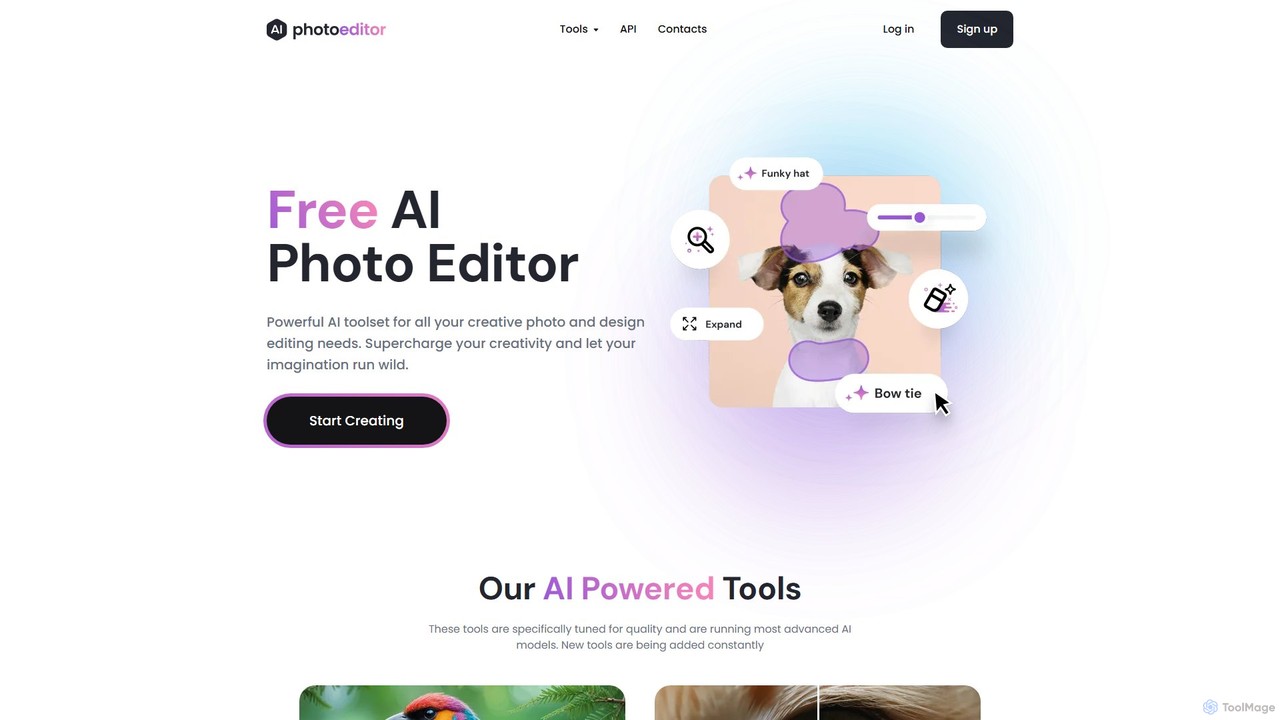
photoeditor.ai
An all-in-one AI-powered photo editing suite. Effortlessly generate images from text, remove backgrounds and objects, enhance, upscale, and expand photos with generative fill. No design skills needed, accessible directly from your web browser.
Image Editing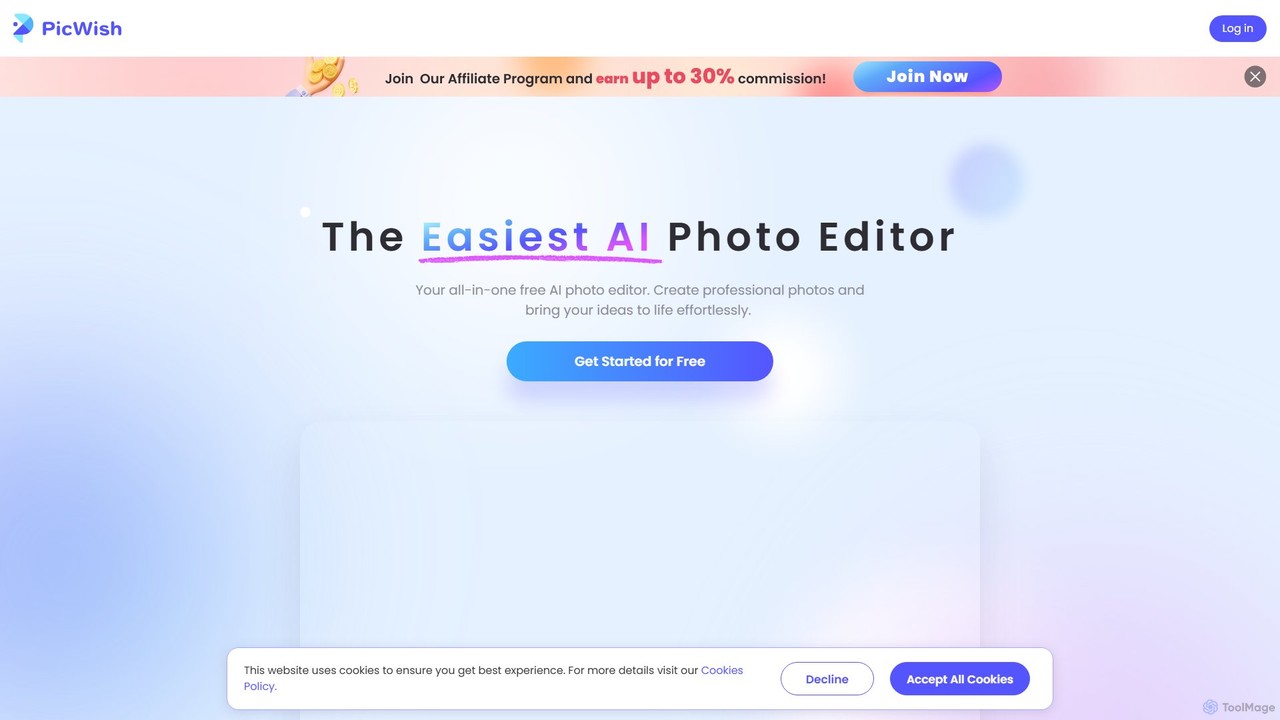
PicWish
PicWish is an all-in-one AI-powered photo editing suite designed to simplify complex image processing. It offers a wide range of free and pro tools, including background removal, photo enhancement, object removal, and AI background generation. Available online and as a dedicated app, PicWish empowers e-commerce sellers, designers, and content creators to produce professional-quality visuals effortlessly, without needing advanced technical skills.
Image Generationimggood Categories
imggood Embed Widget
Copy this embed code to place the badge on your blog, article, or product site and send readers directly to this ToolMage detail page.

Related AI tools
photoeditor.ai
An all-in-one AI-powered photo editing suite. Effortlessly generate images from text, remove backgrounds and objects, enhance, upscale, and expand photos with generative fill. No design skills needed, accessible directly from your web browser.
Image Editing
PhotoGrid
PhotoGrid is an all-in-one online collage maker and AI photo editor. It offers over 20,000 templates and a suite of powerful AI tools to create stunning photo collages, remove backgrounds, enhance image quality, and apply creative filters, making professional photo editing accessible to everyone.
Collage Maker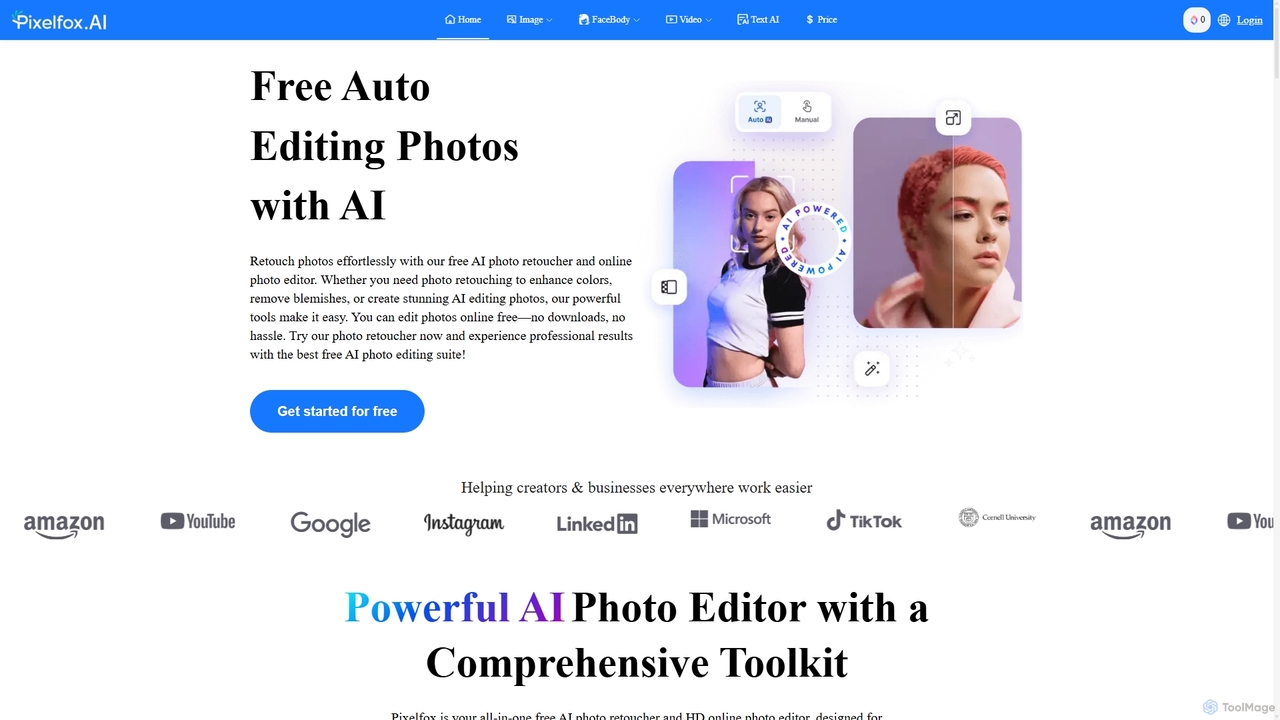
Pixelfox
Pixelfox is a comprehensive, free-to-use AI suite for creators and businesses. It combines a powerful online photo and video editor with over 300 AI writing tools. Effortlessly retouch photos, remove backgrounds, generate images from text, swap faces, and enhance quality. Simultaneously, create SEO-optimized articles, social media content, product descriptions, and much more, all within a single, no-download platform.
3DPicPicAI
PicPicAI is an all-in-one AI-powered photo editing suite designed for ease of use and professional results. It offers a wide range of tools, including photo enhancement, background and object removal, AI art generation, portrait retouching, and old photo restoration. Ideal for marketers, e-commerce sellers, and content creators.
Image Generation
Jyek
Jyek is an AI agent platform that understands objectives, creates execution plans, uses tools, and delivers verifiable results for complex, multi-step tasks.
AutomationPicWish
PicWish is an all-in-one AI-powered photo editing suite designed to simplify complex image processing. It offers a wide range of free and pro tools, including background removal, photo enhancement, object removal, and AI background generation. Available online and as a dedicated app, PicWish empowers e-commerce sellers, designers, and content creators to produce professional-quality visuals effortlessly, without needing advanced technical skills.
Image Generation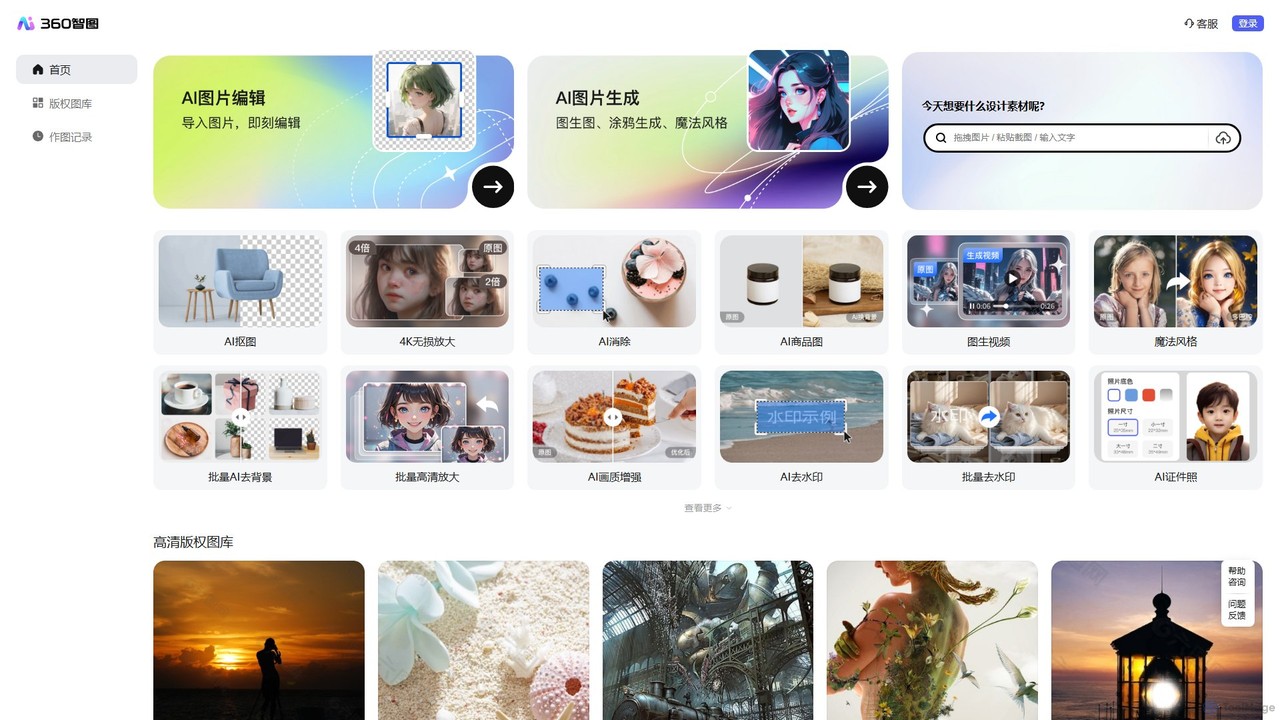
360 Zhitou
360 Zhitou is a comprehensive AI-powered image creation and editing platform. It offers a suite of tools including AI background removal, 4K image upscaling, object and watermark removal, AI-generated product photos, image-to-video conversion, and artistic style transfer. It's designed for e-commerce, marketing, and design professionals.
Generative Art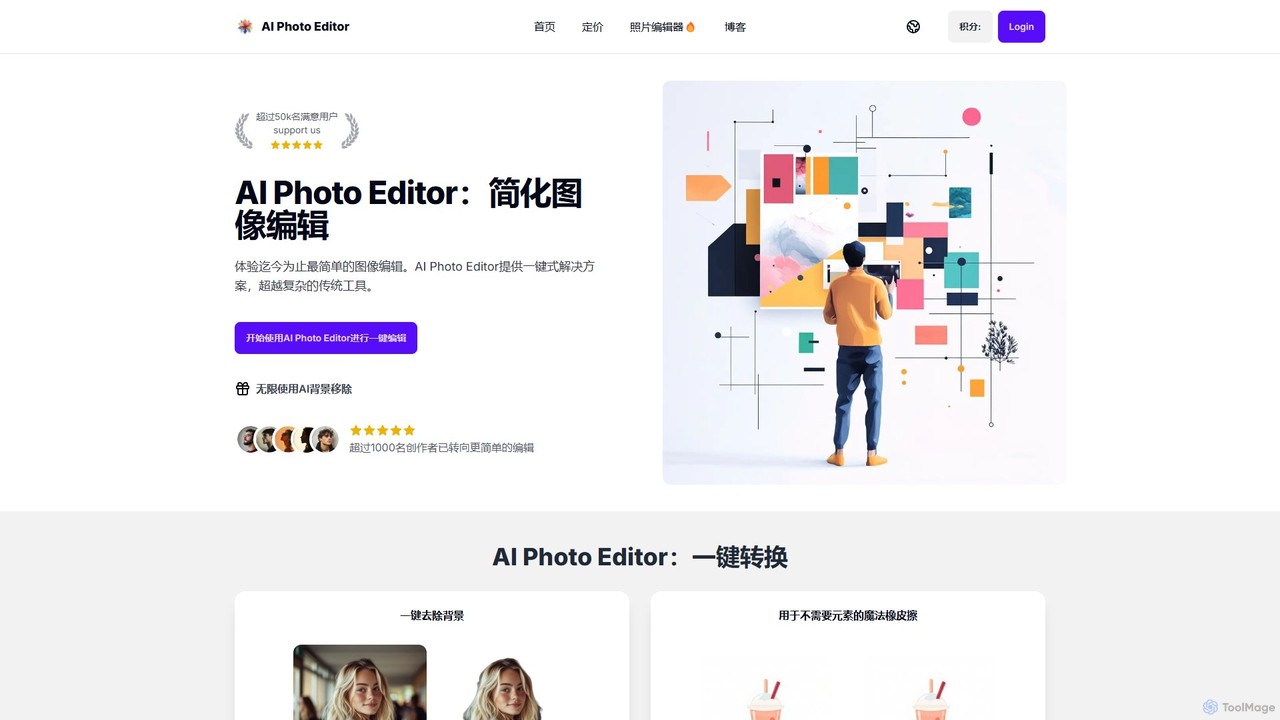
AI Photo Editor
AI Photo Editor is an online tool that simplifies image editing with powerful one-click AI solutions. It offers features like background removal, magic eraser for unwanted objects, photo enhancement, and image upscaling, designed for both beginners and professionals seeking efficiency. Get professional-quality results in seconds without complex software.
Graphics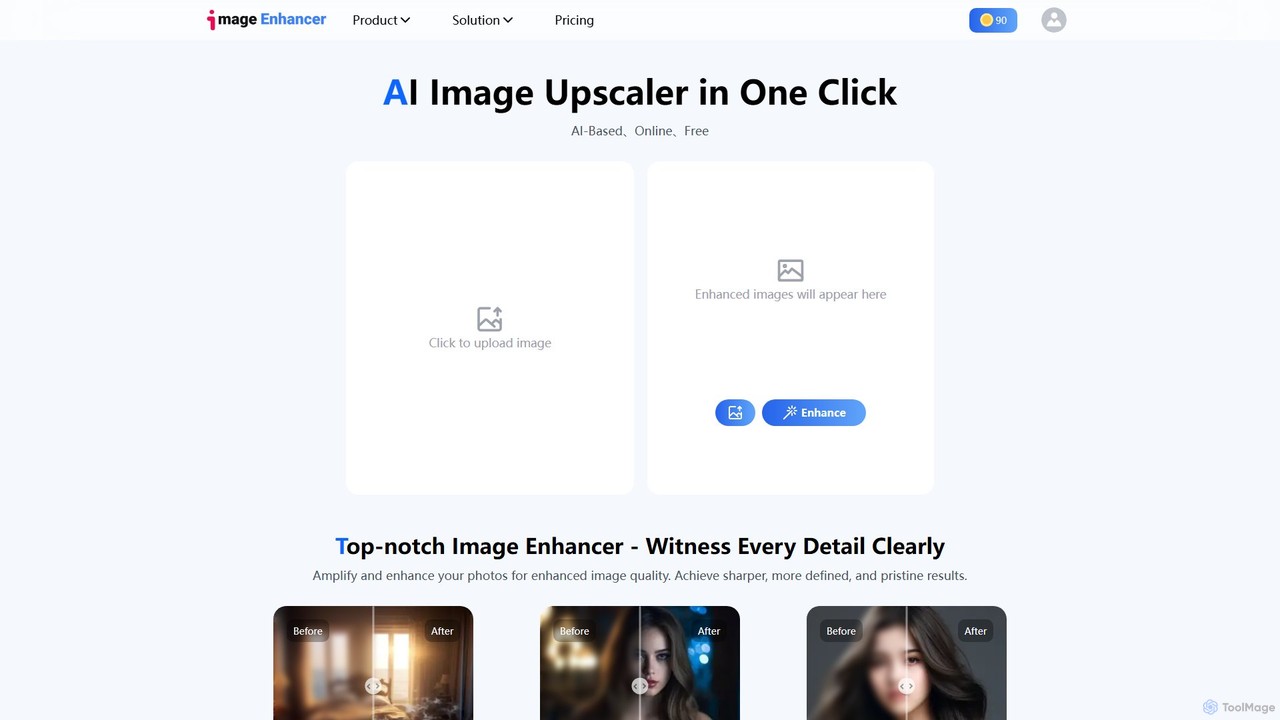
imageenhan
An AI-powered suite of tools for enhancing images and videos. It offers one-click upscaling, sharpening, denoising, background removal, and creative features like cartoonizers and face swapping. Ideal for photographers, designers, and social media users to improve visual quality effortlessly.
Generators
photorush
Photorush is an AI-powered image editing suite designed for speed and efficiency. It automates complex tasks like background removal, object erasing, and one-click enhancement, enabling users to create professional-quality images in seconds. Ideal for e-commerce, marketing, and social media content creation.
Product Images
pictureperfect.ai
PicturePerfect.ai is an AI-powered image enhancement and editing suite designed to help users create flawless, professional-quality photos effortlessly. It offers a range of tools, including one-click retouching, image upscaling, object removal, and background editing, making it ideal for photographers, marketers, and content creators.
Image Editing
SnapEdit
SnapEdit is an AI-powered online photo editor designed to simplify complex editing tasks. With one-click tools, it allows users to effortlessly remove unwanted objects, people, text, and backgrounds from images, enhance photo quality, and retouch portraits without needing professional skills.
3D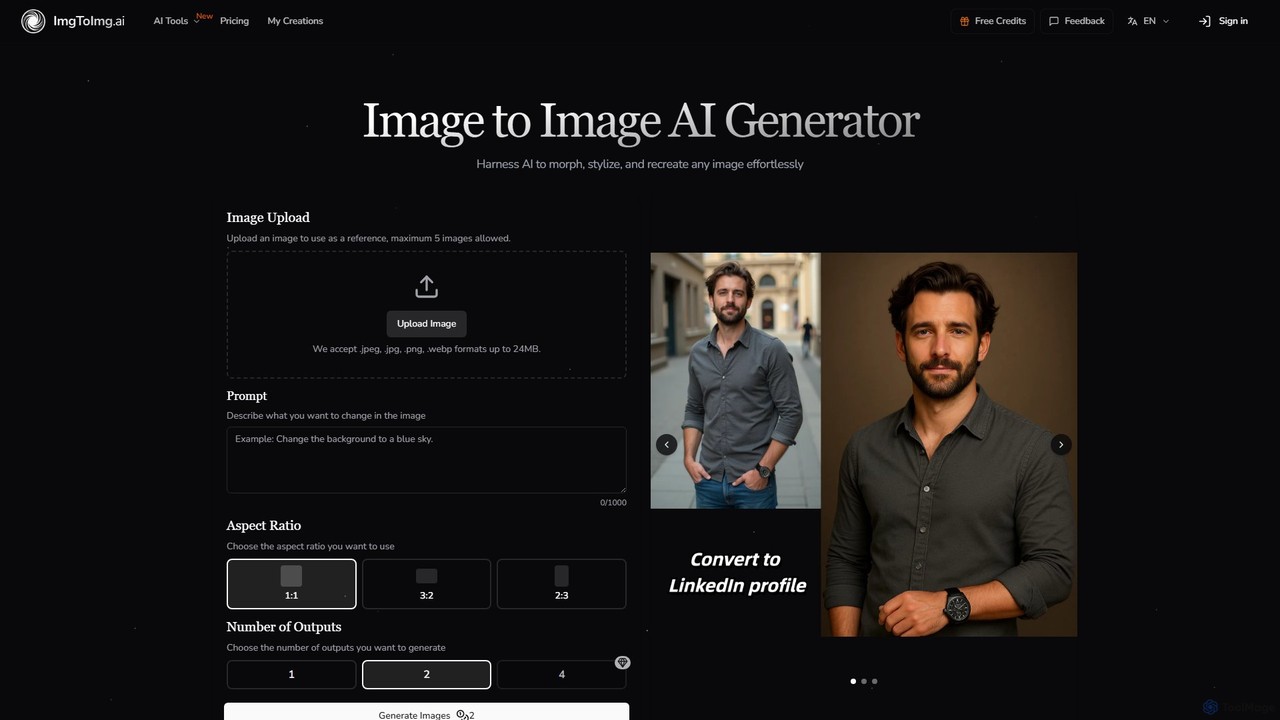
imgtoimg.ai
imgtoimg.ai is a comprehensive AI-powered suite for image creation and editing. It specializes in transforming existing images with text prompts while preserving their core structure (image-to-image). It also features a powerful text-to-image generator to create unique visuals from scratch. The platform includes additional tools like AI face swap, background remover, image upscaler, and photo restoration, making it a versatile solution for designers, marketers, and creators.
Art Generation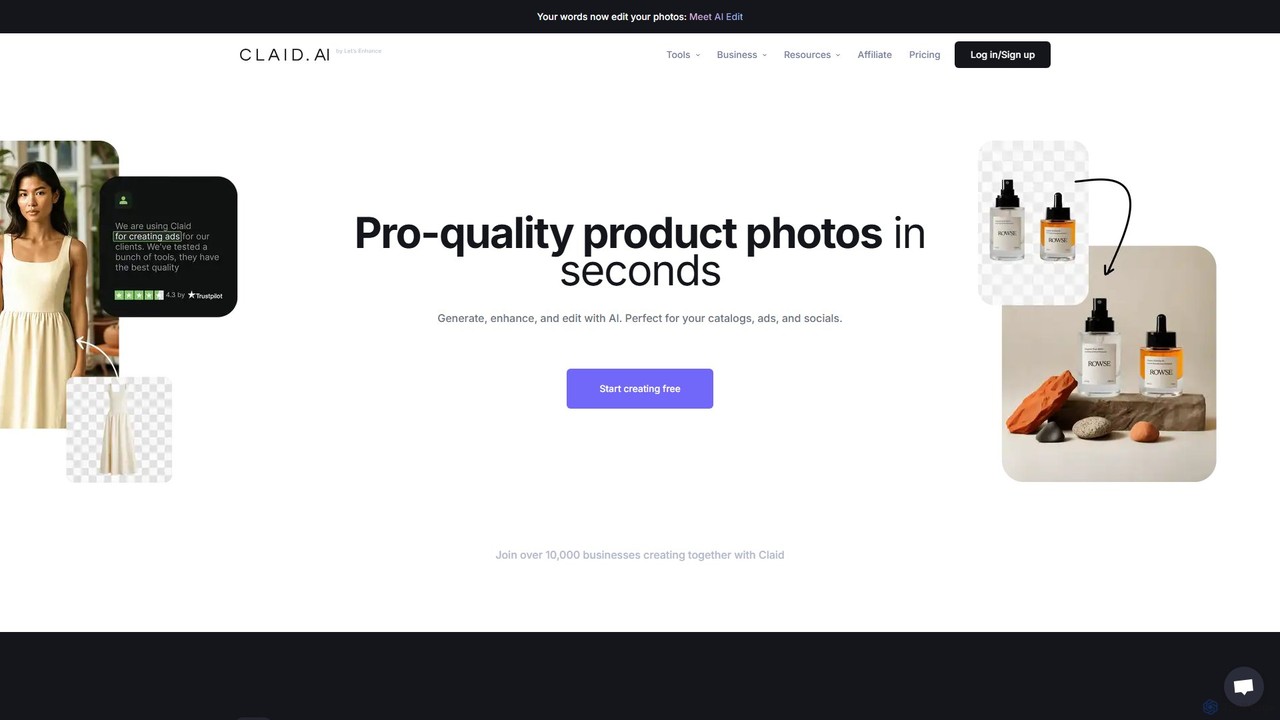
Claid.ai
Claid.ai is an all-in-one AI product photography suite designed for e-commerce and marketing. It allows users to generate, enhance, and edit professional-quality product photos in seconds. Key features include AI background generation, AI fashion models, image upscaling, and automated editing workflows, helping businesses improve conversions and streamline content creation without needing technical skills.
3D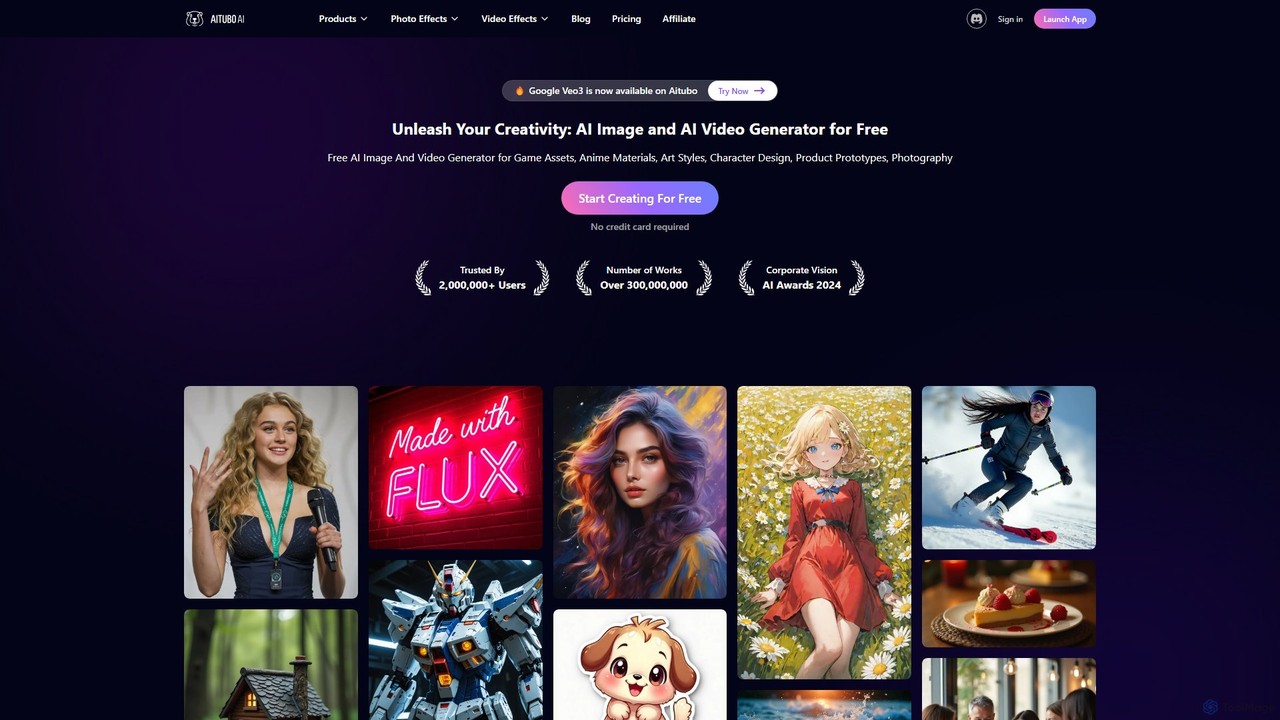
Aitubo
Aitubo is a comprehensive AI creative suite for generating and editing images and videos. It features advanced models like Flux and SD3, offering tools for text-to-image, text-to-video, background removal, image enhancement, face swapping, and AI character chat. Ideal for artists, designers, and content creators.
Chatbots
imggood Comments (0)
Sign in to comment.
Sign inNo comments yet.