

SnapEdit Overview
SnapEdit is a comprehensive, AI-driven online photo editor that makes professional-grade image editing accessible to everyone. Developed by SilverAI, it leverages advanced artificial intelligence to automate and simplify tasks that would traditionally require complex software and expertise. With a user base of over 20 million and a high rating on the App Store, SnapEdit has established itself as a leading tool for creators, marketers, e-commerce businesses, and casual users who want to perfect their photos quickly and efficiently. The platform is available both as a web application and on mobile devices, ensuring a seamless editing experience across all platforms.
The core philosophy of SnapEdit is to provide powerful editing capabilities through a simple, intuitive interface. Users can achieve stunning results with just a few clicks, transforming their images from ordinary to extraordinary. Whether it's cleaning up a travel photo, creating a professional product listing, or retouching a portrait for social media, SnapEdit offers a complete suite of tools to meet diverse editing needs.
How to use SnapEdit
Using SnapEdit is designed to be straightforward and intuitive, requiring no prior editing experience. The process typically follows these simple steps:
- Upload Your Image: Drag and drop your photo onto the website, paste it from your clipboard, or select a file from your device.
- Choose an Editing Tool: From the main dashboard, select the function you need, such as 'Remove Objects', 'Enhance Photo', or 'Remove Background'.
- Let AI Do the Work: For most features, SnapEdit's AI will automatically detect and process the image. For object removal, you can simply brush over the unwanted element, and the AI will intelligently fill in the space.
- Refine and Adjust (Optional): The platform allows for manual adjustments to fine-tune the results for perfect accuracy.
- Download Your Edited Photo: Once you are satisfied with the result, you can download the edited image in high definition.
Core Features of SnapEdit
- Object Removal: Intelligently detects and erases unwanted objects, people, photobombers, or distracting elements like power lines from your photos with a single click or a simple brush stroke.
- Background Removal: Automatically and precisely cuts out the subject from its background. Users can then download the image with a transparent background or replace it using over 100 pre-designed templates.
- Photo Enhancement: Upscales low-resolution images, deblurs fuzzy photos, and improves overall image quality, bringing clarity and detail to your pictures, even up to 4K resolution.
- AI Skin Retouching: A dedicated tool for portraits that automatically smooths skin, removes acne, blemishes, and other imperfections for a flawless, natural look.
- Text Removal: Seamlessly removes any text, watermarks, or logos from an image, providing a clean slate for your creative projects.
- Additional Utilities: The platform also includes tools to add watermarks, convert image formats, compress images to save space, and apply a professional-looking blur to the background.
Use Cases for SnapEdit
SnapEdit is a versatile tool suitable for a wide range of applications:
- E-commerce & Product Photography: Create clean, professional product images by removing backgrounds and any distracting props, ensuring the product stands out.
- Real Estate: Enhance property photos by removing clutter, unwanted objects, or even power lines to present a more appealing view to potential buyers.
- Portrait & Social Media: Perfect your portraits by removing blemishes and photobombers. Create eye-catching content for Instagram, Facebook, and other platforms.
- Travel Photography: Remove tourists or other unwanted elements from your travel photos to capture the perfect, unobstructed scenic shot.
- Marketing & Design: Quickly prepare images for marketing campaigns by removing old text or logos, allowing for easy repurposing of visual assets.
- Photo Restoration: Use the enhancement tool to restore old, blurry, or low-quality family photos, bringing cherished memories back to life.
Advantages of SnapEdit
SnapEdit stands out from other photo editors due to several key advantages:
- Efficiency and Speed: AI-powered automation drastically reduces editing time compared to manual methods.
- Ease of Use: The intuitive, user-friendly interface makes it accessible to beginners without any technical skills.
- High-Quality Output: The advanced AI models ensure clean, professional, and realistic results, from object removal to photo enhancement.
- All-in-One Solution: Offers a comprehensive set of the most-needed editing tools in a single platform, eliminating the need for multiple applications.
- Cross-Platform Availability: Use it on any device through its web editor or dedicated mobile apps for iOS and Android.
- API for Businesses: Provides an API for developers and businesses to integrate SnapEdit's powerful editing features into their own applications and workflows.
Pricing and Plans
SnapEdit operates on a freemium model, offering both free and paid options to cater to different user needs.
- Free Plan: Users can access core features for free, often by watching a short ad to process an image or with a limited number of daily/monthly credits. This plan is ideal for casual users with occasional editing needs. Downloads may be in standard resolution.
- Pro Plan (Subscription): For professionals and frequent users, a subscription plan (available monthly or annually) offers unlimited access to all tools, ad-free experience, high-definition downloads, batch processing, and priority customer support.
- Pay-as-you-go (Credits): Users can also purchase credit packs to edit a specific number of photos. This provides flexibility for those who don't need a full subscription but require more than the free plan offers.
Traffic
Latest traffic
Status
Monthly traffic trend
- 2026-1: 1.8M
- 2026-2: 1.7M
- 2026-3: 1.9M
- 2026-4: 1.6M
- 2026-5: 1.4M
Geography
Top 5 countries / regions
- 🇷🇺Russia35.3%
- 🇻🇳Vietnam29.8%
- 🇮🇩Indonesia17.4%
- 🇮🇳India8.9%
- 🇺🇦Ukraine8.7%
Traffic sources
| Source type | Percentage |
|---|---|
Direct | 85.0% |
Referral | 14.3% |
Email | 0.7% |
Top keywords
| Keyword | Cost per click |
|---|---|
| làm nét ảnh | $0.34 |
| snap edit | $0.12 |
| snapedit | $0.14 |
| улучшить качество фото | $0.22 |
| улучшить качество фото онлайн | $0.17 |
SnapEdit Videos on YouTube

SnapEdit Alternatives
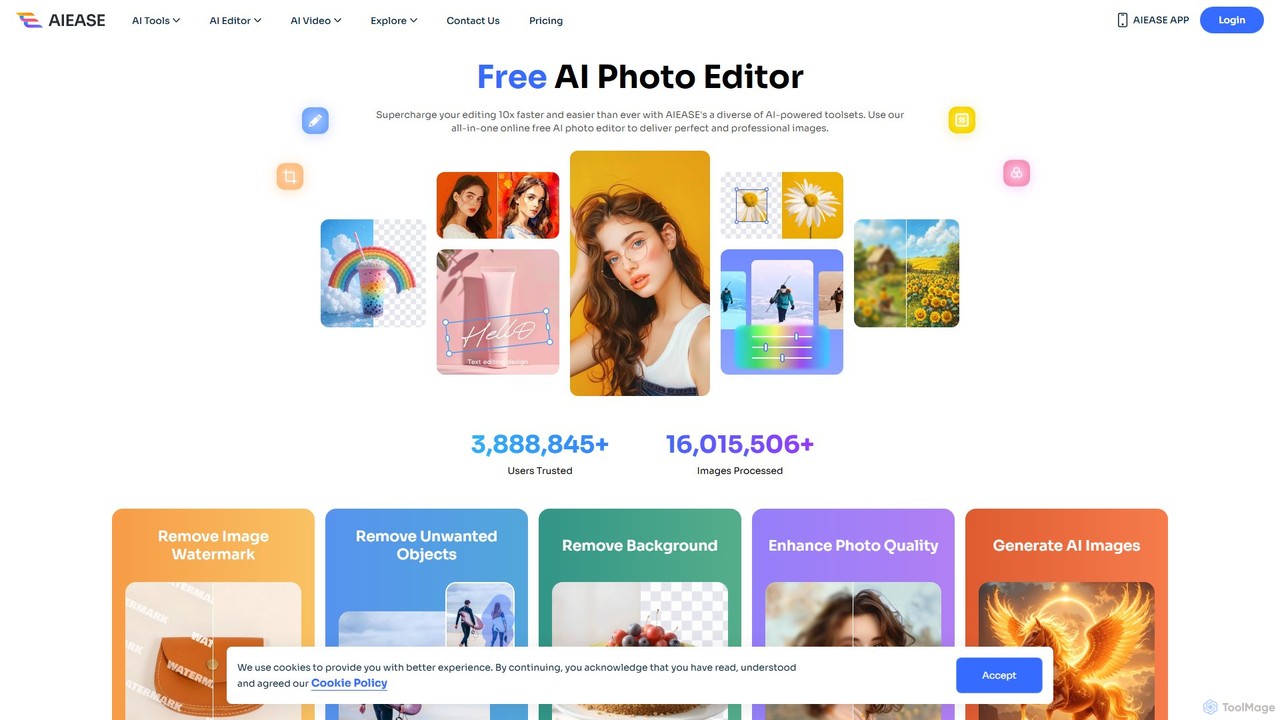
AIEASE
AIEASE is a comprehensive, all-in-one AI photo editing suite designed to simplify and accelerate your workflow. It offers a wide range of tools, from background and object removal to photo enhancement, AI image generation, and creative effects like face swapping and hairstyle changes. Available on web and mobile, it caters to both professional and personal use cases, making advanced photo editing accessible to everyone.
3D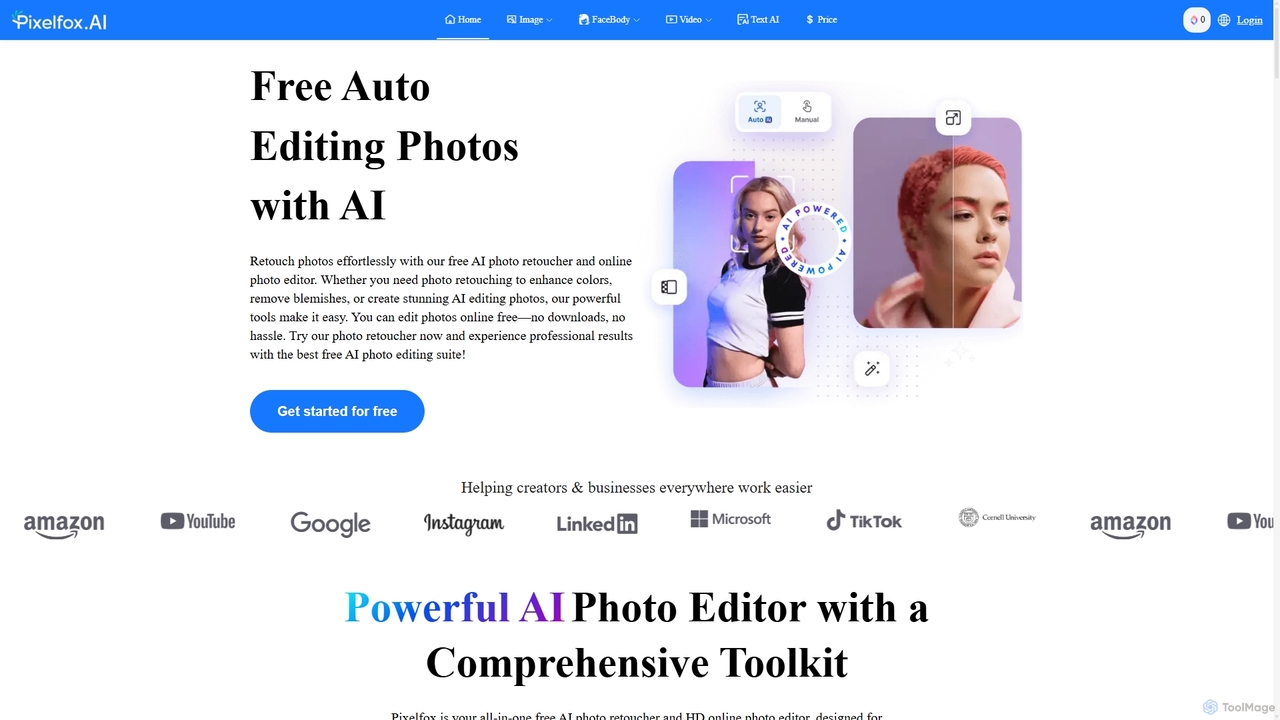
Pixelfox
Pixelfox is a comprehensive, free-to-use AI suite for creators and businesses. It combines a powerful online photo and video editor with over 300 AI writing tools. Effortlessly retouch photos, remove backgrounds, generate images from text, swap faces, and enhance quality. Simultaneously, create SEO-optimized articles, social media content, product descriptions, and much more, all within a single, no-download platform.
3D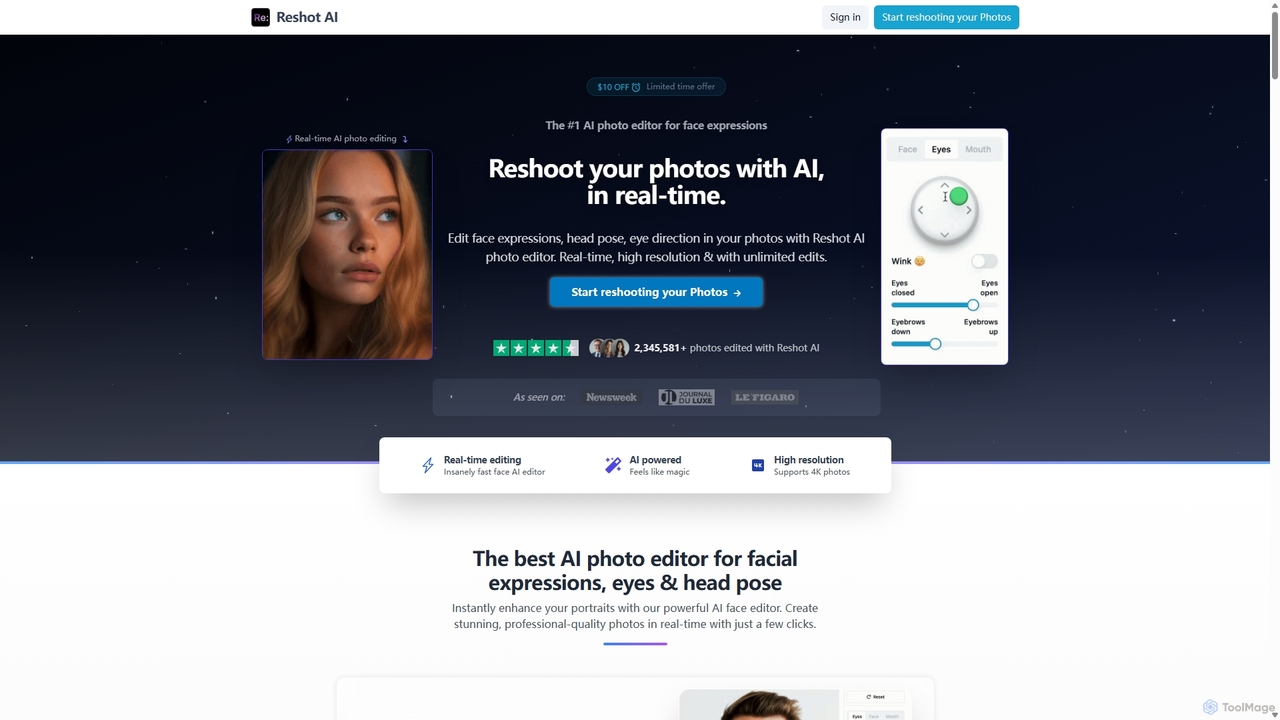
Reshot AI
Reshot AI is a real-time, AI-powered online photo editor specializing in manipulating facial expressions, head poses, and eye direction. It allows users to create professional-quality portraits and headshots with precise control over smiles, eyes, and head tilt, supporting up to 4K resolution.
3D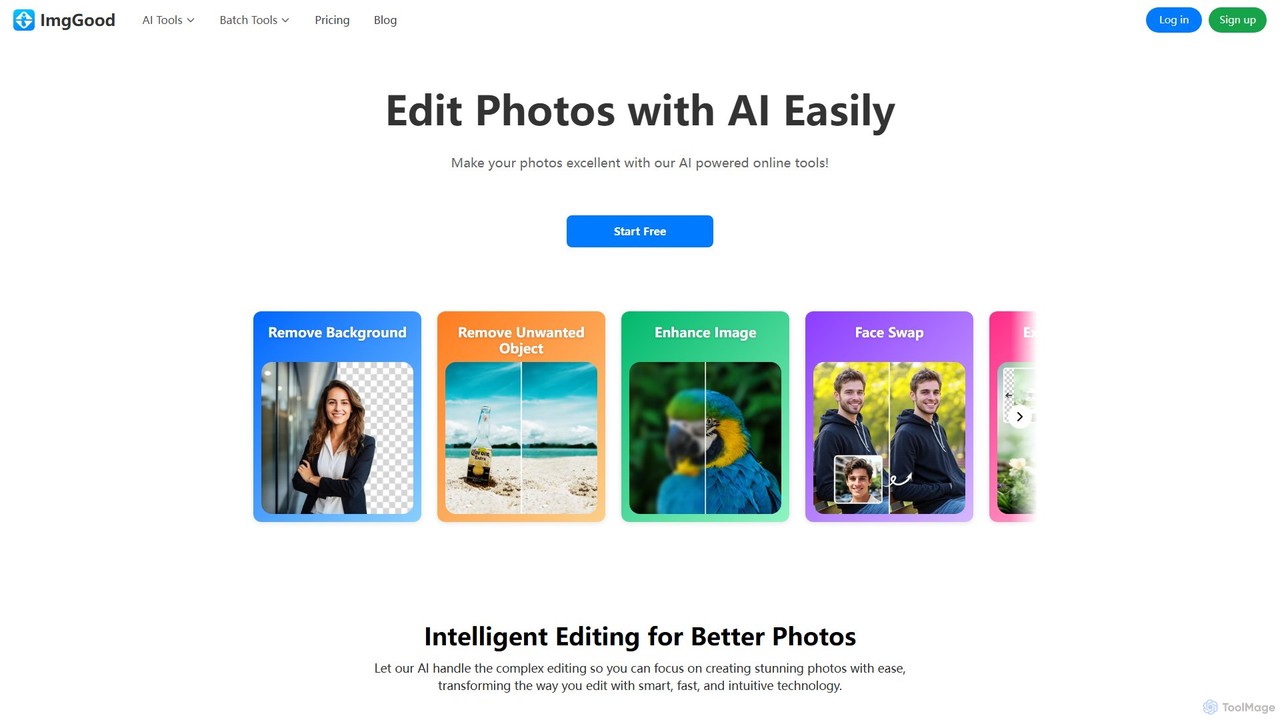
imggood
imggood is a comprehensive AI-powered online photo editor that simplifies complex editing tasks. It offers a suite of tools including a one-click background remover, object remover, image enhancer, photo colorizer, and AI image generator. Designed for both professionals and casual users, it makes creating high-quality, stunning photos fast and effortless, directly from your browser.
Image Generation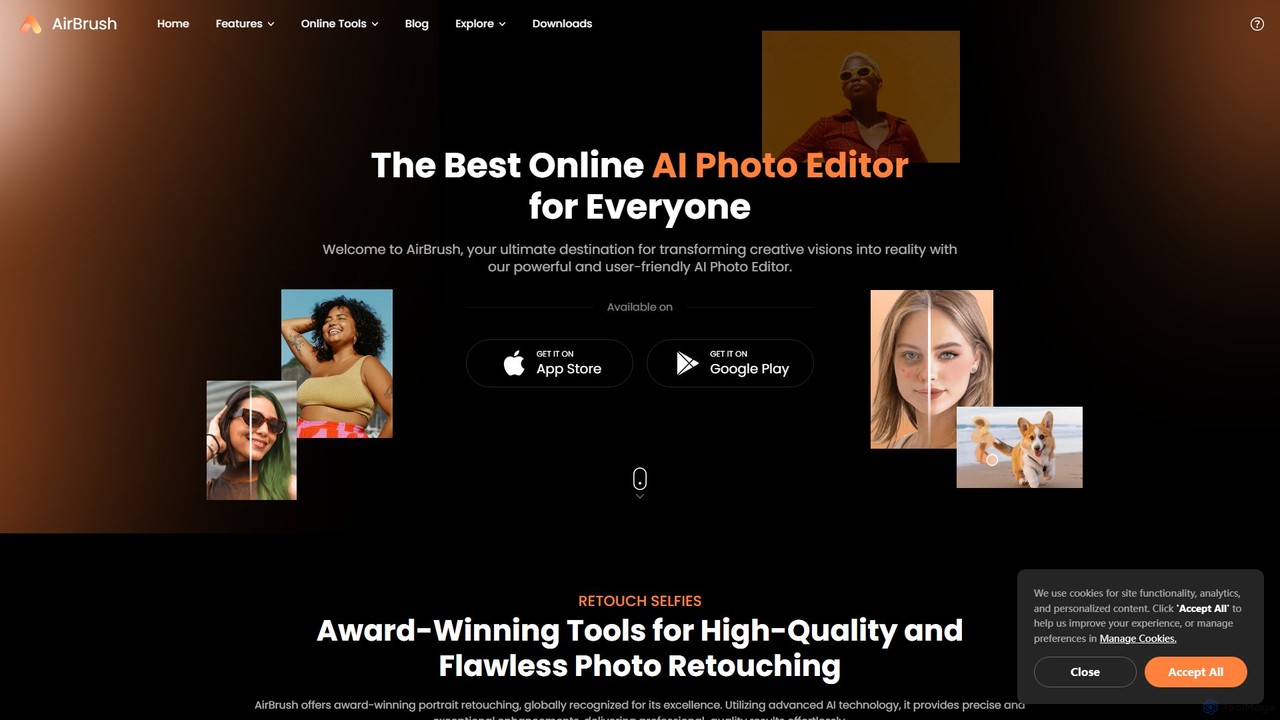
AirBrush
AirBrush is a comprehensive AI-powered photo and video editor available on web and mobile. It offers a wide range of tools for effortless editing, including one-click portrait retouching, image and video enhancement up to 4K, object and background removal, and creative AI generators for avatars and headshots. Designed for both beginners and professionals, AirBrush makes it easy to achieve flawless, high-quality results.
3DSnapEdit Categories
SnapEdit Embed Widget
Copy this embed code to place the badge on your blog, article, or product site and send readers directly to this ToolMage detail page.

Related AI tools

PhotoGrid
PhotoGrid is an all-in-one online collage maker and AI photo editor. It offers over 20,000 templates and a suite of powerful AI tools to create stunning photo collages, remove backgrounds, enhance image quality, and apply creative filters, making professional photo editing accessible to everyone.
Collage Maker
pictureperfect.ai
PicturePerfect.ai is an AI-powered image enhancement and editing suite designed to help users create flawless, professional-quality photos effortlessly. It offers a range of tools, including one-click retouching, image upscaling, object removal, and background editing, making it ideal for photographers, marketers, and content creators.
Image EditingAIEASE
AIEASE is a comprehensive, all-in-one AI photo editing suite designed to simplify and accelerate your workflow. It offers a wide range of tools, from background and object removal to photo enhancement, AI image generation, and creative effects like face swapping and hairstyle changes. Available on web and mobile, it caters to both professional and personal use cases, making advanced photo editing accessible to everyone.
3DPixelfox
Pixelfox is a comprehensive, free-to-use AI suite for creators and businesses. It combines a powerful online photo and video editor with over 300 AI writing tools. Effortlessly retouch photos, remove backgrounds, generate images from text, swap faces, and enhance quality. Simultaneously, create SEO-optimized articles, social media content, product descriptions, and much more, all within a single, no-download platform.
3Dimggood
imggood is a comprehensive AI-powered online photo editor that simplifies complex editing tasks. It offers a suite of tools including a one-click background remover, object remover, image enhancer, photo colorizer, and AI image generator. Designed for both professionals and casual users, it makes creating high-quality, stunning photos fast and effortless, directly from your browser.
Image Generation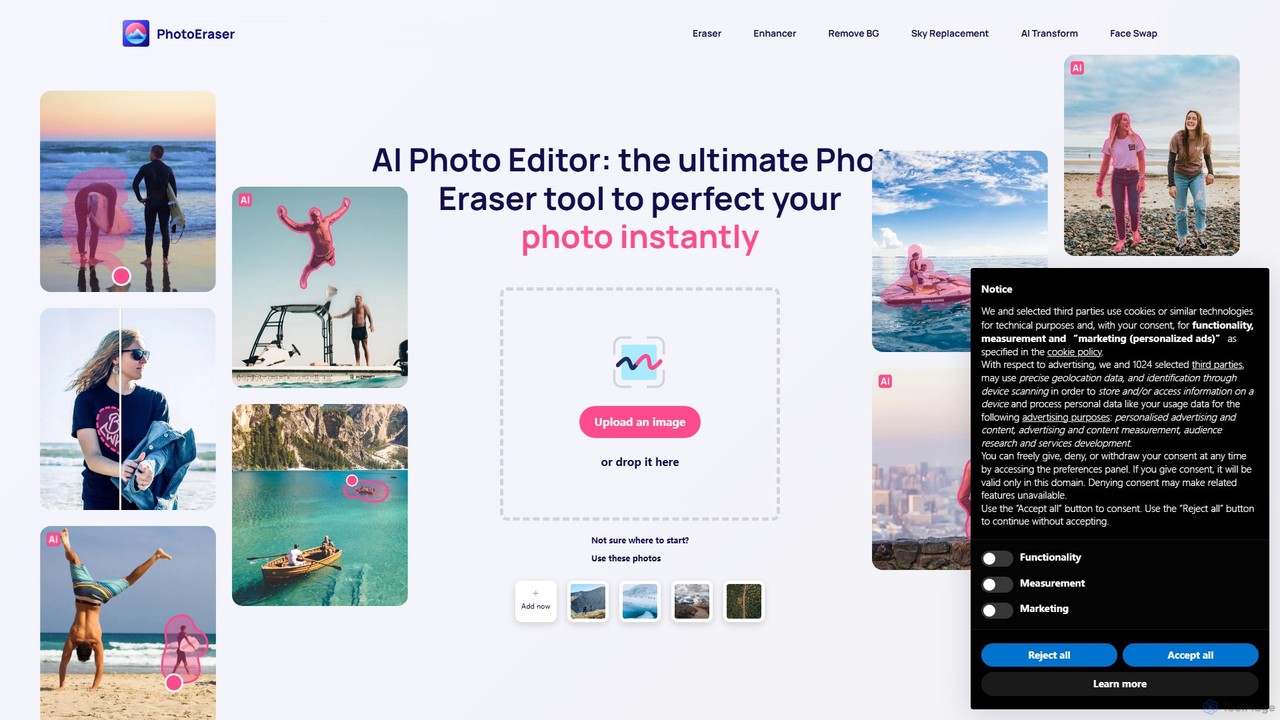
Photoeraser
Photoeraser is an all-in-one AI-powered photo editing suite. It allows users to effortlessly remove unwanted objects, people, or text from images, enhance photo quality, swap faces, and restore old photos. Its intuitive interface makes professional-grade editing accessible to everyone, from social media users to real estate professionals.
Face Swap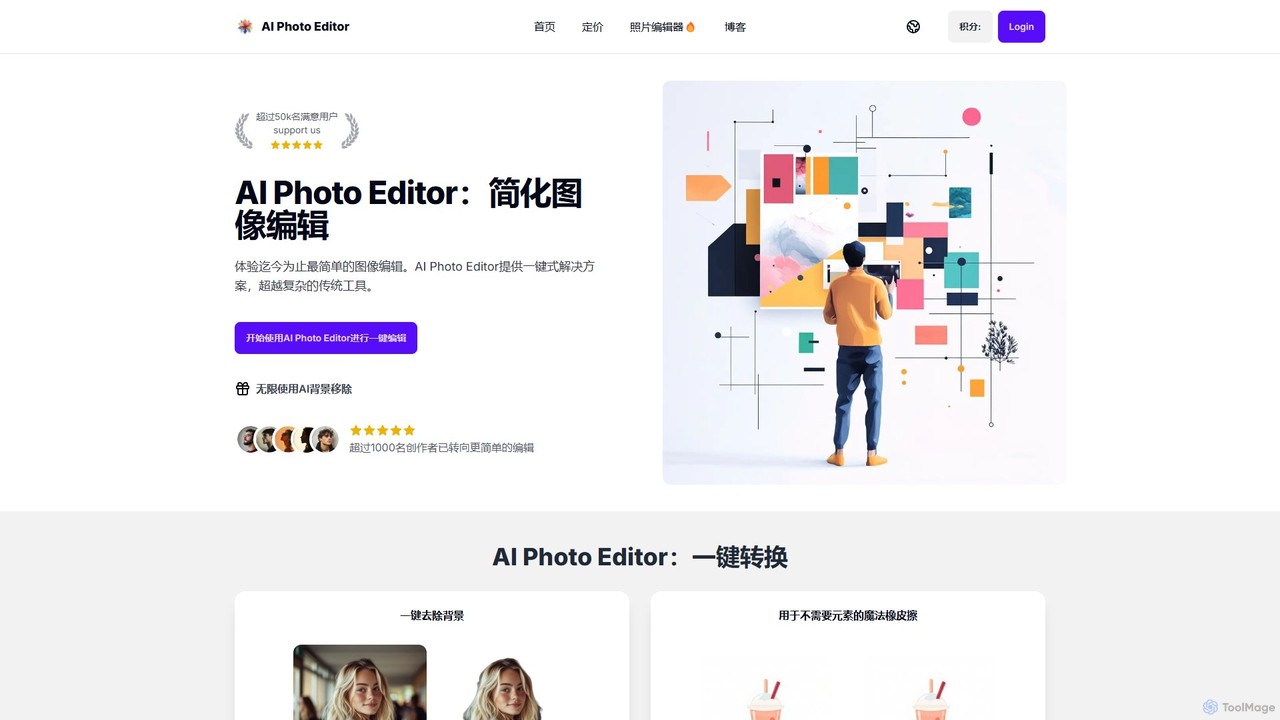
AI Photo Editor
AI Photo Editor is an online tool that simplifies image editing with powerful one-click AI solutions. It offers features like background removal, magic eraser for unwanted objects, photo enhancement, and image upscaling, designed for both beginners and professionals seeking efficiency. Get professional-quality results in seconds without complex software.
Graphics
imgifyai
imgifyai is a comprehensive, all-in-one AI image toolkit for creators. It combines a powerful text-to-image generator with styles like anime and Pixar, alongside essential editing tools such as background removal, image upscaling, enhancement, and restoration. With free cloud storage and a user-friendly interface, imgifyai empowers users to effortlessly create and edit stunning visuals, turning imagination into high-quality art in seconds.
Image Editor
photorush
Photorush is an AI-powered image editing suite designed for speed and efficiency. It automates complex tasks like background removal, object erasing, and one-click enhancement, enabling users to create professional-quality images in seconds. Ideal for e-commerce, marketing, and social media content creation.
Product Images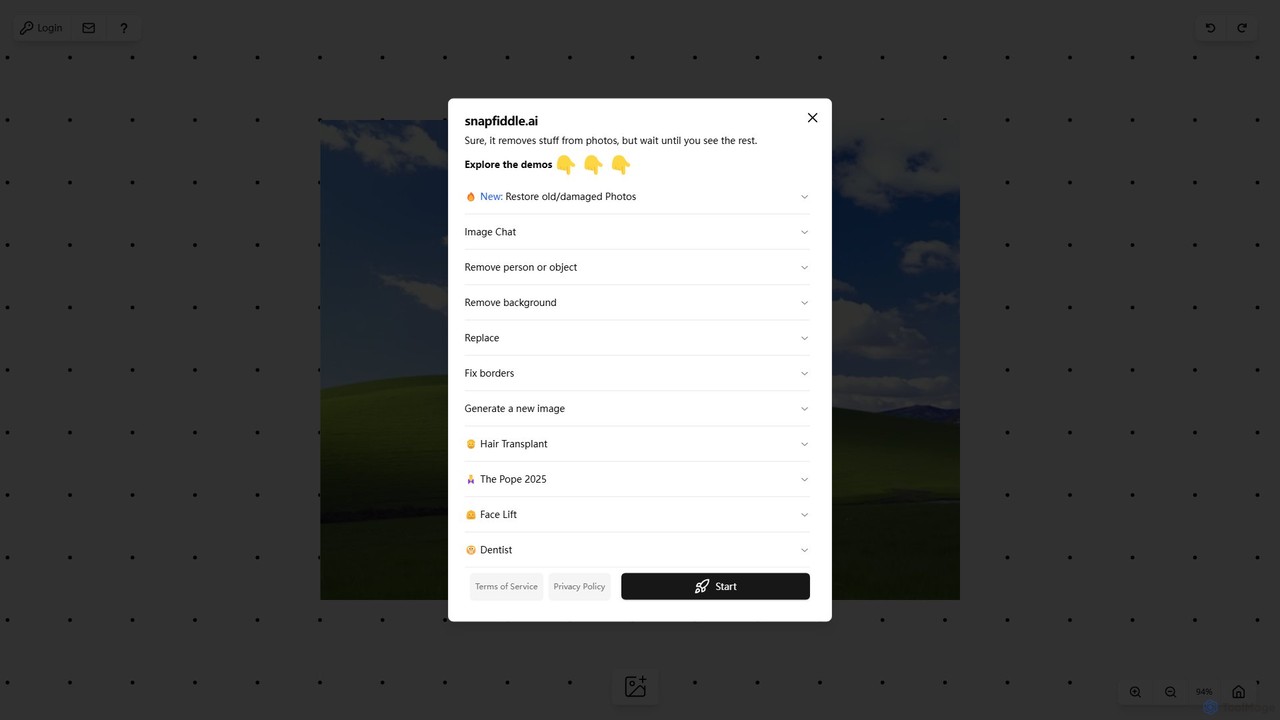
snapfiddle.ai
snapfiddle.ai is a comprehensive AI-powered image editing suite. It allows users to effortlessly remove objects, restore old photos, remove backgrounds, generate new images, and perform advanced edits like face lifts or hair transplants through an intuitive web interface.
Image GenerationAirBrush
AirBrush is a comprehensive AI-powered photo and video editor available on web and mobile. It offers a wide range of tools for effortless editing, including one-click portrait retouching, image and video enhancement up to 4K, object and background removal, and creative AI generators for avatars and headshots. Designed for both beginners and professionals, AirBrush makes it easy to achieve flawless, high-quality results.
3D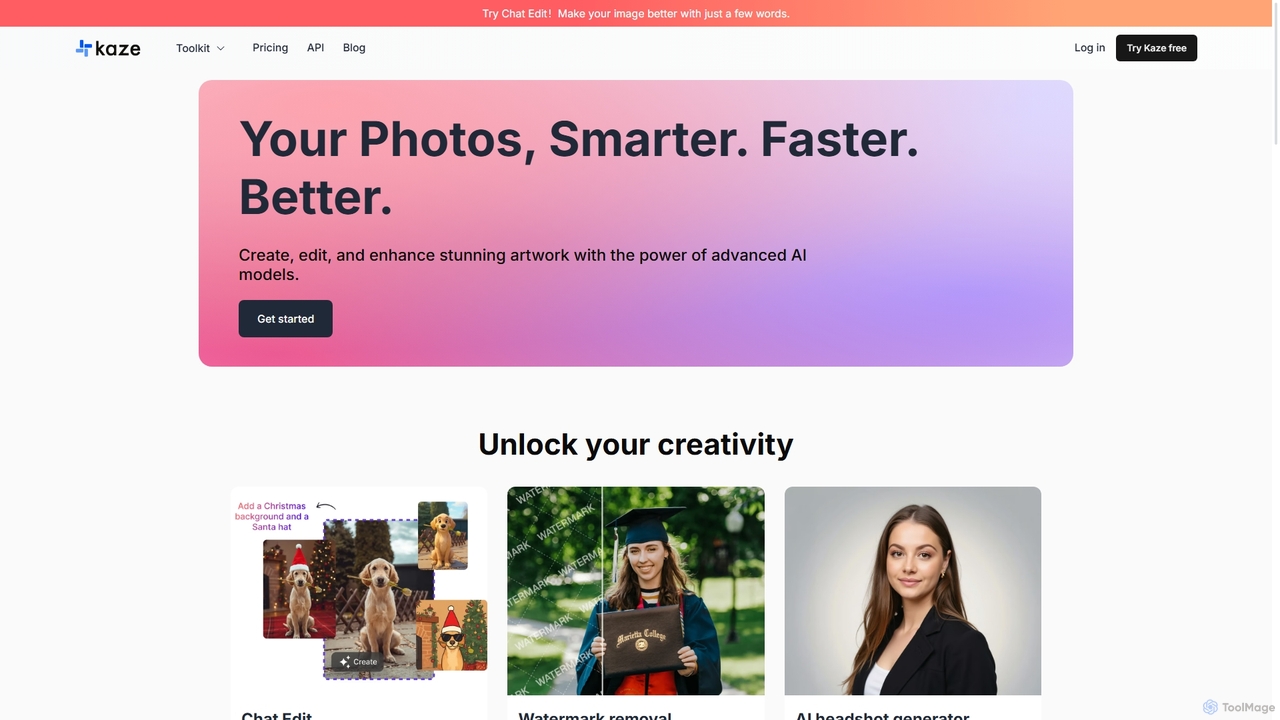
Kaze
Kaze is a comprehensive AI-powered image editing suite designed to create, edit, and enhance photos effortlessly. It offers a wide range of tools including one-click watermark and object removal, photo restoration, image upscaling, background removal, and an AI headshot generator. With its user-friendly interface and advanced AI models, Kaze delivers professional, studio-quality results in seconds, catering to creators, marketers, and photographers.
3D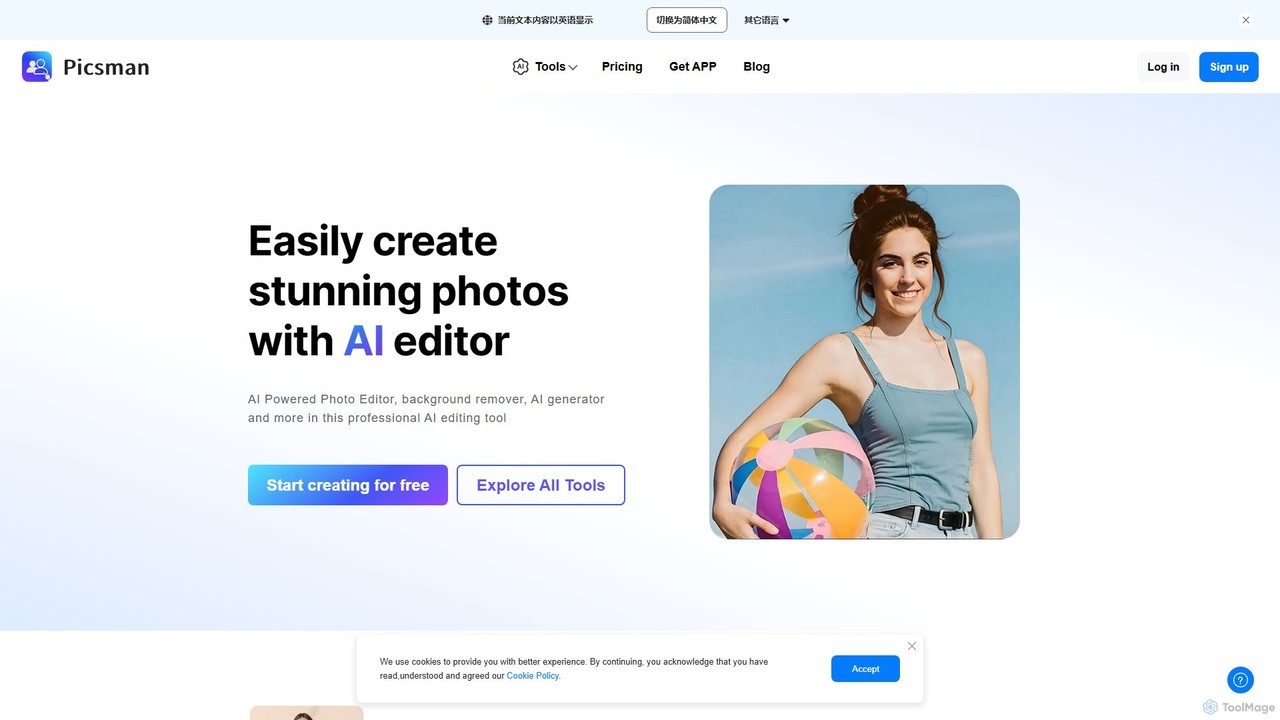
picsman
Picsman is an all-in-one AI-powered photo editor designed for ease of use. It offers a comprehensive suite of tools including background removal, object erasing, virtual clothes changing, image enhancement, and AI art generation. Ideal for e-commerce, social media marketing, and personal photo editing, Picsman simplifies complex editing tasks into one-click operations, making professional-quality results accessible to everyone.
3D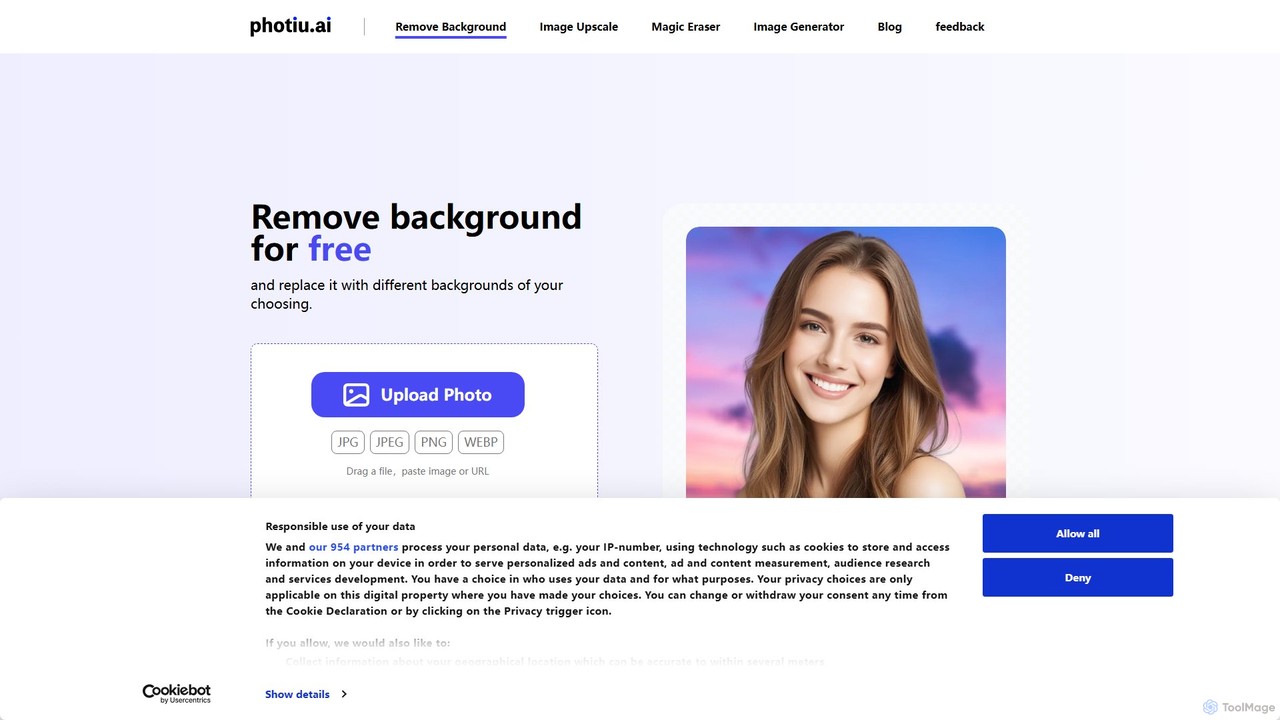
Photiu.ai
Photiu.ai is an AI-powered online image editing suite designed to simplify complex photo manipulation tasks. It offers a set of powerful tools, including a precise background remover, an intelligent object eraser for cleaning up images, and a high-quality image upscaler. This platform is perfect for e-commerce store owners, marketers, photographers, and social media creators who need professional-looking images quickly and without the need for advanced software skills.
3D
Jyek
Jyek is an AI agent platform that understands objectives, creates execution plans, uses tools, and delivers verifiable results for complex, multi-step tasks.
Automation
SnapEdit Comments (0)
Sign in to comment.
Sign inNo comments yet.