
AirBrush Overview
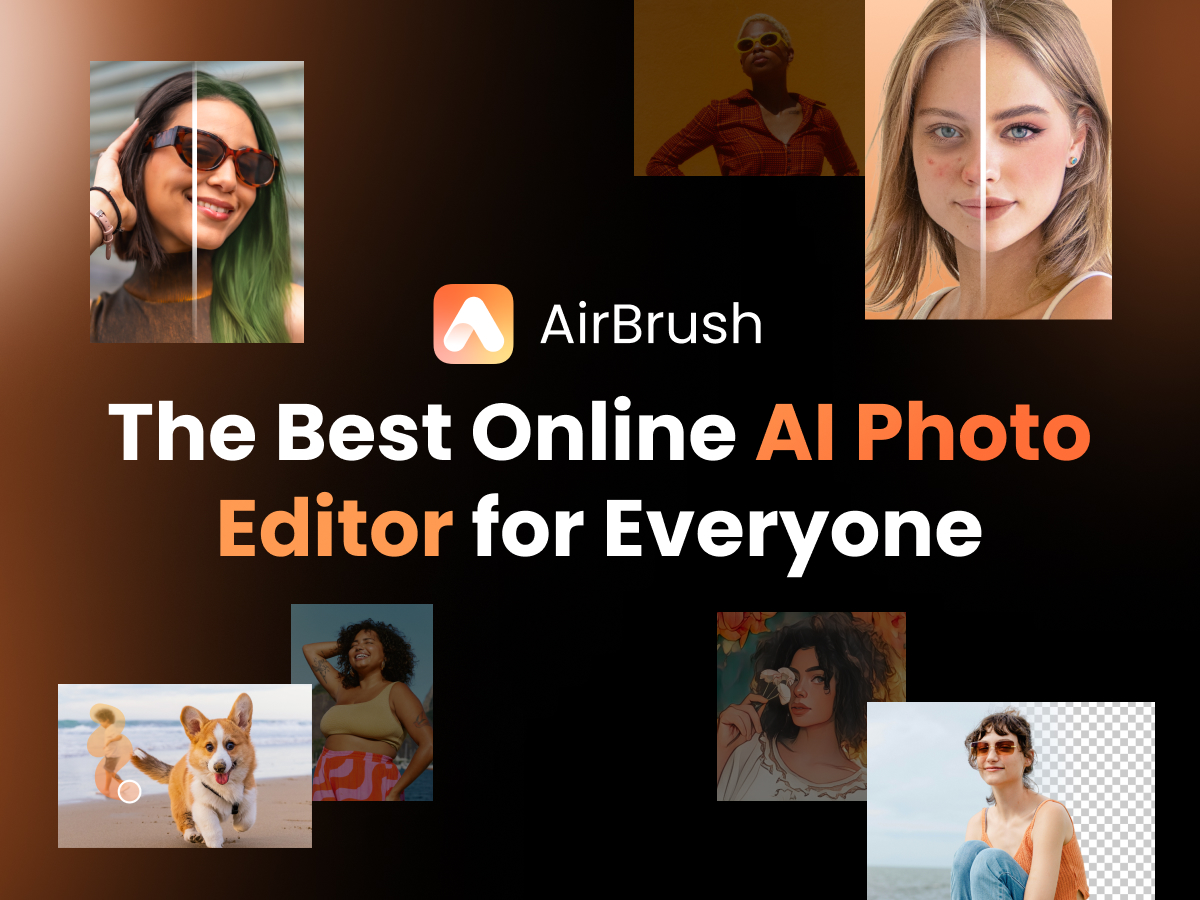
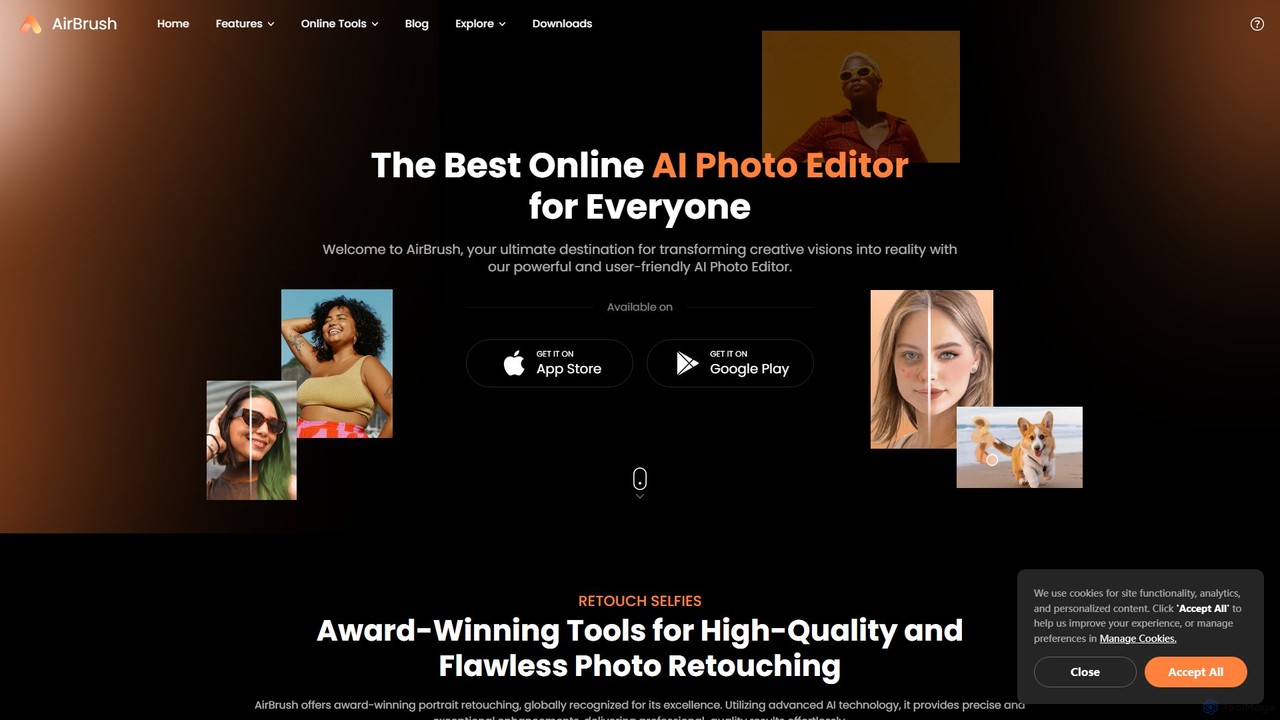
AirBrush is an all-in-one, AI-driven media editing suite designed to empower users to transform their creative visions into reality. Available as a user-friendly online tool and a powerful mobile app for both iOS and Android, AirBrush provides a comprehensive set of features for editing photos and videos. It leverages advanced artificial intelligence to automate complex editing tasks, making professional-quality results accessible to everyone, from social media enthusiasts to professional creators. Whether you need to perfect a selfie, restore an old photo, enhance a video, or generate a unique AI avatar, AirBrush offers an intuitive and efficient solution.
How to use AirBrush
Using AirBrush is a straightforward process designed for maximum efficiency:
- Choose Your Platform: Access AirBrush through your web browser or download the free app from the Google Play Store or Apple App Store.
- Upload Your Media: Select and upload the photo or video you wish to edit from your device.
- Select a Tool: Browse the extensive menu of AI tools. For photos, you might choose 'Retouch' for selfies, 'Enhancer' to improve quality, or 'Background Remover'. For videos, you can select 'Video Enhancer' or 'Watermark Remover'.
- Apply AI Edits: With most tools, the AI does the heavy lifting. Simply click a button or adjust a simple slider to apply enhancements, remove objects, or change backgrounds. The changes are often applied instantly.
- Generate AI Content: For tools like the 'AI Avatar Generator' or 'AI Headshot Generator', upload a few of your selfies, choose a style, and let the AI generate a variety of creative and professional images.
- Preview and Save: Review your edited media. Make any final adjustments if needed, and then download the high-quality result directly to your device.
Core Features of AirBrush
- AI-Powered Photo Retouching: Award-winning tools for perfecting portraits, including automatic skin smoothing, teeth whitening, AI makeup application, and face reshaping.
- Advanced Image & Video Enhancement: Upscale low-resolution photos and videos to 4K quality. The AI sharpens details, corrects lighting, reduces noise, and unblurs media for crystal-clear results.
- Intelligent Removal Tools: Seamlessly erase unwanted objects, people, text, or watermarks from both photos and videos. The AI intelligently fills in the background for a natural look.
- AI Background Management: Instantly remove, replace, or blur the background of any photo or video with precision.
- Creative AI Generators: Turn your selfies into professional AI headshots, stylized AI avatars for social media, or even fun AI action figures. Also includes AI Face Swap capabilities.
- Transformative Filters & Effects: Experiment with a vast library of effects, including Photo to Anime/Cartoon, AI Hairstyle Changer, AI Clothes Changer, and various artistic filters to completely change the look of your images.
- Comprehensive Editing Suite: Beyond the core features, AirBrush includes a collage maker, body editor, AI muscle generator, image extender (outpainting), and an AI replacer to modify elements within an image.
Use Cases for AirBrush
AirBrush is versatile and caters to a wide range of needs:
- Social Media Content Creators: Quickly create stunning, flawless selfies and posts for Instagram, TikTok, and other platforms. Enhance video quality for vlogs and stories.
- Professionals and Businesses: Generate professional-grade headshots for LinkedIn profiles and corporate websites. Create clean product photos for e-commerce by removing backgrounds.
- Photographers: Use it as a quick tool for initial touch-ups, batch enhancements, and creative edits without needing complex desktop software.
- Personal Use: Restore old, faded family photos to their former glory. Create unique and fun avatars for gaming or social profiles. Enhance personal videos from vacations or events.
Advantages of AirBrush
AirBrush stands out for several key reasons:
- All-in-One Platform: It consolidates dozens of photo and video editing tools into a single, cohesive application, eliminating the need for multiple apps.
- Accessibility and Ease of Use: The intuitive interface makes advanced editing techniques simple for users of all skill levels.
- Cross-Platform Availability: Edit seamlessly on your computer via the web tool or on the go with dedicated iOS and Android applications.
- High-Quality AI Engine: The underlying AI technology is powerful and precise, delivering natural-looking, high-resolution results without artifacts.
- Efficiency: Automates time-consuming tasks, allowing users to achieve professional results in a fraction of the time it would take with traditional software.
Pricing and Plans
AirBrush operates on a freemium model. Users can access a generous selection of core editing tools and features for free on both the web and mobile platforms. For those seeking to unlock the full potential of the tool, AirBrush offers premium subscription plans. These paid plans typically remove watermarks, unlock all advanced features (like 4K video enhancement and premium filters), provide higher resolution outputs, and offer an ad-free experience. Subscriptions are usually available on a monthly or annual basis, providing a cost-effective way to access a professional-grade editing suite.
Traffic
Latest traffic
Status
Monthly traffic trend
- 2025-9: 3.5M
- 2026-1: 4.8M
- 2026-2: 3.9M
- 2026-3: 4.1M
- 2026-4: 3.9M
- 2026-5: 3.8M
Geography
Top 5 countries / regions
- 🇷🇺Russia47.7%
- 🇮🇳India18.5%
- 🇺🇸United States11.8%
- 🇵🇪Peru11.3%
- 🇲🇽Mexico10.8%
Traffic sources
| Source type | Percentage |
|---|---|
Direct | 82.7% |
Referral | 15.6% |
Email | 1.7% |
Top keywords
| Keyword | Cost per click |
|---|---|
| airbrush | $0.47 |
| mejorar calidad de imagen | $0.15 |
| remove watermark from video | $0.24 |
| улучшить качество фото | $0.22 |
| улучшить качество фото онлайн | $0.17 |
AirBrush Videos on YouTube


AirBrush Alternatives
Facetune
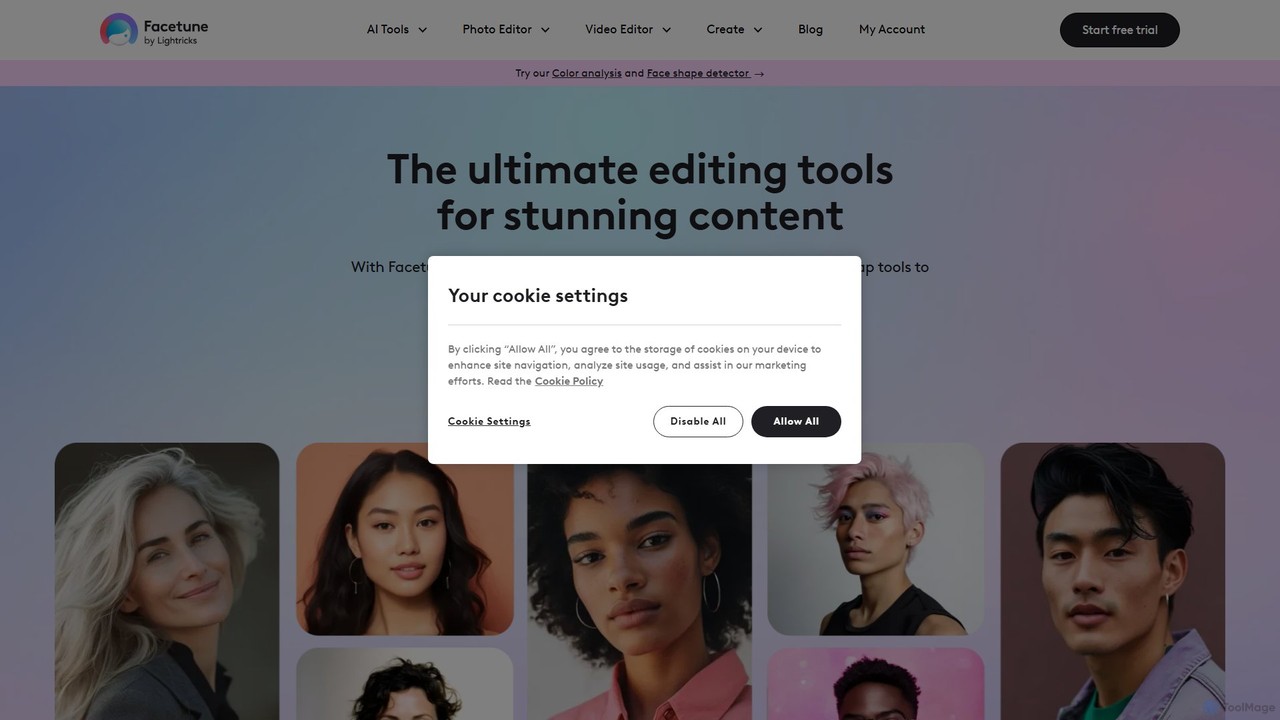
Facetune is a premier AI-powered photo and selfie editor app. It offers a vast suite of tools for retouching, face and body reshaping, virtual makeup and hairstyle try-ons, and AI-generated content like professional headshots and creative avatars. It's designed for both casual users and social media creators to effortlessly enhance their photos.
3D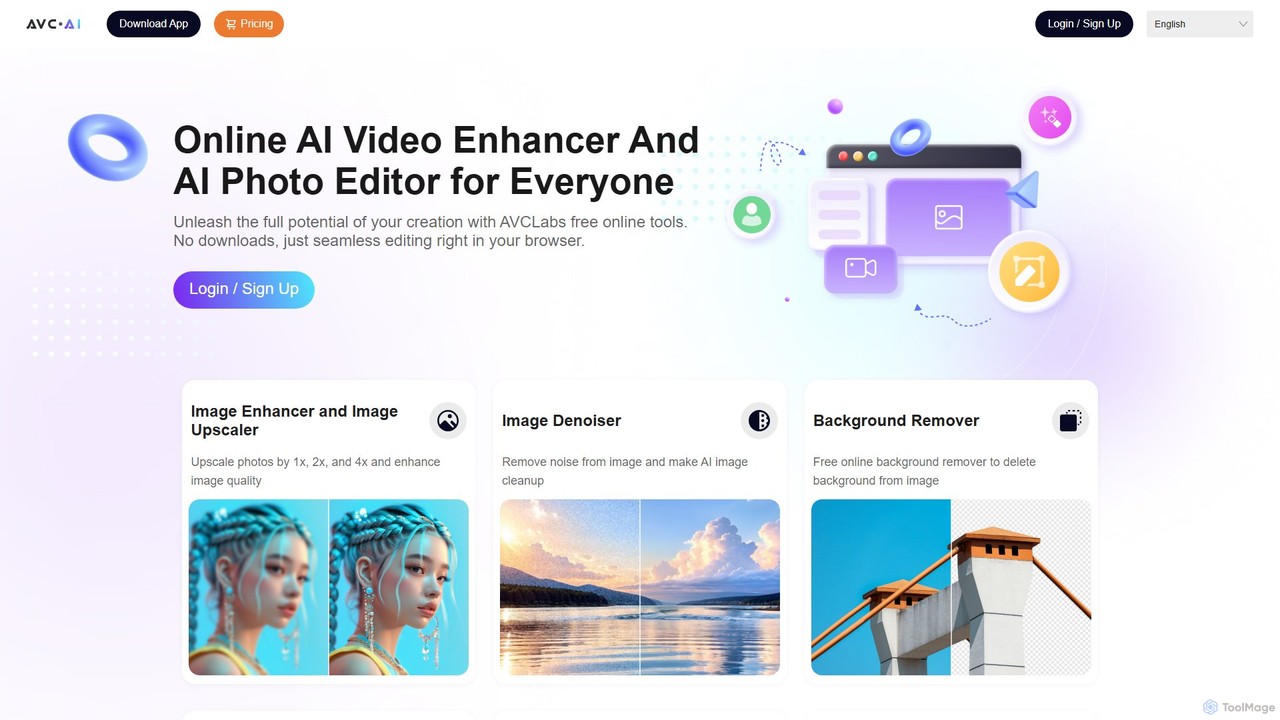
AVC.AI
AVC.AI is a comprehensive AI-powered suite for photo and video enhancement. It offers free online tools for quick tasks like upscaling, denoising, and object removal, alongside powerful desktop software for professional-grade restoration, colorization, and editing. It's designed for both casual users and professionals seeking to improve media quality effortlessly.
3D
Picsart
Picsart is an all-in-one AI-powered creative platform for photo and video editing. It offers a comprehensive suite of tools, including AI image generation, background removal, photo enhancement, and a vast library of templates and stock content. Designed for everyone from beginners to professionals, Picsart simplifies the creation of stunning visuals for social media, marketing, and personal projects, accessible on both web and mobile.
3D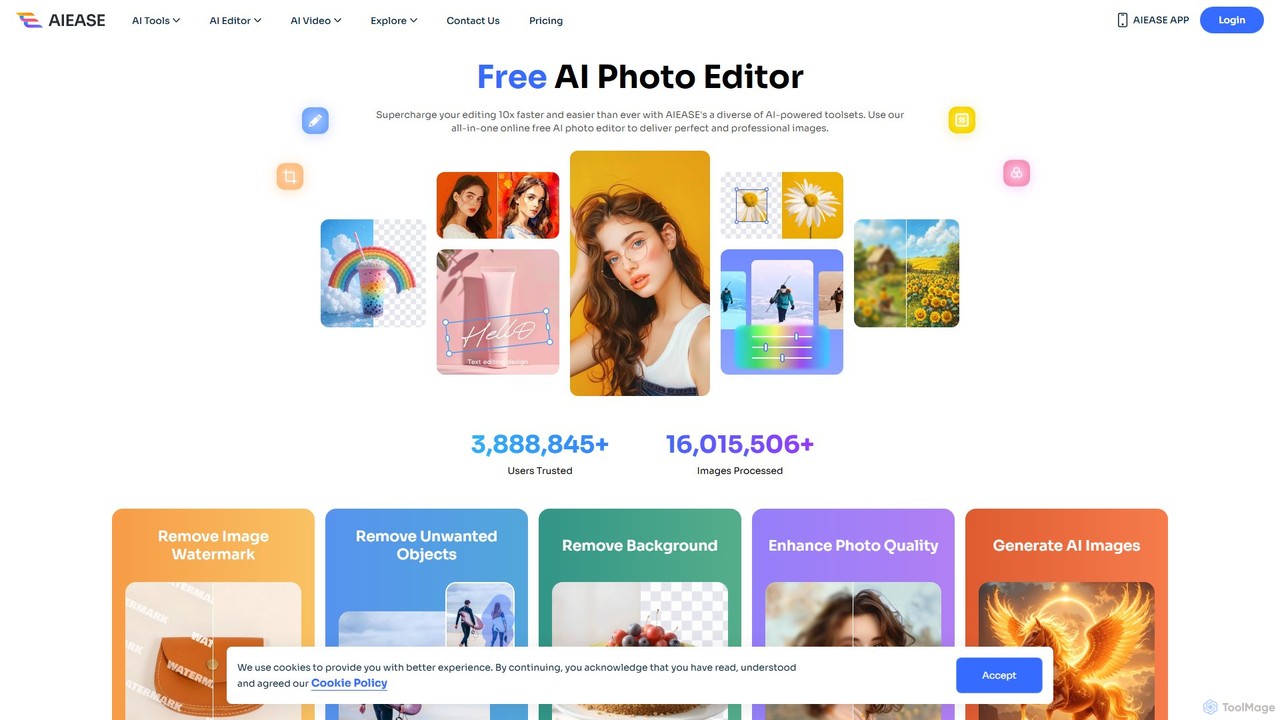
AIEASE
AIEASE is a comprehensive, all-in-one AI photo editing suite designed to simplify and accelerate your workflow. It offers a wide range of tools, from background and object removal to photo enhancement, AI image generation, and creative effects like face swapping and hairstyle changes. Available on web and mobile, it caters to both professional and personal use cases, making advanced photo editing accessible to everyone.
3D
Aiarty
Aiarty is a suite of AI-powered desktop software for next-generation image and video enhancement. It offers dedicated tools for upscaling visuals to 4K/8K/32K, denoising, deblurring, and performing precise, professional-grade image matting (background removal). Optimized for AIPC and GPU acceleration, it serves photographers, designers, e-commerce professionals, and content creators.
3DAirBrush Categories
AirBrush Embed Widget
Copy this embed code to place the badge on your blog, article, or product site and send readers directly to this ToolMage detail page.

Related AI tools
Facetune
Facetune is a premier AI-powered photo and selfie editor app. It offers a vast suite of tools for retouching, face and body reshaping, virtual makeup and hairstyle try-ons, and AI-generated content like professional headshots and creative avatars. It's designed for both casual users and social media creators to effortlessly enhance their photos.
3DAVC.AI
AVC.AI is a comprehensive AI-powered suite for photo and video enhancement. It offers free online tools for quick tasks like upscaling, denoising, and object removal, alongside powerful desktop software for professional-grade restoration, colorization, and editing. It's designed for both casual users and professionals seeking to improve media quality effortlessly.
3D
SnapEdit
SnapEdit is an AI-powered online photo editor designed to simplify complex editing tasks. With one-click tools, it allows users to effortlessly remove unwanted objects, people, text, and backgrounds from images, enhance photo quality, and retouch portraits without needing professional skills.
3D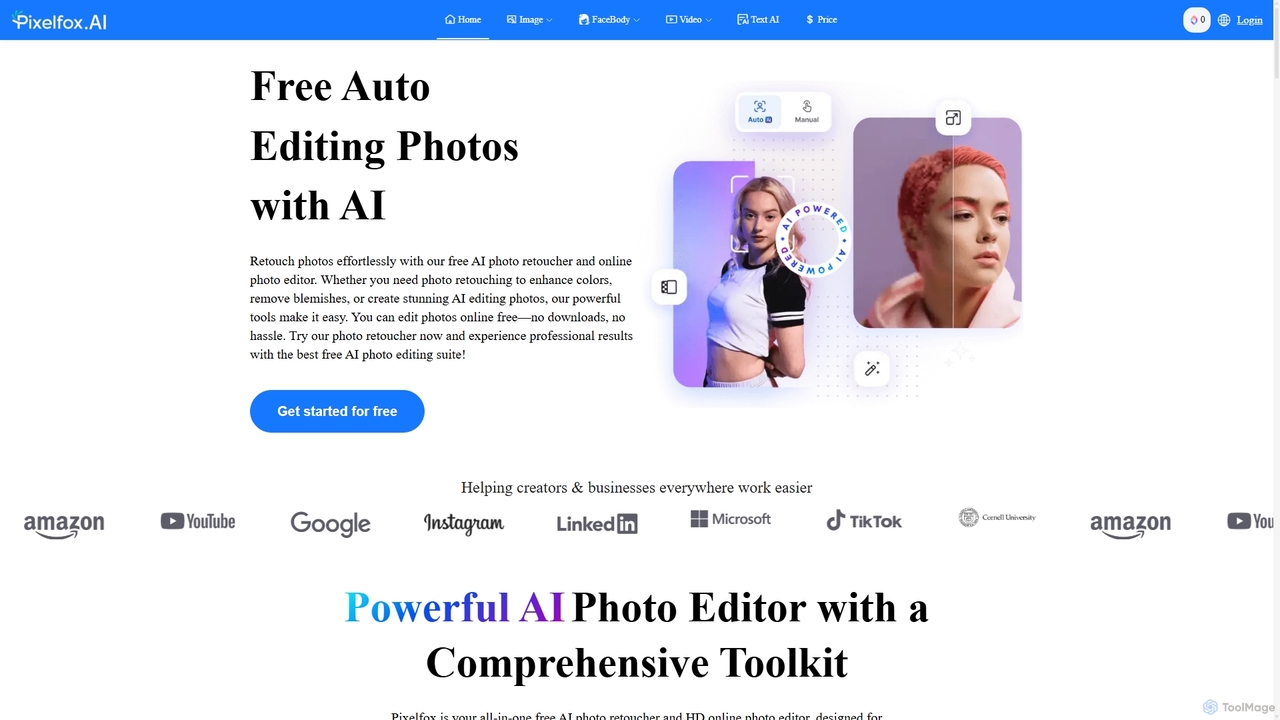
Pixelfox
Pixelfox is a comprehensive, free-to-use AI suite for creators and businesses. It combines a powerful online photo and video editor with over 300 AI writing tools. Effortlessly retouch photos, remove backgrounds, generate images from text, swap faces, and enhance quality. Simultaneously, create SEO-optimized articles, social media content, product descriptions, and much more, all within a single, no-download platform.
3D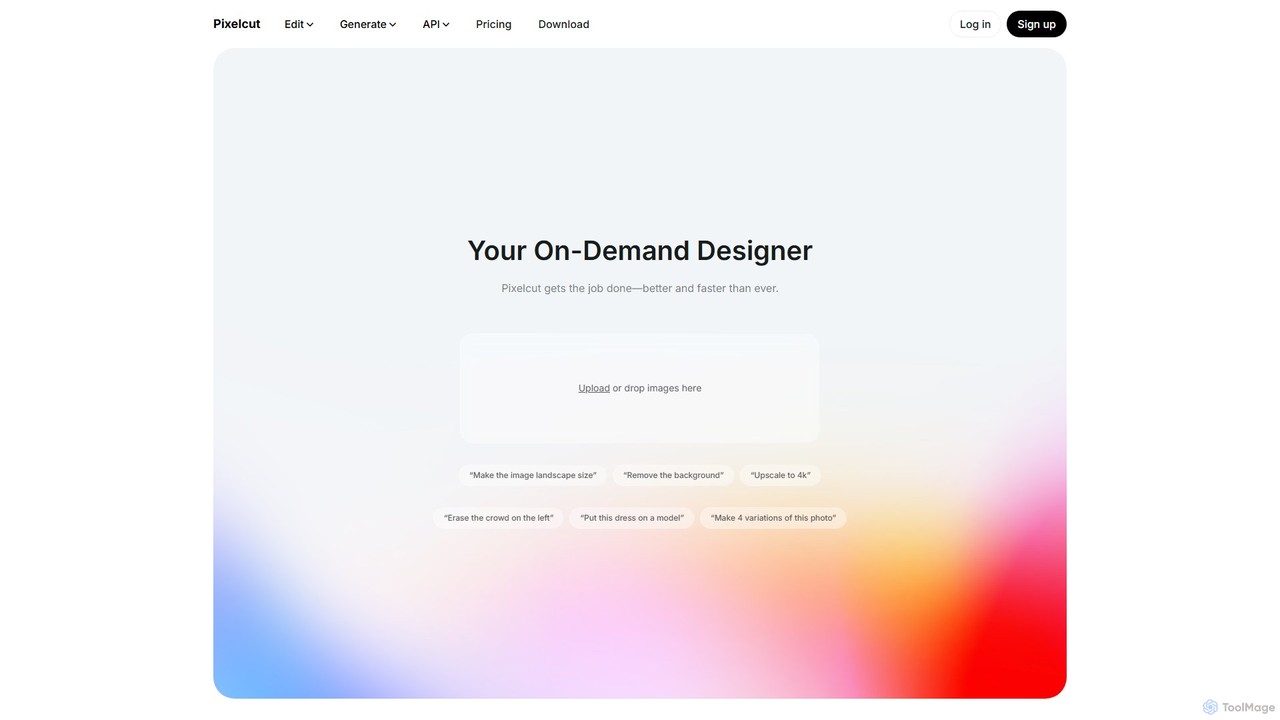
Pixelcut
Pixelcut is an all-in-one AI-powered creative suite for photo and video editing. It enables users to instantly remove backgrounds, upscale images to 4K, erase objects, generate images and videos from text prompts, and collaborate with teams. It's designed for creators, brands, and businesses to produce professional-quality content quickly and easily.
Image Editing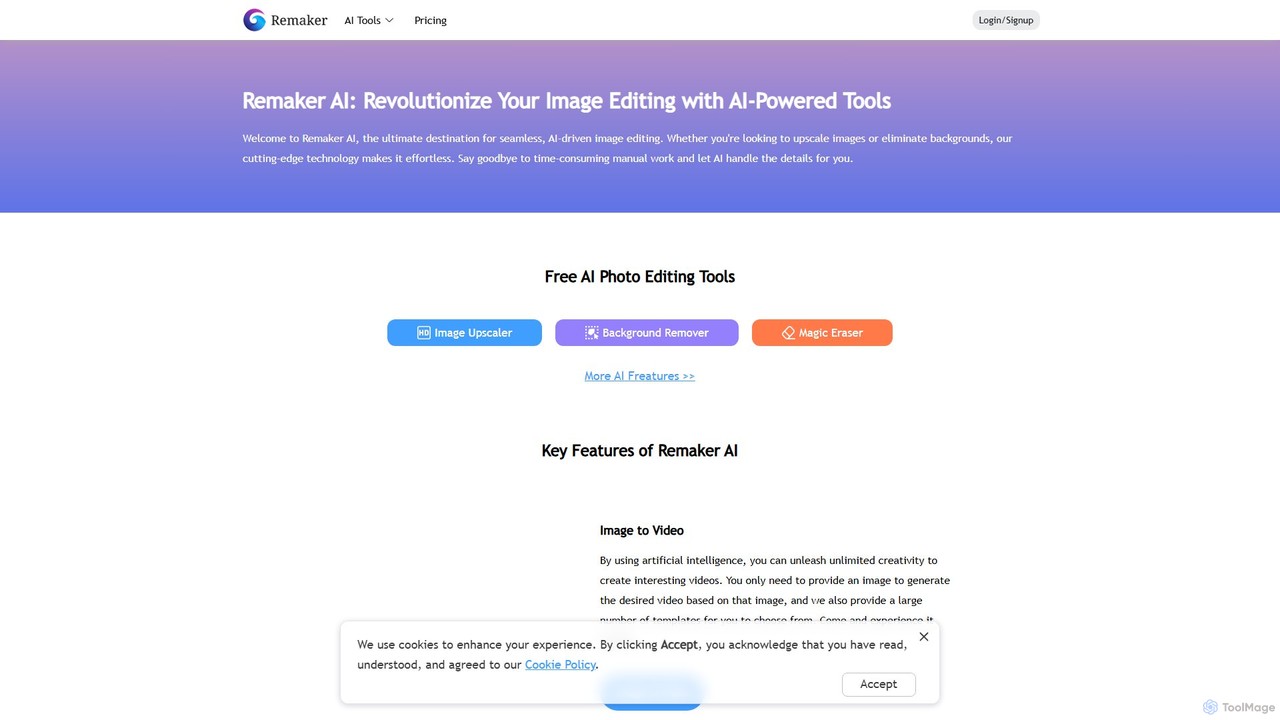
Remaker AI
Remaker AI is a comprehensive suite of AI-powered tools for image and video editing. It offers features like image upscaling, background removal, AI art generation, professional headshot creation, and video enhancement. Designed for both professionals and individuals, it simplifies complex editing tasks with a user-friendly interface and a flexible pay-as-you-go pricing model.
Image Generation
PhotoGrid
PhotoGrid is an all-in-one online collage maker and AI photo editor. It offers over 20,000 templates and a suite of powerful AI tools to create stunning photo collages, remove backgrounds, enhance image quality, and apply creative filters, making professional photo editing accessible to everyone.
Collage Maker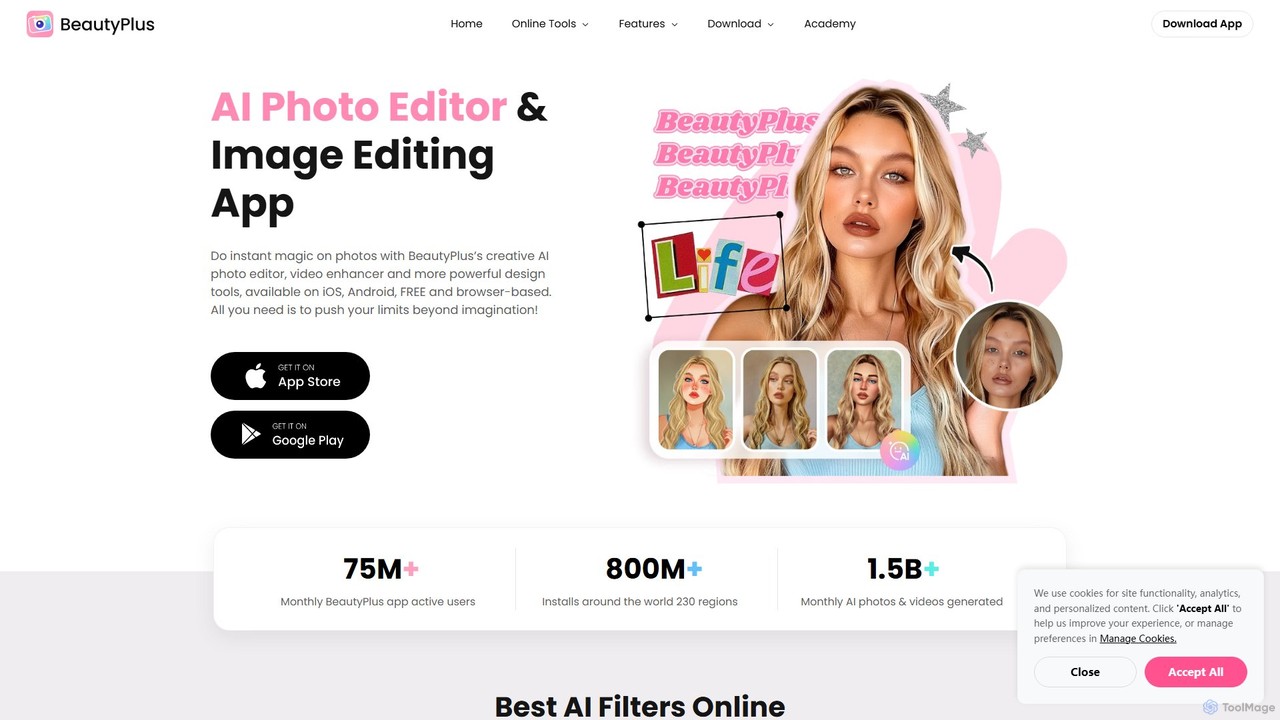
BeautyPlus
BeautyPlus is an all-in-one AI-powered photo and video editor. It offers a vast suite of tools for selfie enhancement, virtual makeup, body reshaping, and creative editing. With features like AI filters, background removal, object eraser, and image enhancement, it allows users of all skill levels to create professional-quality visuals effortlessly on mobile and web.
Generative Art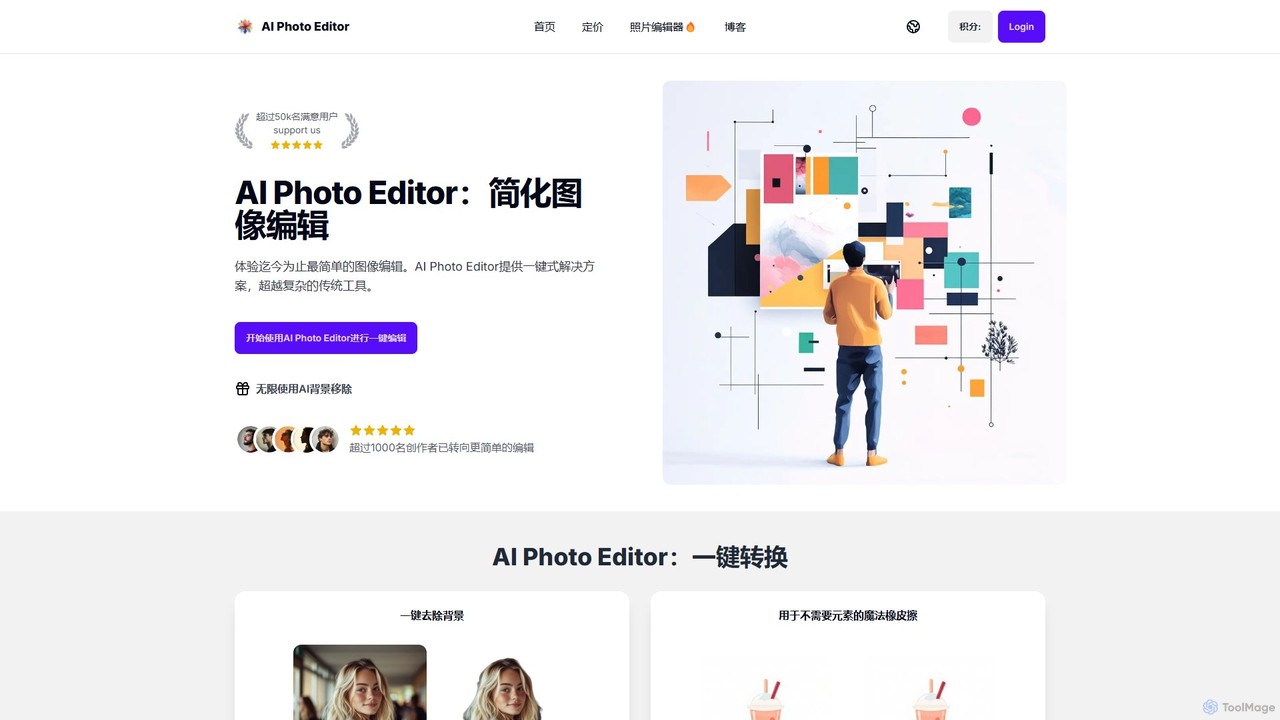
AI Photo Editor
AI Photo Editor is an online tool that simplifies image editing with powerful one-click AI solutions. It offers features like background removal, magic eraser for unwanted objects, photo enhancement, and image upscaling, designed for both beginners and professionals seeking efficiency. Get professional-quality results in seconds without complex software.
Graphics
Jyek
Jyek is an AI agent platform that understands objectives, creates execution plans, uses tools, and delivers verifiable results for complex, multi-step tasks.
Automation
photorush
Photorush is an AI-powered image editing suite designed for speed and efficiency. It automates complex tasks like background removal, object erasing, and one-click enhancement, enabling users to create professional-quality images in seconds. Ideal for e-commerce, marketing, and social media content creation.
Product Images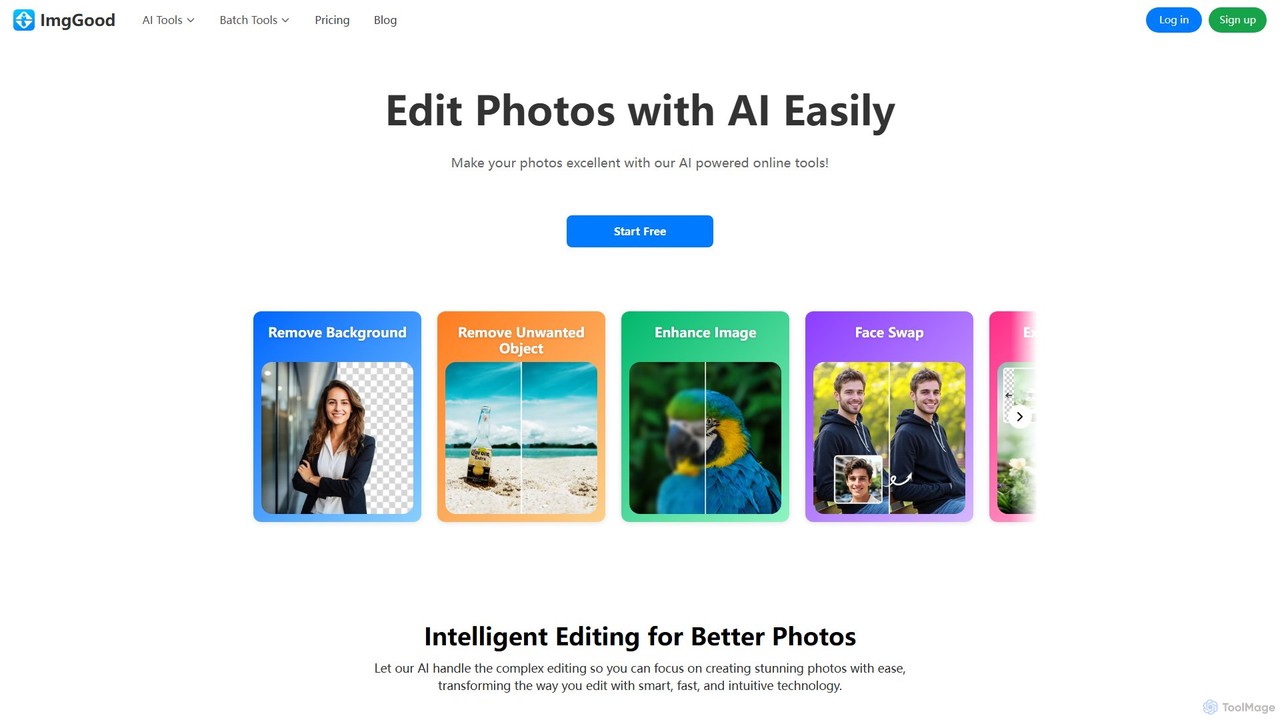
imggood
imggood is a comprehensive AI-powered online photo editor that simplifies complex editing tasks. It offers a suite of tools including a one-click background remover, object remover, image enhancer, photo colorizer, and AI image generator. Designed for both professionals and casual users, it makes creating high-quality, stunning photos fast and effortless, directly from your browser.
Image Generation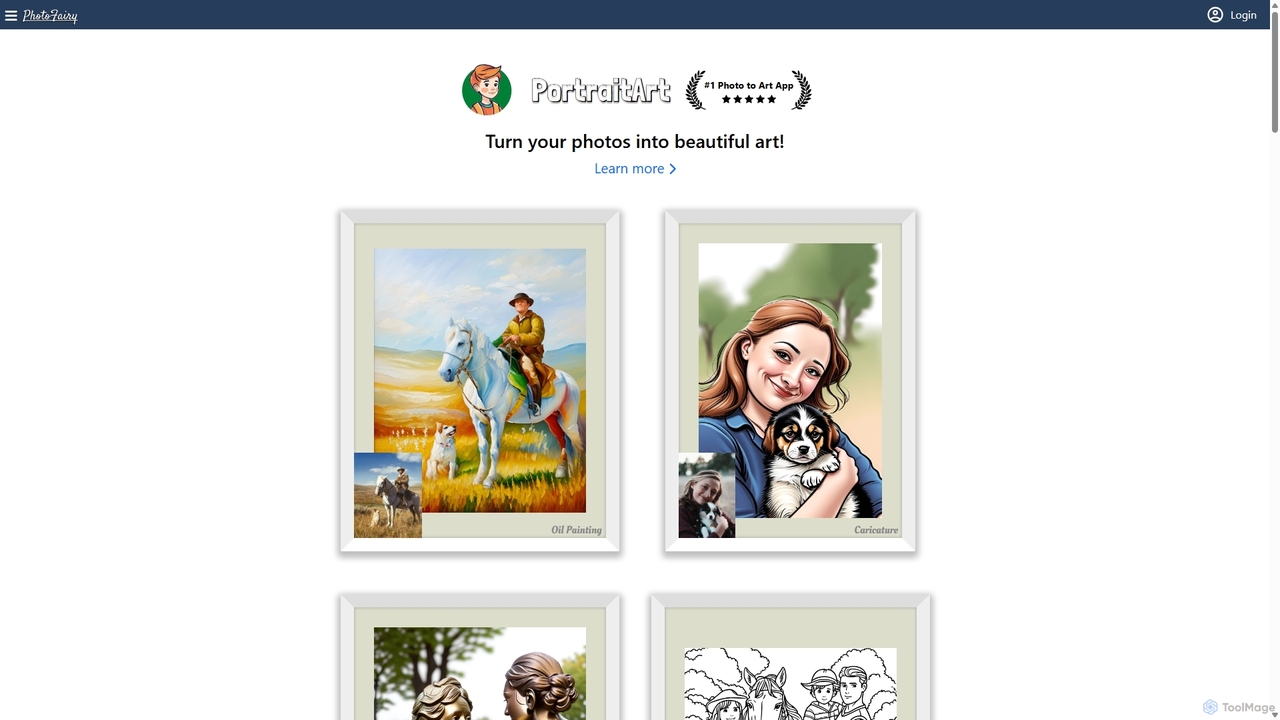
PhotoFairy
PhotoFairy is a powerful AI-driven photo editor and graphic design tool. It effortlessly transforms photos into various art styles, removes backgrounds and objects, generates images from text, and provides an infinite canvas for creative projects. Ideal for designers, marketers, and content creators seeking an all-in-one visual creation platform.
Art Generation
pictureperfect.ai
PicturePerfect.ai is an AI-powered image enhancement and editing suite designed to help users create flawless, professional-quality photos effortlessly. It offers a range of tools, including one-click retouching, image upscaling, object removal, and background editing, making it ideal for photographers, marketers, and content creators.
Image EditingPicsart
Picsart is an all-in-one AI-powered creative platform for photo and video editing. It offers a comprehensive suite of tools, including AI image generation, background removal, photo enhancement, and a vast library of templates and stock content. Designed for everyone from beginners to professionals, Picsart simplifies the creation of stunning visuals for social media, marketing, and personal projects, accessible on both web and mobile.
3D
AirBrush Comments (0)
Sign in to comment.
Sign inNo comments yet.