ToolMage
Sign in

Best 7 Generative AI tools for Image

Popular Generative AI tools in Image include AirBrush, AIEASE, Facetune, ZMO.AI Photo Studio, Wordlab, Photor, and Photographer Ai, helping you work more efficiently.

Photographer Ai
Paid

Photographer Ai

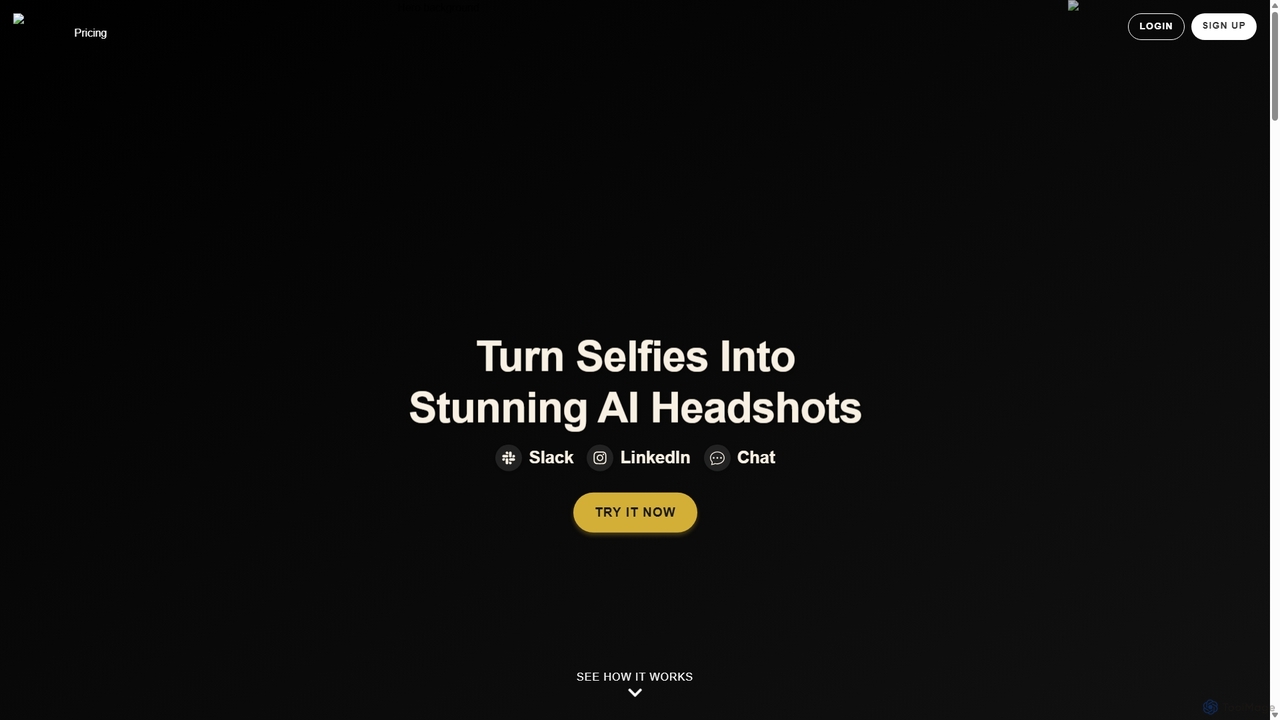
Photographer Ai is an AI-powered headshot generator that transforms your casual selfies into studio-quality professional photos in minutes. Choose from a variety of styles to create the perfect headshot for LinkedIn, corporate websites, personal branding, and more, at a fraction of the cost of a traditional photoshoot.

Generative
Visits 6.4KFavorites 182Likes 170
Wordlab
Freemium

Wordlab

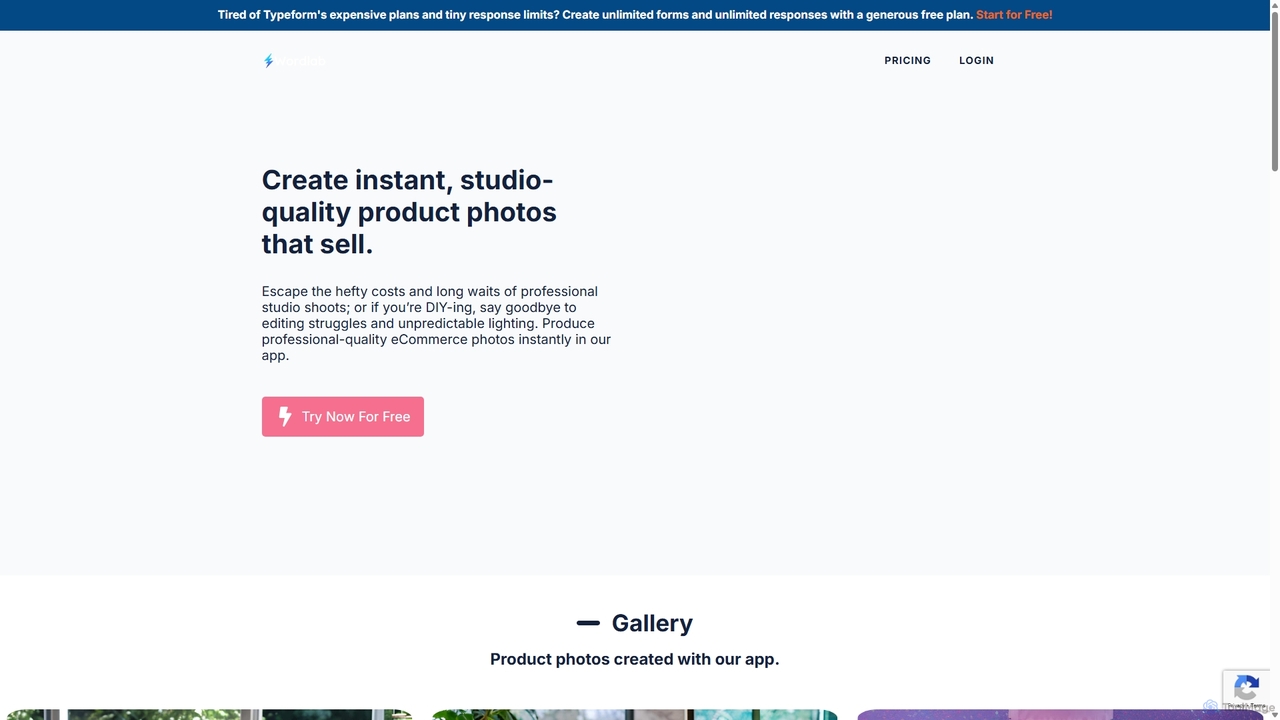
Wordlab is an AI-powered tool designed for eCommerce businesses to instantly create studio-quality product photos. It eliminates the need for expensive photoshoots by allowing users to change or remove backgrounds, generate new scenes from text prompts, and customize visuals effortlessly. This helps brands enhance their product listings, marketing campaigns, and social media presence with professional, eye-catching imagery at a fraction of the cost and time.

3D
Visits 20.4KFavorites 134Likes 137
Photor
Freemium

Photor

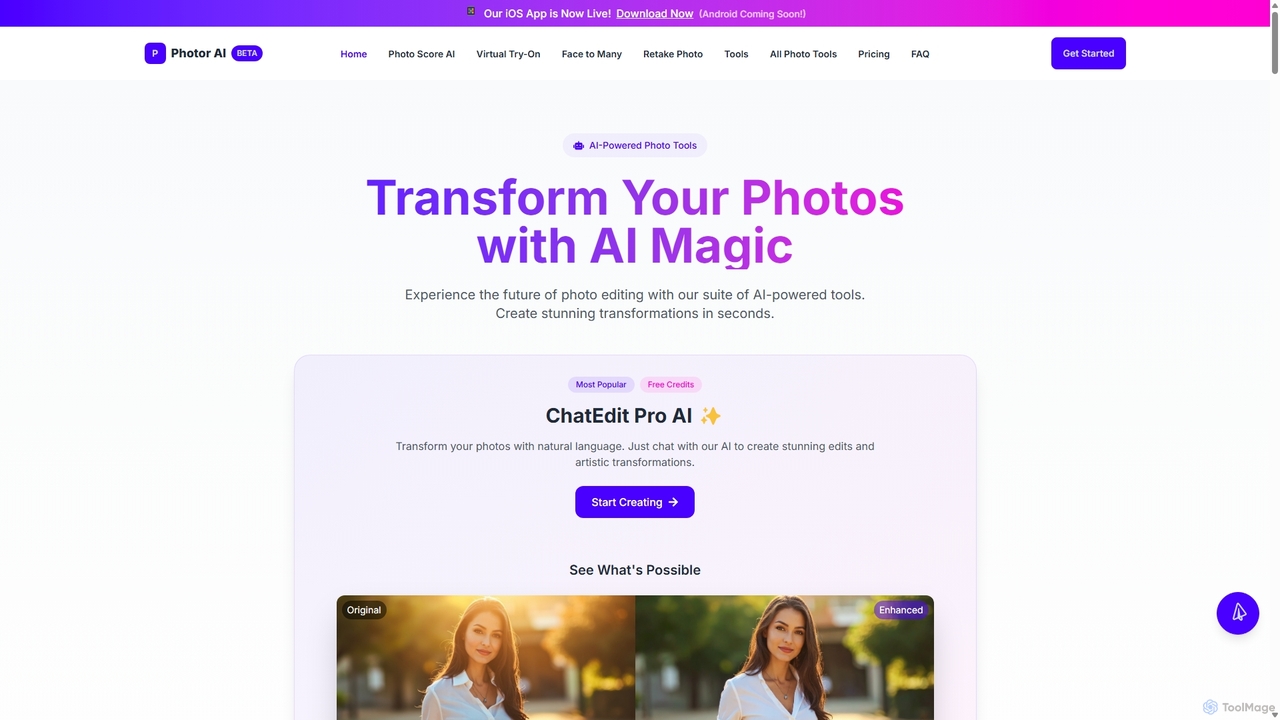
Photor is a comprehensive AI-powered photo editing suite designed to transform and enhance images with ease. It offers a wide range of tools, from one-click enhancements and style transfers to advanced features like natural language editing via chat, AI photo analysis for professional feedback, and a video generator. It caters to both hobbyists and professional photographers, simplifying complex editing tasks into intuitive, AI-driven workflows.

3D
Visits 19.4KFavorites 159Likes 150
Facetune
Freemium

Facetune

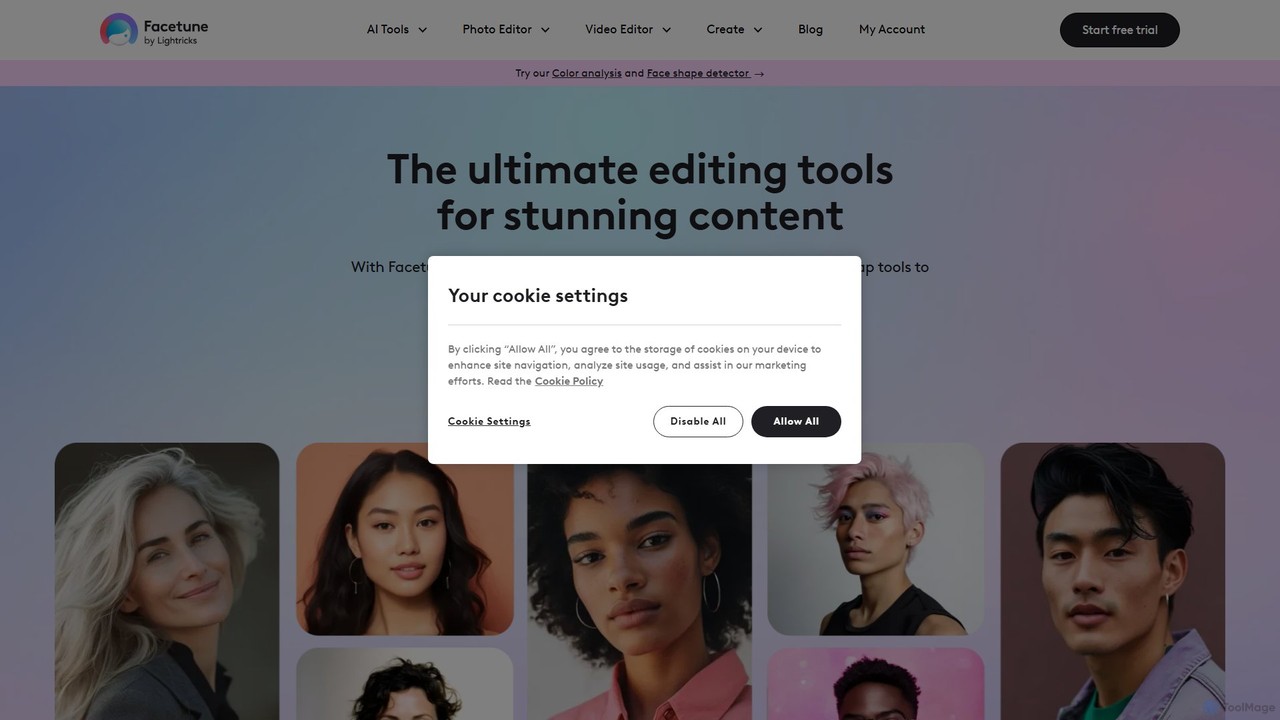
Facetune is a premier AI-powered photo and selfie editor app. It offers a vast suite of tools for retouching, face and body reshaping, virtual makeup and hairstyle try-ons, and AI-generated content like professional headshots and creative avatars. It's designed for both casual users and social media creators to effortlessly enhance their photos.

3D
Visits 505.5KFavorites 156Likes 148
AirBrush
Freemium

AirBrush

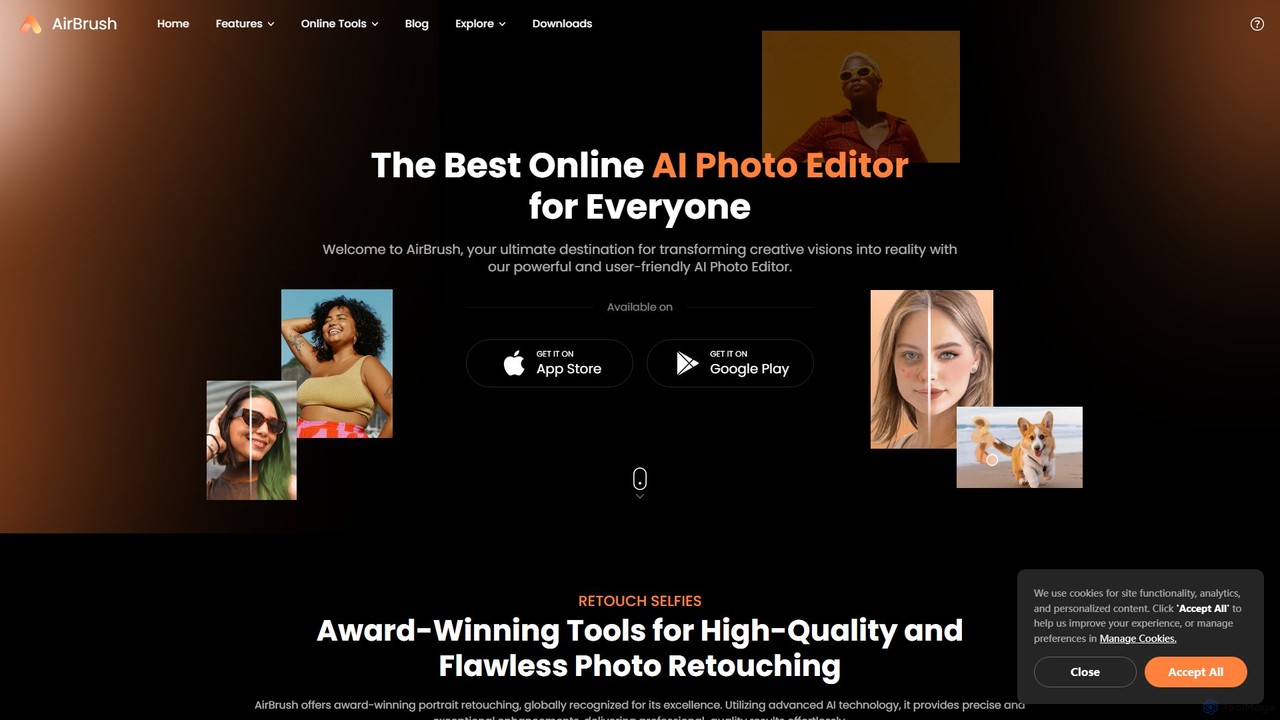
AirBrush is a comprehensive AI-powered photo and video editor available on web and mobile. It offers a wide range of tools for effortless editing, including one-click portrait retouching, image and video enhancement up to 4K, object and background removal, and creative AI generators for avatars and headshots. Designed for both beginners and professionals, AirBrush makes it easy to achieve flawless, high-quality results.

3D
Visits 3.8MFavorites 148Likes 126
AIEASE
Freemium

AIEASE

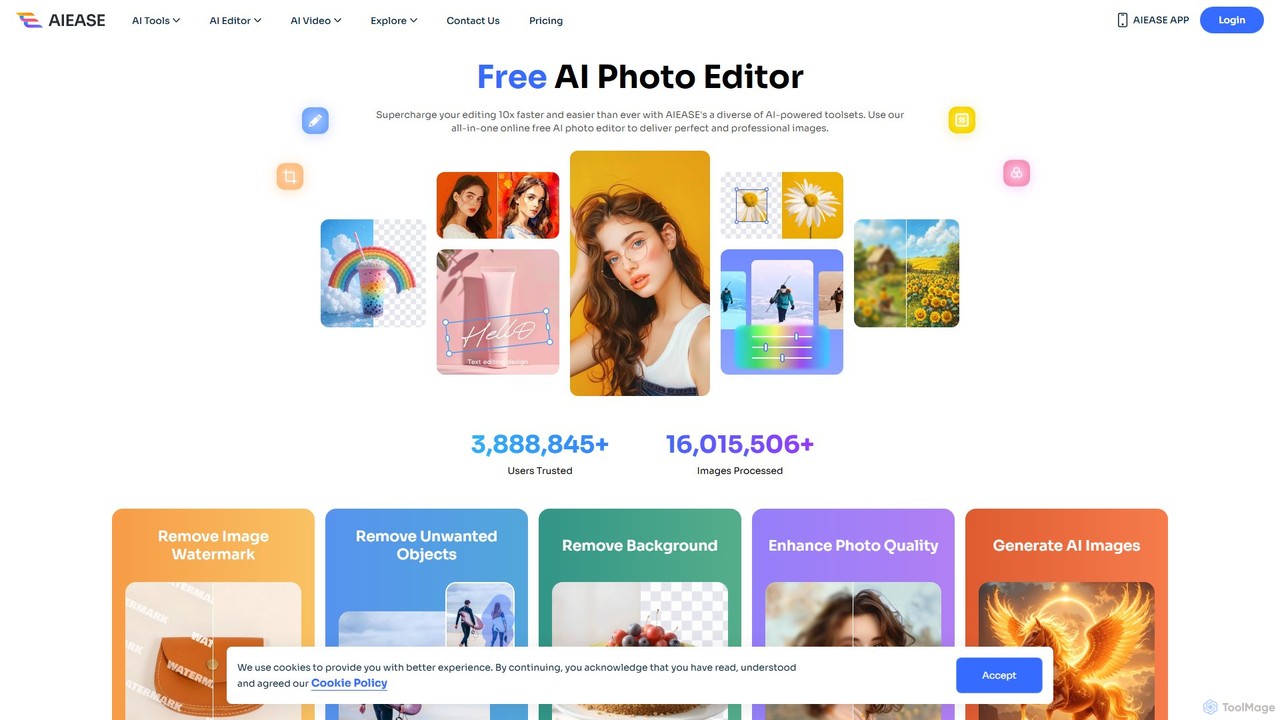
AIEASE is a comprehensive, all-in-one AI photo editing suite designed to simplify and accelerate your workflow. It offers a wide range of tools, from background and object removal to photo enhancement, AI image generation, and creative effects like face swapping and hairstyle changes. Available on web and mobile, it caters to both professional and personal use cases, making advanced photo editing accessible to everyone.

3D
Visits 1MFavorites 126Likes 120
ZMO.AI Photo Studio
Freemium

ZMO.AI Photo Studio

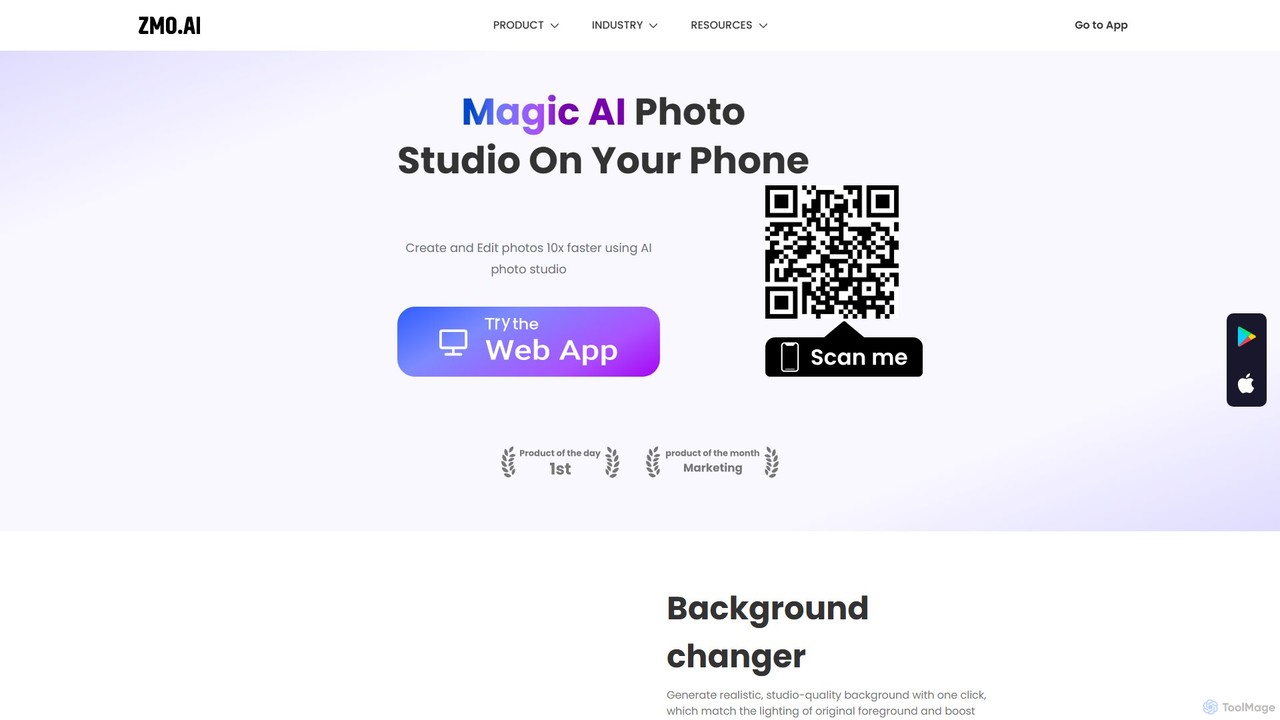
An AI-powered suite for creating and editing professional images. Instantly generate studio-quality backgrounds, remove unwanted objects, and showcase products on AI-generated models. Ideal for e-commerce, marketing, and social media, it streamlines photo production, saving time and reducing costs significantly.

3D
Visits 93.8KFavorites 107Likes 98

About Generative

Generative Image tools are a class of AI applications that create entirely new, original images from textual descriptions or other inputs. These tools leverage advanced models like diffusion or GANs to translate human language into unique visual content. They are widely used to accelerate creative workflows, produce unique marketing assets, and explore artistic concepts without needing traditional design skills. This technology enables the rapid generation of everything from photorealistic scenes to abstract art.

Core Features

  • Text-to-Image Generation: Creates detailed images based on written prompts.
  • Image-to-Image Transformation: Modifies an existing image's style or content using a new prompt.
  • Inpainting and Outpainting: Intelligently fills in missing parts of an image or extends its boundaries.
  • Style Customization: Offers control over artistic styles, camera angles, lighting, and other visual parameters.
  • High-Resolution Upscaling: Enhances the detail and resolution of generated images for professional use.

Use Cases

These tools are valuable for digital marketers creating ad visuals, game developers designing concept art, content creators producing blog illustrations, and product designers making mockups. They serve any role that requires a high volume of unique visual content quickly.

How to Choose

When selecting a tool, consider the quality and realism of the output, the diversity of available styles, the generation speed, and the user interface's ease of use. Also, evaluate the pricing model (e.g., credits vs. subscription) and the licensing terms for commercial use of the generated images.

Generative use cases

1

Create Unique Marketing Campaign Visuals

A social media manager for a startup needs fresh, eye-catching images daily. Instead of relying on stock photos, they use a generative image tool. By inputting prompts like 'a minimalist photo of a coffee cup on a sunlit desk, top-down view, pastel colors,' they can generate dozens of unique, on-brand images in minutes. This process reduces costs associated with photography and ensures a consistent, custom visual identity for the brand's online presence.

2

Rapid Concept Art for Game Development

An indie game developer is in the early stages of designing a new fantasy world. To quickly visualize characters and environments, they use a generative AI tool. They input detailed descriptions like 'elven warrior with glowing silver armor in a dark, enchanted forest.' The tool produces multiple artistic interpretations, allowing the developer to iterate on ideas and establish a visual direction much faster than traditional sketching, accelerating the pre-production phase significantly.

3

Generate E-commerce Product Lifestyle Shots

An online store owner sells handmade jewelry but lacks the budget for professional photoshoots. They upload a clean product photo to an image-to-image generative tool. Then, they use prompts like 'product on a velvet display stand in a luxury boutique' or 'product worn by a model on a beach at sunset.' The AI generates realistic lifestyle contexts for the product, enhancing the online store's appeal and helping customers visualize the item in real-world settings.

4

Design Custom Illustrations for Blog Posts

A content writer wants to make their articles more engaging with custom header images instead of generic stock photos. For an article about productivity, they use a generative tool with a prompt like 'abstract illustration of a focused mind, gears and lightbulbs, minimalist style, blue and orange.' The tool provides a unique, relevant illustration that reinforces the article's theme, improving reader engagement and making the content more shareable.

5

Visualize Architectural and Interior Designs

An interior designer needs to show a client how a proposed living room layout will look. They create a basic 3D model or sketch and use it as an input for a generative AI tool. With prompts like 'modern Scandinavian living room, oak wood floors, large windows with natural light, photorealistic rendering,' the tool transforms the simple sketch into a high-fidelity visualization. This helps clients make decisions faster and provides a clear vision of the final result.

6

Prototype UI Elements and App Icons

A UI/UX designer is building a prototype for a new mobile app and needs a set of consistent icons. They use a generative tool with a prompt like 'set of 10 minimalist icons for a weather app, line art style, on a dark background.' The AI generates a cohesive set of icons for concepts like 'sun,' 'clouds,' and 'rain.' This allows for rapid prototyping and testing of the user interface without spending hours designing each element from scratch.

Generative FAQ

What are Generative Image tools?

Generative Image tools are AI applications that create new images from text prompts or other inputs. Unlike traditional image editors that modify existing photos, these tools synthesize completely original visuals from scratch. They are powered by complex models that understand relationships between words and visual concepts, enabling them to generate a wide range of content, from photorealistic pictures to abstract art.

How do I choose the right Generative Image tool?

To choose the right tool, consider these factors:

  • Output Quality: Assess the realism, detail, and artistic coherence of the images it generates.
  • Style Versatility: Check if the tool can produce a wide range of styles (e.g., photorealistic, cartoon, anime, abstract).
  • Ease of Use: Look for an intuitive interface and clear controls for refining your prompts.
  • Cost and Licensing: Compare pricing models (subscription, pay-per-image) and verify that the license allows for your intended use (e.g., commercial projects).
What is the difference between Generative Image tools and Image Editors?

The key difference is creation versus modification. Generative Image tools create entirely new images from a prompt, starting with a blank canvas or random noise. Image Editors, like Photoshop or Canva, work by modifying an existing image's pixels—adjusting colors, removing objects, or adding layers. While some editors now include generative features (like 'generative fill'), their primary function remains editing, whereas a generative tool's core purpose is creation.

What types of images can Generative AI create?

Generative AI can create an incredibly diverse range of images. This includes photorealistic portraits and landscapes that are indistinguishable from real photos, various forms of digital art like paintings and illustrations, 3D-style renderings, logos, icons, and abstract patterns. The output depends heavily on the training data of the AI model and the specificity of the user's prompt. Some tools specialize in particular styles, such as anime or architectural visualization.

Who are Generative Image tools for?

These tools are for a broad audience. Marketers use them for ad campaigns and social media content. Designers and artists use them for inspiration and rapid prototyping of concept art. Content creators generate custom illustrations for blogs and videos. Even developers use them via APIs to integrate image generation into their applications. Essentially, anyone who needs unique visual content without extensive design skills or resources can benefit.