

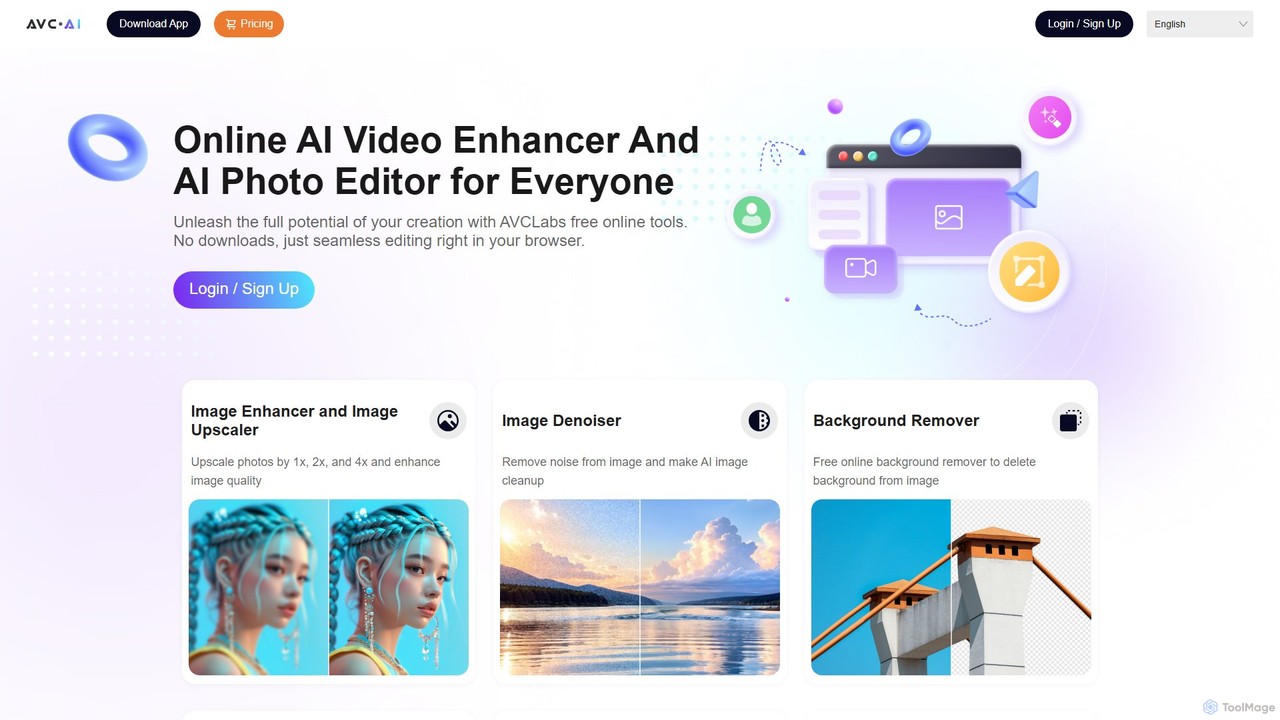
AVC.AI Overview
AVC.AI, developed by AVCLabs, is a versatile and powerful platform that leverages artificial intelligence to enhance, restore, and edit both photos and videos. It offers a dual-solution approach: a suite of accessible, free online tools for quick and easy edits, and a set of robust desktop applications for more demanding, professional-grade projects. This makes AVC.AI suitable for a wide range of users, from social media enthusiasts and hobbyists to professional photographers, videographers, and designers.
The core philosophy of AVC.AI is to simplify complex editing processes. Tasks that traditionally required expensive software and technical expertise, such as upscaling low-resolution media, removing noise, or colorizing black-and-white photos, can now be accomplished with just a few clicks. The platform's AI models are trained to analyze and intelligently improve media, delivering high-quality results automatically.
How to use AVC.AI
The workflow is designed to be intuitive and user-friendly, varying slightly between the online tools and desktop software.
For Online Tools:
- Navigate to the AVC.AI website and select the specific tool you need (e.g., Image Upscaler, Background Remover, Video Enhancer).
- Upload your photo or video file directly from your computer into the browser.
- The AI will automatically process the file. You may have some simple options to choose from, such as the upscaling factor (1x, 2x, 4x).
- Once the processing is complete, you can preview the enhanced result.
- Download the improved photo or video to your device. The free service may include a watermark or have limitations on resolution or file size.
For Desktop Software:
- Download and install the appropriate application (e.g., AVCLabs Video Enhancer AI, AVCLabs Photo Enhancer AI) from the official website.
- Launch the application and import your media files. The desktop versions support batch processing.
- Choose from a wider range of AI models and advanced settings to fine-tune the enhancement process (e.g., specific denoising levels, face refinement options, resolution settings up to 8K).
- Preview the changes in real-time or side-by-side with the original.
- Export the final, high-quality, watermark-free file to your computer.
Core Features of AVC.AI
- AI Photo Enhancement: A complete toolkit for images, including an upscaler to increase resolution without losing quality, a denoiser to clean up grainy photos, a sharpener for better focus, and face refinement tools to improve portraits.
- AI Video Enhancement: Upscale videos from SD/HD to 4K and even 8K. It improves clarity, reduces noise, and uses motion compensation and frame interpolation to create smoother, more detailed footage.
- Object & Background Removal: Intelligently identify and remove unwanted elements from both photos and videos. This includes people, watermarks, logos, or distracting background objects. The background remover can create transparent backgrounds with a single click, perfect for e-commerce and graphic design.
- Photo Restoration and Colorization: Breathe new life into old media. The AI can repair scratches and fix blur in old photographs and automatically colorize black-and-white images with realistic and vibrant colors.
- Video Stabilization: Automatically correct shaky footage from handheld cameras or drones, producing a smooth and professional-looking video without the need for complex tracking.
- Color Correction: The AI can automatically adjust and enhance the colors in photos and videos, ensuring they are vibrant, accurate, and visually appealing.
Use Cases for AVC.AI
For Photographers & Designers: Enhance portfolio images, restore old client photos, quickly remove backgrounds for product shots, or clean up noise from low-light event photography.
For Videographers & Filmmakers: Restore and remaster old film archives, upscale HD footage for 4K delivery, stabilize shaky B-roll clips, and remove unwanted objects from a scene in post-production.
For E-commerce Businesses: Create clean, professional product images by instantly removing backgrounds, ensuring a consistent look across an online store.
For Personal Use: Revitalize old family photos and videos by colorizing them and improving their quality. Enhance personal travel photos by removing crowds or improving clarity.
For Social Media Content Creators: Quickly improve the visual quality of photos and videos before posting, stabilize clips shot on a smartphone, and create eye-catching content with vibrant colors.
Advantages of AVC.AI
Automation and Simplicity: The AI-driven process automates complex tasks, making high-end editing accessible to users without technical skills.
Comprehensive Suite: Offers a wide array of tools for both photo and video editing, eliminating the need for multiple separate applications.
Flexible Access: Provides the choice between quick, browser-based online tools and more powerful, feature-rich desktop software.
High-Quality Output: Utilizes advanced AI models like super-resolution to produce clear, detailed, and artifact-free results.
Time-Saving: Drastically reduces the time spent on manual editing tasks, especially with features like batch processing in the desktop apps.
Pricing and Plans
AVC.AI operates on a freemium model.
- Free Online Tools: The online versions of the enhancer, remover, and colorizer are available for free. These are great for trying out the technology but may have limitations, such as watermarking the output, capping the resolution, or offering a limited number of free credits.
- Paid Desktop Software: For full functionality, higher resolution outputs, batch processing, and no watermarks, users can purchase the desktop applications. AVCLabs typically offers these with various licensing options, including monthly, yearly, and lifetime plans. Users should visit the official AVC.AI website for the most current and detailed pricing information on their suite of products like Video Enhancer AI and Photo Enhancer AI.
Traffic
Latest traffic
Status
Monthly traffic trend
- 2026-1: 43.4K
- 2026-2: 36.9K
- 2026-3: 36.0K
- 2026-4: 44.2K
- 2026-5: 42.9K
Geography
Top 5 countries / regions
- 🇺🇸United States28.8%
- 🇮🇳India23.5%
- 🇧🇷Brazil18.3%
- 🇻🇳Vietnam15.6%
- 🇬🇧United Kingdom13.8%
Top keywords
| Keyword | Cost per click |
|---|---|
| ai stabilize shaky video | $0.00 |
| ai video enhancement | $0.09 |
| avclabs | $1.43 |
| avclabs video enhancer ai | $1.80 |
| free ai video stabilizer online | $0.00 |
AVC.AI Alternatives

AirBrush
AirBrush is a comprehensive AI-powered photo and video editor available on web and mobile. It offers a wide range of tools for effortless editing, including one-click portrait retouching, image and video enhancement up to 4K, object and background removal, and creative AI generators for avatars and headshots. Designed for both beginners and professionals, AirBrush makes it easy to achieve flawless, high-quality results.
3D
Cutout.Pro
Cutout.Pro is an AI-powered visual design platform offering a comprehensive suite of tools for image and video editing. It specializes in automated background removal, photo enhancement, object removal, and AI content generation, catering to designers, e-commerce businesses, developers, and individual users.
3D
Aiarty
Aiarty is a suite of AI-powered desktop software for next-generation image and video enhancement. It offers dedicated tools for upscaling visuals to 4K/8K/32K, denoising, deblurring, and performing precise, professional-grade image matting (background removal). Optimized for AIPC and GPU acceleration, it serves photographers, designers, e-commerce professionals, and content creators.
3D
TensorPix
TensorPix is an all-in-one, web-based AI platform for enhancing media. It allows users to upscale videos to 4K, improve image quality, restore old footage, generate unique images from text, and compress video files. It's designed for both professionals and casual users, requiring no powerful hardware or complex software.
Generative Art
Dewatermark.ai
Dewatermark.ai is an AI-powered online tool designed to effortlessly remove watermarks from images, videos, and PDFs. It offers a fast, simple, and high-quality solution for content creators, marketers, and individuals, preserving original file quality without requiring complex editing skills.
3DAVC.AI Categories
AVC.AI Embed Widget
Copy this embed code to place the badge on your blog, article, or product site and send readers directly to this ToolMage detail page.

Related AI tools

Nero Lens
Nero Lens is an all-in-one AI-powered photo enhancer app that instantly upscales, restores, colorizes, and denoises images. It also features an AI avatar and headshot generator, turning your selfies into stunning, stylized photos for social media, dating profiles, or professional use.
Ai Avatar Generator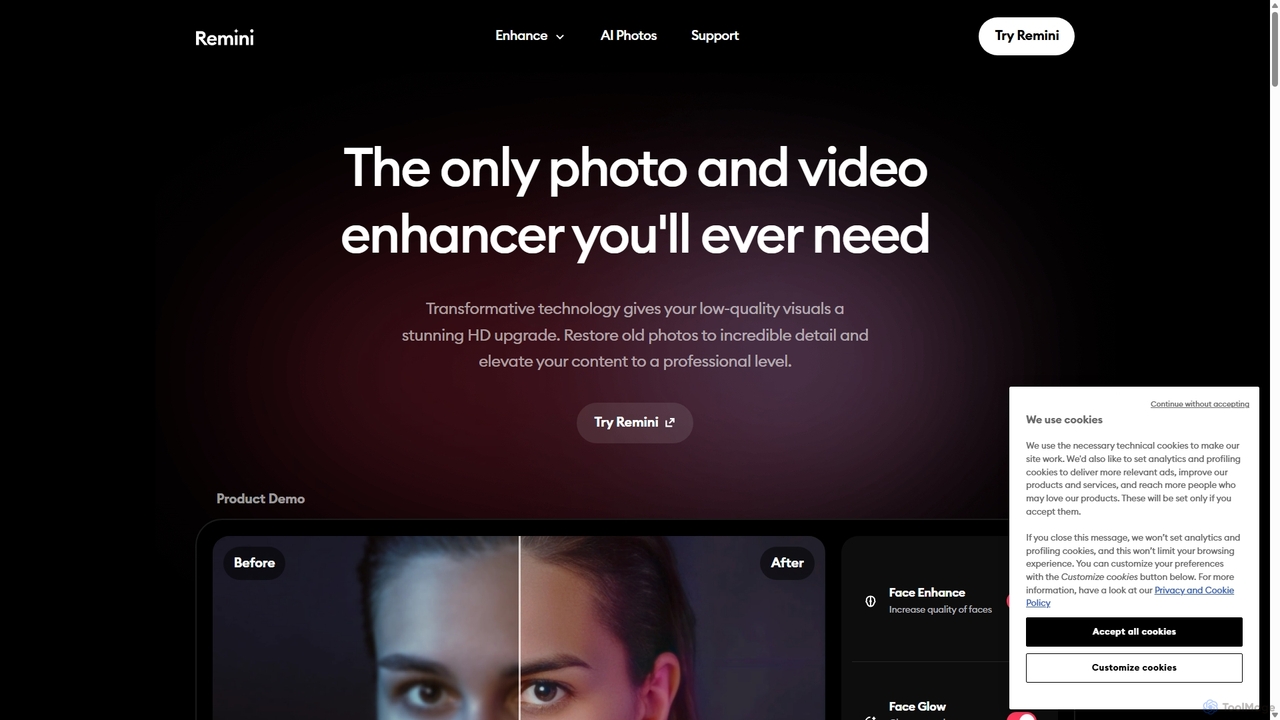
Remini
Remini is an AI-powered photo and video enhancer that transforms low-quality, blurry, or old images and videos into stunning high-definition visuals. Using advanced AI, it restores details, sharpens focus, reduces noise, and can even generate professional-quality AI photos of yourself.
3D
photofix
Photofix is an all-in-one AI-powered platform for photo restoration and enhancement. Effortlessly repair old, damaged photos, colorize black and white images, remove unwanted objects, and upscale resolution with just a few clicks. Ideal for photographers, families, and businesses.
3D
ImageUpscaler
An all-in-one AI-powered platform for image enhancement. Upscale photos up to 4x without quality loss, remove backgrounds, deblur images, generate art from text, and utilize a wide range of creative tools like cartoonizers, colorizers, and object removers. Ideal for professionals and hobbyists.
Graphics
VanceAI
VanceAI is a comprehensive, AI-powered suite for photo enhancement, restoration, and editing. It offers a wide range of tools, including an image upscaler, sharpener, denoiser, background remover, and photo restorer. With one-click solutions and batch processing capabilities, VanceAI helps users from photographers to e-commerce businesses improve image quality, streamline workflows, and boost creativity effortlessly, available both online and as a desktop application.
Image Editing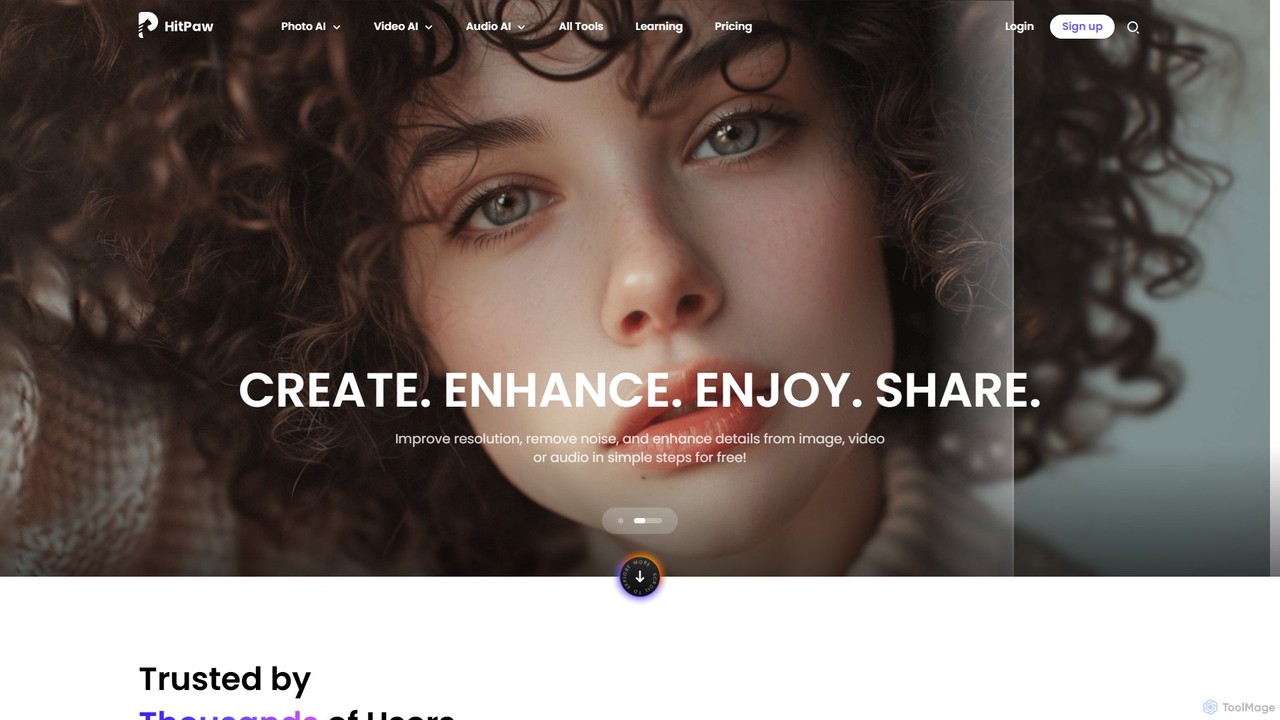
HitPaw Online
HitPaw Online is a comprehensive suite of AI-powered media editing tools. Accessible directly from your browser, it offers over 48 tools for enhancing photos, editing videos, and improving audio. Key features include an AI photo and video enhancer, background and watermark remover, and an AI video translator with voice cloning. It's designed for users of all levels, from social media creators to marketing professionals, providing a one-stop solution for all creative needs.
Audio Editing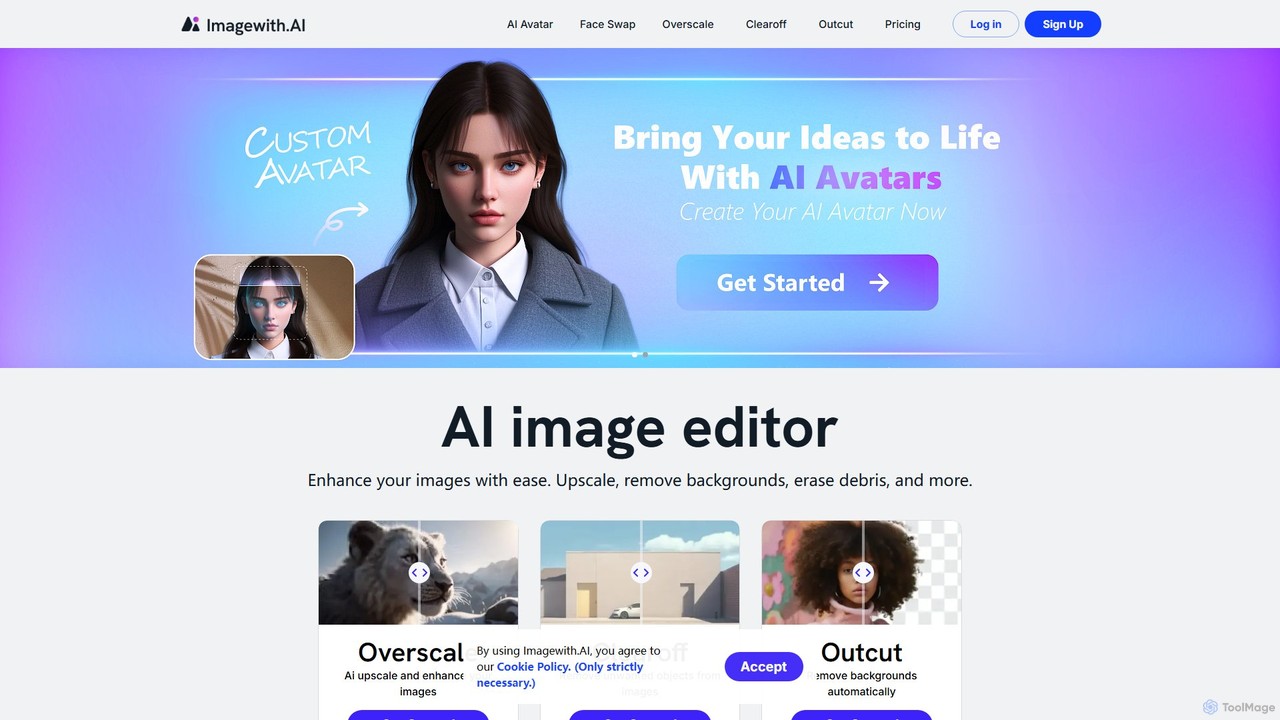
imagewith.ai
imagewith.ai is an AI-powered online image editing suite designed to simplify complex photo editing tasks. It offers a set of powerful tools including an image upscaler (Overscale), a background remover (Outcut), and an object remover (Clearoff). This platform enables users of all skill levels, from amateur photographers to e-commerce professionals, to enhance, clean, and perfect their images with just a few clicks, boosting efficiency and creativity without the need for complex software.
Product Photos
imageenhan
An AI-powered suite of tools for enhancing images and videos. It offers one-click upscaling, sharpening, denoising, background removal, and creative features like cartoonizers and face swapping. Ideal for photographers, designers, and social media users to improve visual quality effortlessly.
Generators
Fixblurry
fixblurry is a free, AI-powered online tool suite designed to enhance your images instantly. It specializes in unblurring and sharpening photos, restoring old or faded pictures, upscaling low-resolution images without quality loss, colorizing black-and-white photos, and removing backgrounds with a single click. No registration or software installation is required, offering professional-grade results for everyone.
Image EditingAirBrush
AirBrush is a comprehensive AI-powered photo and video editor available on web and mobile. It offers a wide range of tools for effortless editing, including one-click portrait retouching, image and video enhancement up to 4K, object and background removal, and creative AI generators for avatars and headshots. Designed for both beginners and professionals, AirBrush makes it easy to achieve flawless, high-quality results.
3D
SnapEdit
SnapEdit is an AI-powered online photo editor designed to simplify complex editing tasks. With one-click tools, it allows users to effortlessly remove unwanted objects, people, text, and backgrounds from images, enhance photo quality, and retouch portraits without needing professional skills.
3D
Kaze
Kaze is a comprehensive AI-powered image editing suite designed to create, edit, and enhance photos effortlessly. It offers a wide range of tools including one-click watermark and object removal, photo restoration, image upscaling, background removal, and an AI headshot generator. With its user-friendly interface and advanced AI models, Kaze delivers professional, studio-quality results in seconds, catering to creators, marketers, and photographers.
3D
PhotoGrid
PhotoGrid is an all-in-one online collage maker and AI photo editor. It offers over 20,000 templates and a suite of powerful AI tools to create stunning photo collages, remove backgrounds, enhance image quality, and apply creative filters, making professional photo editing accessible to everyone.
Collage Maker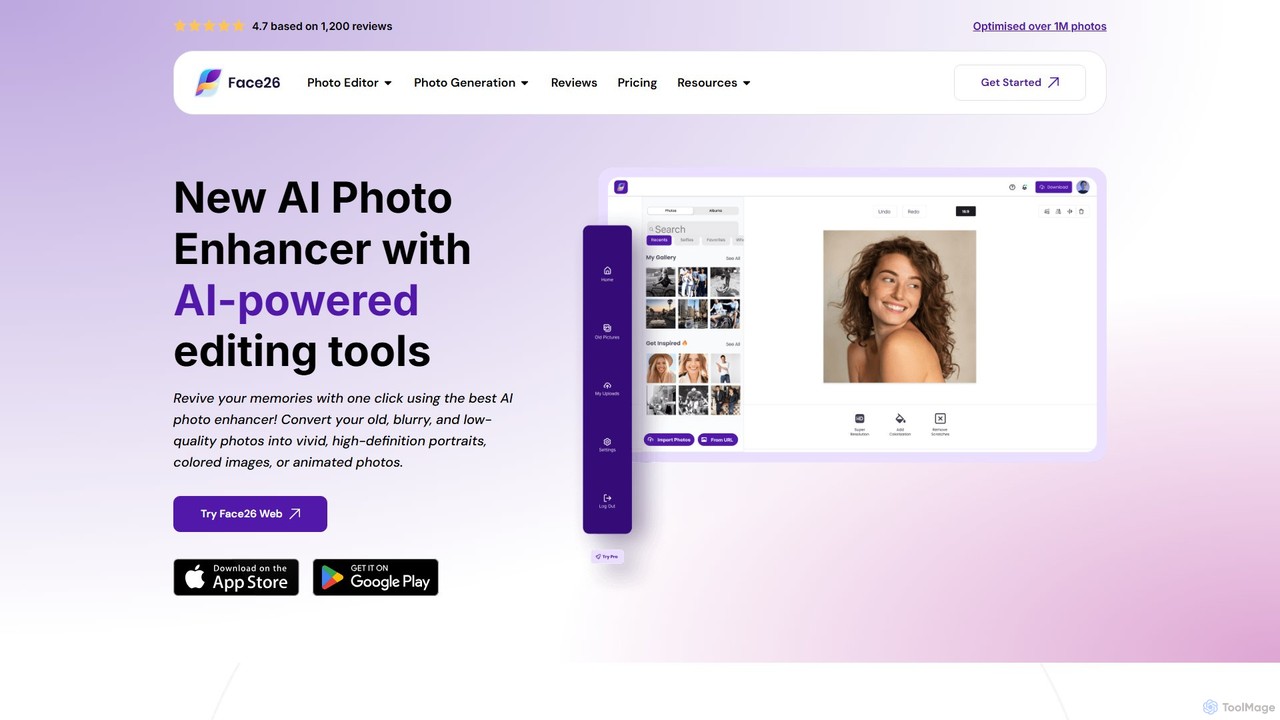
face26
Face26 is a comprehensive AI-powered photo enhancement suite. With just one click, it can restore old, blurry photos, colorize black-and-white images, upscale pictures to HD quality, and perform detailed facial retouching. It's designed for both casual users and professionals, requiring no editing skills to achieve stunning results.
Image Editing
Nero Lens
Nero Lens is an all-in-one AI-powered photo enhancement application for mobile and PC. It specializes in upscaling, restoring old photos, denoising, colorizing, and creating unique AI-generated portraits and art styles. Instantly transform blurry, low-resolution, or damaged images into stunning, high-quality visuals with a single tap.
Generative Art
AVC.AI Comments (0)
Sign in to comment.
Sign inNo comments yet.