ToolMage
Sign in

Best 4 Upscaling AI tools for Video

Popular Upscaling AI tools in Video include TensorPix, AVC.AI, Pixop, and Flashvsr, helping you work more efficiently.

Flashvsr
Paid

Flashvsr

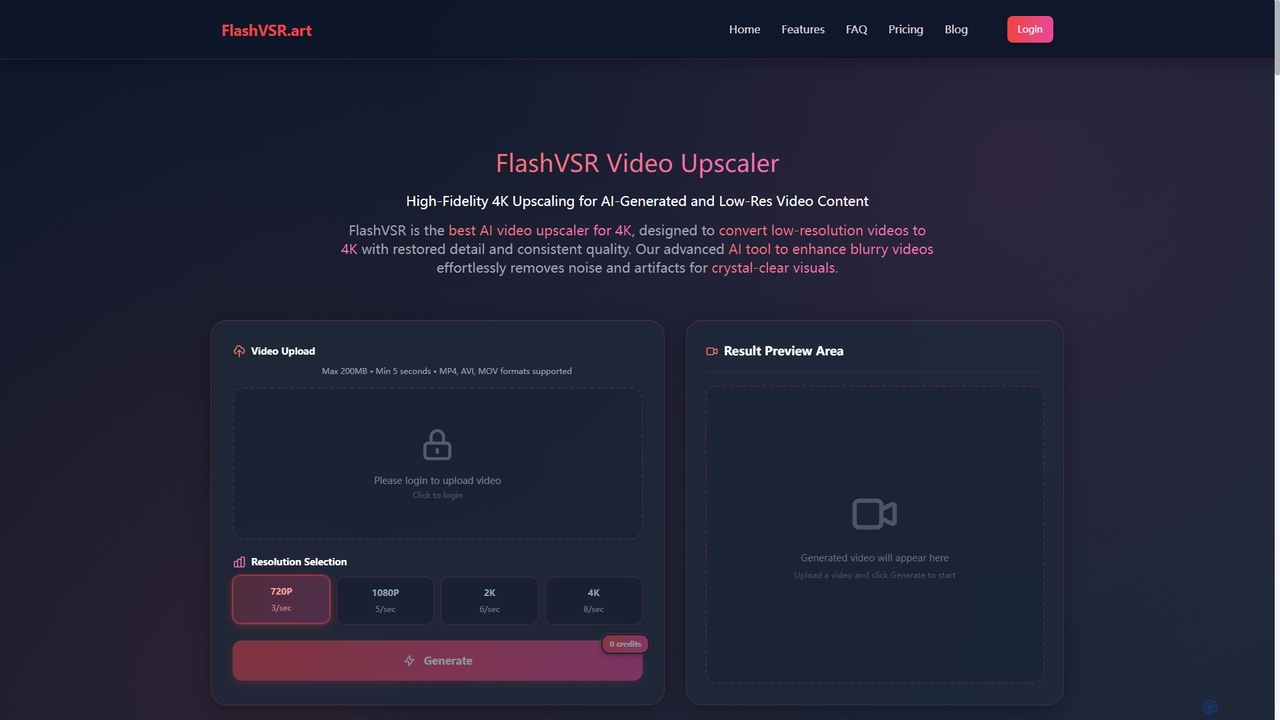
Flashvsr is an AI-powered video upscaler that enhances and restores low-resolution videos to 4K quality. It uses advanced diffusion models to recover details, remove noise, and ensure temporal consistency, making it ideal for content creators, video editors, and marketers.

Content Creation
Visits 6.8KFavorites 123Likes 122
AVC.AI
Freemium

AVC.AI

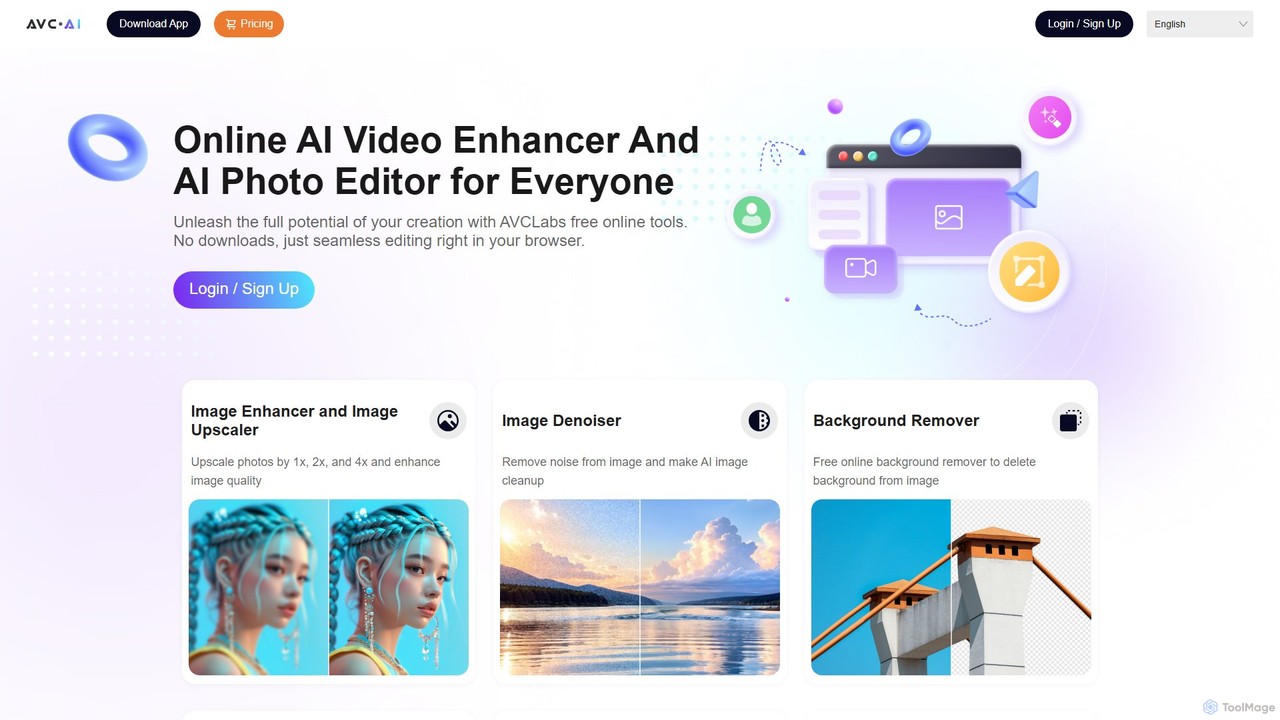
AVC.AI is a comprehensive AI-powered suite for photo and video enhancement. It offers free online tools for quick tasks like upscaling, denoising, and object removal, alongside powerful desktop software for professional-grade restoration, colorization, and editing. It's designed for both casual users and professionals seeking to improve media quality effortlessly.

3D
Visits 47.3KFavorites 94Likes 103
TensorPix
Freemium

TensorPix

TensorPix is an all-in-one, web-based AI platform for enhancing media. It allows users to upscale videos to 4K, improve image quality, restore old footage, generate unique images from text, and compress video files. It's designed for both professionals and casual users, requiring no powerful hardware or complex software.

Generative Art
Visits 436.3KFavorites 105Likes 97
Pixop
Paid

Pixop

Pixop is an AI-powered video enhancement platform designed for broadcasters and content owners. It offers solutions for real-time live stream conversion, archival footage restoration, and on-demand video upscaling to 4K/UHD. Leveraging proprietary machine learning models, Pixop improves video quality without requiring expensive infrastructure upgrades.

Broadcasting
Visits 15KFavorites 124Likes 136

About Upscaling

AI Video Upscaling tools are a specialized class of video software that use artificial intelligence to increase the resolution and enhance the visual quality of footage. These tools employ deep learning models, such as Generative Adversarial Networks (GANs), to analyze existing pixels and intelligently generate new, realistic details, effectively transforming low-resolution video into high-definition formats like 4K or 8K. This process goes beyond simple pixel stretching, resulting in sharper images, reduced noise, and restored textures. The primary value lies in revitalizing old archives, improving user-generated content, and preparing standard footage for high-resolution displays.

Core Features

  • Resolution Enhancement: Increases video dimensions (e.g., from 1080p to 4K) while adding coherent detail.
  • AI-Powered Detail Restoration: Reconstructs fine details like textures, edges, and facial features that were lost in the original low-resolution source.
  • Noise and Artifact Reduction: Intelligently removes compression artifacts, film grain, and digital noise without sacrificing important details.
  • Color and Contrast Correction: Some tools offer automated color grading and contrast enhancement to improve the overall visual appeal.
  • Batch Processing: Allows for the simultaneous upscaling of multiple video files, streamlining workflows for large projects.

Use Cases

This technology is widely used by documentary filmmakers and archivists to restore and remaster historical footage for modern audiences. Content creators and marketers use it to improve the quality of stock videos, drone shots, or user-generated content for professional campaigns. It is also valuable in post-production for integrating lower-resolution clips into a high-resolution project seamlessly.

How to Choose

When selecting a video upscaling tool, evaluate the final output quality by comparing before-and-after samples, paying attention to detail authenticity and the absence of AI-generated artifacts. Consider the processing speed and whether it leverages your hardware (GPU) or relies on cloud processing, which affects turnaround time. Also, check for supported input/output formats and the level of user control offered, from simple one-click solutions to advanced adjustment panels.

Featured tool rankings

Upscaling use cases

1

Restoring Vintage Film Footage

A film archivist is tasked with digitizing and preserving a collection of old 8mm films. The original footage is low-resolution and has degraded over time, showing significant grain and color fading. By using an AI video upscaling tool, the archivist can process these digitized files, increasing the resolution to 1080p or 4K. The AI not only sharpens the image but also intelligently reduces film grain and can even assist in color restoration, bringing out details that were previously obscured. The result is a high-quality digital master that preserves cultural heritage for modern viewing on high-definition screens.

2

Enhancing User-Generated Content for Marketing

A marketing team runs a campaign encouraging customers to submit videos using their product. While the content is authentic, most submissions are shot on smartphones in varying qualities. To create a cohesive and professional promotional video, a video editor uses an AI upscaling tool. They can upscale all the 720p or 1080p clips to a uniform 4K resolution. The tool helps stabilize shaky footage, reduce compression artifacts from social media downloads, and sharpen details, making the user-generated content look polished and high-quality. This allows the brand to leverage authentic customer stories without compromising on production value.

3

Remastering Classic Anime for HD Streaming

A media distribution company holds the rights to a popular animated series from the 1990s, originally produced in 480p standard definition. To release it on modern 4K streaming platforms, a simple upscale would result in blurry lines and washed-out colors. A post-production team uses a specialized AI upscaling model trained on animation. This tool can intelligently sharpen the line art, enhance color vibrancy, and reduce artifacts without losing the original art style. The process allows the company to monetize its back catalog by offering a visually stunning remastered version that appeals to both old fans and a new generation of viewers.

4

Improving Drone and Action Camera Footage

A travel vlogger often shoots with a mix of cameras, including a high-end 4K camera and a more compact 1080p drone or action camera. To maintain consistent quality throughout their final video, they use an AI upscaler on the 1080p footage. The software enhances the drone shots, making landscapes appear sharper and more detailed, matching the quality of the primary camera. It can also reduce the noise often present in action camera footage shot in low light. This workflow enables the creator to use smaller, more versatile cameras without sacrificing the premium 4K quality expected by their audience.

5

Clarifying Forensic and Security Footage

A forensic analyst receives low-resolution CCTV footage of an incident. Key details like a license plate number or a person's face are too pixelated to be identifiable. The analyst uses a forensic-grade AI upscaling tool to process the video. The AI model, trained on vast datasets of similar images, can reconstruct plausible details, sharpening the characters on the license plate or enhancing facial features. While not creating information that wasn't there, it makes the existing, obscured information much clearer and more interpretable, providing crucial evidence for an investigation.

6

Upscaling Game Recordings for Content Creation

A gaming content creator plays and records games at 1080p to ensure high frame rates and smooth performance during gameplay. However, their audience on YouTube prefers watching content in 4K. After recording, the creator uses an AI video upscaler to convert their 1080p gameplay footage to 4K. The tool sharpens in-game textures, text, and UI elements, resulting in a crisp final video that looks like it was natively recorded in 4K. This allows them to maintain optimal gaming performance while delivering the high-resolution content their viewers demand, ultimately increasing watch time and subscriber satisfaction.

Upscaling FAQ

What is AI Video Upscaling?

AI Video Upscaling is a process that uses artificial intelligence algorithms to increase a video's resolution (e.g., from 1080p to 4K) while enhancing its quality. Unlike traditional methods that simply stretch pixels and cause blurriness, AI models analyze the video frame by frame to intelligently add new, realistic details, sharpen edges, and reduce noise. The result is a higher-resolution video that looks clearer and more detailed than the original source.

How is AI upscaling different from traditional resizing?

The key difference lies in the intelligence of the process. Traditional resizing (like bilinear or bicubic interpolation) uses simple mathematical formulas to guess the color of new pixels based on their neighbors, which often results in a soft or blurry image. AI upscaling uses a deep learning model trained on millions of image pairs. It understands what objects like faces, text, or textures should look like and actively reconstructs these details, generating new, sharp information rather than just interpolating existing data.

How to choose the right AI Video Upscaling tool?

When selecting a tool, consider the following factors:

  • Output Quality: Look at reviews and side-by-side comparisons. Does the tool produce natural-looking details or artificial, plastic-like textures?
  • Processing Speed: Upscaling is computationally intensive. Check if the tool uses GPU acceleration and how it performs on hardware similar to yours. Cloud-based options can be faster but may have subscription costs.
  • User Interface and Control: Do you need a simple, one-click solution, or do you require advanced controls for noise reduction, sharpening, and compression settings?
  • Cost and Licensing: Compare pricing models, such as one-time purchases, monthly subscriptions, or pay-per-use. Check for watermarks in free or trial versions.
Can AI upscaling fix very blurry or out-of-focus videos?

AI upscaling has its limits. It works best on footage that is low-resolution but fundamentally clear. It can significantly sharpen slightly blurry videos by reconstructing edges and textures. However, it cannot recover information that is completely lost. For a video that is severely out of focus or extremely compressed (macroblocking), the AI has no underlying detail to work with. While it might make the video look slightly better, it cannot perform miracles and create details from nothing. The quality of the output is highly dependent on the quality of the input.

Who are the primary users of AI Video Upscaling tools?

A diverse range of professionals and enthusiasts use these tools. Key users include:

  • Filmmakers and Post-Production Studios: For remastering classic films or integrating archival footage into modern productions.
  • Content Creators (YouTubers, Vloggers): To enhance footage from various sources (drones, older cameras) to meet 4K standards.
  • Marketing Professionals: To improve the quality of user-generated content or older promotional videos for new campaigns.
  • Archivists and Historians: To preserve and restore historical video content for digital access.
  • Forensic Analysts: To clarify details in low-quality surveillance footage for investigations.