

Pixop Overview
Pixop is a pioneering AI-driven video enhancement platform, meticulously engineered for the demanding needs of broadcasters, media companies, and content owners. At its core, Pixop is dedicated to redefining video quality standards, moving beyond 'good enough' to deliver truly exceptional visual experiences. The platform provides a suite of powerful, cloud-native solutions that leverage proprietary machine learning algorithms for video upscaling, restoration, and optimization. It is designed to seamlessly integrate into existing media workflows, enabling users to enhance both live and archived content with unparalleled efficiency and precision.
The company offers three primary solutions tailored to different industry needs: Live Stream Conversion, Archive Conversion, and the Pixop Studio. This multi-faceted approach ensures that whether you are broadcasting a live event, monetizing a vast video archive, or simply enhancing a single clip, Pixop has a tailored, scalable solution.
How to use Pixop
Pixop offers flexible usage models to fit various professional workflows:
- Pixop Live Converter: For live broadcasts, this solution integrates directly into your existing production pipeline. It sits before the delivery encoding stage, taking an HD SDR feed and converting it to UHD HDR in real-time with ultra-low latency. This requires no significant changes to your established workflow, allowing for an immediate quality upgrade for live sports, news, and events.
- Pixop Archive Conversion (REST API): For large-scale VOD archive remastering, Pixop provides a powerful REST API. This allows media companies to automate the process of enhancing and upscaling entire libraries of content. Running on AWS, the API offers a scalable, cloud-native experience, enabling the monetization of legacy assets by bringing them up to modern UHD quality standards without infrastructure overhauls.
- Pixop Studio: For individual projects or users without technical expertise, Pixop Studio is an intuitive, browser-based application. Users can simply upload their video files, apply a sequence of AI filters (like denoising, deinterlacing, and upscaling), preview the results, and process the video. It's a straightforward, pay-as-you-go tool that makes professional-grade video enhancement accessible to everyone.
Core Features of Pixop
- AI-Powered Upscaling: Utilizes advanced AI models, including Super Resolution, to upscale video content to resolutions up to 4K and 8K UHD.
- Video Restoration: Features a suite of filters like AI Denoising and Deep Restoration to clean up archival footage, removing noise, compression artifacts, and other imperfections.
- Live Stream Conversion: Real-time, low-latency conversion of HD SDR live feeds to brilliant UHD HDR, perfect for premium live events.
- Automated API Integration: A robust REST API allows for seamless integration into media asset management (MAM) systems and other automated workflows for large-scale processing.
- Cloud-Native Platform: Built on AWS, ensuring high scalability, reliability, and accessibility without the need for on-premise hardware.
- Browser-Based Studio: An easy-to-use web interface for manual video enhancement, requiring no specialized hardware or software installation.
- Deinterlacing: Effectively converts interlaced legacy video into modern progressive scan formats, eliminating motion artifacts.
Use Cases for Pixop
Pixop is trusted by leading media organizations to enhance a wide range of content. For example, France TV Lab collaborated with Pixop to explore AI-driven upscaling and restoration of historical sports footage, successfully transforming SD clips into UHD 4K. Similarly, TV 2 Danmark used Pixop's AI software to enhance and upscale historical videos of royal celebrations, bringing important cultural moments back to life for modern audiences. A successful live trial with Chilevisión proved the platform's capability to deliver real-time HD to UHD conversion for live broadcasting with stunning results and zero workflow disruption. Independent creators, like BLK MKT Media, have also used Pixop Studio to remaster animated series, demonstrating its versatility for both large-scale broadcasters and smaller production houses.
Advantages of Pixop
Pixop's primary advantage is its ability to deliver superior video quality without the prohibitive costs and complexity of traditional infrastructure upgrades. By integrating AI into a cloud-based model, it offers a cost-effective, scalable, and efficient solution. The platform's proprietary machine learning models are the result of years of dedicated research, ensuring state-of-the-art results. Its seamless integration capabilities, whether through API or for live feeds, minimize disruption to existing pipelines, allowing media companies to elevate their content quality quickly and easily. The accessibility of Pixop Studio further democratizes high-end video enhancement, making it available to a broader range of creators.
Pricing and Plans
Pixop operates on a transparent, pay-as-you-go pricing model, ensuring users only pay for the resources they consume. There are no subscription fees. The costs are broken down into three main components:
- Video Processing: Priced per gigapixel processed, ranging from $0.001 to $0.551. The price varies based on the AI filters applied. Volume discounts are applied automatically per job, and a lifetime loyalty bonus also contributes to reducing costs.
- Video Encoding: Priced per gigapixel encoded, ranging from $0.007 to $0.136, depending on the chosen encoder.
- Utilities (Storage & Download): Storage costs $0.023 per gigabyte per month, and downloads are $0.090 per gigabyte. These rates are passed on directly from AWS with no extra fees.
This model is ideal for projects of all sizes, from single video enhancements to large-scale archival remastering, providing clear and predictable costs.
Traffic
Latest traffic
Status
Monthly traffic trend
- 2025-9: 43.6K
- 2026-1: 27.4K
- 2026-2: 13.9K
- 2026-3: 9.3K
- 2026-4: 11.1K
- 2026-5: 10.5K
Geography
Top 5 countries / regions
- 🇺🇸United States73.1%
- 🇩🇪Germany11.8%
- 🇮🇳India6.4%
- 🇻🇳Vietnam5.1%
- 🇸🇪Sweden3.6%
Top keywords
| Keyword | Cost per click |
|---|---|
| is it possible to boost resolution | $0.00 |
| pixop | $3.08 |
| pixop aps website | $0.00 |
| pixop video-compare: | $0.00 |
| pixup | $1.19 |
Pixop Videos on YouTube


AI Study Hub
Pixop Alternatives
Flashvsr
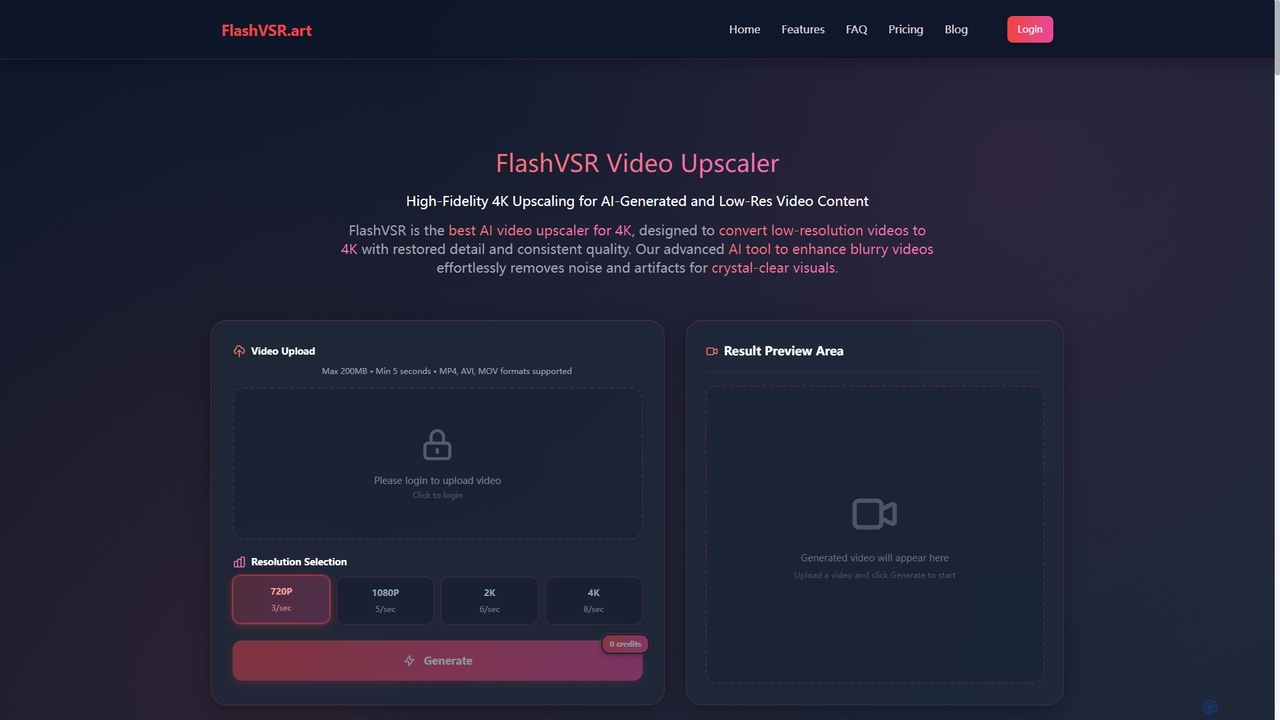
Flashvsr is an AI-powered video upscaler that enhances and restores low-resolution videos to 4K quality. It uses advanced diffusion models to recover details, remove noise, and ensure temporal consistency, making it ideal for content creators, video editors, and marketers.
Content Creation
TensorPix
TensorPix is an all-in-one, web-based AI platform for enhancing media. It allows users to upscale videos to 4K, improve image quality, restore old footage, generate unique images from text, and compress video files. It's designed for both professionals and casual users, requiring no powerful hardware or complex software.
Generative Art
VidHex
VidHex is an all-in-one, AI-powered desktop application for Windows and Mac designed to enhance, restore, and upscale video quality. It offers a suite of tools for intelligent upscaling to 4K/8K, realistic colorization of black-and-white footage, video repair, denoising, and frame interpolation. It's built for content creators, e-commerce sellers, educators, and anyone looking to transform imperfect videos into stunning visual experiences with minimal effort.
Tools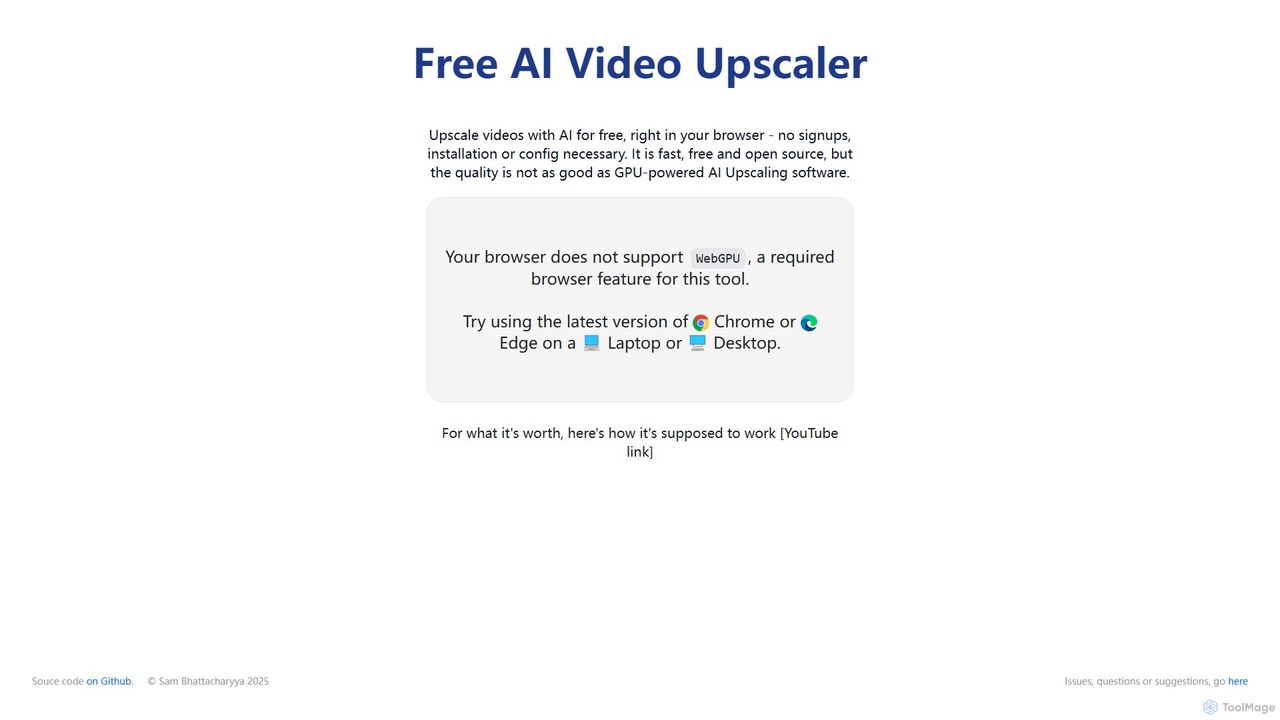
Free AI Video Upscaler
A free, browser-based AI tool that enhances and upscales video resolution without requiring any signup or software installation. It supports various content types, including animated, real-life, and 3D videos, offering different AI models for optimal results.
Editing
TensorPix
TensorPix is an AI-powered online platform for video and image enhancement. It offers a suite of tools to upscale resolution up to 4K/8K, restore old footage, remove noise, and improve overall visual quality. Ideal for filmmakers, content creators, and archivists, TensorPix simplifies complex post-production tasks with an intuitive web-based interface, making professional-grade restoration accessible to everyone.
CreativePixop Categories
Pixop Embed Widget
Copy this embed code to place the badge on your blog, article, or product site and send readers directly to this ToolMage detail page.

Related AI tools
TensorPix
TensorPix is an all-in-one, web-based AI platform for enhancing media. It allows users to upscale videos to 4K, improve image quality, restore old footage, generate unique images from text, and compress video files. It's designed for both professionals and casual users, requiring no powerful hardware or complex software.
Generative ArtVidHex
VidHex is an all-in-one, AI-powered desktop application for Windows and Mac designed to enhance, restore, and upscale video quality. It offers a suite of tools for intelligent upscaling to 4K/8K, realistic colorization of black-and-white footage, video repair, denoising, and frame interpolation. It's built for content creators, e-commerce sellers, educators, and anyone looking to transform imperfect videos into stunning visual experiences with minimal effort.
Tools
DVDFab
DVDFab is a comprehensive multimedia toolkit for DVD/Blu-ray/4K UHD backup, ripping, and conversion. It features AI-powered video enhancement to upscale resolution up to 8K, convert SDR to HDR, and denoise footage. The suite also includes tools for downloading videos and music from over 1000 streaming services.
Audio EditingFree AI Video Upscaler
A free, browser-based AI tool that enhances and upscales video resolution without requiring any signup or software installation. It supports various content types, including animated, real-life, and 3D videos, offering different AI models for optimal results.
EditingTensorPix
TensorPix is an AI-powered online platform for video and image enhancement. It offers a suite of tools to upscale resolution up to 4K/8K, restore old footage, remove noise, and improve overall visual quality. Ideal for filmmakers, content creators, and archivists, TensorPix simplifies complex post-production tasks with an intuitive web-based interface, making professional-grade restoration accessible to everyone.
Creative
UniFab Studio
UniFab Studio is an all-in-one, AI-powered video enhancement suite designed for professionals and enthusiasts. It elevates video quality by upscaling to 4K/8K, converting SDR to HDR, stabilizing shaky footage, removing noise, and increasing frame rates up to 120FPS. With GPU acceleration and a user-friendly interface, it delivers professional-grade results efficiently.
Creative Tools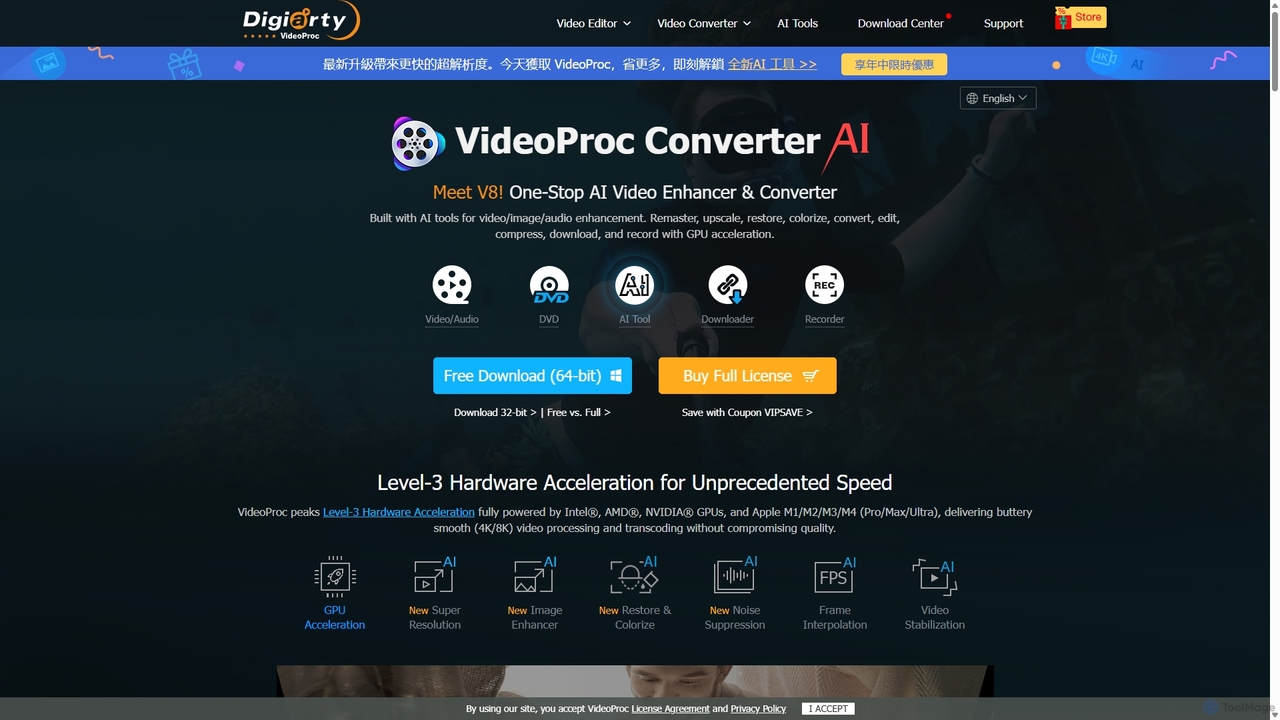
VideoProc
VideoProc is a one-stop, AI-powered media processing suite. It enhances, converts, edits, compresses, downloads, and records 4K/8K videos with full GPU acceleration. Its AI tools upscale video/images, stabilize shaky footage, interpolate frames for smooth motion, and remove background noise from audio.
Audio Editing
Aiarty
Aiarty is a suite of AI-powered desktop software for next-generation image and video enhancement. It offers dedicated tools for upscaling visuals to 4K/8K/32K, denoising, deblurring, and performing precise, professional-grade image matting (background removal). Optimized for AIPC and GPU acceleration, it serves photographers, designers, e-commerce professionals, and content creators.
3D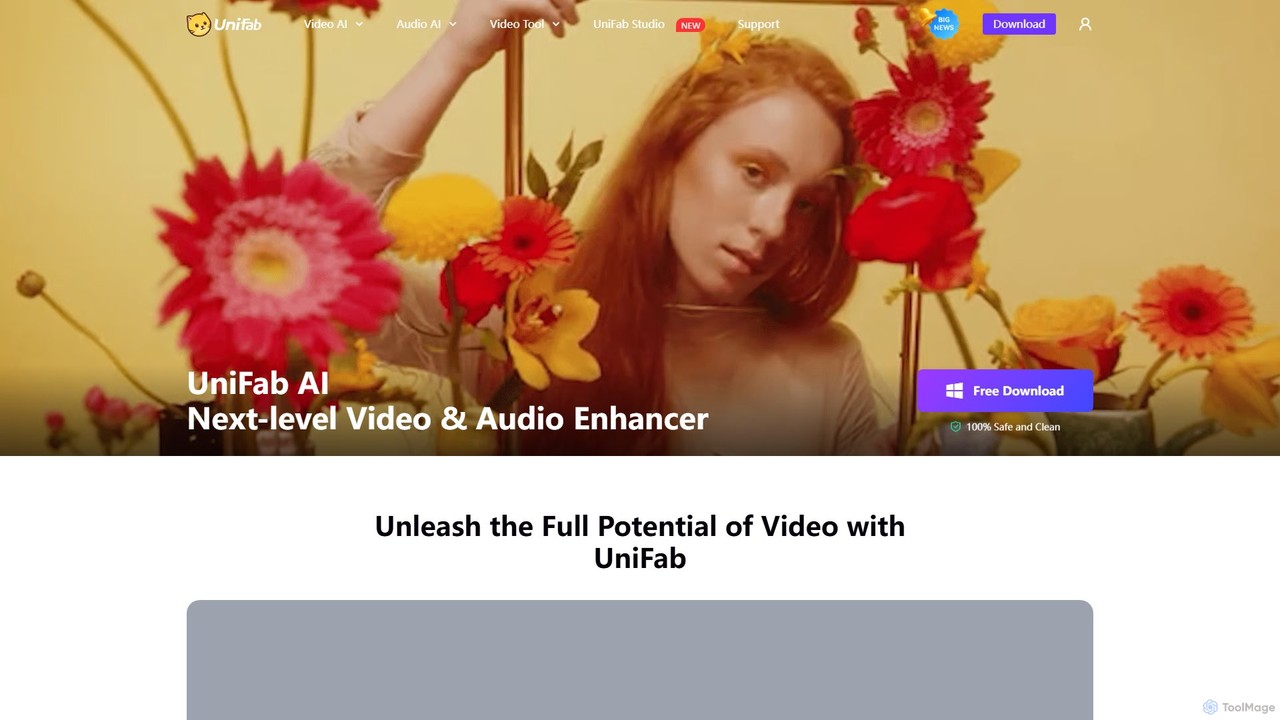
UniFab
UniFab is an all-in-one AI-powered video and audio enhancement suite. It upscales videos to 16K, converts SDR to HDR, denoises, colorizes, and stabilizes footage. It also features audio upmixing to surround sound, format conversion for over 1000 formats, and free tools like a vocal and background remover. Designed for both professionals and enthusiasts, it streamlines content creation with a user-friendly interface and GPU-accelerated processing.
Audio Editing
AVCLabs
AVCLabs offers a suite of AI-powered desktop applications designed to enhance, restore, upscale, and edit videos and photos. It leverages artificial intelligence to automate complex tasks like quality improvement to 4K/8K, colorization, noise reduction, and privacy blurring, making professional-grade results accessible to everyone.
Enhancement
Nero AI
Nero AI is a professional AI-powered software suite for PC, designed to enhance, upscale, and restore photos and videos. It offers tools for 4K image and video upscaling, as well as intelligent object and face blurring for privacy.
Image Enhancement
bigmp4
An AI-powered online tool for comprehensive video and image enhancement. It specializes in lossless video upscaling to 4K/8K, frame interpolation for ultra-smooth motion, B&W video colorization, and slow-motion effects. It also supports batch image processing and GIF enhancement, using advanced AI models to restore and improve visual quality.
Restoration
Aimages
Aimages is a powerful online AI tool for enhancing and upscaling videos and images. It uses advanced algorithms to improve quality, fix blur, reduce noise, restore colors, and increase video frame rates. Ideal for professionals and hobbyists looking to restore old media or perfect new content.
Image Generation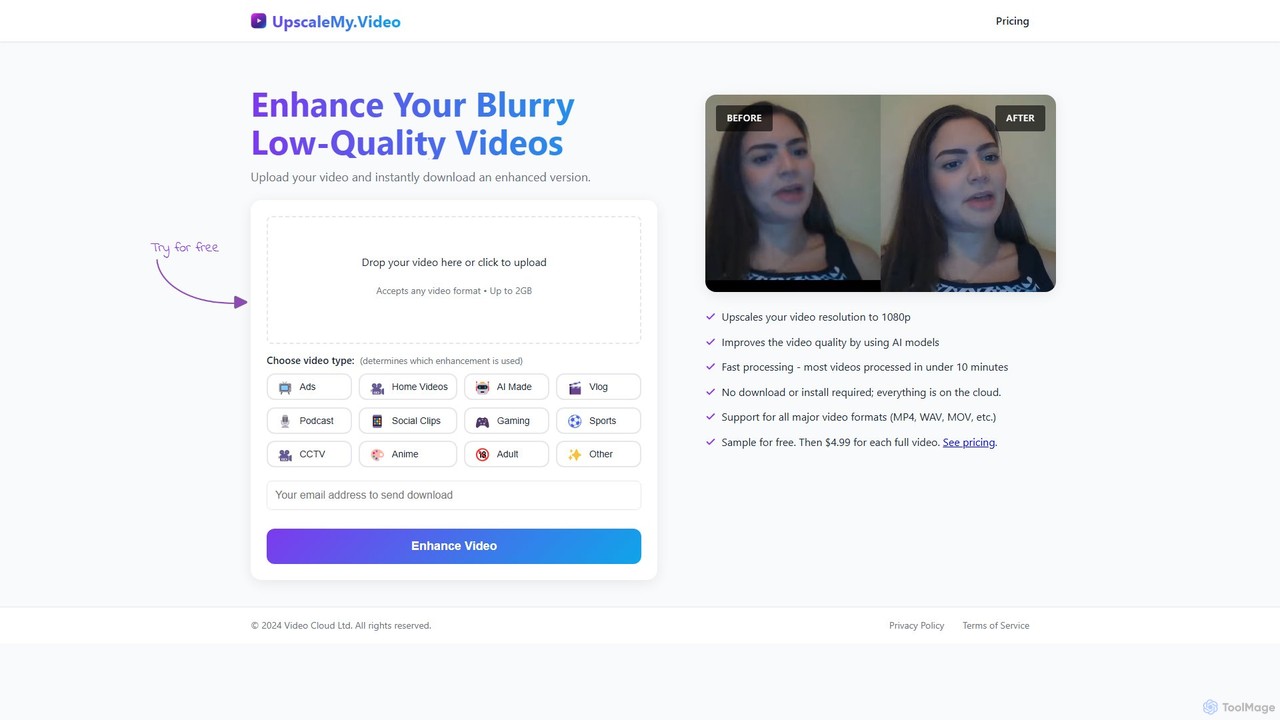
UpscaleMy.Video
UpscaleMy.Video is an AI-powered online tool that enhances and upscales blurry, low-quality videos to crisp 1080p resolution. It uses specialized AI models for different video types, offering fast, cloud-based processing without any software installation. Users can preview the enhancement for free and then pay per video for the full download.
Editing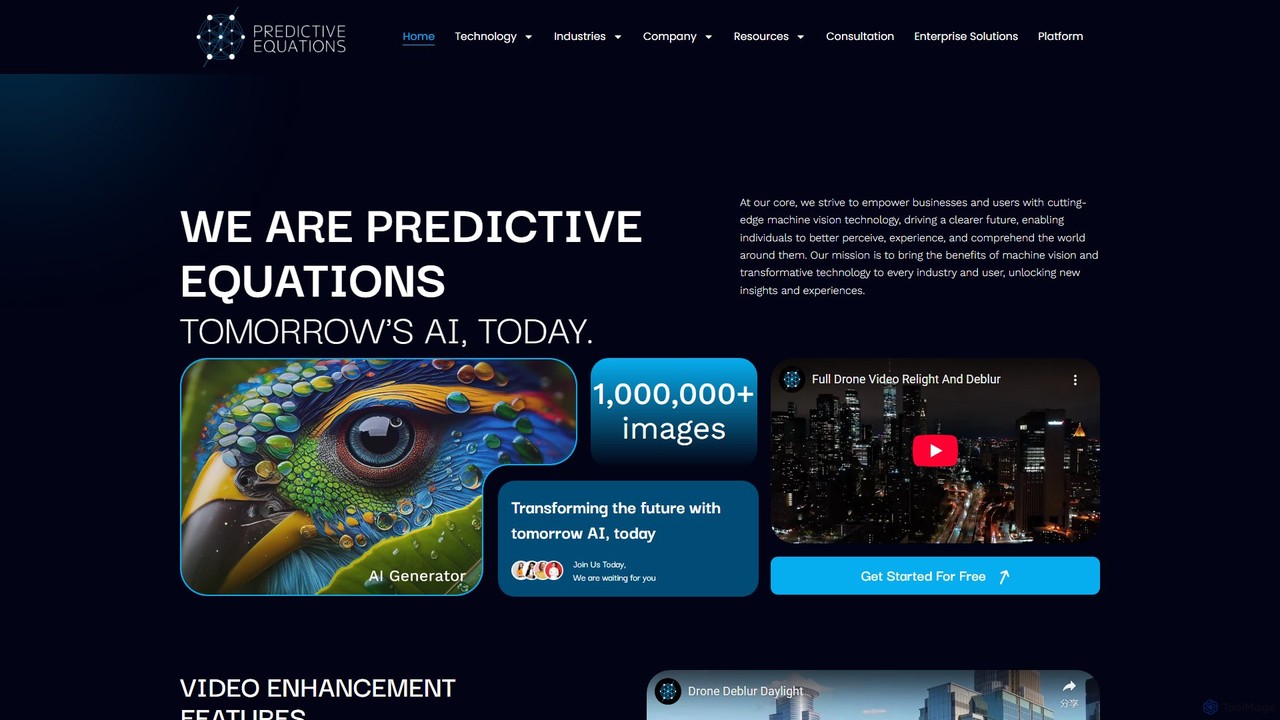
Predictive Equations
Predictive Equations is an advanced AI platform specializing in machine vision. It enhances and analyzes images and videos by deblurring, denoising, upscaling up to 8x, and intelligently relighting low-light content. Initially developed for legal applications, it now serves various industries including security, medical, and entertainment, offering powerful tools for information retrieval and visual data improvement.
Image Enhancement
Pixop Comments (0)
Sign in to comment.
Sign inNo comments yet.