


Aimages Overview
Aimages is a comprehensive, web-based AI platform designed to revolutionize video and image quality enhancement. Trusted by thousands of users, from professional filmmakers to hobbyists, Aimages provides a suite of powerful tools to upscale, restore, and perfect your visual media. Whether you're dealing with old, degraded footage from a VHS tape, low-resolution photos, or noisy images shot in poor lighting, Aimages leverages cutting-edge artificial intelligence to deliver stunning, high-quality results with minimal effort. The platform also includes creative AI tools like an image generator, making it a versatile solution for all your visual content needs.
How to use Aimages
The platform is designed for simplicity and efficiency, allowing you to enhance your media in just a few clicks directly from your web browser. The process is straightforward:
- Upload Media: Easily upload your videos or images from any device, including your desktop, laptop, tablet, or smartphone.
- Select AI Filters: Choose from a variety of specialized AI filters tailored to your needs. This could include upscaling resolution, denoising, face enhancement, frame rate interpolation (e.g., to 60 FPS), or color correction.
- Enhance and Download: Click the "Enhance" button to start the process. Aimages offers a free preview feature to see the results before committing credits. Once the enhancement is complete, you can download your high-quality video or image.
Core Features of Aimages
- AI Video Enhancement: Upscale videos to resolutions like 4K, improve clarity, fix blurry details, and stabilize shaky footage.
- AI Image Upscaling & Enhancement: Increase the resolution of your photos without losing detail, remove compression artifacts, and sharpen blurry images.
- Frame Rate Interpolation: Smoothly convert low-frame-rate videos (e.g., 24/30 FPS) into high-frame-rate videos (60 FPS or more) for a more fluid look.
- Smart Denoise: Intelligently remove various types of noise, including ISO noise from photos taken in low light, without sacrificing important details.
- Face Restoration: A specialized filter that automatically detects and enhances faces in videos and photos, bringing clarity to old memories.
- Color Correction & Restoration: Revive faded colors in old photos or correct the blue/green tint common in underwater photography.
- AI Image Generation: Use tools like MagicStock to generate unique stock images from text prompts, helping you overcome creative blocks.
- Web-Based & Accessible: No software to install. Access and use Aimages from any device with a web browser.
- Batch & Parallel Processing: Enhance multiple images at once or process multiple videos simultaneously (available on paid plans) to save time.
Use Cases for Aimages
Aimages is a versatile tool suitable for a wide range of applications:
- Restoring Personal Memories: Upscale and restore old family videos from VHS tapes or low-resolution digital cameras, bringing cherished moments back to life in high definition.
- Filmmaking and Content Creation: Enhance archival footage for documentaries, improve the quality of user-generated content, or upscale animation renders for a professional finish.
- eCommerce: Ensure all your product images are high-resolution, clear, and professional-looking to build customer trust and boost sales.
- Photography: Rescue photos taken in challenging conditions by reducing ISO noise, or prepare images for large-format printing by increasing their resolution.
- Web Design: Fix low-quality images provided by clients to ensure they look crisp and professional on modern high-resolution displays.
- Gaming: Improve the visual quality of old gameplay recordings, upscaling them to 4K at 60 FPS for a modern viewing experience.
Advantages of Aimages
Users choose Aimages for several key benefits:
- Superior Quality: The AI models are trained to produce natural-looking results with impressive detail and minimal artifacts, often outperforming other services.
- Speed and Efficiency: The cloud-based processing is significantly faster than many desktop applications or competing services. Parallel processing further accelerates workflows.
- Ease of Use: The intuitive, three-step process makes advanced video and image enhancement accessible to everyone, regardless of technical skill.
- Cost-Effective: With a free tier, flexible subscription plans, and pay-as-you-go credit options, Aimages offers a reasonable pricing structure. The free preview feature ensures you only pay for results you're happy with.
- Accessibility: Being fully web-based, it eliminates the need for powerful local hardware and allows you to work from anywhere, on any device.
Pricing and Plans
Aimages operates on a freemium model with both subscription plans and a pay-as-you-go option:
- Free Plan: €0/month. Includes basic access with limitations on filters, processing speed, and file storage (30 days). A great way to test the service.
- Standard Plan: €11/month. Includes 25 new credits per month, allows up to 3 AI filters and 3 parallel video processes, offers 1080p previews, and provides permanent file storage.
- Premium Plan: €25/month. Includes 60 new credits per month, allows up to 4 AI filters and 5 parallel video processes, offers 2K previews, and provides permanent file storage.
- Elite Plan: €61/month. Designed for heavy users, this plan includes 150 new credits per month, allows up to 5 AI filters and 10 parallel video processes, offers QHD previews, and provides permanent file storage.
- Pay-as-you-go: Users can purchase credits directly without a subscription. For example, 30 credits can be bought for €29. The cost in credits for each task is clearly displayed before processing.
Traffic
Latest traffic
Status
Monthly traffic trend
- 2025-9: 2.1K
- 2026-1: 336
- 2026-2: 1.0K
- 2026-3: 3.7K
- 2026-4: 3.8K
- 2026-5: 3.4K
Geography
Top 5 countries / regions
- 🇮🇩Indonesia62.6%
- 🇻🇳Vietnam37.4%
Top keywords
| Keyword | Cost per click |
|---|---|
| 60fps | $0.36 |
| aichemage com | $0.00 |
| aimages.ai | $0.00 |
| aimages.ar | $0.00 |
| 视频画质增强的网站无需注册免费 | $0.00 |
Aimages Alternatives
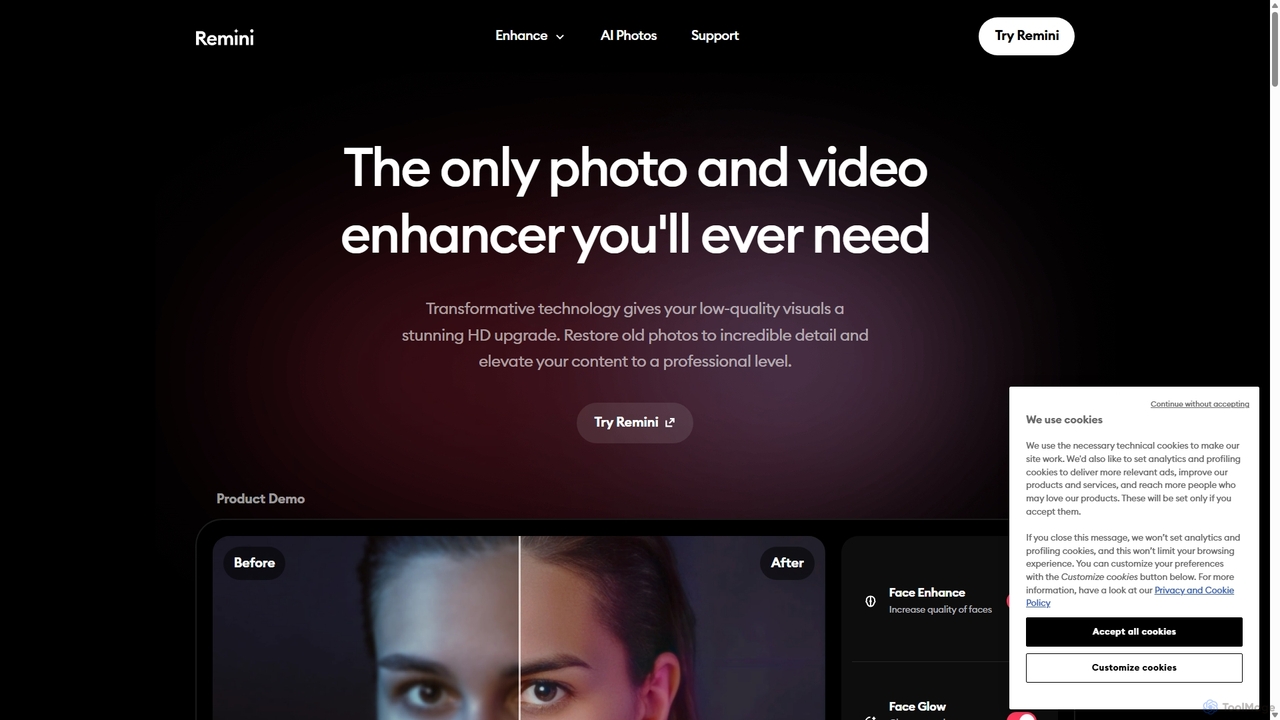
Remini
Remini is an AI-powered photo and video enhancer that transforms low-quality, blurry, or old images and videos into stunning high-definition visuals. Using advanced AI, it restores details, sharpens focus, reduces noise, and can even generate professional-quality AI photos of yourself.
3D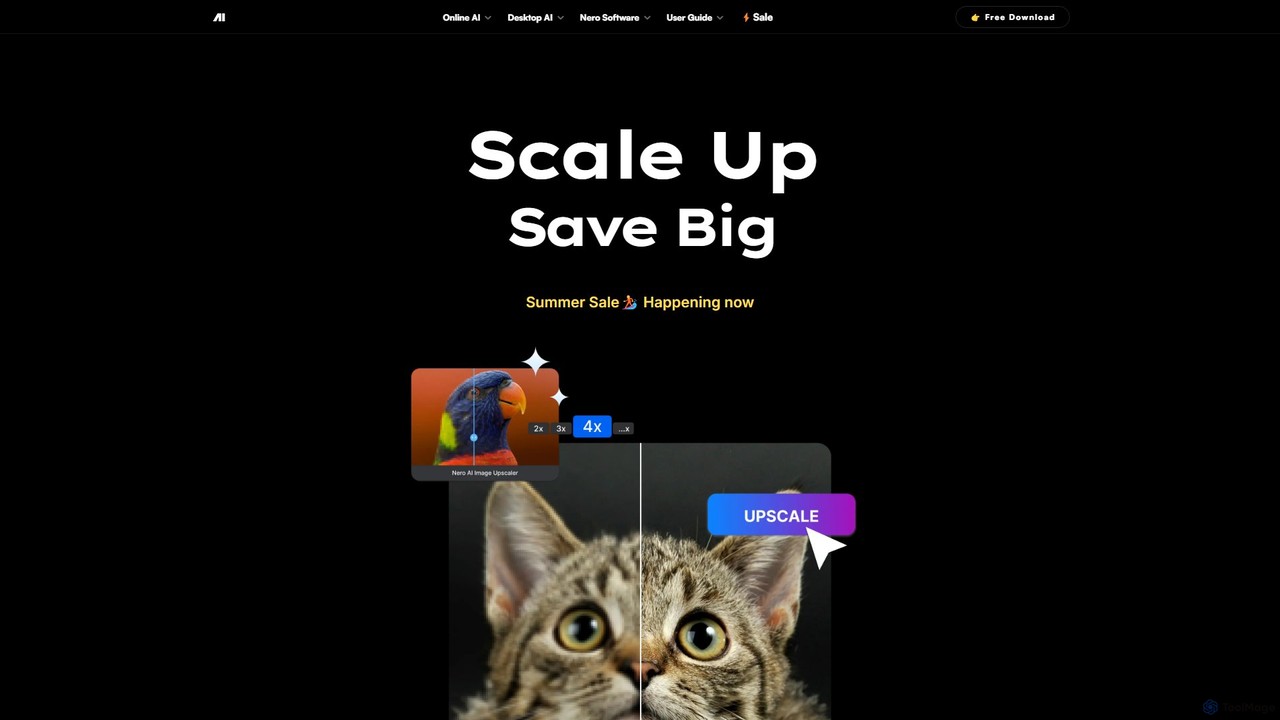
Nero AI
Nero AI is a professional AI-powered software suite for PC, designed to enhance, upscale, and restore photos and videos. It offers tools for 4K image and video upscaling, as well as intelligent object and face blurring for privacy.
Image Enhancement
pixelhaha
Pixelhaha is an AI-powered creative platform for enhancing visual media. It offers one-click tools to upscale video resolution and improve photo quality, bringing out vibrant colors and sharp details. It also features a text-to-image generator for creating unique AI art. With a user-friendly interface and a flexible pay-as-you-go pricing model, it's designed for content creators, marketers, and enthusiasts.
Image Enhancement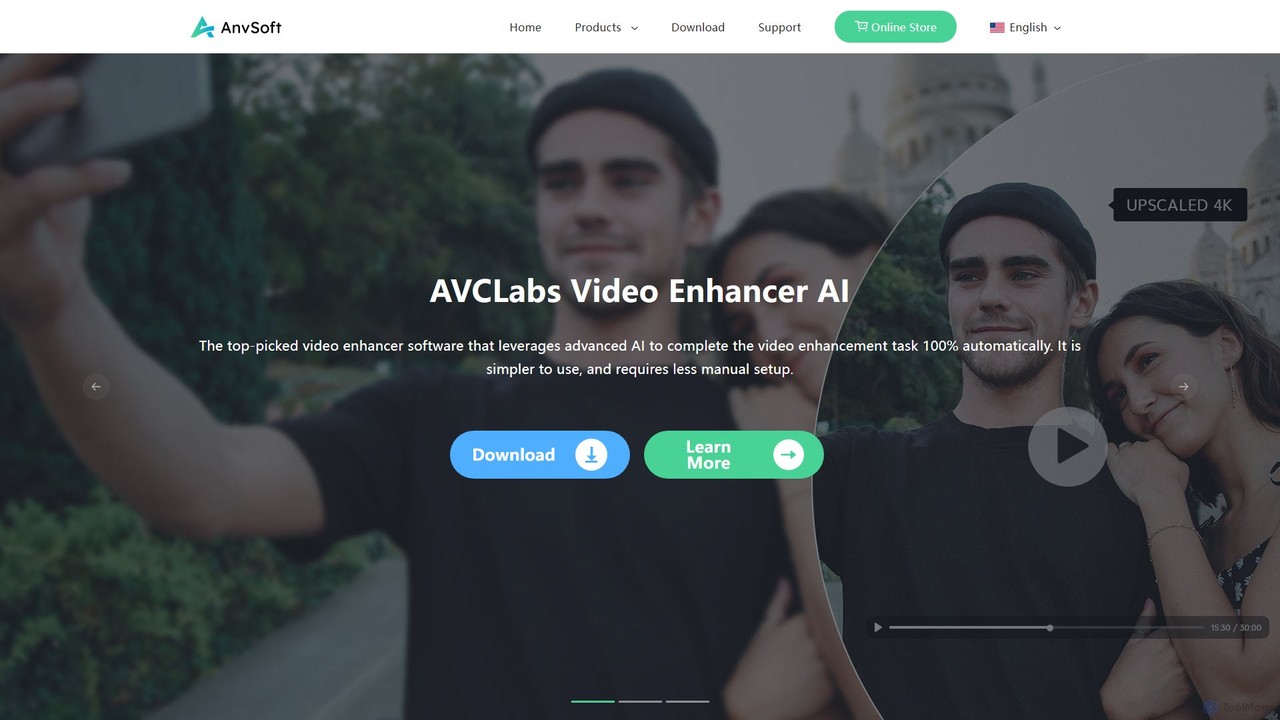
Anvsoft
Anvsoft offers a suite of AI-powered multimedia software designed to enhance, convert, and edit videos and photos. Its flagship products, like AI Video Enhancer and AI Video Blur, use advanced algorithms for upscaling, colorization, face refinement, and automatic blurring, catering to both casual users and professionals.
Image Enhancement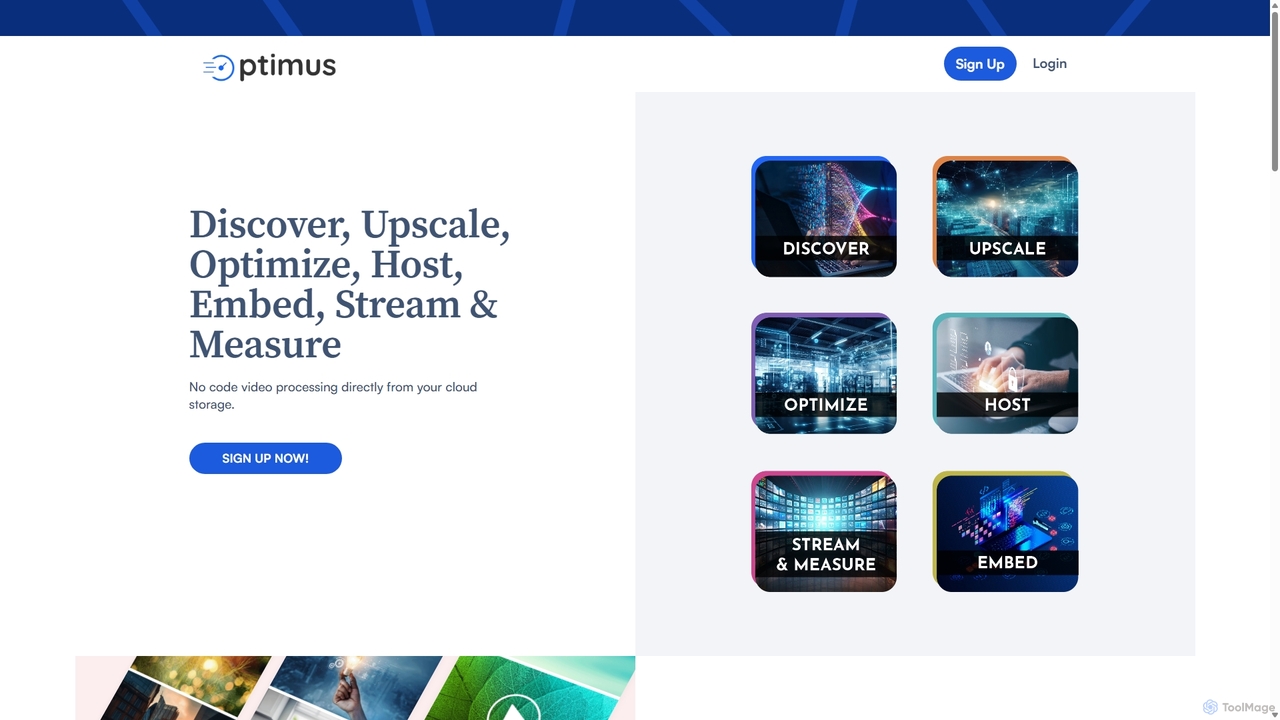
optimusdrive
An AI-powered media processing platform offering a suite of tools for video and image optimization. It specializes in high-quality compression, resolution upscaling to 4K, and advanced facial enhancement to transform your media assets for web and streaming.
Image EnhancementAimages Categories
Aimages Embed Widget
Copy this embed code to place the badge on your blog, article, or product site and send readers directly to this ToolMage detail page.

Related AI tools
TensorPix
TensorPix is an all-in-one, web-based AI platform for enhancing media. It allows users to upscale videos to 4K, improve image quality, restore old footage, generate unique images from text, and compress video files. It's designed for both professionals and casual users, requiring no powerful hardware or complex software.
Generative ArtRemini
Remini is an AI-powered photo and video enhancer that transforms low-quality, blurry, or old images and videos into stunning high-definition visuals. Using advanced AI, it restores details, sharpens focus, reduces noise, and can even generate professional-quality AI photos of yourself.
3DNero AI
Nero AI is a professional AI-powered software suite for PC, designed to enhance, upscale, and restore photos and videos. It offers tools for 4K image and video upscaling, as well as intelligent object and face blurring for privacy.
Image Enhancementpixelhaha
Pixelhaha is an AI-powered creative platform for enhancing visual media. It offers one-click tools to upscale video resolution and improve photo quality, bringing out vibrant colors and sharp details. It also features a text-to-image generator for creating unique AI art. With a user-friendly interface and a flexible pay-as-you-go pricing model, it's designed for content creators, marketers, and enthusiasts.
Image Enhancement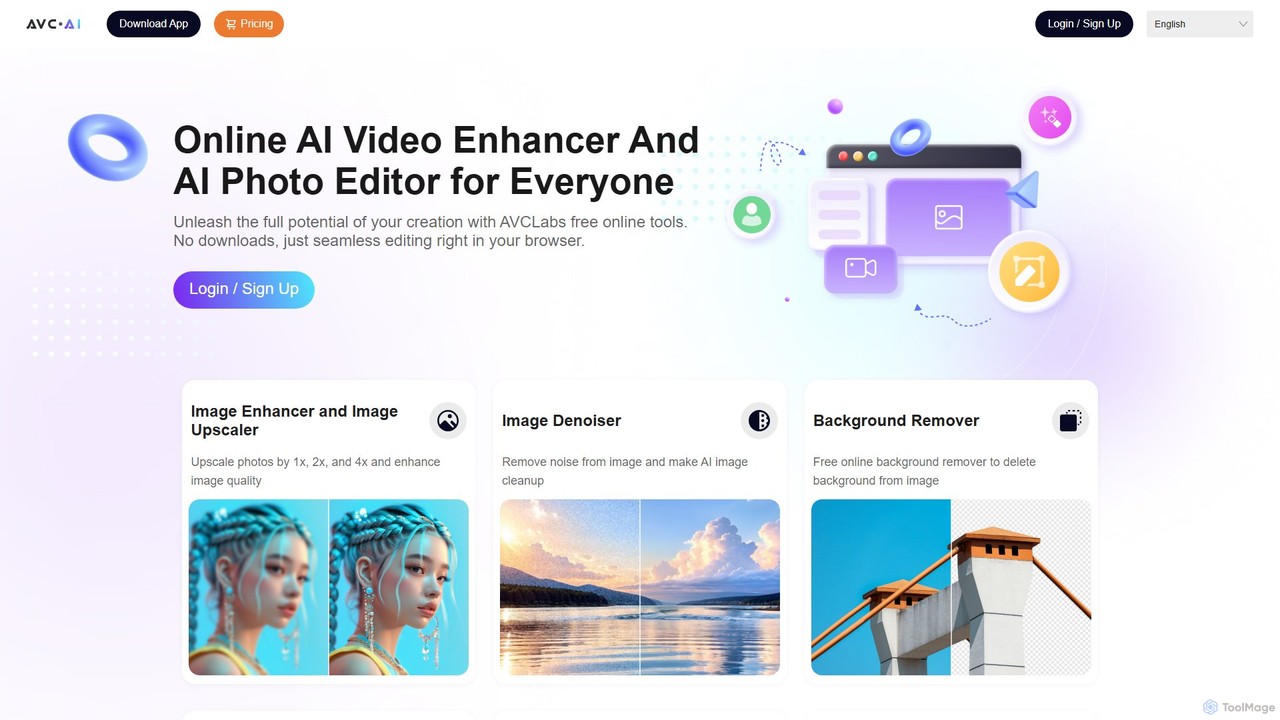
AVC.AI
AVC.AI is a comprehensive AI-powered suite for photo and video enhancement. It offers free online tools for quick tasks like upscaling, denoising, and object removal, alongside powerful desktop software for professional-grade restoration, colorization, and editing. It's designed for both casual users and professionals seeking to improve media quality effortlessly.
3D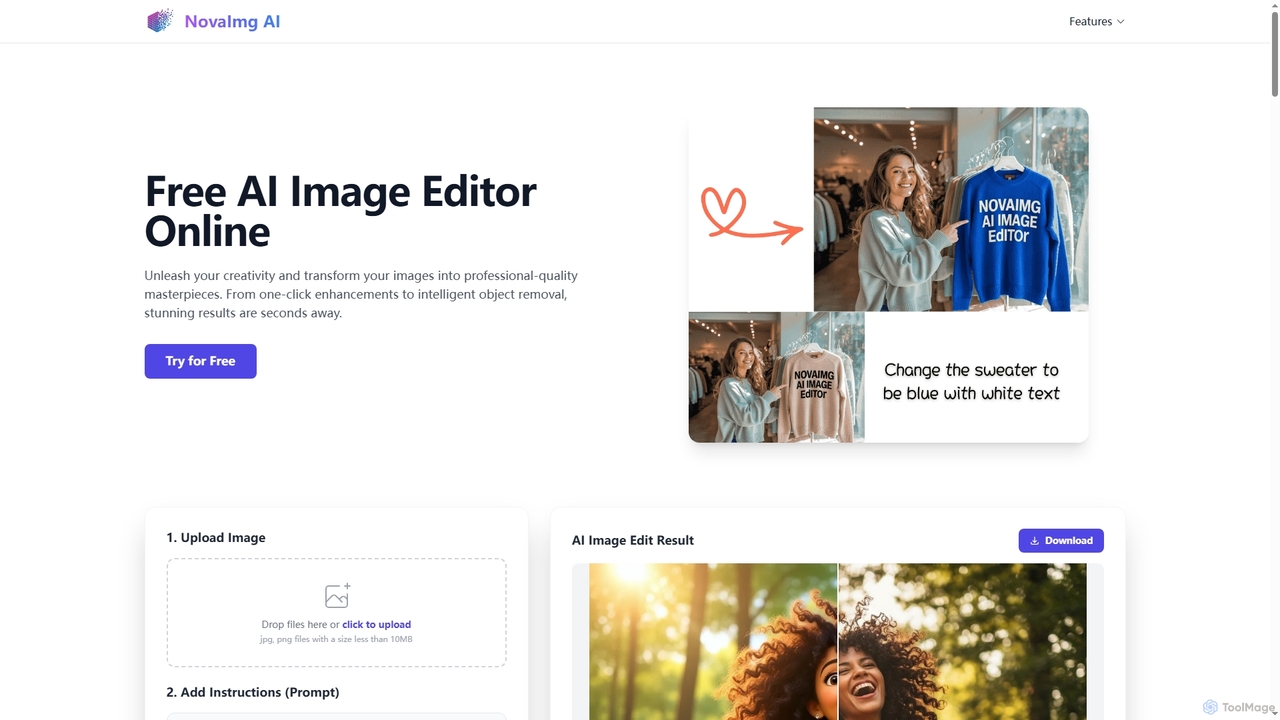
Novaimg
Novaimg is a versatile online AI tool suite for transforming and enhancing visual content. It offers a range of features including AI image editing with text prompts, 4K image upscaling, realistic face swapping for photos, videos, and GIFs, and an intelligent watermark remover. Designed for ease of use, Novaimg helps users create professional-quality images and videos for social media, e-commerce, and creative projects, often for free or with generous daily limits.
Graphic Design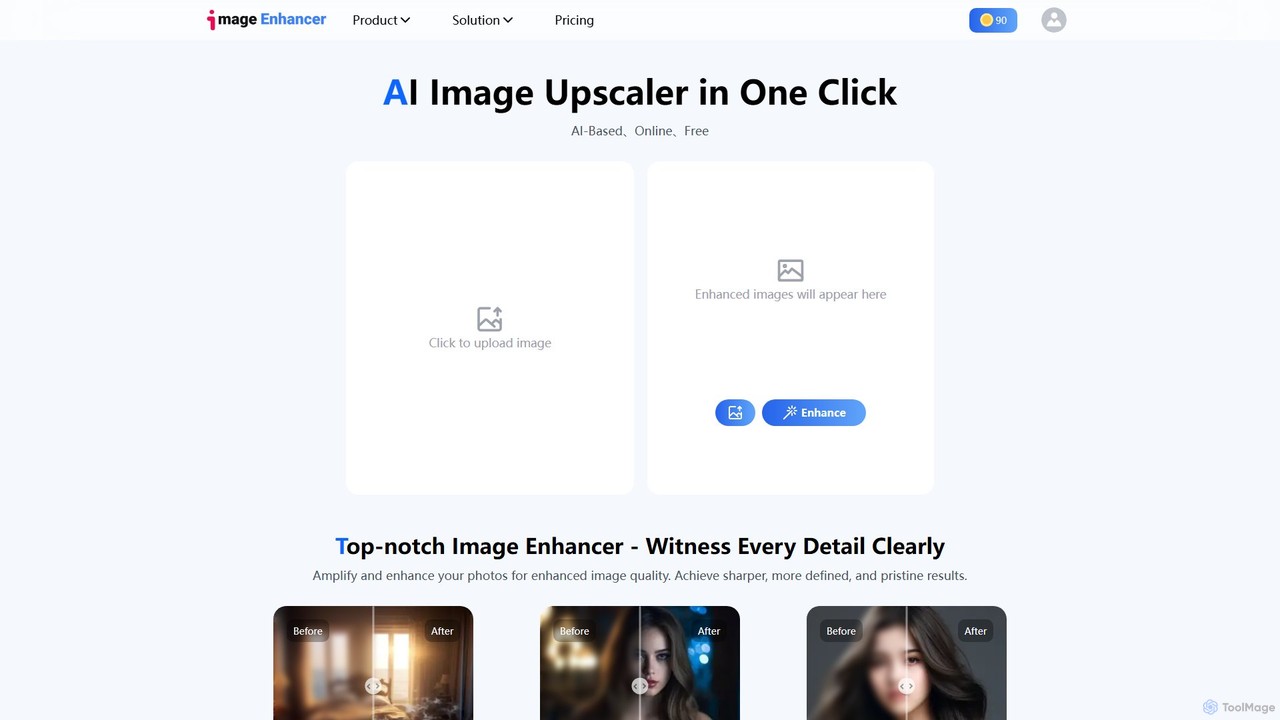
imageenhan
An AI-powered suite of tools for enhancing images and videos. It offers one-click upscaling, sharpening, denoising, background removal, and creative features like cartoonizers and face swapping. Ideal for photographers, designers, and social media users to improve visual quality effortlessly.
GeneratorsAnvsoft
Anvsoft offers a suite of AI-powered multimedia software designed to enhance, convert, and edit videos and photos. Its flagship products, like AI Video Enhancer and AI Video Blur, use advanced algorithms for upscaling, colorization, face refinement, and automatic blurring, catering to both casual users and professionals.
Image Enhancementoptimusdrive
An AI-powered media processing platform offering a suite of tools for video and image optimization. It specializes in high-quality compression, resolution upscaling to 4K, and advanced facial enhancement to transform your media assets for web and streaming.
Image Enhancement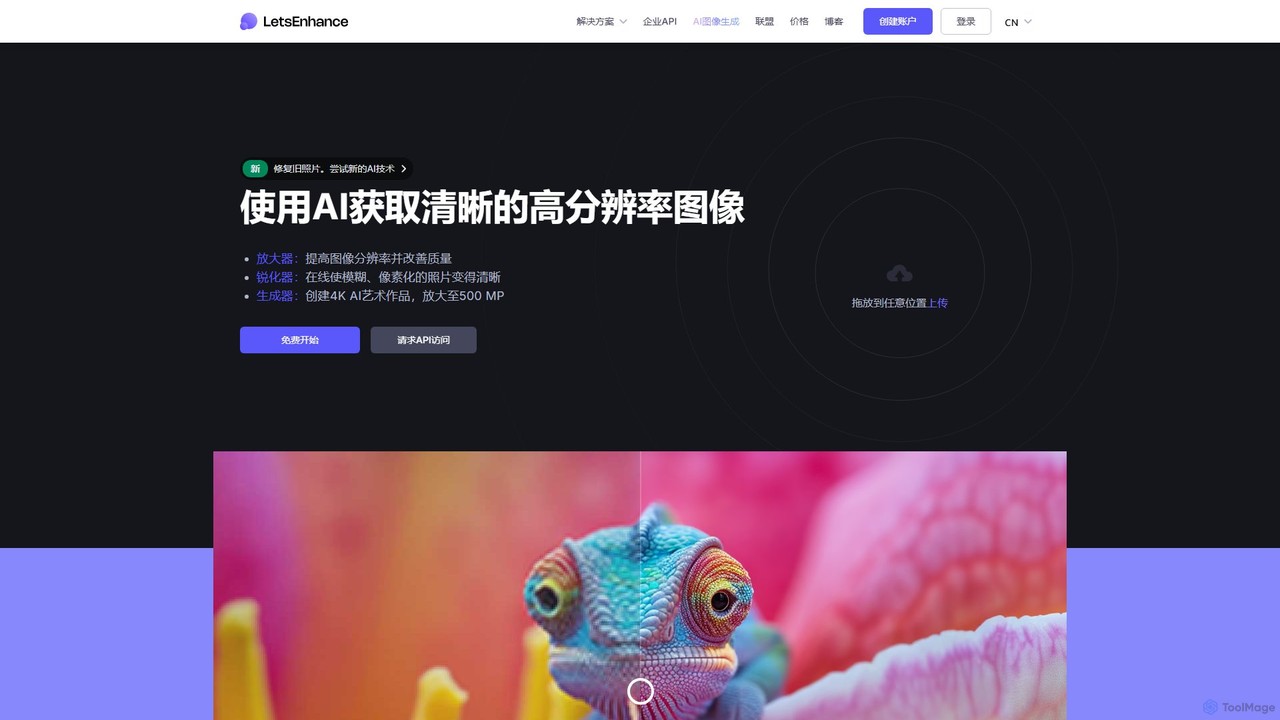
LetsEnhance
An AI-powered platform for image enhancement, upscaling, and generation. It automatically increases image resolution up to 16x, sharpens details, corrects colors, and removes artifacts. Features include old photo restoration, a text-to-image generator for creating high-resolution AI art, and batch processing. Ideal for photographers, designers, e-commerce, and print professionals.
Image Enhancement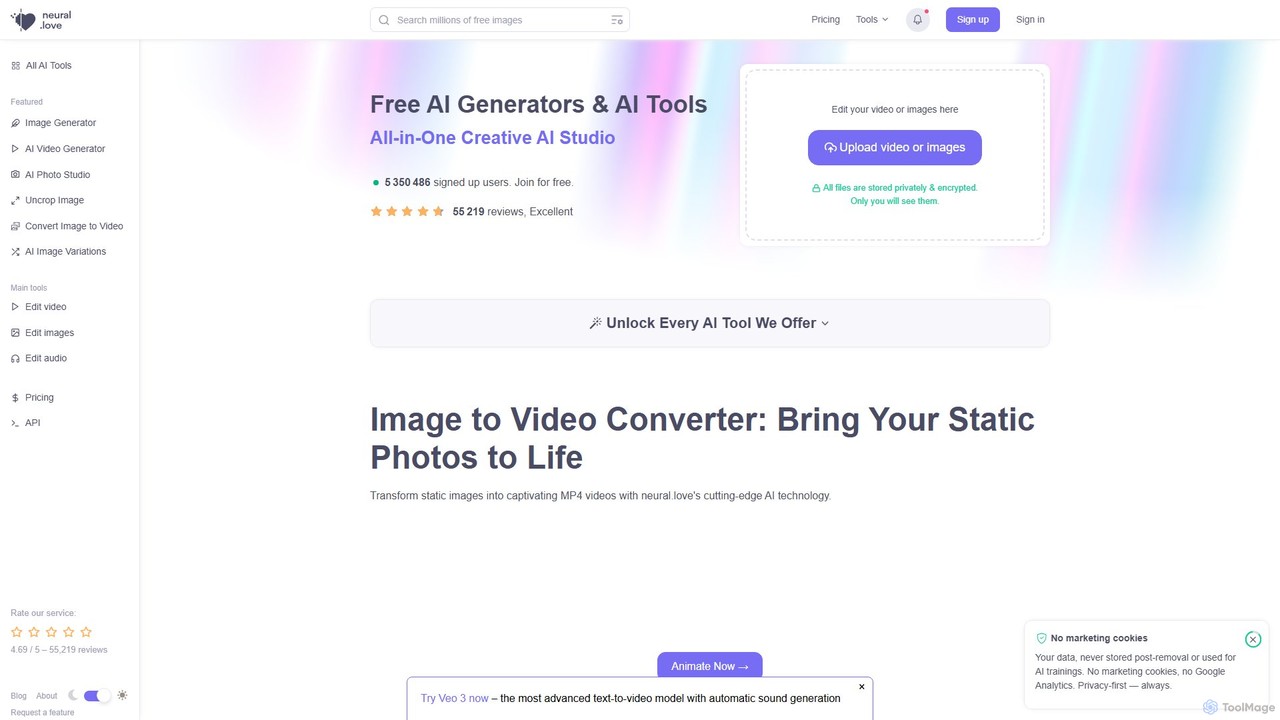
neural.love
An all-in-one AI creative suite offering a wide range of tools for image, video, and audio generation and enhancement. It features an AI art generator, video enhancer, audio restoration, and unique tools like AI Photo Studio and Uncrop. With a strong focus on user privacy, neural.love provides both free and premium plans to accelerate creative workflows for artists, marketers, and developers.
Audio Editing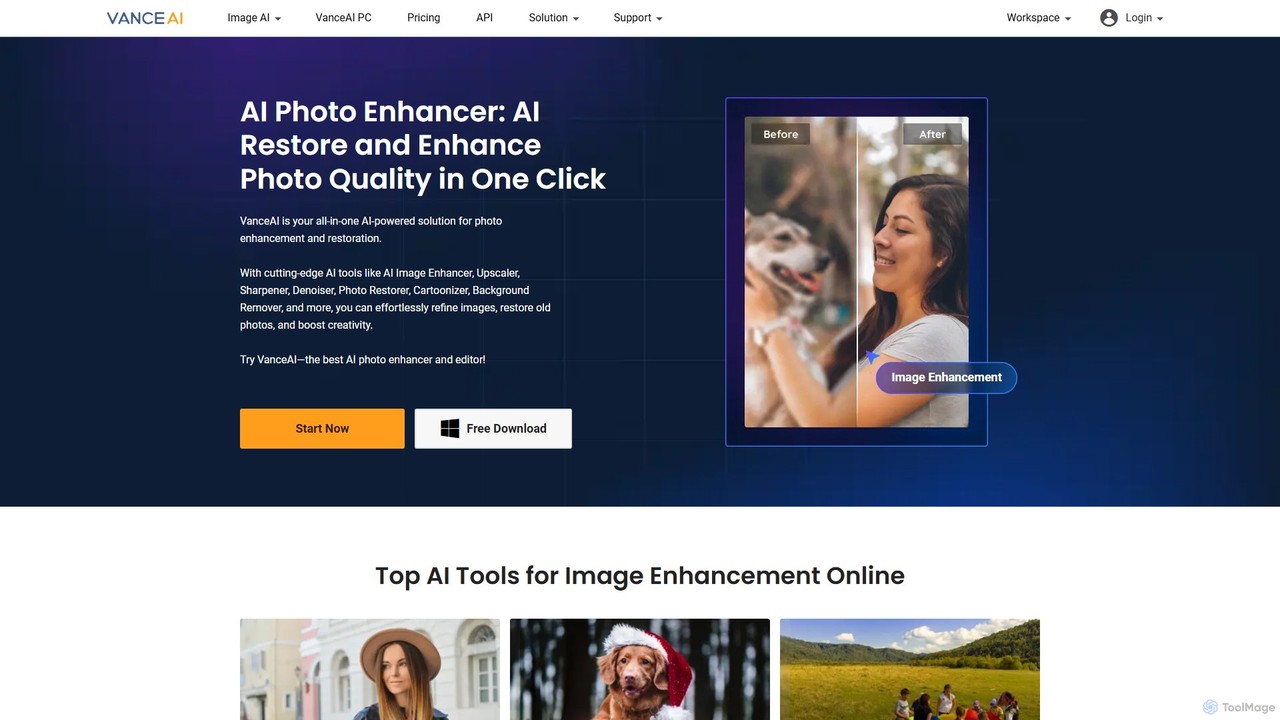
VanceAI
VanceAI is a comprehensive, AI-powered suite for photo enhancement, restoration, and editing. It offers a wide range of tools, including an image upscaler, sharpener, denoiser, background remover, and photo restorer. With one-click solutions and batch processing capabilities, VanceAI helps users from photographers to e-commerce businesses improve image quality, streamline workflows, and boost creativity effortlessly, available both online and as a desktop application.
Image Editing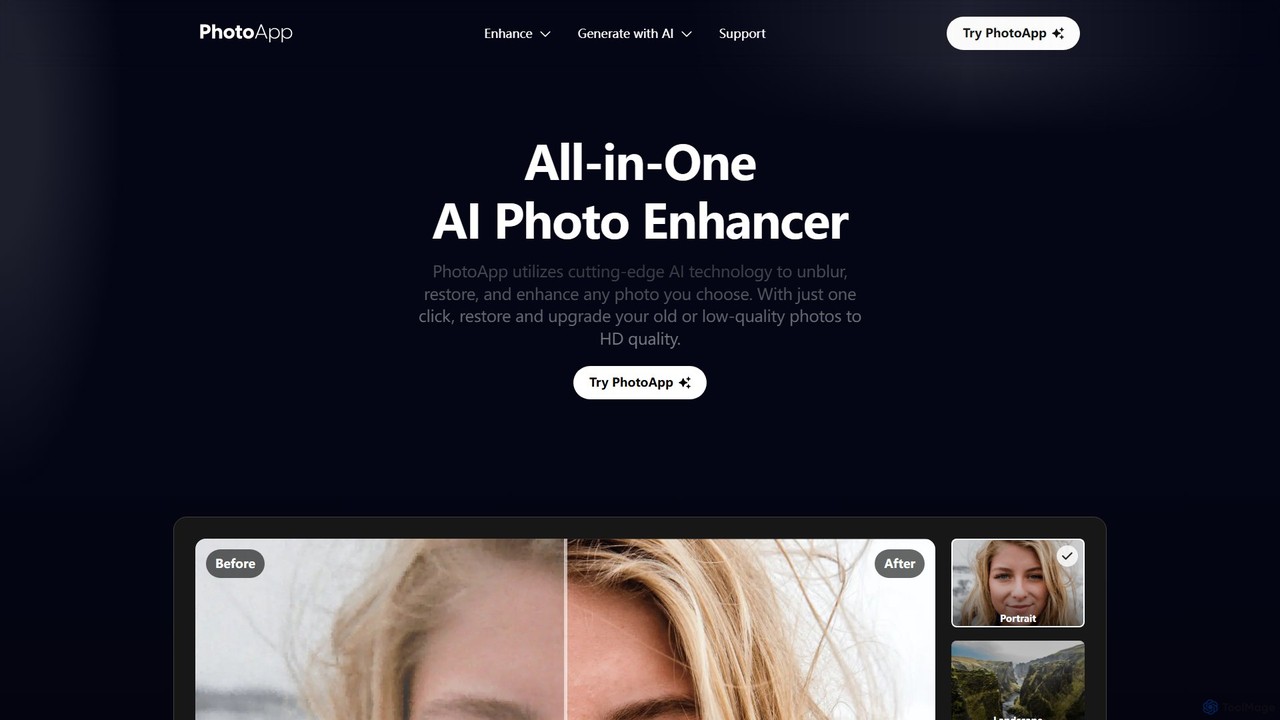
PhotoApp
PhotoApp is an all-in-one AI photo editor that enhances, restores, and unblurs your images with a single click. Using advanced AI, it sharpens details, removes noise, corrects colors, and revives old photos. It also features an AI photo generator to create professional-quality images of yourself. Available on iOS and Android for on-the-go editing.
3D
Jyek
Jyek is an AI agent platform that understands objectives, creates execution plans, uses tools, and delivers verifiable results for complex, multi-step tasks.
Automation
Nero Lens
Nero Lens is an all-in-one AI-powered photo enhancer app that instantly upscales, restores, colorizes, and denoises images. It also features an AI avatar and headshot generator, turning your selfies into stunning, stylized photos for social media, dating profiles, or professional use.
Ai Avatar Generator
Aimages Comments (0)
Sign in to comment.
Sign inNo comments yet.