

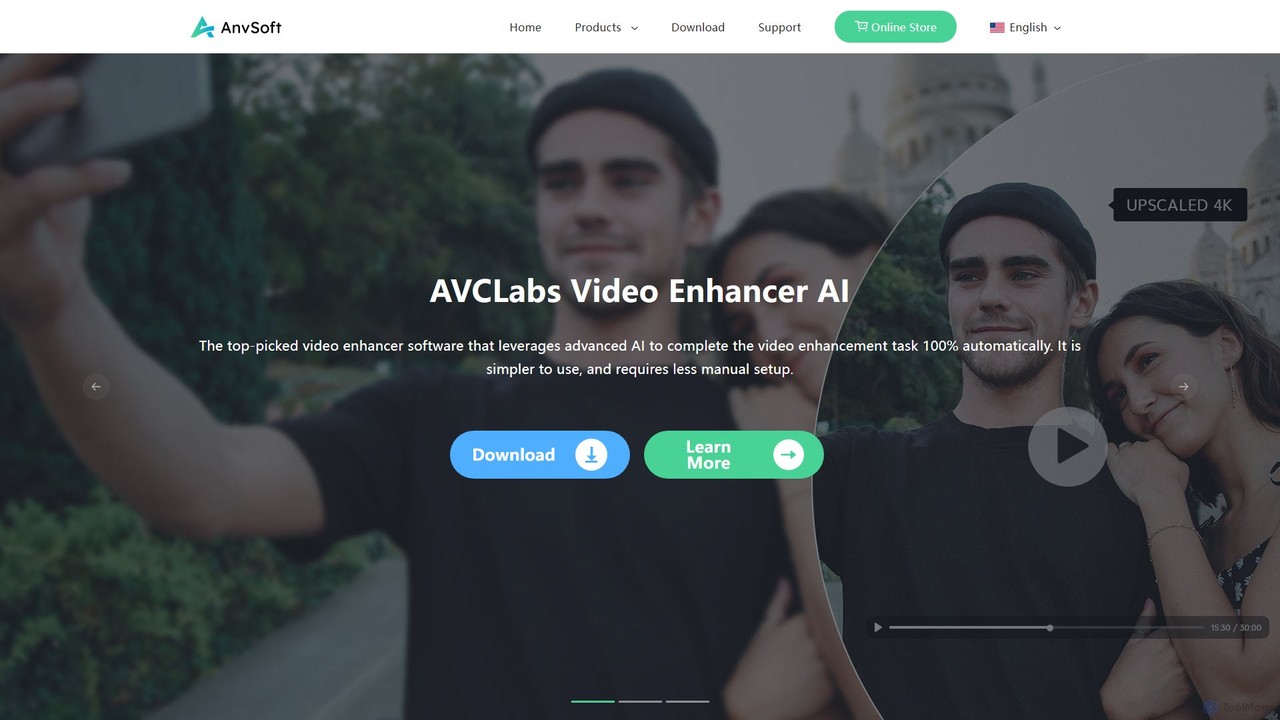
Anvsoft Overview
Anvsoft is a leading software development company specializing in creating powerful and intuitive multimedia applications for Windows and Mac. With a focus on user-centric design, Anvsoft provides a diverse product line that includes video editing, photo processing, and AI-driven enhancement tools. The company is known for its popular products like the free Any Video Converter and the advanced AVCLabs suite, which includes AI Video Enhancer, AI Video Blur, and AI Photo Enhancer.
The core of Anvsoft's offering lies in its application of artificial intelligence to simplify and automate complex editing tasks. Whether you're a professional filmmaker, a content creator, or someone looking to restore precious family memories, Anvsoft provides solutions to elevate your digital media. The tools are designed to be accessible, allowing users to achieve professional-grade results with just a few clicks.
How to use Anvsoft
Using Anvsoft's software follows a straightforward process, designed for efficiency and ease of use:
- Download and Install: Visit the official Anvsoft website and download the desired application (e.g., AI Video Enhancer, Any Video Converter). Follow the on-screen instructions to install it on your Windows or Mac computer.
- Import Media: Launch the software and import your video or photo files. You can typically drag and drop files directly into the application's interface.
- Select AI Features: Choose the specific function you want to apply. This could be upscaling resolution, denoising, colorizing a black and white video, or automatically blurring faces and license plates.
- Customize and Preview: Adjust the settings according to your needs. The software provides a real-time preview, allowing you to see the changes before committing to the final export.
- Process and Export: Once you are satisfied with the preview, start the enhancement process. The AI will analyze and process the file. After completion, you can export the final high-quality media to your computer.
Core Features of Anvsoft
- AI Video Upscaling: Enhance low-resolution videos to stunning HD, 4K, and even 8K quality using advanced neural networks, adding detail and clarity without artifacts.
- Video Denoising and Sharpening: Intelligently remove noise and grain from footage and sharpen blurry videos to restore visual clarity and detail.
- AI Face Enhancement: Automatically detects, recovers, and refines faces in videos, improving skin tones, enhancing facial expressions, and reducing blemishes.
- AI Video Colorization: Transform black and white videos into vibrant color with a single click, using AI to intelligently apply natural and realistic colors.
- Frame Interpolation: Increase the frame rate of videos with motion compensation, creating smoother, more fluid motion for action sequences or slow-motion effects.
- Automatic Video Blurring: Uses AI to automatically detect and blur faces, license plates, or other sensitive objects to protect privacy, reducing manual editing time by up to 90%.
- Comprehensive Video Converter: The free Any Video Converter tool allows users to convert, download, record, and perform basic edits on videos in a wide range of formats.
Use Cases for Anvsoft
Anvsoft's tools are versatile and can be applied in various scenarios:
- Restoring Old Footage: Revitalize old family videos, historical archives, or classic films by upscaling their resolution, removing noise, and adding color.
- Content Creation: YouTubers and social media creators can improve the quality of their footage, making it look more professional and engaging for their audience.
- Professional Post-Production: Filmmakers and videographers can use the tools to fix problematic shots, enhance details, or apply creative effects.
- Privacy Protection: Journalists, law enforcement, and individuals can easily blur sensitive information in videos before sharing them publicly.
- Enhancing Personal Media: Improve the quality of videos and photos taken on older devices or in poor lighting conditions, making your memories look their best.
Advantages of Anvsoft
Anvsoft stands out due to its powerful features and user-friendly approach:
- AI-Powered Automation: Drastically reduces manual effort and time spent on complex editing tasks.
- High-Quality Output: Leverages cutting-edge AI models to deliver superior, natural-looking results.
- Ease of Use: Intuitive interfaces make advanced technology accessible to users of all skill levels.
- Rich Product Line: Offers a comprehensive suite of tools, from a free converter to specialized AI enhancers, meeting diverse user needs.
- Reliable Support: Provides responsive technical support, detailed tutorials, and regular software updates to ensure the best user experience.
Pricing and Plans
Anvsoft employs a freemium model. Any Video Converter is a completely free tool with robust features. The more advanced AI-powered products, such as AVCLabs Video Enhancer AI and AVCLabs Video Blur AI, are premium software. These tools typically offer a free trial with limited functionality. For full access, users can choose from various paid plans, including monthly or annual subscriptions, as well as lifetime licenses. For the most current pricing and plan details, it is recommended to visit the official Anvsoft website.
Traffic
Latest traffic
Status
Monthly traffic trend
- 2025-9: 38.2K
- 2026-1: 52.3K
- 2026-2: 39.8K
- 2026-3: 36.7K
- 2026-4: 33.2K
- 2026-5: 33.3K
Geography
Top 5 countries / regions
- 🇺🇸United States26.7%
- 🇬🇧United Kingdom26.2%
- 🇫🇷France18.8%
- 🇻🇳Vietnam17.5%
- 🇮🇩Indonesia10.8%
Traffic sources
| Source type | Percentage |
|---|---|
Direct | 92.5% |
Referral | 7.5% |
Top keywords
| Keyword | Cost per click |
|---|---|
| anvsoft any video converter | $0.00 |
| anymp4 video converter ultimate | $0.54 |
| any video converter | $0.35 |
| any video converter ultimate | $0.16 |
| syncdroid | $0.14 |
Anvsoft Alternatives

Aimages
Aimages is a powerful online AI tool for enhancing and upscaling videos and images. It uses advanced algorithms to improve quality, fix blur, reduce noise, restore colors, and increase video frame rates. Ideal for professionals and hobbyists looking to restore old media or perfect new content.
Image Generation
pixelhaha
Pixelhaha is an AI-powered creative platform for enhancing visual media. It offers one-click tools to upscale video resolution and improve photo quality, bringing out vibrant colors and sharp details. It also features a text-to-image generator for creating unique AI art. With a user-friendly interface and a flexible pay-as-you-go pricing model, it's designed for content creators, marketers, and enthusiasts.
Image Enhancement
Vmake
Vmake is an all-in-one AI video solution designed for creators. It simplifies video production with features like watermark removal, auto-captions, background removal, and video enhancement. Effortlessly create studio-quality talking videos for social media and marketing without prior experience.
Transcription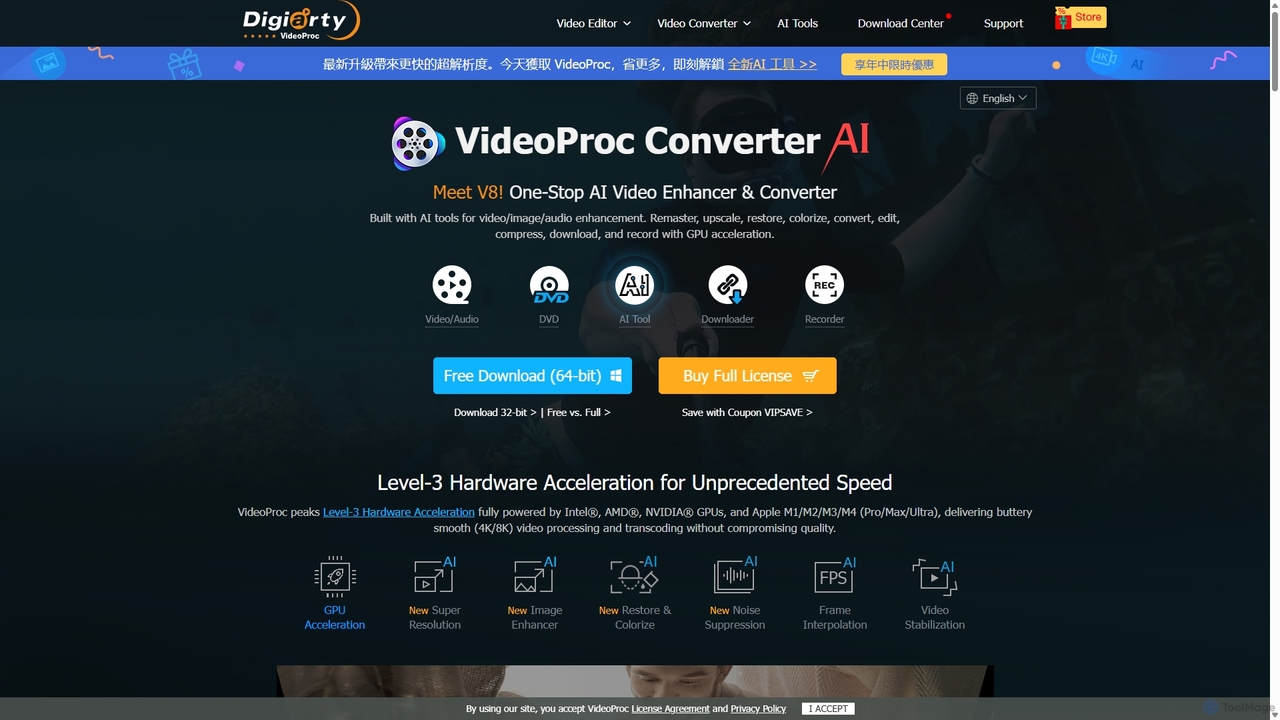
VideoProc
VideoProc is a one-stop, AI-powered media processing suite. It enhances, converts, edits, compresses, downloads, and records 4K/8K videos with full GPU acceleration. Its AI tools upscale video/images, stabilize shaky footage, interpolate frames for smooth motion, and remove background noise from audio.
Audio Editing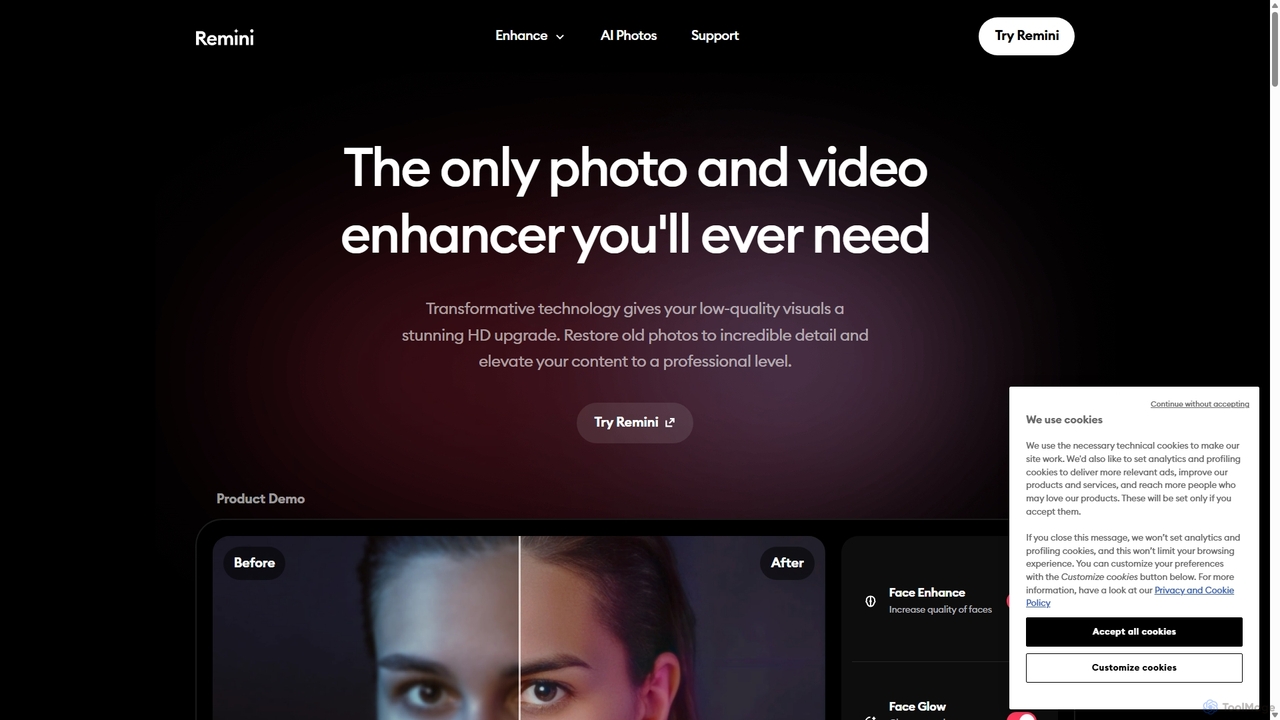
Remini
Remini is an AI-powered photo and video enhancer that transforms low-quality, blurry, or old images and videos into stunning high-definition visuals. Using advanced AI, it restores details, sharpens focus, reduces noise, and can even generate professional-quality AI photos of yourself.
3DAnvsoft Categories
Anvsoft Embed Widget
Copy this embed code to place the badge on your blog, article, or product site and send readers directly to this ToolMage detail page.

Related AI tools
Aimages
Aimages is a powerful online AI tool for enhancing and upscaling videos and images. It uses advanced algorithms to improve quality, fix blur, reduce noise, restore colors, and increase video frame rates. Ideal for professionals and hobbyists looking to restore old media or perfect new content.
Image Generationpixelhaha
Pixelhaha is an AI-powered creative platform for enhancing visual media. It offers one-click tools to upscale video resolution and improve photo quality, bringing out vibrant colors and sharp details. It also features a text-to-image generator for creating unique AI art. With a user-friendly interface and a flexible pay-as-you-go pricing model, it's designed for content creators, marketers, and enthusiasts.
Image Enhancement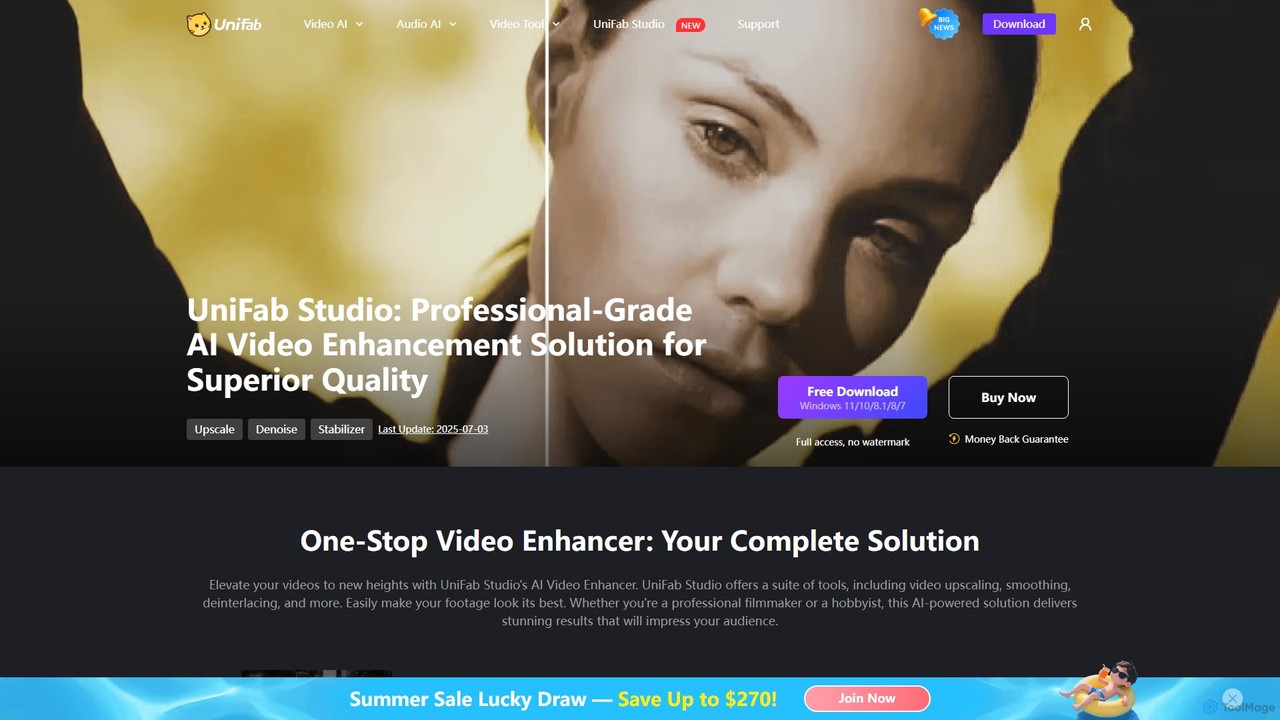
UniFab Studio
UniFab Studio is an all-in-one, AI-powered video enhancement suite designed for professionals and enthusiasts. It elevates video quality by upscaling to 4K/8K, converting SDR to HDR, stabilizing shaky footage, removing noise, and increasing frame rates up to 120FPS. With GPU acceleration and a user-friendly interface, it delivers professional-grade results efficiently.
Creative Tools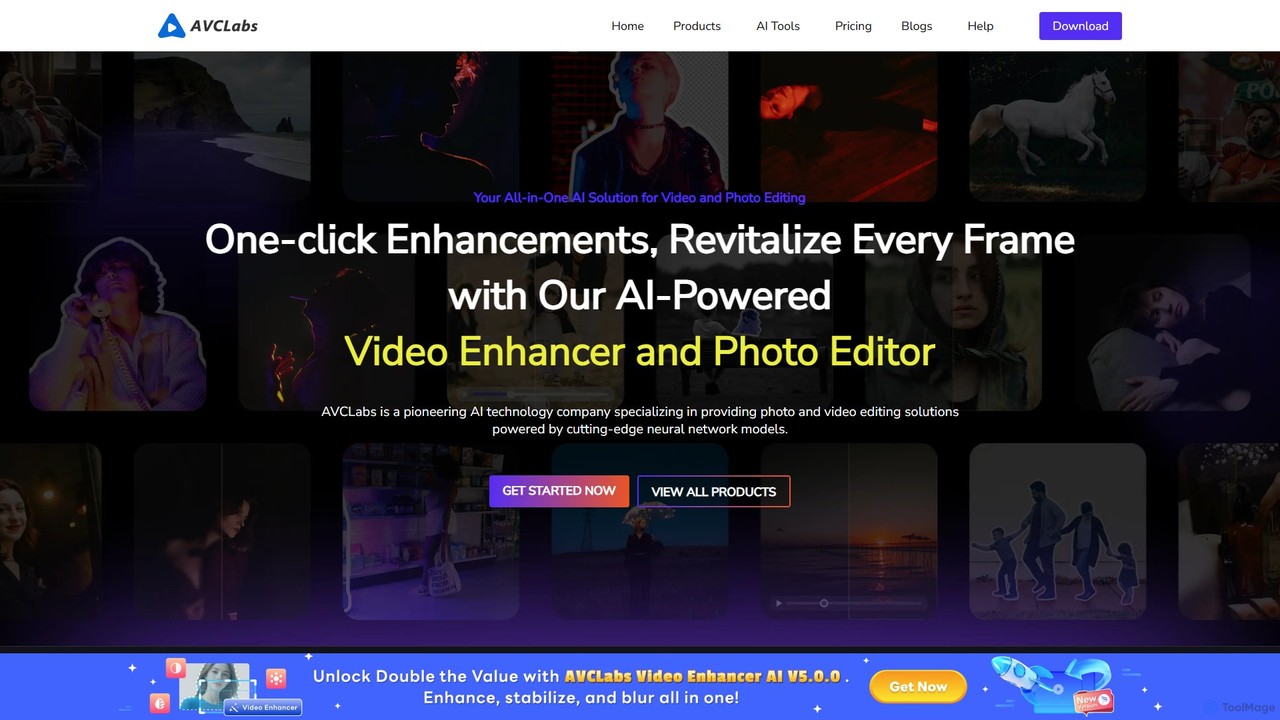
AVCLabs
AVCLabs offers a suite of AI-powered desktop applications designed to enhance, restore, upscale, and edit videos and photos. It leverages artificial intelligence to automate complex tasks like quality improvement to 4K/8K, colorization, noise reduction, and privacy blurring, making professional-grade results accessible to everyone.
Enhancement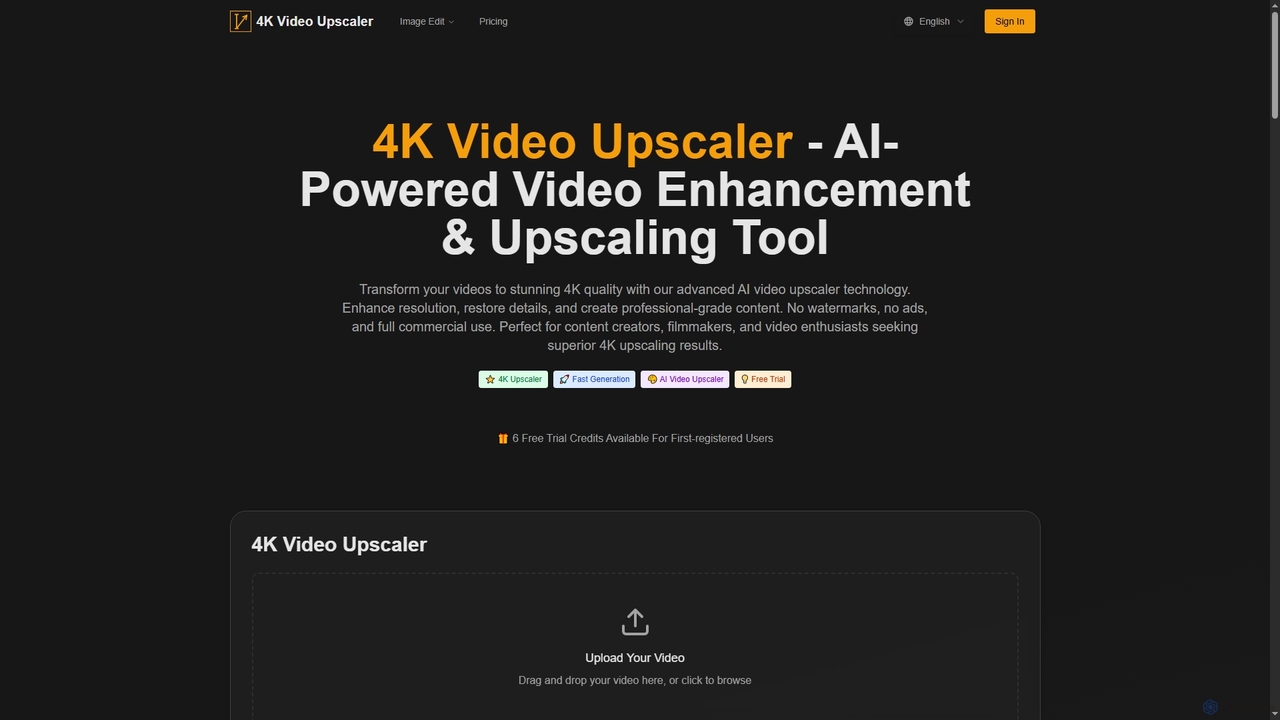
4K Upscaler
4K Upscaler is an advanced AI-powered online tool designed to transform low-resolution videos into stunning 4K quality. It enhances resolution, restores fine details, reduces noise, and improves color, making professional-grade video enhancement accessible to everyone without watermarks or ads, and with full commercial use rights.
3DVmake
Vmake is an all-in-one AI video solution designed for creators. It simplifies video production with features like watermark removal, auto-captions, background removal, and video enhancement. Effortlessly create studio-quality talking videos for social media and marketing without prior experience.
TranscriptionVideoProc
VideoProc is a one-stop, AI-powered media processing suite. It enhances, converts, edits, compresses, downloads, and records 4K/8K videos with full GPU acceleration. Its AI tools upscale video/images, stabilize shaky footage, interpolate frames for smooth motion, and remove background noise from audio.
Audio EditingRemini
Remini is an AI-powered photo and video enhancer that transforms low-quality, blurry, or old images and videos into stunning high-definition visuals. Using advanced AI, it restores details, sharpens focus, reduces noise, and can even generate professional-quality AI photos of yourself.
3D
DVDFab
DVDFab is a comprehensive multimedia toolkit for DVD/Blu-ray/4K UHD backup, ripping, and conversion. It features AI-powered video enhancement to upscale resolution up to 8K, convert SDR to HDR, and denoise footage. The suite also includes tools for downloading videos and music from over 1000 streaming services.
Audio Editing
UniFab
UniFab is an all-in-one AI-powered video and audio enhancement suite. It upscales videos to 16K, converts SDR to HDR, denoises, colorizes, and stabilizes footage. It also features audio upmixing to surround sound, format conversion for over 1000 formats, and free tools like a vocal and background remover. Designed for both professionals and enthusiasts, it streamlines content creation with a user-friendly interface and GPU-accelerated processing.
Audio Editing
Nero AI
Nero AI is a professional AI-powered software suite for PC, designed to enhance, upscale, and restore photos and videos. It offers tools for 4K image and video upscaling, as well as intelligent object and face blurring for privacy.
Image Enhancement
Leawo
Leawo is a comprehensive multimedia software suite for Windows and Mac. It offers a wide range of tools for managing, converting, copying, and downloading video, Blu-ray, DVD, and audio files. It also includes utilities for mobile data transfer and AI-powered photo enhancement.
File Management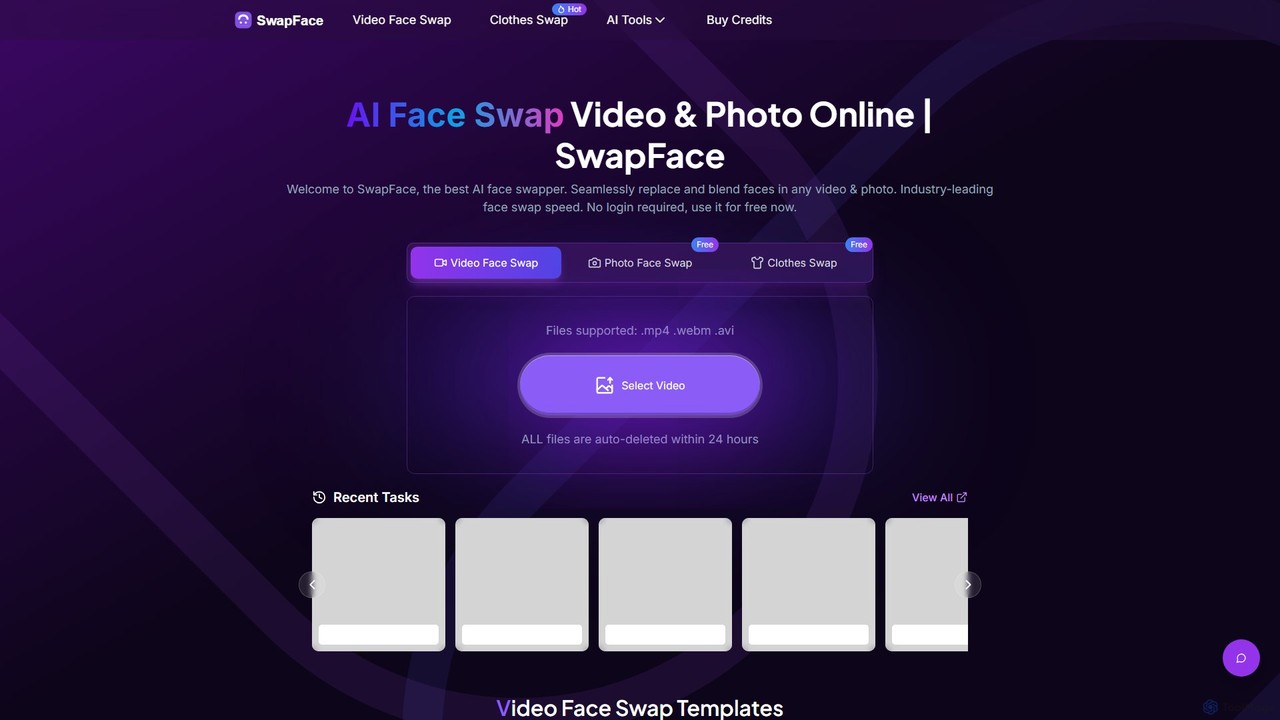
Swapface
Swapface is an advanced AI-powered online platform for creating high-quality, realistic face swaps in videos, photos, and GIFs. It offers a comprehensive suite of tools, including clothes swapping, expression changing, and media enhancement, catering to both entertainment and professional content creation needs. Get started for free and explore a new dimension of digital creativity.
Api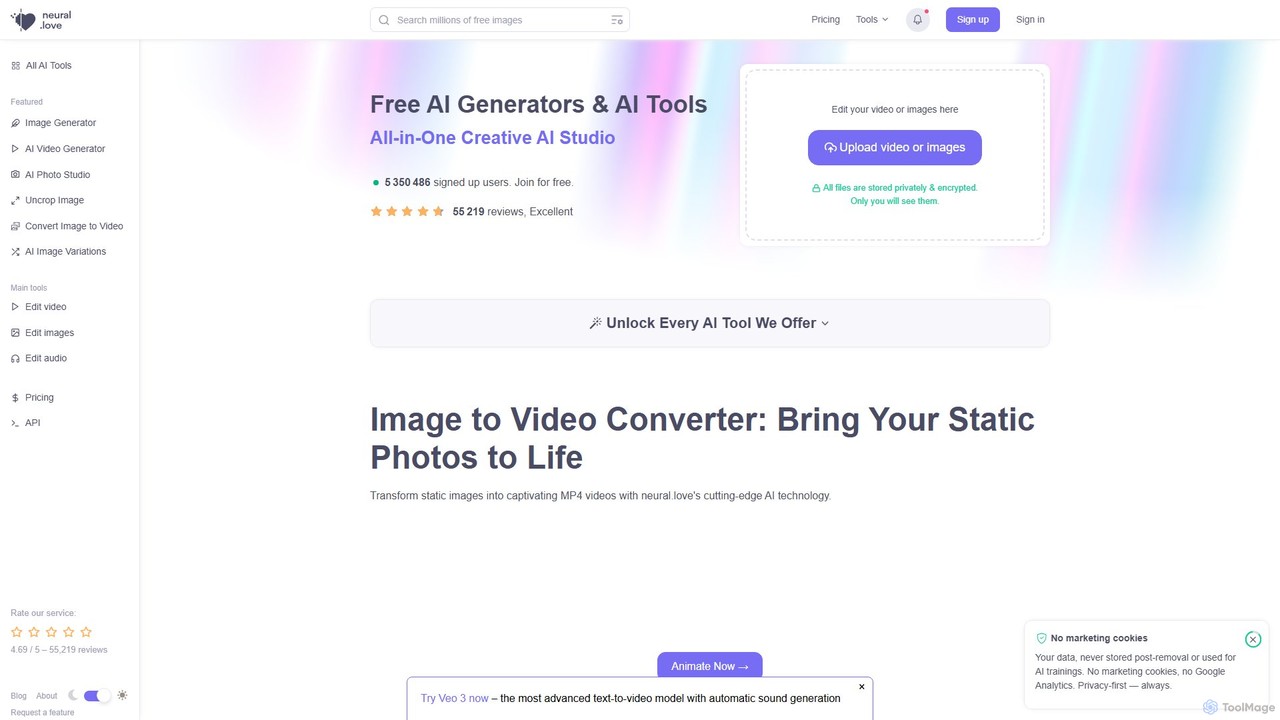
neural.love
An all-in-one AI creative suite offering a wide range of tools for image, video, and audio generation and enhancement. It features an AI art generator, video enhancer, audio restoration, and unique tools like AI Photo Studio and Uncrop. With a strong focus on user privacy, neural.love provides both free and premium plans to accelerate creative workflows for artists, marketers, and developers.
Audio Editing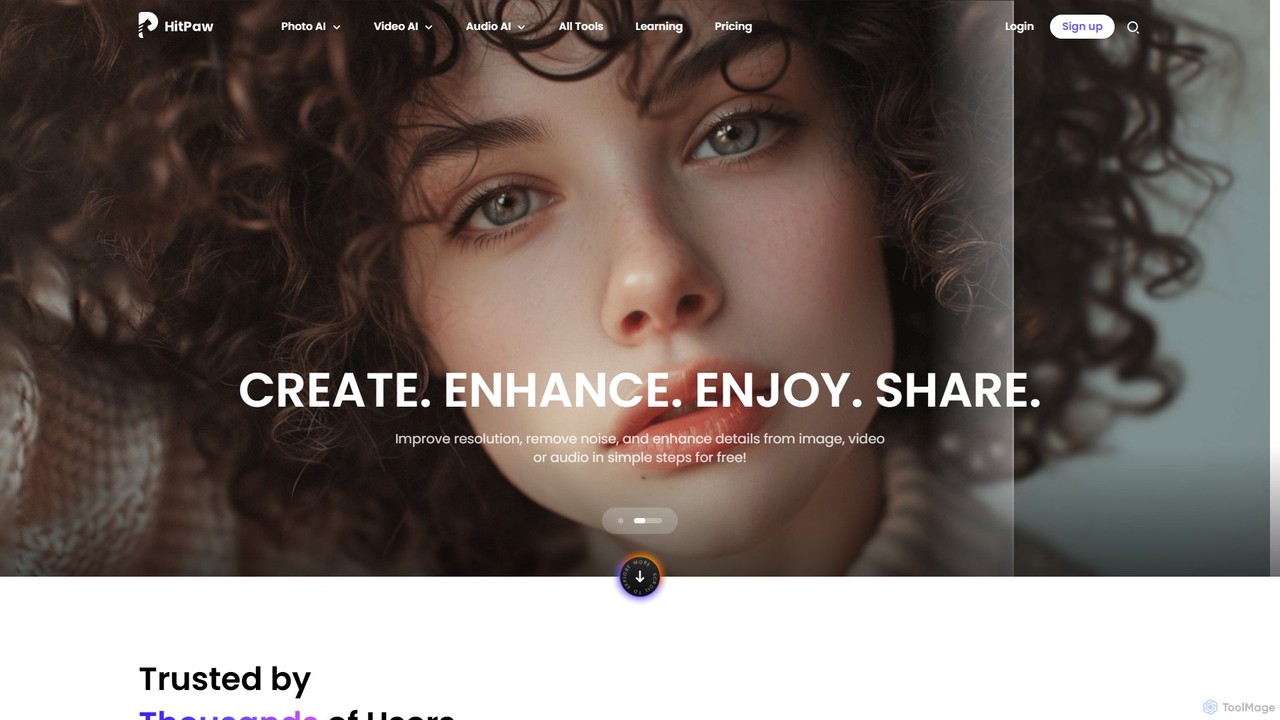
HitPaw Online
HitPaw Online is a comprehensive suite of AI-powered media editing tools. Accessible directly from your browser, it offers over 48 tools for enhancing photos, editing videos, and improving audio. Key features include an AI photo and video enhancer, background and watermark remover, and an AI video translator with voice cloning. It's designed for users of all levels, from social media creators to marketing professionals, providing a one-stop solution for all creative needs.
Audio Editing
Anvsoft Comments (0)
Sign in to comment.
Sign inNo comments yet.