

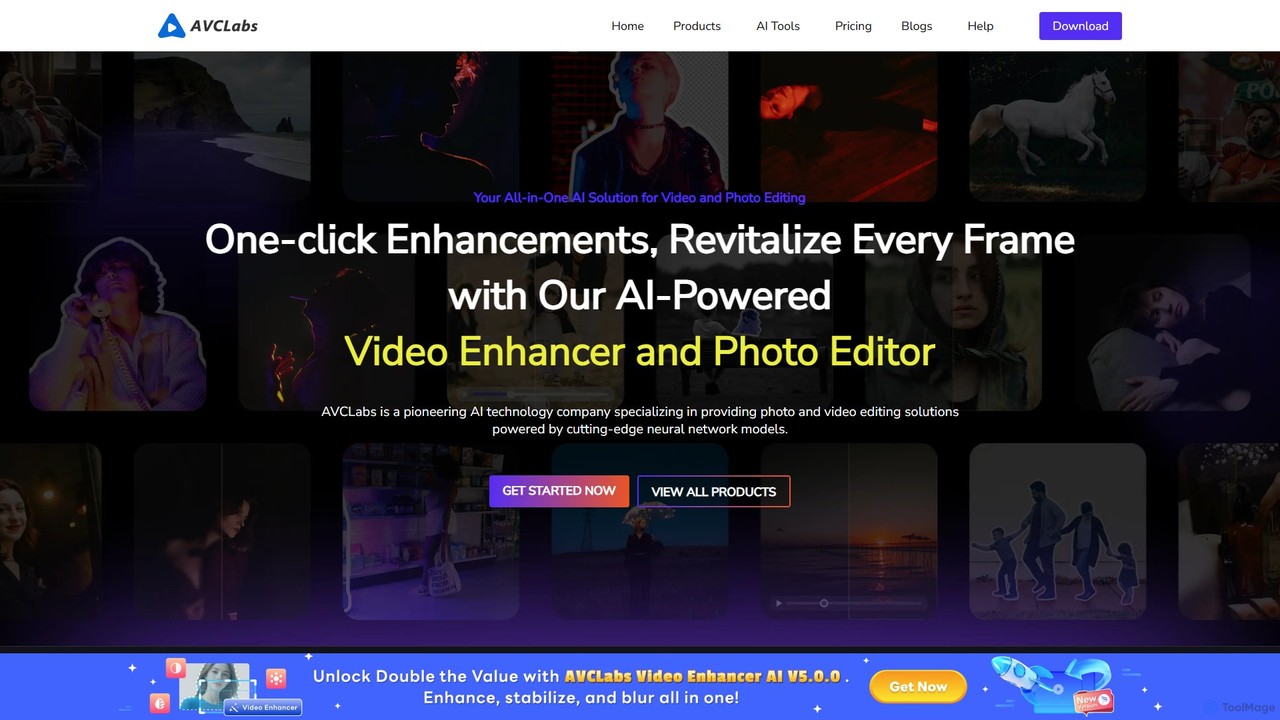
AVCLabs Overview
AVCLabs is a comprehensive suite of AI-driven desktop software dedicated to revolutionizing video and photo editing. Evolving from the legacy of Any Video Converter, AVCLabs has focused on artificial intelligence since 2019 to provide powerful, automated solutions for media enhancement. The suite includes specialized tools like Video Enhancer AI, Photo Enhancer AI, PhotoPro AI, and Video Blur AI, each designed to tackle specific challenges in media processing. Whether you're a professional creator, a hobbyist, or someone looking to preserve precious memories, AVCLabs provides the tools to transform your media with stunning clarity and detail.
The core philosophy of AVCLabs is to simplify complex editing processes through intelligent automation. By utilizing advanced AI models and leveraging modern hardware acceleration (NVIDIA, Apple M1/M2), the software can perform tasks that would traditionally require hours of manual work in a fraction of the time. From upscaling old home movies to HD or 4K, restoring damaged photographs, to protecting privacy in vlogs, AVCLabs offers a versatile and powerful toolkit.
How to use AVCLabs
Using the AVCLabs suite is designed to be intuitive, generally following these steps:
- Download and Install: Choose the appropriate software from the AVCLabs website (e.g., Video Enhancer AI, PhotoPro AI) and install it on your Windows or Mac computer.
- Import Media: Launch the application and import your video or photo files. You can typically drag and drop files directly into the interface. Batch processing is supported for handling multiple files at once.
- Select AI Features: Choose the desired function from the feature list. This could be AI Enhancement, Colorization, Face Enhancement, Video Stabilization, or Blurring. Select the AI model that best suits your content (e.g., Standard, Ultra, Anime).
- Customize Settings: Fine-tune the output by adjusting parameters like resolution, brightness, contrast, and saturation. You can also crop the frame or deinterlace the video for better quality.
- Preview the Result: Use the preview function to see a side-by-side comparison of the original and enhanced media. This allows you to check the results before committing to a full export.
- Start Processing: Once you are satisfied with the settings, click the 'Start Processing' button to begin the enhancement. The software will use your computer's GPU to accelerate the process.
- Export and Save: After the processing is complete, you can find the high-quality, enhanced file in your specified output folder.
Core Features of AVCLabs
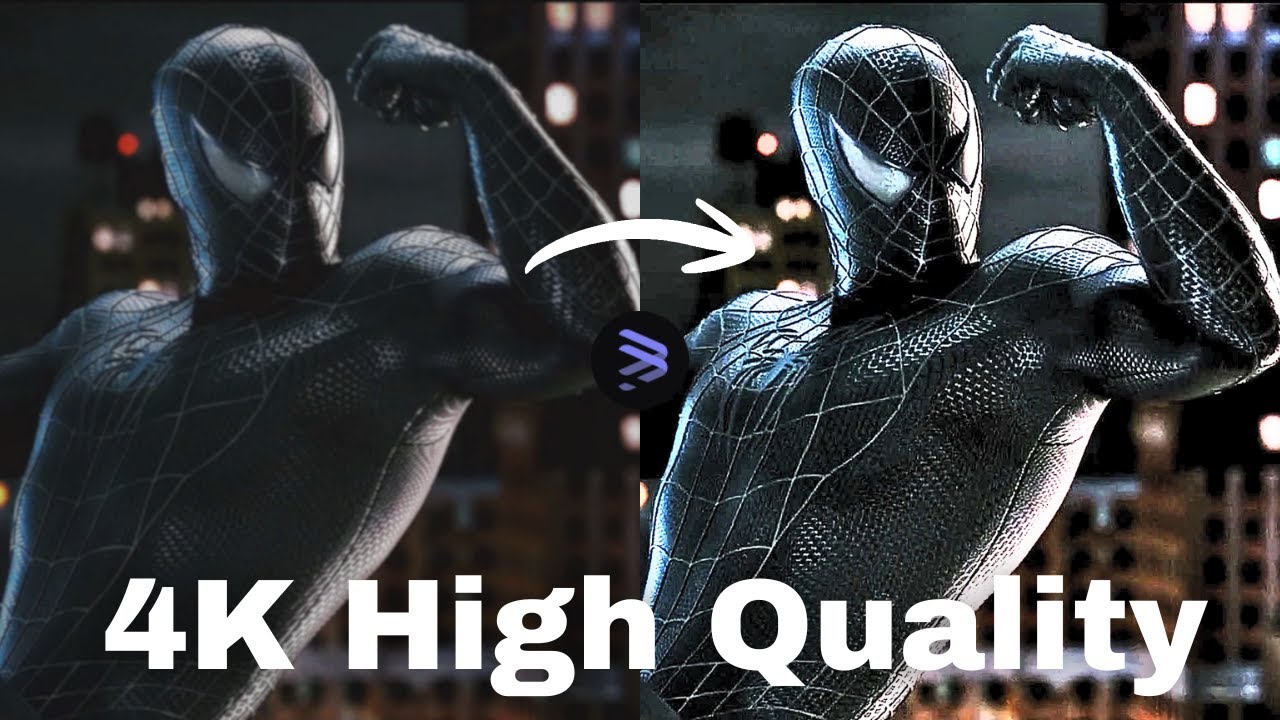
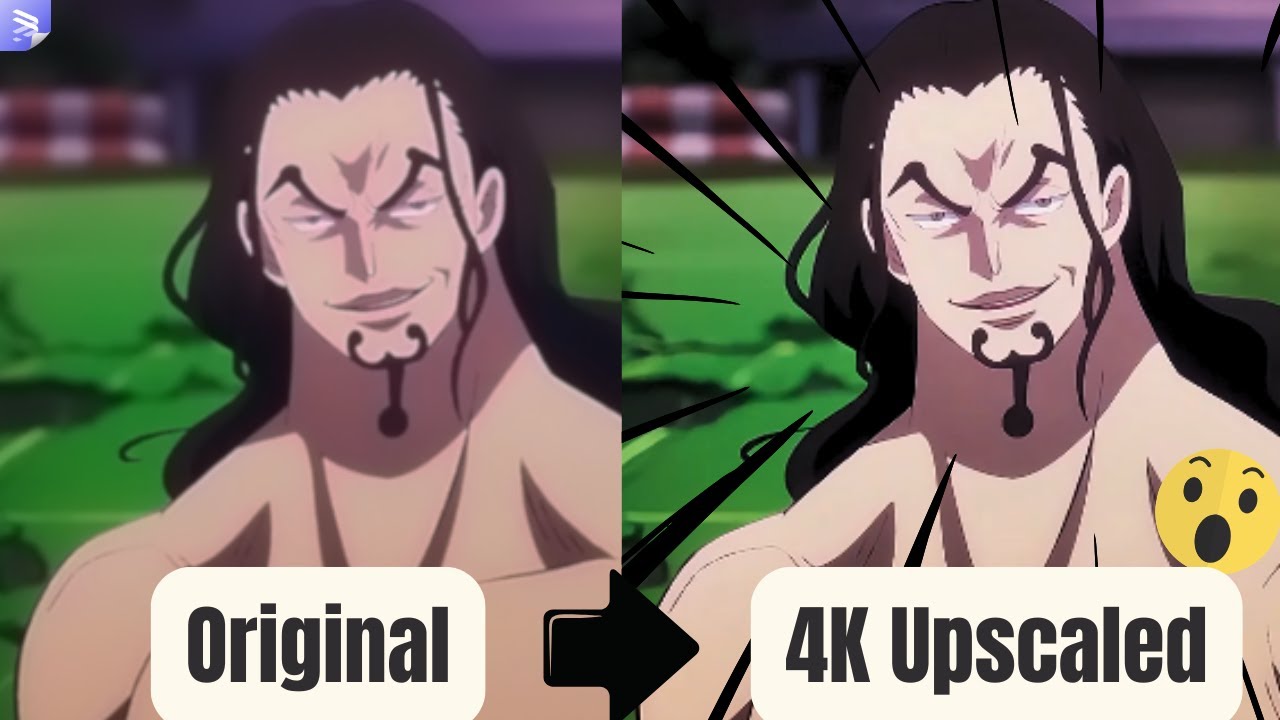
- AI Video Enhancement: Upscale low-resolution videos to HD, 4K, and even 8K. It intelligently improves video quality by reducing noise, removing blur, and enhancing details.
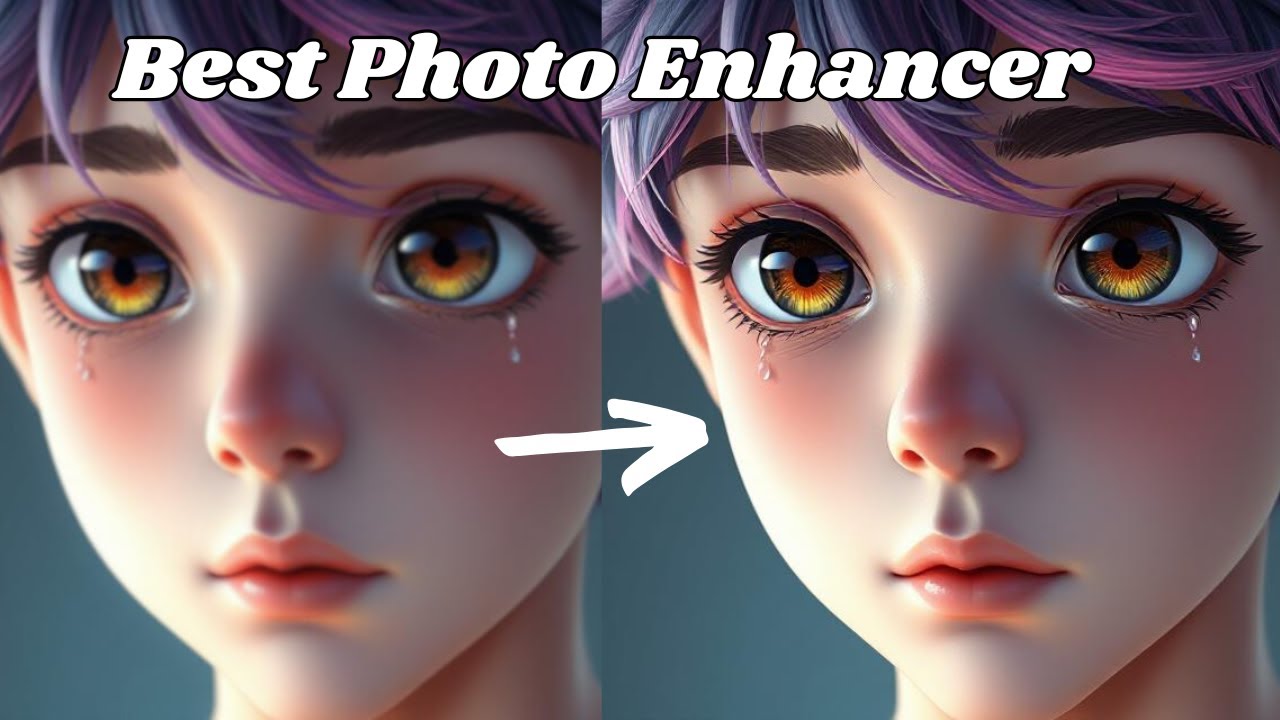
- AI Photo Restoration & Enhancement: Restore old, scratched, or blurry photos. It can remove noise, sharpen details, improve colors, and upscale low-resolution images without losing quality.
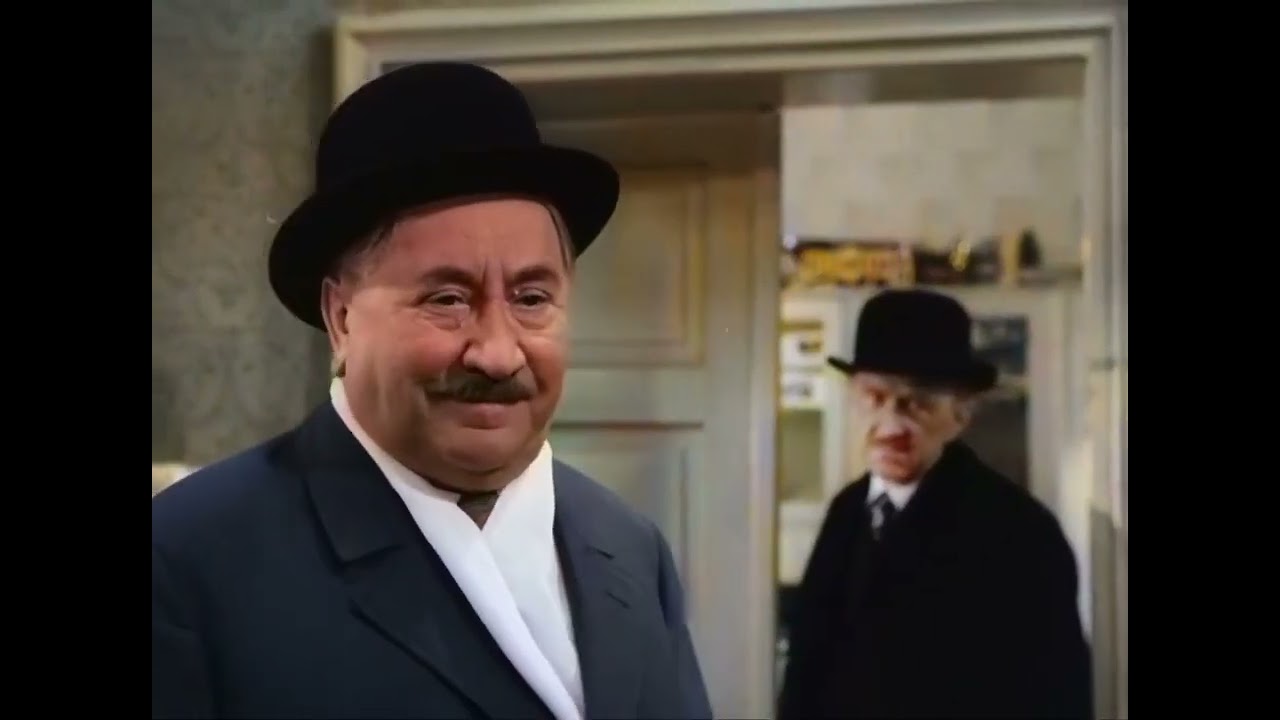
- AI Colorization: Automatically add natural and realistic colors to black and white photos and videos with a single click.
- Face Enhancement: A dedicated AI model that focuses on refining facial details in videos and photos, making portraits clearer and more defined.
- Video Stabilization: Reduce shakiness and instability in handheld footage to produce a smoother, more professional-looking video.
- Privacy Protection (Video Blur): Intelligently detect and blur faces, license plates, backgrounds, or any moving object in a video to protect privacy.
- Background Removal: Effortlessly remove or change the background of photos with precise AI-powered cutouts.
- Motion Compensation: A frame interpolation technique that increases video frame rate (e.g., from 30fps to 60fps) for smoother motion.
Use Cases for AVCLabs
AVCLabs is versatile and serves a wide range of users:
- Memory Preservation: Restoring and colorizing old family photos and home movies, bringing cherished moments back to life with incredible clarity.
- Professional Videography & Photography: Enhancing footage from drones, old cameras, or low-light environments. Upscaling content for high-resolution displays.
- E-commerce: Improving product photos and videos to highlight details and textures, leading to increased customer engagement and sales.
- Social Media Content Creation: Upscaling videos for platforms like TikTok and YouTube to 4K/60fps for superior quality. Blurring backgrounds or faces in vlogs for privacy.
- Genealogy Research: Restoring and colorizing historical photos of ancestors for family tree projects, as praised by users.
- Business & Security: Blurring sensitive information, faces, or license plates in corporate or surveillance videos.
Advantages of AVCLabs
AVCLabs stands out due to its powerful, user-centric features:
- Efficiency: AI automation drastically reduces the time and cost associated with manual video and photo editing.
- High-Quality Output: The use of trained AI models ensures natural and detailed results, avoiding common artifacts found in traditional upscaling methods.
- User-Friendly: Despite its powerful capabilities, the software features a clean and intuitive interface suitable for both beginners and professionals.
- Comprehensive Suite: Offers a wide range of tools that cover almost every aspect of media enhancement and restoration.
- Hardware Acceleration: Optimized to use dedicated GPUs (NVIDIA, AMD) and Apple Silicon (M1/M2) for significantly faster processing speeds.
Pricing and Plans
AVCLabs operates on a paid model, offering various licensing options for its suite of desktop applications. Users can typically download a free trial version of each product to test its capabilities, though these trials may have limitations (e.g., watermarks or limited processing length). The pricing structure generally includes:
- Monthly Subscriptions
- Annual Subscriptions
- Lifetime (Perpetual) Licenses
Each product (e.g., Video Enhancer AI, Photo Enhancer AI) is sold separately. For the most accurate and up-to-date pricing, please visit the official AVCLabs website.
Traffic
Latest traffic
Status
Monthly traffic trend
- 2025-9: 356.4K
- 2026-1: 264.1K
- 2026-2: 179.6K
- 2026-3: 189.1K
- 2026-4: 188.4K
- 2026-5: 183.4K
Geography
Top 5 countries / regions
- 🇺🇸United States38.7%
- 🇯🇵Japan20.4%
- 🇩🇪Germany20.0%
- 🇷🇺Russia10.8%
- 🇮🇳India10.1%
Traffic sources
| Source type | Percentage |
|---|---|
Direct | 84.3% |
Referral | 14.3% |
Email | 1.5% |
Top keywords
| Keyword | Cost per click |
|---|---|
| avclabs | $1.43 |
| avclabs photopro ai | $0.00 |
| avclabs video blur ai | $0.80 |
| avclabs video enhancer ai | $1.80 |
| бесплатно, без лимитов и кредитов генерировать изображение в ии | $0.00 |
AVCLabs Videos on YouTube


AVCLabs Alternatives

Aiarty
Aiarty is a suite of AI-powered desktop software for next-generation image and video enhancement. It offers dedicated tools for upscaling visuals to 4K/8K/32K, denoising, deblurring, and performing precise, professional-grade image matting (background removal). Optimized for AIPC and GPU acceleration, it serves photographers, designers, e-commerce professionals, and content creators.
3D
VidHex
VidHex is an all-in-one, AI-powered desktop application for Windows and Mac designed to enhance, restore, and upscale video quality. It offers a suite of tools for intelligent upscaling to 4K/8K, realistic colorization of black-and-white footage, video repair, denoising, and frame interpolation. It's built for content creators, e-commerce sellers, educators, and anyone looking to transform imperfect videos into stunning visual experiences with minimal effort.
Tools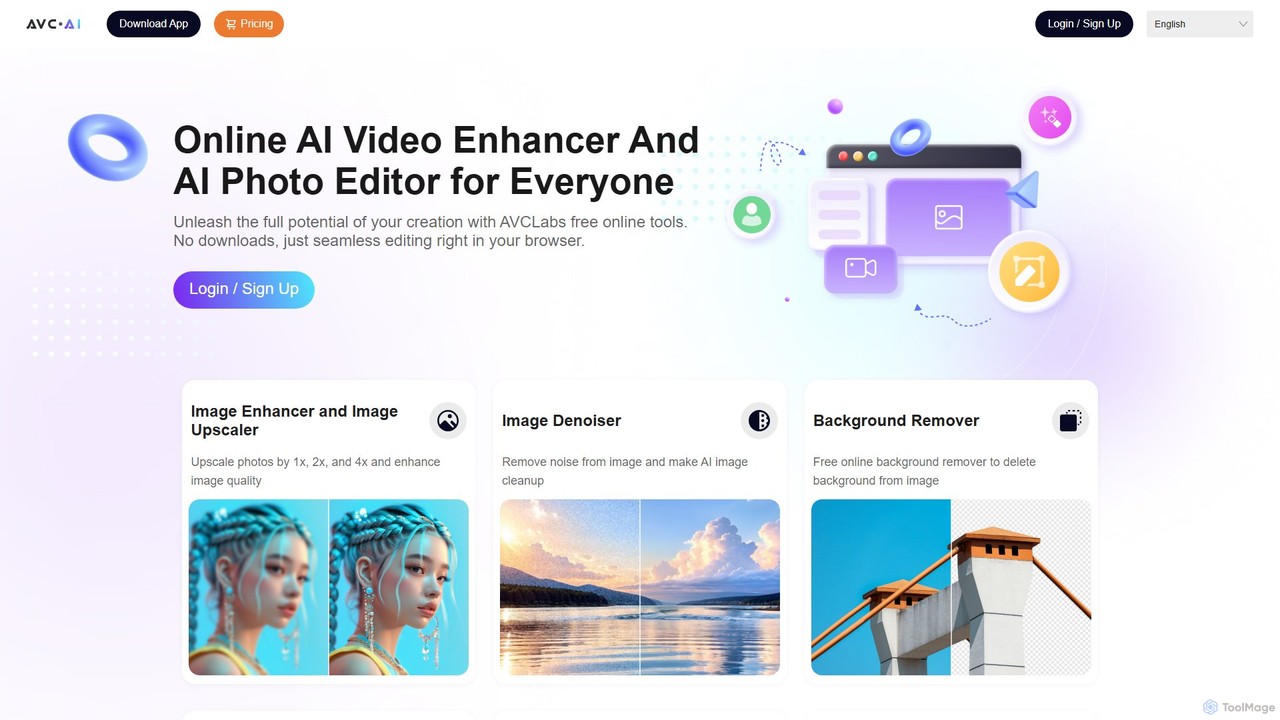
AVC.AI
AVC.AI is a comprehensive AI-powered suite for photo and video enhancement. It offers free online tools for quick tasks like upscaling, denoising, and object removal, alongside powerful desktop software for professional-grade restoration, colorization, and editing. It's designed for both casual users and professionals seeking to improve media quality effortlessly.
3D
TensorPix
TensorPix is an all-in-one, web-based AI platform for enhancing media. It allows users to upscale videos to 4K, improve image quality, restore old footage, generate unique images from text, and compress video files. It's designed for both professionals and casual users, requiring no powerful hardware or complex software.
Generative Art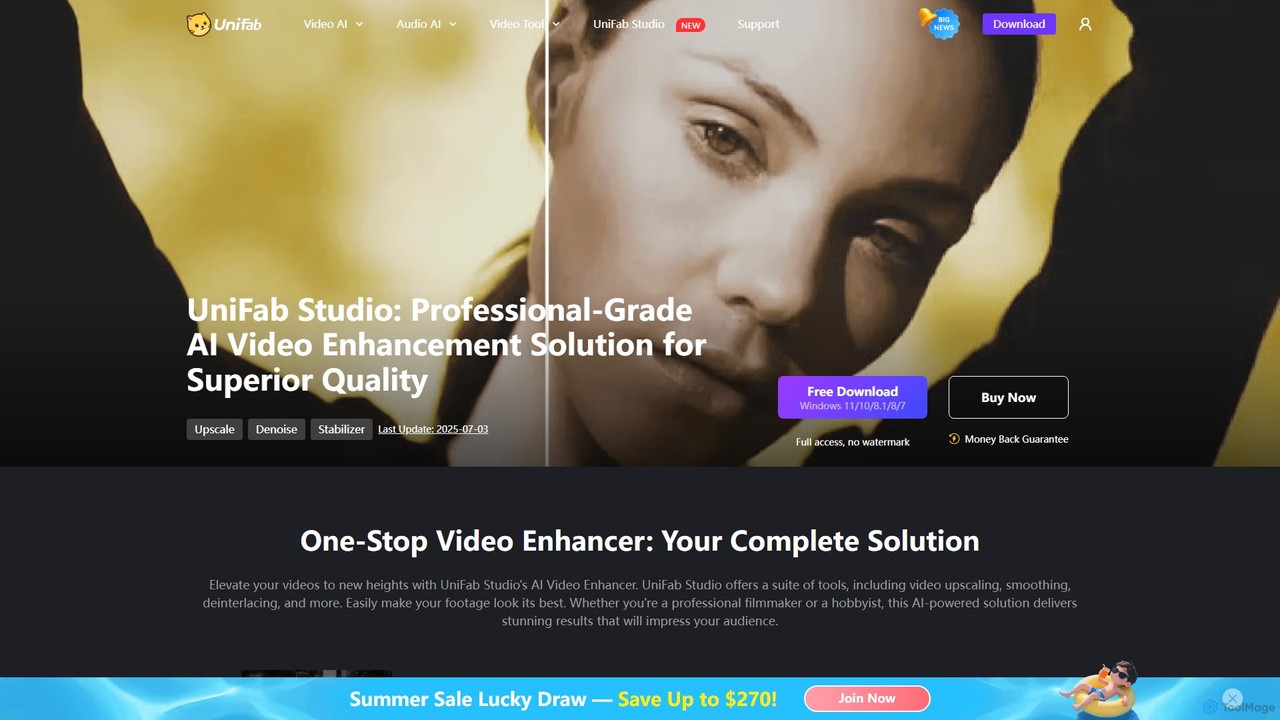
UniFab Studio
UniFab Studio is an all-in-one, AI-powered video enhancement suite designed for professionals and enthusiasts. It elevates video quality by upscaling to 4K/8K, converting SDR to HDR, stabilizing shaky footage, removing noise, and increasing frame rates up to 120FPS. With GPU acceleration and a user-friendly interface, it delivers professional-grade results efficiently.
Creative ToolsAVCLabs Categories
AVCLabs Embed Widget
Copy this embed code to place the badge on your blog, article, or product site and send readers directly to this ToolMage detail page.

Related AI tools
Remini
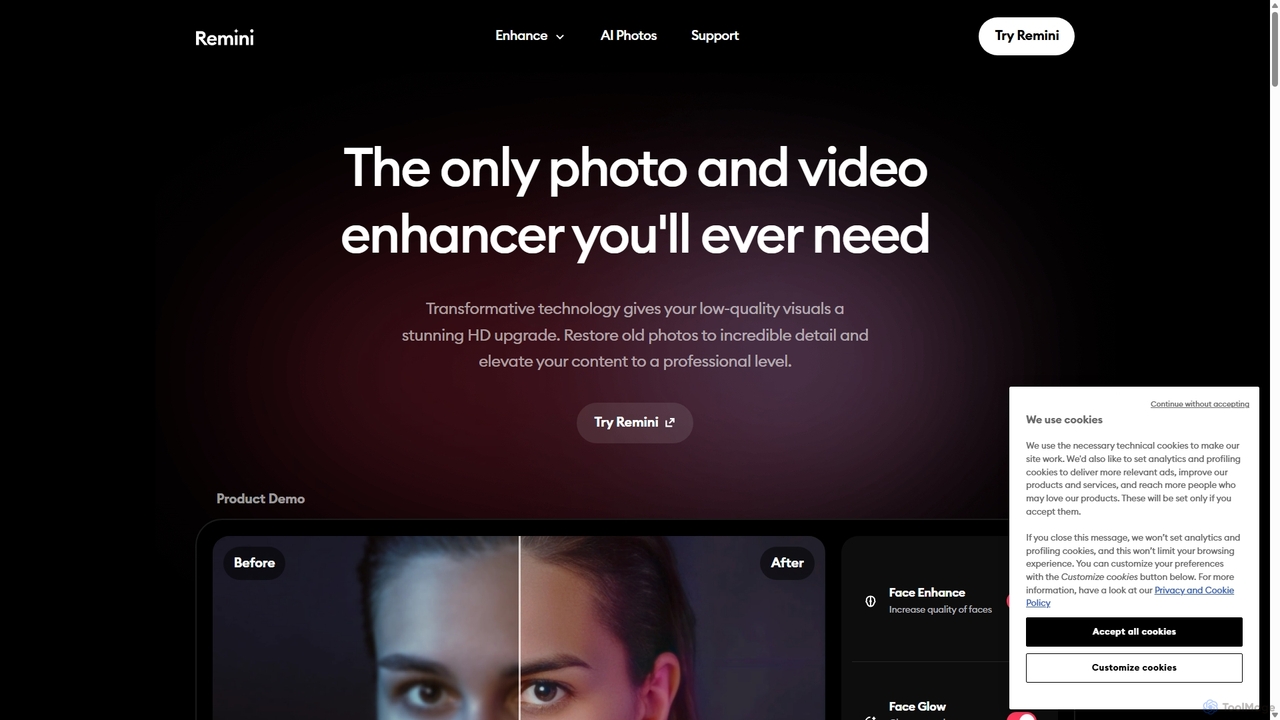
Remini is an AI-powered photo and video enhancer that transforms low-quality, blurry, or old images and videos into stunning high-definition visuals. Using advanced AI, it restores details, sharpens focus, reduces noise, and can even generate professional-quality AI photos of yourself.
3D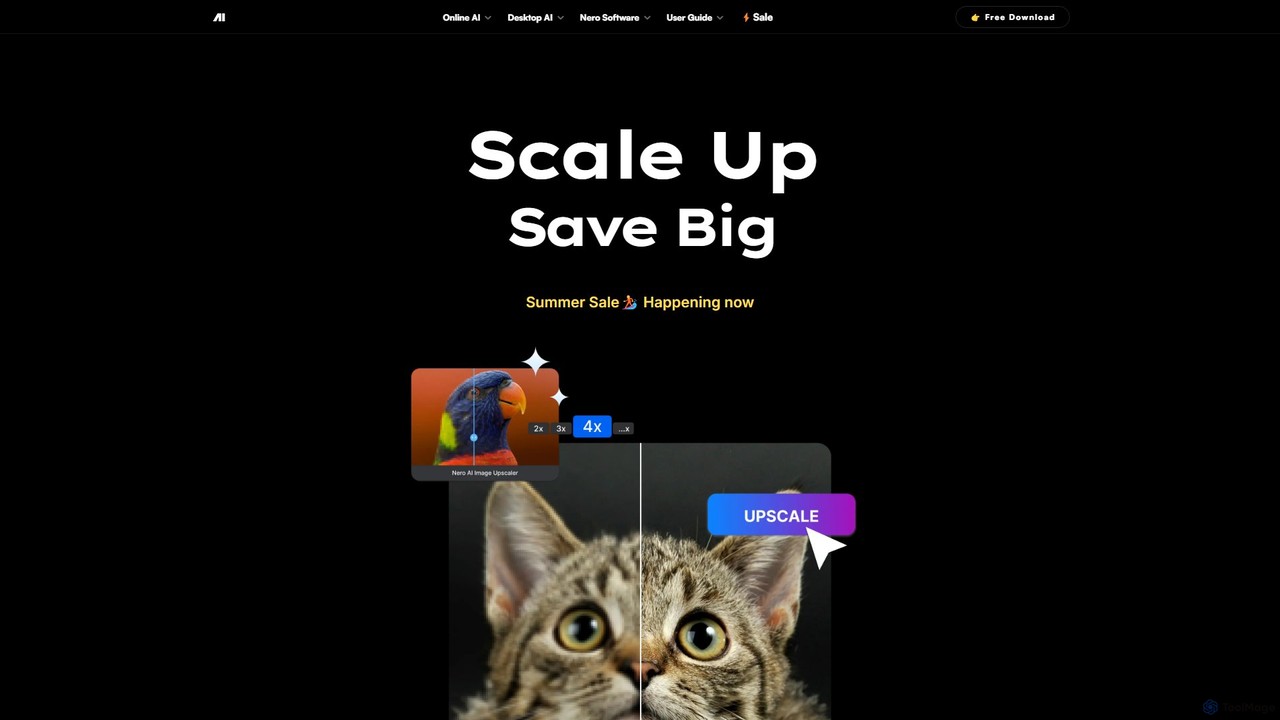
Nero AI
Nero AI is a professional AI-powered software suite for PC, designed to enhance, upscale, and restore photos and videos. It offers tools for 4K image and video upscaling, as well as intelligent object and face blurring for privacy.
Image Enhancement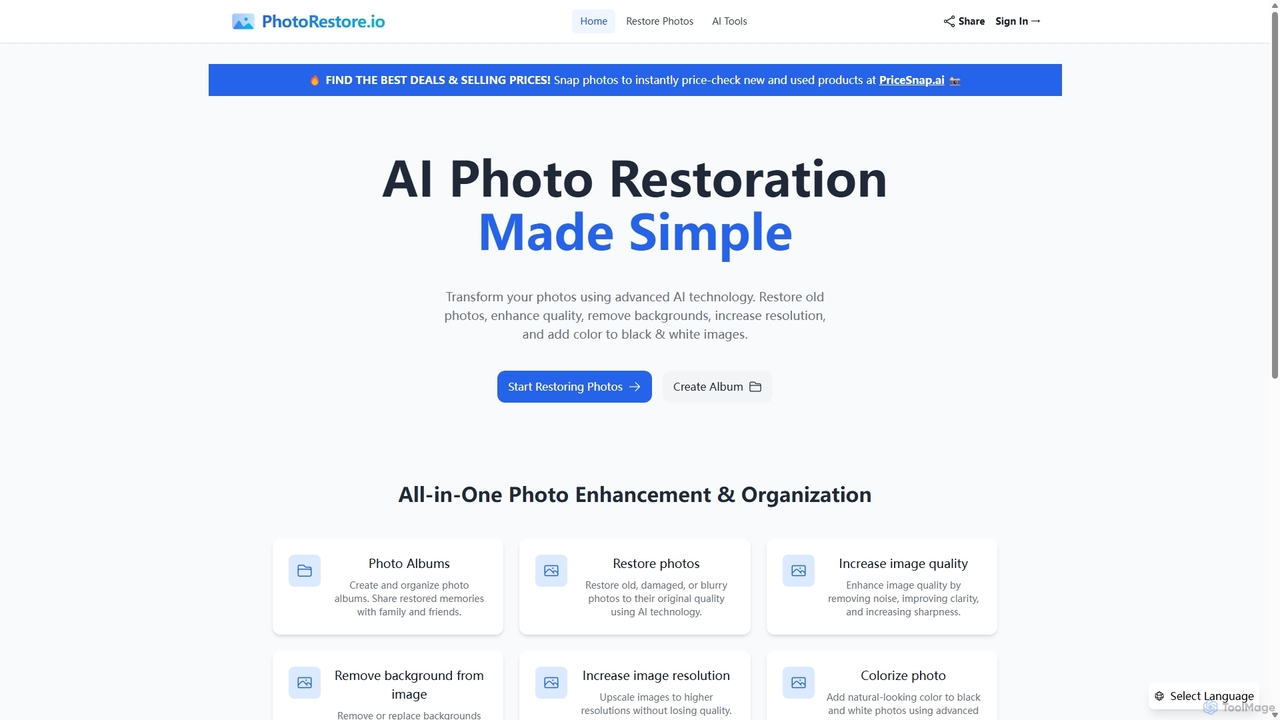
PhotoRestore
PhotoRestore is an all-in-one AI-powered platform for photo restoration and management. It effortlessly restores old, damaged, or blurry photos, enhances image quality, removes backgrounds, upscales resolution, and colorizes black-and-white images. It also features album creation for easy organization and sharing.
Image Editing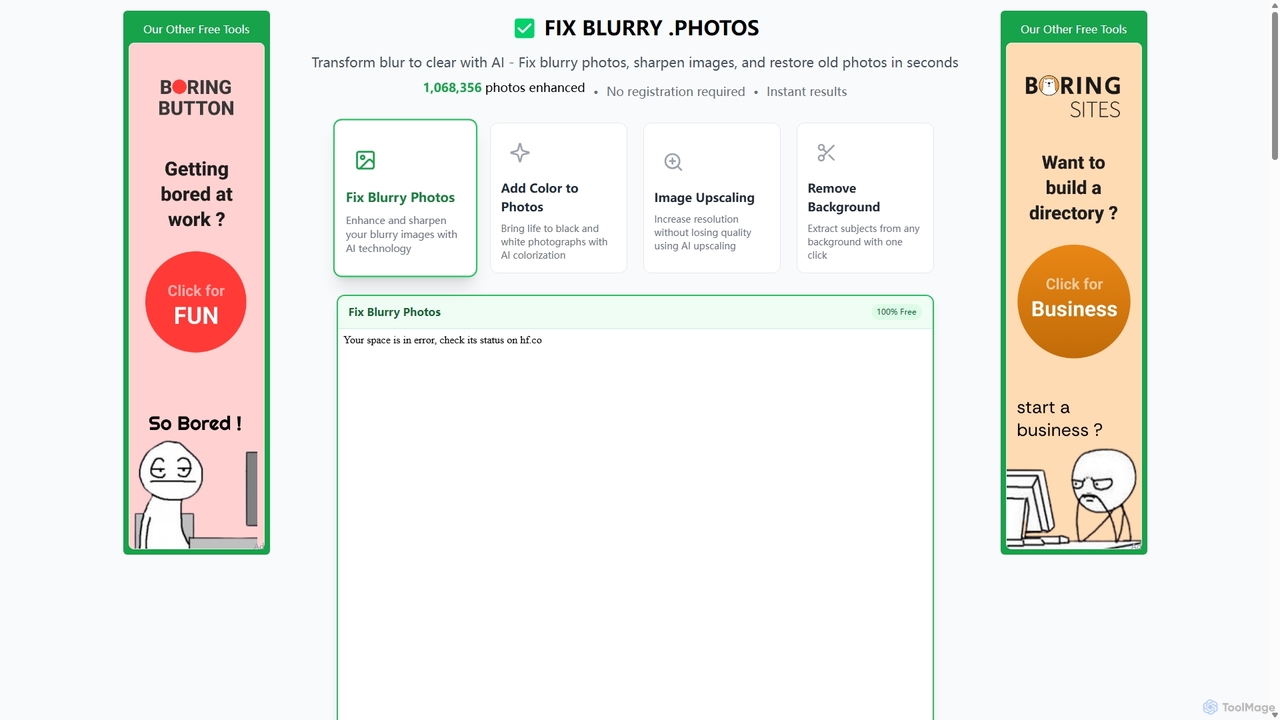
Fixblurry
fixblurry is a free, AI-powered online tool suite designed to enhance your images instantly. It specializes in unblurring and sharpening photos, restoring old or faded pictures, upscaling low-resolution images without quality loss, colorizing black-and-white photos, and removing backgrounds with a single click. No registration or software installation is required, offering professional-grade results for everyone.
Image EditingAiarty
Aiarty is a suite of AI-powered desktop software for next-generation image and video enhancement. It offers dedicated tools for upscaling visuals to 4K/8K/32K, denoising, deblurring, and performing precise, professional-grade image matting (background removal). Optimized for AIPC and GPU acceleration, it serves photographers, designers, e-commerce professionals, and content creators.
3DVidHex
VidHex is an all-in-one, AI-powered desktop application for Windows and Mac designed to enhance, restore, and upscale video quality. It offers a suite of tools for intelligent upscaling to 4K/8K, realistic colorization of black-and-white footage, video repair, denoising, and frame interpolation. It's built for content creators, e-commerce sellers, educators, and anyone looking to transform imperfect videos into stunning visual experiences with minimal effort.
ToolsAVC.AI
AVC.AI is a comprehensive AI-powered suite for photo and video enhancement. It offers free online tools for quick tasks like upscaling, denoising, and object removal, alongside powerful desktop software for professional-grade restoration, colorization, and editing. It's designed for both casual users and professionals seeking to improve media quality effortlessly.
3D
TensorPix
TensorPix is an AI-powered online platform for video and image enhancement. It offers a suite of tools to upscale resolution up to 4K/8K, restore old footage, remove noise, and improve overall visual quality. Ideal for filmmakers, content creators, and archivists, TensorPix simplifies complex post-production tasks with an intuitive web-based interface, making professional-grade restoration accessible to everyone.
Creative
jpgHD
An AI-powered tool for lossless old photo restoration, colorization, and enhancement. It repairs scratches, upscales resolution, reduces noise, and even animates faces in photos, available on web, desktop, and mobile.
Image Editing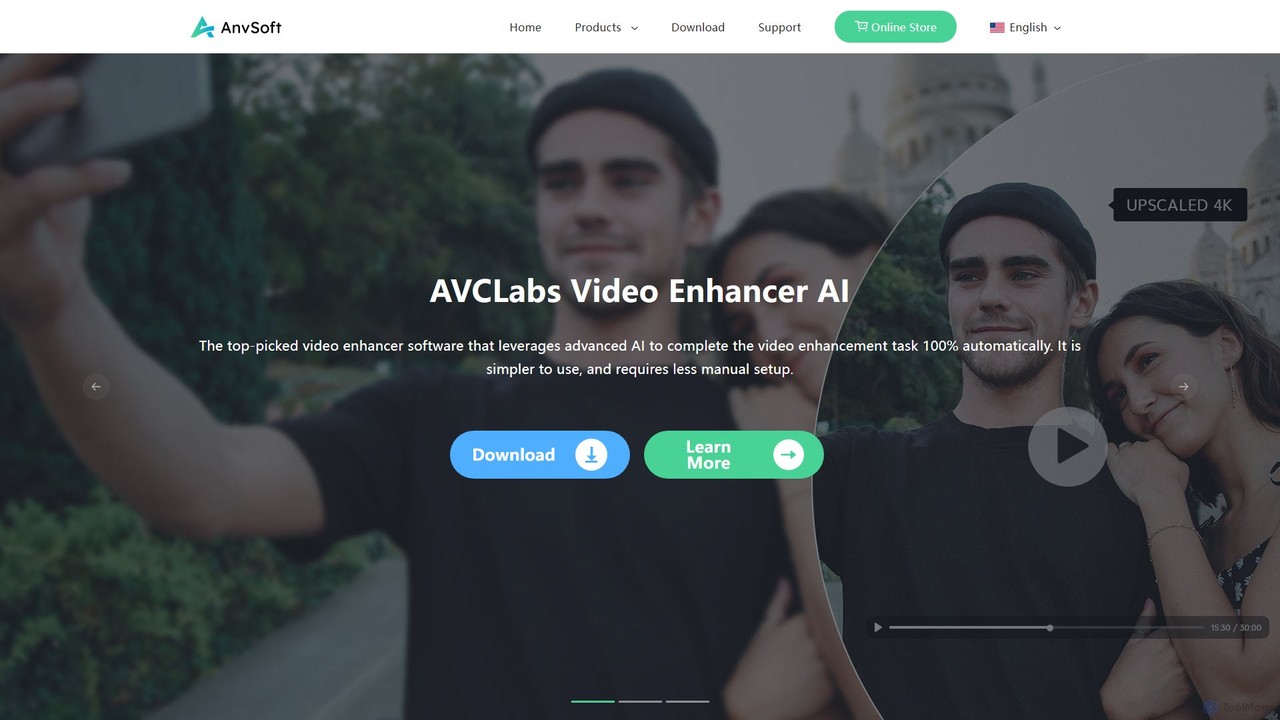
Anvsoft
Anvsoft offers a suite of AI-powered multimedia software designed to enhance, convert, and edit videos and photos. Its flagship products, like AI Video Enhancer and AI Video Blur, use advanced algorithms for upscaling, colorization, face refinement, and automatic blurring, catering to both casual users and professionals.
Image Enhancement
Aimages
Aimages is a powerful online AI tool for enhancing and upscaling videos and images. It uses advanced algorithms to improve quality, fix blur, reduce noise, restore colors, and increase video frame rates. Ideal for professionals and hobbyists looking to restore old media or perfect new content.
Image Generation
Nero Lens
Nero Lens is an all-in-one AI-powered photo enhancer app that instantly upscales, restores, colorizes, and denoises images. It also features an AI avatar and headshot generator, turning your selfies into stunning, stylized photos for social media, dating profiles, or professional use.
Ai Avatar Generator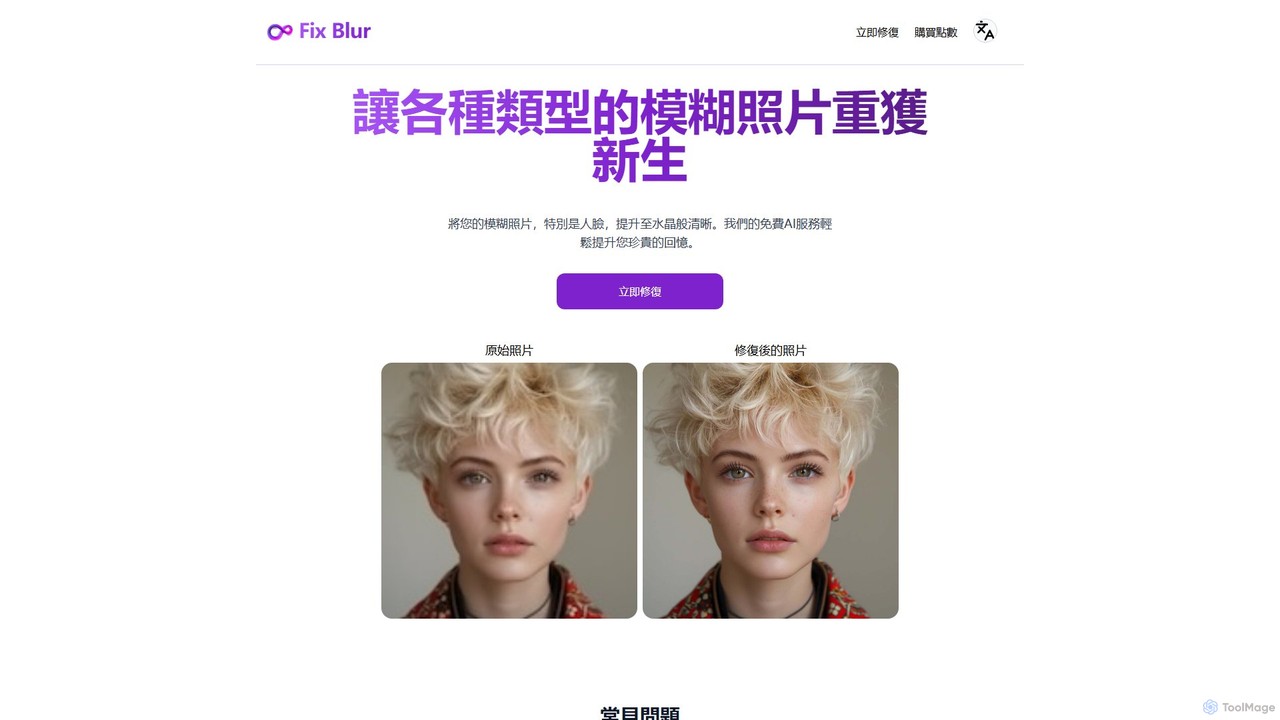
FixBlur
FixBlur is an AI-powered tool that sharpens blurry photos, especially faces, in seconds. It uses advanced algorithms to deblur images, restore details, and bring your precious memories back to crystal clarity. Ideal for fixing motion blur, out-of-focus shots, and old photos.
Image Enhancement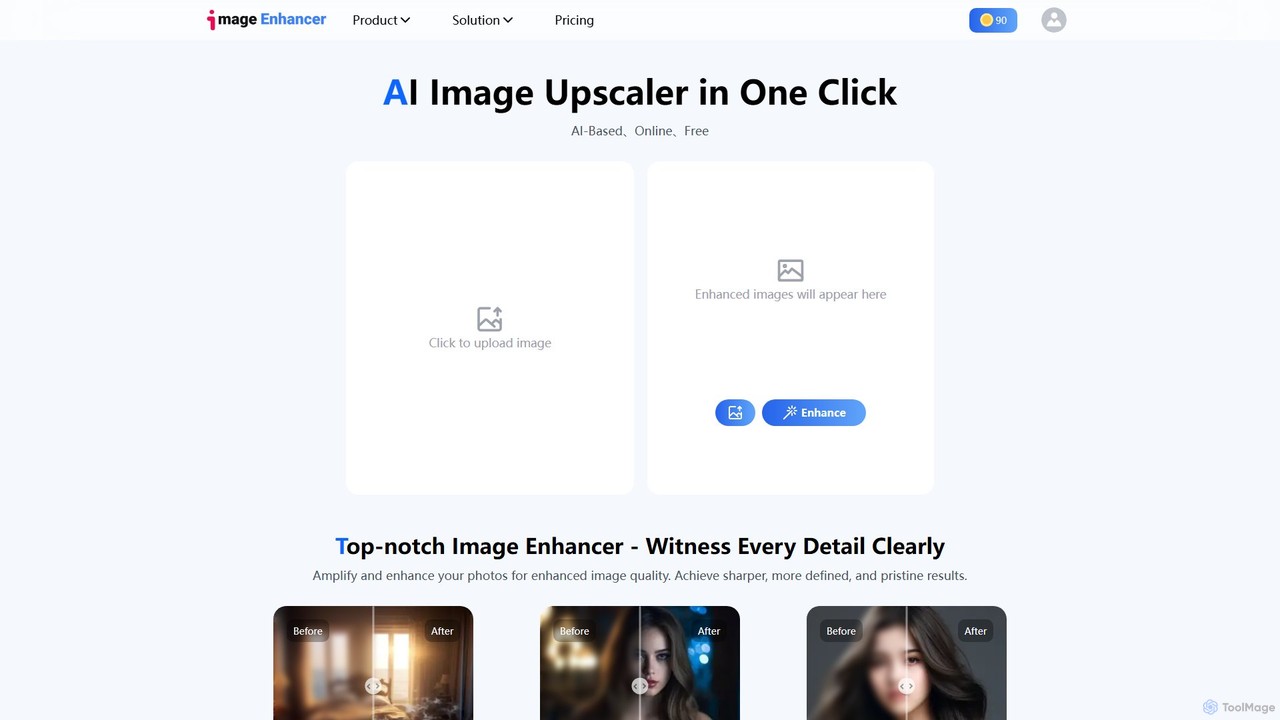
imageenhan
An AI-powered suite of tools for enhancing images and videos. It offers one-click upscaling, sharpening, denoising, background removal, and creative features like cartoonizers and face swapping. Ideal for photographers, designers, and social media users to improve visual quality effortlessly.
Generators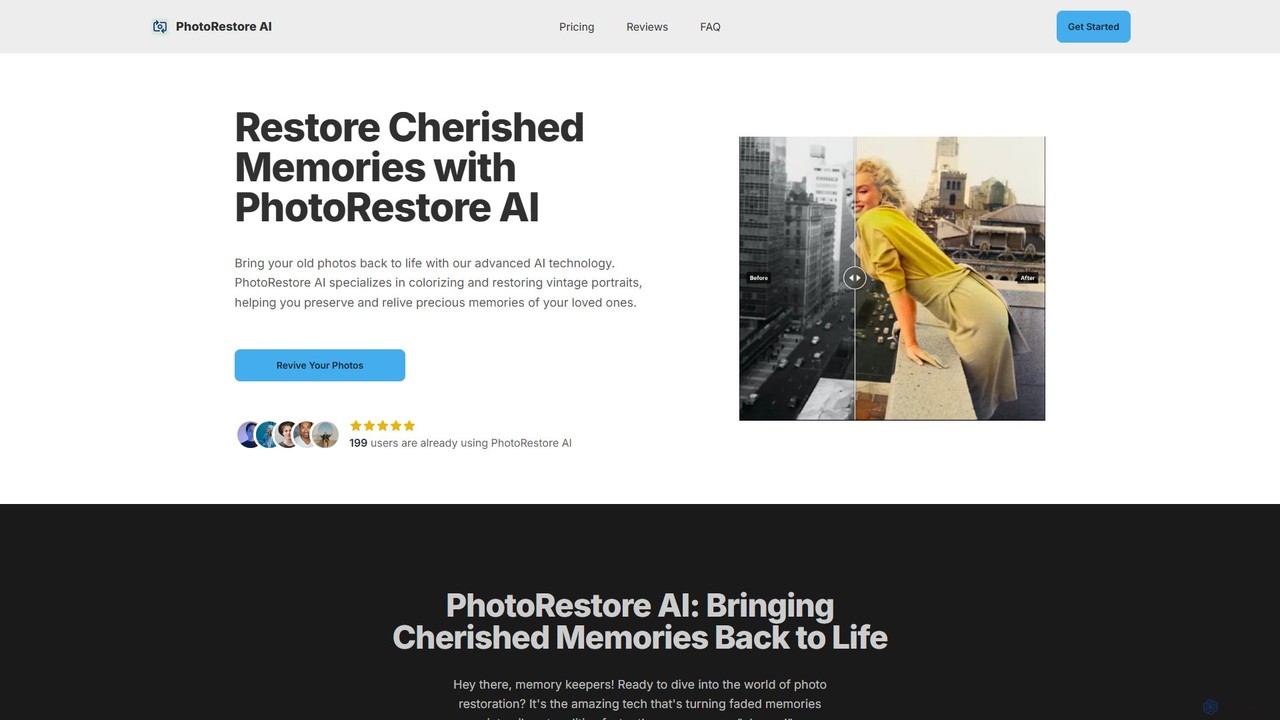
PhotoRestore AI
PhotoRestore AI is an advanced AI-powered tool designed to bring old, faded, and damaged photos back to life. It specializes in colorizing black-and-white images, repairing scratches and tears, and enhancing details, making it perfect for preserving cherished family memories, especially vintage portraits.
Image Editing
AVCLabs Comments (0)
Sign in to comment.
Sign inNo comments yet.