

TensorPix Overview
TensorPix is a cutting-edge, cloud-based platform that leverages the power of artificial intelligence to dramatically enhance the quality of videos and images. Designed for both professionals and enthusiasts, it provides a comprehensive suite of tools that automate and simplify complex restoration and enhancement processes. Whether you're working with old family videos, low-resolution stock footage, or grainy photos, TensorPix can breathe new life into your media, transforming it into crisp, clear, and vibrant content suitable for modern high-definition displays.
The platform operates entirely online, eliminating the need for expensive, high-end computer hardware or complicated software installations. Users can simply upload their files, choose the desired enhancement, and let TensorPix's powerful AI algorithms handle the heavy lifting. The results are often staggering, revealing details you never knew existed and correcting imperfections with remarkable precision.
How to use TensorPix
Using TensorPix is designed to be a straightforward and intuitive process, accessible to users of all skill levels:
- Create an Account: Start by signing up for a free account on the TensorPix website to get access to the platform's features.
- Upload Your Media: Navigate to your dashboard and upload the video or image file you wish to enhance. The platform supports a wide range of common formats.
- Select an Enhancement Tool: Choose from the available AI tools based on your needs. Options typically include AI Upscaling, Denoising, Face Restoration, Colorization, or Frame Interpolation.
- Configure Settings: Adjust the parameters for the selected tool. For example, when upscaling, you can choose the target resolution (e.g., 2x, 4x, up to 4K or 8K). For other tools, you might adjust the intensity of the effect.
- Process the File: Once you're satisfied with the settings, start the enhancement process. TensorPix's cloud servers will process your file. You can monitor the progress in your dashboard.
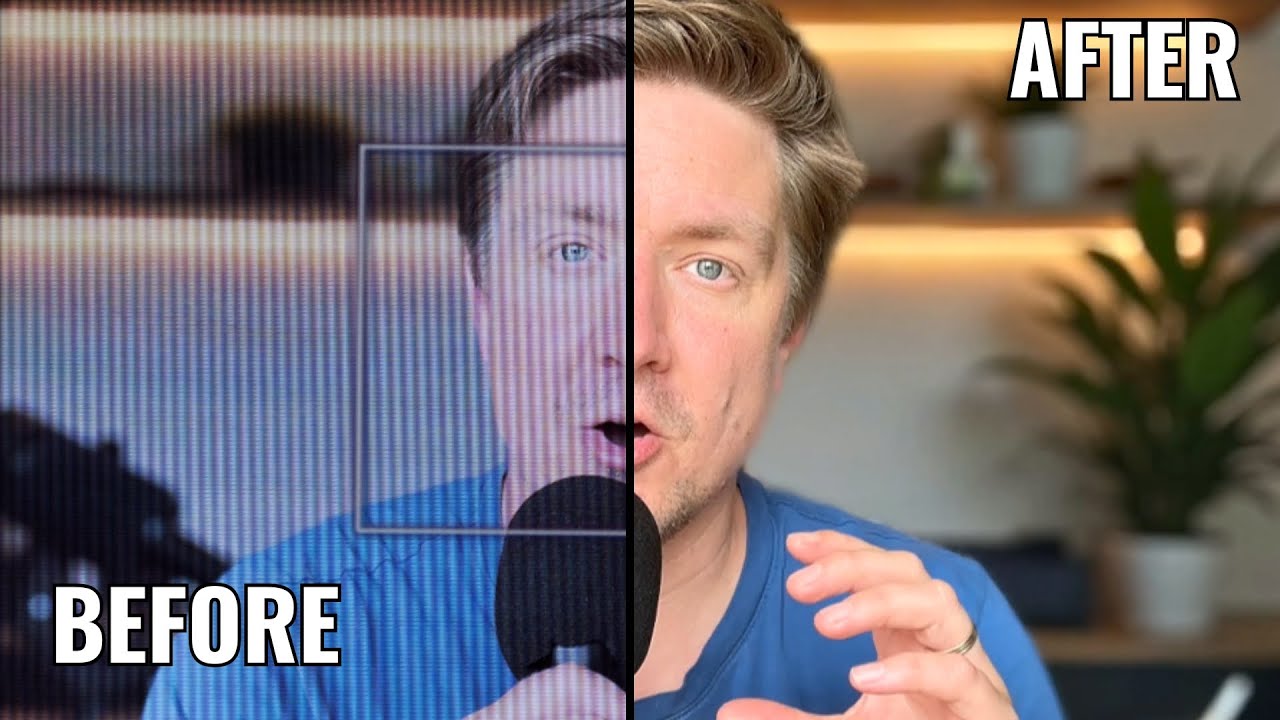
- Preview and Download: After processing is complete, you can preview the enhanced result side-by-side with the original. If you're happy with the outcome, download the high-quality file to your device.
Core Features of TensorPix
- AI Video Upscaling: Intelligently increases video resolution up to 4K or 8K, adding realistic detail and sharpness without introducing artifacts.
- AI Image Enhancement: Upscales photos, reduces blur, and enhances fine details, making them perfect for print or digital display.
- Advanced Denoising: Effectively removes digital noise and film grain from videos and photos shot in low-light conditions or with older cameras.
- Face Restoration: A specialized AI model that detects and reconstructs faces in blurry or low-resolution footage, bringing clarity and detail back to human subjects.
- Frame Interpolation (AI Slo-Mo): Generates new frames between existing ones to increase a video's frame rate, enabling ultra-smooth slow-motion effects from standard footage.
- AI Colorization: Automatically adds realistic and context-aware color to black and white photos and videos, bringing historical moments to life.
- Scratch and Blemish Removal: Cleans up old, damaged film and photos by digitally removing scratches, dust, and other imperfections.
- Cloud-Based Processing: All intensive processing is done on powerful cloud servers, freeing up your local computer's resources.
Use Cases for TensorPix
TensorPix is a versatile tool with applications across various industries:
- Filmmakers and Videographers: Upscaling archival footage or lower-resolution clips to integrate seamlessly into modern 4K productions.
- Content Creators & YouTubers: Improving the quality of smartphone videos, webcam recordings, or downloaded clips to create more professional-looking content.
- Archivists and Museums: Digitally restoring and preserving historical films and photographs for future generations.
- Real Estate Professionals: Enhancing property photos and video tours to make them sharper, brighter, and more appealing to potential buyers.
- E-commerce Businesses: Upscaling and cleaning up product photos to provide customers with high-detail images.
- Personal Use: Restoring old family videos and photos, colorizing black and white memories, and improving the quality of personal media collections.
Advantages of TensorPix
TensorPix stands out from traditional editing software due to several key advantages:
- Accessibility: As a web-based tool, it's accessible from any device with an internet connection, with no need for software installation.
- Ease of Use: The user-friendly interface makes advanced video and image enhancement accessible to non-experts.
- Cost-Effective: Provides access to professional-grade restoration technology at a fraction of the cost of dedicated software suites or post-production houses.
- Time-Saving: Automates tedious manual tasks, allowing creators to enhance hours of footage in a short amount of time.
- State-of-the-Art AI: Utilizes the latest deep learning models to deliver natural and high-quality results that are difficult to achieve manually.
Pricing and Plans
TensorPix typically operates on a freemium model, offering various tiers to suit different user needs:
- Free Plan: Allows users to test the platform's core features with a limited number of processing credits. Outputs may be watermarked or have resolution limitations.
- Subscription Plans (e.g., Creator, Pro): Monthly or annual subscriptions that provide a larger allocation of processing credits, access to premium features, higher resolution outputs, no watermarks, and faster processing queues.
- Pay-As-You-Go: For users with occasional needs, TensorPix often provides the option to purchase credit packs without committing to a subscription.
- Enterprise/API Access: Custom plans for businesses that require high-volume processing or want to integrate TensorPix's technology into their own applications via an API.
Traffic
Latest traffic
Status
Monthly traffic trend
- 2025-9: 244.9K
- 2026-1: 199.8K
- 2026-2: 217.8K
- 2026-3: 218.3K
- 2026-4: 197.8K
- 2026-5: 292.4K
Geography
Top 5 countries / regions
- 🇺🇸United States48.8%
- 🇨🇦Canada14.6%
- 🇮🇳India14.0%
- 🇷🇺Russia11.6%
- 🇬🇧United Kingdom11.0%
Traffic sources
| Source type | Percentage |
|---|---|
Direct | 94.0% |
Referral | 5.0% |
Email | 1.0% |
Top keywords
| Keyword | Cost per click |
|---|---|
| aienhancer affiliate program | $0.00 |
| pix ai | $0.37 |
| tensorpix | $0.54 |
| tensorpix ai | $0.00 |
| tensorpıx | $0.00 |
TensorPix Videos on YouTube
AI Creator Tools (ACT)

freeman “freeman12393” newaccount1

NaturalNobility
TensorPix Alternatives
AIVideoEnhancer
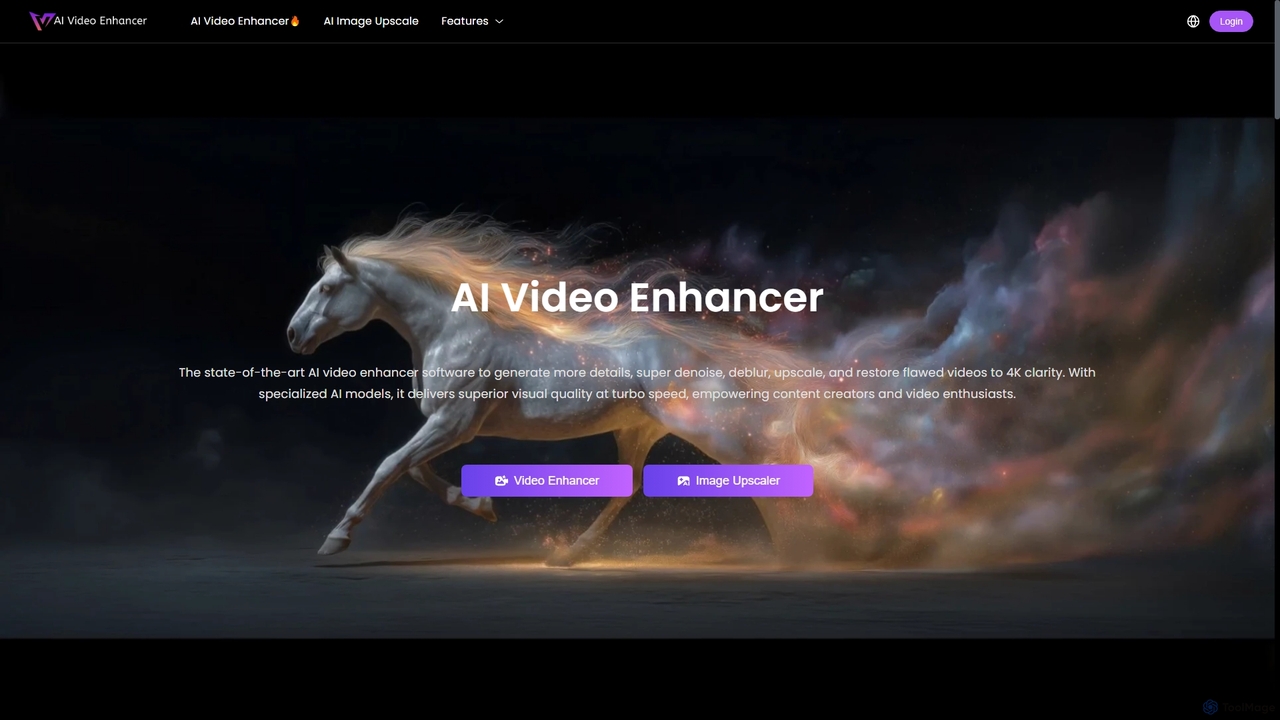
AIVideoEnhancer is an AI-powered online tool designed to enhance and upscale low-quality videos to 4K resolution. It also functions as an image upscaler, increasing photo resolution by up to 800%. The tool automatically denoises, deblurs, and restores details with one-click simplicity, focusing on realistic results and fast, GPU-accelerated processing.
Creative
VidHex
VidHex is an all-in-one, AI-powered desktop application for Windows and Mac designed to enhance, restore, and upscale video quality. It offers a suite of tools for intelligent upscaling to 4K/8K, realistic colorization of black-and-white footage, video repair, denoising, and frame interpolation. It's built for content creators, e-commerce sellers, educators, and anyone looking to transform imperfect videos into stunning visual experiences with minimal effort.
Tools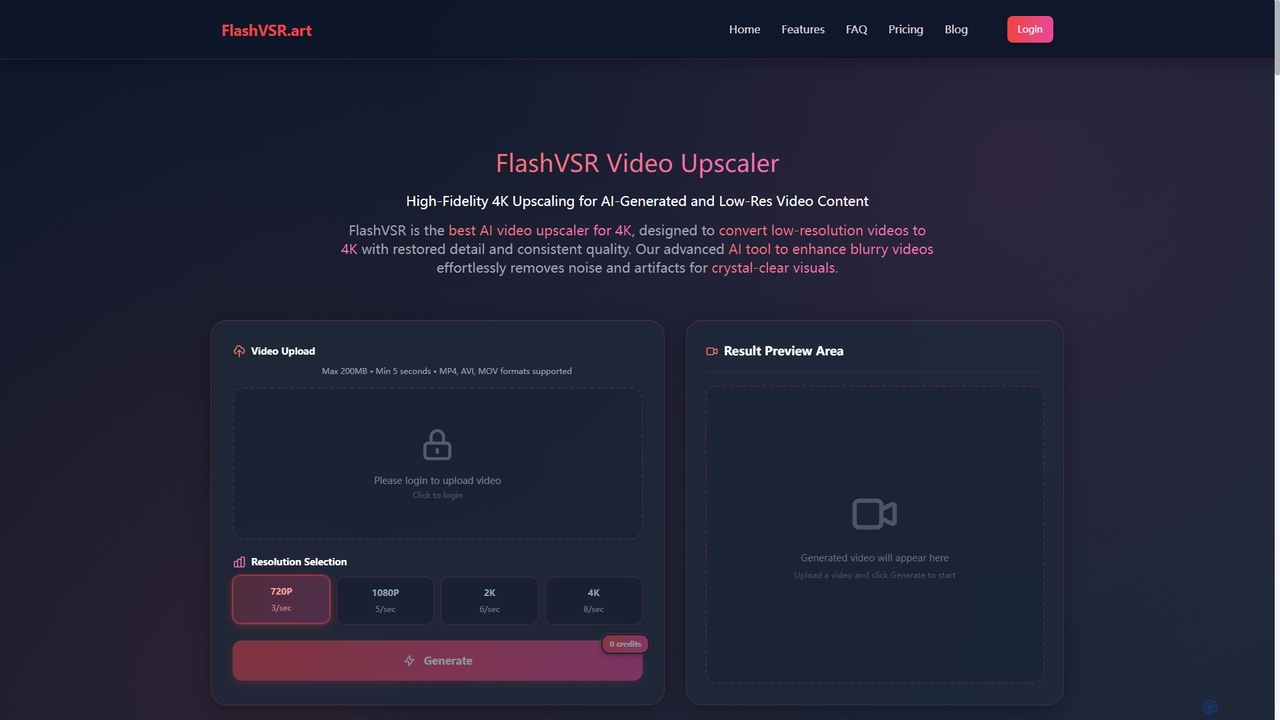
Flashvsr
Flashvsr is an AI-powered video upscaler that enhances and restores low-resolution videos to 4K quality. It uses advanced diffusion models to recover details, remove noise, and ensure temporal consistency, making it ideal for content creators, video editors, and marketers.
Content Creation
WinXDVD
WinXDVD is a comprehensive software suite featuring the AI-powered Winxvideo AI for video/image enhancement, conversion, and editing, alongside the renowned WinX DVD Ripper for fast digital backups. It leverages GPU acceleration to upscale videos to 4K, stabilize shaky footage, and rip DVDs with exceptional speed and quality, making it an all-in-one solution for modern media management.
File Management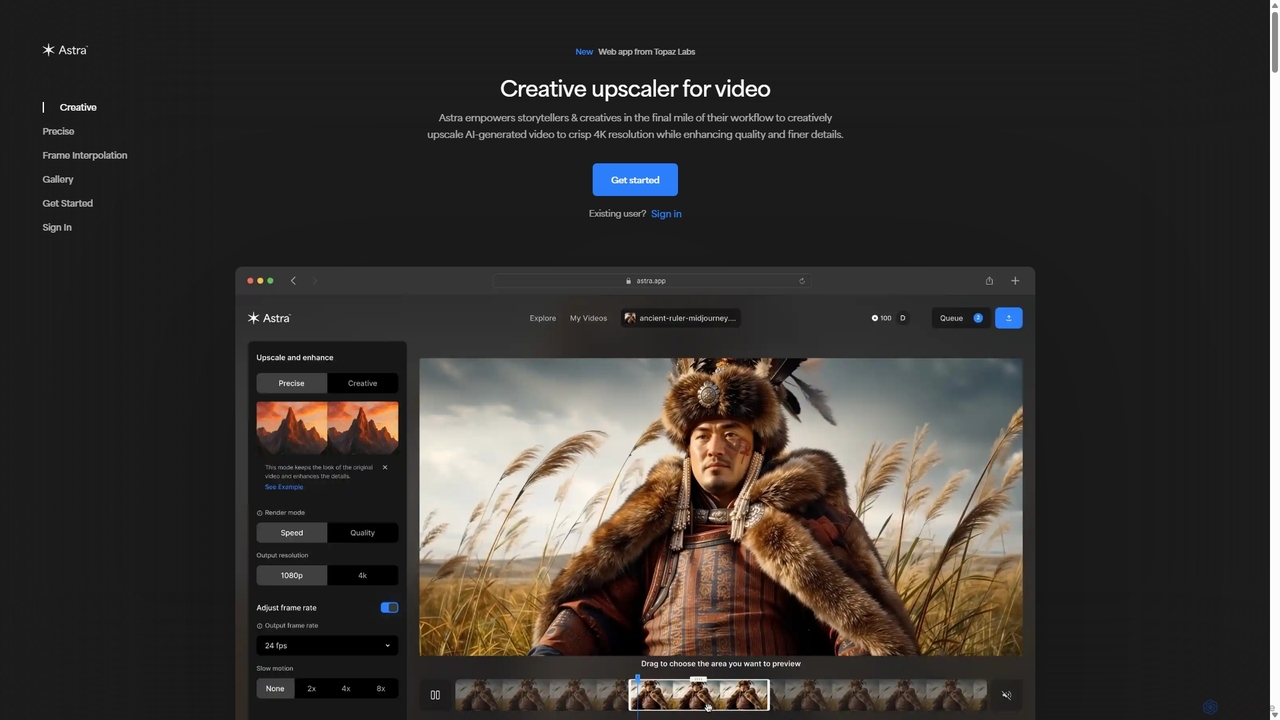
Astra
A powerful AI video upscaling tool from Topaz Labs, designed for creatives and storytellers. Astra transforms videos, especially AI-generated content, into crisp 4K resolution. It offers both a "Creative" mode to reimagine details and a "Precise" mode to faithfully enhance original footage, improving quality and clarity for professional workflows.
Motion GraphicsTensorPix Categories
TensorPix Jobs
TensorPix Embed Widget
Copy this embed code to place the badge on your blog, article, or product site and send readers directly to this ToolMage detail page.

Related AI tools
AIVideoEnhancer
AIVideoEnhancer is an AI-powered online tool designed to enhance and upscale low-quality videos to 4K resolution. It also functions as an image upscaler, increasing photo resolution by up to 800%. The tool automatically denoises, deblurs, and restores details with one-click simplicity, focusing on realistic results and fast, GPU-accelerated processing.
CreativeVidHex
VidHex is an all-in-one, AI-powered desktop application for Windows and Mac designed to enhance, restore, and upscale video quality. It offers a suite of tools for intelligent upscaling to 4K/8K, realistic colorization of black-and-white footage, video repair, denoising, and frame interpolation. It's built for content creators, e-commerce sellers, educators, and anyone looking to transform imperfect videos into stunning visual experiences with minimal effort.
Tools
Fixblurry
fixblurry is a free, AI-powered online tool suite designed to enhance your images instantly. It specializes in unblurring and sharpening photos, restoring old or faded pictures, upscaling low-resolution images without quality loss, colorizing black-and-white photos, and removing backgrounds with a single click. No registration or software installation is required, offering professional-grade results for everyone.
Image Editing
Novaimg
Novaimg is a versatile online AI tool suite for transforming and enhancing visual content. It offers a range of features including AI image editing with text prompts, 4K image upscaling, realistic face swapping for photos, videos, and GIFs, and an intelligent watermark remover. Designed for ease of use, Novaimg helps users create professional-quality images and videos for social media, e-commerce, and creative projects, often for free or with generous daily limits.
Graphic DesignFlashvsr
Flashvsr is an AI-powered video upscaler that enhances and restores low-resolution videos to 4K quality. It uses advanced diffusion models to recover details, remove noise, and ensure temporal consistency, making it ideal for content creators, video editors, and marketers.
Content Creation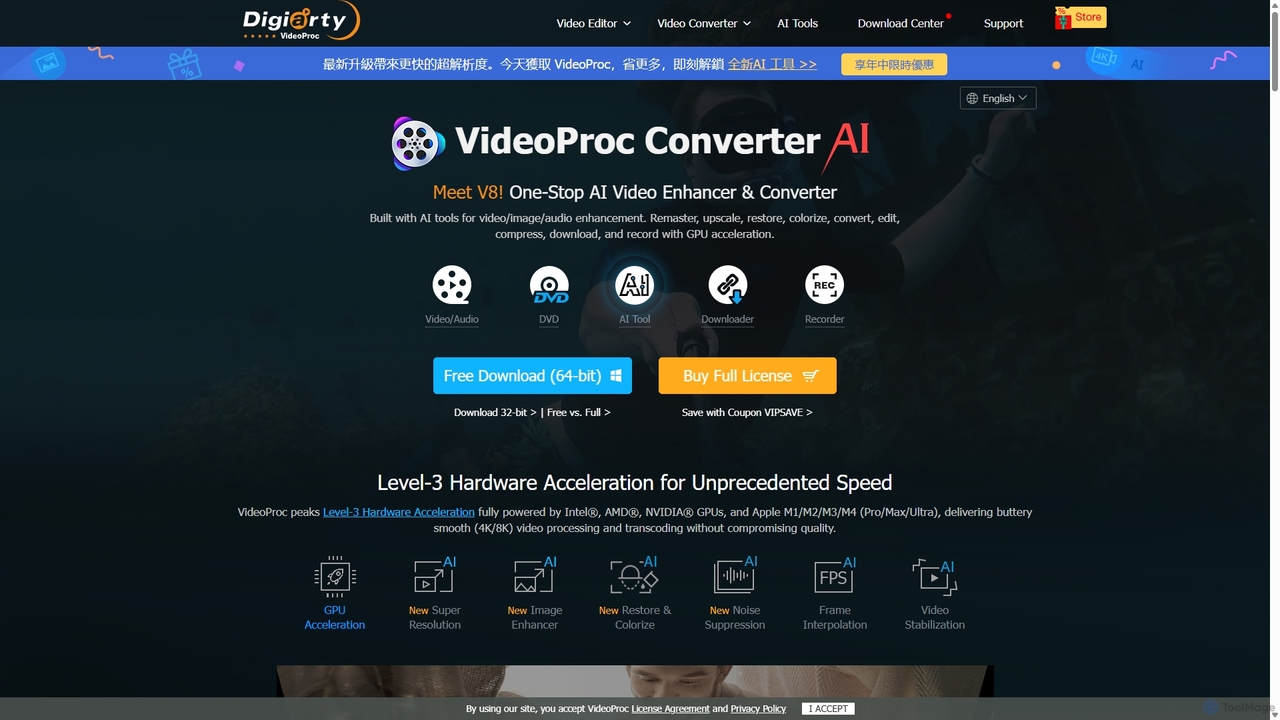
VideoProc
VideoProc is a one-stop, AI-powered media processing suite. It enhances, converts, edits, compresses, downloads, and records 4K/8K videos with full GPU acceleration. Its AI tools upscale video/images, stabilize shaky footage, interpolate frames for smooth motion, and remove background noise from audio.
Audio Editing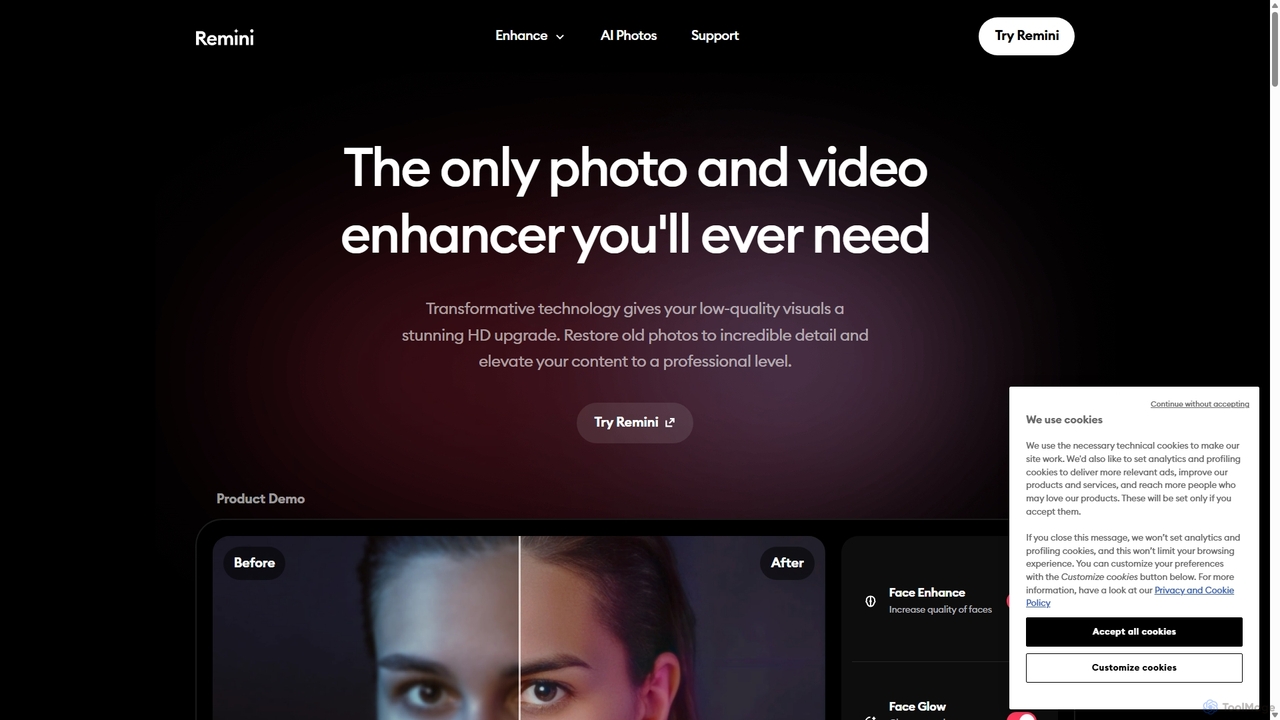
Remini
Remini is an AI-powered photo and video enhancer that transforms low-quality, blurry, or old images and videos into stunning high-definition visuals. Using advanced AI, it restores details, sharpens focus, reduces noise, and can even generate professional-quality AI photos of yourself.
3D
Nero Lens
Nero Lens is an all-in-one AI-powered photo enhancer app that instantly upscales, restores, colorizes, and denoises images. It also features an AI avatar and headshot generator, turning your selfies into stunning, stylized photos for social media, dating profiles, or professional use.
Ai Avatar Generator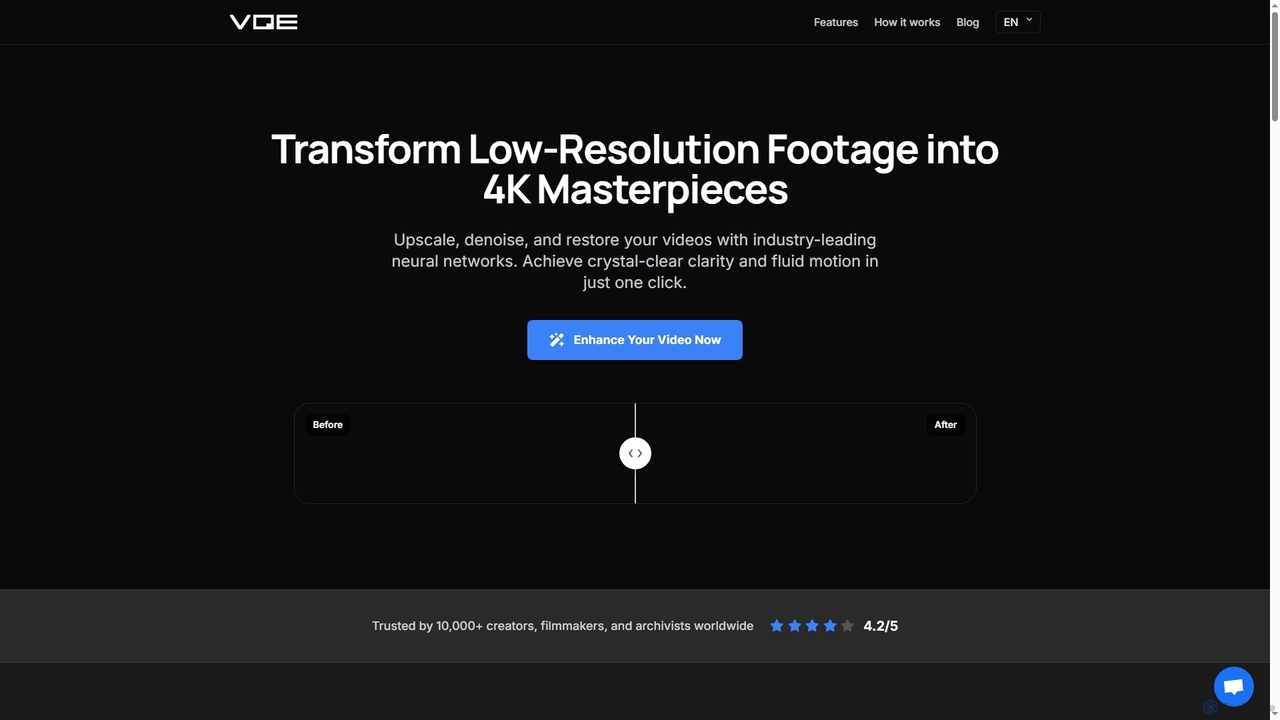
Video Quality Enhancer
Video Quality Enhancer is an AI-powered online tool that transforms low-resolution videos into stunning 4K/8K masterpieces. It intelligently upscales, denoises, restores old footage, and refines details like faces, all within your browser.
3D
optimusdrive
An AI-powered media processing platform offering a suite of tools for video and image optimization. It specializes in high-quality compression, resolution upscaling to 4K, and advanced facial enhancement to transform your media assets for web and streaming.
Image Enhancement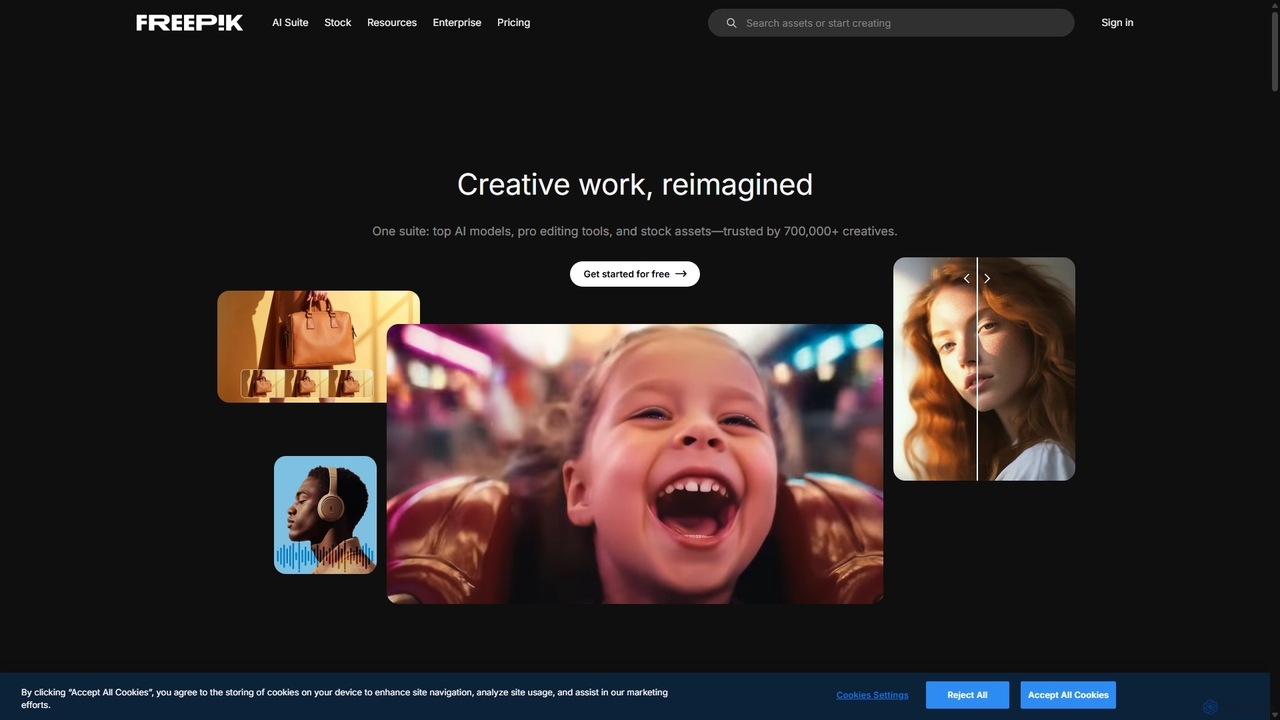
Freepik
Freepik is an all-in-one AI creative suite designed for designers, marketers, and content creators. It integrates top generative AI models for image, video, and audio creation with professional editing tools and a vast library of over 200 million stock assets. This unified platform streamlines the creative workflow, enabling users to generate, edit, and enhance visual content efficiently while maintaining brand consistency and ensuring data privacy.
Image Generation
Kaze
Kaze is a comprehensive AI-powered image editing suite designed to create, edit, and enhance photos effortlessly. It offers a wide range of tools including one-click watermark and object removal, photo restoration, image upscaling, background removal, and an AI headshot generator. With its user-friendly interface and advanced AI models, Kaze delivers professional, studio-quality results in seconds, catering to creators, marketers, and photographers.
3D
Slazzer
Slazzer is an AI-powered visual editing platform that automatically removes image backgrounds in seconds. It offers a suite of tools including AI background generation, image enhancement, upscaling, and shadow creation. Designed for efficiency, it serves e-commerce, photographers, marketers, and developers with web-based tools, desktop apps, and API integration for bulk processing.
Api
Pixelfox
Pixelfox is a comprehensive, free-to-use AI suite for creators and businesses. It combines a powerful online photo and video editor with over 300 AI writing tools. Effortlessly retouch photos, remove backgrounds, generate images from text, swap faces, and enhance quality. Simultaneously, create SEO-optimized articles, social media content, product descriptions, and much more, all within a single, no-download platform.
3D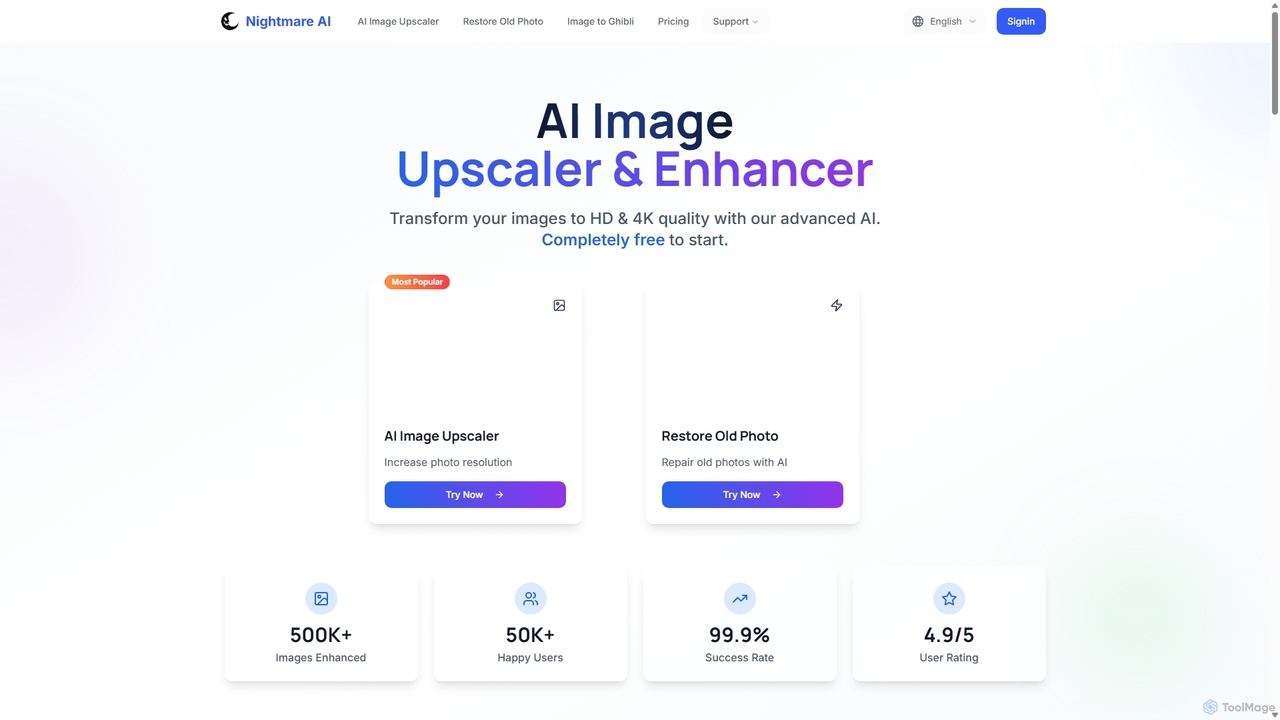
Nightmare AI
Nightmare AI is a powerful online tool that uses advanced AI algorithms like Real-ESRGAN to upscale images to 4K, enhance photo quality, and restore old, damaged photos. It specializes in improving photos, anime, and cartoons without losing detail. Offering a user-friendly interface, it provides both free and premium plans for photographers, artists, and content creators.
Image Enhancement
TensorPix Comments (0)
Sign in to comment.
Sign inNo comments yet.