Video Best in category 8 results Enhancement AI Tool

Popular AI tools in the Enhancement field of Video include WinXDVD、Astra、Free AI Video Upscaler、TensorPix、UniFab Studio、VidHex、Pixop、Flashvsr, etc., helping you quickly improve efficiency.

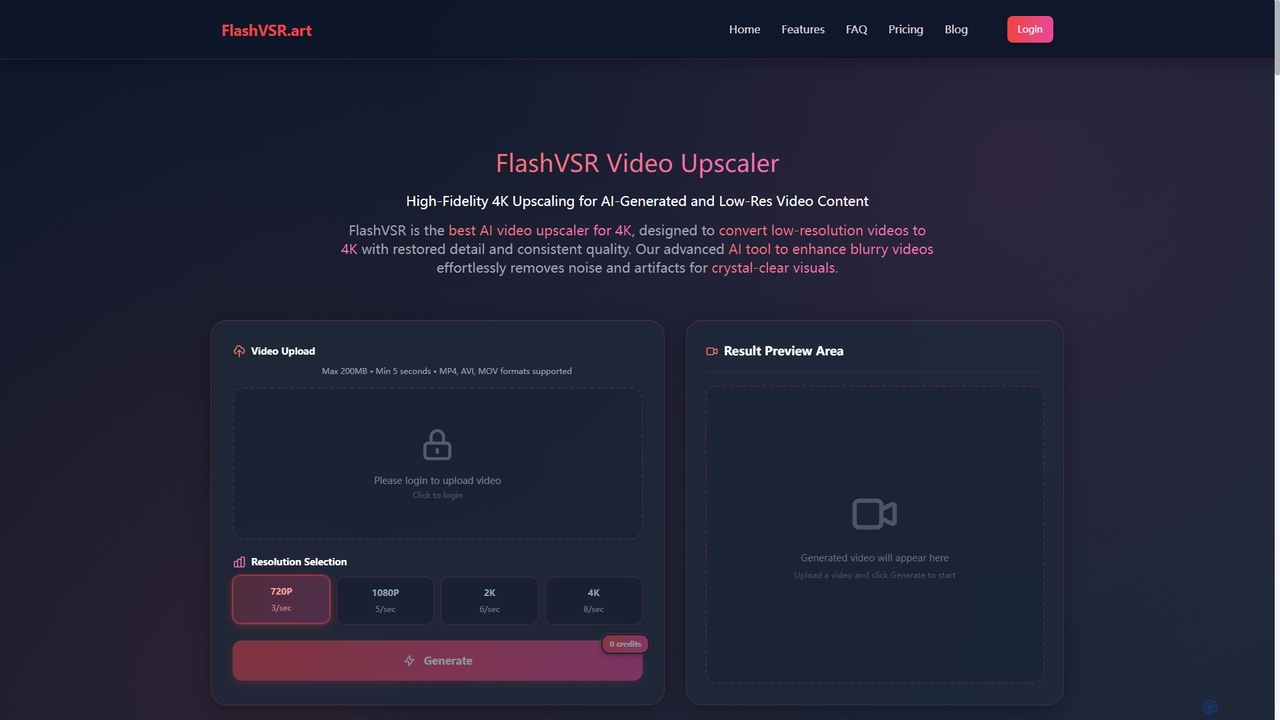
Flashvsr

Flashvsr

Flashvsr is an AI-powered video upscaler that enhances and restores low-resolution videos to 4K quality. It uses advanced …

5.9K
WinXDVD

WinXDVD

WinXDVD is a comprehensive software suite featuring the AI-powered Winxvideo AI for video/image enhancement, conversion, and editing, alongside …

1.5M
TensorPix

TensorPix

TensorPix is an AI-powered online platform for video and image enhancement. It offers a suite of tools to …

200.7K
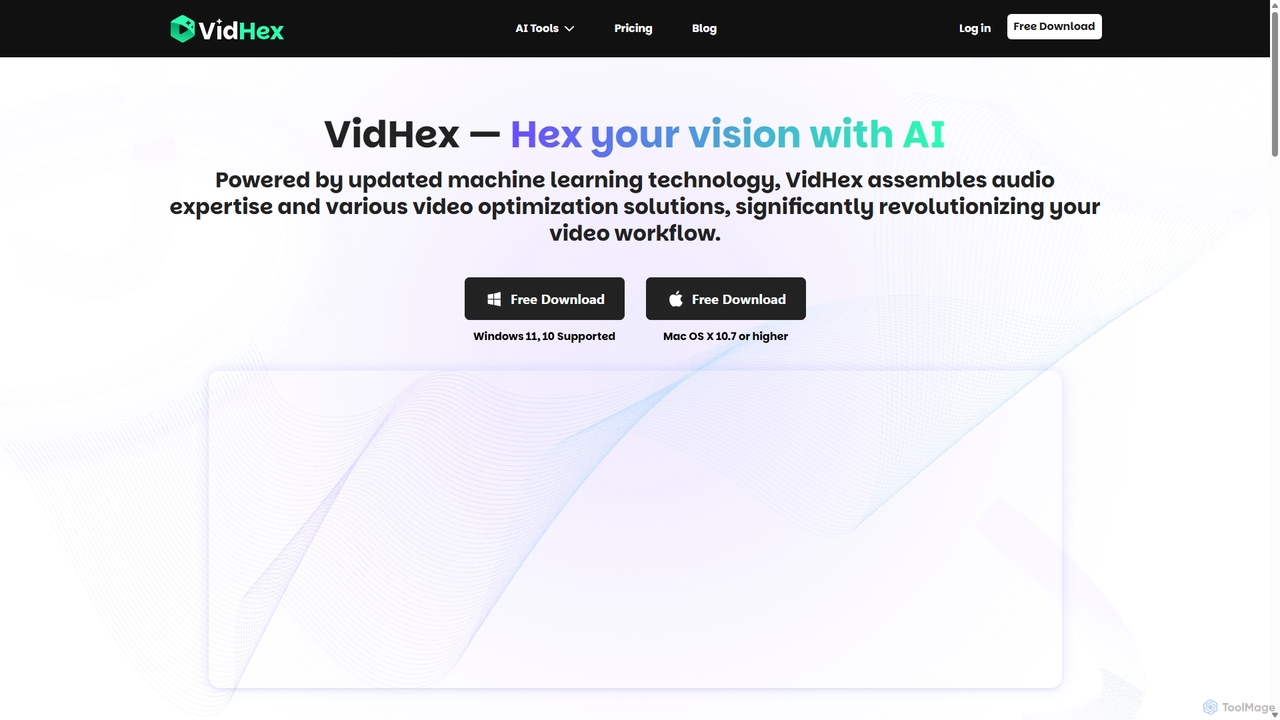
VidHex

VidHex

VidHex is an all-in-one, AI-powered desktop application for Windows and Mac designed to enhance, restore, and upscale video …

60.9K
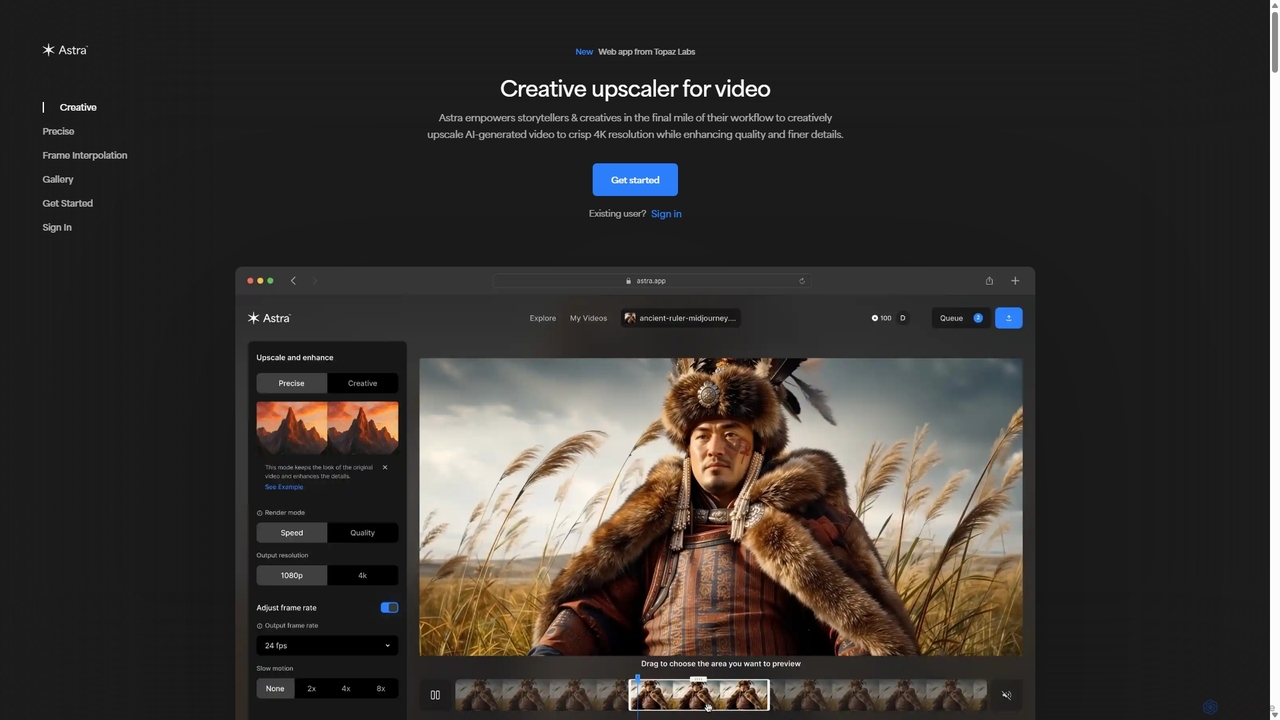
Astra

Astra

A powerful AI video upscaling tool from Topaz Labs, designed for creatives and storytellers. Astra transforms videos, especially …

741.7K
UniFab Studio

UniFab Studio

UniFab Studio is an all-in-one, AI-powered video enhancement suite designed for professionals and enthusiasts. It elevates video quality …

190.6K
Free
Free AI Video Upscaler

Free AI Video Upscaler

A free, browser-based AI tool that enhances and upscales video resolution without requiring any signup or software installation. …

580.7K
Pixop

Pixop

Pixop is an AI-powered video enhancement platform designed for broadcasters and content owners. It offers solutions for real-time …

14.0K

About Enhancement

AI Video Enhancement tools are a class of software that uses artificial intelligence to automatically improve the visual and audio quality of existing video footage. These tools leverage deep learning models, trained on vast datasets, to perform complex tasks like upscaling resolution, reducing noise, and stabilizing shaky shots with minimal user input. Their primary value lies in restoring old or low-quality recordings, refining footage from consumer-grade cameras, and salvaging otherwise unusable clips. This technology makes professional-level video restoration and improvement accessible to a wider audience.

Core Features

  • Resolution Upscaling: Intelligently increases video resolution (e.g., from HD to 4K or 8K) by generating new pixel detail, not just stretching the image.
  • Noise and Grain Reduction: Automatically removes digital noise and film grain from footage shot in low light or from older analog sources.
  • Frame Interpolation: Creates new frames between existing ones to increase the frame rate (e.g., 30fps to 60fps), resulting in smoother motion.
  • AI Stabilization: Corrects camera shake and jitters in handheld footage more effectively than traditional stabilizers.
  • Color & Light Correction: Automatically adjusts brightness, contrast, and color balance to fix exposure issues or restore faded colors.

Use Cases

These tools are widely used by filmmakers and archivists for restoring historical or degraded film stock. Content creators and YouTubers utilize them to enhance footage from smartphones, drones, and action cameras to meet professional standards. In fields like security and forensics, AI enhancement helps clarify crucial details in surveillance videos. Real estate professionals also use these tools to improve the quality of property tour videos.

How to Choose

When selecting an AI Video Enhancement tool, first consider the specific enhancement quality and the algorithm's effectiveness by reviewing side-by-side comparisons. Evaluate the processing speed and whether it relies on cloud processing or requires a powerful local GPU. Check the supported input/output formats and resolution limits to ensure compatibility with your workflow. Finally, consider the user interface—some tools offer simple one-click solutions while others provide more granular control for advanced users.

EnhancementUse Cases

1

Restoring Old Family Videos and Films

A family archivist or individual wants to preserve precious memories recorded on old formats like VHS, Hi8, or 8mm film. The original footage is often blurry, faded, and full of noise. Using an AI video enhancement tool, they can digitize the footage and apply several automated improvements. The AI upscales the low resolution to HD or 4K, its denoising algorithm cleans up analog static, and color correction brings faded colors back to life. The result is a clear, vibrant digital version of cherished memories, suitable for modern displays and sharing with future generations.

2

Upscaling Drone Footage for Professional Projects

A videographer has captured stunning aerial shots with a drone that records in 1080p, but the final project delivery is required in 4K. Instead of purchasing a new drone, they use an AI video enhancer. The software's super-resolution algorithm analyzes the 1080p footage and intelligently generates the extra pixels needed for a true 4K output. It enhances details in landscapes and architecture that were less clear in the original. This allows the videographer to seamlessly integrate their drone shots with footage from other 4K cameras, maintaining a consistent high quality throughout the project and saving significant hardware costs.

3

Improving Low-Light Event Recordings

An event videographer films a wedding reception in a dimly lit venue. Despite using a professional camera, much of the footage suffers from distracting digital noise and grain. Manually correcting this frame-by-frame would be incredibly time-consuming. By processing the clips through an AI video enhancer, the tool's denoising algorithm identifies and removes the noise while preserving important details like facial expressions. The AI can also intelligently brighten the footage without blowing out highlights, resulting in a clean, professional-looking video that captures the ambiance of the event beautifully.

4

Creating Smooth Slow-Motion from Standard Video

A sports content creator wants to create a dramatic slow-motion replay of an athlete's performance, but the original video was shot at a standard 30 frames per second (fps). Simply slowing this down would result in choppy, stuttering motion. They use an AI video enhancer with frame interpolation capabilities. The AI analyzes the motion between each existing frame and generates new, intermediate frames. This process effectively converts the 30fps clip into a 60fps or 120fps video, which can then be slowed down to produce a fluid, cinematic slow-motion effect without any jitter.

5

Stabilizing Shaky Handheld Action Footage

A travel vlogger captures an exciting mountain biking sequence using a helmet-mounted action camera. While the content is thrilling, the raw footage is extremely shaky and difficult to watch. Instead of relying on traditional stabilization which can crop the image heavily and create warping artifacts, they use an AI-powered stabilizer. The AI model understands the motion in the scene, distinguishing between intentional camera movements and unintentional shakes. It stabilizes the footage smoothly while minimizing cropping and avoiding unnatural distortions, resulting in a dynamic yet watchable video that immerses the viewer in the action.

6

Clarifying Details in Security Footage

A security professional needs to identify a license plate from a low-resolution surveillance camera. The original video is blurry and pixelated, making the characters unreadable. They use an AI video enhancement tool specifically trained for forensic analysis. The AI upscaling algorithm reconstructs the details of the license plate, sharpening the edges of the letters and numbers. Additionally, a motion deblurring function can correct for the motion of the moving vehicle. This process can turn an unusable piece of evidence into a critical lead for an investigation, achieving a level of clarity impossible with simple digital zoom.

EnhancementFrequently Asked Questions