ToolMage
Sign in

Best 4 Motion Graphics AI tools for Design

Popular Motion Graphics AI tools in Design include Astra, Wan Animate, Algo, and MotionMate, helping you work more efficiently.

Wan Animate
Freemium

Wan Animate

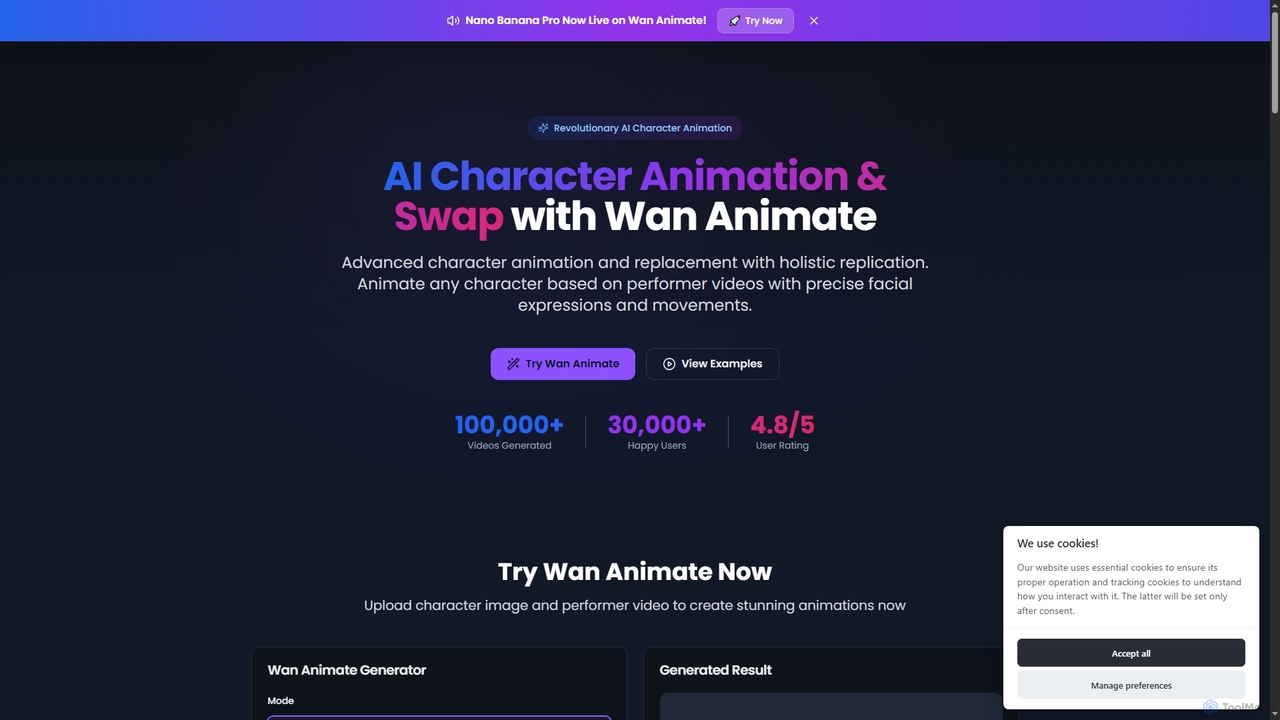
Wan Animate is a revolutionary AI tool for character animation and video character replacement. It brings any character to life by precisely replicating facial expressions and movements from performer videos, or seamlessly swaps characters in existing footage while maintaining environmental consistency.

3D
Visits 99.1KFavorites 105Likes 105
Algo
Paid

Algo

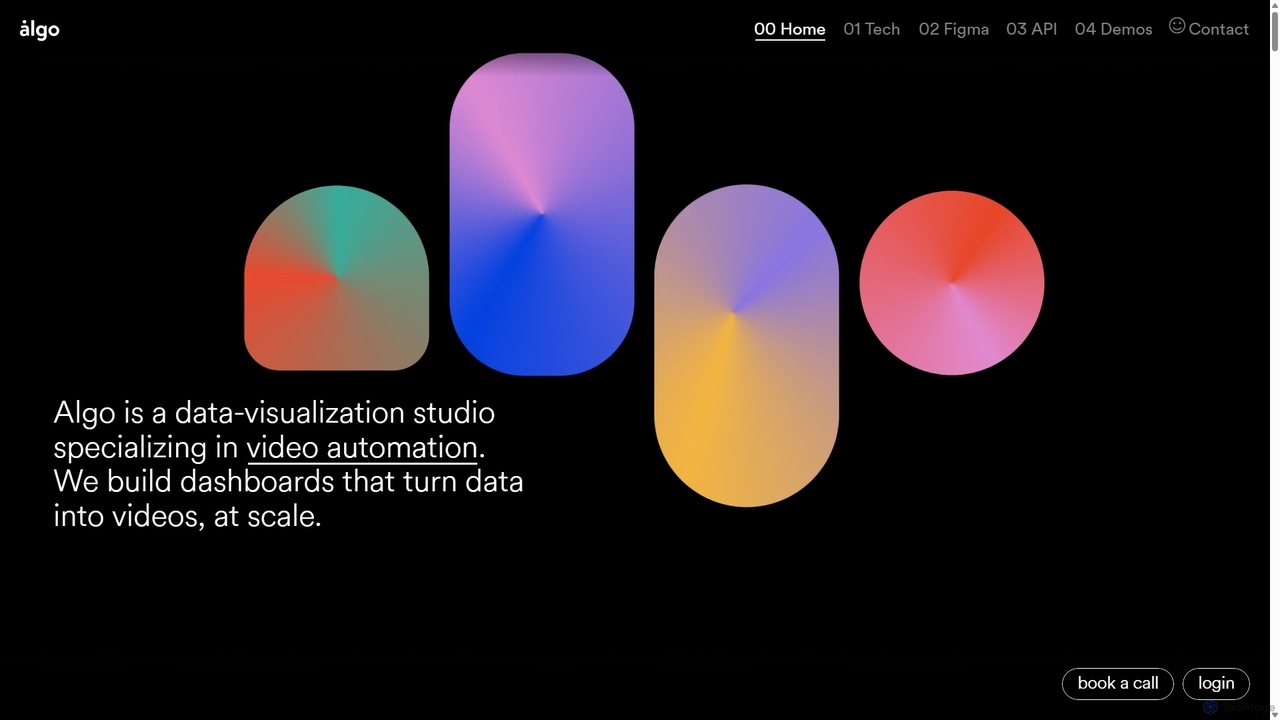
Algo is a data-visualization studio specializing in video automation. It builds custom dashboards, Figma plugins, and APIs that empower teams to turn data into high-quality, personalized videos at scale, leveraging AI for enhanced creativity and efficiency.

Data Visualization
Visits 36.1KFavorites 115Likes 135
Astra
Freemium

Astra

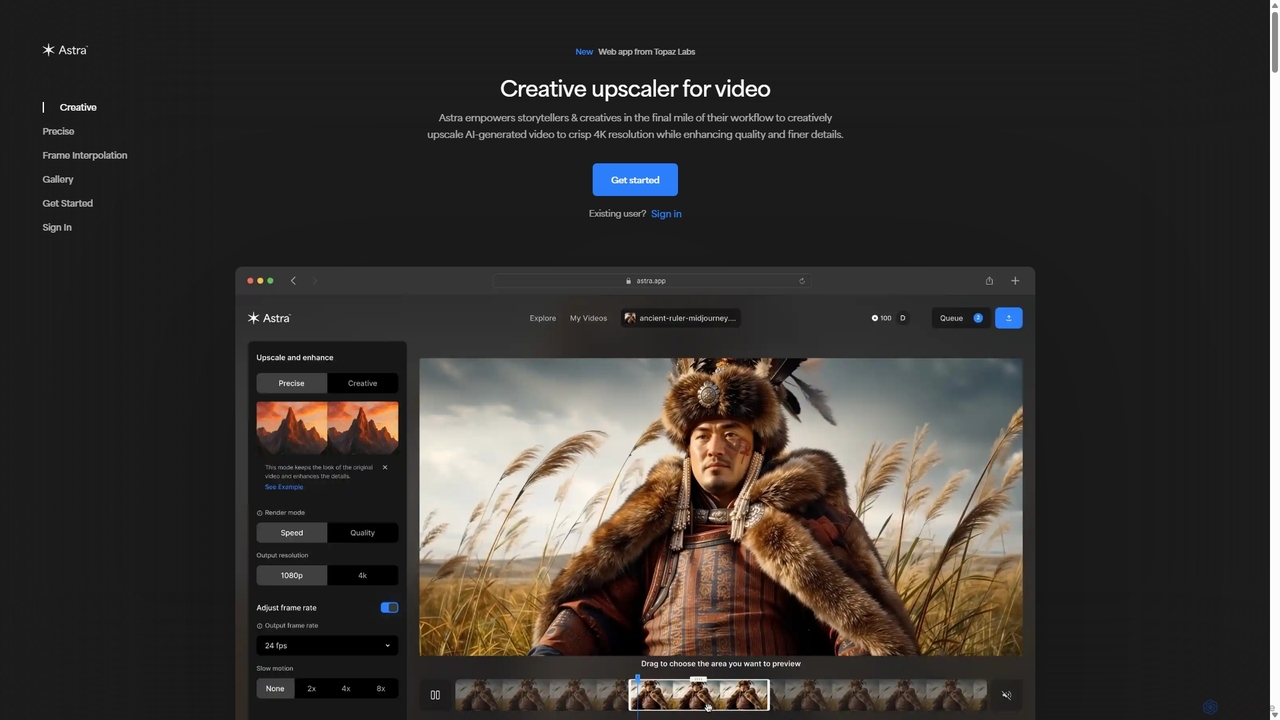
A powerful AI video upscaling tool from Topaz Labs, designed for creatives and storytellers. Astra transforms videos, especially AI-generated content, into crisp 4K resolution. It offers both a "Creative" mode to reimagine details and a "Precise" mode to faithfully enhance original footage, improving quality and clarity for professional workflows.

Motion Graphics
Visits 811.5KFavorites 146Likes 130
MotionMate
Freemium

MotionMate

MotionMate is an AI-powered platform that revolutionizes animation and motion graphics creation. Effortlessly transform text prompts or static images into dynamic, professional-quality videos. Ideal for marketers, content creators, and businesses looking to produce engaging visual content quickly and without complex software.

Motion Graphics
Visits 4KFavorites 118Likes 126

About Motion Graphics

Motion Graphics AI tools are a category of software that leverage artificial intelligence to automate and enhance the creation of animated visual content. These tools utilize advanced algorithms for tasks like automatic keyframe generation, intelligent object tracking, style transfer, and text-to-animation. They empower designers, marketers, and content creators to produce dynamic visuals for videos, presentations, and digital media more efficiently, democratizing access to high-quality motion design.

Core Features

  • AI-Powered Animation: Automatically generates complex animations, easing keyframe creation and motion paths.
  • Intelligent Object Tracking: Accurately tracks objects within video footage for applying effects or overlays.
  • Style Transfer & Generation: Applies artistic styles to existing motion graphics or generates new animations in a desired aesthetic.
  • Text-to-Motion: Converts textual input into animated sequences, ideal for titles, lower thirds, and explainer videos.
  • Automated Transitions & Effects: Suggests and applies seamless transitions and visual effects based on content analysis.

Applicable Scenarios

AI Motion Graphics tools are invaluable for professionals needing to produce high volumes of animated content or streamline complex animation workflows. They are widely used in digital marketing for creating engaging social media ads and explainer videos, in broadcast media for generating dynamic intros and lower thirds, and by UI/UX designers for prototyping interactive interface animations. Content creators also utilize them for enhancing YouTube videos and presentations with professional-grade motion graphics.

How to Choose

When selecting an AI Motion Graphics tool, consider its core animation capabilities and the specific AI features offered, such as text-to-motion or object tracking. Evaluate its integration with your existing design software (e.g., Adobe Creative Suite) and the range of output formats supported. Assess the learning curve and user interface for ease of use, especially if you're not an experienced animator. Finally, compare pricing models and the quality of AI-generated output to ensure it meets your creative and production standards.

Featured tool rankings

Motion Graphics use cases

1

Automated Explainer Video Production

A marketing team needs to produce multiple explainer videos for new product features quickly. Using AI Motion Graphics tools, they can input a script or key points, and the AI automatically generates animated scenes, character movements, and transitions. This significantly reduces the time spent on manual animation, allowing the team to create high-quality, engaging videos in a fraction of the traditional time, accelerating content deployment and campaign launches.

2

Dynamic Social Media Content Creation

A social media manager needs to create engaging, animated posts and stories daily across various platforms. Instead of manually animating each element, they use an AI Motion Graphics tool to quickly generate short, eye-catching animated clips from static images or text. The AI can suggest suitable animations, add dynamic text effects, and optimize output for different platforms, ensuring a consistent brand presence and increased audience engagement without extensive design expertise.

3

Personalized Animated Ad Campaigns

An advertising agency aims to run highly personalized animated ad campaigns across various demographics. With AI Motion Graphics tools, they can generate hundreds of ad variations by simply adjusting parameters like text, color schemes, and animation styles. The AI handles the complex rendering and adaptation, allowing the agency to rapidly A/B test different creative approaches and deliver highly targeted, dynamic advertisements that resonate with specific audience segments, leading to improved conversion rates.

4

Interactive UI/UX Animation Design

UI/UX designers often need to create complex micro-interactions and interface animations to enhance user experience. AI Motion Graphics tools allow them to quickly prototype these animations by describing the desired interaction or importing static UI elements. The AI can generate smooth transitions, hover effects, and loading animations, enabling designers to visualize and iterate on user flows more rapidly, ensuring a polished and intuitive final product without extensive manual keyframing.

5

Broadcast Graphics & Lower Thirds Generation

Television broadcasters and live streamers require a constant supply of professional-looking on-screen graphics, such as lower thirds, intros, and outros. AI Motion Graphics tools enable them to generate these elements rapidly by inputting text, logos, and brand guidelines. The AI can automatically animate text, apply consistent branding, and ensure broadcast-ready quality. This streamlines production workflows, allowing for quick updates and consistent visual branding across all live and pre-recorded content, saving significant time and resources.

6

Animated Logo & Brand Identity

A small business owner wants to animate their static logo for use in digital marketing and video intros but lacks animation skills. Using an AI Motion Graphics tool, they can upload their logo and select from various animation styles or describe the desired motion. The AI then generates a professional animated version, complete with dynamic effects and transitions. This allows the business to enhance its brand identity with engaging motion without hiring a specialized animator, making professional branding accessible and affordable.

Motion Graphics FAQ

What are AI Motion Graphics tools?

AI Motion Graphics tools are software applications that use artificial intelligence to automate and assist in the creation of animated visual content. They leverage machine learning to streamline complex animation tasks, generate dynamic effects, and convert various inputs (like text or static images) into engaging motion sequences. These tools are designed to enhance efficiency and accessibility in motion design, making professional-grade animations achievable for a wider range of users.

How do AI Motion Graphics tools differ from traditional animation software?

AI Motion Graphics tools primarily differ from traditional animation software through their automation capabilities. While traditional tools like After Effects require extensive manual keyframing and precise control over every element, AI tools can generate animations, effects, and transitions automatically based on user prompts or data analysis. This significantly reduces the learning curve and production time, making motion design more accessible to users without deep technical animation expertise, though traditional tools still offer unparalleled creative control for highly customized projects.

What specific tasks can AI Motion Graphics tools automate?

AI Motion Graphics tools can automate a wide range of tasks, significantly speeding up the animation workflow. Key automated functions include automatic keyframe generation, where the AI predicts and creates smooth transitions between states; intelligent object tracking, which accurately follows elements in video footage; and text-to-motion capabilities, transforming static text into dynamic animated titles or lower thirds. They can also assist with style transfer, applying artistic looks to animations, and generating various visual effects and transitions based on content analysis.

Who benefits most from using AI Motion Graphics tools?

A wide range of users benefits from AI Motion Graphics tools, particularly those who need to produce dynamic visual content efficiently without extensive animation expertise. This includes digital marketers creating engaging social media ads and explainer videos, content creators enhancing their YouTube channels or presentations, and small business owners looking to animate their logos or brand elements. UI/UX designers can also rapidly prototype interactive animations, and even educators can use them to create more engaging learning materials. The tools democratize access to professional motion design.

How can AI Motion Graphics tools improve workflow efficiency?

AI Motion Graphics tools significantly improve workflow efficiency by automating time-consuming and repetitive tasks. They can automatically generate keyframes, track objects, and apply effects, reducing the need for manual adjustments. This allows designers to focus on creative direction rather than tedious technical execution. Furthermore, features like text-to-motion and style transfer enable rapid prototyping and iteration, accelerating content creation cycles and allowing for quicker delivery of dynamic visuals across various projects and platforms, ultimately boosting productivity.