


WinXDVD Overview
WinXDVD offers a powerful suite of multimedia software designed to meet the demands of both casual users and professionals. The flagship product, Winxvideo AI, stands at the forefront, utilizing advanced artificial intelligence to revolutionize video and image processing. It's a complete toolkit that empowers users to enhance, upscale, stabilize, convert, compress, record, and edit videos, including 4K, 8K, and HDR content. Complementing this is the industry-leading WinX DVD Ripper Platinum, a robust tool for digitizing physical DVD collections, capable of handling even encrypted discs and converting them into mainstream digital formats in minutes. The suite is rounded out by WinX MediaTrans for seamless data transfer between iOS devices and computers.
The core of Winxvideo AI lies in its four well-trained AI models, tailored for different types of video content. These models intelligently sharpen details, reduce noise, and deblur footage to produce cinema-grade quality. The Super Resolution technology can upscale videos by up to 400%, transforming older, low-resolution clips into stunning 1080p or 4K quality. This makes it invaluable for restoring old family videos, enhancing sourced footage for professional projects, or simply improving the visual quality of any media.
How to use WinXDVD
Using the WinXDVD software suite is designed to be intuitive. Here are typical workflows for its main functions:
1. AI Video Enhancement with Winxvideo AI:
- Launch Winxvideo AI and select the "Video AI" module from the main interface.
- Click "+ Add Video" to import the shaky, blurry, or low-resolution video you want to improve.
- On the right-hand panel, check the box for the desired AI feature, such as "Stabilization" or "Super Resolution".
- Choose a preset (e.g., Best Stability, Balanced) and click "Analyze" for the AI to process the footage. You can preview the results.
- Set your export format and destination, then click the "RUN" button to save the enhanced video.
2. Ripping a DVD with WinX DVD Ripper Platinum:
- Insert a DVD into your drive and open WinX DVD Ripper Platinum.
- Click the "DVD Disc" button to load the content. The software will automatically detect the main title.
- An "Output Profile" window will appear. Select your desired output format (e.g., MP4 for mobile devices, MKV for full quality backup).
- Choose a destination folder and click the "RUN" button to start the ripping process, which is accelerated by GPU hardware.
3. Screen Recording with Winxvideo AI:
- Open Winxvideo AI and choose the "Recorder" option.
- Select your recording mode: full screen, a specific window, or a custom area.
- Enable system audio and/or your microphone as needed. You can also enable your webcam for a picture-in-picture effect.
- Use the drawing tools (shortcut: Ctrl+Alt+Shift+T) to annotate while recording.
- Click the red "REC" button to start. When finished, click the "Stop" button.
Core Features of WinXDVD
- AI-Powered Video & Image Enhancement: Upscale videos to 4K with Super Resolution, stabilize shaky footage, denoise, deblur, and sharpen content using advanced AI models.
- High-Speed DVD Ripping: Digitize any DVD, including 99-title discs and ISO images, to formats like MP4, AVI, and MOV. The process takes as little as 5 minutes for a full DVD.
- Level-3 Hardware Acceleration: Utilizes Intel QSV, NVIDIA NVENC/CUDA, and AMD GPUs to deliver up to 47x faster processing speed for video conversion and ripping.
- Comprehensive Video Toolkit: A complete suite to convert, compress, edit (trim, merge, crop), and record videos up to 4K resolution.
- Advanced Screen Recorder: Capture your screen, webcam, or both simultaneously. Includes drawing tools and Chroma Key for green screen effects.
- iOS Data Management: WinX MediaTrans provides an easy way to transfer photos, music, and videos between iPhone/iPad and a computer.
Use Cases for WinXDVD
WinXDVD is versatile for a wide range of applications:
- Content Creators & Videographers: Enhance and stabilize footage from drones, action cameras, or smartphones. Upscale older clips to 4K for use in modern productions.
- Archivists & Home Users: Preserve precious memories by digitizing old DVD collections and enhancing aged family videos and photos.
- Educators & Professionals: Create high-quality tutorials, presentations, and product demonstrations using the feature-rich screen recorder.
- Movie Enthusiasts: Back up physical movie collections to a hard drive or NAS for easy access on any device without needing an optical drive.
- Social Media Managers: Quickly convert and compress videos to the ideal format and size for platforms like YouTube, Facebook, and Instagram.
Advantages of WinXDVD
The primary advantage of WinXDVD is its integration of powerful, distinct tools into a cohesive ecosystem. Instead of needing separate software for AI enhancement, DVD ripping, and screen recording, users get an all-in-one solution. Its commitment to speed through Level-3 hardware acceleration is a major differentiator, saving significant time on rendering and conversion tasks. The AI features are not just a gimmick; they produce tangible, high-quality results that can salvage otherwise unusable footage. Finally, its user-friendly interface makes these advanced technologies accessible to users of all skill levels.
Pricing and Plans
WinXDVD offers its software as paid products, with a free trial version available for users to test the functionalities before purchasing. The company typically provides several licensing options, including annual subscriptions and lifetime licenses, which offer long-term value with free upgrades. Pricing may vary based on promotions and the specific product bundle. The company stands by its products with a 30-day money-back guarantee. For the most current and detailed pricing information, it is recommended to visit the official WinXDVD website.
Traffic
Latest traffic
Status
Monthly traffic trend
- 2025-9: 1.2M
- 2026-1: 1.6M
- 2026-2: 1.3M
- 2026-3: 1.3M
- 2026-4: 1.5M
- 2026-5: 1.5M
Geography
Top 5 countries / regions
- 🇺🇸United States42.2%
- 🇯🇵Japan41.5%
- 🇩🇪Germany6.1%
- 🇬🇧United Kingdom5.8%
- 🇨🇦Canada4.4%
Traffic sources
| Source type | Percentage |
|---|---|
Direct | 79.3% |
Referral | 20.1% |
Email | 0.5% |
WinXDVD Videos on YouTube

WinXDVD Alternatives
VidHex
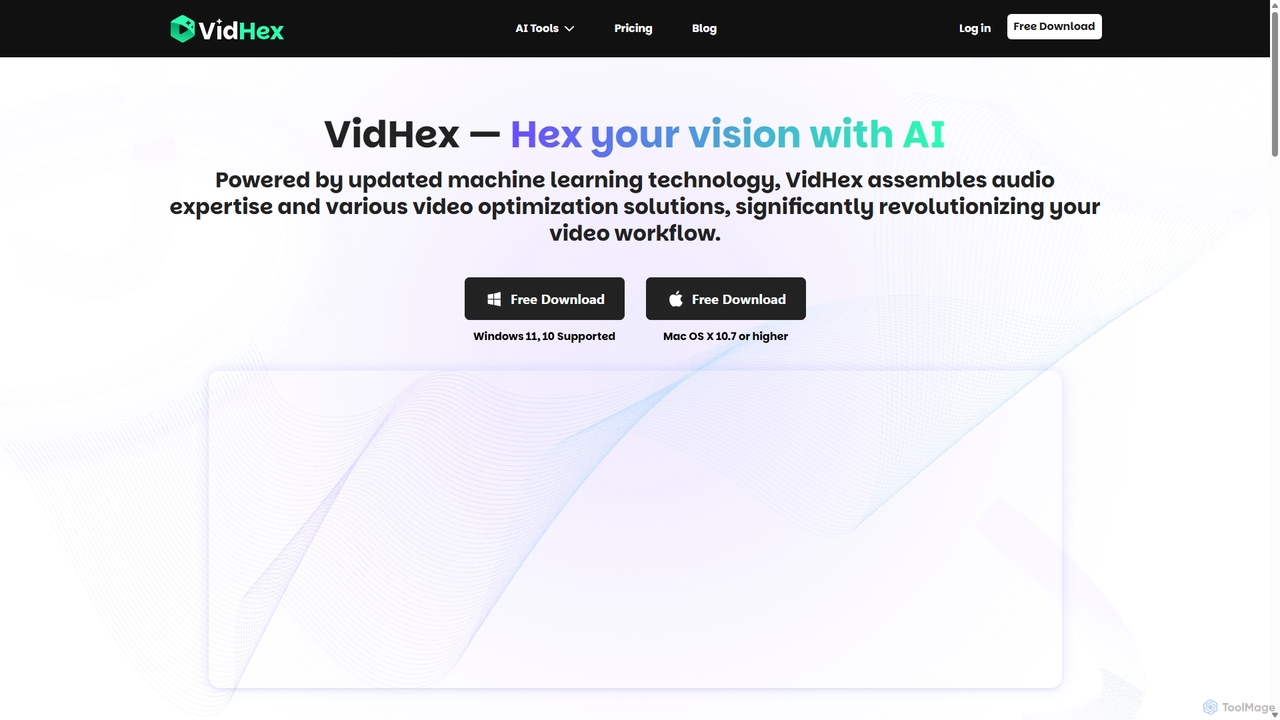
VidHex is an all-in-one, AI-powered desktop application for Windows and Mac designed to enhance, restore, and upscale video quality. It offers a suite of tools for intelligent upscaling to 4K/8K, realistic colorization of black-and-white footage, video repair, denoising, and frame interpolation. It's built for content creators, e-commerce sellers, educators, and anyone looking to transform imperfect videos into stunning visual experiences with minimal effort.
Tools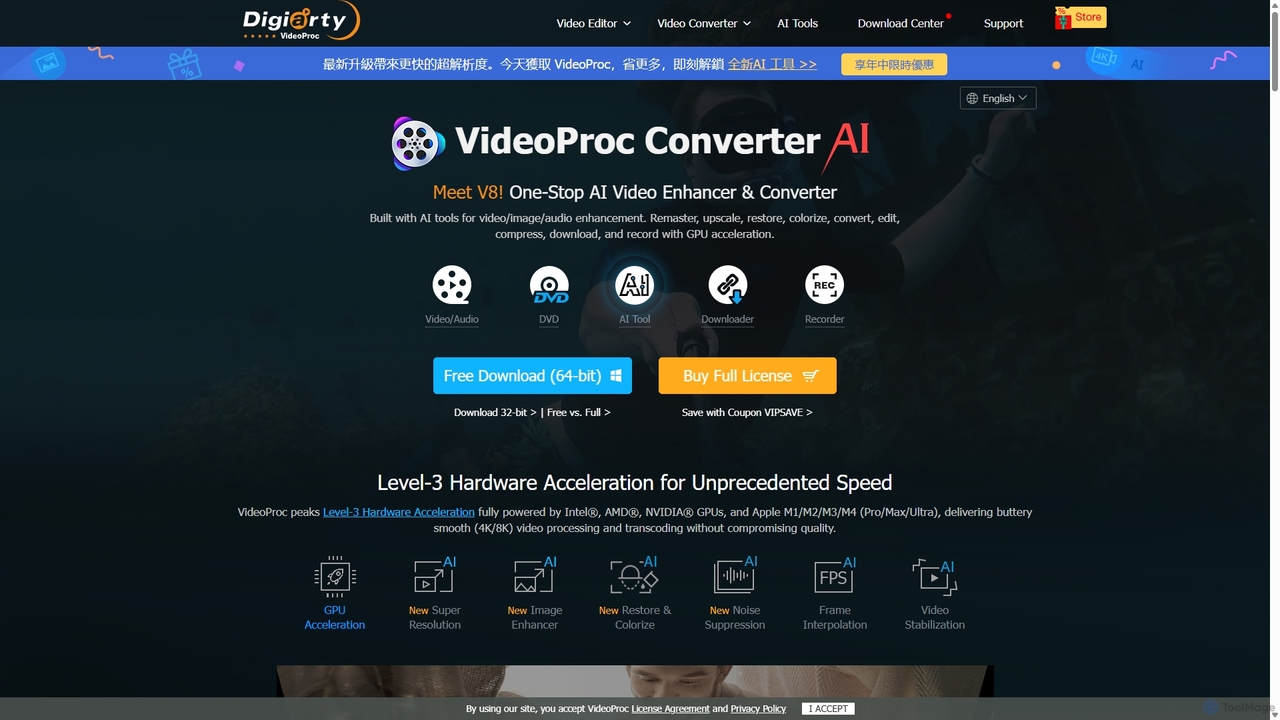
VideoProc
VideoProc is a one-stop, AI-powered media processing suite. It enhances, converts, edits, compresses, downloads, and records 4K/8K videos with full GPU acceleration. Its AI tools upscale video/images, stabilize shaky footage, interpolate frames for smooth motion, and remove background noise from audio.
Audio Editing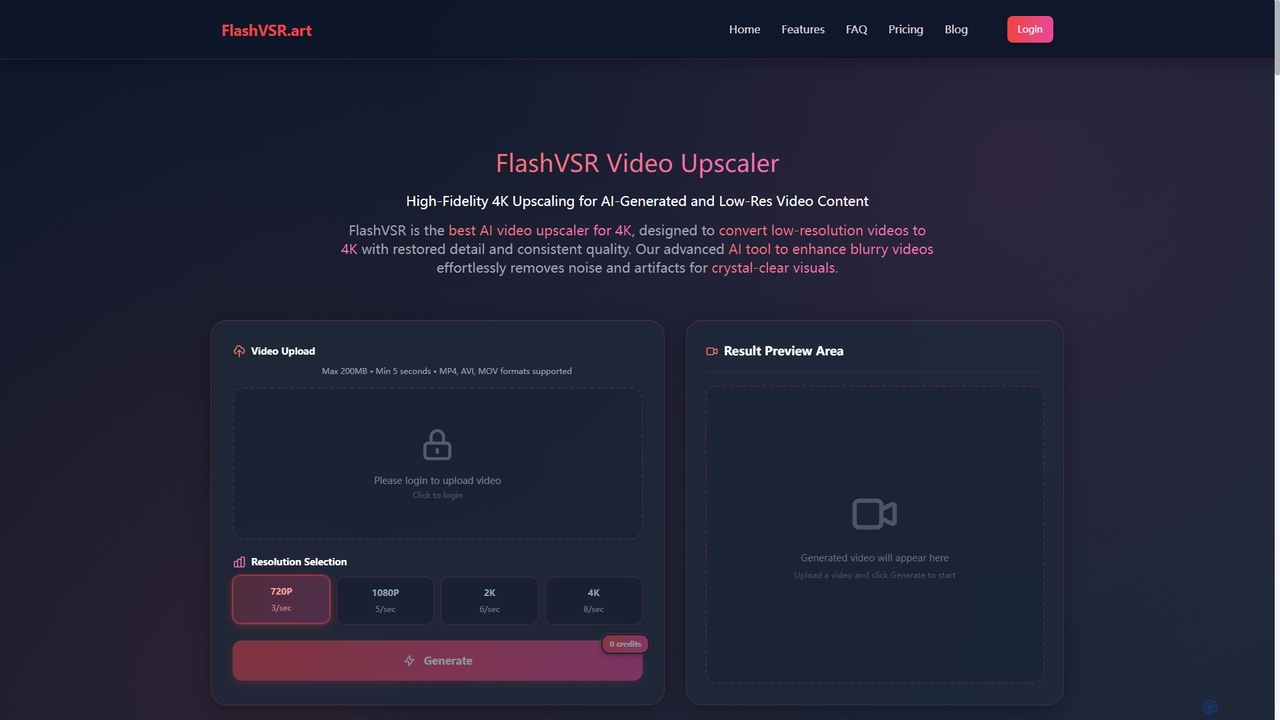
Flashvsr
Flashvsr is an AI-powered video upscaler that enhances and restores low-resolution videos to 4K quality. It uses advanced diffusion models to recover details, remove noise, and ensure temporal consistency, making it ideal for content creators, video editors, and marketers.
Content Creation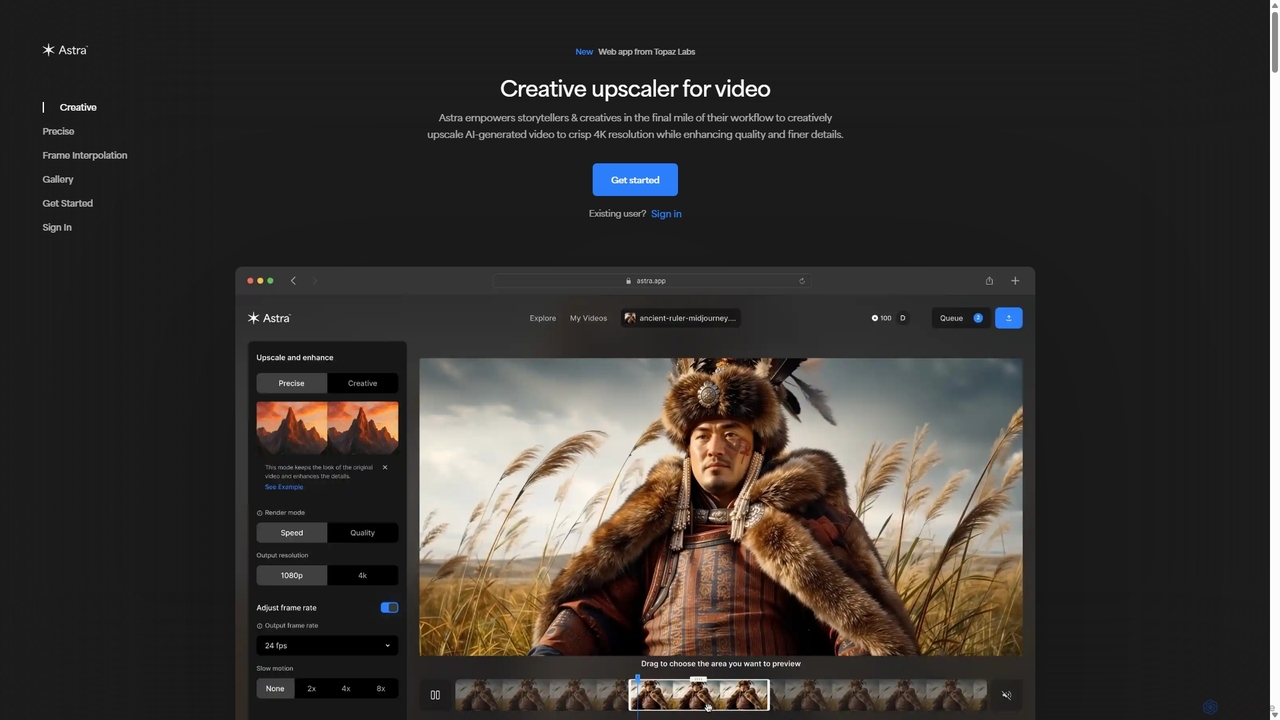
Astra
A powerful AI video upscaling tool from Topaz Labs, designed for creatives and storytellers. Astra transforms videos, especially AI-generated content, into crisp 4K resolution. It offers both a "Creative" mode to reimagine details and a "Precise" mode to faithfully enhance original footage, improving quality and clarity for professional workflows.
Motion Graphics
Filmora
Filmora is an AI-powered video editor that simplifies the creation process for both beginners and professionals. It offers a vast suite of AI tools, including smart clip generation, text-to-video, and advanced audio enhancement, combined with a user-friendly interface and a massive library of effects and resources to make video editing faster and more creative.
Social MediaWinXDVD Categories
WinXDVD Jobs
WinXDVD Embed Widget
Copy this embed code to place the badge on your blog, article, or product site and send readers directly to this ToolMage detail page.

Related AI tools
VideoProc
VideoProc is a one-stop, AI-powered media processing suite. It enhances, converts, edits, compresses, downloads, and records 4K/8K videos with full GPU acceleration. Its AI tools upscale video/images, stabilize shaky footage, interpolate frames for smooth motion, and remove background noise from audio.
Audio EditingFlashvsr
Flashvsr is an AI-powered video upscaler that enhances and restores low-resolution videos to 4K quality. It uses advanced diffusion models to recover details, remove noise, and ensure temporal consistency, making it ideal for content creators, video editors, and marketers.
Content Creation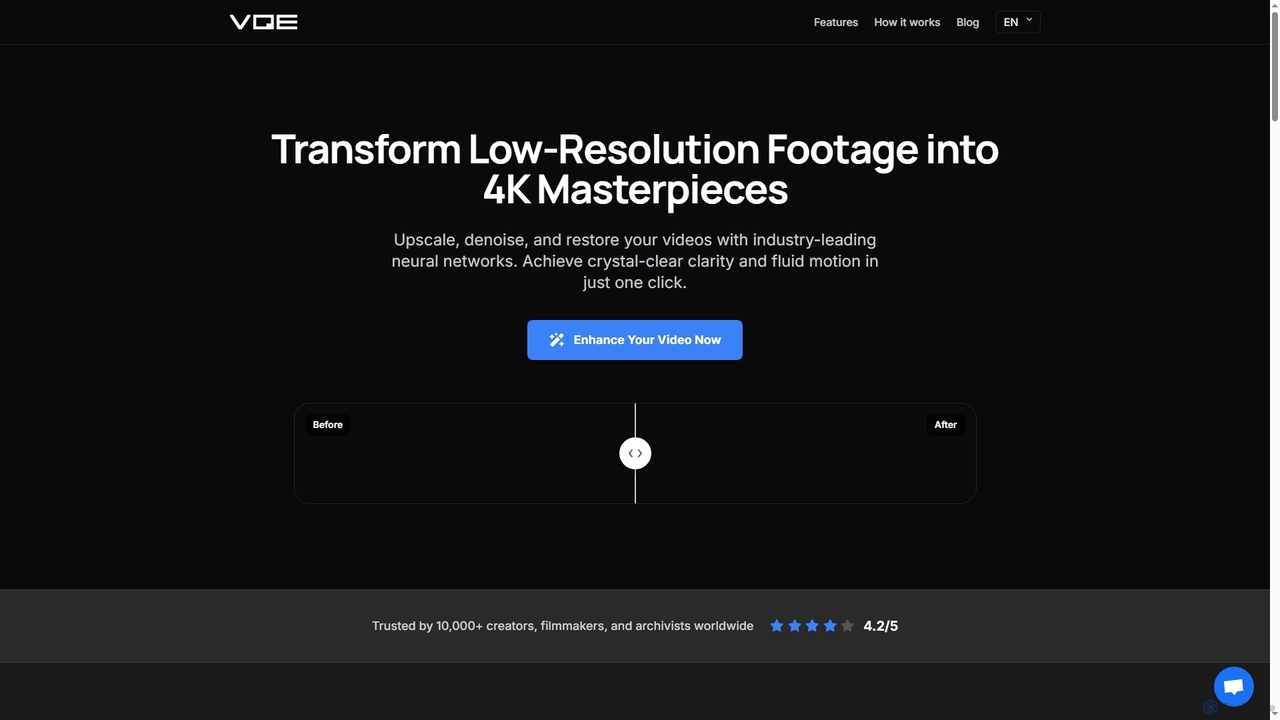
Video Quality Enhancer
Video Quality Enhancer is an AI-powered online tool that transforms low-resolution videos into stunning 4K/8K masterpieces. It intelligently upscales, denoises, restores old footage, and refines details like faces, all within your browser.
3DAstra
A powerful AI video upscaling tool from Topaz Labs, designed for creatives and storytellers. Astra transforms videos, especially AI-generated content, into crisp 4K resolution. It offers both a "Creative" mode to reimagine details and a "Precise" mode to faithfully enhance original footage, improving quality and clarity for professional workflows.
Motion GraphicsVidHex
VidHex is an all-in-one, AI-powered desktop application for Windows and Mac designed to enhance, restore, and upscale video quality. It offers a suite of tools for intelligent upscaling to 4K/8K, realistic colorization of black-and-white footage, video repair, denoising, and frame interpolation. It's built for content creators, e-commerce sellers, educators, and anyone looking to transform imperfect videos into stunning visual experiences with minimal effort.
Tools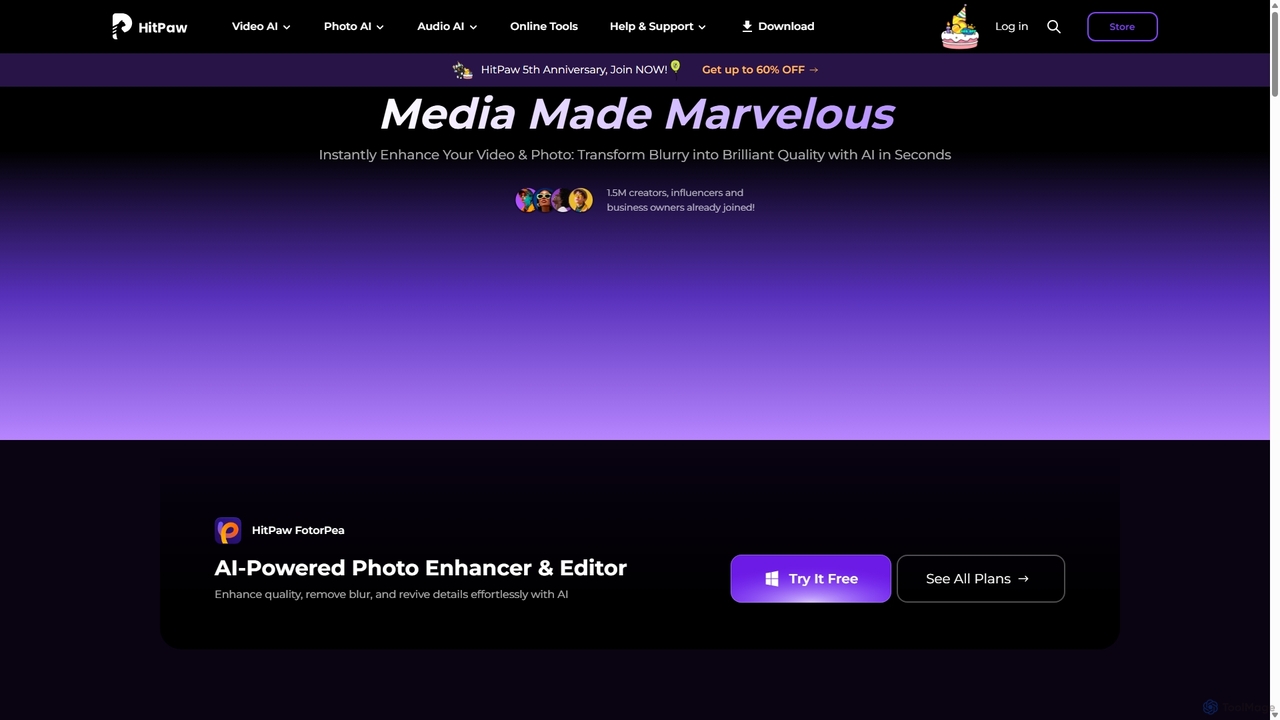
HitPaw
HitPaw is a comprehensive AI-powered multimedia software suite designed for video, photo, and audio enhancement. It offers a range of tools for upscaling video to 8K, restoring old photos, changing voices in real-time, converting file formats, and more, catering to creators, professionals, and enthusiasts.
Voice ModulationFilmora
Filmora is an AI-powered video editor that simplifies the creation process for both beginners and professionals. It offers a vast suite of AI tools, including smart clip generation, text-to-video, and advanced audio enhancement, combined with a user-friendly interface and a massive library of effects and resources to make video editing faster and more creative.
Social Media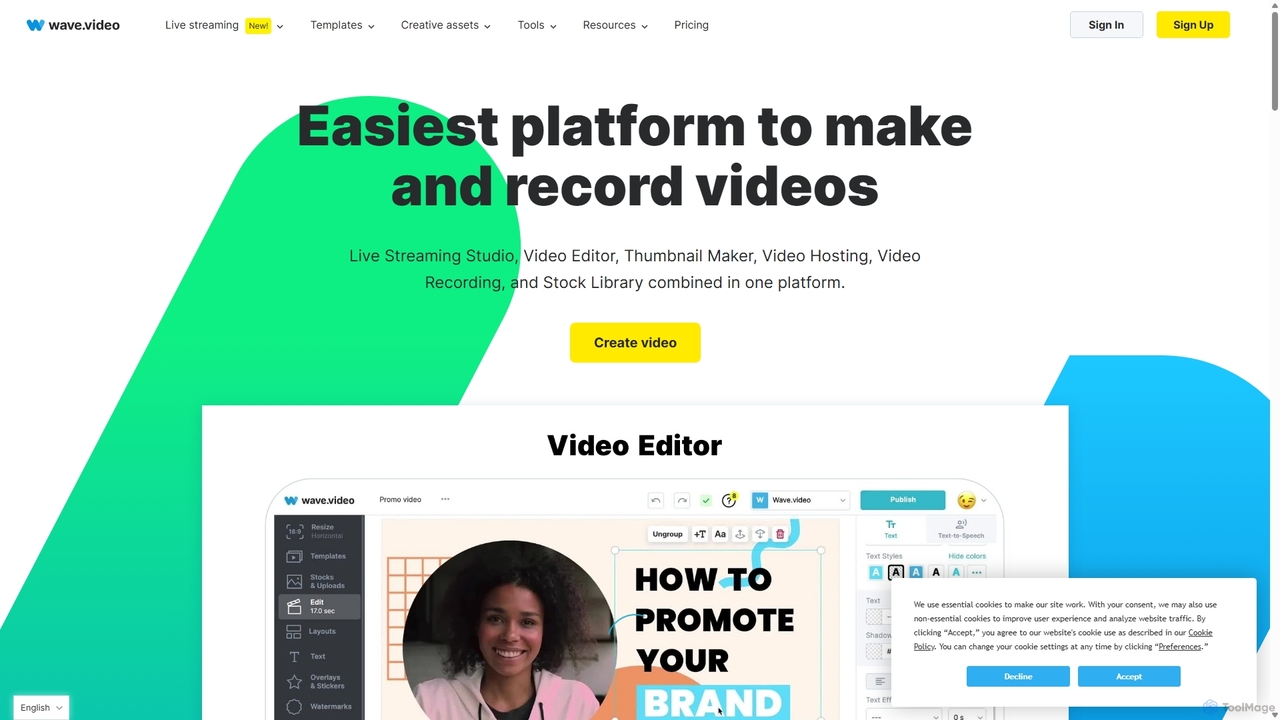
Wave.video
Wave.video is an all-in-one video marketing platform that empowers businesses and creators to easily edit, record, multi-stream, and host videos. It combines a powerful online video editor, a live streaming studio, a thumbnail maker, secure video hosting, and a vast stock library into a single, user-friendly interface. Ideal for marketers and content creators of any skill level looking to produce professional-quality videos that drive engagement and results.
Video Generation
TensorPix
TensorPix is an AI-powered online platform for video and image enhancement. It offers a suite of tools to upscale resolution up to 4K/8K, restore old footage, remove noise, and improve overall visual quality. Ideal for filmmakers, content creators, and archivists, TensorPix simplifies complex post-production tasks with an intuitive web-based interface, making professional-grade restoration accessible to everyone.
Creative
Filmora
Filmora is a powerful yet user-friendly AI video editor designed for creators of all levels. It integrates advanced AI tools like text-to-video, smart cutout, and an AI music generator to streamline the editing process. It offers a rich library of effects, templates, and stock media, making it easy to create professional-quality videos for social media, marketing, or personal projects on Windows and macOS.
Video Generation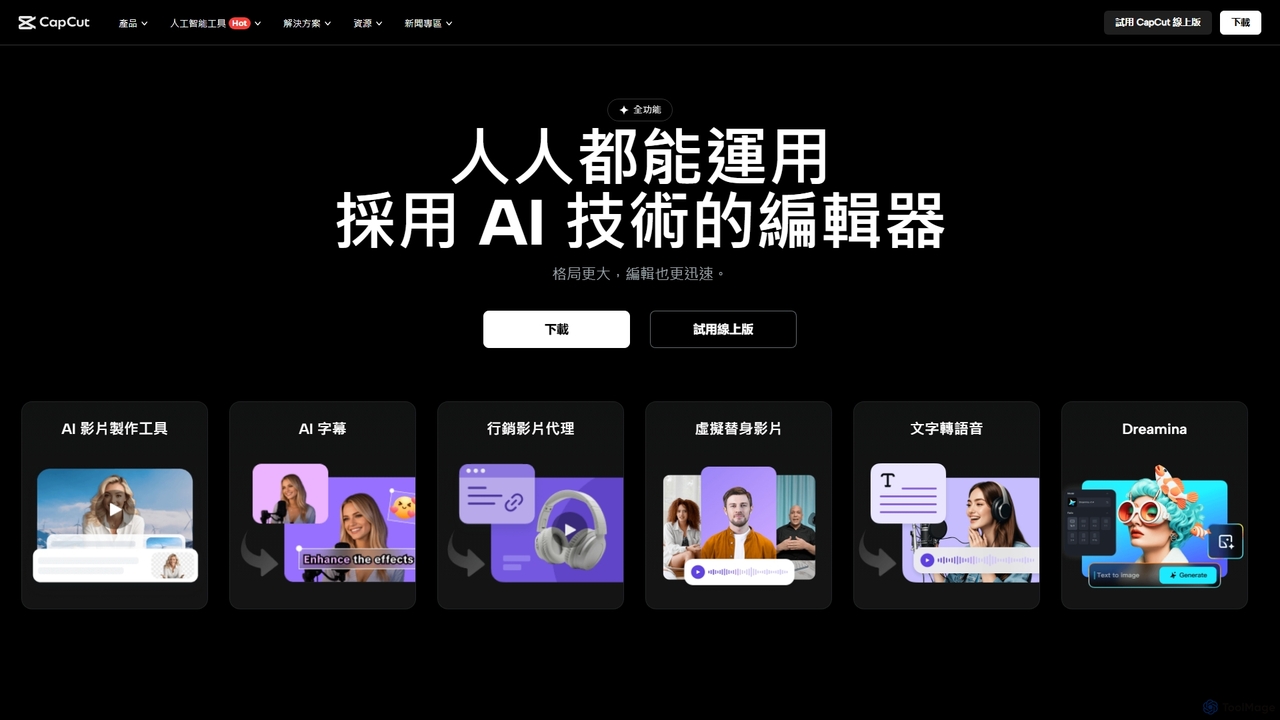
CapCut
CapCut is a powerful, all-in-one AI video editor and creative suite. It simplifies content creation with intuitive tools for video editing, graphic design, and team collaboration. It offers a wide range of AI features like auto-captions, script-to-video, background removal, and video upscaling, making professional-quality content accessible to everyone, from beginners to pros, across web, desktop, and mobile platforms.
Graphics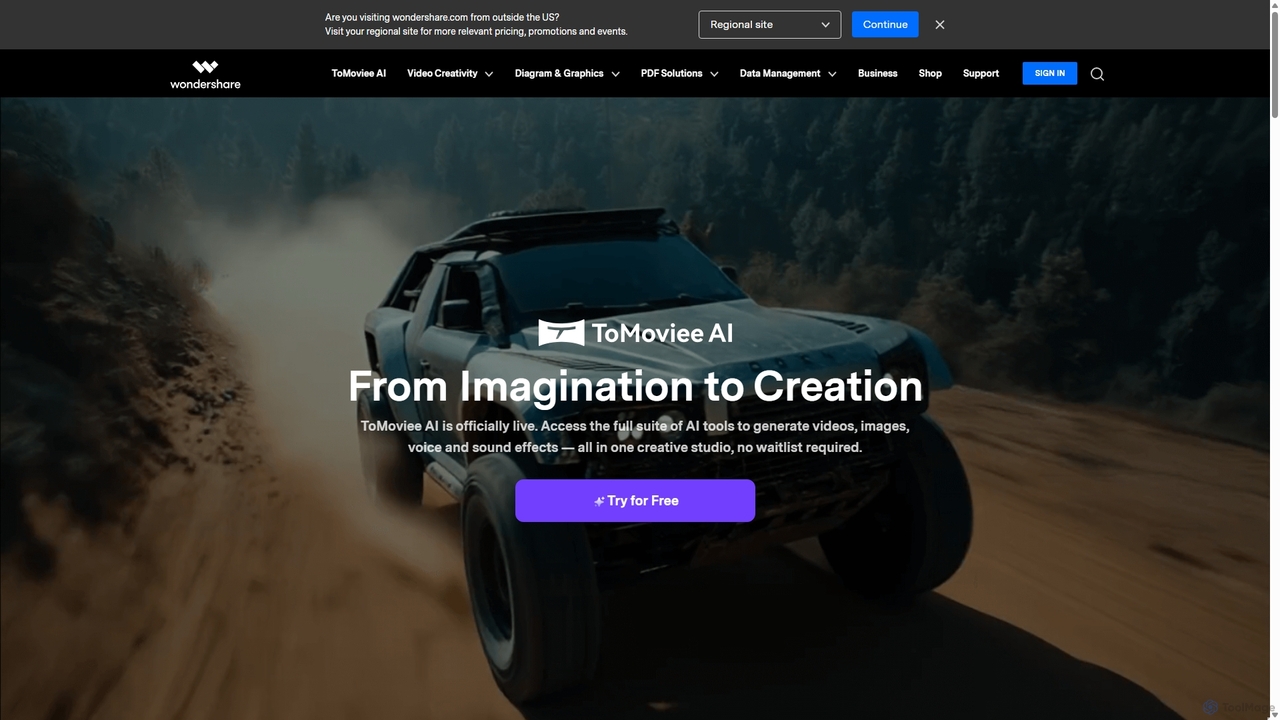
Wondershare
Wondershare offers a comprehensive suite of AI-powered software for creativity, productivity, and utility. From the advanced video editor Filmora and AI content generator ToMoviee to the powerful PDFelement and data recovery tools, Wondershare simplifies digital experiences for millions of users worldwide. It provides intuitive, powerful solutions for content creators, businesses, and individuals to create, manage, and secure their digital assets with ease.
Diagramming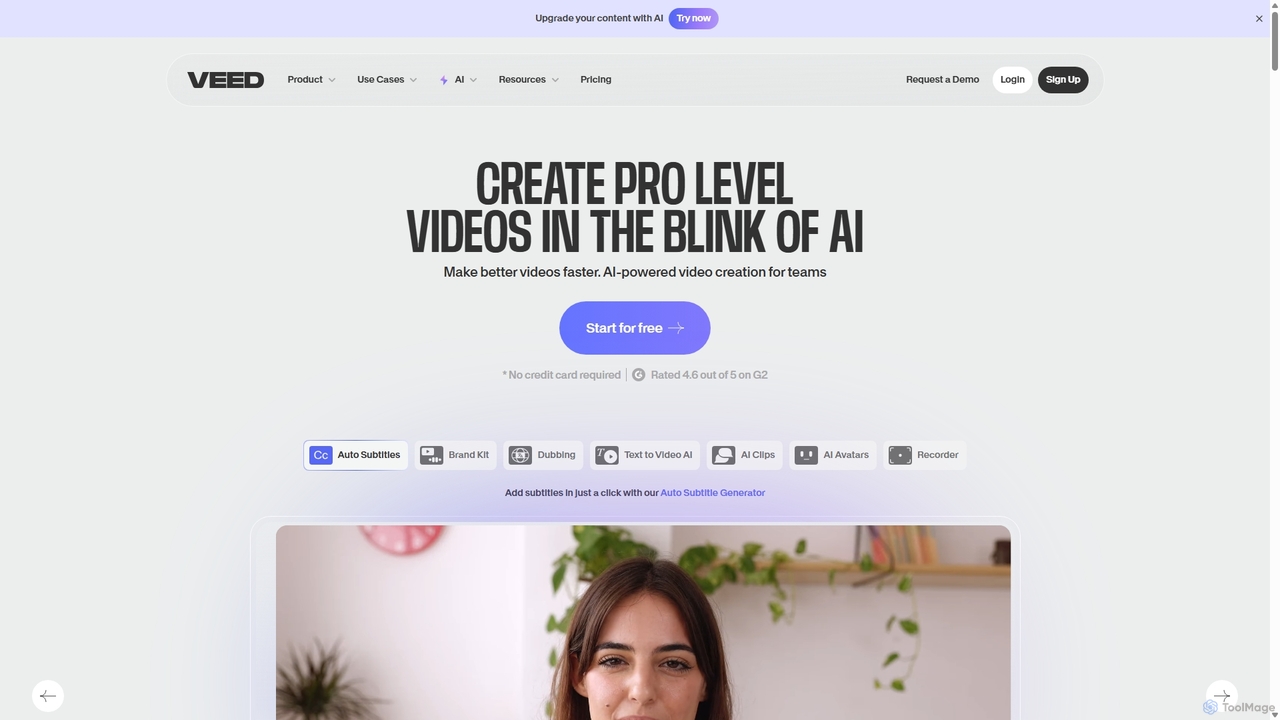
VEED.IO
VEED.IO is a powerful, AI-driven online video editor designed for teams and creators. It simplifies professional video creation with a suite of intuitive tools, including auto-subtitling, text-to-video, AI avatars, and collaborative workspaces. Create, edit, and share high-quality videos directly from your browser, no complex software required.
Social Media
Voice.ai
Voice.ai is a versatile AI voice platform offering a free real-time voice changer, realistic text-to-speech, and precise voice cloning. Designed for gamers, streamers, content creators, and businesses, it features a vast library of user-generated voices, enabling seamless voice transformation across popular apps and games.
Text To Speech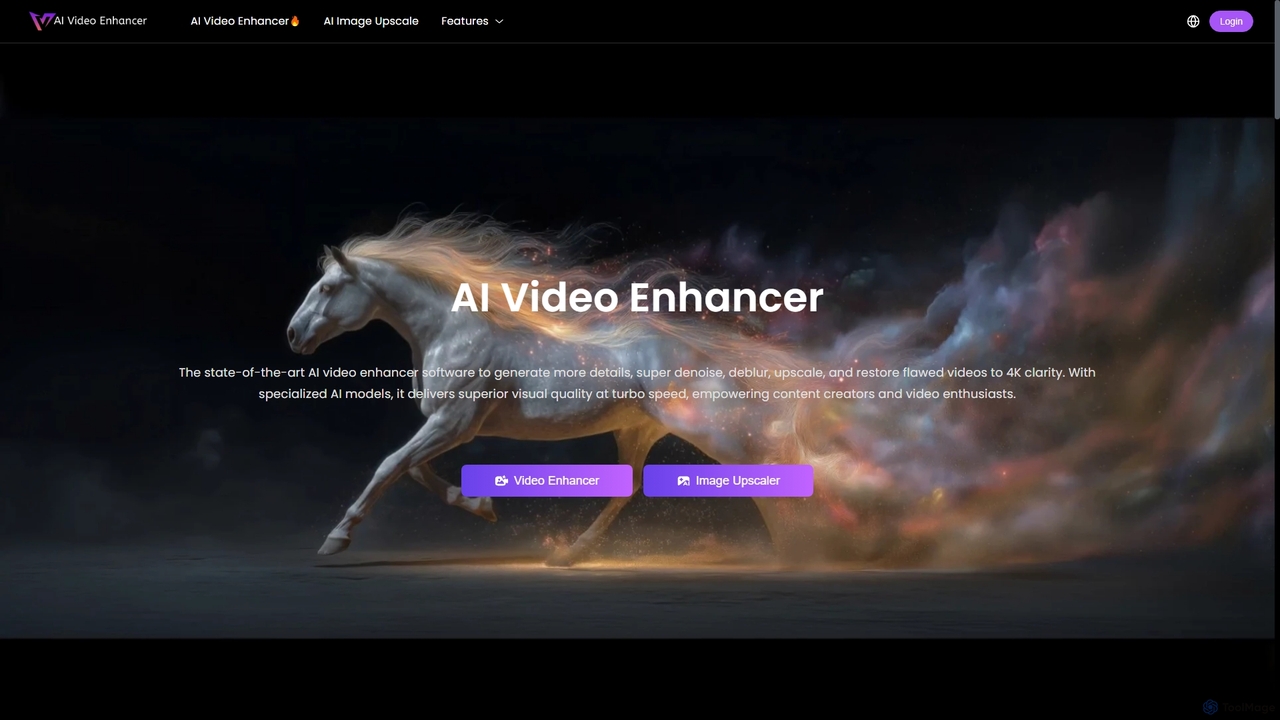
AIVideoEnhancer
AIVideoEnhancer is an AI-powered online tool designed to enhance and upscale low-quality videos to 4K resolution. It also functions as an image upscaler, increasing photo resolution by up to 800%. The tool automatically denoises, deblurs, and restores details with one-click simplicity, focusing on realistic results and fast, GPU-accelerated processing.
Creative
WinXDVD Comments (0)
Sign in to comment.
Sign inNo comments yet.