

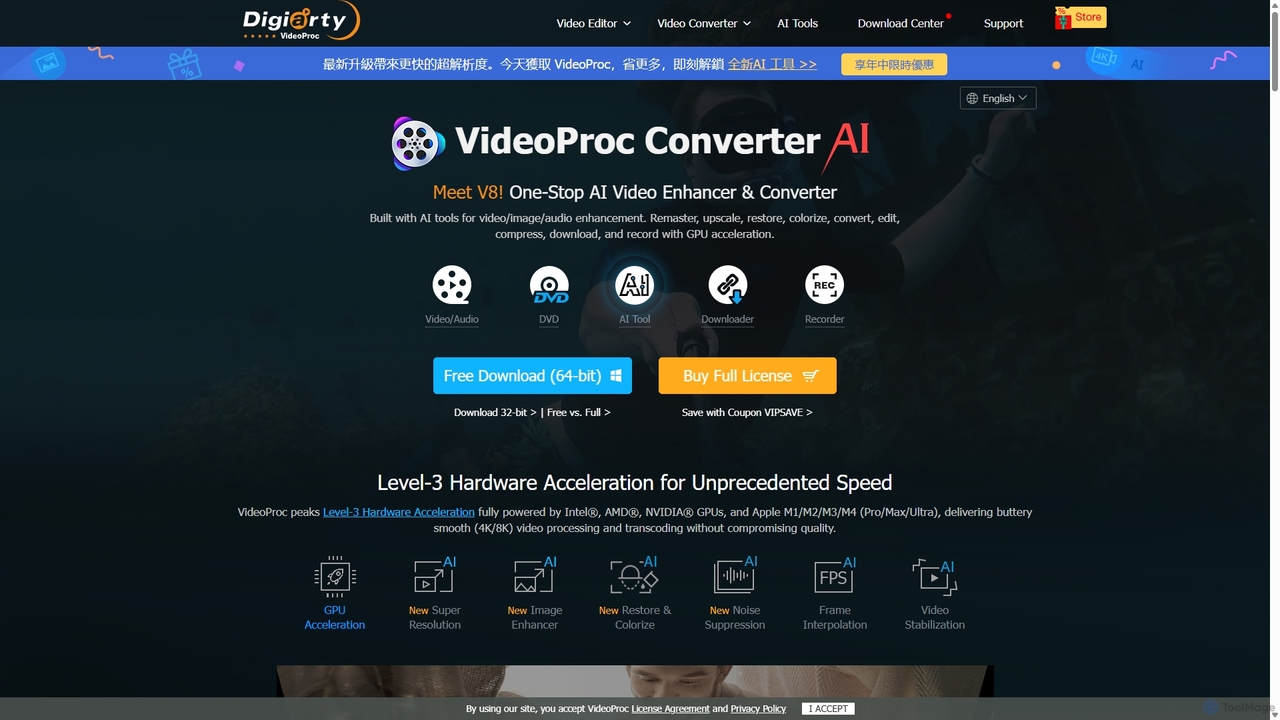
VideoProc Overview
VideoProc is a comprehensive and powerful AI-driven media processing software designed to be an all-in-one solution for video and image enhancement. It combines a robust set of tools including an AI video/image enhancer, a high-speed converter, a versatile editor, a screen recorder, and an online video downloader. Leveraging Level-3 Hardware Acceleration, it fully utilizes GPUs from NVIDIA®, AMD®, Intel®, and Apple Silicon to deliver processing speeds up to 47x faster, making it exceptionally efficient for handling 4K, 8K, and HDR content.
How to use VideoProc
Using VideoProc is straightforward thanks to its intuitive interface. The general workflow is as follows:
- Download and Install: Get the appropriate version (Windows or macOS) from the official website and install it on your computer.
- Select a Tool: Upon launching, you are presented with the main modules: Video Converter, DVD Converter, Downloader, and Recorder. The AI tools are integrated within these modules.
- For AI Enhancement: To enhance a video or image, open the Video Converter module and import your file. Then, access the AI tools like 'Super Resolution', 'Frame Interpolation', or 'Stabilization'. Adjust the desired settings (e.g., upscale by 2x or 4x, select an AI model, choose a stabilization mode) and click 'RUN' to start the process.
- For Conversion and Editing: Drag and drop your media files into the Video Converter. Choose a target format or device profile from the extensive list. You can use the editing toolbar to cut, crop, merge clips, add effects, or apply watermarks before clicking 'RUN' to convert.
- For Recording or Downloading: Select the Recorder or Downloader module. For recording, configure the capture area (full screen, window, or custom area), audio sources (system sound, microphone), and webcam. For downloading, paste the video URL, analyze it, choose the desired resolution and format, and start the download.
Core Features of VideoProc
- AI Video Enhancement: Features advanced AI tools including Super Resolution to upscale low-res footage to 4K/8K, Frame Interpolation to boost FPS for ultra-smooth motion or slow-motion effects, and Video Stabilization to fix shaky footage from any device.
- AI Image Enhancement: Revitalize your photos with an AI Upscaler, Denoise, Deblur, and Sharpening tools. It also includes specialized features like Face Restoration for old photos and AI Colorization to bring black-and-white images to life.
- AI Audio Enhancement: The AI Noise Suppression tool automatically detects and removes unwanted background noise such as wind, hiss, hum, and buzz, ensuring crystal-clear audio for vlogs, podcasts, and meetings.
- High-Speed Media Converter: Transcodes virtually any video and audio format, including 4K/8K HEVC, MKV, MP4, AV1, and more, while maintaining an optimal balance between quality and file size.
- Comprehensive Editor: A complete toolbox for quick edits. You can cut, crop, merge, rotate, add subtitles, apply filters and effects, and adjust video parameters like brightness and contrast.
- Built-in Downloader & Recorder: Save videos, playlists, and audio from over 1000 online sites. The recorder captures your screen, webcam, or both, with features like chroma key, drawing tools, and voiceover recording.
- DVD Digitization: Easily convert and back up physical and digital DVD collections (discs, ISO images, folders) to various digital formats for playback on any device.
Use Cases for VideoProc
VideoProc is versatile and serves a wide range of users:
- Content Creators & Vloggers: Enhance footage quality, stabilize action shots, clean up audio for professional vlogs, and quickly convert files for YouTube or social media.
- Photographers & Archivists: Restore and upscale old, low-quality photos and videos, colorize historical images, and preserve digital memories in high definition.
- Action Camera & Drone Users: Fix fisheye distortion, stabilize bumpy footage from GoPro or DJI drones, and compress large 4K files without significant quality loss.
- Educators & Professionals: Create high-quality tutorials and presentations using the screen recorder, and remove background noise from meeting recordings for clear communication.
- Home Users: Digitize personal DVD collections, download online videos for offline viewing, and perform quick edits on family videos to share with loved ones.
Advantages of VideoProc
The key advantage of VideoProc lies in its unique combination of power, speed, and simplicity. It leverages full GPU acceleration for unmatched processing speed, especially with large 4K/8K files. Its all-in-one functionality eliminates the need for multiple, expensive software applications. The advanced AI algorithms ensure superior output quality, while its broad format compatibility guarantees your media will work on any device or platform. The user-friendly interface makes these powerful tools accessible to everyone, from beginners to seasoned professionals.
Pricing and Plans
VideoProc operates on a freemium model. It offers a free trial version that allows users to test its core features, though with certain limitations such as a time limit on processed videos or a watermark on the output. To unlock the full potential of the software without any restrictions, users can purchase a full license. The typical pricing plans include:
- Annual Subscription: A yearly license for one PC or Mac, which includes all updates and technical support during the subscription period.
- Lifetime License: A one-time purchase for a single computer, providing lifetime access to the software and all future updates.
- Family License: A lifetime license that can be used on multiple computers, ideal for families or small teams.
Promotional discounts and special offers are frequently available on the official VideoProc website.
Traffic
Latest traffic
Status
Monthly traffic trend
- 2025-9: 2.0M
- 2026-1: 2.2M
- 2026-2: 1.7M
- 2026-3: 1.8M
- 2026-4: 1.8M
- 2026-5: 1.8M
Geography
Top 5 countries / regions
- 🇯🇵Japan53.4%
- 🇺🇸United States31.5%
- 🇮🇳India6.6%
- 🇩🇪Germany4.3%
- 🇬🇧United Kingdom4.2%
Traffic sources
| Source type | Percentage |
|---|---|
Direct | 72.2% |
Referral | 27.0% |
Email | 0.8% |
Top keywords
| Keyword | Cost per click |
|---|---|
| videoproc | $0.82 |
| videoproc converter | $0.70 |
| videoproc converter ai | $0.99 |
| videoproc vlogger | $0.82 |
| vumoo | $1.05 |
VideoProc Videos on YouTube


Umair Bey

Dan - Smart Tutorials

Salih Tutorials
SaaS Tool Insider


GamifyTutorials
VideoProc Alternatives
HitPaw
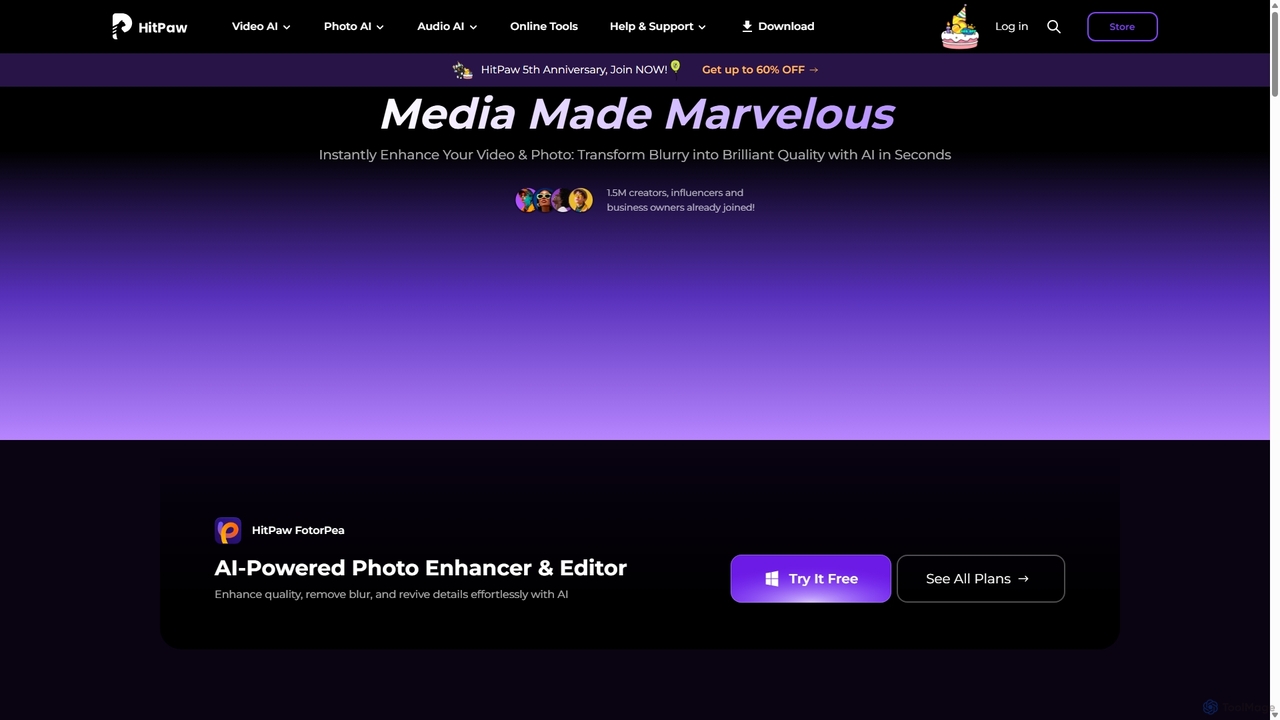
HitPaw is a comprehensive AI-powered multimedia software suite designed for video, photo, and audio enhancement. It offers a range of tools for upscaling video to 8K, restoring old photos, changing voices in real-time, converting file formats, and more, catering to creators, professionals, and enthusiasts.
Voice Modulation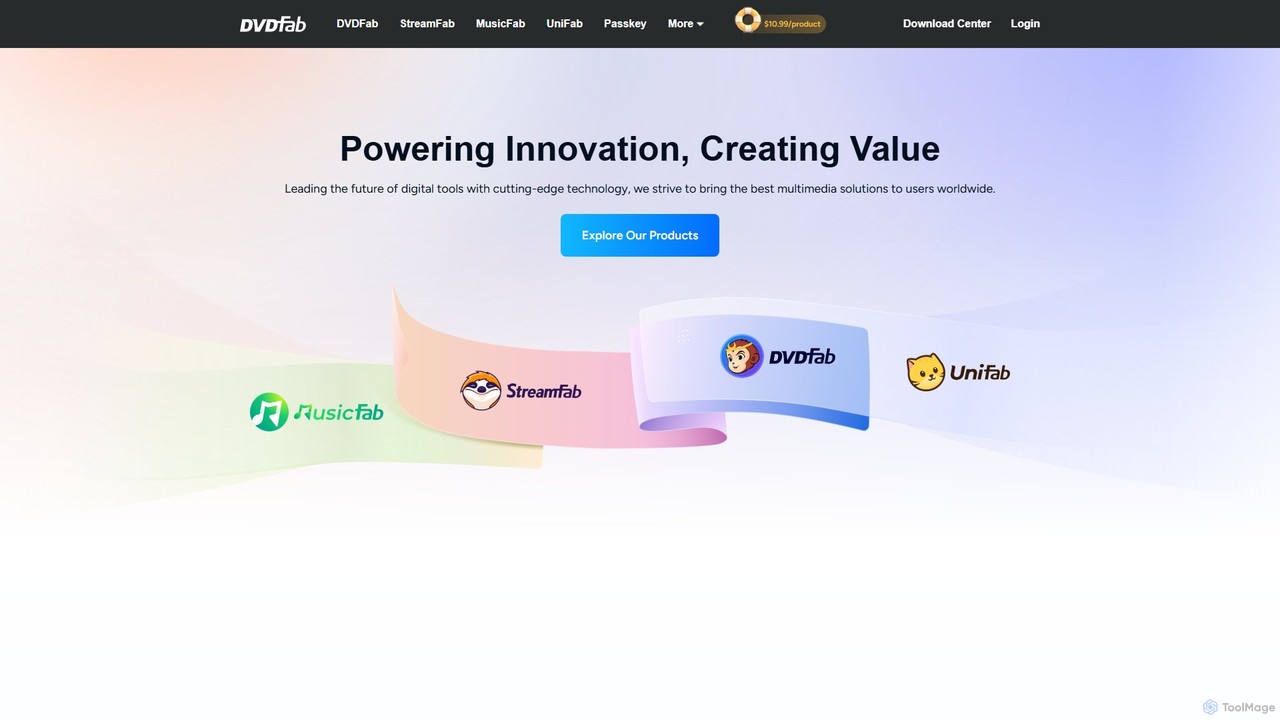
DVDFab
DVDFab is a comprehensive multimedia toolkit for DVD/Blu-ray/4K UHD backup, ripping, and conversion. It features AI-powered video enhancement to upscale resolution up to 8K, convert SDR to HDR, and denoise footage. The suite also includes tools for downloading videos and music from over 1000 streaming services.
Audio Editing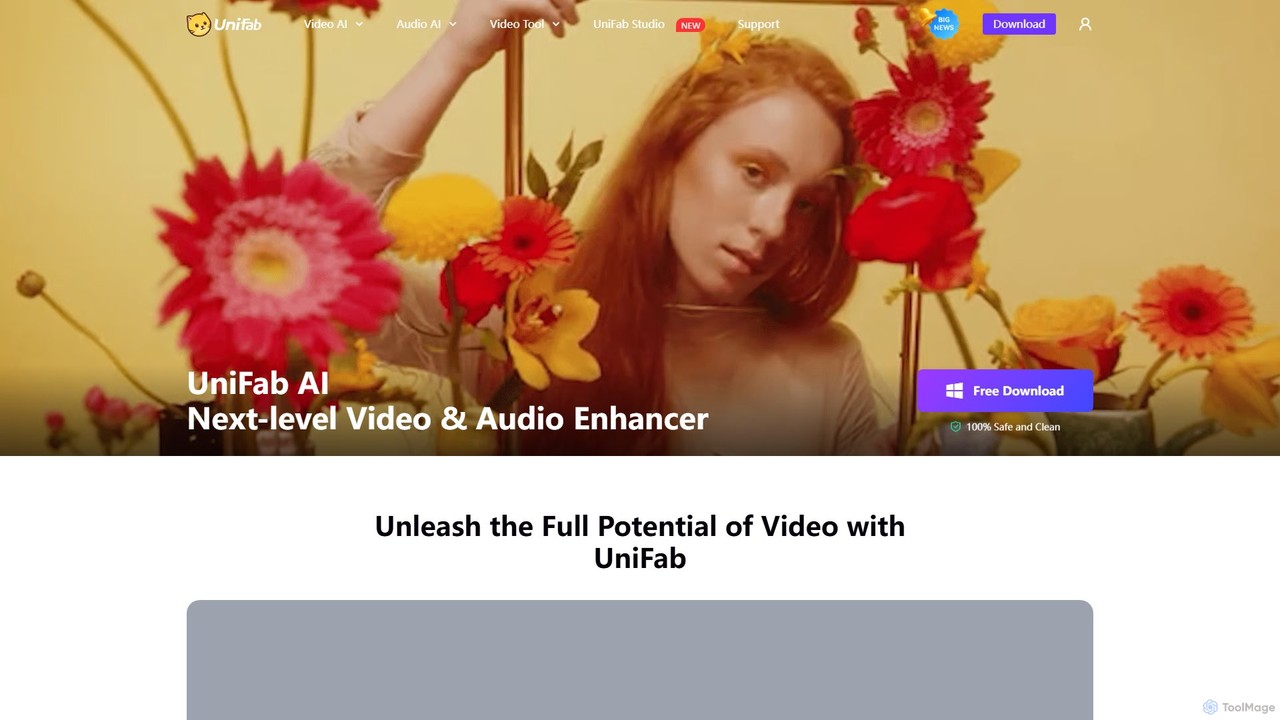
UniFab
UniFab is an all-in-one AI-powered video and audio enhancement suite. It upscales videos to 16K, converts SDR to HDR, denoises, colorizes, and stabilizes footage. It also features audio upmixing to surround sound, format conversion for over 1000 formats, and free tools like a vocal and background remover. Designed for both professionals and enthusiasts, it streamlines content creation with a user-friendly interface and GPU-accelerated processing.
Audio Editing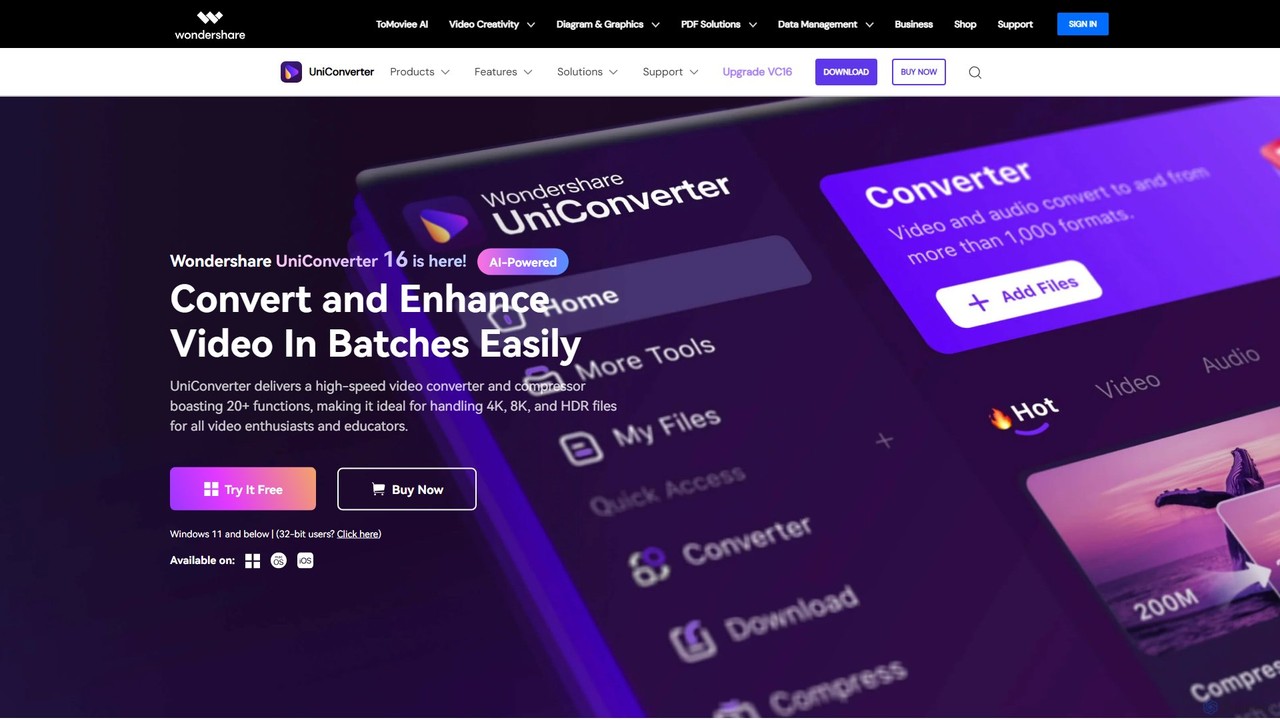
Wondershare UniConverter
Wondershare UniConverter is an all-in-one, AI-powered video toolbox designed for enthusiasts and professionals. It integrates a high-speed video converter, an efficient compressor, a versatile editor, and a suite of AI enhancement tools. Handle 4K/8K/HDR files, convert between 1000+ formats, and leverage AI to upscale video, remove noise, generate subtitles, and more, all within a single, user-friendly application.
Video Enhancement
WinXDVD
WinXDVD is a comprehensive software suite featuring the AI-powered Winxvideo AI for video/image enhancement, conversion, and editing, alongside the renowned WinX DVD Ripper for fast digital backups. It leverages GPU acceleration to upscale videos to 4K, stabilize shaky footage, and rip DVDs with exceptional speed and quality, making it an all-in-one solution for modern media management.
File ManagementVideoProc Categories
VideoProc Jobs
VideoProc Embed Widget
Copy this embed code to place the badge on your blog, article, or product site and send readers directly to this ToolMage detail page.

Related AI tools
WinXDVD
WinXDVD is a comprehensive software suite featuring the AI-powered Winxvideo AI for video/image enhancement, conversion, and editing, alongside the renowned WinX DVD Ripper for fast digital backups. It leverages GPU acceleration to upscale videos to 4K, stabilize shaky footage, and rip DVDs with exceptional speed and quality, making it an all-in-one solution for modern media management.
File ManagementHitPaw
HitPaw is a comprehensive AI-powered multimedia software suite designed for video, photo, and audio enhancement. It offers a range of tools for upscaling video to 8K, restoring old photos, changing voices in real-time, converting file formats, and more, catering to creators, professionals, and enthusiasts.
Voice Modulation
Filmora
Filmora is a powerful yet user-friendly AI video editor designed for creators of all levels. It integrates advanced AI tools like text-to-video, smart cutout, and an AI music generator to streamline the editing process. It offers a rich library of effects, templates, and stock media, making it easy to create professional-quality videos for social media, marketing, or personal projects on Windows and macOS.
Video Generation
Filmora
Filmora is an AI-powered video editor that simplifies the creation process for both beginners and professionals. It offers a vast suite of AI tools, including smart clip generation, text-to-video, and advanced audio enhancement, combined with a user-friendly interface and a massive library of effects and resources to make video editing faster and more creative.
Social Media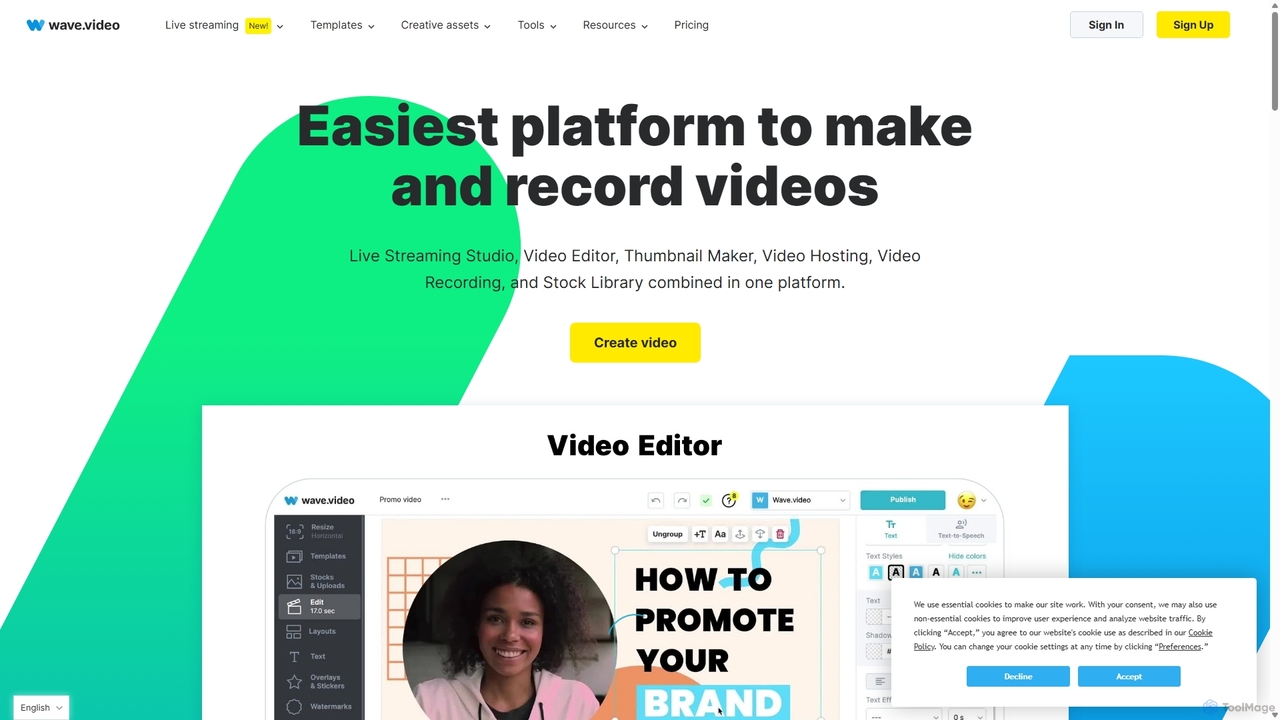
Wave.video
Wave.video is an all-in-one video marketing platform that empowers businesses and creators to easily edit, record, multi-stream, and host videos. It combines a powerful online video editor, a live streaming studio, a thumbnail maker, secure video hosting, and a vast stock library into a single, user-friendly interface. Ideal for marketers and content creators of any skill level looking to produce professional-quality videos that drive engagement and results.
Video Generation
TensorPix
TensorPix is an AI-powered online platform for video and image enhancement. It offers a suite of tools to upscale resolution up to 4K/8K, restore old footage, remove noise, and improve overall visual quality. Ideal for filmmakers, content creators, and archivists, TensorPix simplifies complex post-production tasks with an intuitive web-based interface, making professional-grade restoration accessible to everyone.
Creative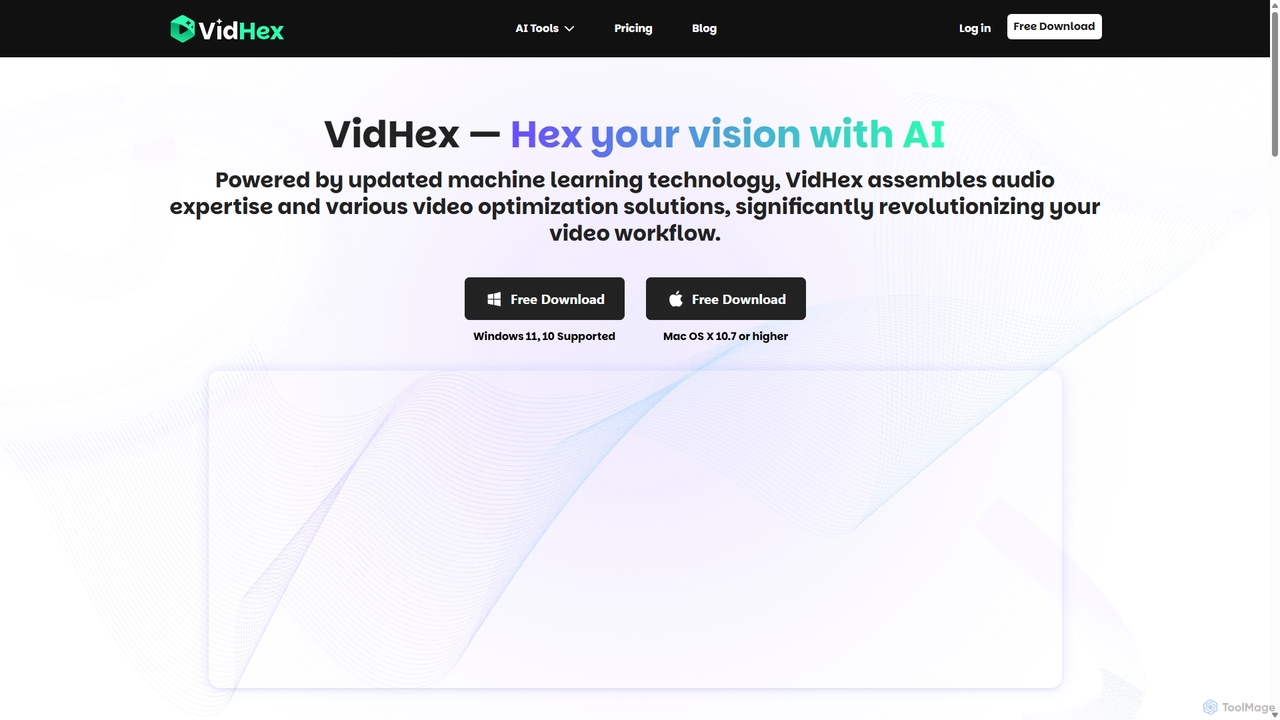
VidHex
VidHex is an all-in-one, AI-powered desktop application for Windows and Mac designed to enhance, restore, and upscale video quality. It offers a suite of tools for intelligent upscaling to 4K/8K, realistic colorization of black-and-white footage, video repair, denoising, and frame interpolation. It's built for content creators, e-commerce sellers, educators, and anyone looking to transform imperfect videos into stunning visual experiences with minimal effort.
Tools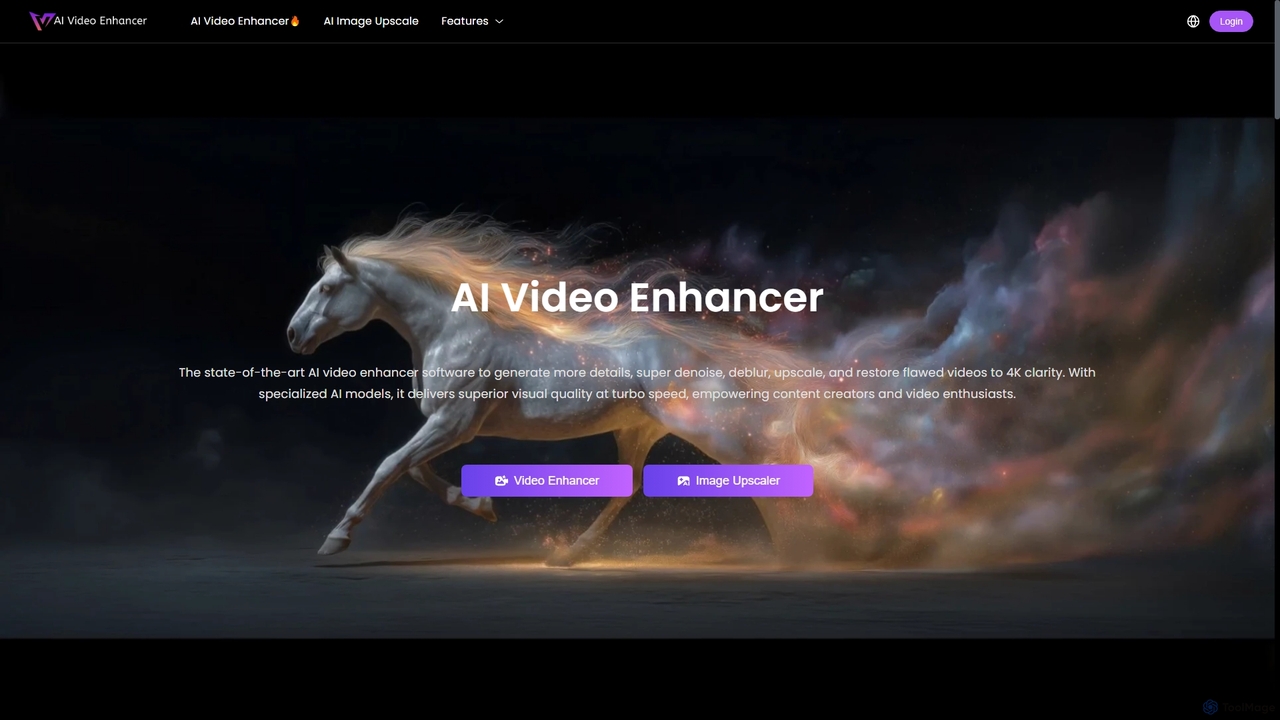
AIVideoEnhancer
AIVideoEnhancer is an AI-powered online tool designed to enhance and upscale low-quality videos to 4K resolution. It also functions as an image upscaler, increasing photo resolution by up to 800%. The tool automatically denoises, deblurs, and restores details with one-click simplicity, focusing on realistic results and fast, GPU-accelerated processing.
CreativeDVDFab
DVDFab is a comprehensive multimedia toolkit for DVD/Blu-ray/4K UHD backup, ripping, and conversion. It features AI-powered video enhancement to upscale resolution up to 8K, convert SDR to HDR, and denoise footage. The suite also includes tools for downloading videos and music from over 1000 streaming services.
Audio EditingUniFab
UniFab is an all-in-one AI-powered video and audio enhancement suite. It upscales videos to 16K, converts SDR to HDR, denoises, colorizes, and stabilizes footage. It also features audio upmixing to surround sound, format conversion for over 1000 formats, and free tools like a vocal and background remover. Designed for both professionals and enthusiasts, it streamlines content creation with a user-friendly interface and GPU-accelerated processing.
Audio Editing
Jyek
Jyek is an AI agent platform that understands objectives, creates execution plans, uses tools, and delivers verifiable results for complex, multi-step tasks.
Automation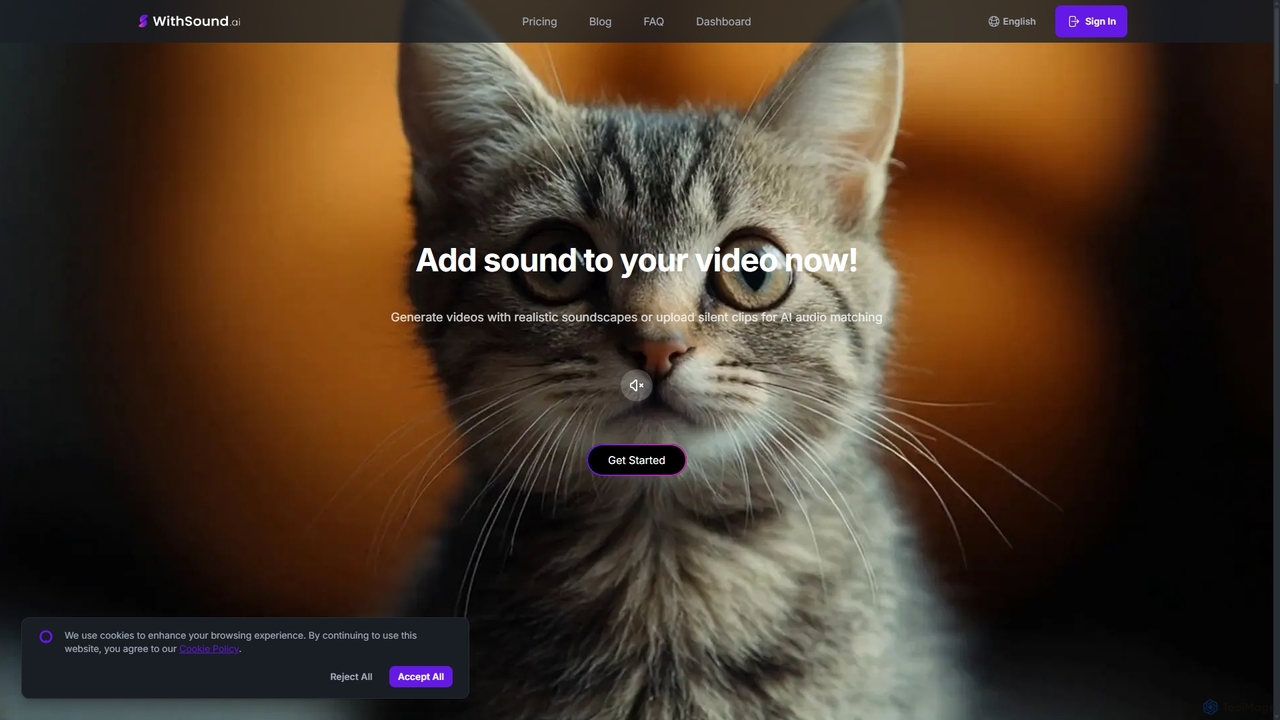
WithSound.ai
WithSound.ai is an AI-powered video creation platform that effortlessly generates videos with perfectly synchronized sound. It transforms text prompts or photos into stunning 4K videos and automatically adds music and sound effects to silent clips. With a vast library of over 5,000 sounds and intuitive features like smart audio sync, it's the ultimate tool for marketers, content creators, and businesses to produce engaging, professional-quality video content in minutes, no experience required.
Sound Effects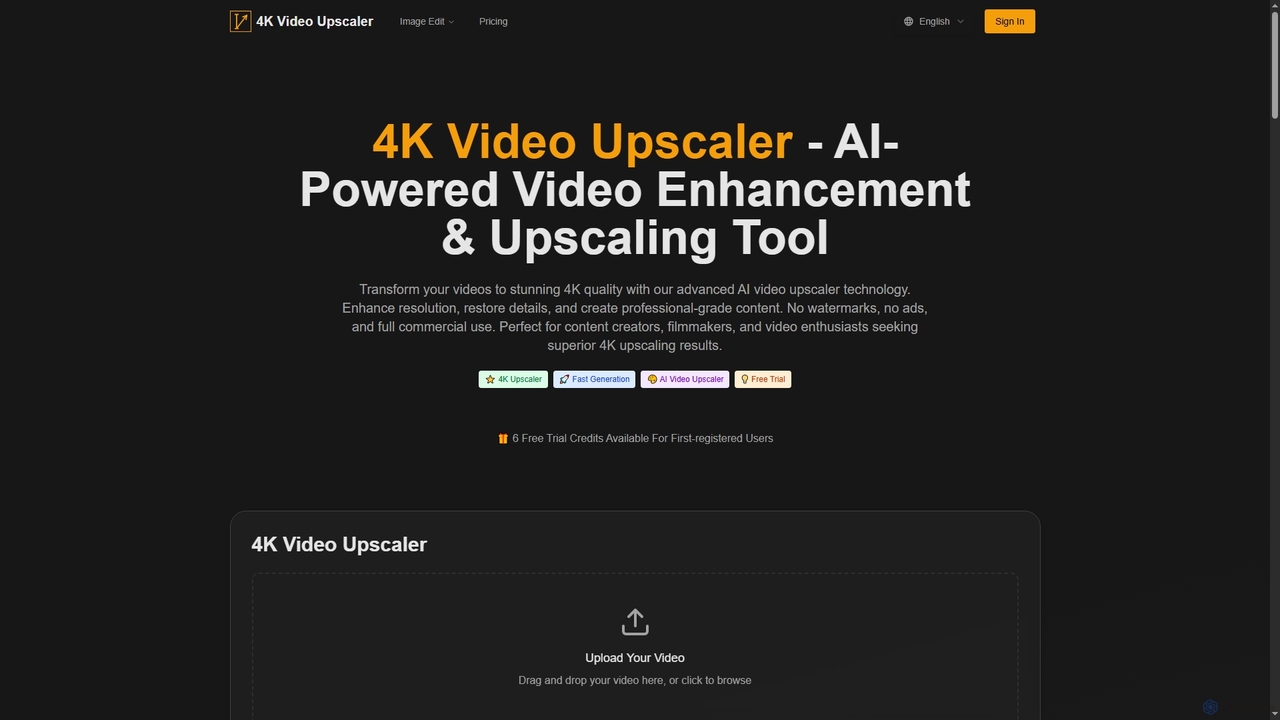
4K Upscaler
4K Upscaler is an advanced AI-powered online tool designed to transform low-resolution videos into stunning 4K quality. It enhances resolution, restores fine details, reduces noise, and improves color, making professional-grade video enhancement accessible to everyone without watermarks or ads, and with full commercial use rights.
3D
Wondershare
Wondershare offers a comprehensive suite of AI-powered software designed to enhance creativity, productivity, and utility. From advanced video editing and PDF management to data recovery and diagramming, Wondershare provides intuitive, powerful tools for individuals, businesses, and educators to simplify their digital life and creative workflows.
Graphic Design
Wondershare
Wondershare offers a comprehensive suite of AI-powered software for creativity, productivity, and utility. From the advanced video editor Filmora and AI content generator ToMoviee to the powerful PDFelement and data recovery tools, Wondershare simplifies digital experiences for millions of users worldwide. It provides intuitive, powerful solutions for content creators, businesses, and individuals to create, manage, and secure their digital assets with ease.
Diagramming
VideoProc Comments (0)
Sign in to comment.
Sign inNo comments yet.