Audio Best in category 15 results Sound Effects AI Tool

Popular AI tools in the Sound Effects field of Audio include Splice、Kling AI、MMAudio、AudioX、Ai Sound Effect Generator、soundifytext、Asmr Ai、jamahook、Audiobox、WithSound.ai, etc., helping you quickly improve efficiency.

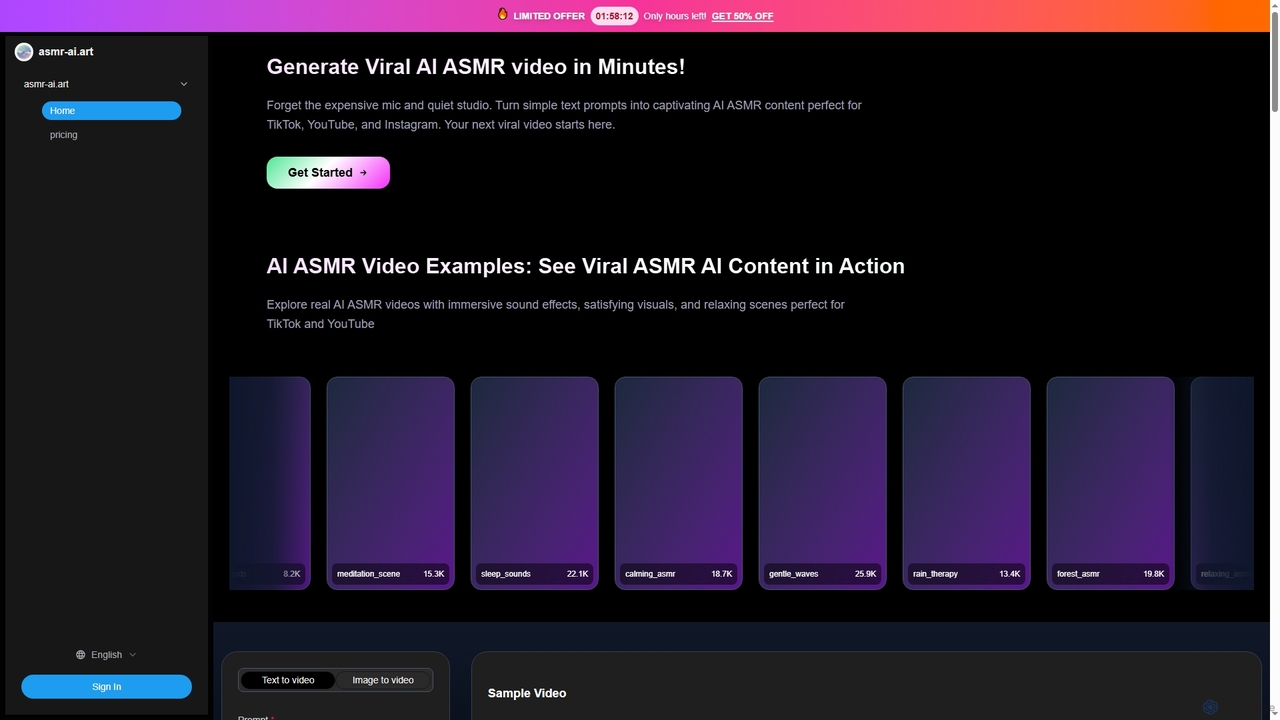
Asmr Ai

Asmr Ai

Asmr Ai is an AI-powered video generator that creates soothing ASMR content from text or image prompts. Powered …

5.8K
Sound Effect Generator

Sound Effect Generator

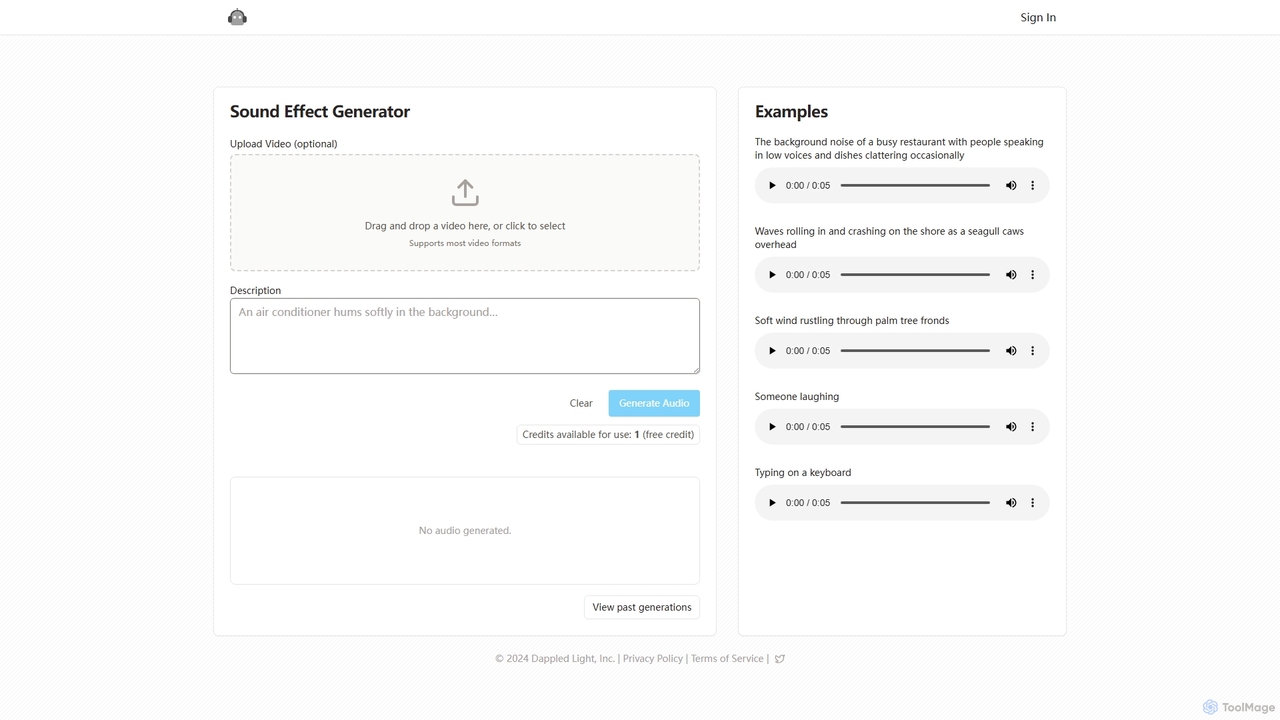
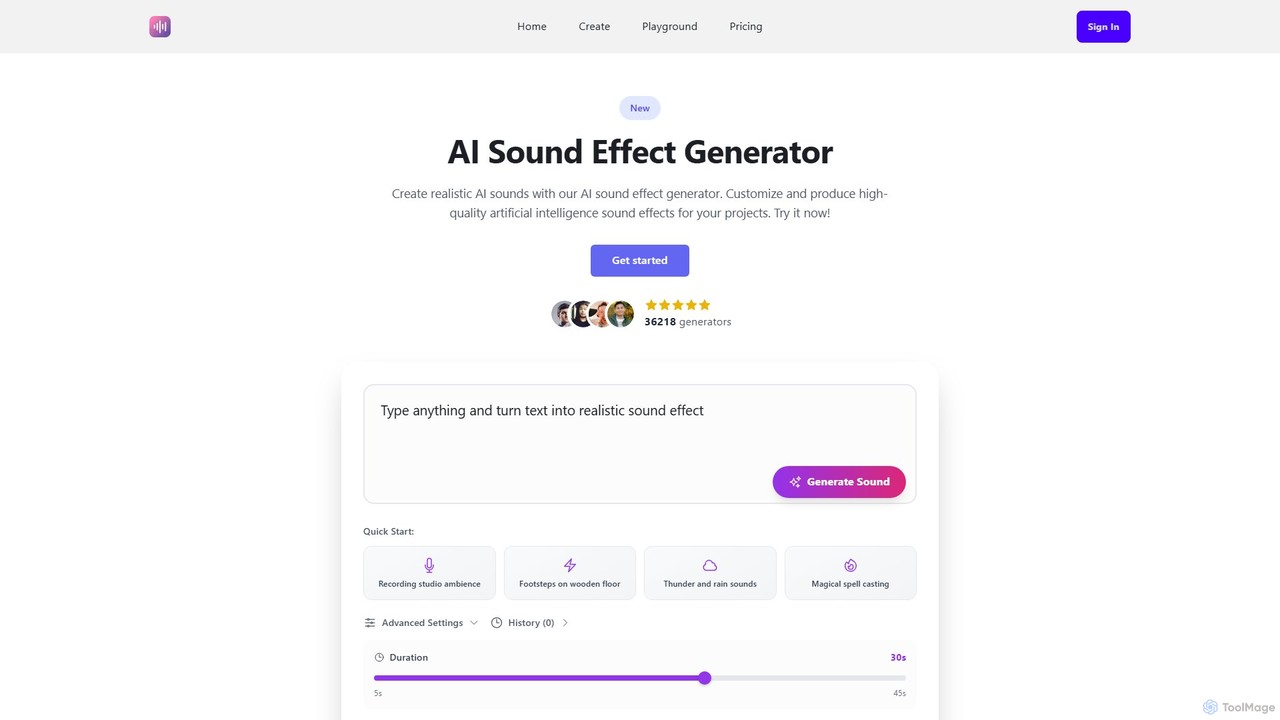
Sound Effect Generator is an AI-powered tool that creates high-quality, custom sound effects from simple text descriptions. Ideal …

3.1K
AudioX

AudioX

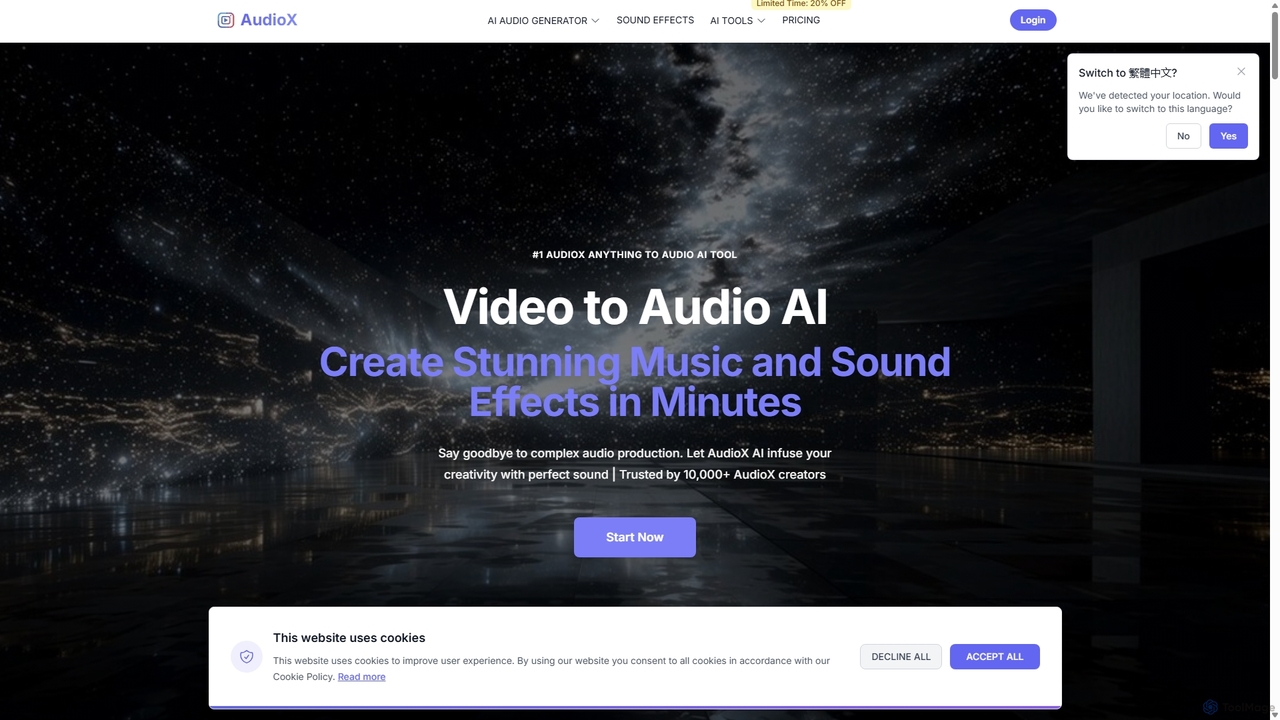
AudioX is a professional AI audio generation tool that creates stunning music, sound effects, and voiceovers from various …

39.9K
Free
Audiobox

Audiobox

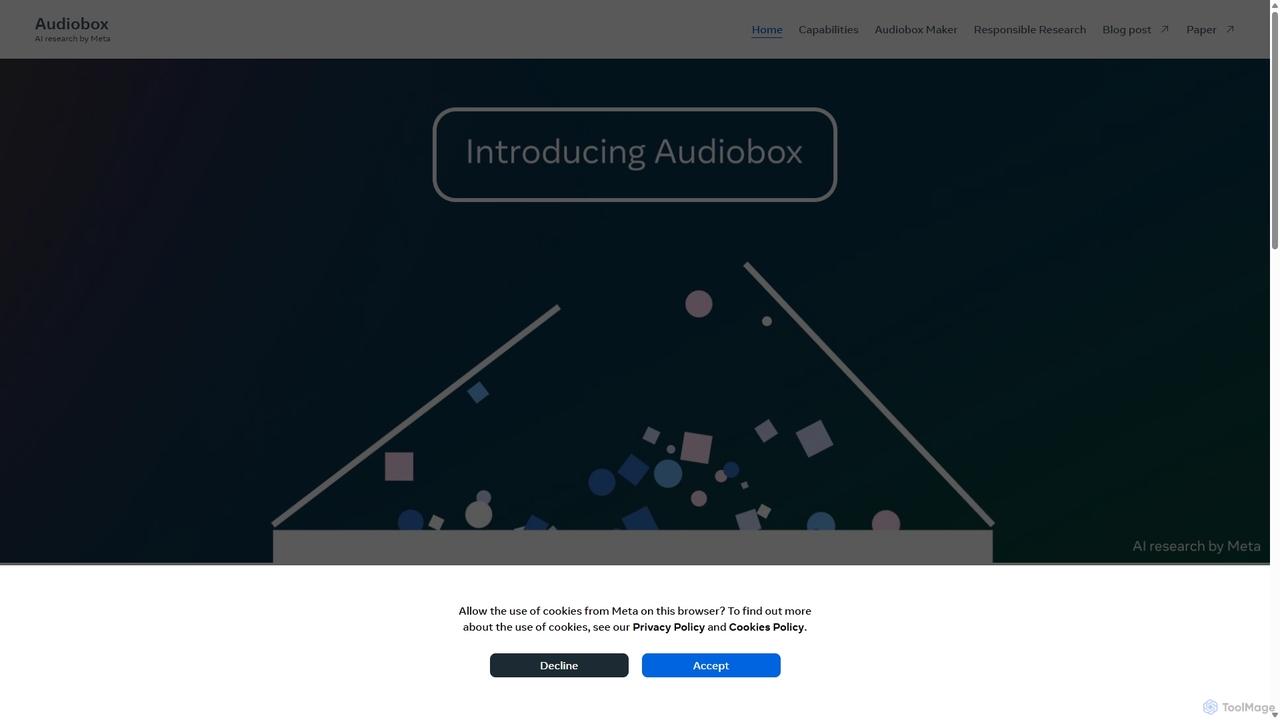
Audiobox is a foundational AI research model by Meta for advanced audio generation. It creates realistic voices, sound …

4.6K
SoundAI Studio

SoundAI Studio

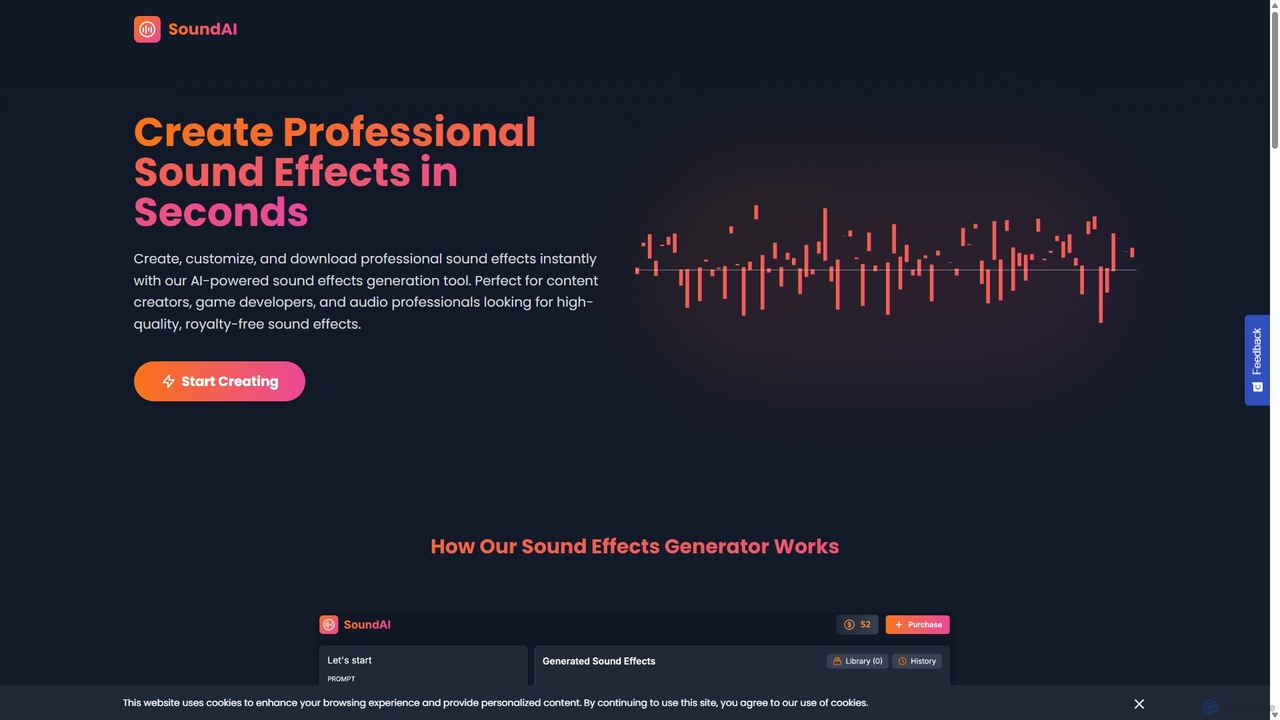
SoundAI Studio is an AI-powered sound effects generator that allows creators to produce professional, high-quality, royalty-free audio in …

2.8K
Reel Studio

Reel Studio

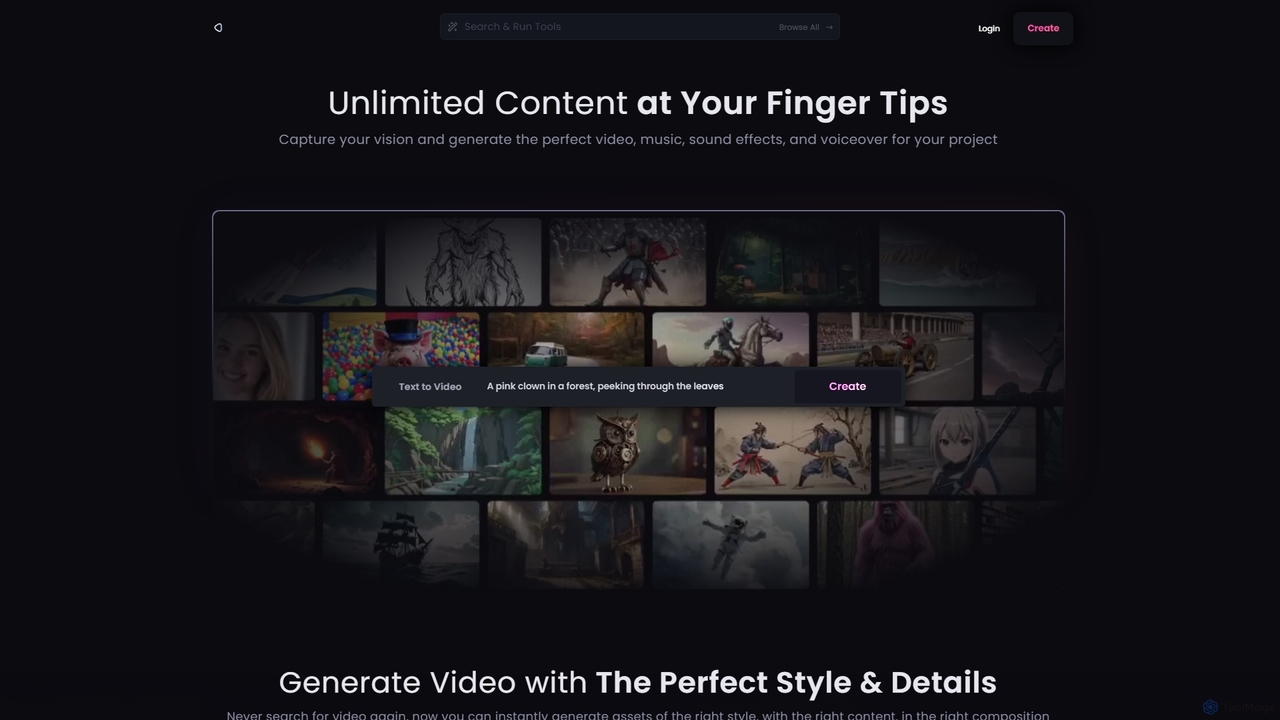
Reel Studio is an all-in-one AI-powered creative suite that generates high-quality video, music, sound effects, and voiceovers. Transform …

3.1K
WithSound.ai

WithSound.ai

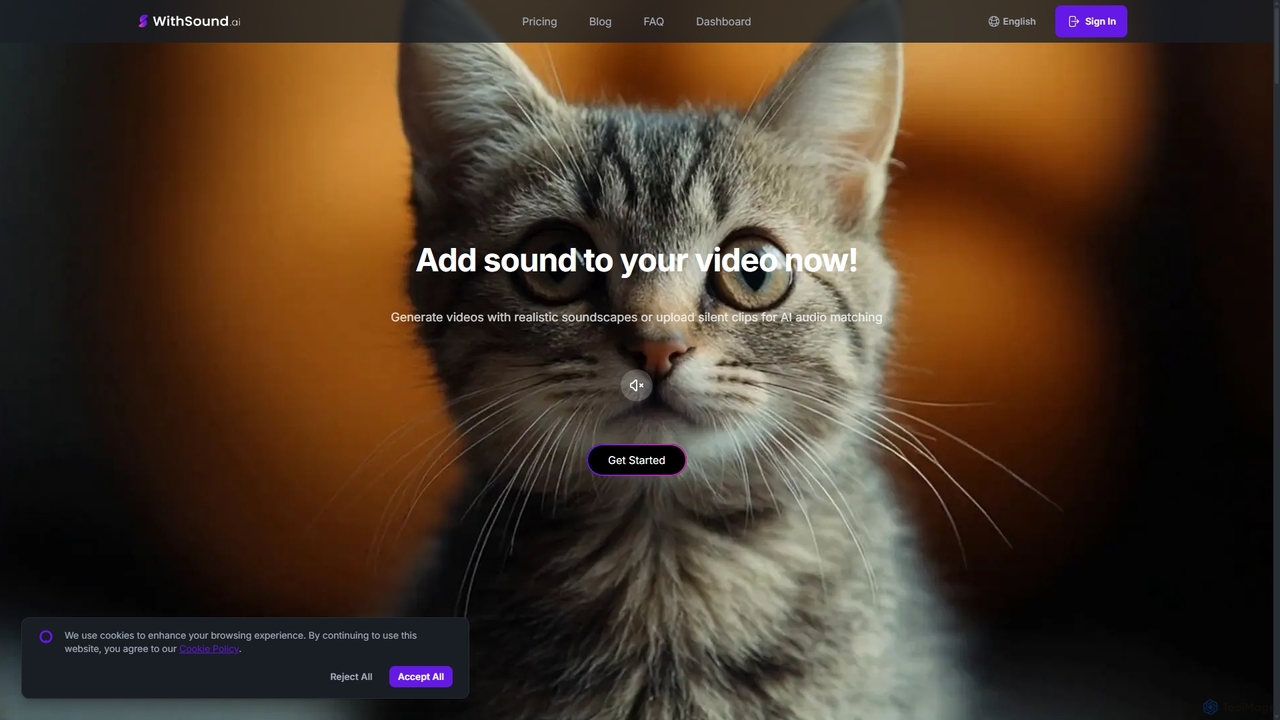
WithSound.ai is an AI-powered video creation platform that effortlessly generates videos with perfectly synchronized sound. It transforms text …

4.3K
Sound Effects AI

Sound Effects AI

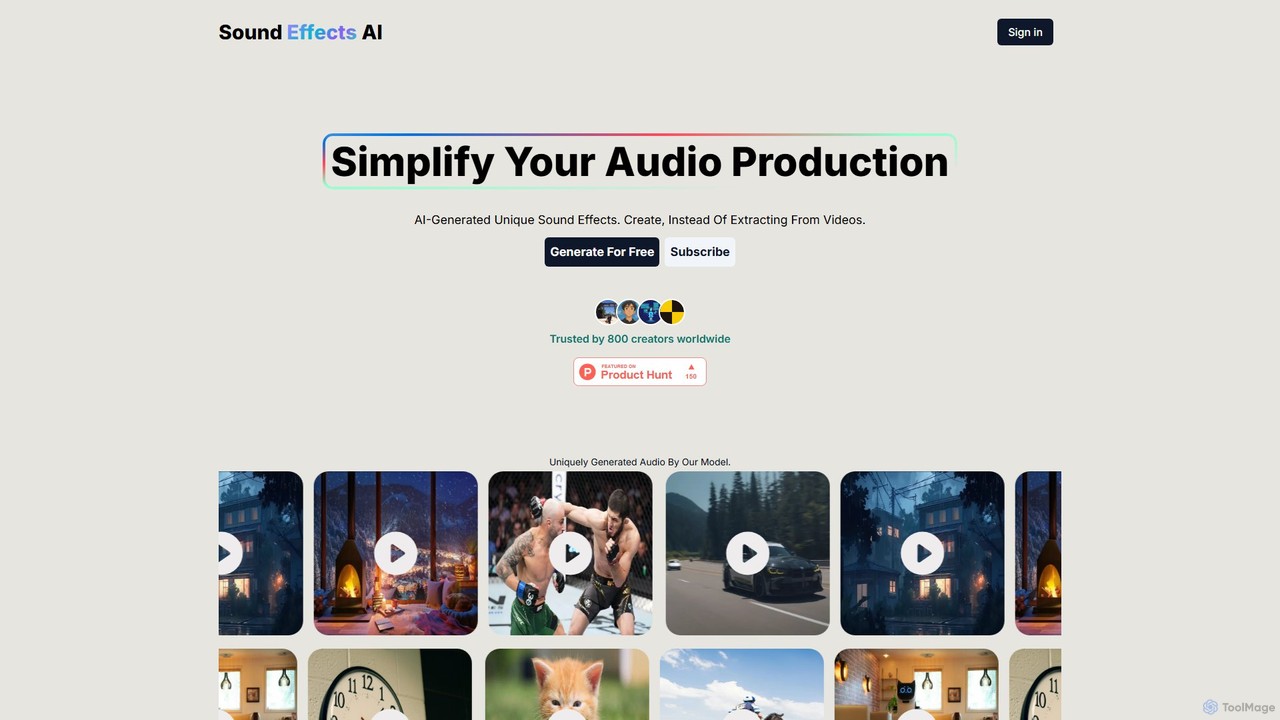
An innovative AI tool that generates unique, royalty-free sound effects from text descriptions or images. Ideal for creators, …

2.9K
jamahook

jamahook

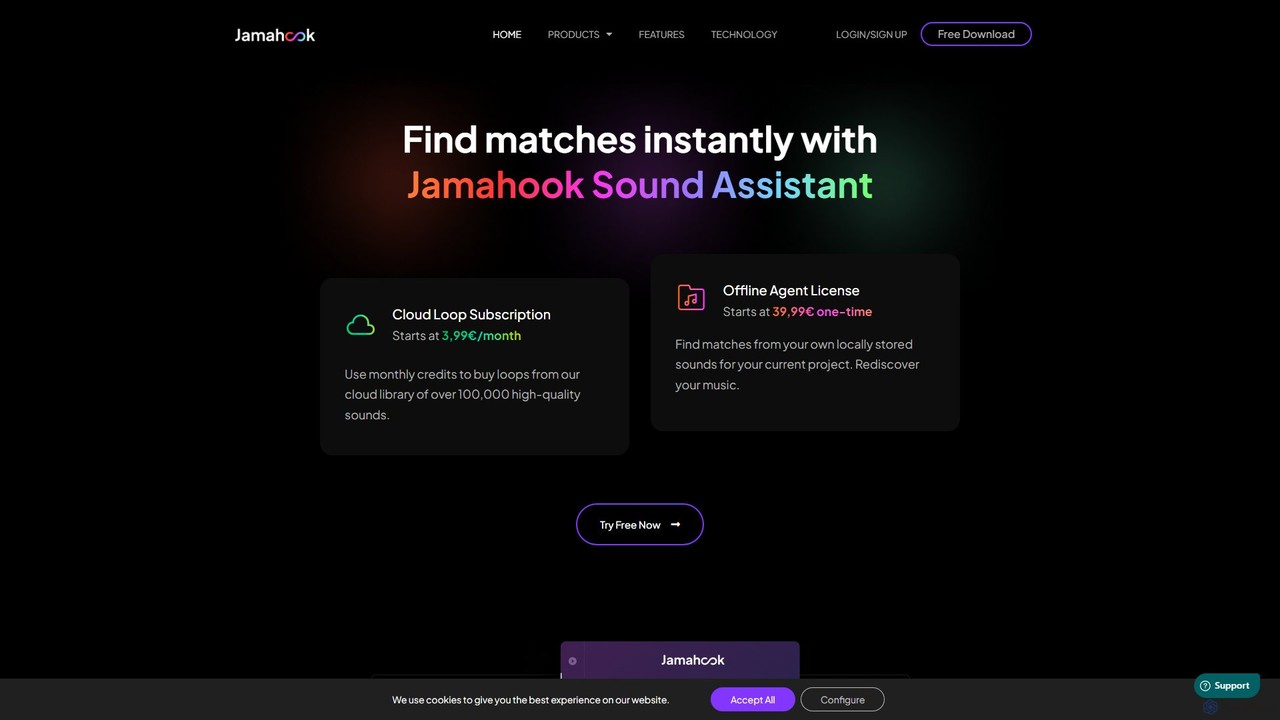
Jamahook is an AI-powered sound matching plugin for music producers. It analyzes your current project in your DAW …

5.8K
Splice

Splice

Splice is a cloud-based music creation platform offering a vast, royalty-free library of millions of samples, loops, and …

4.3M
Kling AI

Kling AI

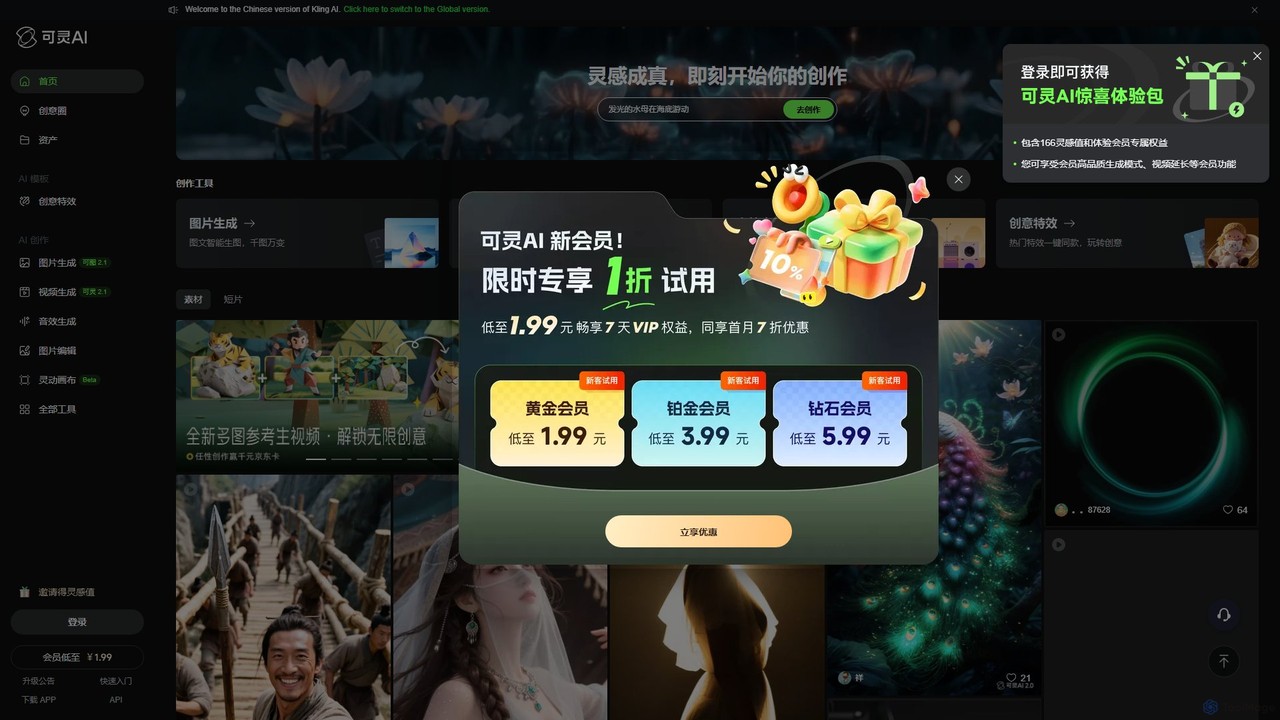
Kling AI is a next-generation creative productivity platform by Kuaishou, specializing in high-fidelity AI video generation. It transforms …

989.2K
MMAudio

MMAudio

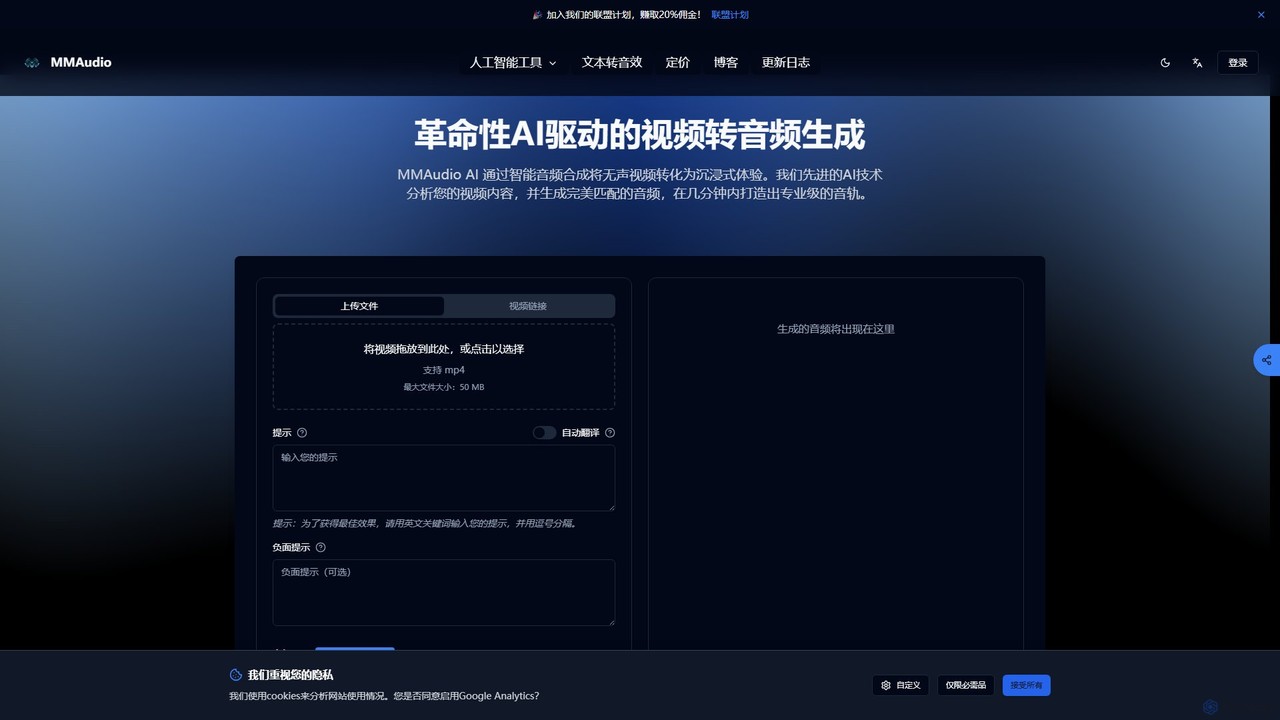
MMAudio is a revolutionary AI-powered platform that transforms silent videos into immersive audio experiences and generates custom sound …

56.7K
Audiogen

Audiogen

Audiogen is an AI Audio Copilot designed to empower creators by generating high-quality music and sound effects from …

4.0K
Ai Sound Effect Generator

Ai Sound Effect Generator

An AI-powered tool that generates high-quality, royalty-free sound effects from simple text prompts. Ideal for filmmakers, game developers, …

16.2K
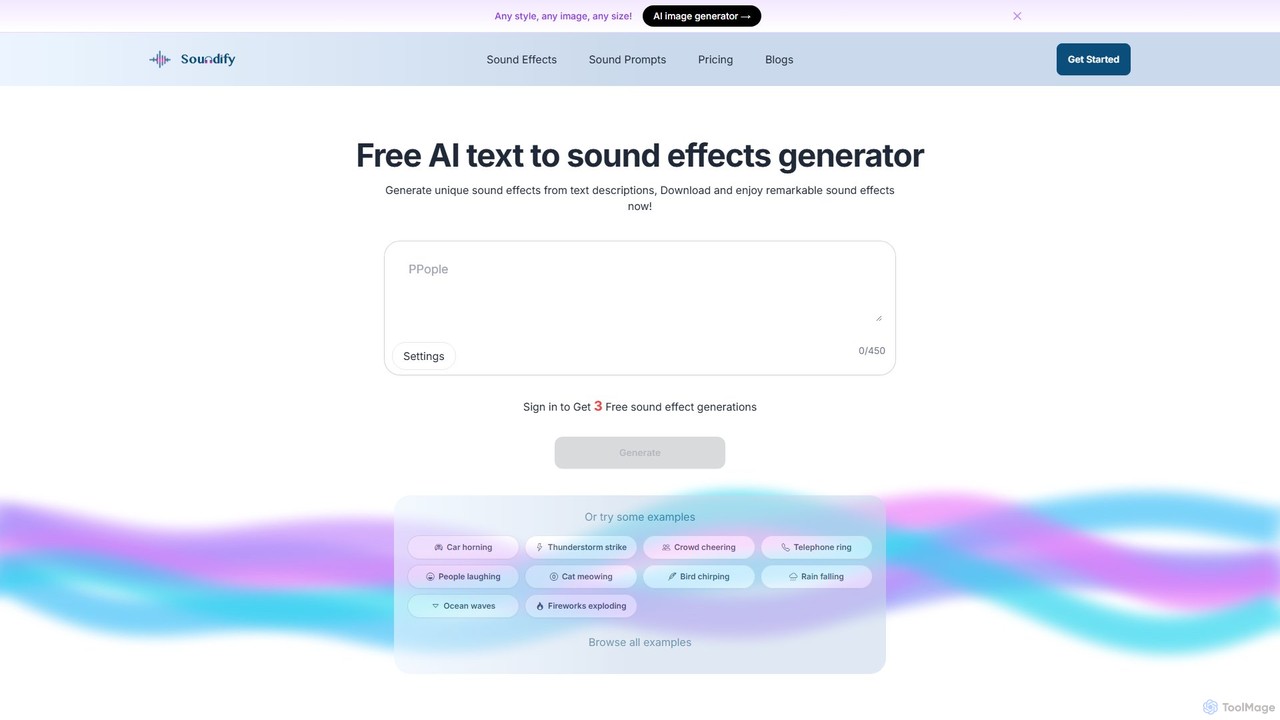
soundifytext

soundifytext

Soundifytext is an AI-powered sound effects generator that transforms text descriptions into unique, high-quality audio clips. Ideal for …

7.0K

About Sound Effects

AI Sound Effects tools are specialized applications that generate unique, high-quality sound effects using artificial intelligence. They typically interpret text descriptions or analyze existing audio to synthesize completely new sounds from scratch. This technology empowers creators to produce custom audio for videos, games, and podcasts without relying on traditional stock libraries. The ability to generate infinite variations of a sound ensures that every project can have a unique auditory identity.

Core Features

  • Text-to-Sound Synthesis: Generates sound effects directly from written prompts, such as "a spaceship door hissing open."
  • Infinite Variation Generation: Creates countless unique versions of a single sound to avoid repetitive and unnatural audio loops.
  • Audio Style Transfer: Applies the acoustic properties of one sound to another, creating hybrid and imaginative effects.
  • Parameter Control: Allows users to fine-tune aspects like duration, pitch, reverb, and intensity for precise results.
  • Royalty-Free Licensing: Provides commercially usable, royalty-free sound effects, simplifying the legal aspects of content creation.

Use Cases

These tools are widely used in game development for creating immersive environments and character sounds, in film and video post-production for custom foley and atmospheric effects, and in podcasting to enhance storytelling. They are also valuable for UI/UX designers crafting unique notification and interaction sounds for applications.

How to Choose

When selecting an AI Sound Effects tool, consider the quality and realism of the generated audio. Evaluate the AI's ability to accurately interpret complex text prompts. Also, check the range of customization options available and review the licensing terms to ensure they fit your commercial or personal project needs.

Sound EffectsUse Cases

1

Custom Sound Design for Game Development

A solo game developer is creating a fantasy RPG and needs a wide range of unique sounds, from monster growls to magical spell effects. Using an AI Sound Effects generator, they can input specific text prompts like "guttural roar of an orc" or "crackling fire spell explosion." The tool generates multiple distinct variations for each prompt, preventing auditory repetition that can make a game feel cheap. This process saves hundreds of hours and significant budget that would otherwise be spent on hiring a foley artist or searching through limited stock audio libraries.

2

Enhancing Film and Video Post-Production

A video editor is working on a short film set in a futuristic city and needs specific atmospheric sounds, like the hum of flying vehicles and the subtle chime of an automated doorway. Instead of spending hours searching for generic sci-fi sounds, the editor uses an AI tool to generate these effects. By providing detailed descriptions, they can create a cohesive and unique soundscape that perfectly matches the film's visual aesthetic. This allows for greater creative control and a much faster workflow in the post-production phase.

3

Immersive Storytelling for Podcasts

A narrative podcast producer wants to elevate their storytelling by adding rich, contextual sound effects. For a historical drama episode, they need sounds like a quill scratching on parchment and the distant sound of horse-drawn carriages on cobblestone. Using an AI sound generator, they can create these specific sounds on demand, layering them into the audio to build a vivid, immersive world for the listener. This is more efficient and creatively flexible than relying on a limited set of pre-recorded stock sounds that may not perfectly match the scene's tone.

4

Unique UI/UX Sounds for Applications

A UX designer for a new productivity app wants to create a set of unique and non-intrusive notification sounds. Instead of using the same generic chimes found in other apps, they use an AI sound effects tool. They can specify parameters like 'short, glassy, ascending tone' to generate a family of cohesive sounds for different actions (e.g., task completion, new message). This creates a distinct brand identity for the app and improves the user experience by providing clear, pleasant auditory feedback that doesn't become annoying over time.

5

Creating Textures for Music Production

A music producer is looking for a unique atmospheric texture to add depth to an electronic music track. They use an AI sound generator to transform a simple recording, like the sound of crumpling paper, into a complex, evolving pad. By inputting prompts like 'transform into a slow, ethereal, shimmering soundscape,' the AI re-synthesizes the audio into something entirely new and musical. This approach allows for the creation of signature sounds that cannot be found in standard sample packs, giving the producer a competitive creative edge.

6

Rapid Prototyping for Ad Campaigns

A marketing agency is creating a short video ad and needs a quick, impactful sound to highlight a product feature. The creative team needs to test several sound ideas quickly. Instead of a lengthy back-and-forth with a sound designer, they use an AI tool to generate options in minutes. They can try prompts like 'sharp, positive chime,' 'quick, futuristic whoosh,' or 'satisfying click.' This rapid prototyping allows them to find the perfect sound that complements the visuals and enhances the ad's message, all within a tight deadline.

Sound EffectsFrequently Asked Questions