

Sound Effect Generator Overview
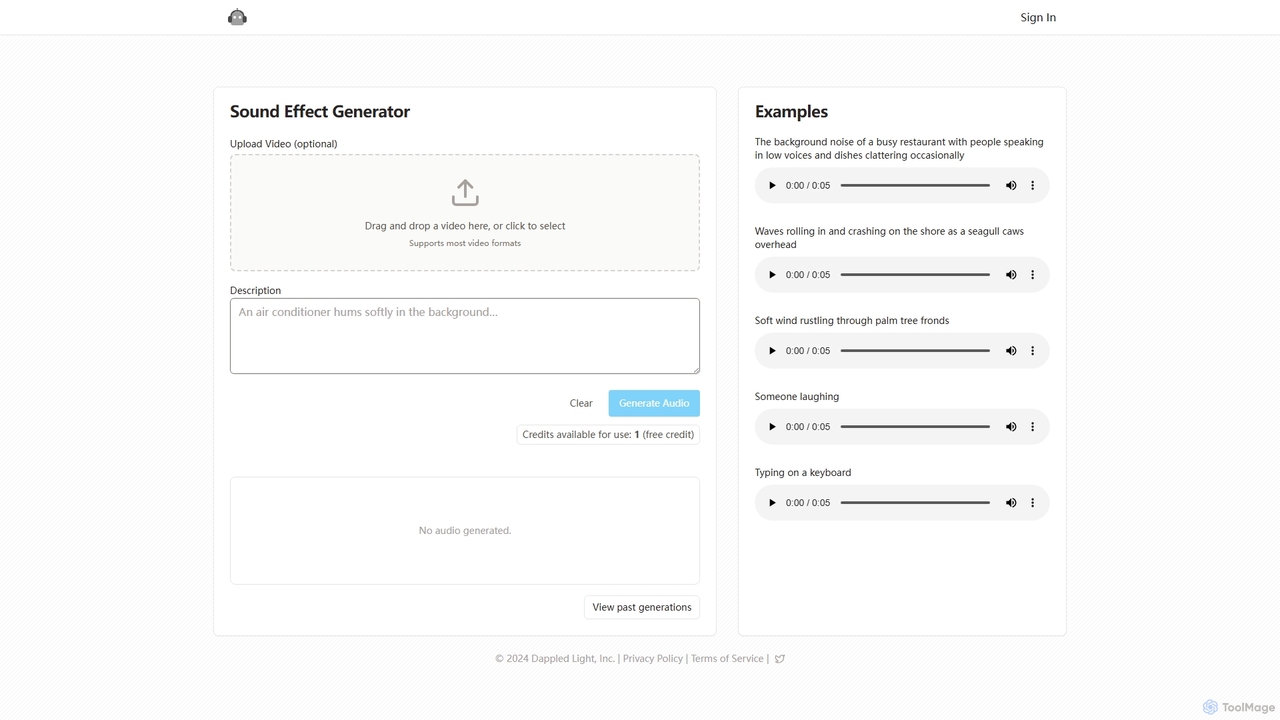
Sound Effect Generator is a cutting-edge AI tool designed to transform text descriptions into high-fidelity sound effects instantly. This platform empowers creators across various fields, including filmmaking, podcasting, game development, and social media, to produce unique, context-specific audio without the need for traditional sound libraries or expensive foley artists. By simply typing a description of the desired sound, users can generate everything from the subtle rustling of leaves to the complex ambiance of a bustling city street.
The tool features a clean, minimalist interface that prioritizes ease of use. At its core is a powerful AI engine that interprets natural language prompts to synthesize realistic and imaginative sounds. An innovative feature is the optional video upload capability, which allows the AI to analyze visual context, helping to create sound effects that are perfectly timed and thematically aligned with the video content. This makes it an invaluable asset for post-production workflows.
How to use Sound Effect Generator
Using the tool is a straightforward process designed for efficiency:
- Sign Up: Create an account to get started. New users are typically welcomed with free credits to test the platform's capabilities.
- Describe Your Sound: In the text input field, write a clear and descriptive prompt for the sound effect you need. For example, instead of just "wind," try "soft wind rustling through palm tree fronds."
- Upload Video (Optional): For projects that require audio to be synced with visuals, you can drag and drop a video file. The AI can use this as a reference for timing and context.
- Generate: Click the "Generate Audio" button. The AI will process your request and create the sound effect in a matter of seconds.
- Preview and Download: The generated audio will appear on the page. You can play it back to ensure it meets your needs and then download the file for use in your project.
Core Features of Sound Effect Generator
- Text-to-Sound AI Engine: Leverages advanced AI models to convert detailed text prompts into high-quality audio files.
- Context-Aware Generation: The optional video upload feature allows the AI to generate sounds that match the timing and atmosphere of your visual content.
- Wide Range of Sounds: Capable of producing a vast array of sound effects, including ambient noise, environmental sounds, action sounds (foley), and abstract audio textures.
- Simple and Intuitive UI: A user-friendly, web-based interface that makes sound generation accessible to creators of all skill levels.
- Fast Generation Speed: Delivers high-quality audio results within seconds, significantly accelerating the creative workflow.
- Credit-Based System: Offers a flexible pay-as-you-go model with a free trial, allowing users to test the service before committing.
Use Cases for Sound Effect Generator
This tool is versatile and can be applied in numerous creative scenarios:
- Filmmakers and Video Editors: Creating custom foley for character actions, generating unique background ambiances for scenes, or adding specific impact sounds that are not available in standard libraries.
- Podcasters and Audio Storytellers: Enhancing narratives with immersive soundscapes, character-specific sounds, and custom transition effects.
- Game Developers: Populating game worlds with unique environmental sounds, character ability effects, and UI feedback noises without the high cost of a dedicated sound designer.
- Animators: Bringing animated characters and scenes to life with perfectly synchronized and custom-tailored sound effects.
- Social Media Content Creators: Making videos for platforms like YouTube, TikTok, and Instagram more engaging and professional with unique, non-stock audio.
Advantages of Sound Effect Generator
The primary advantage is creative freedom. Users are no longer constrained by the limitations of stock sound libraries and can create the exact sound they envision. It is also highly cost-effective, providing a powerful alternative to hiring sound designers or purchasing expensive audio packs. The speed and efficiency of the tool save valuable production time, allowing creators to iterate and experiment with sound design quickly. Its accessibility means that even those without a background in audio engineering can produce professional-quality sound effects.
Pricing and Plans
Sound Effect Generator operates on a freemium model. New users receive one or more free credits to experience the full functionality of the tool. Once the free credits are used, users can purchase additional credits through various packages or subscribe to monthly plans that offer a set number of credits at a discounted rate. This flexible structure caters to both occasional users and professionals with ongoing needs. For the most current and detailed pricing information, please visit the official website.
Sound Effect Generator Alternatives
OptimizerAI
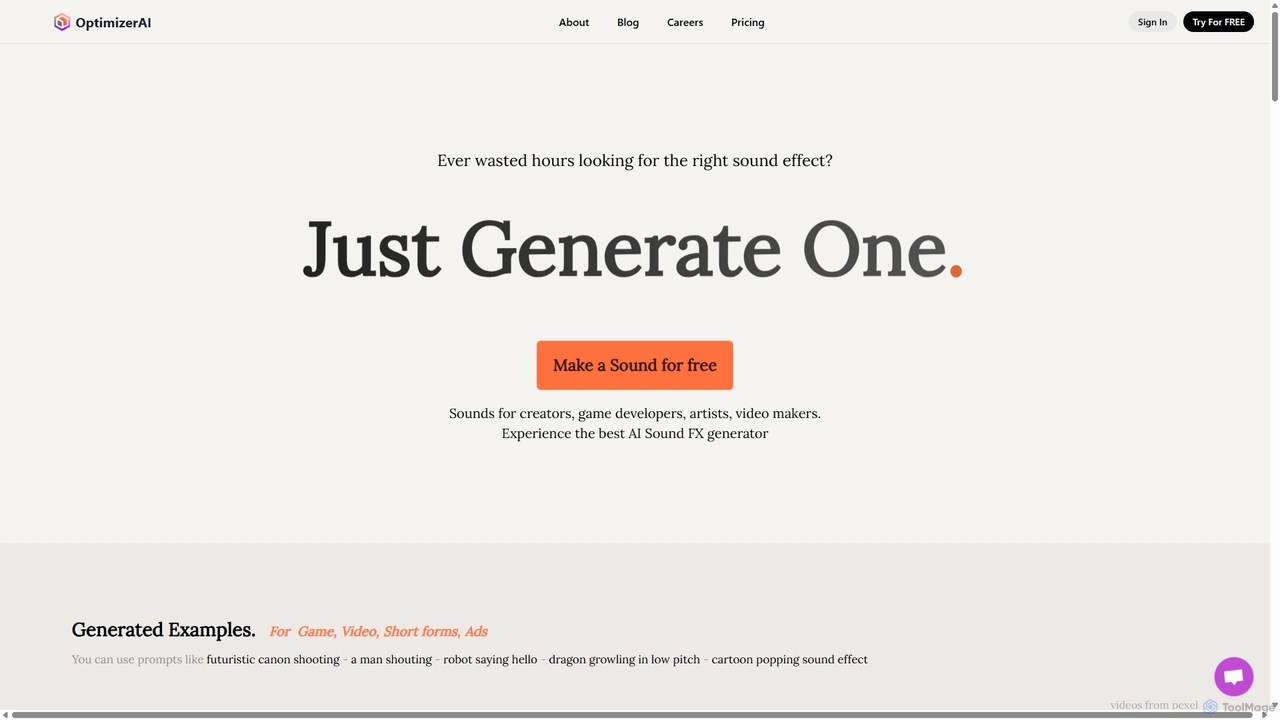
OptimizerAI is a state-of-the-art AI sound effect generator for creators, game developers, and video makers. Instantly generate unique, high-quality sound effects from simple text prompts. Features include text-to-sound, audio variation, and a 'Magic Prompt' for situational descriptions. Stop searching and start creating the perfect audio for your projects in seconds.
Sound Generation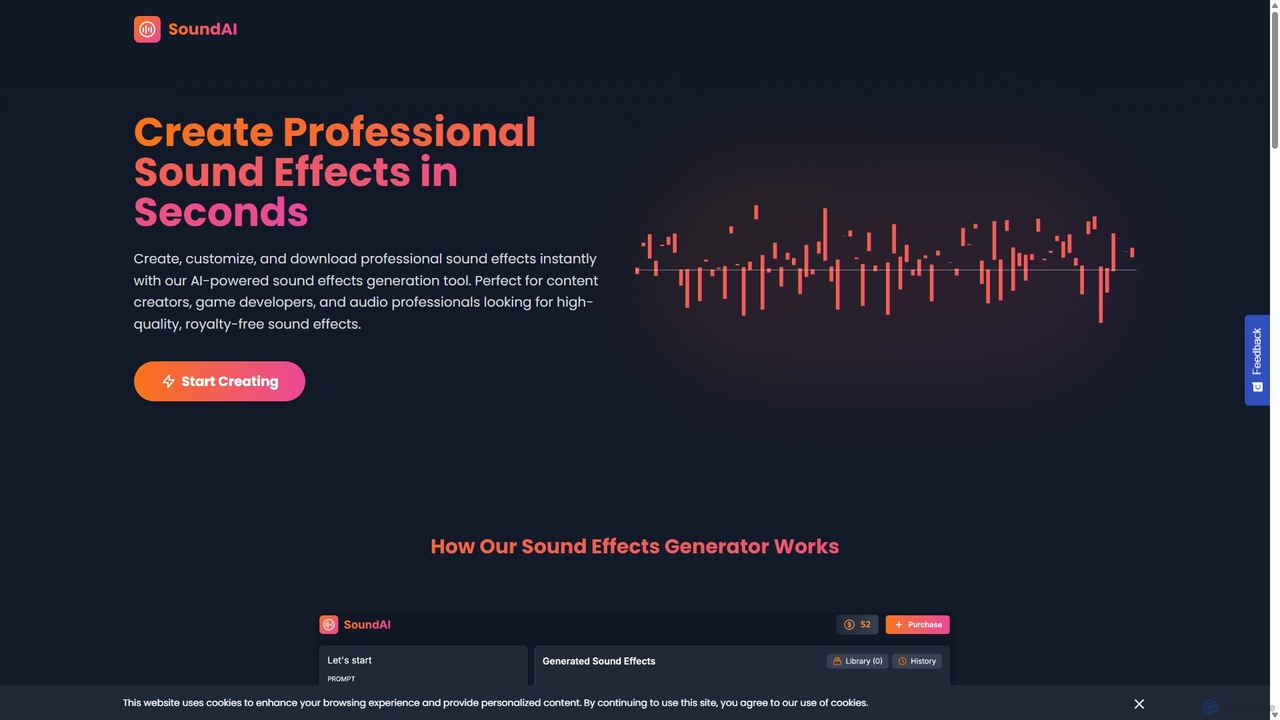
SoundAI Studio
SoundAI Studio is an AI-powered sound effects generator that allows creators to produce professional, high-quality, royalty-free audio in seconds. By simply entering a text description, users can generate custom sound effects for games, films, podcasts, and other content. It features a simple pay-as-you-go pricing model, eliminating the need for subscriptions.
Sound Effects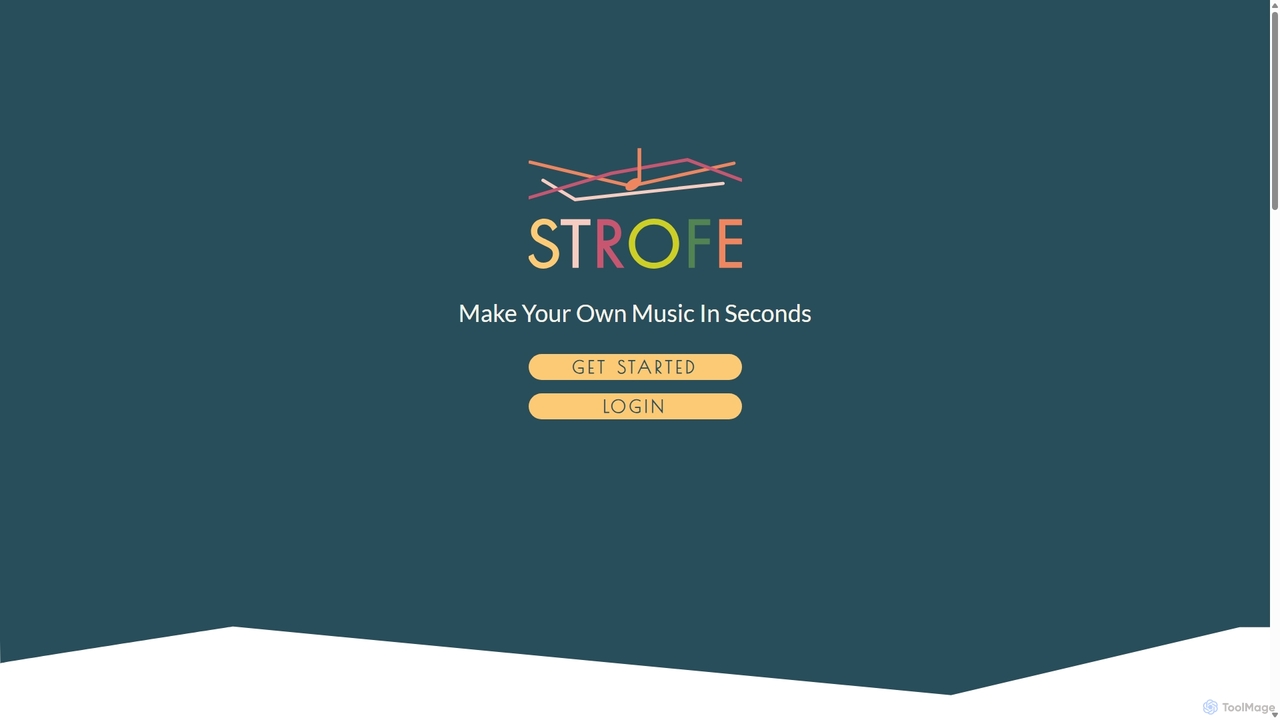
Strofe
Strofe is an AI-powered music generator that enables creators to produce unique, royalty-free music in seconds. Ideal for video games, streams, videos, and podcasts, it allows users to select a mood and genre to instantly compose a fitting soundtrack. No musical experience is required.
Music Generation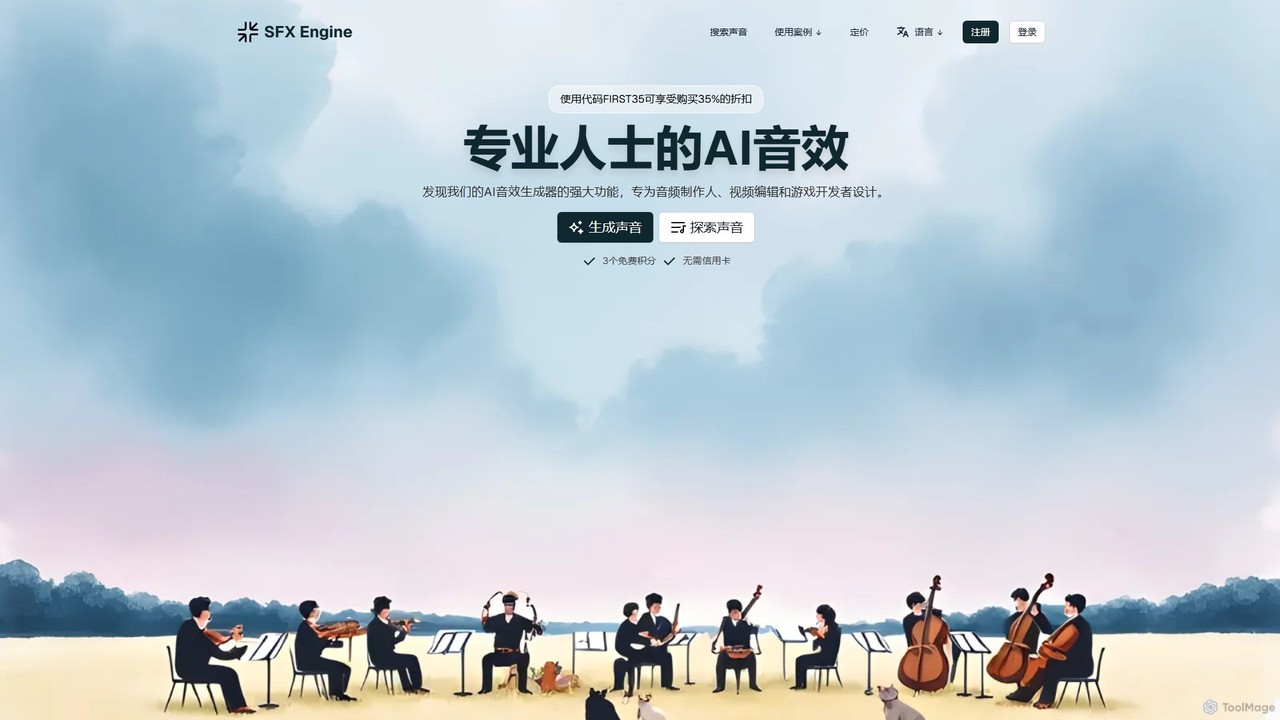
sfxengine
sfxengine is an AI-powered sound effect generator for creators and developers. Instantly create unique, studio-quality, royalty-free sound effects from simple text descriptions, saving time and unlocking endless creative possibilities for videos, games, podcasts, and more.
Sound Generation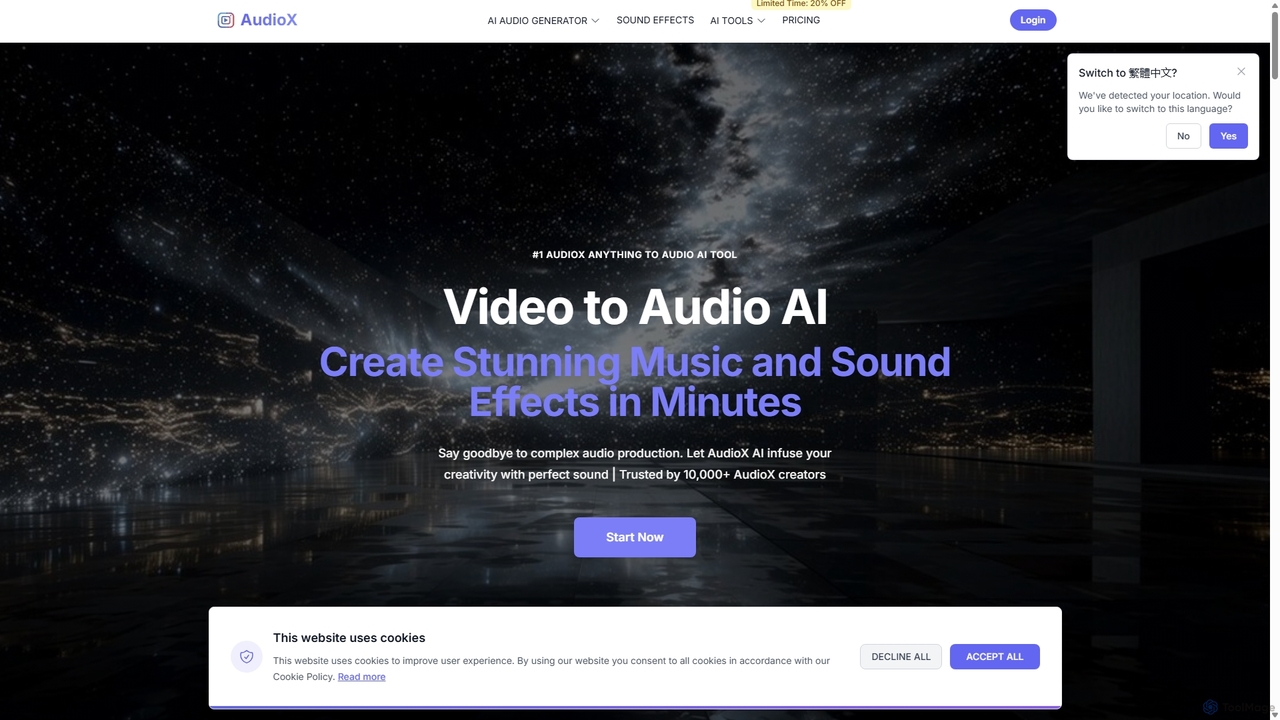
AudioX
AudioX is a professional AI audio generation tool that creates stunning music, sound effects, and voiceovers from various inputs like text, images, and videos. It offers a comprehensive suite for creators of all levels to simplify and enhance audio production.
Music GenerationSound Effect Generator Categories
Sound Effect Generator Jobs
Sound Effect Generator Embed Widget
Copy this embed code to place the badge on your blog, article, or product site and send readers directly to this ToolMage detail page.

Related AI tools
OptimizerAI
OptimizerAI is a state-of-the-art AI sound effect generator for creators, game developers, and video makers. Instantly generate unique, high-quality sound effects from simple text prompts. Features include text-to-sound, audio variation, and a 'Magic Prompt' for situational descriptions. Stop searching and start creating the perfect audio for your projects in seconds.
Sound GenerationSoundAI Studio
SoundAI Studio is an AI-powered sound effects generator that allows creators to produce professional, high-quality, royalty-free audio in seconds. By simply entering a text description, users can generate custom sound effects for games, films, podcasts, and other content. It features a simple pay-as-you-go pricing model, eliminating the need for subscriptions.
Sound Effects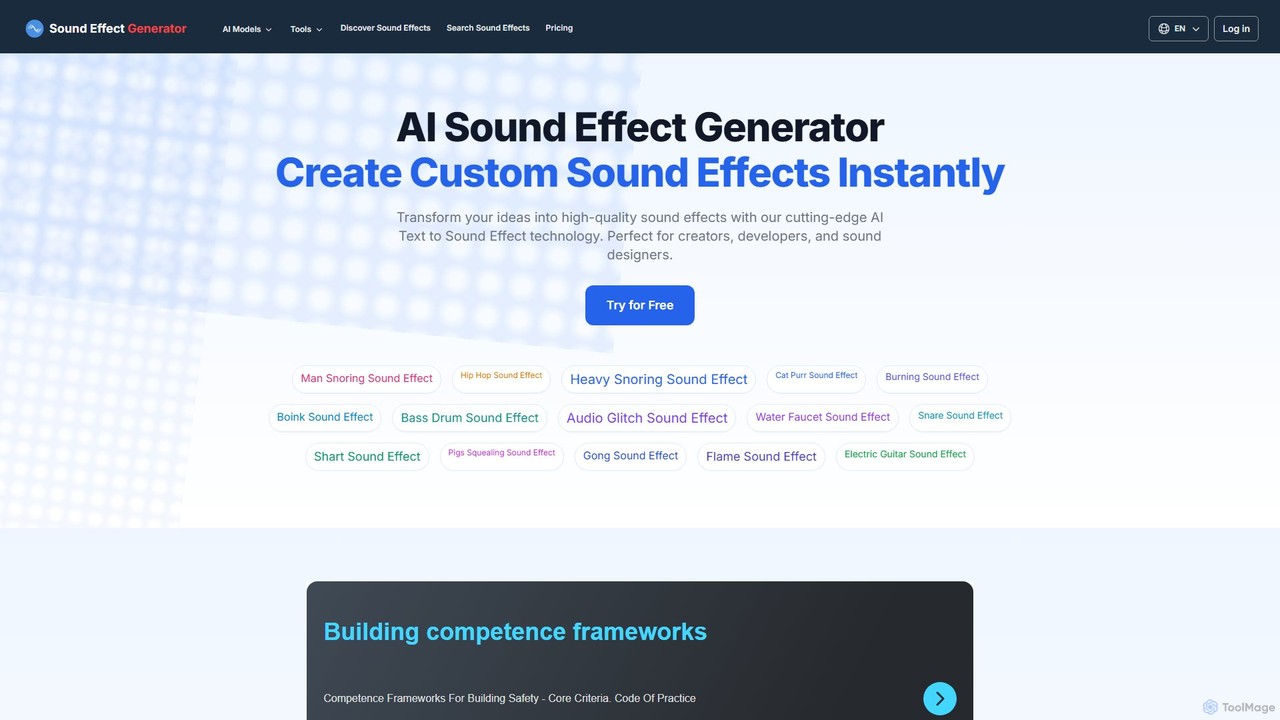
Sound Effect Generator
An AI-powered platform that instantly transforms text descriptions into high-quality, custom sound effects. Ideal for content creators, game developers, filmmakers, and sound designers, it offers a vast library of free sounds and advanced features like video-to-sound generation, negative prompts, and commercial usage rights with paid plans.
Sound Generation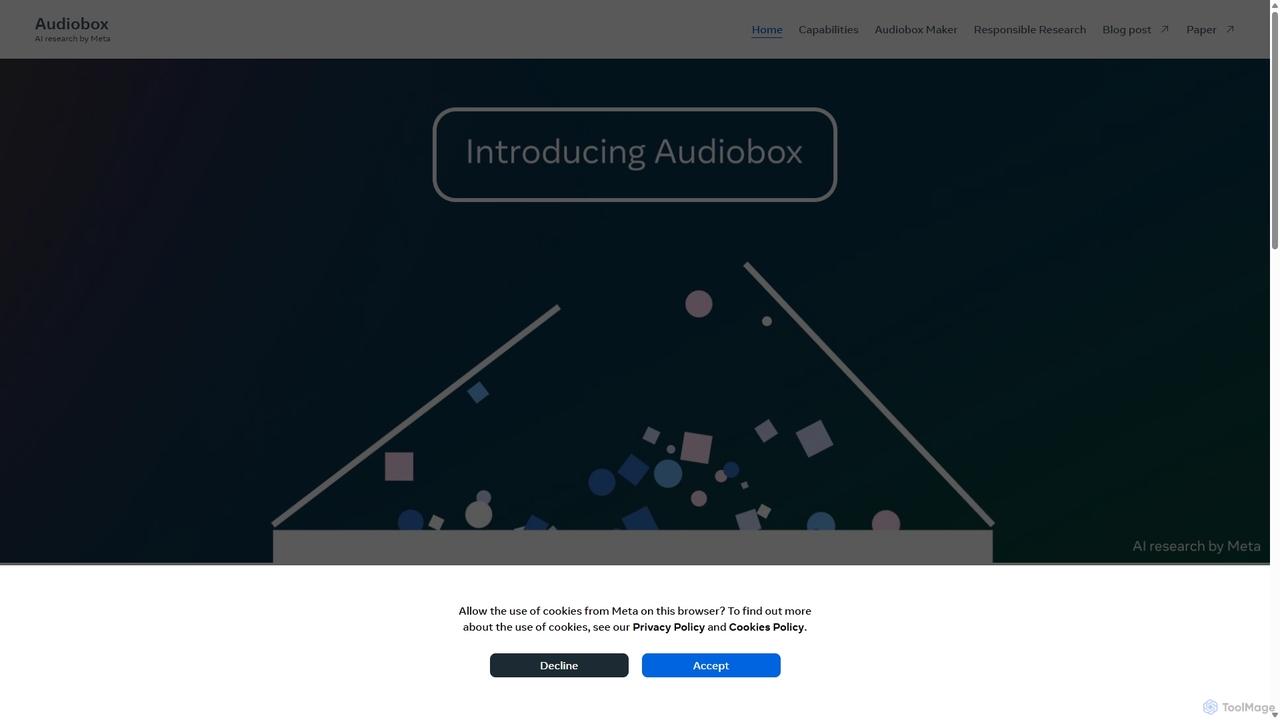
Audiobox
Audiobox is a foundational AI research model by Meta for advanced audio generation. It creates realistic voices, sound effects, and ambient sounds from text prompts and audio inputs. Key features include voice cloning, style transfer, sound effect generation, and audio editing tools like noise removal and sound infilling.
Audio Editingsfxengine
sfxengine is an AI-powered sound effect generator for creators and developers. Instantly create unique, studio-quality, royalty-free sound effects from simple text descriptions, saving time and unlocking endless creative possibilities for videos, games, podcasts, and more.
Sound Generation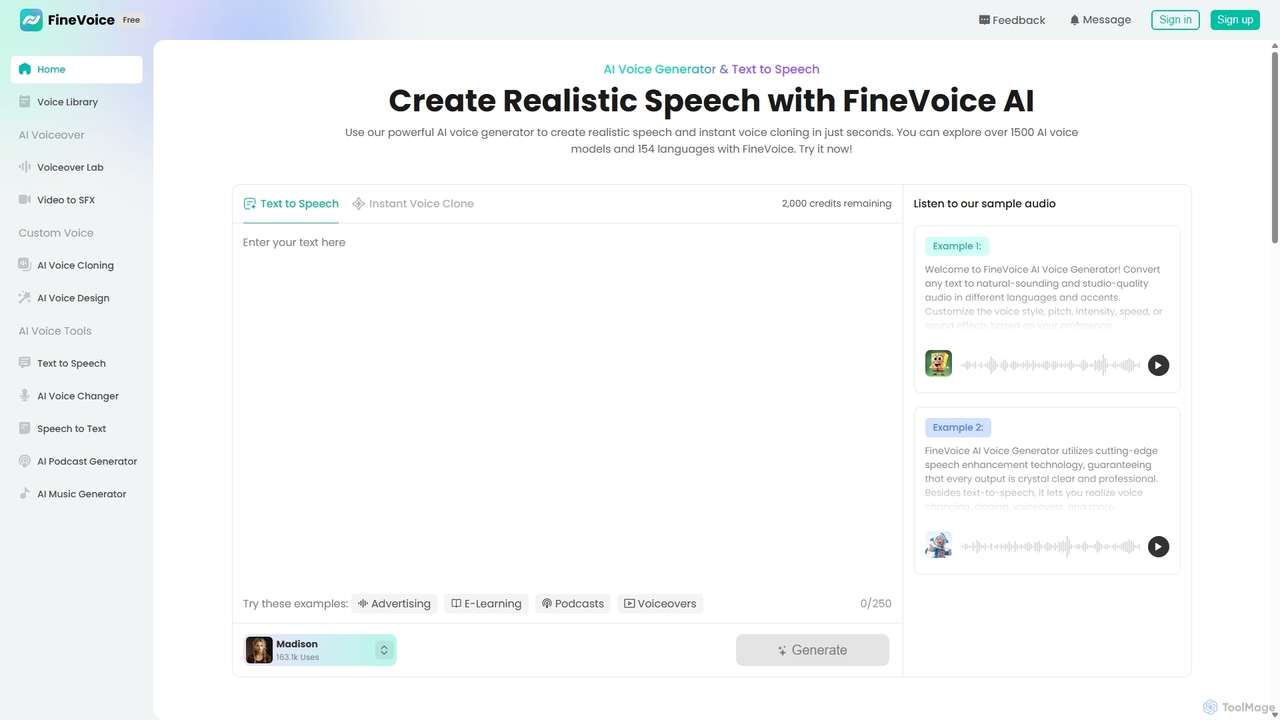
FineVoice
FineVoice is a powerful AI voice generator and audio creation suite. It offers realistic text-to-speech, instant voice cloning, a real-time voice changer, and professional voiceover tools. With a library of over 1500 AI voices in 154 languages, it's designed for content creators, marketers, podcasters, and developers seeking high-quality, customizable audio solutions.
Voice Synthesis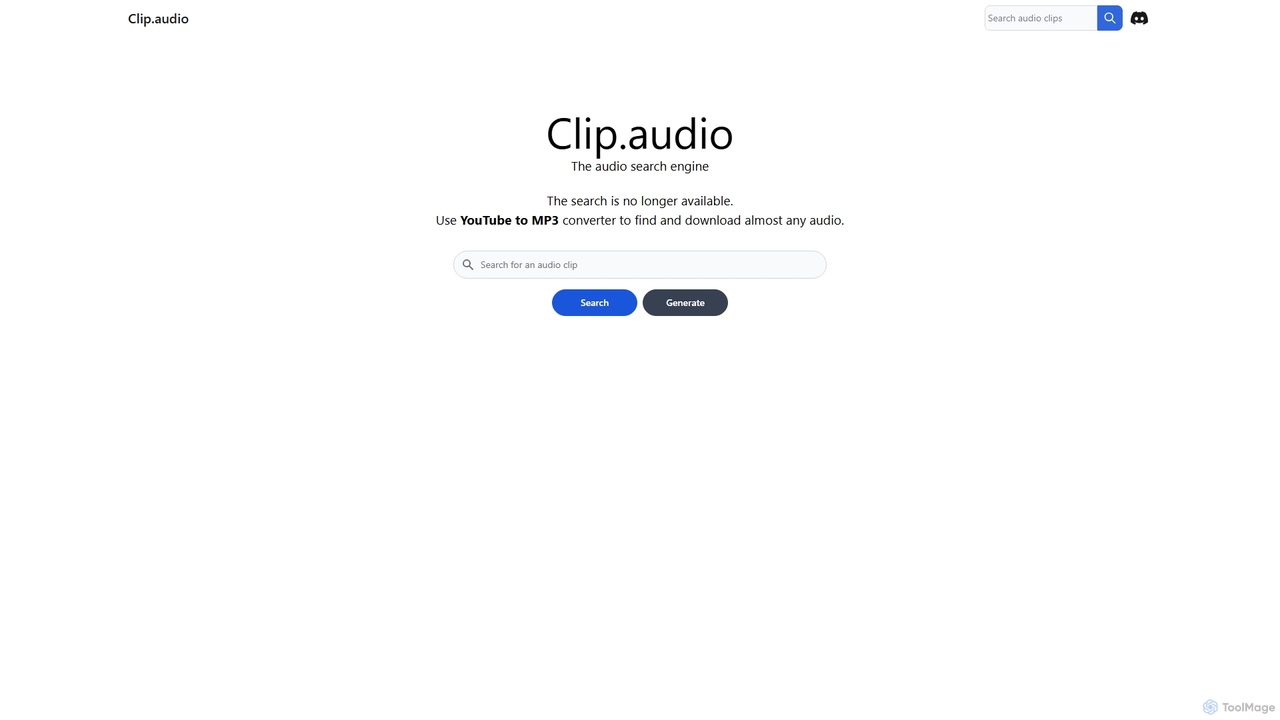
Clip
Clip is an advanced AI-powered audio search engine designed for creators. It enables users to find the perfect sound effects, music clips, and audio samples using natural language queries, sound similarity searches, and detailed filtering, streamlining the creative workflow.
Search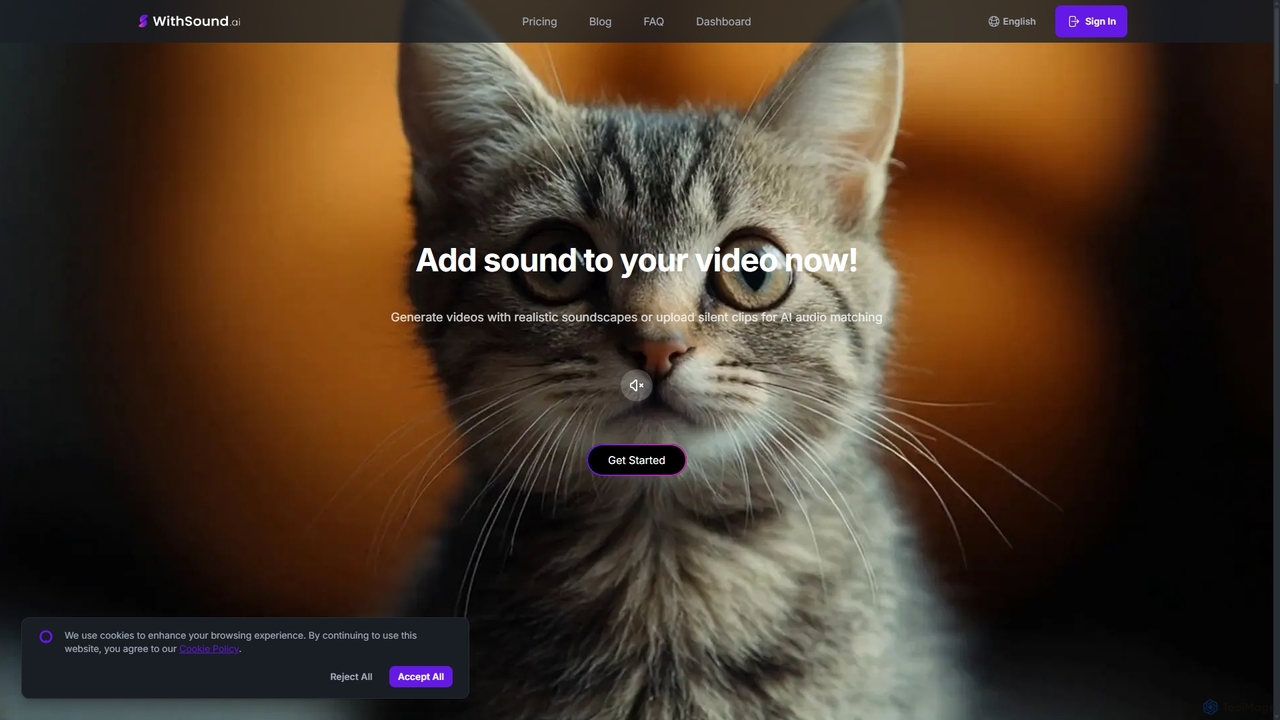
WithSound.ai
WithSound.ai is an AI-powered video creation platform that effortlessly generates videos with perfectly synchronized sound. It transforms text prompts or photos into stunning 4K videos and automatically adds music and sound effects to silent clips. With a vast library of over 5,000 sounds and intuitive features like smart audio sync, it's the ultimate tool for marketers, content creators, and businesses to produce engaging, professional-quality video content in minutes, no experience required.
Sound Effects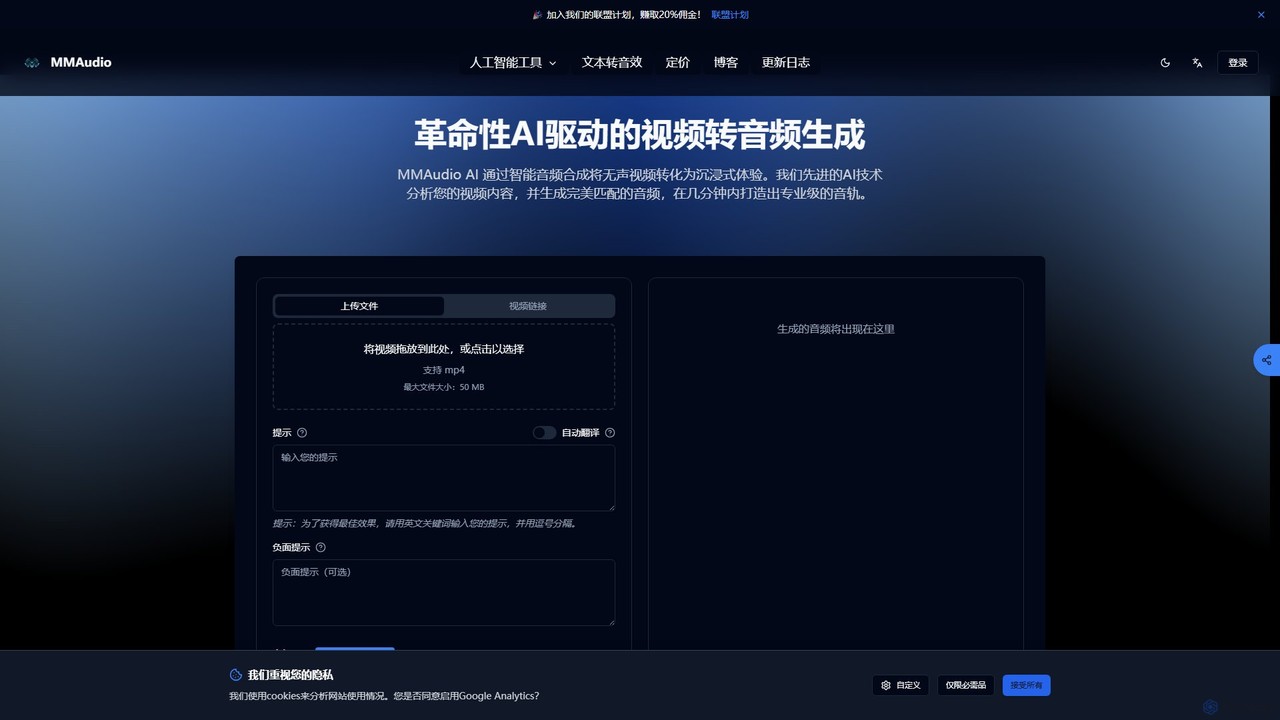
MMAudio
MMAudio is a revolutionary AI-powered platform that transforms silent videos into immersive audio experiences and generates custom sound effects from text prompts. It intelligently analyzes video content to synthesize perfectly synchronized audio and creates high-fidelity SFX for filmmakers, game developers, and content creators in minutes.
Sound EffectsStrofe
Strofe is an AI-powered music generator that enables creators to produce unique, royalty-free music in seconds. Ideal for video games, streams, videos, and podcasts, it allows users to select a mood and genre to instantly compose a fitting soundtrack. No musical experience is required.
Music Generation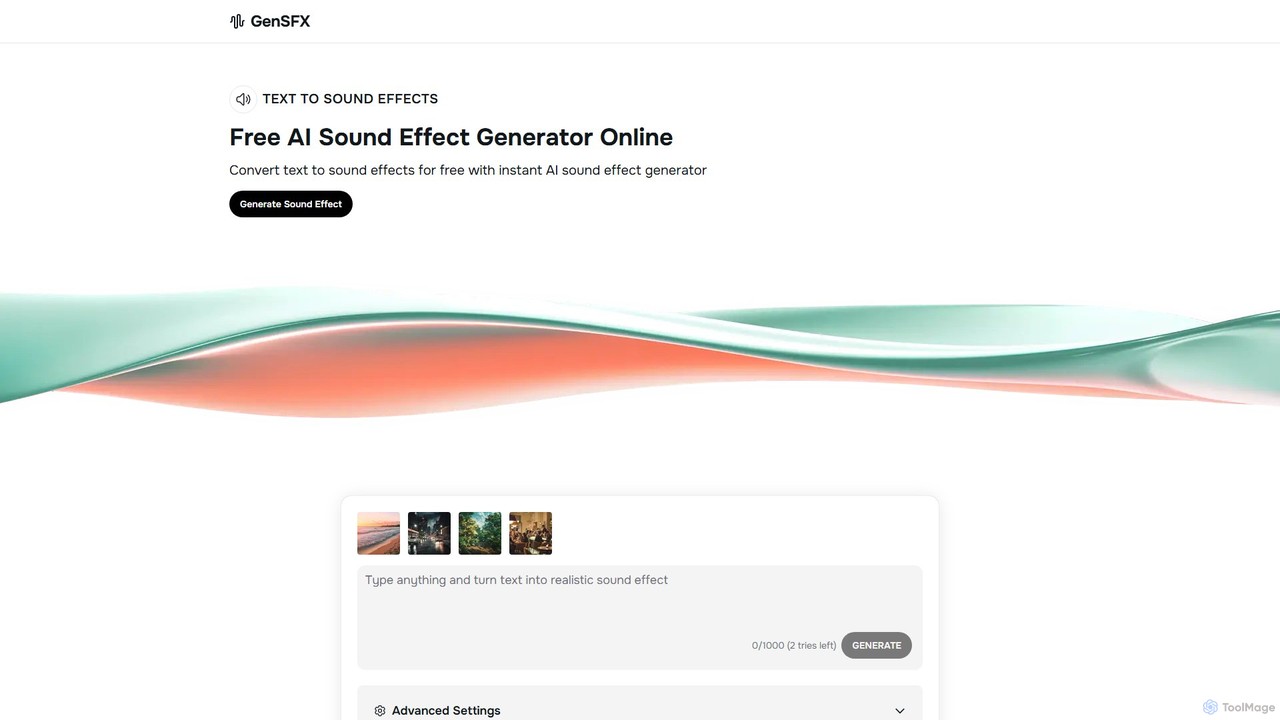
gensfx
gensfx is a free AI-powered sound effect generator that transforms text descriptions into high-quality, unique audio files. Ideal for content creators, game developers, and filmmakers, it allows for instant creation, customization, and download of royalty-free sound effects, eliminating the need for extensive sound libraries.
Sound Generation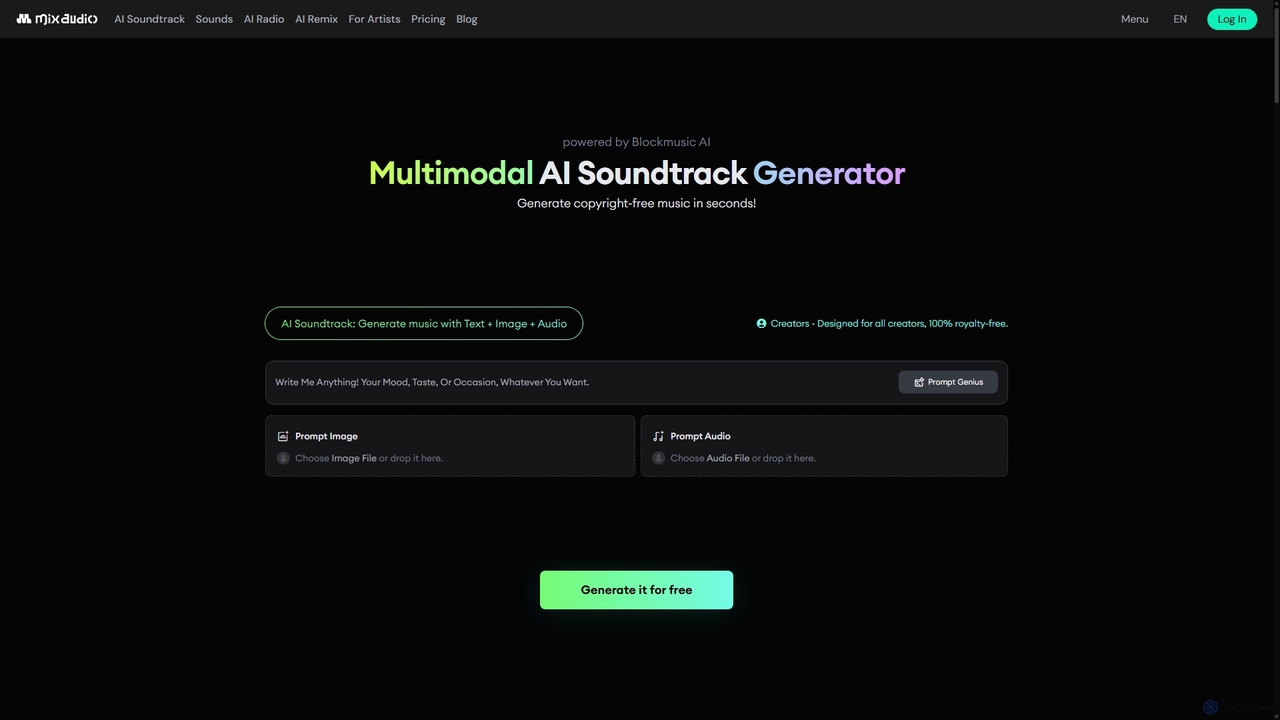
MixAudio
MixAudio is a multimodal AI music generator that creates unique, royalty-free soundtracks in seconds. Designed for creators, it uses text, images, and reference audio to produce custom music. Features include AI Remix, 24/7 AI Radio, and an advanced studio for stem-level editing.
Music Generation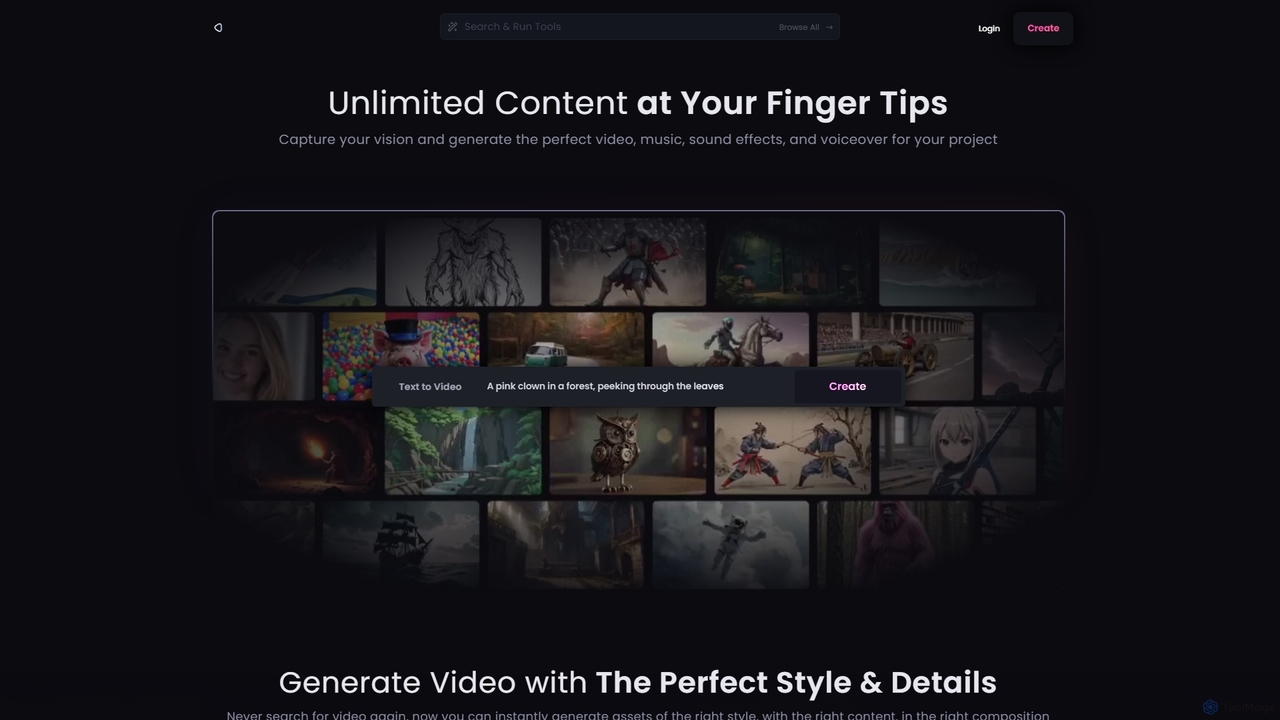
Reel Studio
Reel Studio is an all-in-one AI-powered creative suite that generates high-quality video, music, sound effects, and voiceovers. Transform text, images, or even drawings into stunning visual and audio content. With a wide range of styles, aspect ratios, and customization options, it's the ultimate tool for creators, marketers, and filmmakers to bring their vision to life instantly.
Music Generation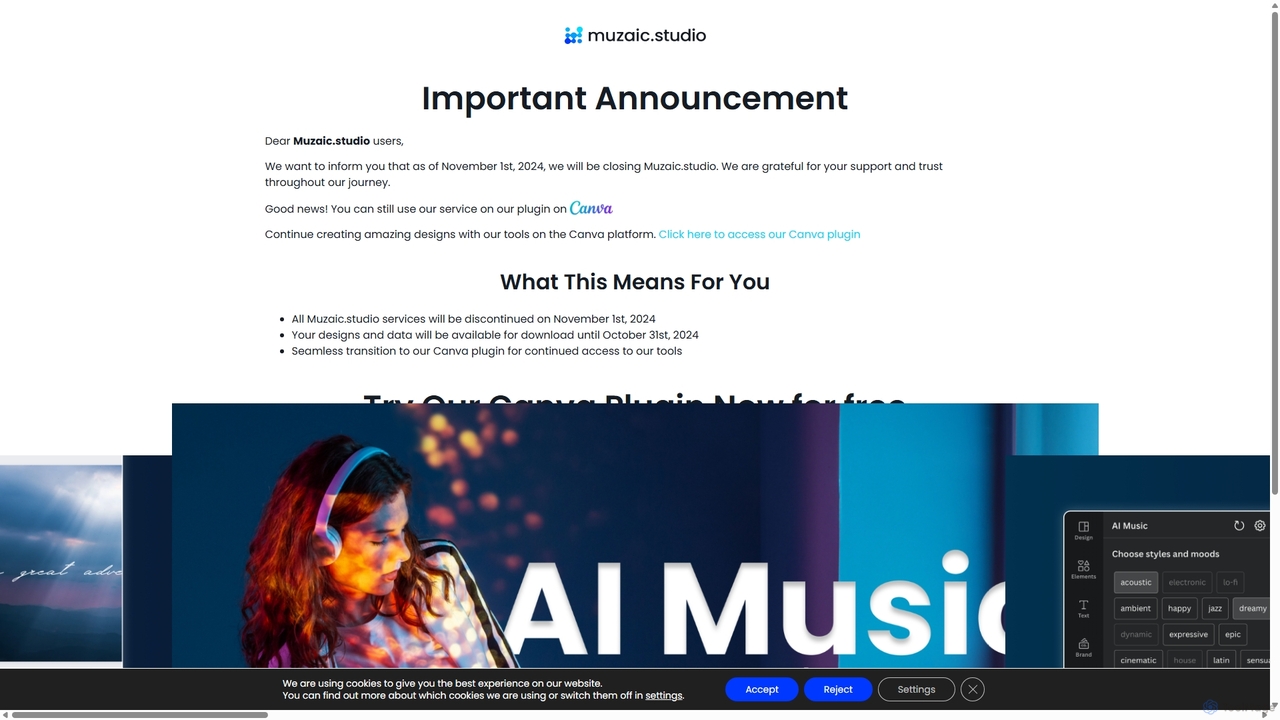
Muzaic
Muzaic is an AI-powered music generation studio that allows users to create unique, royalty-free music from text prompts. It's designed for content creators, musicians, and businesses to effortlessly produce high-quality soundtracks, jingles, and complete compositions for any project.
Music Generation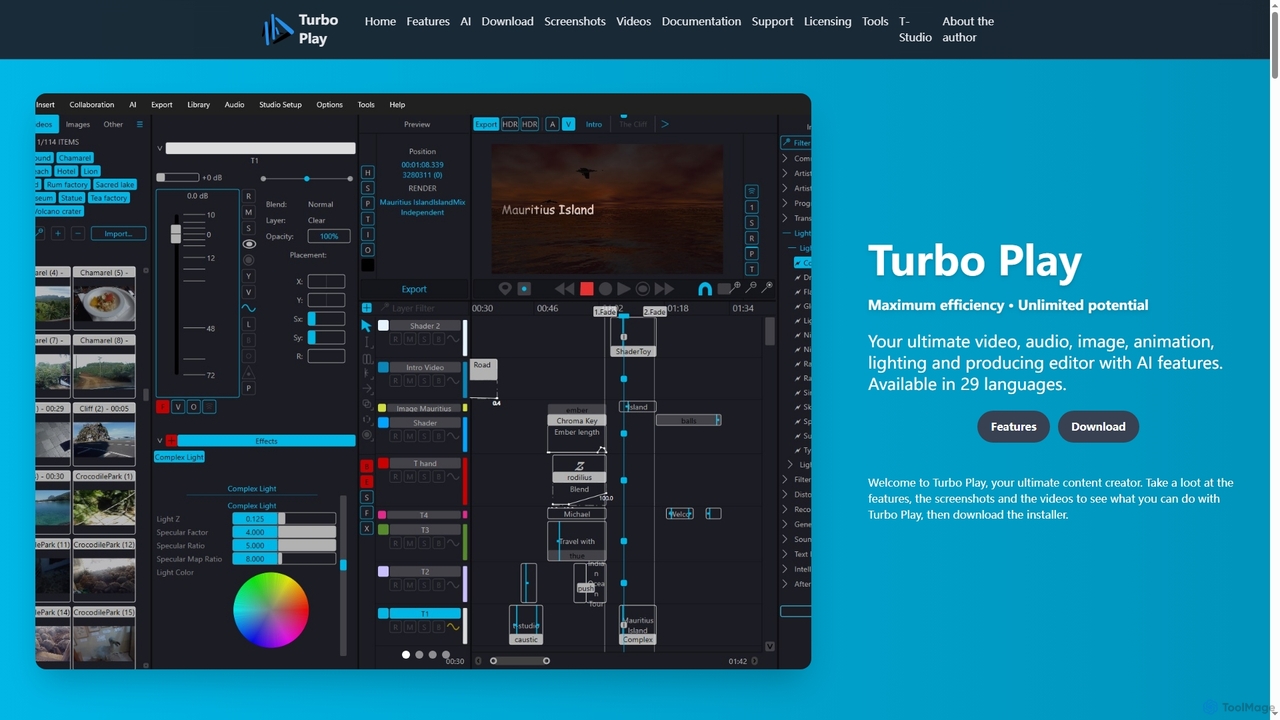
Turbo Play
Turbo Play is an all-in-one AI-powered video, audio, image, and animation editor designed for maximum efficiency and unlimited creative potential. It offers a comprehensive suite of tools for content creation, including advanced AI features for background removal, face swapping, speech separation, and text-to-image generation, catering to both casual and professional users across 29 languages.
3D
Sound Effect Generator Comments (0)
Sign in to comment.
Sign inNo comments yet.