

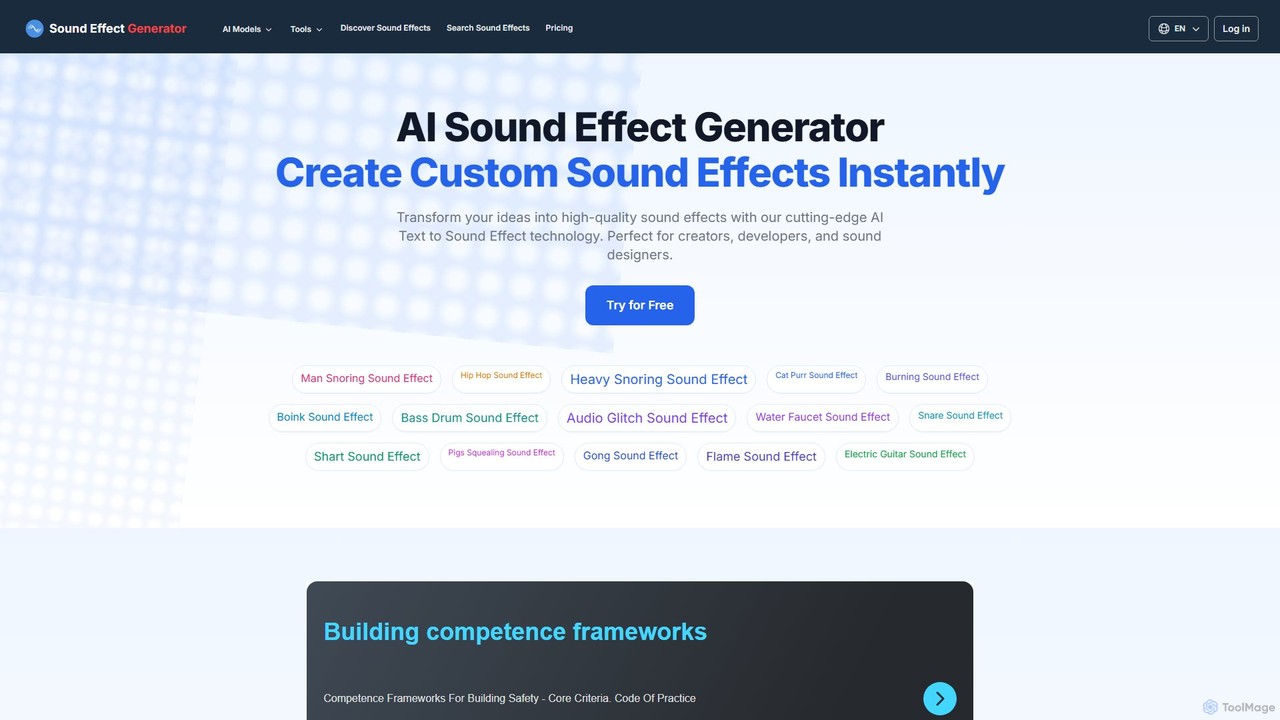
Sound Effect Generator Overview
Sound Effect Generator is a cutting-edge AI audio platform designed to revolutionize how creators produce sound. By leveraging advanced text-to-sound technology, it allows users to generate unique, high-quality sound effects simply by describing what they want to hear. This eliminates the need for expensive sound libraries or complex audio editing software, making professional-grade sound design accessible to everyone. Whether you're a YouTuber needing a specific 'whoosh' for a transition, a game developer creating immersive environmental audio, or a filmmaker looking for the perfect atmospheric sound, this tool provides an instant and highly customizable solution. The platform is not just a generator; it's a comprehensive audio ecosystem that also includes tools for music generation, text-to-speech, and voice cloning, making it a one-stop-shop for all audio needs.
How to use Sound Effect Generator
Using the platform is straightforward and intuitive, designed for a seamless creative process:
- Log In: Start by logging in with your Google account to access the generator. New users receive free credits to try the service.
- Enter Your Prompt: In the text box, type a detailed description of the sound effect you want to create. Be as specific as possible, e.g., 'a heavy wooden door creaking open slowly in a large, empty hall'. The AI supports prompts in multiple languages.
- Customize Your Generation: You can refine your request using several options. Set the desired audio length (in seconds). Use the 'Negative Prompt' field to specify sounds you want to avoid, such as 'no background noise' or 'no echo'.
- Upload a Video (Optional): For video projects, you can upload a video file (MP4, MOV, WEBM). The AI will analyze the video and generate a sound effect that syncs with the on-screen action.
- Generate: Click the 'Generate' button. The AI will process your request and create the sound effect in seconds.
- Review and Download: Listen to the generated audio. If you're satisfied, you can download it directly. Paid users can generate private sounds, while free generations may be added to the public library.
- Explore the Library: Browse the extensive public library of over 27,000 AI-generated sound effects for inspiration or to find ready-to-use audio clips.
Core Features of Sound Effect Generator
- AI Text-to-Sound Effect: The core engine that converts written descriptions into rich, detailed sound effects.
- Video Sound Generator: Upload a video, and the AI will automatically create and sync appropriate sound effects.
- Advanced Prompting: Includes negative prompts to exclude unwanted elements and fine-tune the output.
- Adjustable Duration: Control the exact length of the generated sound effect, with longer durations available for paid users.
- Extensive Free Sound Library: Access to a searchable database of thousands of pre-generated, royalty-free sound effects for personal use.
- Commercial Usage Rights: Paid plans grant a commercial license, allowing you to use the generated sounds in professional projects.
- Private Generations: Premium users can create sound effects that remain private and are not shared in the public library.
- Integrated Audio Suite: Part of a larger platform that includes AI music generation, song creation, text-to-speech, and voice cloning.
Use Cases for Sound Effect Generator
This tool is versatile and serves a wide range of creative and professional needs:
- Game Development: Create unique sound effects for character actions (footsteps, attacks), environmental ambience (wind, rain), UI sounds (clicks, notifications), and special abilities.
- Filmmaking and Video Production: Design custom foley, atmospheric sounds, and action effects (explosions, car crashes) for films, commercials, and animations.
- Podcasting and Content Creation: Enhance YouTube videos, podcasts, and social media content with custom jingles, transitions, and sound effects that match the brand's style.
- App and Web Development: Generate unique notification sounds, button clicks, and other UI/UX audio elements.
- Music Production: Create unique percussive elements, risers, and textural sounds to incorporate into music tracks.
Advantages of Sound Effect Generator
The platform offers significant benefits over traditional methods:
- Speed and Efficiency: Generate custom sounds in seconds, dramatically speeding up the creative workflow.
- Limitless Creativity: Instead of searching through static libraries, you can create the exact sound you imagine.
- Cost-Effectiveness: Provides a more affordable alternative to hiring a sound designer or purchasing expensive sound packs. The freemium model makes it highly accessible.
- High-Quality Output: The AI is trained to produce professional-grade, clear, and usable audio.
- Ease of Use: No technical sound design skills are required. If you can describe it, you can create it.
Pricing and Plans
Sound Effect Generator uses a freemium model with flexible credit-based plans:
- Free Plan: Users get 2 free generations upon signing up to test the service. Sounds generated are for personal use and may be added to the public library.
- Monthly Subscriptions:
- $9.99/month: 7,000 credits per month (+1,000 bonus credits).
- $19.99/month: 14,000 credits per month (+2,000 bonus credits).
- $29.99/month: 21,000 credits per month (+3,000 bonus credits).
- One-Time Purchases: Options to buy credit packs are also available.
All paid plans include high-quality audio, private sound effect generation, no ads, and full commercial usage rights. Credit usage is straightforward: 1 credit per second for Text-to-Sound Effect and 2 credits per second for the Video Sound Generator.
Traffic
Latest traffic
Status
Monthly traffic trend
- 2025-9: 133.3K
- 2026-1: 129.1K
- 2026-2: 107.3K
- 2026-3: 117.3K
- 2026-4: 129.8K
- 2026-5: 118.6K
Geography
Top 5 countries / regions
- 🇯🇵Japan29.2%
- 🇰🇷South Korea23.4%
- 🇫🇷France22.7%
- 🇺🇸United States13.9%
- 🇧🇷Brazil10.8%
Traffic sources
| Source type | Percentage |
|---|---|
Direct | 79.8% |
Referral | 20.2% |
Top keywords
| Keyword | Cost per click |
|---|---|
| hacer video sonido | $0.00 |
| keyboard sounds when typing | $0.00 |
| 旋转音效素材 | $0.00 |
| 枪击音 | $0.00 |
| 雜訊音效 | $0.00 |
Sound Effect Generator Videos on YouTube

LoverFighterWriter

AI Late to Class


Hit Film Sensei
Sound Effect Generator Alternatives
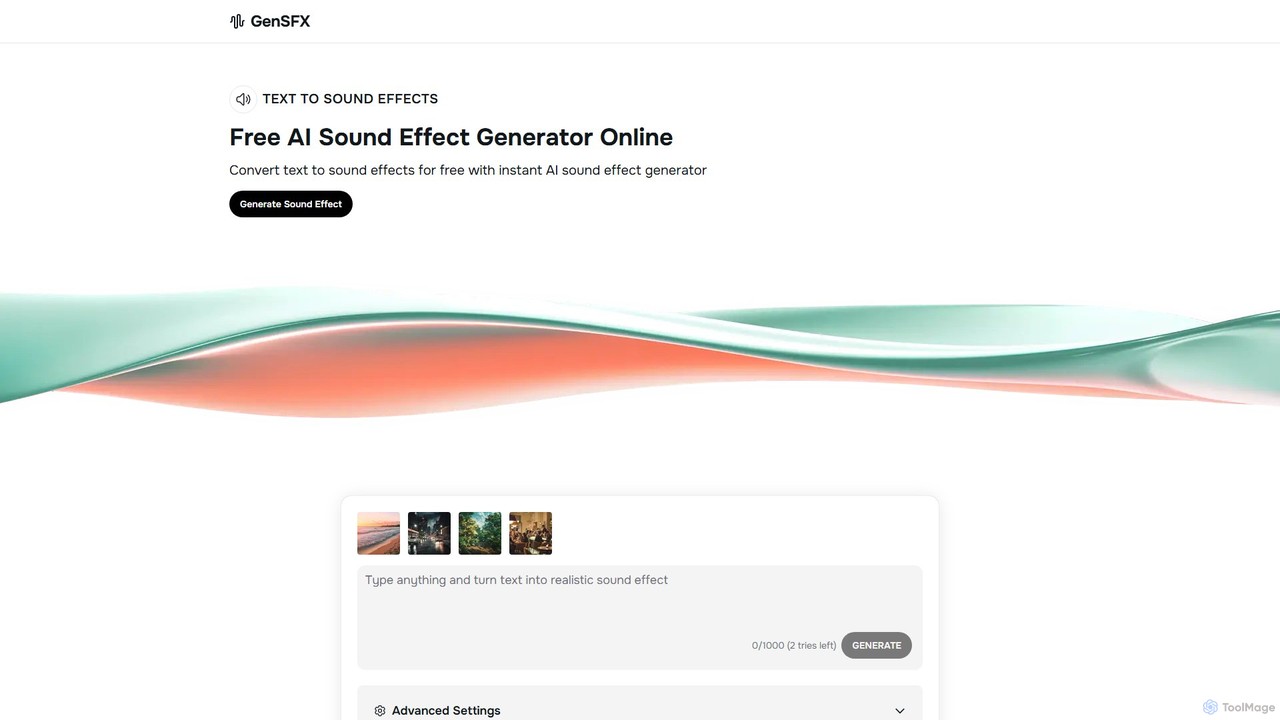
gensfx
gensfx is a free AI-powered sound effect generator that transforms text descriptions into high-quality, unique audio files. Ideal for content creators, game developers, and filmmakers, it allows for instant creation, customization, and download of royalty-free sound effects, eliminating the need for extensive sound libraries.
Sound Generation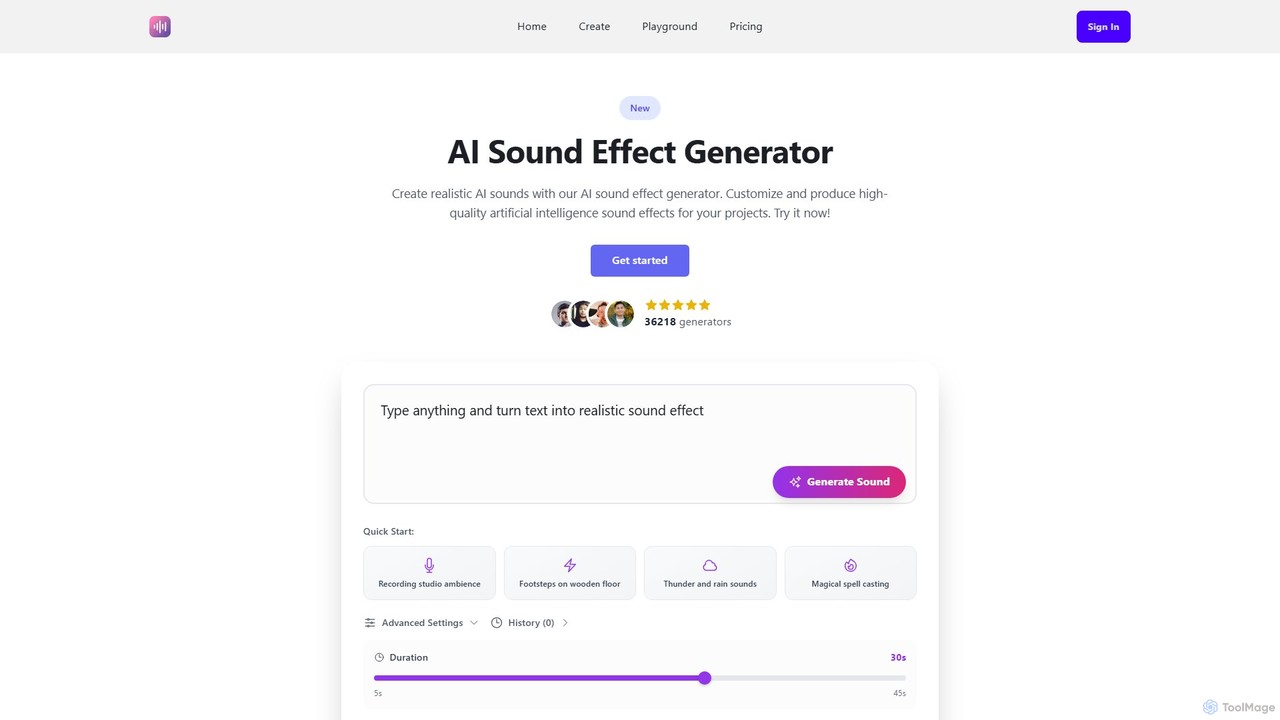
Ai Sound Effect Generator
An AI-powered tool that generates high-quality, royalty-free sound effects from simple text prompts. Ideal for filmmakers, game developers, podcasters, and content creators, it transforms ideas into unique audio in seconds, offering customizable duration and a wide range of sound options.
Sound Effects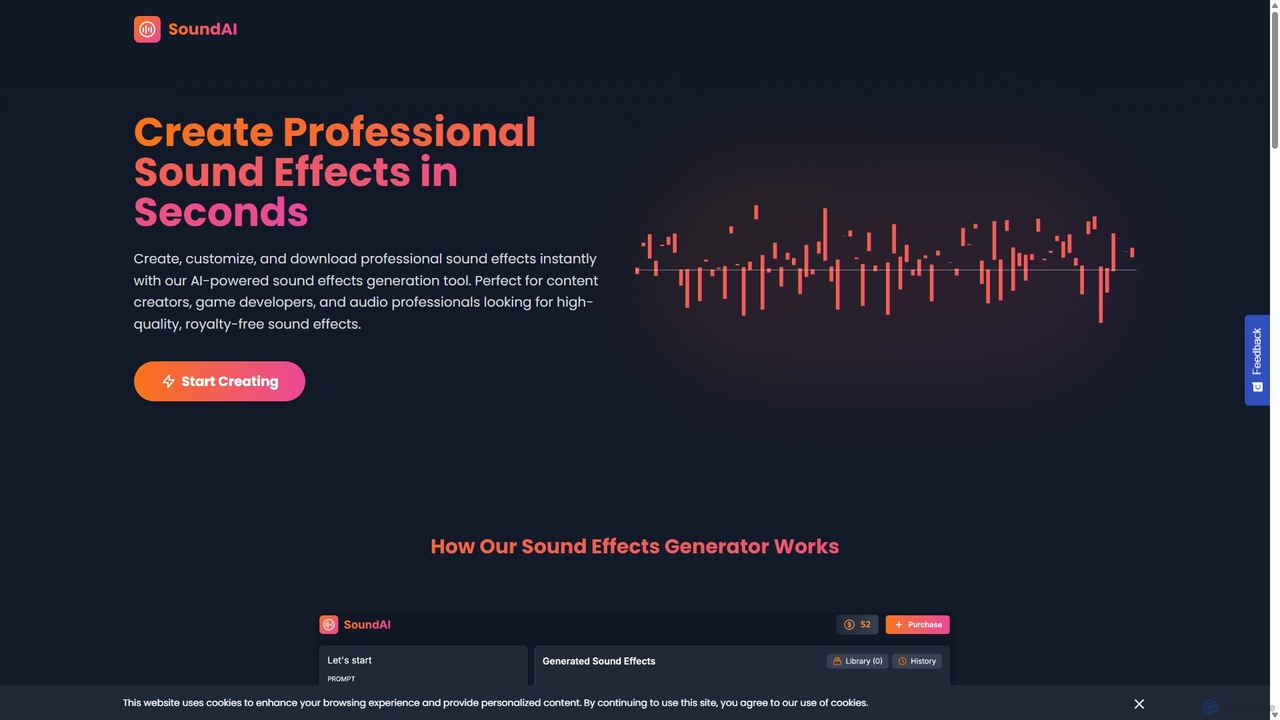
SoundAI Studio
SoundAI Studio is an AI-powered sound effects generator that allows creators to produce professional, high-quality, royalty-free audio in seconds. By simply entering a text description, users can generate custom sound effects for games, films, podcasts, and other content. It features a simple pay-as-you-go pricing model, eliminating the need for subscriptions.
Sound Effects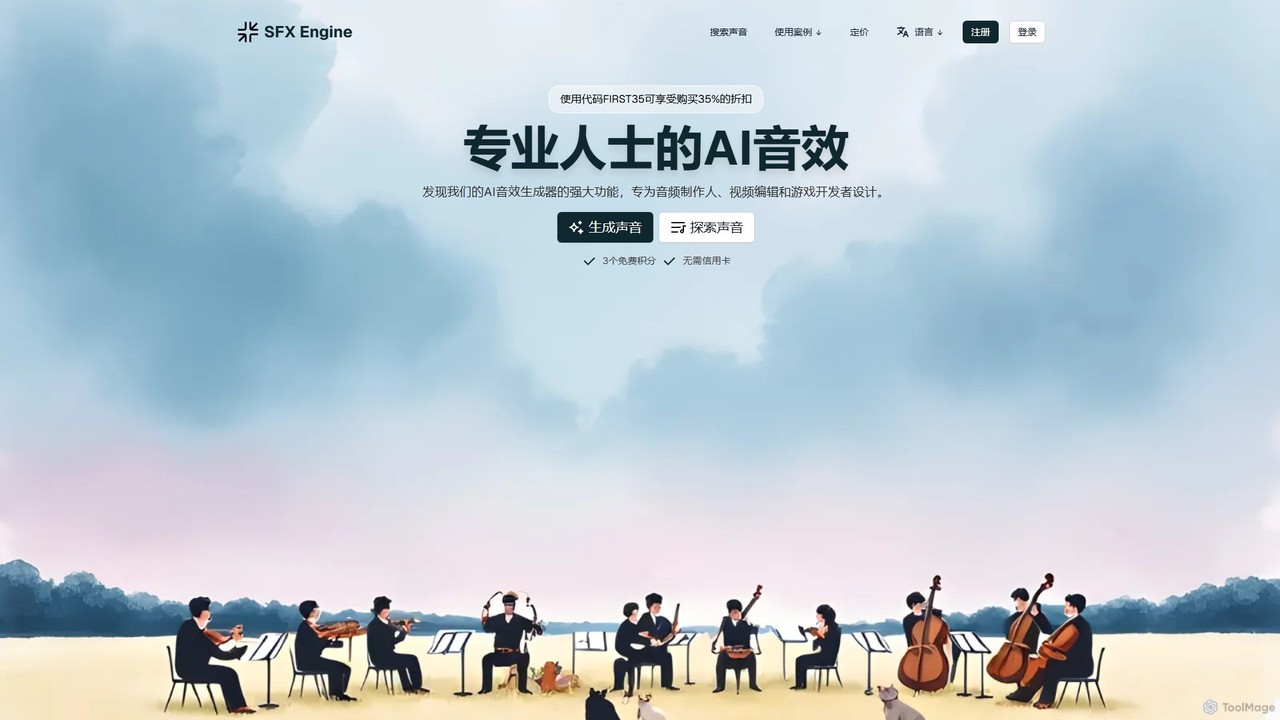
sfxengine
sfxengine is an AI-powered sound effect generator for creators and developers. Instantly create unique, studio-quality, royalty-free sound effects from simple text descriptions, saving time and unlocking endless creative possibilities for videos, games, podcasts, and more.
Sound Generation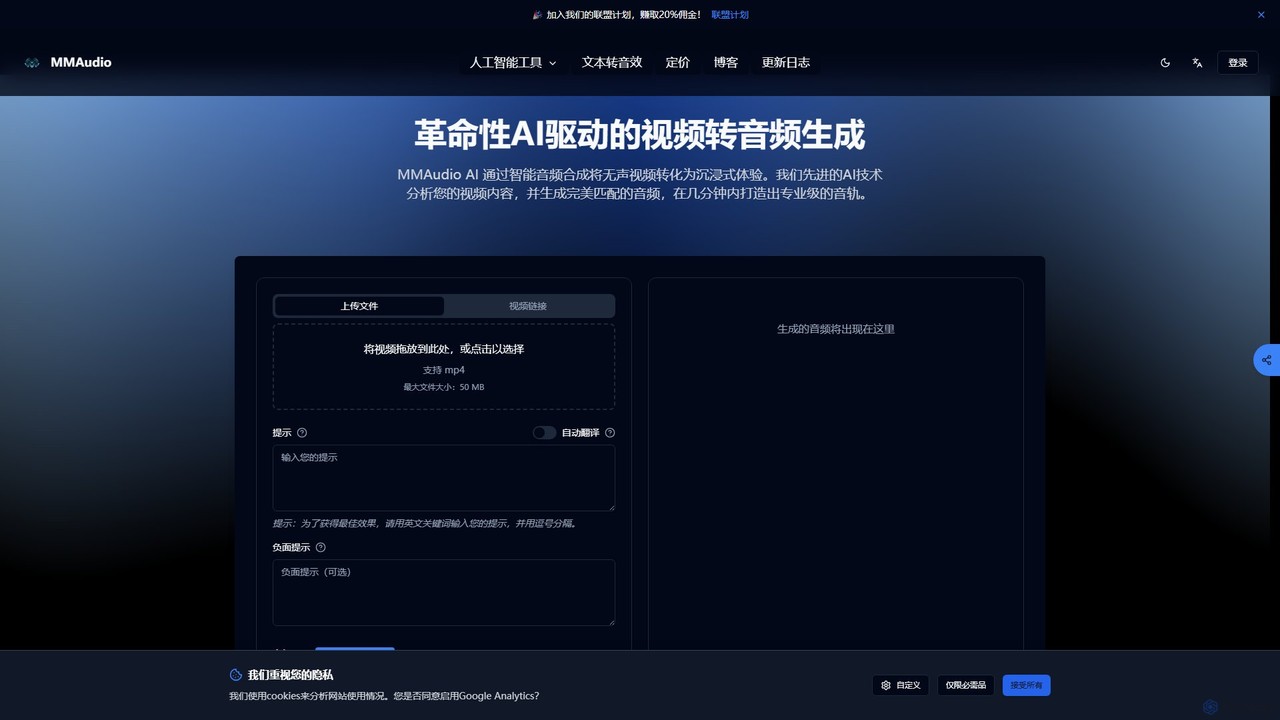
MMAudio
MMAudio is a revolutionary AI-powered platform that transforms silent videos into immersive audio experiences and generates custom sound effects from text prompts. It intelligently analyzes video content to synthesize perfectly synchronized audio and creates high-fidelity SFX for filmmakers, game developers, and content creators in minutes.
Sound EffectsSound Effect Generator Categories
Sound Effect Generator Embed Widget
Copy this embed code to place the badge on your blog, article, or product site and send readers directly to this ToolMage detail page.

Related AI tools
gensfx
gensfx is a free AI-powered sound effect generator that transforms text descriptions into high-quality, unique audio files. Ideal for content creators, game developers, and filmmakers, it allows for instant creation, customization, and download of royalty-free sound effects, eliminating the need for extensive sound libraries.
Sound Generation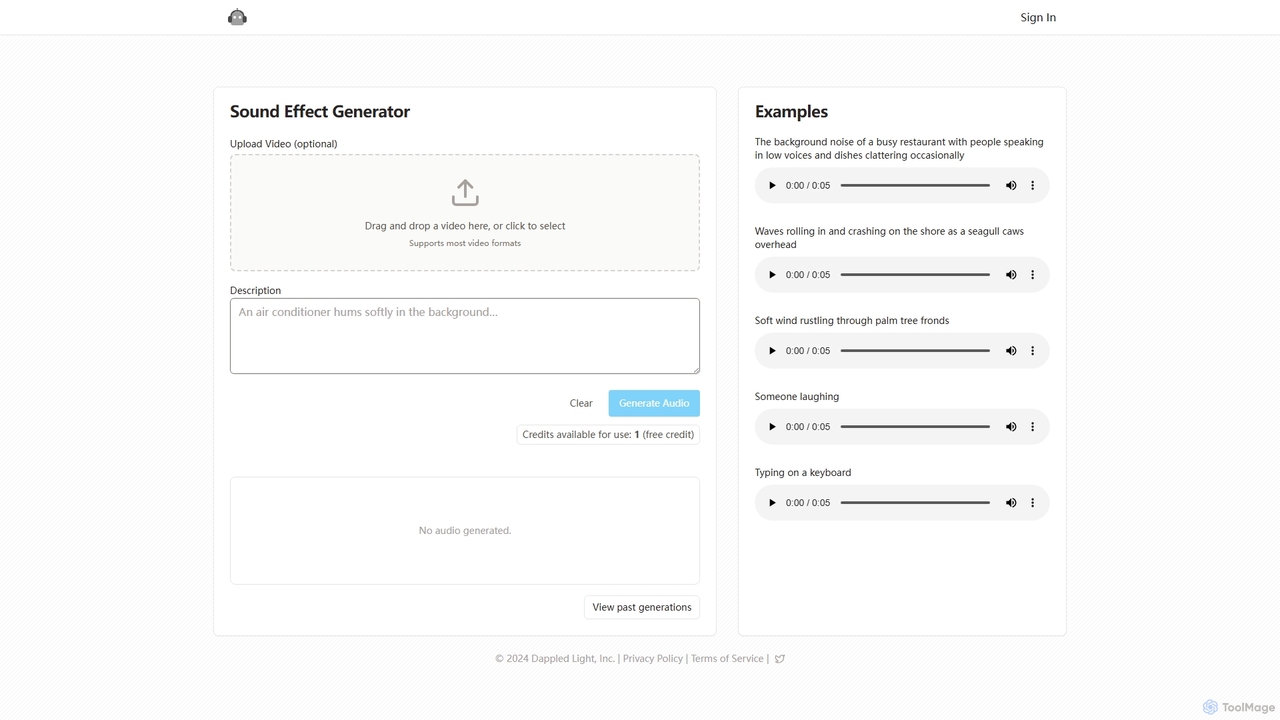
Sound Effect Generator
Sound Effect Generator is an AI-powered tool that creates high-quality, custom sound effects from simple text descriptions. Ideal for video creators, podcasters, and game developers, it allows users to generate unique audio for any project, from ambient background noise to specific actions. It also offers an optional video upload feature to sync audio with visual content, streamlining the creative workflow.
Sound EffectsMMAudio
MMAudio is a revolutionary AI-powered platform that transforms silent videos into immersive audio experiences and generates custom sound effects from text prompts. It intelligently analyzes video content to synthesize perfectly synchronized audio and creates high-fidelity SFX for filmmakers, game developers, and content creators in minutes.
Sound Effects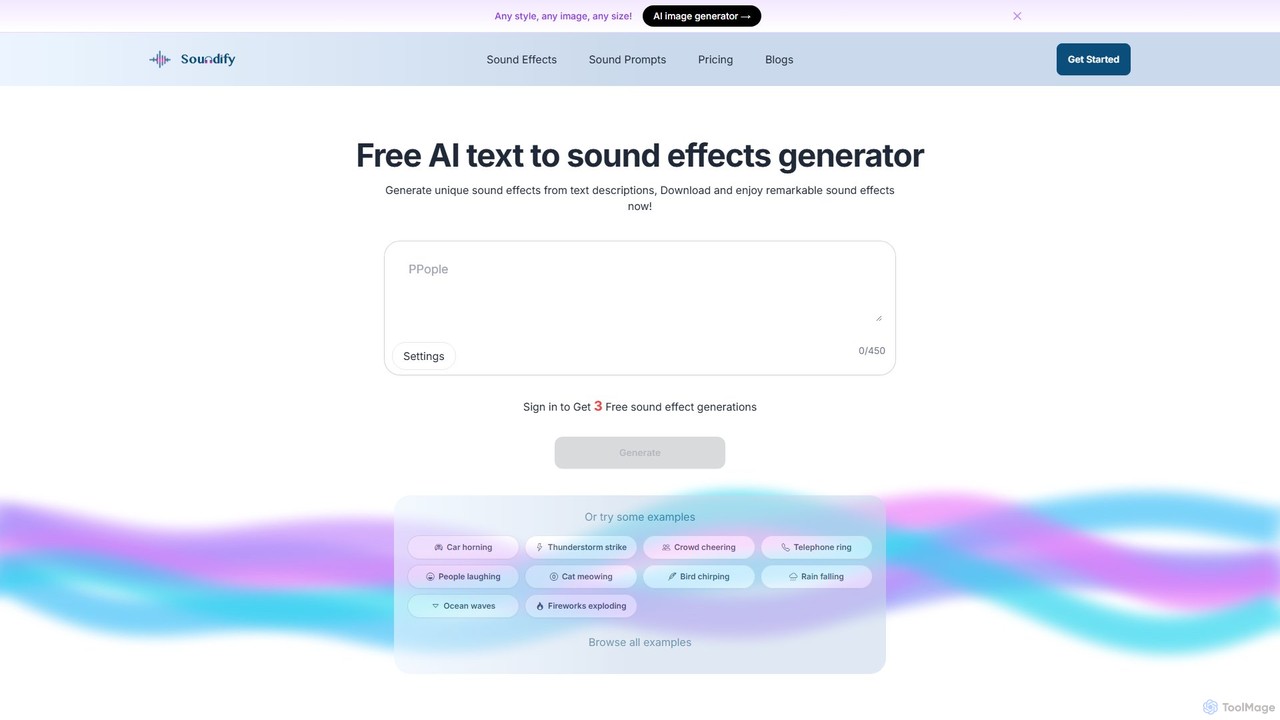
soundifytext
Soundifytext is an AI-powered sound effects generator that transforms text descriptions into unique, high-quality audio clips. Ideal for content creators, video editors, and game developers, it offers a fast, easy way to create custom, royalty-free sounds for any project, from TikTok videos to professional podcasts.
Sound EffectsAi Sound Effect Generator
An AI-powered tool that generates high-quality, royalty-free sound effects from simple text prompts. Ideal for filmmakers, game developers, podcasters, and content creators, it transforms ideas into unique audio in seconds, offering customizable duration and a wide range of sound options.
Sound EffectsSoundAI Studio
SoundAI Studio is an AI-powered sound effects generator that allows creators to produce professional, high-quality, royalty-free audio in seconds. By simply entering a text description, users can generate custom sound effects for games, films, podcasts, and other content. It features a simple pay-as-you-go pricing model, eliminating the need for subscriptions.
Sound Effectssfxengine
sfxengine is an AI-powered sound effect generator for creators and developers. Instantly create unique, studio-quality, royalty-free sound effects from simple text descriptions, saving time and unlocking endless creative possibilities for videos, games, podcasts, and more.
Sound Generation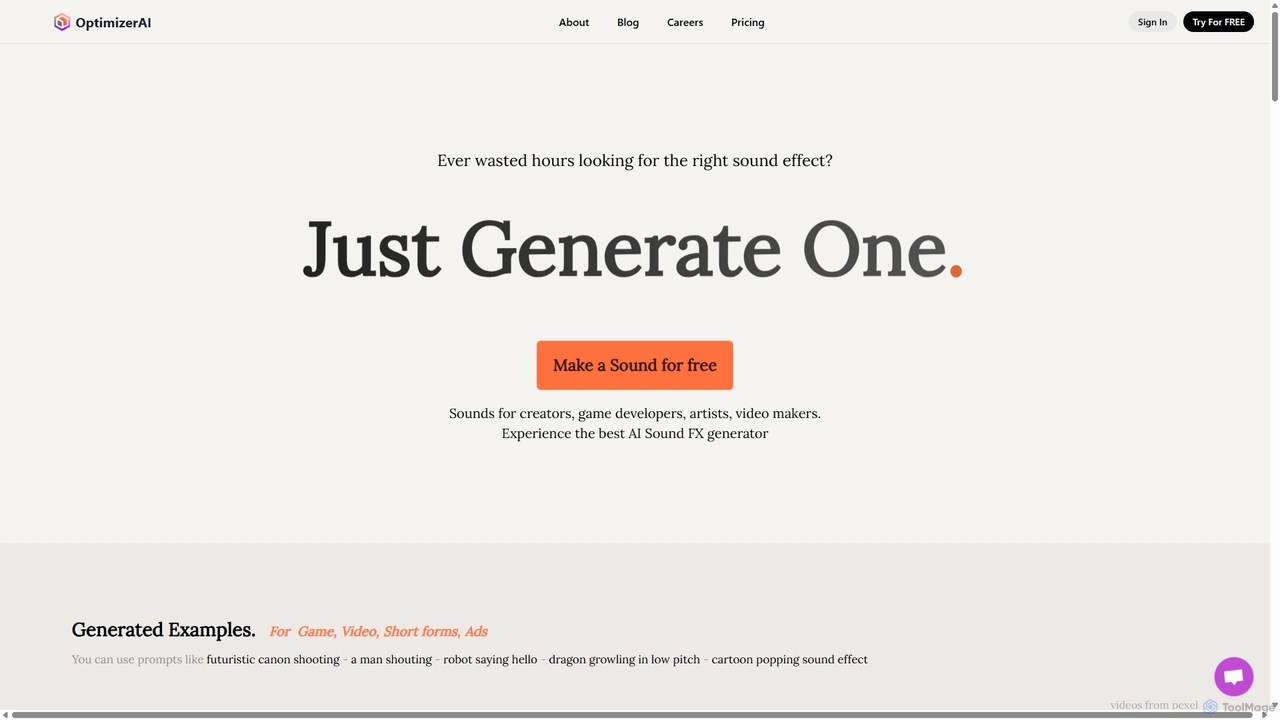
OptimizerAI
OptimizerAI is a state-of-the-art AI sound effect generator for creators, game developers, and video makers. Instantly generate unique, high-quality sound effects from simple text prompts. Features include text-to-sound, audio variation, and a 'Magic Prompt' for situational descriptions. Stop searching and start creating the perfect audio for your projects in seconds.
Sound Generation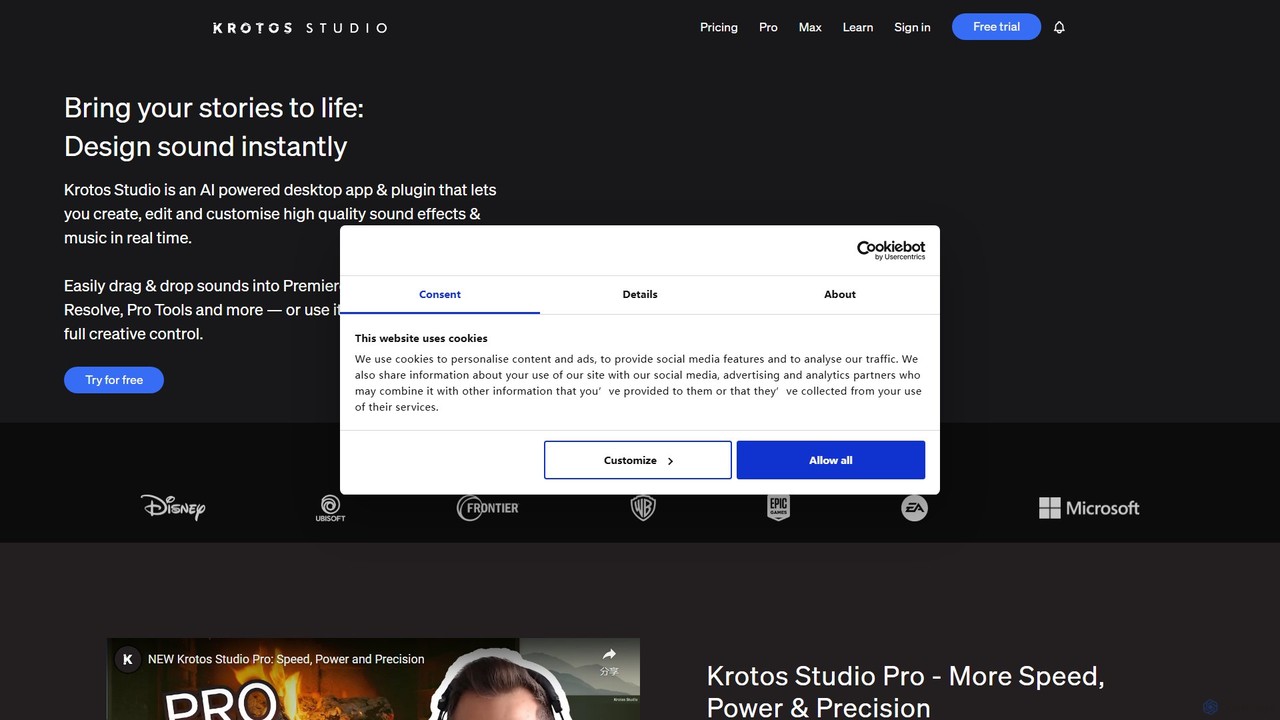
Krotos Studio
A revolutionary sound design platform that allows creators to generate and perform high-quality, royalty-free sound effects in real-time. Ideal for video editors, game developers, and content creators, it replaces traditional sound libraries with an intuitive, interactive workflow for creating foley, ambiences, whooshes, and more.
Sound Design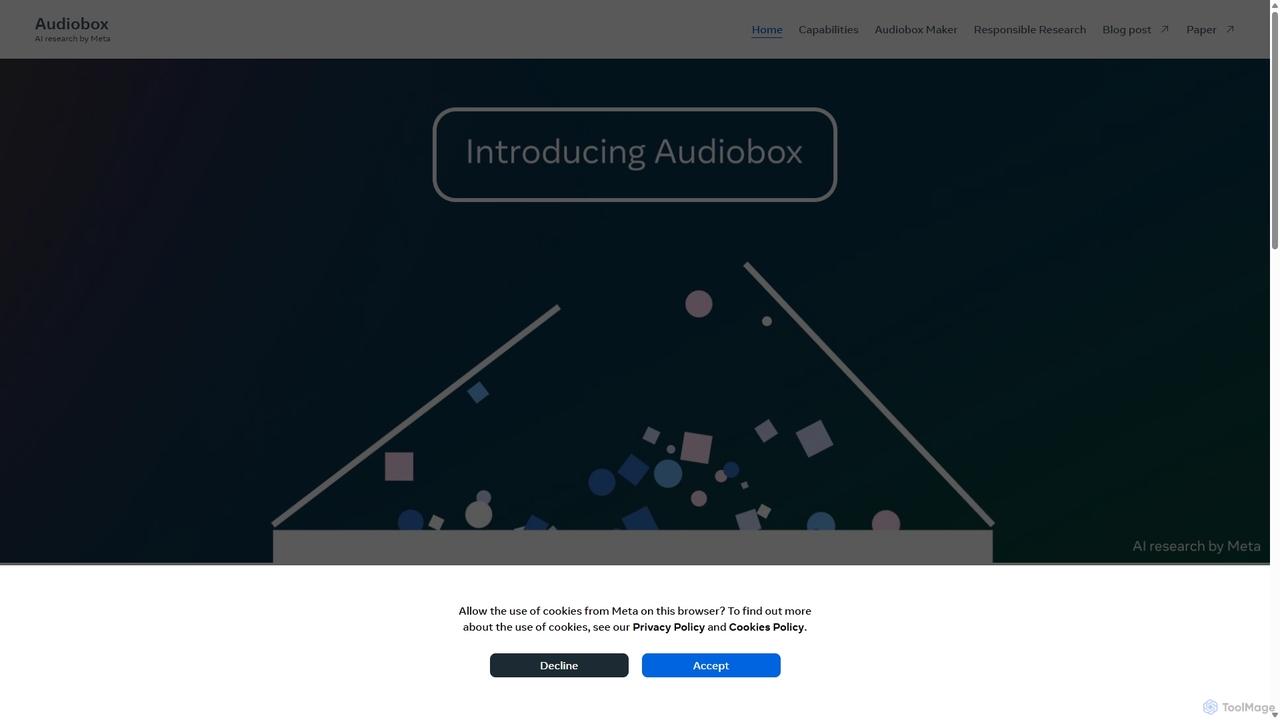
Audiobox
Audiobox is a foundational AI research model by Meta for advanced audio generation. It creates realistic voices, sound effects, and ambient sounds from text prompts and audio inputs. Key features include voice cloning, style transfer, sound effect generation, and audio editing tools like noise removal and sound infilling.
Audio Editing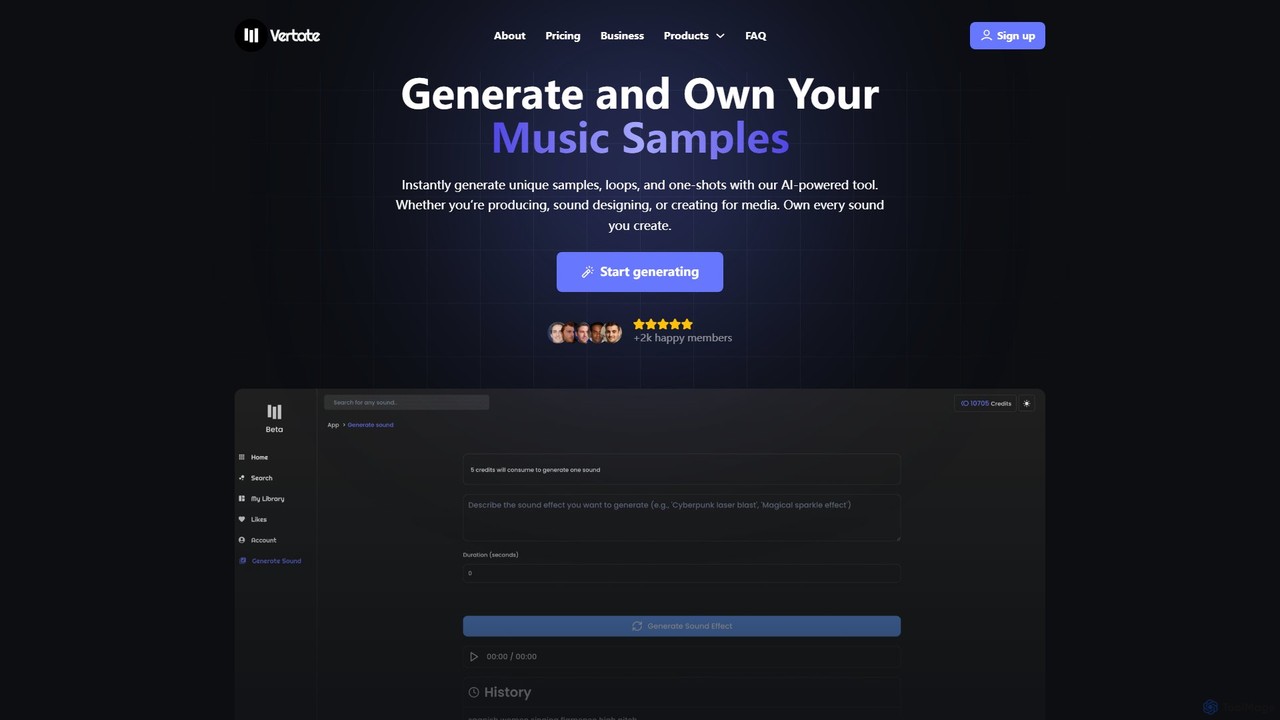
Vertate
Vertate is an AI-powered sound platform for instantly generating unique, 100% royalty-free music samples, loops, and one-shots. Designed for music producers, filmmakers, content creators, and developers, it allows users to own every sound they create, eliminating sample clearance issues. It also offers a robust API for business integrations.
Api
Jyek
Jyek is an AI agent platform that understands objectives, creates execution plans, uses tools, and delivers verifiable results for complex, multi-step tasks.
Automation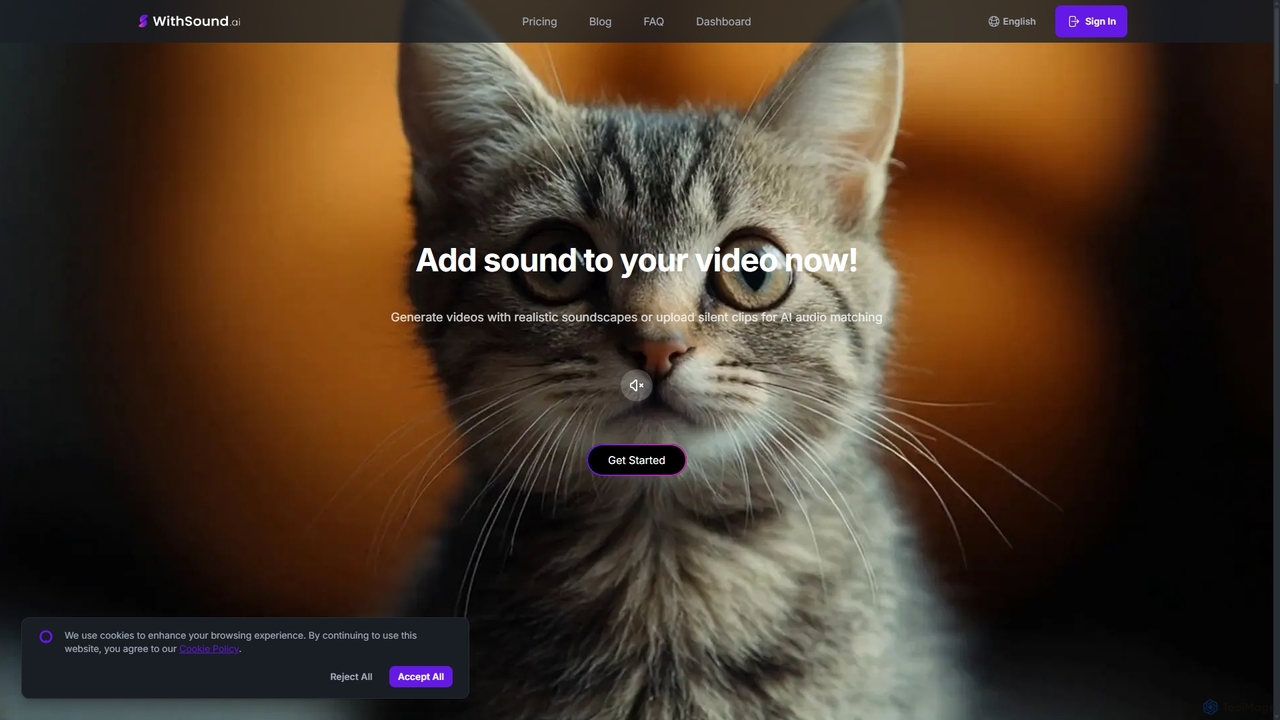
WithSound.ai
WithSound.ai is an AI-powered video creation platform that effortlessly generates videos with perfectly synchronized sound. It transforms text prompts or photos into stunning 4K videos and automatically adds music and sound effects to silent clips. With a vast library of over 5,000 sounds and intuitive features like smart audio sync, it's the ultimate tool for marketers, content creators, and businesses to produce engaging, professional-quality video content in minutes, no experience required.
Sound Effects
AI ASMR Generator
AI ASMR Generator is an advanced AI-powered platform that enables users to create high-quality, immersive ASMR videos in minutes. Generate content from text prompts, images, or existing videos, with perfectly synchronized audio and visuals. Ideal for content creators, wellness professionals, and marketers seeking to produce relaxing and engaging sensory experiences.
Sound Generation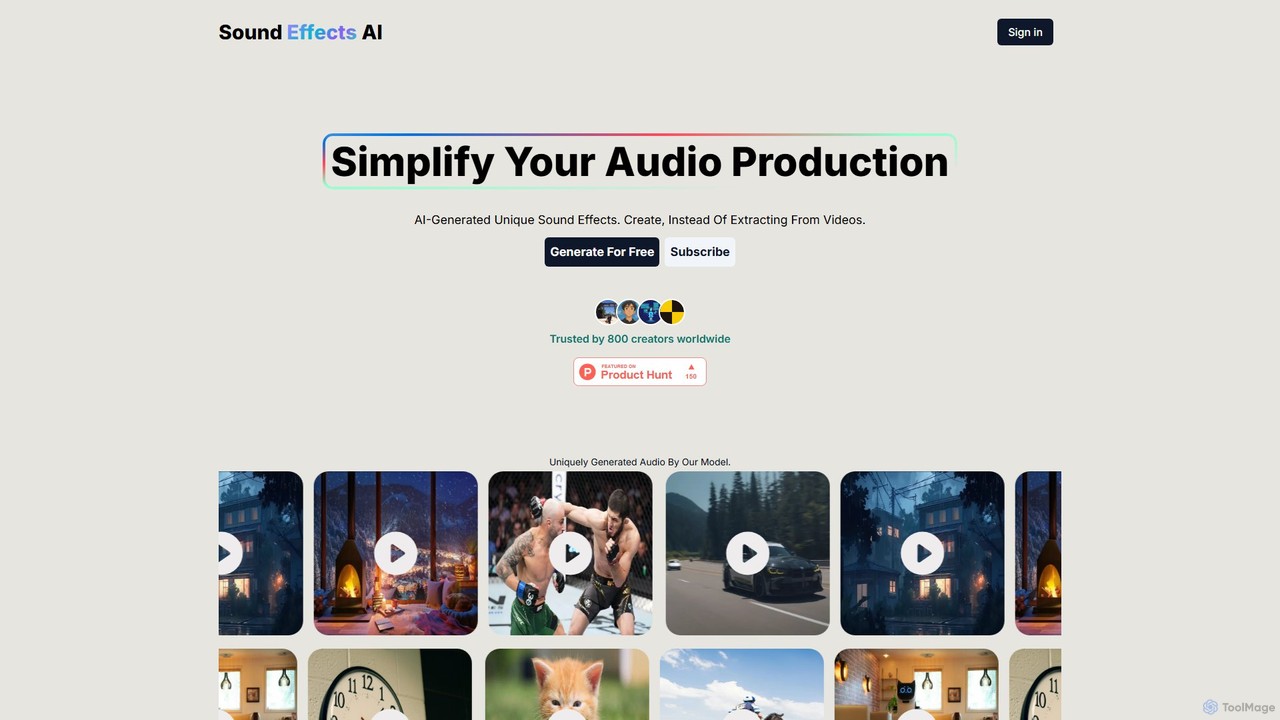
Sound Effects AI
An innovative AI tool that generates unique, royalty-free sound effects from text descriptions or images. Ideal for creators, it simplifies audio production by providing custom sounds instantly, saving time and effort in finding the perfect audio for any project.
Sound Effects
Sound Effect Generator Comments (0)
Sign in to comment.
Sign inNo comments yet.