ToolMage
Sign in

Best 4 Sound Design AI tools for Audio

Popular Sound Design AI tools in Audio include Musci, Krotos Studio, MicroMusic, and SoundAI, helping you work more efficiently.

Musci
Freemium

Musci

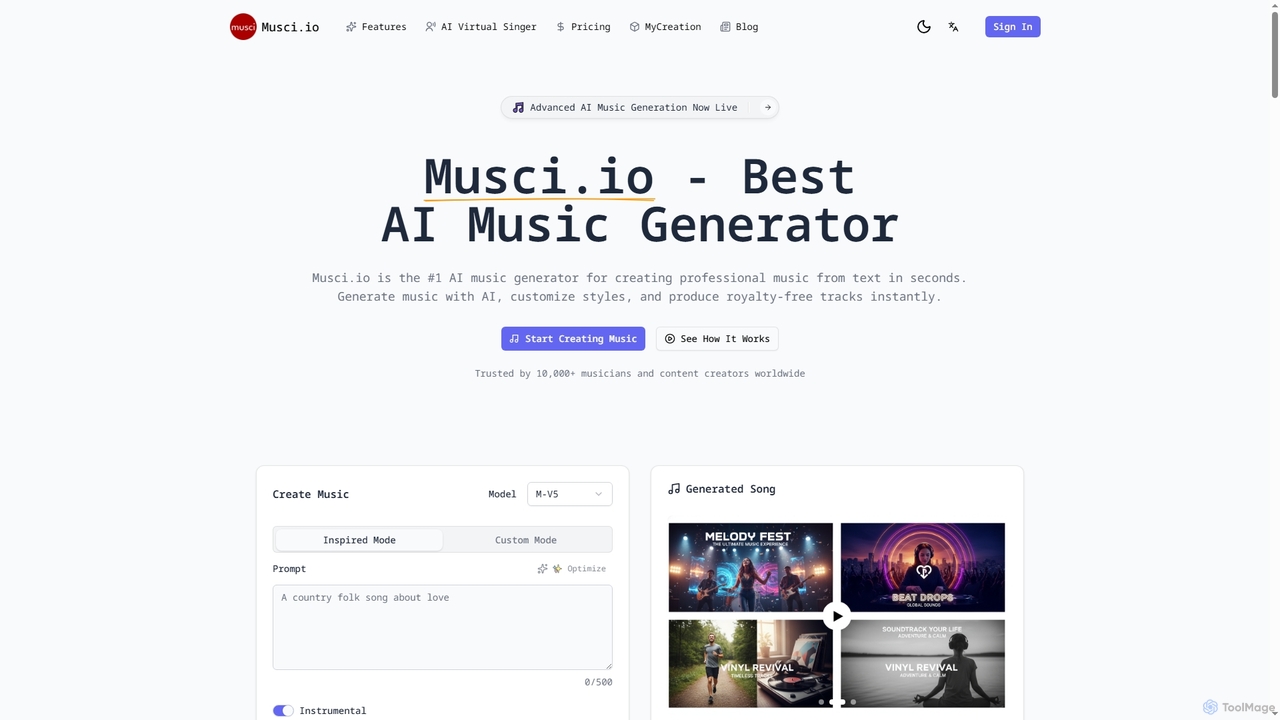
Musci is an advanced AI music generator that allows users to create professional, royalty-free music from text prompts in seconds. It offers over 100 genres, customizable moods, and high-quality audio exports, alongside an AI Virtual Singer for creating lip-synced singing videos from audio and photos.

Sound Design
Visits 242.9KFavorites 150Likes 148
Krotos Studio
Freemium

Krotos Studio

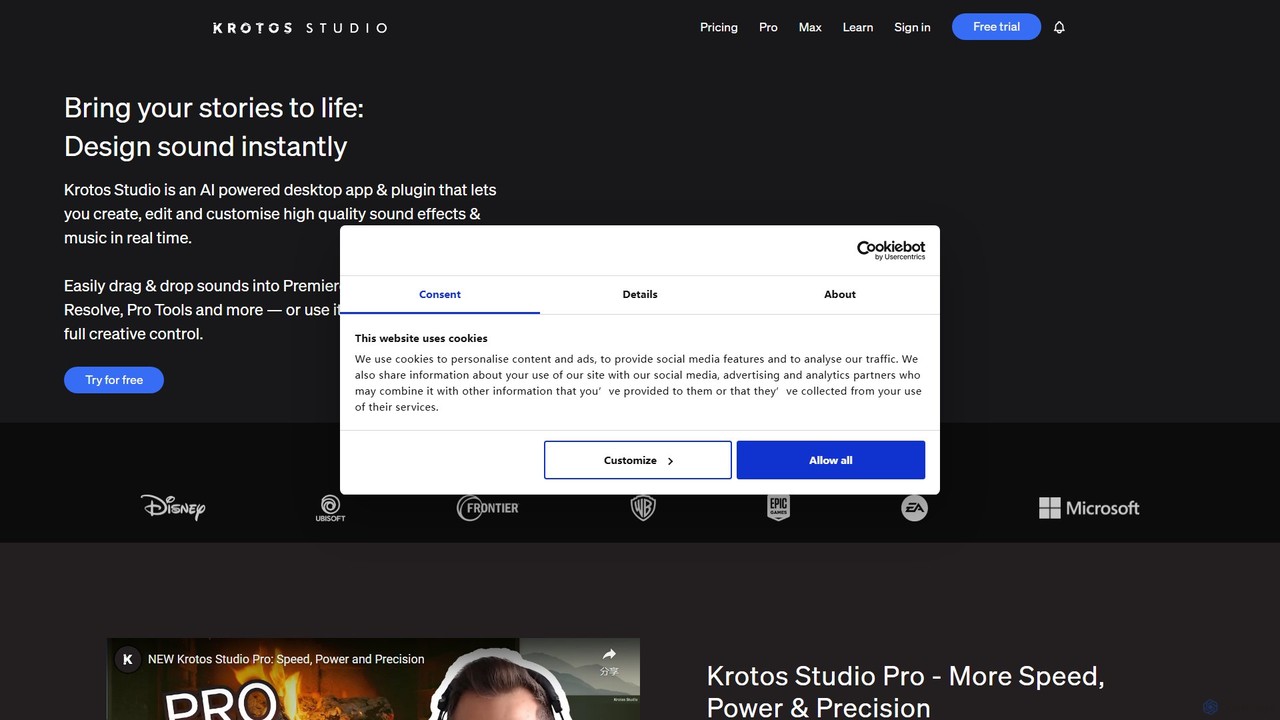
A revolutionary sound design platform that allows creators to generate and perform high-quality, royalty-free sound effects in real-time. Ideal for video editors, game developers, and content creators, it replaces traditional sound libraries with an intuitive, interactive workflow for creating foley, ambiences, whooshes, and more.

Sound Design
Visits 114.7KFavorites 162Likes 169
MicroMusic
Freemium

MicroMusic

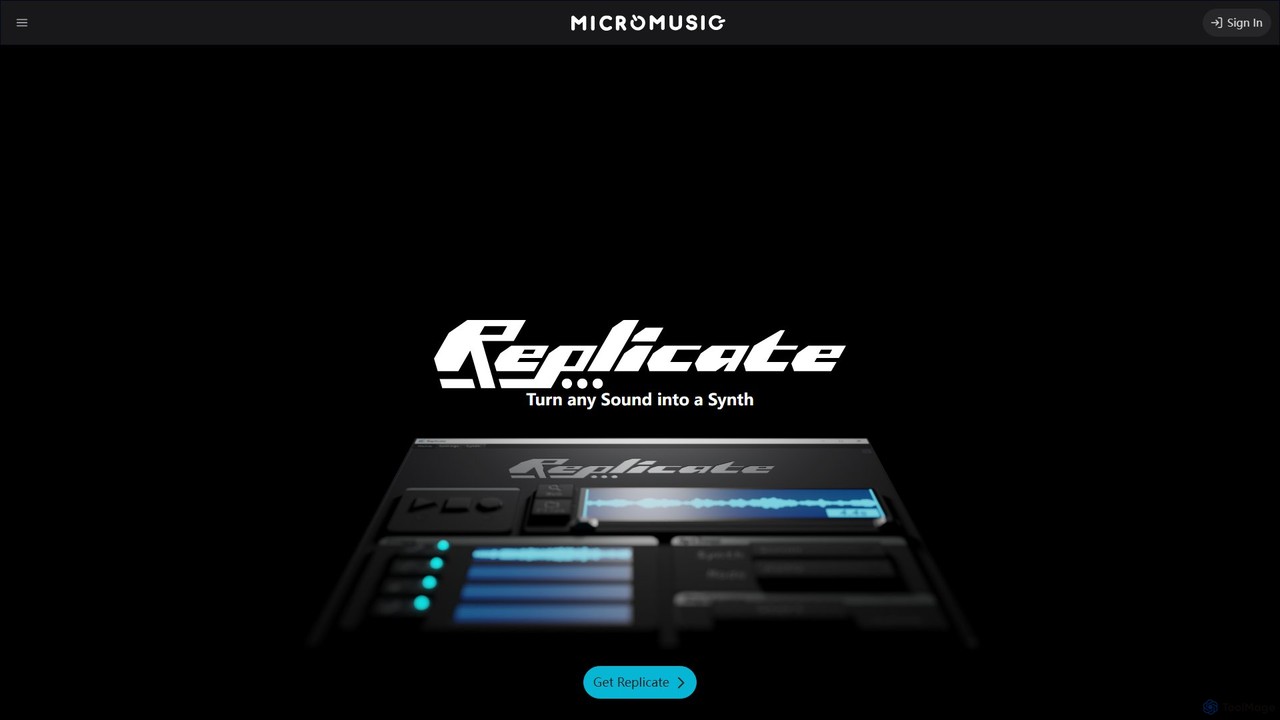
MicroMusic is an AI-powered tool that transforms any audio sample into a synthesizer preset. Its core product, Replicate, uses machine learning to analyze sound and automatically generate presets for popular synths like Vital and Serum. This saves music producers hours of manual tweaking, allowing them to quickly capture desired sounds and streamline their creative workflow.

Music Production
Visits 21.2KFavorites 129Likes 124
SoundAI
Freemium

SoundAI

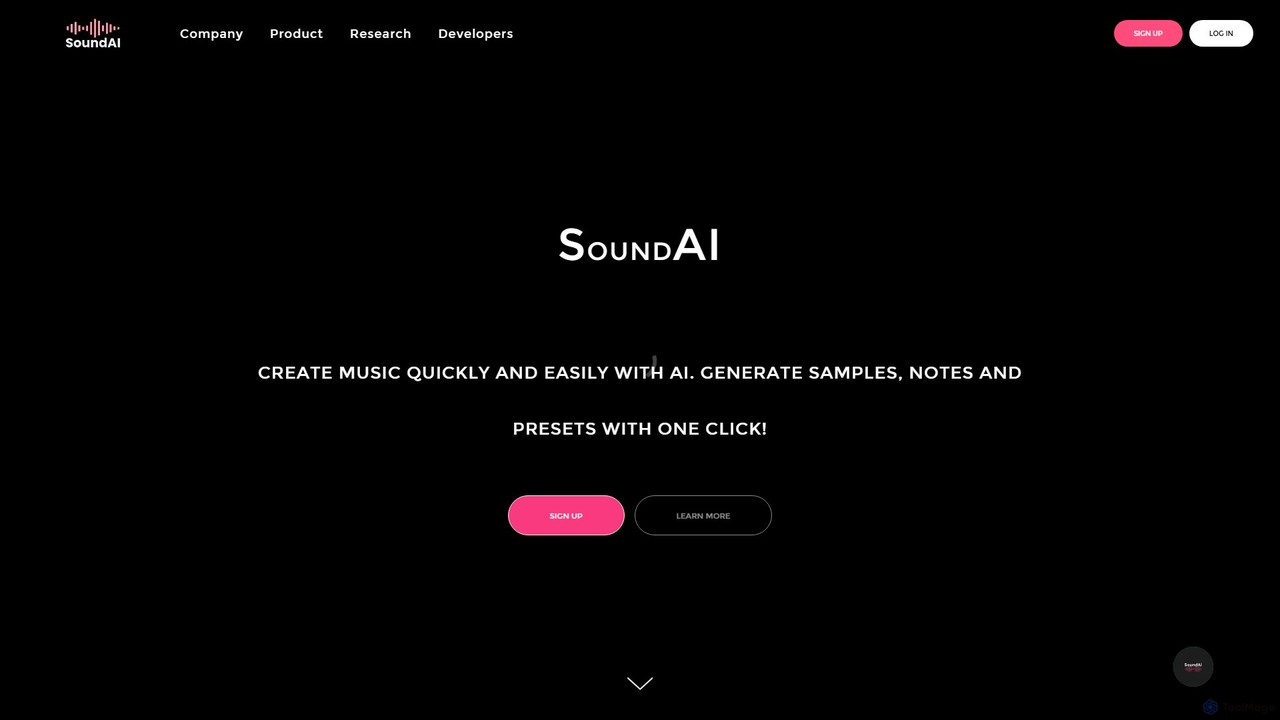
SoundAI is a cutting-edge AI platform designed for music production and audio content creation. It empowers musicians, producers, and sound designers to generate unique music samples, MIDI melodies, and VST presets in seconds, streamlining the creative workflow and overcoming creative blocks.

Music Generation
Visits 5.4KFavorites 124Likes 129

About Sound Design

AI Sound Design tools are a specialized class of audio software that uses artificial intelligence to generate, synthesize, and transform unique sound effects and textures. These tools leverage generative models to create novel audio from text descriptions, image inputs, or by blending existing sounds. They empower creators to produce highly specific sonic elements, from realistic Foley to otherworldly soundscapes, dramatically accelerating the creative workflow. This technology moves beyond traditional sample libraries by offering nearly infinite possibilities for custom sound creation.

Core Features

  • Text-to-Sound Generation: Creates complex sound effects and ambiances directly from descriptive text prompts.
  • Sound Morphing & Hybridization: Blends the acoustic characteristics of two or more sounds to create entirely new hybrid sounds.
  • Procedural Synthesis: Generates dynamic and evolving soundscapes based on user-defined parameters and rules.
  • Style Transfer: Applies the sonic texture and timbre of one audio file to another, similar to image style transfer.
  • Foley & SFX Variation: Produces numerous variations of a single sound effect (e.g., footsteps, impacts) to enhance realism.

Use Cases

These tools are primarily used in film post-production, video game development, and music production. Sound designers for film use them to craft unique alien creature vocalizations or futuristic vehicle sounds. Game developers generate diverse environmental ambiances and impact effects. Music producers create novel textures and rhythmic elements that are difficult to achieve with conventional synthesizers.

How to Choose

When selecting an AI Sound Design tool, consider the quality and realism of the generated audio. Evaluate the level of control offered over sound parameters and the tool's ability to interpret nuanced text prompts. Check for integration with your Digital Audio Workstation (DAW) via plugins like VST or AU. Finally, assess the pricing model—whether it's subscription-based, pay-per-generation, or a one-time purchase.

Sound Design use cases

1

Crafting Sci-Fi Sound Effects for Film

A sound designer working on a science fiction film needs a unique sound for a futuristic spaceship's engine. Instead of layering dozens of pre-recorded sounds, they use an AI tool with a text prompt like 'deep, resonant hum of a plasma engine with subtle high-frequency electrical crackles and a slow, pulsating rhythm'. The AI generates several high-quality variations in minutes. The designer can then fine-tune parameters like pulse speed or crackle intensity to perfectly match the on-screen visuals, saving hours of manual work and achieving a truly original sound.

2

Generating Diverse Sound Assets for Video Games

A game developer needs to create a wide variety of footstep sounds for a character walking on different surfaces like gravel, wood, and metal. Manually recording and editing each one is time-consuming. Using an AI sound design tool, they can upload a single generic footstep sample and use a feature like 'style transfer' or 'variation generation'. The tool then produces hundreds of unique variations for each surface type, maintaining the core character of the sound while adding realistic diversity. This process populates the game world with rich, non-repetitive audio much faster than traditional methods.

3

Creating Unique Textures for Music Production

A music producer is looking for a unique atmospheric pad to add depth to an electronic track. Instead of scrolling through endless presets in a synthesizer, they use an AI sound morphing tool. They combine two unrelated sounds: the recording of a 'gentle rainstorm' and a 'synthesized choir'. The AI analyzes the timbral and rhythmic qualities of both and generates a new sound that has the watery texture of rain but the harmonic quality of a choir. This creates a completely novel and inspiring sound that would be nearly impossible to design from scratch with traditional tools.

4

Designing Custom UI/UX Sounds for Applications

A UX designer for a new mobile app needs a set of notification sounds that are subtle, pleasant, and align with the brand's identity. They use an AI sound generator with prompts like 'short, glassy, optimistic chime' or 'soft, muted, digital tap'. The tool provides a range of options that fit these abstract descriptions. This allows the designer, who may not be a trained sound engineer, to quickly prototype and test different sonic identities for the app's interactions, ensuring a cohesive and high-quality user experience without outsourcing or using generic sound libraries.

5

Rapid Prototyping of Creature Vocalizations

A sound designer for an animated series featuring fantasy creatures needs to create distinct vocalizations for each species. The traditional process of recording animal sounds and heavily processing them is slow. By using an AI tool, they can input prompts like 'guttural growl of a large lizard mixed with the clicking sound of insects' or 'high-pitched, ethereal chirp with a metallic echo'. The AI generates a variety of calls and roars, allowing the creative team to quickly audition different sonic directions and establish a unique voice for each creature early in the production process.

6

Generating Dynamic Ambiences for VR/AR

A developer creating a VR experience set in a mystical forest needs a dynamic ambient soundscape. A static audio loop would feel unnatural. They use a procedural AI sound synthesis tool to generate the environment. They can set parameters like 'wind intensity', 'bird call frequency', and 'insect density'. The AI then creates a constantly evolving soundscape that never repeats exactly. This immersive audio can even be programmed to react to the user's actions, such as birds falling silent when the user moves too quickly, creating a much more believable and engaging virtual world.

Sound Design FAQ

What are AI Sound Design tools?

AI Sound Design tools are software applications that use artificial intelligence, particularly generative models, to create new and unique sounds. Unlike traditional methods that rely on recording or manually programming synthesizers, these tools can generate audio from text prompts, combine existing sounds into novel hybrids, or procedurally create evolving soundscapes. They are primarily used by sound designers, game developers, and music producers to accelerate creativity and produce sounds that would be difficult or impossible to make otherwise.

How do AI Sound Design tools differ from traditional synthesizers?

The main difference lies in the creation process. Traditional synthesizers require users to manually adjust parameters like oscillators, filters, and envelopes to build a sound from basic waveforms. It's a technical, hands-on process. AI Sound Design tools operate on a higher level of abstraction. Users provide descriptive prompts (e.g., 'a windy, desolate alien planet') or source sounds for morphing. The AI then interprets this input to generate the final sound. In essence, synthesizers are about building sound from the ground up, while AI tools are about describing a desired sonic outcome.

Who can benefit from using AI Sound Design tools?

A wide range of creative professionals can benefit from these tools. Key users include:

  • Film and TV Sound Designers: For creating unique sound effects, creature vocalizations, and futuristic ambiances quickly.
  • Video Game Developers: For generating vast libraries of non-repetitive in-game sounds like footsteps, impacts, and environmental audio.
  • Music Producers: For discovering novel textures, atmospheric pads, and rhythmic elements to make their tracks stand out.
  • UI/UX Designers: For creating custom, brand-aligned notification and interaction sounds for apps and websites without needing deep audio engineering skills.
How to choose the right AI Sound Design tool?

When selecting a tool, consider these factors:

  • Sound Quality: Does the tool generate high-fidelity, artifact-free audio? Listen to demos and user examples to judge the quality.
  • Control and Editability: How much control do you have over the generated sound? Look for tools that allow you to tweak parameters after the initial generation.
  • Workflow Integration: Does it offer a standalone app, a web interface, or a plugin (VST, AU) for your Digital Audio Workstation (DAW)? A plugin offers the most seamless integration.
  • Input Methods: Does it specialize in text-to-sound, sound morphing, or procedural generation? Choose one that matches your primary creative need.
  • Pricing Model: Compare subscription costs, pay-per-generation fees, or one-time purchase prices to find what fits your budget and usage frequency.
What kind of sounds can be created with these tools?

The possibilities are vast, but common outputs include:

  • Sound Effects (SFX): From realistic sounds like explosions and door slams to fantastical ones like magic spells and sci-fi weapon blasts.
  • Ambiences and Soundscapes: Evolving backgrounds for environments like dense jungles, bustling cities, or the vacuum of space.
  • Foley: Realistic sounds synchronized with actions, such as footsteps, cloth movement, and object handling, often with many variations.
  • Unique Musical Textures: Abstract pads, drones, and rhythmic elements that don't conform to traditional instrument sounds.
  • UI Sounds: Short, functional sounds for clicks, notifications, and alerts in software and applications.