

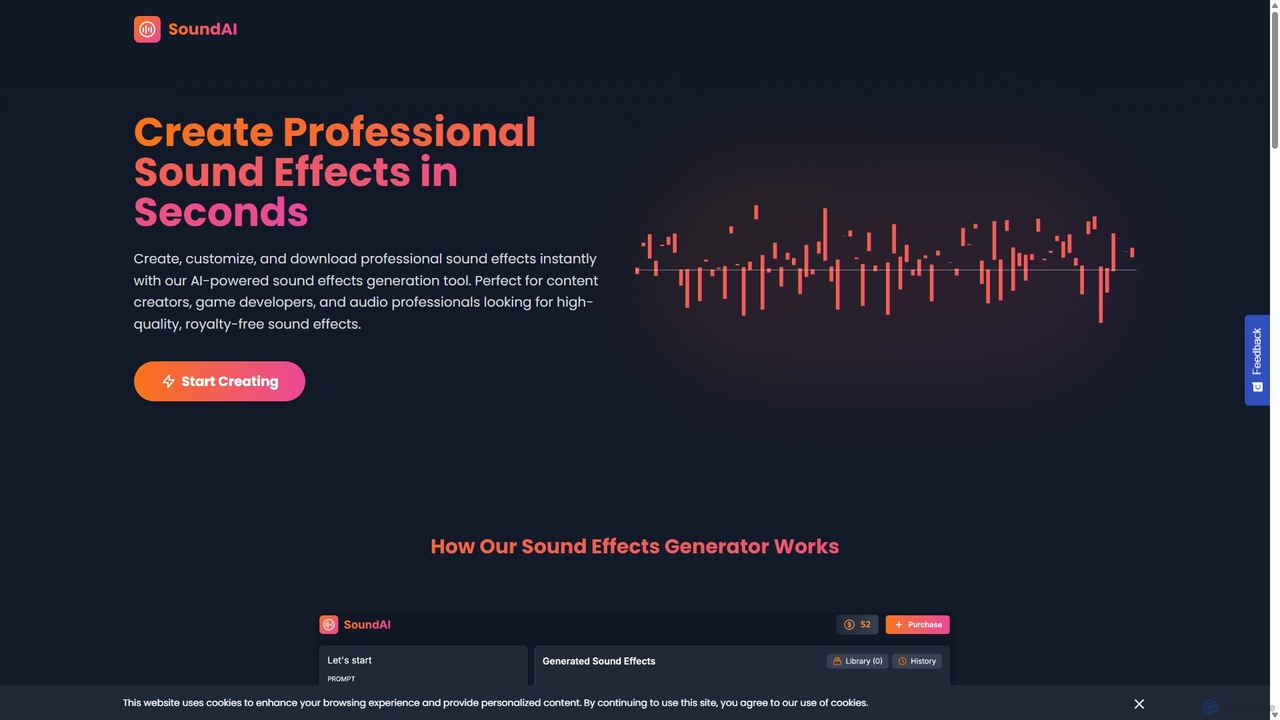
SoundAI Studio Overview
SoundAI Studio is a cutting-edge, AI-driven platform designed to revolutionize audio production. It empowers content creators, game developers, filmmakers, and audio professionals to generate unique, professional-grade sound effects (SFX) instantly from simple text prompts. This tool eliminates the time-consuming process of searching through vast sound libraries or the expensive task of custom Foley recording. With SoundAI Studio, you can bring your auditory vision to life with unparalleled speed and creative control, ensuring every project has the perfect, custom-tailored soundscape.
How to use SoundAI Studio
Using SoundAI Studio is an intuitive and straightforward process designed for maximum efficiency:
- Enter Your Prompt: Begin by typing a descriptive text prompt of the sound you want to create in the input box. Be as specific as possible for the best results (e.g., "Crisp, rhythmic typing on an old typewriter" or "Helicopter hovering and then landing on a concrete helipad"). You can also use the built-in Prompt Library for inspiration.
- Customize Parameters: Adjust the generation settings to fine-tune your output. You can set the desired duration of the sound effect (from 1 to 20 seconds or auto), specify the number of variations to generate at once, and control the level of 'AI Creativity'. The creativity setting ranges from 'Strictly Follow Prompt' for precise results to 'Very Creative' for more unique and unexpected interpretations.
- Generate the Sound: Click the "Create SFX" button. The AI model will process your request and generate the sound effects in a matter of seconds. This process consumes credits based on the number of sounds you choose to generate.
- Preview and Download: Listen to the generated audio clips. You can manage your creations in the 'Library' and review past generations in the 'History' tab. Once you find the perfect sound, you can download it as a high-quality WAV file for immediate use in your projects.
Core Features of SoundAI Studio
- Advanced AI Sound Generation: Utilizes sophisticated AI models to interpret text prompts and synthesize highly realistic and complex sound effects.
- Parameter Control: Offers granular control over the audio output, including duration, number of variations, and a creativity slider to balance prompt adherence with AI innovation.
- High-Quality Audio Export: All sound effects can be exported in the professional-grade WAV format, ensuring maximum fidelity for any application.
- Royalty-Free Commercial License: Every sound effect generated is completely royalty-free, granting you full rights to use them in personal and commercial projects without attribution.
- Credit-Based System: A flexible pay-as-you-go model where you only pay for the sounds you generate, with no recurring subscriptions or hidden fees.
- Sound Management Tools: Features an integrated Library and History section to easily access, organize, and re-download your previously generated sound effects.
- Prompt Library: Provides a collection of pre-made prompts to help users get started and explore the creative possibilities of the AI.
Use Cases for SoundAI Studio
SoundAI Studio is a versatile tool suitable for a wide range of industries and creative projects:
- Game Development: Quickly create custom in-game sounds, such as character footsteps, weapon effects, magical spells, and ambient environmental audio.
- Filmmaking and Video Production: Generate specific Foley sounds, atmospheric textures, and unique soundscapes to enhance storytelling and immersion in films, commercials, and YouTube videos.
- Podcasting and Audio Dramas: Produce custom jingles, transition sounds, and background effects to give podcasts a professional and polished feel.
- UI/UX Design: Create unique notification sounds, button clicks, and other interface audio for apps and websites.
- Live Events: Design custom sound cues and effects for theater productions, presentations, and live performances.
Advantages of SoundAI Studio
The primary advantage of SoundAI Studio is its ability to provide instant, bespoke audio. It dramatically speeds up the workflow for creators who would otherwise spend hours searching for the right sound. The royalty-free license offers immense value and legal peace of mind for commercial projects. Furthermore, its simple, no-subscription pricing model makes professional sound design accessible and affordable for everyone, from individual creators to large studios.
Pricing and Plans
SoundAI Studio operates on a straightforward, one-time payment system based on credits. There are no monthly or annual subscriptions. Users purchase credits as needed, and each credit allows for the generation of one sound effect. The pricing is transparently presented as: $1.00 for 10 sound effects (credits). This model ensures users only pay for what they use, providing maximum flexibility and cost-effectiveness for projects of any scale.
SoundAI Studio Alternatives
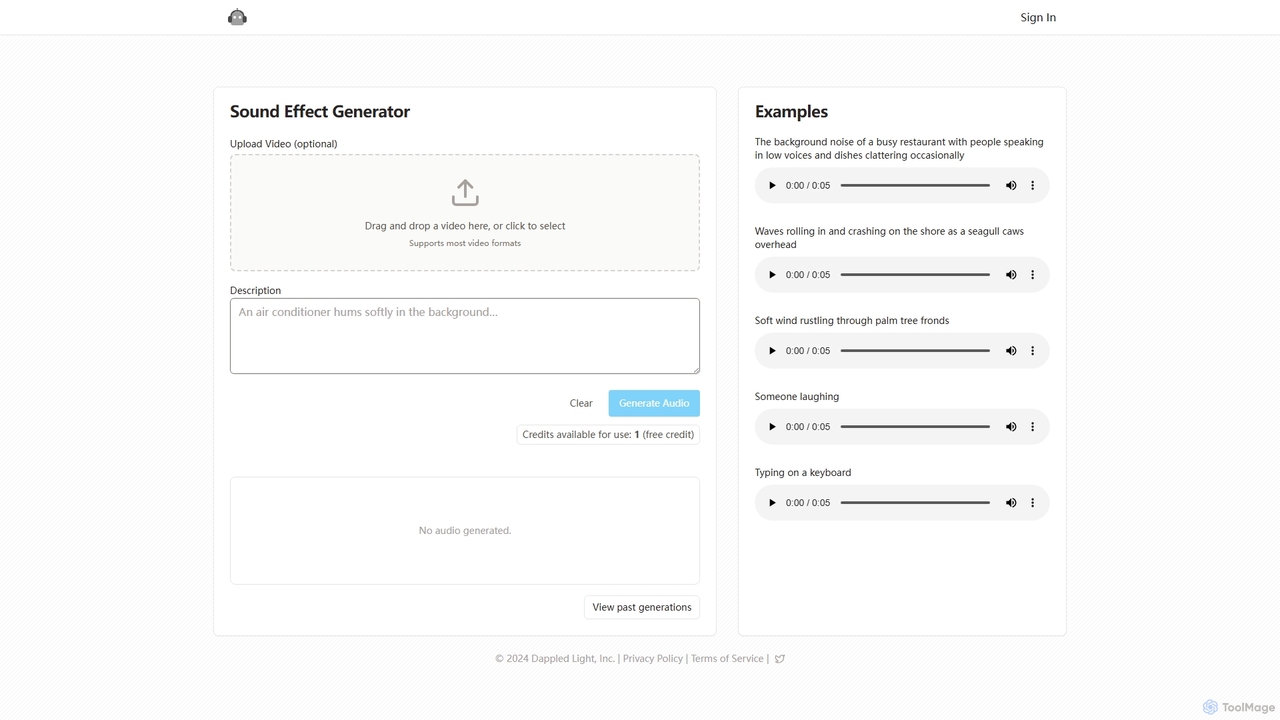
Sound Effect Generator
Sound Effect Generator is an AI-powered tool that creates high-quality, custom sound effects from simple text descriptions. Ideal for video creators, podcasters, and game developers, it allows users to generate unique audio for any project, from ambient background noise to specific actions. It also offers an optional video upload feature to sync audio with visual content, streamlining the creative workflow.
Sound Effects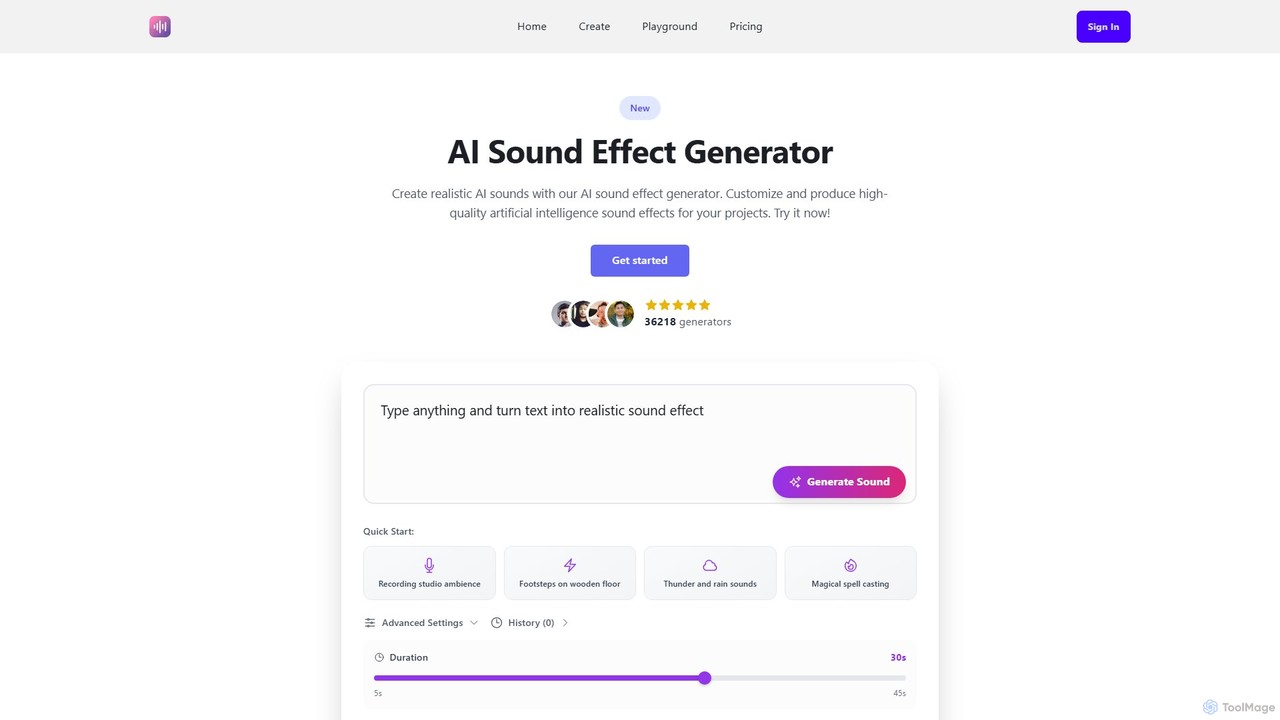
Ai Sound Effect Generator
An AI-powered tool that generates high-quality, royalty-free sound effects from simple text prompts. Ideal for filmmakers, game developers, podcasters, and content creators, it transforms ideas into unique audio in seconds, offering customizable duration and a wide range of sound options.
Sound Effects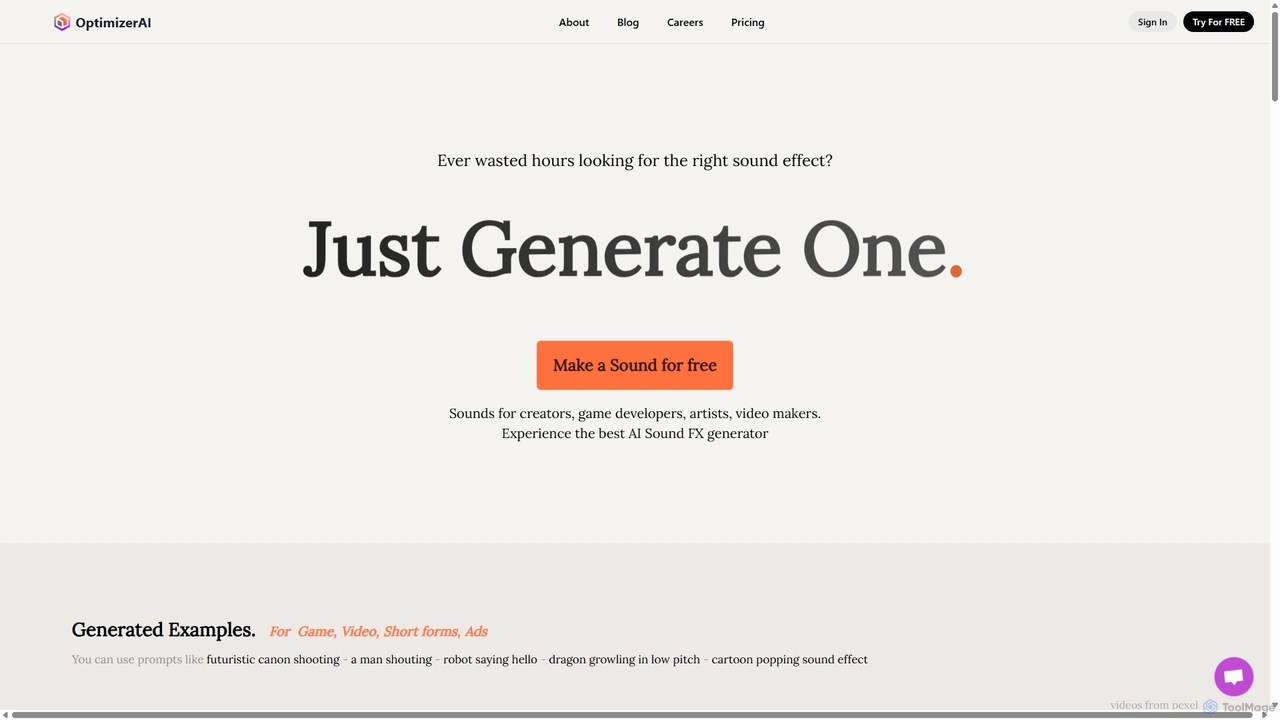
OptimizerAI
OptimizerAI is a state-of-the-art AI sound effect generator for creators, game developers, and video makers. Instantly generate unique, high-quality sound effects from simple text prompts. Features include text-to-sound, audio variation, and a 'Magic Prompt' for situational descriptions. Stop searching and start creating the perfect audio for your projects in seconds.
Sound Generation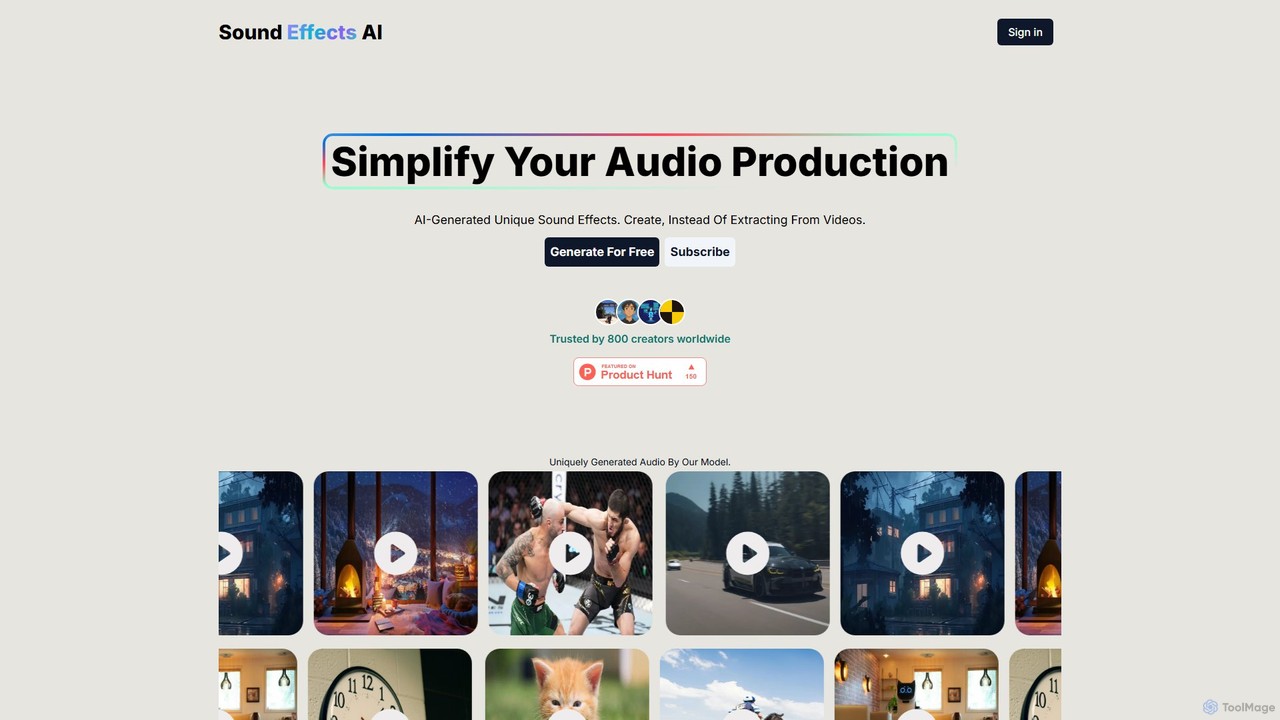
Sound Effects AI
An innovative AI tool that generates unique, royalty-free sound effects from text descriptions or images. Ideal for creators, it simplifies audio production by providing custom sounds instantly, saving time and effort in finding the perfect audio for any project.
Sound Effects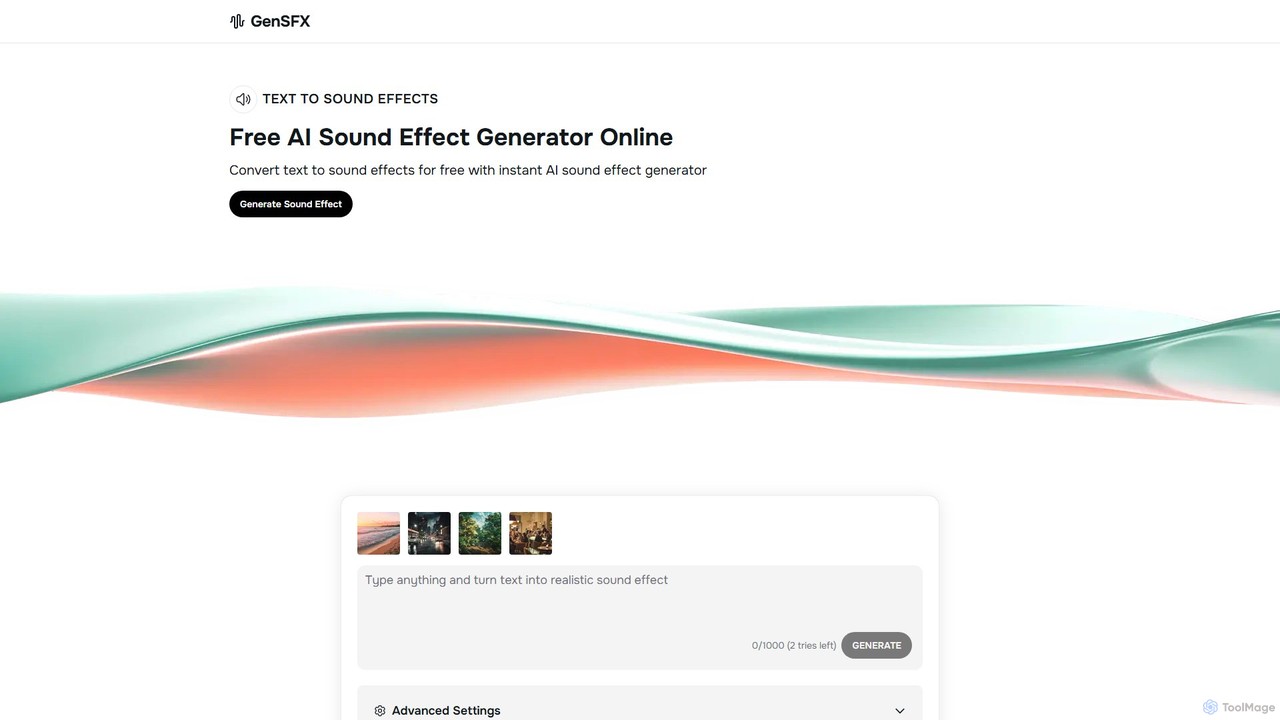
gensfx
gensfx is a free AI-powered sound effect generator that transforms text descriptions into high-quality, unique audio files. Ideal for content creators, game developers, and filmmakers, it allows for instant creation, customization, and download of royalty-free sound effects, eliminating the need for extensive sound libraries.
Sound GenerationSoundAI Studio Categories
SoundAI Studio Jobs
SoundAI Studio Embed Widget
Copy this embed code to place the badge on your blog, article, or product site and send readers directly to this ToolMage detail page.

Related AI tools
Sound Effect Generator
Sound Effect Generator is an AI-powered tool that creates high-quality, custom sound effects from simple text descriptions. Ideal for video creators, podcasters, and game developers, it allows users to generate unique audio for any project, from ambient background noise to specific actions. It also offers an optional video upload feature to sync audio with visual content, streamlining the creative workflow.
Sound EffectsOptimizerAI
OptimizerAI is a state-of-the-art AI sound effect generator for creators, game developers, and video makers. Instantly generate unique, high-quality sound effects from simple text prompts. Features include text-to-sound, audio variation, and a 'Magic Prompt' for situational descriptions. Stop searching and start creating the perfect audio for your projects in seconds.
Sound Generation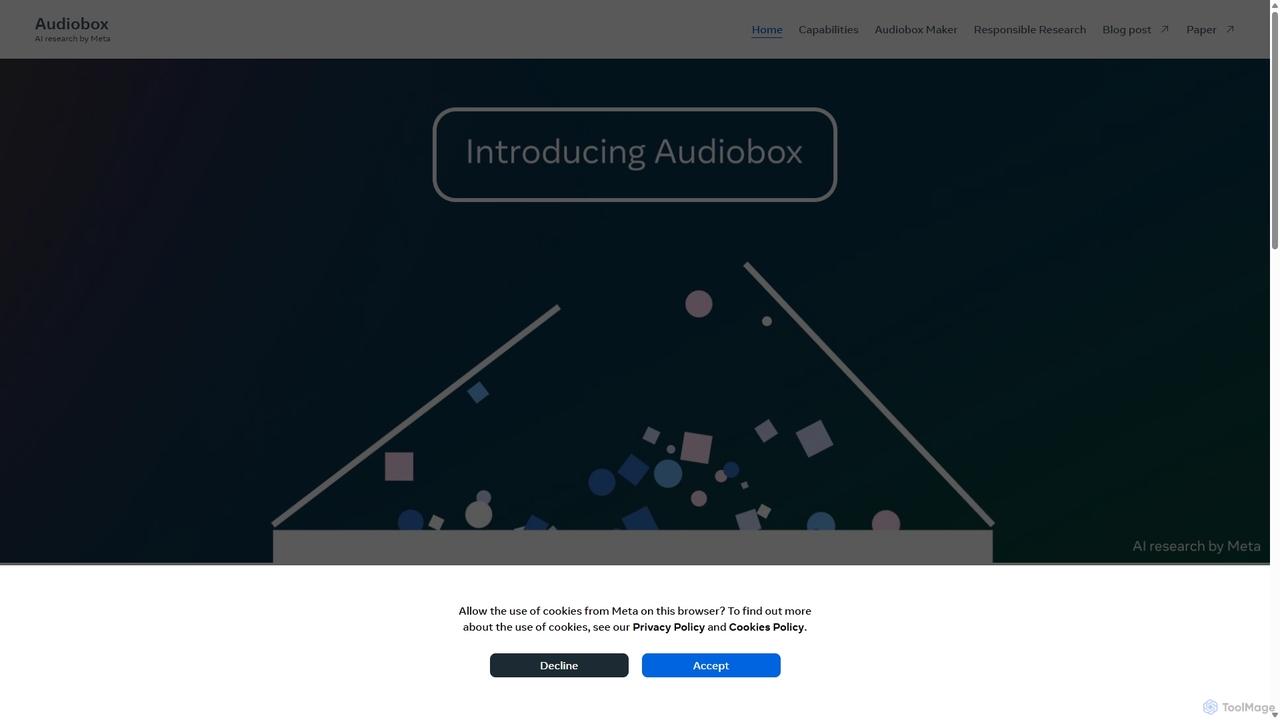
Audiobox
Audiobox is a foundational AI research model by Meta for advanced audio generation. It creates realistic voices, sound effects, and ambient sounds from text prompts and audio inputs. Key features include voice cloning, style transfer, sound effect generation, and audio editing tools like noise removal and sound infilling.
Audio Editing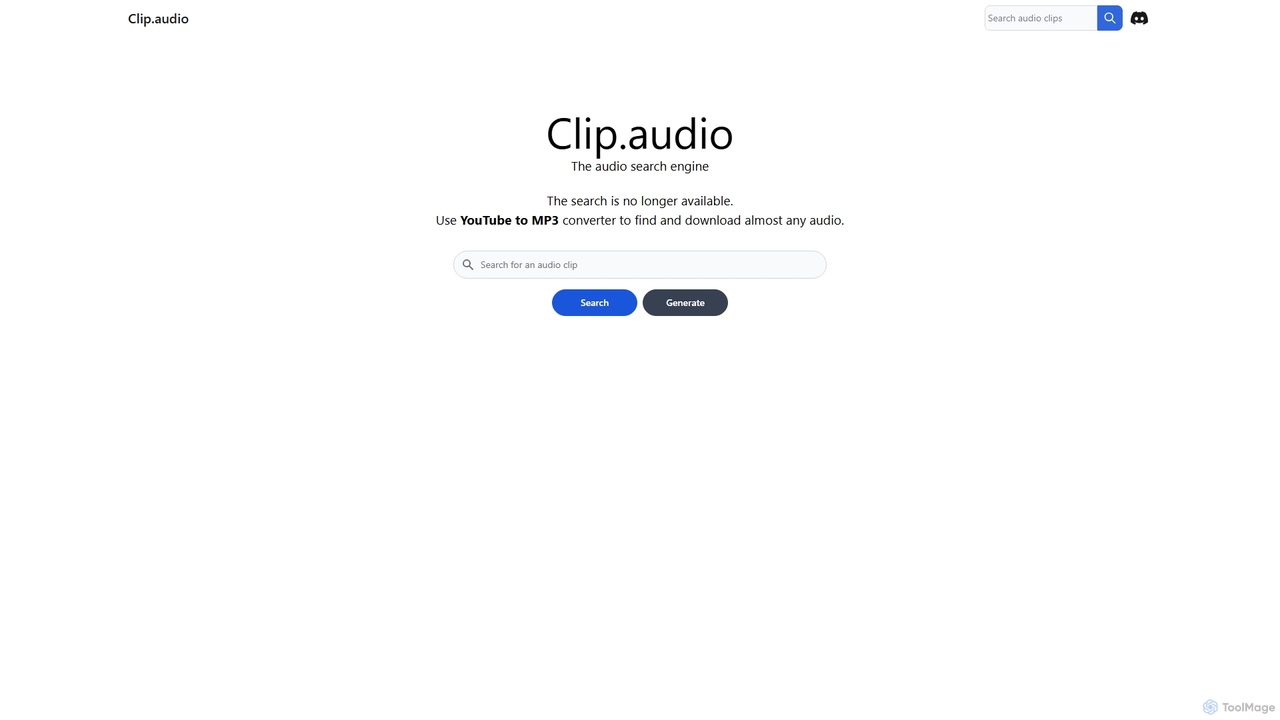
Clip
Clip is an advanced AI-powered audio search engine designed for creators. It enables users to find the perfect sound effects, music clips, and audio samples using natural language queries, sound similarity searches, and detailed filtering, streamlining the creative workflow.
Search
Jyek
Jyek is an AI agent platform that understands objectives, creates execution plans, uses tools, and delivers verifiable results for complex, multi-step tasks.
Automation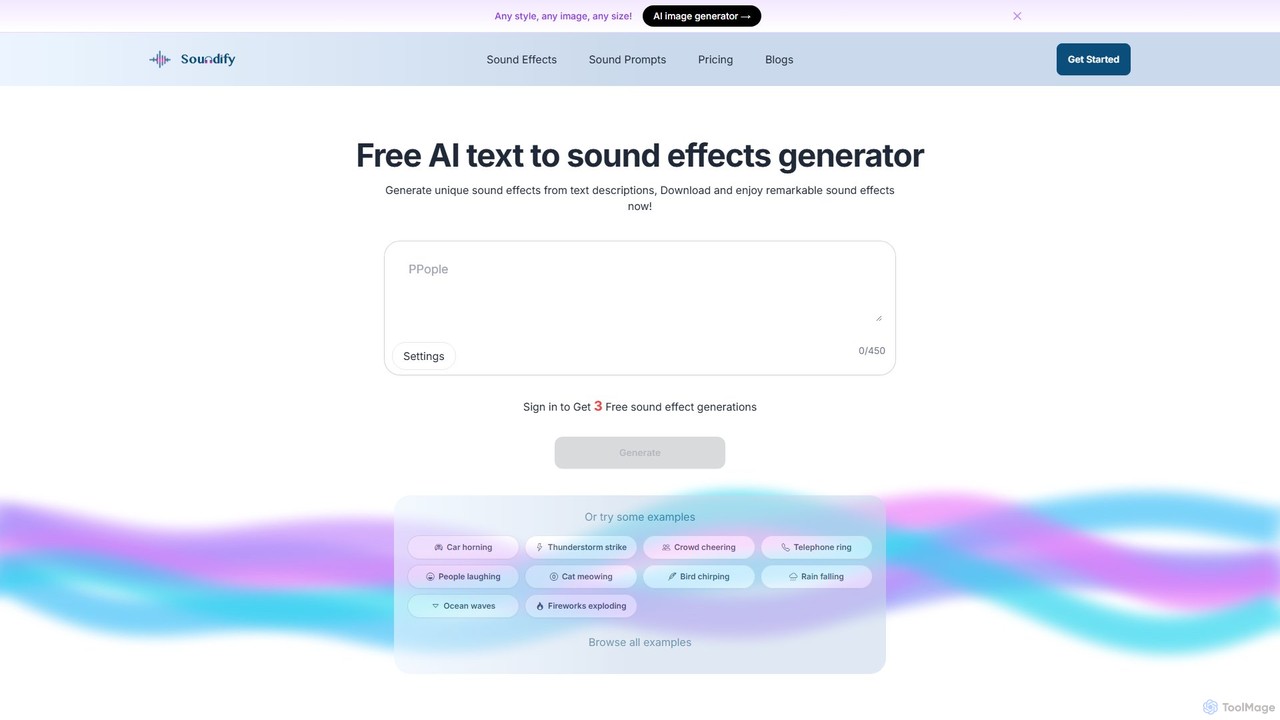
soundifytext
Soundifytext is an AI-powered sound effects generator that transforms text descriptions into unique, high-quality audio clips. Ideal for content creators, video editors, and game developers, it offers a fast, easy way to create custom, royalty-free sounds for any project, from TikTok videos to professional podcasts.
Sound EffectsAi Sound Effect Generator
An AI-powered tool that generates high-quality, royalty-free sound effects from simple text prompts. Ideal for filmmakers, game developers, podcasters, and content creators, it transforms ideas into unique audio in seconds, offering customizable duration and a wide range of sound options.
Sound Effects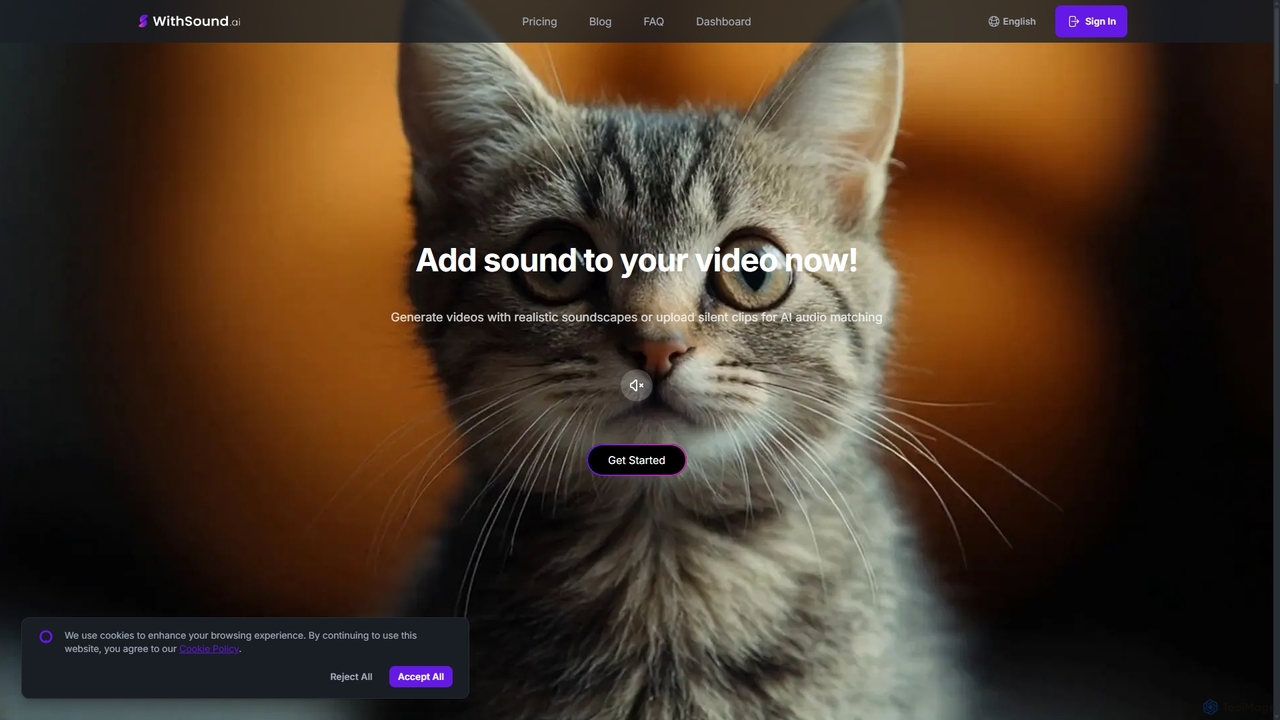
WithSound.ai
WithSound.ai is an AI-powered video creation platform that effortlessly generates videos with perfectly synchronized sound. It transforms text prompts or photos into stunning 4K videos and automatically adds music and sound effects to silent clips. With a vast library of over 5,000 sounds and intuitive features like smart audio sync, it's the ultimate tool for marketers, content creators, and businesses to produce engaging, professional-quality video content in minutes, no experience required.
Sound Effects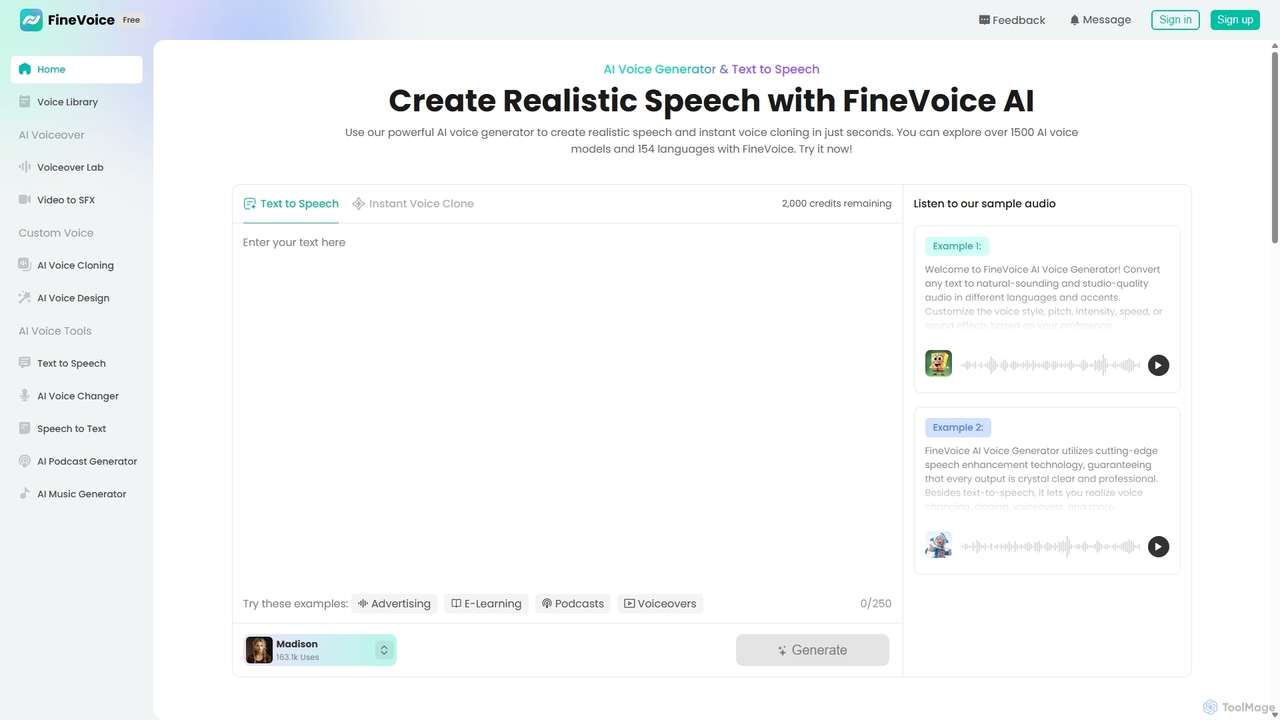
FineVoice
FineVoice is a powerful AI voice generator and audio creation suite. It offers realistic text-to-speech, instant voice cloning, a real-time voice changer, and professional voiceover tools. With a library of over 1500 AI voices in 154 languages, it's designed for content creators, marketers, podcasters, and developers seeking high-quality, customizable audio solutions.
Voice Synthesis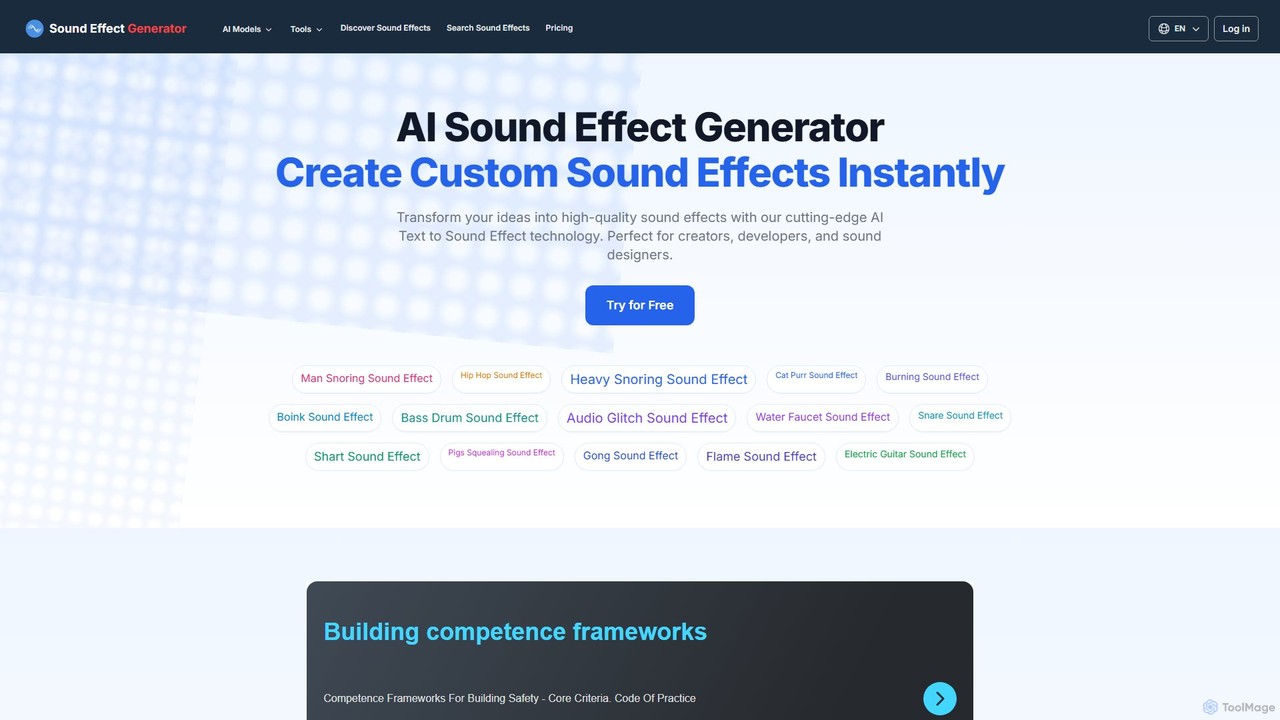
Sound Effect Generator
An AI-powered platform that instantly transforms text descriptions into high-quality, custom sound effects. Ideal for content creators, game developers, filmmakers, and sound designers, it offers a vast library of free sounds and advanced features like video-to-sound generation, negative prompts, and commercial usage rights with paid plans.
Sound Generation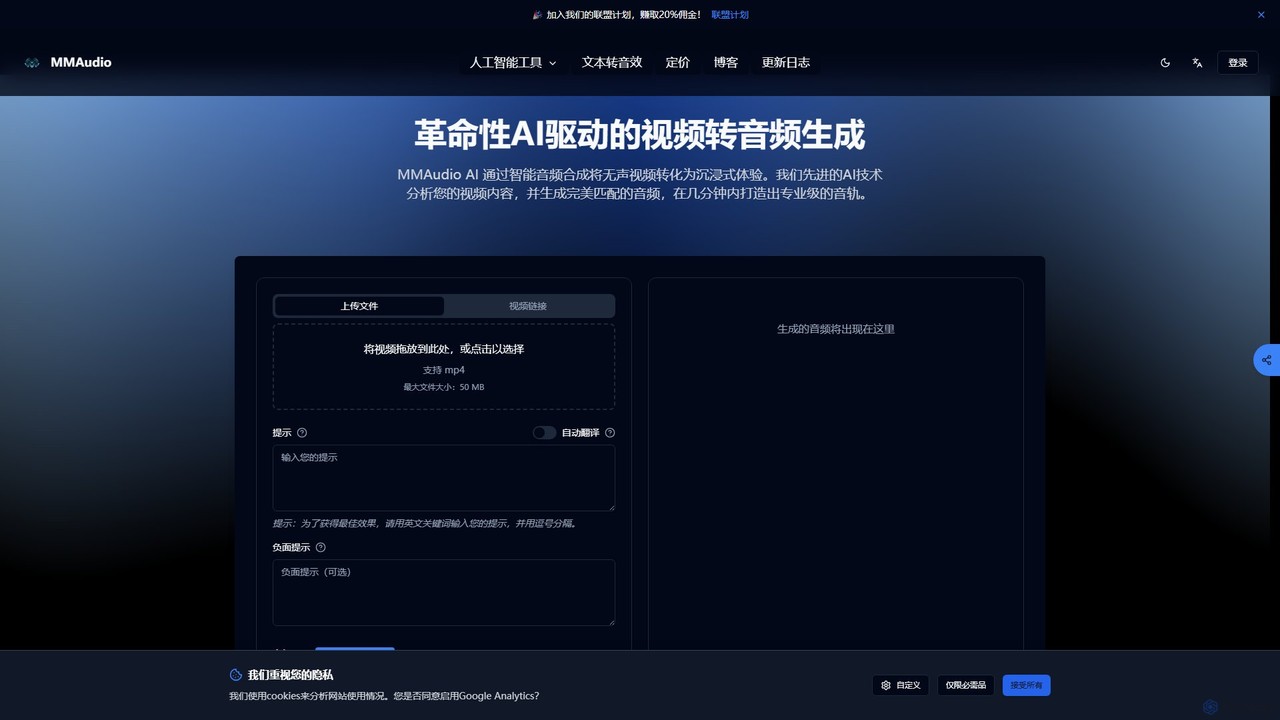
MMAudio
MMAudio is a revolutionary AI-powered platform that transforms silent videos into immersive audio experiences and generates custom sound effects from text prompts. It intelligently analyzes video content to synthesize perfectly synchronized audio and creates high-fidelity SFX for filmmakers, game developers, and content creators in minutes.
Sound Effects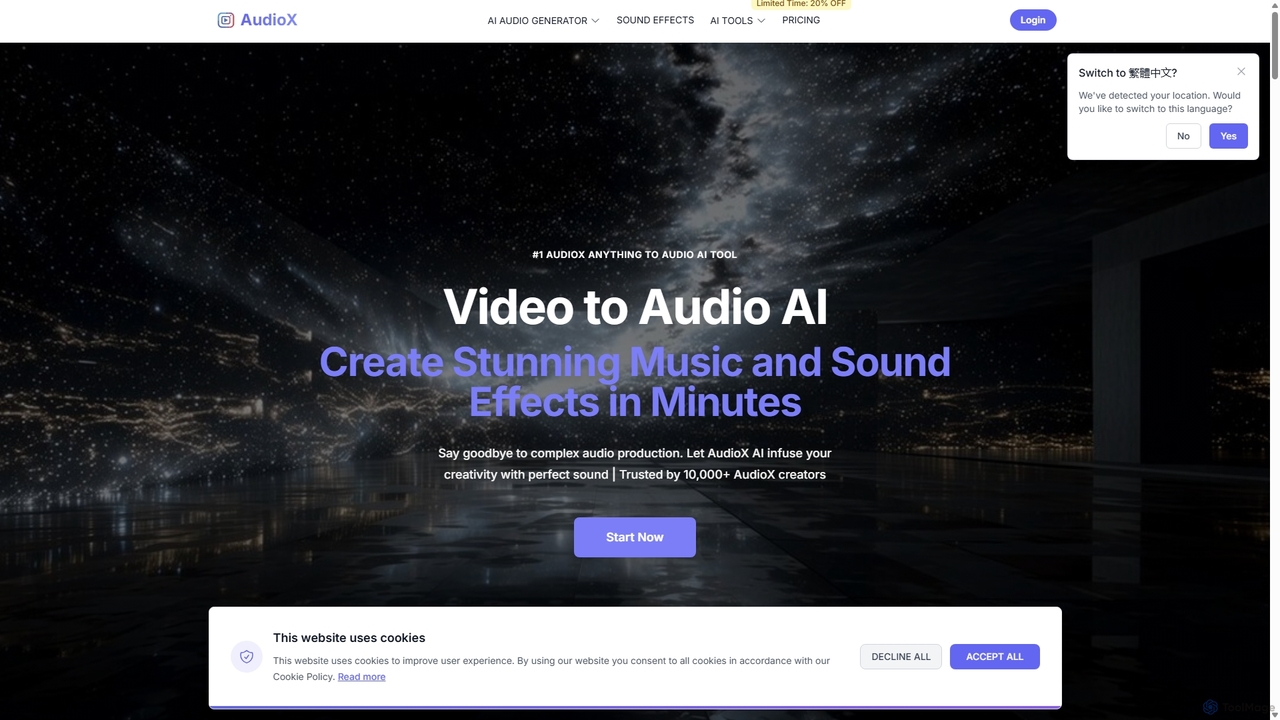
AudioX
AudioX is a professional AI audio generation tool that creates stunning music, sound effects, and voiceovers from various inputs like text, images, and videos. It offers a comprehensive suite for creators of all levels to simplify and enhance audio production.
Music Generation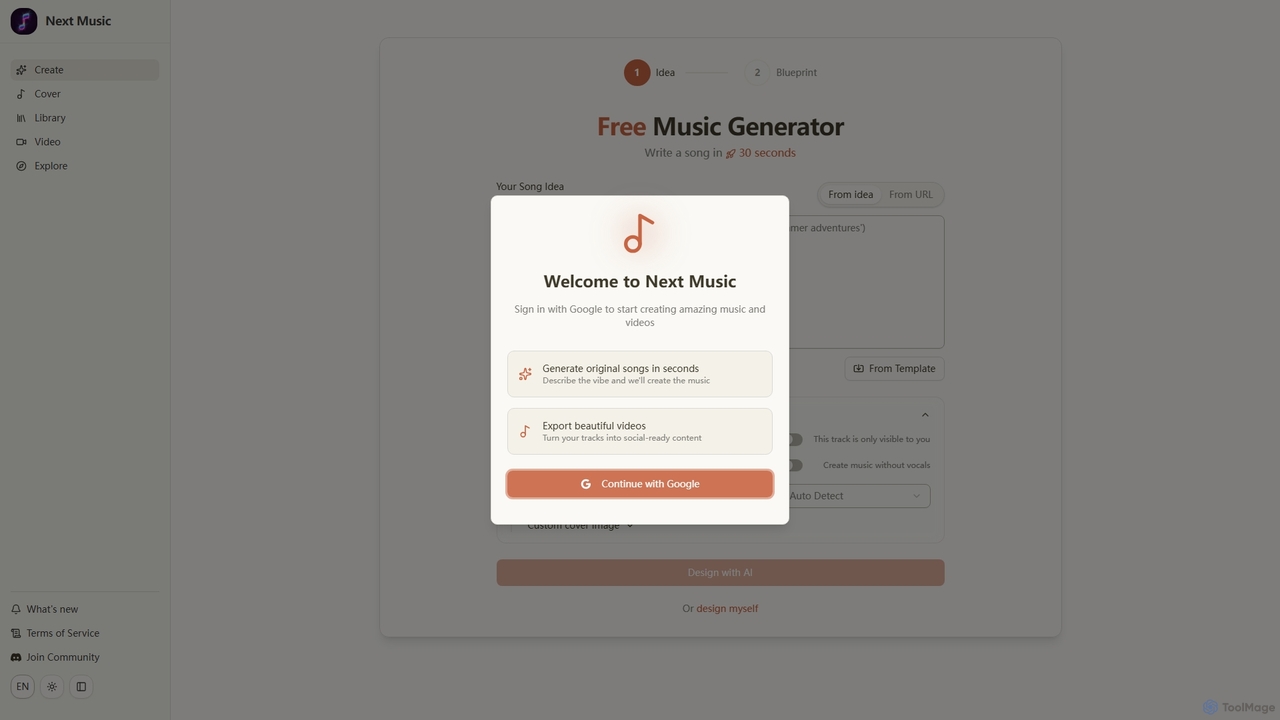
Next Music
Next Music is a free AI-powered platform that allows users to generate original songs and videos in seconds. Describe your musical idea, choose options like instrumental tracks or custom covers, and transform your creations into social-ready video content. It's designed for quick, creative music production.
Music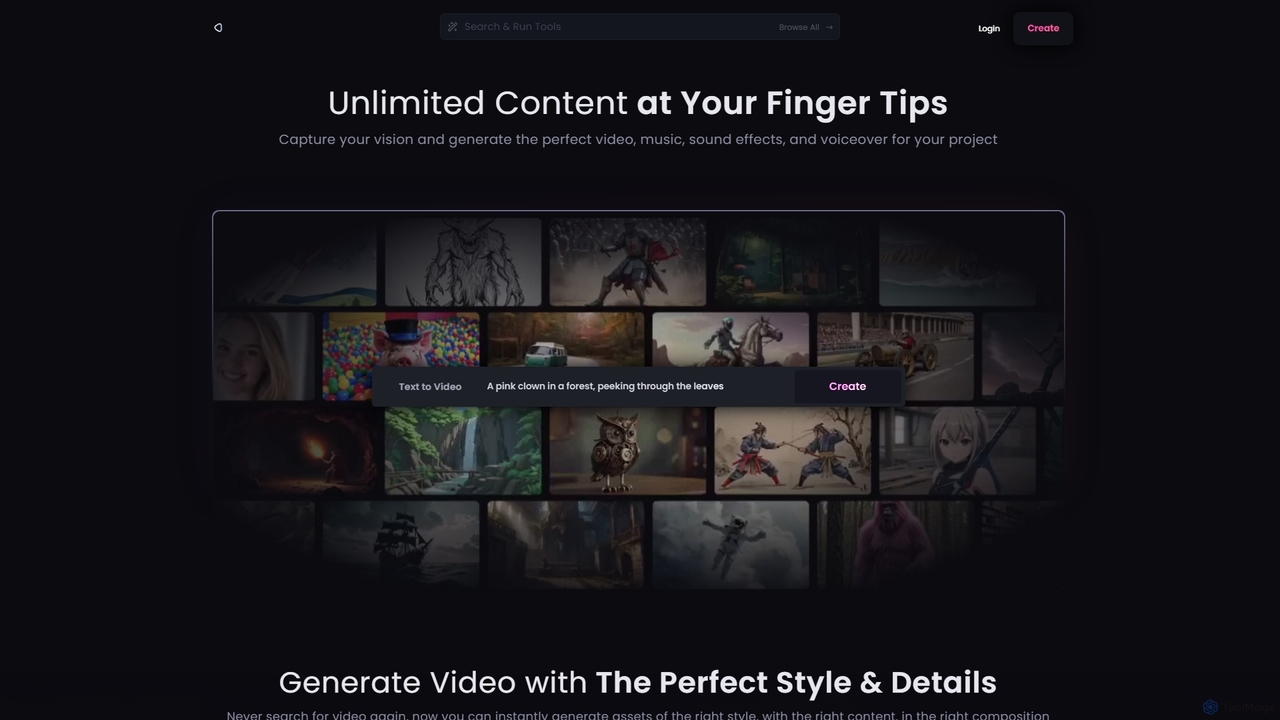
Reel Studio
Reel Studio is an all-in-one AI-powered creative suite that generates high-quality video, music, sound effects, and voiceovers. Transform text, images, or even drawings into stunning visual and audio content. With a wide range of styles, aspect ratios, and customization options, it's the ultimate tool for creators, marketers, and filmmakers to bring their vision to life instantly.
Music Generation
Strofe
Strofe is an AI-powered music generator that enables creators to produce unique, royalty-free music in seconds. Ideal for video games, streams, videos, and podcasts, it allows users to select a mood and genre to instantly compose a fitting soundtrack. No musical experience is required.
Music Generation
SoundAI Studio Comments (0)
Sign in to comment.
Sign inNo comments yet.