

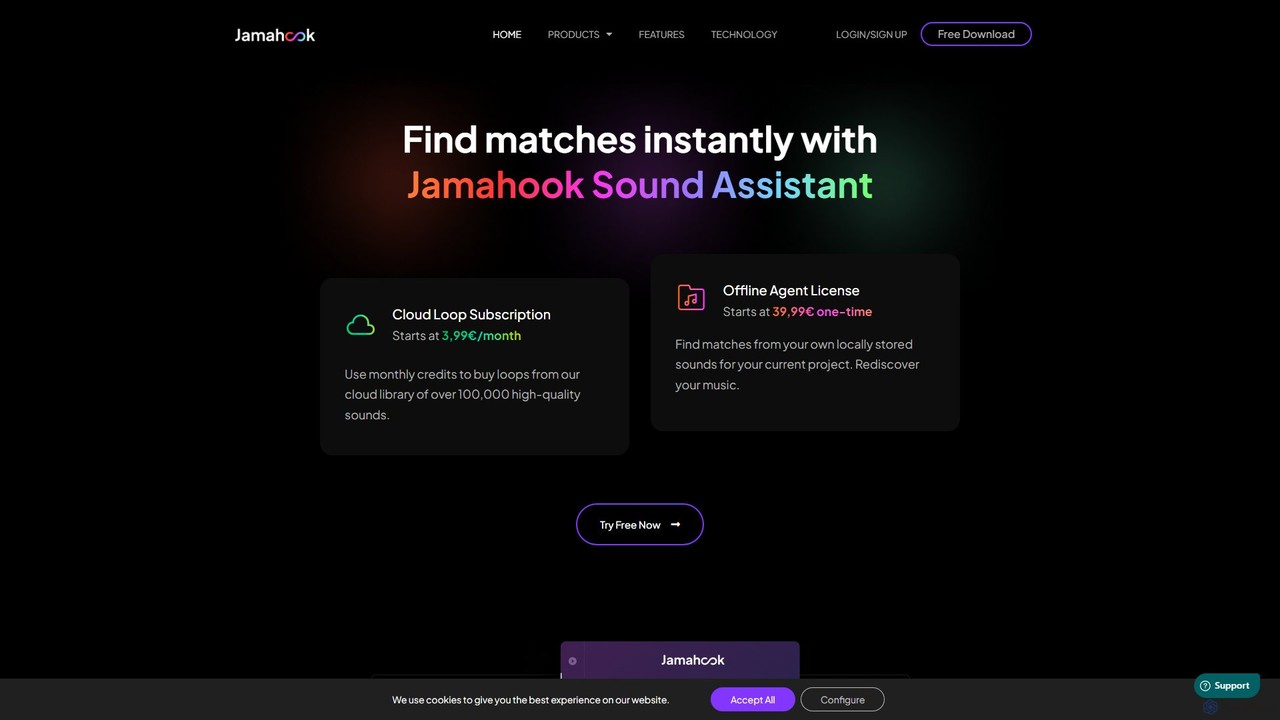
jamahook Overview
Jamahook is a revolutionary AI-powered tool designed to transform the creative process for music producers. It functions as a VST/AU plugin within your Digital Audio Workstation (DAW), acting as an intelligent musical assistant. The core technology, developed in collaboration with the renowned Fraunhofer IDMT, analyzes the audio of your current project in real-time. By understanding the harmonic, rhythmic, and psychoacoustic properties of your track, Jamahook instantly finds and suggests complementary loops and samples that will fit seamlessly into your music.
The platform offers two distinct modes of operation to cater to different needs. The first is the Cloud Loop Subscription, which gives you access to a vast and ever-growing library of over 100,000 high-quality, royalty-free sounds. The second is the Offline Agent, a powerful feature that allows Jamahook to index, classify, and analyze your own local sound library. This means you can finally rediscover and utilize the thousands of samples you've collected over the years, finding the perfect sound for your track without ever leaving your project. The AI is smart enough to find matches even if they are not in the same key, automatically transposing them to fit your project, saving you valuable time and effort.
How to use jamahook
Using Jamahook is designed to be an intuitive part of your music production workflow. Here’s a typical step-by-step process:
- Installation: Download and install the Jamahook Sound Assistant, which includes the main plugin and the optional Offline Agent. The plugin is compatible with major DAWs that support VST or AU formats.
- Select Match Source: In the plugin's settings, choose your desired source for matching. You can select 'Cloud Matching' to access Jamahook's online library or 'Local Matching' to use your own sounds. For local matching, you first need to use the Offline Agent app to add and index the folders containing your audio files.
- Let It Listen: On the main page of the plugin, click the 'Match' button. Jamahook will then listen to a portion of your track's audio output to analyze its musical characteristics.
- AI Analysis: The AI takes a few moments to process the audio, creating a unique 'Audio Signature' and comparing it against the selected sound database (cloud or local).
- Audition and Use: Jamahook presents a list of matching loops and sounds. You can audition each one in sync with your track. If you find something you like from the cloud, you can use your subscription credits to purchase it. Any purchased or local loops can be dragged and dropped directly into your DAW's timeline.
- Refine Your Search: For more specific results, use the advanced filtering options to narrow down matches by instrument, genre, or mood.
Core Features of jamahook
- AI Sound Matching: Utilizes advanced AI and deep neural networks to analyze your music and find perfectly matching loops based on harmony, rhythm, and timbre.
- Dual Matching Sources: Seamlessly switch between Jamahook's extensive cloud library of over 100,000 sounds and your own personal, locally stored sample collection.
- Offline Agent: A dedicated application that indexes, tags, and manages your local sound library, allowing the AI to find hidden gems you already own.
- Intelligent Pitch Shifting: The AI can find suitable loops that are in a different key and automatically transpose them to match your project's key, expanding your creative options.
- Advanced Filtering: Refine your search results with powerful filters for instruments, genres, and moods to quickly find the exact sound you need.
- DAW Integration: Works as a VST/AU plugin, integrating directly into your existing workflow without the need to switch between applications.
- Drag-and-Drop Functionality: Easily drag your chosen sounds directly from the plugin into your project timeline for a fast and efficient workflow.
Use Cases for jamahook
Jamahook is ideal for a variety of music production scenarios. Producers experiencing a creative block can use it to instantly generate new ideas and directions for a track. It's perfect for quickly finding a specific element, like a complementary bassline, a fitting drum loop, or a harmonic pad. For producers with massive, unorganized sample libraries, the Offline Agent is a game-changer, effectively turning a cluttered hard drive into a searchable, intelligent instrument. It's also a valuable tool for remixers who need to find elements that work with an existing acapella or instrumental.
Advantages of jamahook
The primary advantage of Jamahook is its ability to dramatically accelerate the creative process. Instead of spending hours manually searching through folders for the right sound, producers can get context-aware suggestions in seconds. This not only saves time but also keeps you in the creative flow. The AI, developed with Fraunhofer IDMT, provides highly relevant and musically intelligent results. The flexibility to choose between a vast cloud library and your own curated sounds offers the best of both worlds. It encourages the rediscovery of your own sound assets, maximizing the value of samples you've already acquired.
Pricing and Plans
Jamahook offers a flexible pricing structure to suit different user needs, including a free trial to test the service.
- Cloud Loop Subscription: Starts at €3.99 per month. This plan provides monthly credits that can be used to purchase and download loops from the Jamahook cloud library.
- Offline Agent License (One-Time Fee): This provides lifetime access to the local matching feature.
- Basic Plan: A one-time payment of €49, allowing you to index and match up to 10,000 of your own local audio files.
- Pro Plan: A one-time payment of €79, allowing you to index and match an unlimited number of local audio files.
Traffic
Latest traffic
Status
Monthly traffic trend
- 2025-9: 6.0K
- 2026-1: 7.6K
- 2026-2: 6.6K
- 2026-3: 4.5K
- 2026-4: 3.0K
- 2026-5: 3.6K
Geography
Top 5 countries / regions
- 🇩🇪Germany32.4%
- 🇬🇧United Kingdom29.1%
- 🇺🇸United States28.2%
- 🇯🇵Japan7.2%
- 🇨🇴Colombia3.1%
Top keywords
| Keyword | Cost per click |
|---|---|
| ai to match tempo audio in one recording to another | $0.00 |
| jamahook | $0.00 |
| jamahook loop | $0.00 |
| jamahook plugin | $0.00 |
| jamahook sound assistant | $0.00 |
jamahook Alternatives

Splice
Splice is a cloud-based music creation platform offering a vast, royalty-free library of millions of samples, loops, and presets. It features AI-powered tools for sound discovery, seamless DAW integration, exclusive plugins, and a rent-to-own marketplace for top music software, empowering producers of all levels.
Music Production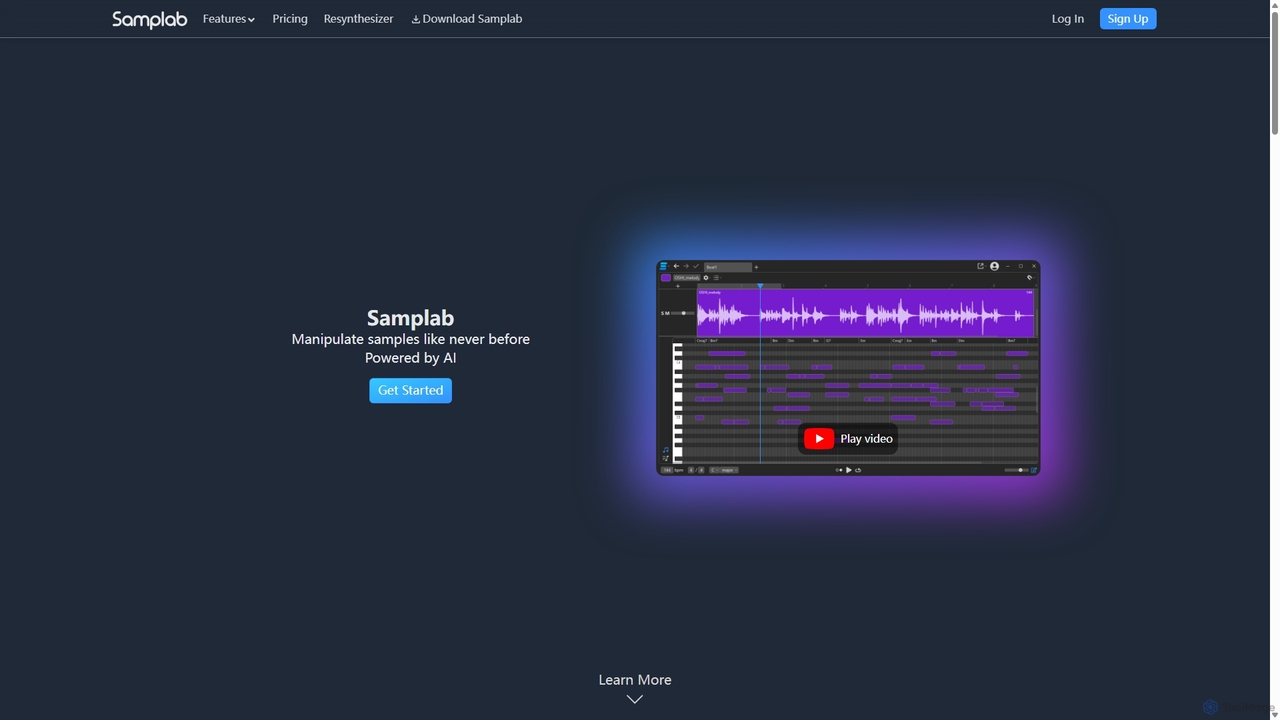
Samplab
Samplab is an AI-powered audio tool for music producers that allows for unprecedented manipulation of samples. Edit individual notes in polyphonic audio, detect and change chords, split music into stems, and seamlessly match the tempo and key of different samples. It integrates directly into your DAW as a VST3/AU plugin.
Audio Editing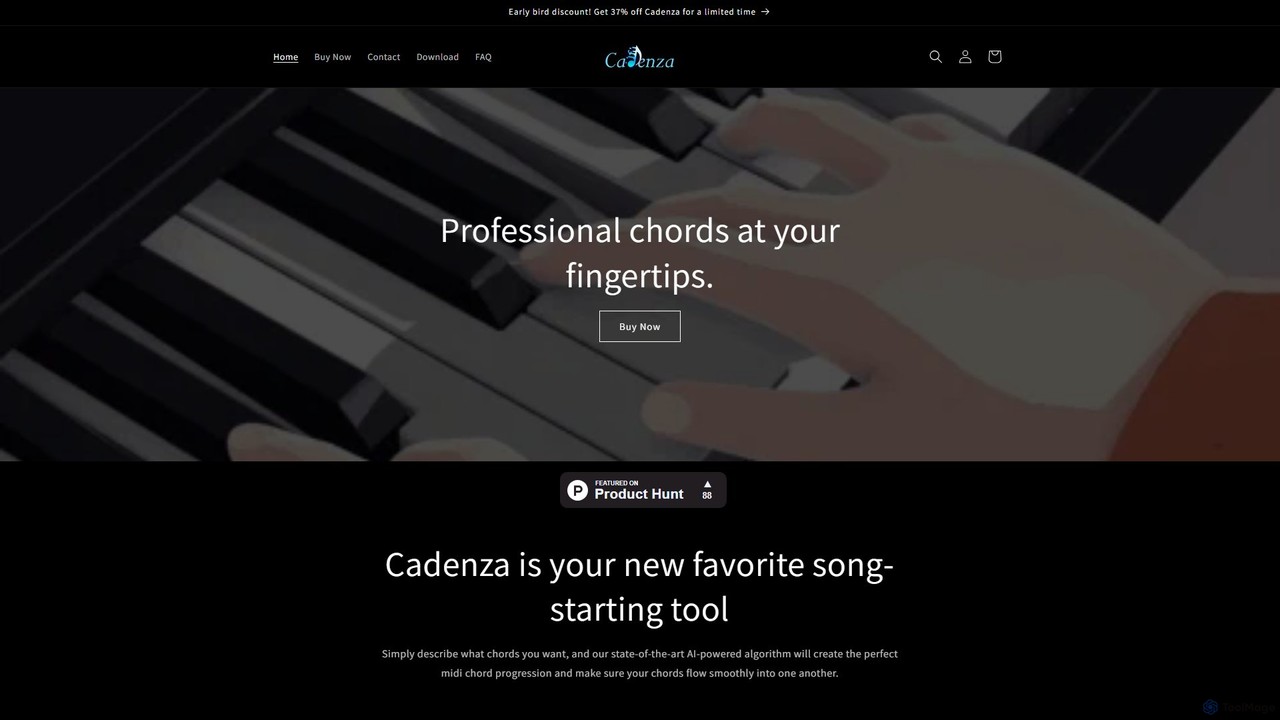
Cadenza
Cadenza is an AI-powered desktop app that generates professional MIDI chord progressions from simple text descriptions. Ideal for musicians and producers, it helps overcome creative blocks by instantly creating unique harmonic foundations for any genre, which can be dragged directly into any DAW.
Music Production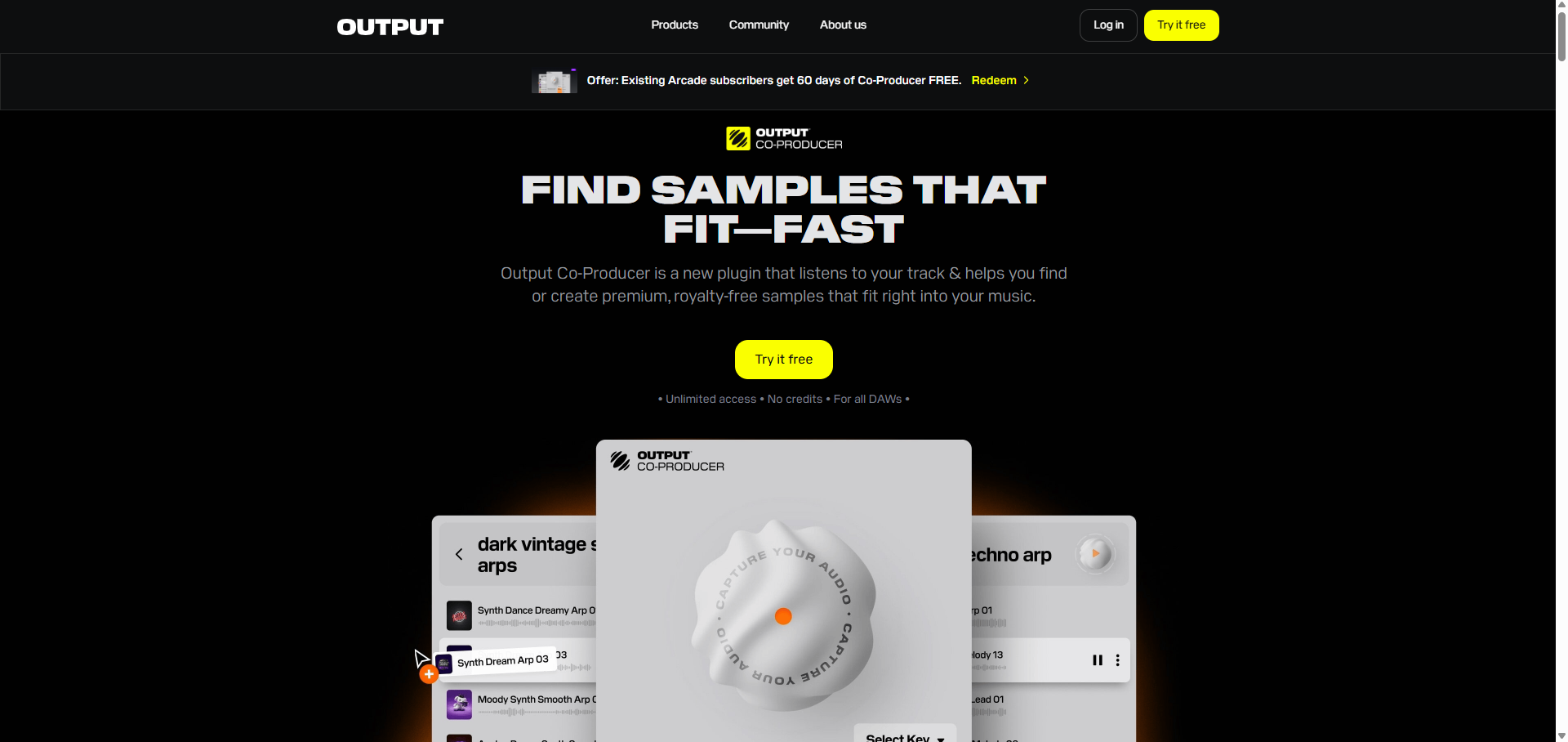
Co-Producer
Co-Producer by Output is an AI-powered music creation assistant designed to accelerate the production workflow. It helps producers find the perfect samples that fit their track instantly, generate unique, royalty-free sample packs from text prompts, and overcome creative blocks with intelligent sound suggestions. It's the fastest way to turn your musical ideas into reality.
Music Production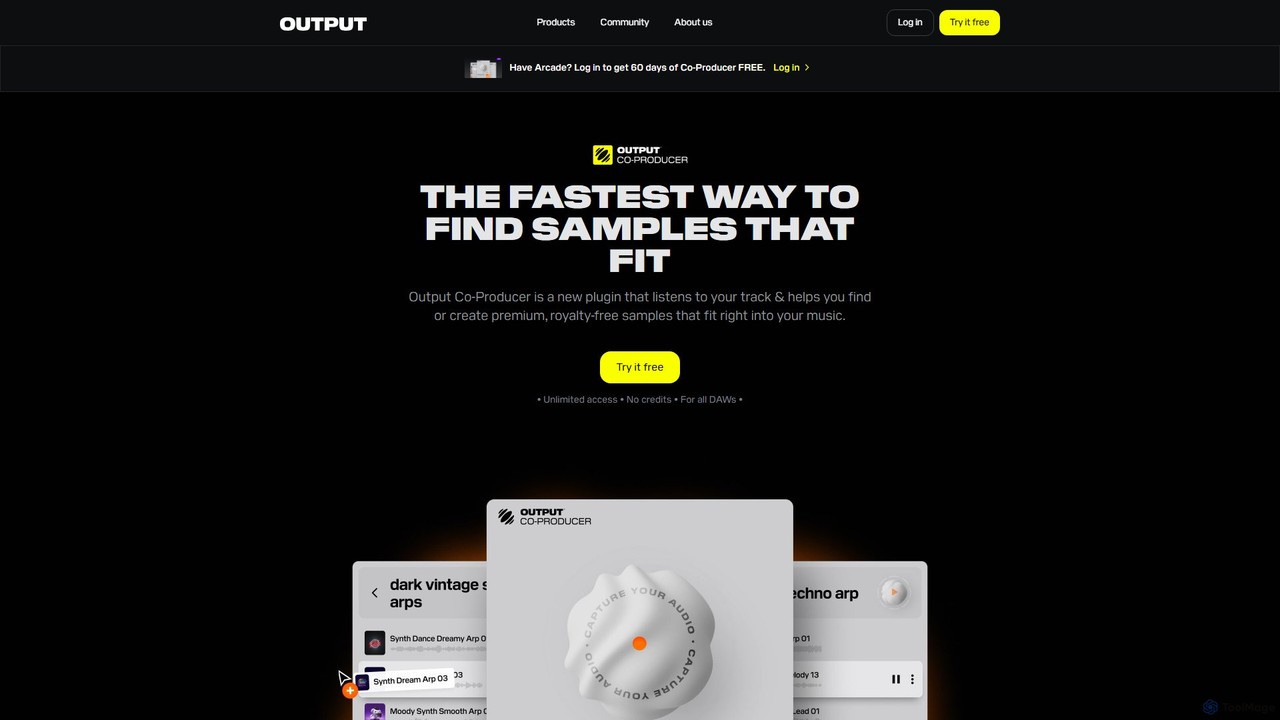
Co-producer
Co-producer by Output is an AI-powered sample finder that revolutionizes music production. It intelligently analyzes your existing track, audio files, or text prompts to suggest perfectly fitting loops and one-shots from Output's extensive library. This streamlines the creative process, helping producers find the right sounds in seconds, overcome creative blocks, and finish tracks faster.
Music Productionjamahook Categories
jamahook Embed Widget
Copy this embed code to place the badge on your blog, article, or product site and send readers directly to this ToolMage detail page.

Related AI tools
Co-producer
Co-producer by Output is an AI-powered sample finder that revolutionizes music production. It intelligently analyzes your existing track, audio files, or text prompts to suggest perfectly fitting loops and one-shots from Output's extensive library. This streamlines the creative process, helping producers find the right sounds in seconds, overcome creative blocks, and finish tracks faster.
Music Production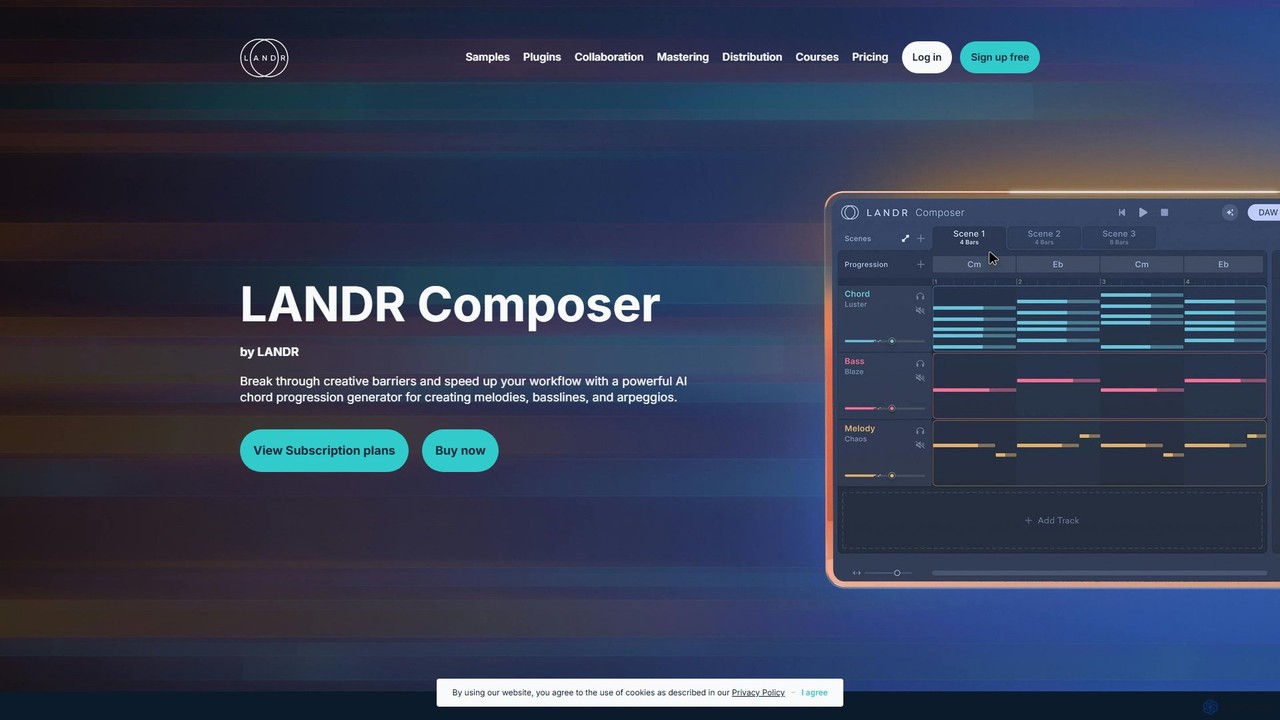
LANDR Composer
LANDR Composer is a powerful AI plugin that generates inspiring chord progressions, melodies, basslines, and arpeggios. It's designed to break through creative barriers and accelerate the music production workflow for artists of all skill levels, integrating seamlessly with any DAW.
Production
Session Loops
Session Loops is an AI-powered music production platform offering a suite of tools for modern musicians. It features VocalNet for voice transformation, DrumNet for infinite drum sample generation, and a cloud-based editor for creating fully customizable music loops. It's designed to integrate seamlessly with any DAW and accelerate the creative process.
Audio Editing
Emvoice
Emvoice is a next-generation AI vocal synthesizer plugin (VST/AU/AAX) that allows music producers and songwriters to create realistic vocal tracks by simply typing in notes and lyrics. It eliminates the need for recording, offering a library of diverse AI voices for various genres.
Music Production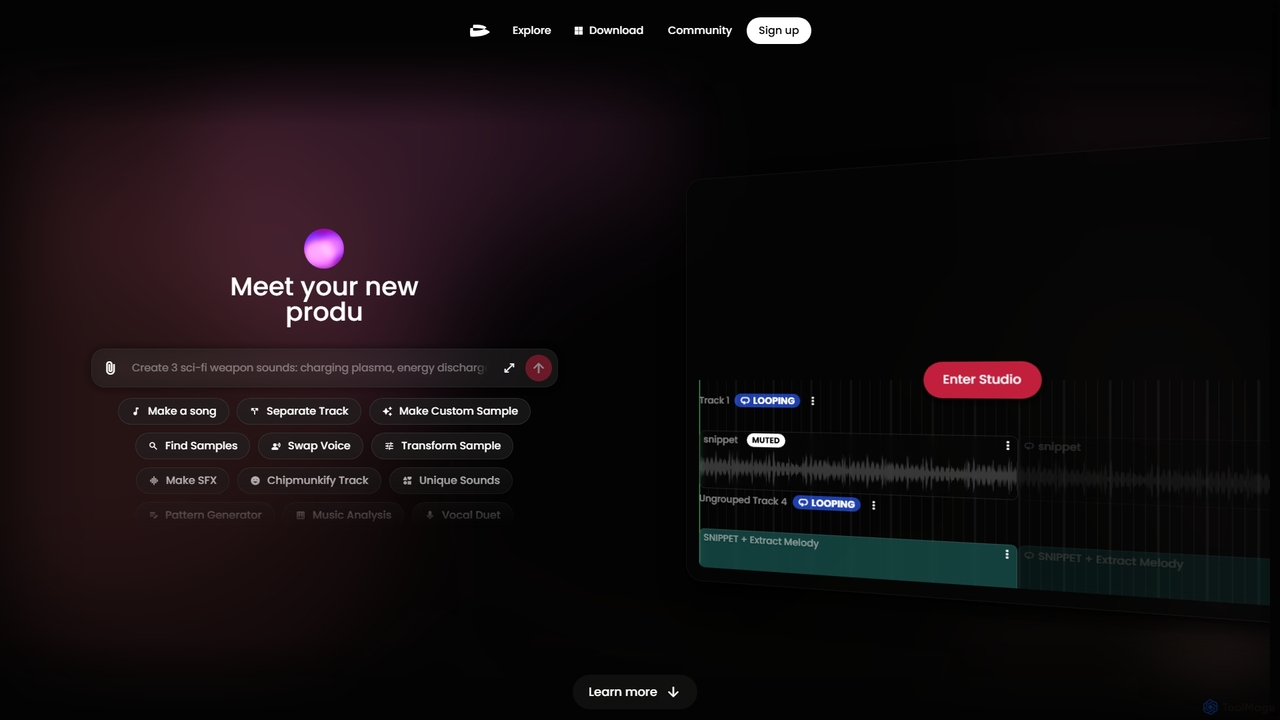
Twoshot
Twoshot is an AI-powered music production platform designed to inspire and accelerate the creative process for music producers. It features an AI Coproducer for generating custom samples from text, a vast library of over 200,000 sounds, powerful remixing tools, and an integrated web-based studio to bring musical ideas to life instantly.
Audio Editing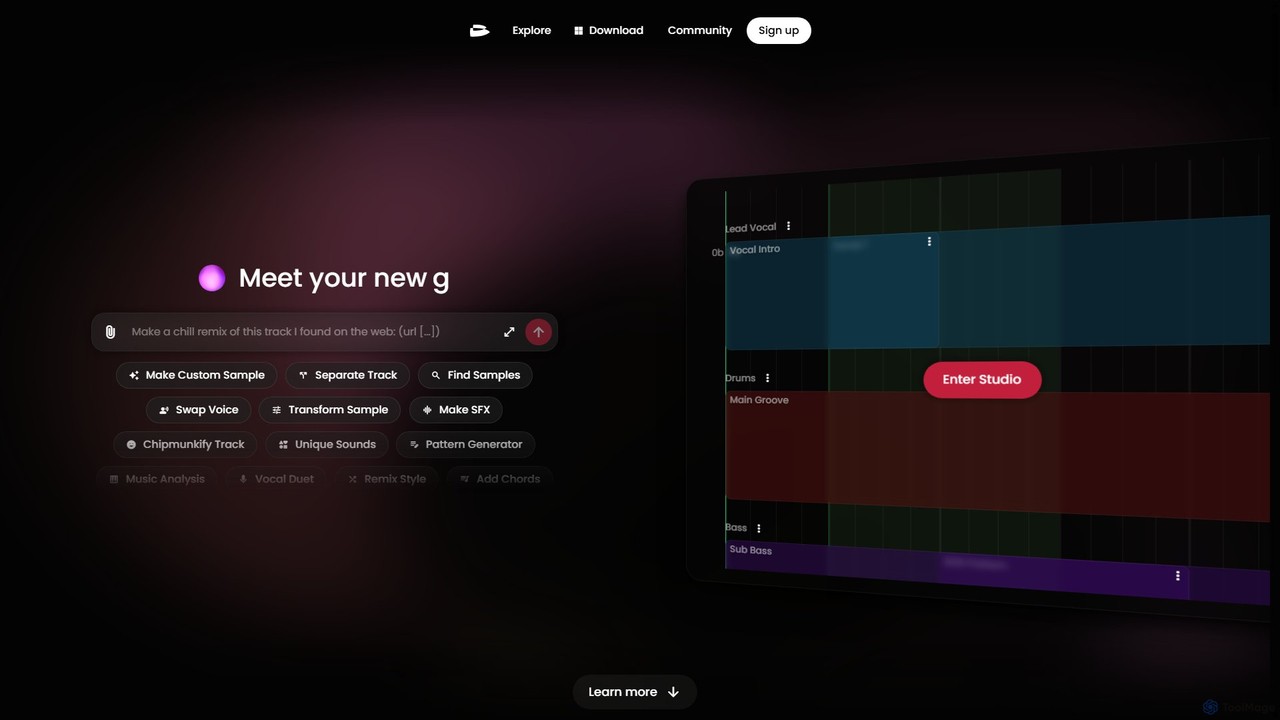
twoshot
twoshot is an AI-powered music creation platform for producers. It features an AI copilot, text-to-sound generation, a vast library of 200,000+ samples, and advanced tools for remixing, stem separation, and composition. Seamlessly integrate with your DAW or create directly in your browser to accelerate your workflow and overcome creative blocks.
Audio Editing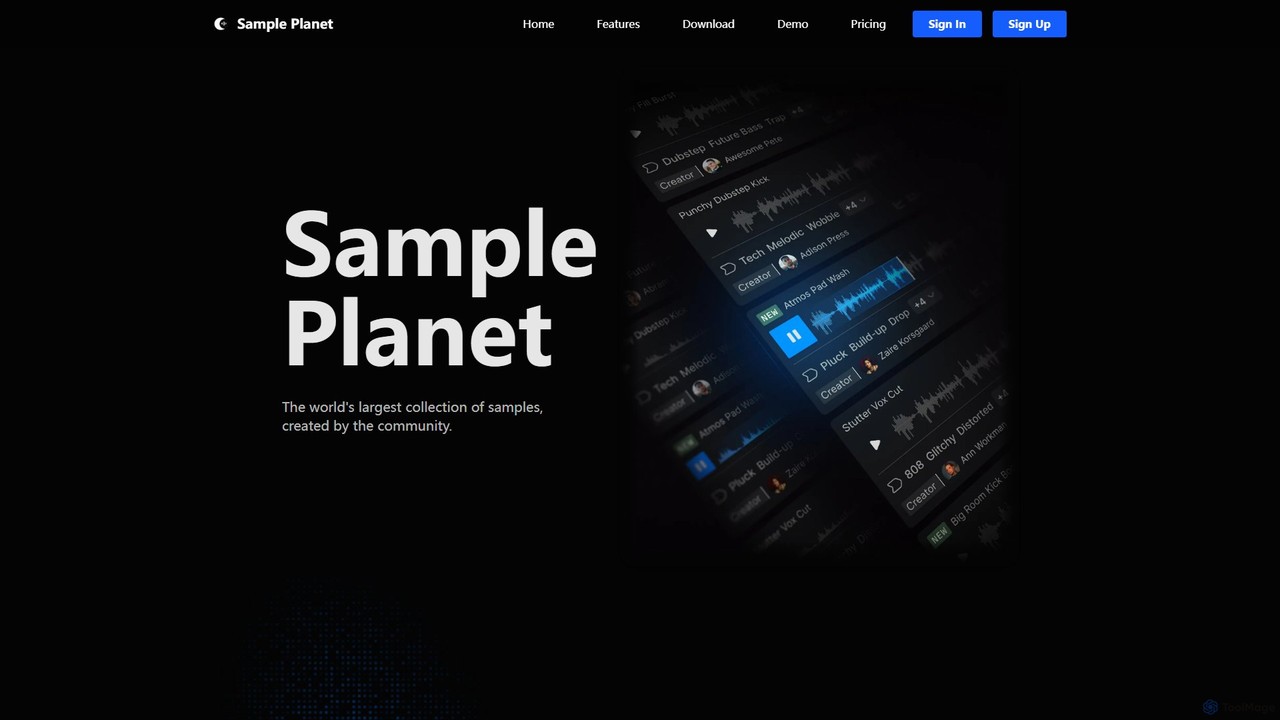
Sample Planet
Sample Planet is an AI-powered platform for music producers and sound designers, offering the world's largest community-generated library of royalty-free samples. Generate unique sounds from text descriptions, create endless variations of existing samples, and discover new audio in real-time. With its seamless VST plugin integration for Windows and Mac, you can drag and drop samples directly into your DAW, streamlining your creative workflow and breaking through creative blocks.
Music GenerationSamplab
Samplab is an AI-powered audio tool for music producers that allows for unprecedented manipulation of samples. Edit individual notes in polyphonic audio, detect and change chords, split music into stems, and seamlessly match the tempo and key of different samples. It integrates directly into your DAW as a VST3/AU plugin.
Audio EditingCadenza
Cadenza is an AI-powered desktop app that generates professional MIDI chord progressions from simple text descriptions. Ideal for musicians and producers, it helps overcome creative blocks by instantly creating unique harmonic foundations for any genre, which can be dragged directly into any DAW.
Music ProductionCo-Producer
Co-Producer by Output is an AI-powered music creation assistant designed to accelerate the production workflow. It helps producers find the perfect samples that fit their track instantly, generate unique, royalty-free sample packs from text prompts, and overcome creative blocks with intelligent sound suggestions. It's the fastest way to turn your musical ideas into reality.
Music Production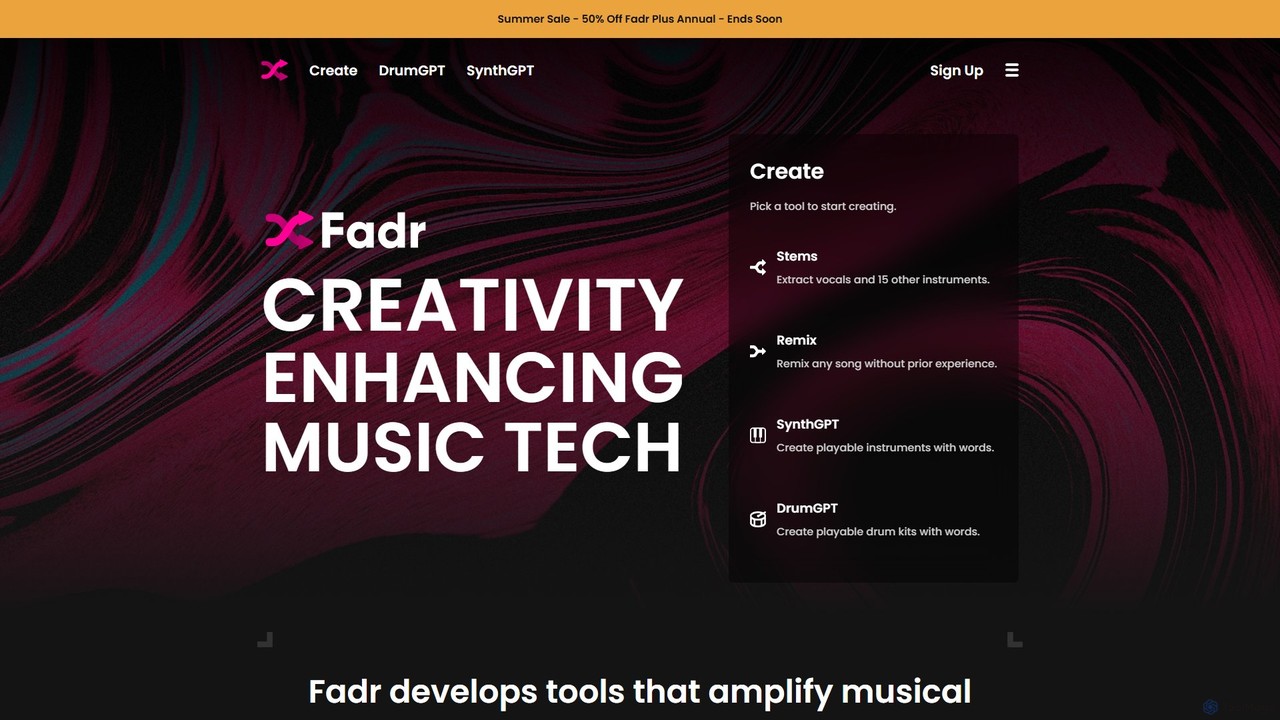
Fadr
Fadr is a powerful AI music platform that enables users to create remixes, mashups, and separate songs into high-quality stems. It features tools for stem separation (vocals, instruments), AI-powered remixing, and innovative text-to-instrument generators like SynthGPT and DrumGPT. It's designed for producers, DJs, and musicians of all skill levels.
Music Production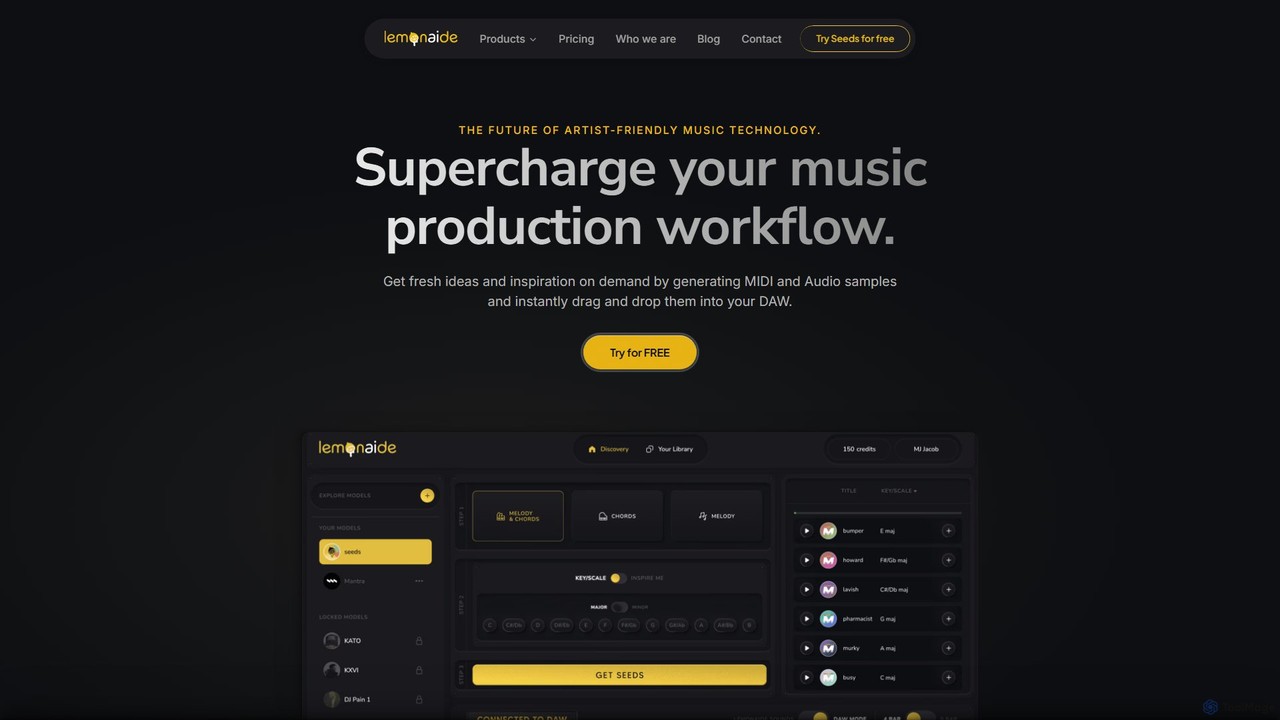
Lemonaide
Lemonaide is an AI-powered melody generator designed for music producers. Co-created with Grammy-winning producers, it generates infinite, high-quality MIDI and audio melodies and chord progressions. Instantly drag and drop fresh ideas into any DAW to supercharge your creative workflow and overcome creative blocks.
Music Generation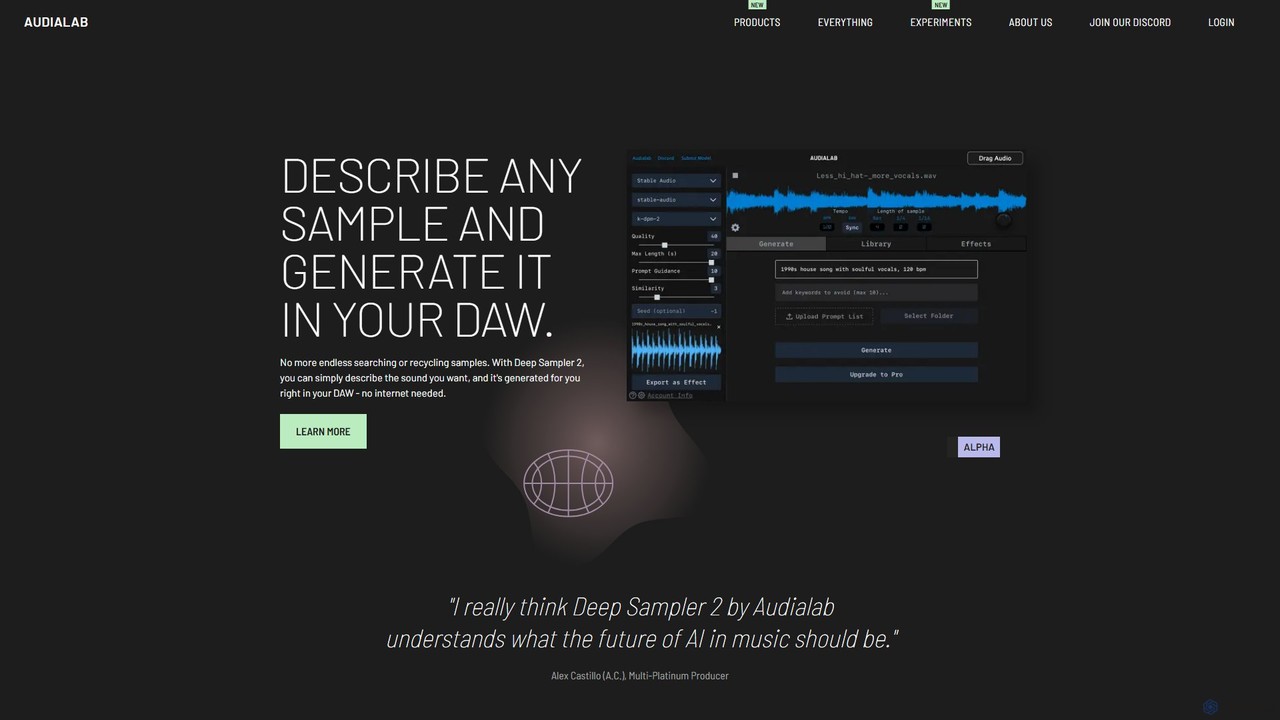
Audialab
Audialab provides a suite of ethical AI-powered audio plugins for music producers and artists. Generate unique, royalty-free samples from text with Deep Sampler, create endless drum sounds with Emergent Drums, and add a natural feel to your beats with Humanize. All tools integrate directly into your DAW for a seamless creative workflow.
Music Generation
Obsidian Neural
Obsidian Neural is a revolutionary VST plugin that enables real-time AI music generation directly within your Digital Audio Workstation (DAW). It allows musicians to create and trigger AI-generated samples live, integrate with MIDI controllers, and produce dynamic soundscapes for performances and studio productions.
Audio GenerationSplice
Splice is a cloud-based music creation platform offering a vast, royalty-free library of millions of samples, loops, and presets. It features AI-powered tools for sound discovery, seamless DAW integration, exclusive plugins, and a rent-to-own marketplace for top music software, empowering producers of all levels.
Music Production
jamahook Comments (0)
Sign in to comment.
Sign inNo comments yet.