

DVDFab Overview
DVDFab is a world-leading multimedia software provider, offering a comprehensive suite of tools for over 20 years. It specializes in processing DVDs, Blu-rays, 4K Ultra HD Blu-rays, and digital video files. The product family includes DVDFab for disc copying and ripping, StreamFab for downloading online content, MusicFab for music conversion, UniFab for AI-powered video enhancement, and Passkey for disc decryption. Trusted by millions of users worldwide, DVDFab is known for its cutting-edge technology, continuous updates, and powerful performance.
The core of the DVDFab suite is its ability to handle physical media. It can remove nearly all known copy protections from DVDs, Blu-rays, and 4K UHD discs, including CSS, BD+, AACS, and Cinavia. This allows users to create personal backups of their collections, either as 1:1 lossless copies, compressed discs to save space, or digital files for playback on any device.
A standout feature is the integration of Artificial Intelligence. The AI-powered modules, particularly within UniFab and DVDFab All-In-One, can dramatically improve video quality. Users can upscale low-resolution videos to 4K or even 8K, convert standard dynamic range (SDR) videos to vibrant HDR10 or Dolby Vision, and effectively remove noise and grain for a cleaner, sharper image. These AI tools are designed for both enthusiasts looking to restore old videos and professionals needing to enhance footage for high-quality productions.
How to use DVDFab
Using DVDFab's suite of tools follows a straightforward process, tailored to each specific task:
- Download and Install: First, download the appropriate DVDFab product (e.g., DVDFab All-In-One, UniFab, StreamFab) from the official website and install it on your Windows or Mac computer.
- Launch and Select Module: Open the application. The main interface presents various modules like Copy, Ripper, Converter, Creator, or the AI Enhancer. Select the one that matches your goal.
- Load Source Media: For disc operations, insert a DVD, Blu-ray, or 4K UHD disc. The software will analyze it automatically. For file conversions or enhancements, drag and drop your video files into the program. For downloading, use the built-in browser in StreamFab or MusicFab to navigate to the desired streaming service and find your content.
- Customize Output Settings: Choose your desired output profile. This includes selecting the format (e.g., MP4, MKV, ISO), resolution, audio tracks, and subtitles. In the AI modules, you can select enhancement options like upscaling, denoising, or HDR conversion.
- Start the Process: Once all settings are configured, click the 'Start' button. DVDFab will begin processing, leveraging GPU hardware acceleration for significantly faster speeds. You can monitor the progress and find the finished files in your designated output folder.
Core Features of DVDFab
- Advanced Disc Decryption: Removes all major copy protections from DVDs, Blu-rays, and 4K UHD Blu-rays, including the latest AACS, BD+, and Cinavia watermarks.
- AI-Powered Video Enhancement: Upscale video to 4K/8K, convert SDR to HDR10/Dolby Vision, denoise, deinterlace, and sharpen video using trained neural networks.
- Lossless Backup & Compression: Create perfect 1:1 clones of discs (e.g., BD-50 to BD-50) or compress them to smaller disc sizes (e.g., BD-50 to BD-25) or file formats with minimal quality loss.
- Versatile Ripping & Conversion: Rip discs to over 1000 video and audio formats, with presets for hundreds of devices like smartphones, tablets, and game consoles.
- Streaming Content Downloader: Download videos and music from over 1000 platforms, including Netflix, Amazon Prime, Disney+, YouTube, and Spotify, for offline, ad-free viewing.
- Disc Authoring: Create professional-looking DVD, Blu-ray, or UHD discs from your own video files, complete with customizable menu templates.
- High-Speed GPU Acceleration: Utilizes NVIDIA CUDA, AMD, and Intel Quick Sync technologies to accelerate processing by up to 50x, making tasks like ripping a Blu-ray take only minutes.
- Built-in Video Editor: Perform basic edits like trimming, cropping, merging clips, adding external subtitles, and applying watermarks before conversion or burning.
Use Cases for DVDFab
Home Theater Enthusiasts: Digitize entire physical movie collections to a media server like Plex or Kodi. This allows for instant access to any movie without handling discs, with options for lossless quality and full HD audio passthrough (DTS-HD, TrueHD).
Content Creators and Videographers: Enhance older or lower-quality source footage. Upscale 1080p video to 4K for use in modern projects, or convert SDR footage to HDR to give it a more dynamic and professional look.
Frequent Travelers: Rip movies from discs or download them from streaming services to a laptop or tablet. This ensures a library of entertainment for offline viewing on planes, trains, or in areas with poor internet connectivity.
Archivists and Collectors: Preserve rare or out-of-print films by creating digital backups. Bypassing disc protection ensures the content remains accessible even if the original disc degrades or becomes unplayable.
Advantages of DVDFab
DVDFab stands out due to its comprehensive, all-in-one nature. Instead of needing separate tools for decryption, ripping, enhancing, and downloading, users get a single, integrated suite. Its commitment to staying ahead of new disc protections ensures long-term usability. The integration of powerful, easy-to-use AI enhancement tools makes high-end video restoration accessible to a broad audience. Finally, its incredible speed, thanks to robust GPU acceleration, saves users a significant amount of time, especially when processing large batches of files or high-resolution content.
Pricing and Plans
DVDFab offers a flexible pricing model, primarily based on lifetime licenses for its products. Users can purchase individual tools or opt for cost-effective bundles. While there are free trial versions, full functionality requires a purchase.
- DVDFab All-In-One (Lifetime): A 26-in-1 bundle for all disc processing needs. Often priced around $265.99 (on sale from a standard price of $379.99).
- StreamFab All-In-One (Lifetime): A comprehensive solution for downloading from 50+ streaming services. Typically priced around $299.99 (on sale from $429.99).
- UniFab All-In-One (Lifetime): An AI-powered suite for video enhancement, conversion, and editing. Often priced around $279.99 (on sale from $499.99).
- MusicFab All-In-One (Lifetime): A complete music converter for various streaming platforms. Typically priced around $259.99 (on sale from $369.99).
- Passkey All-In-One (Lifetime): A dedicated tool for disc decryption. Often priced around $199.99 (on sale from $279.99).
Prices are subject to promotions and may vary. The lifetime license model is a key advantage, offering long-term value without recurring subscription fees.
Traffic
Latest traffic
Status
Monthly traffic trend
- 2025-9: 752.1K
- 2026-1: 751.8K
- 2026-2: 593.6K
- 2026-3: 697.9K
- 2026-4: 623.4K
- 2026-5: 718.8K
Geography
Top 5 countries / regions
- 🇺🇸United States68.1%
- 🇯🇵Japan14.3%
- 🇬🇧United Kingdom9.3%
- 🇨🇦Canada5.0%
- 🇦🇺Australia3.4%
Traffic sources
| Source type | Percentage |
|---|---|
Direct | 85.1% |
Referral | 11.0% |
Email | 3.9% |
Top keywords
| Keyword | Cost per click |
|---|---|
| dvdfab | $0.86 |
| myflixerz | $1.22 |
| spotify downloader | $0.88 |
| youtube to mp3 | $1.30 |
| youtube to mp3 player | $1.29 |
DVDFab Videos on YouTube
![How to Rip 4K & Blu-ray Movies to Your PC with DVDFab [2026]](https://i.ytimg.com/vi/7pepALnKCvk/maxresdefault.jpg)

Nazakat Ali Techno
DVDFab Alternatives
VideoProc
VideoProc is a one-stop, AI-powered media processing suite. It enhances, converts, edits, compresses, downloads, and records 4K/8K videos with full GPU acceleration. Its AI tools upscale video/images, stabilize shaky footage, interpolate frames for smooth motion, and remove background noise from audio.
Audio Editing
UniFab
UniFab is an all-in-one AI-powered video and audio enhancement suite. It upscales videos to 16K, converts SDR to HDR, denoises, colorizes, and stabilizes footage. It also features audio upmixing to surround sound, format conversion for over 1000 formats, and free tools like a vocal and background remover. Designed for both professionals and enthusiasts, it streamlines content creation with a user-friendly interface and GPU-accelerated processing.
Audio Editing
Leawo
Leawo is a comprehensive multimedia software suite for Windows and Mac. It offers a wide range of tools for managing, converting, copying, and downloading video, Blu-ray, DVD, and audio files. It also includes utilities for mobile data transfer and AI-powered photo enhancement.
File Management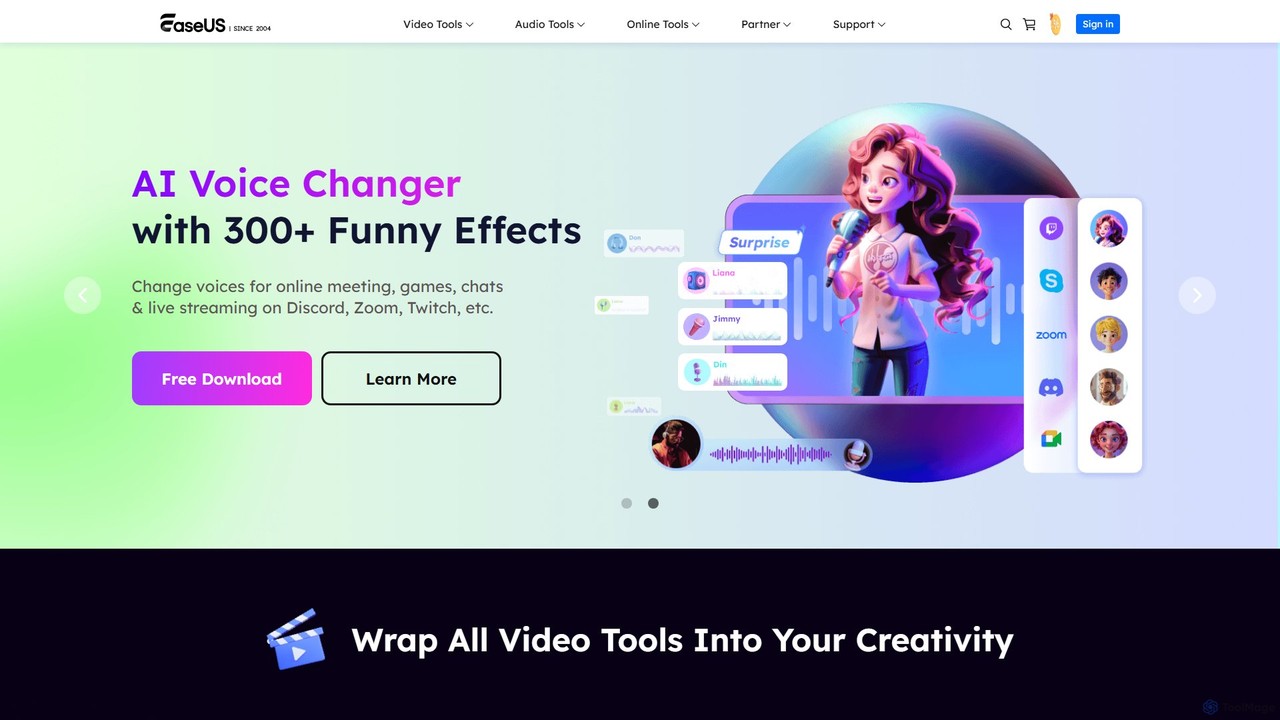
EaseUS Multimedia
EaseUS Multimedia is an all-in-one AI-powered toolkit for video and audio processing. It includes a video converter, editor, downloader, screen recorder, and AI voice changer. Ideal for content creators, gamers, and general users, it simplifies tasks like format conversion, audio extraction, noise removal, and creating AI song covers.
Transcription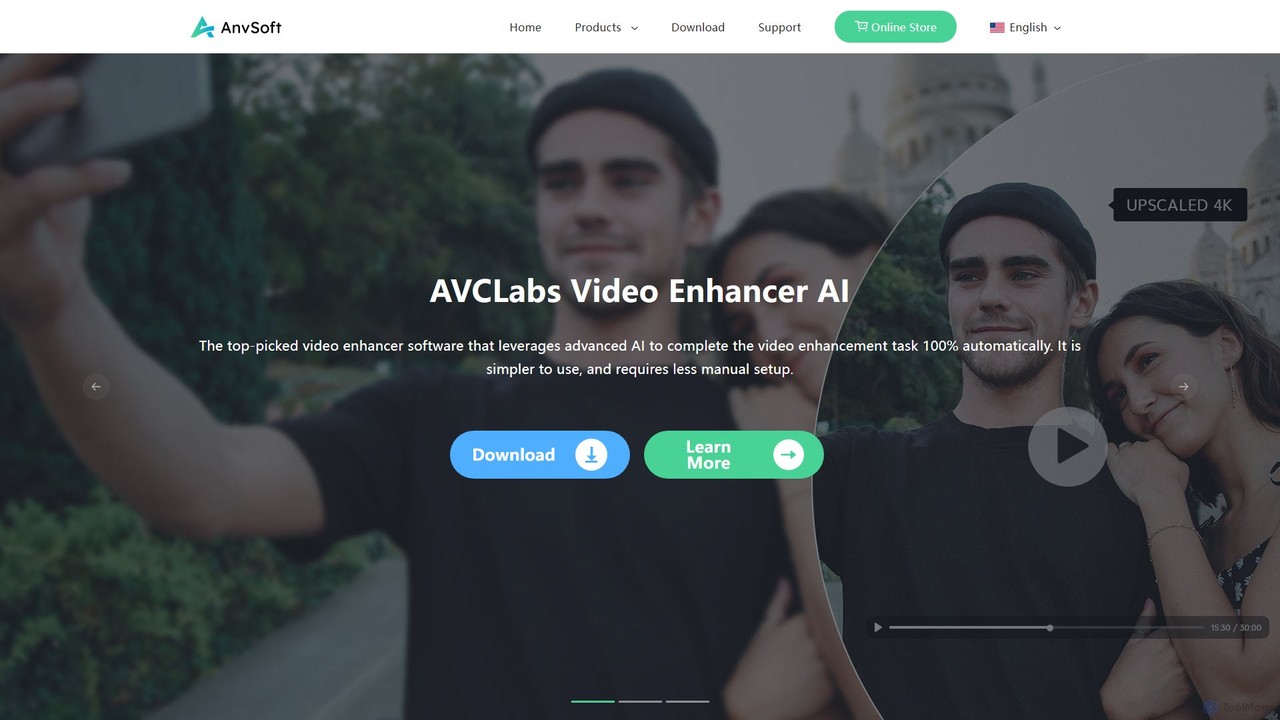
Anvsoft
Anvsoft offers a suite of AI-powered multimedia software designed to enhance, convert, and edit videos and photos. Its flagship products, like AI Video Enhancer and AI Video Blur, use advanced algorithms for upscaling, colorization, face refinement, and automatic blurring, catering to both casual users and professionals.
Image EnhancementDVDFab Categories
DVDFab Embed Widget
Copy this embed code to place the badge on your blog, article, or product site and send readers directly to this ToolMage detail page.

Related AI tools
VideoProc
VideoProc is a one-stop, AI-powered media processing suite. It enhances, converts, edits, compresses, downloads, and records 4K/8K videos with full GPU acceleration. Its AI tools upscale video/images, stabilize shaky footage, interpolate frames for smooth motion, and remove background noise from audio.
Audio EditingUniFab
UniFab is an all-in-one AI-powered video and audio enhancement suite. It upscales videos to 16K, converts SDR to HDR, denoises, colorizes, and stabilizes footage. It also features audio upmixing to surround sound, format conversion for over 1000 formats, and free tools like a vocal and background remover. Designed for both professionals and enthusiasts, it streamlines content creation with a user-friendly interface and GPU-accelerated processing.
Audio Editing
Pixop
Pixop is an AI-powered video enhancement platform designed for broadcasters and content owners. It offers solutions for real-time live stream conversion, archival footage restoration, and on-demand video upscaling to 4K/UHD. Leveraging proprietary machine learning models, Pixop improves video quality without requiring expensive infrastructure upgrades.
BroadcastingLeawo
Leawo is a comprehensive multimedia software suite for Windows and Mac. It offers a wide range of tools for managing, converting, copying, and downloading video, Blu-ray, DVD, and audio files. It also includes utilities for mobile data transfer and AI-powered photo enhancement.
File ManagementEaseUS Multimedia
EaseUS Multimedia is an all-in-one AI-powered toolkit for video and audio processing. It includes a video converter, editor, downloader, screen recorder, and AI voice changer. Ideal for content creators, gamers, and general users, it simplifies tasks like format conversion, audio extraction, noise removal, and creating AI song covers.
TranscriptionAnvsoft
Anvsoft offers a suite of AI-powered multimedia software designed to enhance, convert, and edit videos and photos. Its flagship products, like AI Video Enhancer and AI Video Blur, use advanced algorithms for upscaling, colorization, face refinement, and automatic blurring, catering to both casual users and professionals.
Image Enhancement
WinXDVD
WinXDVD is a comprehensive software suite featuring the AI-powered Winxvideo AI for video/image enhancement, conversion, and editing, alongside the renowned WinX DVD Ripper for fast digital backups. It leverages GPU acceleration to upscale videos to 4K, stabilize shaky footage, and rip DVDs with exceptional speed and quality, making it an all-in-one solution for modern media management.
File Management
AISaver
AISaver is a comprehensive AI video creation suite offering one-click face swapping, video generation from images and text, video enhancement, and a powerful video downloader. It's designed for users of all skill levels to create high-quality, engaging video content quickly and efficiently, without watermarks.
Face Swap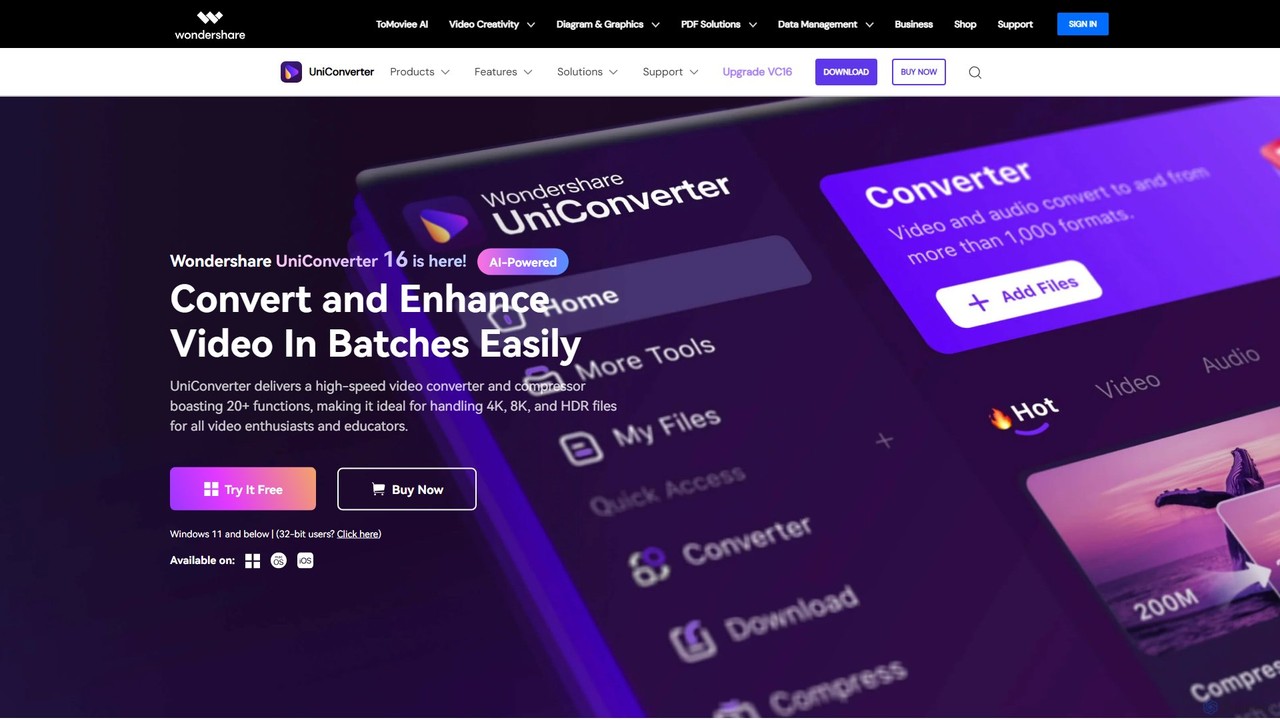
Wondershare UniConverter
Wondershare UniConverter is an all-in-one, AI-powered video toolbox designed for enthusiasts and professionals. It integrates a high-speed video converter, an efficient compressor, a versatile editor, and a suite of AI enhancement tools. Handle 4K/8K/HDR files, convert between 1000+ formats, and leverage AI to upscale video, remove noise, generate subtitles, and more, all within a single, user-friendly application.
Video Enhancement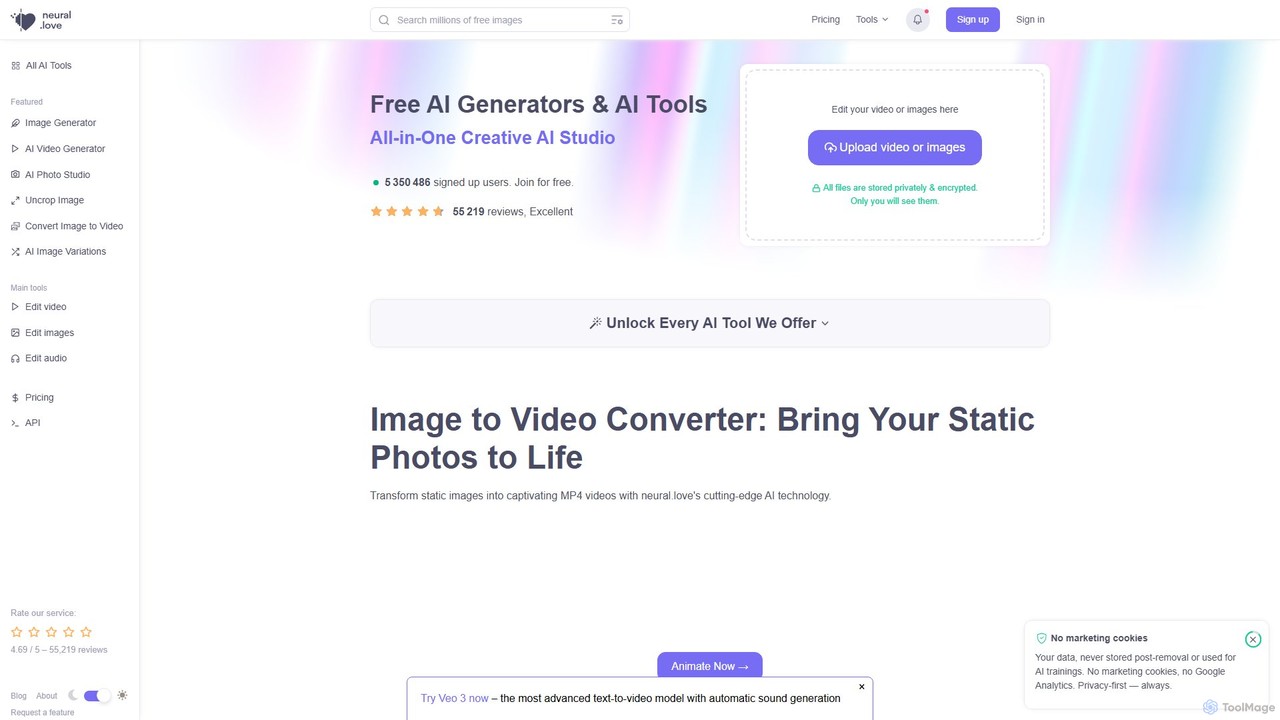
neural.love
An all-in-one AI creative suite offering a wide range of tools for image, video, and audio generation and enhancement. It features an AI art generator, video enhancer, audio restoration, and unique tools like AI Photo Studio and Uncrop. With a strong focus on user privacy, neural.love provides both free and premium plans to accelerate creative workflows for artists, marketers, and developers.
Audio Editing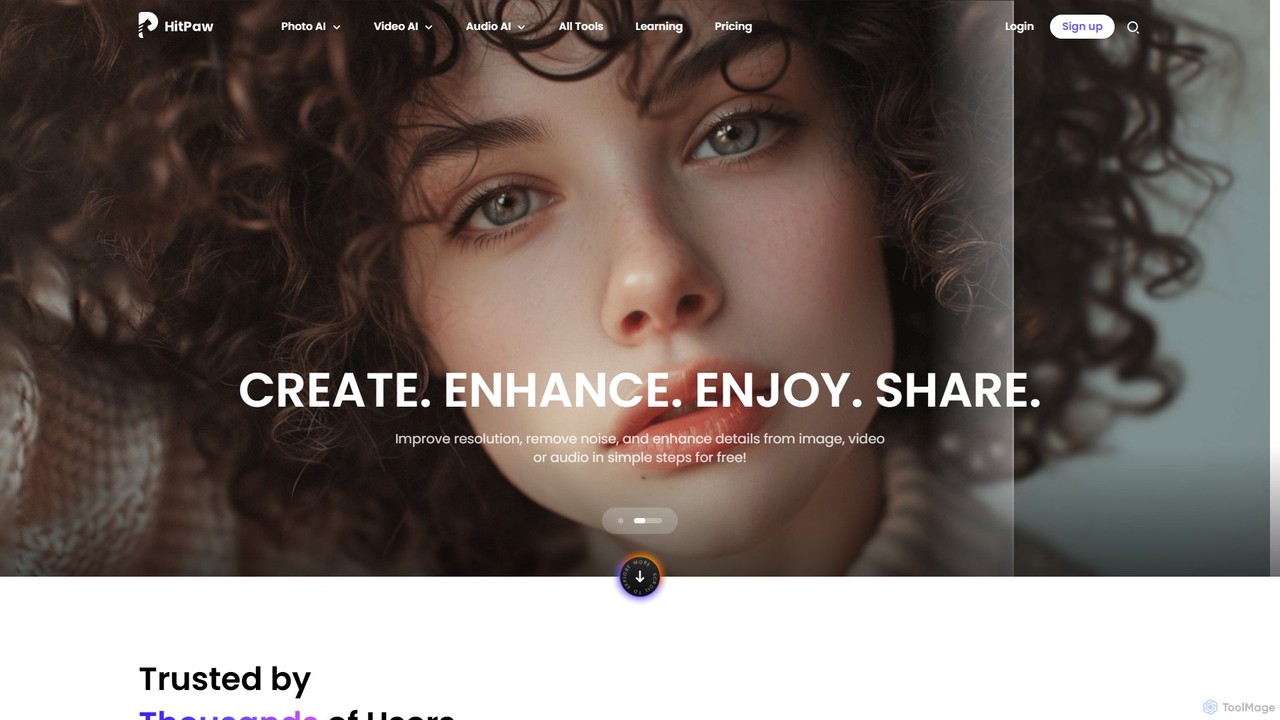
HitPaw Online
HitPaw Online is a comprehensive suite of AI-powered media editing tools. Accessible directly from your browser, it offers over 48 tools for enhancing photos, editing videos, and improving audio. Key features include an AI photo and video enhancer, background and watermark remover, and an AI video translator with voice cloning. It's designed for users of all levels, from social media creators to marketing professionals, providing a one-stop solution for all creative needs.
Audio Editing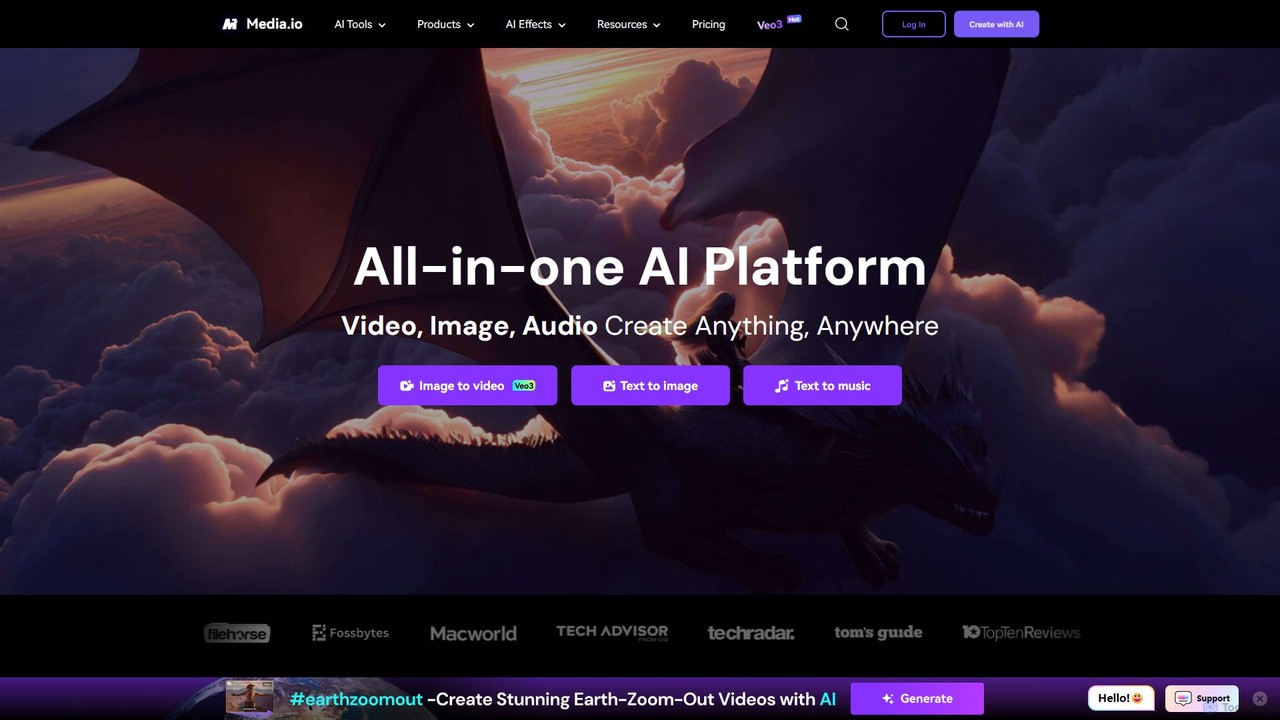
Media.io
Media.io is a comprehensive, all-in-one AI creative platform for video, image, and audio. It empowers users to effortlessly generate and edit high-quality content using advanced AI tools. From text-to-video and image-to-video generation to AI-powered object removal, video enhancement, and music creation, Media.io provides a complete suite for content creators, marketers, and individuals to turn their ideas into compelling visual and auditory experiences directly in their browser.
Music Generation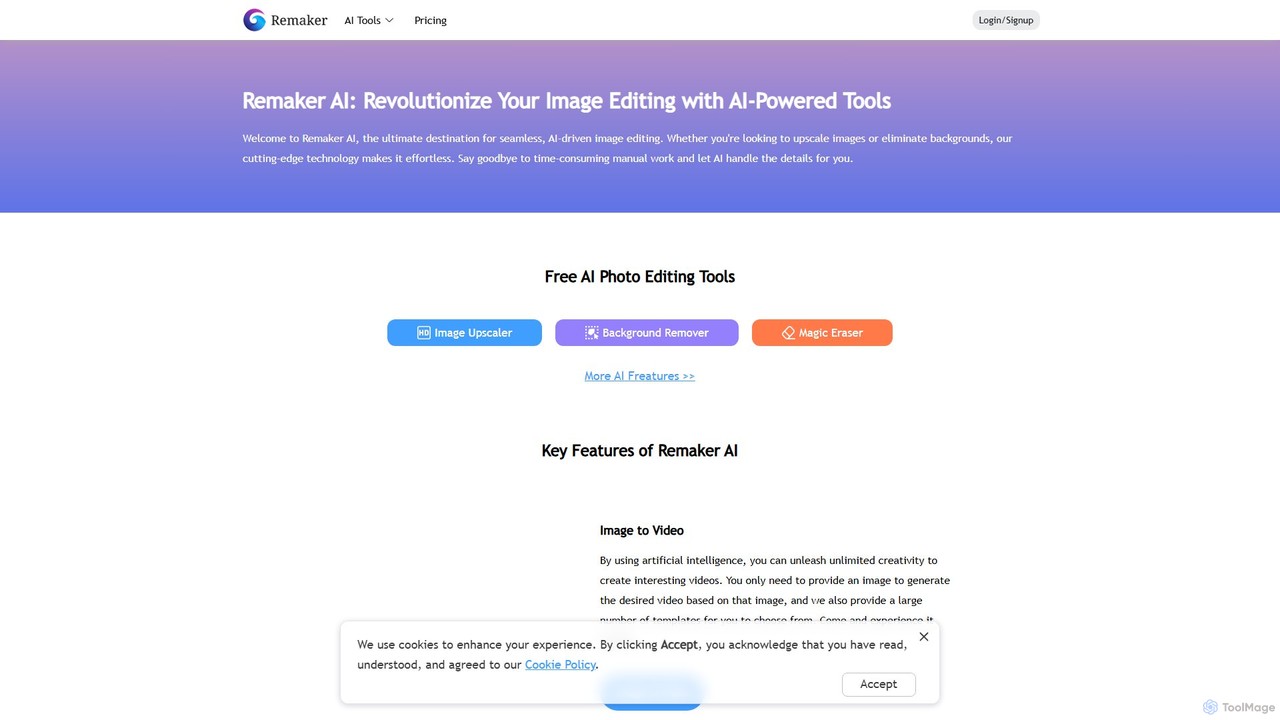
Remaker AI
Remaker AI is a comprehensive suite of AI-powered tools for image and video editing. It offers features like image upscaling, background removal, AI art generation, professional headshot creation, and video enhancement. Designed for both professionals and individuals, it simplifies complex editing tasks with a user-friendly interface and a flexible pay-as-you-go pricing model.
Image Generation
Vmake
Vmake is an all-in-one AI video solution designed for creators. It simplifies video production with features like watermark removal, auto-captions, background removal, and video enhancement. Effortlessly create studio-quality talking videos for social media and marketing without prior experience.
Transcription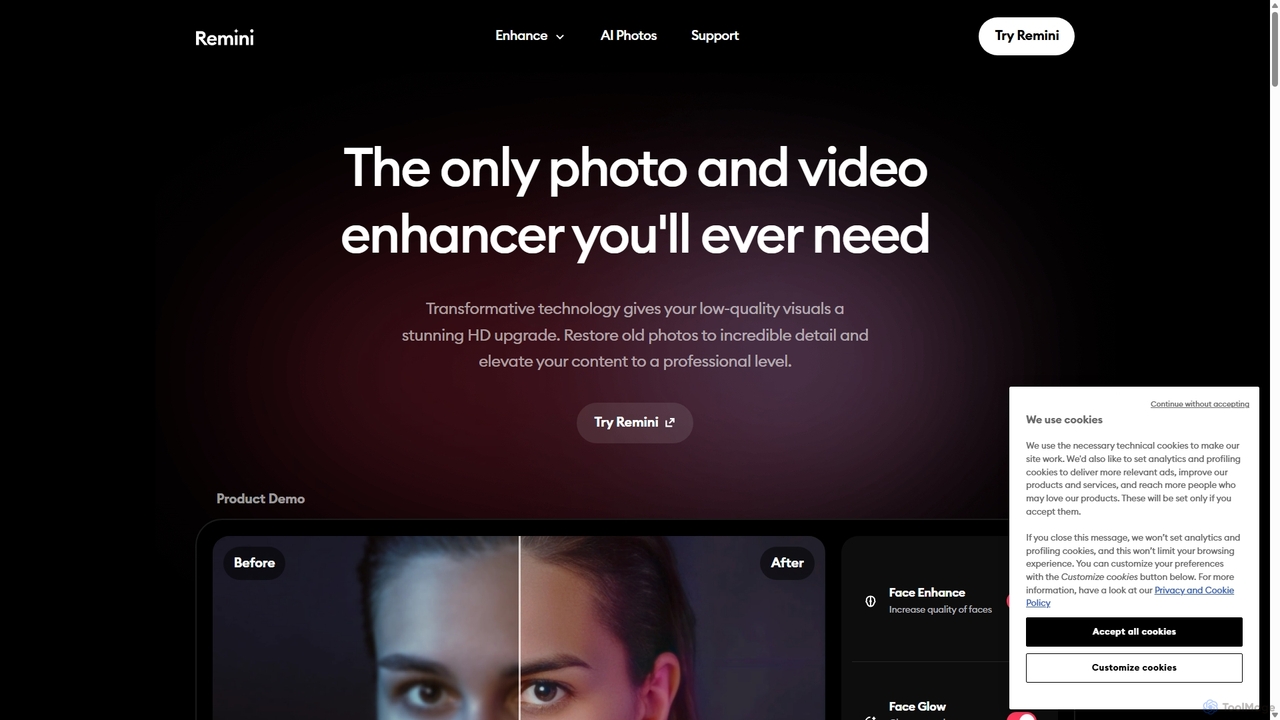
Remini
Remini is an AI-powered photo and video enhancer that transforms low-quality, blurry, or old images and videos into stunning high-definition visuals. Using advanced AI, it restores details, sharpens focus, reduces noise, and can even generate professional-quality AI photos of yourself.
3D
DVDFab Comments (0)
Sign in to comment.
Sign inNo comments yet.