ToolMage
Sign in

Best 1 Video Enhancement AI tools for Ai Tools

Popular Video Enhancement AI tools in Ai Tools include Wondershare UniConverter, helping you work more efficiently.

Wondershare UniConverter
Freemium

Wondershare UniConverter

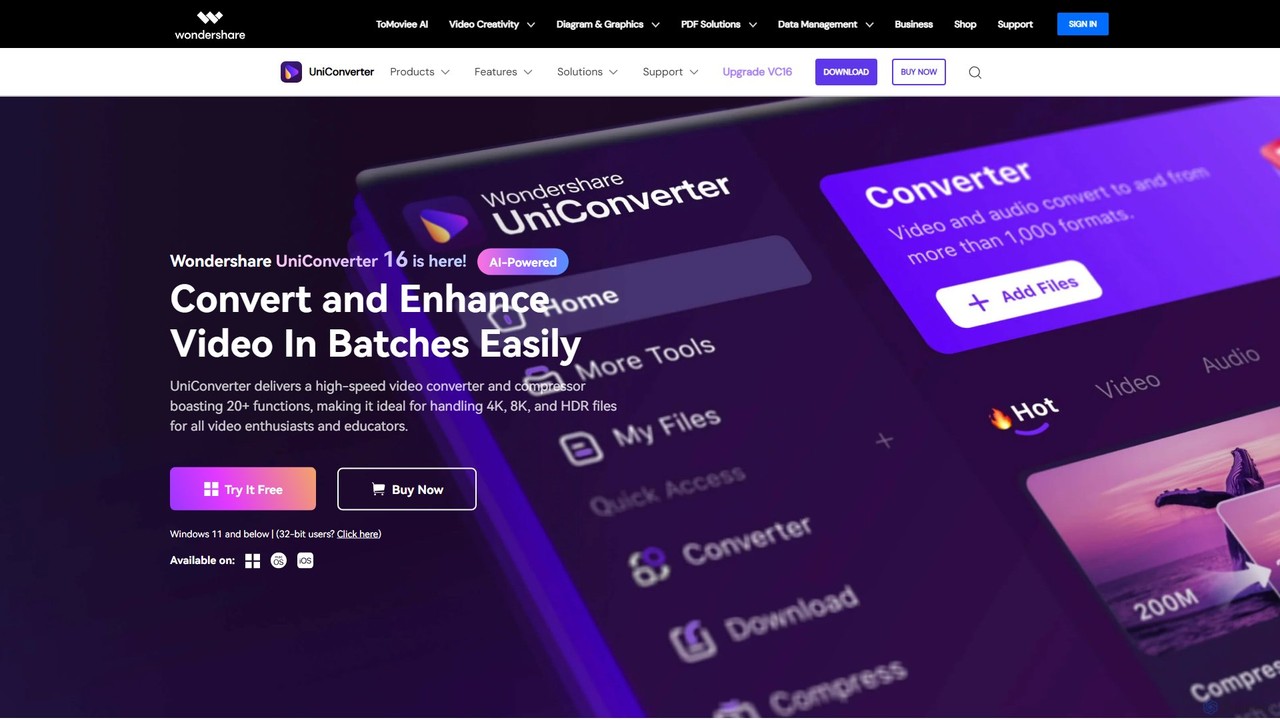
Wondershare UniConverter is an all-in-one, AI-powered video toolbox designed for enthusiasts and professionals. It integrates a high-speed video converter, an efficient compressor, a versatile editor, and a suite of AI enhancement tools. Handle 4K/8K/HDR files, convert between 1000+ formats, and leverage AI to upscale video, remove noise, generate subtitles, and more, all within a single, user-friendly application.

Video Enhancement
Visits 2MFavorites 153Likes 159

About Video Enhancement

Video Enhancement tools are AI-powered solutions designed to significantly improve the quality and visual fidelity of video footage. Leveraging advanced artificial intelligence algorithms, these tools can automatically correct imperfections, restore details, and elevate the overall viewing experience. They are invaluable for content creators, filmmakers, and businesses looking to produce professional-grade videos from various source materials.

Core Features

  • Video Upscaling: Intelligently increases video resolution (e.g., from 720p to 4K) without loss of detail, often adding missing pixels.
  • Noise Reduction: Automatically identifies and removes visual noise, grain, and artifacts from footage, especially in low-light conditions.
  • Image Stabilization: Corrects shaky footage, transforming unstable handheld shots into smooth, professional-looking video.
  • De-blurring & Sharpening: Restores clarity to blurry frames and enhances fine details, making subjects appear sharper and more defined.
  • Frame Interpolation: Generates intermediate frames to increase video frame rate, resulting in smoother motion and slow-motion effects.

Use Cases

These tools are widely used in post-production for films and documentaries, for restoring old or low-quality archival footage, and for enhancing user-generated content for marketing campaigns and social media. They help achieve a polished, professional look from diverse video sources.

How to Choose

When selecting a Video Enhancement tool, consider the specific types of imperfections you need to address (e.g., noise, blur, low resolution). Evaluate its AI model's effectiveness, processing speed, and compatibility with your existing video editing workflow. Also, assess the output quality, supported formats, and pricing structure to ensure it meets your project requirements and budget.

Video Enhancement use cases

1

Restoring Archival Footage

Filmmakers and historians use AI video enhancement to restore old, damaged, or low-resolution archival footage, bringing historical events to life with improved clarity, color, and stability for documentaries and educational content.

2

Upscaling Marketing Videos

Marketing teams leverage these tools to upscale standard-definition product videos or social media clips to 4K, ensuring high-quality visuals across all platforms and enhancing brand perception without reshooting.

3

Improving User-Generated Content

Brands and content platforms enhance user-submitted videos (e.g., customer testimonials, contest entries) by reducing noise, stabilizing shaky shots, and improving overall visual quality before featuring them in campaigns.

4

Enhancing Low-Light Security Footage

Security professionals utilize video enhancement AI to clarify blurry or noisy surveillance footage captured in challenging lighting conditions, making details like faces and license plates more discernible for investigation.

5

Creating Smooth Slow-Motion Effects

Video editors employ frame interpolation features to convert standard frame rate footage into high-frame-rate slow-motion clips, adding dramatic and cinematic effects to their projects without specialized high-speed cameras.

6

Professional Post-Production for Indie Films

Independent filmmakers use AI enhancement to elevate the production value of their films, correcting minor imperfections, stabilizing shots, and achieving a polished, cinematic look on a limited budget.

Video Enhancement FAQ

What are AI Video Enhancement tools?

AI Video Enhancement tools are software solutions that use artificial intelligence algorithms to automatically improve the visual quality of video footage. They can perform tasks like upscaling resolution, reducing noise, stabilizing shaky video, and sharpening details, transforming low-quality or imperfect videos into professional-grade content.

How do AI Video Enhancement tools work?

These tools typically employ deep learning models trained on vast datasets of video. When processing a video, the AI analyzes each frame to identify imperfections (e.g., noise, blur, low resolution) and then intelligently reconstructs or enhances the pixels based on its learned patterns, often generating new data to fill in missing details or smooth motion.

What is the difference between AI Video Enhancement and traditional video editing?

Traditional video editing involves manual adjustments for color, cuts, and effects, often requiring significant human input for quality correction. AI Video Enhancement, however, automates complex quality improvements like upscaling, de-noising, and stabilization using intelligent algorithms, significantly reducing manual effort and achieving results that might be difficult or impossible with manual methods alone.

Can AI Video Enhancement tools restore very old or damaged footage?

Yes, AI Video Enhancement tools are particularly effective at restoring old or damaged footage. They can intelligently remove scratches, dust, and film grain, correct faded colors, and upscale low-resolution historical videos, breathing new life into valuable archival content that would otherwise be unusable or of poor quality.

Who benefits most from using AI Video Enhancement tools?

Content creators, filmmakers, marketing professionals, and businesses that regularly work with video footage benefit significantly. This includes those needing to upscale videos for higher resolution displays, clean up noisy footage from mobile devices, stabilize shaky action camera clips, or restore historical archives for documentaries and educational purposes.