

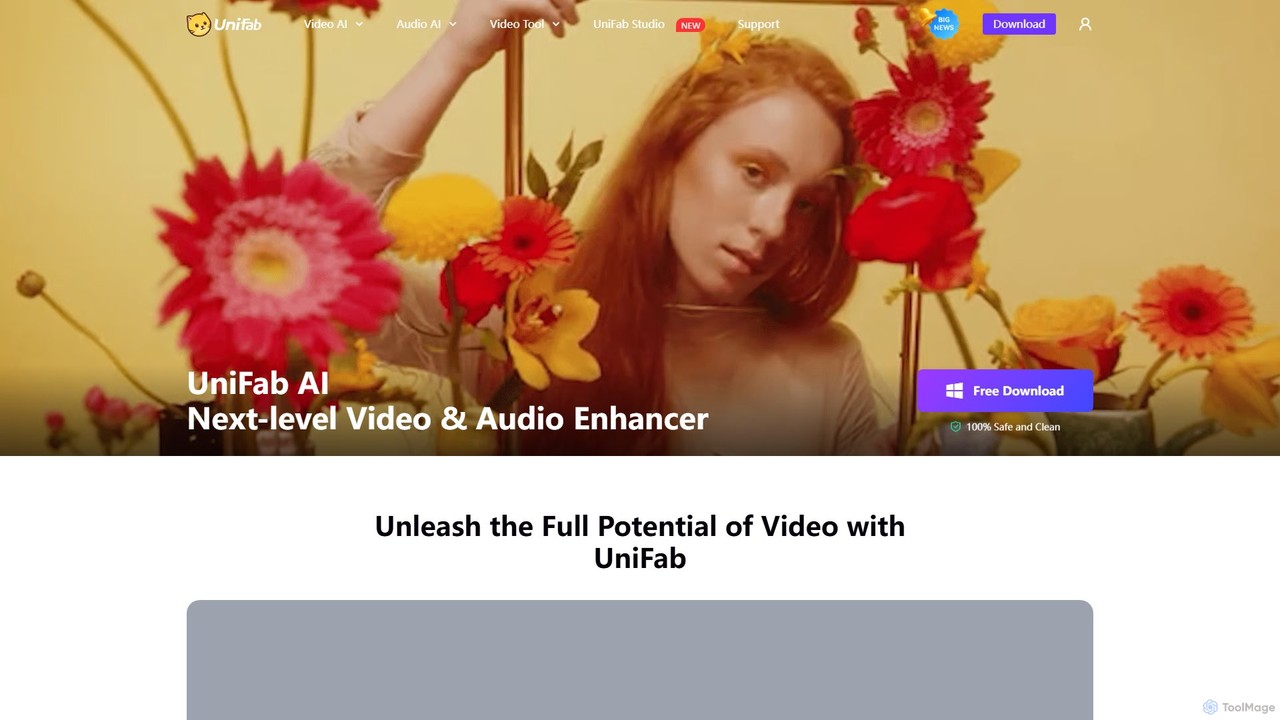
UniFab Overview
UniFab is a comprehensive, AI-driven software suite designed for next-level video and audio enhancement, conversion, and editing. As a premium product line from DVDFab, UniFab consolidates a wide array of powerful tools into a single, user-friendly application, making professional-grade content creation accessible to users of all skill levels. It leverages advanced deep learning algorithms and multiple AI models to restore, enhance, and transform multimedia content. Whether you're reviving old family videos, upscaling footage for a professional project, or optimizing videos for sharing, UniFab provides a complete solution.
The suite's core philosophy is to simplify complex processes. Its 'Autopilot' module can automatically detect video issues and recommend an efficient workflow, while batch processing capabilities allow users to handle multiple files simultaneously, saving significant time and effort. With support for the latest GPU hardware acceleration technologies from NVIDIA, AMD, and Intel, UniFab ensures fast and efficient processing without compromising on quality.
How to use UniFab
Using UniFab is a straightforward, three-step process designed for efficiency and ease of use:
- Launch UniFab and Select a Module: After installing and launching UniFab on your Windows or Mac computer, you can browse the 'All Features' section. Choose the specific tool you need, such as Video Upscaler, Denoise AI, or HDR Upconverter. Alternatively, you can use the 'Autopilot' module, which intelligently analyzes your uploaded video, detects issues like noise or low resolution, and automatically creates an optimized enhancement workflow.
- Adjust Output Settings: Once your video is loaded and the enhancement module is selected, you have full control over the output. You can customize settings like the target resolution (up to 16K), output format (from over 1000 options), video codec, frame rate, and audio quality. This flexibility ensures the final file meets your exact requirements for any platform or device.
- Start the Video Enhancement: After finalizing your settings, simply click the 'Start' button. UniFab will begin processing your video, utilizing GPU acceleration to speed up the task. You can monitor the progress, and once completed, your enhanced video will be ready for use.
Core Features of UniFab
- Video Upscaler AI: Upscales low-resolution videos to 720p, 1080p, 4K, 8K, and even stunning 16K quality, enhancing sharpness and detail.
- HDR Upconverter AI: Converts standard dynamic range (SDR) videos to vibrant HDR10 or Dolby Vision, improving brightness, contrast, and color space.
- Denoise AI: Intelligently removes grain and noise from videos shot in low light or from compressed sources, restoring clarity.
- Colorizer AI: Brings black-and-white or vintage footage to life by adding realistic and authentic colors with multiple style options.
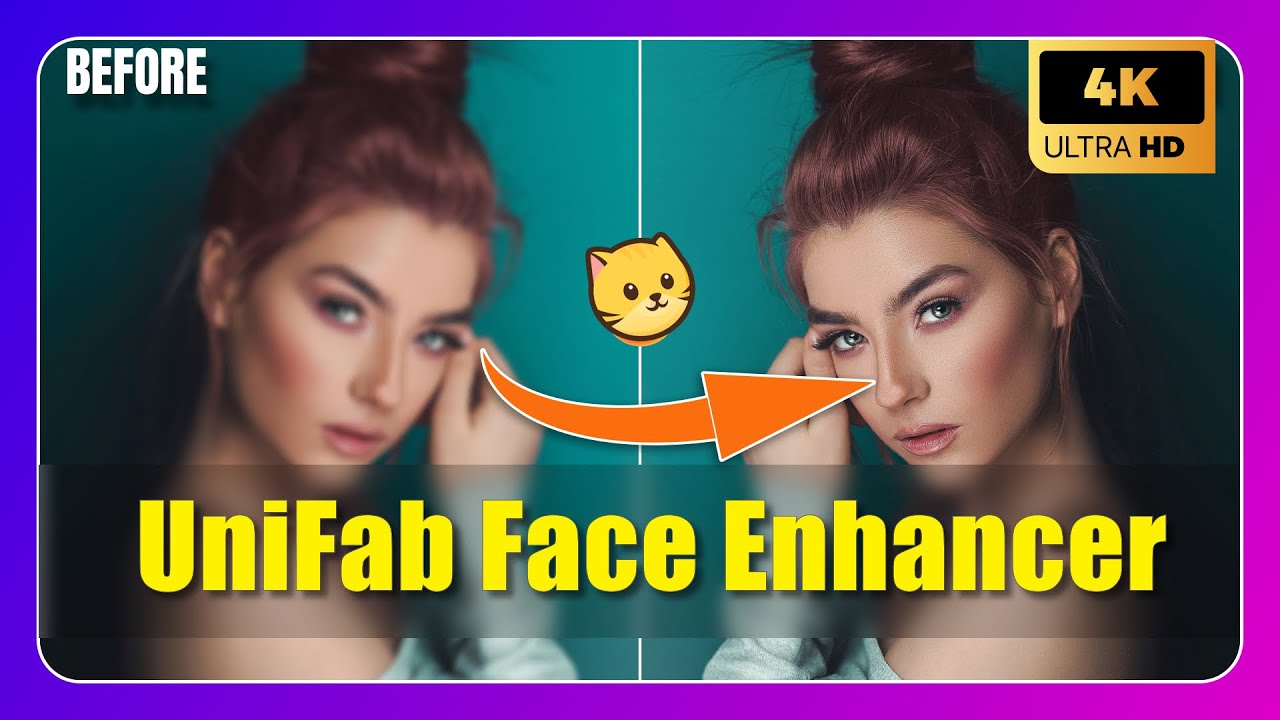
- Face Enhancer AI: Sharpens facial features, brightens eyes, and refines details in portraits for a more lifelike appearance.
- Smoother AI: Increases video frame rate up to 120 FPS through AI-powered frame interpolation for ultra-smooth motion and slow-motion effects.
- Stabilizer AI: Fixes shaky footage automatically, transforming it into smooth, professional-quality video without a tripod.
- Audio Upmix AI: Elevates standard stereo audio to immersive EAC3 5.1 or DTS 7.1 surround sound.
- Video Converter & Compressor: Supports over 1000 formats for conversion and compresses videos without significant quality loss.
- Free AI Tools: Includes a Vocal Remover for creating karaoke tracks and a Video Background Remover for easy green-screen effects.
- Subtitle Generator AI: Automatically generates and translates subtitles in over 30 languages with up to 98% accuracy.
Use Cases for UniFab
Restoring Classic and Vintage Footage: Perfect for archivists, filmmakers, and families looking to restore old films, home recordings, or historical documentaries. Use the Colorizer, Denoise, Deinterlace, and Upscaler tools to bring aged footage back to its original glory.
Professional Video Production and Content Creation: YouTubers, vloggers, and independent filmmakers can use UniFab to elevate their production quality. Upscale footage to 4K for crisp YouTube uploads, convert SDR to HDR for cinematic quality, and use the Smoother AI to create stunning slow-motion B-roll.
Optimizing Videos for Sharing and Storage: Seamlessly convert videos to any format needed for social media, mobile devices, or professional editing software. The video compressor helps reduce file sizes for easier sharing and efficient storage while maintaining high quality.
Enhancing Personal Videos: Improve the quality of your personal videos, such as those from smartphones or older cameras. Fix shaky recordings from a family vacation with the Stabilizer AI and enhance facial details in home movies with the Face Enhancer AI.
Advantages of UniFab
UniFab stands out with its all-in-one approach, combining numerous high-end tools into one package, offering better value than purchasing multiple separate applications. Its AI models are continuously updated, ensuring cutting-edge performance and superior results. The user-friendly interface, complete with an 'Autopilot' mode, makes it accessible to beginners, while advanced customization options cater to professionals. The software's performance is optimized with GPU acceleration for fast processing speeds. Furthermore, UniFab offers a generous 30-day free trial with full functionality and no watermarks, allowing users to thoroughly test its capabilities before committing.
Pricing and Plans
UniFab offers flexible purchasing options with a 30-day free trial that provides full access to all features without watermarks.
- UniFab All-In-One: A comprehensive 10-in-1 suite that includes all AI video and audio enhancement tools (Upscaler, HDR Upconverter, Denoise, Smoother, Stabilizer, etc.), plus the Video Converter and Subtitle Generator. It is available for a lifetime license at $299.99, which includes a license for 5 computers and bonus gifts.
- UniFab Video Enhance Pro: A focused package including Video Upscaler AI, Video Converter, and Denoise AI. It is available for a lifetime license at $174.99.
- Single Product Purchases: Users also have the option to purchase individual modules based on their specific needs.
- Free Tools: The Video Background Remover and Vocal Remover are offered as free tools.
All purchases come with a 14-day money-back guarantee and responsive customer support.
Traffic
Latest traffic
Status
Monthly traffic trend
- 2025-9: 248.5K
- 2026-1: 292.5K
- 2026-2: 189.5K
- 2026-3: 204.8K
- 2026-4: 187.7K
- 2026-5: 196.0K
Geography
Top 5 countries / regions
- 🇯🇵Japan42.2%
- 🇺🇸United States26.3%
- 🇩🇪Germany14.9%
- 🇬🇧United Kingdom10.3%
- 🇫🇷France6.3%
Traffic sources
| Source type | Percentage |
|---|---|
Direct | 66.0% |
Referral | 30.2% |
Email | 3.8% |
Top keywords
| Keyword | Cost per click |
|---|---|
| javplayer | $0.00 |
| unifab | $0.97 |
| unifab モザイク | $0.75 |
| unifab モザイク除去 | $0.00 |
| モザイク破壊 | $0.00 |
UniFab Videos on YouTube

Umair Bey


AI Product Insider
UniFab Alternatives
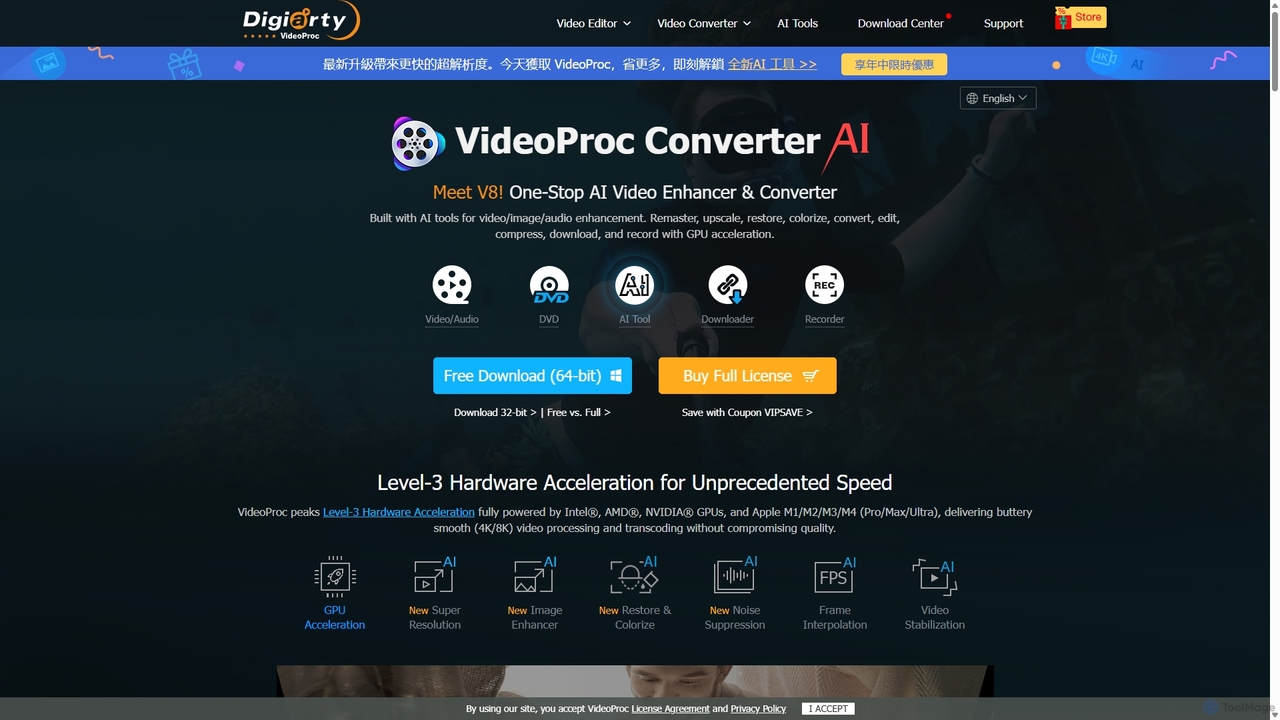
VideoProc
VideoProc is a one-stop, AI-powered media processing suite. It enhances, converts, edits, compresses, downloads, and records 4K/8K videos with full GPU acceleration. Its AI tools upscale video/images, stabilize shaky footage, interpolate frames for smooth motion, and remove background noise from audio.
Audio Editing
DVDFab
DVDFab is a comprehensive multimedia toolkit for DVD/Blu-ray/4K UHD backup, ripping, and conversion. It features AI-powered video enhancement to upscale resolution up to 8K, convert SDR to HDR, and denoise footage. The suite also includes tools for downloading videos and music from over 1000 streaming services.
Audio Editing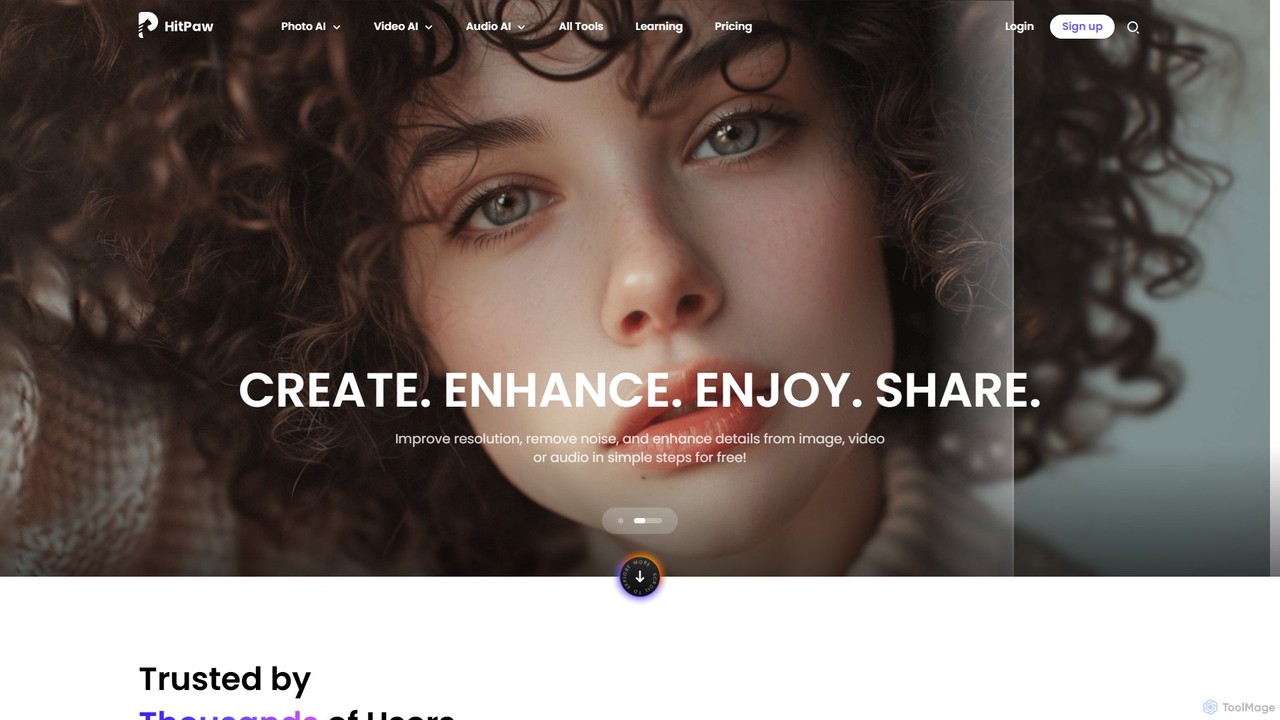
HitPaw Online
HitPaw Online is a comprehensive suite of AI-powered media editing tools. Accessible directly from your browser, it offers over 48 tools for enhancing photos, editing videos, and improving audio. Key features include an AI photo and video enhancer, background and watermark remover, and an AI video translator with voice cloning. It's designed for users of all levels, from social media creators to marketing professionals, providing a one-stop solution for all creative needs.
Audio Editing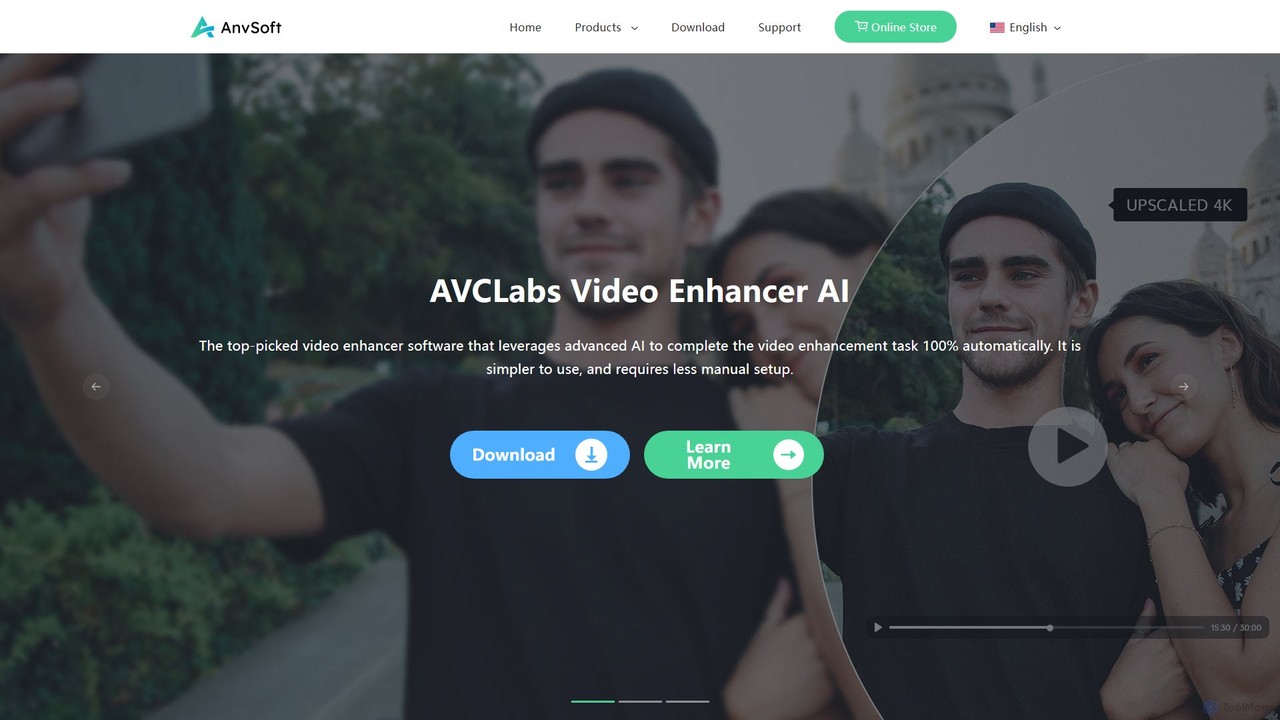
Anvsoft
Anvsoft offers a suite of AI-powered multimedia software designed to enhance, convert, and edit videos and photos. Its flagship products, like AI Video Enhancer and AI Video Blur, use advanced algorithms for upscaling, colorization, face refinement, and automatic blurring, catering to both casual users and professionals.
Image Enhancement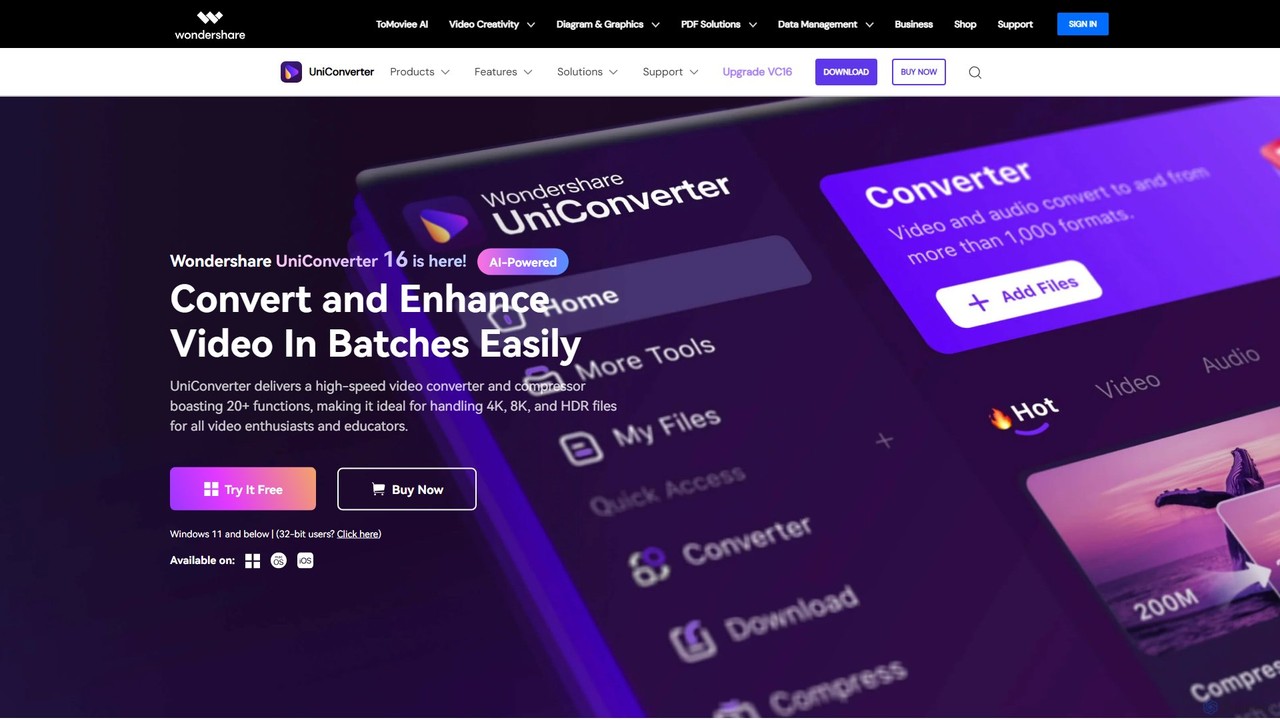
Wondershare UniConverter
Wondershare UniConverter is an all-in-one, AI-powered video toolbox designed for enthusiasts and professionals. It integrates a high-speed video converter, an efficient compressor, a versatile editor, and a suite of AI enhancement tools. Handle 4K/8K/HDR files, convert between 1000+ formats, and leverage AI to upscale video, remove noise, generate subtitles, and more, all within a single, user-friendly application.
Video EnhancementUniFab Categories
UniFab Embed Widget
Copy this embed code to place the badge on your blog, article, or product site and send readers directly to this ToolMage detail page.

Related AI tools
VideoProc
VideoProc is a one-stop, AI-powered media processing suite. It enhances, converts, edits, compresses, downloads, and records 4K/8K videos with full GPU acceleration. Its AI tools upscale video/images, stabilize shaky footage, interpolate frames for smooth motion, and remove background noise from audio.
Audio EditingHitPaw Online
HitPaw Online is a comprehensive suite of AI-powered media editing tools. Accessible directly from your browser, it offers over 48 tools for enhancing photos, editing videos, and improving audio. Key features include an AI photo and video enhancer, background and watermark remover, and an AI video translator with voice cloning. It's designed for users of all levels, from social media creators to marketing professionals, providing a one-stop solution for all creative needs.
Audio EditingDVDFab
DVDFab is a comprehensive multimedia toolkit for DVD/Blu-ray/4K UHD backup, ripping, and conversion. It features AI-powered video enhancement to upscale resolution up to 8K, convert SDR to HDR, and denoise footage. The suite also includes tools for downloading videos and music from over 1000 streaming services.
Audio Editing
Aiarty
Aiarty is a suite of AI-powered desktop software for next-generation image and video enhancement. It offers dedicated tools for upscaling visuals to 4K/8K/32K, denoising, deblurring, and performing precise, professional-grade image matting (background removal). Optimized for AIPC and GPU acceleration, it serves photographers, designers, e-commerce professionals, and content creators.
3D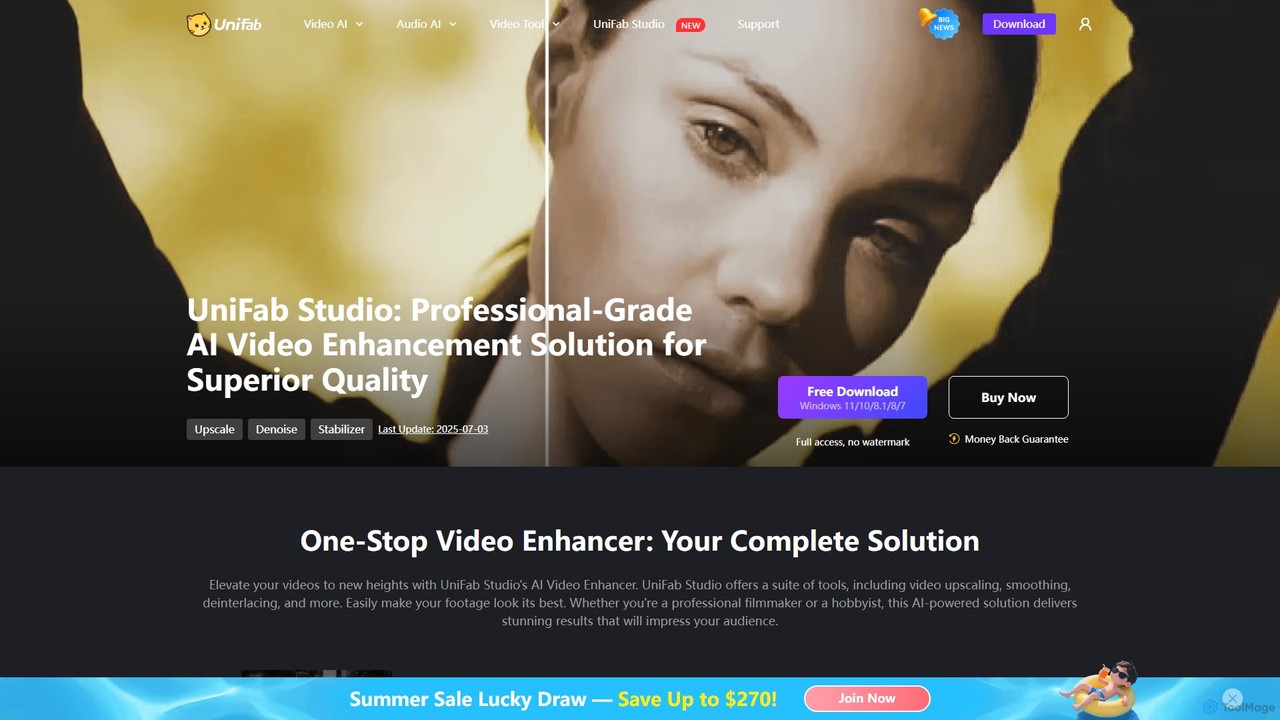
UniFab Studio
UniFab Studio is an all-in-one, AI-powered video enhancement suite designed for professionals and enthusiasts. It elevates video quality by upscaling to 4K/8K, converting SDR to HDR, stabilizing shaky footage, removing noise, and increasing frame rates up to 120FPS. With GPU acceleration and a user-friendly interface, it delivers professional-grade results efficiently.
Creative Tools
VidHex
VidHex is an all-in-one, AI-powered desktop application for Windows and Mac designed to enhance, restore, and upscale video quality. It offers a suite of tools for intelligent upscaling to 4K/8K, realistic colorization of black-and-white footage, video repair, denoising, and frame interpolation. It's built for content creators, e-commerce sellers, educators, and anyone looking to transform imperfect videos into stunning visual experiences with minimal effort.
ToolsAnvsoft
Anvsoft offers a suite of AI-powered multimedia software designed to enhance, convert, and edit videos and photos. Its flagship products, like AI Video Enhancer and AI Video Blur, use advanced algorithms for upscaling, colorization, face refinement, and automatic blurring, catering to both casual users and professionals.
Image Enhancement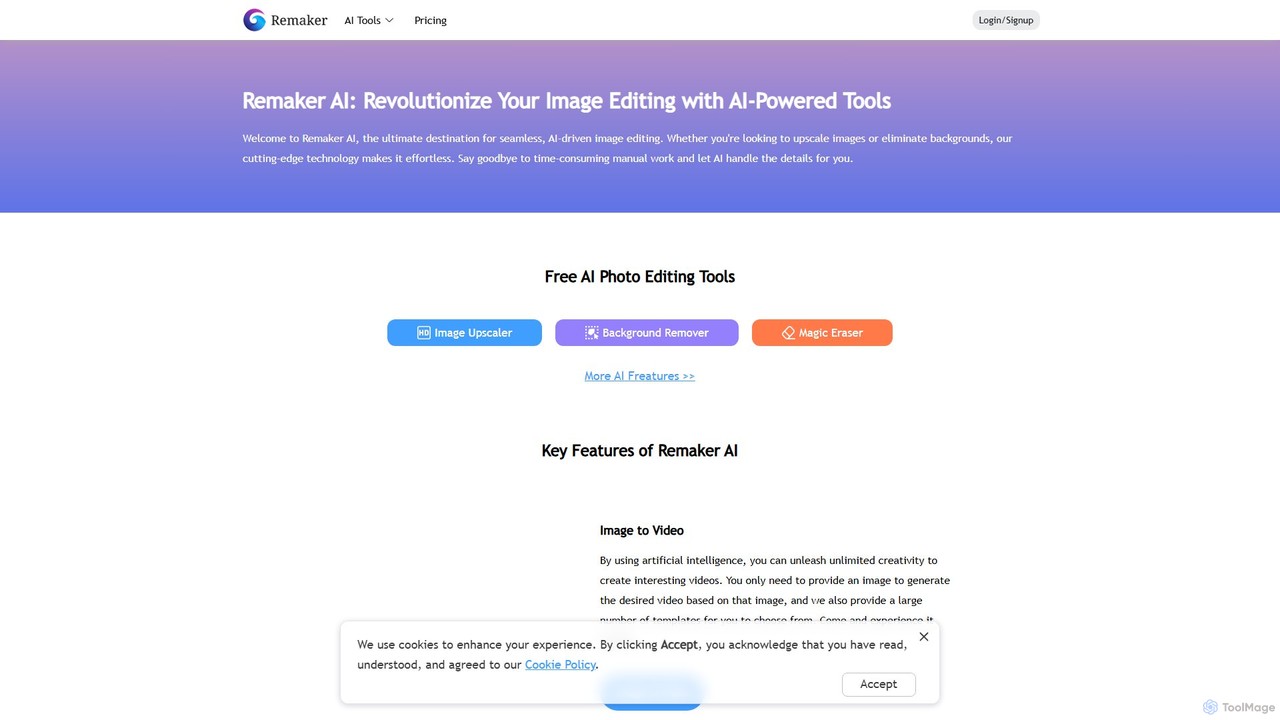
Remaker AI
Remaker AI is a comprehensive suite of AI-powered tools for image and video editing. It offers features like image upscaling, background removal, AI art generation, professional headshot creation, and video enhancement. Designed for both professionals and individuals, it simplifies complex editing tasks with a user-friendly interface and a flexible pay-as-you-go pricing model.
Image Generation
Vmake
Vmake is an all-in-one AI video solution designed for creators. It simplifies video production with features like watermark removal, auto-captions, background removal, and video enhancement. Effortlessly create studio-quality talking videos for social media and marketing without prior experience.
Transcription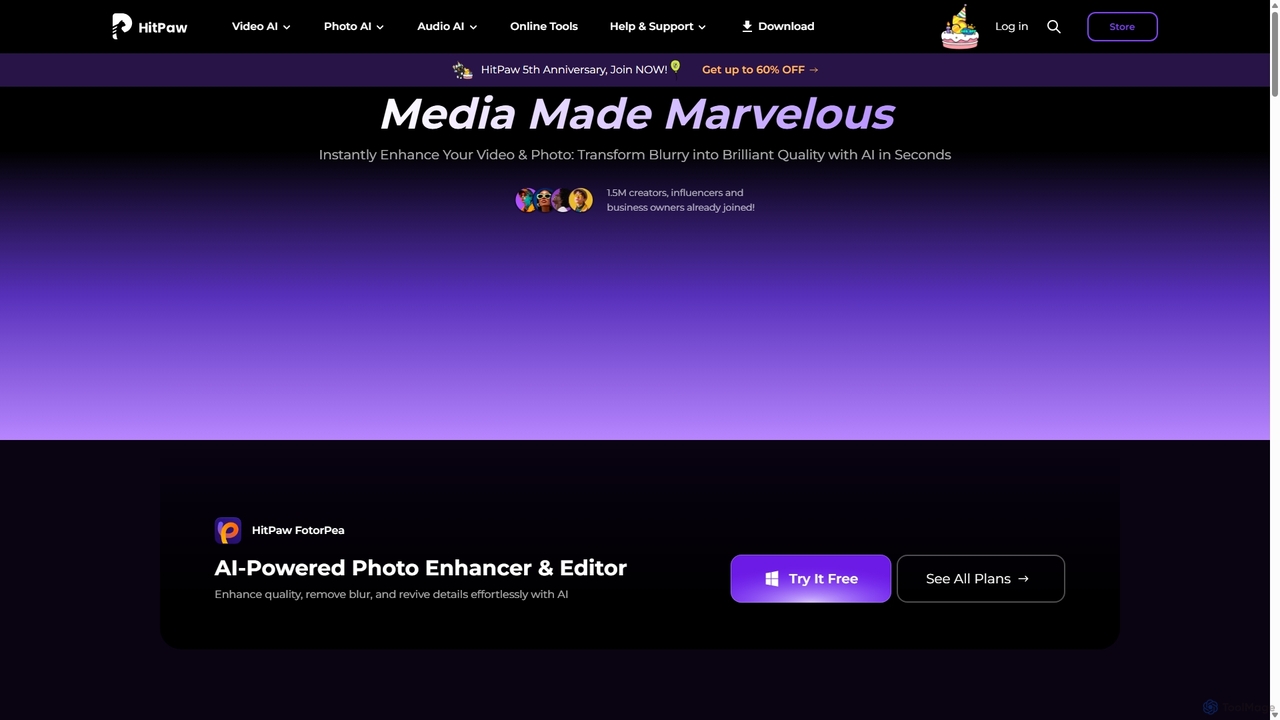
HitPaw
HitPaw is a comprehensive AI-powered multimedia software suite designed for video, photo, and audio enhancement. It offers a range of tools for upscaling video to 8K, restoring old photos, changing voices in real-time, converting file formats, and more, catering to creators, professionals, and enthusiasts.
Voice Modulation
Boolv
Boolv is an all-in-one AI-powered content creation toolkit designed for businesses. It simplifies marketing by providing a suite of tools for video generation, image editing, and text paraphrasing. Create stunning promo videos, remove backgrounds, enhance media quality, and rewrite copy effortlessly to elevate your brand's presence.
Image Editing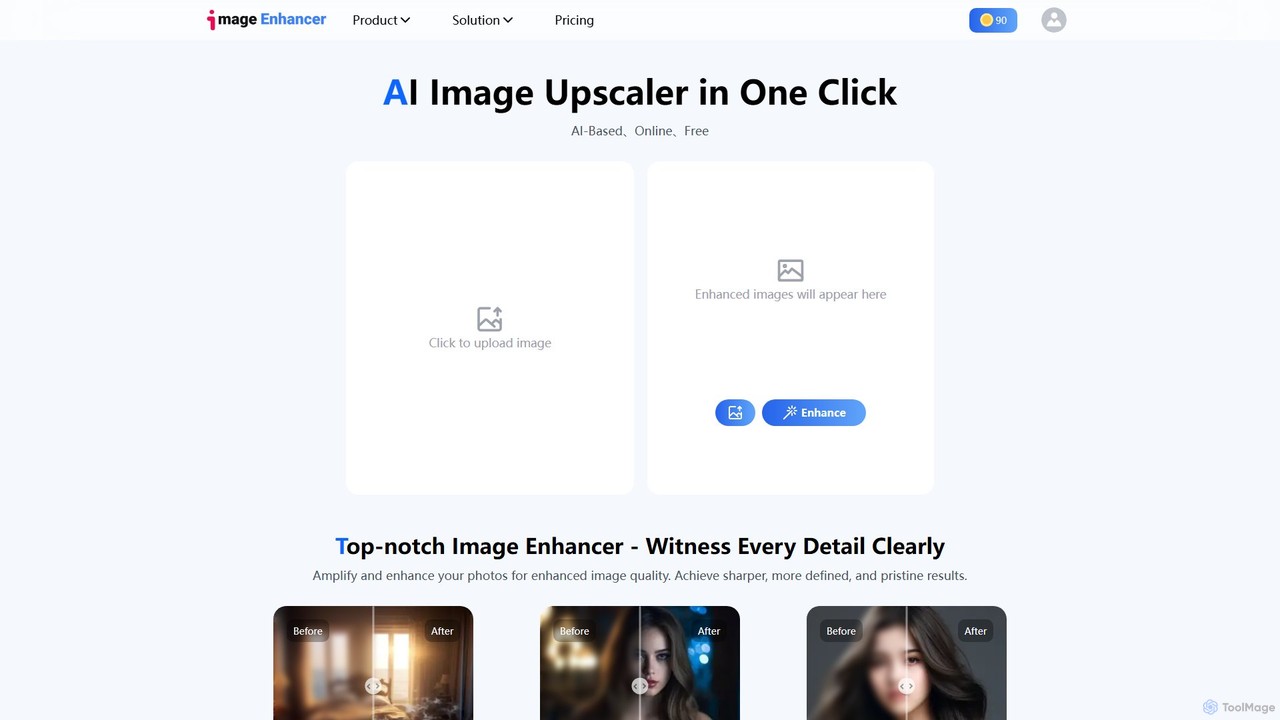
imageenhan
An AI-powered suite of tools for enhancing images and videos. It offers one-click upscaling, sharpening, denoising, background removal, and creative features like cartoonizers and face swapping. Ideal for photographers, designers, and social media users to improve visual quality effortlessly.
Generators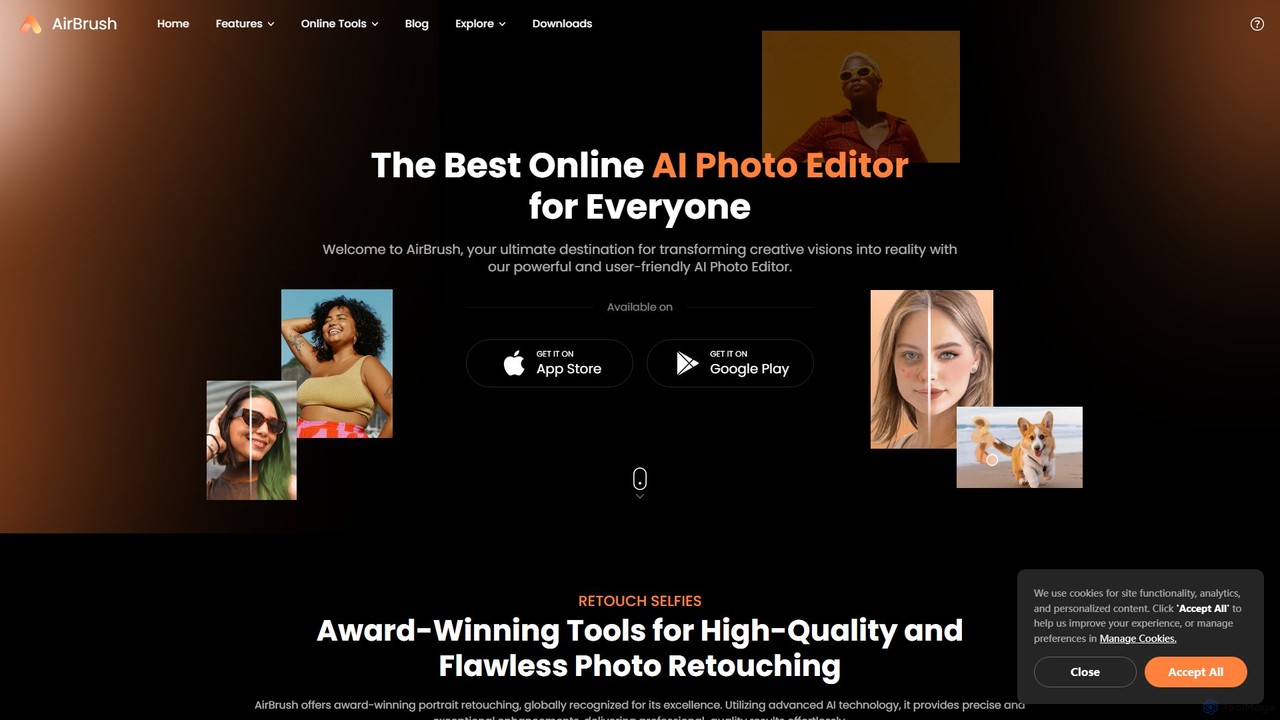
AirBrush
AirBrush is a comprehensive AI-powered photo and video editor available on web and mobile. It offers a wide range of tools for effortless editing, including one-click portrait retouching, image and video enhancement up to 4K, object and background removal, and creative AI generators for avatars and headshots. Designed for both beginners and professionals, AirBrush makes it easy to achieve flawless, high-quality results.
3D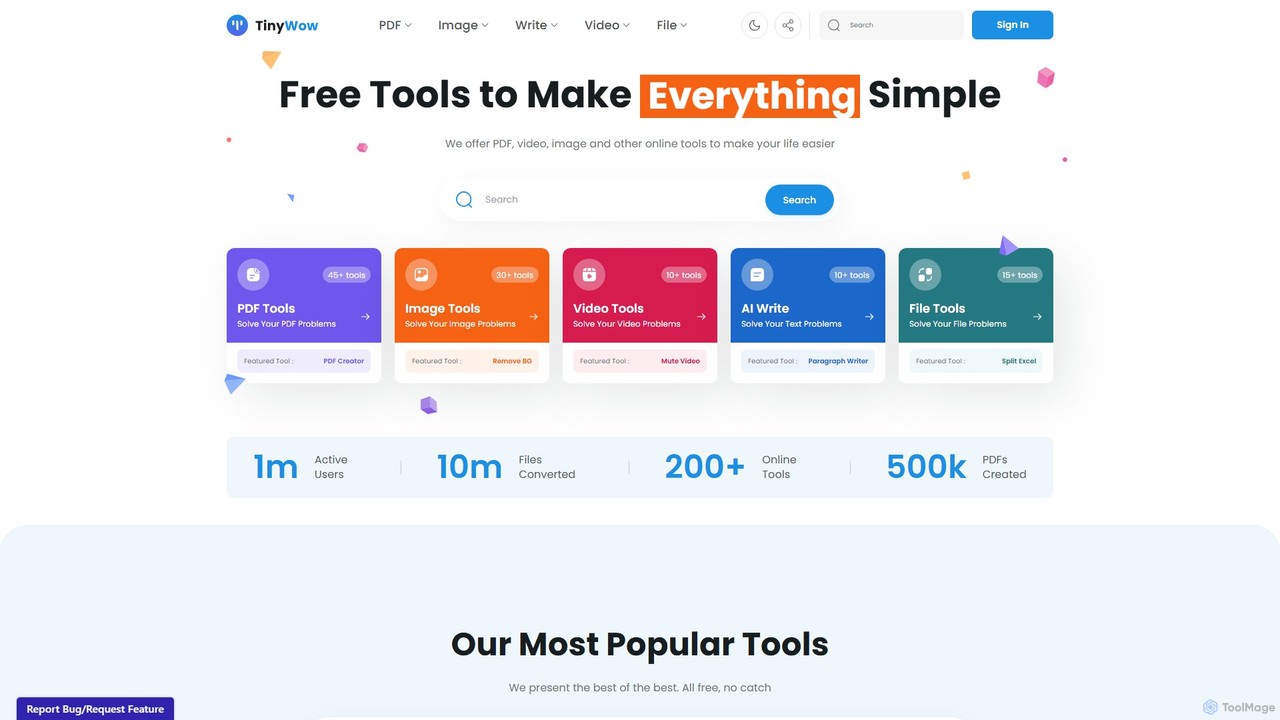
TinyWow
TinyWow is a comprehensive suite of over 250 free online tools, including AI-powered features for writing, image generation, and editing. It offers a vast collection of utilities for PDF management, video processing, and file conversion, designed to simplify digital tasks for everyone. Many tools are available for free without requiring user registration.
Writing
WinXDVD
WinXDVD is a comprehensive software suite featuring the AI-powered Winxvideo AI for video/image enhancement, conversion, and editing, alongside the renowned WinX DVD Ripper for fast digital backups. It leverages GPU acceleration to upscale videos to 4K, stabilize shaky footage, and rip DVDs with exceptional speed and quality, making it an all-in-one solution for modern media management.
File Management
UniFab Comments (0)
Sign in to comment.
Sign inNo comments yet.